
7 Commercial Counsel - SaaS Commercial Contracts Cover Letter Templates with Example
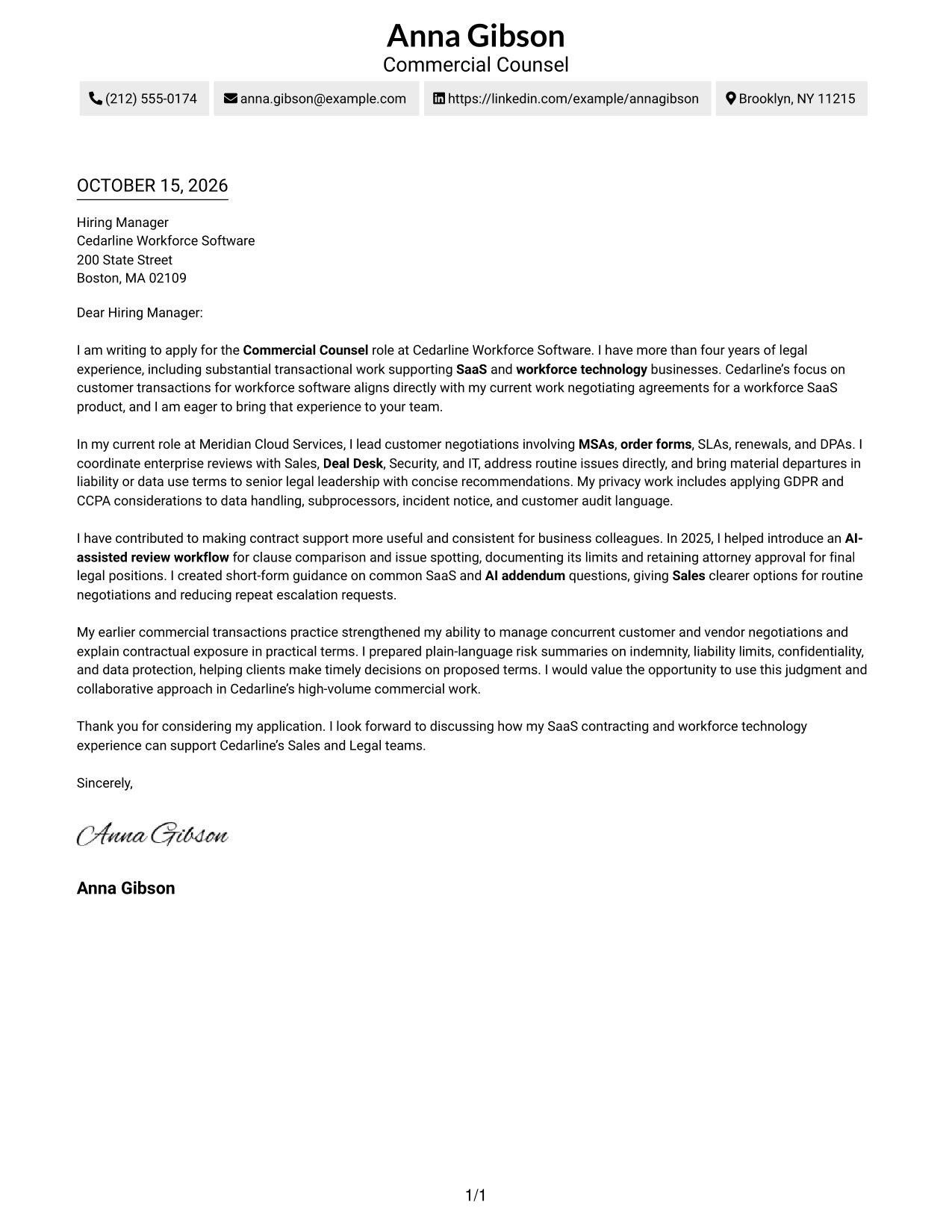
This practical guide to a Commercial Counsel - SaaS Commercial Contracts cover letter shows how to present SaaS negotiation judgment across seven layouts.
What Makes a Great Commercial Counsel - SaaS Commercial Contracts Cover Letter in 2026
A strong letter links clear business advice to careful contract negotiation, especially for SaaS agreements, privacy terms, and enterprise deals. Its opening should name the role and explain why the work interests you.
Use specific examples to show how you handle agreements, partner with Sales and other teams, and judge when to negotiate or escalate. Connect that evidence to the employer’s needs and explain how your approach can support practical, responsible deal-making.
The featured Commercial Counsel - SaaS Commercial Contracts example follows a focused progression from role interest to relevant negotiation work and a clear close, which you can adapt while choosing a presentation that suits the employer and communication context.
#1 Simple One Column Format Cover Letter Example
The Simple One Column Format keeps sender details in the header and the letter in one reading column for a direct presentation.
Why This Format Works
- Sender details remain in the header, easy to find before reading.
- One text column keeps the letter's paragraphs in a direct reading order.
- Without body headings, the message retains a familiar letter form.
Best For
- Single-column reading preference
- Header-based sender details
- Unheaded letter body
- Text-led application materials
- Traditional business correspondence
#2 Two Column Format Cover Letter Example
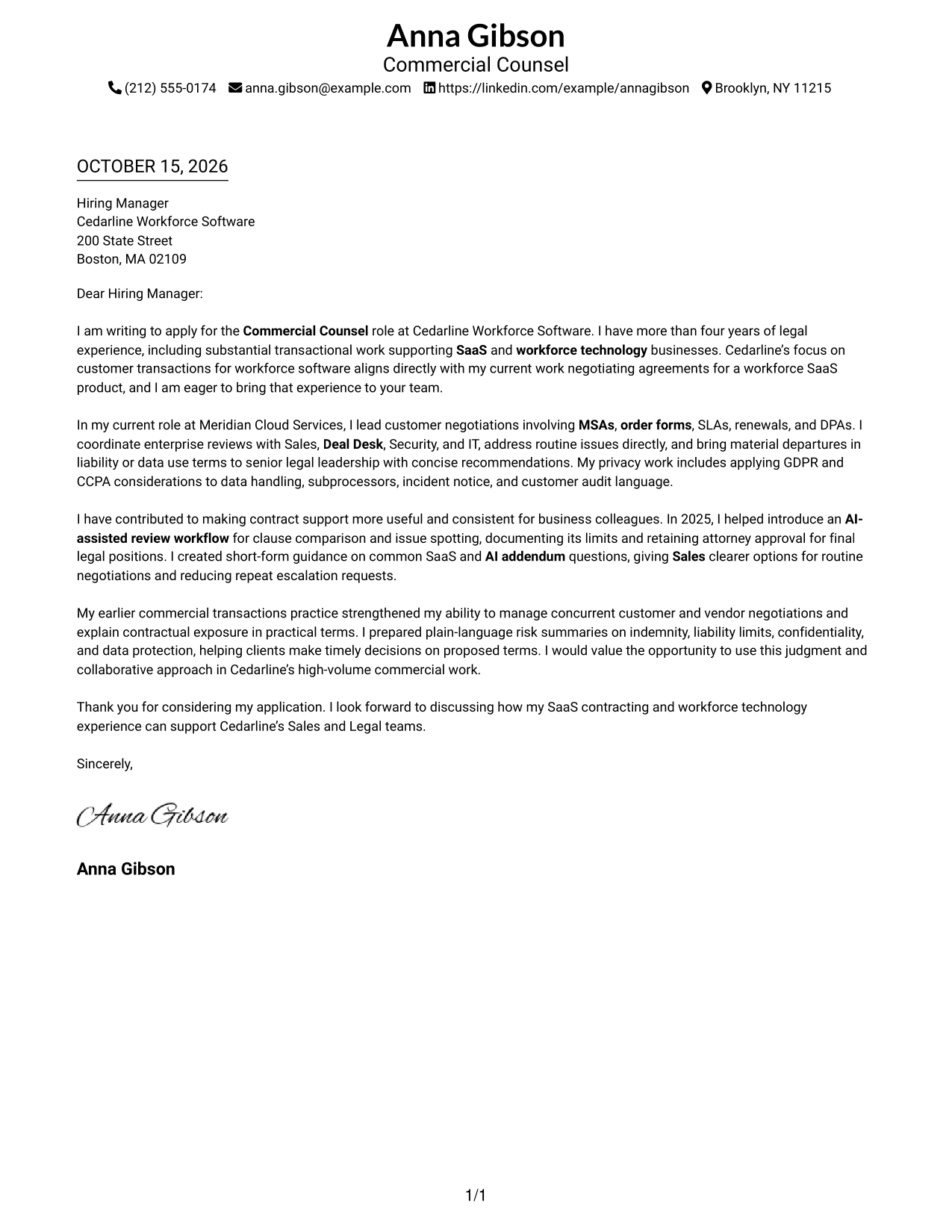
The Two Column Format places contact details beside, not within, the continuous letter body, keeping the contact information distinct from the message.
Why This Format Works
- Contact details sit apart from the continuous letter, keeping the message uncluttered.
- One body column lets the opening and closing read in sequence.
- No internal headings preserve the familiar flow of business correspondence.
Best For
- Two-column page preference
- Contact sidebar organization
- Continuous letter text
- Unheaded business correspondence
- Letters with concise contact details
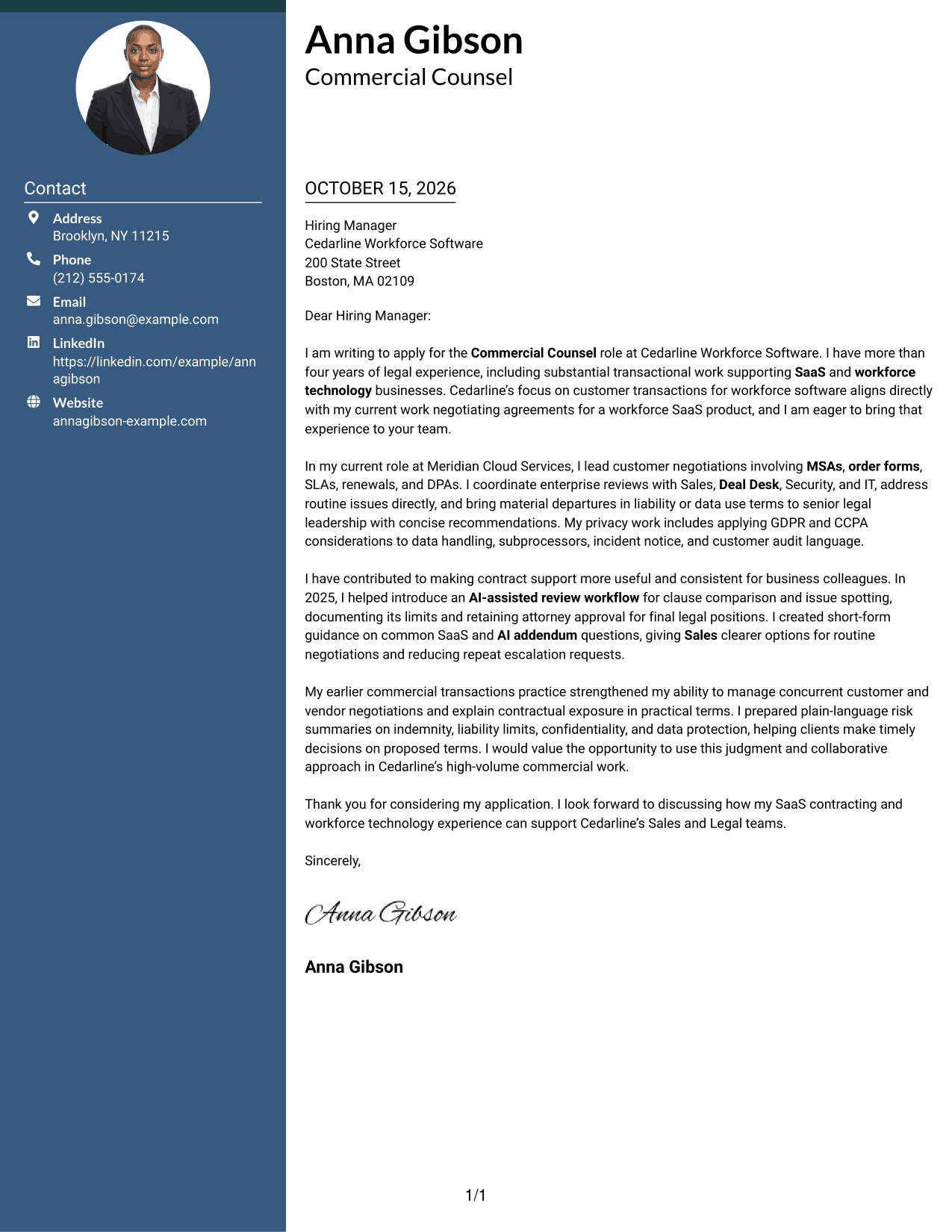
#3 Photo Header Two Column Format Cover Letter Example
The Photo Header Two Column Format pairs a portrait with a contact sidebar, keeping sender information apart from the continuous letter.
Why This Format Works
- The contact sidebar keeps sender information separate from the letter's message.
- A portrait offers a visible personal touch for readers who prefer one.
- Unheaded paragraphs keep the letter's message in a familiar correspondence form.
Best For
- Portrait-inclusive correspondence
- Contact sidebar layout
- Two-column page preference
- Unheaded business letters
- Continuous letter paragraphs
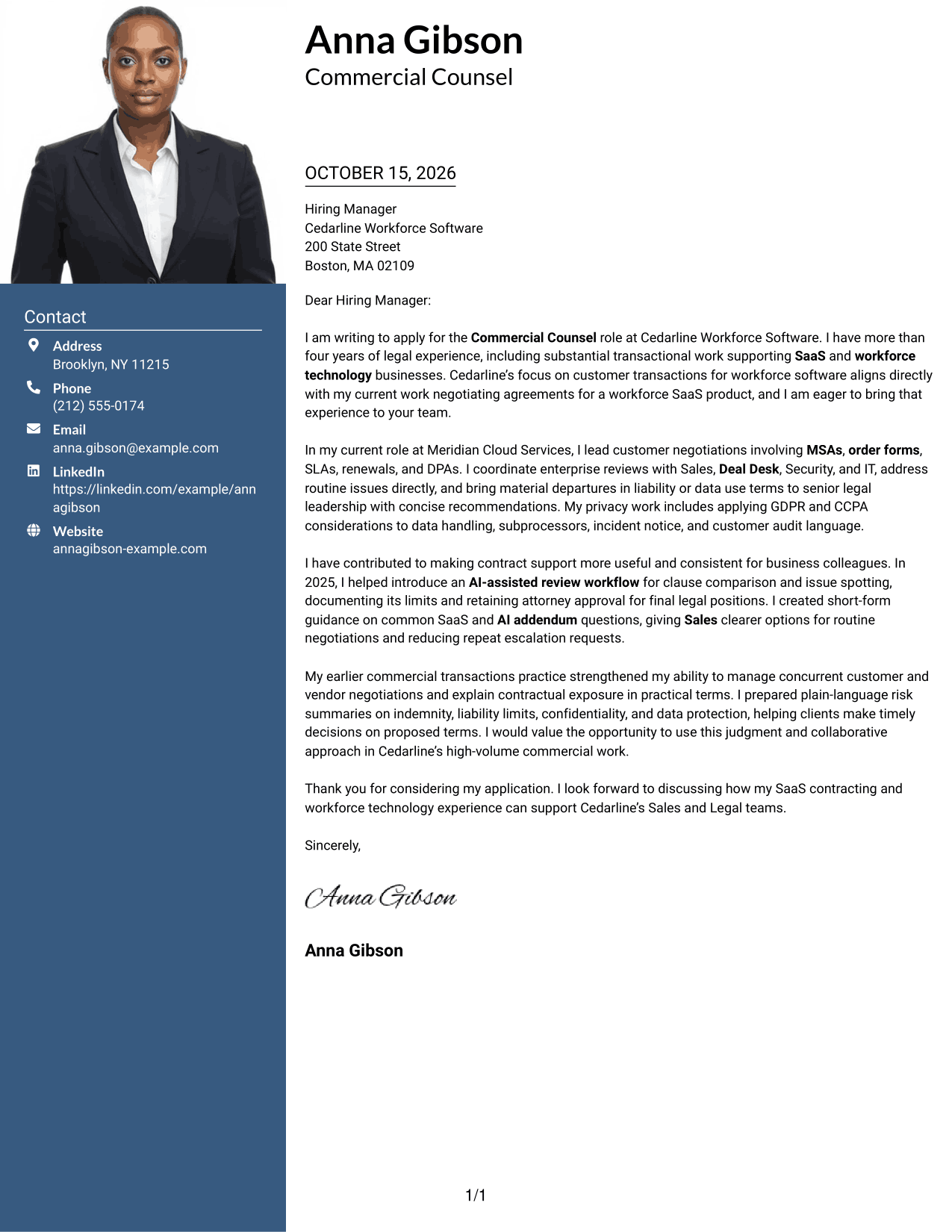
#4 One Column Format with Photo Cover Letter Example
The One Column Format with Photo pairs a portrait with a single letter column, keeping the written message on one direct reading path.
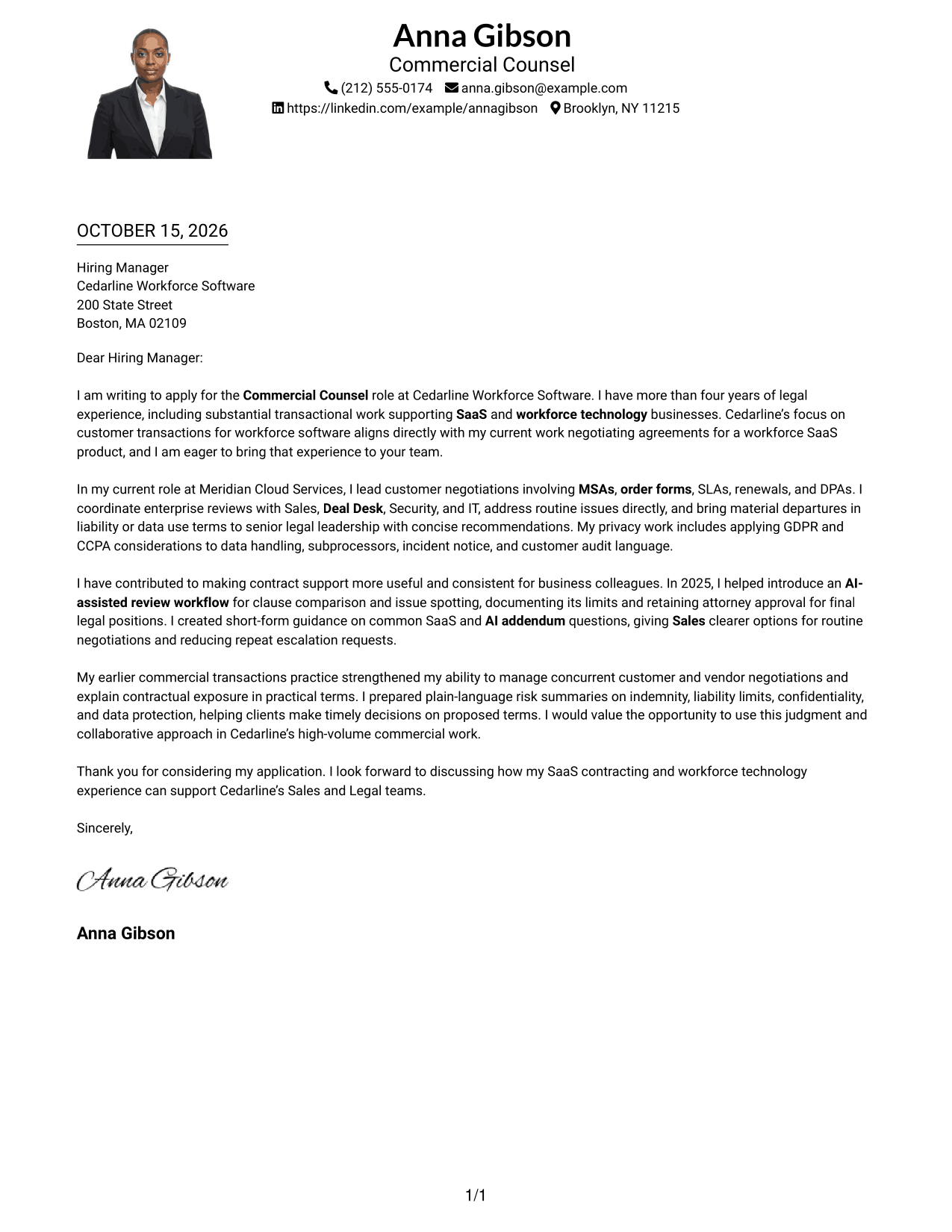
Why This Format Works
- One letter column gives the message a direct reading path.
- Sender information stays in the header, apart from the letter paragraphs.
- The portrait is a visual option for readers who prefer photo-led documents.
Best For
- One-column letter preference
- Photo-inclusive correspondence
- Header-based sender details
- Unheaded business letters
- Text-led application materials
#5 Simple Two Column Format Cover Letter Example
The Simple Two Column Format places contact details in a sidebar beside one continuous letter body, separating sender information from the message.
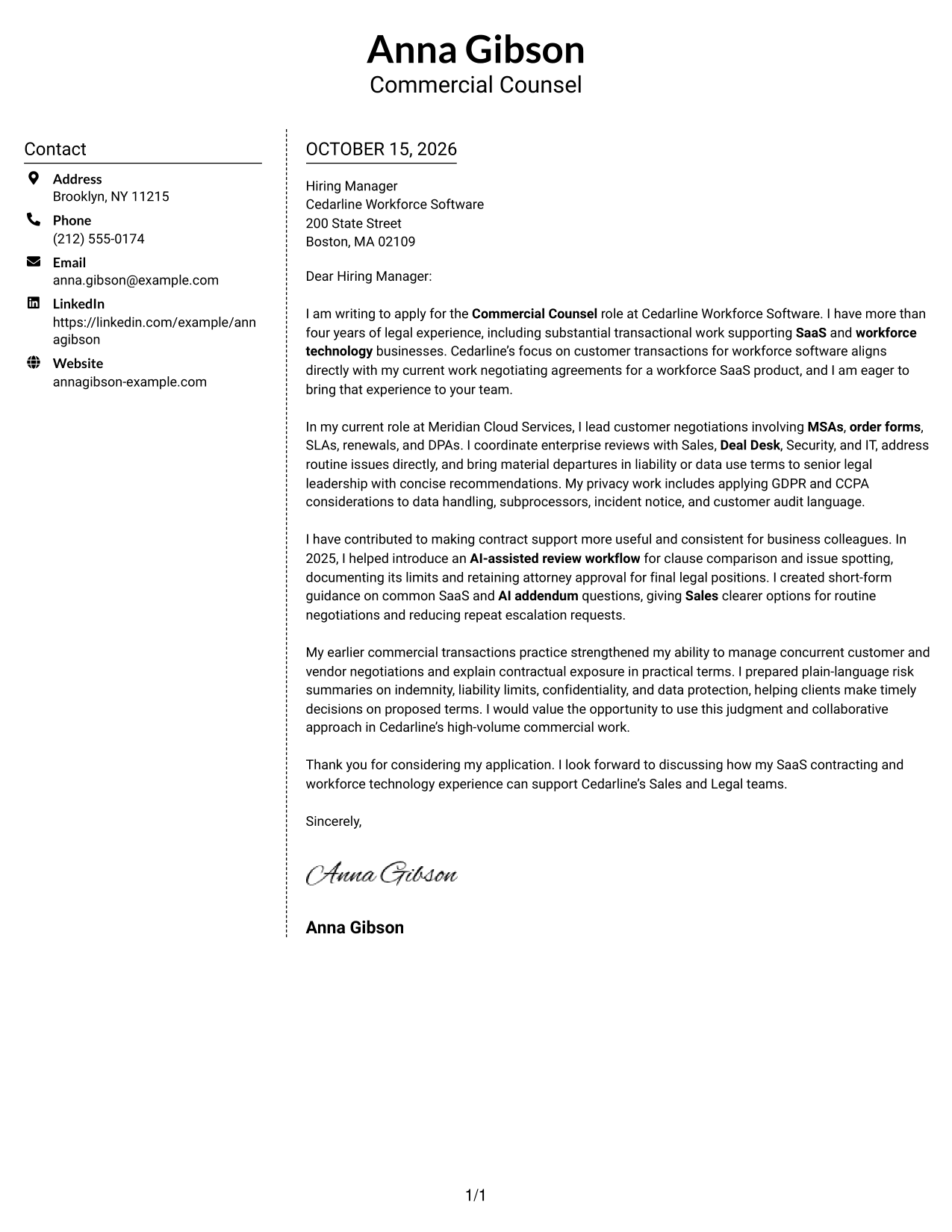
Why This Format Works
- Contact details occupy a sidebar, distinct from the letter's argument.
- The continuous body keeps the opening, supporting points, and close together.
- Two-column placement lets readers locate sender information beside the letter.
Best For
- Side-by-side contact details
- Continuous letter body
- Unheaded correspondence
- Two-column reading preference
- Clear sender information
#6 Modern Icon Format Cover Letter Example
The Modern Icon Format uses two columns and contact icons, adding visual cues to sender details while keeping the letter body continuous.
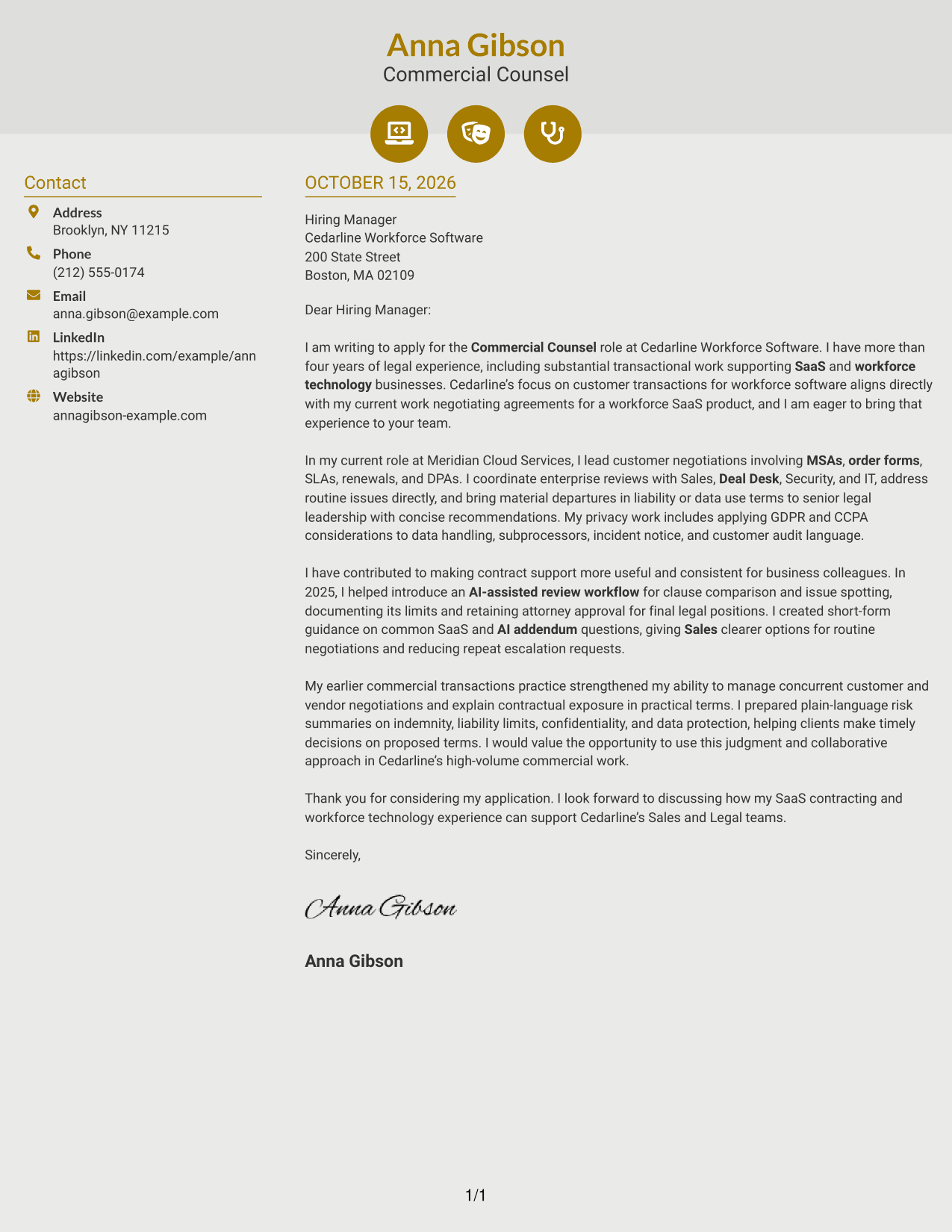
Why This Format Works
- Contact icons give sender details visual cues without labeling letter paragraphs.
- The sidebar keeps contact information apart from the continuous message.
- Unheaded body text preserves the familiar shape of a business letter.
Best For
- Icon-cued contact details
- Two-column page preference
- Continuous letter text
- Unheaded business letters
- Visual contact references
#7 Creative Two Tone Format Cover Letter Example
The Creative Two Tone Format places contact details in a sidebar beside the continuous letter, keeping sender information distinct from the message.
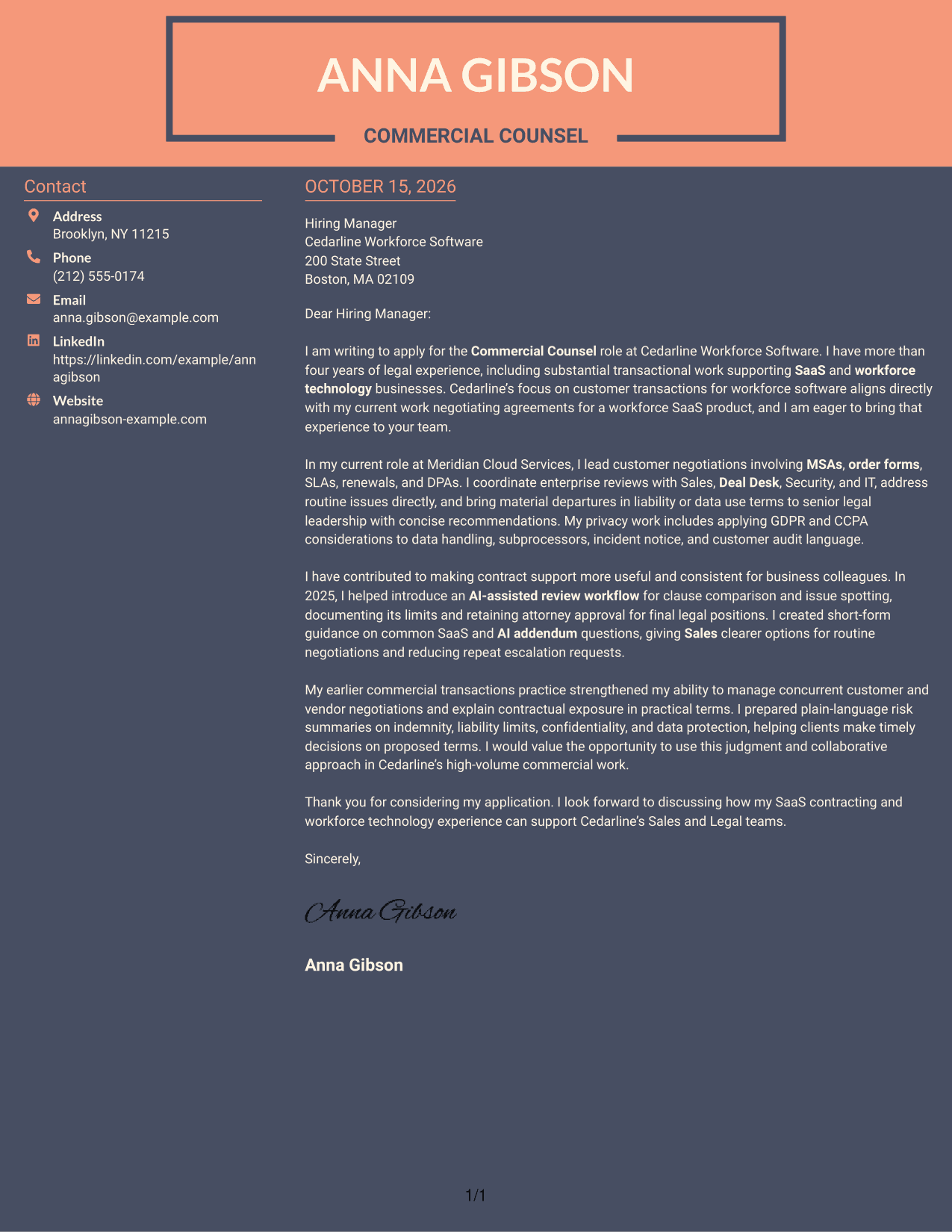
Why This Format Works
- The contact sidebar separates sender details from the letter's persuasive message.
- One continuous body lets the opening, supporting points, and closing read in order.
- No headings within the body keep the message in a familiar letter form.
Best For
- Contact sidebar organization
- Two-column page preference
- Unheaded letter body
- Sequential paragraph reading
- Traditional business correspondence
Why Use ResumeInMinutes for a Commercial Counsel - SaaS Commercial Contracts Cover Letter
Compare cover letter image previews, then open an example in the editor to shape a clear account of your SaaS contract work, business judgment, and cross-team approach.
- Several cover letter styles
- Clear, professional layouts
- Role-focused writing
- Simple editing in the editor
- Examples for commercial counsel
- Cover letter customization
Use the example to explain how you negotiate SaaS terms, work with Sales and business partners, and address privacy and security questions with sound judgment.
See Also
- 7 Commercial Counsel - SaaS Commercial Contracts Resume Templates with Example
- 7 Technology Commercial Legal Counsel Resume Templates with Example
- 7 Assistant General Counsel/Associate General Counsel - Higher Education Resume Templates with Example
- 7 Associate Counsel, Global Regulatory Affairs Resume Templates with Example
- 7 Associate General Counsel, Fund Governance Resume Templates with Example
- 7 Employment Counsel, Americas Resume Templates with Example
- 7 Legal Support Specialist - House Counsel Support Resume Templates with Example
- 33 2027 Commercial Banking Summer Internship Resume Templates with Example 2026 (ATS-Optimized)
- 30+ 2027 Commercial Banking Summer Internship Cover Letter Templates with Example 2026
- 30+ Commercial Banking Intern Cover Letter Templates with Example 2026
Frequently Asked Questions
What should a Commercial Counsel - SaaS Commercial Contracts cover letter include?
Show how you handle customer agreements, explain contract risk in practical terms, and work with Sales, Deal Desk, Security, or other partners. Add a clear reason for your interest in the role.
How can I describe SaaS contract negotiation experience?
Give a brief example of agreements you have negotiated, such as MSAs, order forms, SLAs, or DPAs. Explain your role in resolving terms, advising business partners, or escalating material concerns.
How can a cover letter show sound judgment in a commercial deal?
Describe how you separate routine requests from material risk, offer practical options, and involve senior legal colleagues when needed. Keep the example focused on your actions and the business context.
Should I mention privacy and security work in this cover letter?
Yes, when it reflects your experience and fits the role. You can describe work with DPAs, customer security reviews, or privacy considerations such as GDPR and CCPA without claiming expertise you do not have.
How should I discuss AI-assisted contract review?
If you have used these tools, explain what they helped with and how you maintained appropriate human review. Keep the focus on responsible use and your own experience.




