
7 Community Engagement Board Coordinator Resume Templates with Example
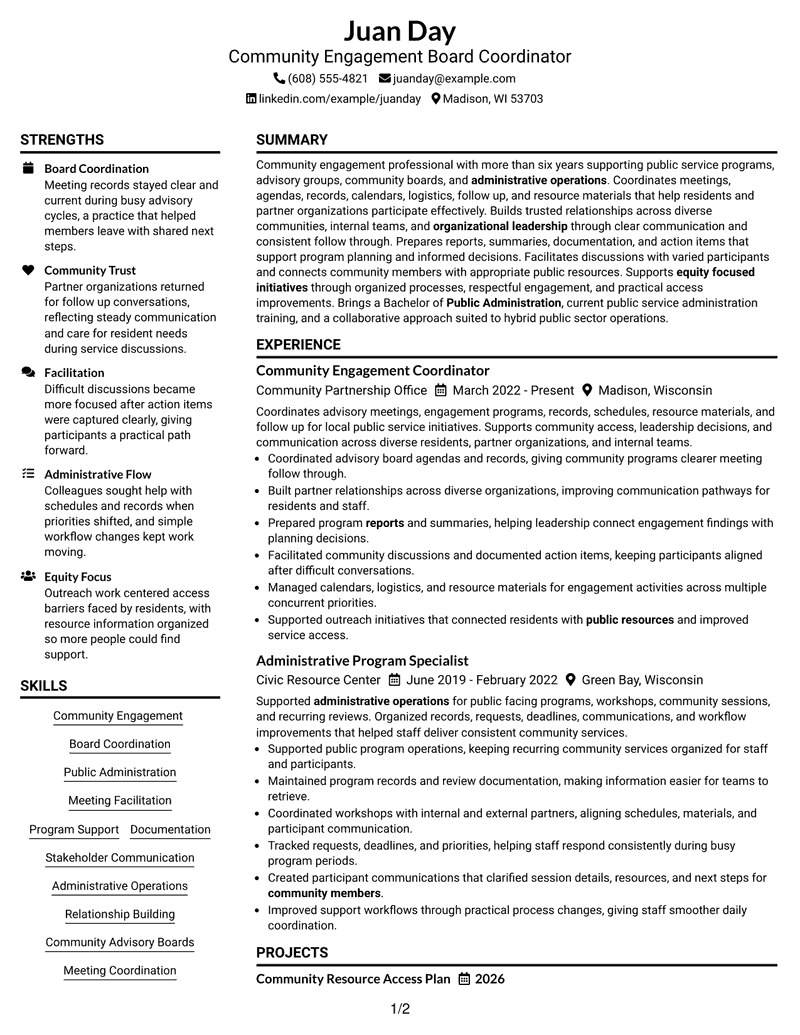
This guide shows you how to build a Community Engagement Board Coordinator resume that is clear, focused, and easy to adapt. It helps you organize your experience so readers can quickly understand your value.
A strong resume for this role should show organized board support, meeting coordination, stakeholder communication, documentation, and community program support through clear sections and focused achievement bullets.
This page presents one resume example in 7 layouts only. Each format shows a different way to organize resume sections, skills, education, projects, certifications, and experience.
What Makes a Great Community Engagement Board Coordinator Resume in 2026
Strong Community Engagement Board Coordinator resumes in 2026 use clear sections, focused keywords, and easy-to-scan achievement bullets.
Useful resume content includes board coordination, meeting support, documentation, reporting, stakeholder communication, and community resource access.
The examples shown below are intentionally detailed to demonstrate a range of experiences, skills, accomplishments and relevant keywords. We prefer detailed resumes as they provide more context to the hiring managers and also help the ATS systems identify relevant qualifications and score your resume better for a match. But the length of a resume is an individual choice. If you want a one page resume, just keep the most relevant experience and information for the job. Note: Resume examples are for educational purposes only. Use only information that accurately reflects your experience and qualifications. References to real organizations do not imply affiliation or endorsement.
#1 Plain Two Column Format Resume Example
This two-column layout separates resume information into clear areas, helping recruiters scan experience, skills, and credentials quickly.
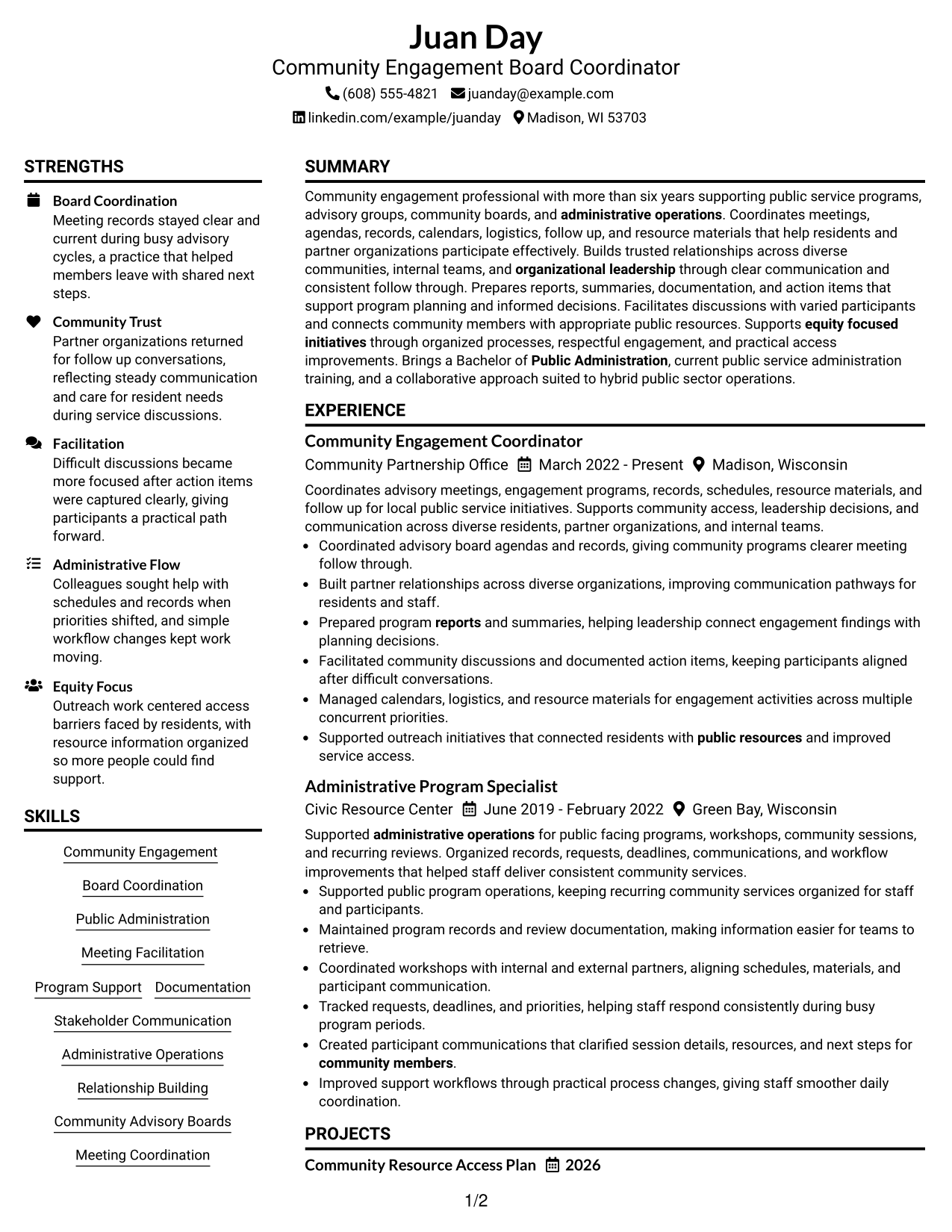
Resume Snapshot
- Community engagement summary
- Board coordination experience
- Public administration education
- Community support projects
Why This Format Works
- Separate areas make experience and skills easier to locate
- Balanced sections guide readers through career information
- Clear grouping supports quick review of credentials
Best For
- Organized resume sections
- Balanced content review
- Multiple credential areas
- Clear reading order
- Community board resumes
Resume Keywords
- Community Engagement
- Board Coordination
- Public Administration
- Meeting Facilitation
- Program Support
- Documentation
- Stakeholder Communication
- Administrative Operations
- Relationship Building
- Community Advisory Boards
- Meeting Coordination
- Report Preparation
- Resource Access
- Diverse Group Communication
- Equity Focused Initiatives
#2 Simple One Column Format Resume Example
This one-column layout creates a direct reading path that helps recruiters follow experience, education, and skills in order.
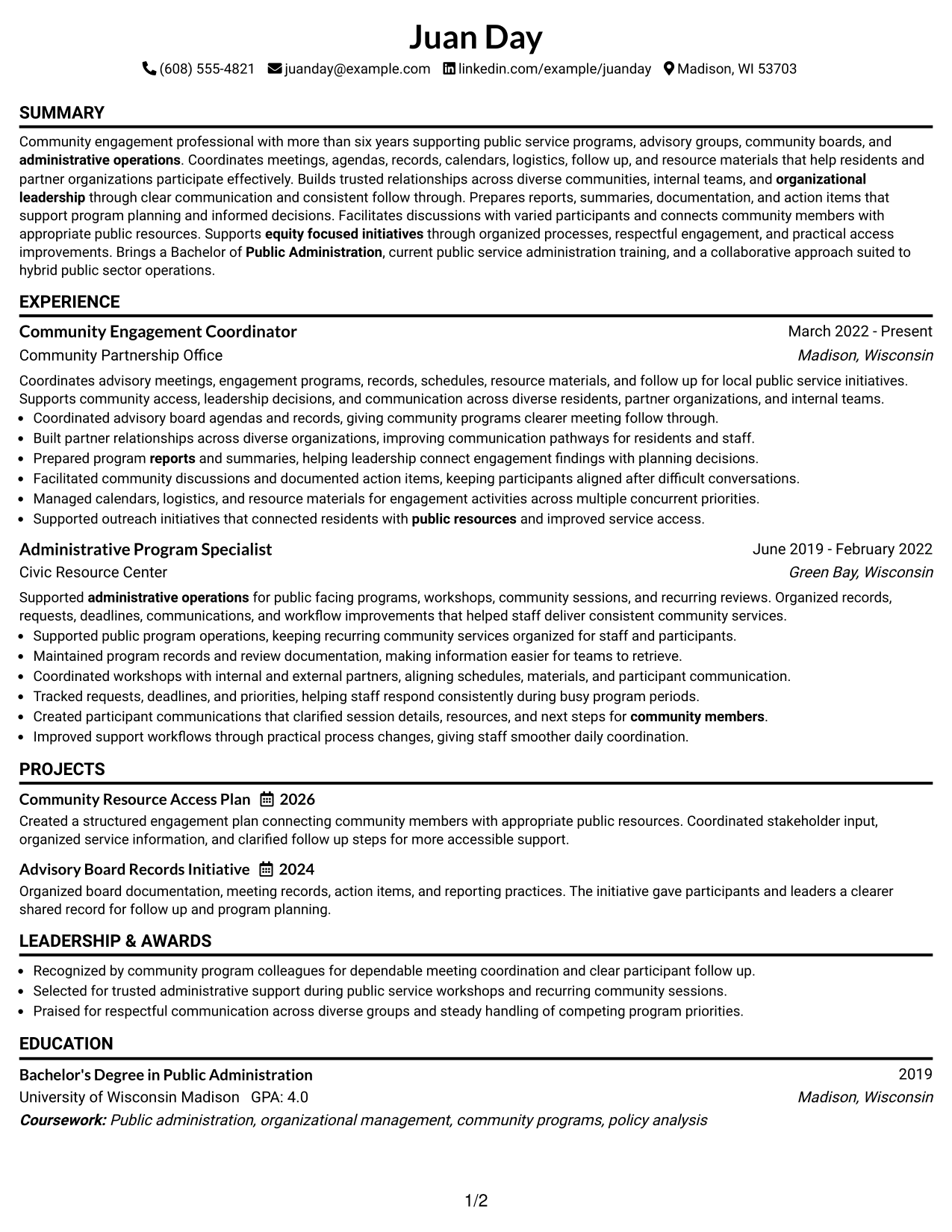
Why This Format Works
- Single reading path keeps sections easy to follow
- Simple spacing helps readers find career details
- Section order presents credentials clearly
Best For
- Straightforward resume review
- Simple section flow
- Clear career information
- Focused content display
- Community engagement resumes
#3 Clean Two Column Sidebar Format Resume Example
This two-column sidebar layout places supporting information beside main content so recruiters can compare resume sections efficiently.
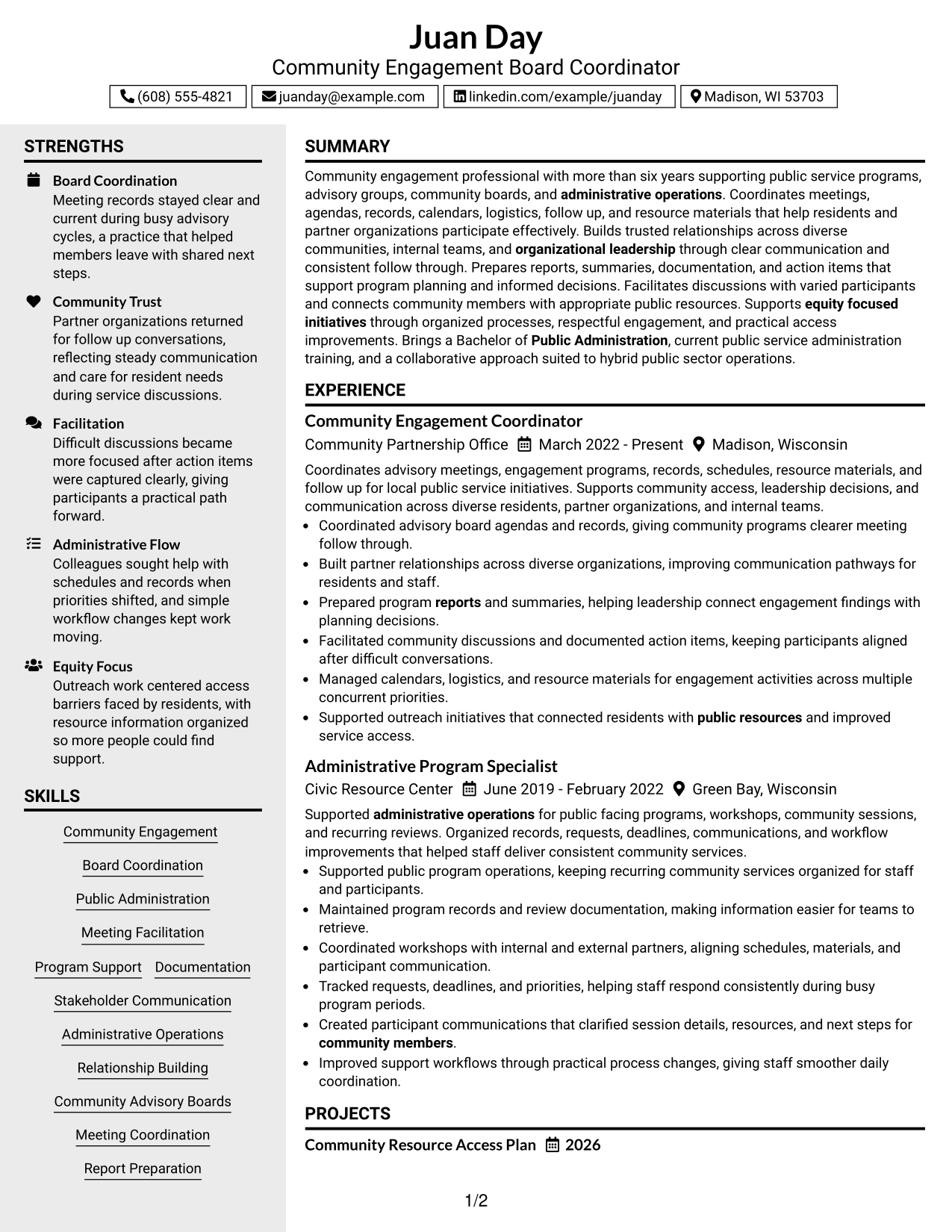
Why This Format Works
- Sidebar areas separate supporting details from experience
- Main sections keep achievements easy to review
- Two areas improve navigation across content
Best For
- Sidebar information needs
- Resume navigation needs
- Grouped supporting details
- Structured content review
- Board coordinator resumes
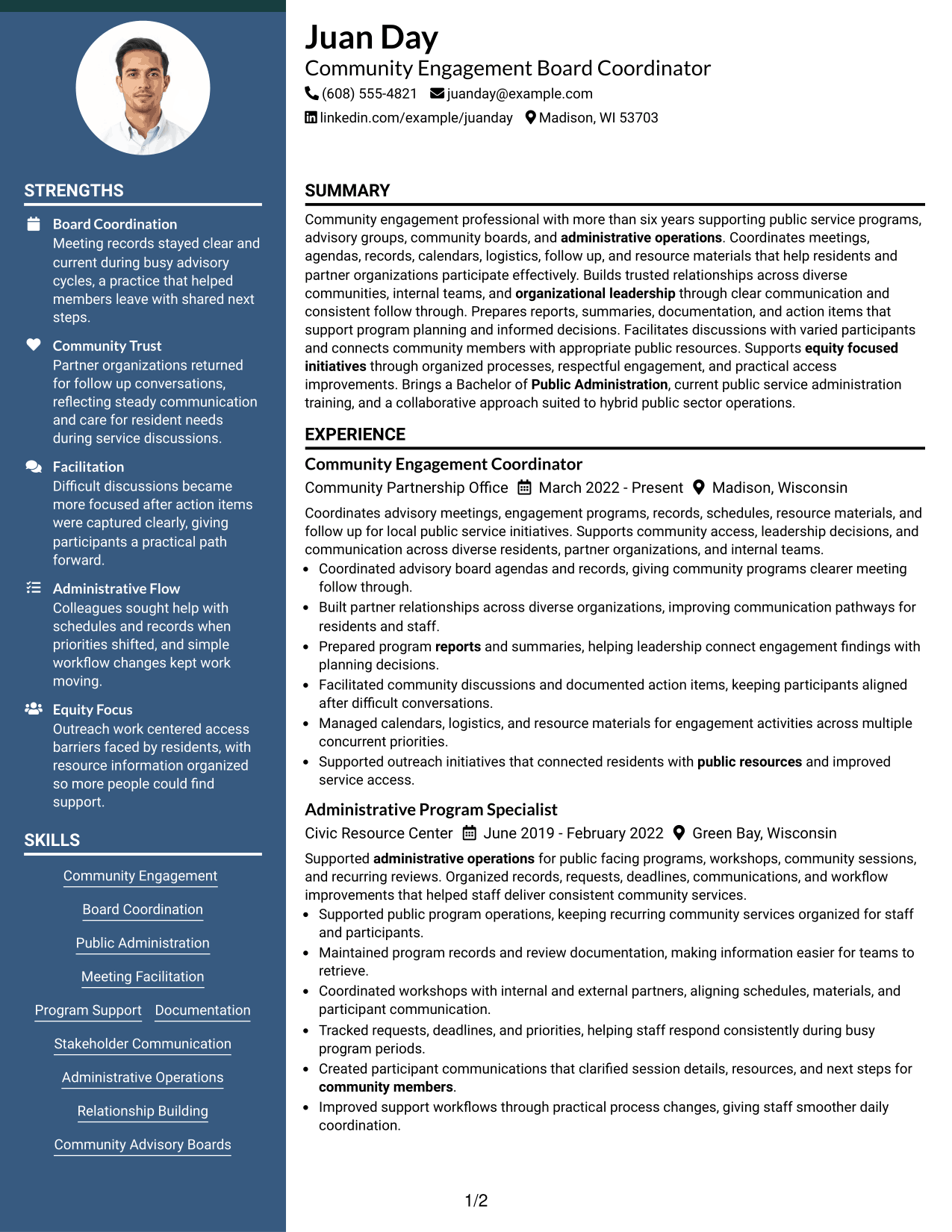
#4 Two Column Format Resume Example
This two-column layout gives recruiters a balanced view of resume sections by placing related information in separate areas.
Why This Format Works
- Columns divide content into readable sections
- Experience details remain visible during review
- Skills and credentials have clear locations
Best For
- Balanced resume layouts
- Parallel information review
- Structured experience details
- Skill section organization
- Public service resumes
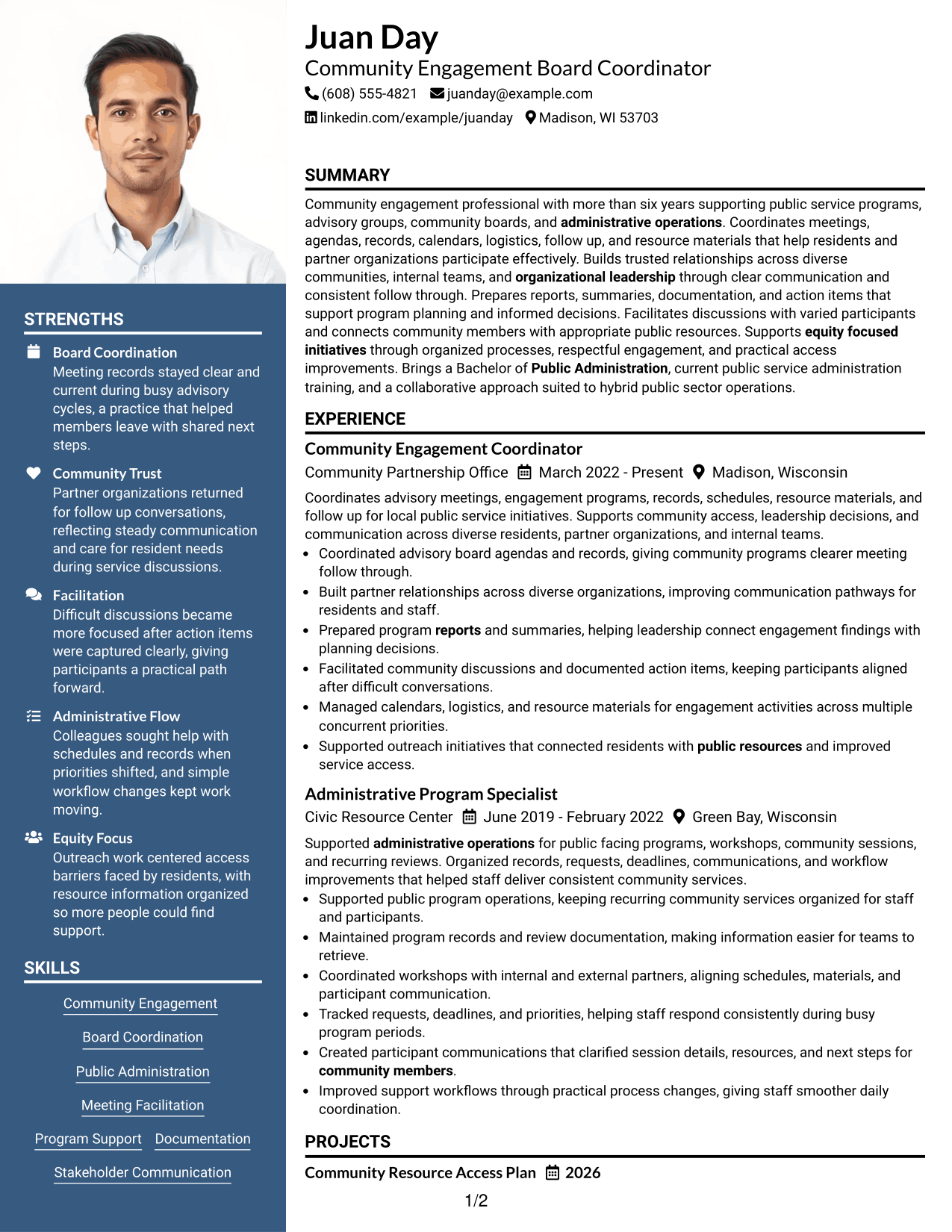
#5 Photo Header Two Column Format Resume Example
This two-column layout with a photo header combines visual identification with organized resume sections for clear reading.
Why This Format Works
- Two areas organize resume information clearly
- Header space presents contact details visibly
- Sections support easier document navigation
Best For
- Photo-required contexts
- Visual header preferences
- Organized resume information
- Readable section structure
- Community coordinator resumes
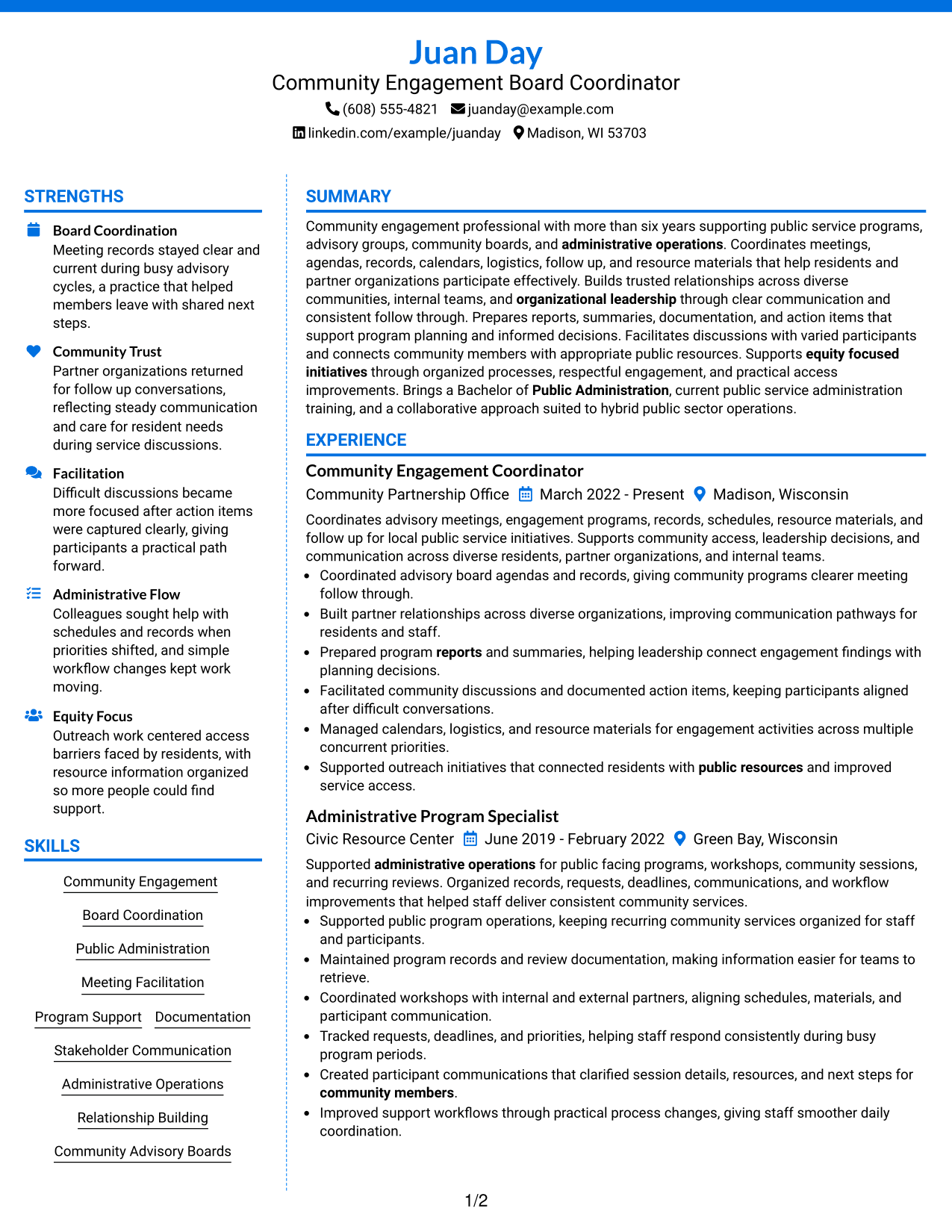
#6 Colored Two Column Format Resume Example
This two-column layout uses clear visual separation to help recruiters move between resume sections and supporting details.
Why This Format Works
- Section separation helps readers locate information
- Visual grouping supports faster navigation
- Organized areas highlight important resume content
Best For
- Visual section organization
- Readable content groups
- Modern resume presentation
- Structured information review
- Engagement program resumes
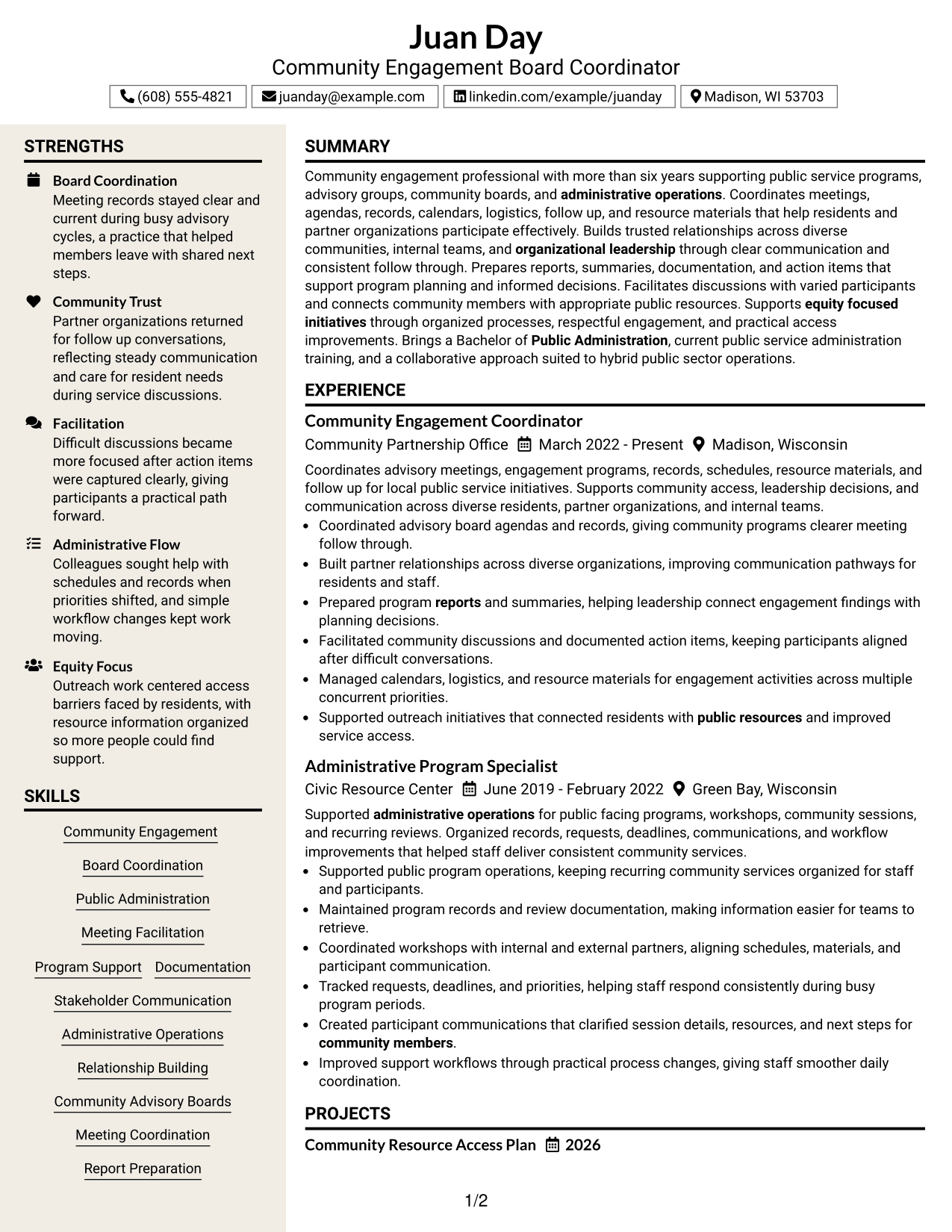
#7 Stylish Two Column Designer Format Resume Example
This two-column designer layout organizes resume content with a distinct structure that helps recruiters review key sections.
Why This Format Works
- Distinct sections create a clear review path
- Content areas help separate career details
- Organized layout supports information scanning
Best For
- Distinct resume structure
- Creative presentation needs
- Section-based reading
- Modern document styles
- Coordinator resumes
See Also
- 7 Adult Learner Engagement Coordinator Resume Templates with Example
- 7 Community Services & Program Coordinator - Housing Assistance and Social Services Resume Templates with Example
- 7 Coordinator, Community Standards and Case Management Resume Templates with Example
- 7 Accounts Payable Coordinator I - Claims Payments Resume Templates with Example
- 33 Accounts Payable Coordinator Resume Templates with Example 2026 (ATS-Optimized)
- 7 Accounts Receivable Coordinator I Resume Templates with Example
- 7 Administrative Assistant & Hospitality Coordinator Resume Templates with Example
- 7 Administrative Coordinator for Nursing Resume Templates with Example
- 7 Community Services & Program Coordinator - Housing Assistance and Social Services Cover Letter Templates with Example
- 30+ Accounts Payable Coordinator Cover Letter Templates with Example 2026
Frequently Asked Questions
Are these Community Engagement Board Coordinator resume templates ATS-friendly?
Yes. They use clear sections, readable headings, and role-related resume keywords.
Are these different resumes?
No. This guide presents one resume example shown in several layouts.
What should this resume include?
Include a summary, experience, education, skills, projects, certifications, and relevant achievements.
Can I download the resume templates as PDFs?
Yes. The layouts are available for PDF preview.
Which resume style should I choose?
Choose a layout that makes your sections easy to read and your experience easy to find.
Can professionals with different backgrounds use these formats?
Yes. The formats can be adapted by organizing relevant experience and evidence clearly.
Should I include a photo on my resume?
Use a photo only when it is expected for your location or application context.
Can I customize these resume templates?
Yes. You can update the content and layout to match your resume needs.




