
7 Compiler Architect - Machine Learning Compilers Cover Letter Templates with Example
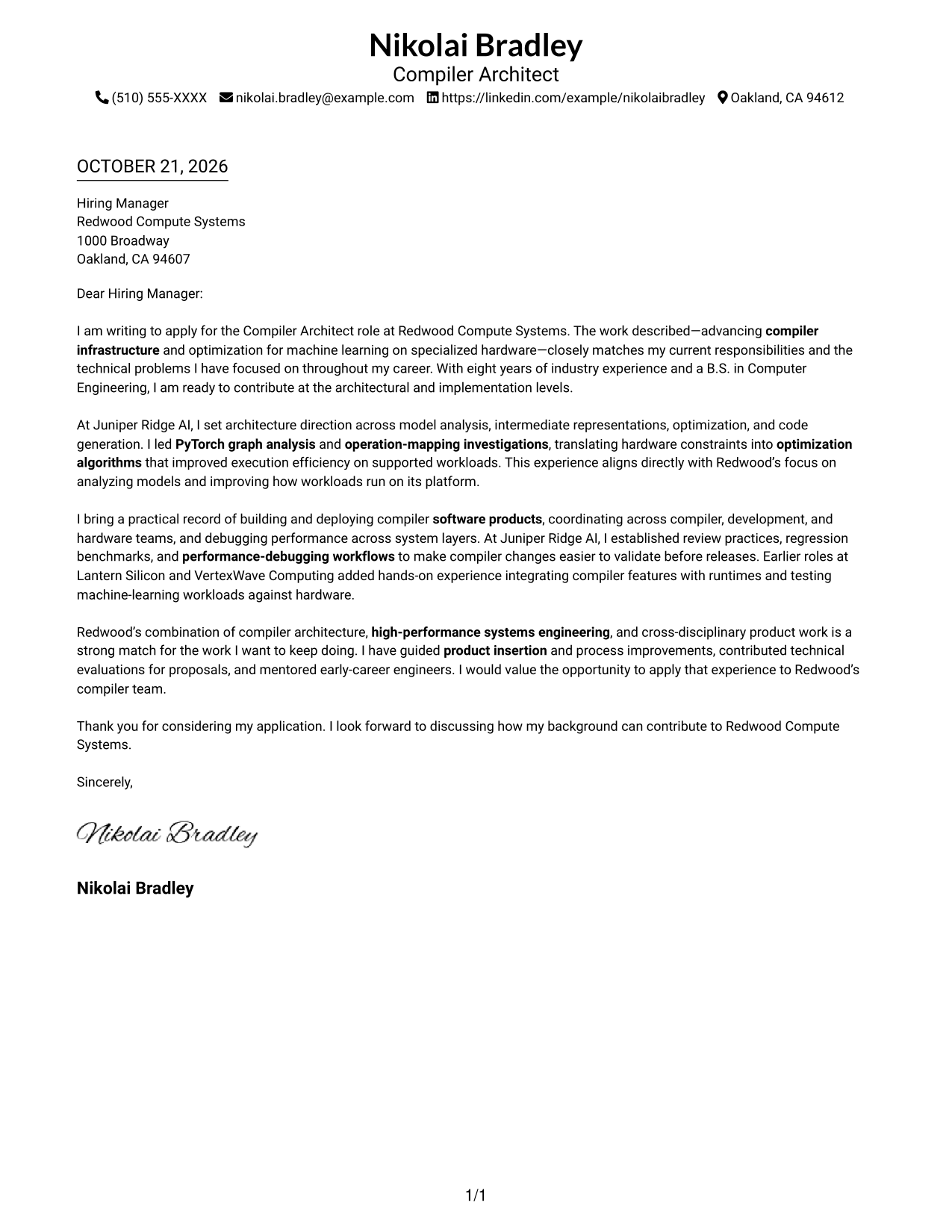
This practical guide to a Compiler Architect - Machine Learning Compilers cover letter presents seven layouts and shows how to connect architectural judgment with the role’s needs.
What Makes a Strong Compiler Architect - Machine Learning Compilers Cover Letter in 2026
A strong letter links compiler architecture to the demands of machine learning workloads, from model analysis and operation mapping to optimization and code generation. Its opening should make the role fit clear and its closing should show focused interest.
Use specific evidence, such as PyTorch graph analysis, hardware-aware optimization, performance debugging, or product integration. Connect that evidence to the employer’s platform and explain how you work with technical teams to deliver reliable results.
The featured application follows a focused progression from role fit, to technical evidence, to employer alignment and a direct close, which readers can adapt while choosing a presentation suited to the employer and communication context.
#1 Simple One Column Format Cover Letter Example
The Simple One Column Format keeps sender details in the header and the letter in one reading path, a practical choice for readers who prefer a straightforward page.
Why This Format Works
- Sender details remain in the header, leaving the letter free of contact clutter.
- One column gives the greeting, supporting paragraphs, and sign-off a consistent reading order.
- Paragraphs share one text area, keeping the persuasive case visually unified.
Best For
- Single-column letter reading
- Header-based sender contact details
- Continuous persuasive narratives
- Text-led application materials
- Company-focused applications
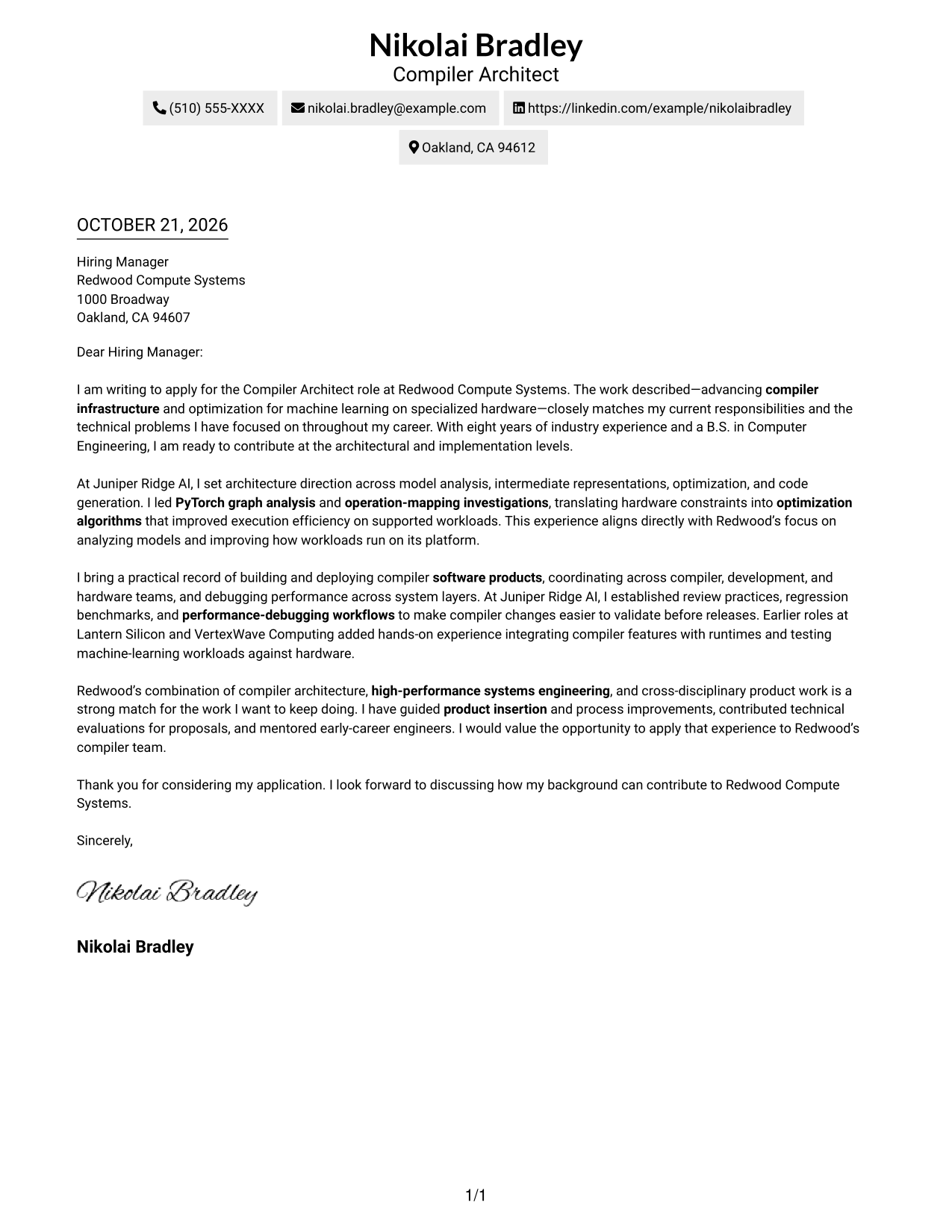
#2 Two Column Format Cover Letter Example
The Two Column Format places a contact sidebar beside one continuous letter body, keeping sender information apart while the argument reads as a single message.
Why This Format Works
- Sender contact details are easy to locate apart from the letter's persuasive paragraphs.
- The body keeps its top-to-bottom order from the opening through the closing.
- A distinct contact area leaves the letter body focused on its message.
Best For
- Separate sender contact details
- Multi-paragraph fit explanations
- Letters with a clear case for fit
- Quick contact lookup
- Contact details beside letter prose
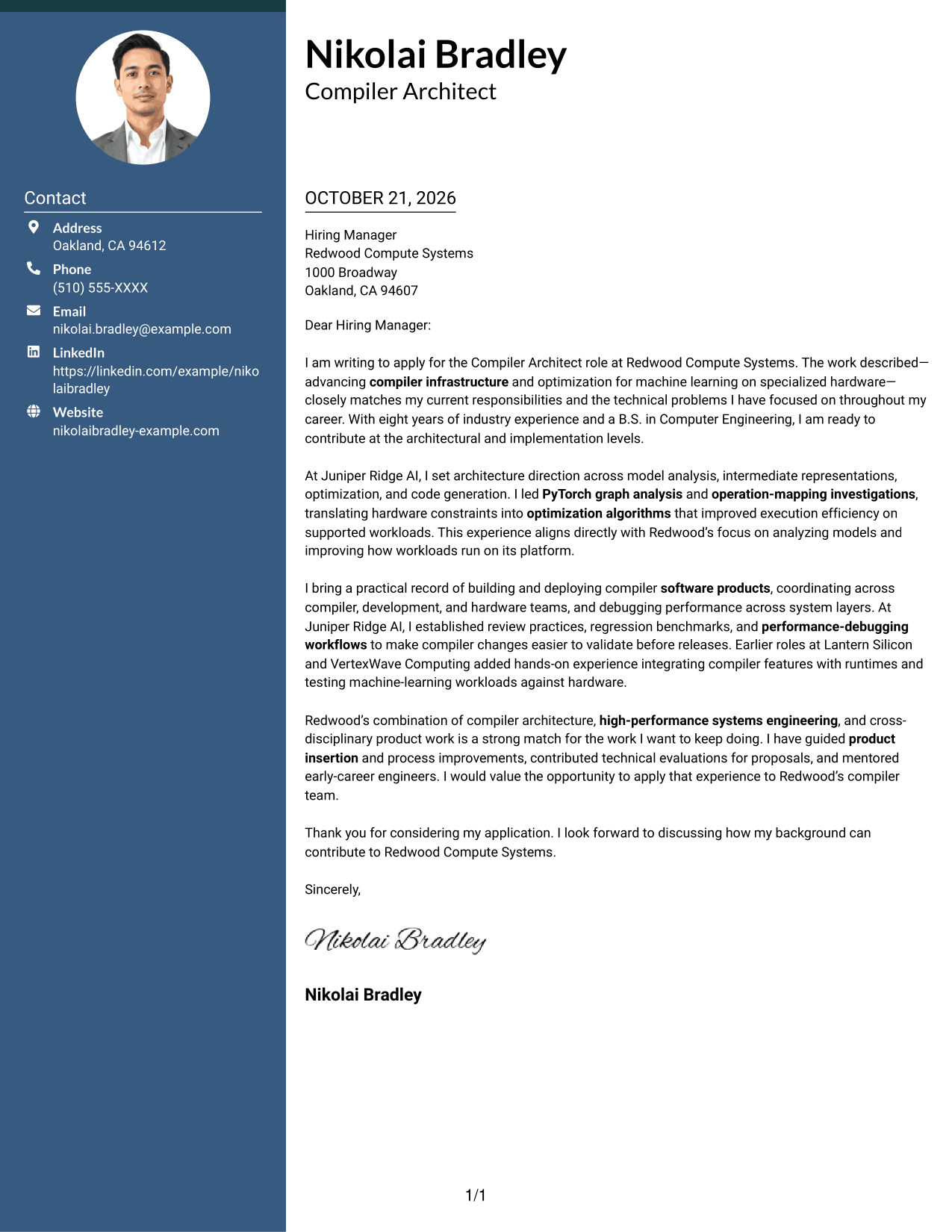
#3 Photo Header Two Column Format Cover Letter Example
The Photo Header Two Column Format includes a portrait with a contact sidebar and one continuous letter body, for readers who prefer a personal visual element without dividing the argument.
Why This Format Works
- A portrait adds a personal visual detail while the letter remains one continuous body.
- The contact sidebar keeps sender information distinct from the written case for fit.
- One body column lets reviewers follow the letter's paragraphs in their intended order.
Best For
- Portrait-inclusive letter layouts
- Separate contact and argument areas
- Single-body letter narratives
- Visual sender identity
- Applications where a portrait suits the presentation
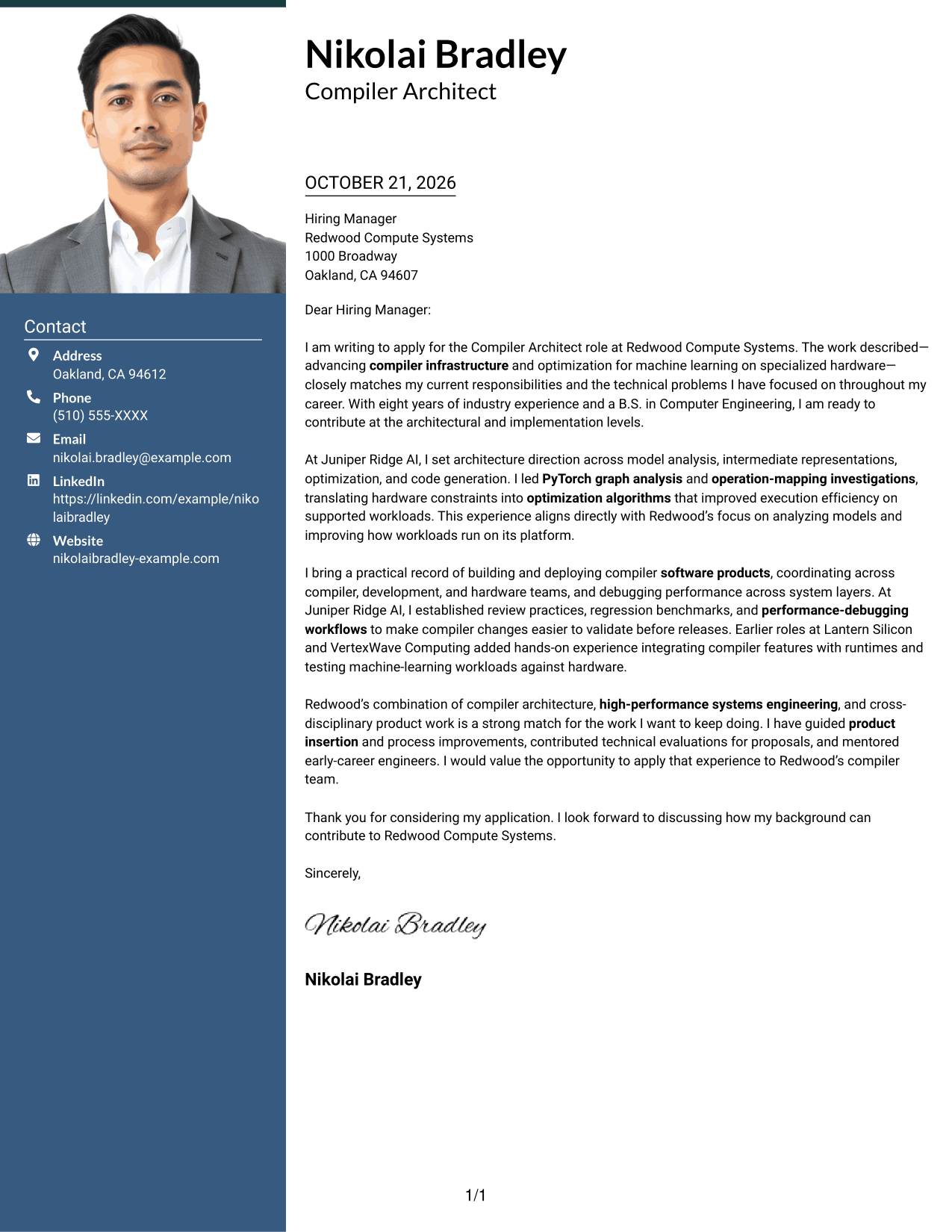
#4 One Column Format with Photo Cover Letter Example
The One Column Format with Photo pairs a portrait with one continuous letter path, adding a visual element while keeping each paragraph in sequence.
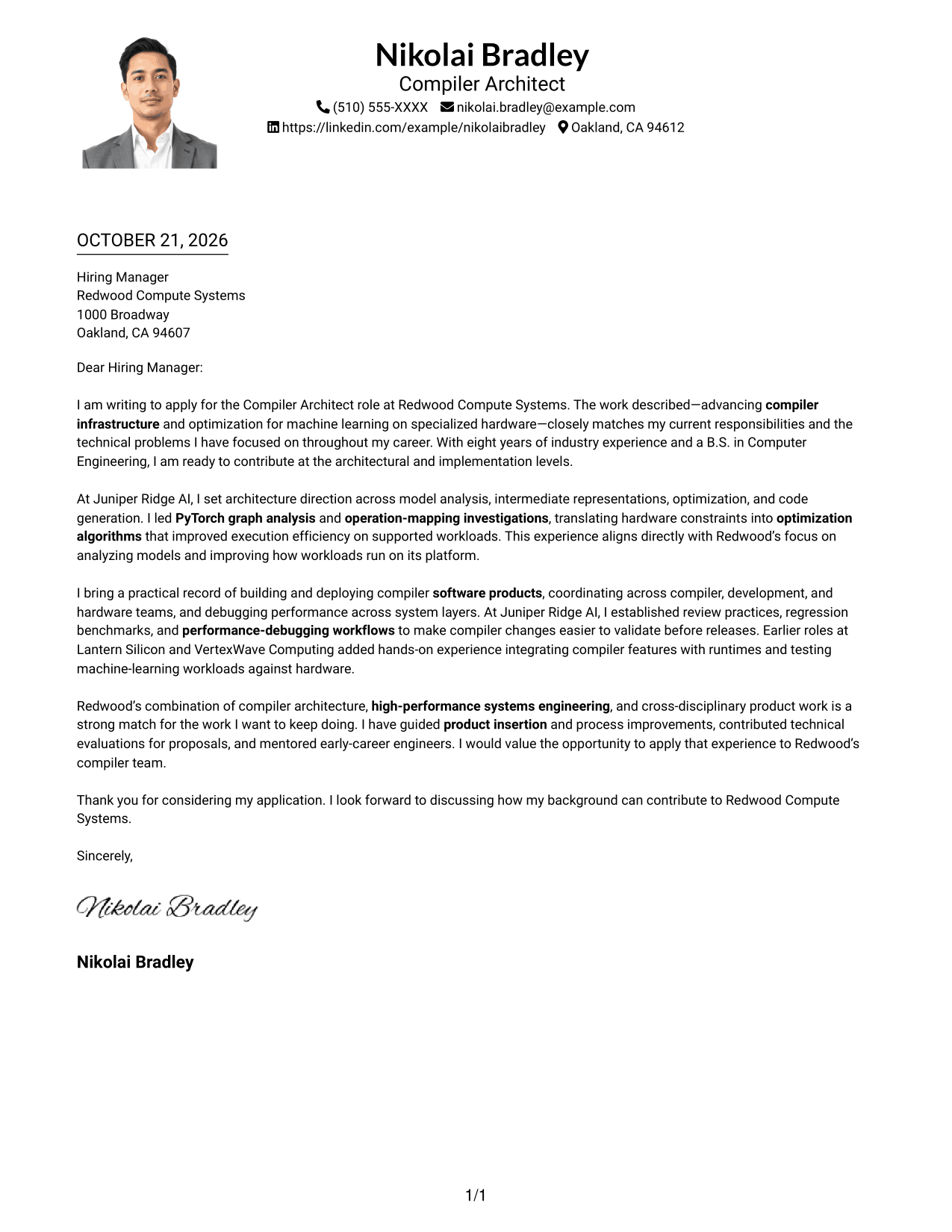
Why This Format Works
- The portrait adds a visual element without dividing the letter into parallel columns.
- A single body column gives the opening, evidence, and closing a clear sequence.
- Sender details stay in the header, separate from the persuasive paragraphs.
Best For
- One-column letter reading
- Portrait-inclusive applications
- Header-based sender details
- Letters with connected motivation and evidence
- A personal visual element
#5 Simple Two Column Format Cover Letter Example
The Simple Two Column Format keeps a contact sidebar beside the continuous letter body, offering a direct way to distinguish correspondence details from the case for fit.
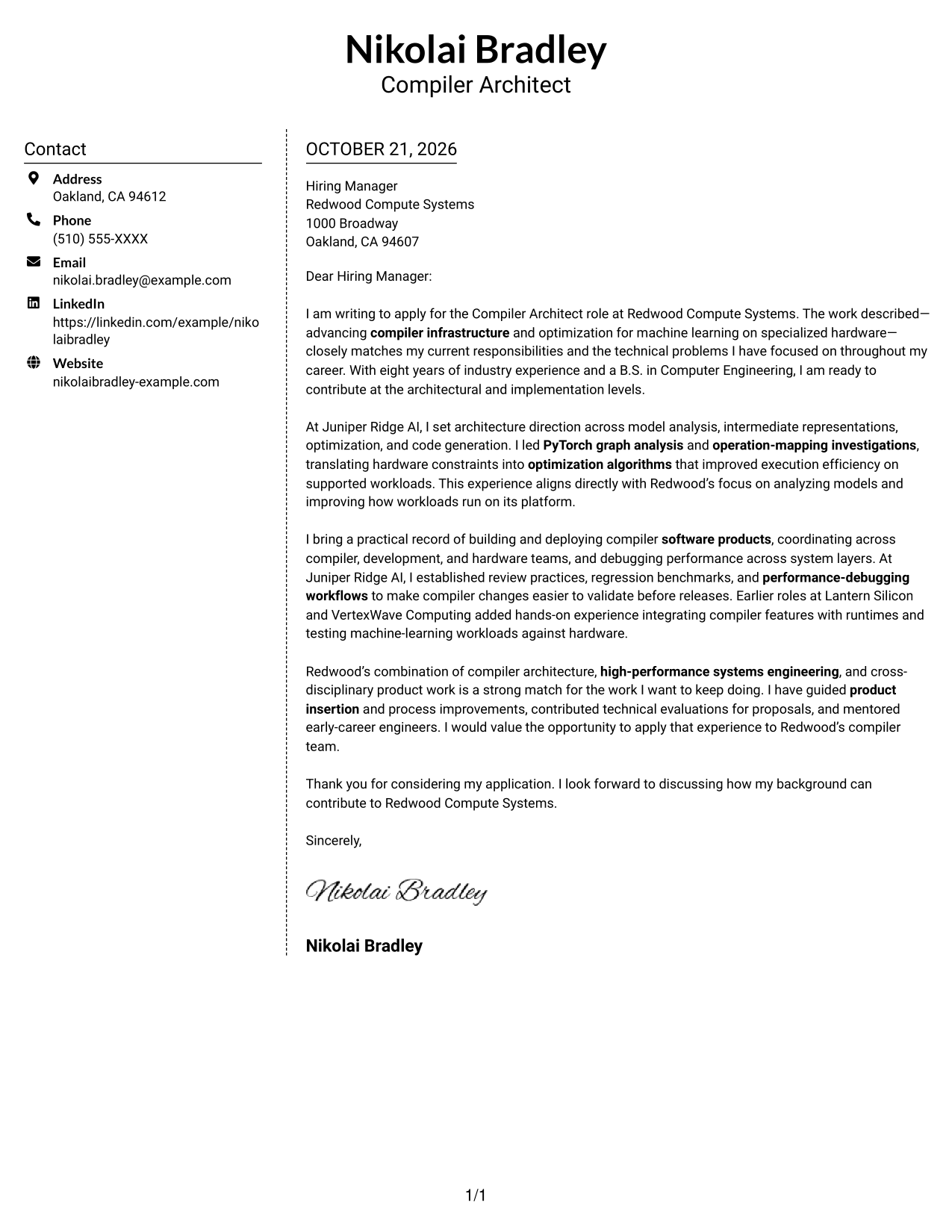
Why This Format Works
- The sidebar makes sender contact details distinct from the letter's main message.
- The letter stays in one body column, so its paragraphs read in sequence.
- Separate areas help reviewers find contact information without interrupting the written case.
Best For
- Contact details beside letter prose
- Uninterrupted argument paragraphs
- Multi-paragraph application letters
- Quick sender contact lookup
- Two-column letters without a portrait
#6 Modern Icon Format Cover Letter Example
The Modern Icon Format uses contact icons alongside a sidebar and continuous letter body, giving contact details visual cues without using icons to divide the argument.
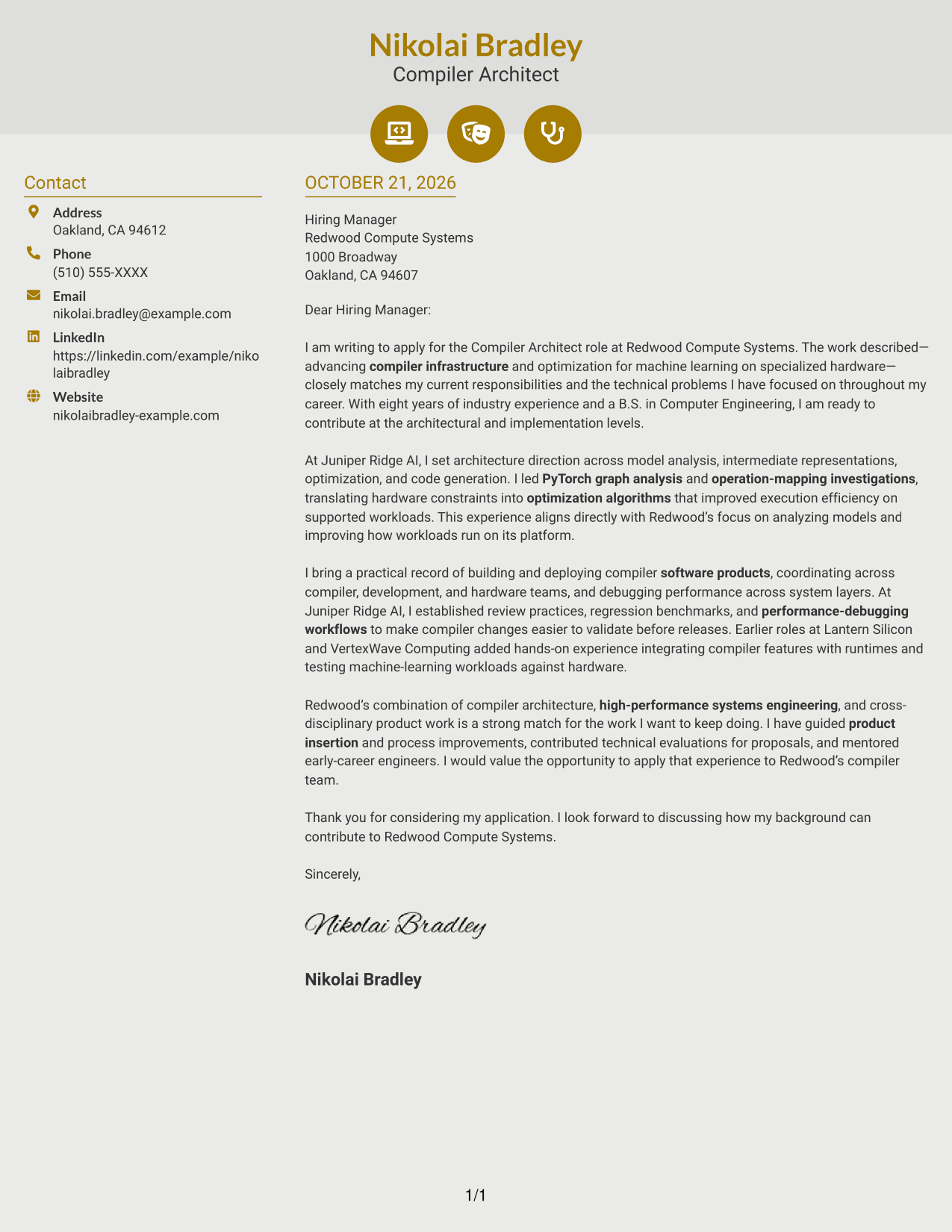
Why This Format Works
- Contact icons provide visual cues for sender details in the sidebar.
- The letter's opening, supporting paragraphs, and closing remain together in one body.
- The two-column arrangement separates contact information from the message without splitting its argument.
Best For
- Icon-marked contact details
- Sidebar-based contact lookup
- Continuous letter arguments
- Visual cues in the contact area
- Two-column application letters
#7 Creative Two Tone Format Cover Letter Example
The Creative Two Tone Format sets a contact sidebar beside a continuous letter body, separating sender details from the message while keeping the argument together.
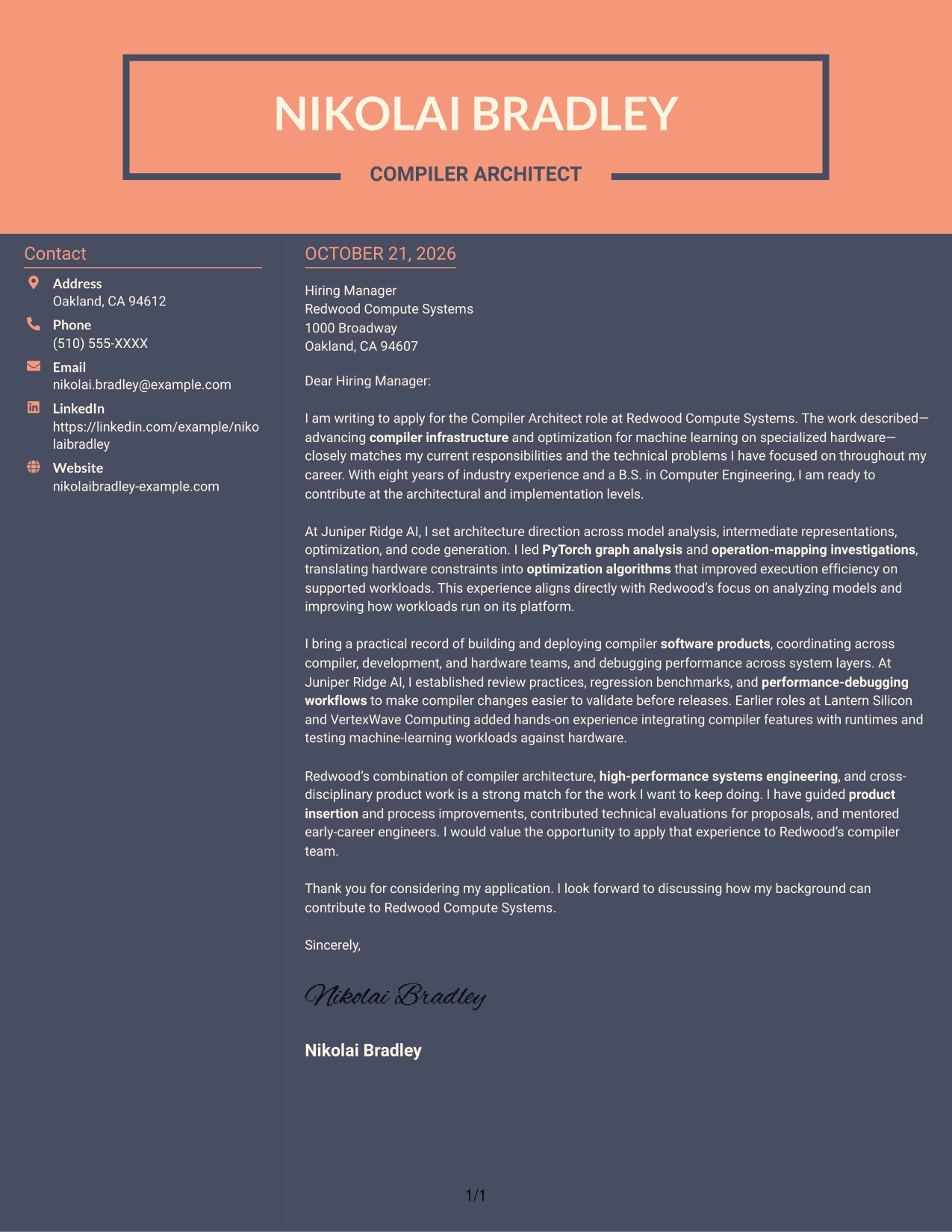
Why This Format Works
- The sidebar gives sender details a separate place beside the continuous letter body.
- A single body column preserves the intended order of the letter's paragraphs.
- The contact area stays distinct while the written case remains together.
Best For
- Two-column contact organization
- Continuous persuasive letters
- Separate sender details
- Letters with several evidence paragraphs
- Readers who prefer contact details beside the message
Explore Compiler Architect - Machine Learning Compilers Cover Letter Examples
Compare the image previews to see how each presentation supports a clear opening, focused body paragraphs, and a concise close. Open an example in the editor to review its structure and adapt the letter’s message.
- Cover letter presentation options
- Role-focused writing guidance
- Example available in the editor
- Clear opening and closing structure
- Focused technical evidence
- Employer alignment guidance
Choose a style that supports your communication goals, then tailor the letter to the compiler team’s work and the specific position.
See Also
- 7 Compiler Architect - Machine Learning Compilers Resume Templates with Example
- 33 Machine Learning Architect, Personalization Resume Templates with Example 2026 (ATS-Optimized)
- 33 Senior Machine Learning Engineer & MLOps Architect Resume Templates with Example 2026 (ATS-Optimized)
- 33 Advisory Data Architect-Senior Manager Resume Templates with Example 2026 (ATS-Optimized)
- 7 Agentic Solution Architect Resume Templates with Example
- 7 AI Application Solutions Architect - Generative AI Resume Templates with Example
- 7 AI Engineering Solutions Architect Resume Templates with Example
- 33 AI/ML Solutions Architect Resume Templates with Example 2026 (ATS-Optimized)
- 30+ Machine Learning Architect, Personalization Cover Letter Templates with Example 2026
- 30+ Senior Machine Learning Engineer & MLOps Architect Cover Letter Templates with Example 2026
Frequently Asked Questions
What should the opening of a Compiler Architect - Machine Learning Compilers cover letter say?
State the position you are applying for and connect your interest to the work of improving compiler infrastructure and machine learning performance. Keep the opening direct, then use the body to support that fit with relevant evidence.
What technical evidence can strengthen this cover letter?
The featured example discusses compiler architecture, PyTorch graph analysis, mapping operations to hardware, and optimization work. It also points to performance-debugging workflows and product integration as evidence of delivery and collaboration.
How can I show interest in the employer?
Connect your motivation to verified details in the job description, such as the team’s focus on compiler architecture, high-performance systems, and cross-disciplinary product work. Avoid unsupported claims about the company or its technology.
Which cover letter presentation should I choose?
Choose a clear format that fits the employer and the way you want to communicate. A simple layout can keep attention on your technical reasoning, role fit, and evidence.
How can I review an example before customizing it?
Compare the PNG image previews to review the page presentation, then open an example in the editor to examine its structure and customize the letter.




