
7 Completions Coordinator - Commissioning Turnover Cover Letter Templates with Example
This practical guide helps you shape a Completions Coordinator - Commissioning Turnover cover letter, with seven layouts to compare as you plan a clear case for your fit.
What Makes a Great Completions Coordinator - Commissioning Turnover Cover Letter in 2026
A strong letter connects careful CCMS recordkeeping and turnover coordination to safe, staged handovers. Its opening states your interest, while the body shows how your work supports commissioning readiness.
Use specific evidence, such as reviewing test records, preparing turnover packages, or tracking punch list clearance. Then connect that evidence to the employer’s needs and explain why this work matters to you.
The featured example moves from clear interest to practical evidence and a focused close, a progression you can adapt while choosing a presentation that suits the employer and the way you will communicate.
#1 Simple One Column Format Cover Letter Example
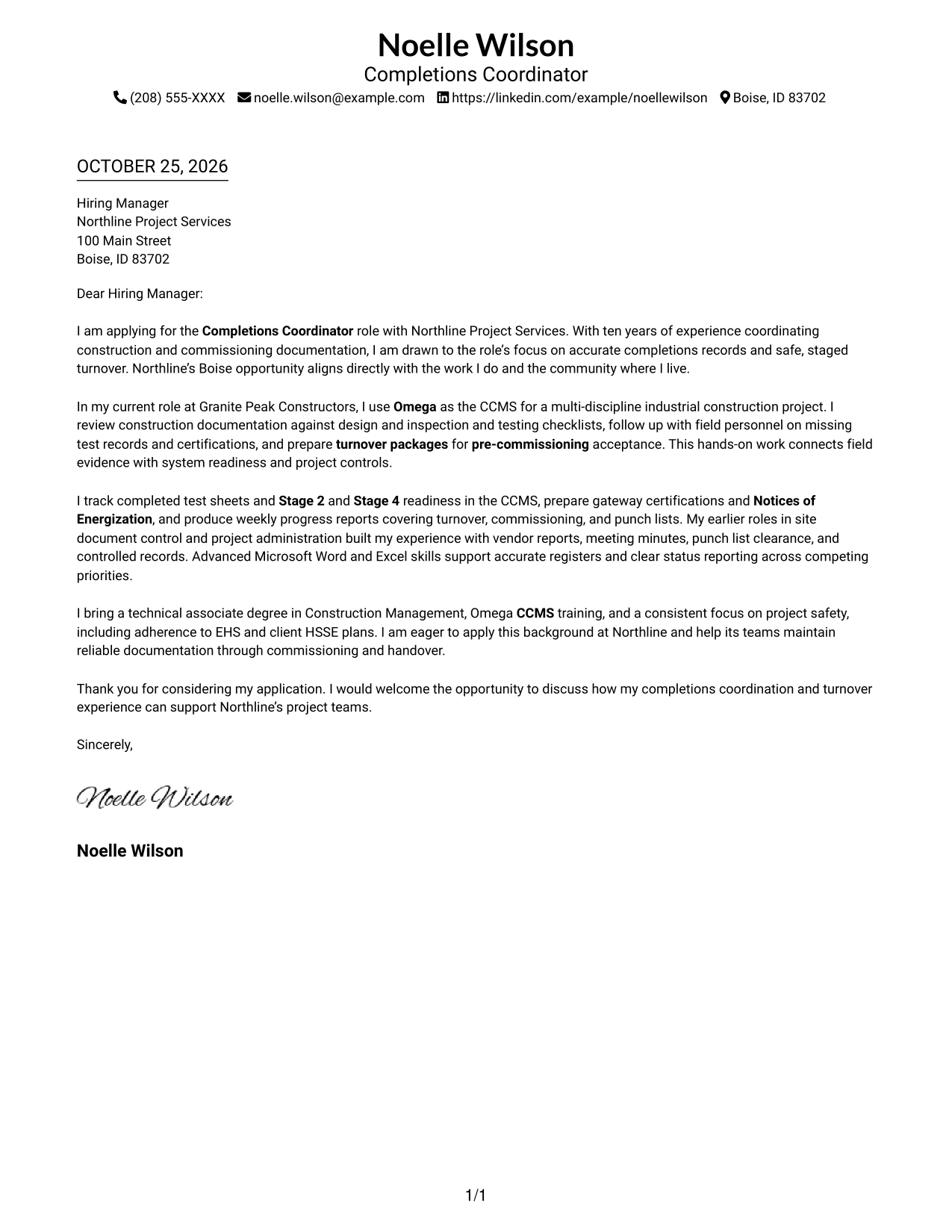
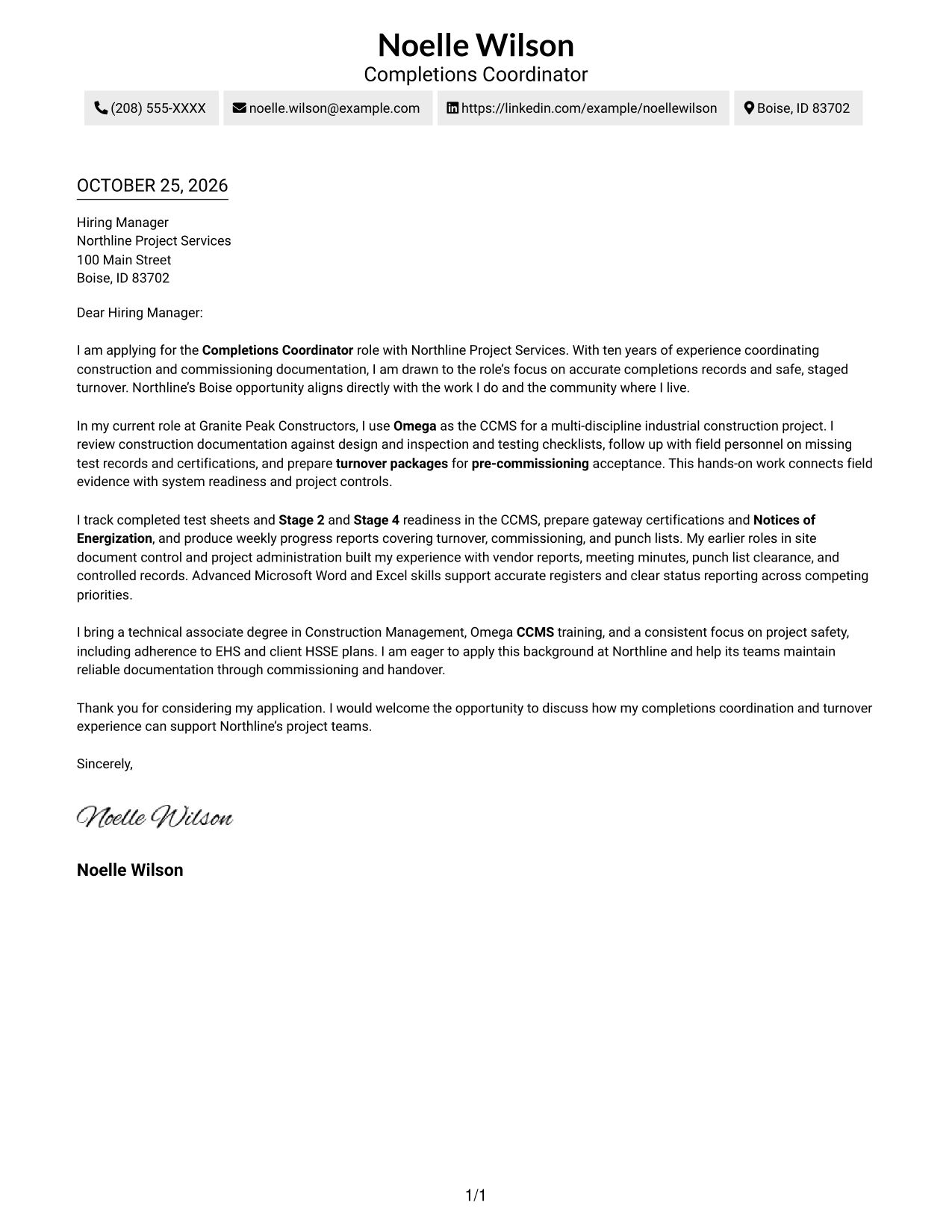
The Simple One Column Format places sender details in the header above one continuous letter body, giving the message a direct reading path.
Why This Format Works
- One uninterrupted body keeps the opening, supporting points, and close in order.
- Sender details remain in the header, apart from the letter's message.
- A single reading path suits reviewers who prefer a straightforward page layout.
Best For
- Single-column correspondence
- Paragraph-focused letters
- Header-based sender details
- Direct opening-to-close reading
- Straightforward page layouts
#2 Two Column Format Cover Letter Example
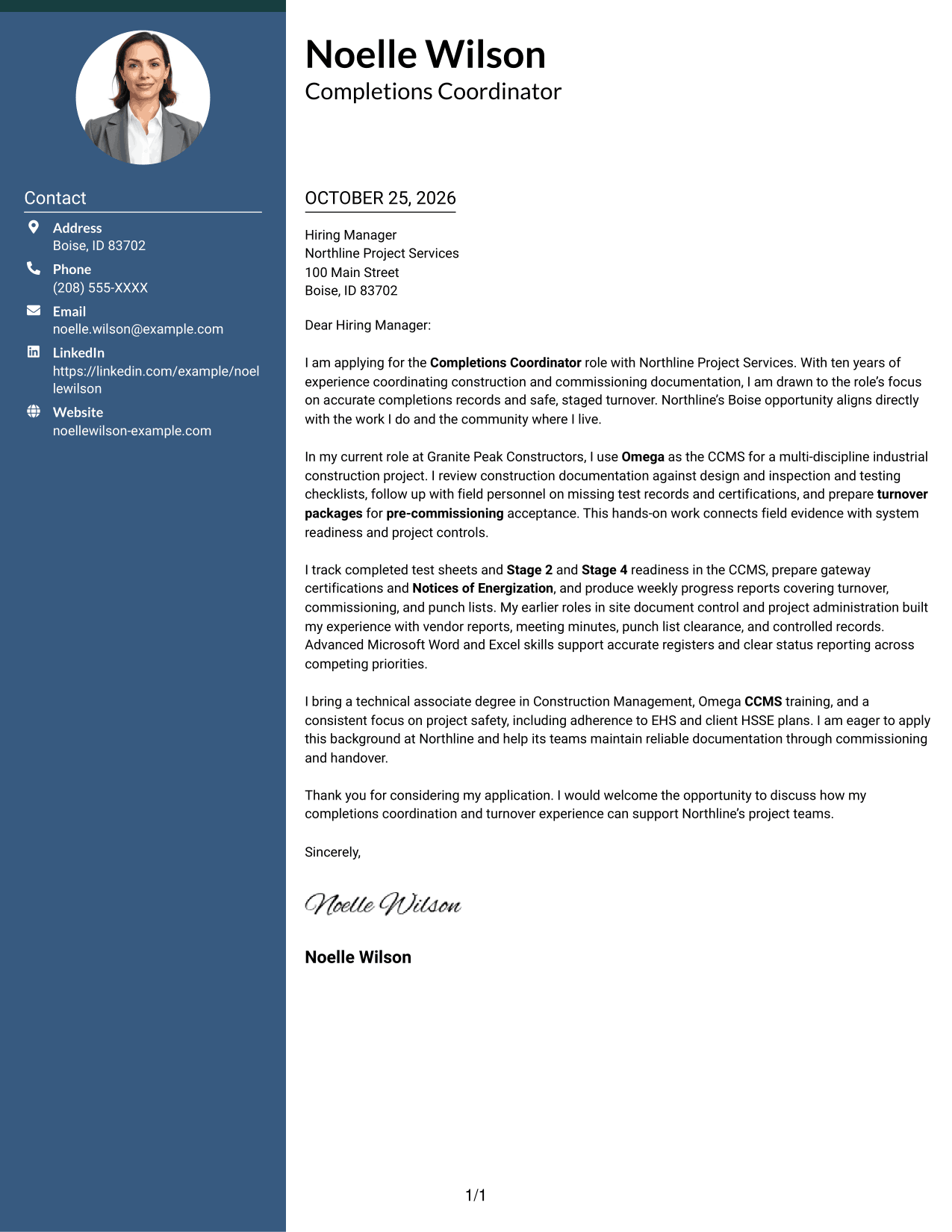
The Two Column Format sets a contact sidebar beside one continuous letter body, keeping correspondence details close without splitting the message.
Why This Format Works
- The contact sidebar separates sender details from the letter's main message.
- The body keeps the opening, evidence, and close in one sequence.
- Side-by-side areas let reviewers distinguish contact information from correspondence.
Best For
- Contact details beside the letter
- Separate contact and message areas
- Continuous paragraph-led arguments
- Quick contact reference
- Side-by-side page organization
#3 Photo Header Two Column Format Cover Letter Example
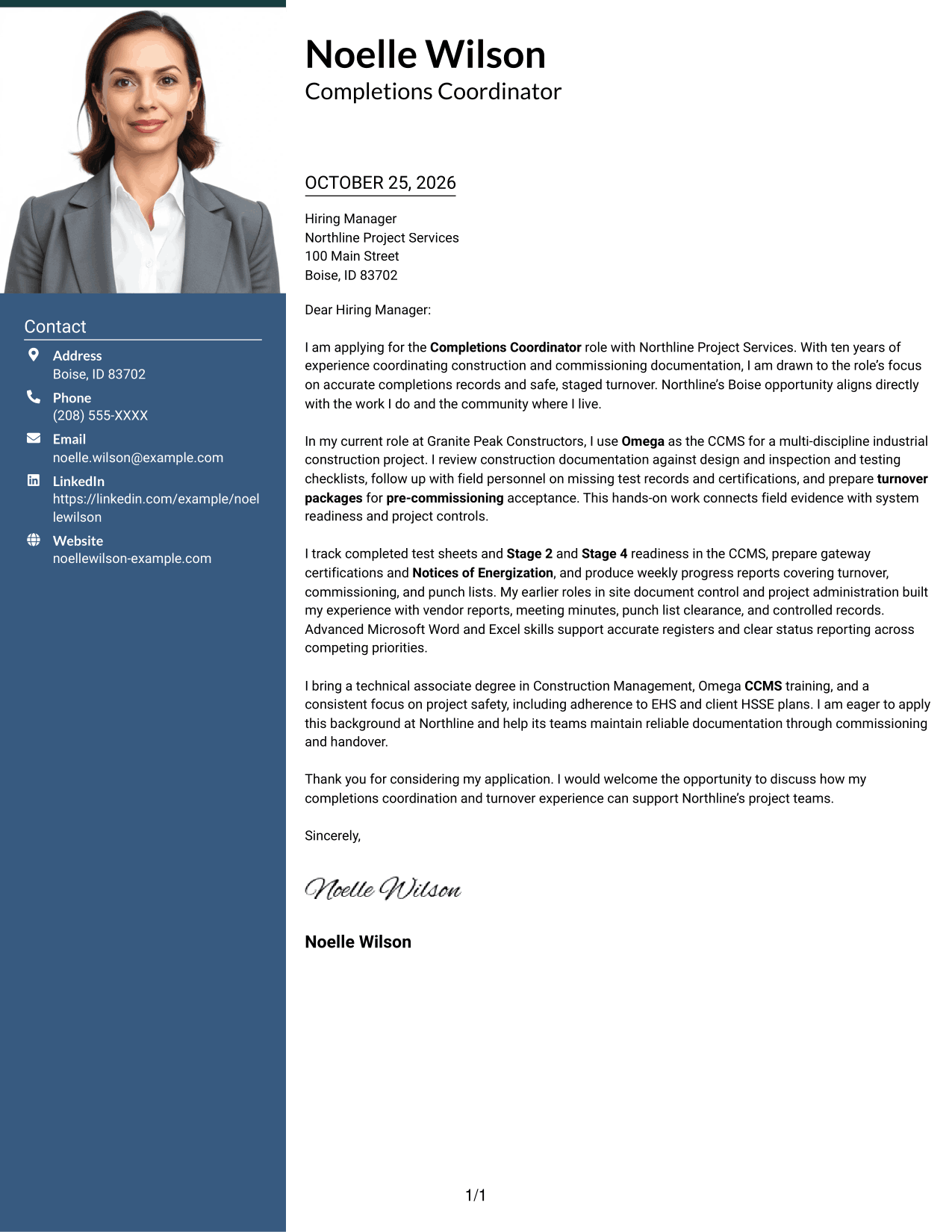
The Photo Header Two Column Format includes a portrait and a contact sidebar beside one continuous letter body, for readers who prefer a photo with separated contact details.
Why This Format Works
- The contact area keeps sender details apart from the letter's central message.
- One continuous body lets readers follow each paragraph in sequence.
- The portrait offers a visual choice without changing the letter's reading order.
Best For
- Portrait-inclusive correspondence
- Contact details beside the message
- One-body letter reading
- Photo-preferred presentation
- Side-by-side page organization
#4 One Column Format with Photo Cover Letter Example
The One Column Format with Photo combines a portrait with a single-column letter, offering a photo while keeping the message in one continuous body.
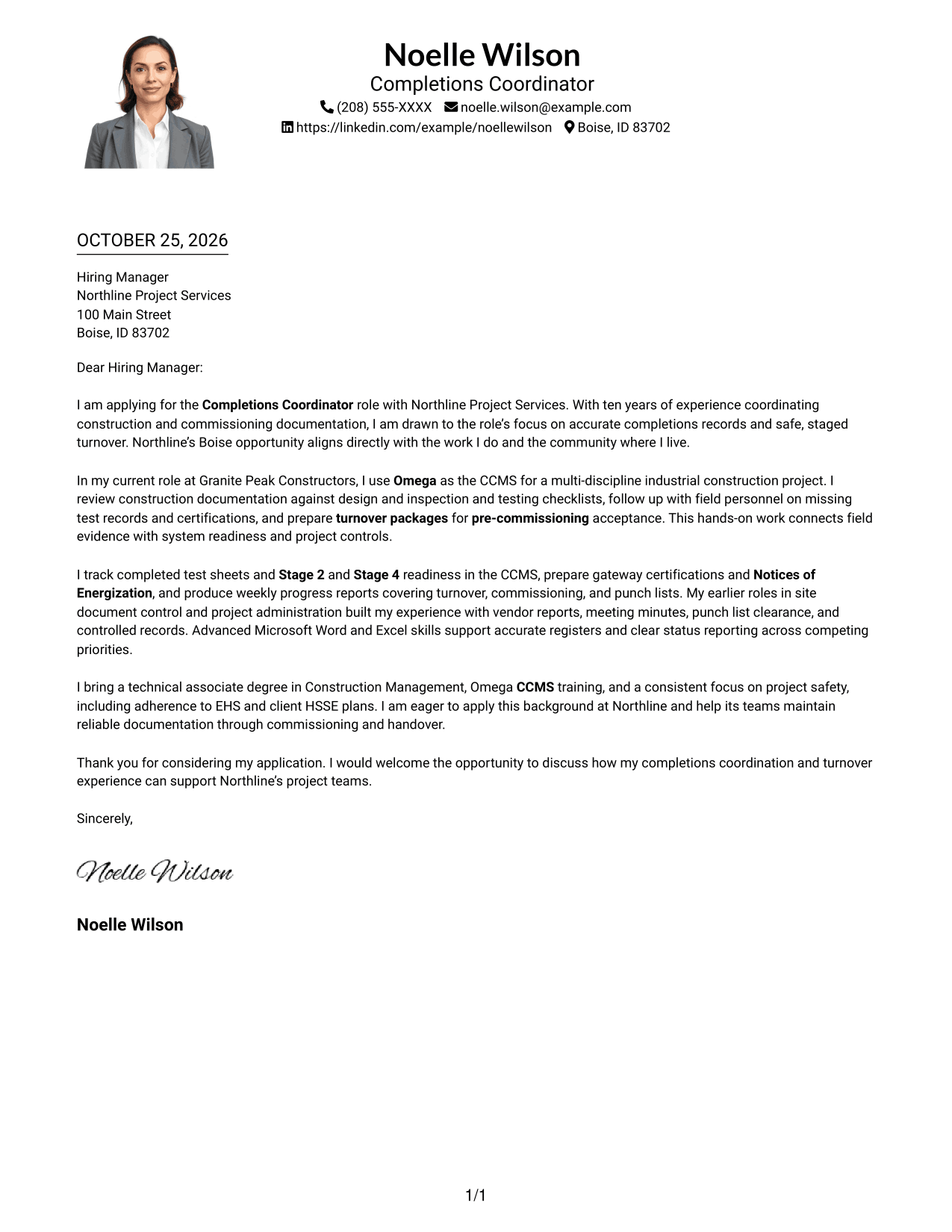
Why This Format Works
- A single body keeps the opening, supporting points, and close together.
- Sender details in the header remain distinct from the letter paragraphs.
- The portrait adds a visual element without dividing the letter's argument.
Best For
- Single-column letter layouts
- Portrait-inclusive documents
- Connected letter paragraphs
- Header-based contact details
- Direct reading order
#5 Simple Two Column Format Cover Letter Example
The Simple Two Column Format places contact details in a sidebar and keeps the letter itself in one uninterrupted body.
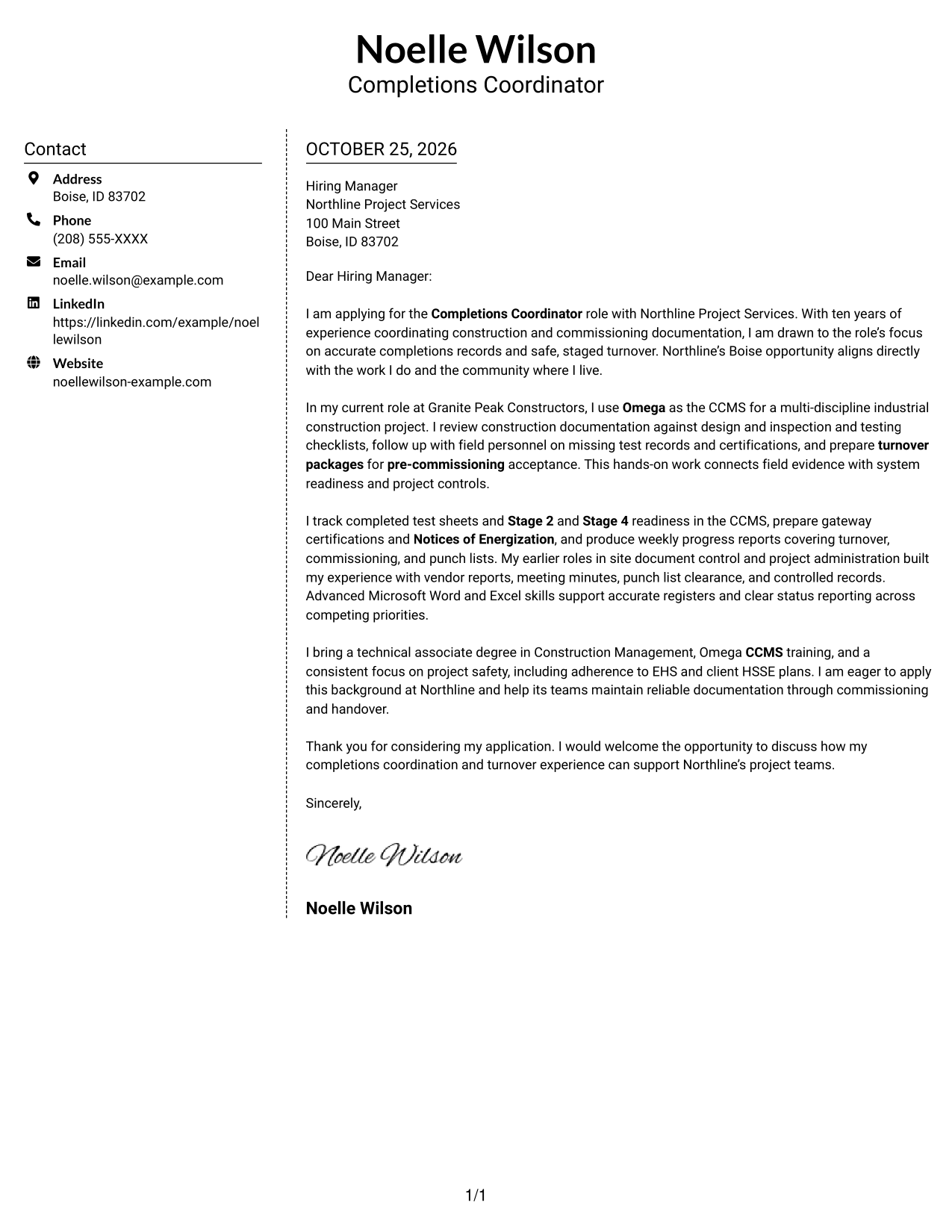
Why This Format Works
- The sidebar gives contact details their own area beside the correspondence.
- The letter body keeps its paragraphs together in their intended order.
- A clear boundary distinguishes sender information from the message.
Best For
- Separate contact and letter areas
- Uninterrupted letter paragraphs
- Side-by-side information
- Contact details easy to locate
- Simple two-area layouts
#6 Modern Icon Format Cover Letter Example
The Modern Icon Format uses two columns for contact details and the continuous letter body, with icons serving as contact cues or header accents.
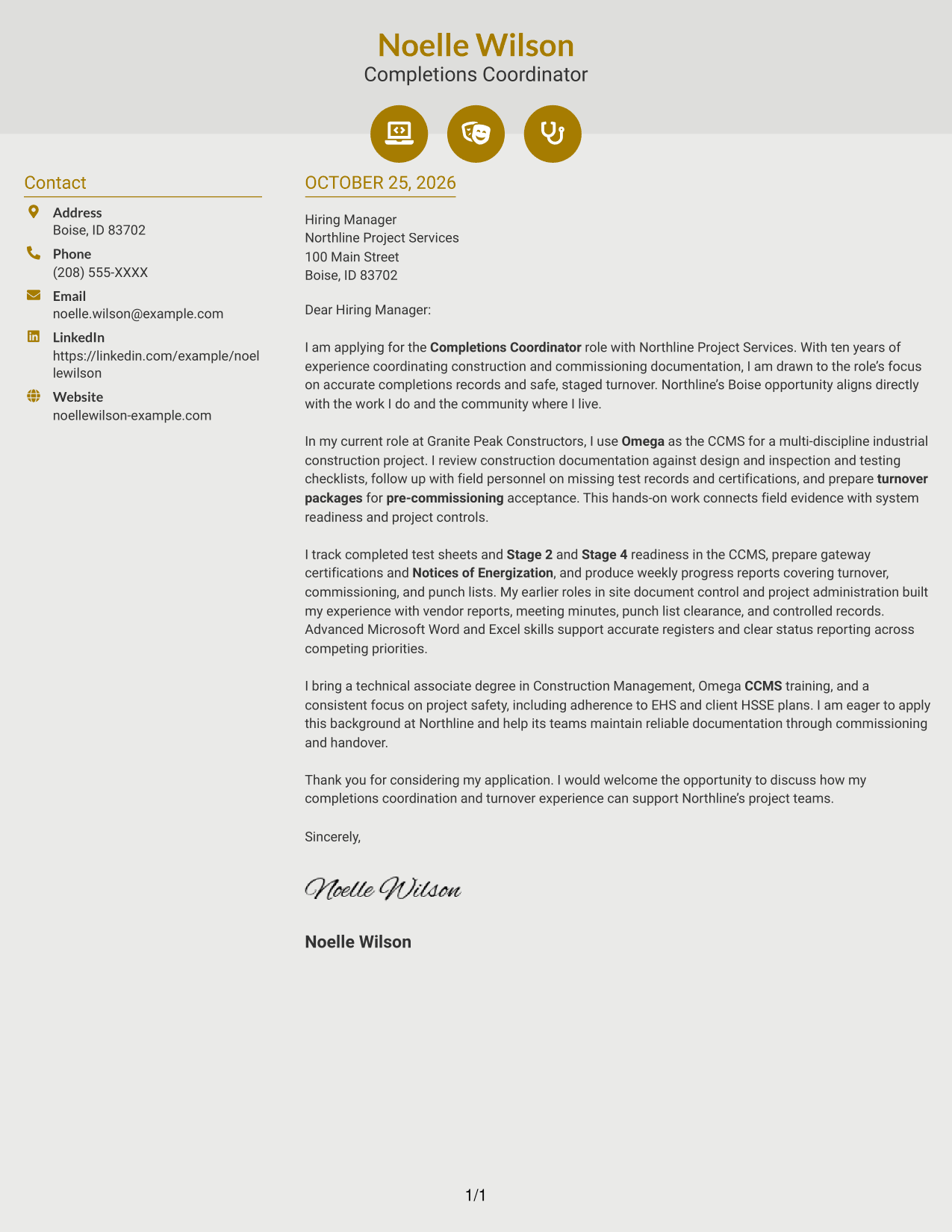
Why This Format Works
- The contact sidebar keeps sender information apart from the letter's main text.
- The body remains one sequence, so the message is not split across columns.
- Contact icons can help identify details without labeling parts of the argument.
Best For
- Icon-cued contact details
- Separate contact and letter areas
- One-body correspondence
- Decorative header accents
- Two-column page organization
#7 Creative Two Tone Format Cover Letter Example
The Creative Two Tone Format places a contact sidebar beside one continuous letter body, giving the correspondence a two-area layout.
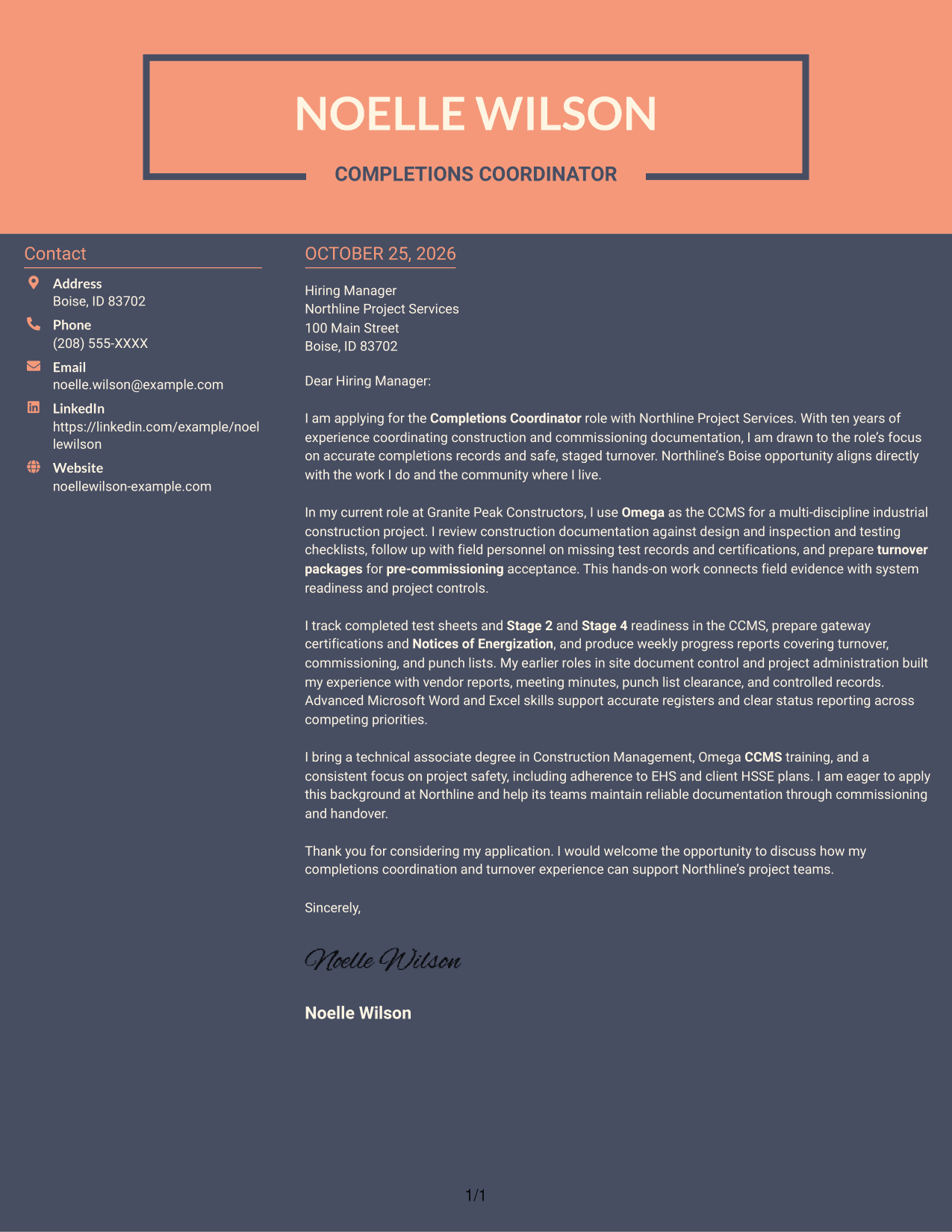
Why This Format Works
- The sidebar keeps sender details distinct from the letter paragraphs.
- The letter's opening, supporting points, and close remain in one body.
- Separate areas help readers tell contact information from correspondence.
Best For
- Distinct contact and letter areas
- Continuous letter arguments
- Side-by-side correspondence
- Sender details apart from paragraphs
- Two-area page layouts
Explore Completions Coordinator - Commissioning Turnover Cover Letter Examples
A useful example gives you a place to begin, but your letter should still sound like you. Compare the image previews, then open an example in the editor to view or customize its presentation.
- Clear opening and purpose
- Relevant turnover evidence
- Role-specific motivation
- Readable letter structure
- Focused closing paragraph
- Examples to view in the editor
Choose a style that supports a direct, professional message. Keep the focus on how accurate records, readiness tracking, and coordination can support safe commissioning and handover.
See Also
- 7 Completions Coordinator - Commissioning Turnover Resume Templates with Example
- 7 Accounts Payable Coordinator I - Claims Payments Resume Templates with Example
- 33 Accounts Payable Coordinator Resume Templates with Example 2026 (ATS-Optimized)
- 7 Accounts Receivable Coordinator I Resume Templates with Example
- 7 Administrative Assistant & Hospitality Coordinator Resume Templates with Example
- 7 Administrative Coordinator for Nursing Resume Templates with Example
- 33 Administrative Operations Coordinator - Transportation Administration Resume Templates with Example 2026 (ATS-Optimized)
- 7 Adult Learner Engagement Coordinator Resume Templates with Example
- 30+ Accounts Payable Coordinator Cover Letter Templates with Example 2026
- 7 Accounts Payable Coordinator I - Claims Payments Cover Letter Templates with Example
Frequently Asked Questions
What should a Completions Coordinator - Commissioning Turnover cover letter emphasize?
Show how you maintain accurate CCMS records and connect field evidence with system readiness. You can also discuss turnover packages, status reporting, vendor documentation, and punch list coordination when these reflect your experience.
How can I describe Omega CCMS experience in my letter?
Give a clear example of how you used Omega to track records, review test documentation, report progress, or support a staged handover. Explain the result for the team or the project, and avoid listing tools without context.
How should I connect my experience to commissioning turnover?
Choose evidence that shows how construction records, inspections, test sheets, certifications, or punch list clearance support readiness. Then link that work to the employer’s need for complete documentation and safe handover.
What is a good way to explain interest in the employer?
Connect your interest to the role’s actual work, such as quality control of completions data and coordination across commissioning stages. Add a verified detail about the organization only when you can support it.
Where can I view or customize the cover letter examples?
Review the PNG image previews to compare how each example looks. Use the editor link to open an example and customize its presentation.




