
7 Constituent Liaison - Federal Casework Cover Letter Templates with Example
This practical guide to a Constituent Liaison - Federal Casework cover letter presents seven layouts and shows how to make your casework evidence clear and persuasive.
What Makes a Great Constituent Liaison - Federal Casework Cover Letter in 2026
A strong letter connects your interest in federal casework with clear examples of agency follow-up, constituent communication, and careful case coordination. A focused opening and closing help the reader understand why this work matters to you.
Use relevant evidence, such as explaining complex procedures in plain language or maintaining accurate case records. Link your examples to the office’s work with constituents, federal agencies, and community partners.
The featured example moves from interest in the role to specific casework, communication, and community contributions, then closes with a clear next step; adapt this progression while choosing a presentation that fits the employer and communication context.
#1 Simple One Column Format Cover Letter Example
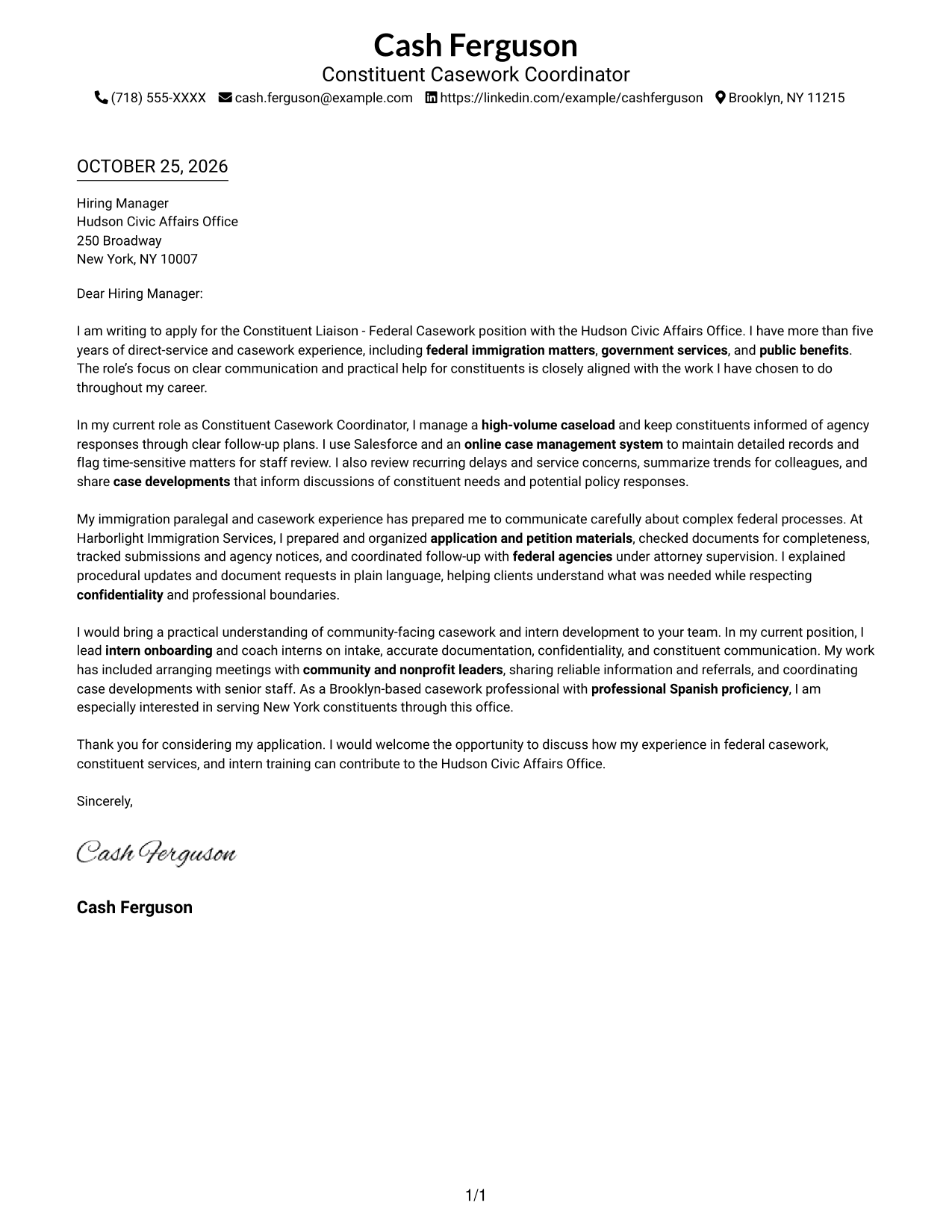
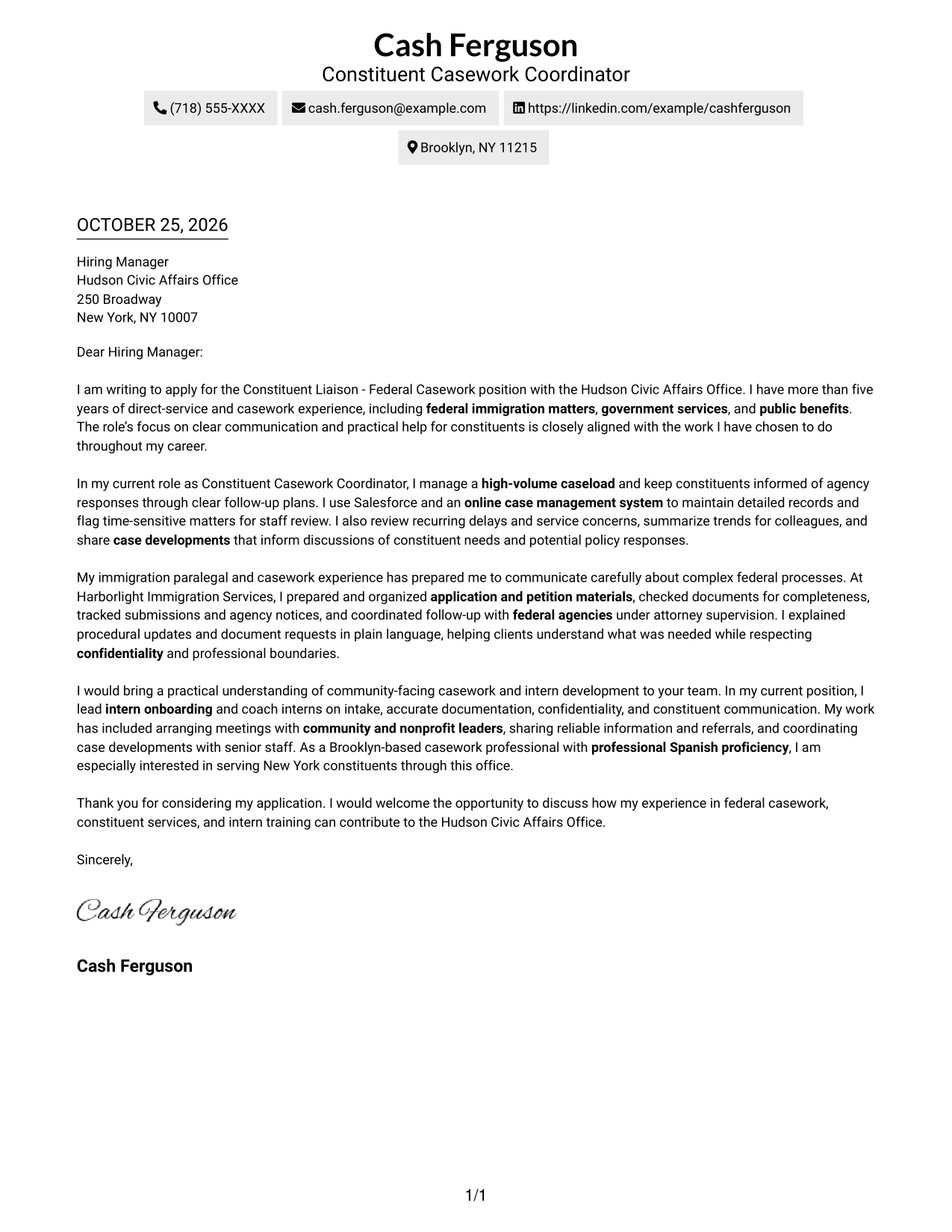
The Simple One Column Format places sender details in the header above one continuous letter body, giving the message a direct reading path.
Why This Format Works
- Sender details stay in the header, separate from the continuous letter body.
- The opening, supporting paragraphs, and closing follow one clear reading path.
- With no sidebar, the message remains the page's main reading area.
Best For
- Single-column page preference
- Sender details in the header
- Paragraph-led communication
- No-sidebar page design
- Direct message focus
#2 Two Column Format Cover Letter Example
The Two Column Format places a contact sidebar beside one continuous letter body, keeping sender information separate from the message.
Why This Format Works
- Contact details sit apart from the message, while the letter body stays continuous.
- Readers can follow the opening, supporting paragraphs, and closing in sequence.
- A photo-free presentation suits readers who prefer written details over portrait imagery.
Best For
- Side-by-side contact access
- Continuous letter-body reading
- Multiple sender contact details
- Photo-free correspondence
- Text-led application materials
#3 Photo Header Two Column Format Cover Letter Example
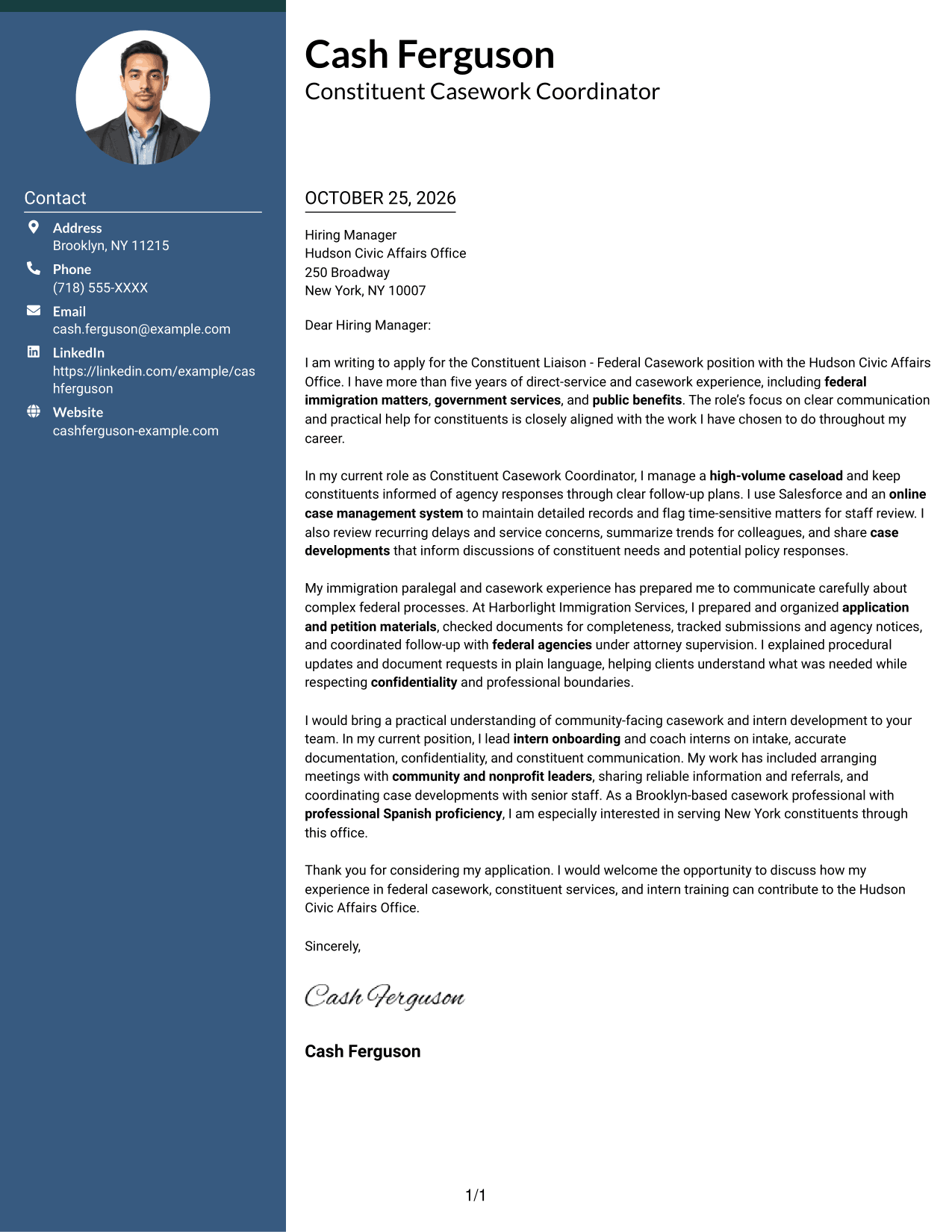
The Photo Header Two Column Format pairs a portrait with a contact sidebar beside one continuous letter body.
Why This Format Works
- The contact sidebar keeps sender information apart from the continuous letter body.
- Opening, supporting paragraphs, and closing retain a single reading sequence.
- A portrait adds a personal image in the header without splitting the message.
Best For
- Portrait-led header presentation
- Sidebar contact details
- Continuous letter-body reading
- Photo-inclusive correspondence
- Separate sender and message areas
#4 One Column Format with Photo Cover Letter Example
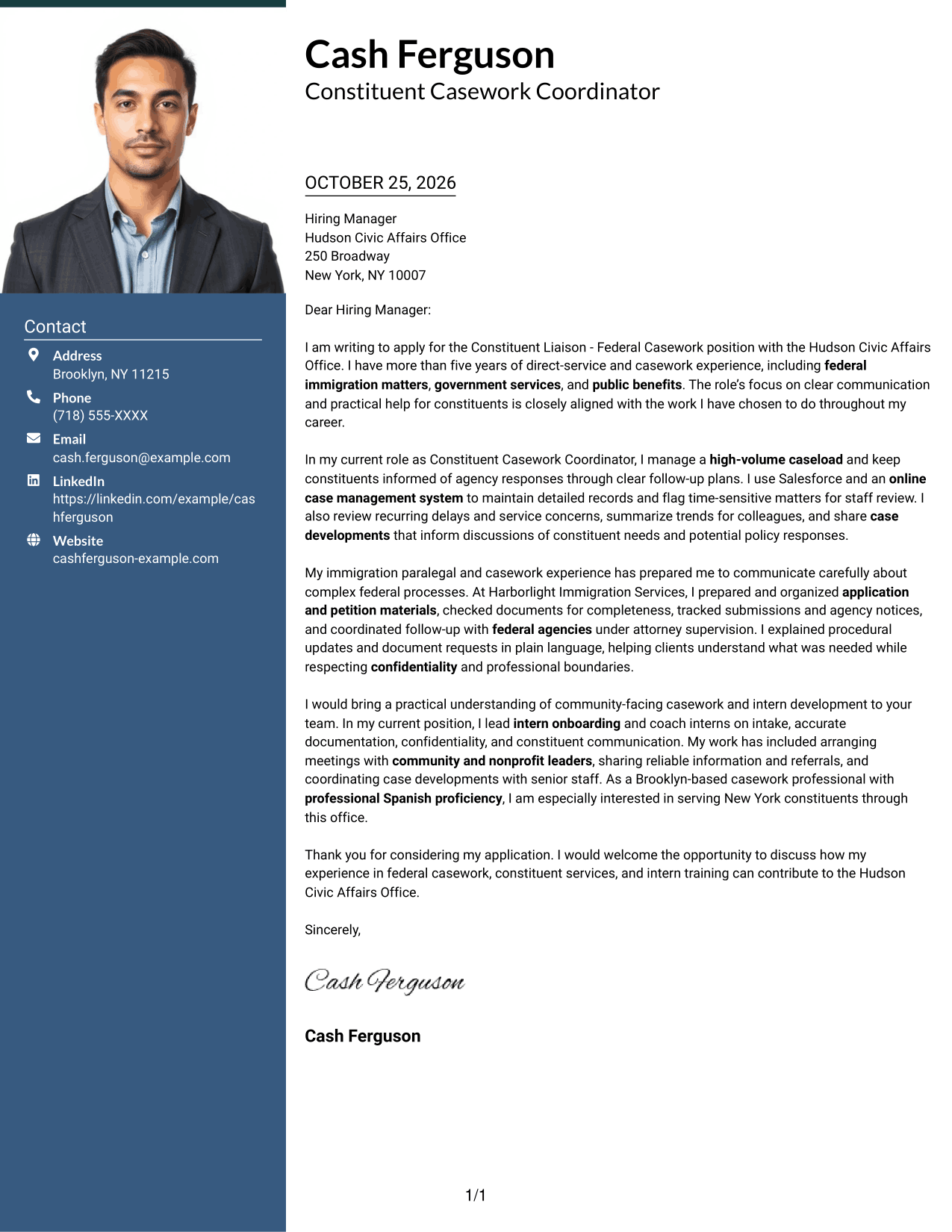
The One Column Format with Photo places a portrait and sender details in the header above one continuous letter body.
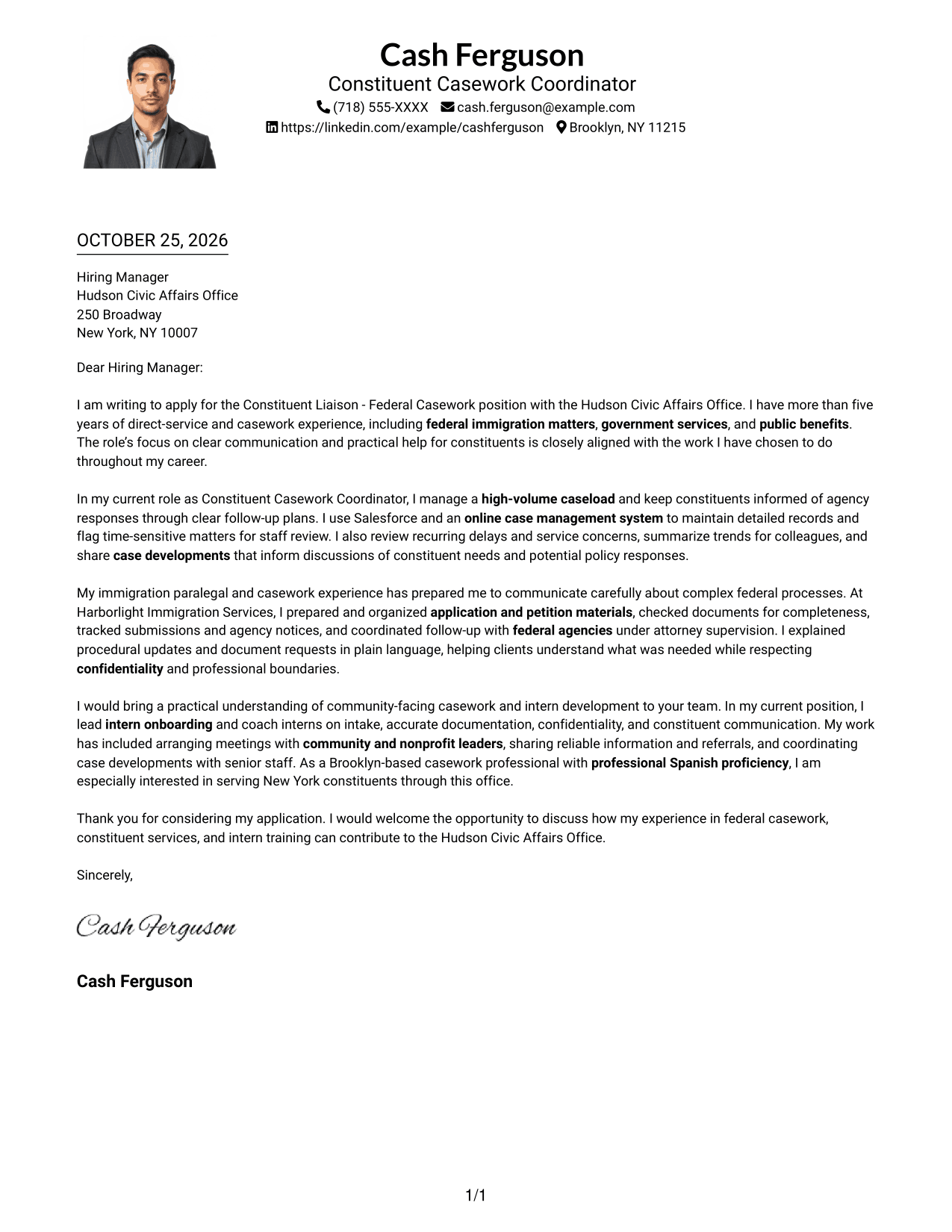
Why This Format Works
- Sender details remain in the header, with the message below in one column.
- Opening, supporting paragraphs, and closing stay in a single reading path.
- Without a sidebar, readers encounter the letter as one continuous page flow.
Best For
- Portrait in the sender header
- One-column letter reading
- Header-based contact details
- Continuous paragraph flow
- Applications seeking visible sender identity
#5 Simple Two Column Format Cover Letter Example
The Simple Two Column Format places the contact sidebar beside a continuous letter body, with no photo in the layout.
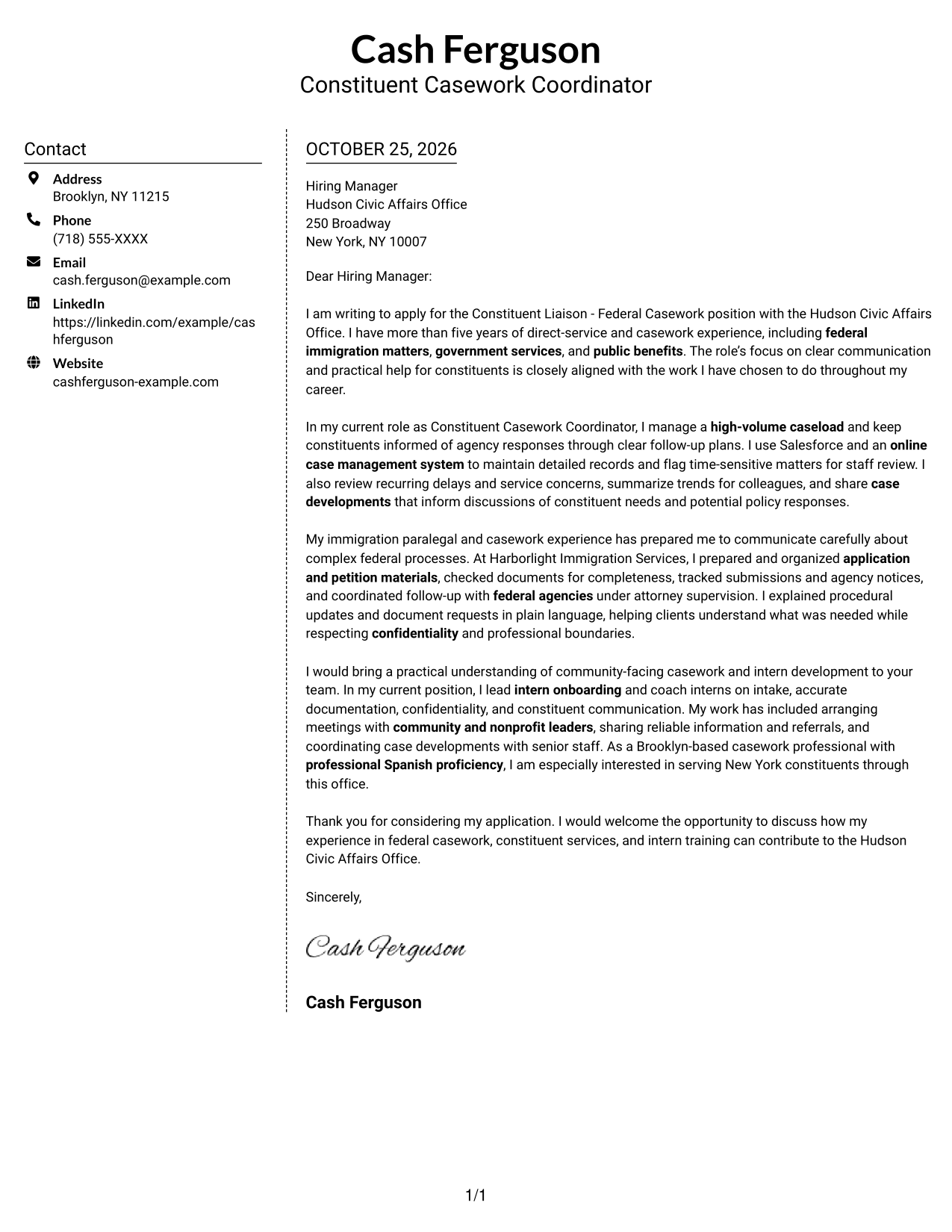
Why This Format Works
- A contact sidebar gives sender details a separate place beside the letter.
- The body keeps its opening, supporting paragraphs, and closing in sequence.
- Photo-free styling suits readers who want a written, contact-led presentation.
Best For
- Sidebar-based contact organization
- Continuous letter-body reading
- Photo-free correspondence
- Full sender contact details
- Text-centered application materials
#6 Modern Icon Format Cover Letter Example
The Modern Icon Format pairs a contact sidebar with one continuous letter body, using icons as cues for contact details and header accents.
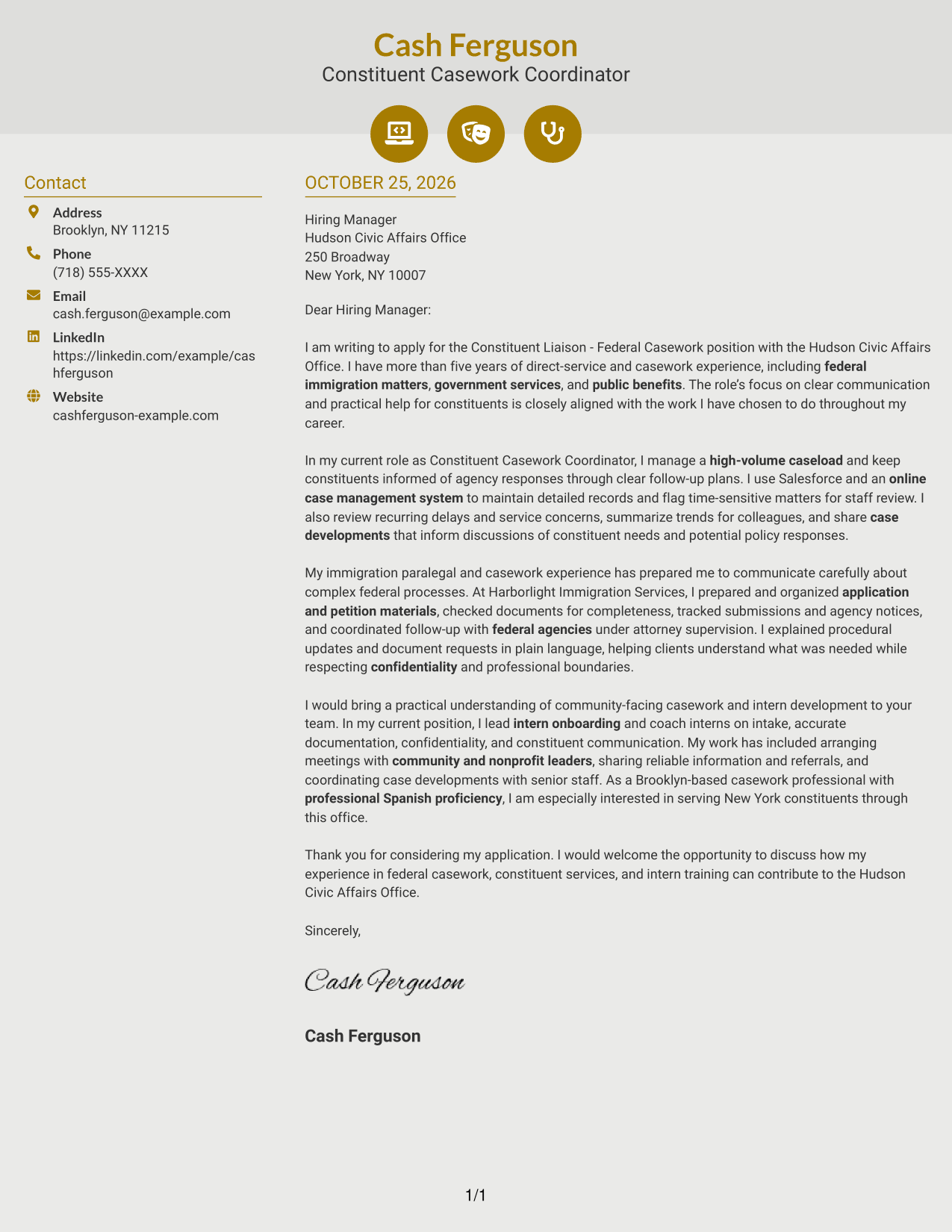
Why This Format Works
- The sidebar separates contact information from the uninterrupted letter body.
- Contact icons offer visual cues for finding sender details in the sidebar.
- Decorative header accents do not divide or label the letter's argument.
Best For
- Icon-cued contact details
- Sidebar contact access
- Continuous letter paragraphs
- Decorative header accents
- Photo-free correspondence
#7 Creative Two Tone Format Cover Letter Example
The Creative Two Tone Format places a contact sidebar beside one continuous letter body, keeping contact details apart from the message.
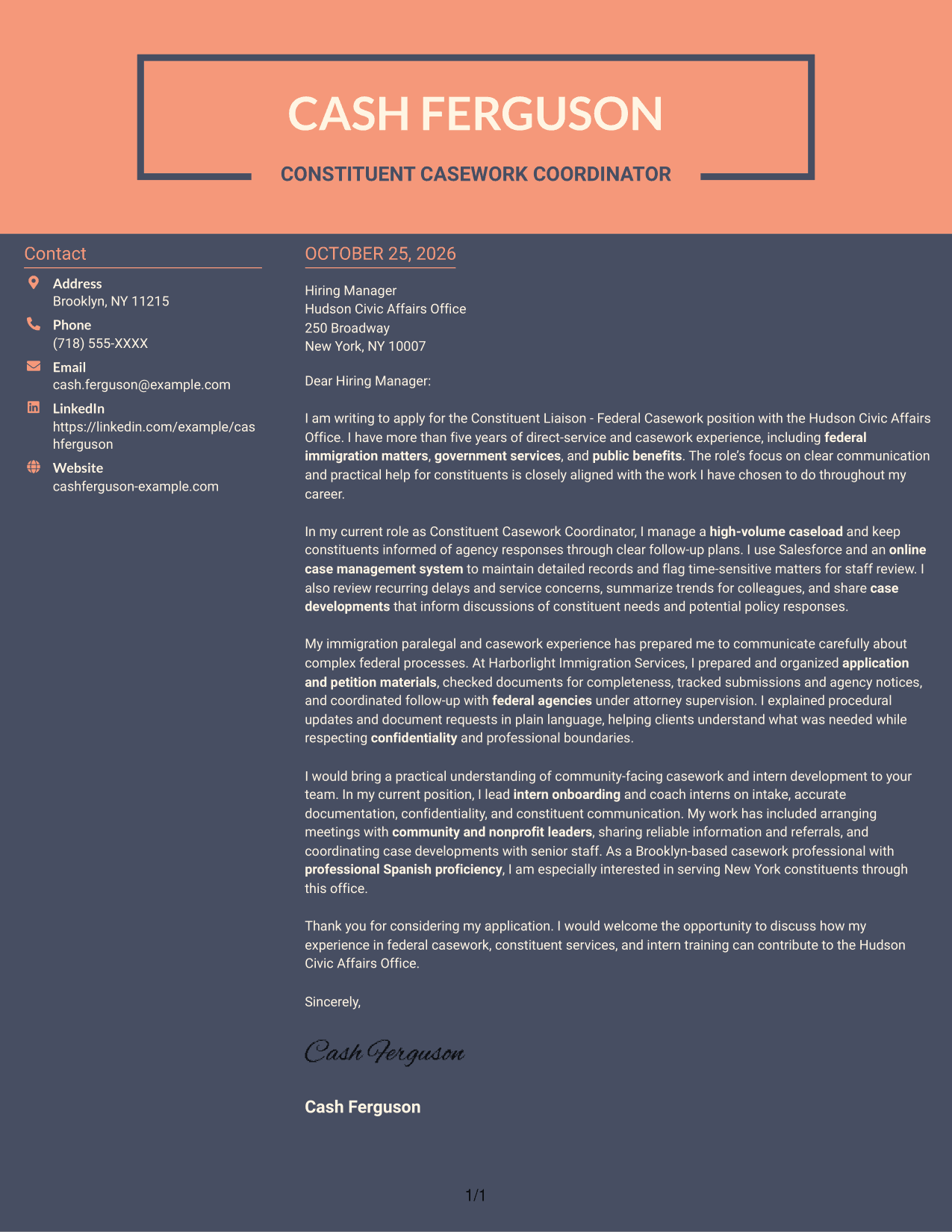
Why This Format Works
- Contact information sits in a sidebar beside one continuous letter body.
- Readers can move through the opening, evidence, and closing without body columns.
- No-photo styling suits applications where a portrait is not wanted.
Best For
- Contact details beside the letter
- Continuous letter-body reading
- Photo-free correspondence
- Sidebar-based page organization
- Applications without portrait imagery
Explore Constituent Liaison - Federal Casework Cover Letter Examples
Compare the PNG previews to see how different presentations affect the feel of a letter. Open an example in the editor to customize its wording and layout for your experience and the office’s priorities.
See Also
- 7 Constituent Liaison - Federal Casework Resume Templates with Example
- 7 Grants Coordinator & Constituent Services Representative Resume Templates with Example
- 33 Home Health Nurse Liaison (RN) Resume Templates with Example 2026 (ATS-Optimized)
- 33 Home Health Transitional Nurse Liaison Resume Templates with Example 2026 (ATS-Optimized)
- 7 Legislative Liaison Resume Templates with Example
- 7 Resource Liaison - Community Health Outreach Resume Templates with Example
- 7 Director, Deployment Lead - Supply Chain Digital Transformation Resume Templates with Example
- 7 Academic Advisor - Automated Industrial Technology Resume Templates with Example
- 7 Grants Coordinator & Constituent Services Representative Cover Letter Templates with Example
- 30+ Home Health Nurse Liaison (RN) Cover Letter Templates with Example 2026
Frequently Asked Questions
What should a Constituent Liaison - Federal Casework cover letter emphasize?
Show how you communicate with constituents, coordinate inquiries with federal agencies, and keep case information organized. Add a specific example that supports your claims.
How can I describe federal immigration casework?
Explain your role in preparing or organizing application and petition materials, tracking agency notices, or coordinating follow-up, when those tasks match your experience. Show how you explain complex updates clearly while protecting confidential information.
How can I show that I can communicate with constituents and agency staff?
Describe a real situation where you shared a clear update, arranged a follow-up, or turned complex information into practical next steps. Keep the example accurate and focused on your contribution.
Should I mention community outreach or intern training?
Include either when it relates to your background and the position. Briefly explain how you supported community members or helped interns learn sound casework and confidentiality practices.
How can I compare these cover letter examples?
Review the PNG previews to compare the visual presentation, then open an example in the editor to view or customize it. Choose a layout that makes your message easy to follow and suits the employer and communication context.




