
7 Contact Center Service Advocate I - Patient Appointment Scheduling Cover Letter Templates with Example
This practical guide helps you write a Contact Center Service Advocate I - Patient Appointment Scheduling cover letter and compare its seven layouts.
What Makes a Great Contact Center Service Advocate I - Patient Appointment Scheduling Cover Letter in 2026
A strong letter connects courteous phone service with accurate appointment scheduling, clear visit instructions, and thoughtful support for patients. A focused opening should show why this role interests you.
Use a specific example, such as resolving a scheduling conflict by coordinating with care teams and keeping the patient informed. Then connect your evidence to the employer’s service needs and explain how you would support a reliable patient experience.
The featured Contact Center Service Advocate I - Patient Appointment Scheduling example follows a focused progression from role interest to a scheduling example and relevant strengths, which you can adapt while choosing a presentation suited to the employer and communication context.
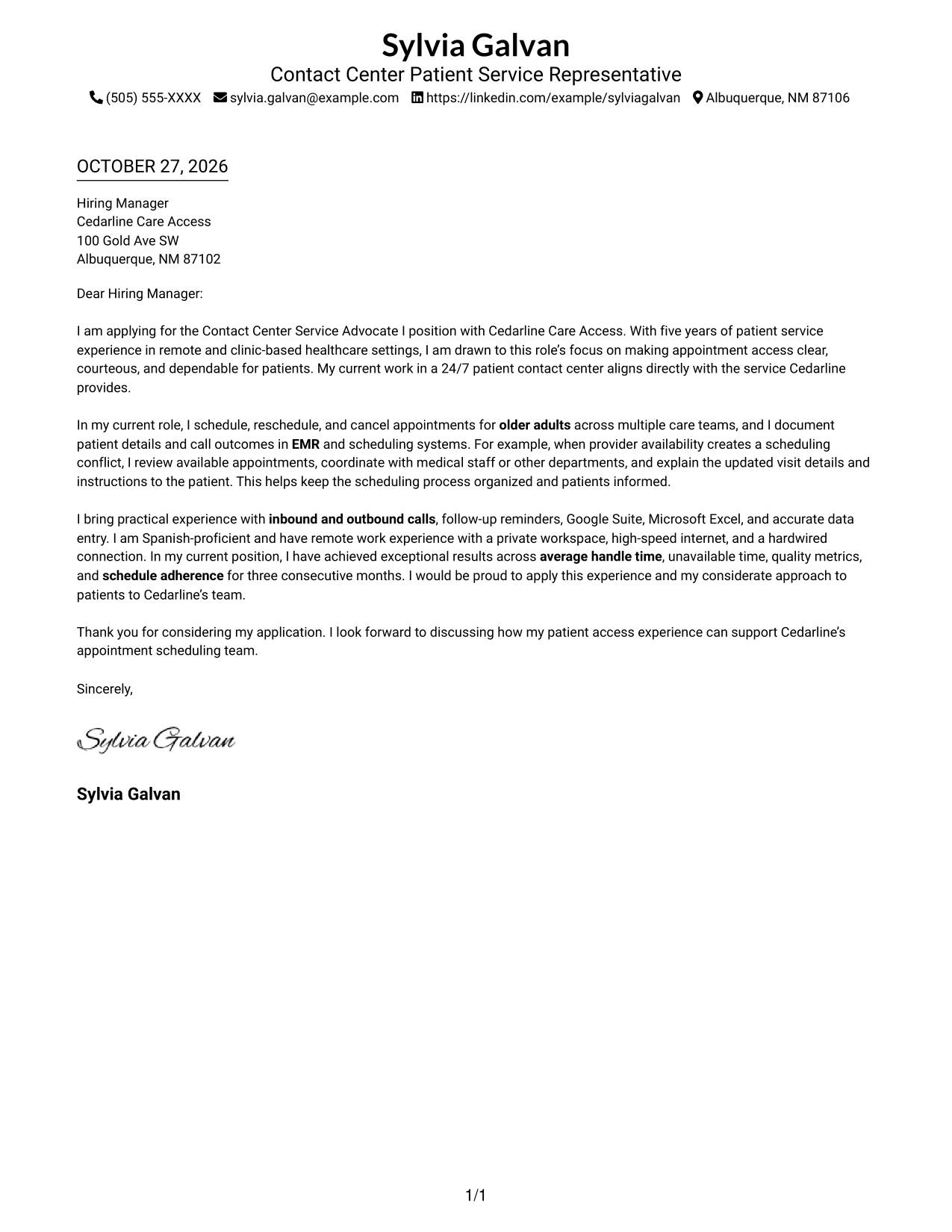
#1 Simple One Column Format Cover Letter Example
The Simple One Column Format keeps sender details in the header and presents the letter body in one column, giving the message a direct top-to-bottom path.
Why This Format Works
- Sender details remain in the header, keeping contact information easy to locate.
- The letter moves from greeting through closing without side-by-side body text.
- Continuous paragraphs let reviewers follow motivation, an example, and the request in sequence.
Best For
- Direct top-to-bottom reading
- Sender details in the header
- Continuous letter paragraphs
- Photo-free applications
- Patient appointment scheduling letters
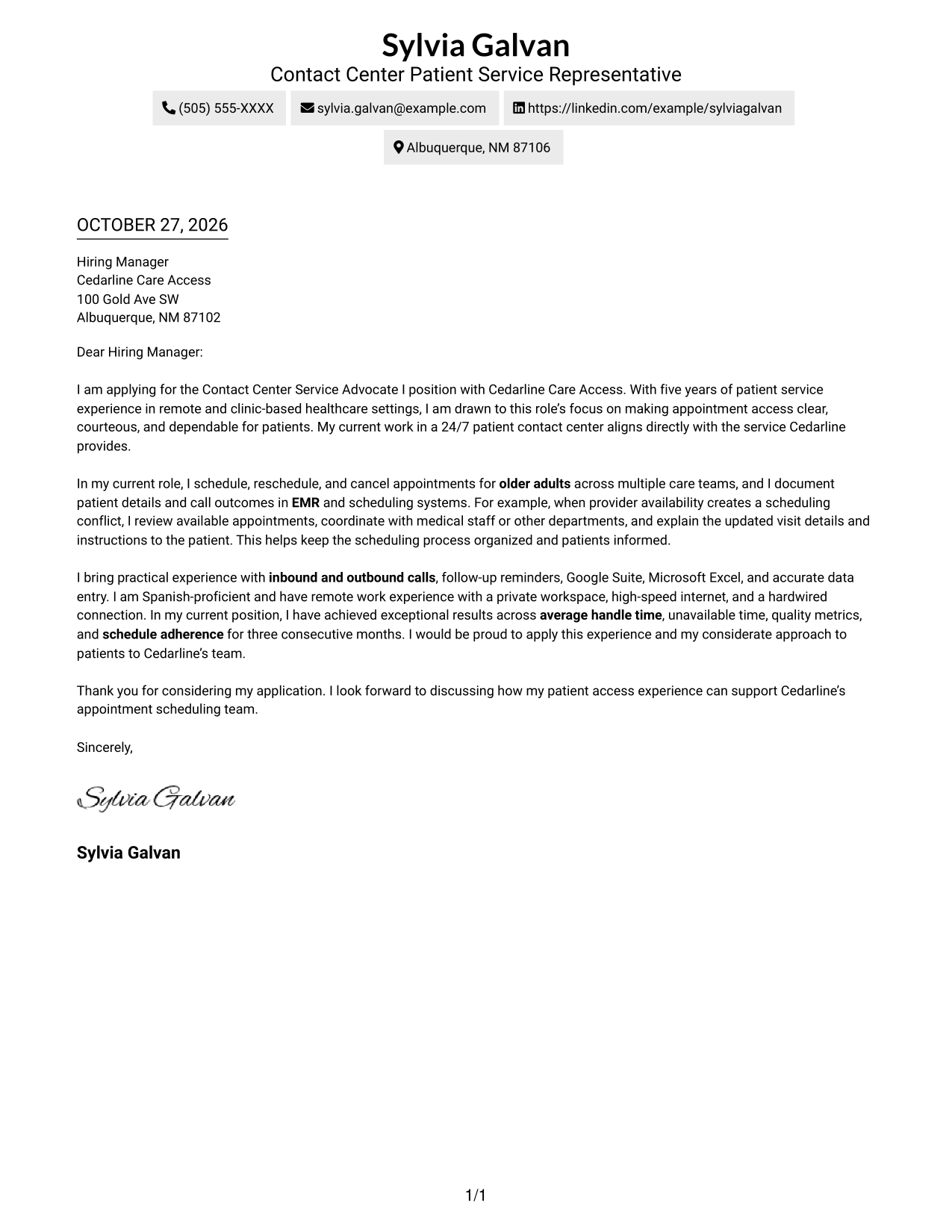
#2 Two Column Format Cover Letter Example
The Two Column Format places a contact sidebar beside one continuous letter body, separating contact information from the message without splitting its paragraphs.
Why This Format Works
- Sender details sit apart from the message, making contact information easy to find.
- Opening, motivation, supporting evidence, and closing stay together in one body.
- Reviewers can move from contact information to the letter without changing body columns.
Best For
- Contact details beside the message
- One continuous letter body
- Letters with multiple contact methods
- Two-column page organization
- Patient service applications
#3 Photo Header Two Column Format Cover Letter Example
The Photo Header Two Column Format pairs a photo with a contact sidebar while keeping the letter itself in one continuous body.
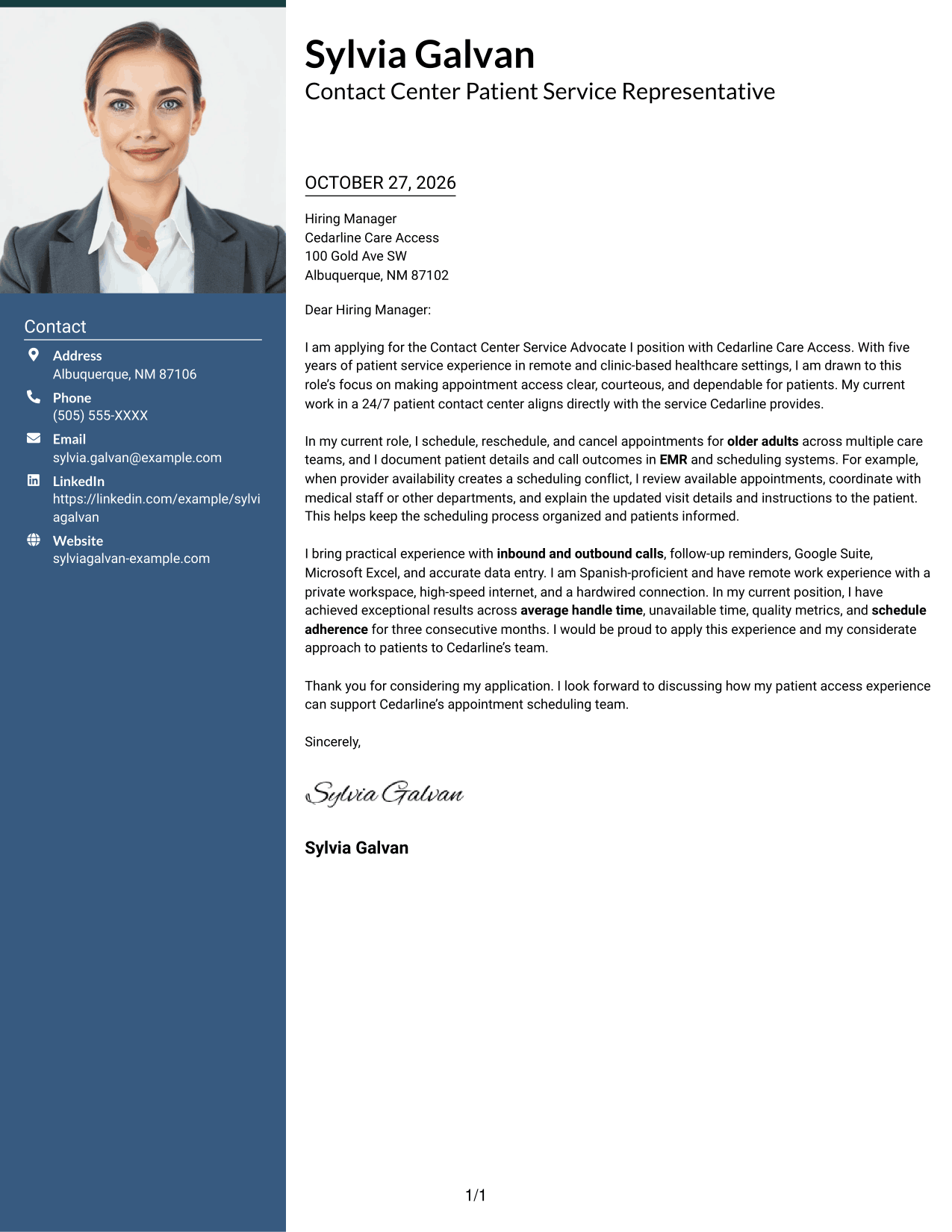
Why This Format Works
- Contact details have their own area, while the letter keeps a single paragraph sequence.
- The photo adds a personal visual element without changing how the message is read.
- Reviewers can follow the opening, evidence, and closing in one continuous body.
Best For
- Photo-inclusive correspondence
- Separate contact and message areas
- One-body letter arguments
- Letters with several contact methods
- Patient-facing applications
#4 One Column Format with Photo Cover Letter Example
The One Column Format with Photo combines a single-column letter body with a photo, keeping the message on one reading path.
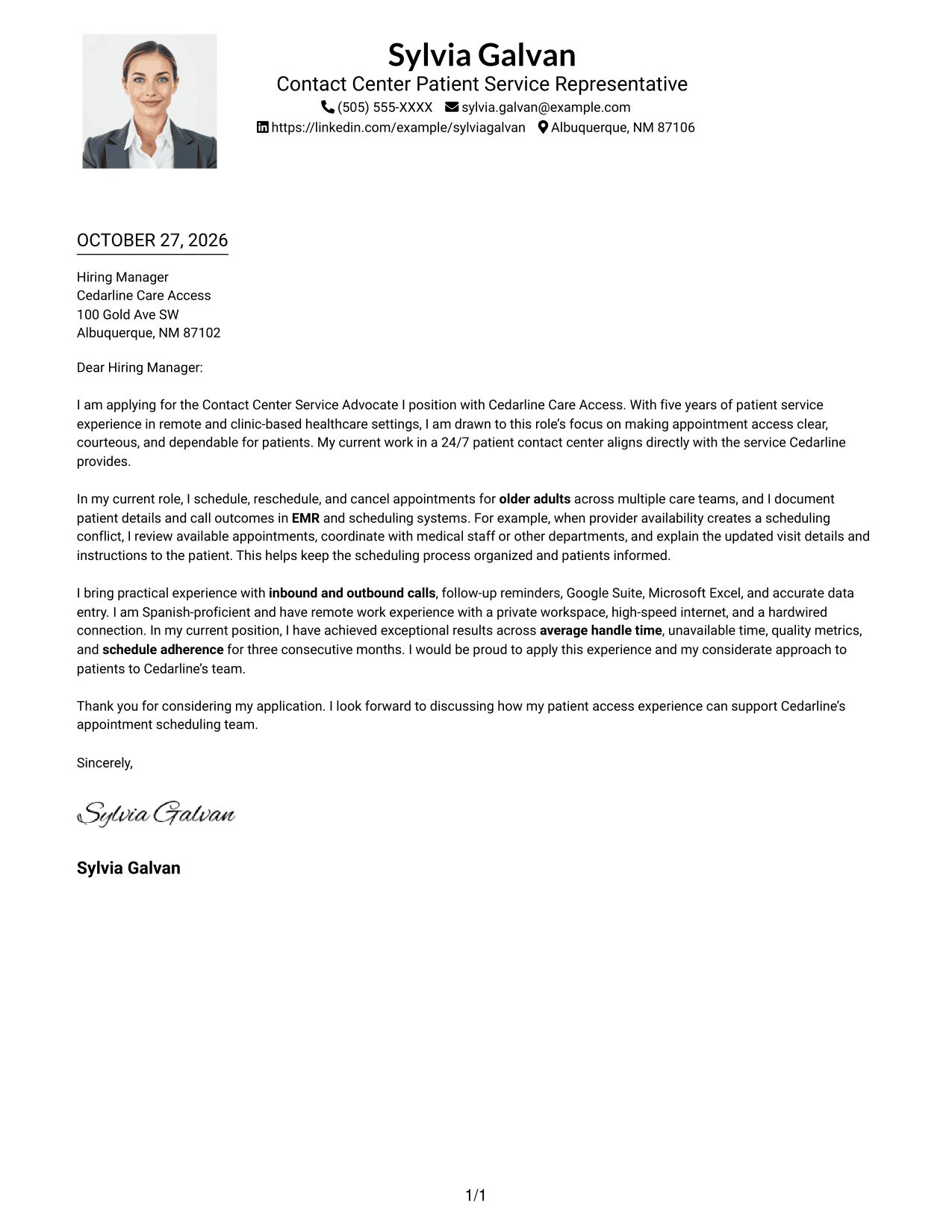
Why This Format Works
- One-column text keeps the greeting, paragraphs, and closing on a shared reading path.
- Contact details remain in the header rather than beside the letter body.
- The photo is a visual choice that leaves the letter's argument in plain sequence.
Best For
- Photo-inclusive correspondence
- Single-column letter flow
- Header-based contact details
- Paragraph-led application letters
- Remote application letters
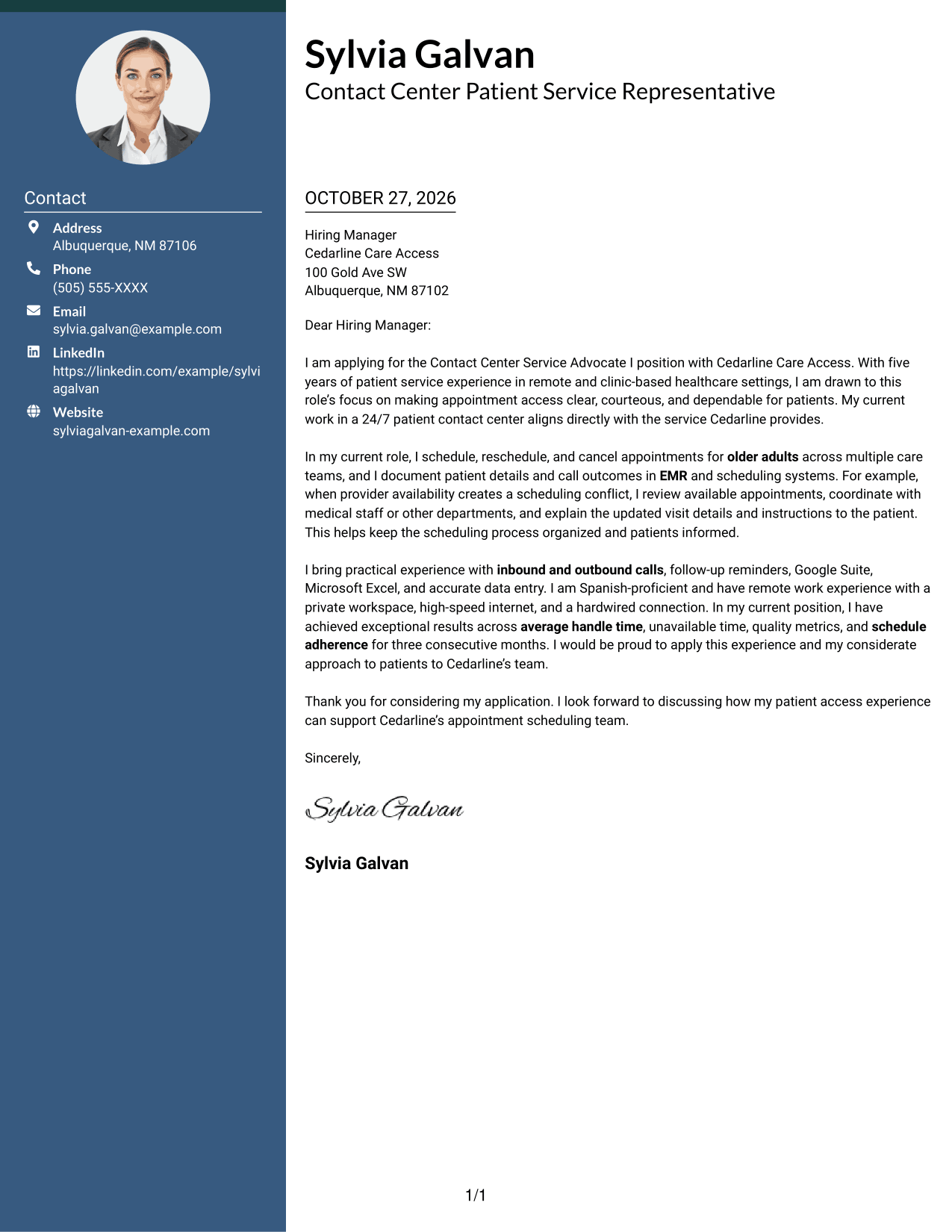
#5 Simple Two Column Format Cover Letter Example
The Simple Two Column Format sets contact details beside a continuous letter body, so the message remains a single sequence.
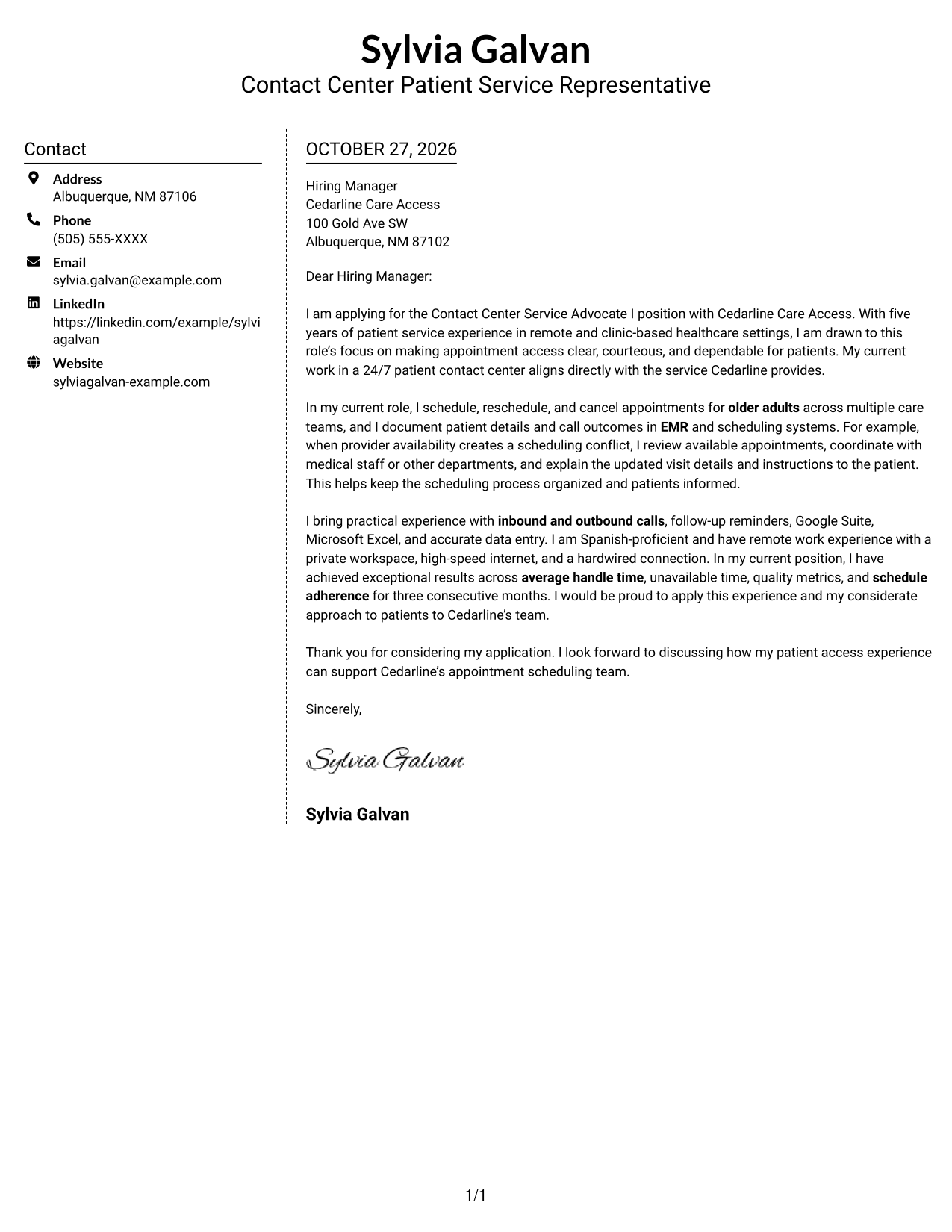
Why This Format Works
- Contact information stays in a sidebar, apart from the letter's main message.
- The letter's opening, supporting points, and close remain one continuous body.
- Reviewers can consult sender details without mistaking them for argument sections.
Best For
- Separate contact and message areas
- Continuous letter paragraphs
- Several sender contact methods
- Two-column reading preference
- Photo-free application letters
#6 Modern Icon Format Cover Letter Example
The Modern Icon Format uses two columns, with icons serving as contact cues rather than labels for the letter's argument.
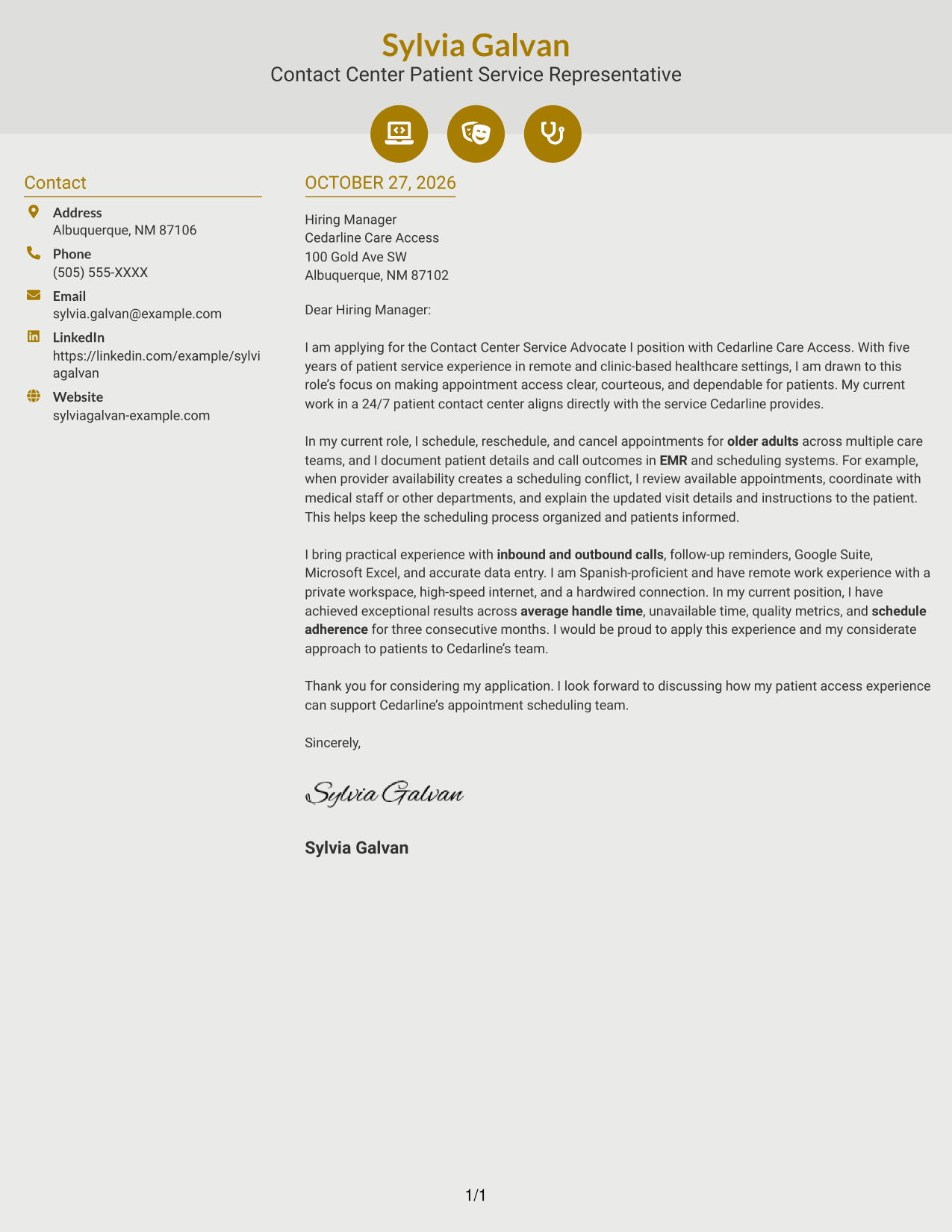
Why This Format Works
- Icons cue contact details, helping distinguish them from the letter's paragraphs.
- The sidebar and letter body occupy separate columns without dividing the message.
- Opening, evidence, and closing remain together for a steady reading sequence.
Best For
- Icon-marked contact details
- Two-column letter layouts
- Continuous paragraph arguments
- Several contact methods
- Patient service applications
#7 Creative Two Tone Format Cover Letter Example
The Creative Two Tone Format places a contact sidebar beside one continuous letter body, keeping the argument together in one column.
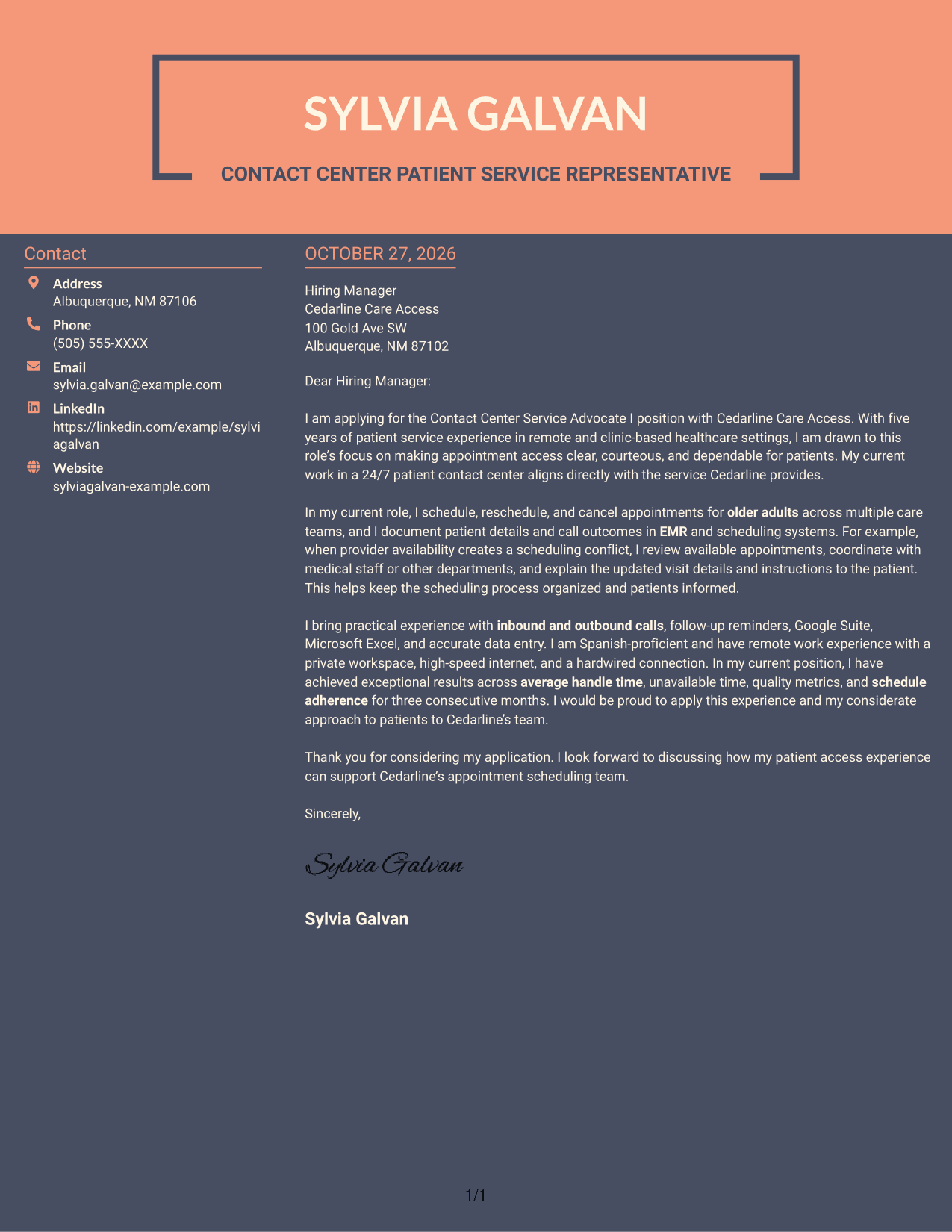
Why This Format Works
- Contact information sits apart from the message, giving each area a clear role.
- One continuous body keeps motivation, evidence, and closing in their natural order.
- Reviewers can follow the letter without shifting between argument columns.
Best For
- Sidebar contact information
- One-body letter arguments
- Multiple sender contact methods
- Two-column page preference
- Patient appointment scheduling letters
Why Use ResumeInMinutes for a Contact Center Service Advocate I - Patient Appointment Scheduling Cover Letter
ResumeInMinutes lets you view an example in the editor and compare image previews of different letter presentations. Use the example as a starting point, then shape your message around patient communication, appointment coordination, and the employer’s needs.
- Clear letter structure
- Role-focused guidance
- Professional presentation
- Image previews to compare
- Editor-based customization
- Cover letter examples
Choose a presentation that makes your opening, patient service example, and closing easy to follow. Keep each detail accurate and relevant to the position.
See Also
- 7 Contact Center Service Advocate I - Patient Appointment Scheduling Resume Templates with Example
- 7 Patient Financial Advocate I - Single Billing Office Resume Templates with Example
- 7 Call Center Customer Service Agent Resume Templates with Example
- 33 Call Center Customer Service Representative Resume Templates with Example 2026 (ATS-Optimized)
- 33 Chemical Service Technician at Data Centers Resume Templates with Example 2026 (ATS-Optimized)
- 7 Customer Service Supervisor - Business Call Center Resume Templates with Example
- 33 Field Service Engineer - Data Center Resume Templates with Example 2026 (ATS-Optimized)
- 7 Senior Service Center Representative Resume Templates with Example
- 30+ Call Center Customer Service Representative Cover Letter Templates with Example 2026
- 30+ Chemical Service Technician at Data Centers Cover Letter Templates with Example 2026
Frequently Asked Questions
What should a Contact Center Service Advocate I - Patient Appointment Scheduling cover letter include?
Show your interest in patient appointment scheduling and explain how you communicate with patients, document details accurately, and help resolve scheduling needs. Close by connecting your strengths to the service the role requires.
How can I explain experience resolving appointment conflicts?
Describe the situation briefly, then explain how you checked availability, coordinated with medical staff or another department, and shared updated visit details with the patient. Use only details that reflect your own experience.
How can I show that I communicate well with patients?
Give a clear example of answering a question, confirming an appointment, or explaining instructions in a considerate way. Mention how you helped the patient understand the next step.
Which cover letter style works well for patient appointment scheduling?
Choose a clean, easy-to-read presentation that gives your opening, relevant example, and closing room to stand out. Consider the employer’s communication style and keep decorative elements from distracting from your message.
How can I describe remote contact center readiness in my letter?
If it applies to you, briefly mention relevant remote work experience and the practical setup you can provide, such as a private workspace and reliable internet. Keep the focus on how you can communicate clearly and follow assigned schedules.




