
7 Corporate FP&A Manager - SaaS Finance Cover Letter Templates with Example
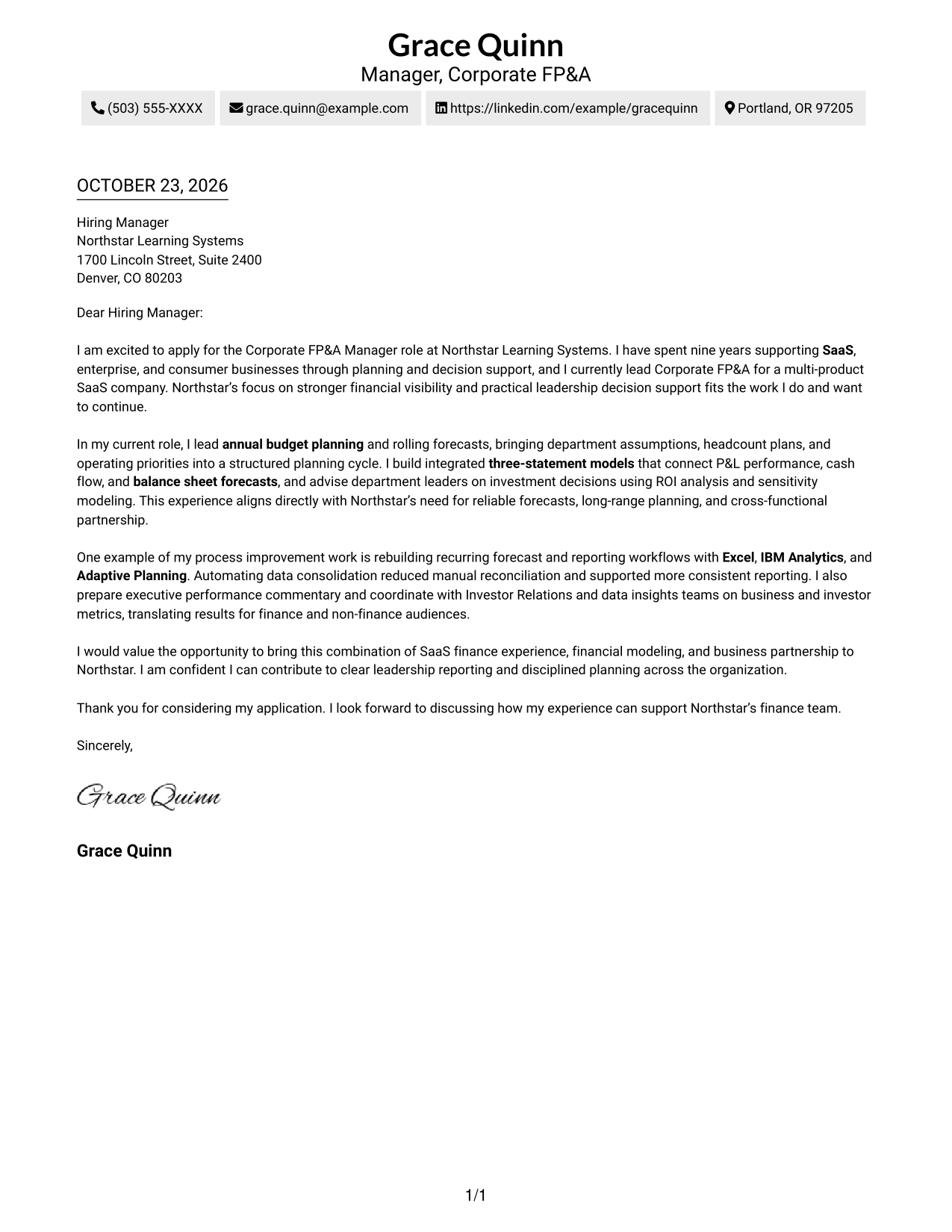
This practical guide helps you create a Corporate FP&A Manager - SaaS Finance cover letter through one example presented in 7 layouts.
What Makes a Great Corporate FP&A Manager - SaaS Finance Cover Letter in 2026
A strong letter connects your interest in the role with clear examples of budget planning, forecasting, financial modeling, and decision support. It should show how your work helps leaders understand financial choices.
Use specific evidence, such as building three-statement models or improving reporting workflows, and relate it to the employer’s stated priorities. Keep the tone direct and explain why that work matters to the organization.
The featured example moves from interest in the role to planning and modeling strengths, then to process improvement and a clear close. Adapt this focused progression while choosing a presentation that suits the employer and communication context.
#1 Simple One Column Format Cover Letter Example
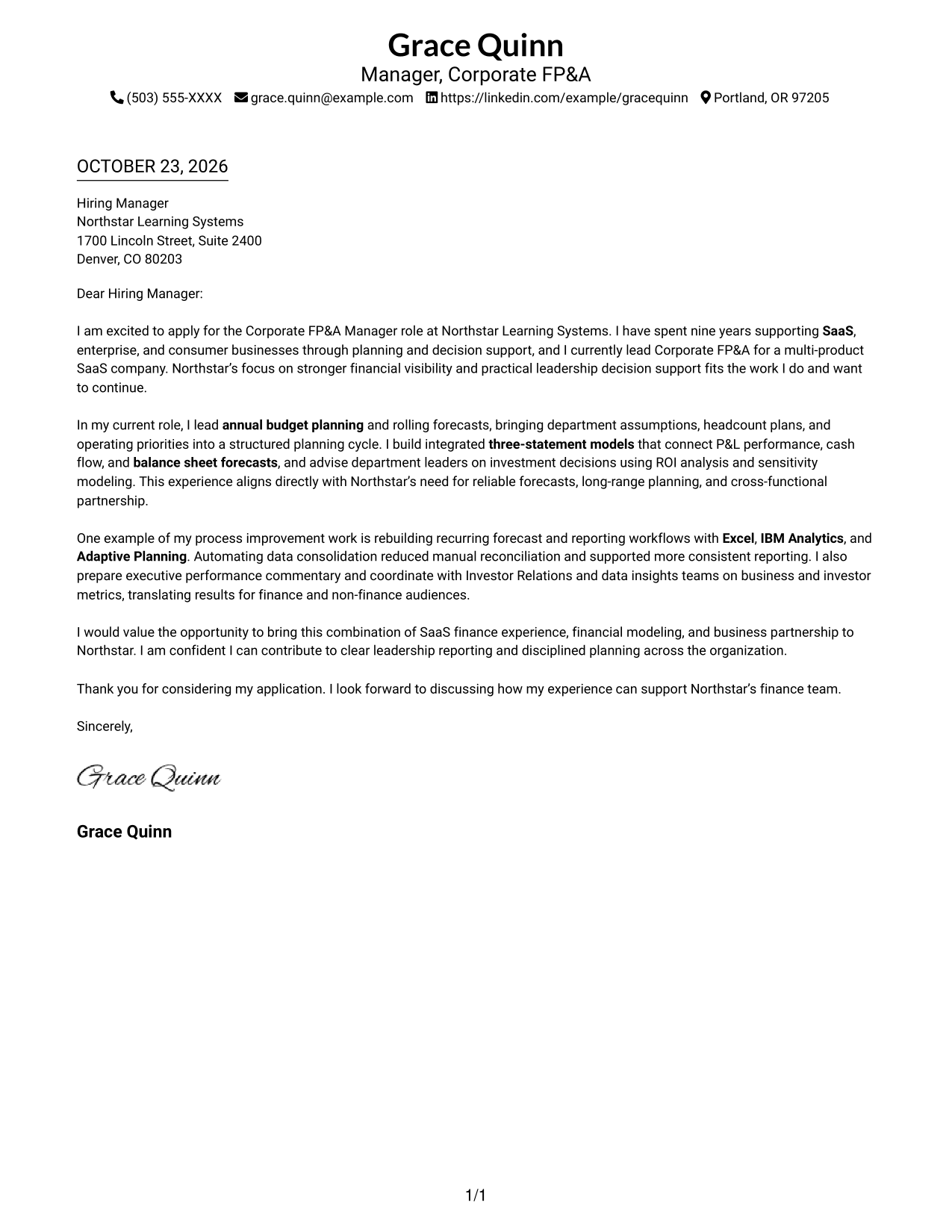
This one-column format places sender details in the header and keeps the letter body continuous, making it a practical choice for a direct, text-led presentation.
Why This Format Works
- Sender details stay in the header, apart from the persuasive letter text.
- The opening, supporting evidence, and close remain together in one reading path.
- One body column gives each paragraph the full available width.
Best For
- Single-column letter reading
- Header-based contact details
- Continuous persuasive paragraphs
- Text-led communication
- Full-width letter body
#2 Two Column Format Cover Letter Example
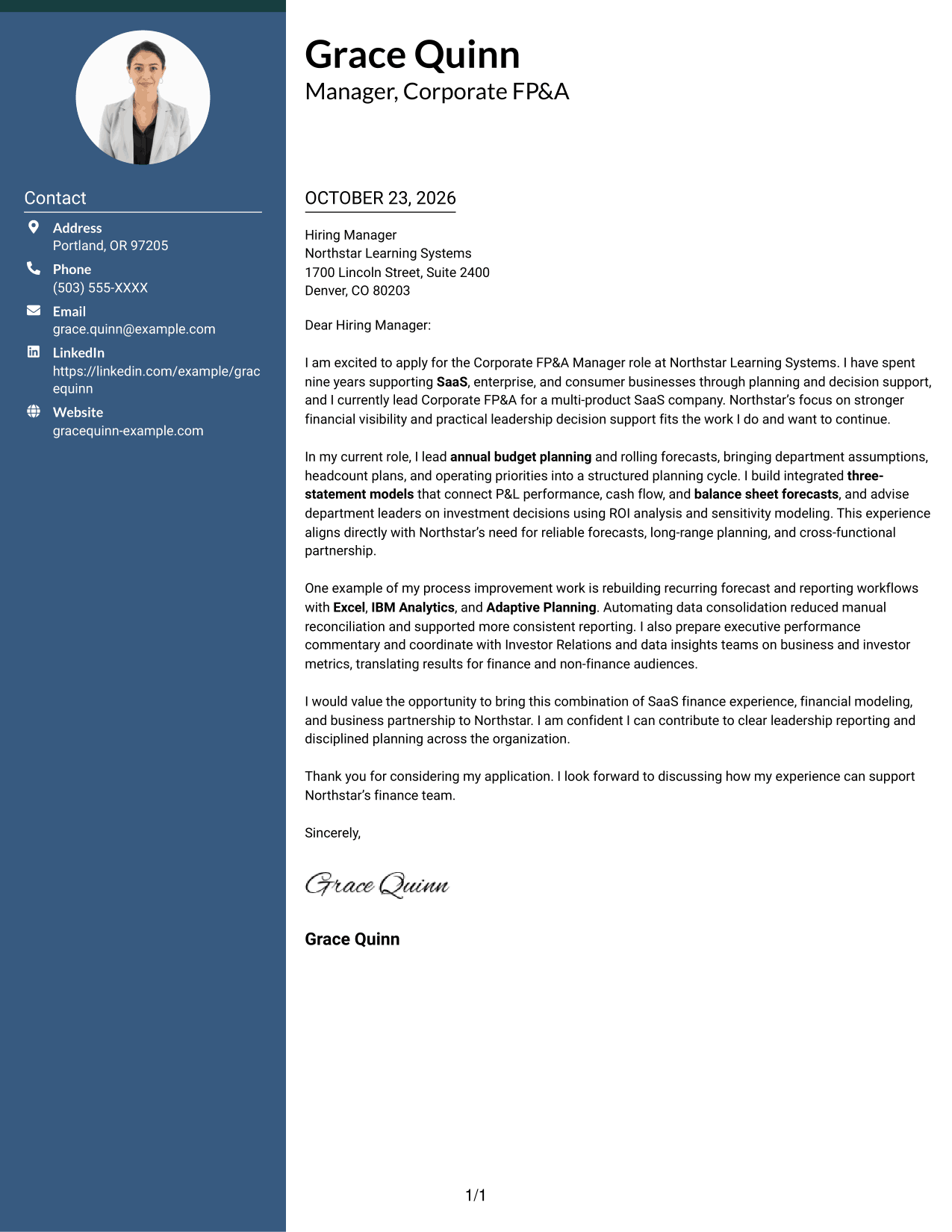
A contact sidebar sits beside the continuous letter body in this two-column format, a practical choice when sender details should remain separate from the message.
Why This Format Works
- Contact details occupy a sidebar, distinct from the continuous letter body.
- One body column keeps the motivation, evidence, and close in sequence.
- Readers can find sender information without breaking the letter's paragraph flow.
Best For
- Sidebar contact details
- Single-column letter text
- Separate sender information
- Multi-paragraph applications
- Clear message boundaries
#3 Photo Header Two Column Format Cover Letter Example
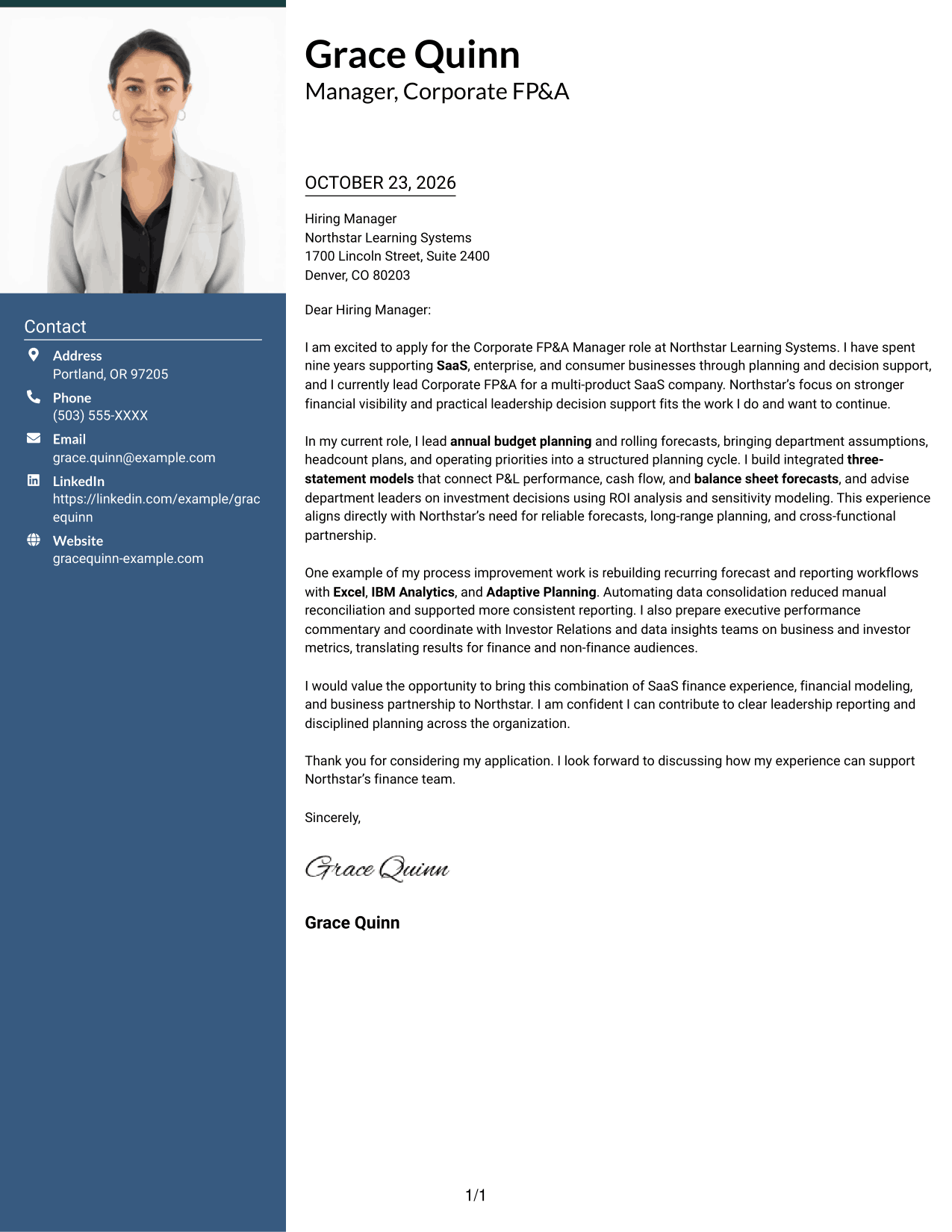
A photo adds a personal visual element to this two-column layout, while the contact sidebar and continuous letter body keep the message distinct.
Why This Format Works
- The contact sidebar separates sender details from the paragraphs that carry the message.
- A single letter-body column keeps the opening and close in sequence.
- The photo adds a personal visual element without changing the continuous paragraph structure.
Best For
- Photo-inclusive letter design
- Sidebar-based contact details
- Continuous message paragraphs
- Separate contact and message areas
- Personal visual presentation
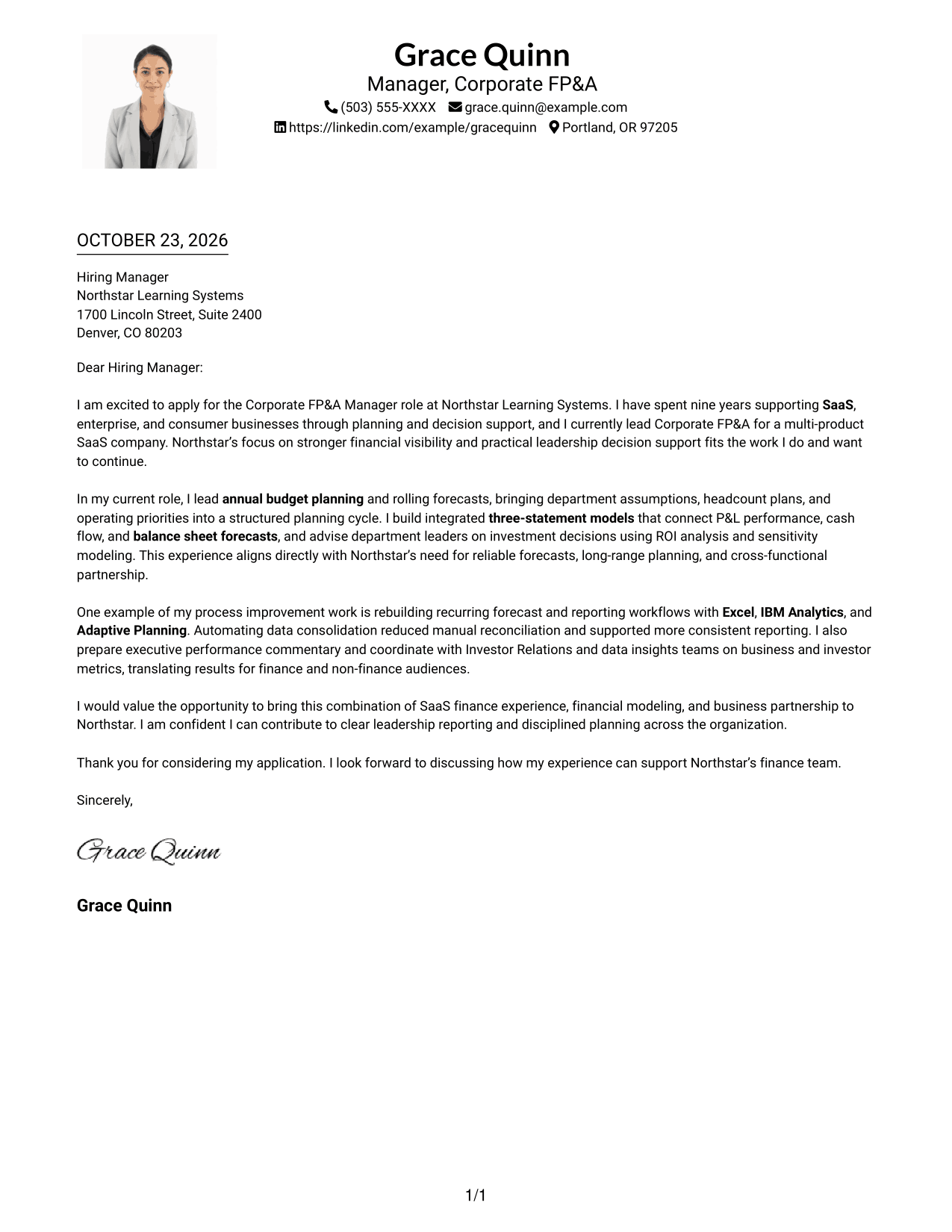
#4 One Column Format with Photo Cover Letter Example
A photo accompanies the single-column letter body, making this format a practical choice when a personal image is part of the desired presentation.
Why This Format Works
- The photo adds a personal visual element to a one-column letter presentation.
- Sender details in the header remain distinct from the continuous letter body.
- One body column keeps the opening, supporting points, and closing in order.
Best For
- Photo-inclusive letters
- Single-column reading
- Header-based sender details
- Continuous letter paragraphs
- Personal image presentation
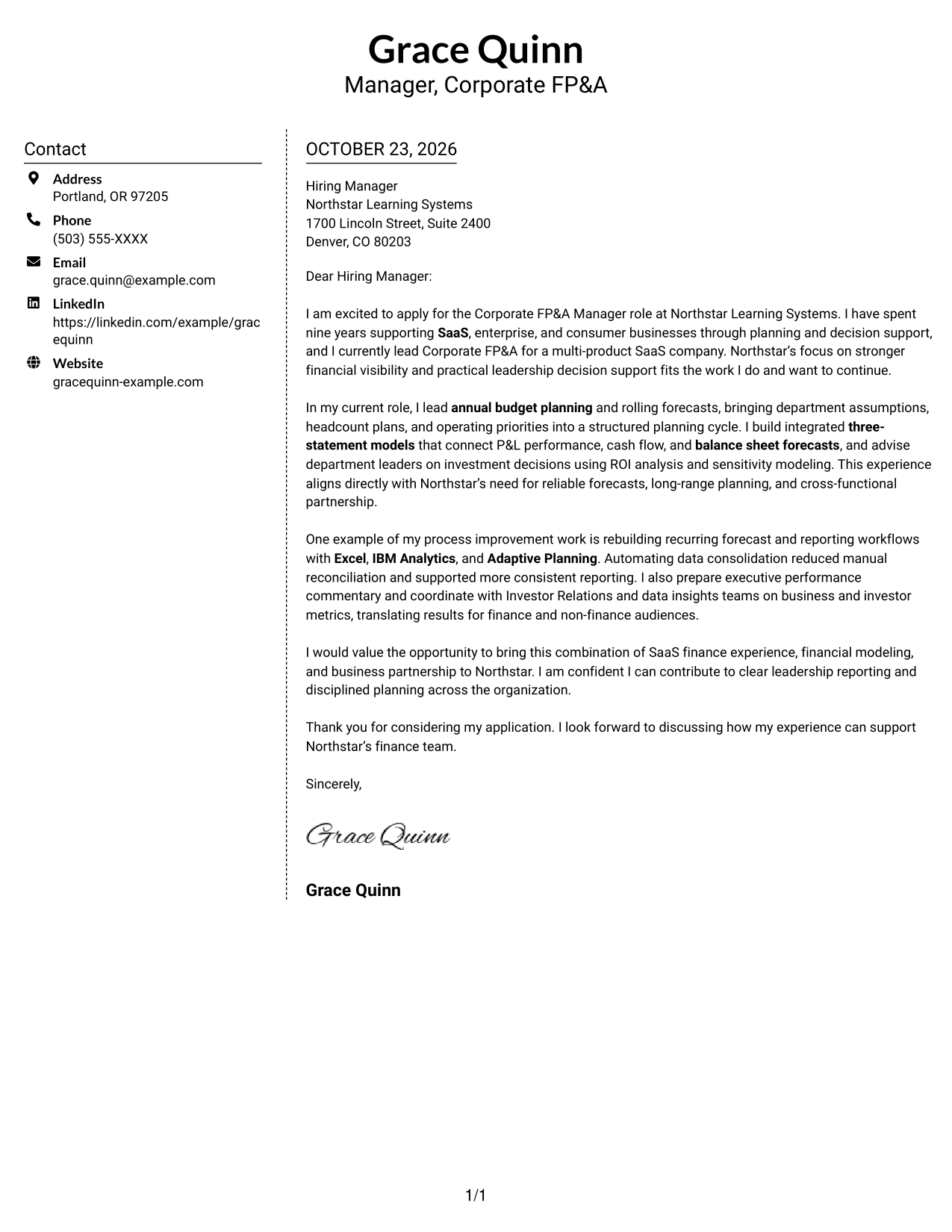
#5 Simple Two Column Format Cover Letter Example
The contact sidebar sits apart from the single continuous letter body, giving sender details their own space without dividing the argument.
Why This Format Works
- Contact details have their own sidebar, separate from the continuous letter body.
- The single body column keeps motivation, evidence, and closing paragraphs in sequence.
- Readers can locate sender information without interrupting the letter's argument.
Best For
- Distinct contact sidebar
- One-column message text
- Uninterrupted letter paragraphs
- Easy sender-detail lookup
- Separate message and contact areas
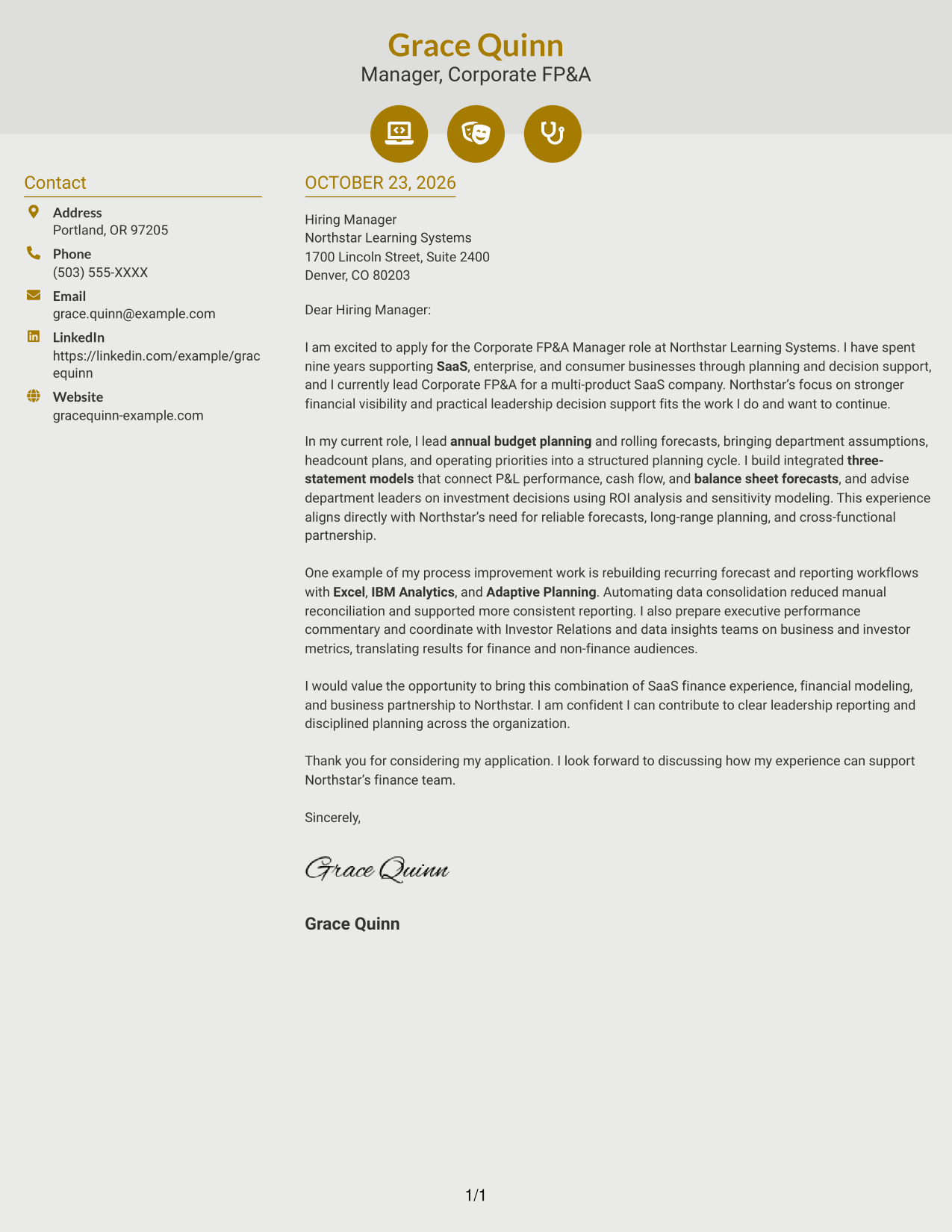
#6 Modern Icon Format Cover Letter Example
Contact icons provide visual cues in the sidebar while the letter stays one continuous body, a useful choice when sender details should be easy to spot.
Why This Format Works
- Icons cue contact details, not the letter's motivation or supporting points.
- The sidebar keeps sender information apart from the one-column letter body.
- Opening through closing paragraphs remain part of one continuous message.
Best For
- Icon-cued contact details
- Two-column organization
- Continuous letter text
- Quick contact-detail lookup
- Uninterrupted message paragraphs
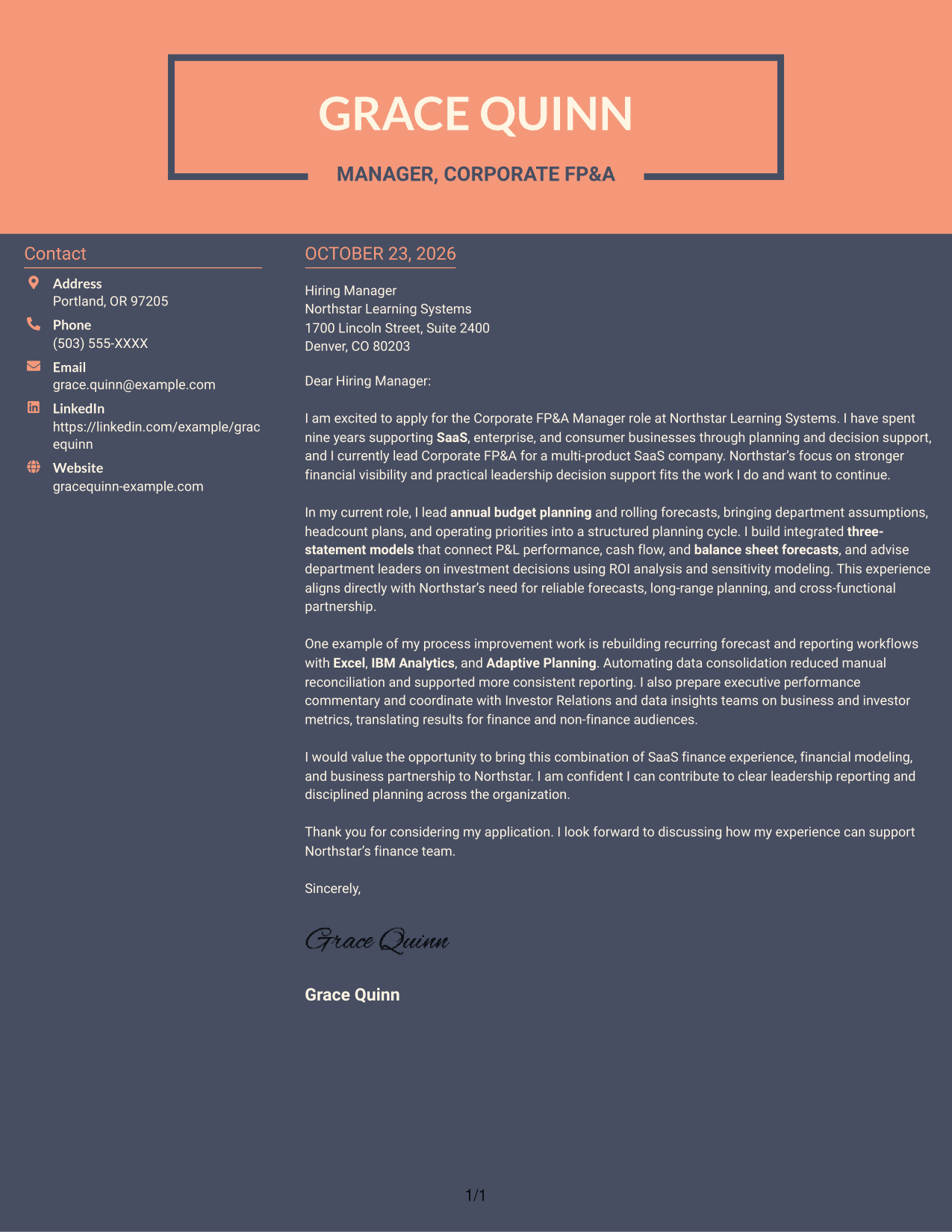
#7 Creative Two Tone Format Cover Letter Example
Two-tone color distinguishes the contact-sidebar presentation while the letter stays one continuous body, a choice for readers who prefer a more visually expressive layout.
Why This Format Works
- Separate contact details leave the continuous message as the main reading focus.
- One body column keeps motivation, evidence, and closing paragraphs in natural order.
- Two-tone color adds visual contrast without dividing the letter's argument.
Best For
- Two-tone visual contrast
- Contact details in a sidebar
- Single-column letter body
- Continuous argument paragraphs
- More expressive document styling
See Also
- 7 Corporate FP&A Manager - SaaS Finance Resume Templates with Example
- 33 Analyst, Revenue Finance (FP&A) - Advertising Revenue Planning Resume Templates with Example 2026 (ATS-Optimized)
- 33 Analyst, Revenue Finance (FP&A) - Revenue Planning Resume Templates with Example 2026 (ATS-Optimized)
- 33 Finance & FP&A Analyst Intern Resume Templates with Example 2026 (ATS-Optimized)
- 33 Finance Intern - FP&A Support Resume Templates with Example 2026 (ATS-Optimized)
- 33 Finance Intern - Corporate Finance Resume Templates with Example 2026 (ATS-Optimized)
- 7 FP&A Analyst (Nutrition) Resume Templates with Example
- 33 Corporate Chef Resume Templates with Example 2026 (ATS-Optimized)
- 30+ Finance & FP&A Analyst Intern Cover Letter Templates with Example 2026
- 30+ Corporate Chef Cover Letter Templates with Example 2026
Frequently Asked Questions
What should a Corporate FP&A Manager - SaaS Finance cover letter emphasize?
Show how your financial planning and analysis supports business decisions. Relevant topics may include budget planning, forecasts, three-statement modeling, ROI analysis, and clear reporting for leaders.
How can I show my fit for a SaaS finance role?
Connect your SaaS finance experience to the role’s needs. The featured letter describes planning for a multi-product SaaS business and links operating assumptions to forecasts and financial models.
What is a useful example of process improvement to include?
Describe a specific change to a planning or reporting workflow and its result. For example, the featured letter explains how automating data consolidation reduced manual reconciliation.
How should I connect my letter to the employer?
Refer to priorities stated in the job description, such as reliable forecasts, useful leadership reporting, or more efficient financial processes. Explain how your relevant work can support those goals.
What tone works well for this cover letter?
Use a confident, clear tone. Keep each paragraph focused, explain your role in the work, and make a direct connection between your contribution and the employer’s needs.




