7 Custodian Lead Resume Templates with Example
This guide shows you how to build a Custodian Lead resume that is clear, focused, and easy to review. You will learn how to organize strong evidence and compare professional resume formats.
Give priority to leadership, institutional cleaning, sanitation, floor care, chemical safety, waste handling, equipment care, supply control, and essential response. Use short bullets that show what you coordinated, trained, inspected, maintained, or completed.
The same complete resume example appears in 7 ATS-friendly resume layouts so you can compare reading order, section balance, and visual structure while keeping the underlying evidence consistent.
What Makes a Great Custodian Lead Resume in 2026
A strong Custodian Lead resume makes leadership, cleaning depth, safety habits, and facility response easy to find.
Use accurate terms such as custodial leadership, sanitation, disinfection, biohazard waste, floor care, carpet extraction, inventory control, chemical safety, and snow removal when they match your experience.
The examples shown below are intentionally detailed to demonstrate a range of experiences, skills, accomplishments and relevant keywords. We prefer detailed resumes as they provide more context to the hiring managers and also help the ATS systems identify relevant qualifications and score your resume better for a match. But the length of a resume is an individual choice. If you want a one page resume, just keep the most relevant experience and information for the job. Note: Resume examples are for educational purposes only. Use only information that accurately reflects your experience and qualifications. References to real organizations do not imply affiliation or endorsement.
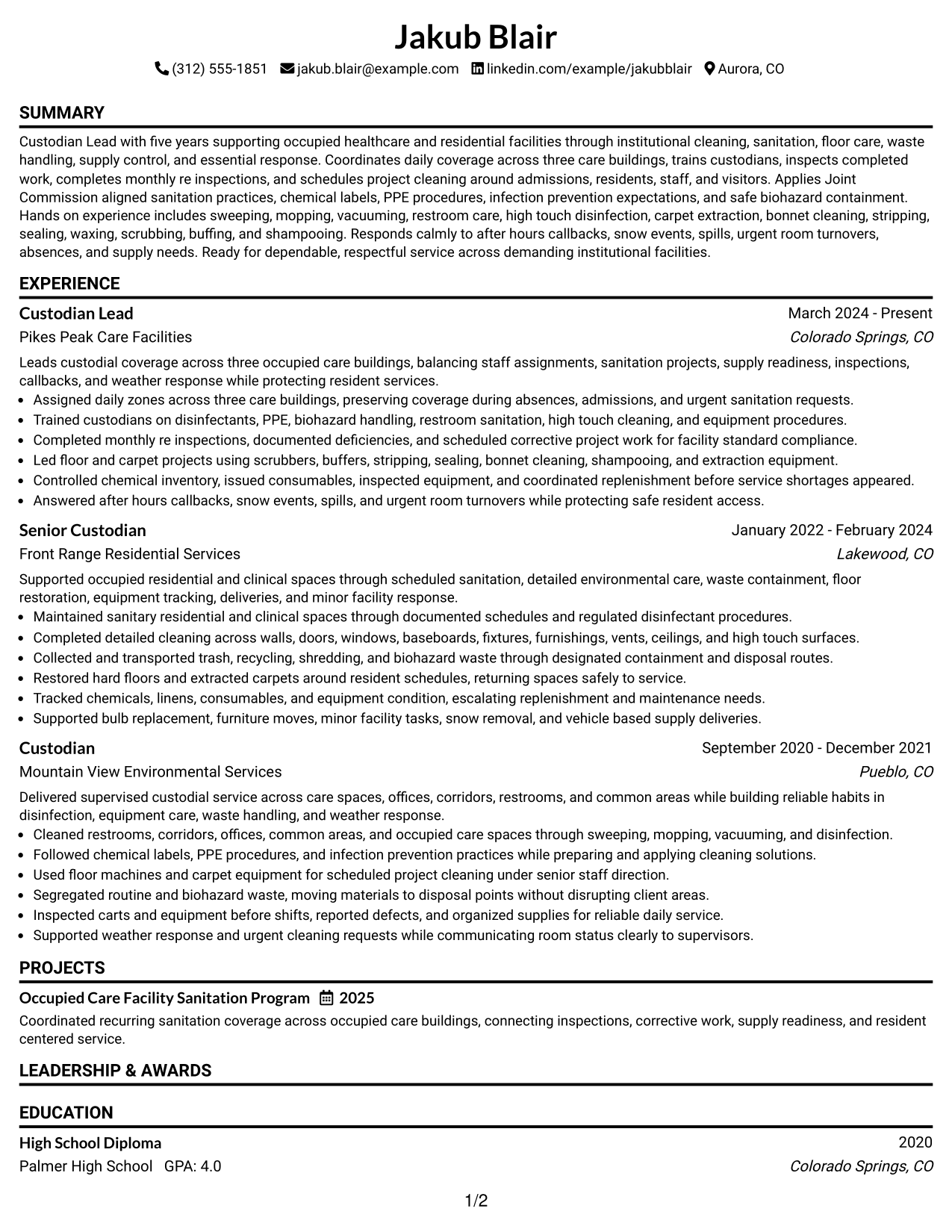
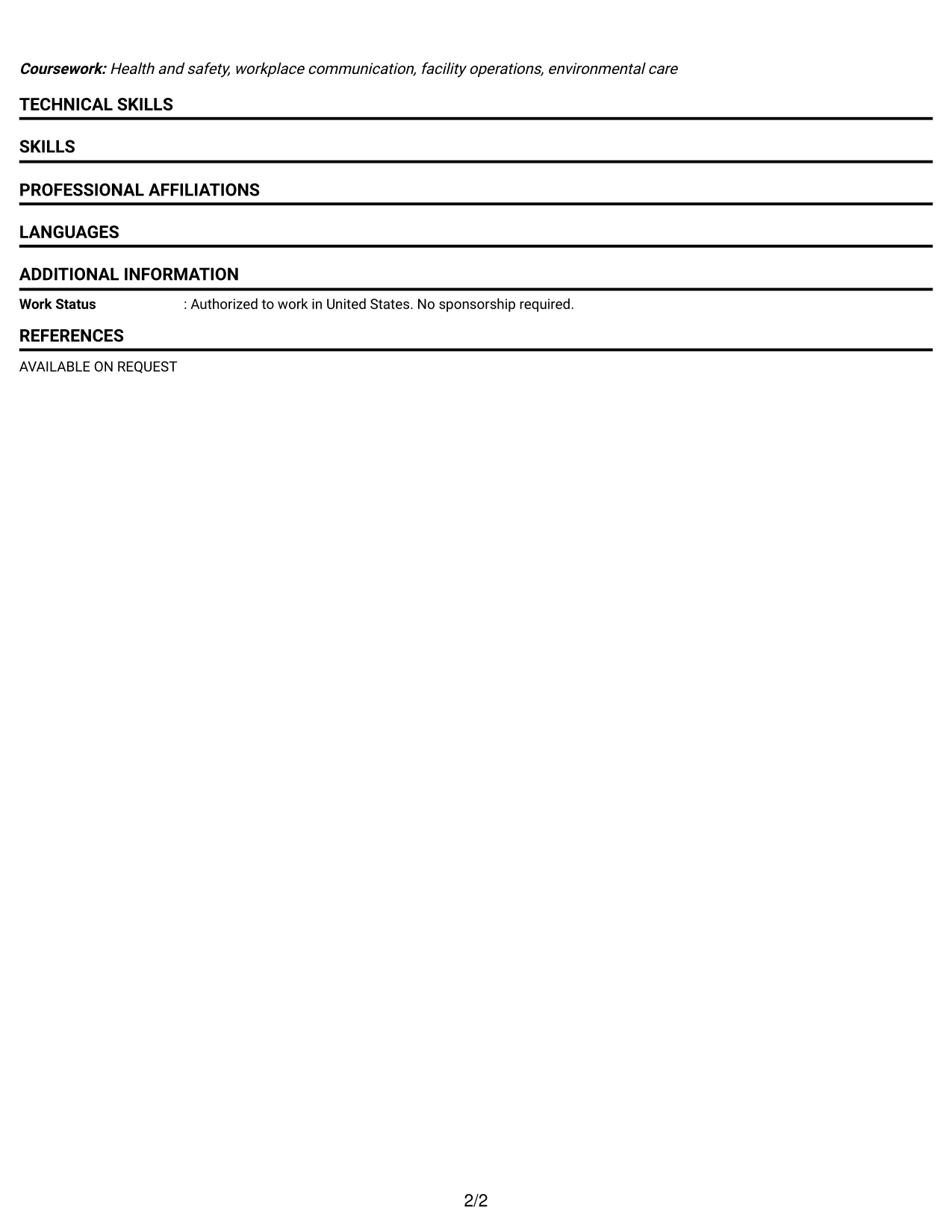
#1 Simple One Column Format Resume Example
A simple one-column flow keeps each resume section in a direct reading order for fast recruiter scanning.
Why This Format Works
- Linear reading order makes career progression easy to follow from section to section.
- Full-width space gives experience and achievements room without competing side content.
- Clear section breaks help recruiters locate skills, education, and credentials quickly.
Best For
- Straightforward chronological experience
- Detailed work history
- Simple recruiter scanning
- Traditional U.S. applications
- Content that benefits from full width
Resume Keywords
- Custodial Leadership
- Institutional Cleaning
- Joint Commission-Aligned Sanitation
- Disinfection
- Biohazard Waste
- Floor Care
- Carpet Extraction
- Inventory Control
- Chemical Safety
- Snow Removal
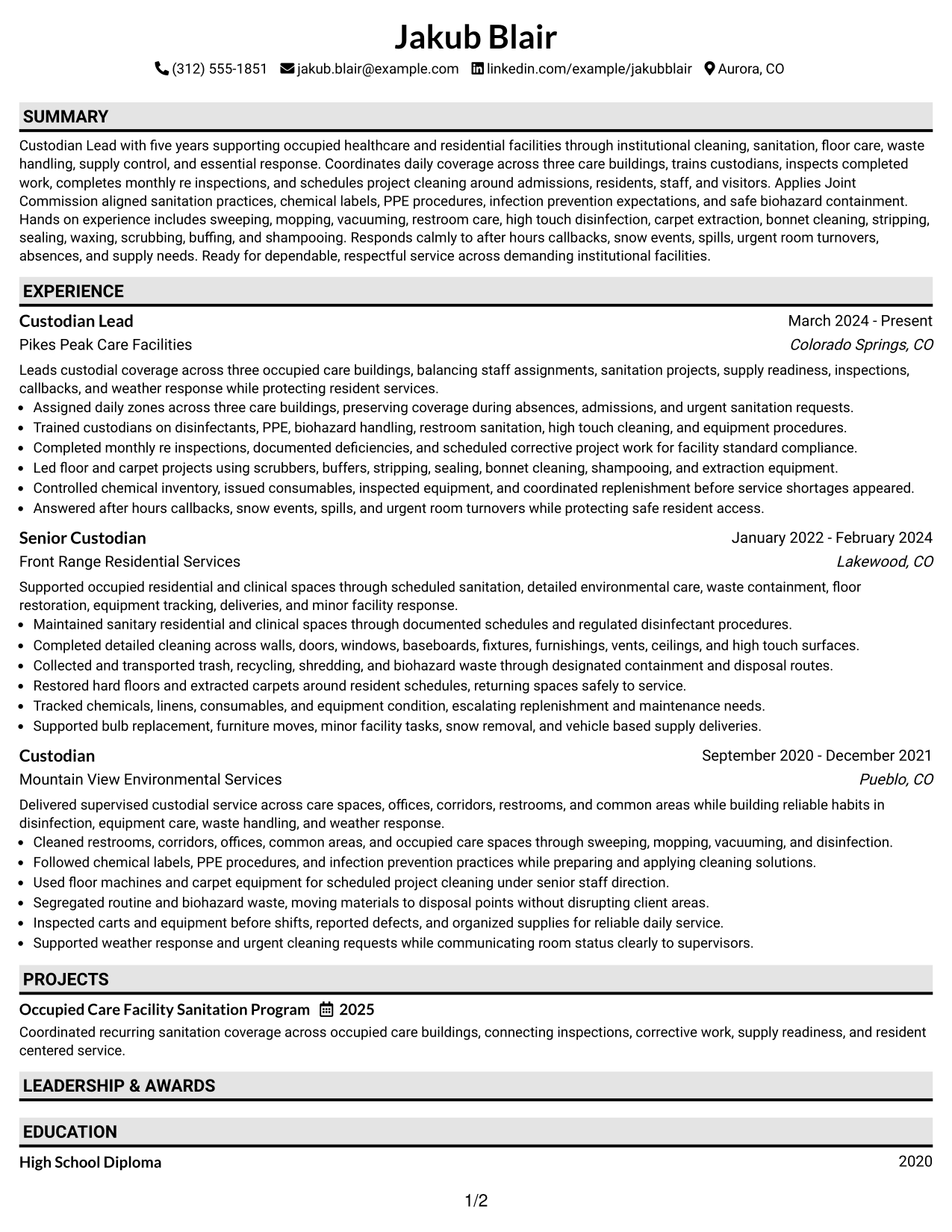
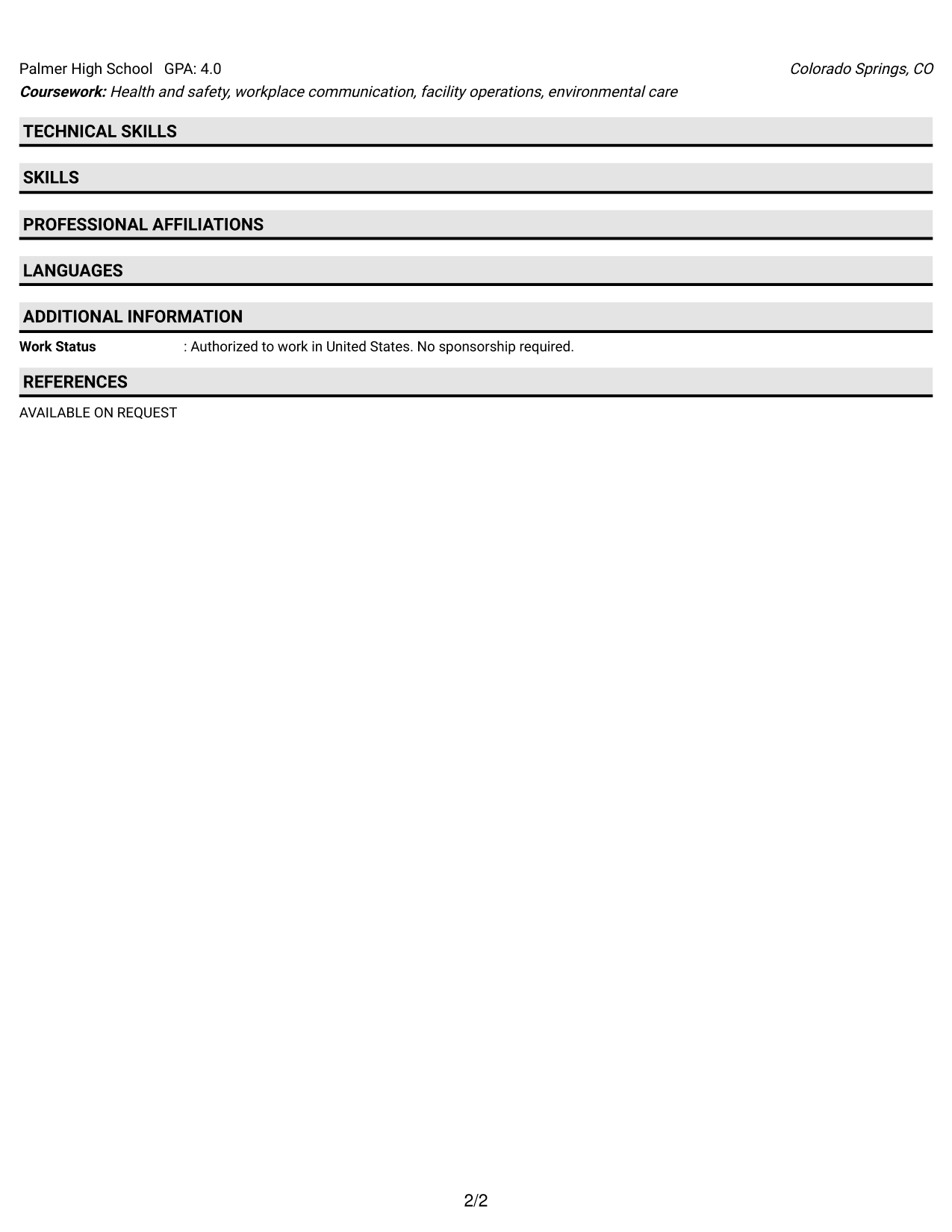
#2 Plain One Column with Shaded Labels Resume Example
Shaded section labels separate the one-column content clearly, helping recruiters move between resume sections with less effort.
Why This Format Works
- Shaded labels create visible stops between experience, skills, education, and credentials.
- Single-column structure preserves a steady reading path through career history.
- Distinct section markers help achievements stand apart from surrounding resume content.
Best For
- Longer experience sections
- Readers who prefer clear labels
- Resumes with several section types
- Conventional application settings
- Easy print review
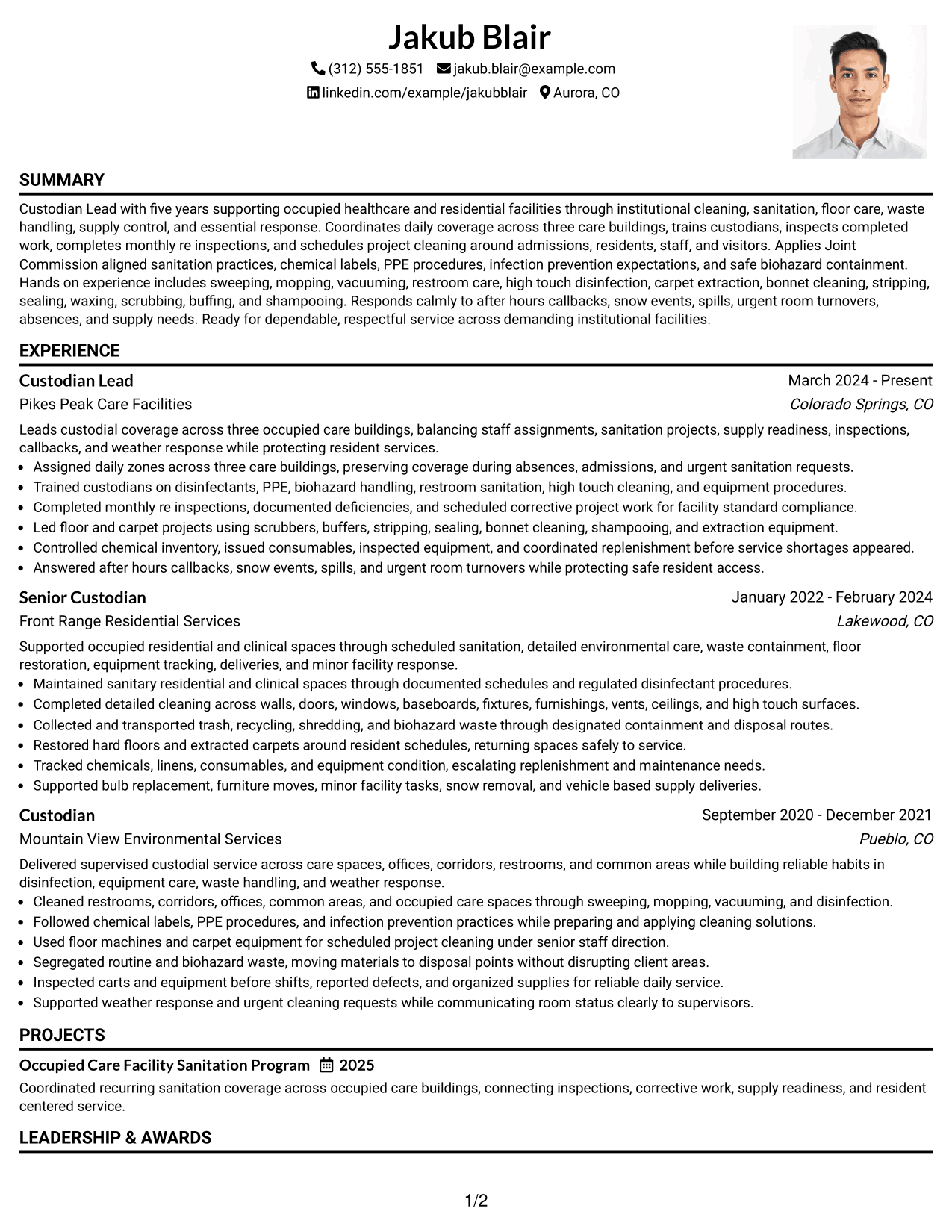
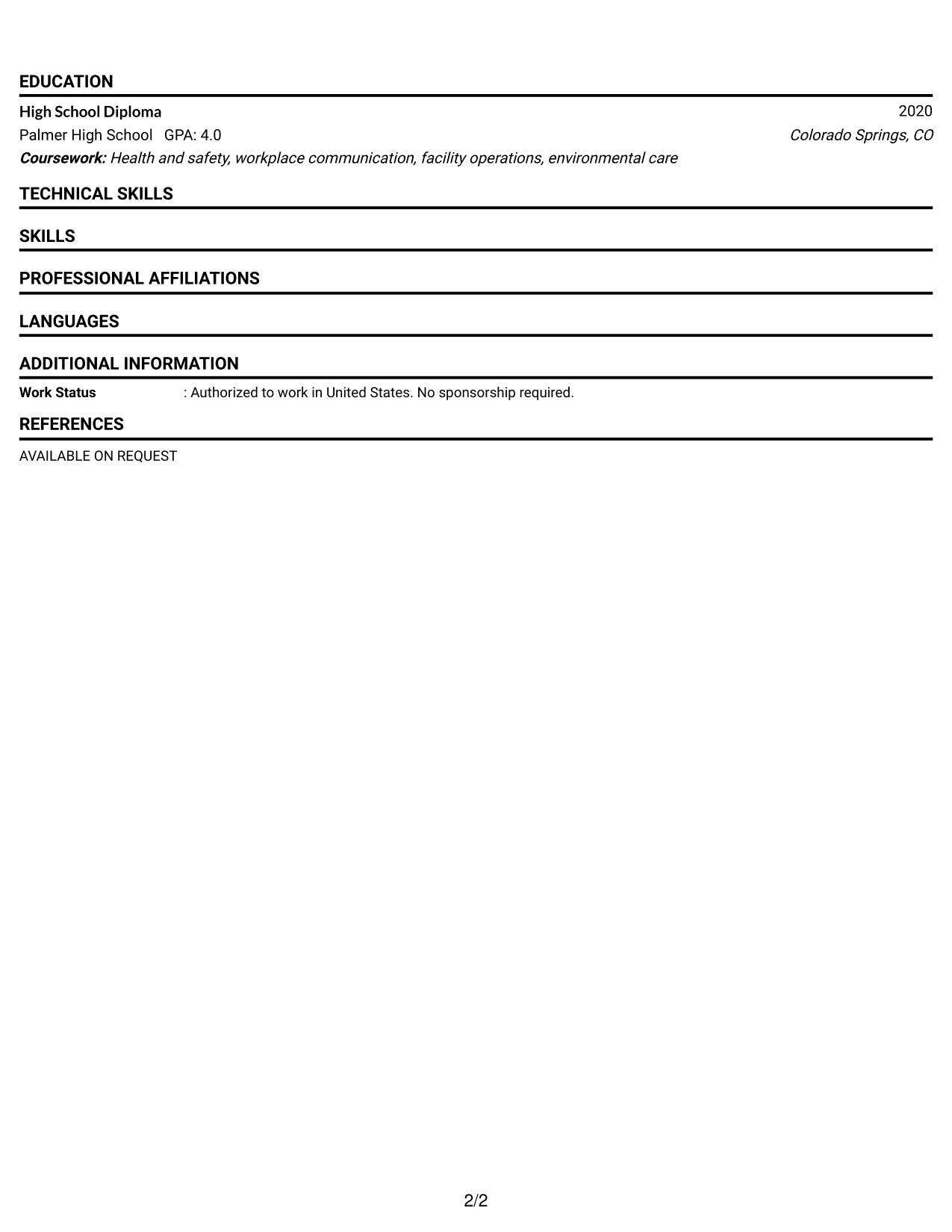
#3 One Column Format with Photo Right Resume Example
A right-side photo stays in the header while the one-column body keeps resume sections easy for recruiters to scan.
Why This Format Works
- One-column body keeps experience and achievements in a clear top-to-bottom sequence.
- Header photo identifies the person without splitting the main career content.
- Wide body sections leave skills, education, and credentials easy to review.
Best For
- Markets where resume photos are expected
- Full-width career history
- Applications needing personal identification
- Simple section sequencing
- Resumes with substantial experience detail
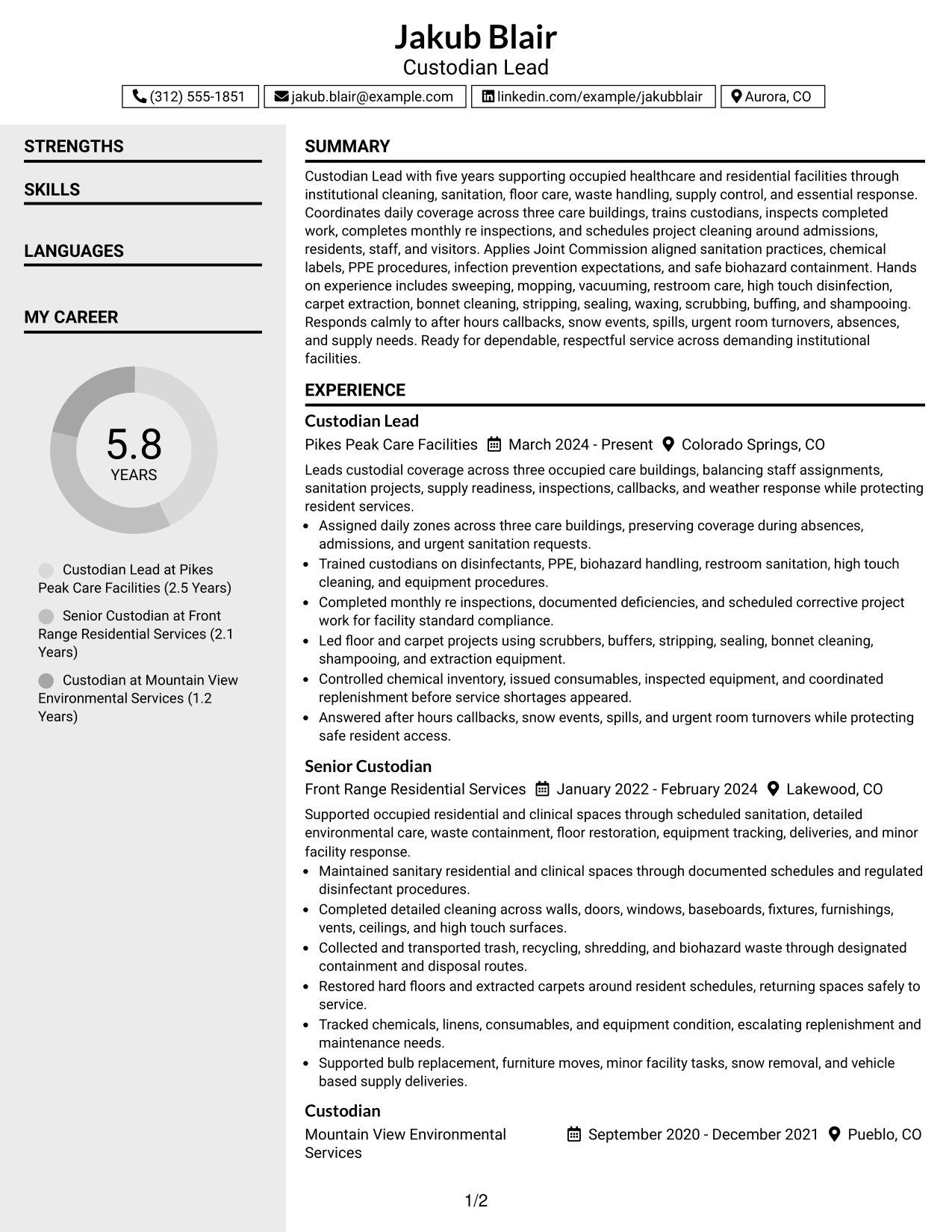
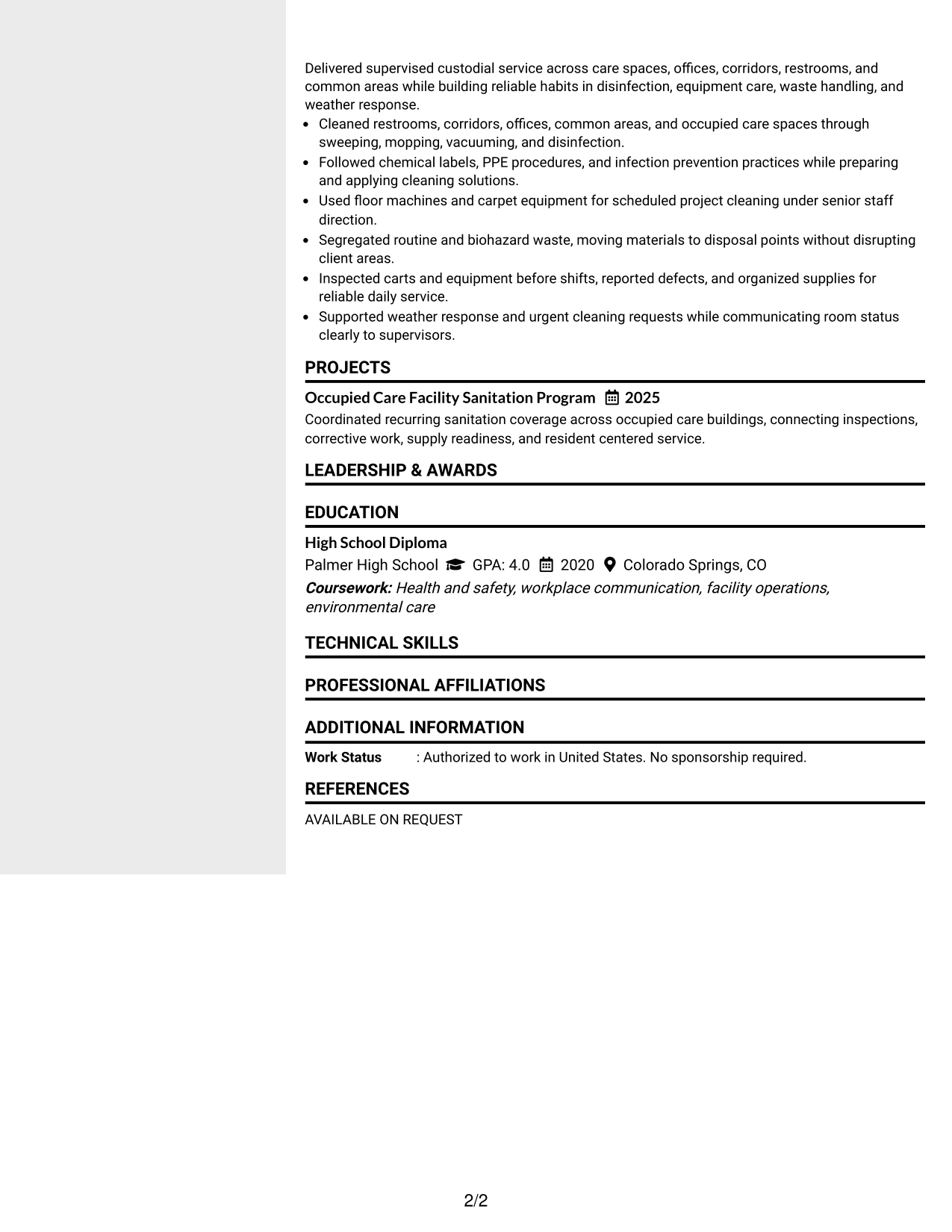
#4 Clean Two Column Sidebar Format Resume Example
A clean two-column sidebar separates supporting details from the main content, giving recruiters clear paths for scanning.
Why This Format Works
- Sidebar separation keeps supporting skills and credentials distinct from core experience.
- Main column gives career progression and achievements a consistent reading path.
- Parallel sections let recruiters compare experience with supporting qualifications efficiently.
Best For
- Resumes with compact supporting details
- Visible separation of core and secondary sections
- Readers comparing qualifications quickly
- Balanced experience and skills content
- Two-column visual organization
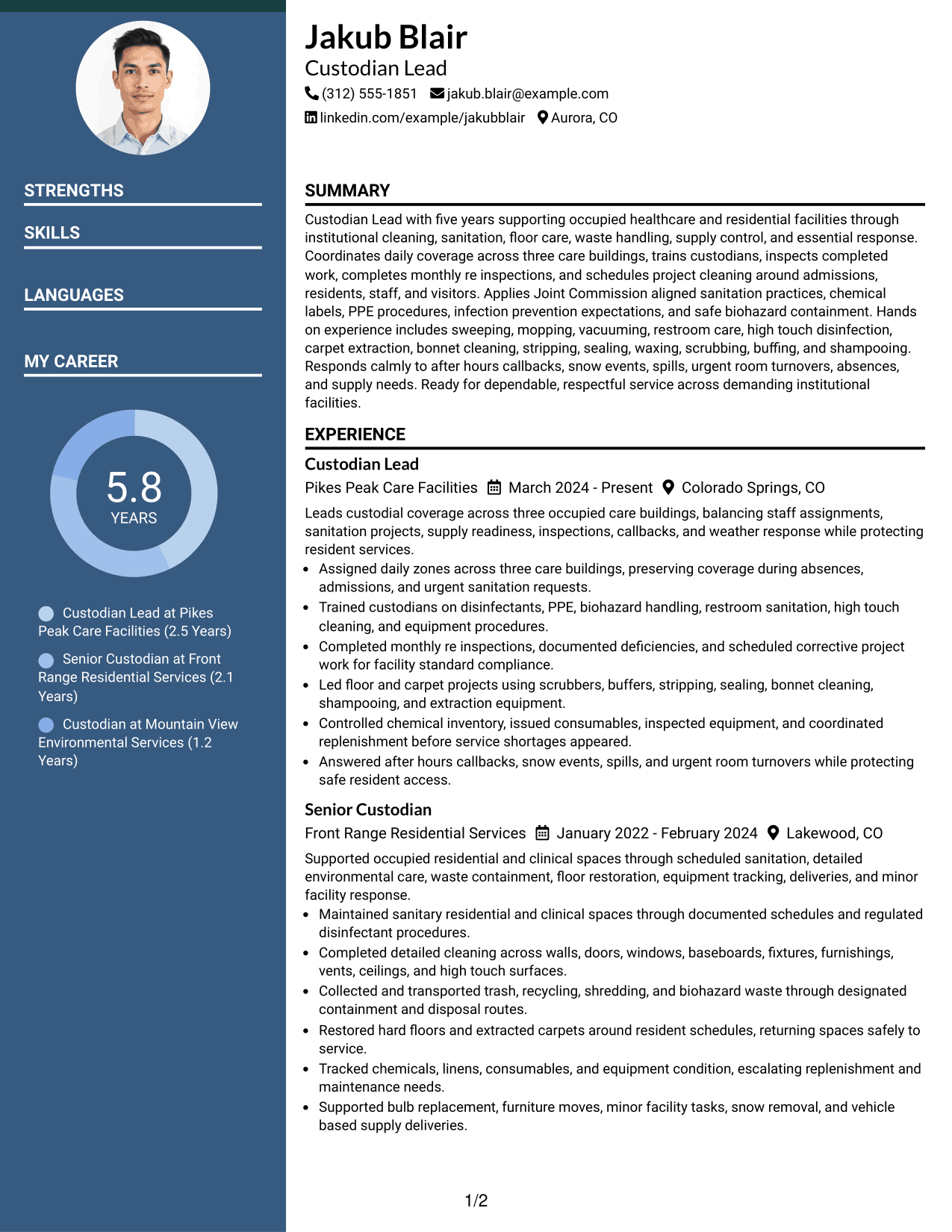
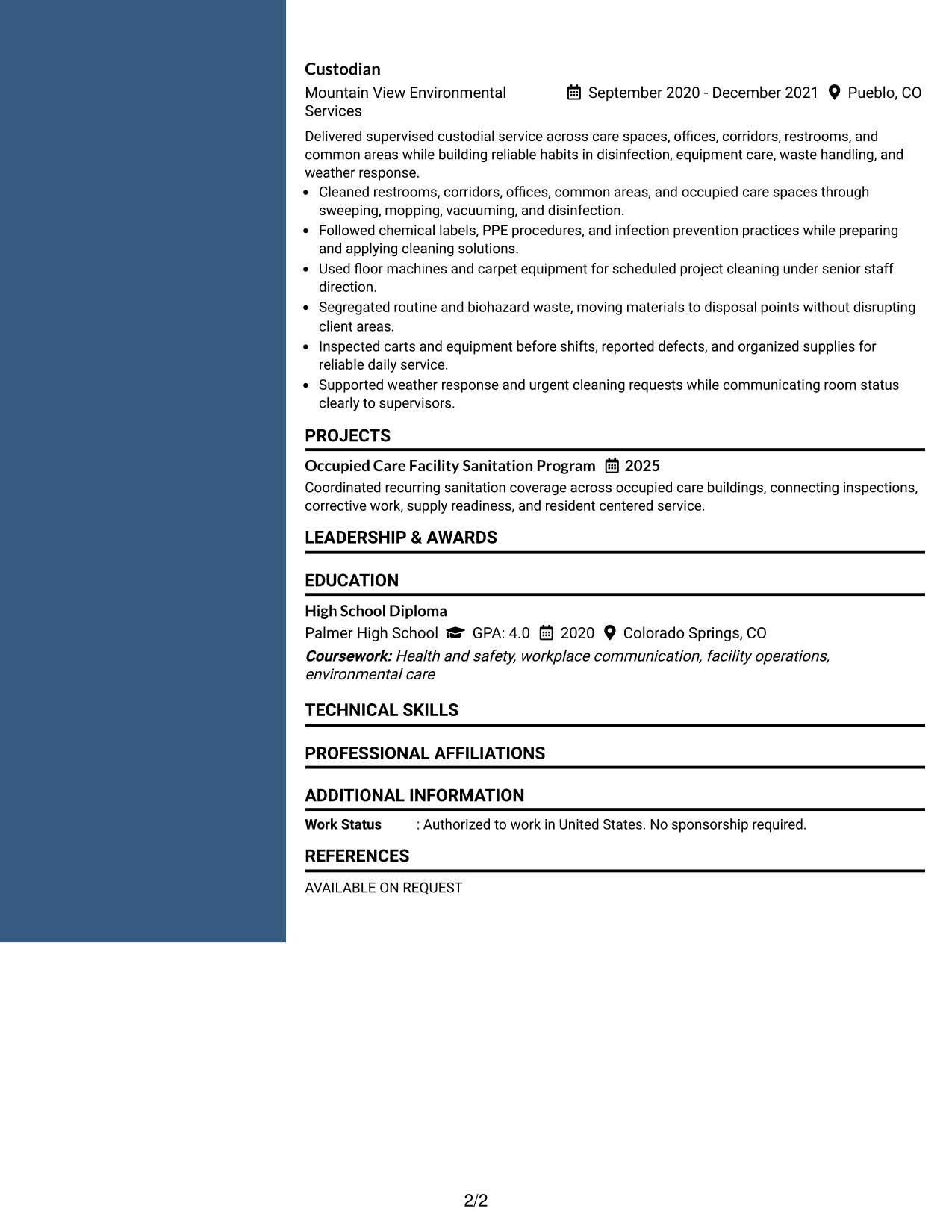
#5 Two Column Format Resume Example
Two parallel columns divide resume information into clear groups, helping recruiters scan different content types without a long vertical flow.
Why This Format Works
- Two-column grouping reduces long vertical runs across experience and supporting sections.
- Separate content areas help skills and credentials remain visible beside career information.
- Balanced columns support quick movement between achievements and qualification summaries.
Best For
- Information-dense resumes
- Mixed experience and credential content
- Quick side-to-side comparison
- Compact section organization
- Readers comfortable with parallel sections
#6 Photo Header Two Column Format Resume Example
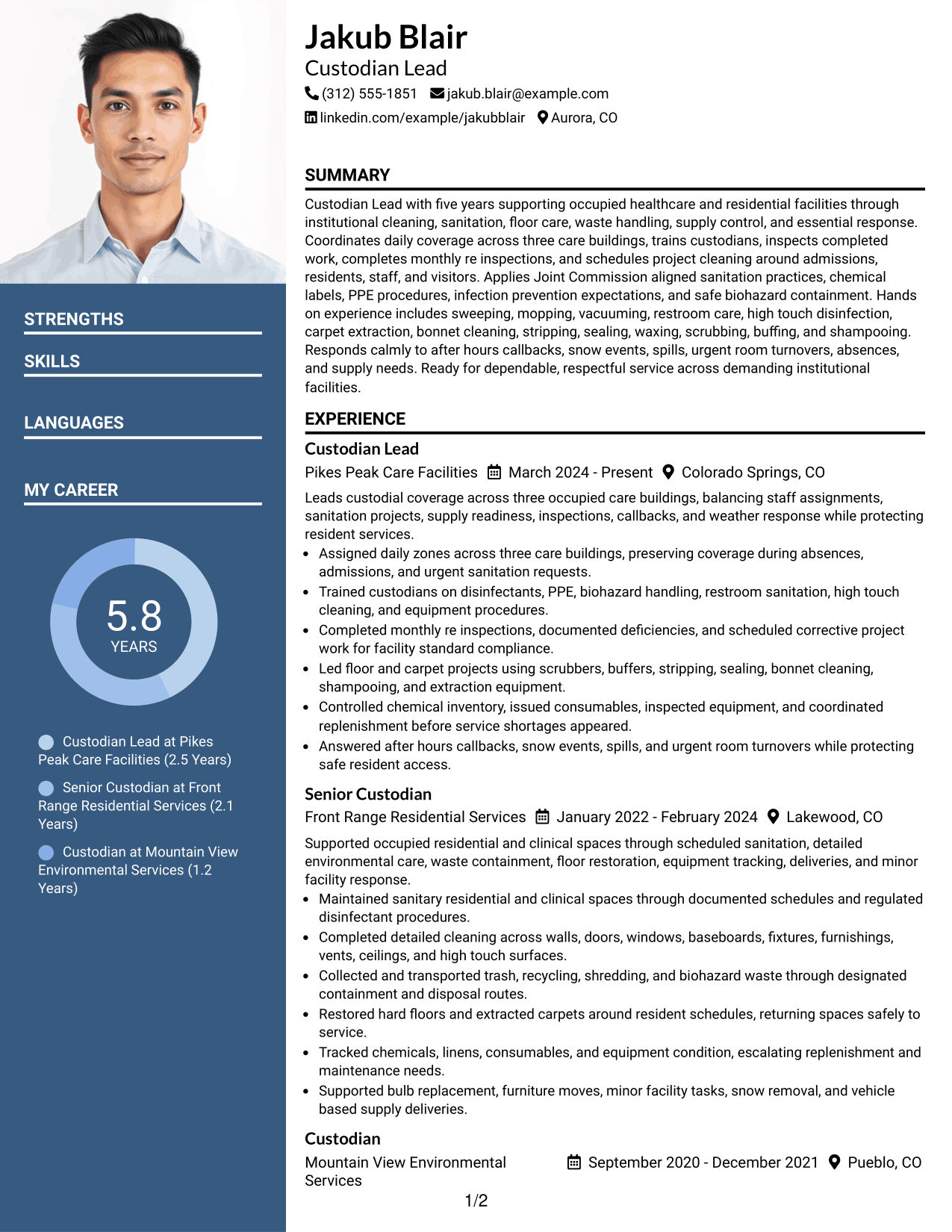
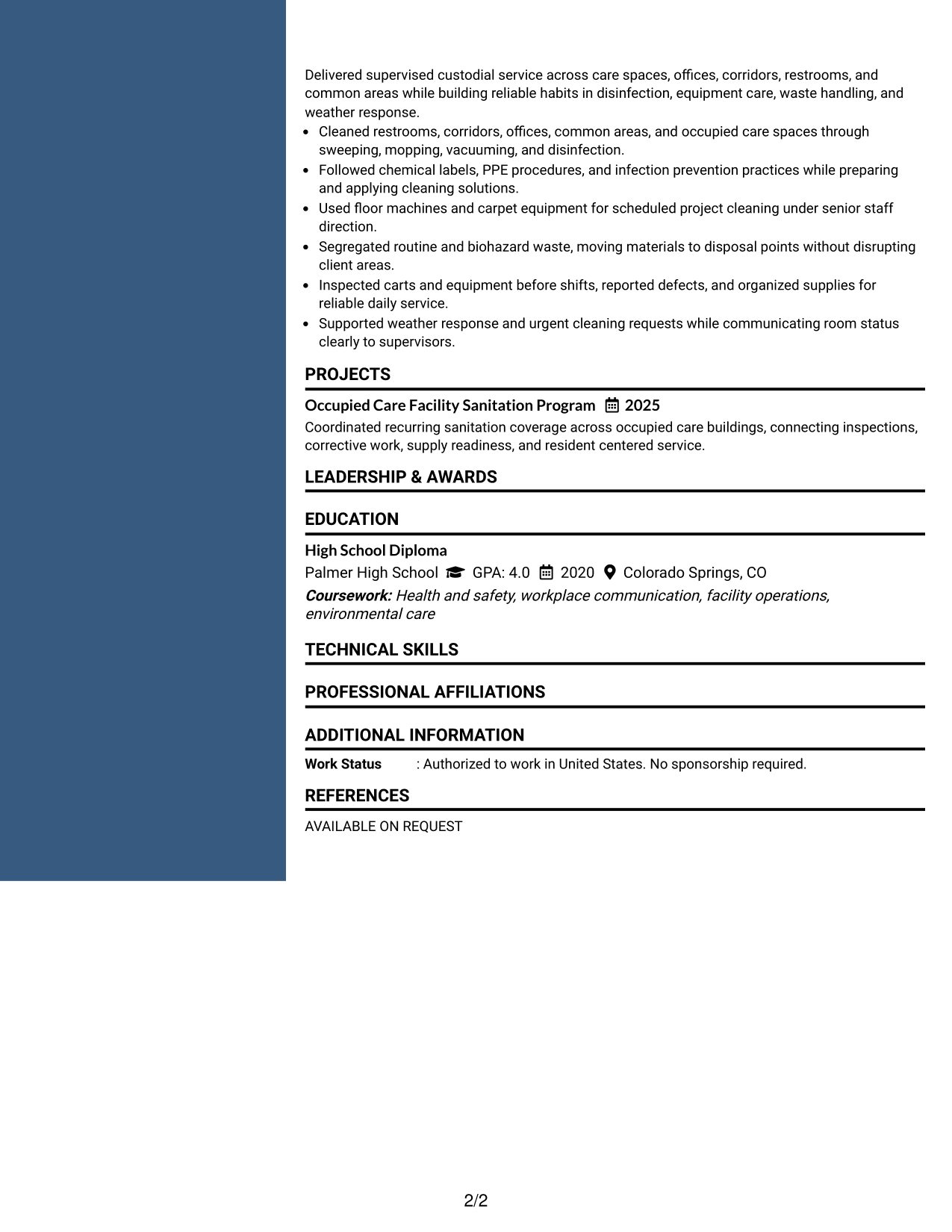
A photo header adds identity above a two-column body that gives recruiters separate routes through primary and supporting resume sections.
Why This Format Works
- Two-column body separates detailed experience from shorter skills and credential sections.
- Photo remains in the header, leaving body organization focused on resume content.
- Column contrast helps recruiters switch between career evidence and supporting qualifications.
Best For
- Regions where professional photos are normal
- Resumes combining detailed and compact sections
- Applications needing visible identity
- Parallel review of qualifications
- Structured two-column presentation
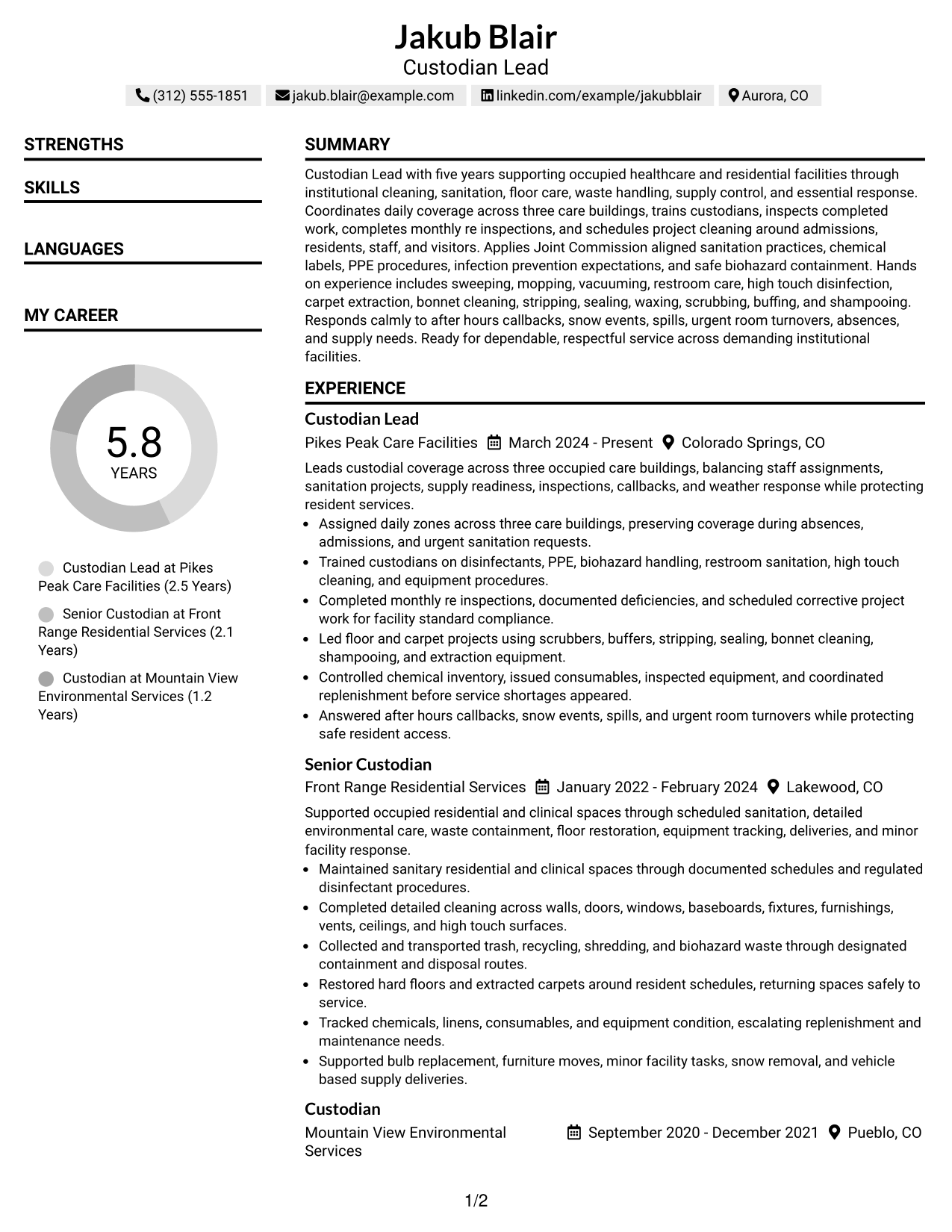
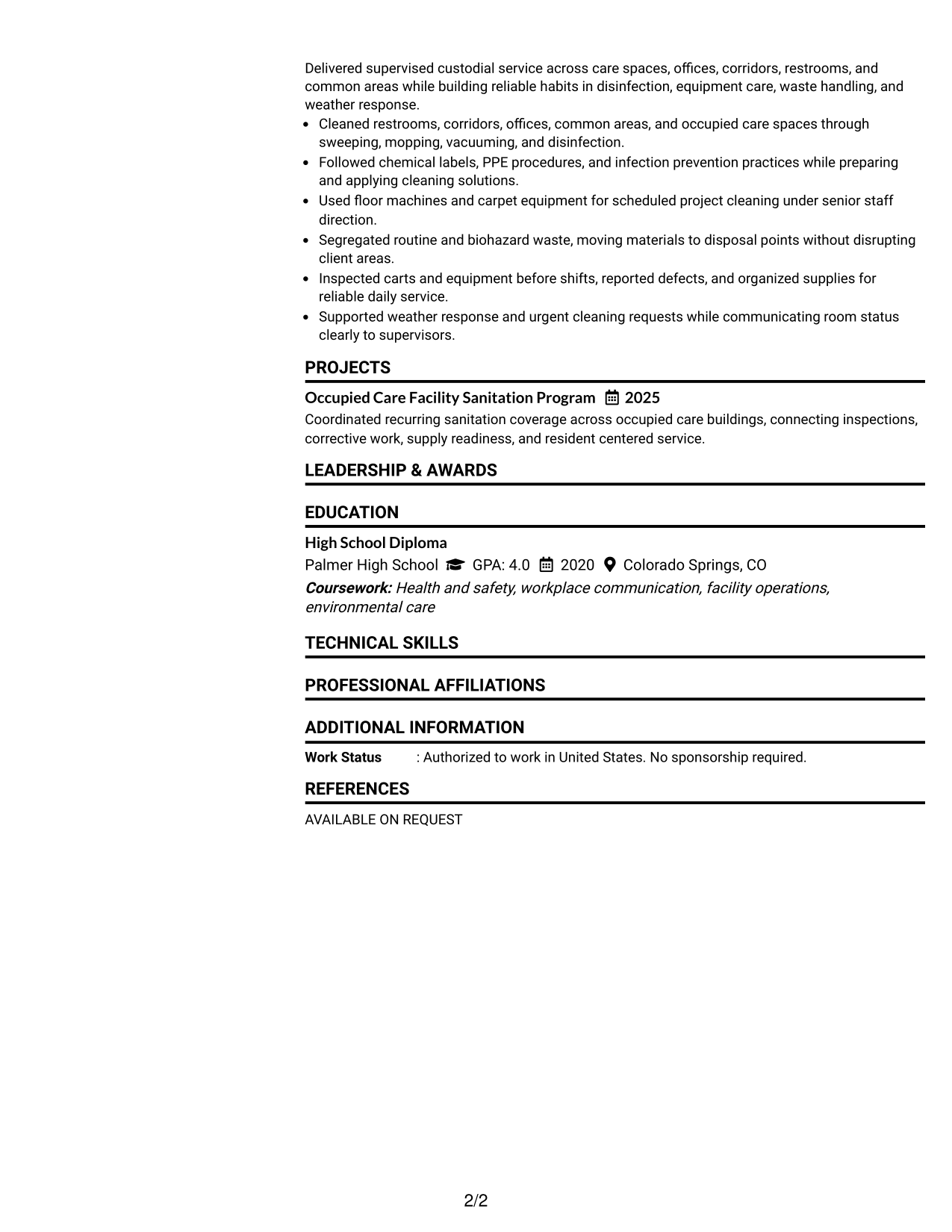
#7 Simple Two Column Format Resume Example
A simple two-column structure groups resume sections without heavy decoration, helping recruiters scan the document with clear visual order.
Why This Format Works
- Simple column boundaries separate career history from shorter supporting content.
- Reduced decoration keeps attention on experience, achievements, skills, and credentials.
- Compact organization helps recruiters review several resume sections without excessive scrolling.
Best For
- Clean two-column reading
- Resumes with many short sections
- Practical no-photo applications
- Content needing light visual structure
- Recruiters reviewing dense information
Why Build Your Custodian Lead Resume with ResumeInMinutes
ResumeInMinutes helps you organize leadership, cleaning, safety, equipment, and facility-response evidence into a resume that is easy to scan and adjust.
- ATS-friendly section structure
- Clear experience organization
- Role-focused keyword guidance
- Skills and certification sections
- Free PDF resume previews
- Resume customization support
You can refine the summary, work history, skills, education, and credentials while keeping the resume focused on the exact Custodian Lead role.
See Also
- 7 Cleaner / Custodian Resume Templates with Example
- 7 Custodian Resume Templates with Example
- 7 North America Import / Export Specialist Resume Templates with Example
- 7 Senior Trades Worker - Facility Management Resume Templates with Example
- 7 Field Metering Specialist Resume Templates with Example
- 7 R&D Cable Intern Resume Templates with Example
- 7 Paralegal Resume Templates with Example
- 7 Engineering Technician 1 Resume Templates with Example
- 7 Mobile Equipment Operator Resume Templates with Example
- 7 Shop Technician - Agricultural Equipment Repair Resume Templates with Example
Frequently Asked Questions
Are these Custodian Lead resume templates ATS-friendly?
They use clear resume sections and readable headings that support ATS parsing. Keep wording simple and match relevant terms to your real experience.
Are these different resumes?
No. The guide shows one complete Custodian Lead resume example in different visual formats so you can compare structure without changing the core evidence.
What should a Custodian Lead resume include?
Include a focused summary, custodial work history, leadership duties, sanitation and floor-care skills, safety practices, equipment experience, education, licenses, and relevant training.
How should I show leadership experience?
Use bullets that explain how you assigned work, trained staff, adjusted coverage, inspected completed areas, handled urgent requests, and followed through on corrective work.
Which cleaning skills are useful to list?
List only skills you have used. Relevant examples can include disinfection, restroom sanitation, carpet extraction, stripping, sealing, waxing, scrubbing, buffing, biohazard handling, and chemical safety.
Should I include certifications or safety training?
Yes, when they are current and relevant. Training in hazard communication or bloodborne pathogens can support the safety section of a custodial resume.
Should I include a photo on my resume?
Include a photo only when it is customary or expected in your country or region. For U.S. applications, a no-photo resume is generally the safer choice.
Can I customize these resume templates?
Yes. You can adjust the text and visual format while keeping the content accurate, role-focused, and easy for recruiters to review.