
7 Custodian Resume Templates with Example
This guide shows you how to create a clear, focused Custodian resume that presents your relevant skills and experience. You will learn how to organize your qualifications and compare professional resume formats.
A strong Custodian resume makes daily cleaning work easy to understand. Use clear headings and concise bullet points to show floor care, restroom sanitation, supply replenishment, equipment care, event setup, and safe spill response.
The example is presented in 7 resume layouts. Compare the image previews to see how each layout organizes experience, skills, education, and training, then open an example in the editor to customize it.
What Makes a Great Custodian Resume in 2026
A strong Custodian resume uses clear sections and short bullet points to show reliable facility care, safe work habits, and attention to detail. Put relevant experience and skills where readers can find them quickly.
Use role-specific terms such as floor care, restroom sanitation, SDS guidance, personal protective equipment, OSHA and ISSA safety practices, spill response, and snow removal. Add examples that show the tasks you completed and the spaces you prepared.
Note: Resume examples are for educational purposes only. Use only information that accurately reflects your experience and qualifications. References to real organizations do not imply affiliation or endorsement.
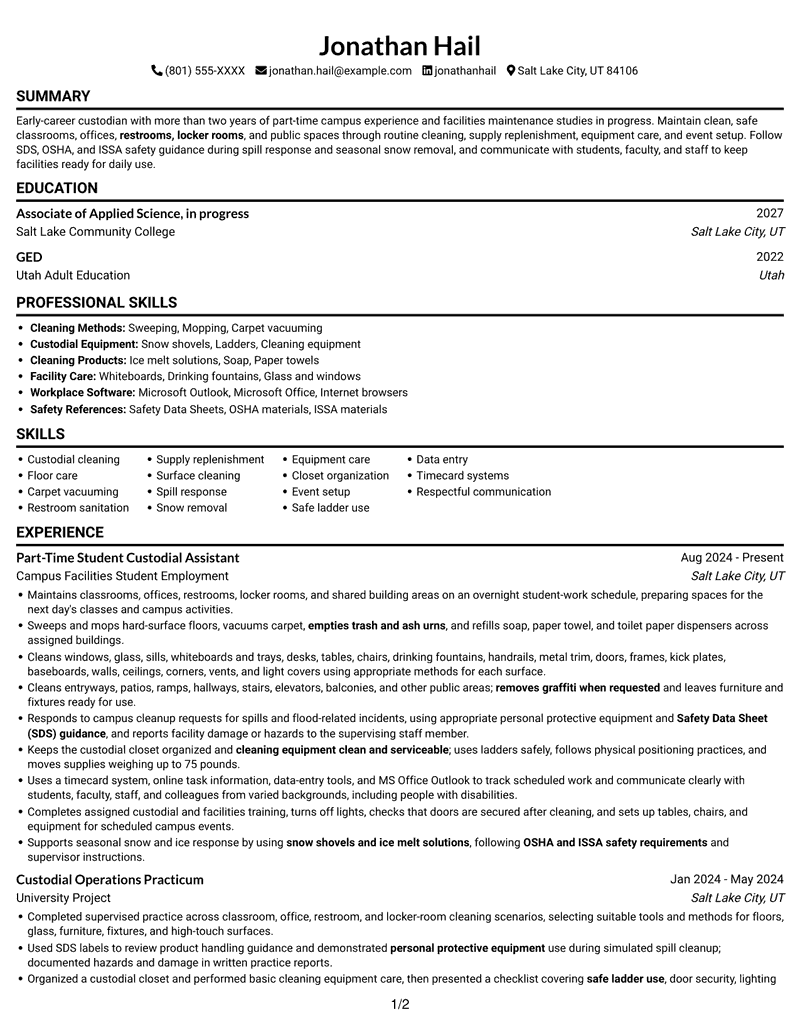
#1 Simple One Column Format Resume Example
A single-column reading path keeps the resume in a familiar sequence, making detailed sections easier to follow.
Why This Format Works
- One vertical reading path helps reviewers follow experience, education, and credentials in sequence.
- Consistent movement down the page makes detailed cleaning duties easier to review.
- Separate resume sections keep skills and training distinct from work history.
Best For
- Single-path resume reading
- Detailed work-history entries
- Several distinct resume sections
- Skills alongside training details
- Text-first review preferences
Resume Keywords
- Custodial cleaning
- Maintains classrooms, offices, restrooms, locker rooms, and shared building areas
- restrooms, locker rooms
- Sweeps and mops hard-surface floors
- Carpet vacuuming
- Cleans windows, glass, sills, whiteboards and trays, desks, tables, chairs, drinking fountains, handrails, metal trim, doors, frames, kick plates, baseboards, walls, ceilings, corners, vents, and light covers
- empties trash and ash urns
- refills soap, paper towel, and toilet paper dispensers
- Responds to campus cleanup requests for spills and flood-related incidents
- personal protective equipment
- Safety Data Sheet (SDS) guidance
- OSHA and ISSA safety requirements
- snow shovels and ice melt solutions
- cleaning equipment clean and serviceable
- Keeps the custodial closet organized
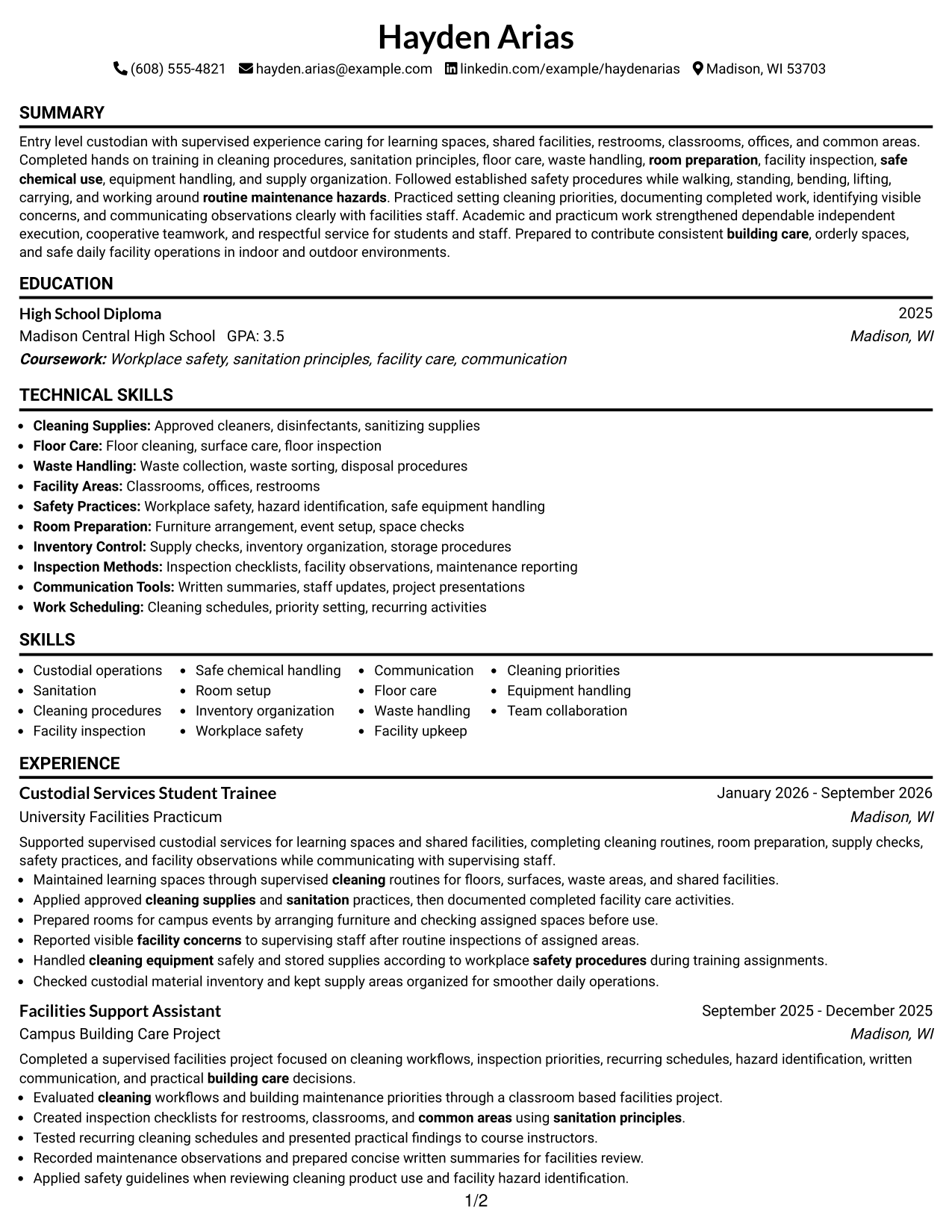
#2 Simple Two Column Format Resume Example
Two columns arrange resume content in parallel areas, giving reviewers another way to move through its sections.
Why This Format Works
- Two content columns help reviewers move between experience and supporting qualifications efficiently.
- Parallel areas make skills and education easier to locate during a short review.
- Separate visual zones reduce the need to scan one long content stream.
Best For
- Parallel section review
- Shorter vertical scanning paths
- Several qualification categories
- Resume content needing clear separation
- Side-by-side information navigation
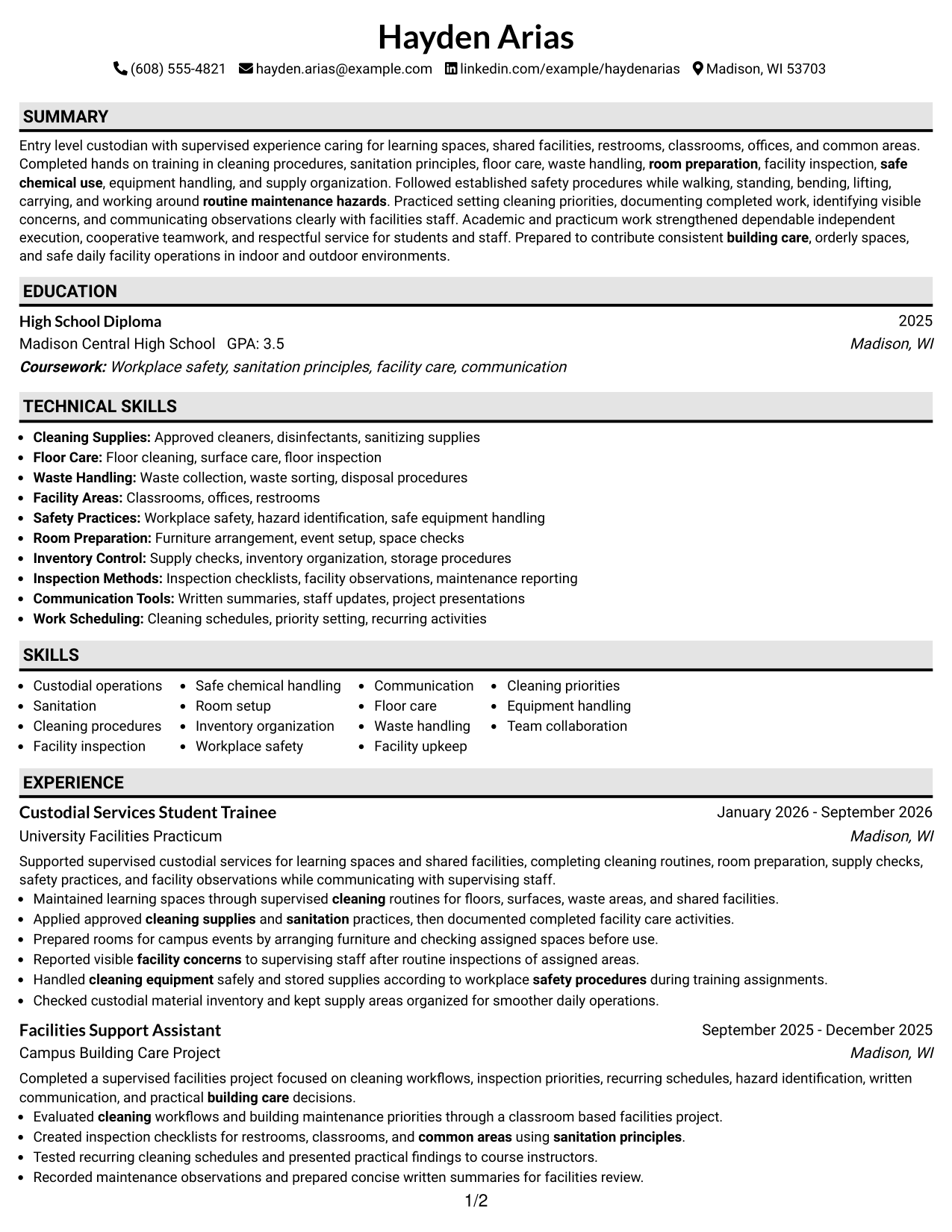
#3 Plain One Column with Shaded Labels Resume Example
The one-column structure gives the resume a shared vertical path, a practical choice for readers who prefer a familiar order.
Why This Format Works
- One vertical sequence lets reviewers track work history and education without switching columns.
- A consistent section flow helps readers find skills, training, and credentials in context.
- Simple page organization gives detailed resume content a predictable reading order.
Best For
- Familiar top-to-bottom review
- Detailed job entries
- Education and credential sections
- Resume content with varied section lengths
- Readers who prefer one reading path
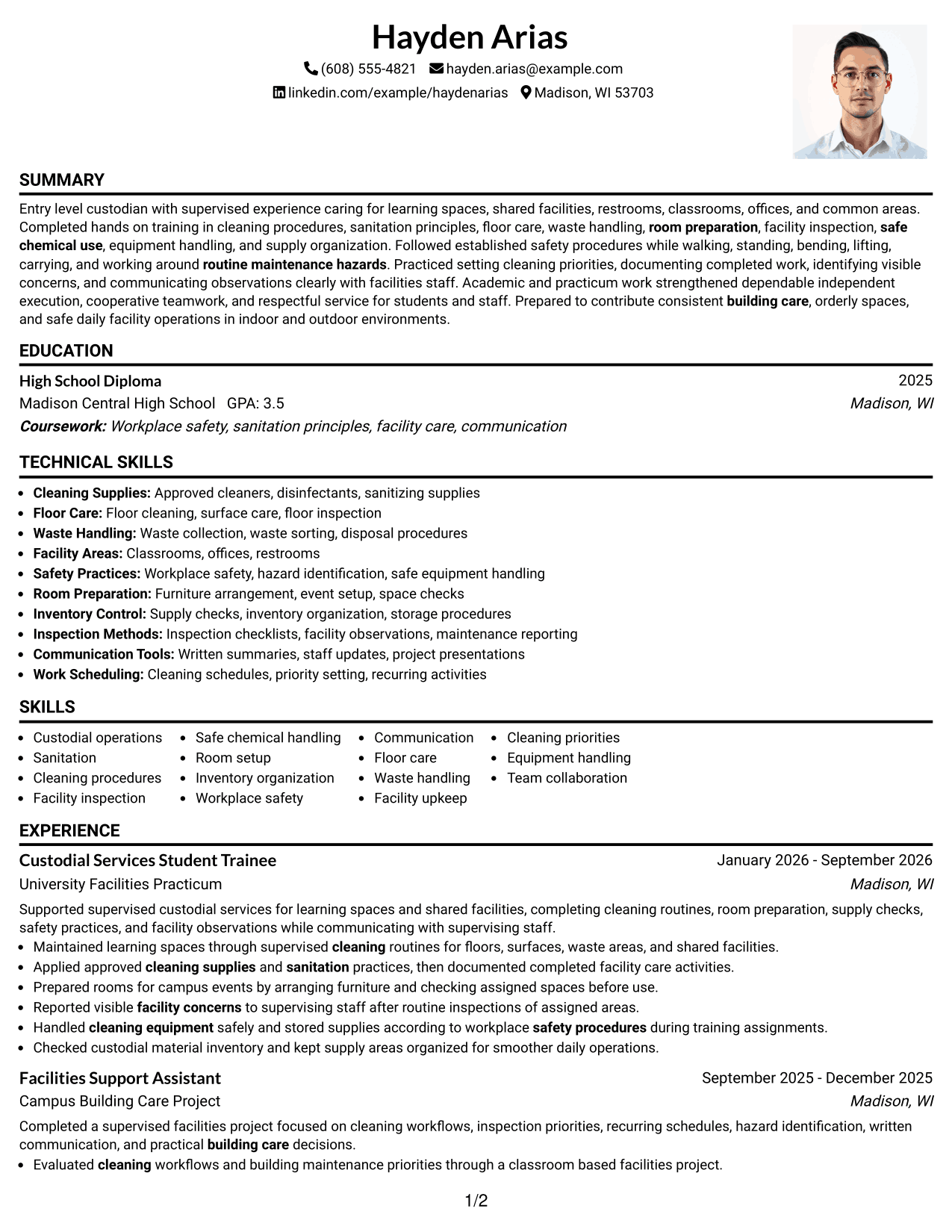
#4 One Column Format with Photo Right Resume Example
A one-column resume body keeps the sections in a vertical sequence, while the included photo adds a visual element.
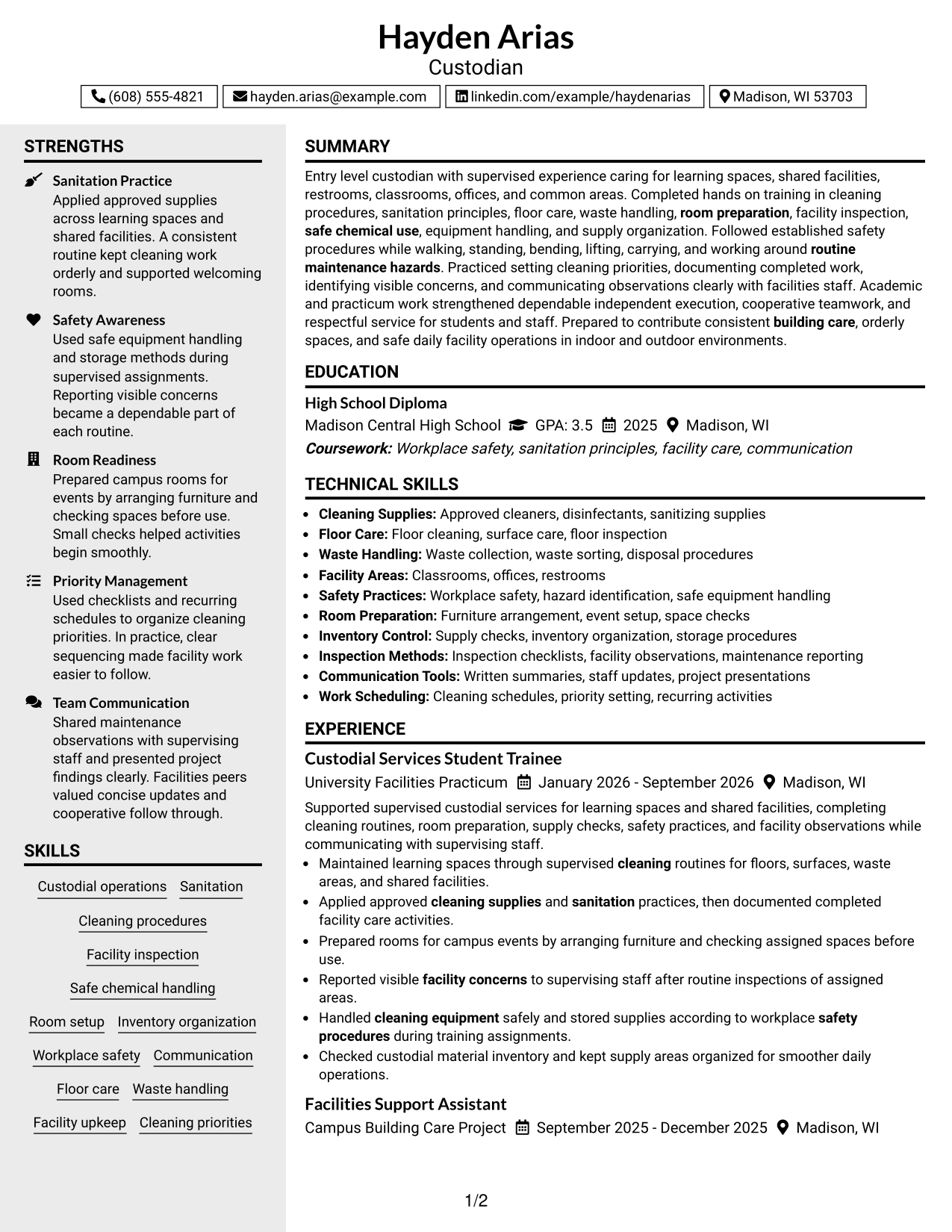
Why This Format Works
- One content column keeps experience, project, and education sections in a shared reading sequence.
- The photo adds a visual point of identification without changing the resume's evidence.
- Skills and credentials remain part of the same body, not a separate column.
Best For
- Portrait-inclusive resume preference
- One-column content flow
- Visual identity alongside text
- Detailed experience and project sections
- Readers preferring one vertical path
#5 Clean Two Column Sidebar Format Resume Example
The two-column arrangement presents resume information in parallel areas, helping readers navigate a range of sections.
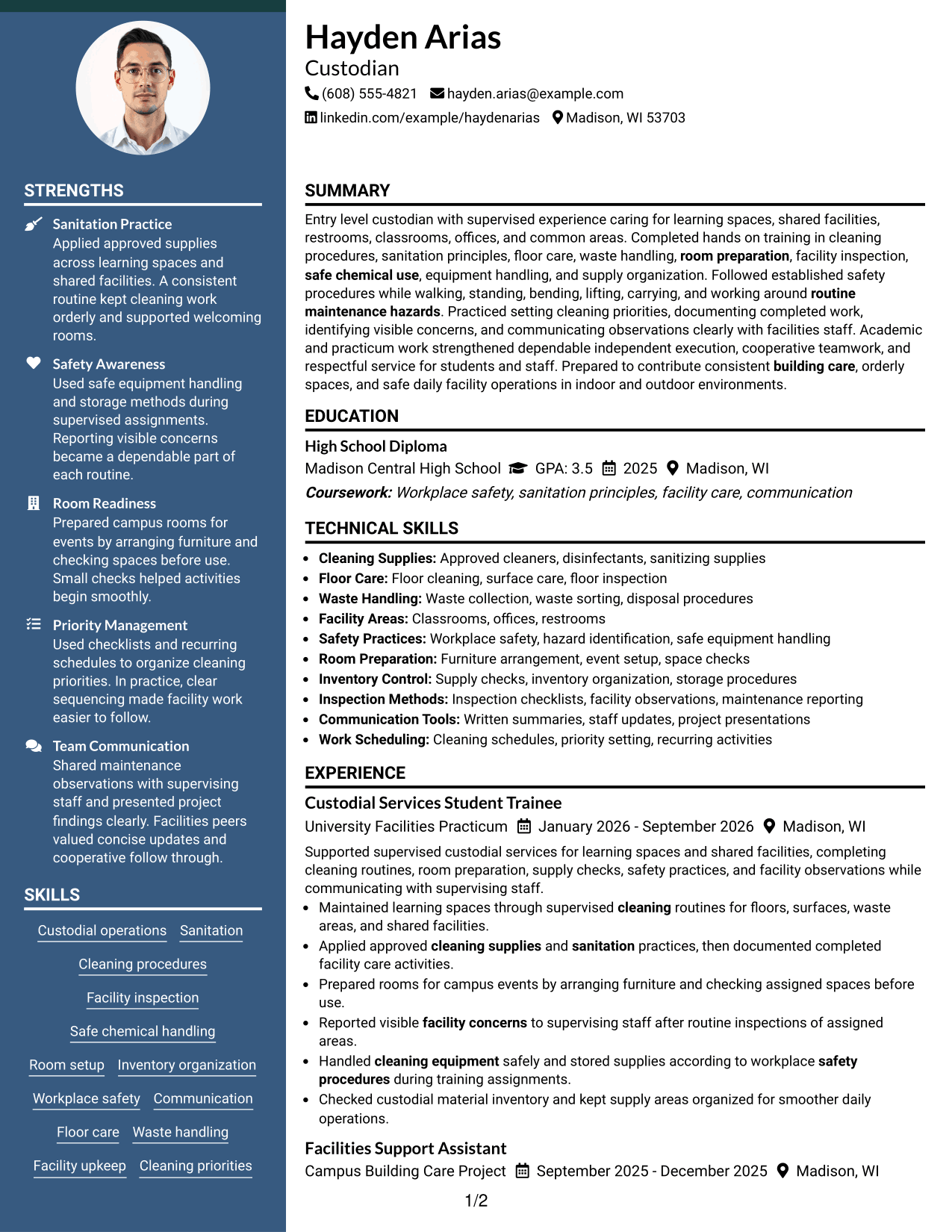
Why This Format Works
- Two columns let reviewers scan resume sections across parallel content areas.
- The arrangement offers another route through work history and supporting qualifications.
- Skills, education, and experience remain easy to distinguish during a focused review.
Best For
- Parallel content browsing
- Compact resume organization
- Readers comparing resume categories
- Experience and supporting qualifications
- Multiple sections within two columns
#6 Two Column Format Resume Example
Two-column organization creates parallel reading areas, which can help reviewers move between different parts of the resume.
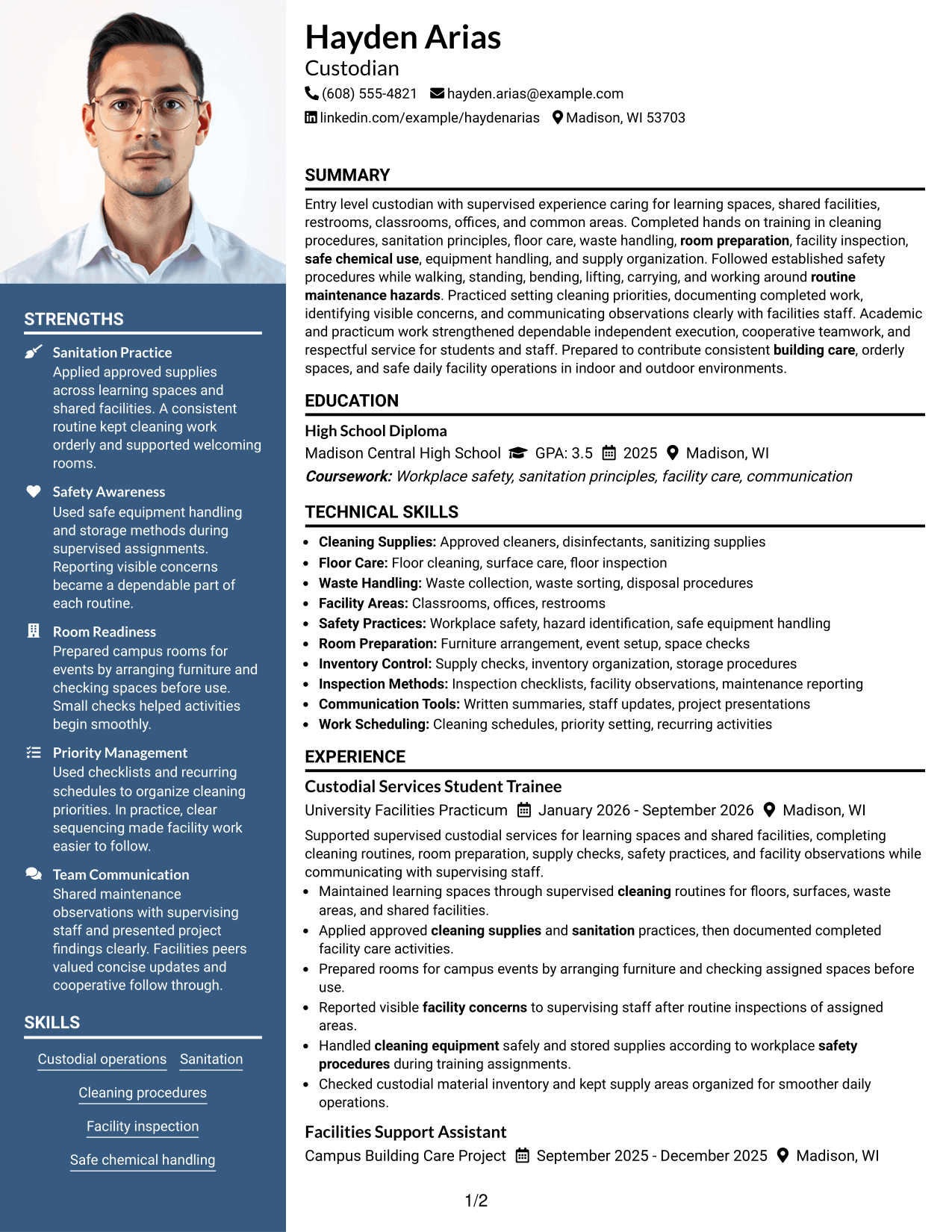
Why This Format Works
- Two columns give reviewers an alternate route through sections beyond one vertical stream.
- Parallel areas help distinguish career history from other resume information.
- This arrangement makes a varied mix of experience, skills, and training easier to scan.
Best For
- Two-column reading preference
- Mixed resume section types
- Quick movement between content areas
- Grouped content review
- Readers seeking alternate scan paths
#7 Photo Header Two Column Format Resume Example
This two-column layout includes a photo and gives the resume parallel content areas for an organized visual presentation.
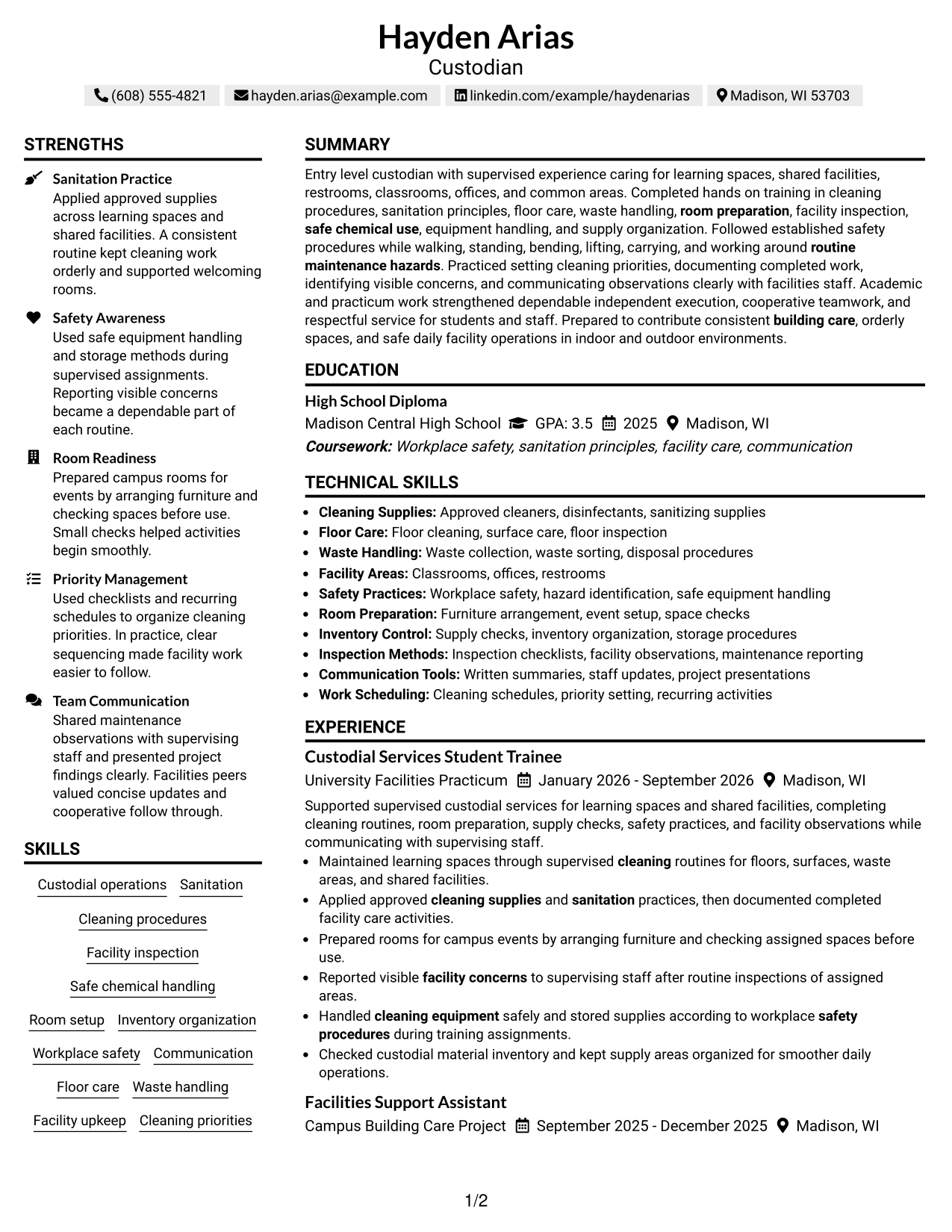
Why This Format Works
- Two-column organization gives experience and supporting resume sections parallel reading areas.
- The photo adds a visible personal element while content remains organized in two columns.
- Reviewers can scan resume categories across columns rather than only down one stream.
Best For
- Two-column resume preference
- Portrait-inclusive document design
- Visual identity with structured content
- Readers scanning multiple resume categories
- Content suited to parallel organization
Why Build Your Custodian Resume with ResumeInMinutes
ResumeInMinutes lets you review resume image previews and open an example in the editor. Use the layout that makes your custodial experience, safety training, and practical skills easy to scan.
- Clear resume section structure
- ATS-friendly headings
- Role-focused keywords
- Experience and skills organization
- Image previews for layout comparison
- Resume customization in the editor
Keep your resume focused on custodial work. Highlight the cleaning methods, equipment, safety practices, and facility tasks that match the position, then support them with concise examples from experience, training, or projects.
See Also
- 7 Cleaner / Custodian Resume Templates with Example
- 7 Custodian - Facility Care Resume Templates with Example
- 7 Custodian - Healthcare Environmental Services Resume Templates with Example
- 7 Custodian - Hospitality Environmental Services Resume Templates with Example
- 7 Custodian Lead Resume Templates with Example
- 7 Customer Experience Manager - Front-End Retail Operations Resume Templates with Example
- 7 Service Manager - Medical Equipment Field Service Resume Templates with Example
- 7 Customer Service Manager - Retail Logistics Resume Templates with Example
- 7 Custodian Cover Letter Templates with Example
- 7 Custodian - Healthcare Environmental Services Cover Letter Templates with Example
Frequently Asked Questions
Are these Custodian resume templates ATS-friendly?
They use clear headings and readable sections to help organize Custodian experience and keywords. Include accurate terms for floor care, restroom sanitation, spill response, equipment care, and safety practices where they match your background.
How can I compare the Custodian resume layouts?
Review the image previews to compare the page structure and placement of resume sections. Open an example in the editor when you are ready to customize its layout.
What should a Custodian resume include?
Include a focused summary, relevant custodial experience, skills, education, and applicable training or certifications. Describe tasks such as floor care, supply replenishment, cleaning varied surfaces, event setup, and safe spill response with concise bullet points.
Which resume style works well for a Custodian position?
A simple layout with clear headings and easy-to-read experience bullets is a strong choice. It helps readers find relevant duties, safety knowledge, and practical skills quickly.
How can I show custodial experience clearly?
Name the spaces and tasks you handled, such as classrooms, offices, restrooms, floor cleaning, supply restocking, or snow removal. Add specific details, such as safe lifting up to 75 pounds or use of SDS guidance, only when they accurately describe your background.
Should I include a photo on my resume?
Include a photo only if it is customary or expected in your country, region, or industry. For U.S. applications, a no-photo resume is generally the safer choice.




