
7 Customer Experience Manager - Front-End Retail Operations Cover Letter Templates with Example
This guide helps you create a focused Customer Experience Manager - Front-End Retail Operations cover letter and compare seven layouts for presenting your customer service leadership clearly.
What Makes a Great Customer Experience Manager - Front-End Retail Operations Cover Letter in 2026
A strong letter connects customer service leadership to the demands of front-end retail operations. Show how you support attentive service, accurate checkout, and consistent store readiness.
Use specific evidence, such as coaching associates from checkout observations or aligning coverage with service goals, then connect it to the employer’s standards for customer experience and store execution.
The featured example moves from role interest to evidence of service leadership, front-end execution, and employer alignment, giving you a focused progression to adapt while choosing a presentation that suits the employer and communication context.
#1 Simple One Column Format Cover Letter Example
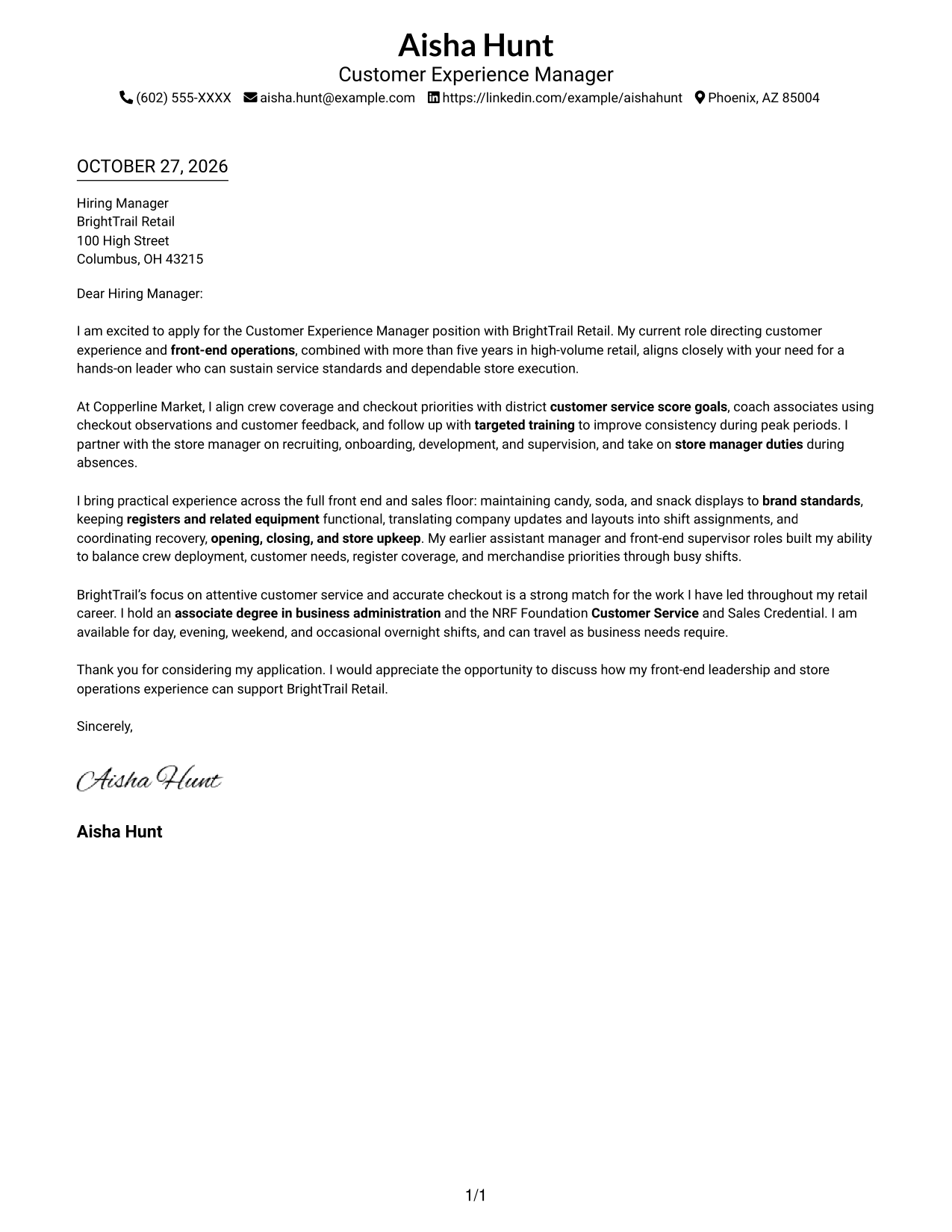
The Simple One Column Format keeps sender details in the header and presents the letter as one continuous body.
Why This Format Works
- Contact details stay apart from the message, making sender information easy to locate.
- Unlabeled paragraphs preserve the familiar progression from opening through closing.
- One body column keeps every point in a clear top-to-bottom order.
Best For
- Single-column letter reading
- Header-based contact details
- Uninterrupted persuasive paragraphs
- Traditional letter presentation
- Photo-free application documents
#2 Two Column Format Cover Letter Example
The Two Column Format places contact details in a sidebar beside one continuous letter body.
Why This Format Works
- A dedicated contact sidebar keeps sender information distinct from the application message.
- The letter body remains continuous, so its paragraphs read as one connected argument.
- The separate areas let readers locate contact details without interrupting the letter.
Best For
- Contact details beside the letter
- Continuous body paragraphs
- Distinct contact and message areas
- Quick access to sender information
- Photo-free two-column layouts
#3 Photo Header Two Column Format Cover Letter Example
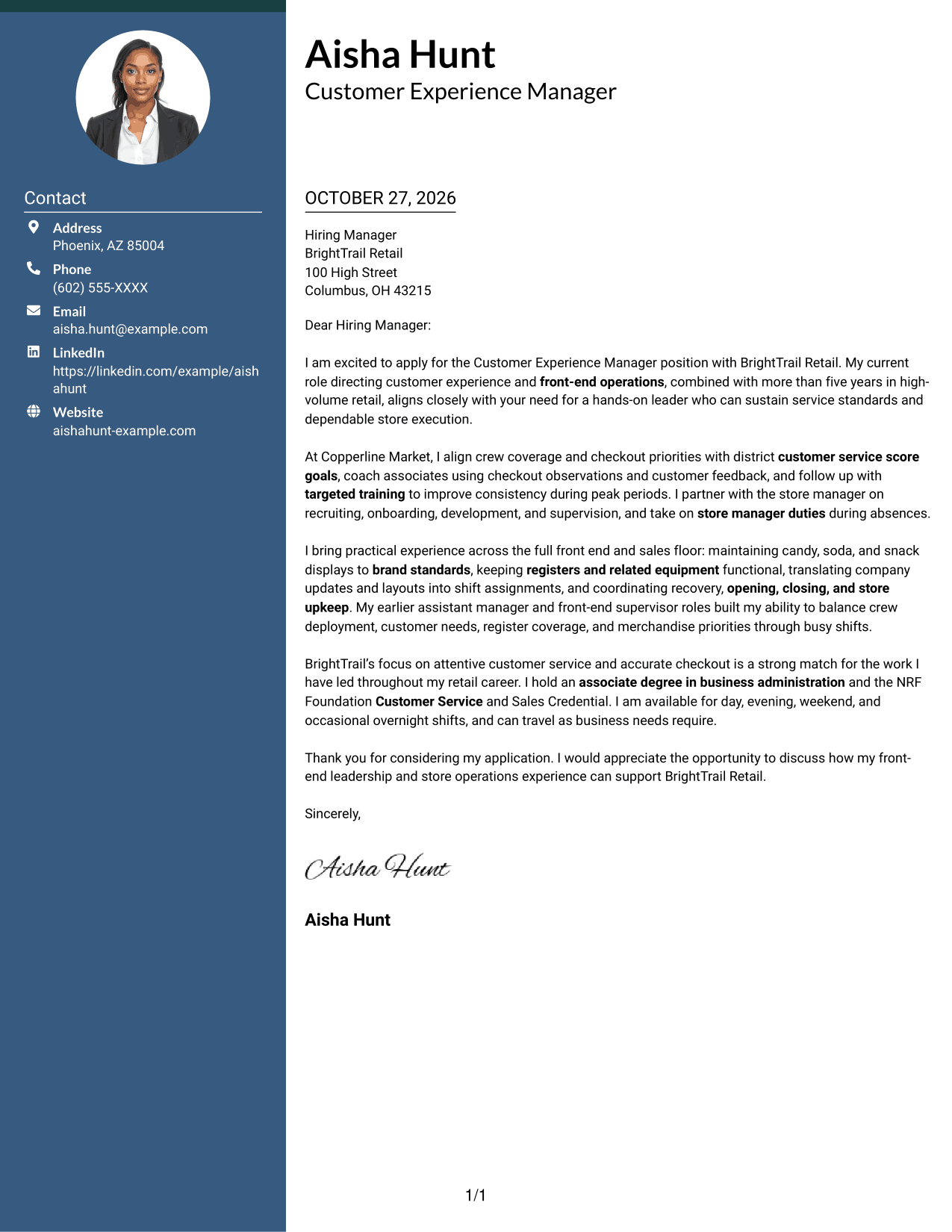
The Photo Header Two Column Format includes a photo and places contact details in a sidebar beside one continuous letter body.
Why This Format Works
- The sidebar keeps sender contact information separate from the letter's message.
- A continuous body lets readers follow the application without breaks between argument sections.
- The photo adds a personal visual element without dividing the letter's paragraphs.
Best For
- Photo-inclusive letter design
- Contact details in a sidebar
- Uninterrupted letter paragraphs
- Personal visual presentation
- Two-column reading order
#4 One Column Format with Photo Cover Letter Example
The One Column Format with Photo combines a photo with sender details in the header and one continuous letter body.
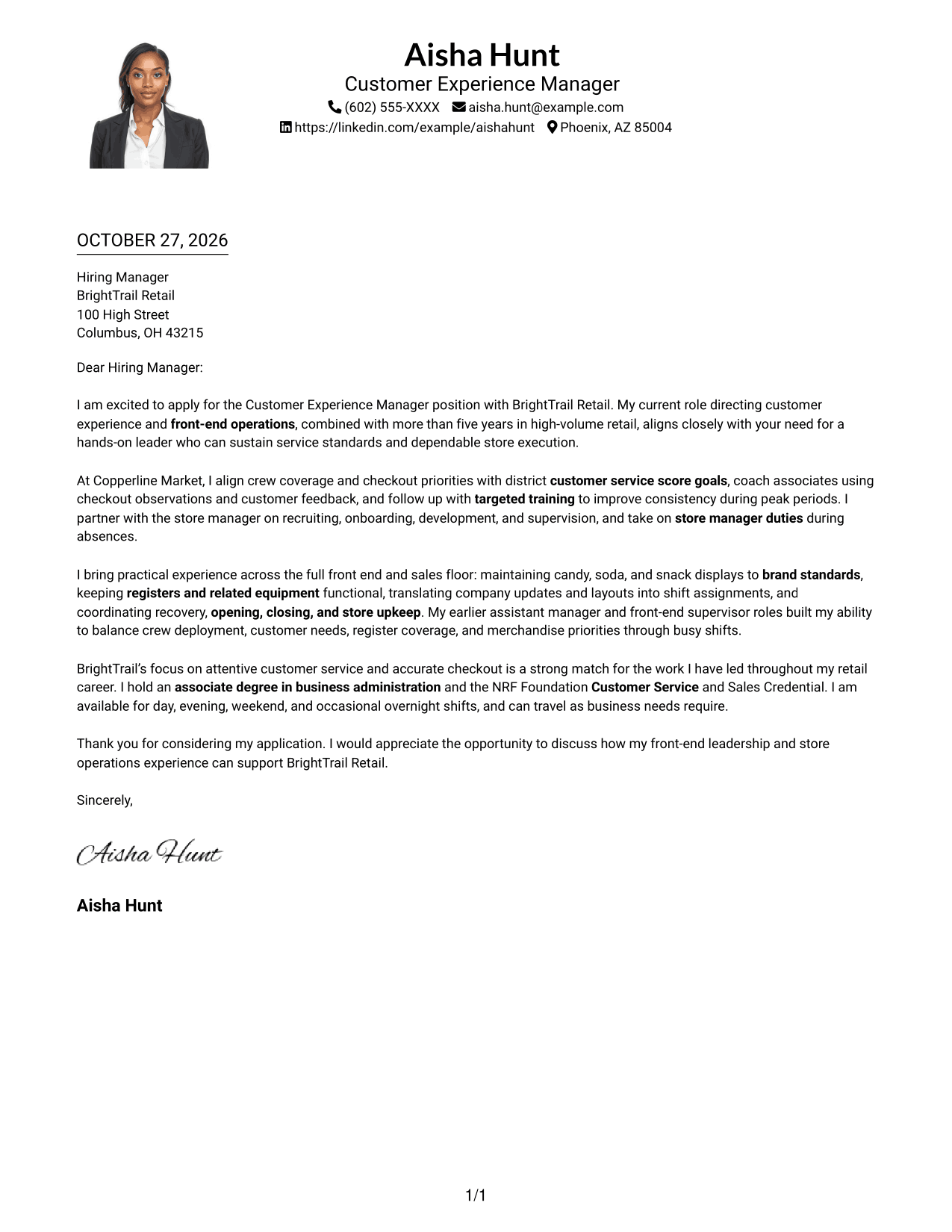
Why This Format Works
- The single body column keeps the full letter in one consistent reading sequence.
- Header-based sender details remain easy to distinguish from the letter's message.
- The photo brings a personal visual element while the paragraphs remain continuous.
Best For
- Photo-inclusive single-column letters
- Header-based contact details
- Continuous application messages
- One-direction reading flow
- Personal visual presentation
#5 Simple Two Column Format Cover Letter Example
The Simple Two Column Format sets contact details in a sidebar beside a single, continuous letter body.
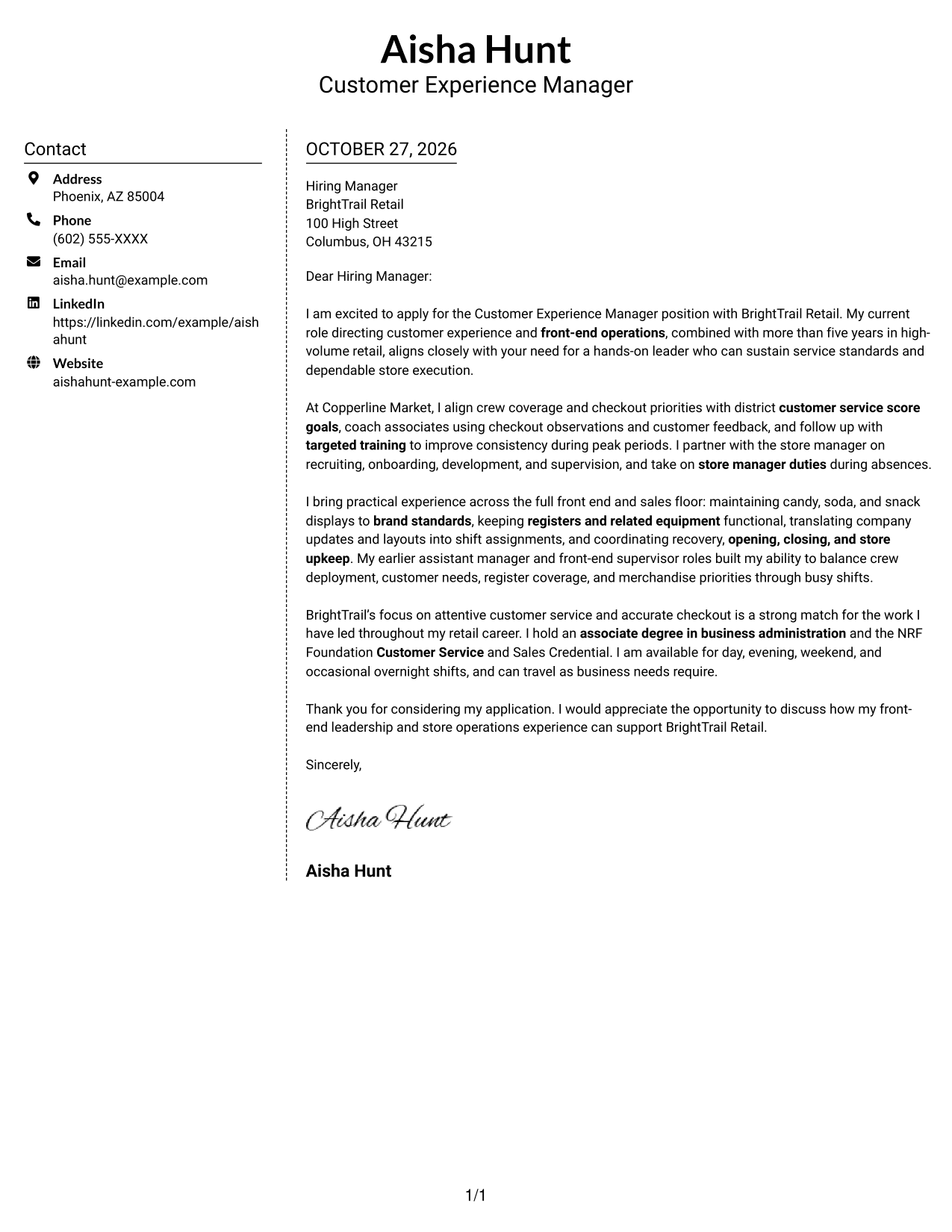
Why This Format Works
- The sidebar gives sender contact information a separate place beside the message.
- One continuous letter body keeps the opening, supporting points, and closing in sequence.
- Readers can find contact details without mistaking them for part of the letter.
Best For
- Sidebar contact information
- Continuous letter paragraphs
- Separate sender and message details
- Easy contact lookup
- Photo-free two-column letters
#6 Modern Icon Format Cover Letter Example
The Modern Icon Format uses two columns, with contact details beside one continuous letter body and icons as contact cues.
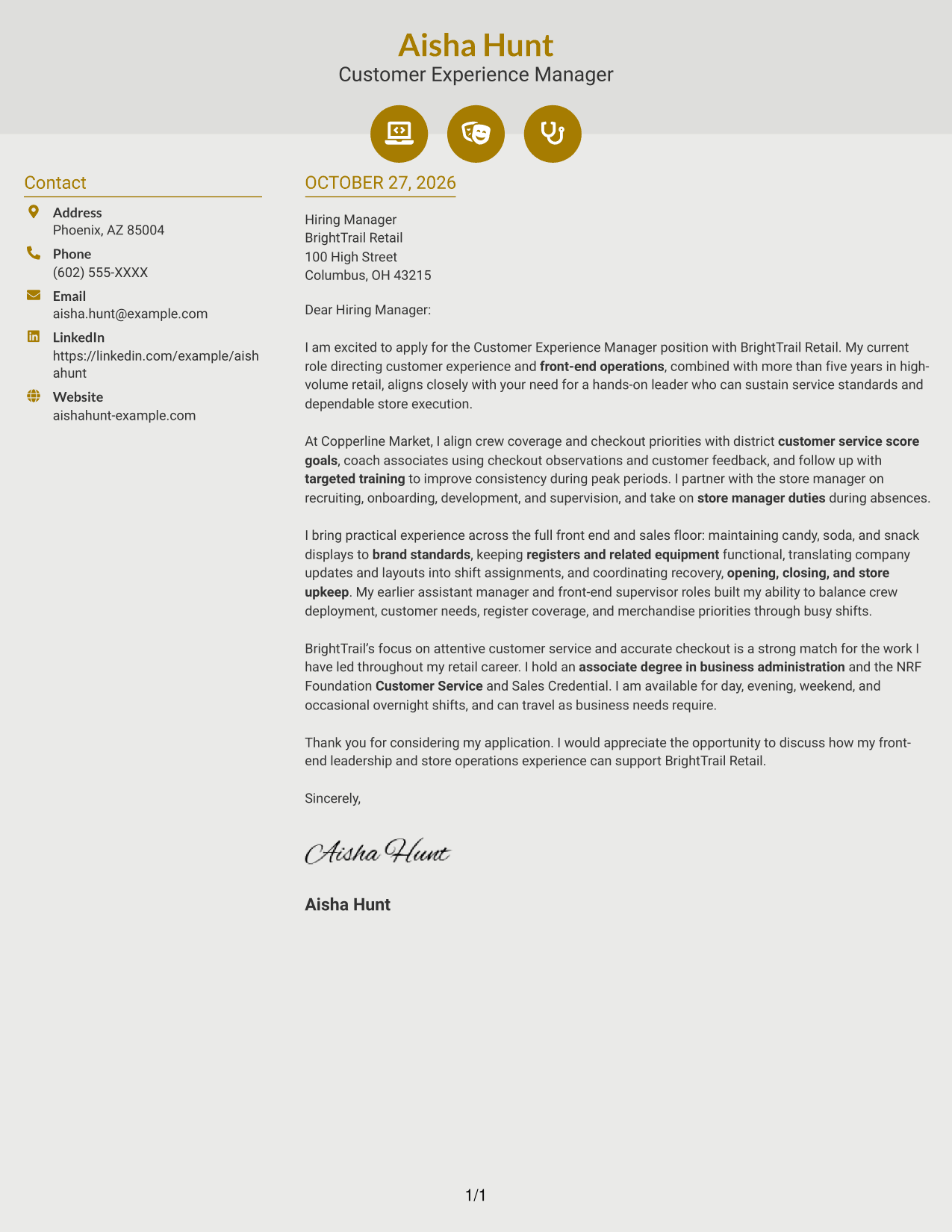
Why This Format Works
- Contact icons help distinguish sender details from the letter's main message.
- A single letter body keeps motivation and supporting points together in paragraph form.
- The two-column arrangement separates contact information without splitting the argument.
Best For
- Icon-marked contact details
- Continuous letter paragraphs
- Separate contact and message areas
- Quick contact information lookup
- Photo-free two-column layouts
#7 Creative Two Tone Format Cover Letter Example
The Creative Two Tone Format places contact details beside one continuous letter body in a two-column layout.
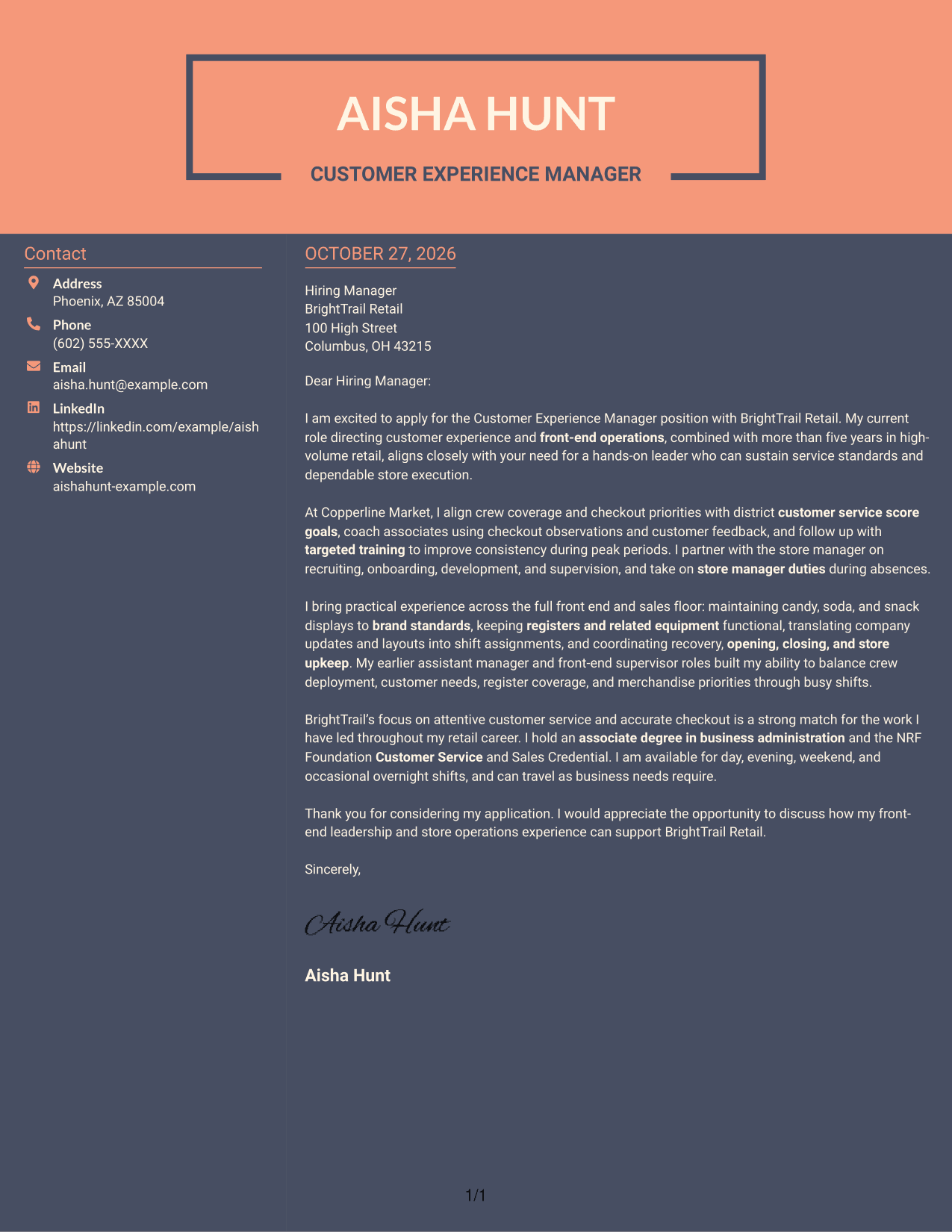
Why This Format Works
- The contact sidebar keeps sender information apart from the application message.
- A continuous body carries the reader from the opening to the closing naturally.
- Two distinct areas make it clear where contact information ends and the letter begins.
Best For
- Side-by-side contact and letter
- Uninterrupted persuasive writing
- Distinct sender information
- Two-column reading order
- Photo-free application documents
Why Use ResumeInMinutes for a Customer Experience Manager - Front-End Retail Operations Cover Letter
ResumeInMinutes offers a practical starting point for shaping a clear letter around front-end leadership, customer service, and daily store operations.
- Role-focused writing guidance
- Clear cover letter structure
- Employer-alignment prompts
- Professional presentation options
- Cover letter example previews
- Links to view or customize an example in the editor
Use the example to shape a letter that links customer service score goals, associate coaching, front-end execution, and store readiness to the needs of a Customer Experience Manager - Front-End Retail Operations role.
See Also
- 7 Customer Experience Manager - Front-End Retail Operations Resume Templates with Example
- 7 Retail Key Holder - Customer Experience and Store Operations Resume Templates with Example
- 7 Retail Lead Associate - Customer Experience Operations Resume Templates with Example
- 7 Retail Lead - Sales and Customer Experience Resume Templates with Example
- 7 Retail Supervisor - Apparel Sales and Customer Experience Resume Templates with Example
- 7 Customer Experience Agent - Medicare Advantage Member Support Resume Templates with Example
- 33 Customer Experience Data Analyst Resume Templates with Example 2026 (ATS-Optimized)
- 33 Customer Experience Subject Matter Expert Resume Templates with Example 2026 (ATS-Optimized)
- 7 Retail Key Holder - Customer Experience and Store Operations Cover Letter Templates with Example
- 7 Retail Lead Associate - Customer Experience Operations Cover Letter Templates with Example
Frequently Asked Questions
What should the opening paragraph say for this role?
State your interest in the Customer Experience Manager - Front-End Retail Operations position and briefly connect your background to customer service and front-end leadership. Keep the opening direct and specific to the role.
What evidence can strengthen this cover letter?
Share relevant examples of coaching associates, supporting service score goals, maintaining checkout equipment, and keeping front-end displays and store areas ready for customers. Choose details that are accurate to your own experience.
Does the guide show different cover letter designs?
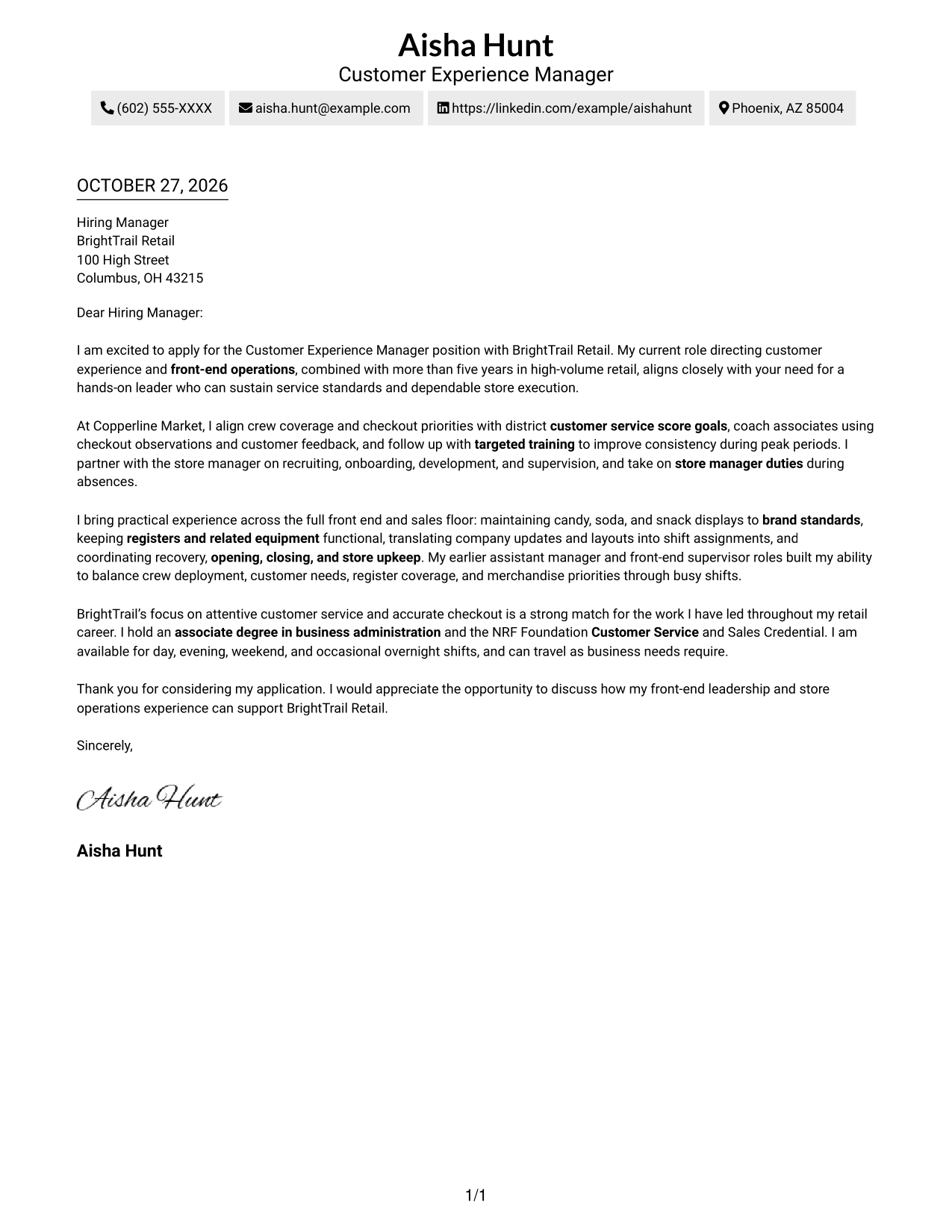
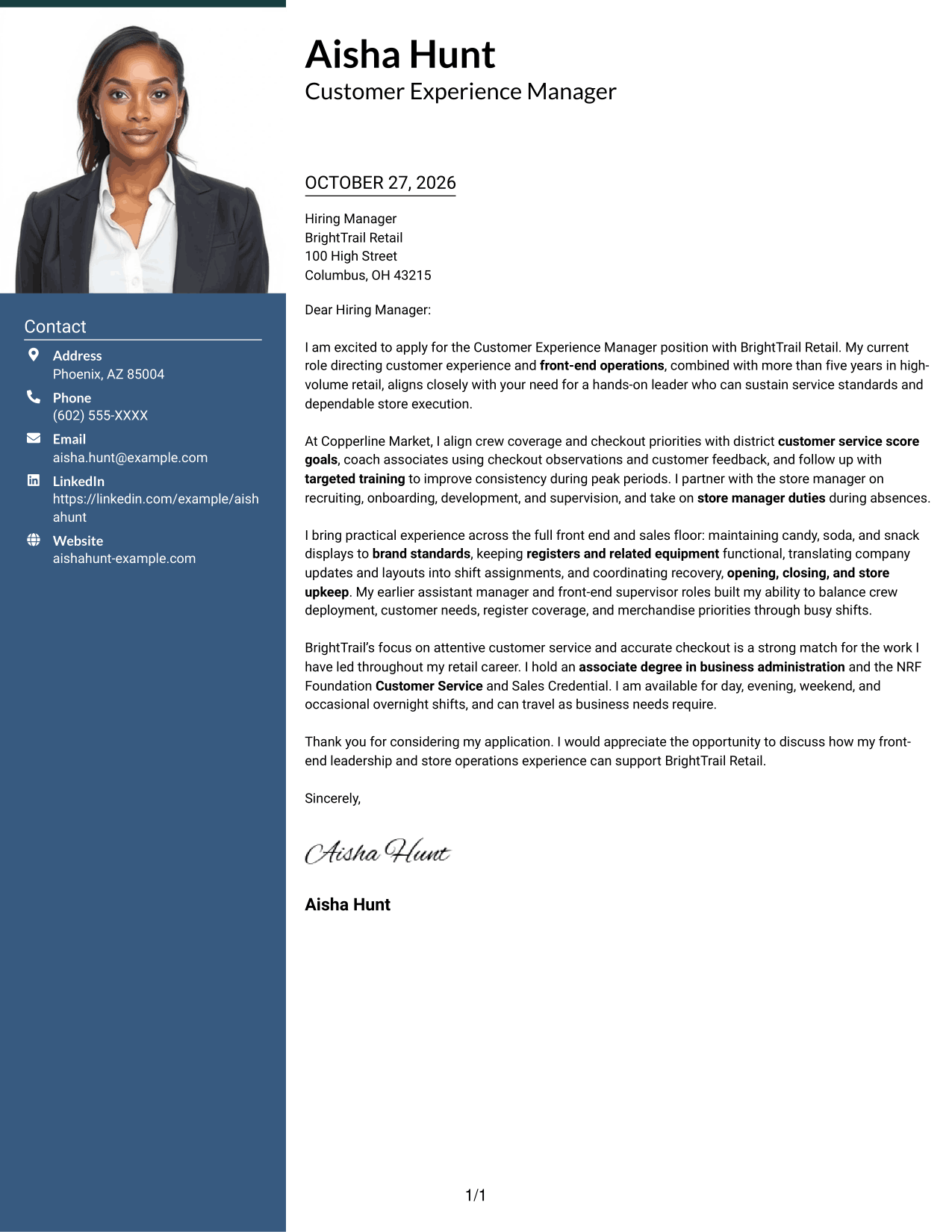
It presents one cover letter example in multiple layouts. Compare the image previews to see how each presentation looks, then use the editor link to view or customize an example.
Which cover letter style works well for front-end retail operations?
A clear, easy-to-read style helps hiring teams follow your opening, supporting examples, and closing. Choose a presentation that fits the employer and the communication context.
Should I mention schedule flexibility in my letter?
If the position asks for flexible scheduling and you are available for the listed shifts, you can state that briefly near the end of the letter. Mention travel availability only if it applies to you.




