
7 Customer Reference Specialist Cover Letter Templates with Example
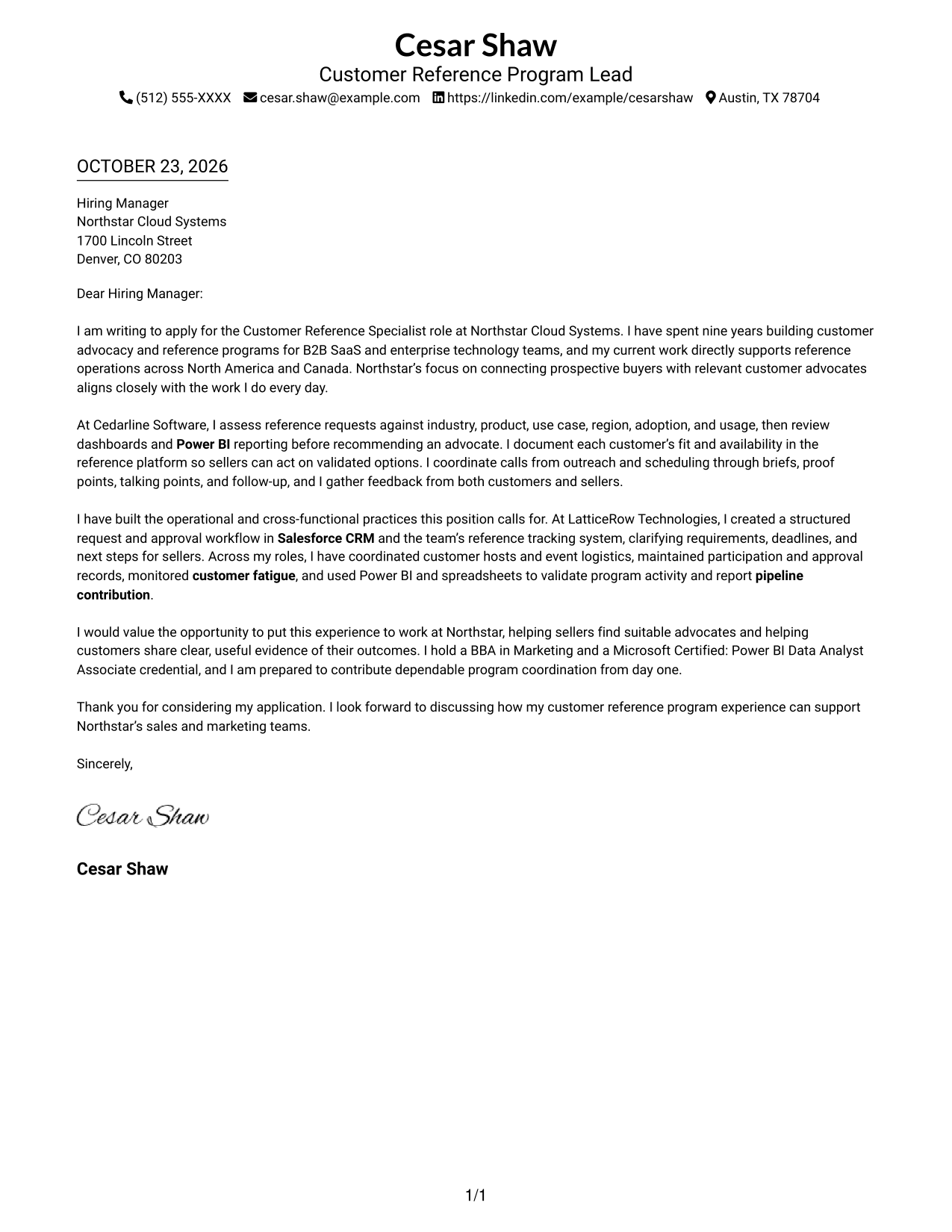
This practical guide to a Customer Reference Specialist cover letter presents one example in seven layouts to help you explain your fit clearly.
What Makes a Great Customer Reference Specialist Cover Letter in 2026
A strong Customer Reference Specialist cover letter shows how you connect buyer needs with suitable customer advocates. It should also show that you can coordinate calls, events, records, and follow-up with care.
Use a specific example of request matching, approval workflows, or reporting, then explain how your approach supports sales goals and customer expectations.
The featured Customer Reference Specialist example moves from role motivation to reference-program evidence and a focused close. Adapt that progression, then choose a presentation that fits the employer and the communication context.
#1 Simple One Column Format Cover Letter Example
The Simple One Column Format keeps sender details in the header and the letter in one continuous column, giving the message a direct reading path.
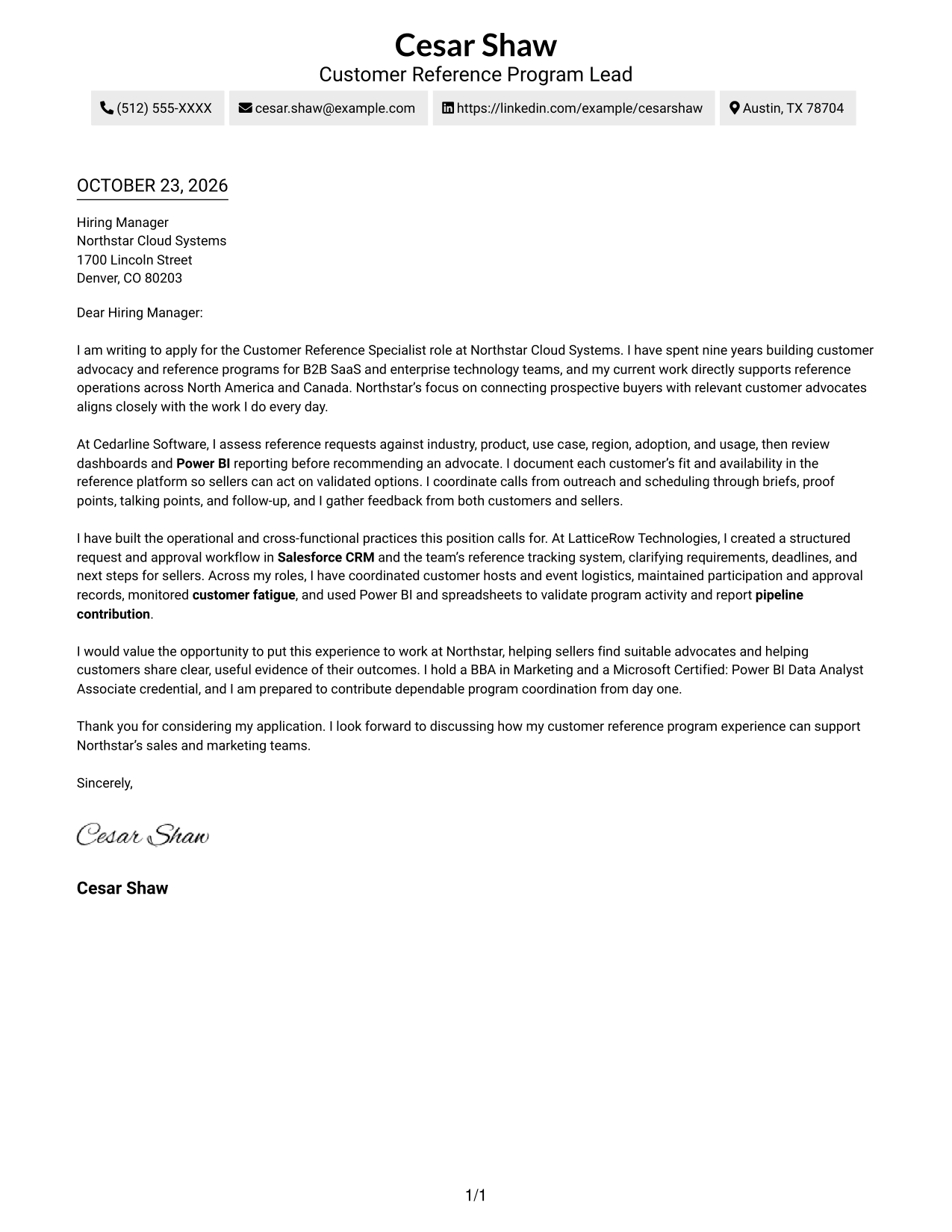
Why This Format Works
- Header contact details stay apart from the letter’s single, continuous column.
- Reviewers can follow motivation, supporting evidence, and closing in one sequence.
- The straightforward presentation suits readers who prefer a familiar letter format.
Best For
- Single-column letter reading
- Header-based sender contact details
- Continuous persuasive paragraphs
- Familiar correspondence styling
- Letters with several linked points
#2 Two Column Format Cover Letter Example
The Two Column Format places a contact sidebar beside one continuous letter body, making sender details easy to locate without splitting the message.
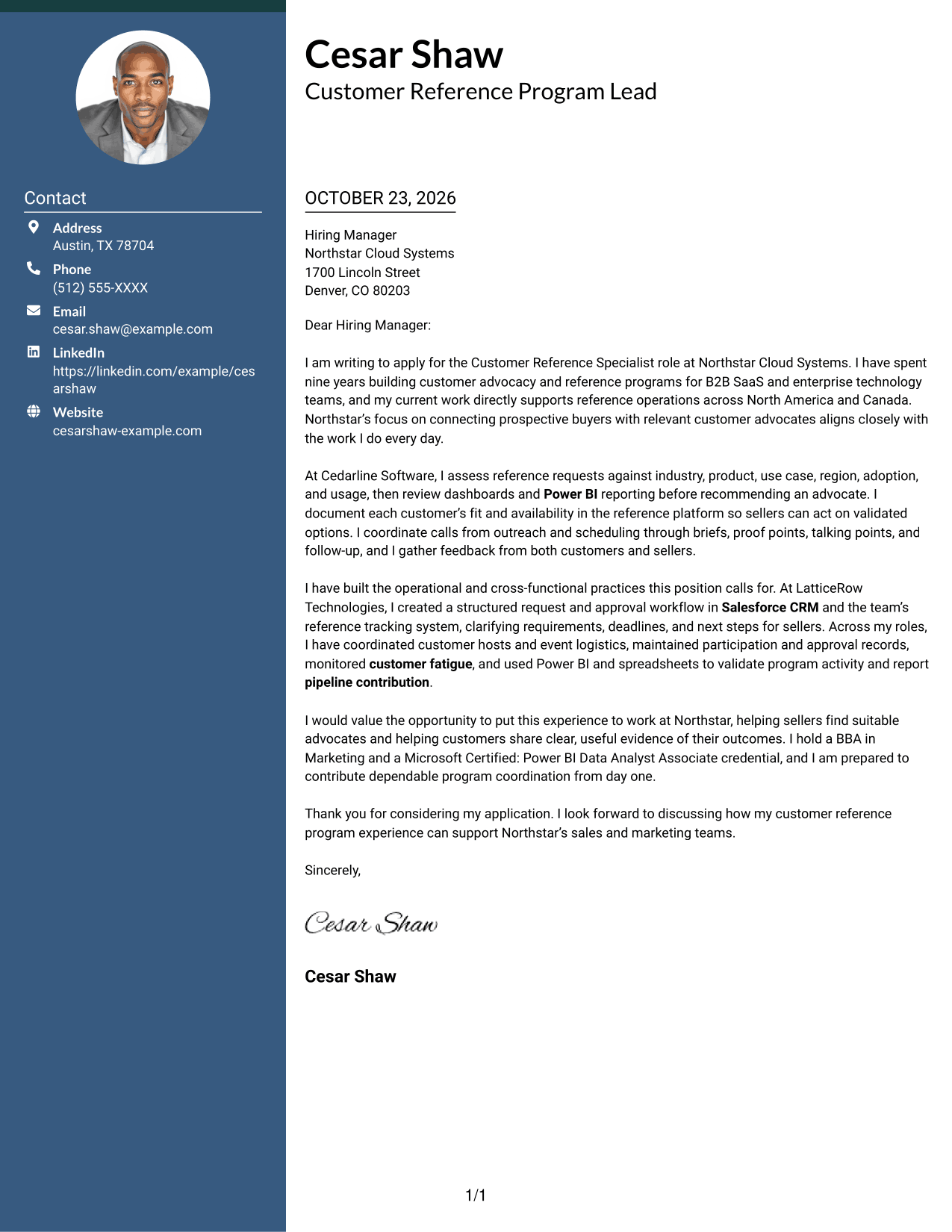
Why This Format Works
- Contact details sit apart from the body, so reply information is easy to find.
- One continuous body keeps the opening, supporting points, and closing in sequence.
- The side-by-side layout offers a structured alternative to a single-column page.
Best For
- Side-by-side contact and letter layout
- Letters with connected supporting points
- Quick access to reply details
- Separated sender information
- Preference for two-column organization
#3 Photo Header Two Column Format Cover Letter Example
The Photo Header Two Column Format combines a photo and contact sidebar with one continuous letter body, keeping contact information distinct from the message.
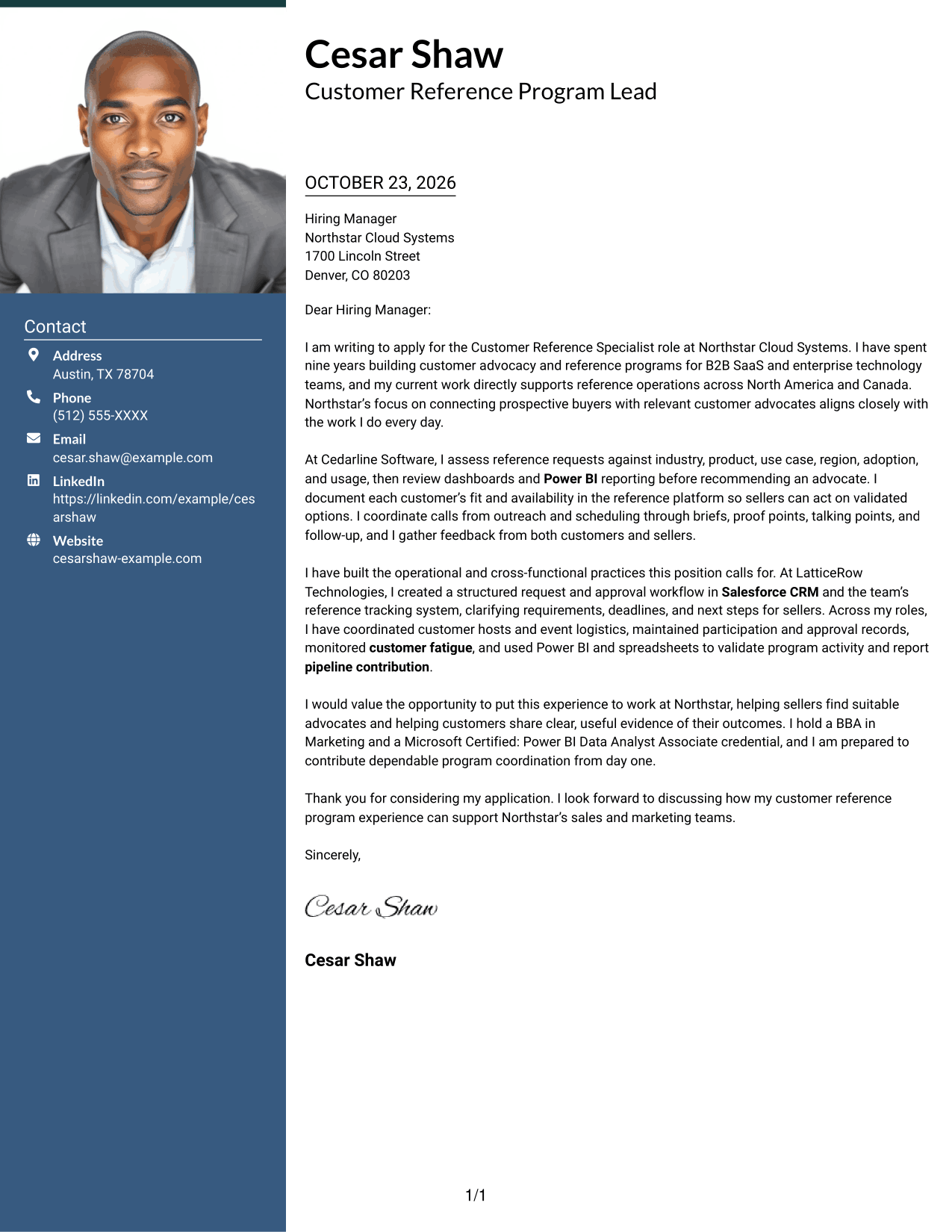
Why This Format Works
- The contact sidebar gives sender details a separate place beside the letter.
- A continuous body lets the reviewer follow the message in paragraph order.
- The included photo suits readers who prefer a portrait in their letter design.
Best For
- Portrait-inclusive letter design
- Contact details beside the message
- Continuous paragraph flow
- Letters with several supporting points
- Readers who prefer a visible portrait
#4 One Column Format with Photo Cover Letter Example
The One Column Format with Photo keeps the letter in one continuous column and includes a photo, offering a direct reading path with a portrait-inclusive design.
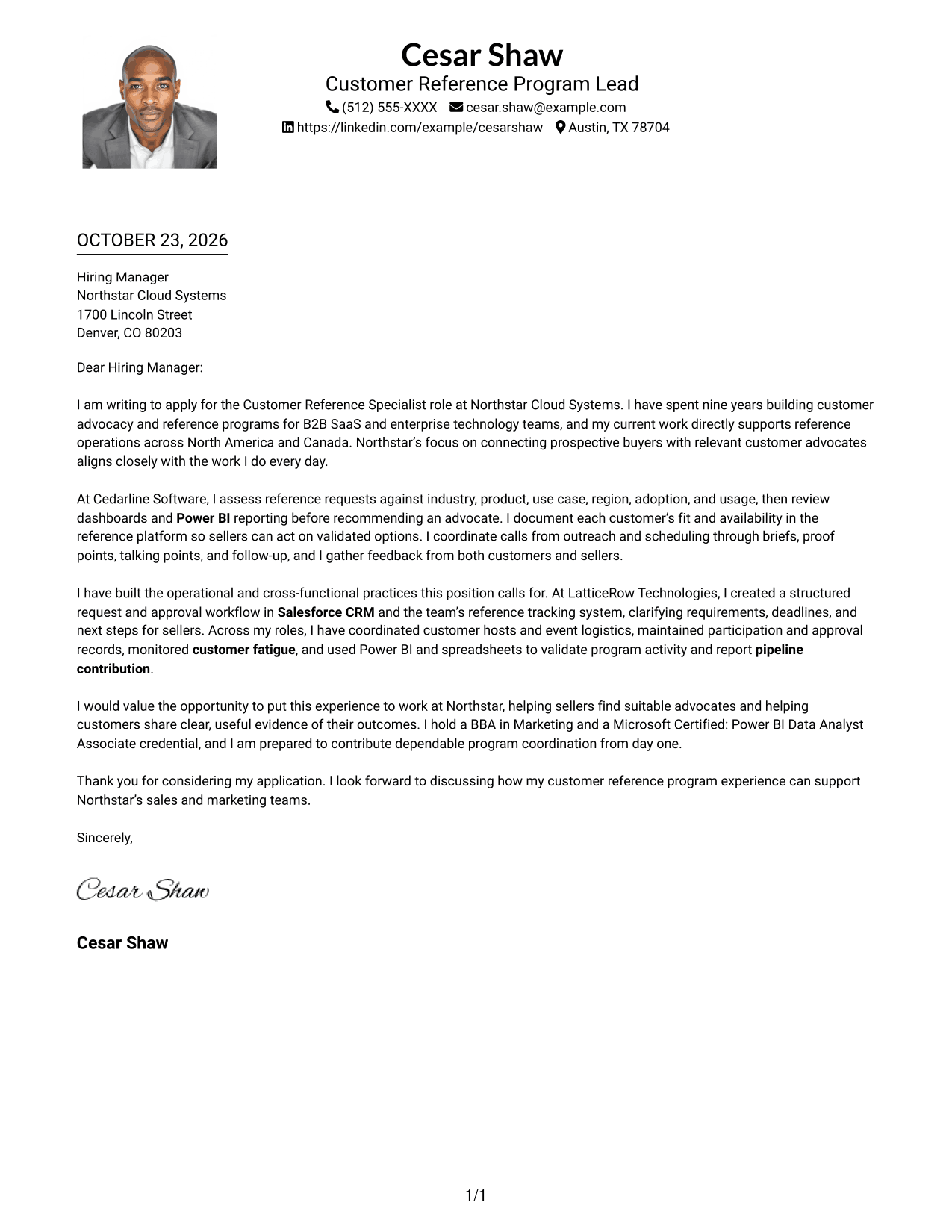
Why This Format Works
- The single body column keeps the letter’s paragraphs in a clear sequence.
- Sender details remain in the header, separate from the continuous message.
- The photo adds a personal visual element for readers who prefer portraits.
Best For
- Single-column letter reading
- Portrait-inclusive correspondence
- Header-based sender details
- Letters with a connected argument
- Readers who prefer a direct page layout
#5 Simple Two Column Format Cover Letter Example
The Simple Two Column Format sets contact details in a sidebar beside one continuous letter body, separating sender information from the message.
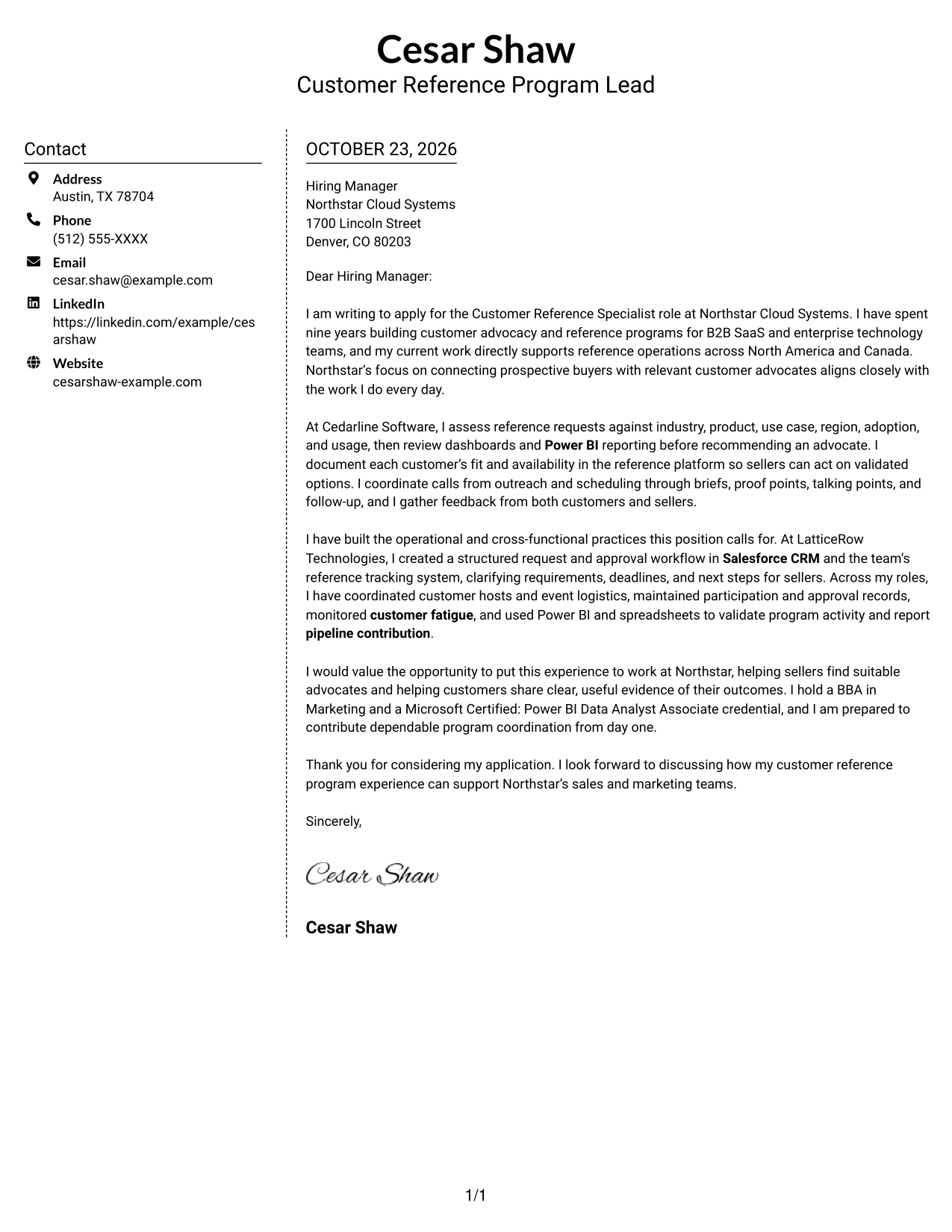
Why This Format Works
- The sidebar separates contact information from the main letter text.
- The uninterrupted body keeps motivation and supporting evidence together.
- Its simple two-column organization suits readers who want clear separation between details and message.
Best For
- Separate contact and message areas
- Letters with a continuous argument
- Side-by-side page organization
- Sender details kept easy to locate
- Readers who prefer a simple layout
#6 Modern Icon Format Cover Letter Example
The Modern Icon Format uses two columns, with contact details in a sidebar and one continuous letter body; icons cue contact information rather than argument sections.
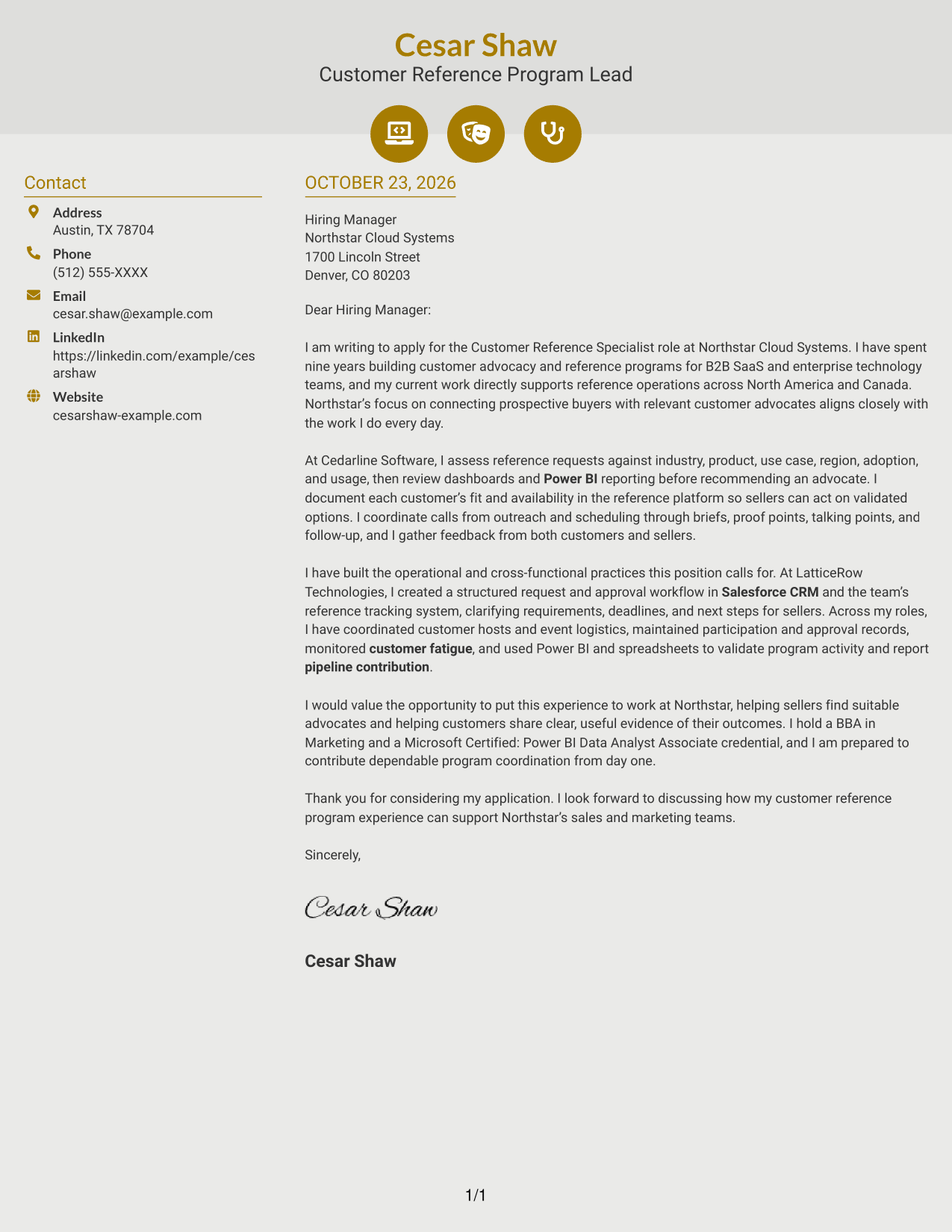
Why This Format Works
- Contact icons help distinguish sender details from the continuous letter body.
- The single body column keeps the message in a natural paragraph order.
- Decorative header accents suit readers who want visual cues around contact information.
Best For
- Icon-cued contact details
- A continuous letter body
- Side-by-side contact and message areas
- Quick reference to sender information
- Readers who prefer visual contact cues
#7 Creative Two Tone Format Cover Letter Example
The Creative Two Tone Format places a contact sidebar beside one continuous letter body, keeping sender details separate while the message stays intact.
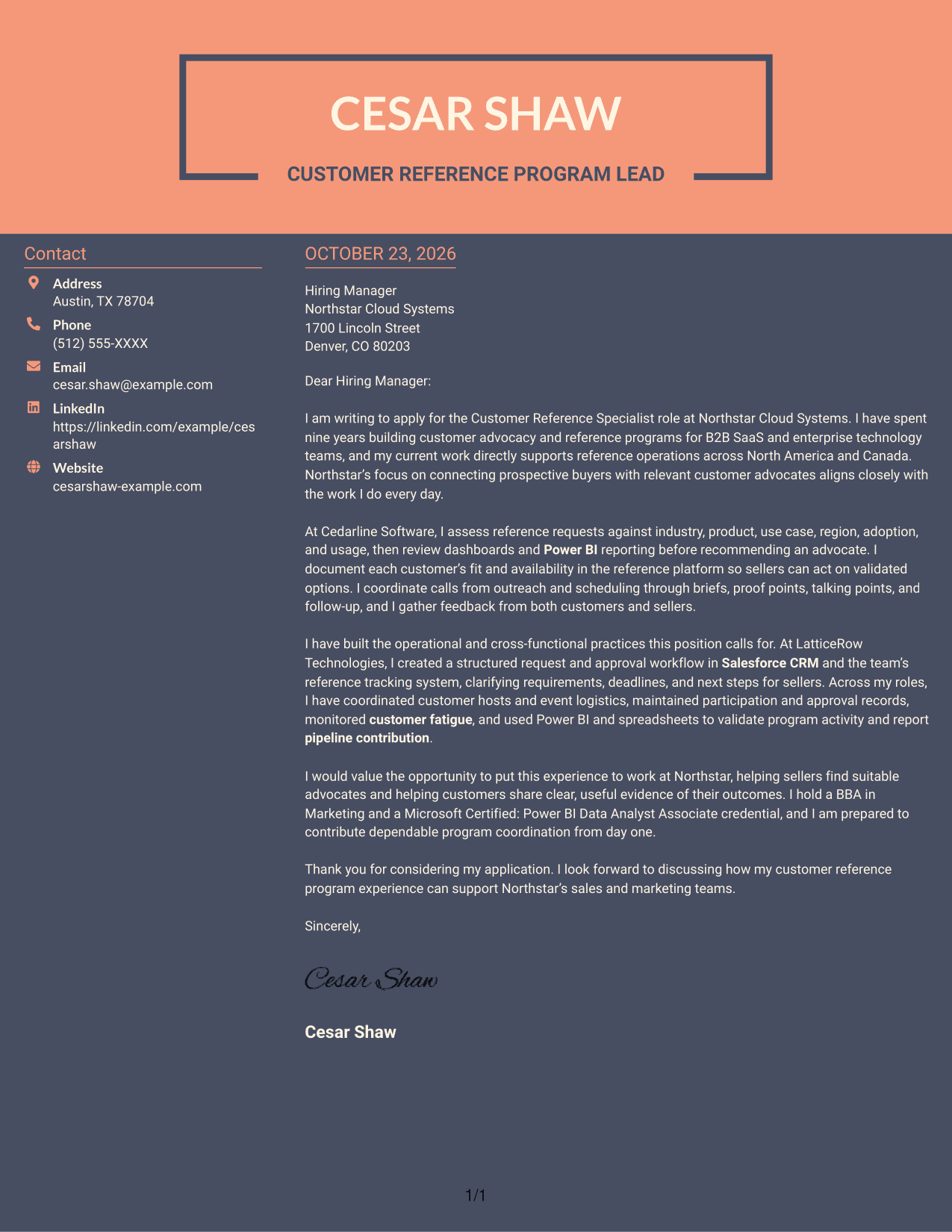
Why This Format Works
- The contact sidebar keeps sender information distinct from the letter’s paragraphs.
- A single body column preserves the sequence from opening to closing.
- The two-column arrangement suits readers who prefer contact details beside the message.
Best For
- Contact details beside the letter
- Letters with a clear opening and close
- Separate sender information
- Continuous paragraph reading
- Preference for two-column organization
Why Use ResumeInMinutes for a Customer Reference Specialist Cover Letter
Compare the cover letter image preview, then open the example in the editor to shape your message around the role and your own relevant experience.
- Compare cover letter image previews
- Open an example in the editor
- Shape an opening around role motivation
- Connect experience to reference operations
- Choose a clear presentation style
- Tailor the closing to the employer
Keep the message focused on advocate matching, customer communication, and reliable program coordination. Use details that reflect your own experience and the employer's needs.
See Also
- 7 Customer Reference Specialist Resume Templates with Example
- 7 Services Specialist Assistant - Family Team Support Resume Templates with Example
- 7 District Manager - Multi-Unit Retail Merchandising Resume Templates with Example
- 7 Intellectual Property Release Specialist Resume Templates with Example
- 7 Residential Mortgage Securitization Trader - Associate Resume Templates with Example
- 7 Security Officer - Human Services Facility Resume Templates with Example
- 7 IAM PAM & SSO Senior Analyst Resume Templates with Example
- 7 Field Representative - Government and Community Relations Resume Templates with Example
- 7 Vice President, Treasury Management Officer - Fintech Resume Templates with Example
- 7 Law Clerk - Judiciary and Legislative Research Resume Templates with Example
Frequently Asked Questions
What should the opening paragraph say in a Customer Reference Specialist cover letter?
State the role you are applying for and give a clear reason for your interest. Connect that reason to customer advocacy or the work of helping buyers hear relevant customer experiences.
What experience should I highlight for this role?
Choose relevant examples of matching advocates to requests, coordinating calls or events, managing approvals, or reporting program activity. Explain what you did and how it helped customers or sales teams.
How can I show that I balance seller needs with customer expectations?
Describe how you check customer fit and availability, set clear expectations, and follow participation guidelines. You can also explain how you monitor request volume to help prevent advocate fatigue.
How should I tailor the letter to an employer?
Refer to the employer's stated priorities, such as customer advocate matching, event support, or dependable program reporting. Link those needs to evidence from your own work without claiming experience you do not have.
Should I use the same cover letter for every application?
Use a clear structure as a starting point, then adjust the opening, examples, and closing for each role. Keep the details accurate and make the employer connection specific.




