
7 Customer Service Manager - Insurance Benefits Cover Letter Templates with Example
This practical guide to a Customer Service Manager - Insurance Benefits cover letter presents seven layouts to help you show your role fit with clear, persuasive writing.
What Makes a Great Customer Service Manager - Insurance Benefits Cover Letter in 2026
A strong letter connects client needs discovery, clear explanations of insurance benefit options, and reliable follow-up to the work of a Customer Service Manager - Insurance Benefits.
Use specific evidence, such as coaching service representatives or maintaining current licensing knowledge, then connect it to the employer’s focus on clear guidance and lasting client relationships.
The featured Customer Service Manager - Insurance Benefits example moves from role interest to current and prior experience, then closes with a clear statement of fit. Adapt this focused progression while choosing a presentation that suits the employer and the way you want to communicate.
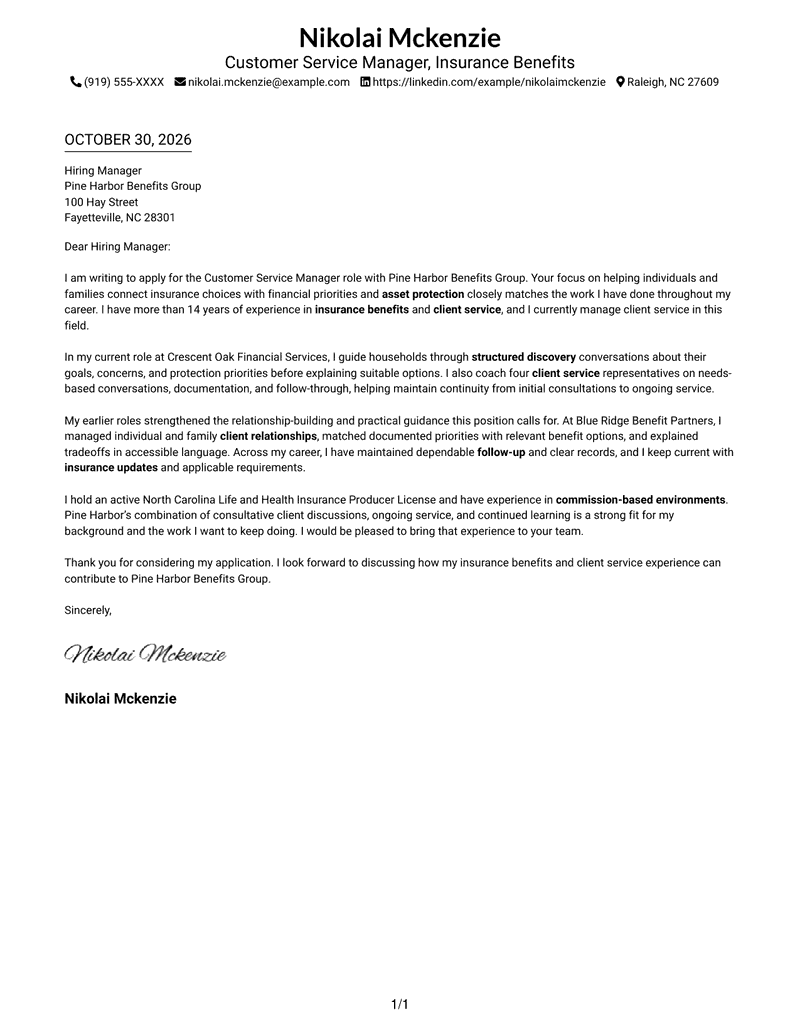
#1 Simple One Column Format Cover Letter Example
A single-column page keeps sender details in the header and the letter body in one direct reading path.

Why This Format Works
- Sender details stay in the header, leaving the letter paragraphs uninterrupted below.
- Reviewers can follow the message from its opening through the closing in one column.
- Readers who prefer a familiar page structure get a straightforward letter presentation.
Best For
- Single-column page preference
- Sender details in the header
- Unheaded letter paragraphs
- Formal greeting and closing
- Straightforward application messages
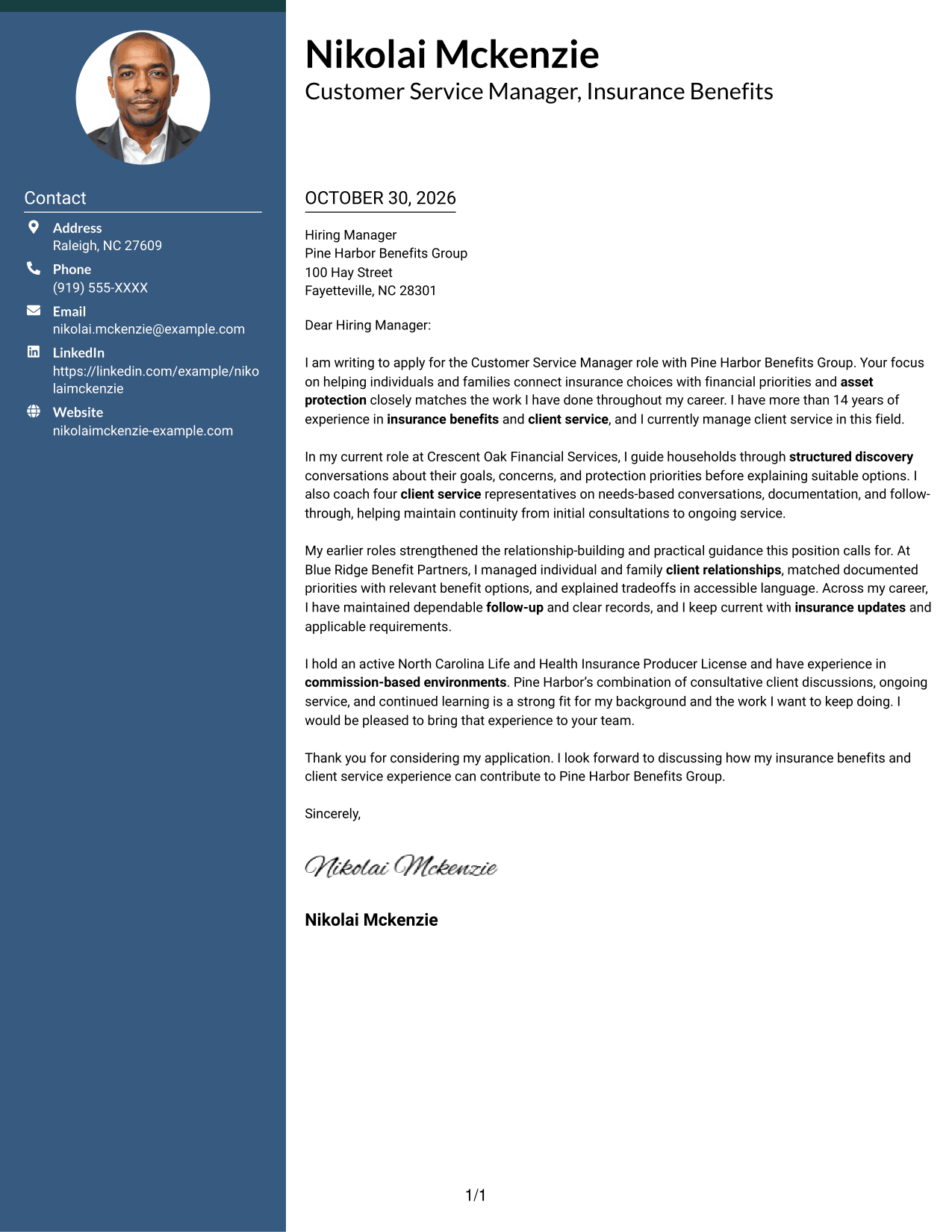
#2 Two Column Format Cover Letter Example
A contact sidebar sits beside the continuous letter body, keeping contact details apart from the application message.
Why This Format Works
- Contact details sit in a sidebar, apart from the letter's continuous paragraphs.
- Reviewers can follow the message without contact information breaking its paragraph sequence.
- Unheaded prose keeps motivation, supporting points, and the close in a natural sequence.
Best For
- Contact sidebar preference
- Continuous letter paragraphs
- Unheaded application messages
- Multi-paragraph application letters
- Formal greeting and closing
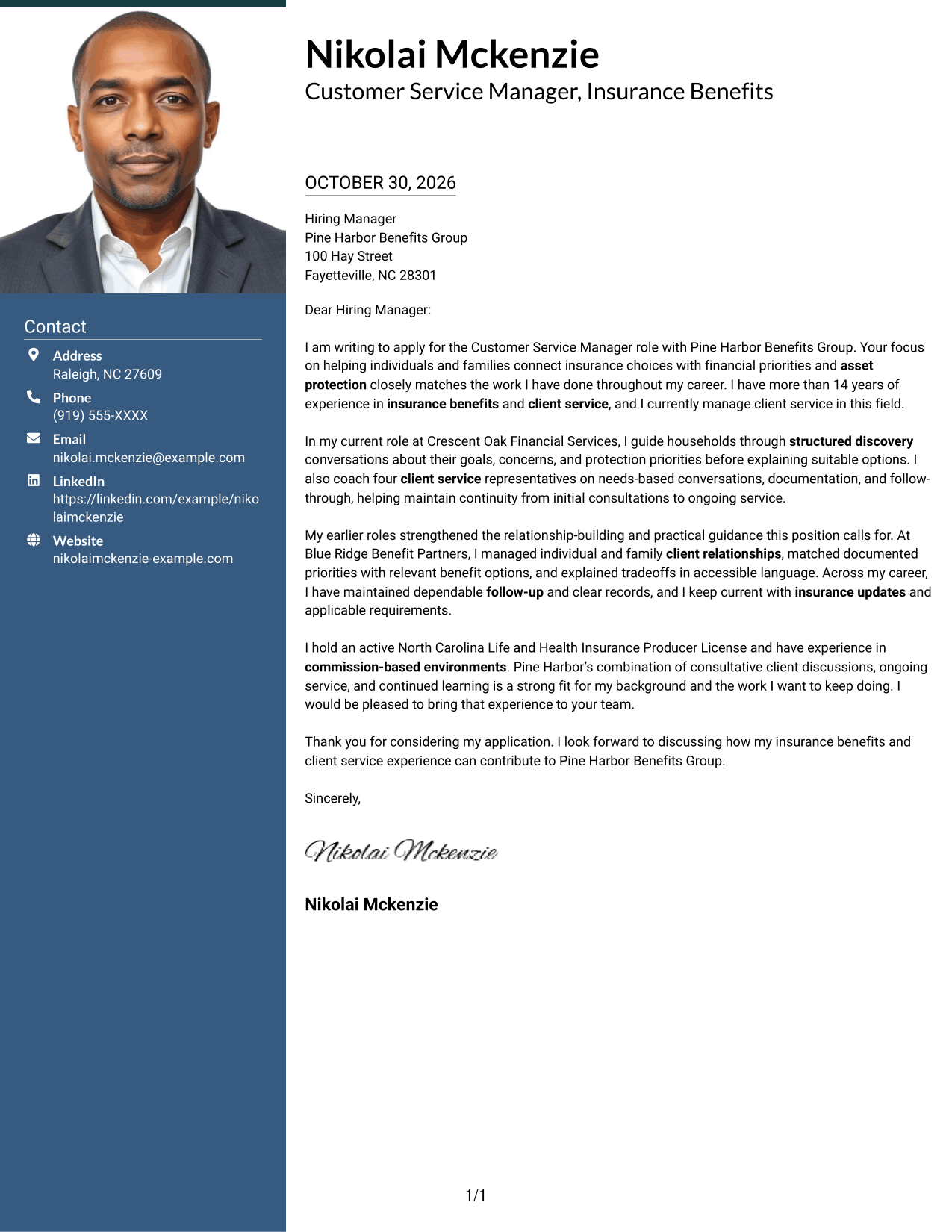
#3 Photo Header Two Column Format Cover Letter Example
A portrait adds a visible personal element, while the contact sidebar stays separate from the continuous letter body.
Why This Format Works
- Contact details remain in a sidebar, while the portrait adds a visible sender image.
- One continuous letter body lets reviewers follow the message in paragraph order.
- The portrait adds visual identity without dividing the written case into separate columns.
Best For
- Portrait-inclusive headers
- Contact sidebar preference
- Continuous letter paragraphs
- Unheaded persuasive messages
- Letters with a formal close
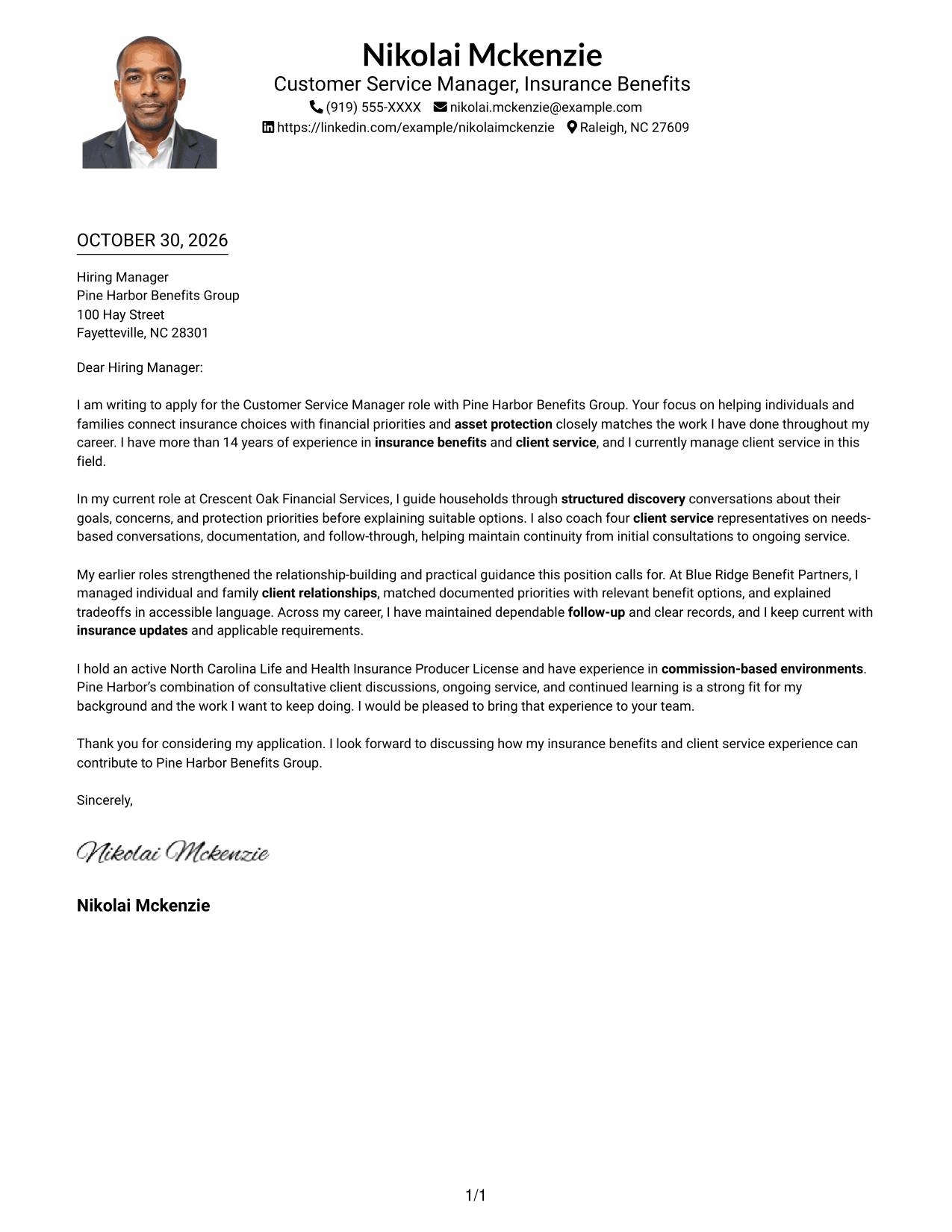
#4 One Column Format with Photo Cover Letter Example
The portrait adds a personal visual element to a one-column page, while the letter stays in a direct reading path.
Why This Format Works
- One-column reading keeps the letter's paragraphs in a direct sequence.
- Sender details stay in the header, apart from the message below.
- The portrait adds a visible personal element without interrupting the written message.
Best For
- Portrait-inclusive letter headers
- Single-column reading preference
- Header-based sender details
- Unheaded application messages
- Direct paragraph flow
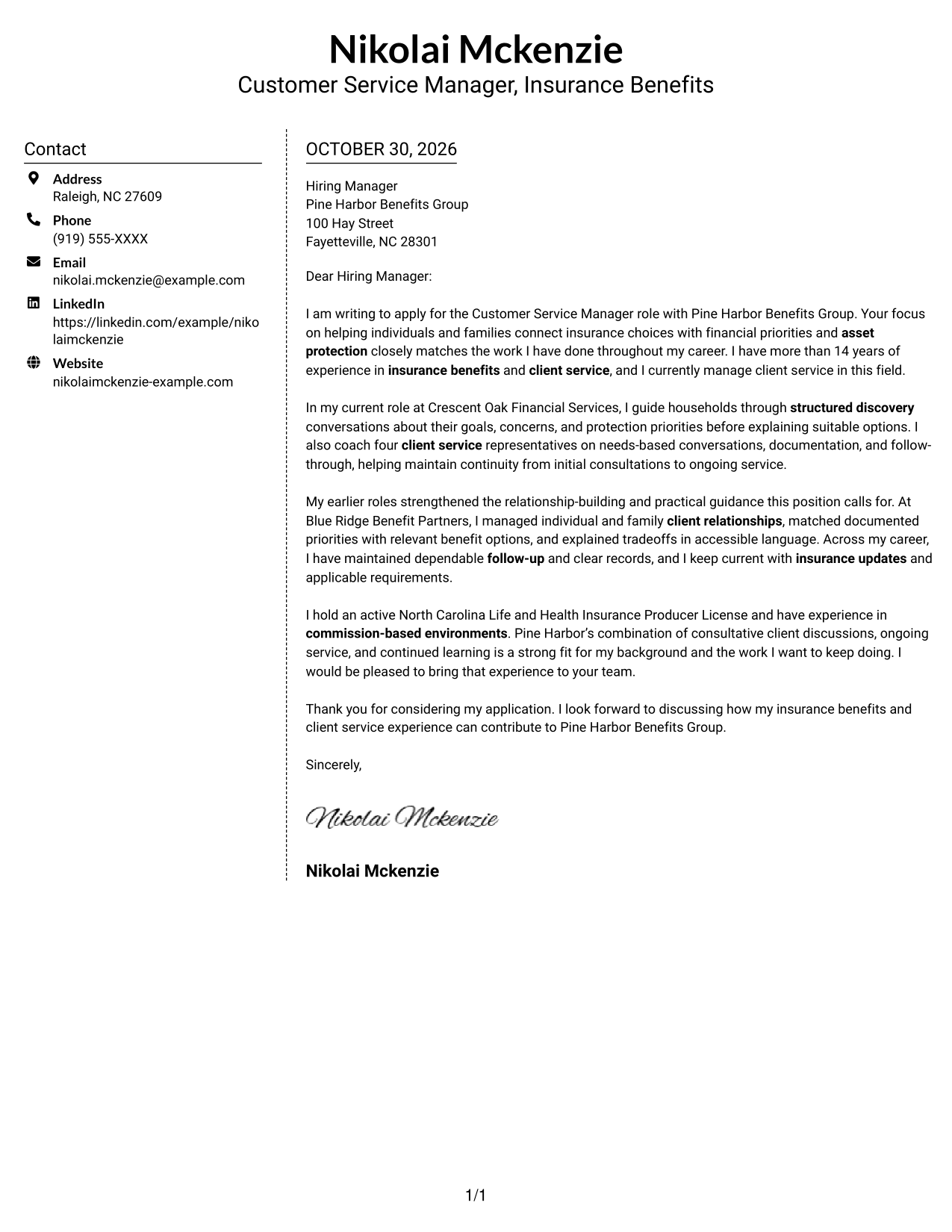
#5 Simple Two Column Format Cover Letter Example
A simple two-column arrangement places contact details beside the letter, while its paragraphs remain together in one body.
Why This Format Works
- Contact details occupy a sidebar, keeping them distinct from the letter's message.
- The body remains one continuous set of paragraphs, not parallel argument columns.
- Reviewers can follow the application message in its intended opening-to-close order.
Best For
- Contact details beside the letter
- Continuous paragraph-based messages
- Unheaded letter prose
- Side-by-side page preference
- Applications with a formal close
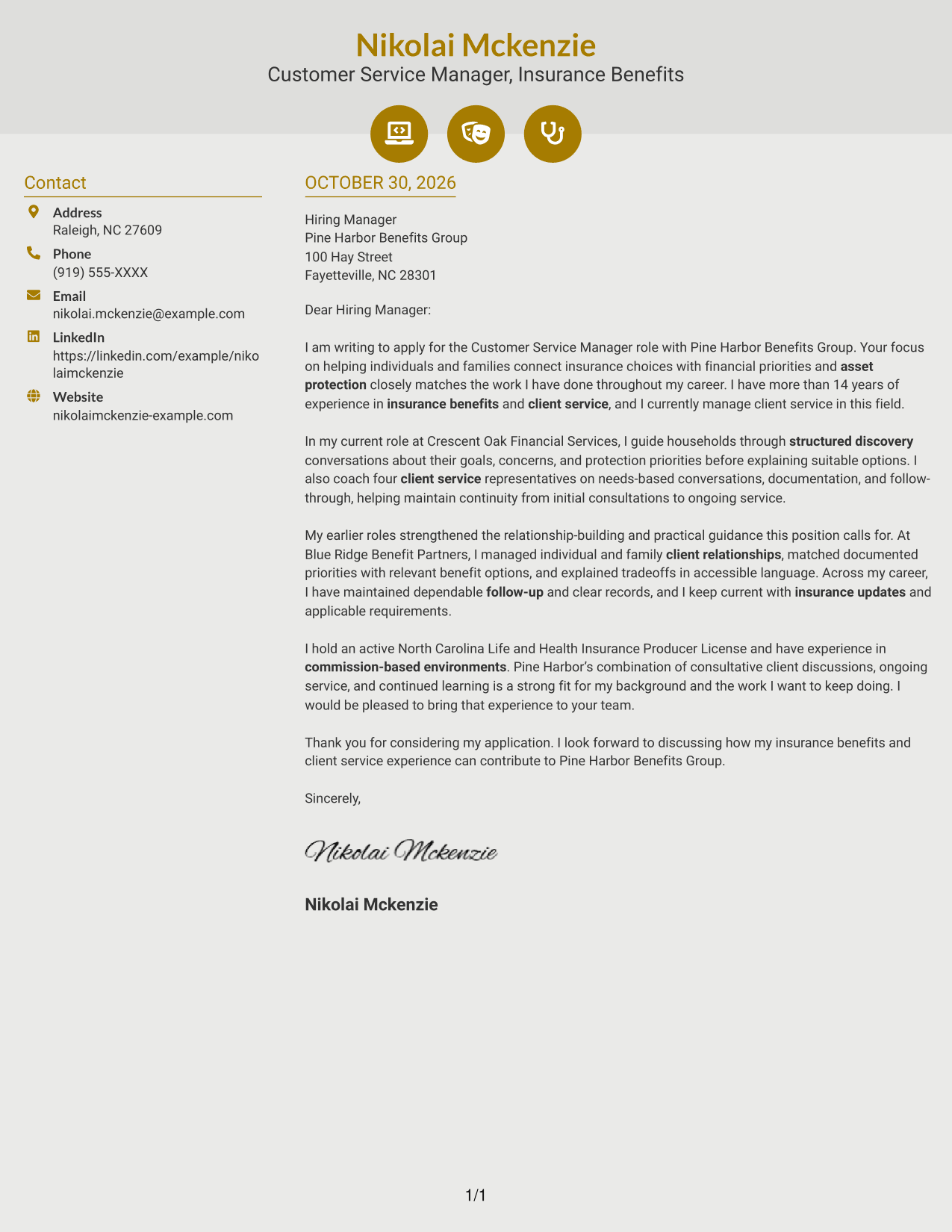
#6 Modern Icon Format Cover Letter Example
Contact icons identify details in the sidebar, while the letter itself remains one continuous body of prose.
Why This Format Works
- Contact cues and icons help distinguish sender details in the sidebar.
- Decorative icons stay in the contact presentation, leaving the letter in continuous prose.
- Reviewers can read the message without icon-labeled argument stages.
Best For
- Icon-led contact details
- Continuous letter paragraphs
- Unheaded application messages
- Multi-paragraph persuasive letters
- Formal greeting and closing
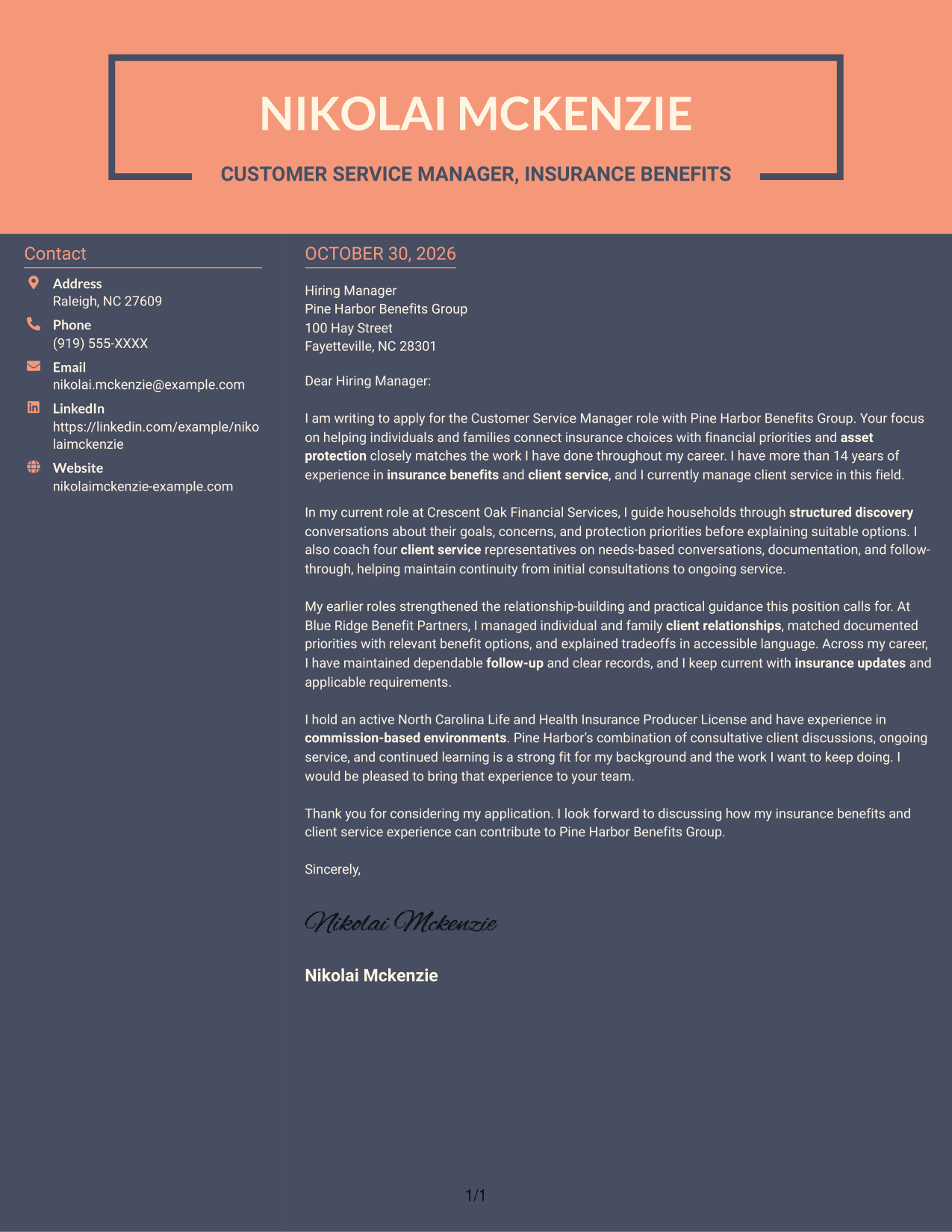
#7 Creative Two Tone Format Cover Letter Example
A two-column arrangement places contact details beside one continuous letter body, keeping the message together.
Why This Format Works
- The contact sidebar gives sender details a separate place beside the message.
- Reviewers can follow the written case without parallel columns dividing its paragraphs.
- The paragraph sequence carries the application message from interest through the closing.
Best For
- Separate contact and message areas
- Continuous letter-body preference
- Unheaded persuasive writing
- Side-by-side document organization
- Formal application correspondence
Why Use ResumeInMinutes for a Customer Service Manager - Insurance Benefits Cover Letter
ResumeInMinutes helps you shape a role-focused cover letter and compare image previews before opening an example in the editor.
- Multiple writing styles
- Clear, readable formatting
- Role-focused cover letter guidance
- Image previews for comparison
- Examples you can open in the editor
- Focused cover letter structure
For this role, show how you listen to client priorities, explain suitable insurance benefit options, and build trust through dependable service and follow-up.
See Also
- 7 Customer Service Manager - Insurance Benefits Resume Templates with Example
- 7 Customer Service Representative - Benefits Support Resume Templates with Example
- 7 Bilingual Customer Service Representative - Insurance Support Resume Templates with Example
- 7 Customer Success Director - Financial Services & Insurance Resume Templates with Example
- 33 Insurance Customer Service Representative Resume Templates with Example 2026 (ATS-Optimized)
- 33 Insurance Sales Agent - Customer Service Resume Templates with Example 2026
- 33 BDC Customer Service Representative Resume Templates with Example 2026 (ATS-Optimized)
- 33 Bi-Lingual Medical Billing Customer Service Support Representative Resume Templates with Example 2026
- 7 Customer Service Representative - Benefits Support Cover Letter Templates with Example
- 7 Bilingual Customer Service Representative - Insurance Support Cover Letter Templates with Example
Frequently Asked Questions
How should a Customer Service Manager - Insurance Benefits cover letter show role fit?
Connect client needs discovery, clear explanations of insurance options, and ongoing service to the role. Support your points with accurate examples from your own work.
Do the previews show different cover letter layouts?
The page shows a featured cover letter in different visual layouts. Compare the PNG image previews, then open an example in the editor to view or customize it.
Which cover letter style works well for this role?
Choose a clean, easy-to-read style that supports a professional and helpful tone. The letter should make your interest, client service approach, and role-related evidence easy to follow.
What experience should I highlight in this cover letter?
Use relevant examples of understanding client needs, explaining benefit choices, following up, or supporting a service team. Mention a license only if you hold it, and describe your experience accurately.
Should I name the employer in my cover letter?
Yes. Naming the employer and connecting your motivation to its stated focus can make your opening and closing feel more specific. Do not claim a company connection or knowledge you cannot support.




