
7 Customer Service Representative Apparel Retail Cover Letter Templates with Example
This practical guide helps you create a Customer Service Representative Apparel Retail cover letter, with seven layouts to compare and a clear example to help you present your fit.
What Makes a Great Customer Service Representative Apparel Retail Cover Letter in 2026
A strong letter connects attentive apparel customer service with accurate transactions and practical product guidance. It shows how your approach can help shoppers feel confident and support smooth store operations.
Use clear examples, such as helping customers choose merchandise, processing returns carefully, or keeping fitting rooms in order. Link that evidence to the employer’s focus on helpful service, reliable store routines, and teamwork.
The featured example moves from interest in the role to customer service evidence, store support, and a direct close. Adapt that focused progression while choosing a presentation that suits the employer and the communication context.
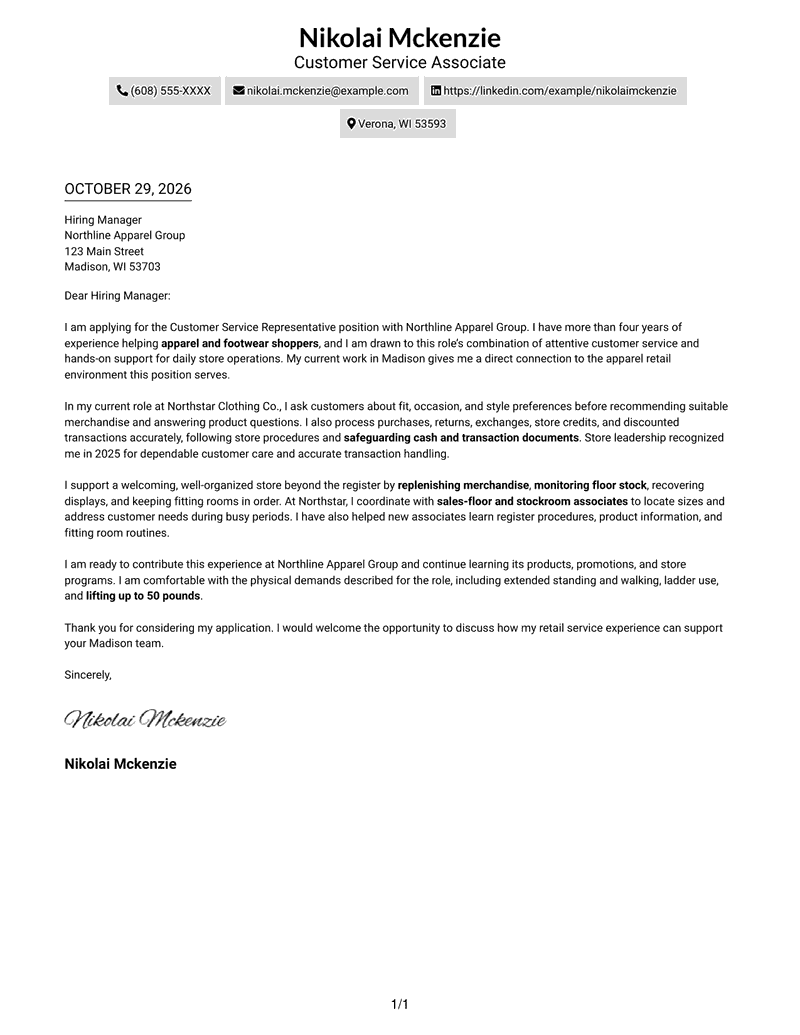
#1 Simple One Column Format Cover Letter Example
A single body column gives this simple layout a direct path from greeting to closing.
Why This Format Works
- Sender details stay in the header, apart from the main letter text.
- One body column keeps the greeting, case for applying, and close in reading order.
- A page without a photo suits readers who prefer text-only correspondence.
Best For
- Single-column letter layouts
- Header-based sender details
- Paragraph-led application messages
- Photo-free correspondence
- Direct letter reading order
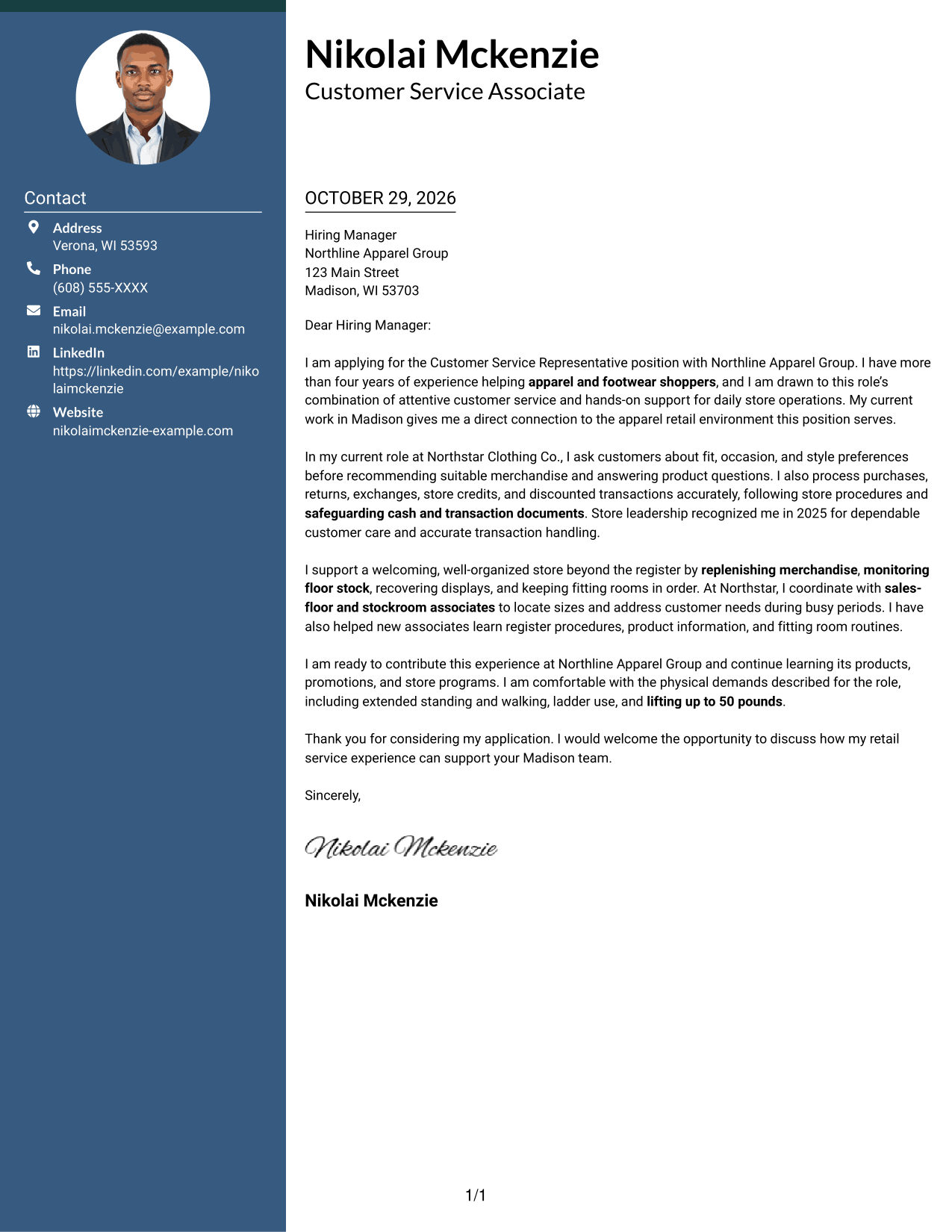
#2 Two Column Format Cover Letter Example
A contact sidebar beside one continuous letter body keeps contact information distinct from the message.
Why This Format Works
- Reviewers can locate contact details in the sidebar without searching the letter.
- Opening, supporting points, and closing stay together in the single letter body.
- A photo-free layout suits applications where a portrait is not wanted.
Best For
- Contact details beside the letter
- Continuous paragraph arguments
- Applications with several contact channels
- Two-column page preferences
- Photo-free correspondence
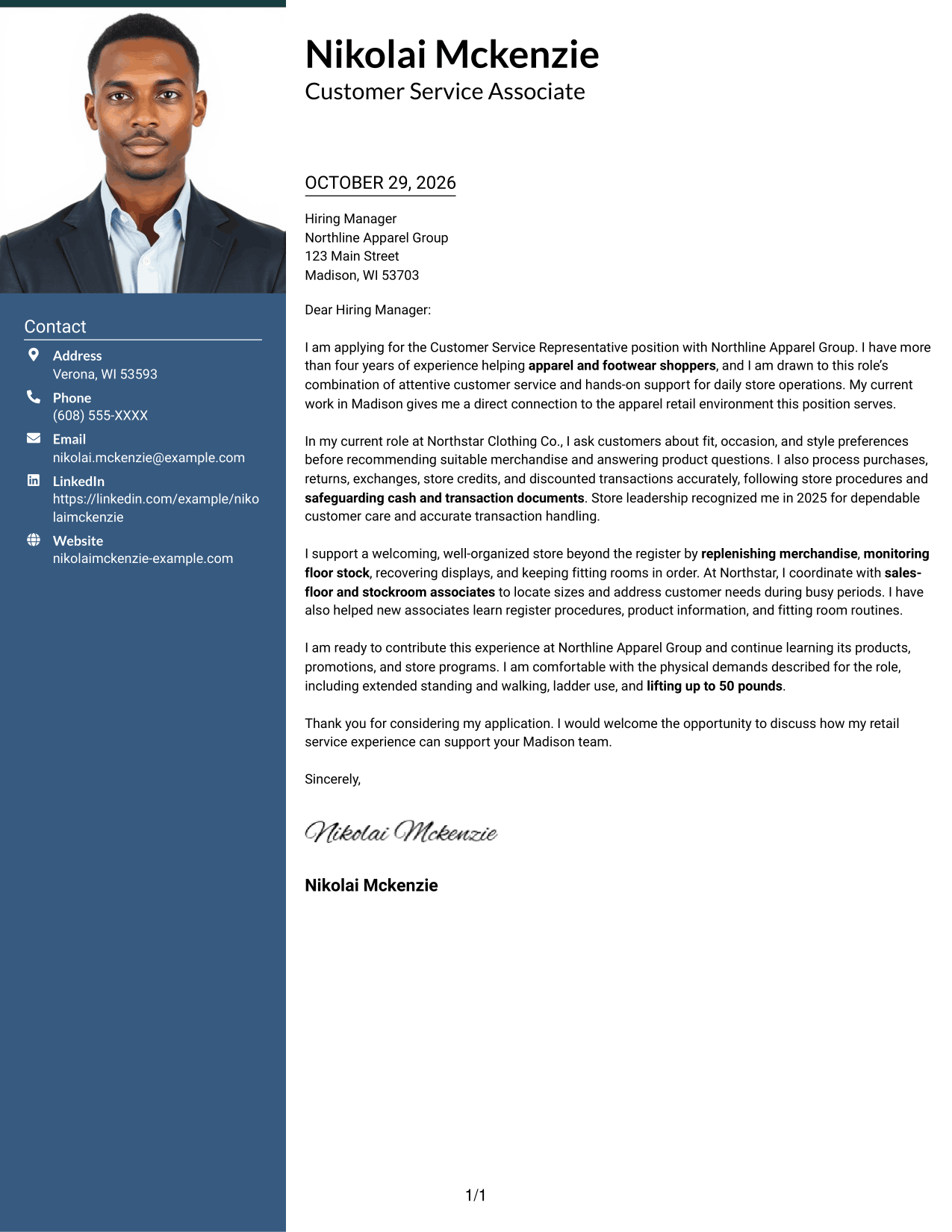
#3 Photo Header Two Column Format Cover Letter Example
A photo appears with the contact sidebar and one continuous letter body, giving readers a portrait option alongside the message.
Why This Format Works
- The portrait provides a visual sender cue without breaking the letter's paragraph flow.
- Contact details have their own sidebar, apart from the persuasive paragraphs.
- One continuous body keeps the opening, supporting points, and close together.
Best For
- Portrait-inclusive correspondence
- Contact details beside the letter
- Single-body letter structure
- Visual sender identification
- Paragraph-based application messages
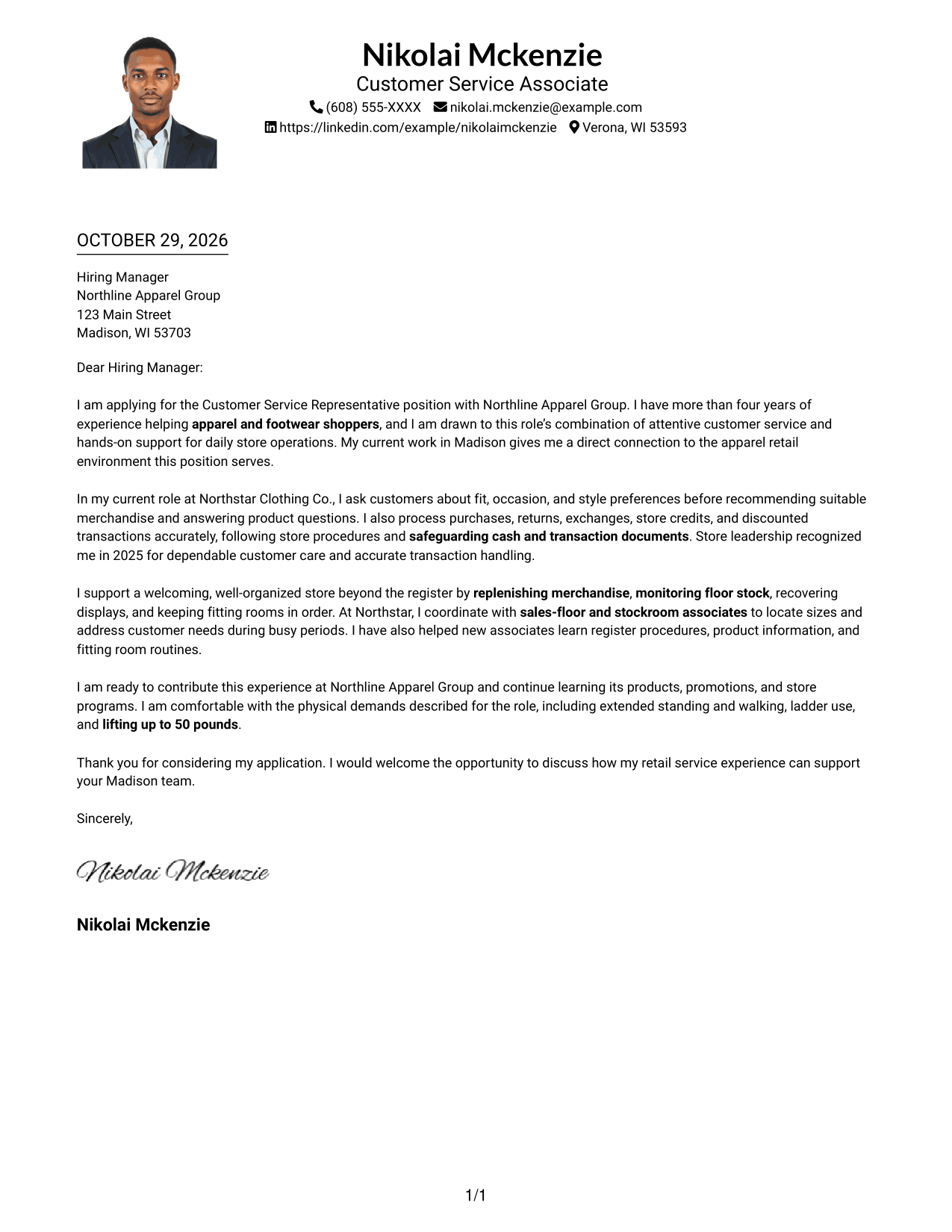
#4 One Column Format with Photo Cover Letter Example
This one-column format includes a photo, offering a portrait option while keeping the letter together in one body.
Why This Format Works
- All letter paragraphs follow one body column from greeting through closing.
- Sender details stay in the header, apart from the written message.
- The included photo suits readers who want a visible portrait with their letter.
Best For
- One-column letter reading
- Letters with a portrait
- Header-based sender details
- Continuous paragraph messages
- Portrait-inclusive applications
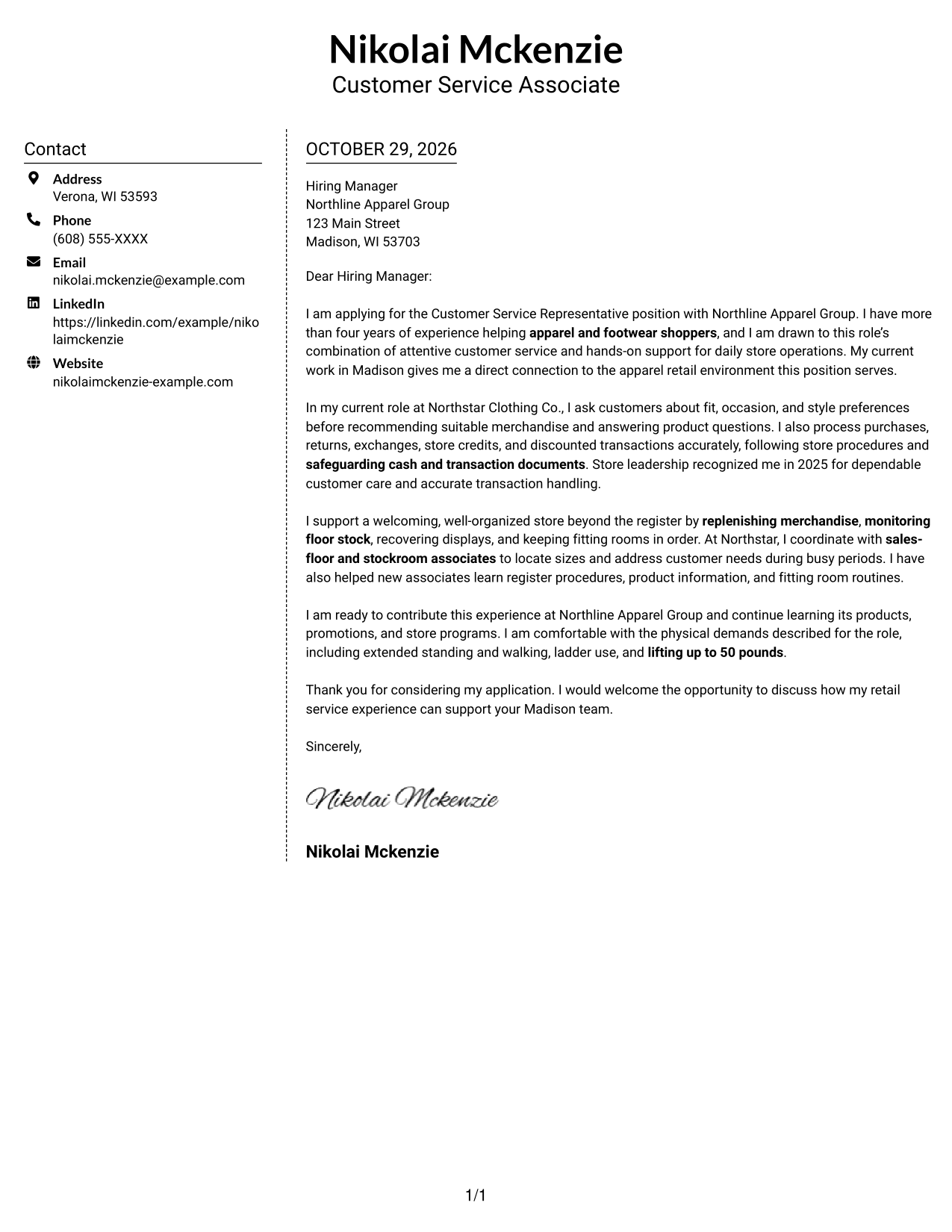
#5 Simple Two Column Format Cover Letter Example
A contact sidebar sits next to the uninterrupted letter body, giving contact details a separate place without dividing the message.
Why This Format Works
- Contact information stays apart from the letter's persuasive paragraphs.
- Readers can follow the message in one body column from start to finish.
- The photo-free layout suits applications where a portrait is not preferred.
Best For
- Sidebar contact information
- Unsplit letter paragraphs
- Quick contact-detail lookup
- Two-column page preferences
- Photo-free applications
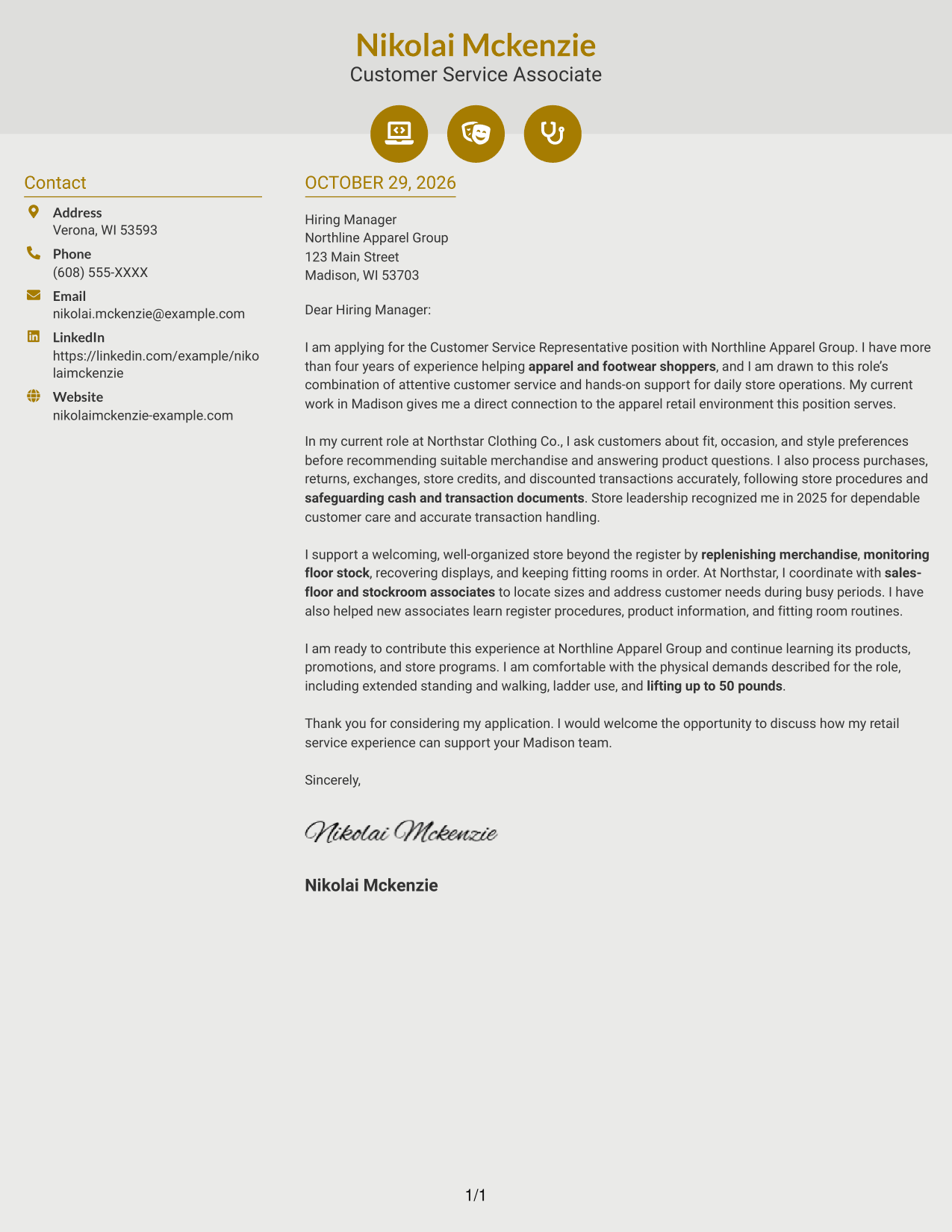
#6 Modern Icon Format Cover Letter Example
Contact icons mark details in the sidebar, while the letter itself remains one continuous body.
Why This Format Works
- Small icons help distinguish contact details from the continuous letter text.
- One letter body keeps the application message together rather than split across columns.
- Decorative header cues add visual markers without labeling argument stages.
Best For
- Icon-marked contact details
- Continuous letter-body reading
- Side-by-side contact and message
- Decorative header accents
- Photo-free correspondence
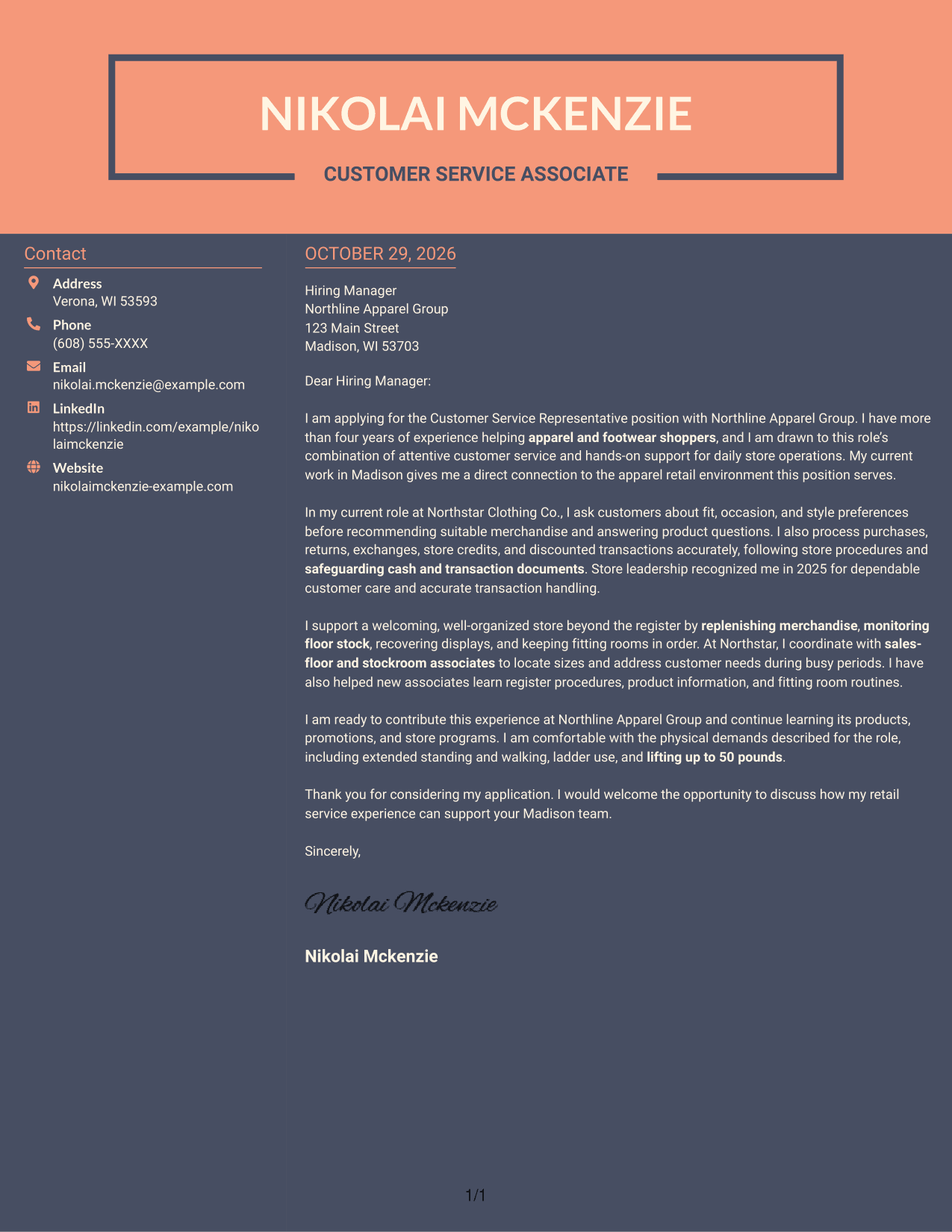
#7 Creative Two Tone Format Cover Letter Example
A contact sidebar sits beside the continuous letter body, giving contact information a clear place outside the message.
Why This Format Works
- Separate sender details keep contact information out of the letter text.
- The message stays in one column, so its paragraphs are not set in parallel.
- A two-column arrangement keeps contact details visible beside the letter.
Best For
- Distinct contact and message areas
- One-column letter-body reading
- Applications with detailed contact information
- Two-column page preferences
- Continuous paragraph correspondence
See Also
- 7 Customer Service Representative Apparel Retail Resume Templates with Example
- 7 Customer Service Representative - Luxury Retail Resume Templates with Example
- 7 Lead Customer Service Representative - Convenience Retail Resume Templates with Example
- 33 BDC Customer Service Representative Resume Templates with Example 2026 (ATS-Optimized)
- 33 Bi-Lingual Medical Billing Customer Service Support Representative Resume Templates with Example 2026
- 7 Bilingual Customer Service Representative - Insurance Support Resume Templates with Example
- 33 Call Center Customer Service Representative Resume Templates with Example 2026 (ATS-Optimized)
- 33 Cashier / Customer Service Representative Resume Templates with Example 2026 (ATS-Optimized)
- 7 Customer Service Representative - Luxury Retail Cover Letter Templates with Example
- 7 Lead Customer Service Representative - Convenience Retail Cover Letter Templates with Example
Frequently Asked Questions
What should a Customer Service Representative Apparel Retail cover letter emphasize?
Show how you help apparel shoppers, respond to product questions, and handle purchases, returns, and exchanges accurately. You can also describe how you support fitting rooms, merchandise availability, and a welcoming sales floor.
How can I make my opening paragraph specific to apparel retail?
Name the exact role and explain why customer service in an apparel store interests you. Then connect that interest to the way you guide shoppers or support daily store operations.
What is a useful example to include in the body of the letter?
Choose a clear example of helping a shopper find suitable merchandise, completing a transaction carefully, or working with coworkers to locate a size. Explain what you did and how it supported the customer or store.
How should I close a retail customer service cover letter?
Restate your interest in the position, briefly connect your experience to the store’s needs, and thank the hiring manager for their time. Keep the closing warm and direct.
How can I choose a cover letter layout?
Compare the image previews to see how each presentation handles the greeting, paragraphs, and closing. Open an example in the editor to view or customize it for your application.




