
7 Customer Service Representative - Benefits Support Cover Letter Templates with Example
This practical guide to a Customer Service Representative - Benefits Support cover letter shows you how to present your role fit through seven layouts.
What Makes a Great Customer Service Representative - Benefits Support Cover Letter in 2026
A strong letter shows how you listen carefully, explain benefit information in clear language, and help customers move toward a solution. It should also make your interest in this support role easy to understand.
Use relevant examples, such as explaining enrollment steps, following up, or documenting a customer issue. Connect that evidence to the employer’s needs and show how your communication style supports dependable service.
The featured example moves from interest in benefits support to specific customer service evidence and a clear closing, giving you a focused progression to adapt while choosing a presentation that suits the employer and communication context.
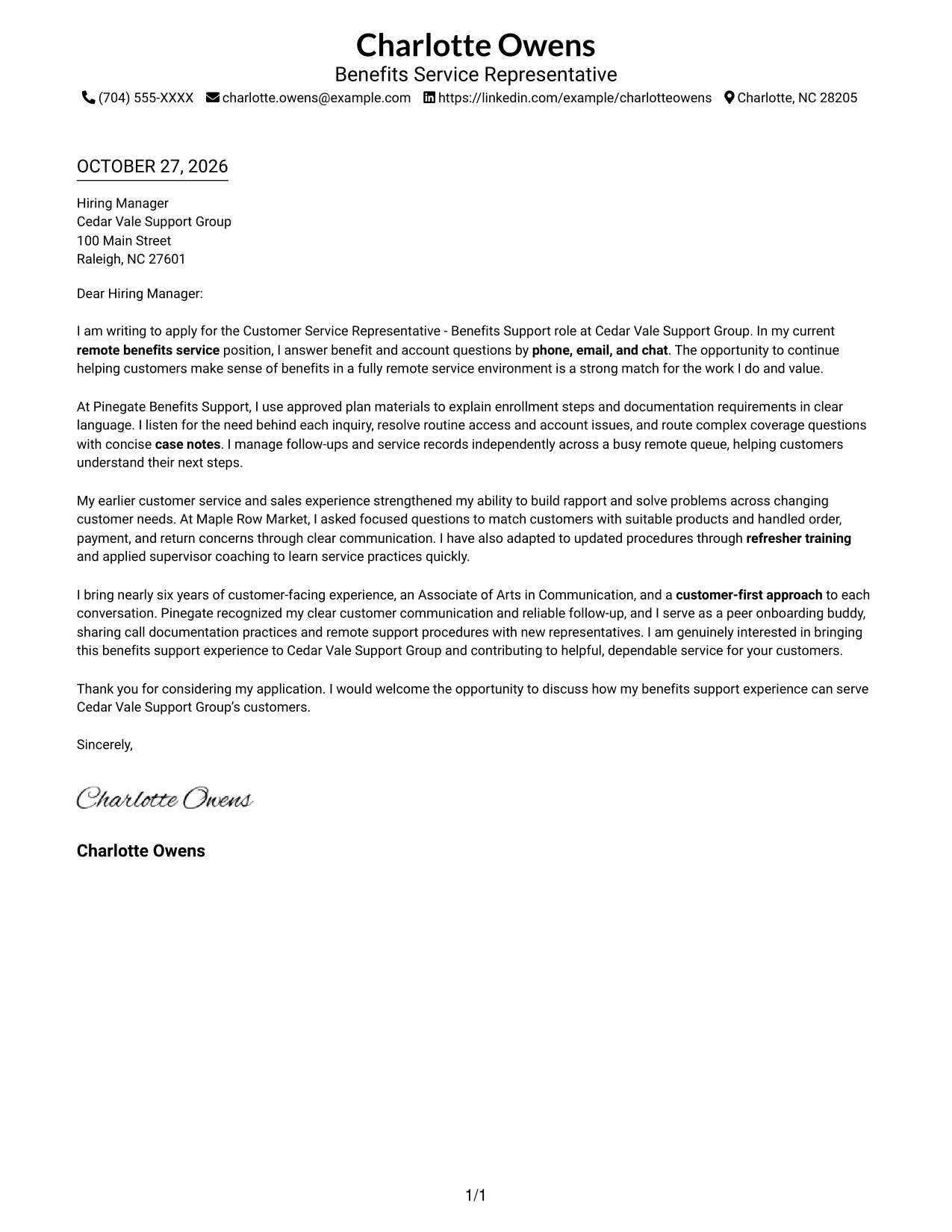
#1 Simple One Column Format Cover Letter Example
The Simple One Column Format keeps sender details in the header and the letter in one continuous column, giving the opening, supporting points, and close a direct reading path.
Why This Format Works
- One continuous column lets reviewers follow motivation, evidence, and closing in order.
- Sender details remain in the header, apart from the letter's message.
- Without a photo, the page suits a text-led visual preference.
Best For
- Single-column letter reading
- Direct opening-to-closing flow
- Header-based contact details
- Text-first application materials
- Benefits support applications
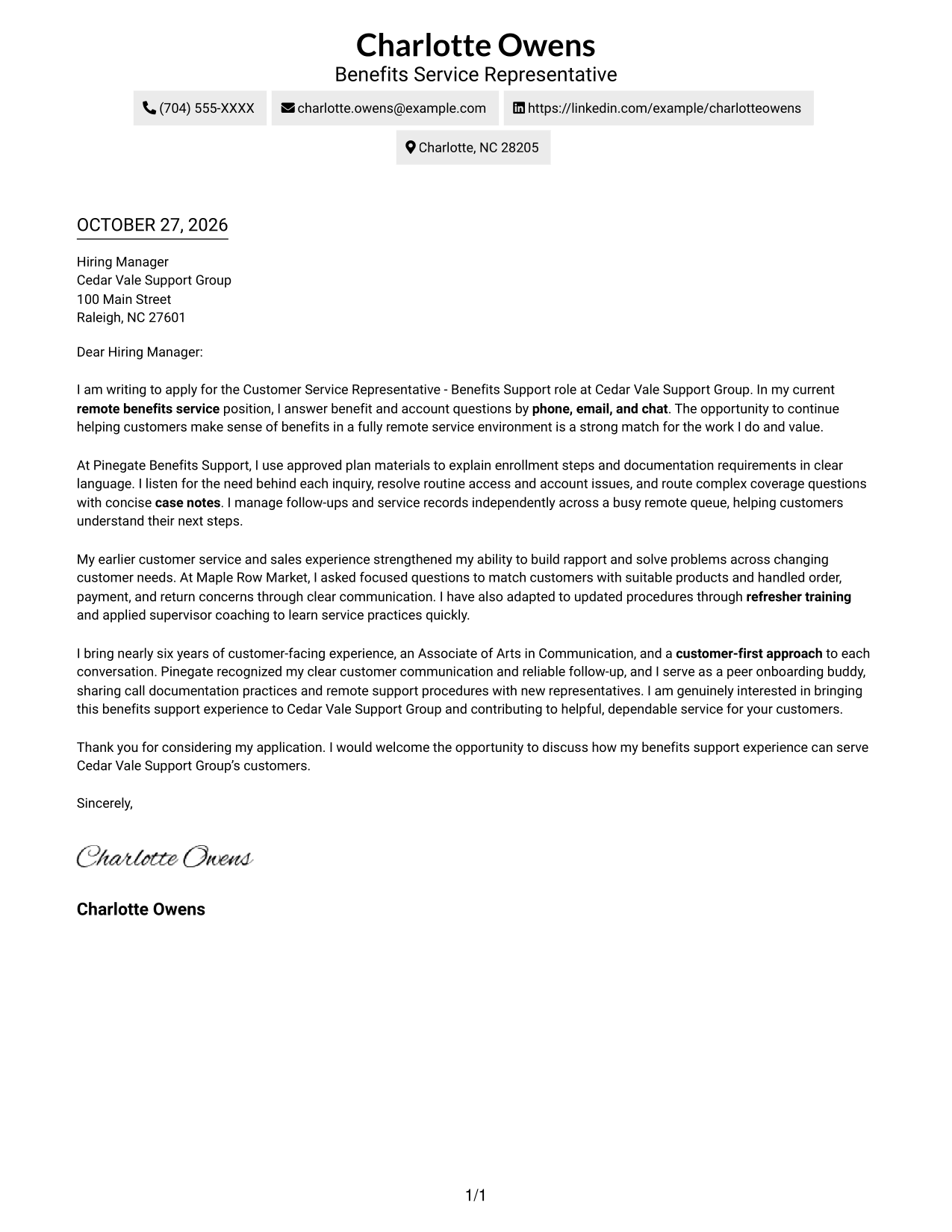
#2 Two Column Format Cover Letter Example
The Two Column Format places a contact sidebar beside one continuous letter body, keeping sender information distinct while the message reads as a whole.
Why This Format Works
- The contact sidebar separates sender information from the uninterrupted letter paragraphs.
- One body column keeps the opening and supporting points in reading order.
- No-photo presentation suits applications that favor written communication over portraits.
Best For
- Contact details beside letter text
- Continuous letter paragraphs
- Applications with separate contact information
- Text-only document presentation
- Remote service applications
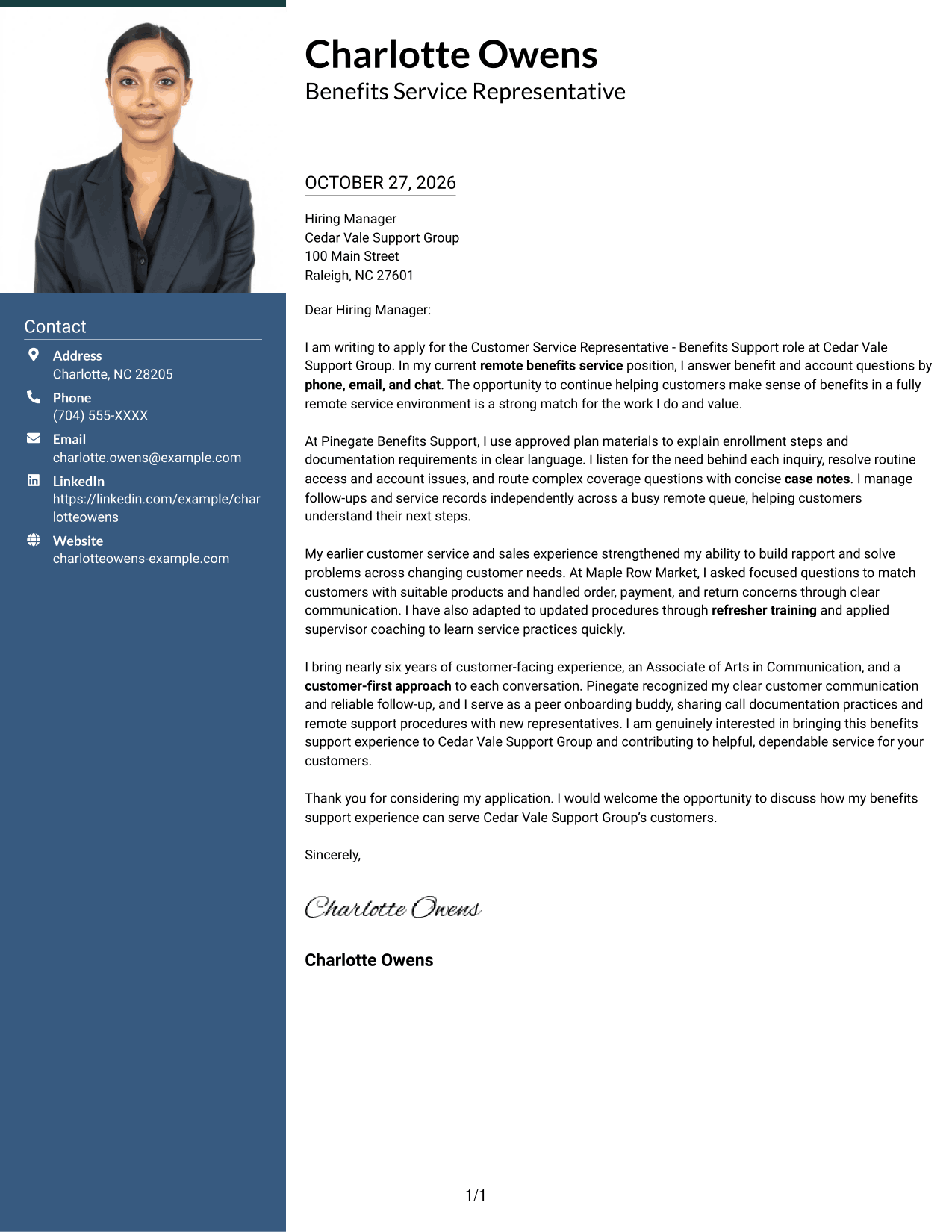
#3 Photo Header Two Column Format Cover Letter Example
The Photo Header Two Column Format pairs a portrait with a contact sidebar and one continuous letter body, offering a photo-inclusive page while keeping the message in a single reading path.
Why This Format Works
- Contact details sit beside the letter while its paragraphs stay in one body column.
- Reviewers can read the opening, supporting points, and close without parallel arguments.
- An included photo offers a portrait-led visual choice without changing the letter's flow.
Best For
- Portrait-inclusive applications
- Contact details beside letter text
- A continuous argument in one body column
- Applications with visible sender identity
- Benefits service correspondence
#4 One Column Format with Photo Cover Letter Example
The One Column Format with Photo combines a portrait with a single letter column, giving the page a direct reading route and a personal visual element.
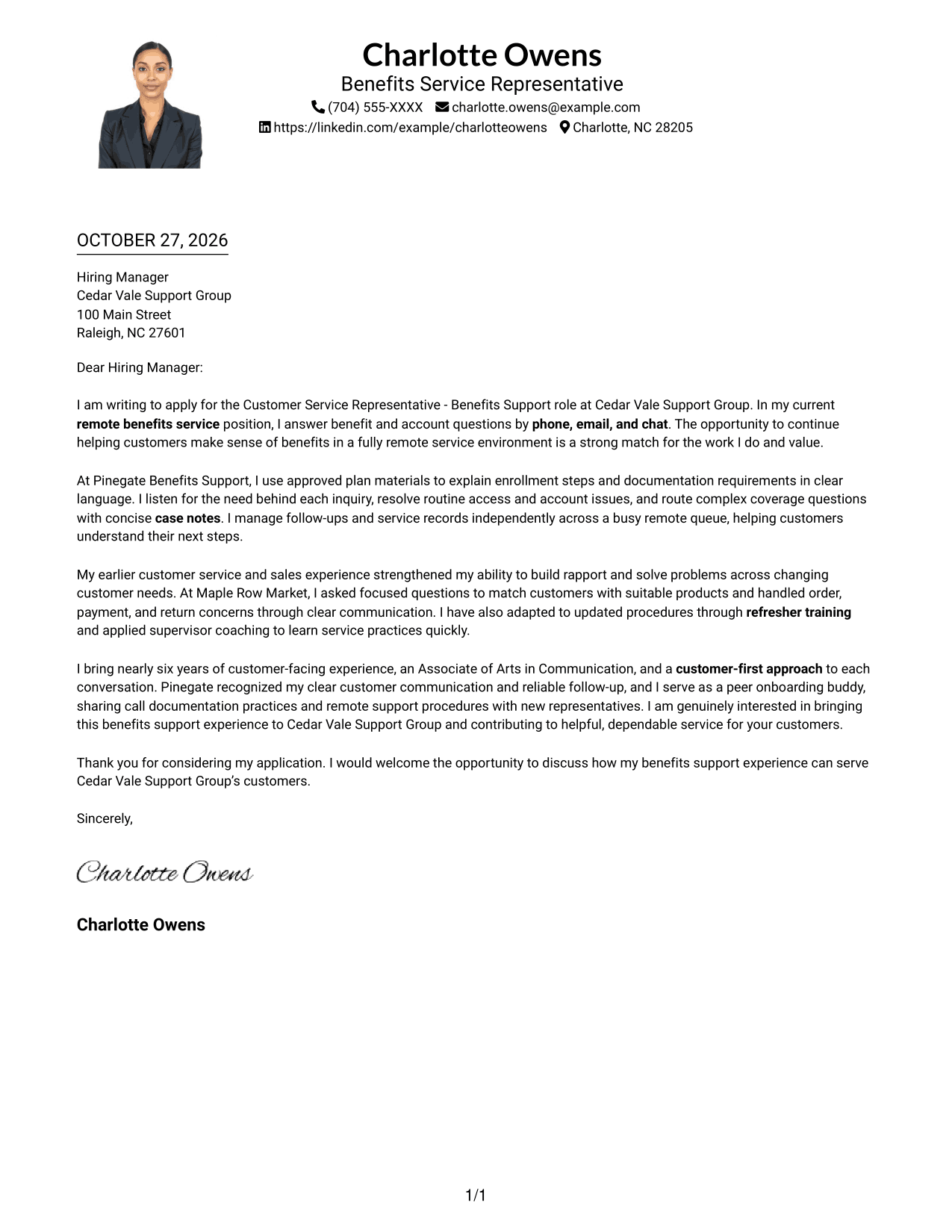
Why This Format Works
- One body column gives the letter a direct route from opening to closing.
- Sender details share the header, keeping contact information close to the message.
- An included photo suits readers who prefer a personal visual element on the page.
Best For
- Single-column letter pages
- Portrait-inclusive correspondence
- Contact details in the header
- Direct reading order
- Customer support applications
#5 Simple Two Column Format Cover Letter Example
The Simple Two Column Format places sender contact details in a sidebar beside the continuous letter body, making it easy to distinguish who is writing from what the letter says.
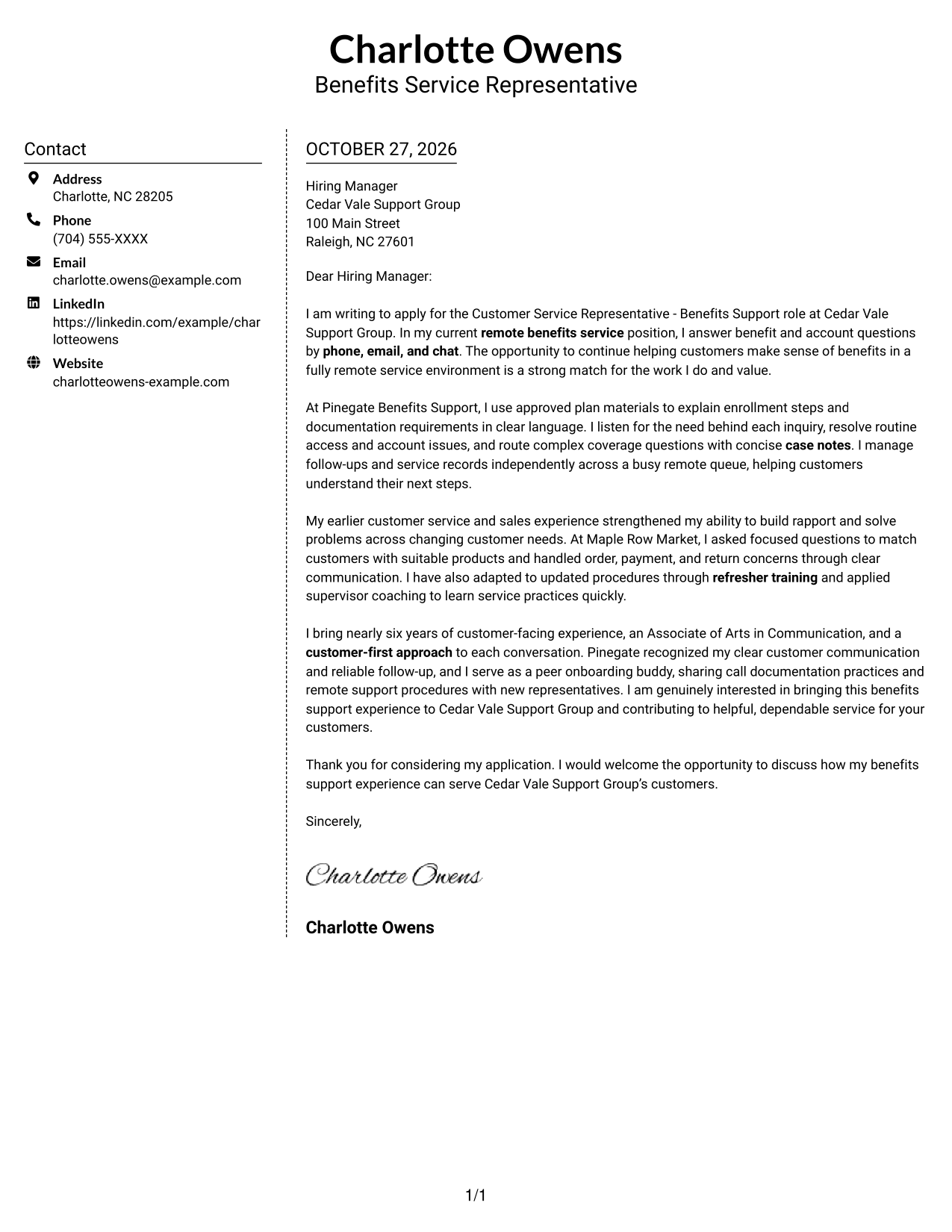
Why This Format Works
- Contact information has its own sidebar, separate from the letter's continuous paragraphs.
- The single body column keeps each point in a familiar reading sequence.
- With no photo, the page keeps its visual focus on written content.
Best For
- Sidebar-based contact presentation
- Unbroken letter prose
- Text-focused applications
- Letters making a concise case for fit
- Benefits support correspondence
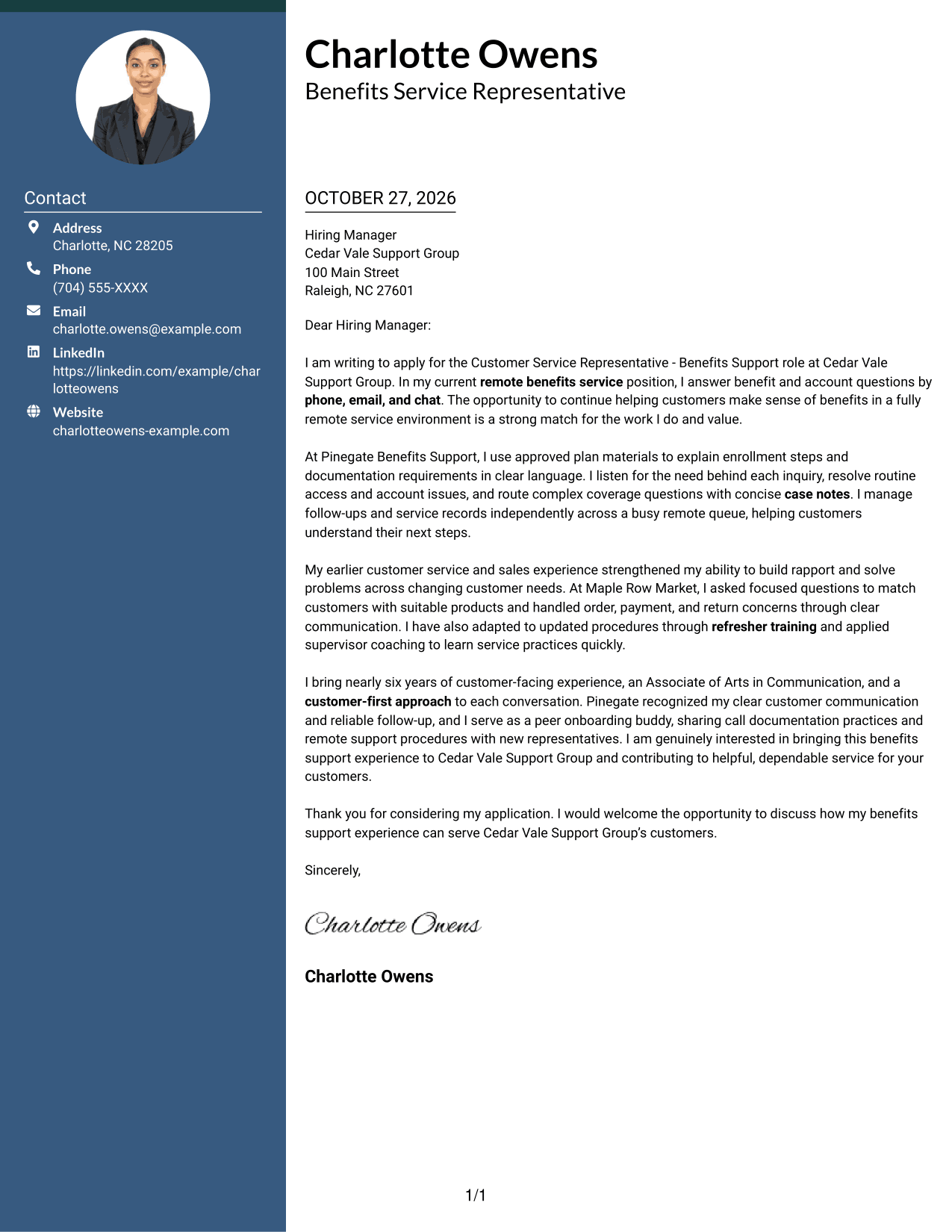
#6 Modern Icon Format Cover Letter Example
The Modern Icon Format uses two columns, with contact details in a sidebar and one continuous letter body; contact icons add clear visual cues without dividing the message.
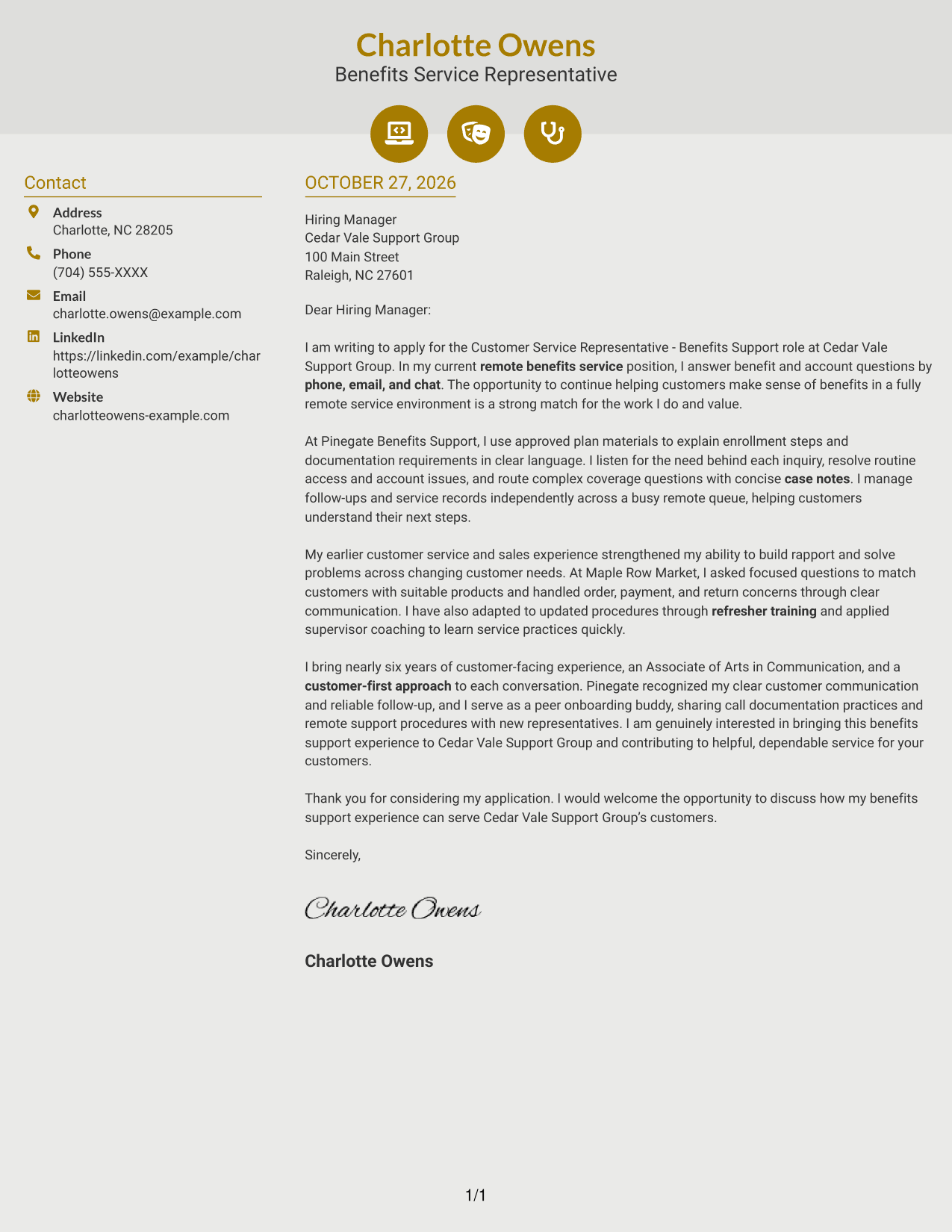
Why This Format Works
- Contact icons help identify sender details without dividing the letter's argument.
- Separate contact and letter columns keep information easy to distinguish.
- Decorative header cues add visual character while the body remains continuous.
Best For
- Contact details marked by icons
- Continuous letter paragraphs
- Icon-accented header preference
- Two-column contact and message organization
- Remote customer service correspondence
#7 Creative Two Tone Format Cover Letter Example
The Creative Two Tone Format sets contact information apart in a sidebar beside one continuous letter column, keeping the message together while contact details have their own space.
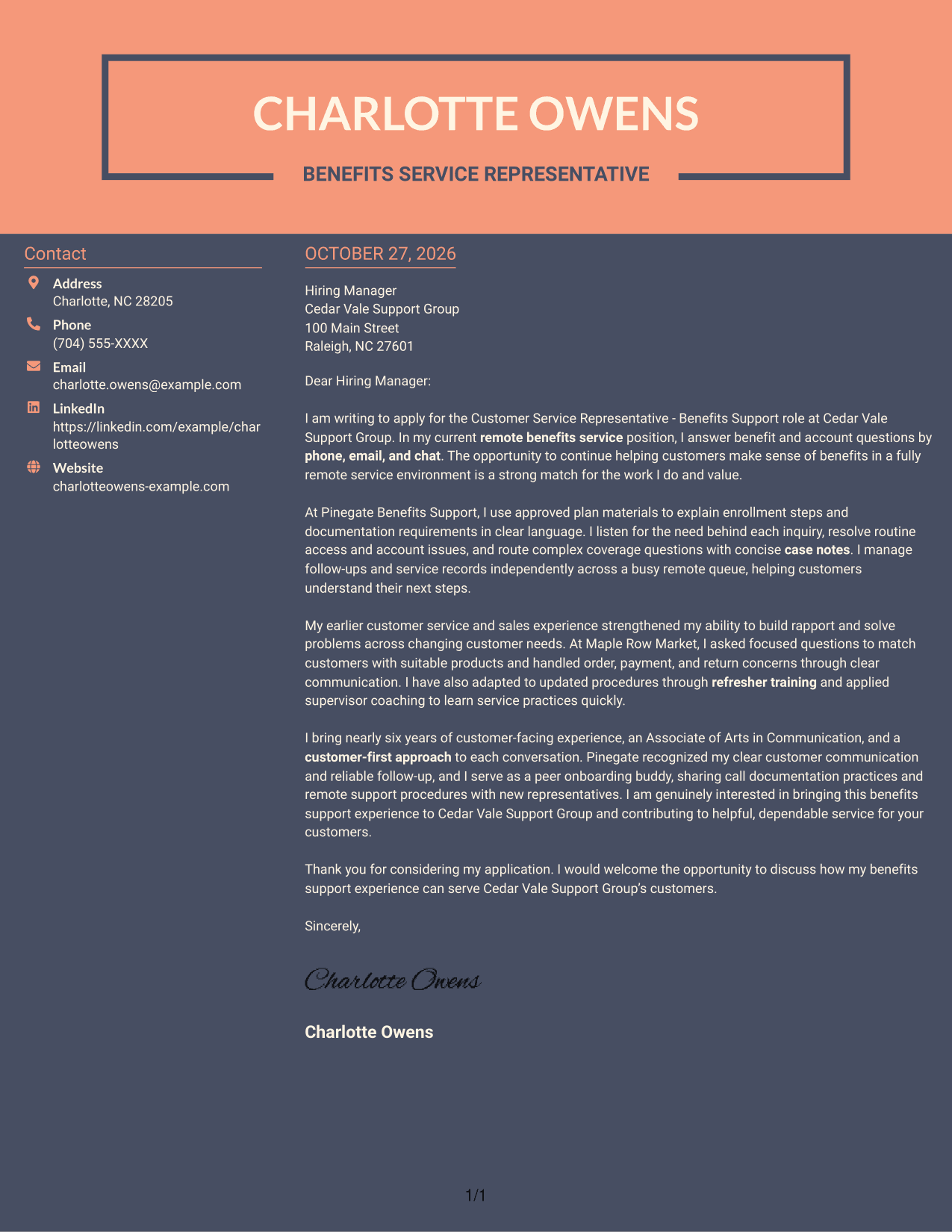
Why This Format Works
- A dedicated sidebar keeps contact information apart from the letter's main message.
- The continuous body lets reviewers follow the argument without parallel text columns.
- Without a photo, the layout suits text-centered presentation preferences.
Best For
- Sidebar contact information
- Continuous cover letter prose
- Text-focused applications
- Multi-paragraph persuasive letters
- No-photo document preference
Why Use ResumeInMinutes for a Customer Service Representative - Benefits Support Cover Letter
A clear structure can make it easier to explain why benefits support interests you and how your communication approach can help customers. Compare the image previews, then open a presentation in the editor to customize your letter.
- Focused cover letter examples
- Readable presentation options
- Role-specific writing guidance
- Clear letter structure
- Employer-focused messaging
- Editor-based customization
Use the example to connect your benefits service experience with the needs of the role, then make the wording your own with details that are accurate for you.
See Also
- 7 Customer Service Representative - Benefits Support Resume Templates with Example
- 33 Bi-Lingual Medical Billing Customer Service Support Representative Resume Templates with Example 2026
- 7 Bilingual Customer Service Representative - Insurance Support Resume Templates with Example
- 7 Customer Service/Information Services Support Representative Resume Templates with Example
- 7 Customer Service Representative - Public Service Support Resume Templates with Example
- 7 Lead Customer Service Representative - Consumer Technology Support Resume Templates with Example
- 7 Technical Customer Service Representative - Hardware and Software Support Resume Templates with Example
- 33 BDC Customer Service Representative Resume Templates with Example 2026 (ATS-Optimized)
- 30+ Bi-Lingual Medical Billing Customer Service Support Representative Cover Letter Templates with Example 2026
- 7 Bilingual Customer Service Representative - Insurance Support Cover Letter Templates with Example
Frequently Asked Questions
What should a Customer Service Representative - Benefits Support cover letter include?
Explain your interest in benefits support, then give relevant examples of listening to customer questions, explaining information clearly, and following issues through. Close by inviting a conversation about your fit for the role.
How can I show that I communicate well with customers?
Describe a real example of explaining a process or available options in plain language. You can also mention how you listen for the customer’s main concern and provide clear next steps.
How should I connect my experience to benefits support?
Highlight relevant experience with benefit or account questions, customer follow-ups, and careful case notes. If your background is in another service setting, show how your listening and problem-solving skills apply to customer support.
Which cover letter presentation should I choose?
Choose a clean, easy-to-read presentation that fits the employer and the way you plan to communicate. Compare the image previews and open an example in the editor to customize it.
Should I include a photo on my cover letter?
Use a photo only when it is common or expected in your location or industry. For many U.S. applications, a presentation without a photo is a sensible choice.




