
7 Customer Service Representative - Internet and Voice Repair Cover Letter Templates with Example
This practical guide to a Customer Service Representative - Internet and Voice Repair cover letter presents one example in 7 layouts to help you communicate your fit clearly.
What Makes a Great Customer Service Representative - Internet and Voice Repair Cover Letter in 2026
A strong letter opens with clear interest in the role and connects your experience to residential internet and voice support. Show that you can listen carefully, explain basic troubleshooting, and handle billing questions with courtesy.
Use specific evidence, such as guiding callers through service checks or staying calm during a disruption. Link that example to the employer’s needs and explain why your communication approach fits the work.
The featured Customer Service Representative - Internet and Voice Repair example moves from role interest to relevant support experience, a clear example of customer care, and a focused close. Adapt this progression while choosing a presentation that suits the employer and the communication context.
#1 Simple One Column Format Cover Letter Example
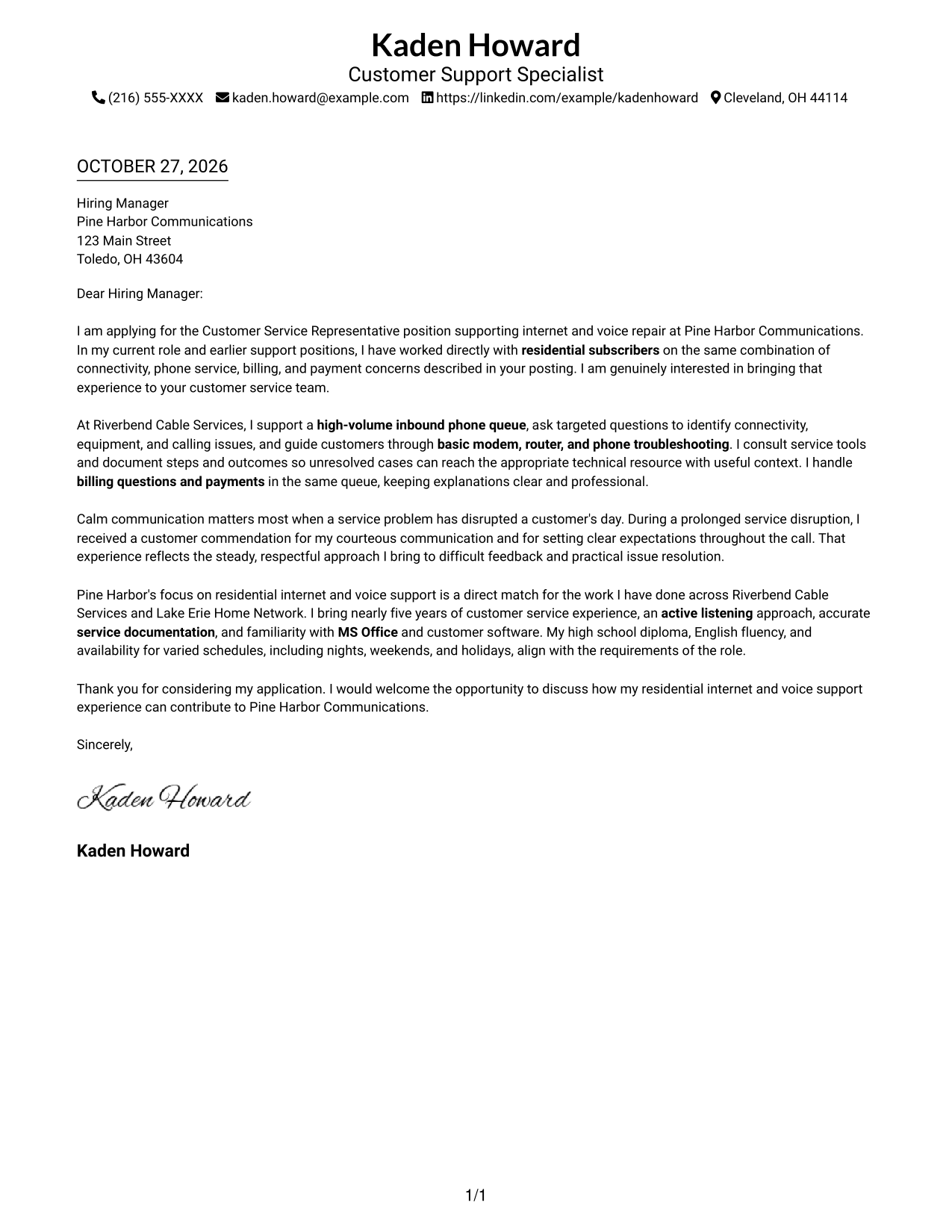
Sender details remain in the header while one continuous body carries the opening, supporting points, and close in a clear reading order.
Why This Format Works
- Header details stay separate from the paragraphs that make the case for the role.
- One body column keeps the opening, supporting example, and close in sequence.
- Without argument headings, paragraph order carries the message from interest to closing.
Best For
- Single-column reading preference
- Sender details in the header
- Letters with connected supporting points
- A continuous argument without section headings
- Text-led application materials
#2 Two Column Format Cover Letter Example
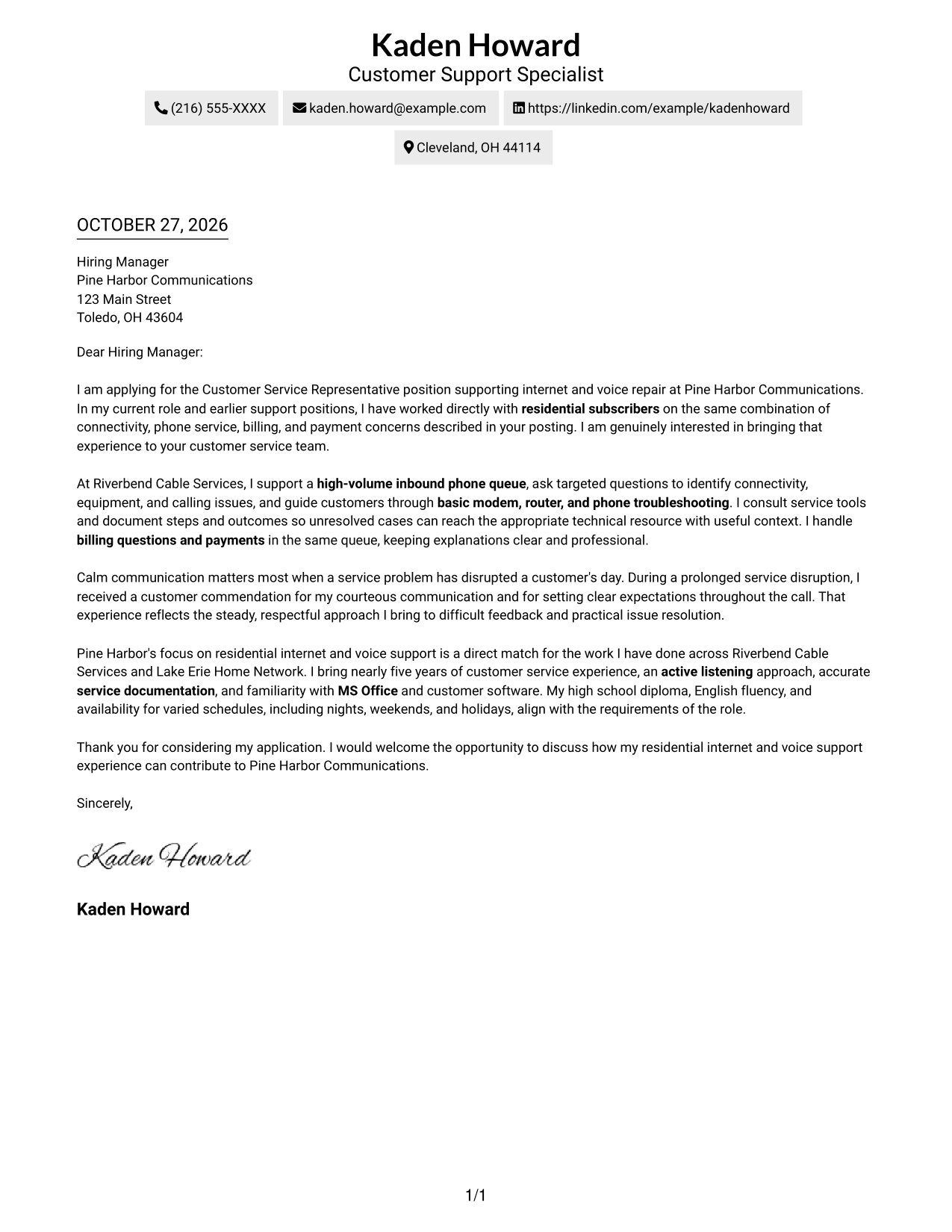
A contact sidebar sits beside one continuous letter body, keeping sender details distinct while the message follows a single reading sequence.
Why This Format Works
- The sidebar gives contact information its own place beside the letter.
- One continuous body lets the opening, evidence, and close unfold in order.
- The prose itself carries emphasis without headings for argument stages.
Best For
- Quick access to sender details
- A single reading path for the letter
- Connected paragraphs without argument headings
- Contact information beside the message
- Letters with several supporting points
#3 Photo Header Two Column Format Cover Letter Example
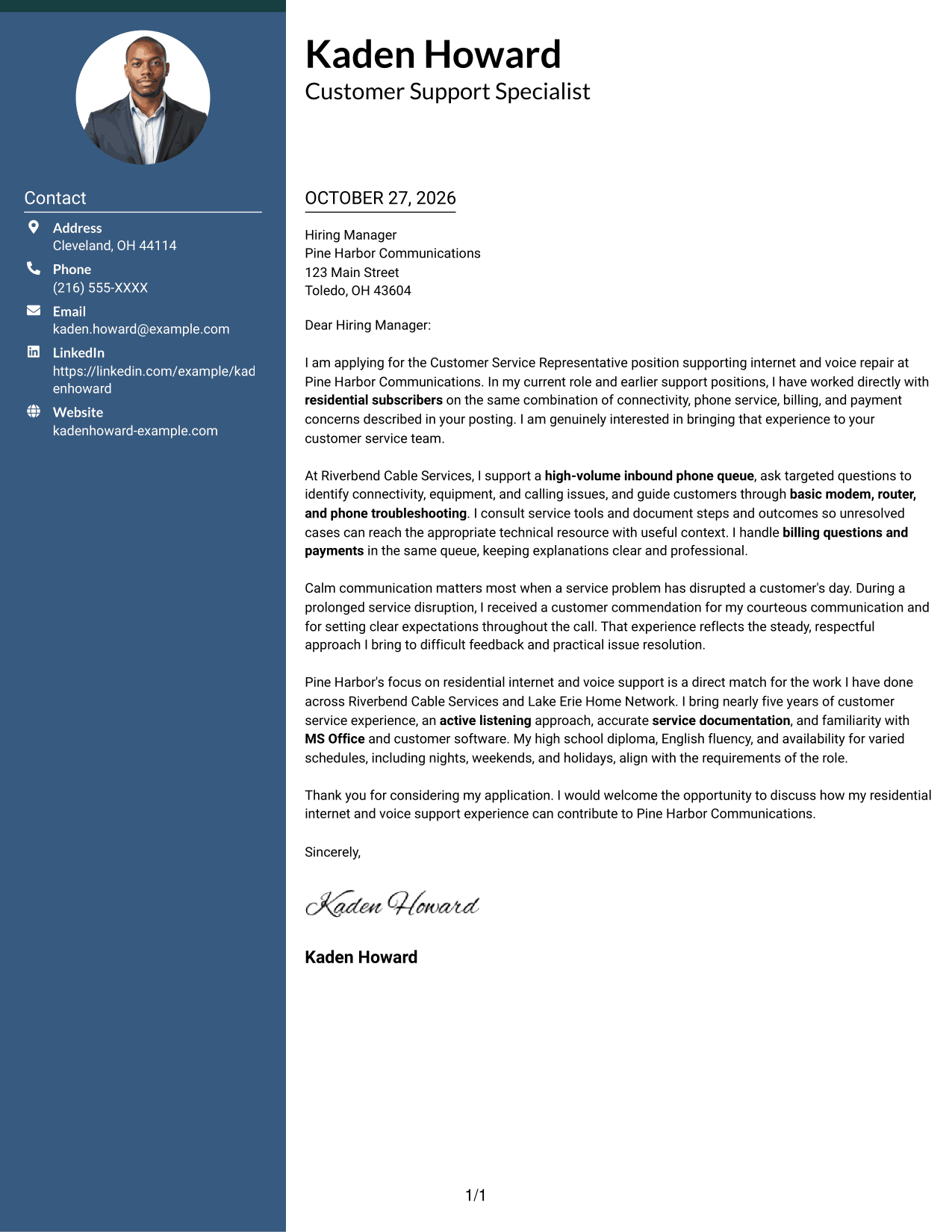
A header portrait and contact sidebar accompany one continuous letter body, adding a personal visual element while keeping the message in reading order.
Why This Format Works
- The contact sidebar separates sender details from the letter's persuasive paragraphs.
- A single body column keeps the opening, example, and close in sequence.
- The header portrait adds a personal visual element without changing the letter's structure.
Best For
- A portrait in the header
- Contact details beside the message
- One continuous argument
- A personal visual element
- Letters with a clear paragraph sequence
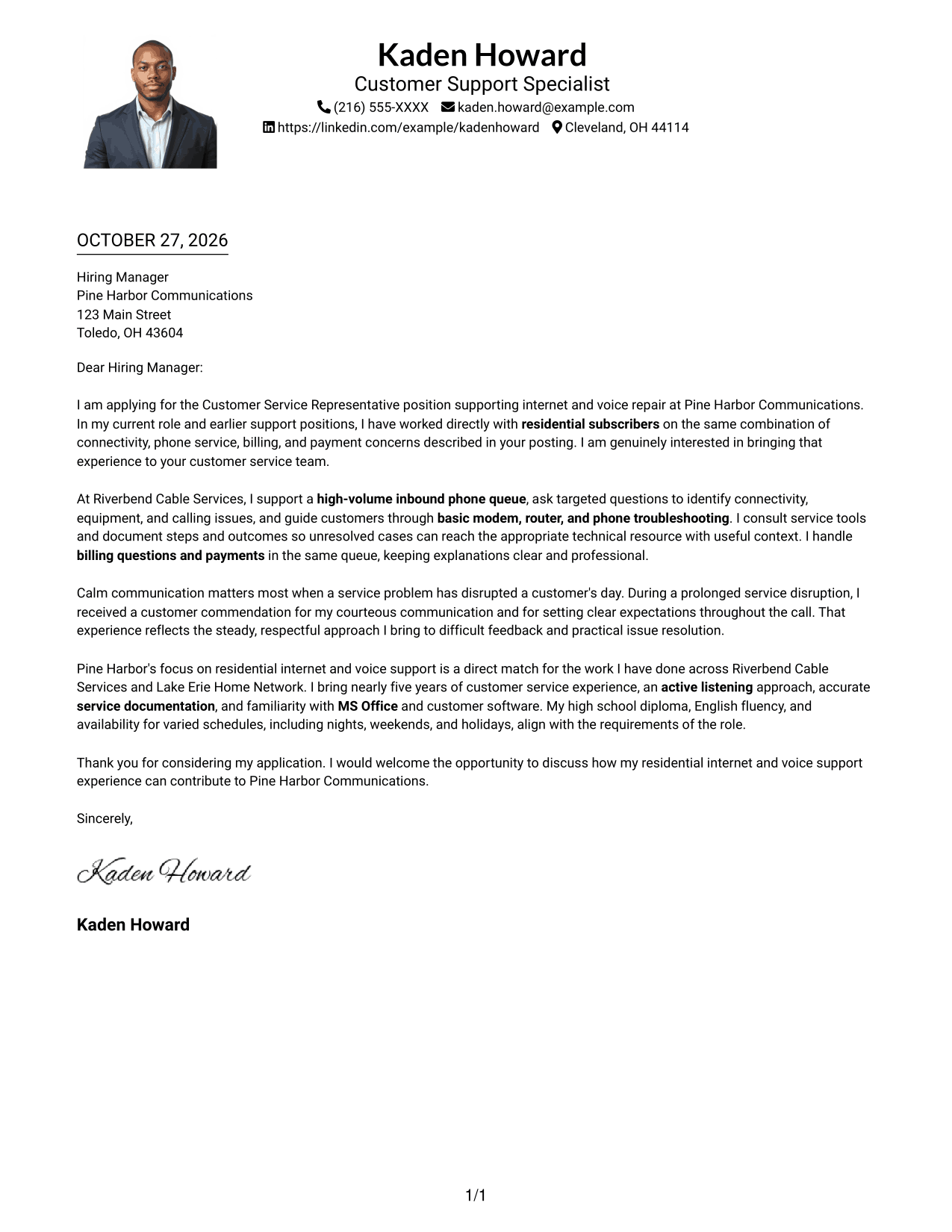
#4 One Column Format with Photo Cover Letter Example
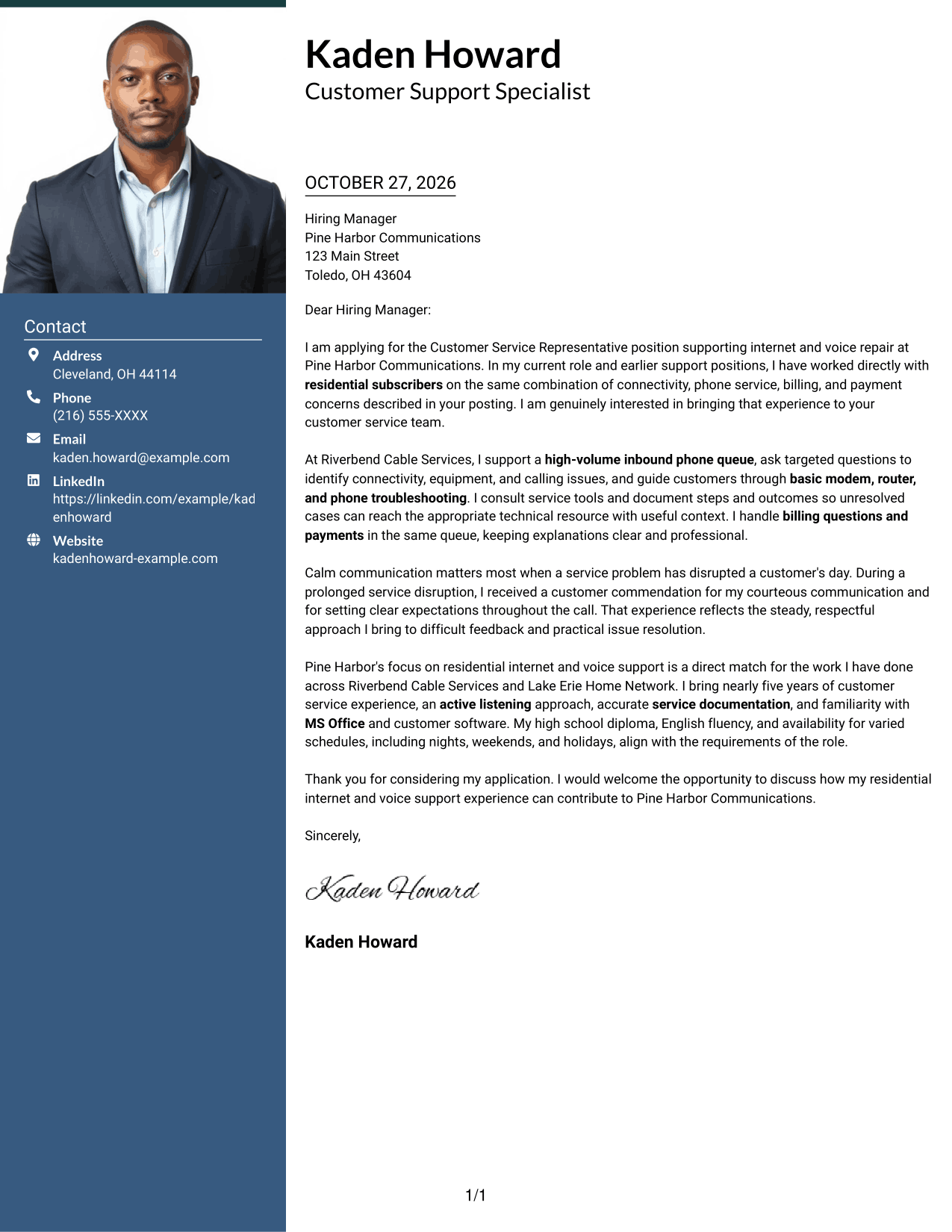
A header portrait appears with sender details above a single continuous letter body, giving the page a personal visual feature and a direct reading path.
Why This Format Works
- Sender details share the header, apart from the continuous letter paragraphs.
- The single-column body keeps the opening, support, and closing in sequence.
- A portrait offers a personal visual choice without interrupting the message.
Best For
- A portrait alongside sender details
- One-column letter reading
- A continuous paragraph argument
- Personal visual presentation
- Applications with connected supporting points
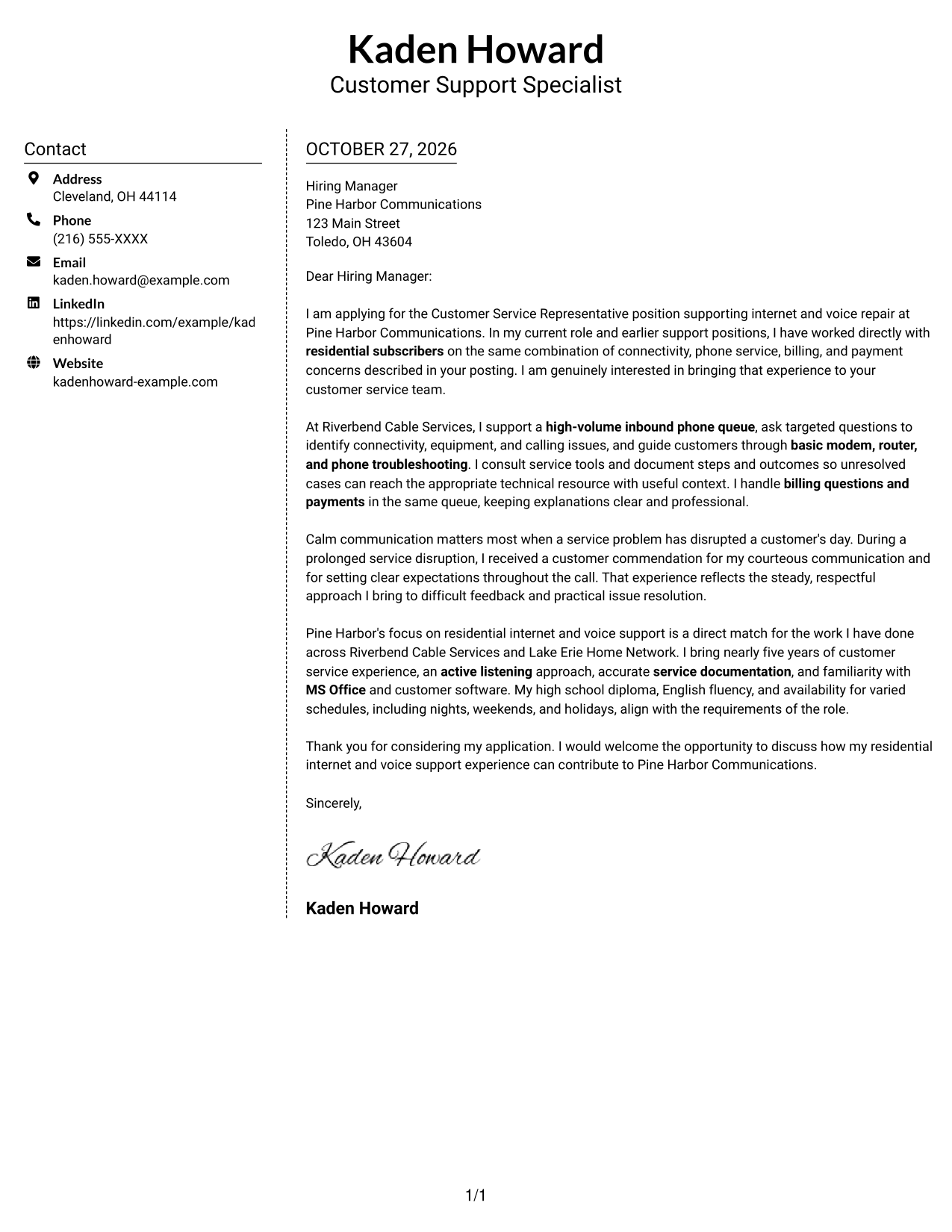
#5 Simple Two Column Format Cover Letter Example
Sender details occupy a contact sidebar beside the uninterrupted letter body, giving each a distinct place without splitting the message.
Why This Format Works
- The sidebar keeps contact information apart from the main letter text.
- The body remains one column, so the argument reads from opening to close.
- Paragraphs carry the letter's shifts in focus without added section headings.
Best For
- Contact details set apart from prose
- A single-column message beside contact information
- Letters without argument headings
- A direct opening-to-close progression
- Readers who prefer a contact sidebar
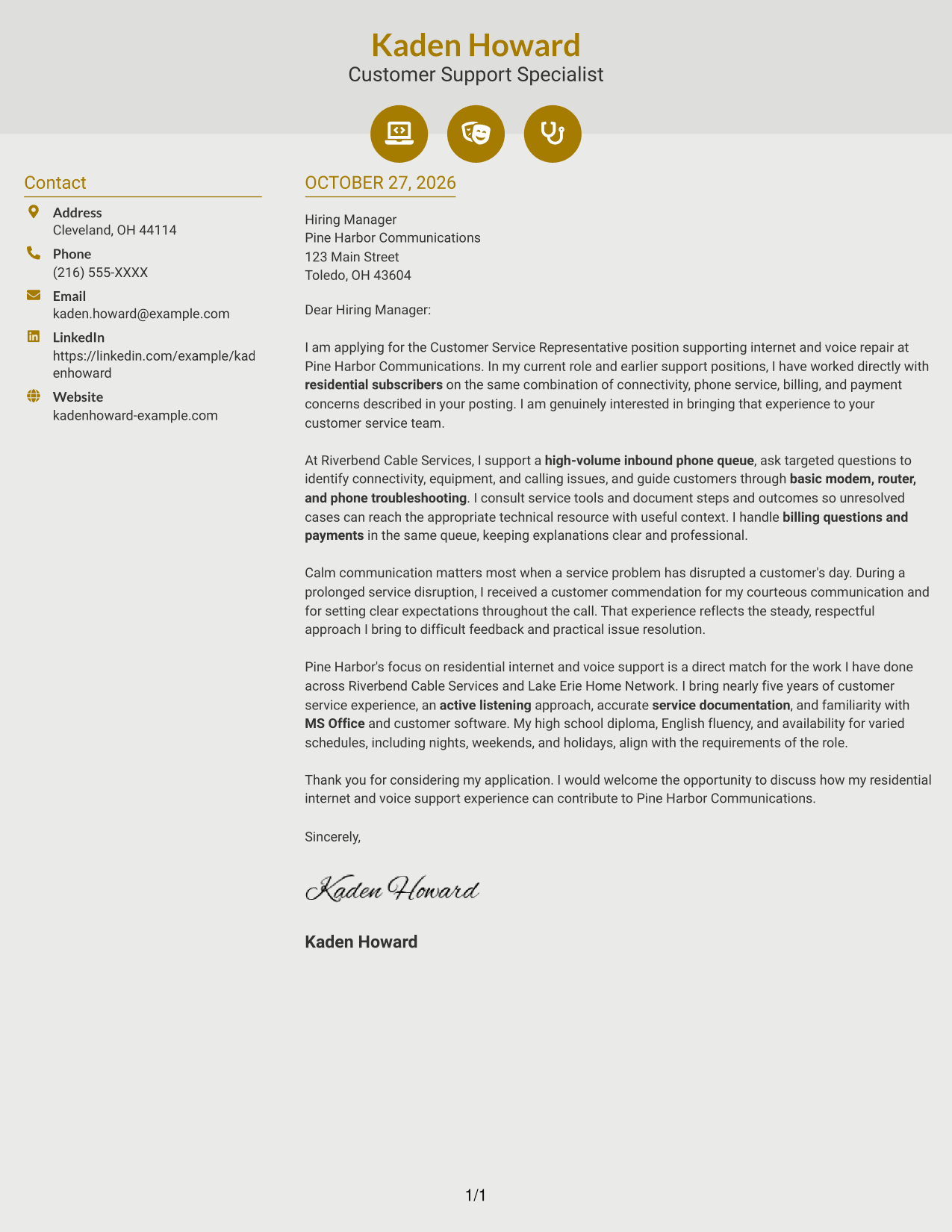
#6 Modern Icon Format Cover Letter Example
Contact icons and a sidebar sit beside one continuous letter body, using visual cues for contact details while leaving the message in one reading sequence.
Why This Format Works
- Contact icons give the sender's details simple visual cues.
- The sidebar separates those details from the letter's persuasive text.
- A single continuous body keeps the opening, supporting points, and close together.
Best For
- Contact details with visual cues
- A separate place for sender information
- One continuous letter message
- A clear opening-to-close sequence
- Readers who prefer contact icons
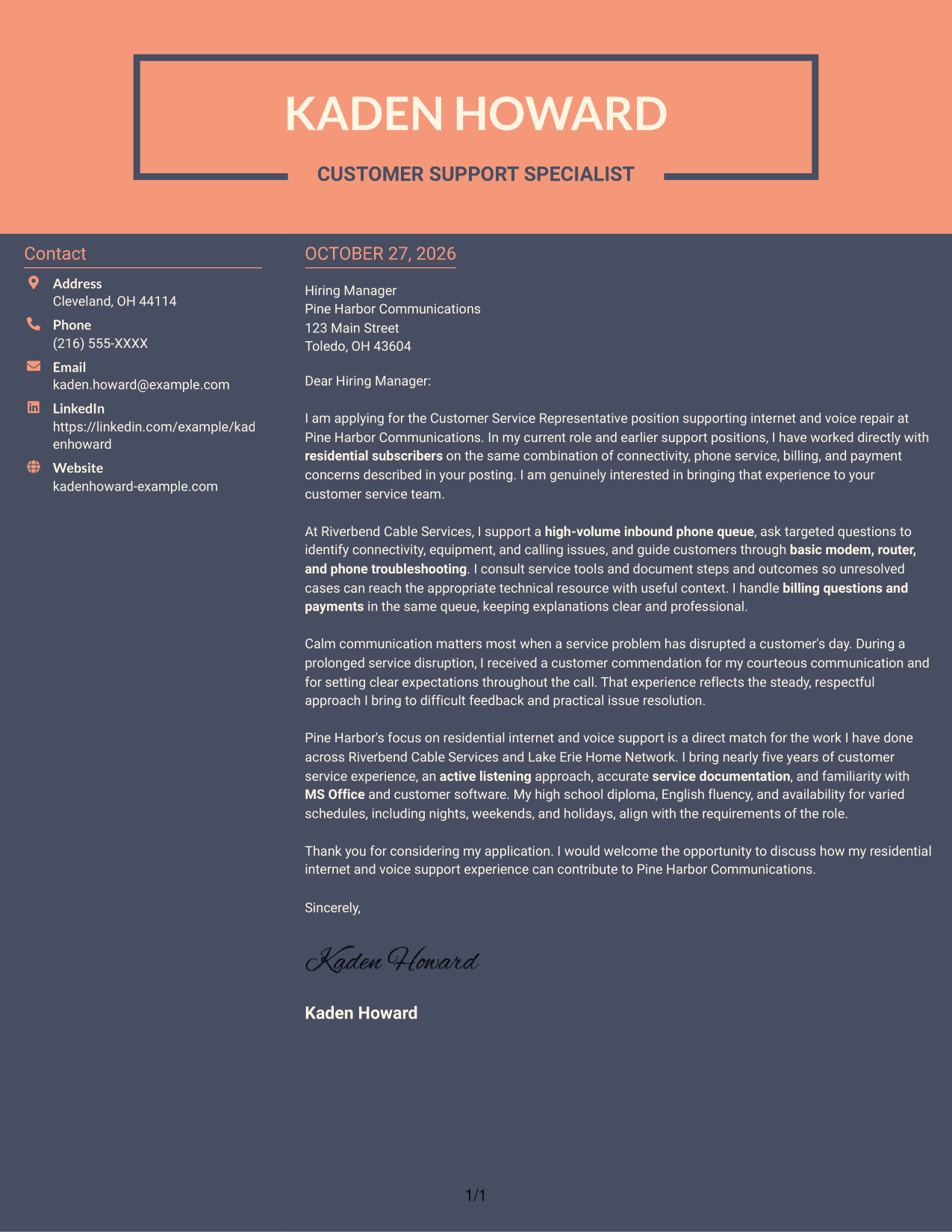
#7 Creative Two Tone Format Cover Letter Example
Two columns place sender details beside one continuous letter body, separating contact information from the message while preserving its natural paragraph order.
Why This Format Works
- Sender details have a distinct place beside the letter's main text.
- The body stays continuous, so the argument develops in paragraph order.
- The separate contact area leaves the message free of competing details.
Best For
- Contact information beside the letter
- A message with uninterrupted paragraphs
- Separate spaces for contact and prose
- A natural paragraph sequence
- Letters with several connected points
See Also
- 7 Customer Service Representative - Internet and Voice Repair Resume Templates with Example
- 33 BDC Customer Service Representative Resume Templates with Example 2026 (ATS-Optimized)
- 33 Bi-Lingual Medical Billing Customer Service Support Representative Resume Templates with Example 2026
- 7 Bilingual Customer Service Representative - Insurance Support Resume Templates with Example
- 33 Call Center Customer Service Representative Resume Templates with Example 2026 (ATS-Optimized)
- 33 Cashier / Customer Service Representative Resume Templates with Example 2026 (ATS-Optimized)
- 33 CDHP and COBRA Customer Service Representative Resume Templates with Example 2026
- 33 Commercial Customer Service Representative Resume Templates with Example 2026 (ATS-Optimized)
- 30+ BDC Customer Service Representative Cover Letter Templates with Example 2026
- 30+ Bi-Lingual Medical Billing Customer Service Support Representative Cover Letter Templates with Example 2026
Frequently Asked Questions
What should the opening paragraph say for this role?
State your interest in the Customer Service Representative - Internet and Voice Repair position, then connect your background to residential customer support. Keep the opening direct and specific to the work.
What experience should I highlight in the body of the letter?
Choose relevant examples of listening to callers, troubleshooting internet or voice concerns, answering routine billing questions, and explaining next steps. Include a specific customer interaction when it helps show your approach.
How can I show that I am a good fit for Pine Harbor Communications?
Connect your experience with residential internet and voice support to the role’s customer needs. Explain how you communicate clearly, manage difficult feedback, and use available tools to guide callers toward practical next steps.
How should I choose a cover letter layout?
Choose a clear, readable layout that supports your message and suits the employer’s communication style. Keep the opening, supporting examples, and closing easy to follow.
Can I preview an example before customizing it?
Yes. Review the PNG image preview, then use the editor link to open the example and customize it.




