
7 Customer Service Representative - Travel Planning Cover Letter Templates with Example
This guide helps you write a focused Customer Service Representative - Travel Planning cover letter, with one example presented in 7 layouts.
What Makes a Great Customer Service Representative - Travel Planning Cover Letter in 2026
A strong letter shows clear interest in helping travelers and connects the role to accurate, thoughtful support from the first question through trip completion.
Use a specific example, such as resolving a booking concern or explaining an itinerary change, then show how your approach fits the employer’s service goals.
The featured example moves from role interest to specific travel-service evidence, employer alignment, and a clear close, giving you a focused progression to adapt to the employer and communication context.
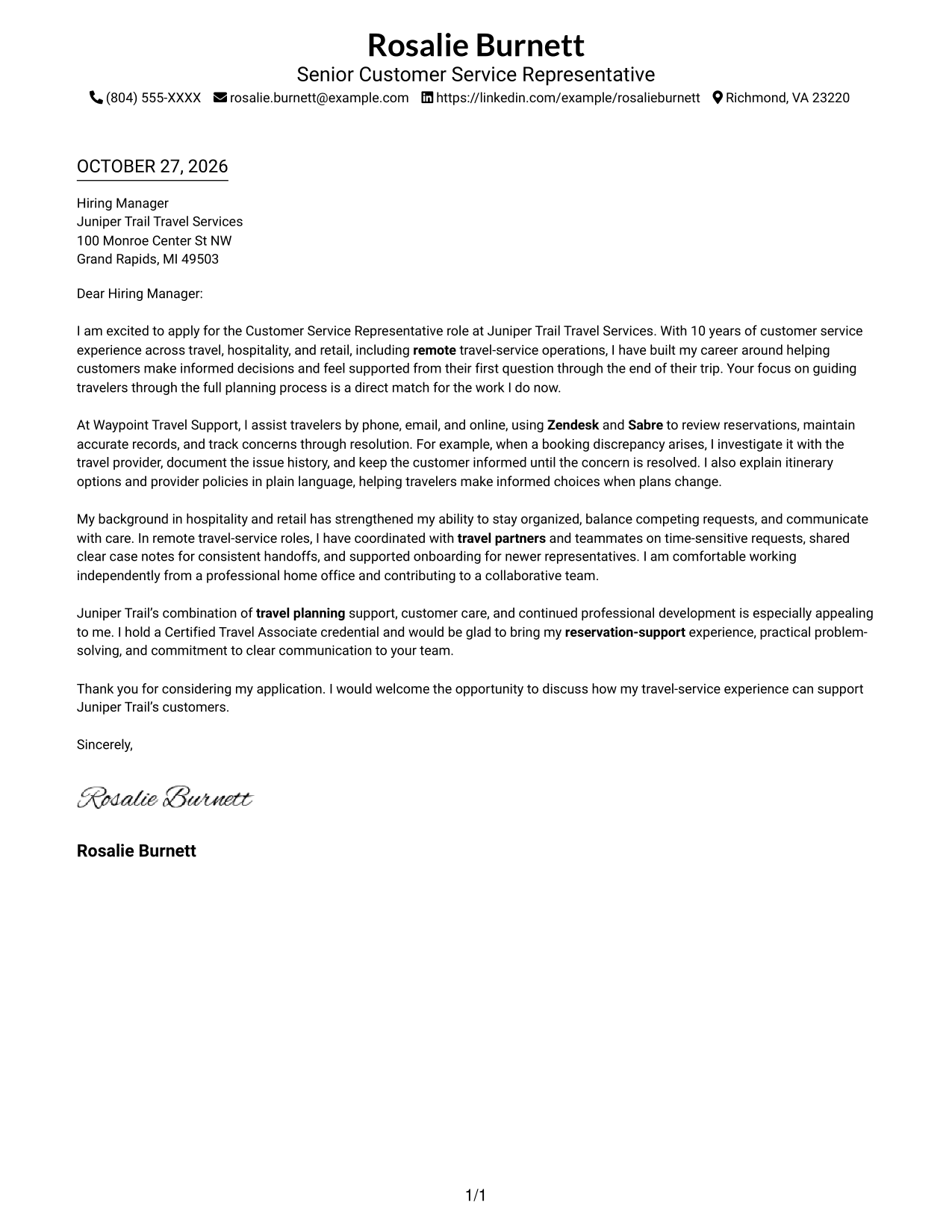
#1 Simple One Column Format Cover Letter Example
A single text column keeps sender details in the header and the letter on a direct reading path.
Why This Format Works
- Header contact details remain separate from the full letter message.
- The continuous body carries the opening, supporting example, and closing in sequence.
- Reviewers can read every paragraph down the same column without changing sides.
Best For
- Full-paragraph cover letters
- A direct reading path
- Sender details in the header
- Letters without a contact sidebar
- Text-focused presentation
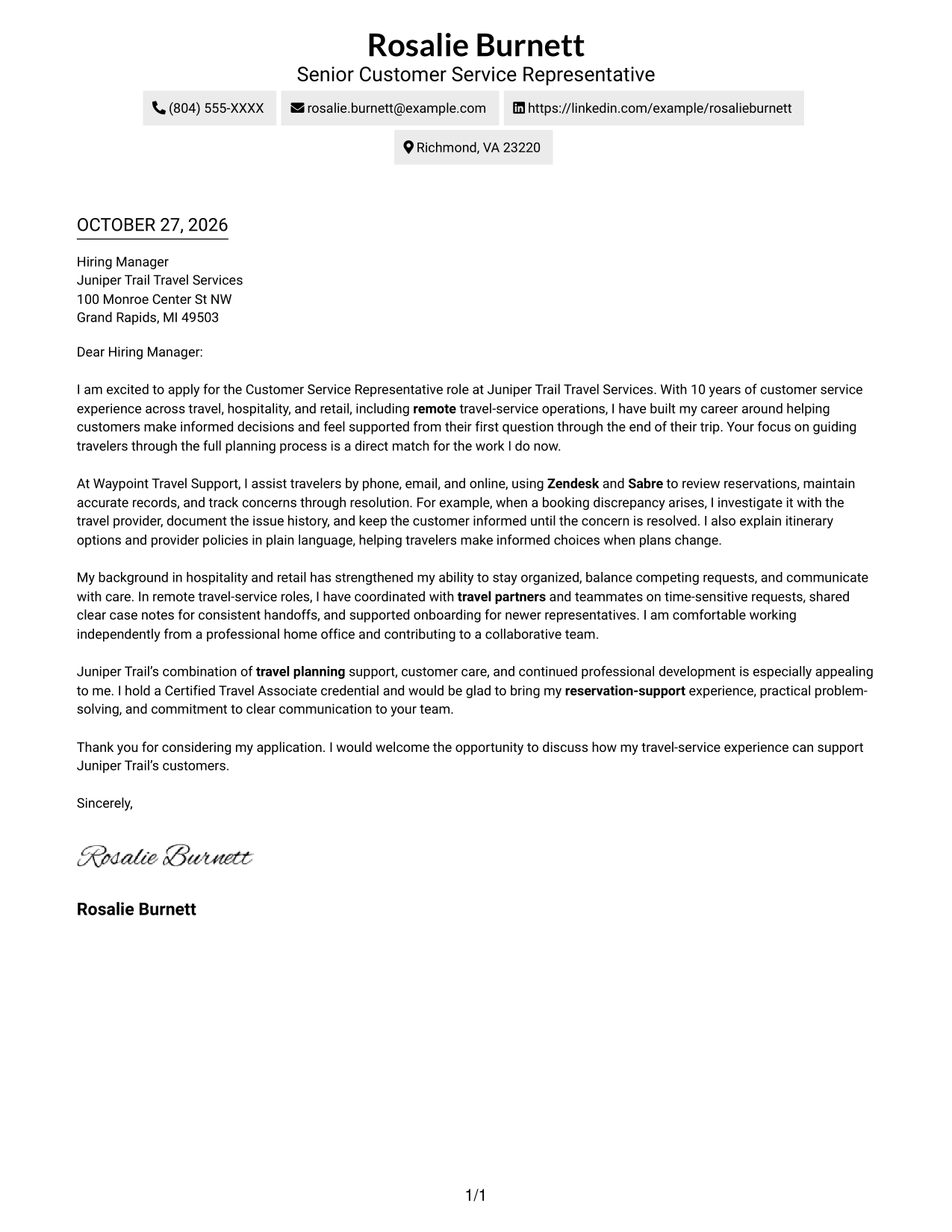
#2 Two Column Format Cover Letter Example
A contact sidebar sits beside one continuous letter body, giving contact information and the message separate places.
Why This Format Works
- Contact details sit apart from the letter, giving the message its own reading area.
- All letter paragraphs remain together, preserving the progression from interest to closing.
- The side-by-side arrangement keeps sender information visible while reviewers read the message.
Best For
- Multi-paragraph cover letters
- Contact details easy to locate
- Uninterrupted letter arguments
- Side-by-side contact and message
- Readers who prefer a visible sidebar
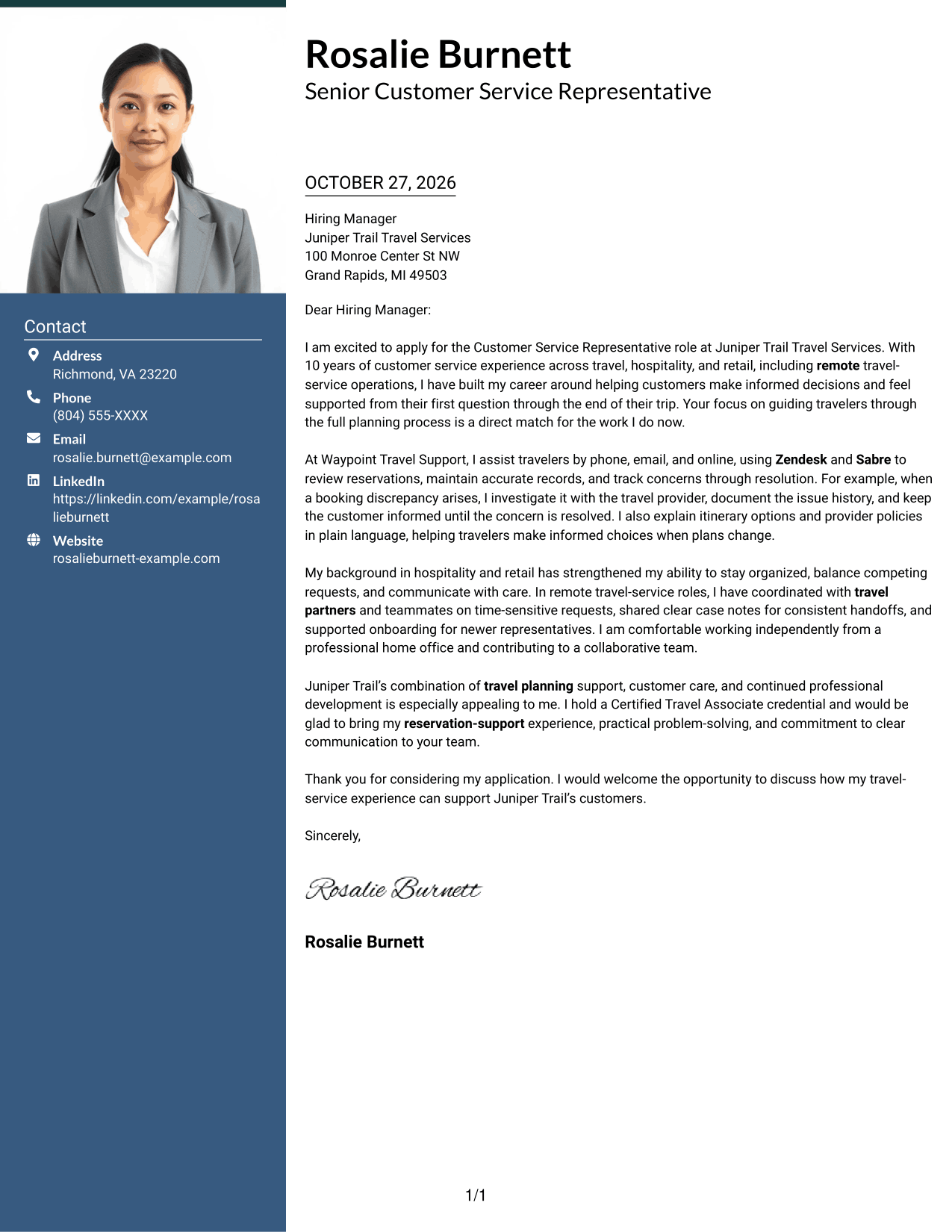
#3 Photo Header Two Column Format Cover Letter Example
A photo and contact sidebar accompany one continuous letter body, suiting readers who prefer a portrait beside the message.
Why This Format Works
- The contact sidebar keeps sender information distinct from the letter paragraphs.
- The photo adds a visible personal element without dividing the message.
- One continuous body keeps the opening, supporting details, and closing together.
Best For
- Cover letters with a portrait
- Separate contact and message areas
- A continuous persuasive letter
- Visible sender information
- Photo-led contact presentation
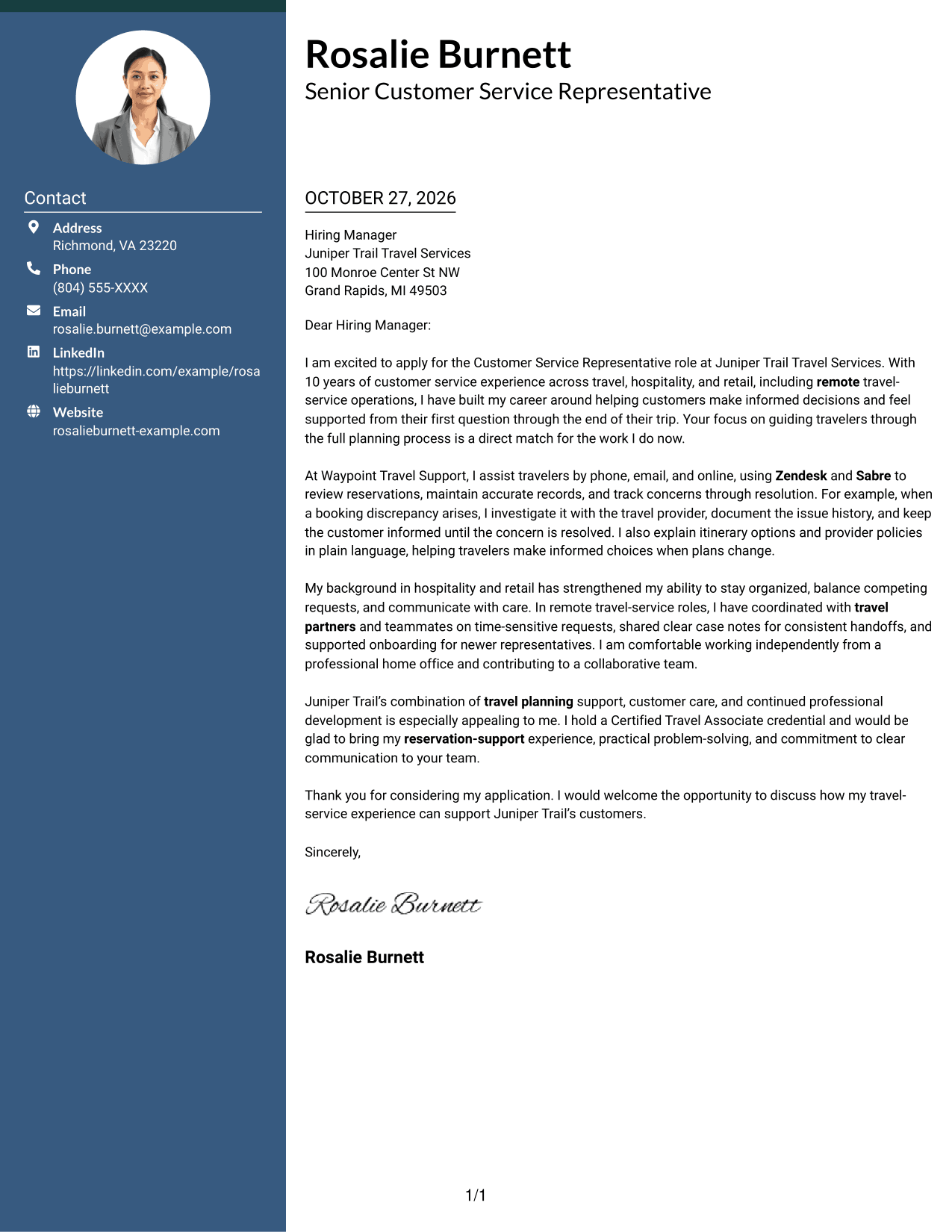
#4 One Column Format with Photo Cover Letter Example
A photo accompanies the single-column letter, adding a visual element while keeping the message in one reading path.
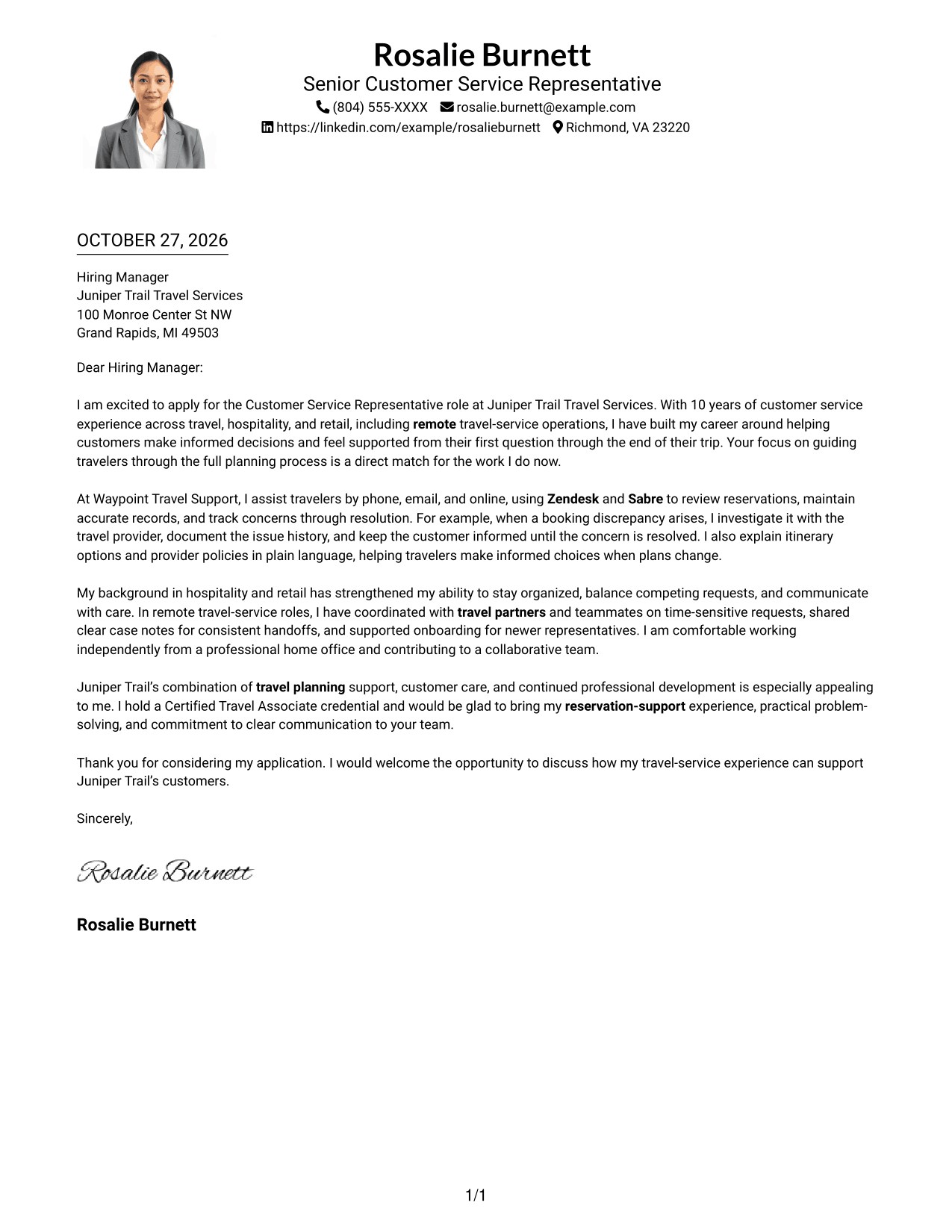
Why This Format Works
- The photo offers a personal visual detail without splitting the letter into columns.
- A single column keeps each paragraph in the same reading direction.
- The continuous body lets reviewers follow the message from opening through closing.
Best For
- Single-column letters with a portrait
- A direct reading path
- Full-length letter paragraphs
- Photo-inclusive presentation
- One unified message
#5 Simple Two Column Format Cover Letter Example
Contact information in a sidebar sits beside one continuous letter body, keeping sender details and the message distinct.
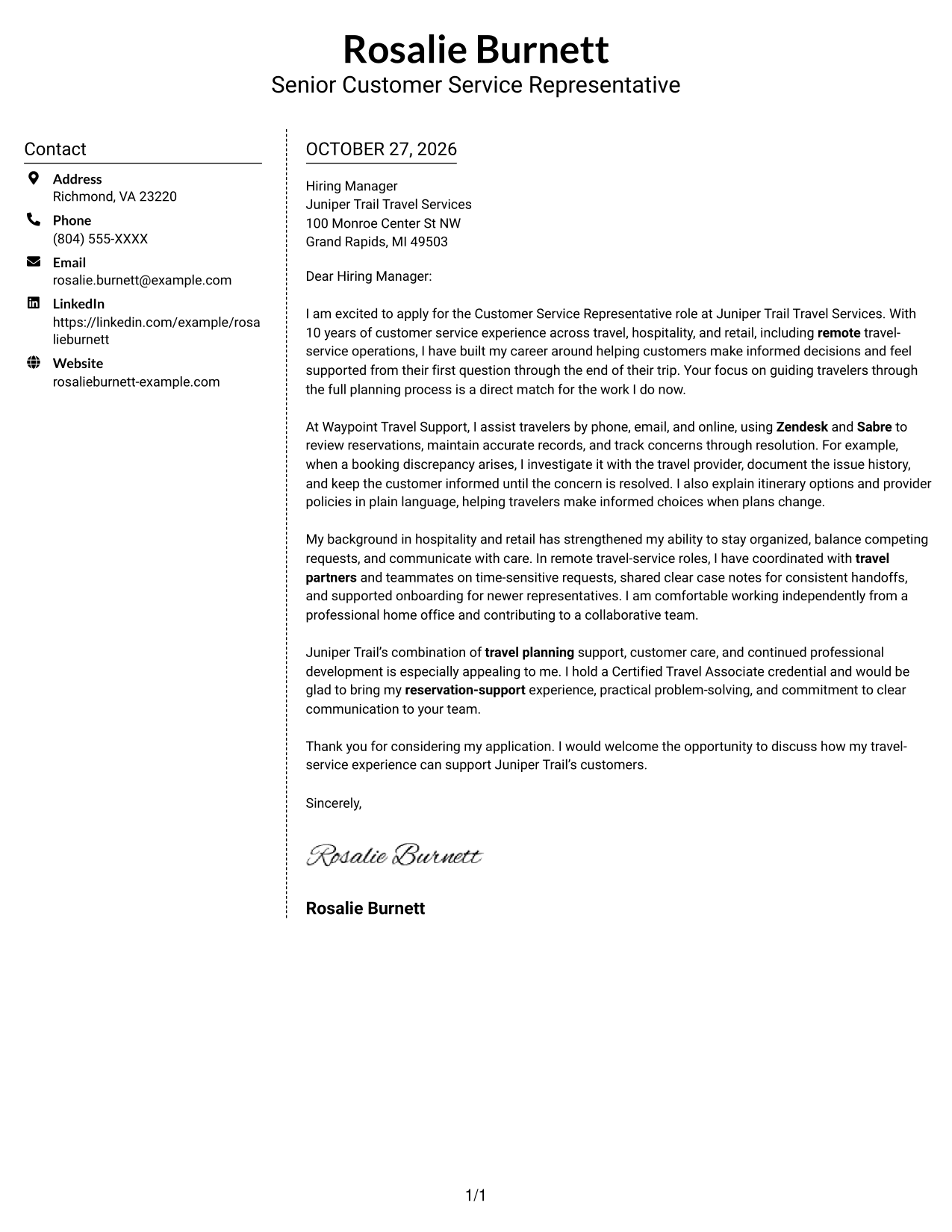
Why This Format Works
- The sidebar gives sender details a separate place beside the letter.
- The message remains one continuous body rather than split into parallel columns.
- Reviewers can move from contact information to the full letter in a clear order.
Best For
- Letters with separate contact details
- A continuous body of paragraphs
- Side-by-side page organization
- Easy-to-find sender information
- Readers who prefer a contact sidebar
#6 Modern Icon Format Cover Letter Example
Contact icons cue sender details beside the continuous letter body, leaving the message itself as one uninterrupted text.
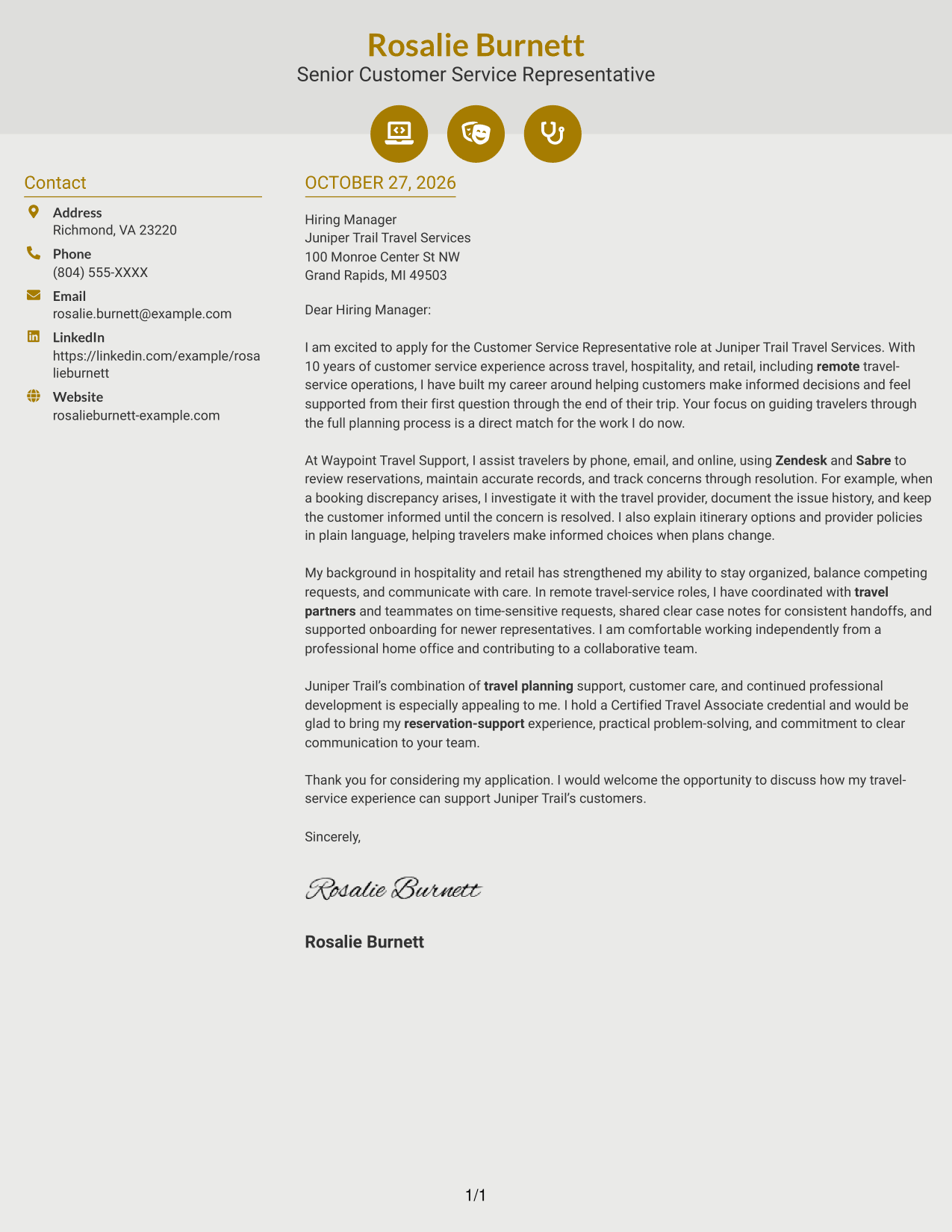
Why This Format Works
- Icons serve as cues for contact details, not as labels for letter paragraphs.
- The contact sidebar keeps sender information apart from the main message.
- One continuous body preserves the letter's opening-to-closing progression.
Best For
- Icon cues for contact details
- A distinct contact sidebar
- One continuous letter message
- Quick access to sender information
- Readers who like visual contact markers
#7 Creative Two Tone Format Cover Letter Example
A contact sidebar pairs with one continuous letter body, offering a two-column arrangement for readers who want the details and message side by side.
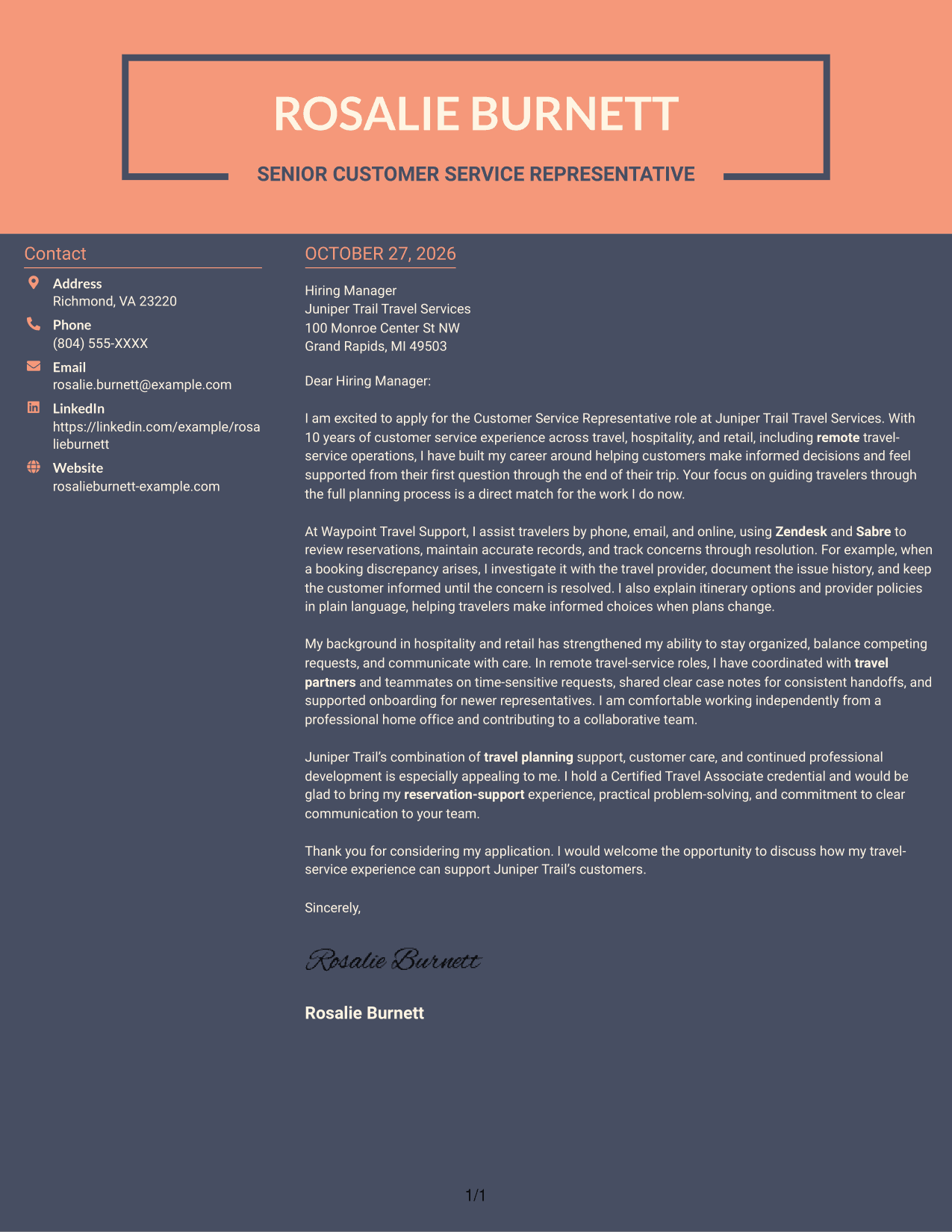
Why This Format Works
- The contact sidebar separates sender information from the letter's argument.
- The body keeps the opening, supporting points, and closing in one continuous sequence.
- Two columns place contact details and the complete message alongside each other.
Best For
- Side-by-side contact and letter
- A continuous argument in paragraphs
- Letters with distinct sender details
- Two-column page organization
- Readers who prefer separate contact information
Why Use ResumeInMinutes for a Customer Service Representative - Travel Planning Cover Letter
ResumeInMinutes lets you compare cover letter previews and open an example in the editor to customize it for the role.
- Role-focused letter guidance
- Clear opening, body, and close
- Travel-service examples
- Employer-focused motivation
- Communication across service channels
- Editor customization
Use the preview images to compare presentation, then open an example in the editor and shape the message to the employer and communication context.
See Also
- 7 Customer Service Representative - Travel Planning Resume Templates with Example
- 33 BDC Customer Service Representative Resume Templates with Example 2026 (ATS-Optimized)
- 33 Bi-Lingual Medical Billing Customer Service Support Representative Resume Templates with Example 2026
- 7 Bilingual Customer Service Representative - Insurance Support Resume Templates with Example
- 33 Call Center Customer Service Representative Resume Templates with Example 2026 (ATS-Optimized)
- 33 Cashier / Customer Service Representative Resume Templates with Example 2026 (ATS-Optimized)
- 33 CDHP and COBRA Customer Service Representative Resume Templates with Example 2026
- 33 Commercial Customer Service Representative Resume Templates with Example 2026 (ATS-Optimized)
- 30+ BDC Customer Service Representative Cover Letter Templates with Example 2026
- 30+ Bi-Lingual Medical Billing Customer Service Support Representative Cover Letter Templates with Example 2026
Frequently Asked Questions
How can I show that I understand travel planning customer service?
Explain how you guide travelers through reservations, itinerary details, service policies, or changes. A specific example of keeping a customer informed through resolution makes your approach clear.
Are these different cover letters or versions of one example?
This guide presents one cover letter example in different visual layouts. Adapt its message to your own experience and the employer’s needs.
What is a strong example to include in this cover letter?
Describe a relevant customer concern, the steps you took to resolve it, and how you communicated with the traveler. For example, you might explain how you investigated a booking discrepancy with a travel provider and followed up until it was resolved.
How should I explain my interest in a travel service employer?
Connect your interest to the employer’s travel-planning support, customer care, or development opportunities. Keep the reason specific and avoid relying on general praise.
Should I use a photo on my cover letter?
Use a photo only if it is common or expected in your country, region, or field. For U.S. applications, a no-photo layout is usually the safer choice.




