
7 Customer Support Specialist - Multichannel Cover Letter Templates with Example
This guide helps you create a focused Customer Support Specialist - Multichannel cover letter and compare seven layouts for presenting your service approach clearly.
What Makes a Great Customer Support Specialist - Multichannel Cover Letter in 2026
A strong letter shows how you communicate with customers across phone, email, and chat, resolve questions, and keep each interaction clear and respectful.
Choose specific evidence, such as CRM follow-up, SLA monitoring, or a service improvement, and connect it to the employer’s support needs. Show why you want to contribute to that team.
The featured example moves from interest in the role to multichannel support experience, a practical service improvement, and a clear close. Adapt this focused progression, and choose a presentation that suits the employer and communication context.
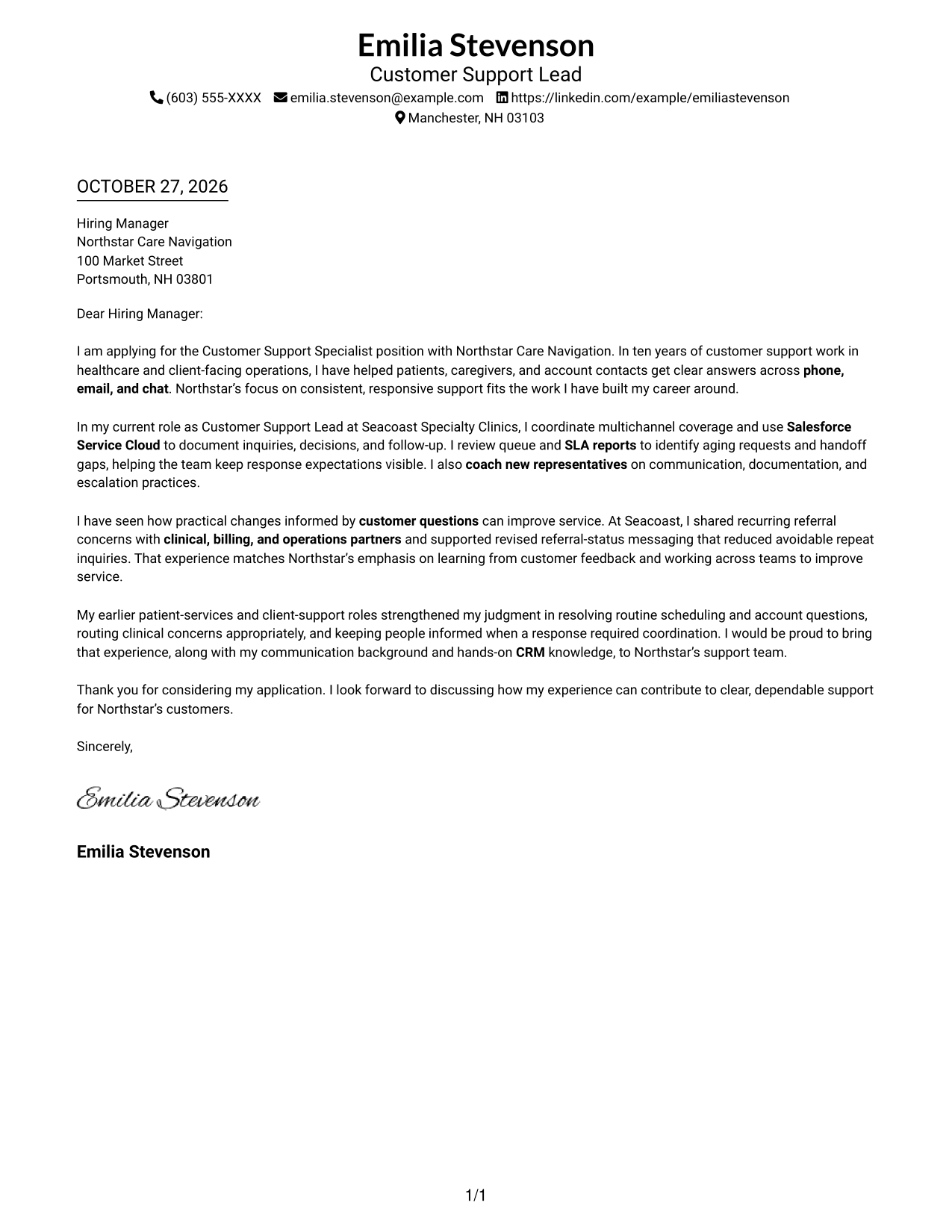
#1 Simple One Column Format Cover Letter Example
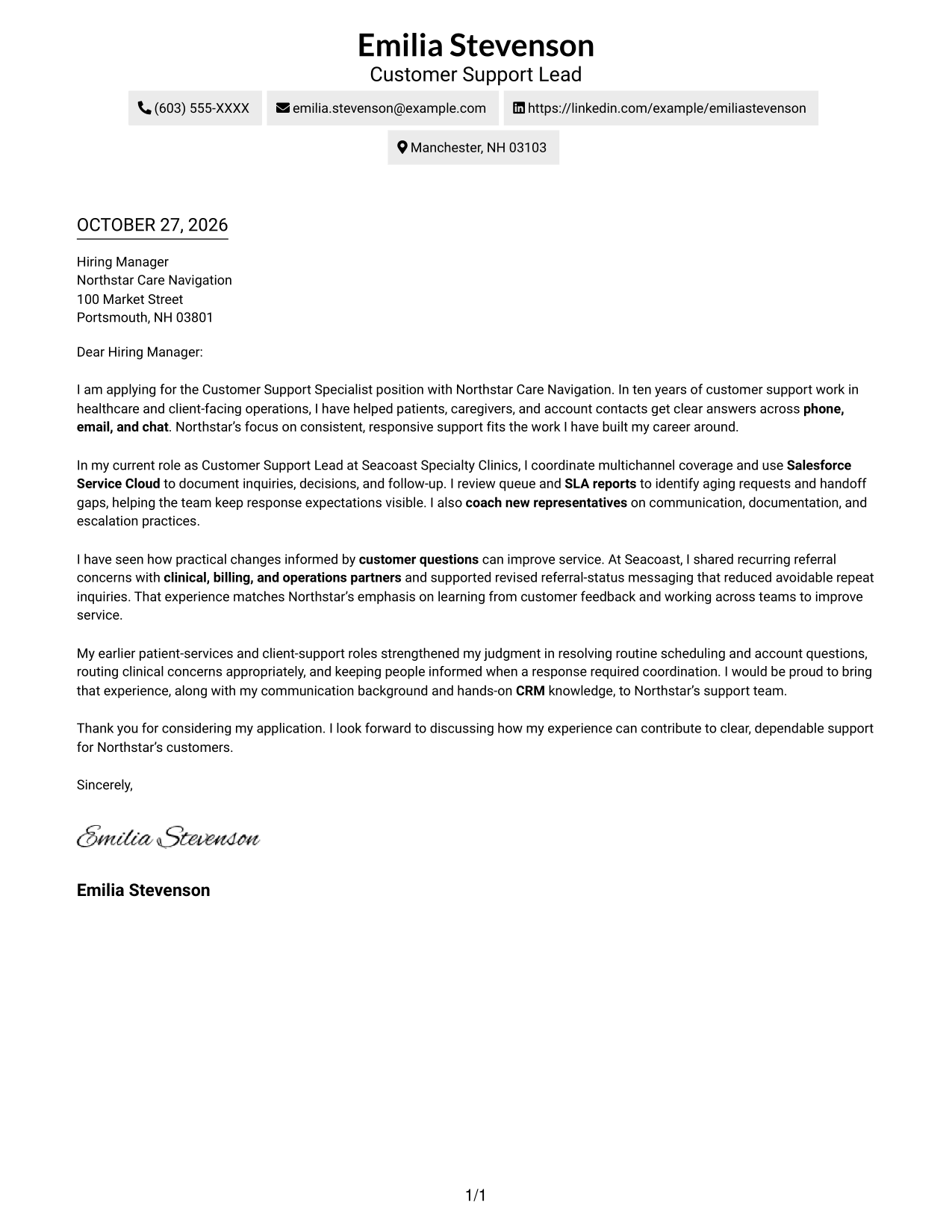
The restrained one-column layout keeps the page visually simple and lets the letter speak plainly.
Why This Format Works
- Sender details stay in the header, separate from the message itself.
- Continuous paragraphs let the opening, supporting points, and close read as one letter.
- The familiar single-column order helps readers move through each paragraph without a second route.
Best For
- Traditional letter presentation
- Direct paragraph-by-paragraph reading
- Header-led contact details
- Uncluttered page preference
- Continuous persuasive message
#2 Two Column Format Cover Letter Example
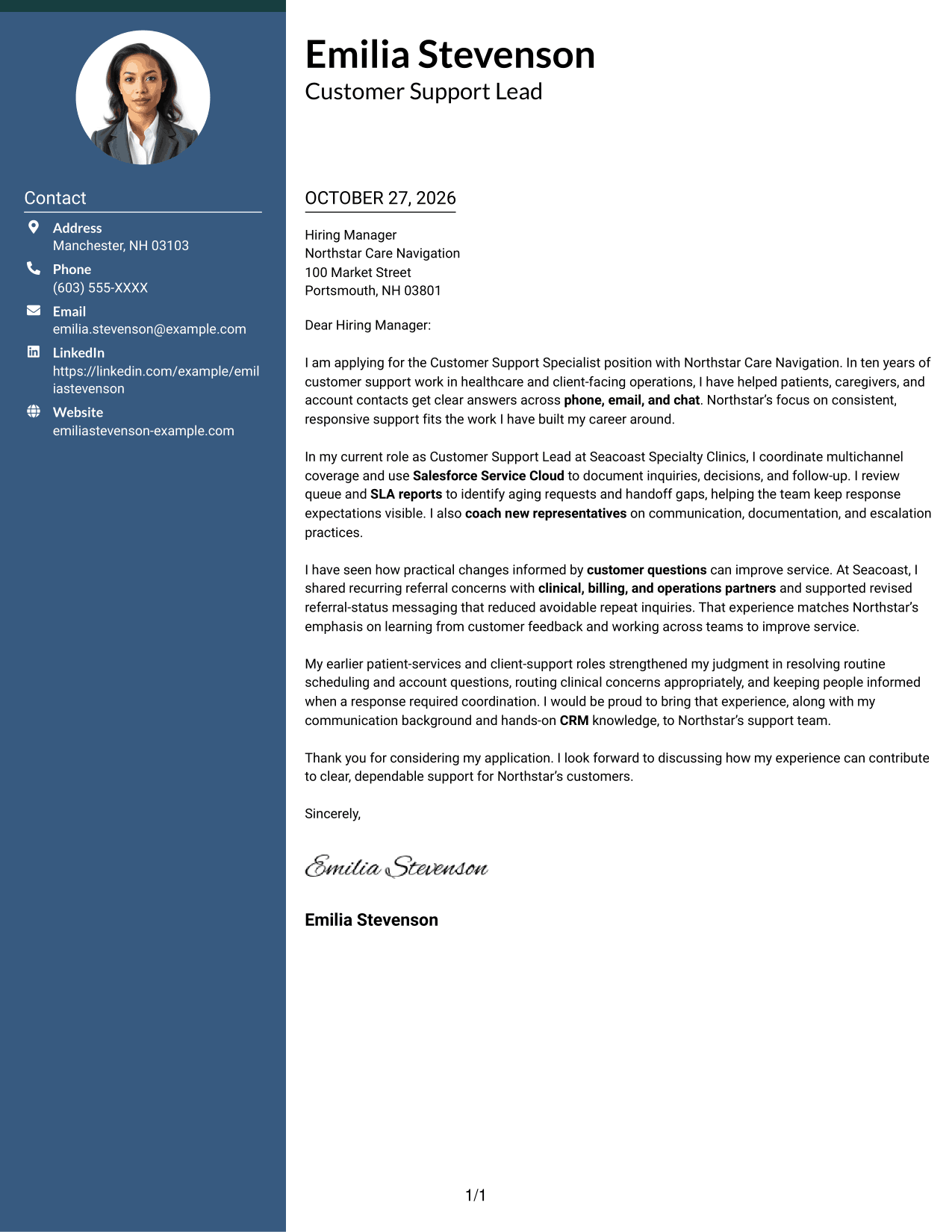
A contact sidebar sits beside the single letter body, giving the page a clear two-column structure.
Why This Format Works
- The sidebar keeps sender information easy to locate without interrupting the letter text.
- A single main column carries the opening, reasons, and closing in sequence.
- The two-column structure offers a clear alternative to a full-width letter layout.
Best For
- Contact details beside the message
- Continuous letter paragraphs
- Clear left-to-right reading order
- Two-column page preference
- Several sender contact methods
#3 Photo Header Two Column Format Cover Letter Example
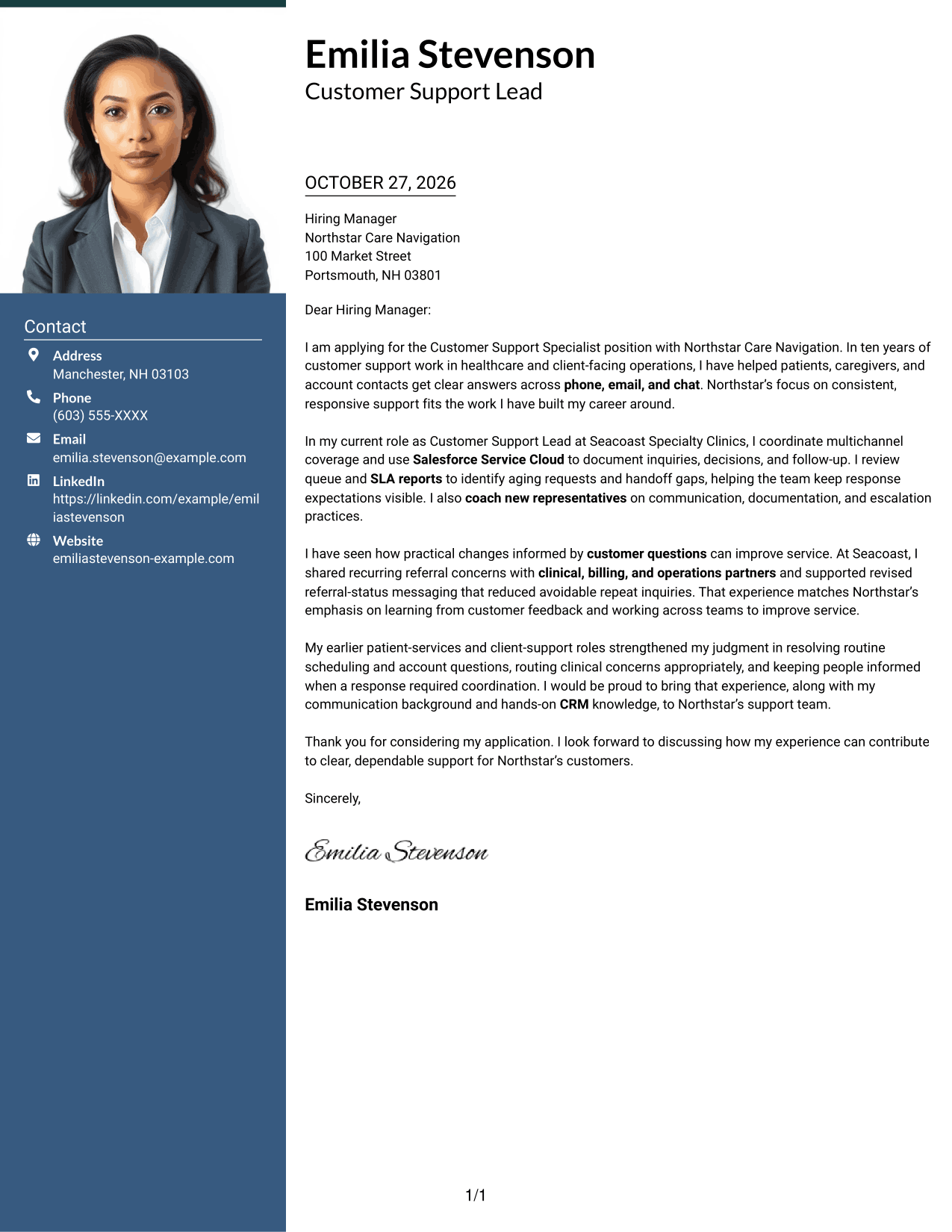
A photo in the header adds a personal visual element, while the contact sidebar keeps the letter body in one column.
Why This Format Works
- The portrait gives the header a clear visual feature for photo-friendly applications.
- Contact details remain outside the letter, making them easy to find.
- The main text stays continuous rather than splitting into parallel arguments.
Best For
- Photo-led header preference
- Contact sidebar organization
- Continuous letter paragraphs
- Visible sender identity
- Two-column page layouts
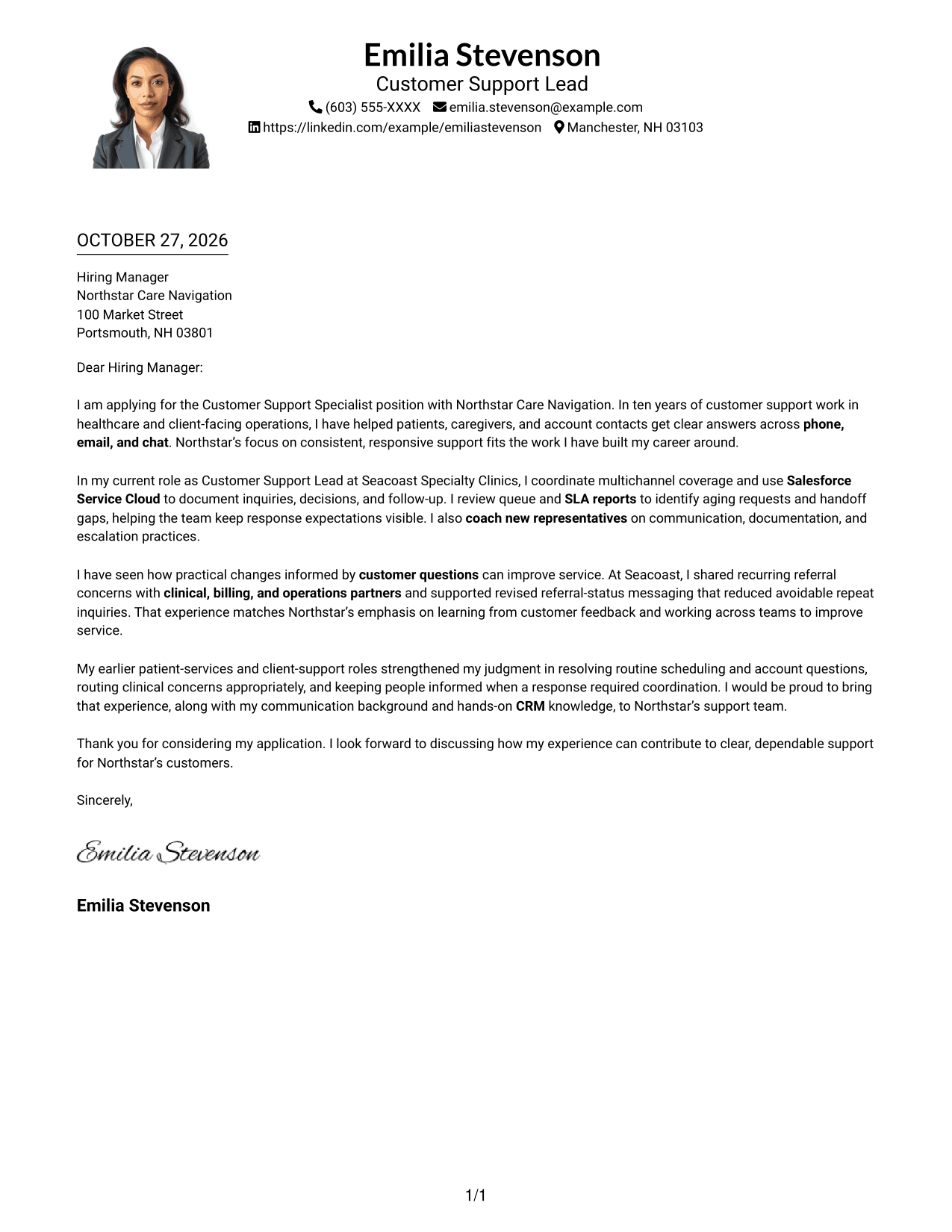
#4 One Column Format with Photo Cover Letter Example
This one-column layout pairs a portrait with a straightforward letter design for a personal visual touch.
Why This Format Works
- The single body column carries the message through continuous paragraphs in a clear order.
- A portrait adds a visible personal touch for readers who prefer a photo.
- Sender details remain in the header beside the one-column letter.
Best For
- Portrait-inclusive letter design
- Single-column reading preference
- Header-based contact information
- Continuous paragraph format
- Personal visual presentation
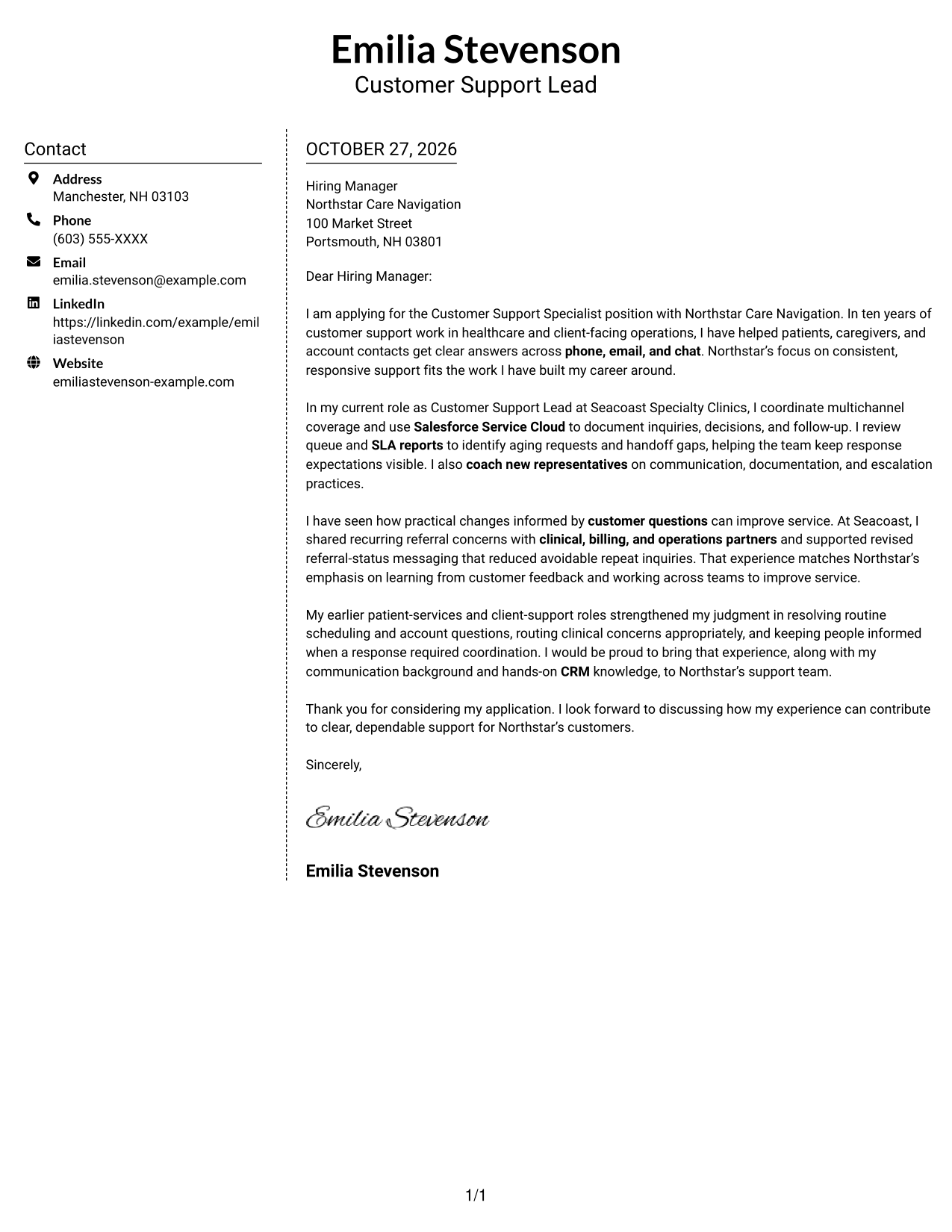
#5 Simple Two Column Format Cover Letter Example
The contact sidebar and continuous letter body give this simple two-column format a clear division.
Why This Format Works
- Sender information sits apart from the message, so contact details are easy to find.
- One continuous text area keeps the letter's reasoning together from start to finish.
- The two-column arrangement separates contact details from the message without adding body headings.
Best For
- Distinct contact and message areas
- One continuous argument
- Simple two-column organization
- Easy access to sender details
- Letters without body headings
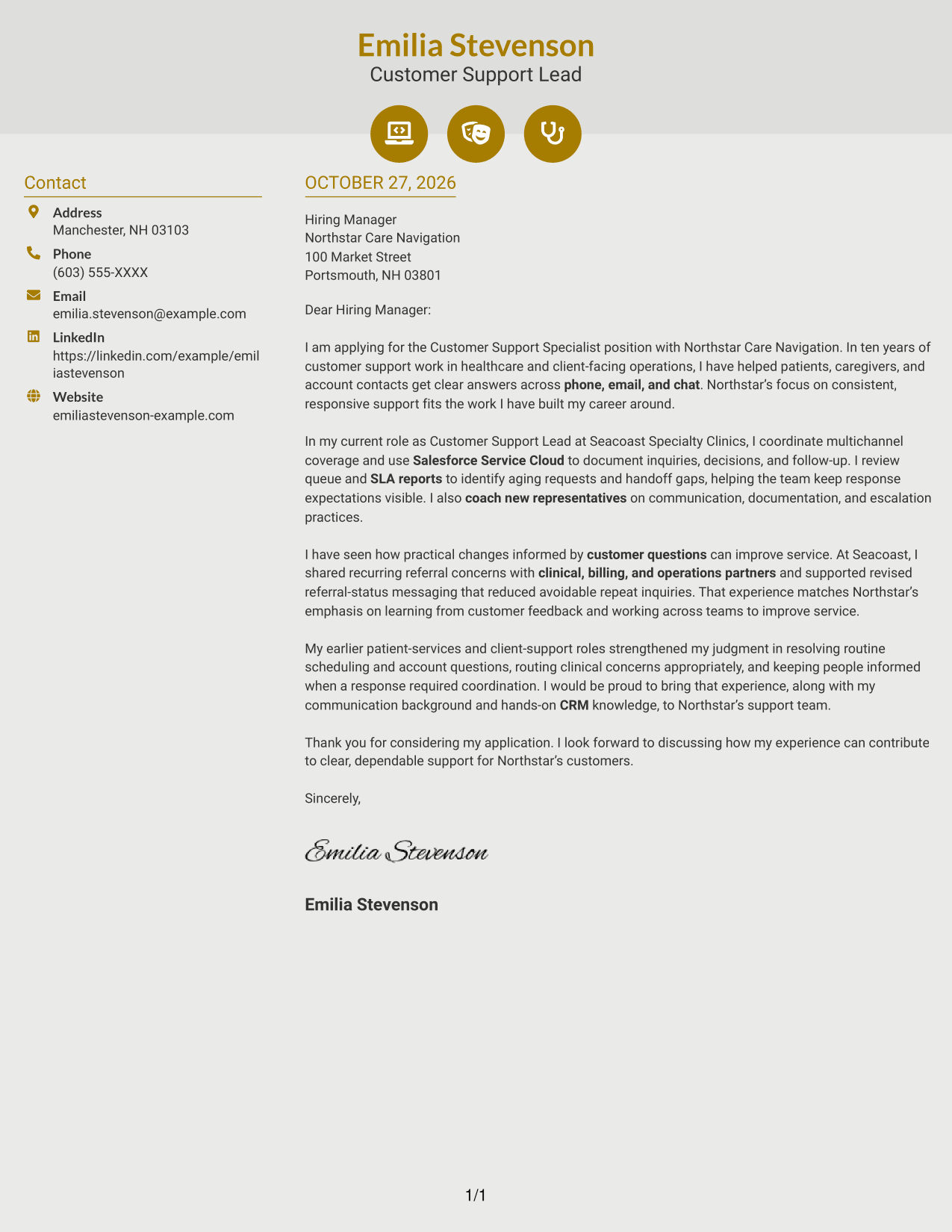
#6 Modern Icon Format Cover Letter Example
Contact icons and a sidebar give this two-column format a clear way to present details beside the letter.
Why This Format Works
- Icons act as cues for contact details, not as labels for letter arguments.
- The sidebar keeps sender information distinct while the main text remains continuous.
- One body column preserves a clear sequence from opening through closing.
Best For
- Icon-cued contact information
- Sidebar and letter separation
- Continuous body text
- Two-column reading order
- A modern visual preference
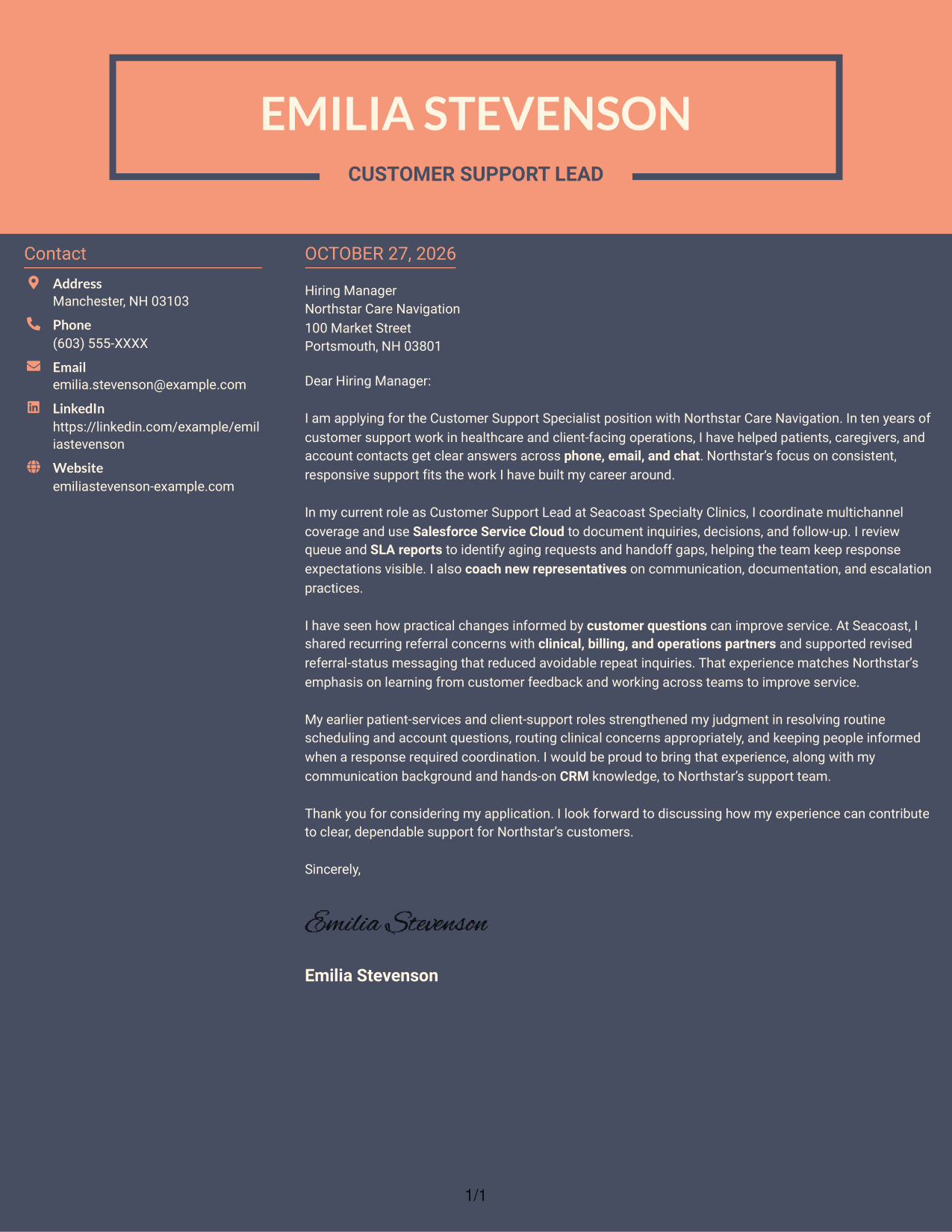
#7 Creative Two Tone Format Cover Letter Example
The two-tone design offers a more expressive visual choice while keeping contact details beside one continuous letter body.
Why This Format Works
- The two-tone treatment adds color variety without dividing the letter's argument.
- Contact details sit beside the message, giving them a separate place on the page.
- The uninterrupted body lets the reader follow the letter from its opening to its close.
Best For
- Two-tone color preference
- Contact details beside the message
- Uninterrupted letter text
- Creative page styling
- Side-by-side page organization
See Also
- 7 Customer Support Specialist - Multichannel Resume Templates with Example
- 7 Banking Customer Support Specialist Resume Templates with Example
- 33 Bi-Lingual Medical Billing Customer Service Support Representative Resume Templates with Example 2026
- 7 Bilingual Customer Service Representative - Insurance Support Resume Templates with Example
- 7 Customer Care Advisor - Health Plan Member Support Resume Templates with Example
- 7 Customer Experience Agent - Medicare Advantage Member Support Resume Templates with Example
- 7 Customer Service/Information Services Support Representative Resume Templates with Example
- 7 Customer Service Representative - Benefits Support Resume Templates with Example
- 7 Banking Customer Support Specialist Cover Letter Templates with Example
- 30+ Bi-Lingual Medical Billing Customer Service Support Representative Cover Letter Templates with Example 2026
Frequently Asked Questions
What should a Customer Support Specialist - Multichannel cover letter include?
Explain how you respond across phone, email, and chat, handle customer questions, record follow-up, and work with others when an issue needs support. Add a clear reason for your interest in the employer.
How can I show multichannel support experience in a letter?
Describe a relevant situation and explain how you kept the communication clear as the request moved between channels or team members. Focus on your actions and how they helped the customer understand the next step.
Should I mention CRM documentation and SLA monitoring?
Yes, when they relate to your experience and the job. Explain how you record interactions or track response expectations, and why those practices support steady, reliable service.
How can I make my cover letter specific to an employer?
Refer to service priorities stated in the job posting, such as timely responses, accurate follow-up, or working with partner teams. Connect one of those priorities to a real example from your work.
What tone works well for a customer support cover letter?
Use a warm, direct tone. Keep each paragraph focused, give clear examples, and close with a brief statement of interest in discussing how you could support the team.




