
7 Cyber Security Intern - Information Security Cover Letter Templates with Example
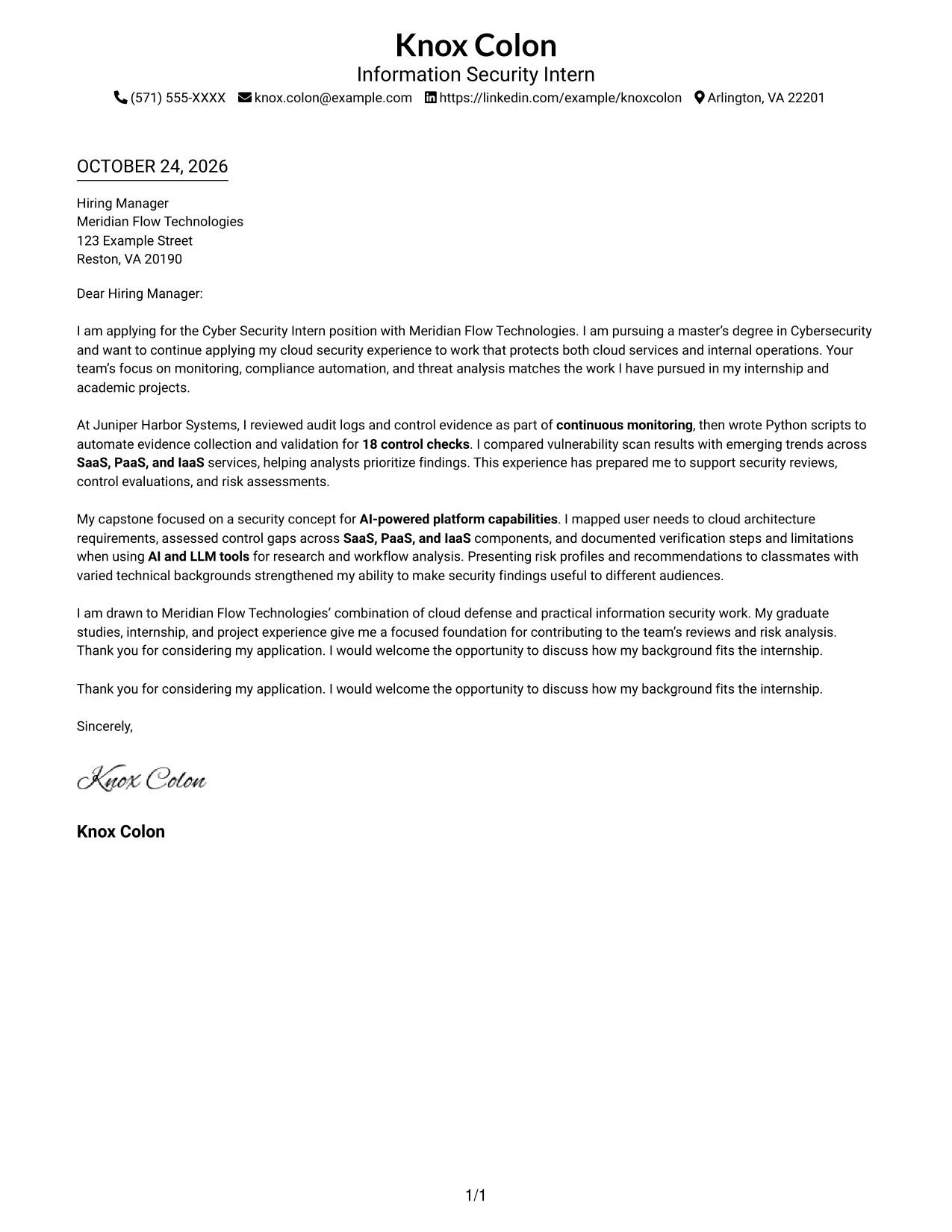
This guide helps you create a focused Cyber Security Intern - Information Security cover letter, with seven layouts that show how to present your motivation and evidence clearly.
What Makes a Great Cyber Security Intern - Information Security Cover Letter in 2026
A strong letter opens with a clear reason for applying and connects your security knowledge to the role. Use direct language to show how your interests match information security work.
Support your fit with relevant evidence, such as monitoring audit logs, automating control checks, or assessing cloud risks. Link that evidence to the employer’s needs and explain how you communicate useful findings to different audiences.
The featured example moves from role motivation to practical security evidence, academic work, and a courteous close. Adapt that focused progression to your own experience, and choose a presentation that suits the employer and the communication context.
#1 Simple One Column Format Cover Letter Example
With sender details in the header and one continuous body column, the Simple One Column Format keeps contact information and the letter's argument in a straightforward reading order.
Why This Format Works
- Sender details in the header stay apart from the letter's continuous argument.
- One reading column lets reviewers follow motivation, evidence, and closing in order.
- A simple page structure suits readers who prefer limited visual division.
Best For
- Single-column correspondence
- Header contact placement
- Multi-paragraph letters
- Text-focused applications
- Direct employer outreach
#2 Two Column Format Cover Letter Example
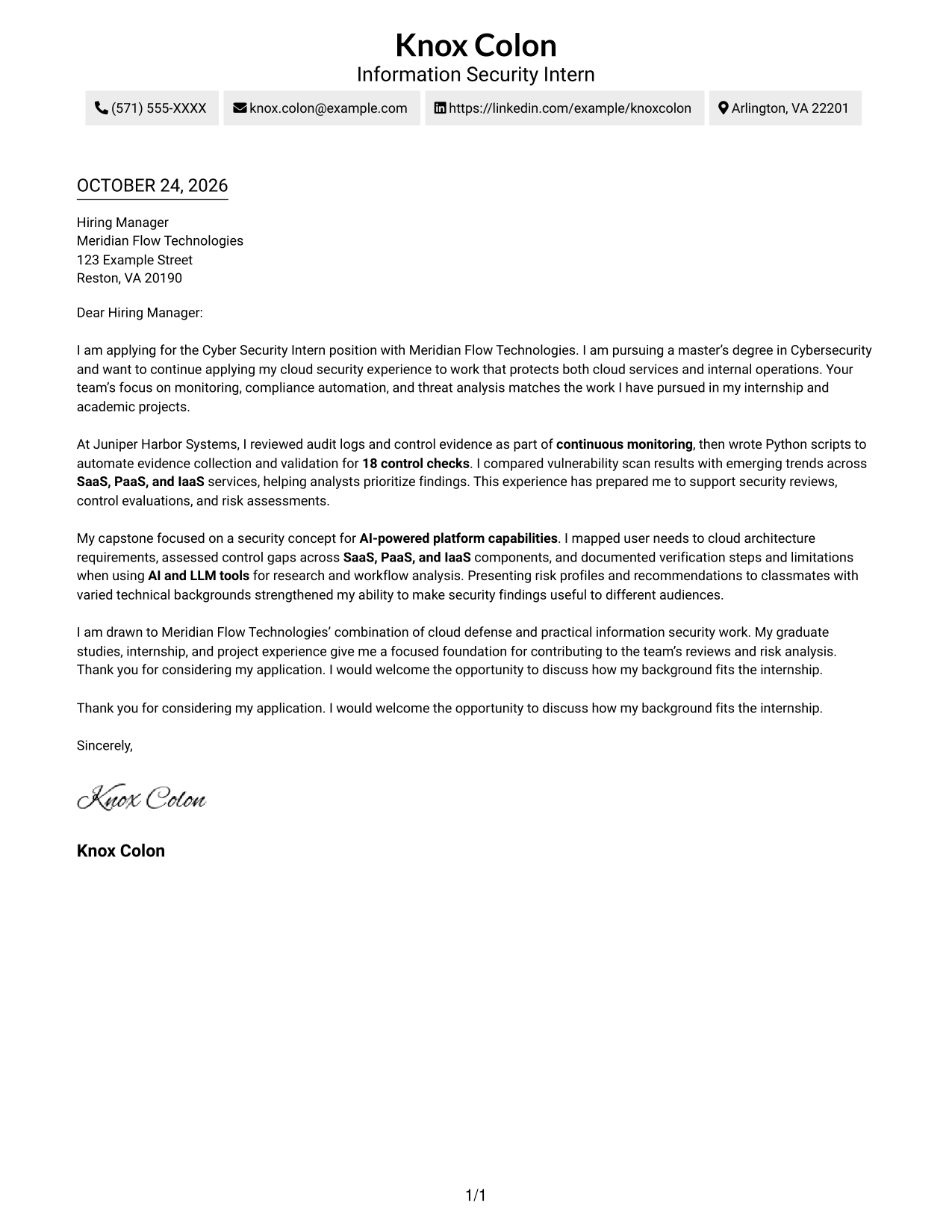
The Two Column Format places a contact sidebar beside one continuous letter body, giving sender details a separate place without splitting the message.
Why This Format Works
- Contact details sit in a sidebar, apart from the letter's main text.
- The continuous body keeps motivation, evidence, and closing in one reading sequence.
- Reviewers can check sender information without losing their place in the letter.
Best For
- Sidebar contact details
- Two-column page preference
- Continuous letter arguments
- Employer-specific applications
- Letters with supporting evidence
#3 Photo Header Two Column Format Cover Letter Example
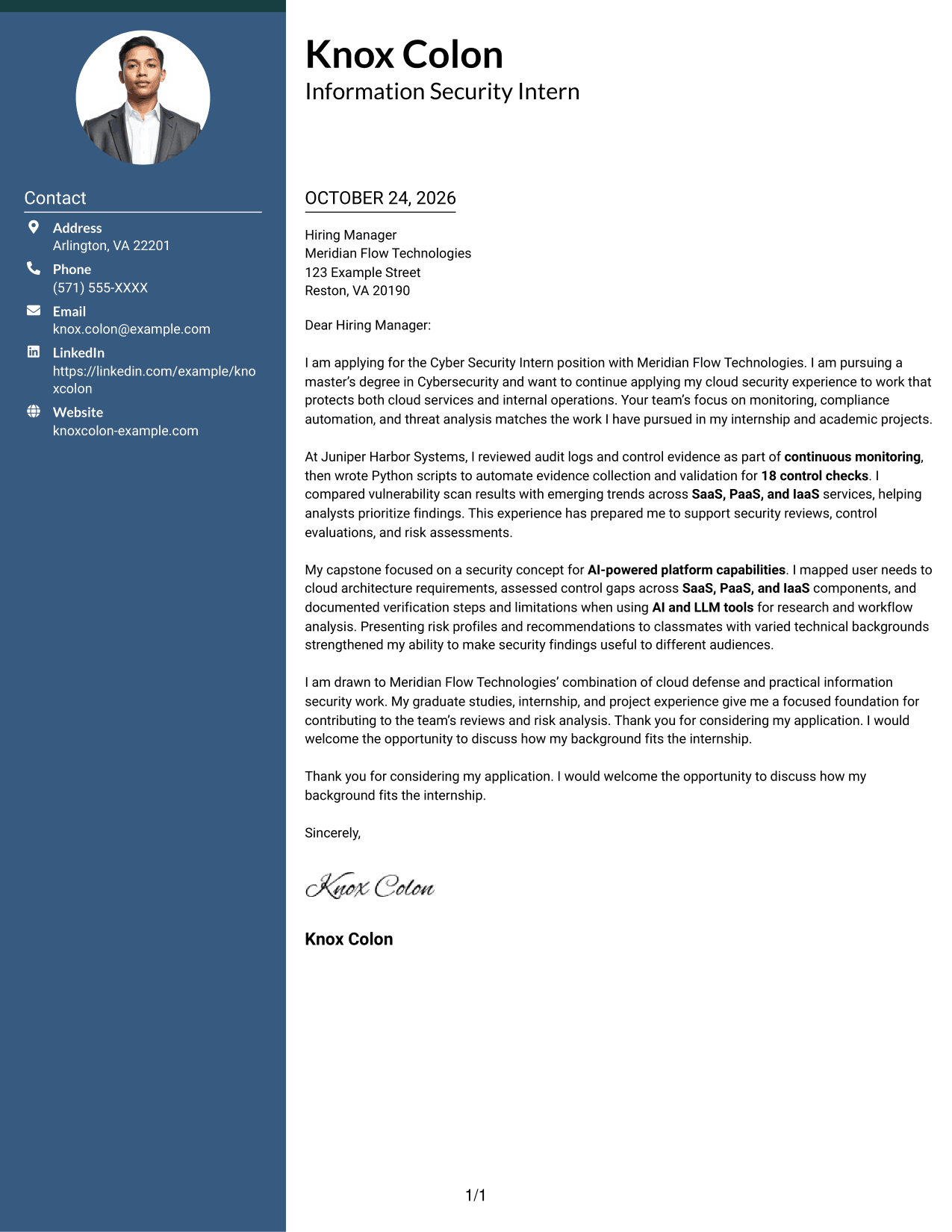
The Photo Header Two Column Format places a contact sidebar beside the continuous letter body and includes a photo for a more personal visual presentation.
Why This Format Works
- Contact details remain beside the letter, separate from its persuasive paragraphs.
- One continuous body keeps the opening, supporting points, and closing in sequence.
- The photo adds a personal visual element without dividing the letter's argument.
Best For
- Photo-inclusive correspondence
- Contact sidebar layouts
- Cloud security internship applications
- Employer-specific cover letters
- Continuous body text
#4 One Column Format with Photo Cover Letter Example
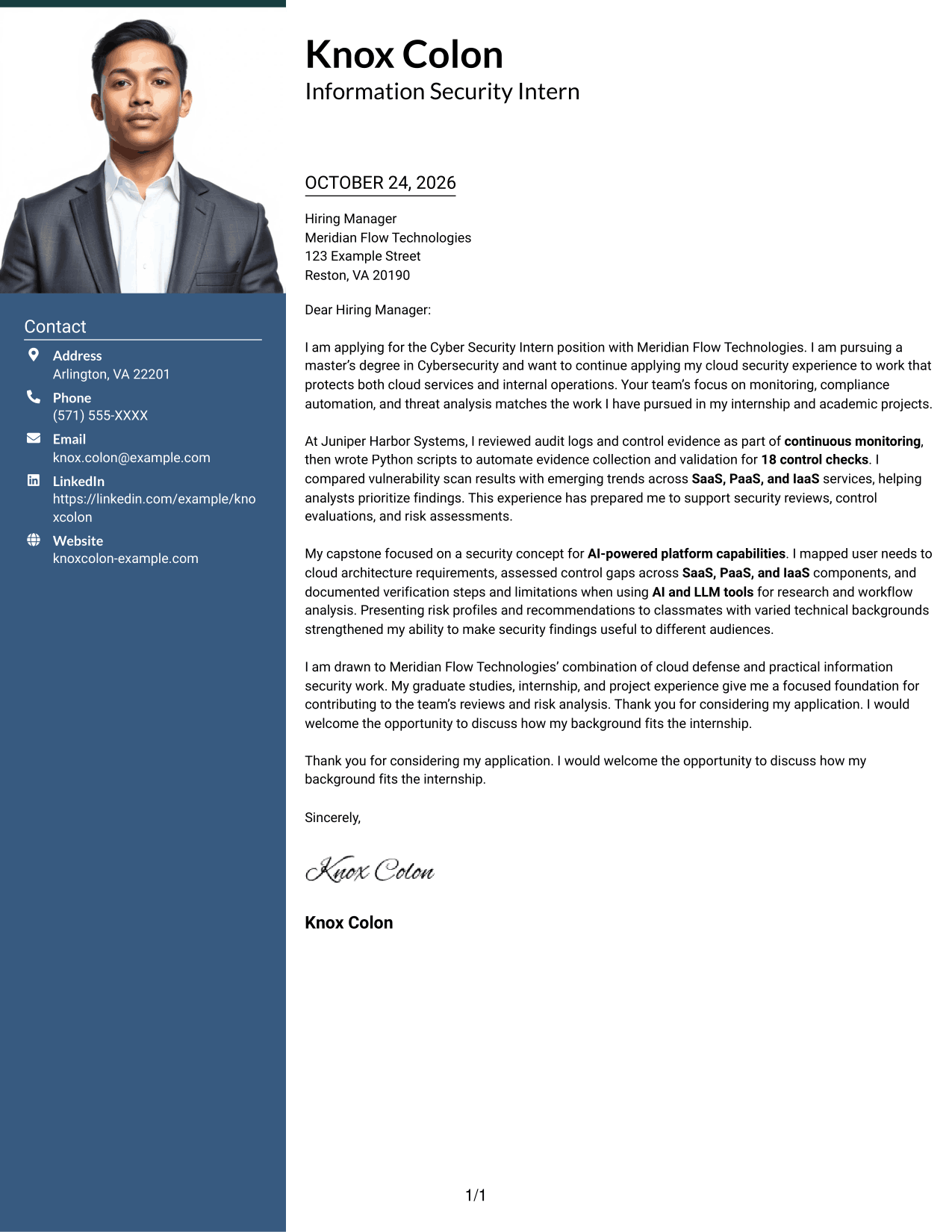
The One Column Format with Photo keeps the letter in one body column and includes a photo, pairing a personal visual element with a straightforward reading path.
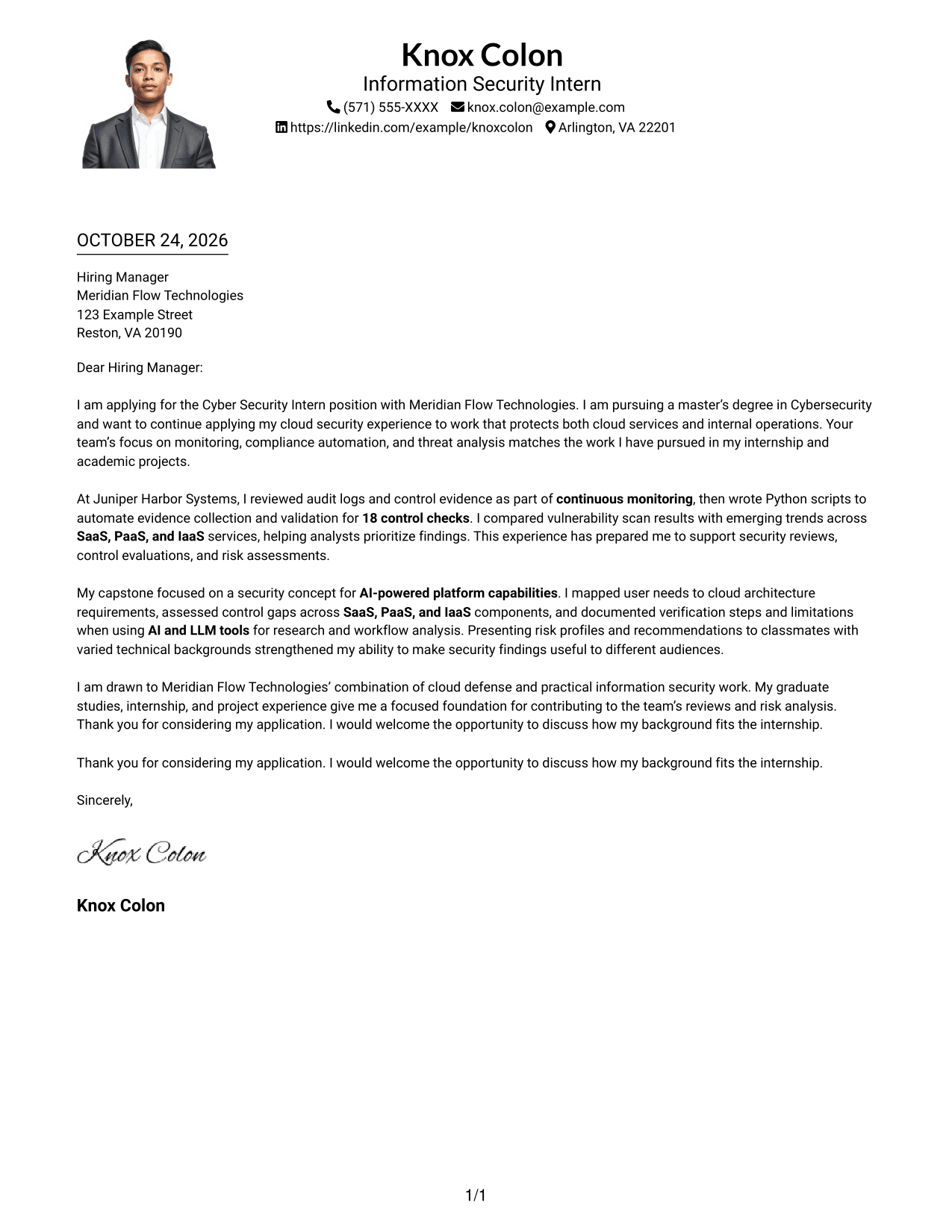
Why This Format Works
- One body column carries the letter from motivation to closing in a clear sequence.
- A photo adds a personal visual element while the letter stays in one column.
- Without a contact sidebar, sender details remain in the header area.
Best For
- One-column photo letters
- Single-column reading
- Text-focused letter bodies
- Multi-paragraph correspondence
- Motivation-led applications
#5 Simple Two Column Format Cover Letter Example
The Simple Two Column Format keeps contact details in a sidebar beside one continuous letter body, separating sender information from the message.
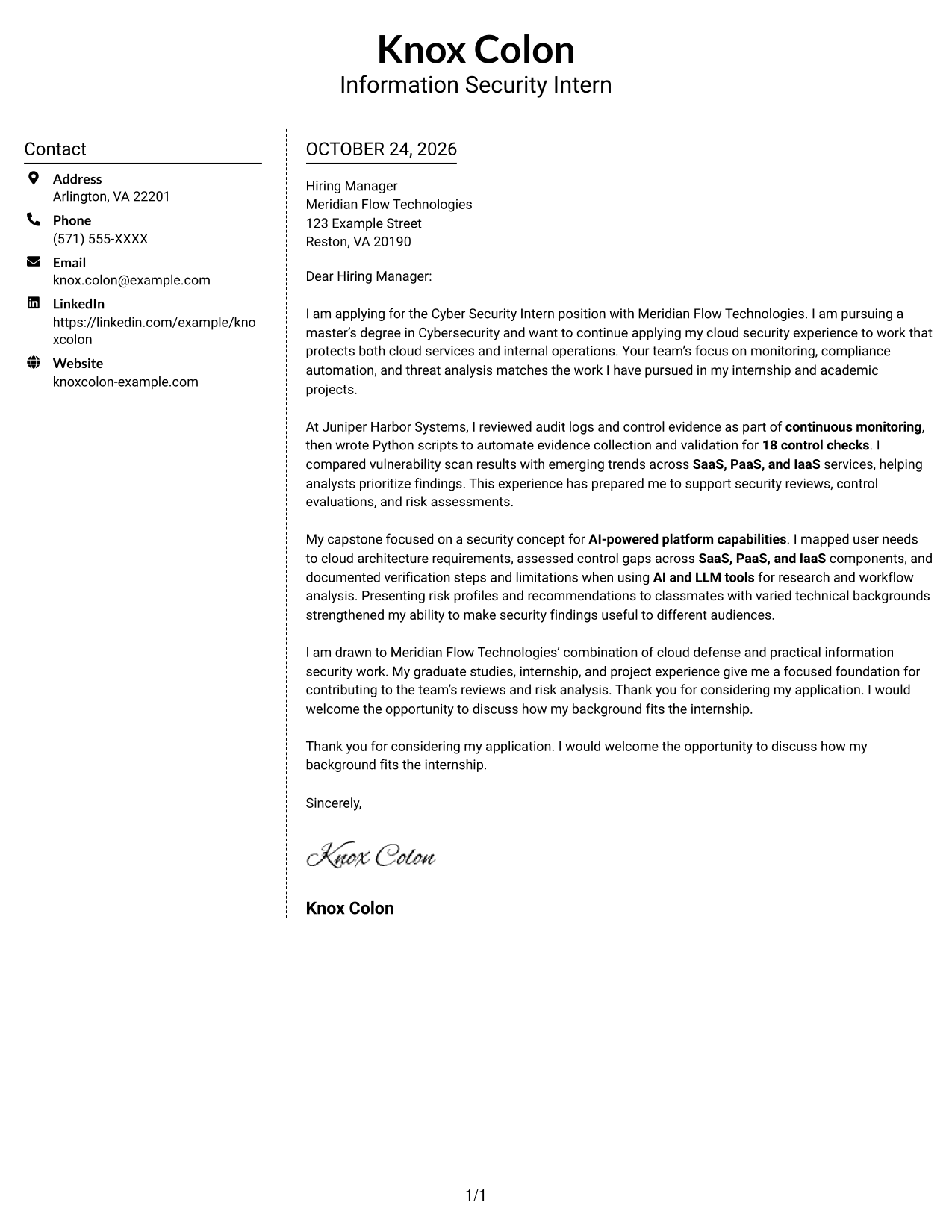
Why This Format Works
- Sender details occupy a sidebar, apart from the letter text.
- Motivation, evidence, and closing remain together in one continuous body.
- The contact column and letter body create separate areas for quick orientation.
Best For
- Sidebar contact layouts
- Two-column correspondence
- No-photo materials
- Letters with evidence paragraphs
- Company-specific applications
#6 Modern Icon Format Cover Letter Example
The Modern Icon Format uses a contact sidebar beside the continuous letter body, with icons serving as cues for contact details rather than letter content.
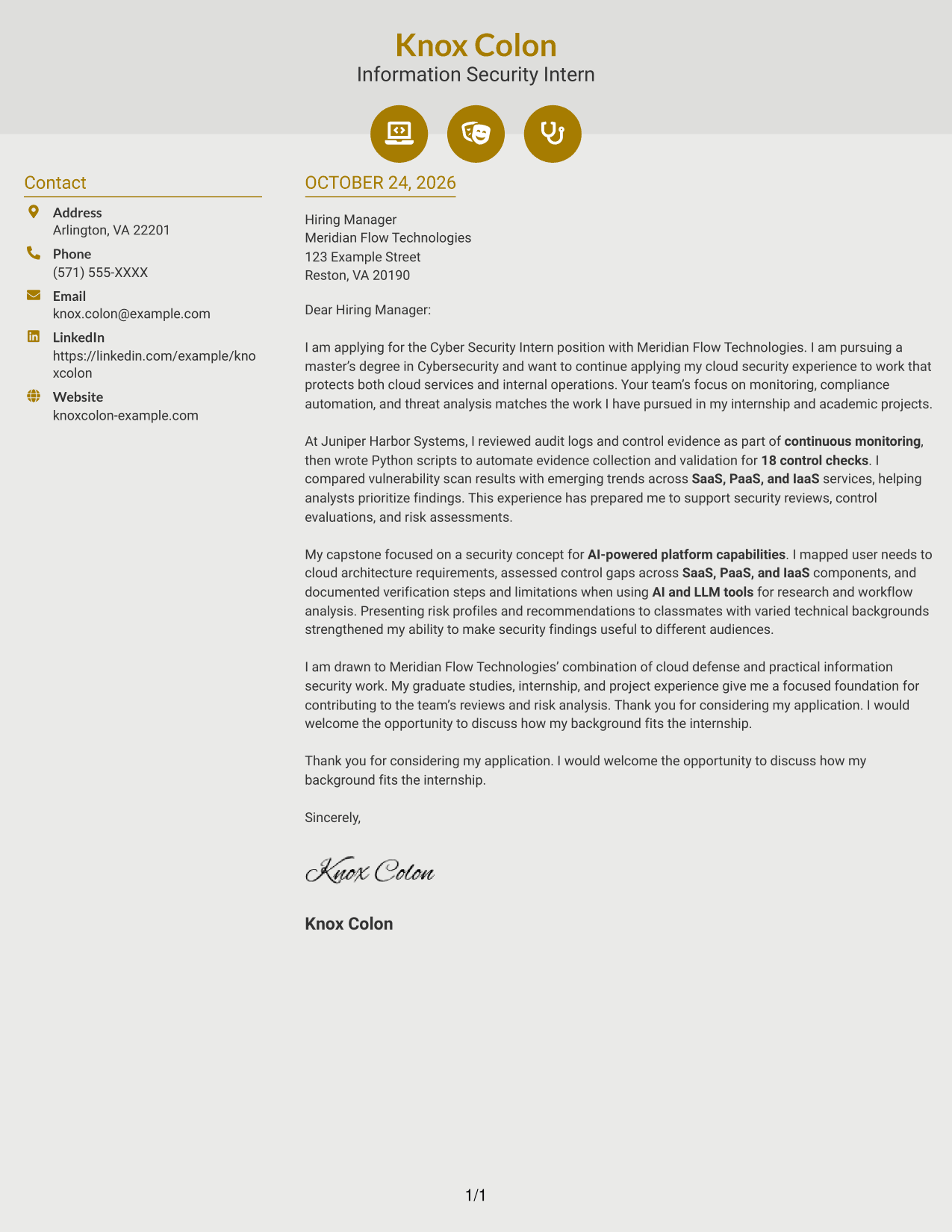
Why This Format Works
- Icons cue contact details in the sidebar, not stages of the letter's argument.
- Sender information stays separate while the letter body remains continuous.
- Reviewers can use the visual cues to locate contact information quickly.
Best For
- Icon-marked contact details
- Two-column page preference
- Continuous letter text
- Company-specific motivation
- Evidence-rich correspondence
#7 Creative Two Tone Format Cover Letter Example
The Creative Two Tone Format places a contact sidebar beside a single continuous letter body, keeping sender details apart from the message.
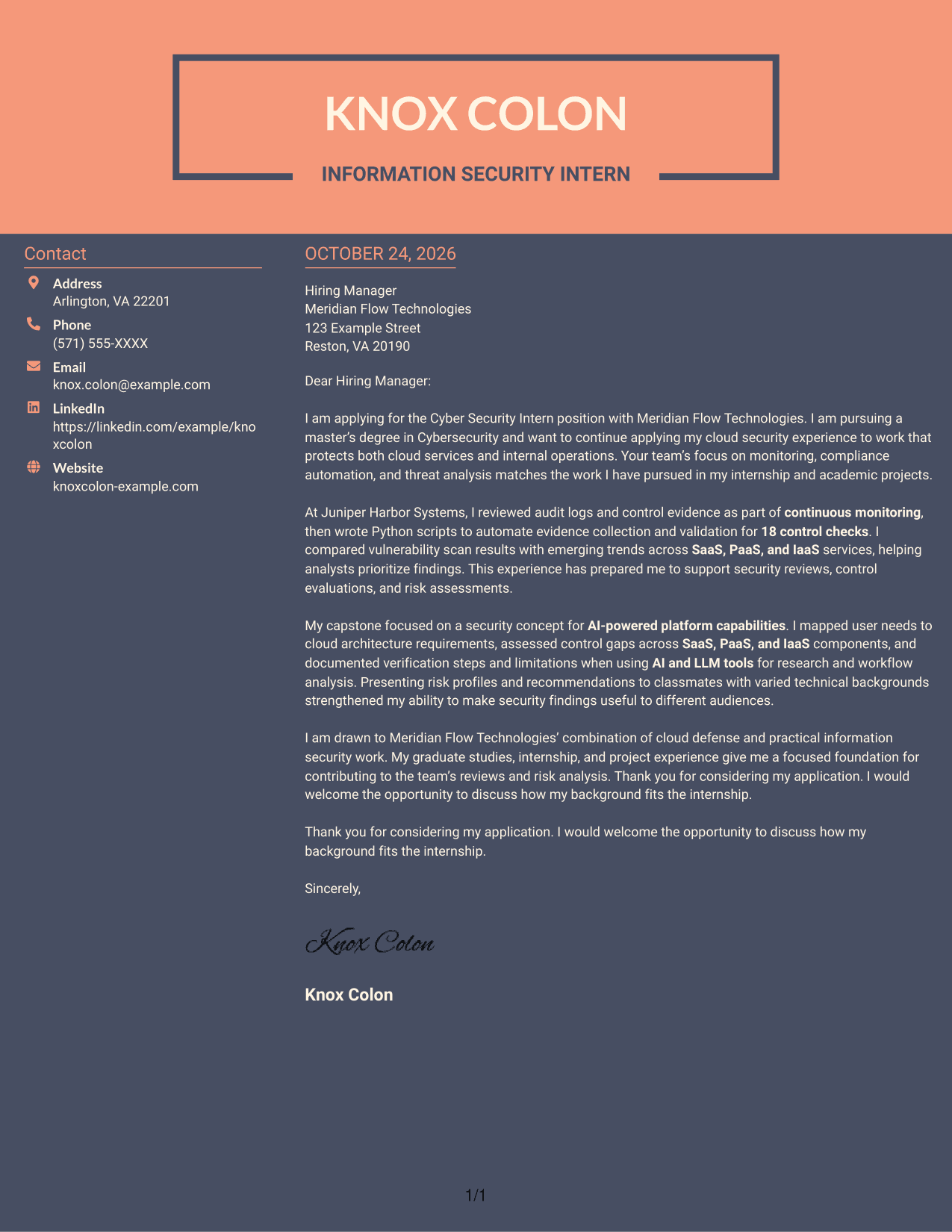
Why This Format Works
- Contact details have a sidebar beside the continuous letter body.
- All persuasive paragraphs stay together instead of being split across columns.
- The two-column arrangement suits readers who prefer a visibly divided page.
Best For
- Two-column correspondence
- Sidebar contact placement
- Continuous letter text
- Employer-specific cover letters
- Contact lookup needs
See Also
- 7 Cyber Security Intern - Information Security Resume Templates with Example
- 33 Cyber Security Engineer, Junior Resume Templates with Example 2026 (ATS-Optimized)
- 33 Cyber Security Engineer, VP Resume Templates with Example 2026 (ATS-Optimized)
- 7 Cyber Security Intern - Cyber Audit Resume Templates with Example
- 33 Cyber Security OT Sr Analyst Resume Templates with Example 2026 (ATS-Optimized)
- 33 Cyber Security Specialist II Resume Templates with Example 2026 (ATS-Optimized)
- 7 Principal Cyber Security Engineer US Federal Resume Templates with Example
- 33 Senior Cyber Security Analyst Resume Templates with Example 2026 (ATS-Optimized)
- 30+ Cyber Security Engineer, Junior Cover Letter Templates with Example 2026
- 30+ Cyber Security Engineer, VP Cover Letter Templates with Example 2026
Frequently Asked Questions
What should the opening paragraph of this cover letter explain?
State your interest in the Cyber Security Intern - Information Security role and give a clear reason for applying. Connect that reason to information security work, such as cloud monitoring or control reviews.
What evidence can strengthen this cover letter?
Choose specific examples that show relevant work. For instance, describe reviewing audit logs, automating control evidence checks, comparing vulnerability results, or explaining risk findings to different audiences, if those examples match your background.
How should I connect my experience to the employer’s needs?
Use the body paragraphs to link your evidence to the role’s focus on security monitoring, compliance automation, cloud services, and risk analysis. Explain what you did and why it matters to the team.
How can I compare the cover letter layouts?
Review the PNG image previews to compare their appearance, then select View in Editor to open an example and consider how its presentation fits your message.
What belongs in the closing paragraph?
Briefly restate your interest, thank the reader for considering your application, and invite a conversation about your fit for the role.




