
7 Cybersecurity Consulting Intern Cover Letter Templates with Example
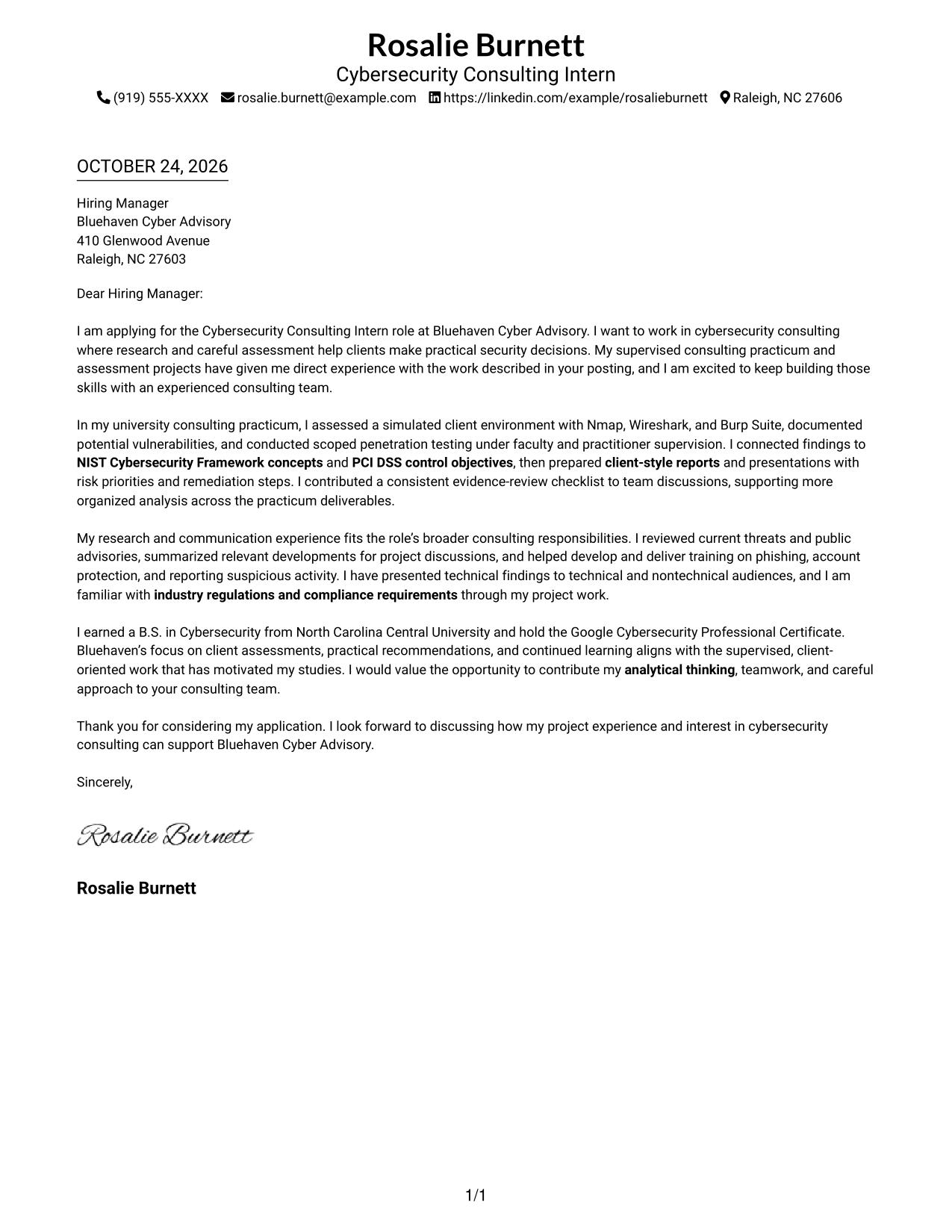
This practical guide helps you shape a Cybersecurity Consulting Intern cover letter and compare its message across 7 layouts.
What Makes a Great Cybersecurity Consulting Intern Cover Letter in 2026
A strong letter connects your interest in cybersecurity consulting to clear examples of security assessment, research, and client communication. It explains how you can support practical decisions while learning from an experienced team.
Use supervised work to show how you reviewed risks, explained findings, or helped prepare recommendations. Then connect that evidence to the employer’s consulting work and the needs of its clients.
The featured example moves from role motivation to supervised assessment evidence, broader consulting contributions, and a clear close. Adapt that focused progression while choosing a presentation that suits the employer and communication context.
#1 Simple One Column Format Cover Letter Example
A single-column layout keeps sender details and the continuous letter body in one direct reading path.
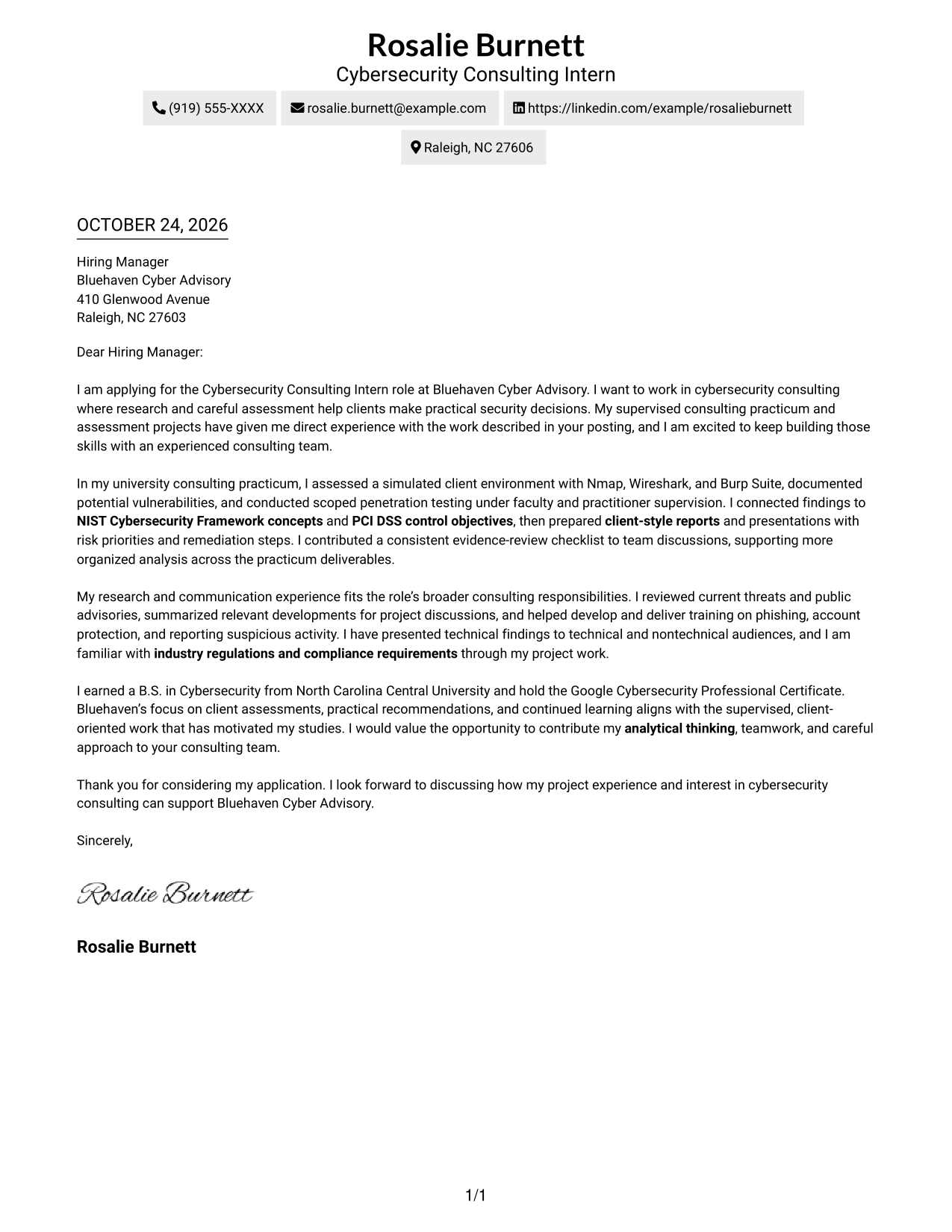
Why This Format Works
- Sender details in the header stay distinct from the letter's persuasive message.
- One reading path lets reviewers follow the opening, evidence, and closing in order.
- Unlabeled paragraphs preserve a direct, conversational tone from start to finish.
Best For
- Single-column letter preference
- Contact details in the header
- Continuous persuasive paragraphs
- Photo-free applications
- Unheaded application letters
#2 Two Column Format Cover Letter Example
A contact sidebar sits beside the continuous letter body, keeping contact details separate from the written case.
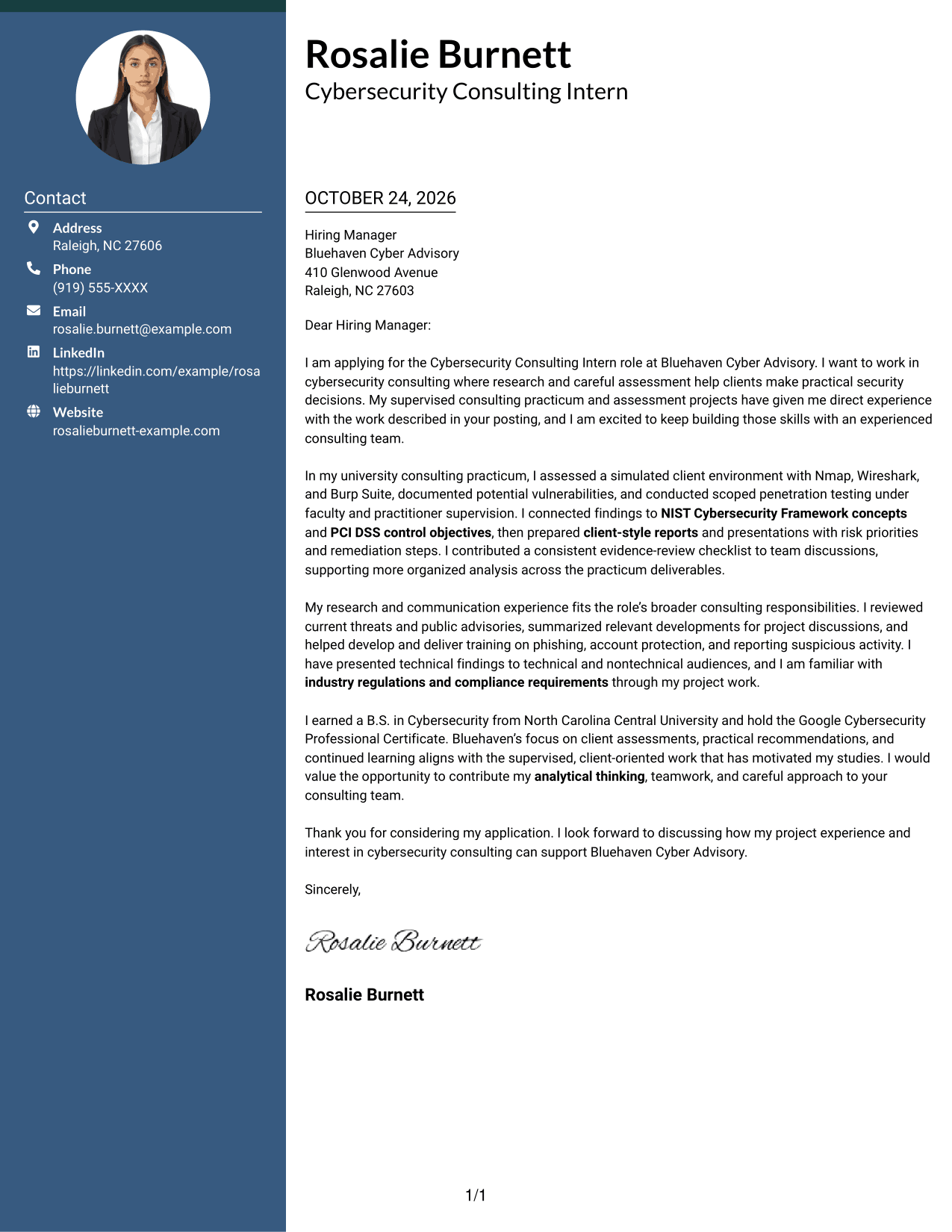
Why This Format Works
- Contact information in the sidebar is easy to find beside the letter body.
- Opening, supporting evidence, and closing remain in one connected letter body.
- With no argument headings, paragraph transitions carry the case naturally.
Best For
- Side-by-side contact and message areas
- Multi-paragraph application letters
- Unheaded persuasive letters
- Photo-free submission requirements
- Consulting internship applications
#3 Photo Header Two Column Format Cover Letter Example
A photo header and contact sidebar add a personal visual element while keeping the letter body continuous.
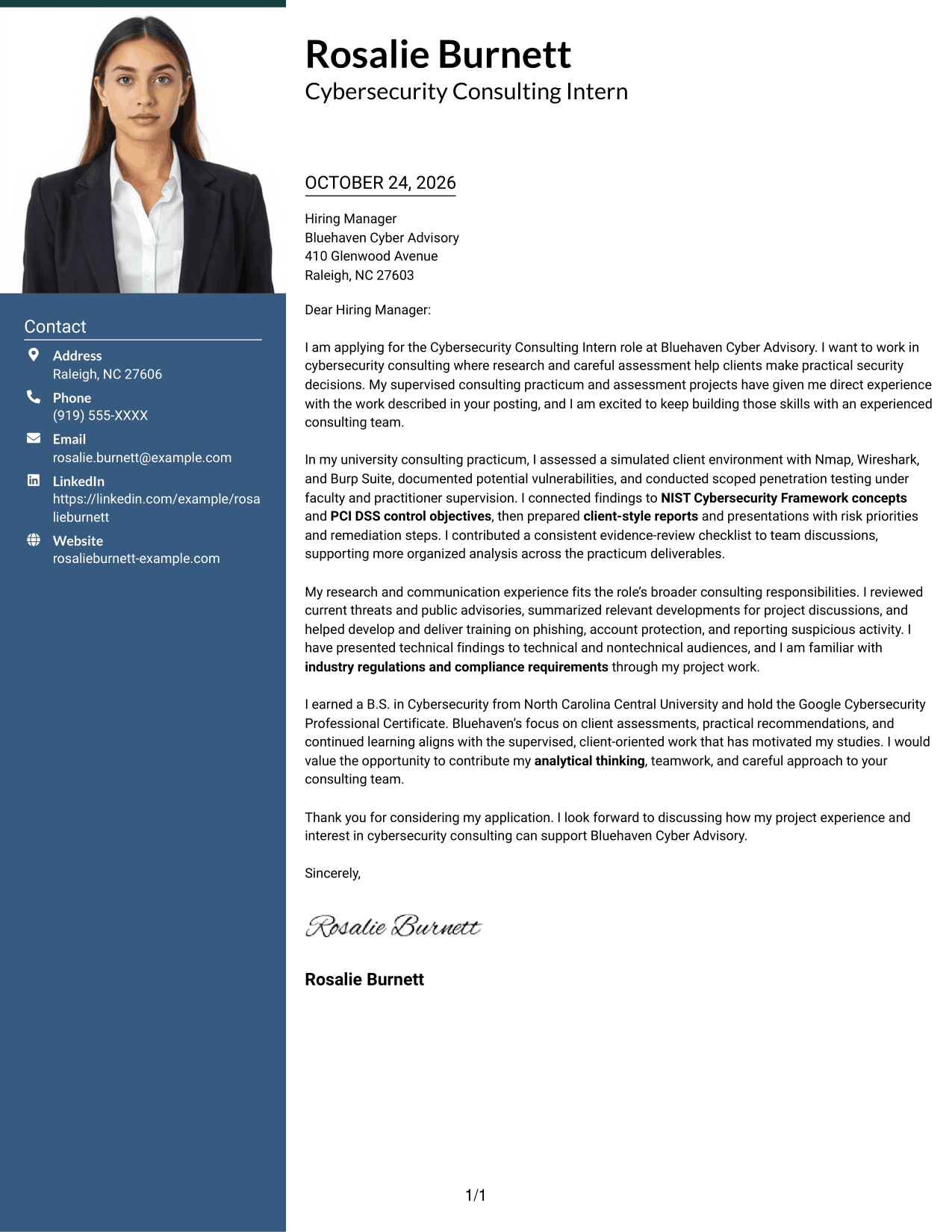
Why This Format Works
- Contact details remain easy to find beside, rather than within, the letter body.
- A portrait adds a personal visual element without dividing the persuasive paragraphs.
- The opening, evidence, and closing stay together in one letter column.
Best For
- Photo-inclusive application headers
- Side-by-side contact and letter layout
- Uninterrupted application arguments
- Letters without body headings
- Client-facing internship applications
#4 One Column Format with Photo Cover Letter Example
A photo accompanies the single-column letter, adding a personal visual element while the message follows one reading path.
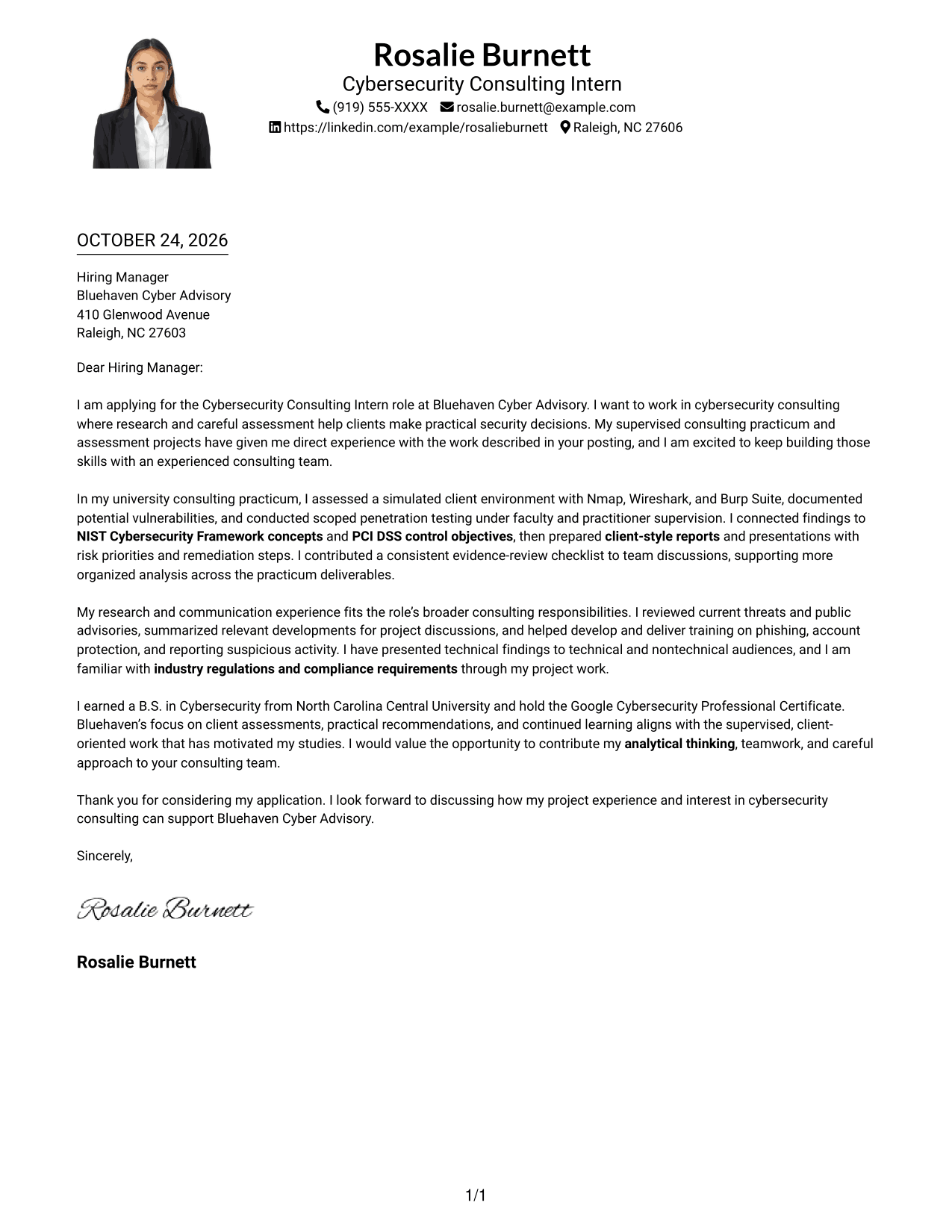
Why This Format Works
- Header contact details are easy to distinguish from the letter body.
- The single-column letter lets readers follow each paragraph in sequence.
- The portrait remains a visual detail; the written paragraphs carry the application message.
Best For
- Single-column letter format
- Photo-inclusive applications
- Header-based contact details
- Unheaded application messages
- Continuous persuasive paragraphs
#5 Simple Two Column Format Cover Letter Example
The contact sidebar and letter body sit side by side, giving sender details a separate place from the message.
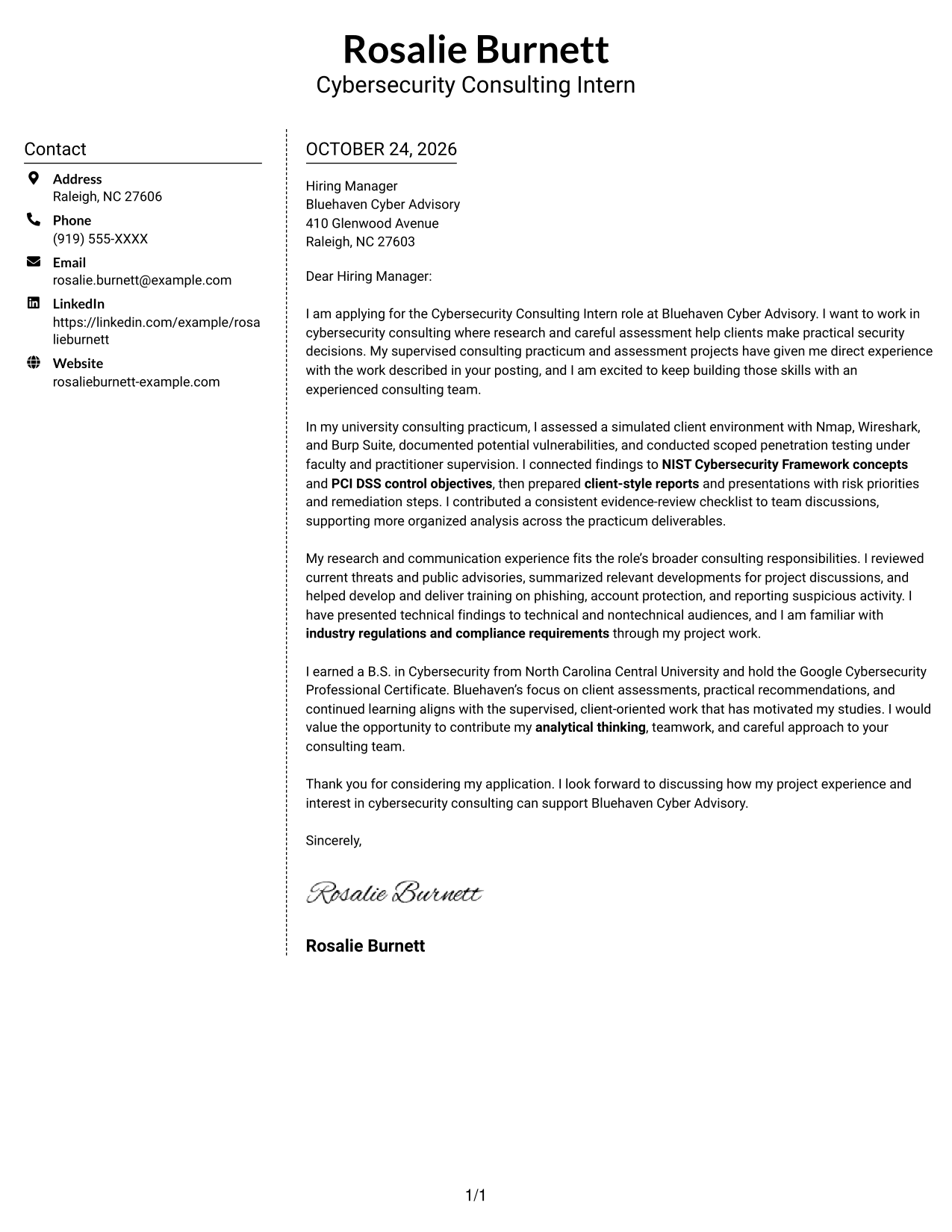
Why This Format Works
- Sidebar contact information can be checked without breaking the letter's paragraph sequence.
- One continuous body carries motivation, evidence, and closing in order.
- Paragraph transitions connect the case without section labels interrupting its natural voice.
Best For
- Side-by-side contact and message areas
- Photo-free letter preference
- Multi-paragraph letter bodies
- Letters without argument headings
- Consulting internship applications
#6 Modern Icon Format Cover Letter Example
Contact icons offer visual cues in the sidebar, while the letter itself remains one continuous body.
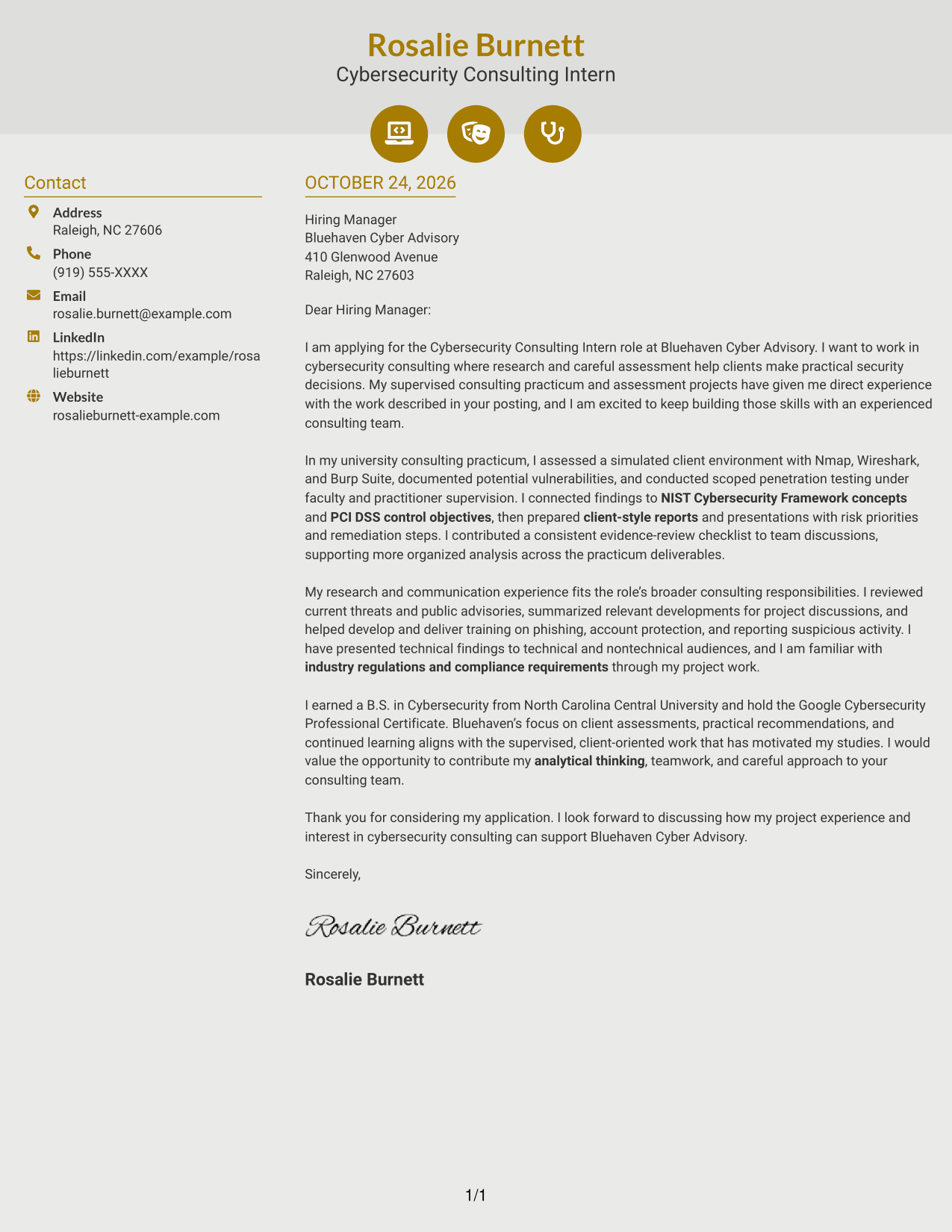
Why This Format Works
- Contact icons distinguish ways to reach the sender, not stages of the argument.
- A single letter column carries the opening, evidence, and closing in order.
- No icon marks interrupt the paragraphs that connect motivation with evidence.
Best For
- Visual contact cues
- Sidebar-based contact information
- Continuous letter paragraphs
- Photo-free application materials
- Unheaded application letters
#7 Creative Two Tone Format Cover Letter Example
A contact sidebar sits beside one continuous letter body, placing sender details apart from the written message.
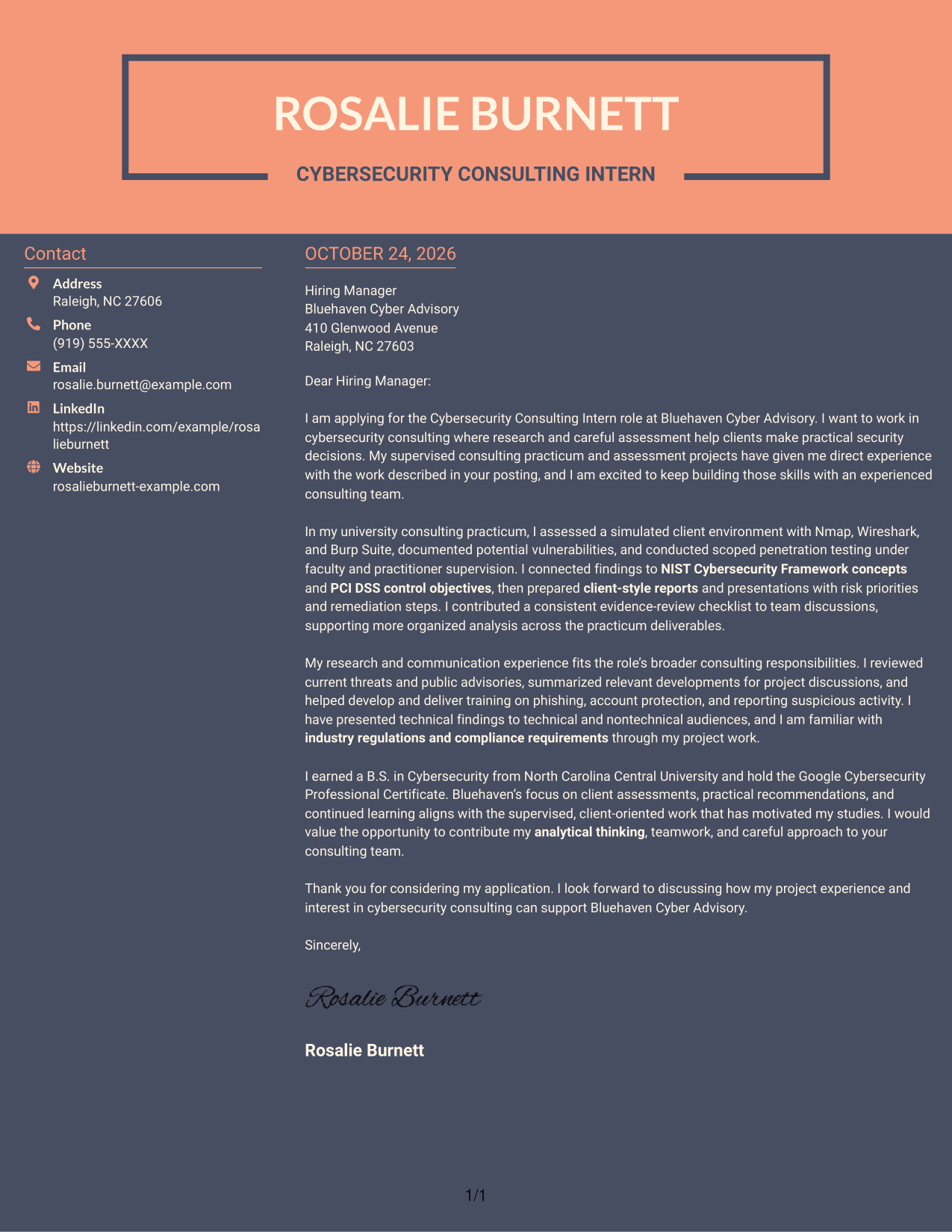
Why This Format Works
- Two columns give sender details a separate place beside the continuous letter body.
- Readers can follow the message from opening through closing without shifting columns.
- Paragraph transitions link motivation and evidence without added section labels.
Best For
- Contact details beside the letter
- Continuous application prose
- Photo-free application materials
- Unheaded letter paragraphs
- Consulting internship applications
Why Use ResumeInMinutes for a Cybersecurity Consulting Intern Cover Letter
Review the image previews to compare how each example presents its message, then open one in the editor to customize the cover letter for the role.
- Cover letter examples in different styles
- Image previews for easy comparison
- Examples you can open in the editor
- Space for role-specific motivation
- Clear presentation of assessment evidence
- Guidance for client-focused communication
Keep the opening specific to cybersecurity consulting, use the body to explain relevant supervised work, and close by showing how your interests align with the employer’s consulting focus.
See Also
- 7 Cybersecurity Consulting Intern Resume Templates with Example
- 7 Entry-Level Cybersecurity Engineer - OT/ICS Consulting Resume Templates with Example
- 7 Clinical Consulting Manager - Real-World Data & Evidence Resume Templates with Example
- 7 Healthcare Consulting Supervisor - Epic Clinical Delivery Resume Templates with Example
- 7 SAP Manufacturing Execution Systems - MES - Manager - Consulting Resume Templates with Example
- 7 Senior Associate, Higher Education Consulting - Research Security and Export Control Resume Templates with Example
- 33 AI-Powered Cybersecurity Product Engineer Resume Templates with Example 2026 (ATS-Optimized)
- 33 Analyst - Cybersecurity Operations Resume Templates with Example 2026 (ATS-Optimized)
- 7 Entry-Level Cybersecurity Engineer - OT/ICS Consulting Cover Letter Templates with Example
- 7 Clinical Consulting Manager - Real-World Data & Evidence Cover Letter Templates with Example
Frequently Asked Questions
What should a Cybersecurity Consulting Intern cover letter include?
Explain why cybersecurity consulting interests you, then give relevant evidence from supervised security assessments, research, or client-style communication. Close by connecting your approach to the employer’s work.
How can I describe penetration testing in a cover letter?
State the setting and scope clearly. For example, describe testing performed in a supervised or controlled environment, the risks you documented, and how you communicated practical next steps.
How can I show client communication skills?
Describe how you prepared a report or presentation that made technical findings clear to different audiences. Mention recommendations or risk priorities only when they reflect work you completed.
How can I write a strong letter without paid consulting experience?
You can use relevant supervised coursework, a consulting practicum, a controlled assessment, or research experience. Be clear about the setting and your contribution, and connect it to the role’s responsibilities.
Which cover letter style should I choose?
Choose a clear layout that makes your opening, evidence, and closing easy to follow. Compare the image previews, then select a presentation that fits the employer and the way you expect to communicate.




