
7 Cybersecurity Engineer Intern - Product Security Cover Letter Templates with Example
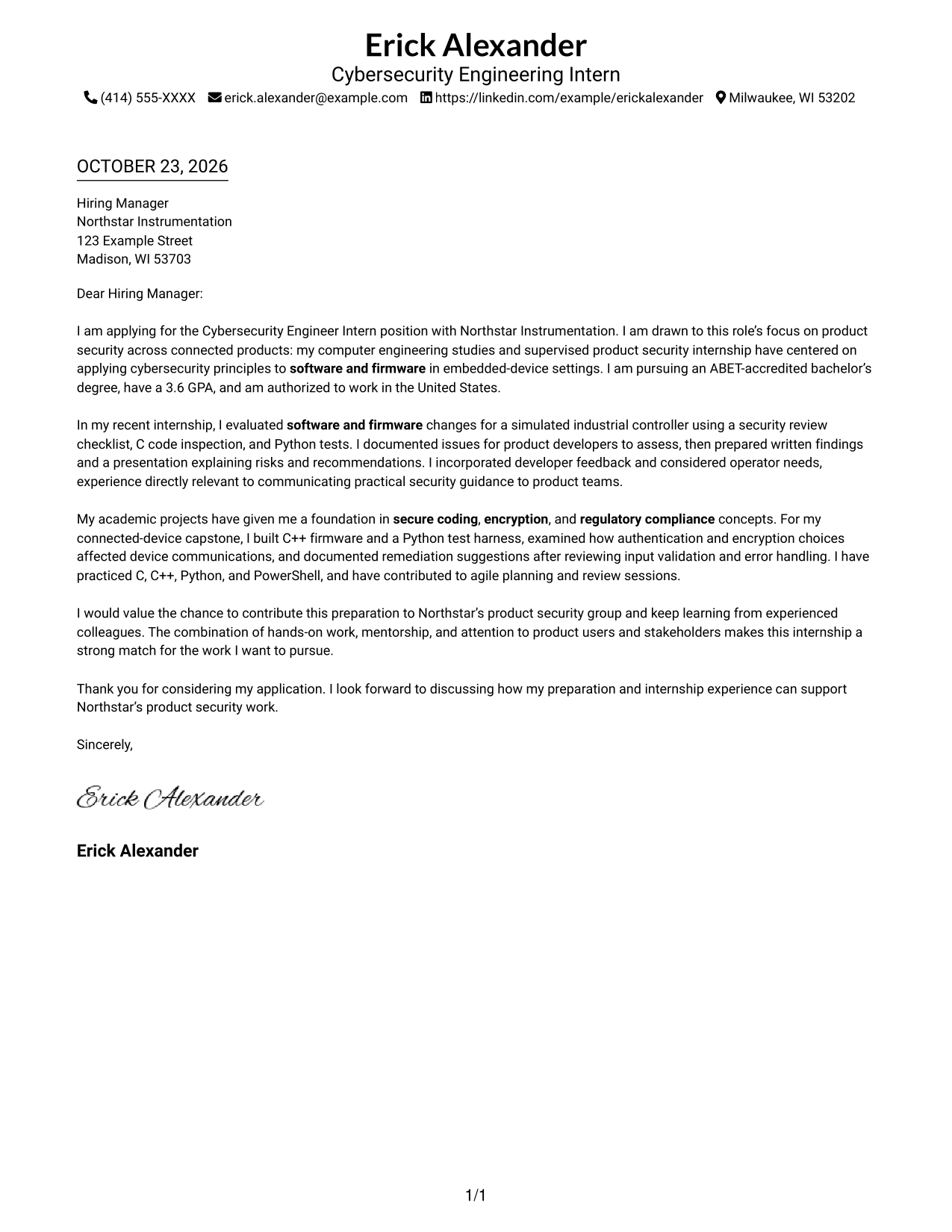
The Cybersecurity Engineer Intern - Product Security cover letter guide compares one example in 7 layouts, with image previews to help you choose a clear way to present your interest and fit.
What Makes a Great Cybersecurity Engineer Intern - Product Security Cover Letter in 2026
A strong letter connects your interest in product security to the role’s work with connected products, software, and firmware. Keep the opening direct, then use the body to explain why this work matters to you.
Support your fit with a clear example, such as reviewing software or firmware and explaining security findings. Show how your recommendations consider product teams, users, and other stakeholders.
The featured example moves from motivation to a specific security review, then connects related academic preparation to the closing. Adapt that focused progression while choosing a presentation that suits the employer and communication context.
#1 Simple One Column Format Cover Letter Example
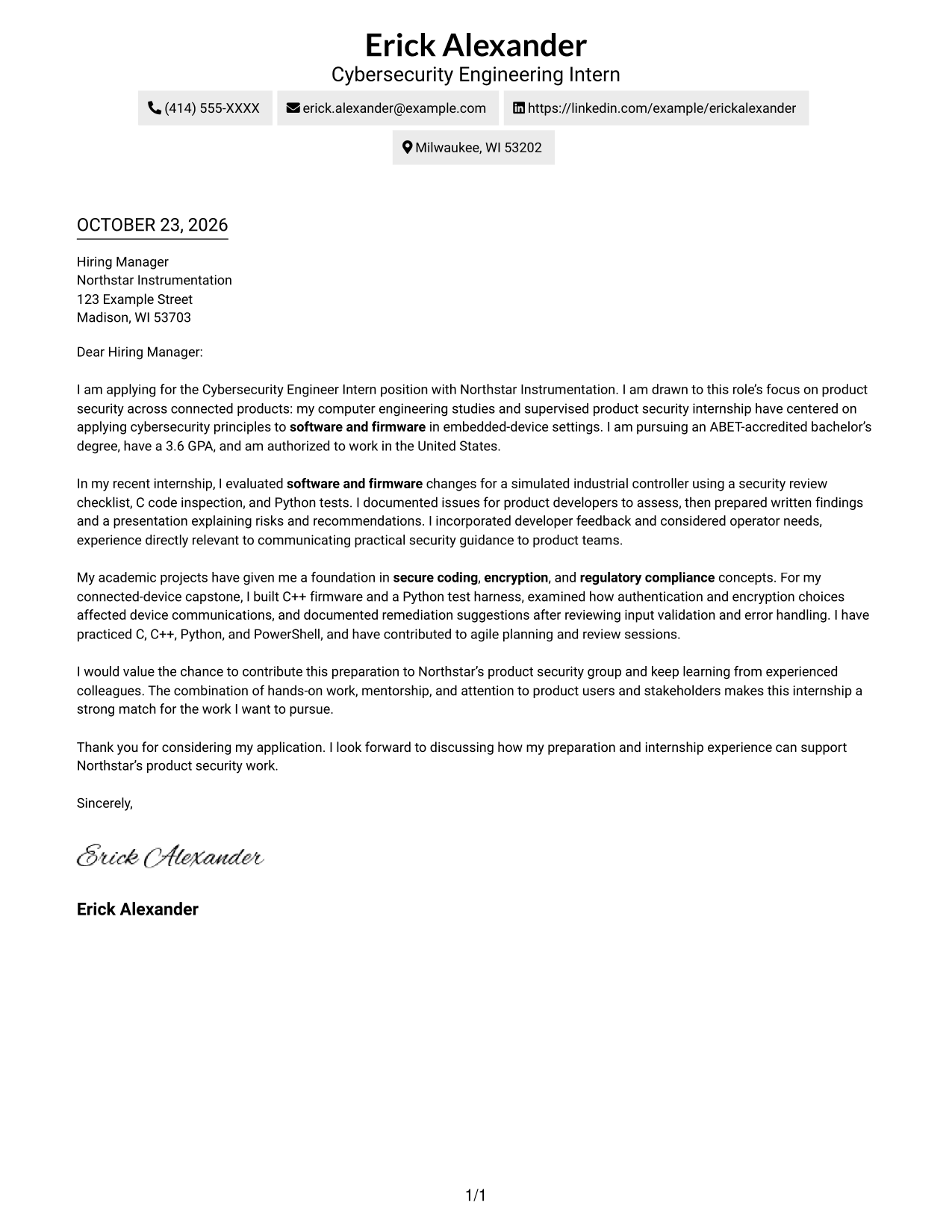
The Simple One Column Format places sender details in the header above one continuous letter body, a direct choice for readers who prefer a familiar top-to-bottom page.
Why This Format Works
- Sender details remain easy to locate in the header.
- One column gives the greeting, paragraphs, and closing a direct reading order.
- The uninterrupted body lets reviewers follow motivation, evidence, and closing in sequence.
Best For
- Single-column letter layouts
- Header-based contact details
- Text-focused applications
- Multi-paragraph persuasive letters
- Straightforward top-to-bottom reading
#2 Two Column Format Cover Letter Example
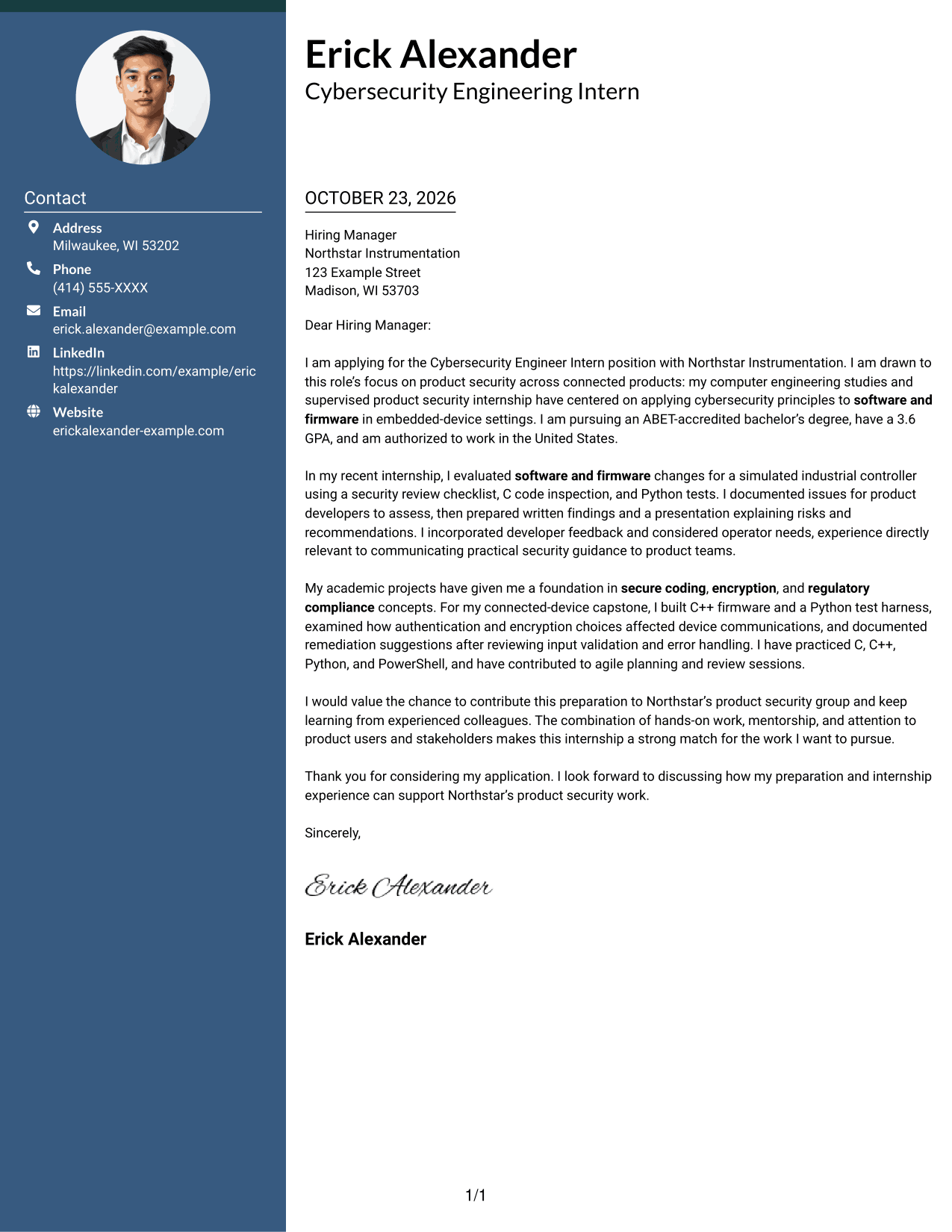
The Two Column Format places contact details in a sidebar beside one continuous letter body, keeping contact information distinct while the argument remains in a single sequence.
Why This Format Works
- Contact details sit apart from the letter in a dedicated sidebar.
- The body stays continuous, so motivation and supporting points remain in sequence.
- A photo-free presentation suits readers who prefer a text-led letter.
Best For
- Contact details beside letter text
- Continuous motivation narratives
- Multi-paragraph application letters
- Text-only presentation preferences
- Clear separation of sender and message
#3 Photo Header Two Column Format Cover Letter Example
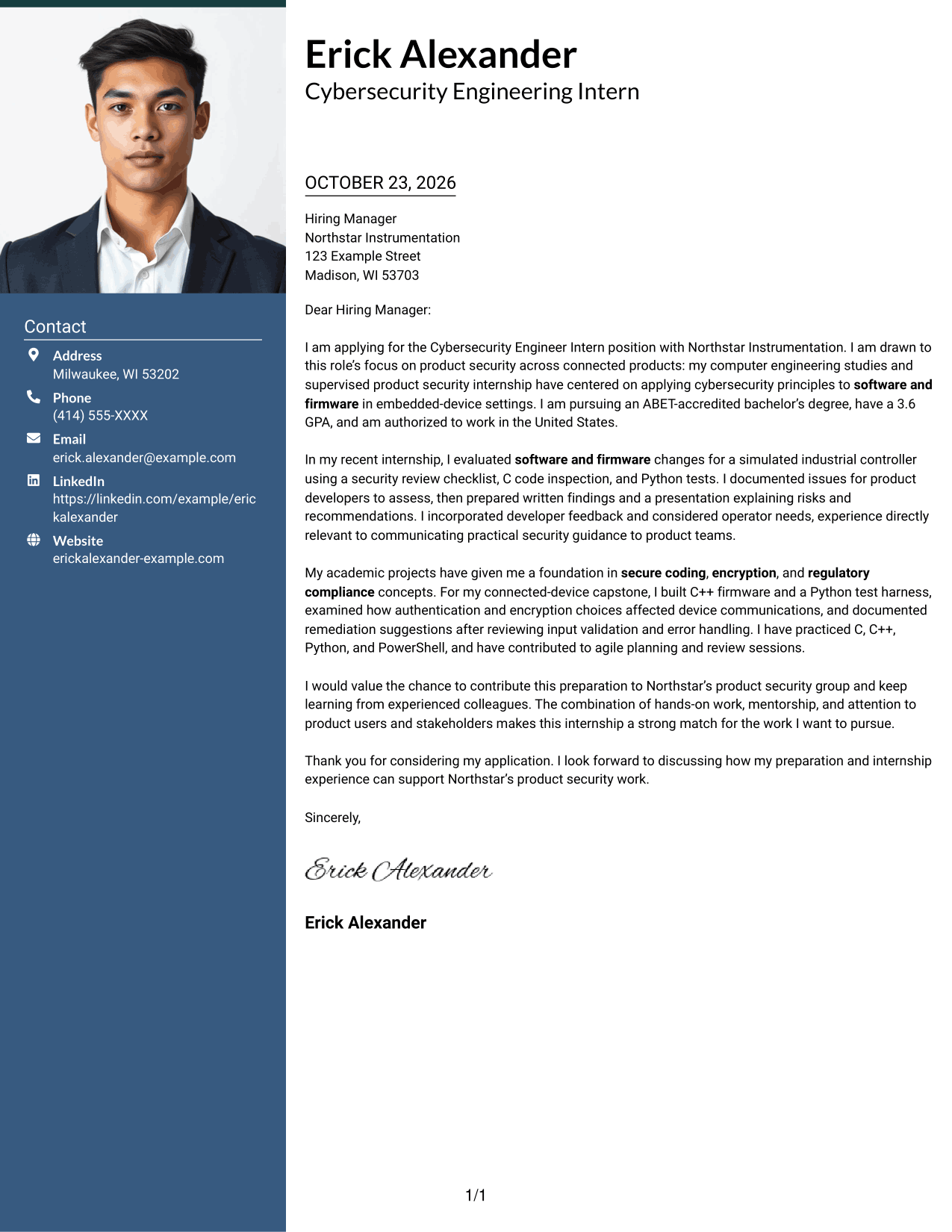
The Photo Header Two Column Format pairs a photo-bearing contact area with one continuous letter body, adding a personal visual element without dividing the letter's argument.
Why This Format Works
- The photo adds a personal visual cue to the contact area.
- The single body column keeps the letter's opening, evidence, and close together.
- Sidebar contact details stay apart from the continuous paragraphs.
Best For
- Personal photo in the header
- Separate contact and body areas
- Uninterrupted letter narratives
- Multi-paragraph application letters
- Sidebar-based contact lookup
#4 One Column Format with Photo Cover Letter Example
The One Column Format with Photo keeps the letter in one column and includes a photo in the header, combining a direct reading path with a personal visual element.
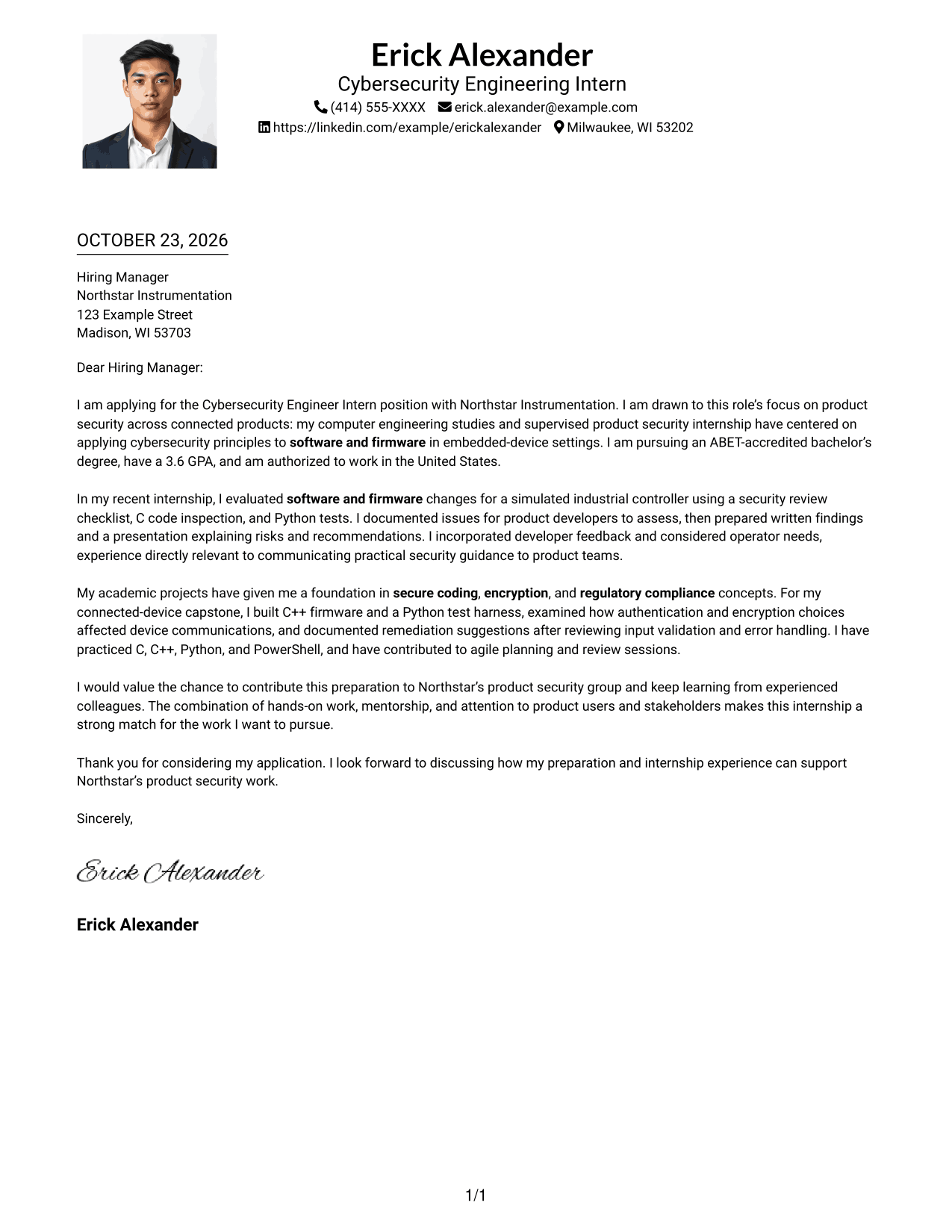
Why This Format Works
- The photo gives the header a personal visual detail.
- One column keeps the greeting, paragraphs, and closing in a direct sequence.
- Sender details in the header remain separate from the letter body.
Best For
- Photo-inclusive letter headers
- Single-column letter reading
- Continuous application narratives
- Multi-paragraph correspondence
- Header-based contact information
#5 Simple Two Column Format Cover Letter Example
The Simple Two Column Format places contact details beside one continuous letter body, a straightforward option when sender information should remain separate from the message.
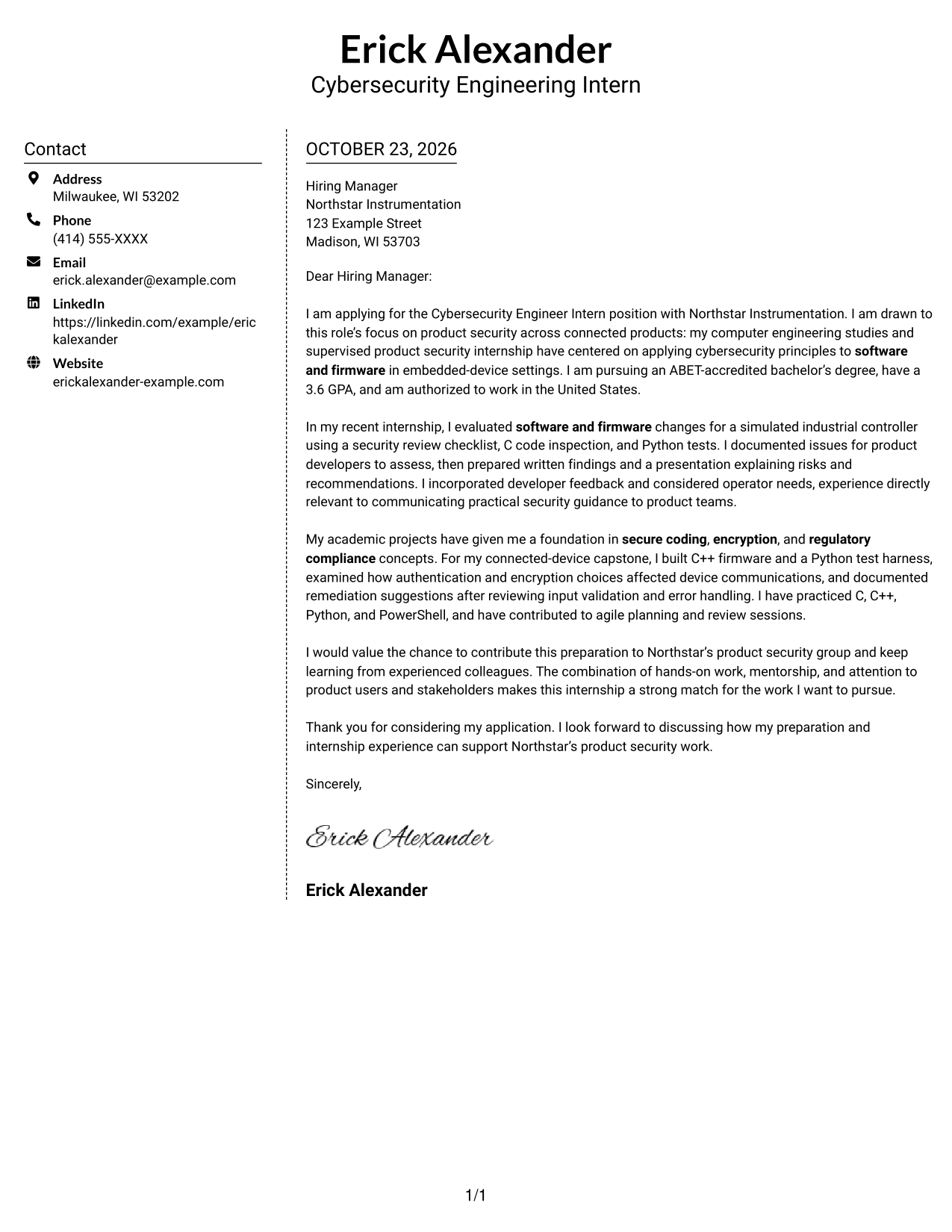
Why This Format Works
- The contact sidebar gives sender information a distinct place beside the letter.
- A single body column keeps the full argument in reading order.
- The photo-free page keeps attention on the written message.
Best For
- Contact sidebar next to letter text
- One-sequence application messages
- Multi-paragraph letters
- Text-focused page preferences
- Easy access to sender details
#6 Modern Icon Format Cover Letter Example
The Modern Icon Format uses two columns and contact-detail icons, adding visual cues to the contact area while the letter body stays continuous.
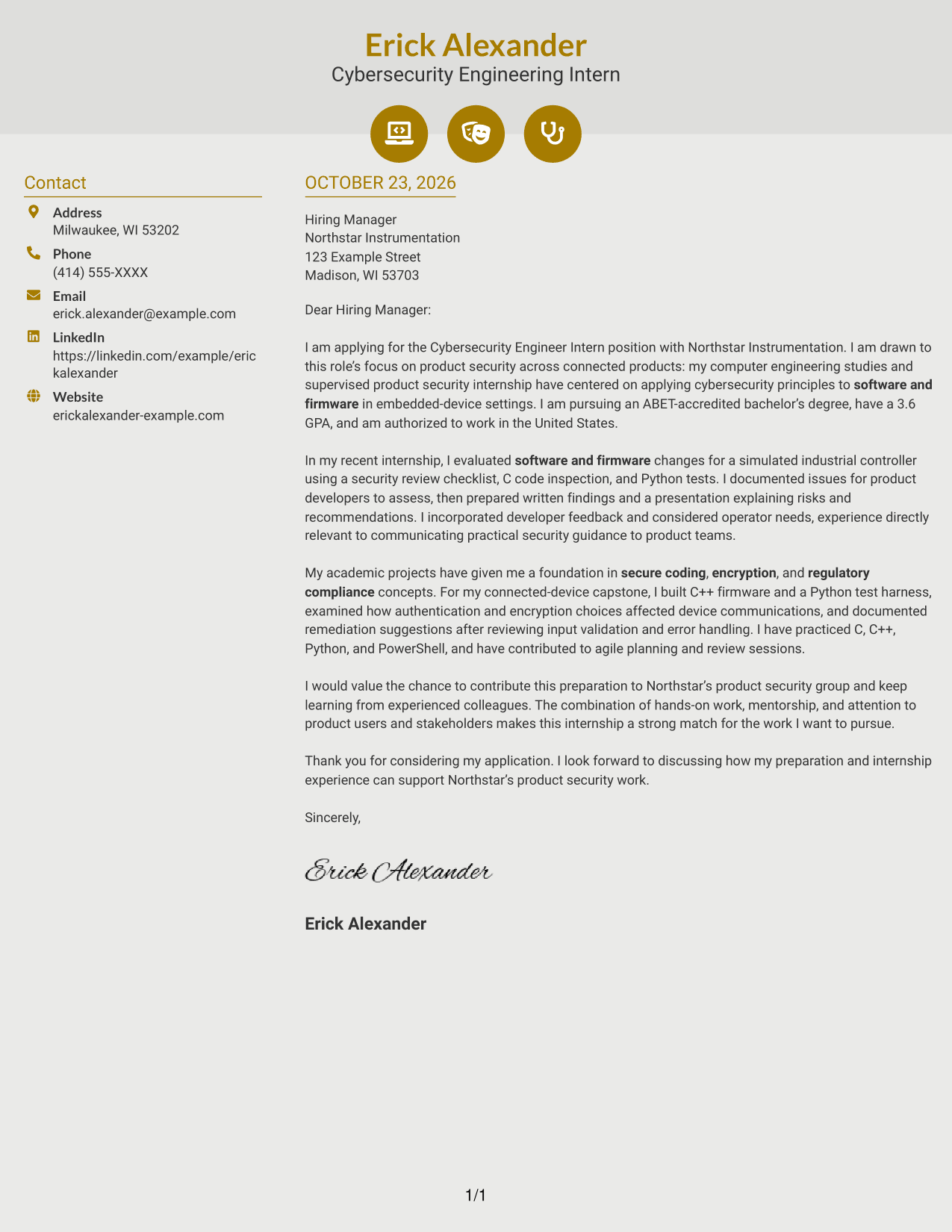
Why This Format Works
- Contact icons act as visual cues for details in the sidebar.
- The letter's paragraphs remain together in one continuous body.
- Two columns distinguish sender information from the message itself.
Best For
- Icon cues near contact details
- Side-by-side contact and message
- Unbroken letter narratives
- Decorative header accents
- Quick contact-detail lookup
#7 Creative Two Tone Format Cover Letter Example
The Creative Two Tone Format sets contact details in a sidebar beside one continuous letter body, a two-column option for readers who want sender information apart from the message.
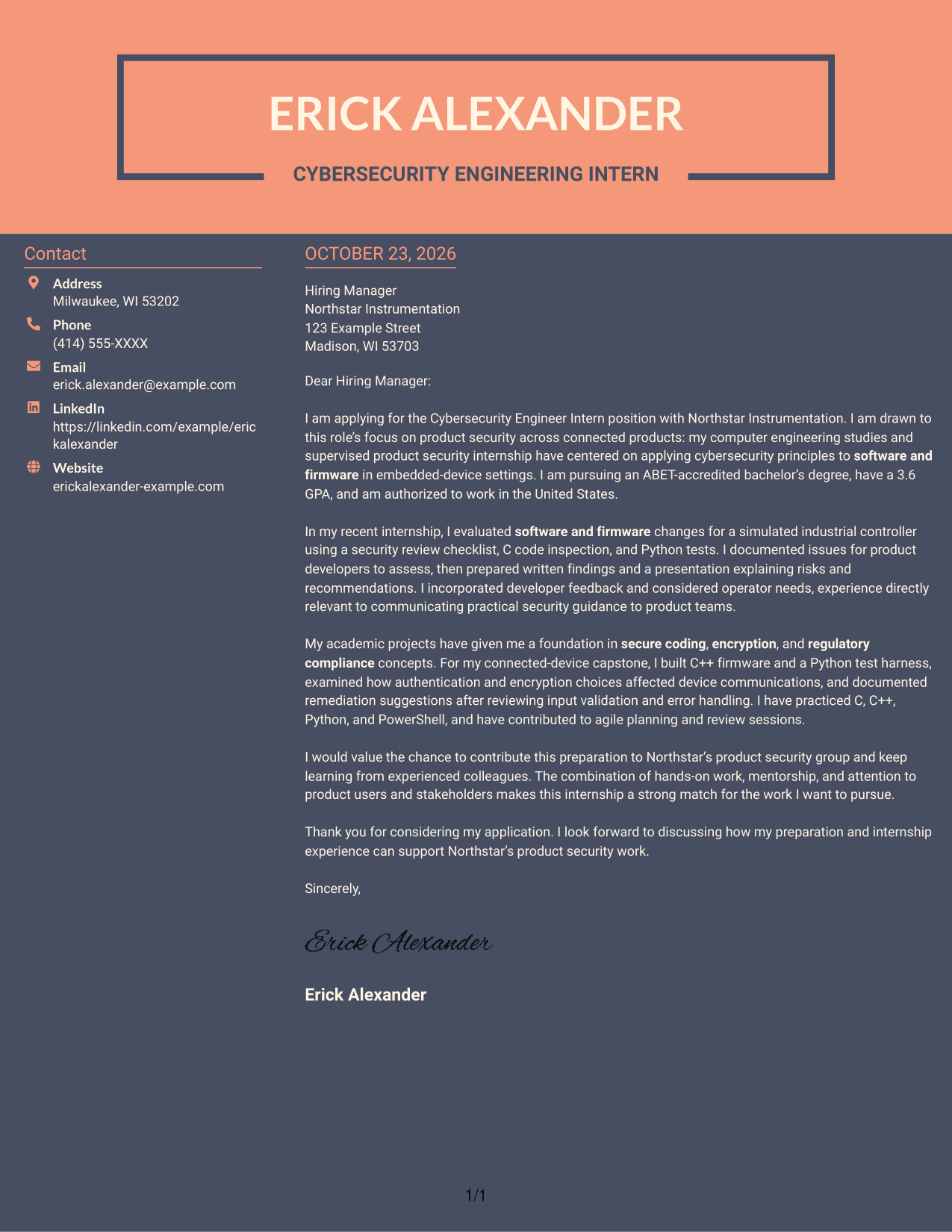
Why This Format Works
- The contact sidebar gives sender details a clear place beside the letter.
- One continuous body keeps motivation, evidence, and closing in order.
- Readers can distinguish contact information from the letter's paragraphs.
Best For
- Sidebar contact presentation
- Continuous persuasive letters
- Multi-paragraph application messages
- Separate sender and letter areas
- Side-by-side page organization
Why Use ResumeInMinutes for a Cybersecurity Engineer Intern - Product Security Cover Letter
Use the example and its image previews to compare ways to present your interest, evidence, and communication style. Open an example in the editor to customize its content for the role.
- Multiple writing styles
- Clear, readable formatting
- Role-focused customization
- Cover letter examples
- Professional layouts
- Editor-based customization
For this role, focus your letter on secure software and firmware, product security, clear technical communication, and your interest in learning with a team.
See Also
- 7 Cybersecurity Engineer Intern - Product Security Resume Templates with Example
- 33 AI-Powered Cybersecurity Product Engineer Resume Templates with Example 2026 (ATS-Optimized)
- 33 Associate Cybersecurity Engineer Resume Templates with Example 2026 (ATS-Optimized)
- 33 Cybersecurity Engineer III - Governance, Risk & Compliance Resume Templates with Example 2026 (ATS-Optimized)
- 33 Cybersecurity Engineer Mid-Level Resume Templates with Example 2026 (ATS-Optimized)
- 33 Entry Level Cybersecurity Engineer Resume Templates with Example 2026 (ATS-Optimized)
- 33 Lead Cybersecurity Engineer (Cyber Network Analysis Tech 3) Resume Templates with Example 2026 (ATS-Optimized)
- 33 Principal Engineer – Aircraft Cybersecurity Operations Resume Templates with Example 2026 (ATS-Optimized)
- 30+ AI-Powered Cybersecurity Product Engineer Cover Letter Templates with Example 2026
- 30+ Associate Cybersecurity Engineer Cover Letter Templates with Example 2026
Frequently Asked Questions
What should a Cybersecurity Engineer Intern - Product Security cover letter emphasize?
Explain your interest in protecting connected products, then link it to relevant preparation in secure coding, software or firmware security, and clear communication. Choose a specific example that shows how you examined a security concern and shared practical recommendations.
Do the examples show different letters or different layouts?
The guide presents one cover letter example in different visual layouts. Use the image previews to compare them, then open an example in the editor to customize its content.
How can I show technical fit in this cover letter?
Describe a relevant task in plain language, such as reviewing code, testing software or firmware, or explaining a security finding. Connect the example to how you would communicate useful guidance to a product team.
How should I explain my interest in product security?
Give a direct reason tied to the work, such as applying security principles to connected products and considering the needs of users. Keep the reason genuine and connect it to your preparation or learning goals.
Should I use a photo on my cover letter?
For applications in the United States, a cover letter without a photo is usually a suitable choice. Use a photo only when it is common or expected in your location or field.




