
7 Cybersecurity Intern - Architecture & Engineering Cover Letter Templates with Example
Use these seven layouts to shape a focused Cybersecurity Intern - Architecture & Engineering cover letter with clear role motivation and relevant evidence.
What Makes a Great Cybersecurity Intern - Architecture & Engineering Cover Letter in 2026
A strong letter connects your interest in cybersecurity architecture to the role’s supervised work in cloud security, email authentication, and infrastructure assessment.
Use clear examples of relevant academic or lab work, then link them to the employer’s needs, such as documenting controls, reviewing authentication settings, or supporting compliance work.
The featured Cybersecurity Intern - Architecture & Engineering example follows a focused progression from motivation to relevant evidence and a clear close, which you can adapt while choosing a presentation suited to the employer and communication context.
#1 Simple One Column Format Cover Letter Example
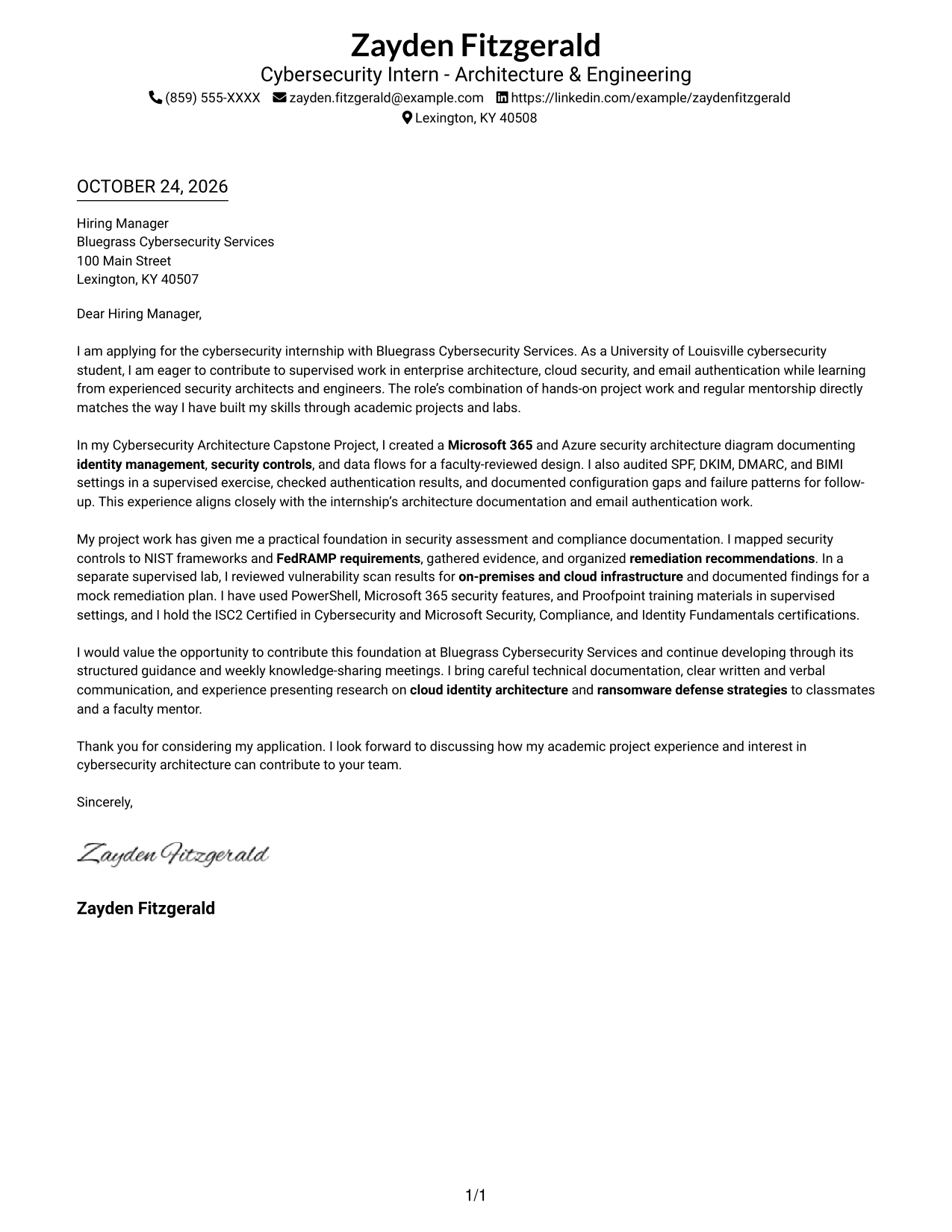
A one-column letter keeps sender details in the header and the message in one uninterrupted body for a direct reading path.
Why This Format Works
- Header contact details remain easy to find before reviewers begin the letter.
- The continuous paragraphs let reviewers follow the opening, evidence, and close in order.
- One reading column avoids competing paths while the reviewer considers the full message.
Best For
- Single-column reading preference
- Header contact lookup
- Continuous letter paragraphs
- Direct opening-to-close review
- Letters without parallel body text
#2 Two Column Format Cover Letter Example
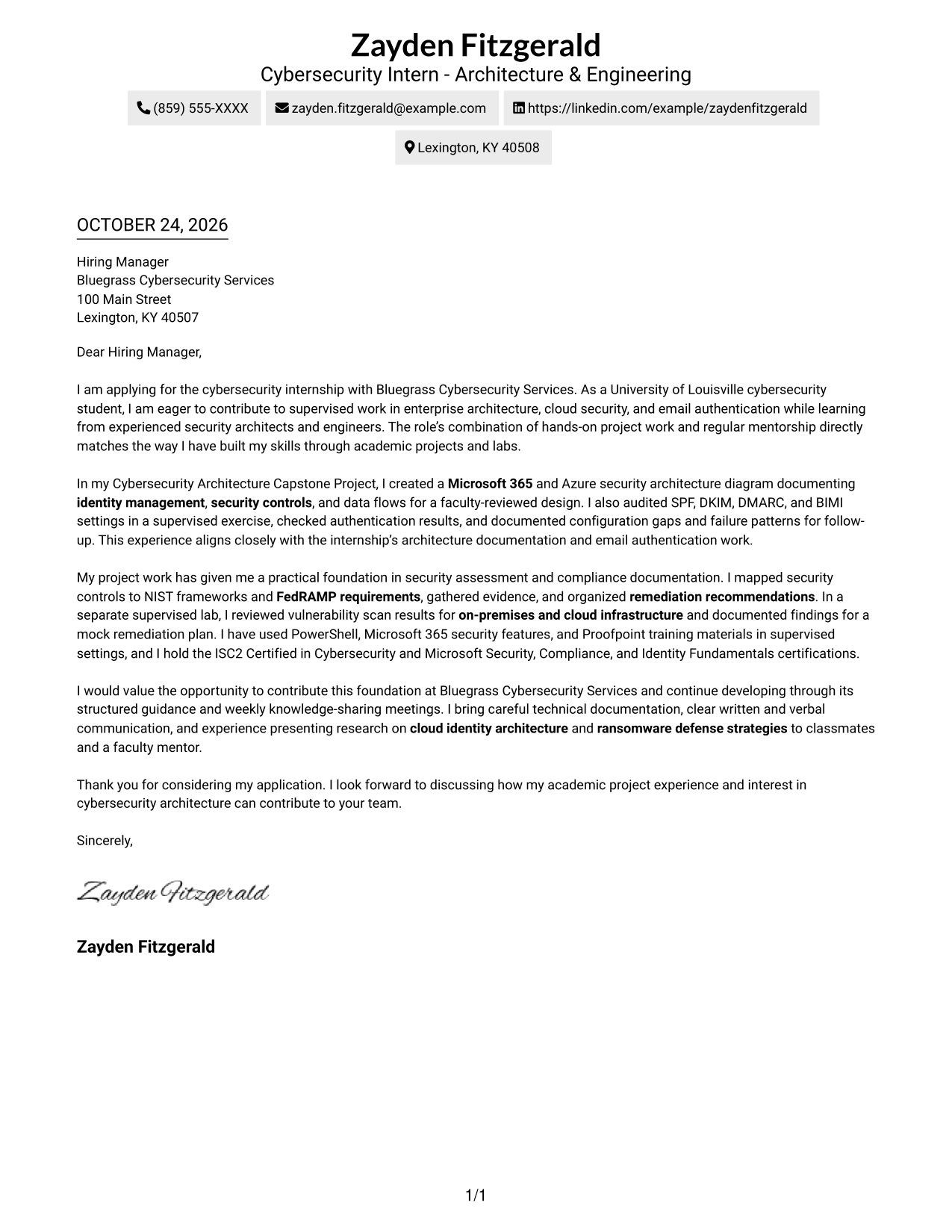
A contact sidebar sits beside the continuous letter body, keeping sender details separate from the message.
Why This Format Works
- The sidebar makes sender contact details easy to locate apart from the message.
- One continuous body keeps the opening, supporting evidence, and close in reading order.
- Separate placement keeps contact information outside the letter's persuasive paragraphs.
Best For
- Sidebar-based contact lookup
- Continuous letter-body reading
- Separate sender-detail placement
- Side-by-side page organization
- Photo-free page preference
#3 Photo Header Two Column Format Cover Letter Example
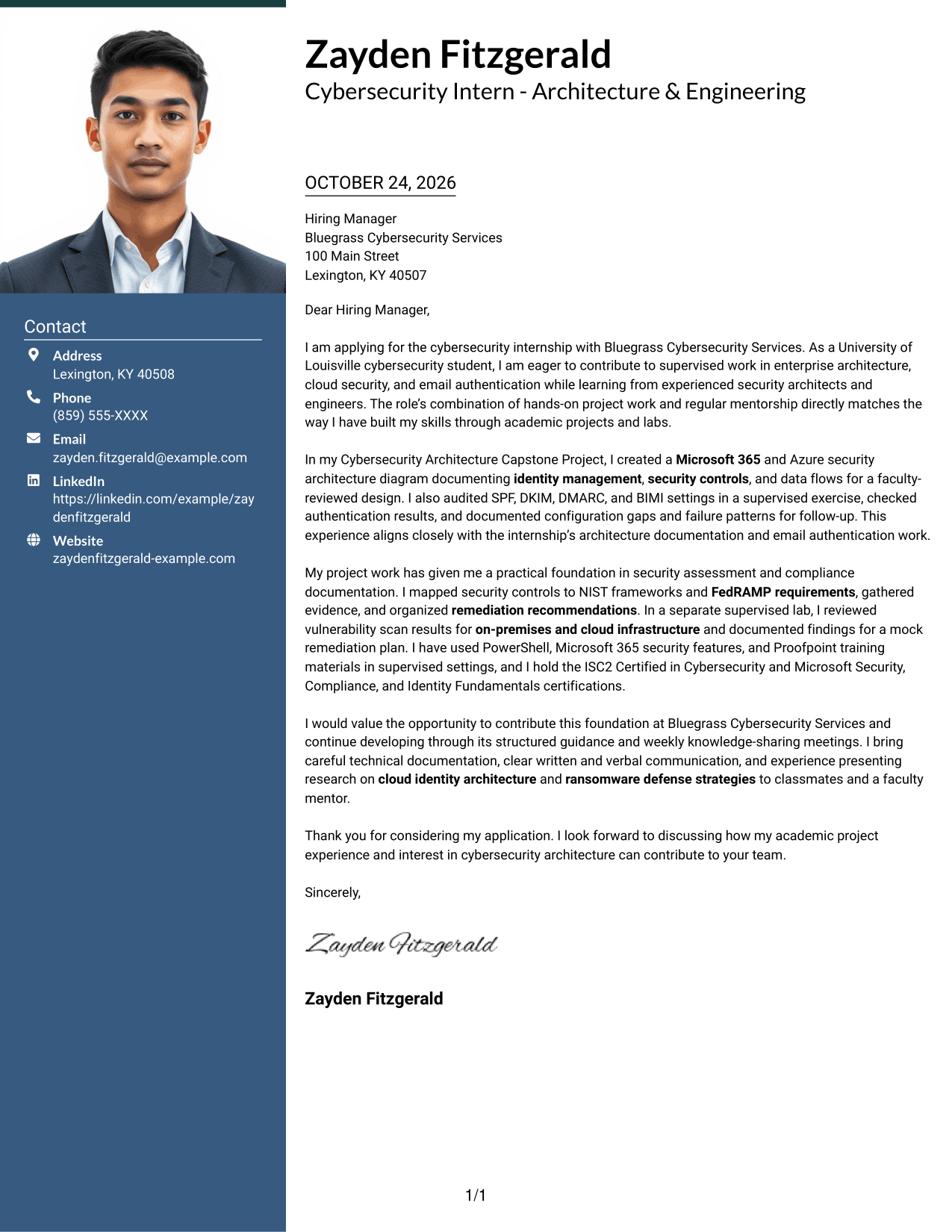
A photo header pairs with a contact sidebar, while the letter remains one continuous body.
Why This Format Works
- The photo header offers a visual choice without changing the letter's reading order.
- Contact details remain separate from the message in the second column.
- One continuous body keeps the opening, evidence, and close in sequence.
Best For
- Photo-inclusive letter layouts
- Photo header preference
- Contact details beside the letter
- Uninterrupted argument paragraphs
- Clear separation of sender and message
#4 One Column Format with Photo Cover Letter Example
The one-column body presents the letter in one reading path, with a photo as a visual element.
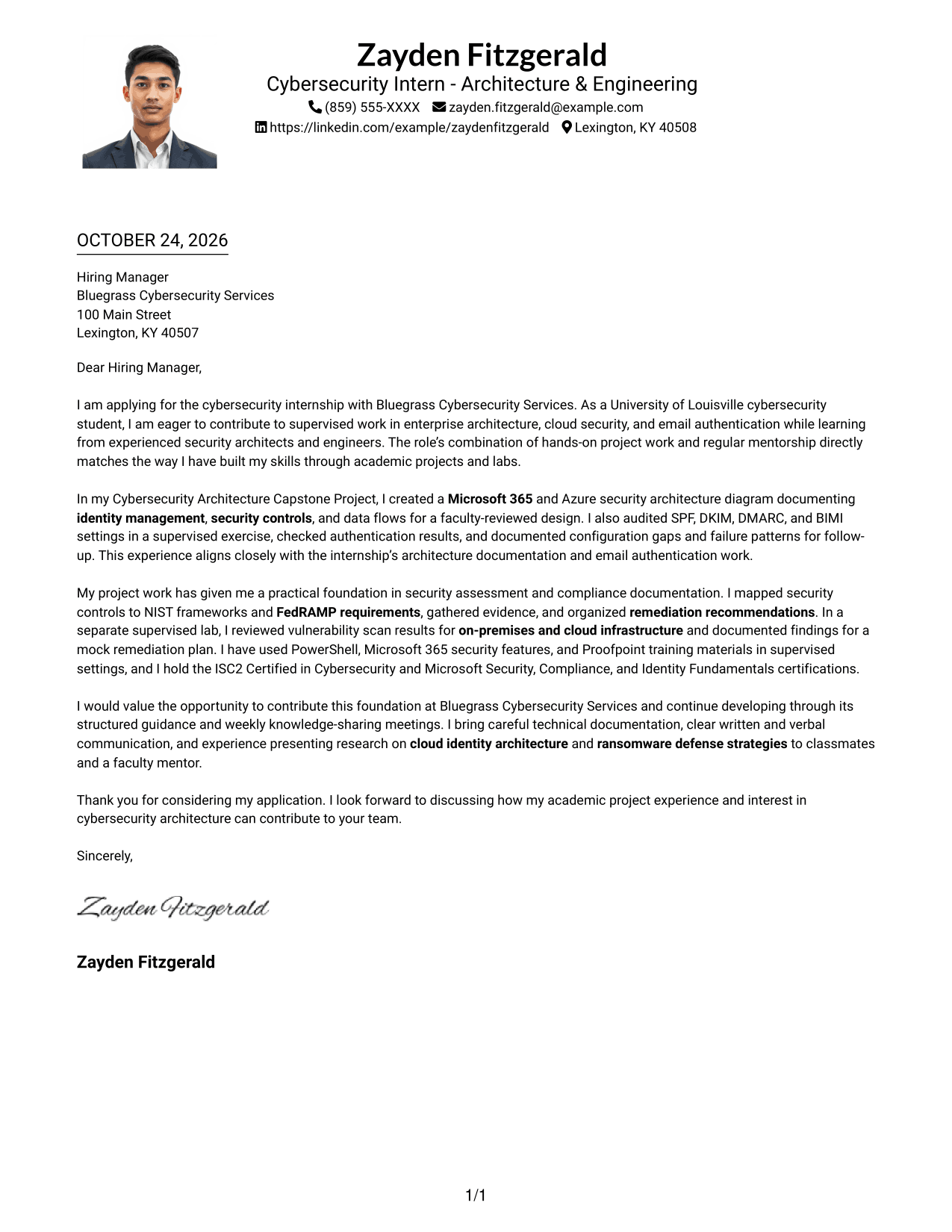
Why This Format Works
- A single reading path takes reviewers from the greeting through the closing.
- Sender details stay in the header, apart from the letter's continuous paragraphs.
- The photo is a visual choice, while the letter remains one continuous body.
Best For
- One-column letter reading
- Photo-inclusive correspondence
- Header-based sender details
- Direct greeting-to-closing flow
- Continuous paragraph format
#5 Simple Two Column Format Cover Letter Example
A contact sidebar and a continuous letter body give sender details and the message separate places.
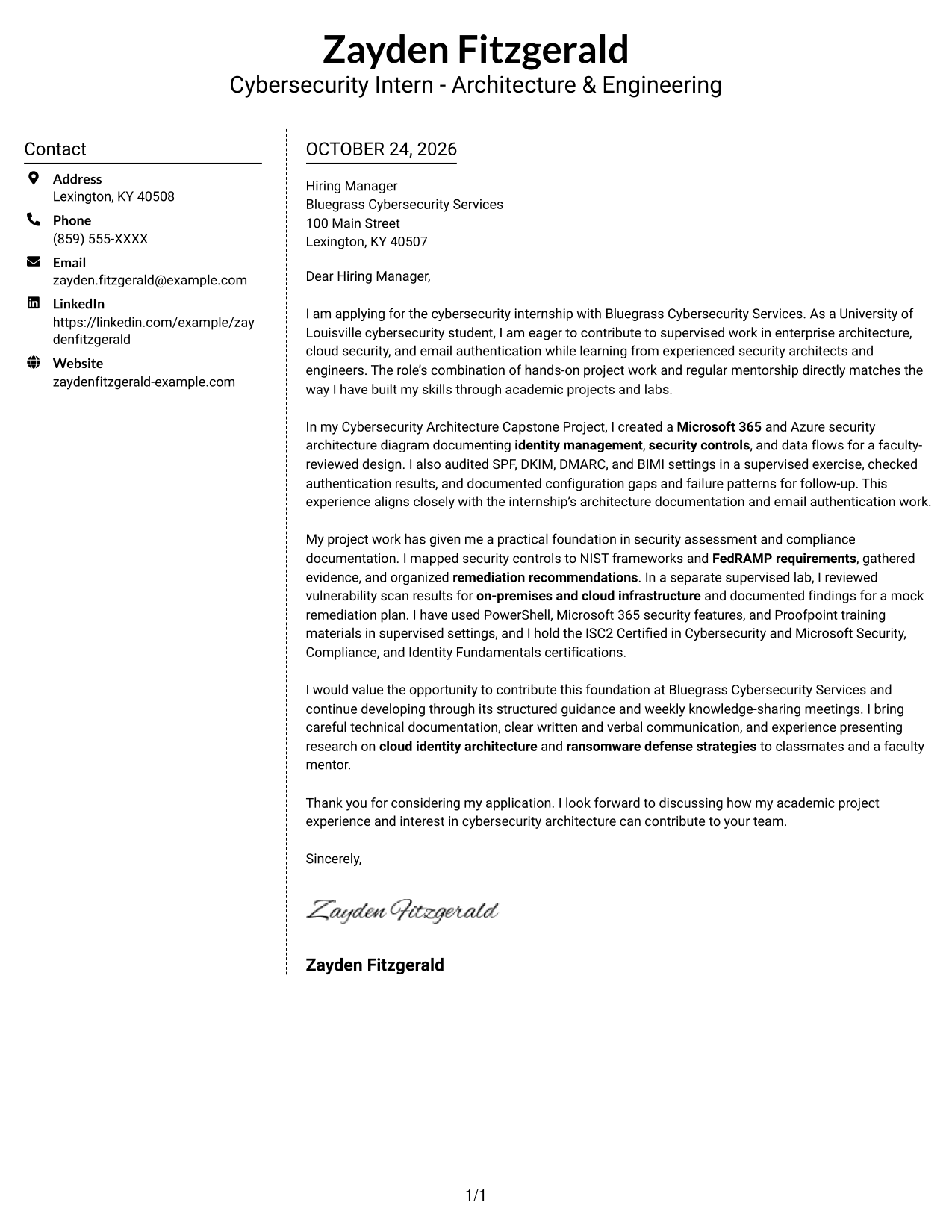
Why This Format Works
- The contact sidebar keeps sender information distinct from the letter's argument.
- The message stays in one body, so its paragraphs are read in sequence.
- A separate contact area leaves the letter paragraphs focused on the message.
Best For
- Contact-sidebar layouts
- Sequential letter reading
- Separate sender information
- Side-by-side page structure
- Photo-free correspondence
#6 Modern Icon Format Cover Letter Example
Contact icons identify sender details in the sidebar, beside a continuous letter body in the two-column layout.
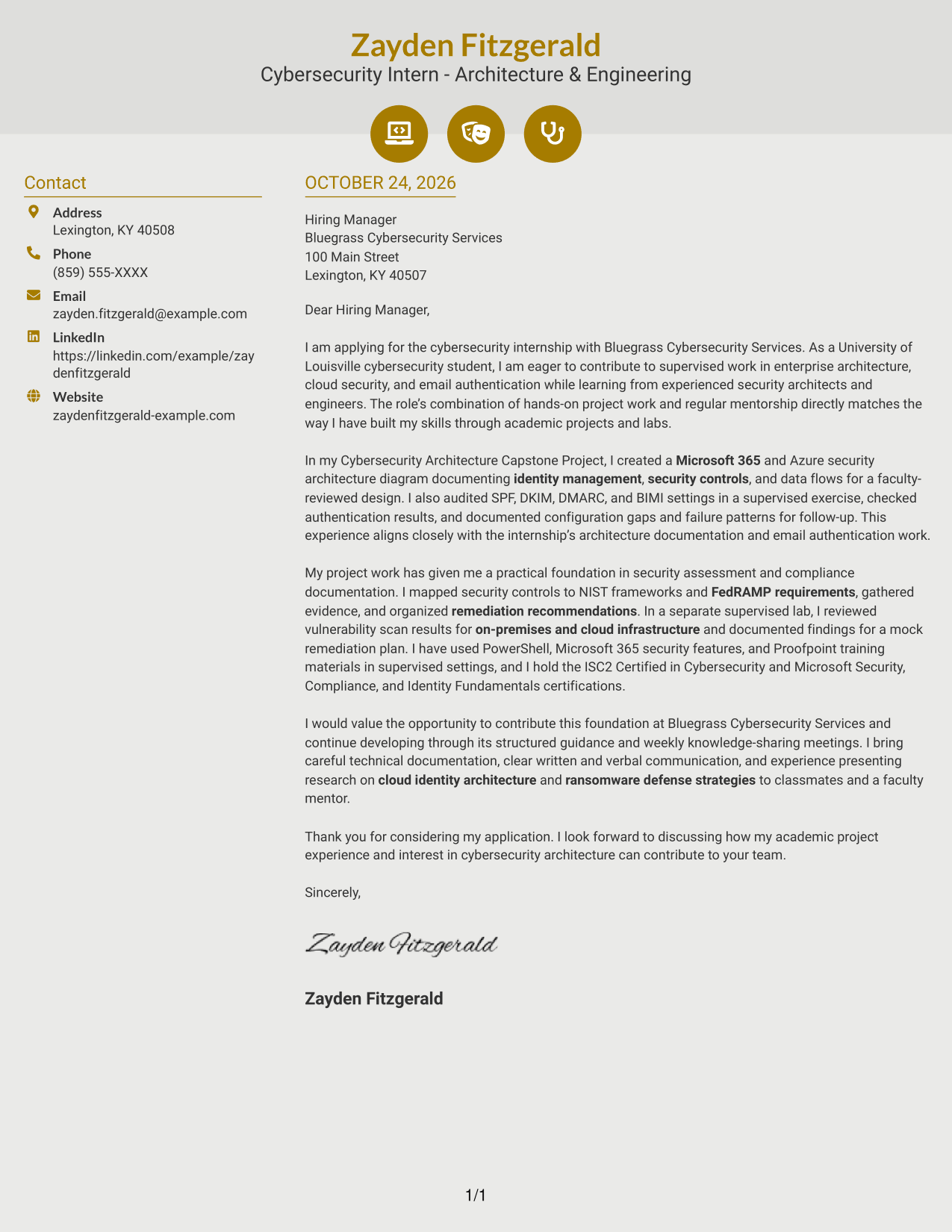
Why This Format Works
- Contact icons help reviewers recognize the details shown in the sidebar.
- The continuous body keeps the letter's opening, evidence, and close together.
- The two-column arrangement separates contact information from the written message.
Best For
- Icon-guided contact details
- Sidebar contact lookup
- Continuous letter-body reading
- Two-column page organization
- Photo-free letter layouts
#7 Creative Two Tone Format Cover Letter Example
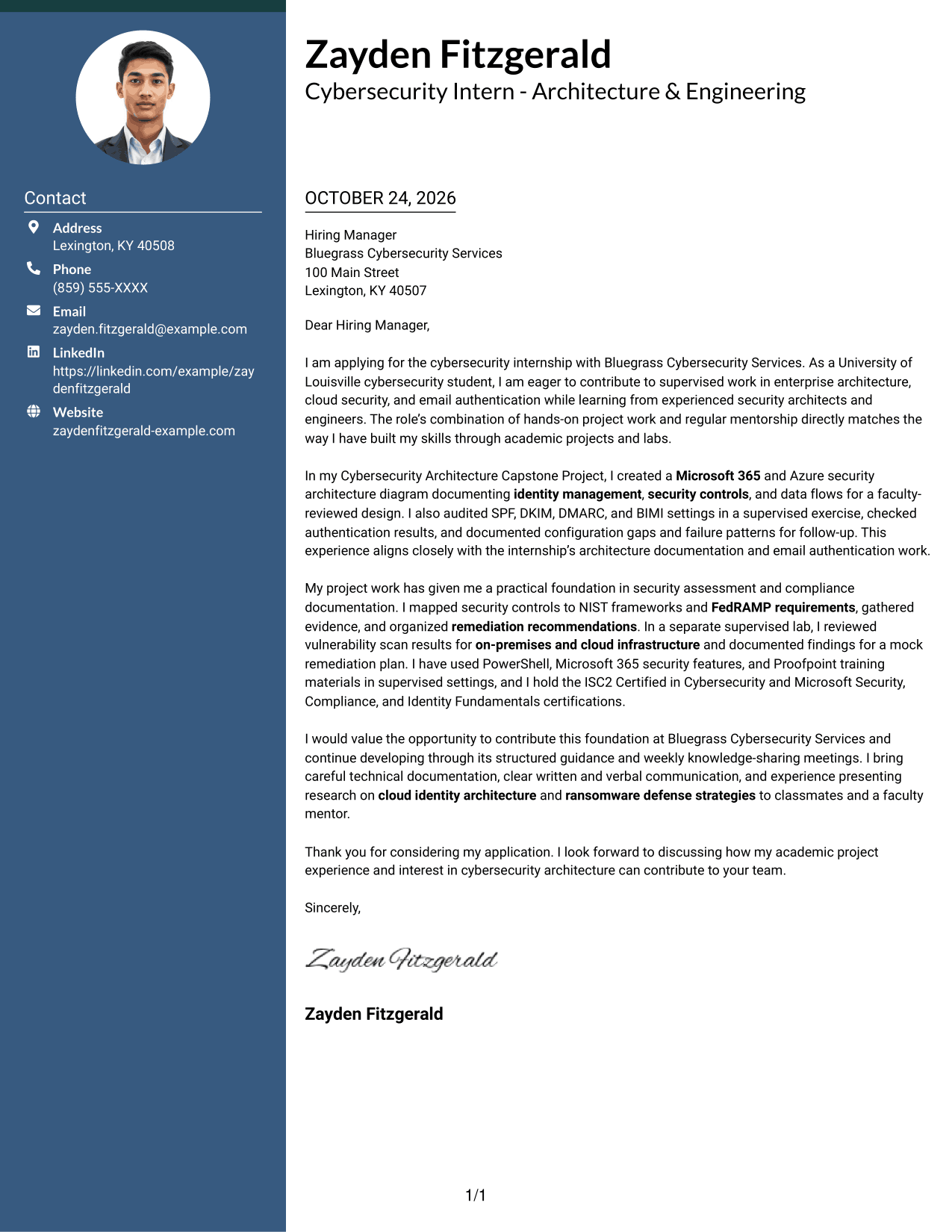
The two-column layout gives the contact sidebar and continuous letter body distinct areas on the page.
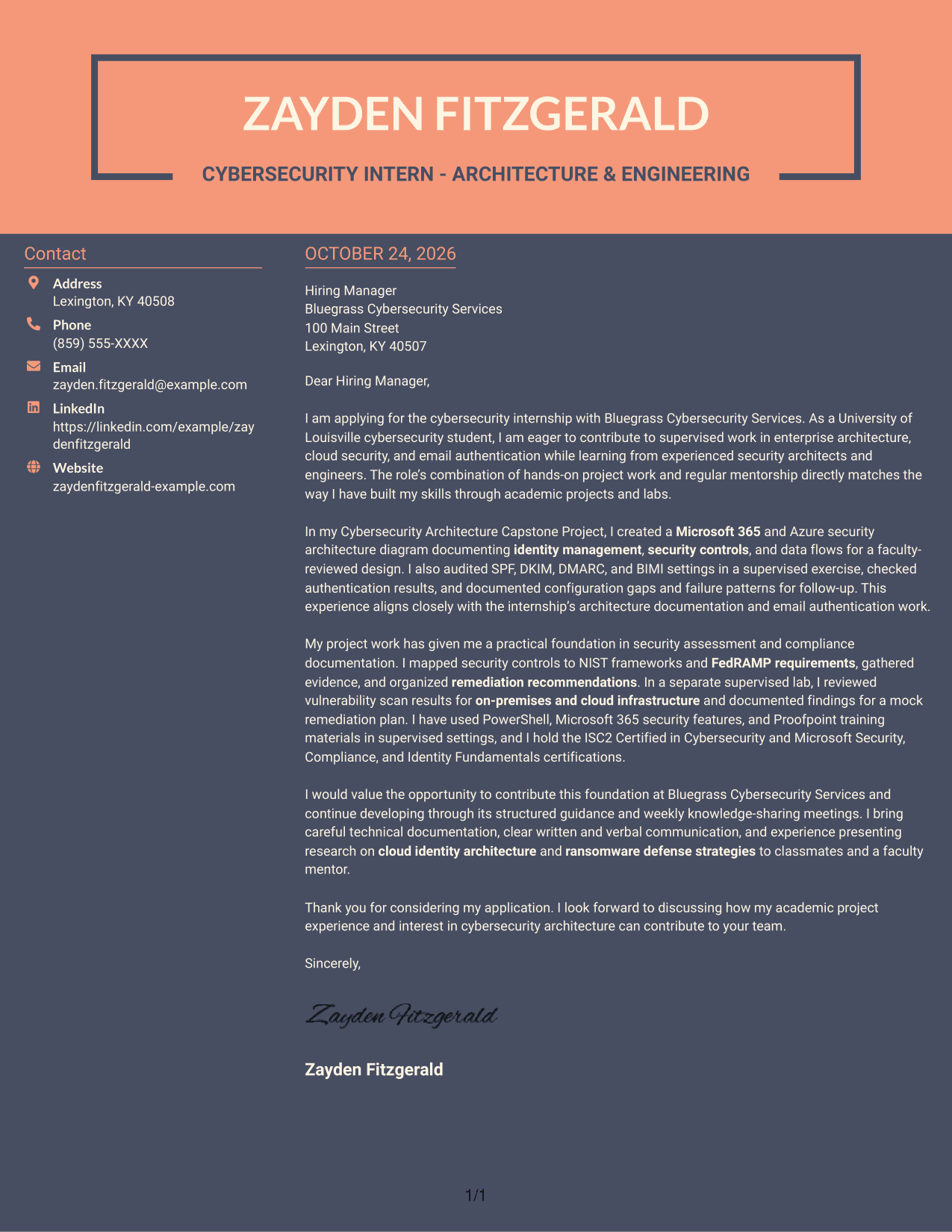
Why This Format Works
- The sidebar gives sender details a separate place beside the letter.
- A single letter body preserves the intended order of the message.
- Distinct areas help reviewers tell contact information from persuasive content.
Best For
- Separate contact and message areas
- Continuous letter paragraphs
- Side-by-side reading preference
- Quick sender-detail reference
- Photo-free page design
See Also
- 7 Cybersecurity Intern - Architecture & Engineering Resume Templates with Example
- 33 VP of Engineering - Cybersecurity Resume Templates with Example 2026 (ATS-Optimized)
- 33 AI-Powered Cybersecurity Product Engineer Resume Templates with Example 2026 (ATS-Optimized)
- 33 Analyst - Cybersecurity Operations Resume Templates with Example 2026 (ATS-Optimized)
- 33 Associate Cybersecurity Engineer Resume Templates with Example 2026 (ATS-Optimized)
- 33 Chief Technology Officer - Cybersecurity Resume Templates with Example 2026 (ATS-Optimized)
- 7 Cyber Systems Engineer Intern - Offensive Cybersecurity and Automation Resume Templates with Example
- 33 Cybersecurity Analyst Intern - Hands-on Security Resume Templates with Example 2026 (ATS-Optimized)
- 30+ VP of Engineering - Cybersecurity Cover Letter Templates with Example 2026
- 30+ AI-Powered Cybersecurity Product Engineer Cover Letter Templates with Example 2026
Frequently Asked Questions
What should a Cybersecurity Intern - Architecture & Engineering cover letter include?
Explain your interest in the role, then give specific evidence that shows how you communicate and approach security work. Relevant examples may include documenting a cloud security design, reviewing email authentication settings, or recording findings from a supervised assessment.
How can I show my fit for the architecture and engineering focus?
Connect your experience to the role’s needs. For example, describe how you documented identity management and security controls, reviewed SPF, DKIM, DMARC, or BIMI settings, or mapped controls to NIST frameworks and FedRAMP requirements.
Which cover letter style works well for this internship?
Choose a clean, easy-to-read layout that supports a direct opening, focused body paragraphs, and a courteous close. Consider the employer and the communication context when selecting the presentation.
Can a student with limited professional experience write a strong cover letter?
Yes. Academic projects and supervised labs can provide useful evidence. Describe your specific contribution, what you learned, and how it relates to the internship’s work.
Should I use a photo on my cover letter?
Use a photo only if it is common or expected in your country, region, or field. For U.S. applications, a no-photo layout is usually the safer choice.




