
7 Cybersecurity Intern - Incident Response Cover Letter Templates with Example
This practical guide to a Cybersecurity Intern - Incident Response cover letter presents one example in 7 layouts and shows how to make investigation evidence clear.
What Makes a Great Cybersecurity Intern - Incident Response Cover Letter in 2026
A strong letter connects your interest in incident response with clear examples of alert review, investigation, and careful documentation. It also explains why you want to support this work.
Use relevant evidence, such as analyzing logs, recording findings, or sharing remediation guidance. Connect it to the employer’s needs and show how you work with technical teams and end-users.
The featured example moves from interest in the role to investigation evidence, employer alignment, and a clear close. Adapt this focused progression while choosing a presentation that suits the employer and communication context.
#1 Simple One Column Format Cover Letter Example
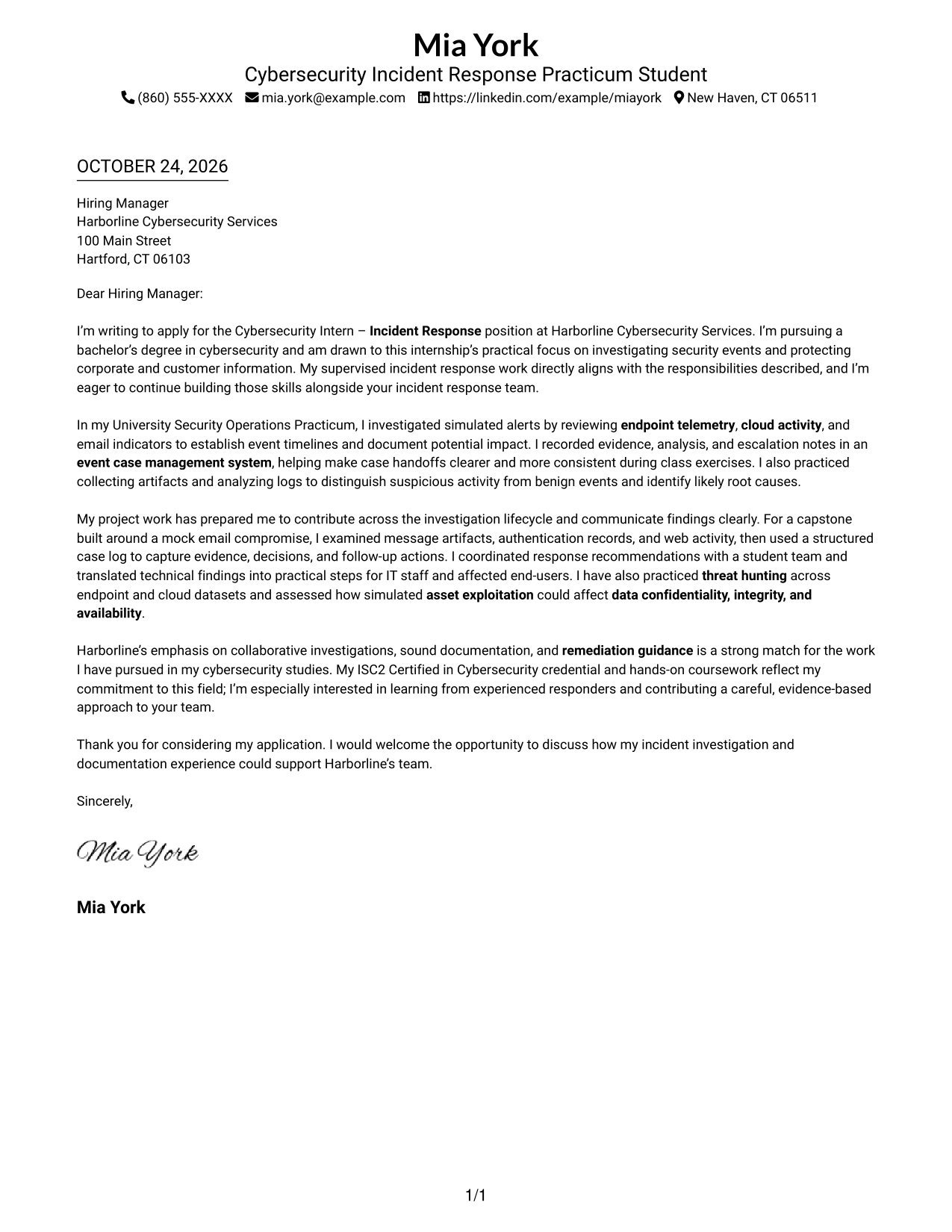
With sender details in the header and one column for the letter, this format gives the message a direct reading path.
Why This Format Works
- Sender details sit in the header, separate from the single-column letter text.
- Reviewers can follow the opening, supporting points, and close in sequence.
- No sidebar divides attention from the letter's continuous persuasive message.
Best For
- One-column letter layouts
- Header-based contact details
- Continuous paragraph arguments
- Photo-free applications
- Cybersecurity internship letters
#2 Two Column Format Cover Letter Example
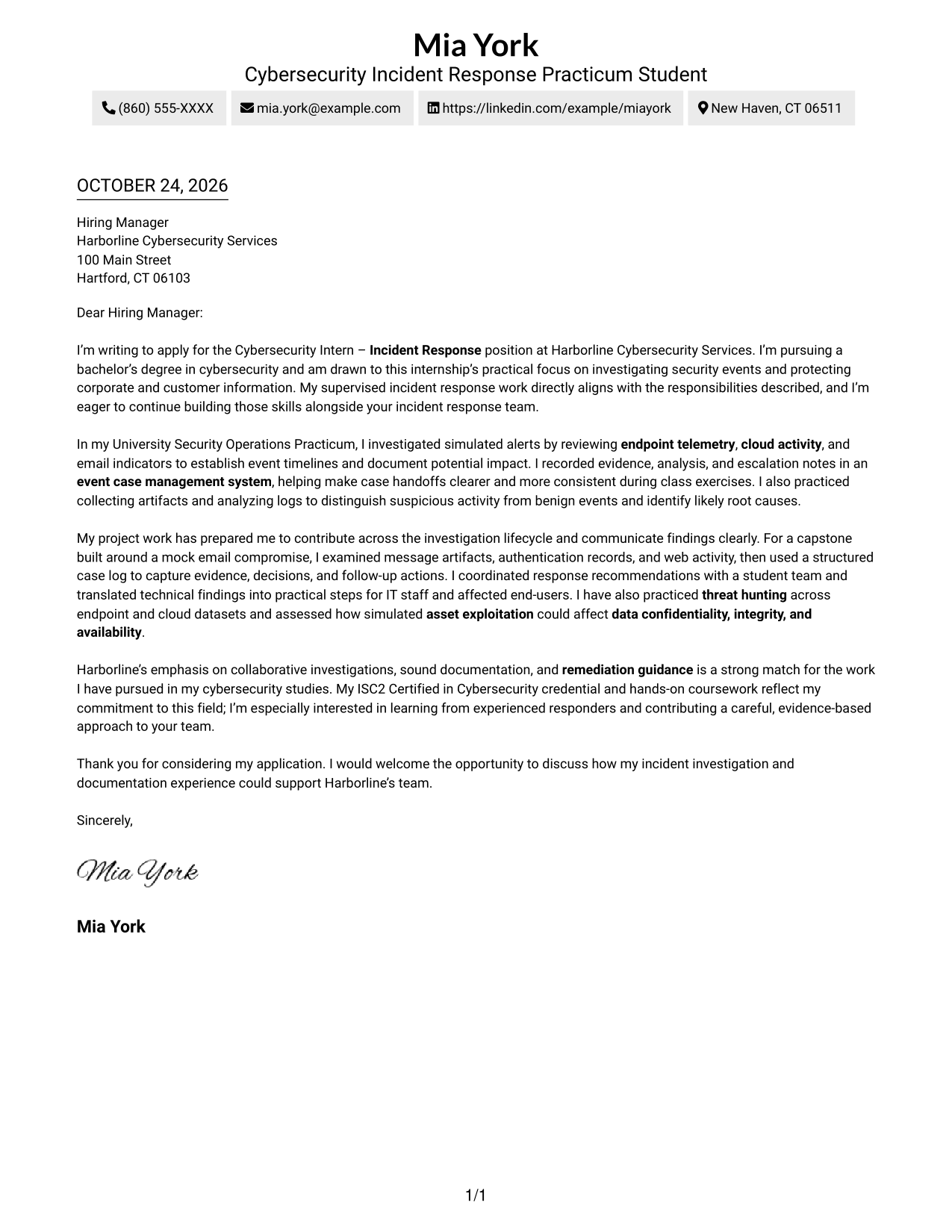
A contact sidebar sits beside the single-column letter body, keeping sender details separate while the message reads as one continuous piece.
Why This Format Works
- Sender details stay apart in a dedicated sidebar, not inside the letter text.
- The single-column body lets reviewers follow the message from opening through closing.
- Continuous paragraphs preserve a natural tone without argument-stage headings.
Best For
- Separate contact and message areas
- Single-column letter bodies
- Quick access to sender details
- Uninterrupted persuasive paragraphs
- Photo-free submissions
#3 Photo Header Two Column Format Cover Letter Example
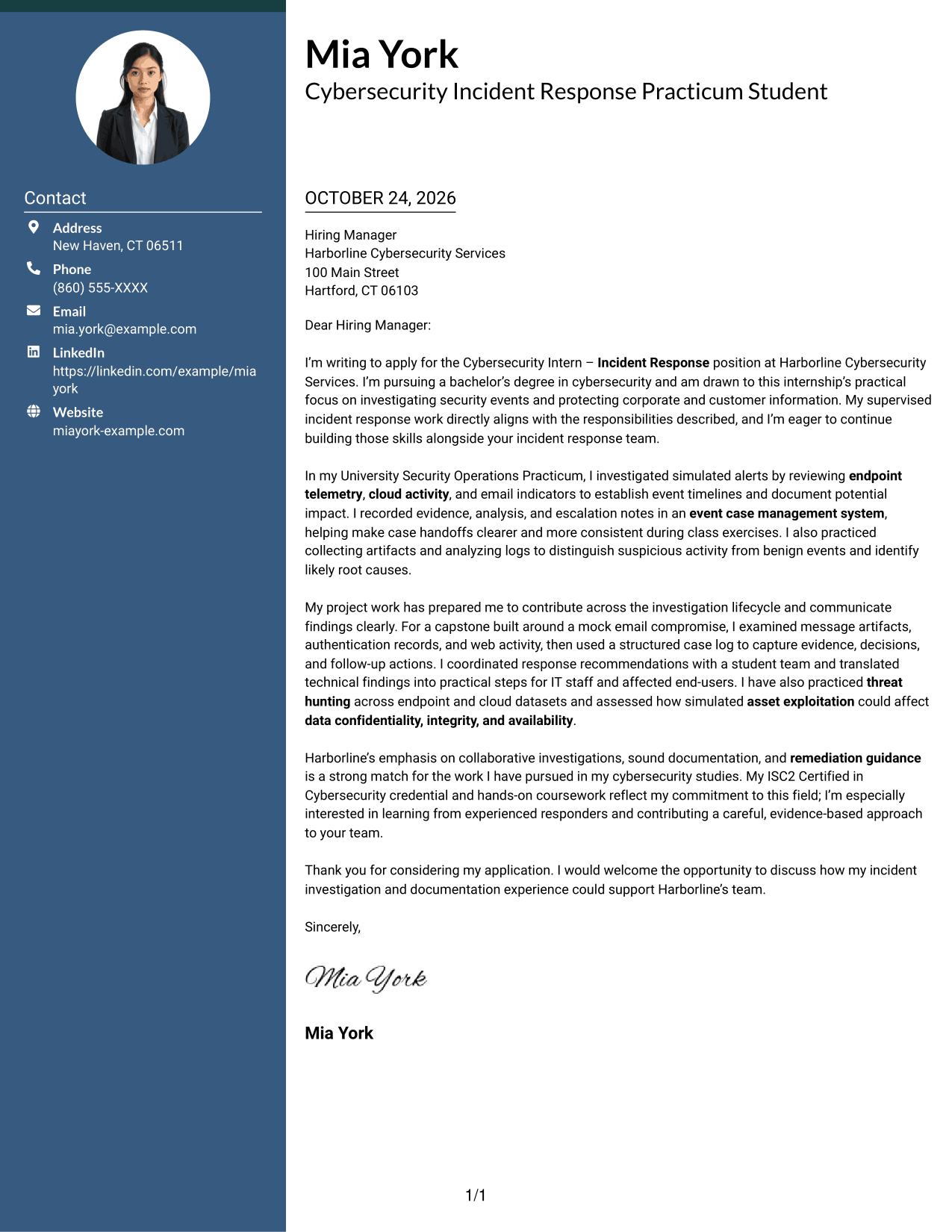
The portrait gives the header a personal visual element, while the contact sidebar and single-column body keep the letter message together.
Why This Format Works
- The portrait adds a personal visual element without changing the letter's content.
- Contact information occupies a sidebar, separate from the continuous letter body.
- One body column keeps the opening, supporting examples, and closing in sequence.
Best For
- Portrait-based presentation
- Sidebar contact details
- One-column letter bodies
- Continuous persuasive messages
- Applications where a photo is preferred
#4 One Column Format with Photo Cover Letter Example
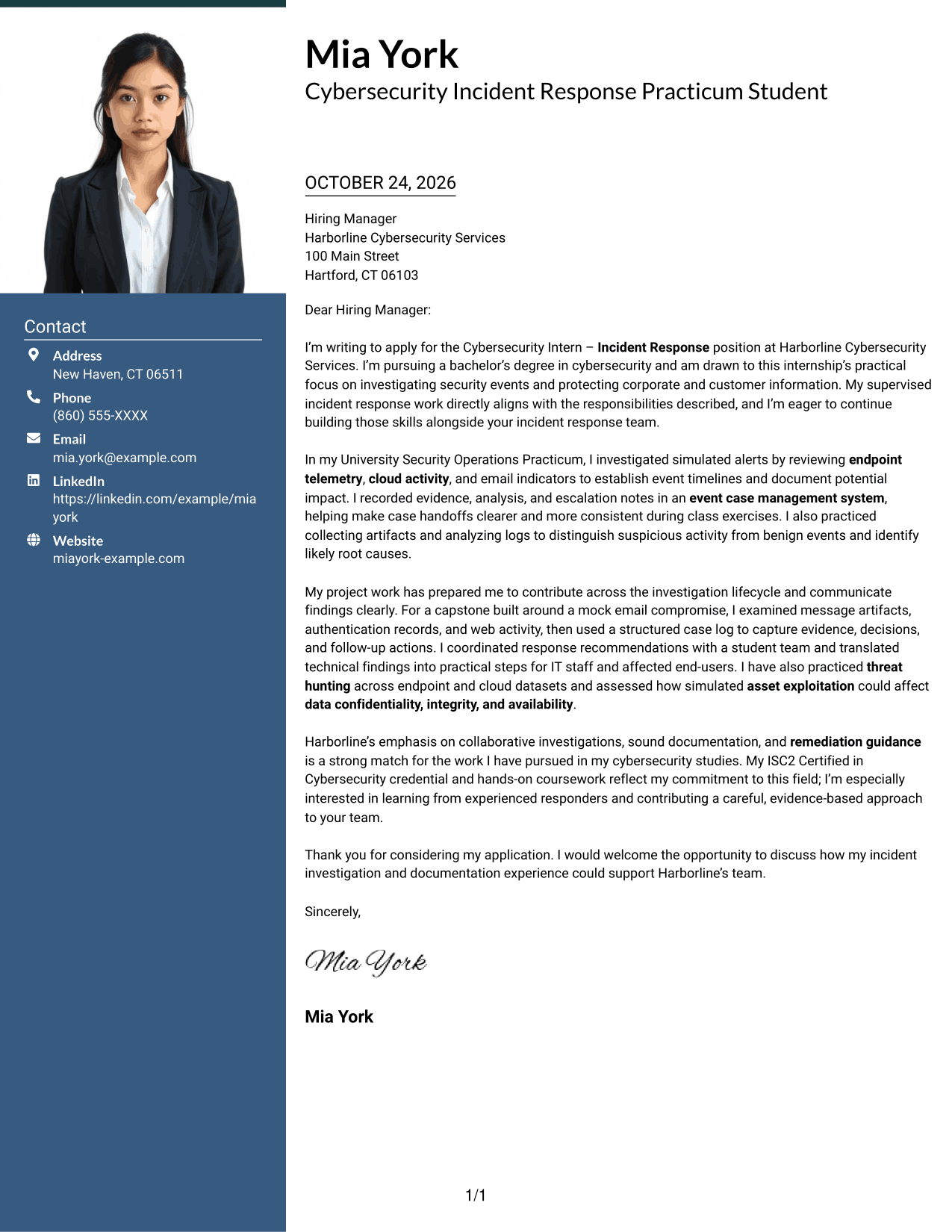
A portrait accompanies the one-column letter, adding a personal visual choice without splitting the message.
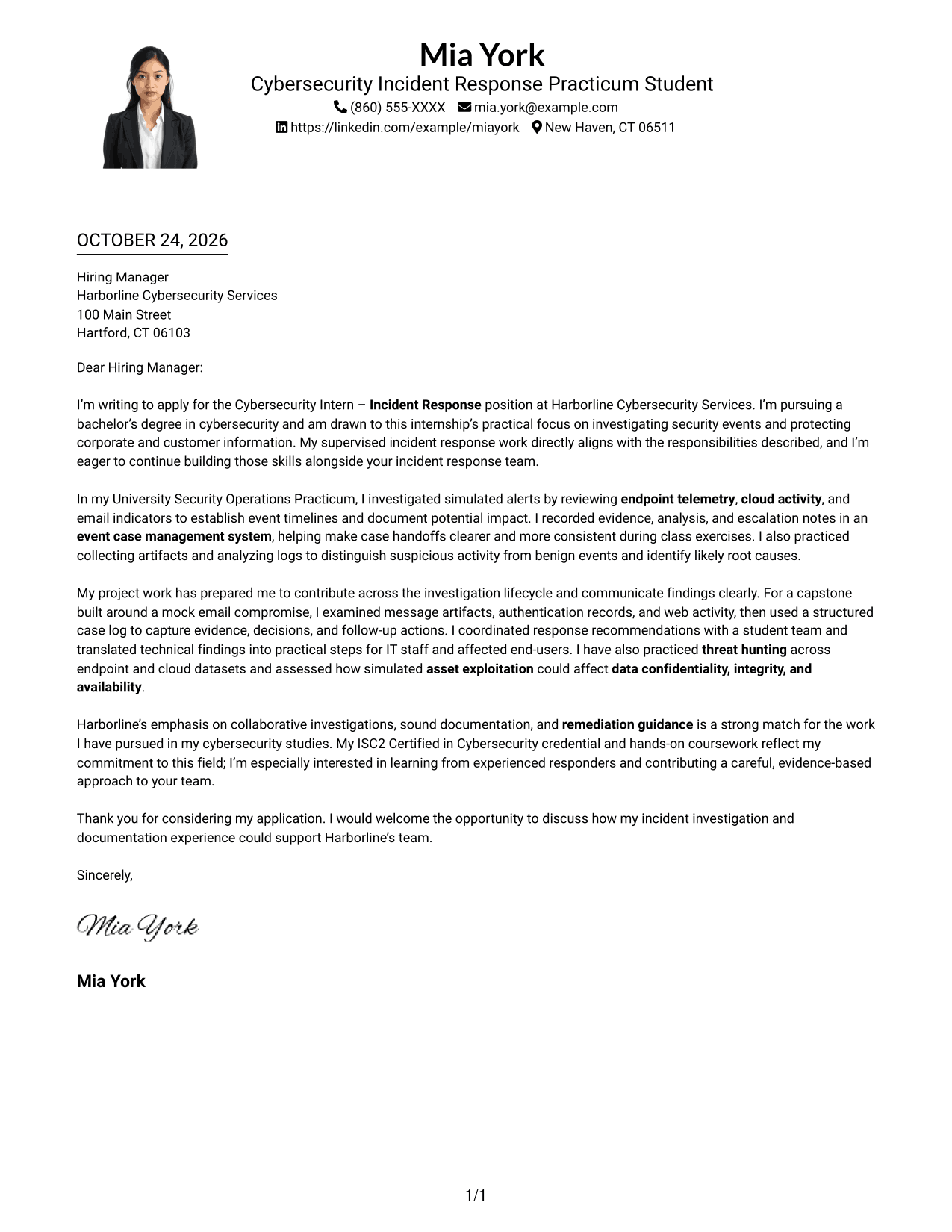
Why This Format Works
- The portrait offers a personal visual element, while the letter remains the central content.
- One column lets reviewers follow motivation, examples, and the closing in order.
- Header-based sender details stay distinct from the continuous letter paragraphs.
Best For
- Portrait-inclusive letters
- Single-column reading
- Header-based sender details
- Continuous letter paragraphs
- Applications requesting a photo
#5 Simple Two Column Format Cover Letter Example
A contact sidebar sits beside one continuous letter body, giving sender information and the written message separate places.
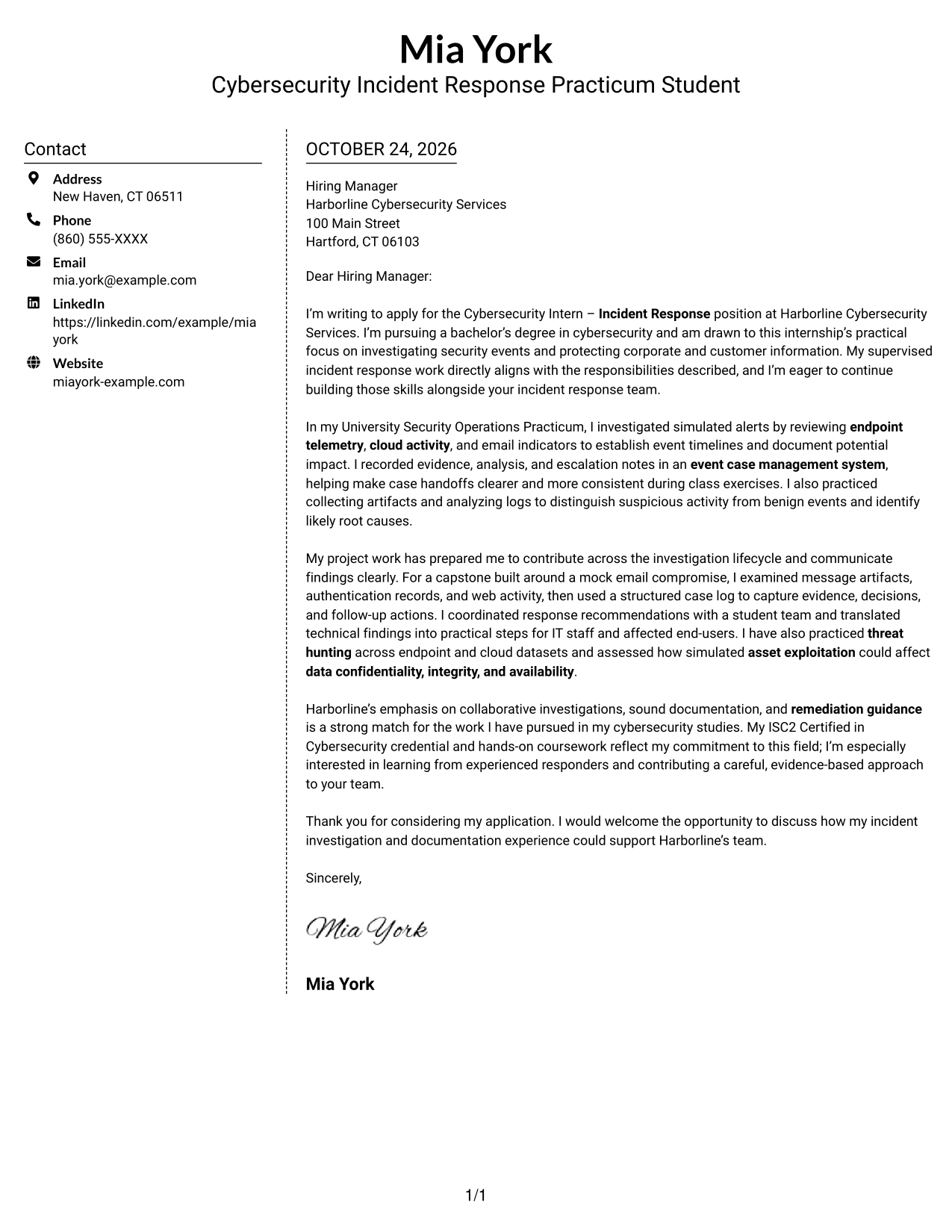
Why This Format Works
- Contact details occupy a separate sidebar beside the uninterrupted letter body.
- Keeping the body in one column supports a clear opening-to-close reading path.
- The absence of a portrait keeps the presentation centered on written communication.
Best For
- Distinct contact and message areas
- Uninterrupted letter text
- One-column body reading
- Photo-free applications
- Written communication as the main focus
#6 Modern Icon Format Cover Letter Example
Icons cue contact details in the sidebar, while the letter remains one continuous body.
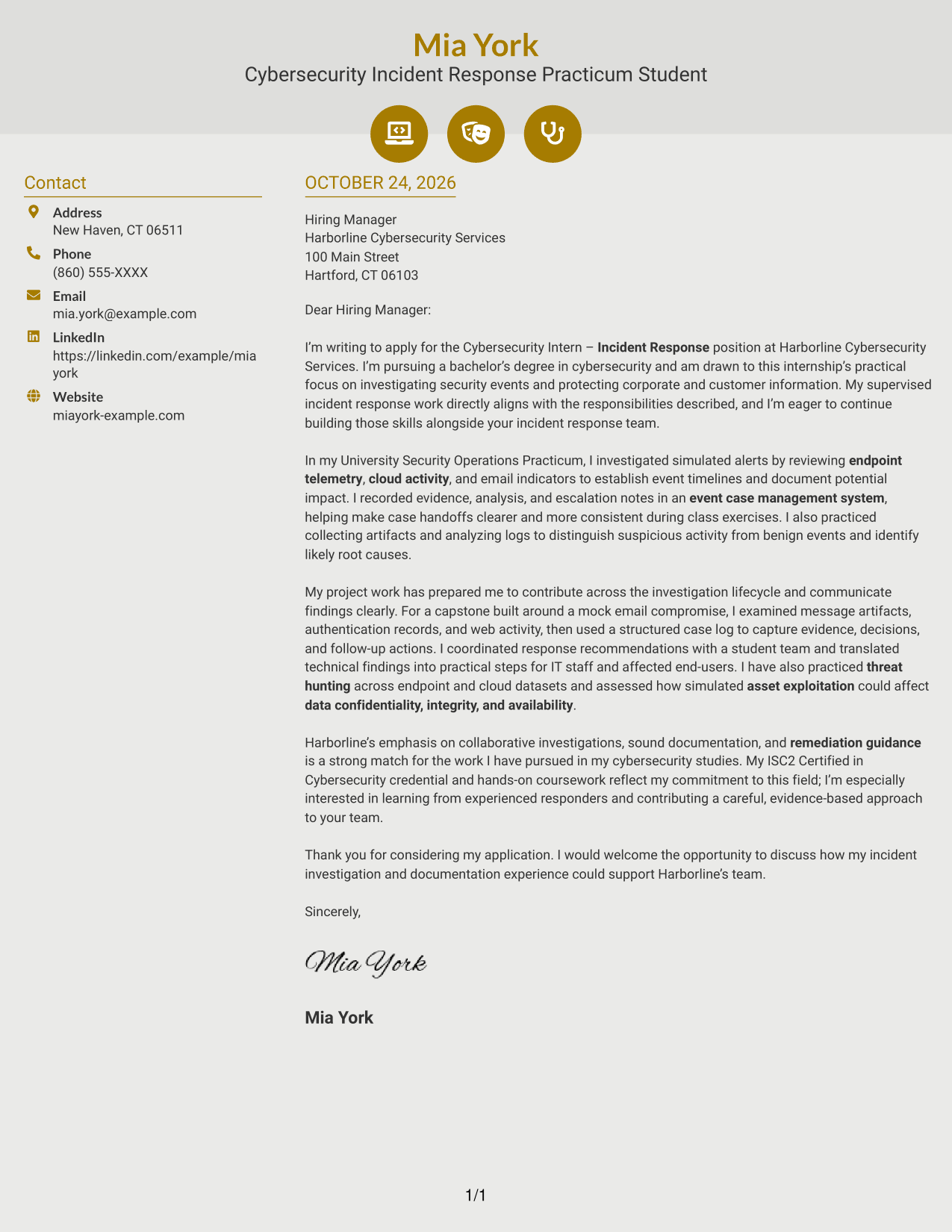
Why This Format Works
- Contact icons help distinguish sender details from the letter's persuasive paragraphs.
- One continuous body keeps motivation, evidence, and closing together without icon labels.
- Decorative header accents add visual interest without labeling argument stages.
Best For
- Icon-cued contact details
- Sidebar and letter separation
- Continuous persuasive paragraphs
- Visual accents in the header
- Photo-free applications
#7 Creative Two Tone Format Cover Letter Example
The contact sidebar sits beside one continuous letter body, so sender information and the message have separate places.
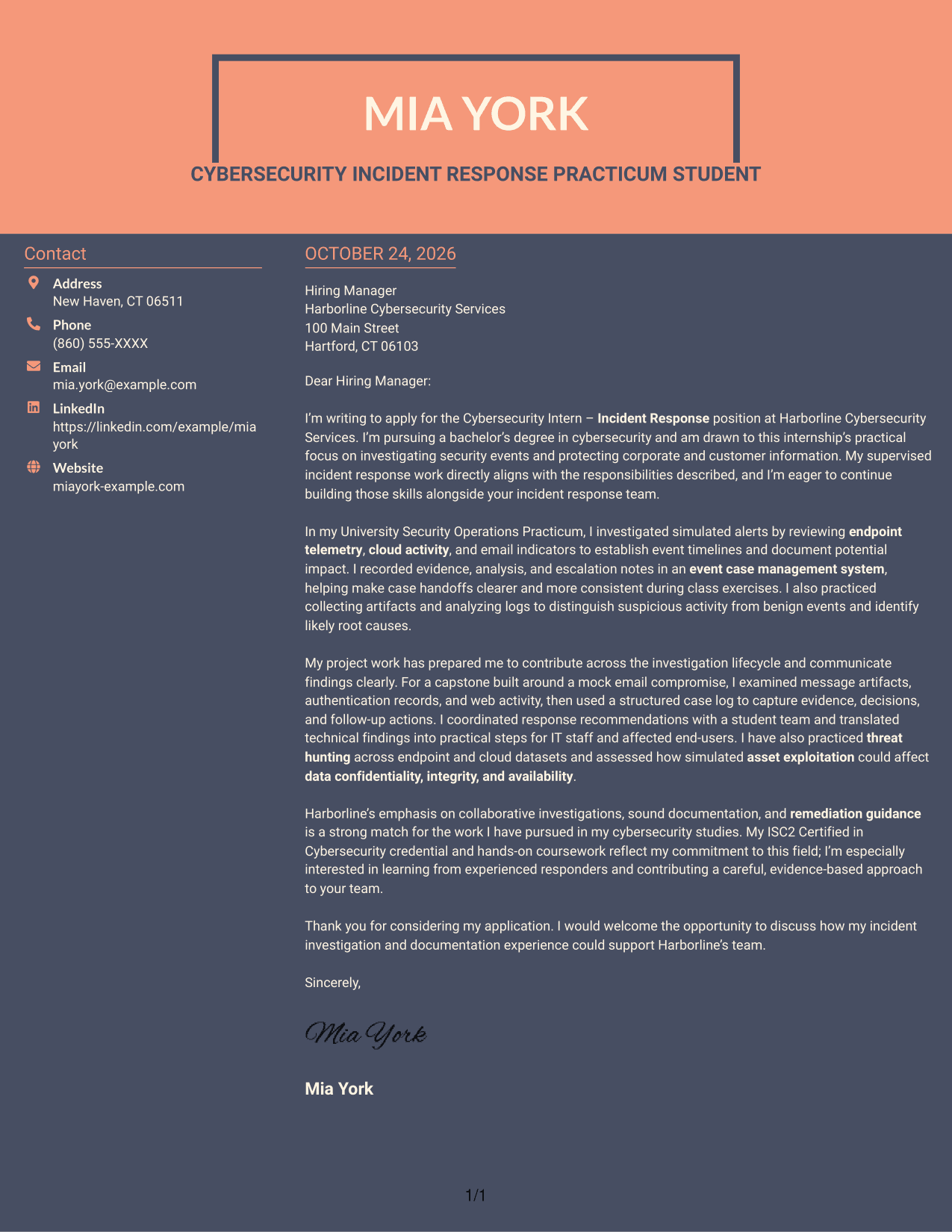
Why This Format Works
- Sender details have their own sidebar beside the single-column letter text.
- Reviewers can read the argument in one continuous sequence from greeting to close.
- Leaving the message free of section headings preserves the tone of a personal letter.
Best For
- Separate sender and letter areas
- Continuous letter reading
- Letters without body headings
- Photo-free submissions
- Applications needing a clear contact area
Why Use ResumeInMinutes for a Cybersecurity Intern - Incident Response Cover Letter
Review the example to see how an opening, specific evidence, employer alignment, and closing can work together. You can open it in the editor to adapt the wording to your background and the role.
- Clear cover letter structure
- Role-focused wording
- Editor customization
- Professional presentation
- Job-specific evidence
- Image previews
Keep your message focused on relevant investigation practice, sound documentation, and clear communication with technical teams and end-users.
See Also
- 7 Cybersecurity Intern - Incident Response Resume Templates with Example
- 33 Cybersecurity Incident Manager Resume Templates with Example 2026 (ATS-Optimized)
- 33 AI-Powered Cybersecurity Product Engineer Resume Templates with Example 2026 (ATS-Optimized)
- 33 Analyst - Cybersecurity Operations Resume Templates with Example 2026 (ATS-Optimized)
- 33 Associate Cybersecurity Engineer Resume Templates with Example 2026 (ATS-Optimized)
- 33 Chief Technology Officer - Cybersecurity Resume Templates with Example 2026 (ATS-Optimized)
- 7 Cyber Systems Engineer Intern - Offensive Cybersecurity and Automation Resume Templates with Example
- 33 Cybersecurity Analyst Intern - Hands-on Security Resume Templates with Example 2026 (ATS-Optimized)
- 30+ Cybersecurity Incident Manager Cover Letter Templates with Example 2026
- 30+ AI-Powered Cybersecurity Product Engineer Cover Letter Templates with Example 2026
Frequently Asked Questions
Are these Cybersecurity Intern - Incident Response cover letter templates easy to read?
Yes. They use clear layouts that help readers follow your interest, role-related evidence, and closing message.
Are these different cover letters?
This guide presents one Cybersecurity Intern - Incident Response cover letter example in different visual styles. Use the previews to compare the layouts and open an example in the editor.
Which cover letter style works well for an incident response internship?
A simple, readable layout can keep attention on your investigation examples and communication skills. Choose a style that fits the employer and the way you want to present your message.
How can I show relevant preparation for this internship?
Describe a specific investigation exercise or class project. Explain what evidence you reviewed, how you recorded your findings, and how you communicated possible next steps.
Should I use a photo on my cover letter?
In the United States, a photo is usually not needed on a cover letter. A no-photo layout keeps the focus on your interest and relevant evidence.




