
7 Cybersecurity Intern - Industrial Controls Cover Letter Templates with Example
This guide helps you shape a Cybersecurity Intern - Industrial Controls cover letter, with seven layouts to compare and a practical example to guide your choices.
What Makes a Great Cybersecurity Intern - Industrial Controls Cover Letter in 2026
A strong letter links your interest in protecting OT and ICS environments to the work of the role. A clear opening, focused body, and direct closing help the reader follow your case.
Use specific evidence, such as lab work analyzing industrial network traffic or research on critical infrastructure, when it reflects your experience. Explain how that evidence connects to the employer’s work in security and resilience.
The featured Cybersecurity Intern - Industrial Controls example moves from motivation to OT and ICS evidence, then to role fit and a clear close. Adapt that progression while choosing a presentation suited to the employer and the communication context.
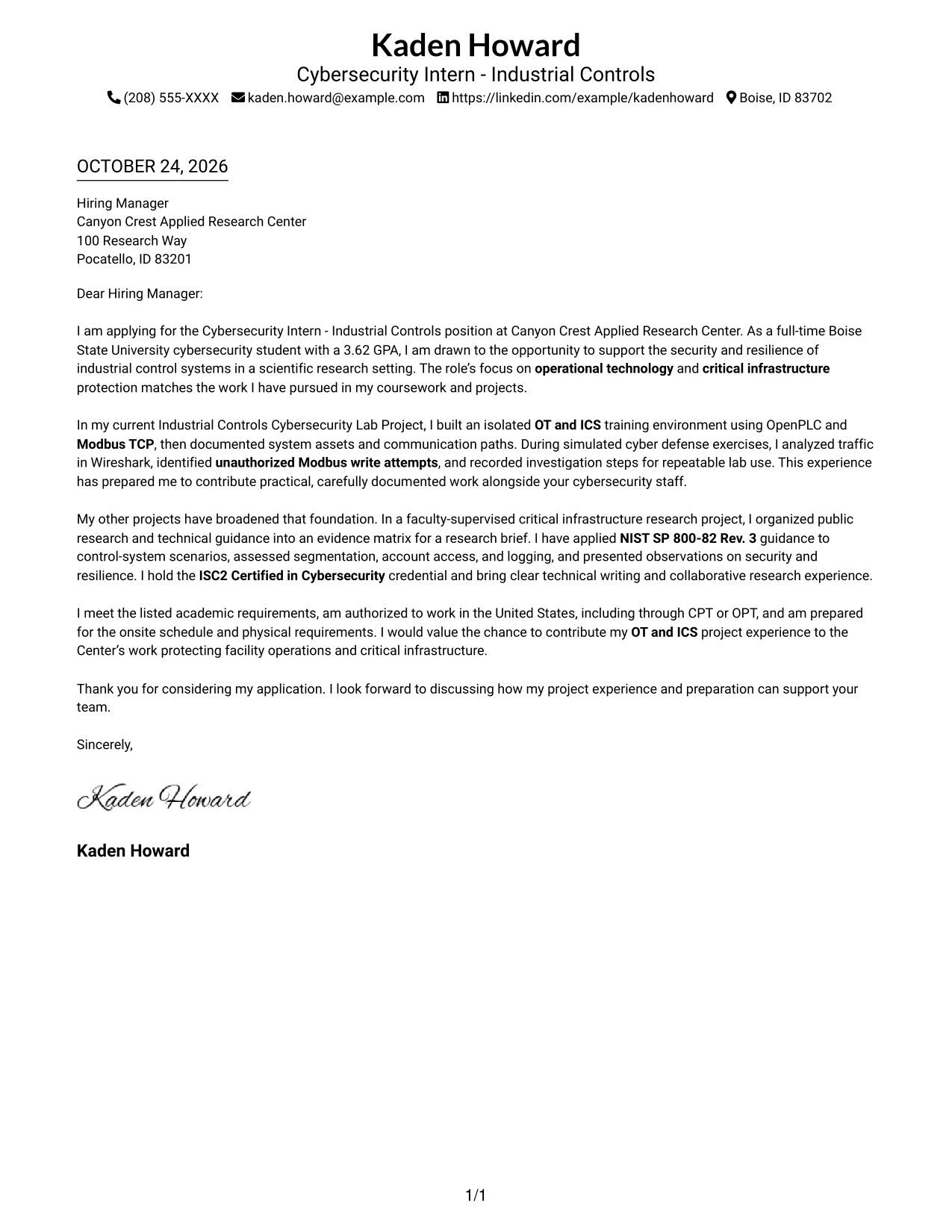
#1 Simple One Column Format Cover Letter Example
The Simple One Column Format keeps the letter body in one column beneath the sender details, a direct choice for readers who want the written message to carry the application.
Why This Format Works
- Opening, evidence, and closing remain together in a single body column.
- Sender details sit in the header, apart from the letter's continuous paragraphs.
- Photo-free pages suit readers who prefer a written, text-led presentation.
Best For
- Single-column letter reading
- Header-based contact details
- Continuous paragraph arguments
- Text-first applications
- Cybersecurity internship applications
#2 Two Column Format Cover Letter Example
The Two Column Format places contact details in a sidebar beside one continuous letter body, keeping contact information distinct while the argument stays intact.
Why This Format Works
- Contact details sit in a sidebar, separate from the letter's continuous argument.
- One body column keeps the opening, evidence, and closing in a natural order.
- No-photo presentation suits readers who want the written message to lead.
Best For
- Sidebar contact information
- Uninterrupted letter paragraphs
- Separate contact and message areas
- Text-led application materials
- Cybersecurity internship applications
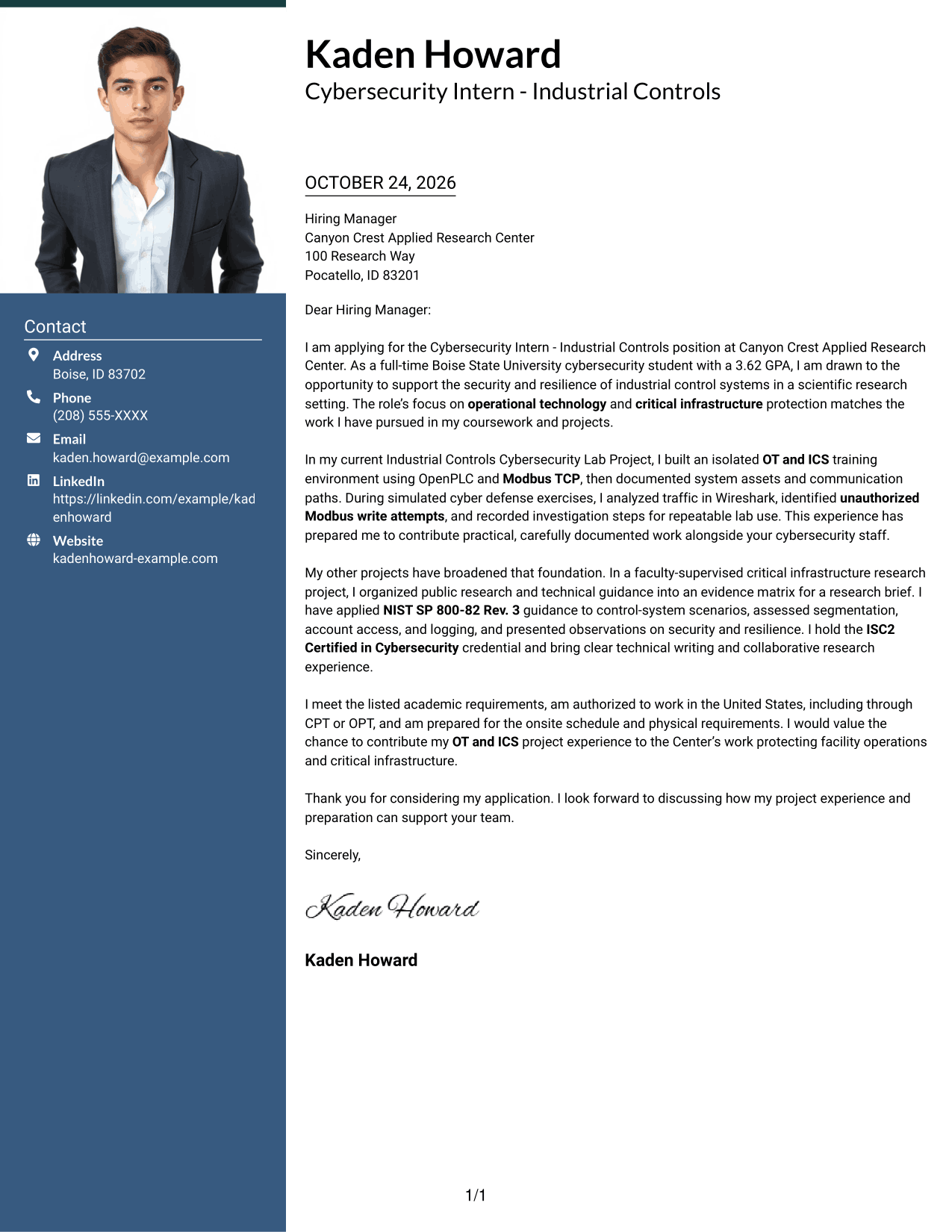
#3 Photo Header Two Column Format Cover Letter Example
The Photo Header Two Column Format combines a photo and contact sidebar with one continuous letter body, a practical choice for applicants who want a portrait alongside their message.
Why This Format Works
- The contact sidebar separates sender details while the body remains a single letter.
- An included photo adds a visual element without dividing the written argument.
- One body column lets the opening and closing stay connected.
Best For
- Portrait-inclusive applications
- Contact details beside the letter
- A continuous written argument
- Photo-supported personal presentation
- Cybersecurity internship applications
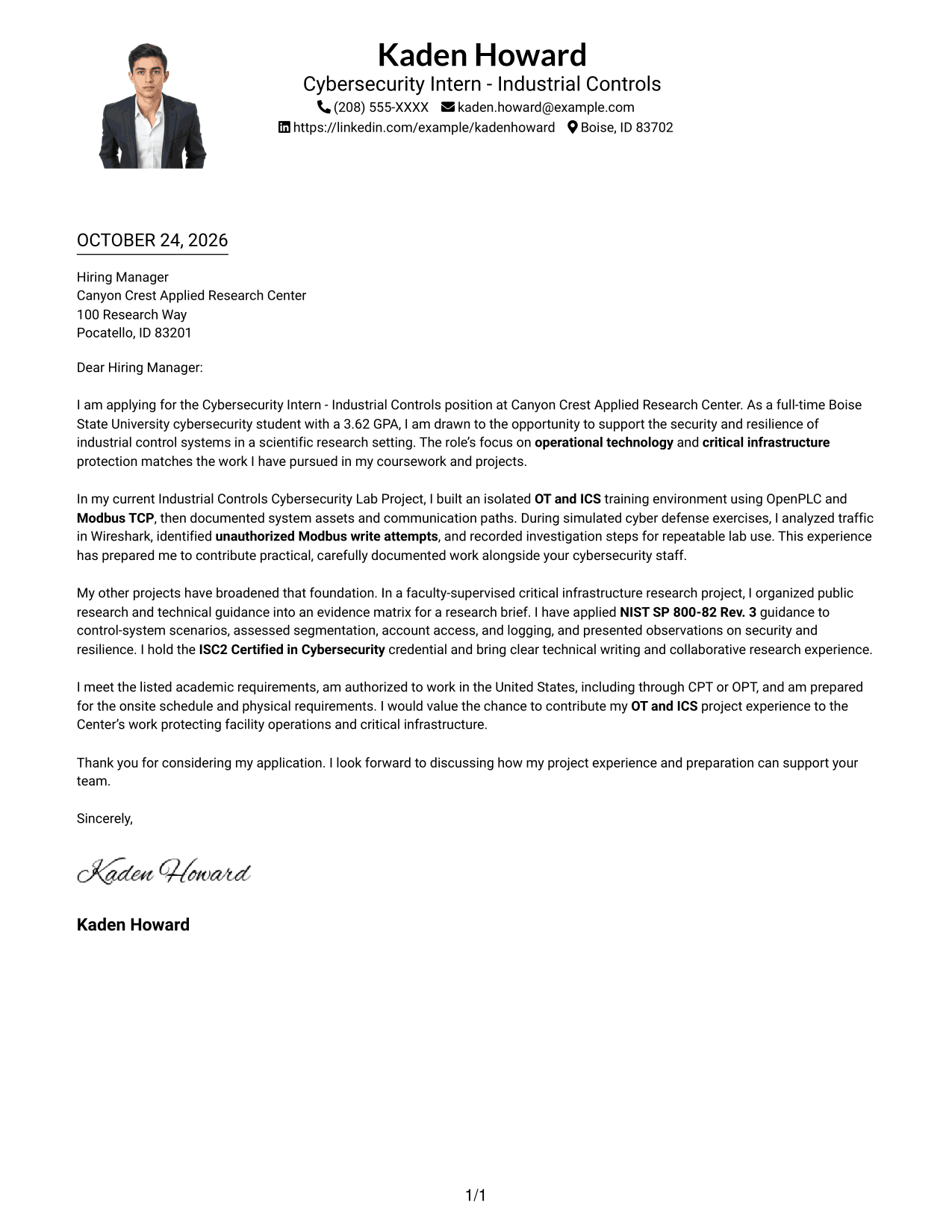
#4 One Column Format with Photo Cover Letter Example
The One Column Format with Photo places the letter in a single body column and includes a photo, suiting readers who want a portrait with a straightforward letter layout.
Why This Format Works
- The letter stays in one body column, so its paragraphs follow a reading order.
- A photo adds a visual element while leaving the letter's argument in continuous paragraphs.
- Sender details remain in the header rather than interrupting the body.
Best For
- Single-column letter flow
- Portrait-inclusive presentation
- Header-based sender details
- Continuous letter paragraphs
- Cybersecurity internship applications
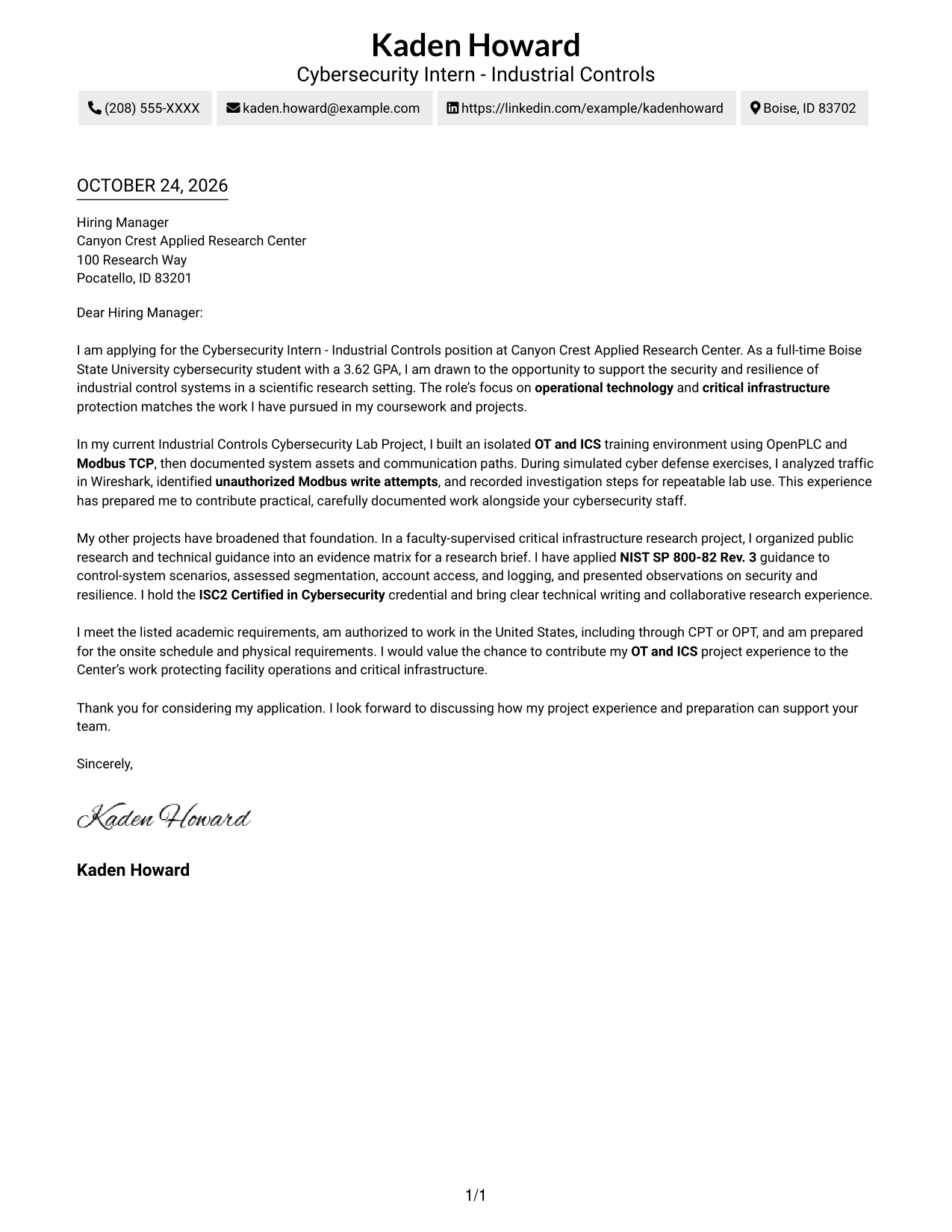
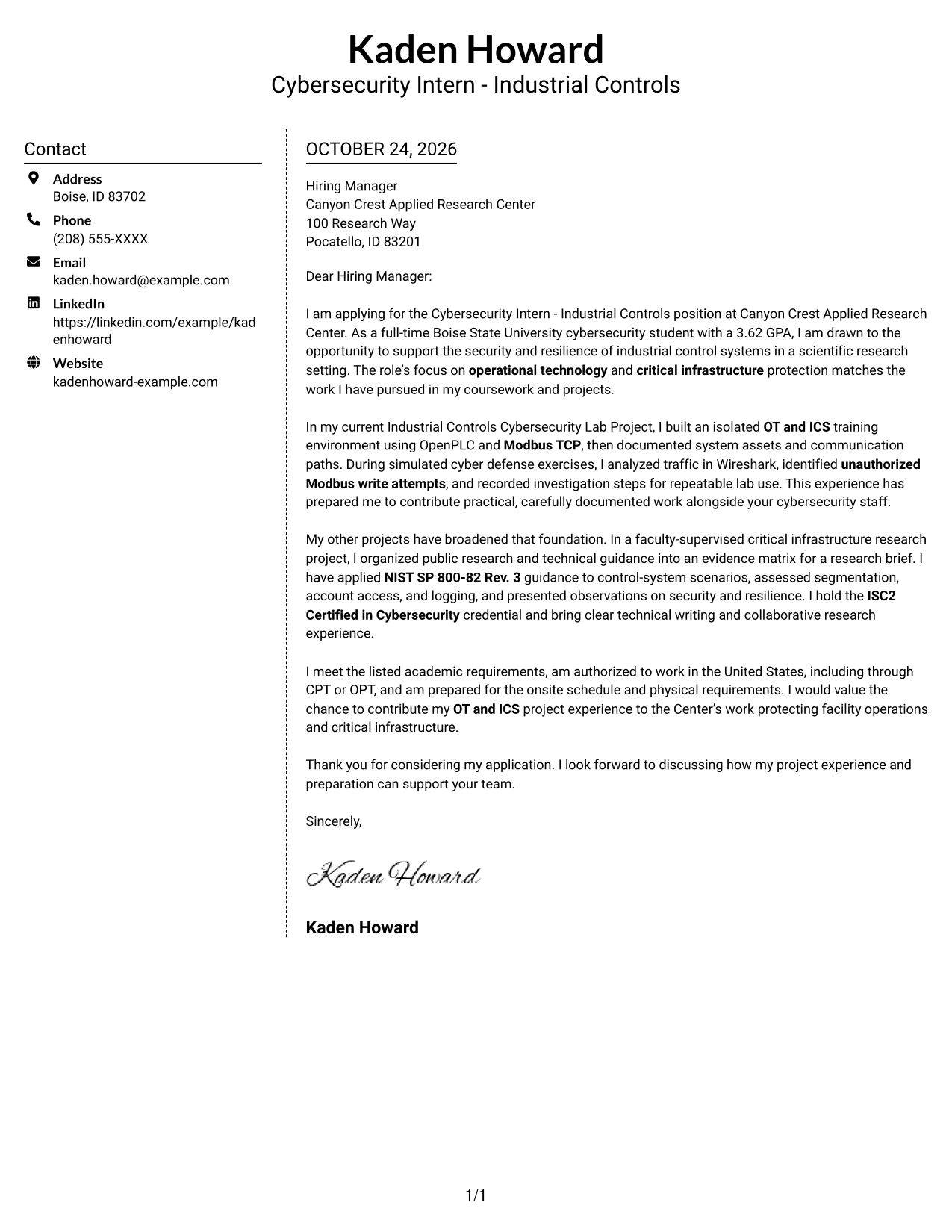
#5 Simple Two Column Format Cover Letter Example
The Simple Two Column Format gives contact information a sidebar beside the continuous letter body, a useful option when readers need a clear separation between sender details and message.
Why This Format Works
- The contact sidebar gives sender information its own place beside the letter.
- The body remains one connected sequence, so paragraphs are not split into parallel columns.
- A photo-free layout suits applications centered on written communication.
Best For
- Contact details in a sidebar
- One-column letter paragraphs
- Distinct sender and message areas
- Written application materials
- Research internship applications
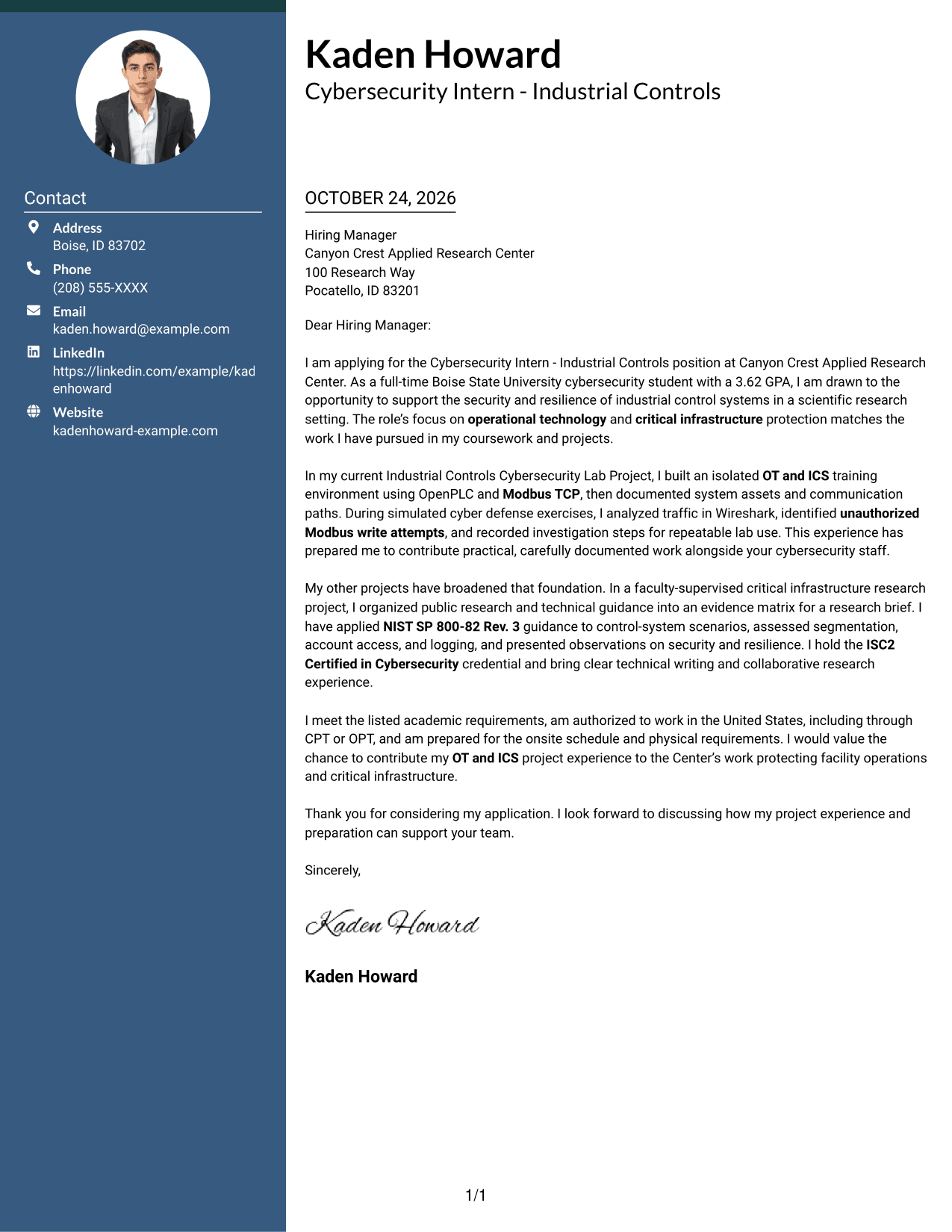
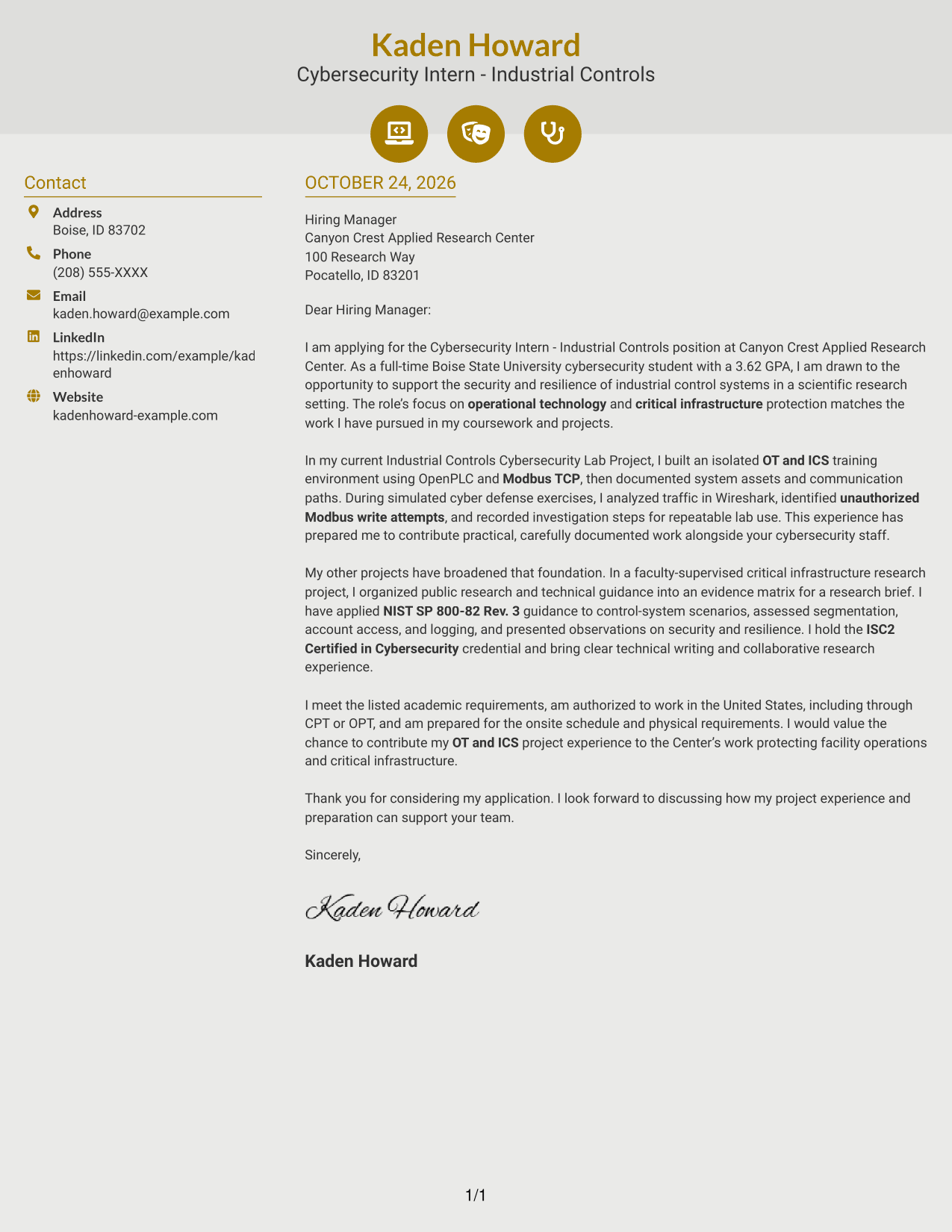
#6 Modern Icon Format Cover Letter Example
The Modern Icon Format uses contact icons with a sidebar beside one continuous letter body, helping readers distinguish contact cues from the message itself.
Why This Format Works
- Contact icons distinguish ways to reach the sender from the letter text.
- An adjacent sidebar keeps contact information outside the letter's continuous body.
- The argument remains in one column, with opening and closing paragraphs connected.
Best For
- Icon-cued contact details
- A connected letter argument
- Sidebar-based contact presentation
- Text-focused application materials
- Cybersecurity internship applications
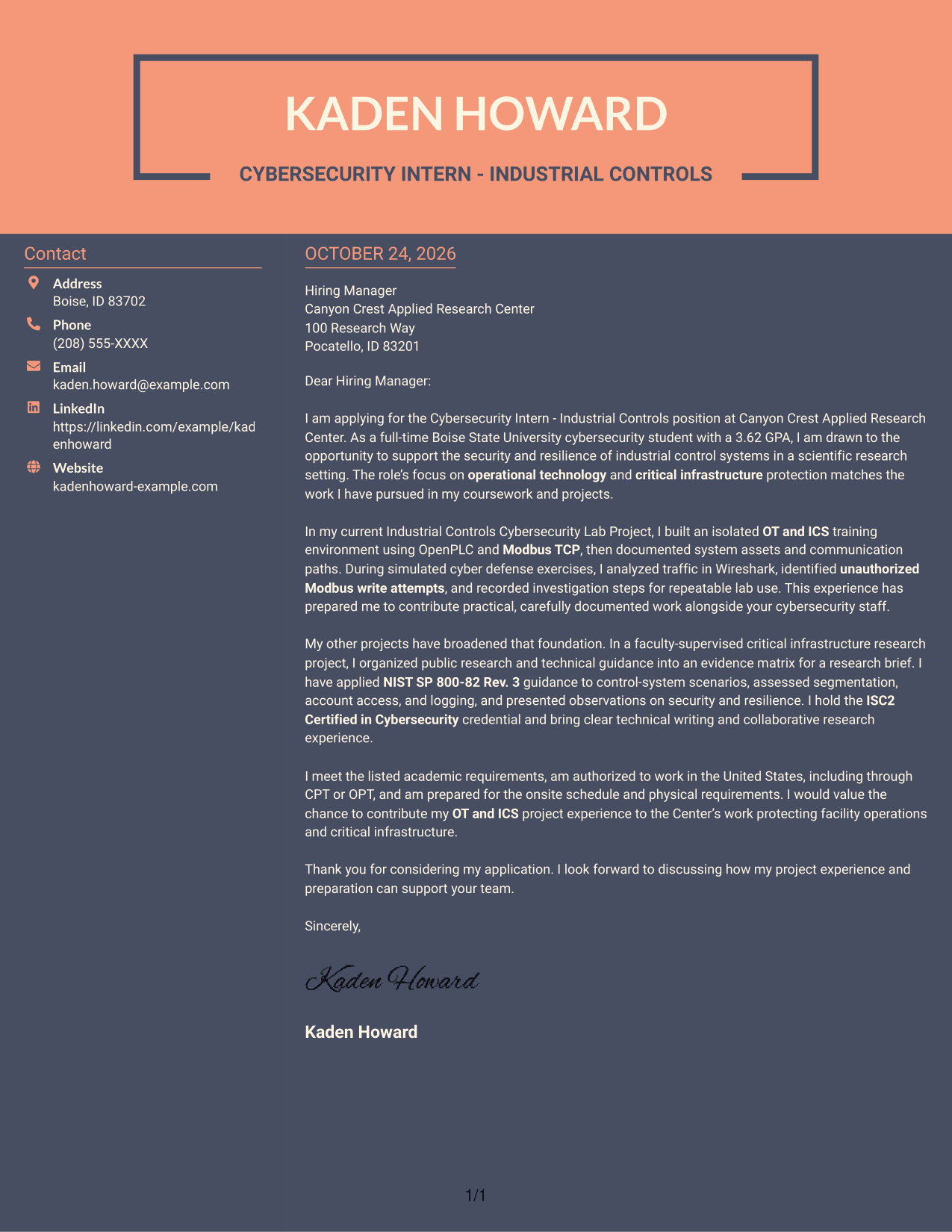
#7 Creative Two Tone Format Cover Letter Example
The Creative Two Tone Format pairs a contact sidebar with one continuous letter body, giving sender information a distinct place without dividing the application message.
Why This Format Works
- The sidebar places contact details alongside the letter without interrupting its paragraphs.
- Opening, supporting evidence, and closing stay in one continuous body column.
- The photo-free presentation keeps attention on the written message.
Best For
- Sidebar-separated sender details
- Continuous letter body
- Unbroken paragraph sequence
- Applications led by written communication
- Industrial controls internship applications
Why Use ResumeInMinutes for a Cybersecurity Intern - Industrial Controls Cover Letter
Compare the PNG preview with the example in the editor, then use the provided actions to view or customize a letter. A clear layout can help keep your role interest and supporting evidence easy to follow.
- Multiple writing styles
- Clear, readable layouts
- Job-focused letter guidance
- Opening, body, and closing structure
- Professional cover letter templates
- Preview images and editor access
For this role, make your motivation specific and connect relevant OT and ICS work to the Center’s scientific research and critical infrastructure focus. Keep each point direct and support it with evidence you can explain.
See Also
- 7 Cybersecurity Intern - Industrial Controls Resume Templates with Example
- 33 Product Manager - Industrial Cybersecurity Resume Templates with Example 2026 (ATS-Optimized)
- 33 AI-Powered Cybersecurity Product Engineer Resume Templates with Example 2026 (ATS-Optimized)
- 33 Analyst - Cybersecurity Operations Resume Templates with Example 2026 (ATS-Optimized)
- 33 Associate Cybersecurity Engineer Resume Templates with Example 2026 (ATS-Optimized)
- 33 Chief Technology Officer - Cybersecurity Resume Templates with Example 2026 (ATS-Optimized)
- 7 Cyber Systems Engineer Intern - Offensive Cybersecurity and Automation Resume Templates with Example
- 33 Cybersecurity Analyst Intern - Hands-on Security Resume Templates with Example 2026 (ATS-Optimized)
- 30+ Product Manager - Industrial Cybersecurity Cover Letter Templates with Example 2026
- 30+ AI-Powered Cybersecurity Product Engineer Cover Letter Templates with Example 2026
Frequently Asked Questions
Are these Cybersecurity Intern - Industrial Controls cover letter templates easy to read?
The examples use distinct visual styles. Choose a layout with clear text and enough space for a focused opening, relevant OT and ICS evidence, and a concise closing.
Does the guide show different letters or different designs?
It presents one Cybersecurity Intern - Industrial Controls cover letter example in several visual layouts. Compare the PNG previews and open an example in the editor to view or customize it.
What should the opening paragraph say for this role?
State your interest in the Cybersecurity Intern - Industrial Controls position and explain why protecting OT and ICS environments matters to you. Connect that interest to the employer’s work in industrial security, resilience, or critical infrastructure.
What experience can support an industrial controls cybersecurity cover letter?
Use relevant evidence from coursework, lab activities, or research. For example, the featured letter describes an OT and ICS training environment, Wireshark traffic analysis, and research on critical infrastructure. Include only work that reflects your own background.
How can I show that I understand the employer’s work?
Refer to the role’s focus on scientific research and the security and resilience of industrial control systems. Then explain how a specific part of your own experience relates to that work, without making claims you cannot support.




