
7 Cybersecurity Intern - Policy & Strategy Cover Letter Templates with Example
This practical guide helps you shape a Cybersecurity Intern - Policy & Strategy cover letter, with seven layouts to compare and guidance for presenting your role fit clearly.
What Makes a Great Cybersecurity Intern - Policy & Strategy Cover Letter in 2026
A strong letter connects your interest in cybersecurity policy and strategy to the work of assessing risks and protecting customer data. Its opening should make your interest clear, while the body explains how your experience fits the role.
Use specific evidence, such as risk analysis, policy research, or security procedures you have worked on. Show how that evidence relates to practical safeguards and data security requirements.
The featured Cybersecurity Intern - Policy & Strategy example follows a focused progression from role interest to relevant evidence and a clear close. Adapt that flow while choosing a presentation that suits the employer and the communication context.
#1 Simple One Column Format Cover Letter Example
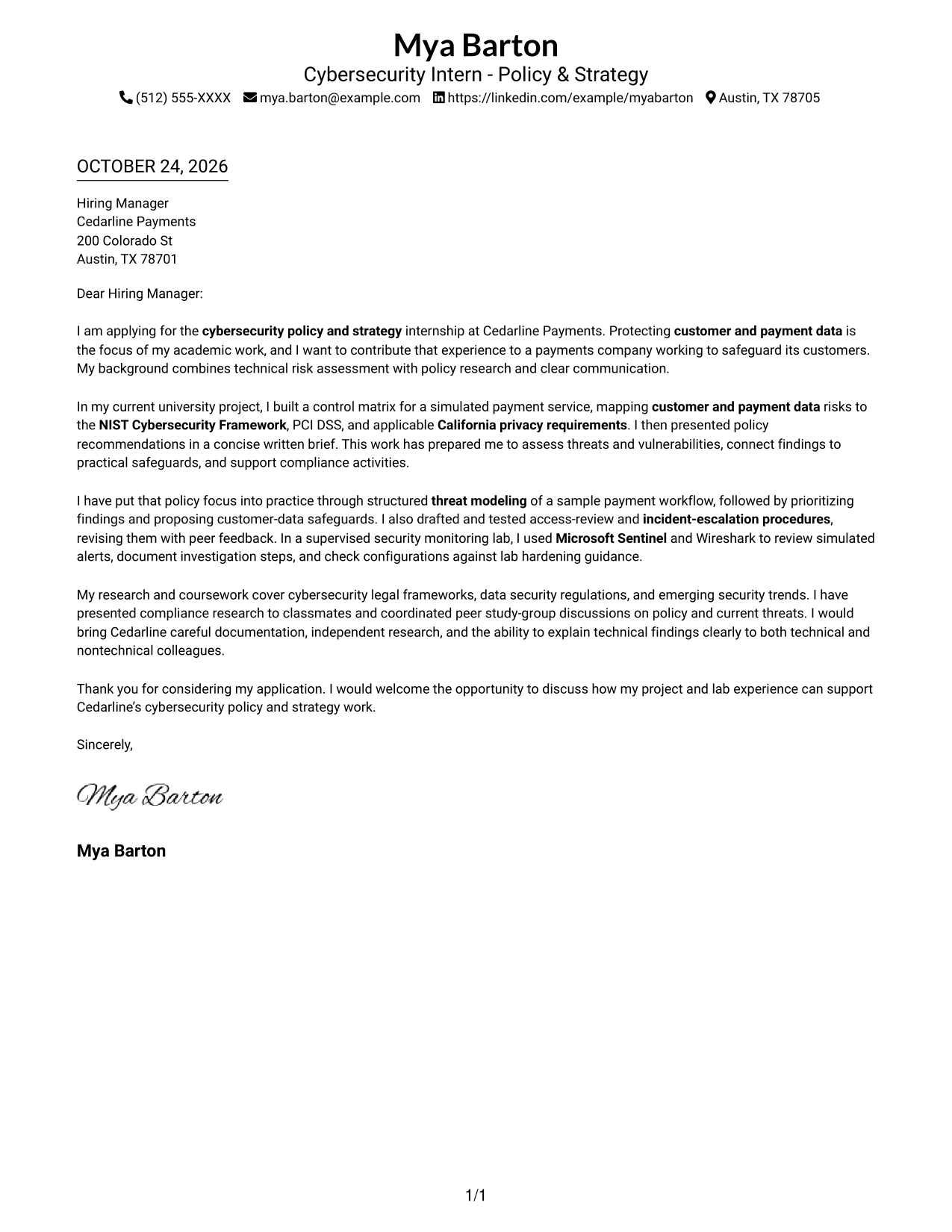
The Simple One Column Format keeps sender details in the header and the letter in one uninterrupted body, giving the application a direct reading path.
Why This Format Works
- Header contact details stay apart from the message without adding a sidebar.
- One body column lets motivation, evidence, and the closing follow in order.
- The photo-free page suits readers who want the written application to lead.
Best For
- Single-column reading order
- Header contact details
- Uninterrupted letter paragraphs
- Written motivation at the forefront
- Photo-free application style
#2 Two Column Format Cover Letter Example
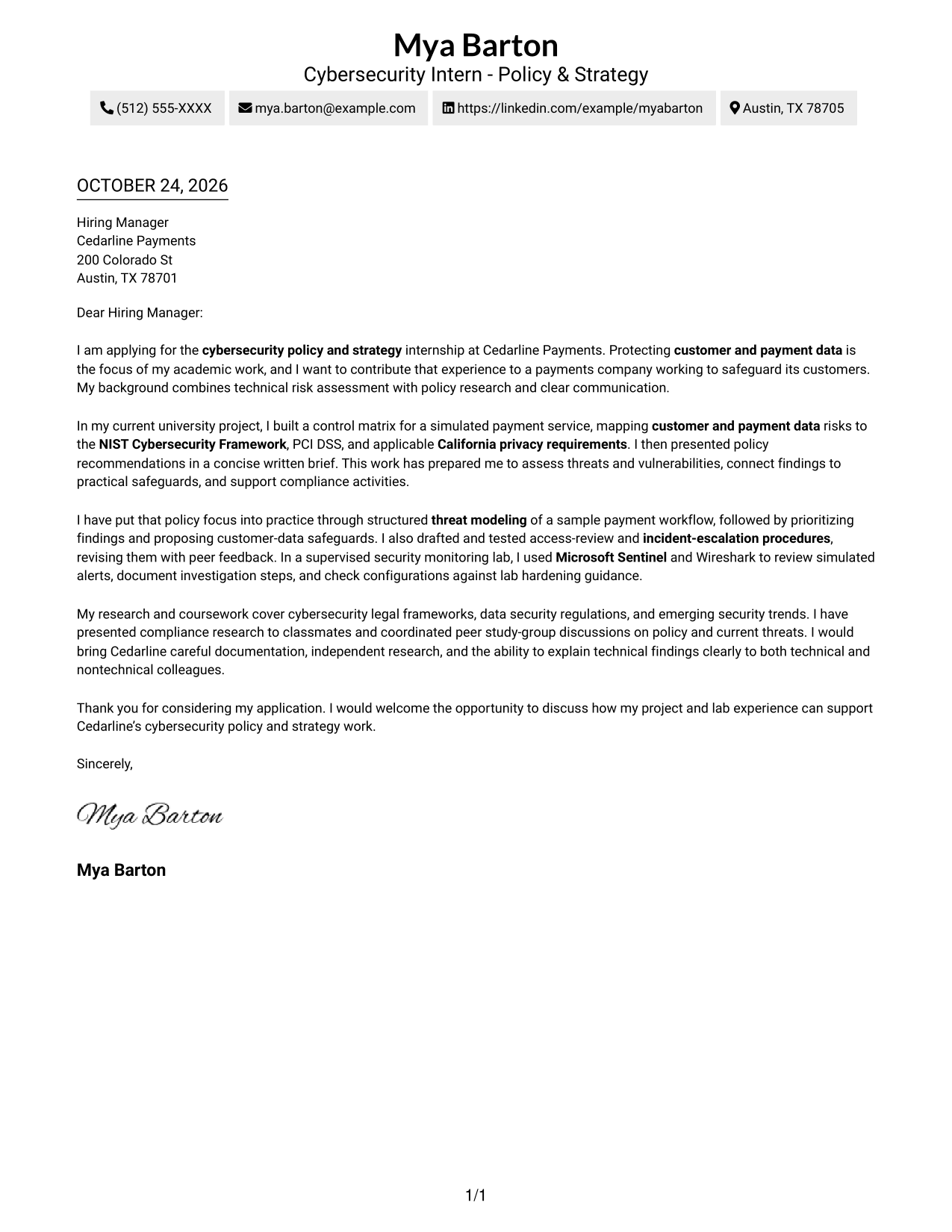
The Two Column Format places contact details in a sidebar beside one continuous letter body, separating contact information from the message.
Why This Format Works
- Sidebar contact details remain easy to locate without breaking the letter's paragraphs.
- One uninterrupted body preserves the sequence from motivation through evidence to closing.
- A photo-free presentation keeps attention on the written message and contact details.
Best For
- Sidebar contact access
- Continuous letter body
- Written motivation at the forefront
- Photo-free application materials
- Multi-paragraph case for fit
#3 Photo Header Two Column Format Cover Letter Example
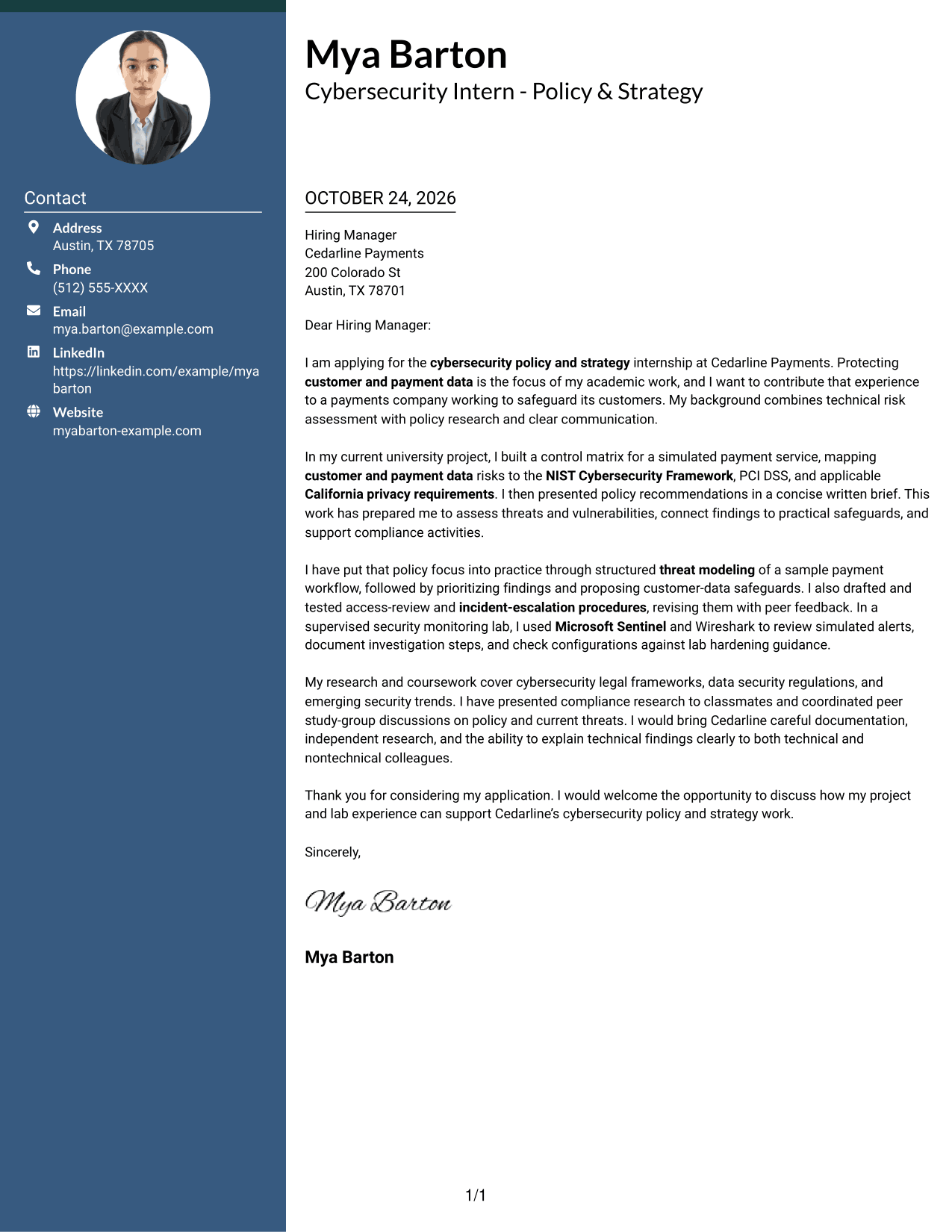
The Photo Header Two Column Format pairs a photo header and contact sidebar with one continuous letter body, giving the page a personal visual element while keeping the message together.
Why This Format Works
- Sidebar contact information stays separate from the photo and the letter's paragraphs.
- The continuous body lets the opening, supporting evidence, and close read in order.
- A photo in the header gives the page a visible personal element.
Best For
- Contact details beside the message
- Visible photo presentation
- Continuous letter paragraphs
- Several supporting points
- Photo-inclusive application materials
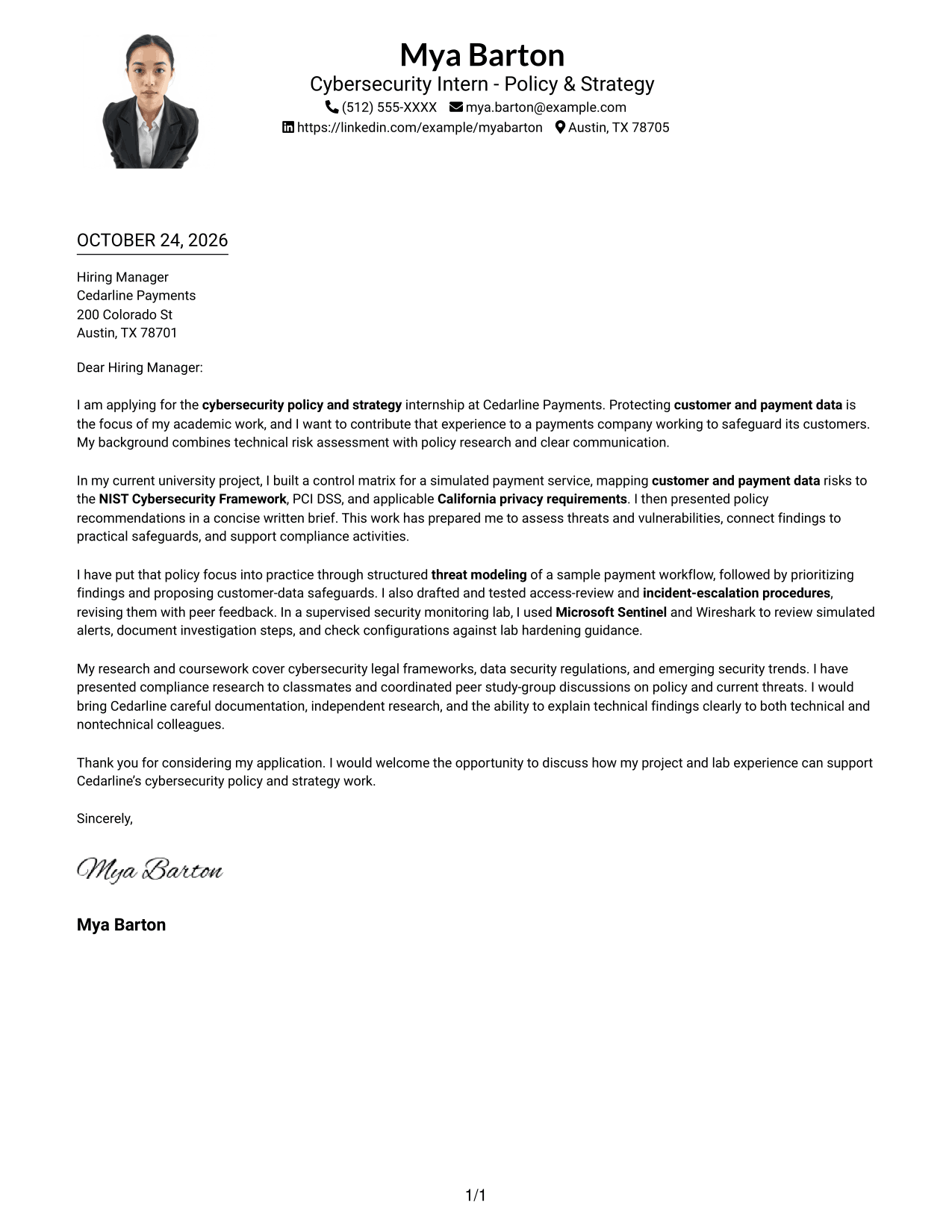
#4 One Column Format with Photo Cover Letter Example
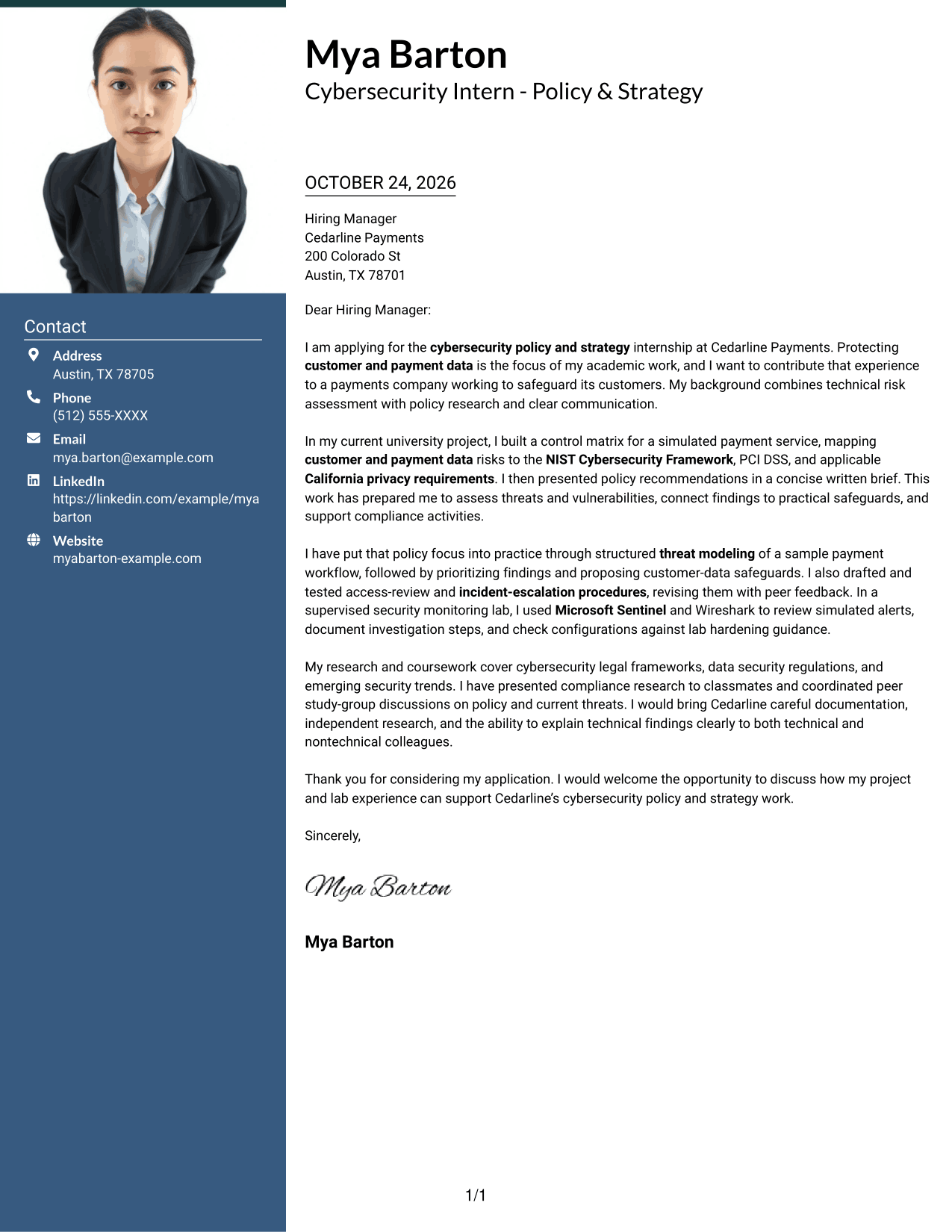
The One Column Format with Photo pairs a photo with one continuous letter body, offering a personal visual element while keeping the message on one reading path.
Why This Format Works
- Sender details stay in the header, apart from the letter's main message.
- One body column keeps each paragraph in a familiar top-to-bottom order.
- The photo adds a personal visual choice without creating another text area.
Best For
- One-column body reading
- Photo-inclusive applications
- Contact details in the header
- Letters with multiple evidence paragraphs
- Personal visual presentation
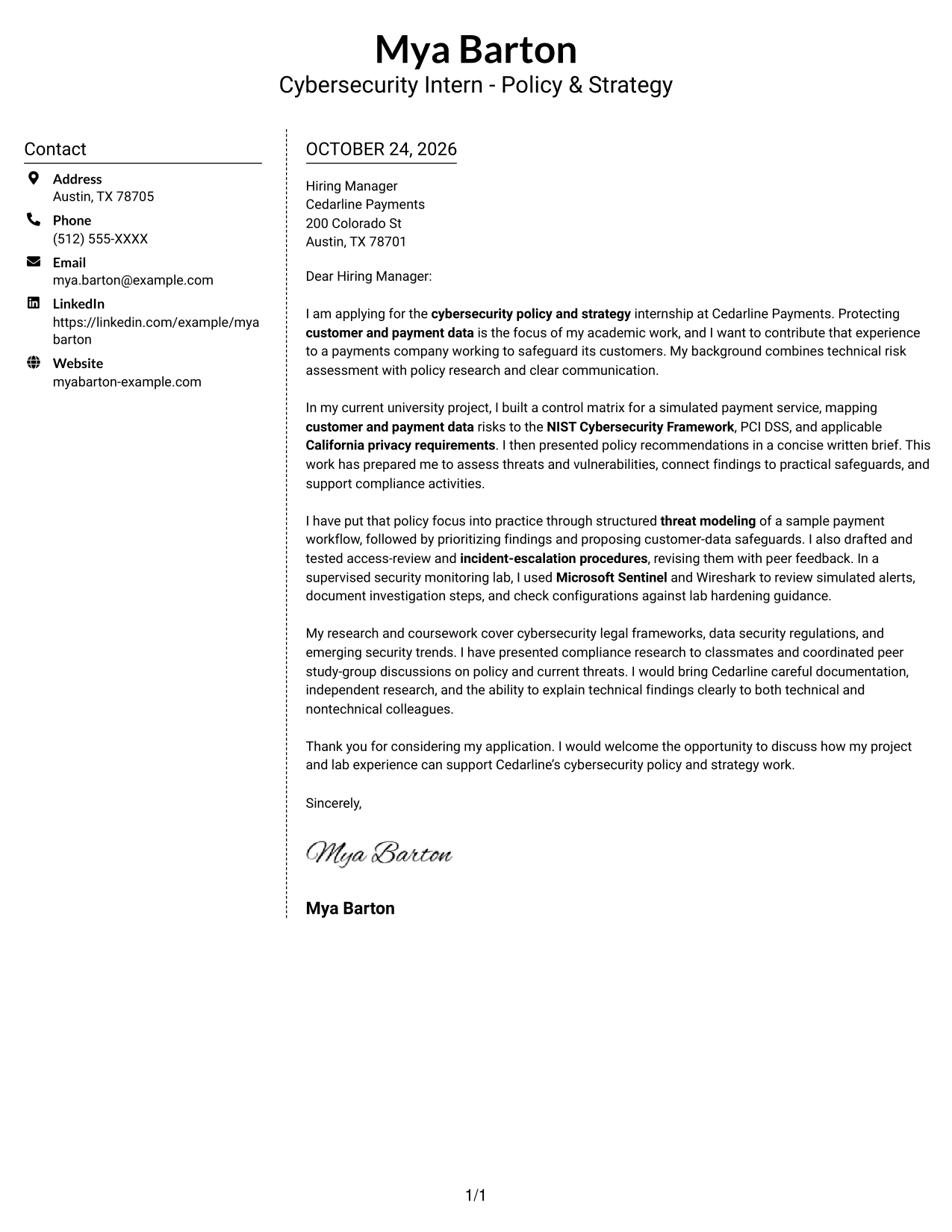
#5 Simple Two Column Format Cover Letter Example
The Simple Two Column Format places a contact sidebar beside one continuous letter body, keeping sender information distinct from the persuasive message.
Why This Format Works
- Contact details have a sidebar, leaving the letter body to carry the argument.
- Opening, evidence, and closing remain together in one continuous text area.
- The photo-free treatment keeps the focus on the written message.
Best For
- Contact details beside the message
- Continuous persuasive paragraphs
- Letters with a direct opening
- Photo-free presentation
- Multi-paragraph explanations of fit
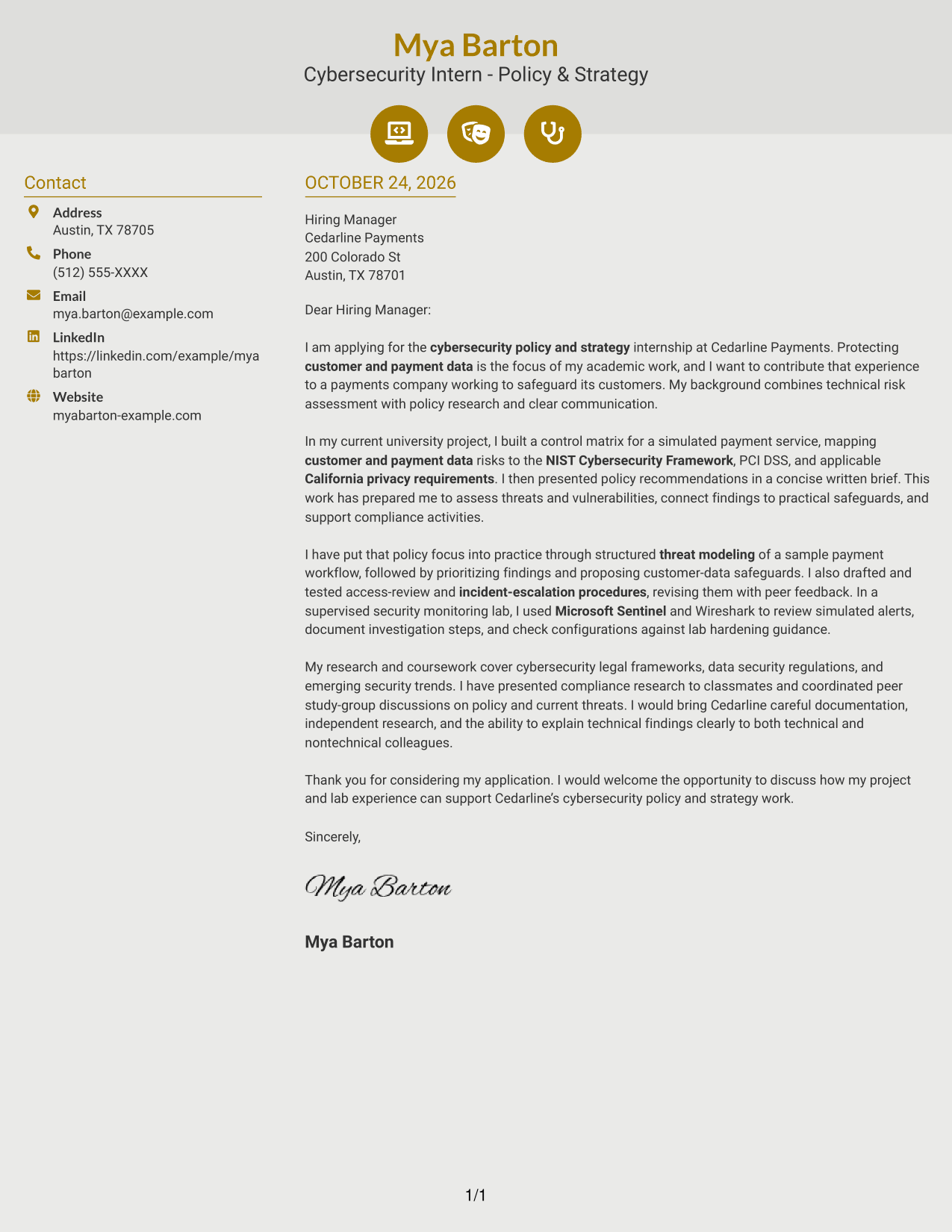
#6 Modern Icon Format Cover Letter Example
The Modern Icon Format uses two columns for contact details and one continuous letter body, with icons reserved for contact cues or decorative header accents.
Why This Format Works
- Contact icons provide visual cues for sender details, not argument sections.
- Sidebar details sit beside, rather than within, the continuous letter body.
- The body preserves a clear sequence from the opening through the close.
Best For
- Icon-supported contact details
- Contact sidebar access
- Continuous letter paragraphs
- Clear opening-to-close sequence
- Applications with decorative header accents
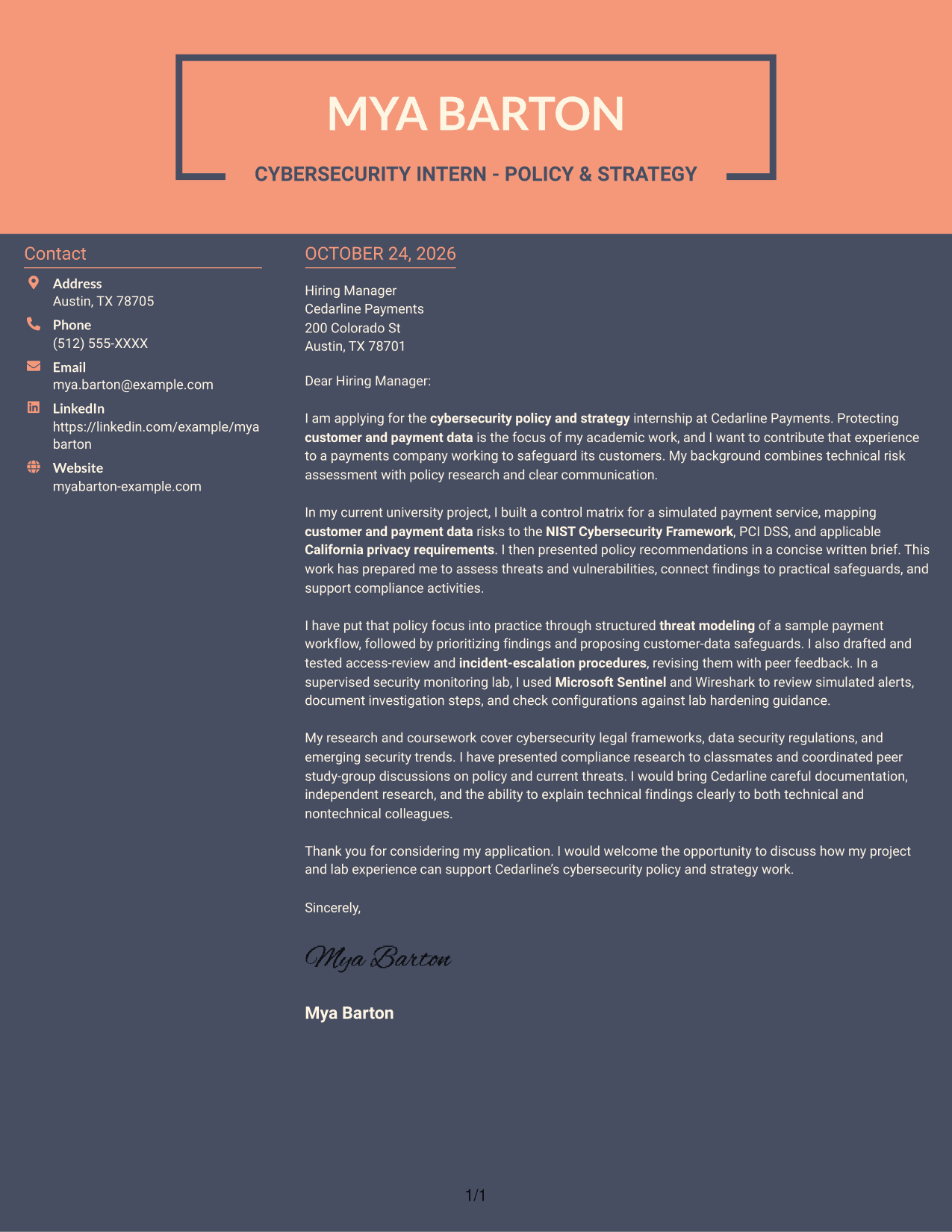
#7 Creative Two Tone Format Cover Letter Example
The Creative Two Tone Format places a contact sidebar beside one continuous letter body, keeping sender details distinct from the persuasive message.
Why This Format Works
- Contact details stay in their own sidebar beside the continuous message.
- One body keeps motivation, evidence, and closing paragraphs in a single sequence.
- The photo-free layout suits applications that prioritize written communication.
Best For
- Sidebar contact information
- Uninterrupted persuasive body
- Letters with several supporting points
- Photo-free application style
- Written communication as the main focus
Why Use ResumeInMinutes for a Cybersecurity Intern - Policy & Strategy Cover Letter
Review the image previews to compare cover letter presentations, then open an example in the editor to customize it for the Cybersecurity Intern - Policy & Strategy role.
- Clear letter structure
- Role-focused opening
- Evidence-led body paragraphs
- Direct closing paragraph
- Readable presentation styles
- Image previews and editor links
Use your opening to explain your interest in policy and strategy, then connect relevant risk, compliance, and security work to the employer’s needs. Close by stating how you would welcome a discussion about your fit.
See Also
- 7 Cybersecurity Intern - Policy & Strategy Resume Templates with Example
- 33 AI-Powered Cybersecurity Product Engineer Resume Templates with Example 2026 (ATS-Optimized)
- 33 Analyst - Cybersecurity Operations Resume Templates with Example 2026 (ATS-Optimized)
- 33 Associate Cybersecurity Engineer Resume Templates with Example 2026 (ATS-Optimized)
- 33 Chief Technology Officer - Cybersecurity Resume Templates with Example 2026 (ATS-Optimized)
- 7 Cyber Systems Engineer Intern - Offensive Cybersecurity and Automation Resume Templates with Example
- 33 Cybersecurity Analyst Intern - Hands-on Security Resume Templates with Example 2026 (ATS-Optimized)
- 33 Cybersecurity Analyst Resume Templates with Example 2026 (ATS-Optimized)
- 30+ AI-Powered Cybersecurity Product Engineer Cover Letter Templates with Example 2026
- 30+ Analyst - Cybersecurity Operations Cover Letter Templates with Example 2026
Frequently Asked Questions
What should a Cybersecurity Intern - Policy & Strategy cover letter emphasize?
Show why the role interests you and connect your evidence to policy research, risk assessment, data safeguards, compliance, or security procedures. Keep each point clear and relevant to the employer.
Does this guide show separate cover letters or styles of one example?
The guide presents one cover letter example in different visual styles. The example follows a focused progression from motivation to supporting evidence and a clear close.
What evidence can strengthen the body of this cover letter?
Relevant examples include a control matrix for a simulated payment service, structured threat modeling, policy recommendations, access-review procedures, and security monitoring work. Explain what you did and how it connects to safeguards or compliance.
How should I choose a cover letter style for this role?
Choose a clean, readable style that makes your letter easy to follow. Consider the employer’s usual communication style and the setting in which the letter will be reviewed.
Can I compare the previews and customize an example in the editor?
Yes. Review the image previews to compare the layouts, then use the View in Editor link to open an example and customize it.




