
33 Cybersecurity Intern Resume Templates with Example
This guide shows you how to build a clear, focused Cybersecurity Intern resume for security operations and related internship work. You will learn how to present your evidence so the resume is easy for both ATS software and people to review.
The examples explain how to organize education, projects, technical skills, certifications, and practical security work. They also show how to describe investigations, documentation, collaboration, and measurable results with concise resume bullets.
The resume example is presented in 33 layouts, with format notes to help you compare ATS-friendly designs. Use the guidance to select a professional structure and adapt the content to the exact Cybersecurity Intern opportunity.
What Makes a Great Cybersecurity Intern Resume in 2026
An effective resume is clear, evidence-based, and easy to scan. It connects cybersecurity coursework, lab work, projects, and technical communication to useful security outcomes.
Use accurate keywords such as SIEM alert triage, Splunk, log analysis, vulnerability management, incident response, Wireshark, OpenVAS, Microsoft Azure, Python, Linux, Windows, and identity and access when they match your evidence.
The examples shown below are intentionally detailed to demonstrate a range of experiences, skills, accomplishments and relevant keywords. We prefer detailed resumes as they provide more context to the hiring managers and also help the ATS systems identify relevant qualifications and score your resume better for a match. But the length of a resume is an individual choice. If you want a one page resume, just keep the most relevant experience and information for the job.
#1 Simple One Column Format Resume Example
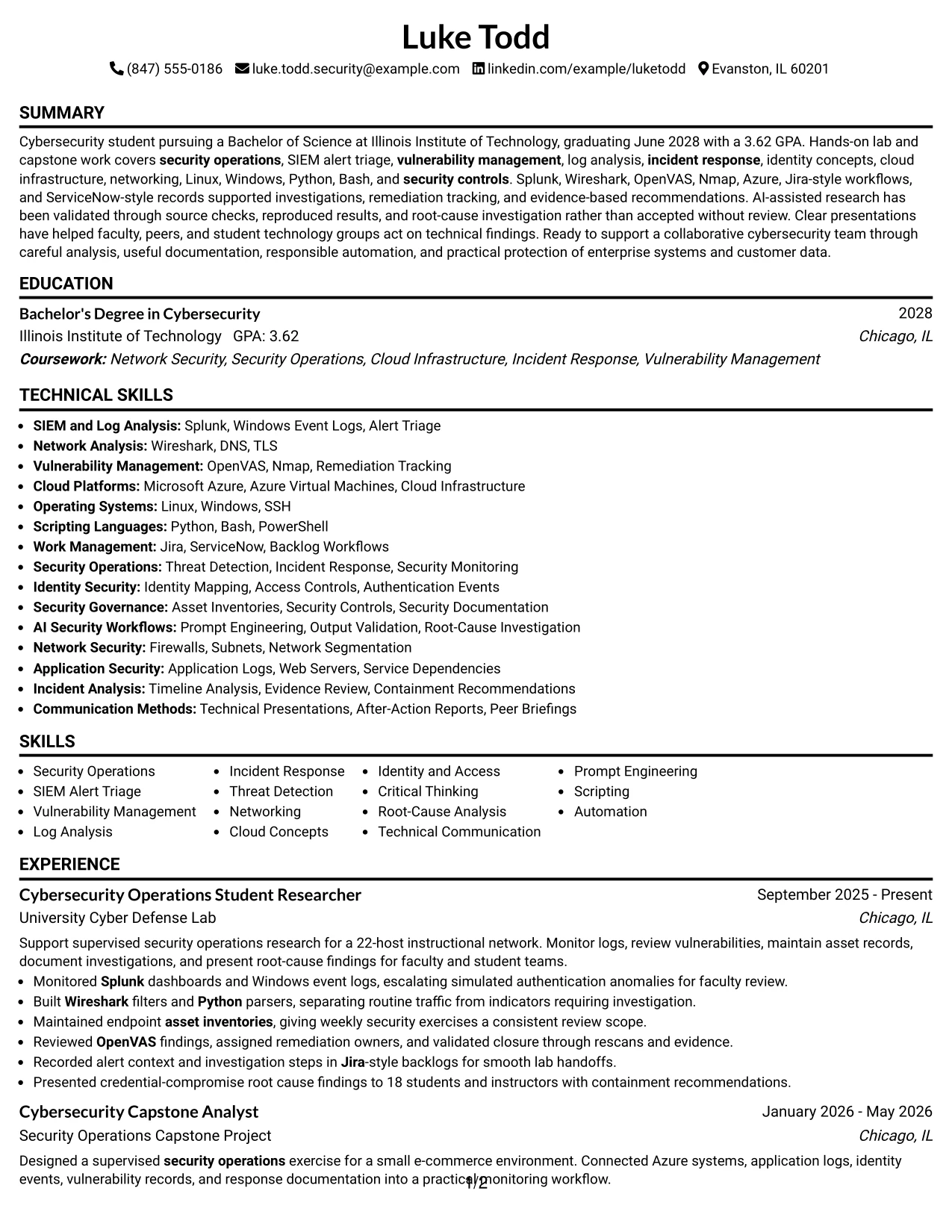
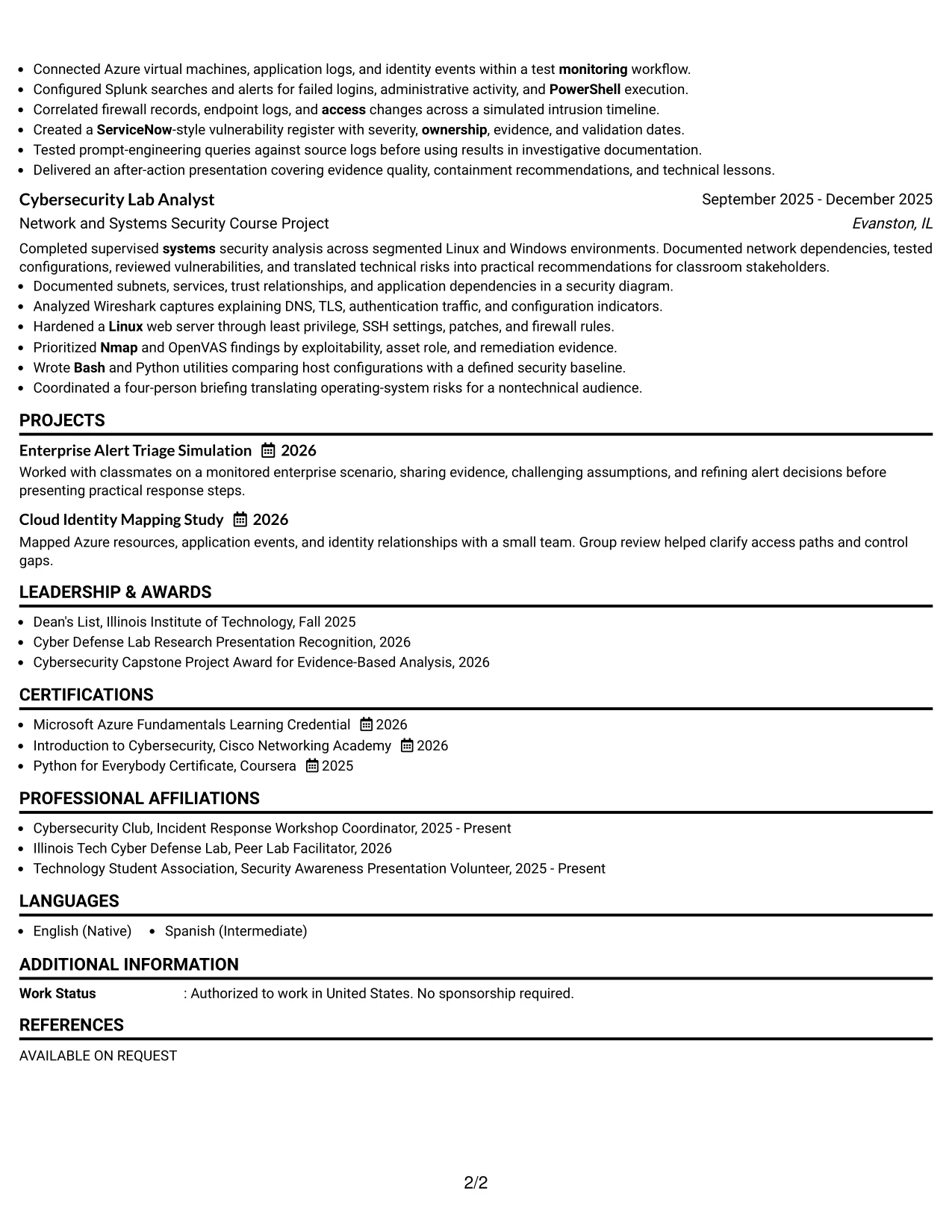
Simple One Column Format presents Luke Todd’s Cybersecurity Intern resume in a direct top-to-bottom order. Contact details, the summary, education, experience, projects, certifications, activities, and skills appear in one clear path.
This structure helps a reviewer find the strongest evidence quickly. Short bullets show Splunk monitoring, vulnerability management, log analysis, Python scripting, Azure work, and measurable details such as a 22-host network and a presentation to 18 students and instructors.
Why the Simple One Column Format Works for a Resume
- A single reading path supports fast resume scanning.
- Clear section order gives education and experience equal visibility.
- Short bullets make security tasks easier to review.
- Keyword-rich skills remain easy for ATS parsing.
- Project work adds evidence when professional experience is still developing.
- Tools such as Splunk, Wireshark, OpenVAS, Nmap, Azure, Python, and Bash are easy to locate.
- Measured details, including 22 hosts and 18 audience members, add credibility.
Best For
- Readers who want a direct top-to-bottom review.
- Resumes that need strong ATS readability.
- Documents with several sections and consistent bullet points.
- Candidates combining education, projects, and supervised experience.
- Applications where technical tools must be easy to find.
- One-page or compact resumes with clear section hierarchy.
- Resume content that benefits from simple visual organization.
Resume Keywords
- security operations
- data
- operations
- Governance
- Monitoring
- Asset Inventories
- infrastructure
- systems
- Application
- identity
- Access
- security controls
- vulnerability management
- log analysis
- incident response
#2 Plain One Column with Shaded Labels Resume Example
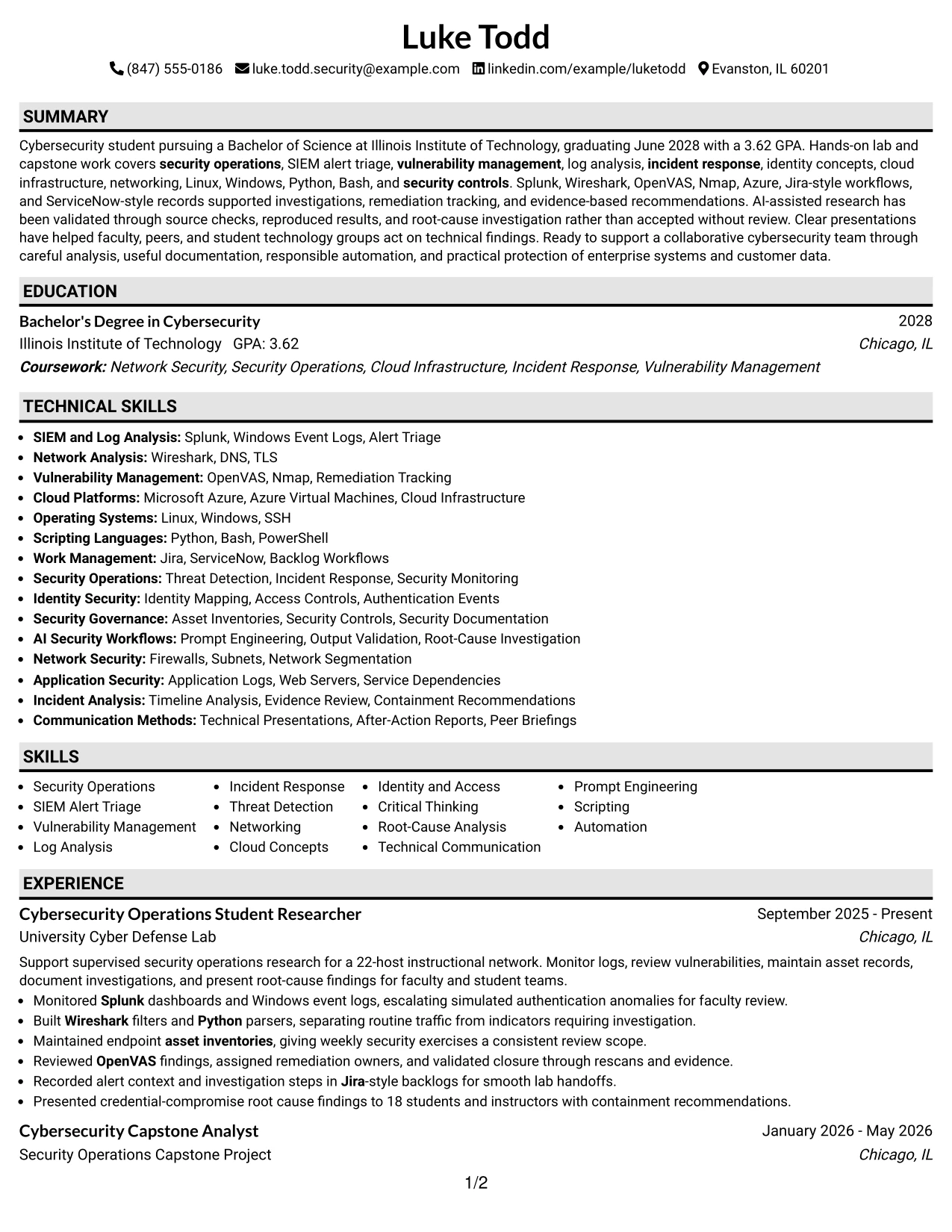
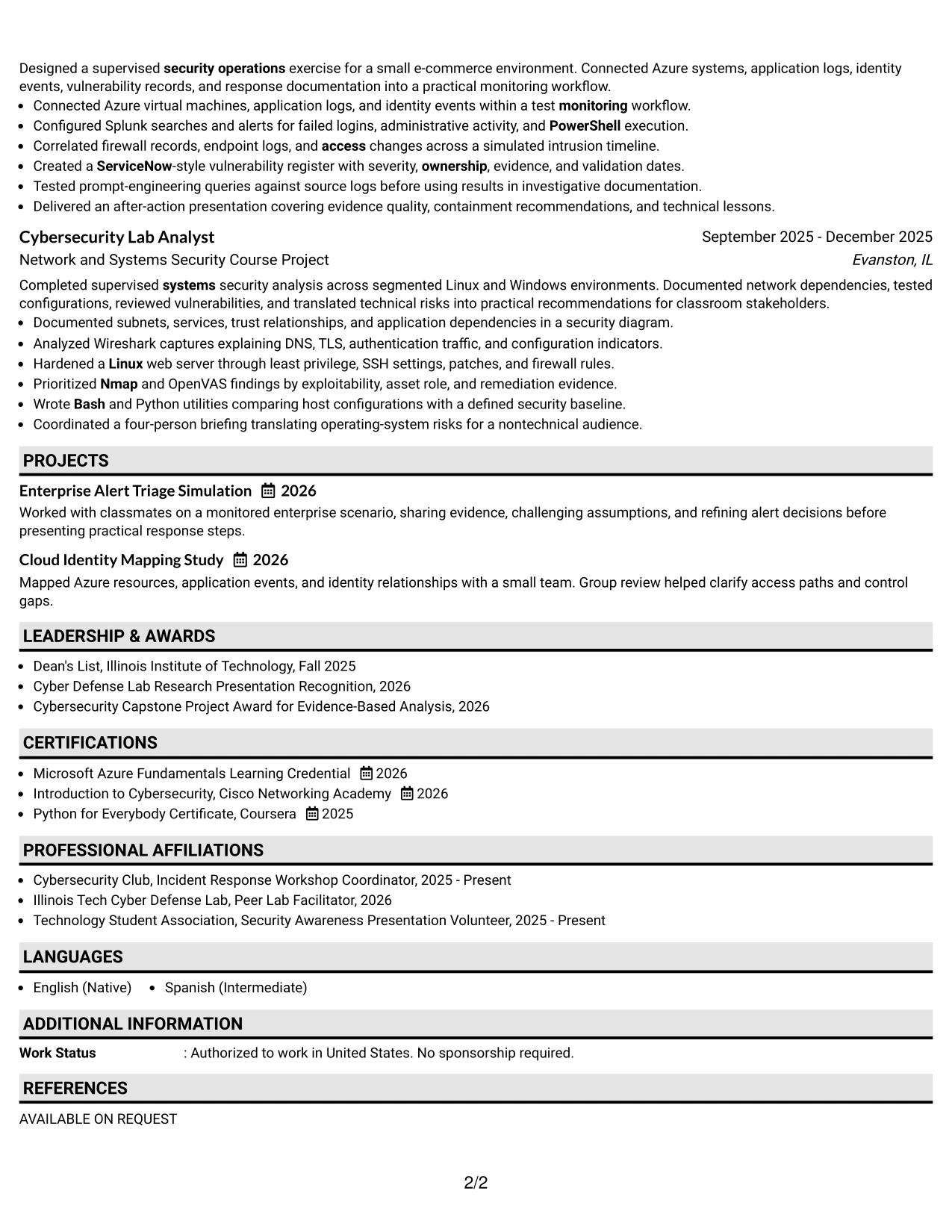
A reviewer moves through the resume from the contact header to the summary, education, experience, projects, certifications, activities, and skills. Plain One Column with Shaded Labels uses labels to mark each section without interrupting that reading order.
The format can hold substantial content while keeping each group separate. Here, detailed bullets cover alert triage, asset inventories, vulnerability findings, incident timelines, identity events, cloud systems, and validated AI-assisted research.
Why the Plain One Column with Shaded Labels Works for a Resume
- Shaded labels help readers locate sections without adding complex columns.
- One-column text supports reliable ATS parsing.
- The format gives room for several project and experience bullets.
- Consistent labels separate tools from accomplishments.
- Education remains visible near the top of the document.
- Detailed evidence can explain both the action and the result.
- The structure supports technical keywords without creating visual crowding.
Best For
- Resumes with a high volume of relevant technical evidence.
- Applications that require dependable ATS reading.
- Candidates presenting coursework, projects, and activities together.
- Documents where section labels should guide a quick review.
- Content that needs space for tools, methods, and validation steps.
- Resume versions tailored to several security functions.
- Readers who prefer clear text over decorative design.
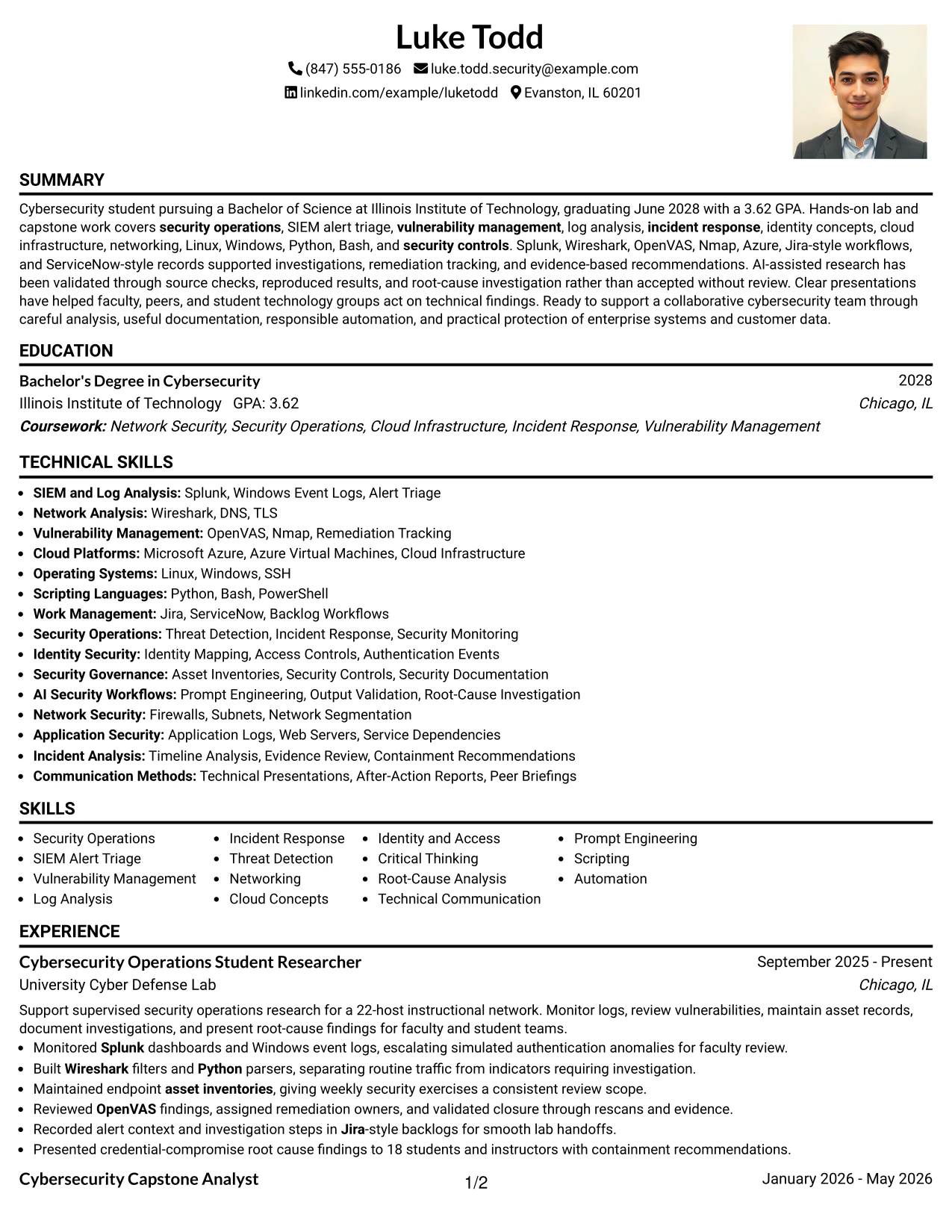
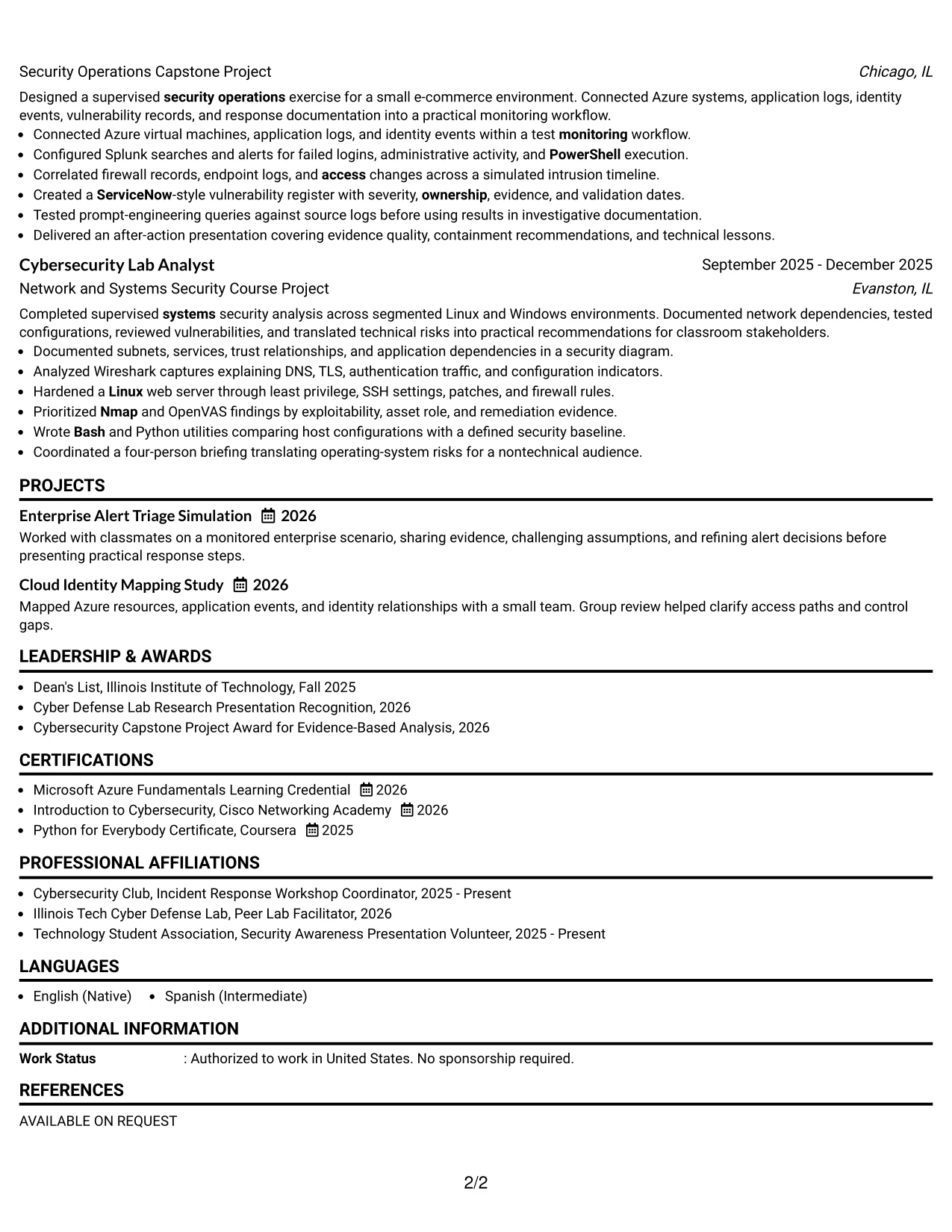
#3 One Column Format with Photo Right Resume Example
Evidence receives priority in the resume: the summary, technical experience, projects, education, and skills show what the candidate can do. One Column Format with Photo Right places a large photo area beside the header while keeping the written content in one review path.
The resume can present security operations work with strong supporting detail. Bullets document Splunk alerts, Wireshark filters, OpenVAS rescans, Azure virtual machines, ServiceNow-style records, and root-cause analysis without splitting related evidence across columns.
Why the One Column Format with Photo Right Works for a Resume
- The written content remains in a predictable one-column sequence.
- A photo area gives the header a distinct visual anchor when appropriate.
- Experience bullets keep technical evidence together.
- Project details can explain systems, logs, and response steps clearly.
- A visible skills section supports keyword review.
- Certifications and awards can follow the evidence rather than compete with it.
- The format keeps measurable details within the main content flow.
Best For
- Applications where a formal photo area is appropriate.
- Resumes that need one uninterrupted evidence sequence.
- Candidates showing several technical projects and course-based assignments.
- Documents that pair a strong header with detailed written proof.
- Reviewers who want tools and results in the same reading path.
- Resume versions that include substantial certifications and awards.
- Presentations where visual identity matters alongside ATS-conscious text.
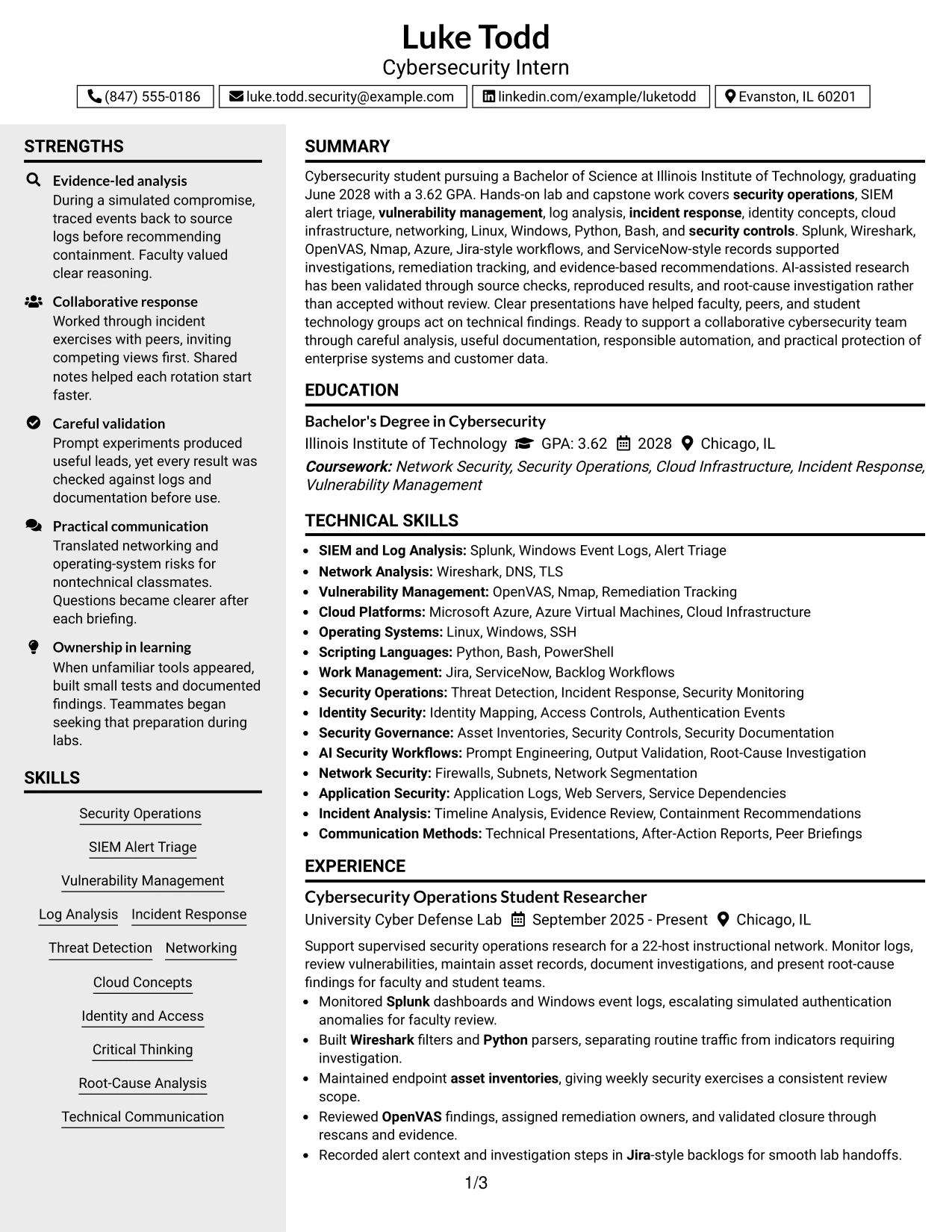
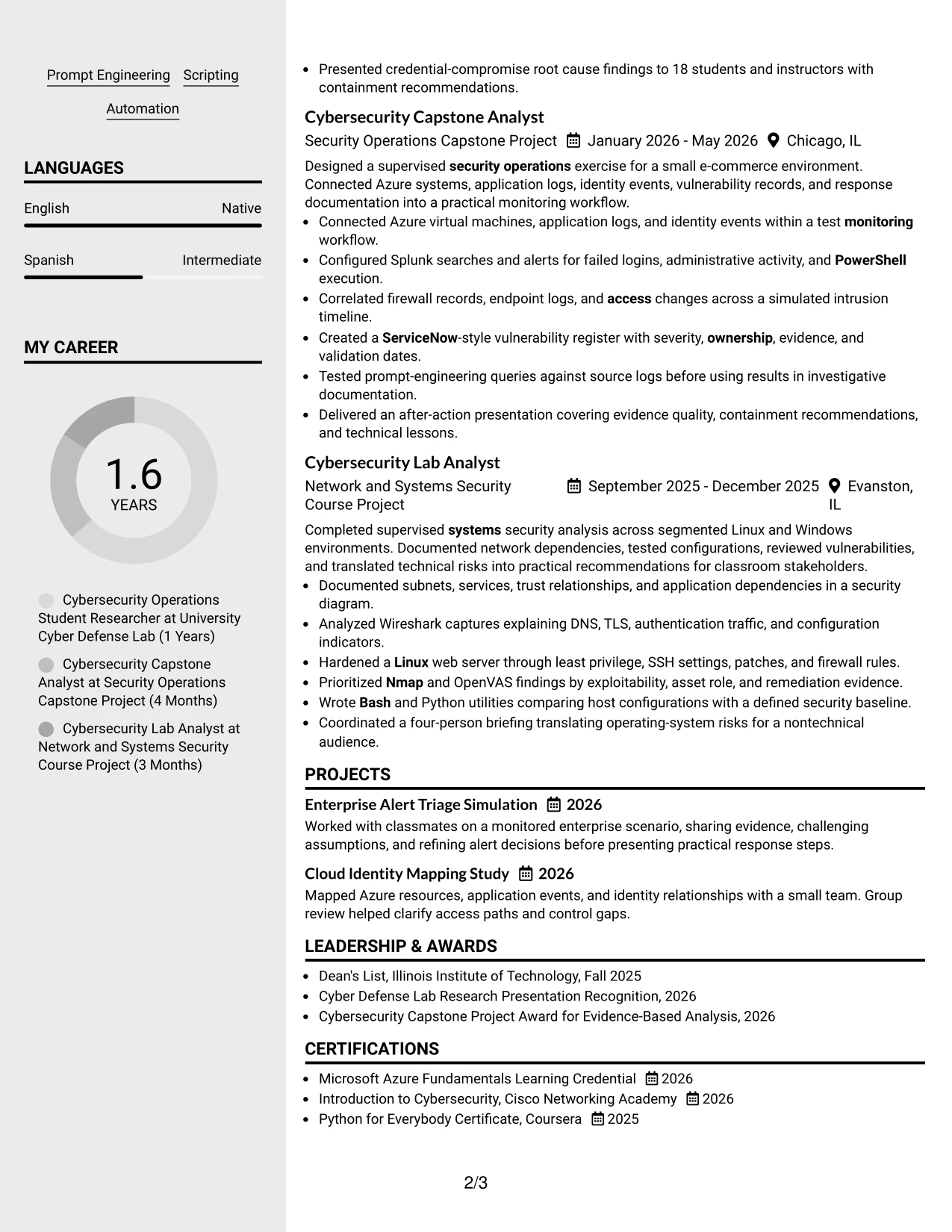
#4 Clean Two Column Sidebar Format Resume Example
Content is balanced between a narrow sidebar and a wider evidence area. Clean Two Column Sidebar Format can place contact details, education, certifications, and selected skills in the sidebar while reserving the main column for experience and projects.
That distribution suits this Cybersecurity Intern resume because the main column can explain alert monitoring, vulnerability remediation, incident analysis, and technical presentations. The sidebar keeps supporting facts visible without breaking the main accomplishment sequence.
Why the Clean Two Column Sidebar Format Works for a Resume
- The sidebar separates supporting information from detailed evidence.
- The wider column gives bullets room to explain security work.
- Skills and certifications remain visible during a quick review.
- Experience and projects receive the strongest visual space.
- A two-column hierarchy can reduce repeated headings and unused space.
- Keywords remain grouped for efficient resume scanning.
- The format can show both technical breadth and specific results.
Best For
- Hybrid applications that value compact organization.
- Resumes with a clear split between supporting facts and evidence.
- Candidates combining several tools with detailed project work.
- Documents that need a visible skills and certification area.
- Readers who review accomplishments before secondary details.
- Applications where technical breadth must fit beside focused bullets.
- Resume layouts that benefit from strong sidebar navigation.
#5 Two Column Format Resume Example
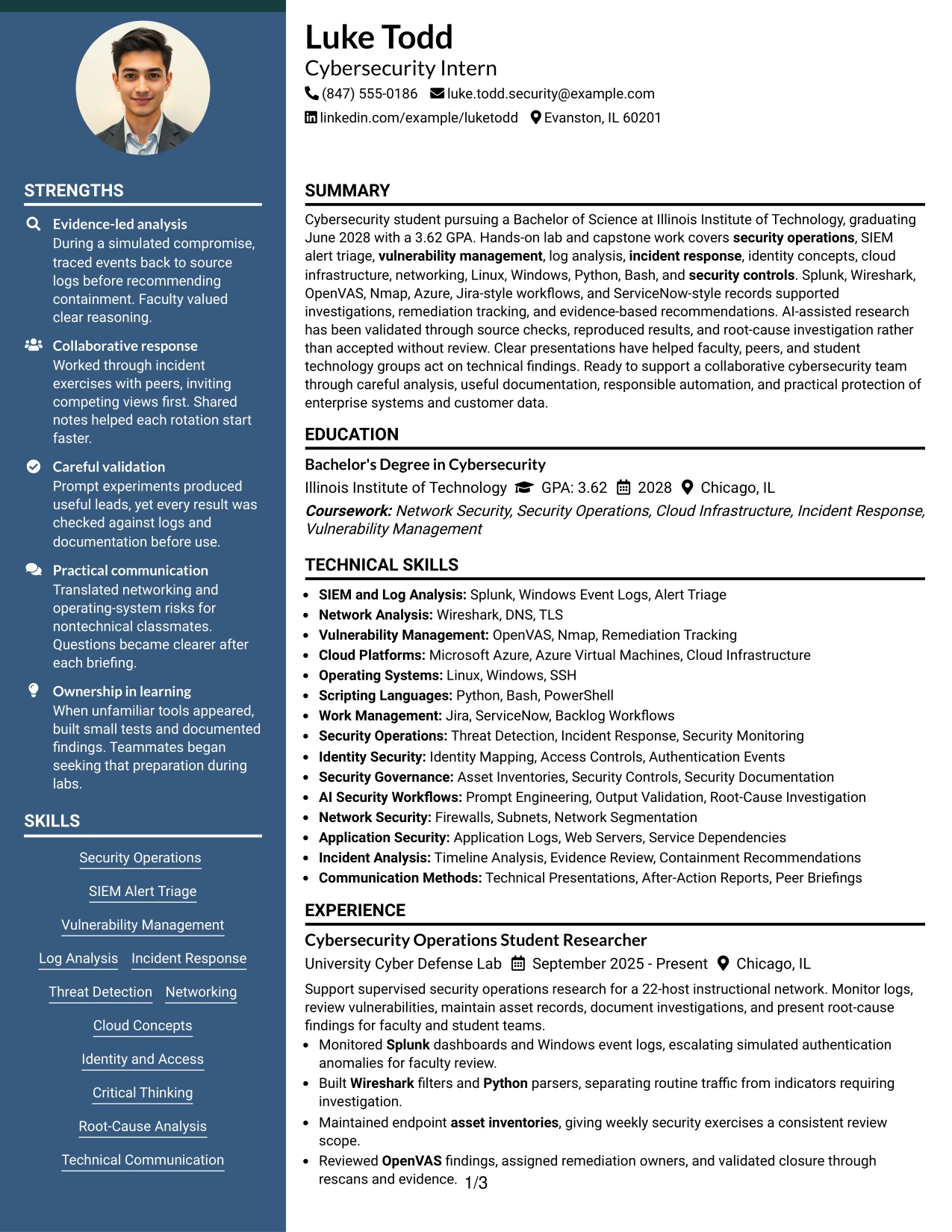
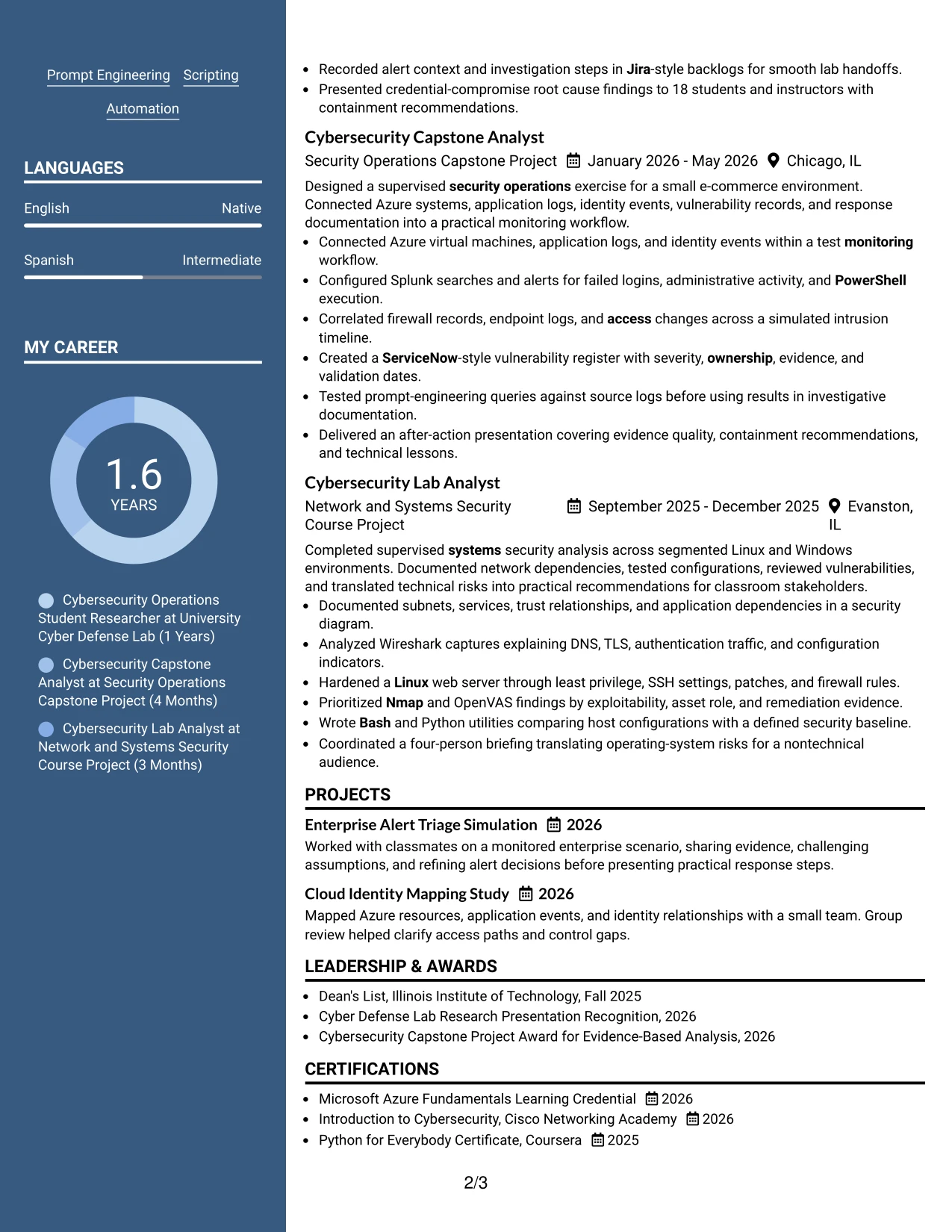
For a hybrid Cybersecurity Intern application, Two Column Format can show core qualifications beside detailed experience without making the document unnecessarily long. One column may carry education, skills, certifications, and tools while the other carries experience and projects.
The layout supports a balanced review of Luke Todd’s security foundation. A reviewer can connect SIEM alert triage, vulnerability management, networking, cloud infrastructure, and scripting with the projects and lab work that demonstrate those abilities.
Why the Two Column Format Works for a Resume
- Two columns connect qualifications with supporting evidence.
- The format can reduce vertical length when content is broad.
- Skills and tools stay close to the experience they support.
- Projects can show how classroom knowledge became practical work.
- Education and a 3.62 GPA remain easy to locate.
- Distinct sections help a reviewer compare technical areas quickly.
- The structure supports a focused resume for a hybrid application.
Best For
- Hybrid applications that need a compact professional presentation.
- Resumes balancing technical skills with project evidence.
- Candidates whose education supports several security paths.
- Documents that must show tools without hiding accomplishments.
- Readers comparing capabilities across two organized content areas.
- Applications where projects and experience deserve similar attention.
- Resume versions that need strong visual balance without heavy decoration.
#6 Photo Header Two Column Format Resume Example
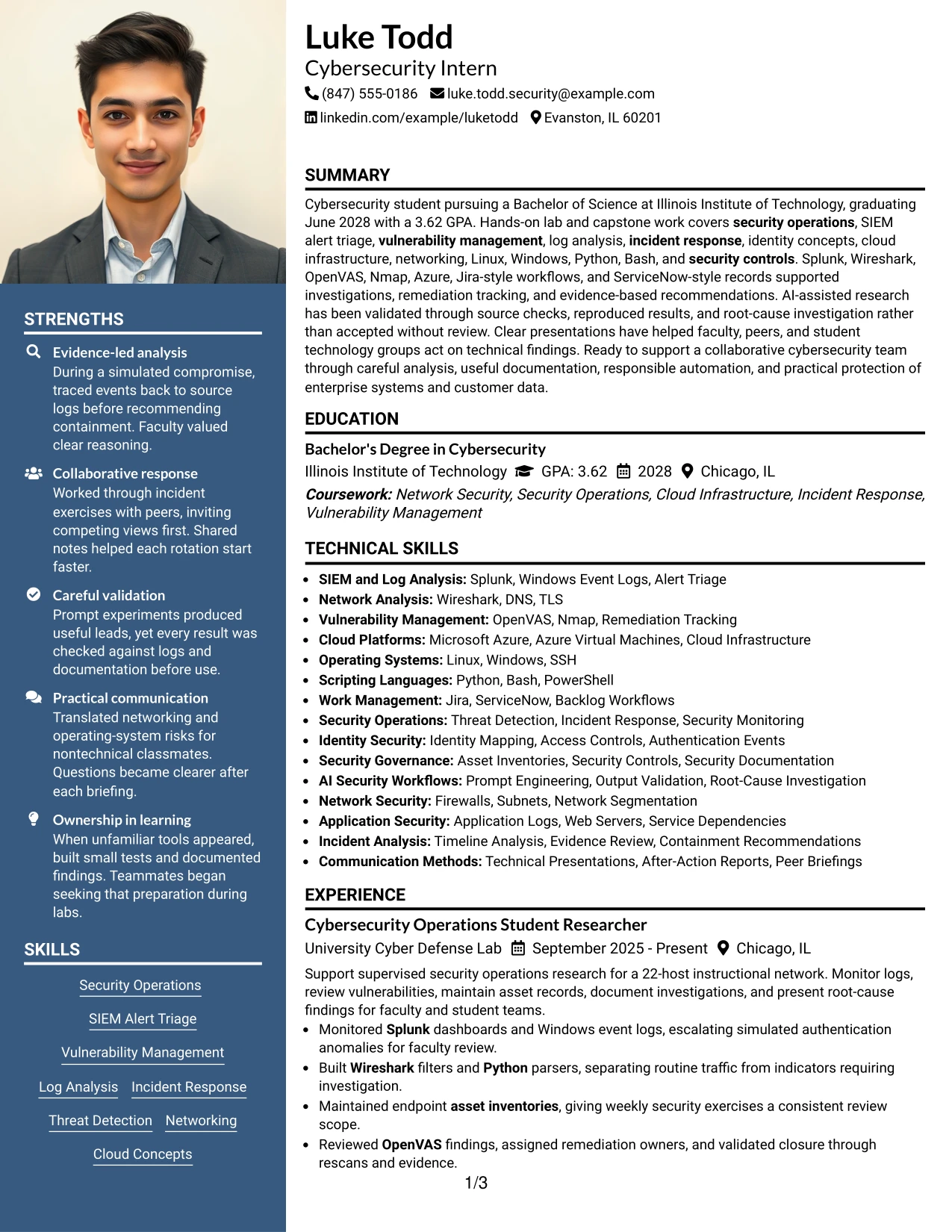
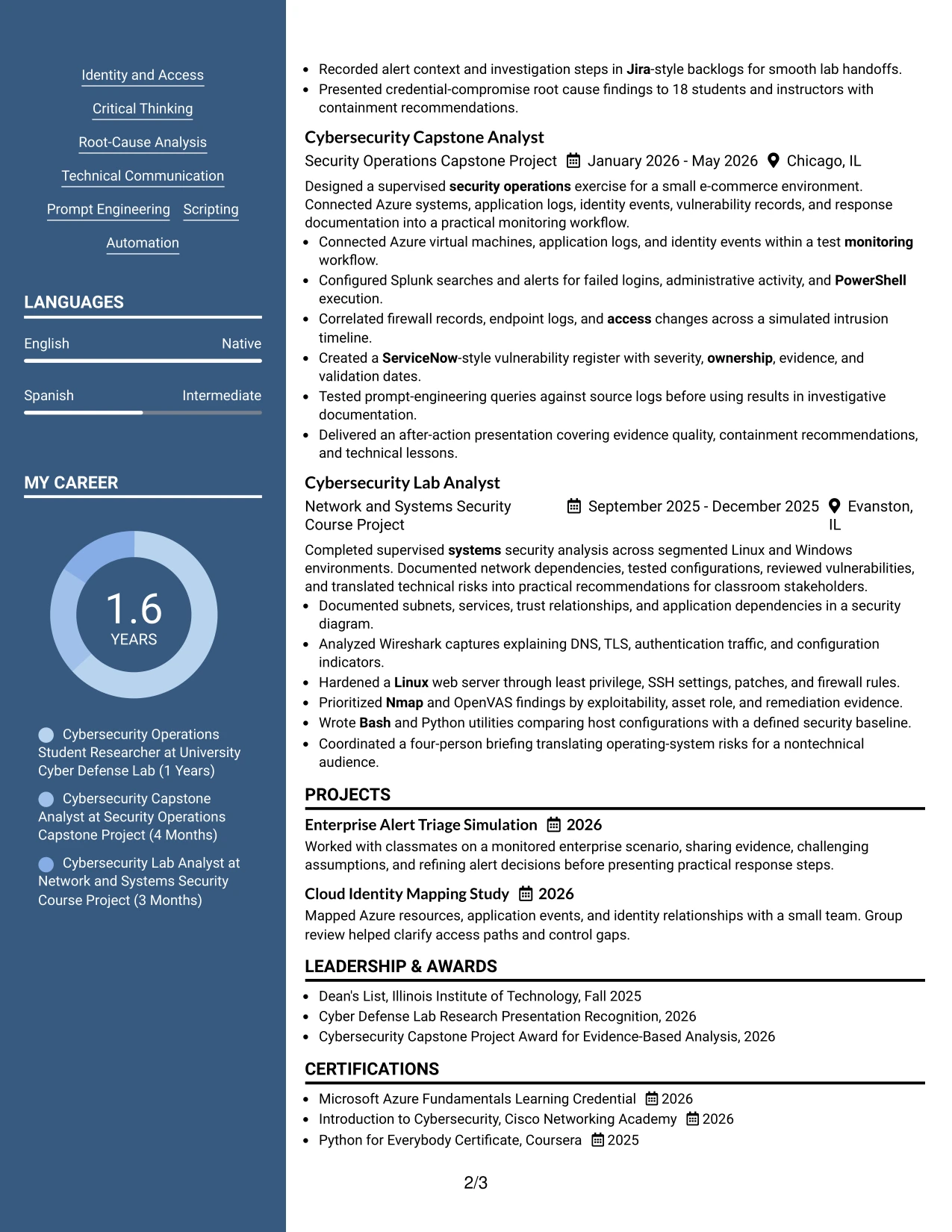
A restrained visual hierarchy gives the resume a clear header, while the two-column body separates supporting details from work evidence. Photo Header Two Column Format uses a photo header area and then organizes education, skills, certifications, experience, and projects below it.
For this application, the main evidence can emphasize security monitoring, vulnerability closure, identity events, cloud systems, and responsible automation. The two-column structure helps connect those keywords to specific lab, capstone, and course results.
Why the Photo Header Two Column Format Works for a Resume
- A photo header creates a clear visual starting point when appropriate.
- Two columns separate compact facts from detailed accomplishments.
- The layout can place technical skills near related project evidence.
- Experience bullets remain available for concrete security actions.
- Projects add context to tools such as Splunk, Azure, and Wireshark.
- Certifications and awards can occupy a focused supporting area.
- The hierarchy helps readers connect role needs with documented results.
Best For
- Applications where a photo header is suitable for the submission context.
- Resumes that need a strong visual entry point and organized evidence.
- Candidates presenting both technical breadth and detailed project work.
- Documents that separate quick-reference skills from longer bullets.
- Readers who want role-related tools visible beside experience.
- Applications where certifications and awards need a compact location.
- Professional presentations that allow a more designed resume format.
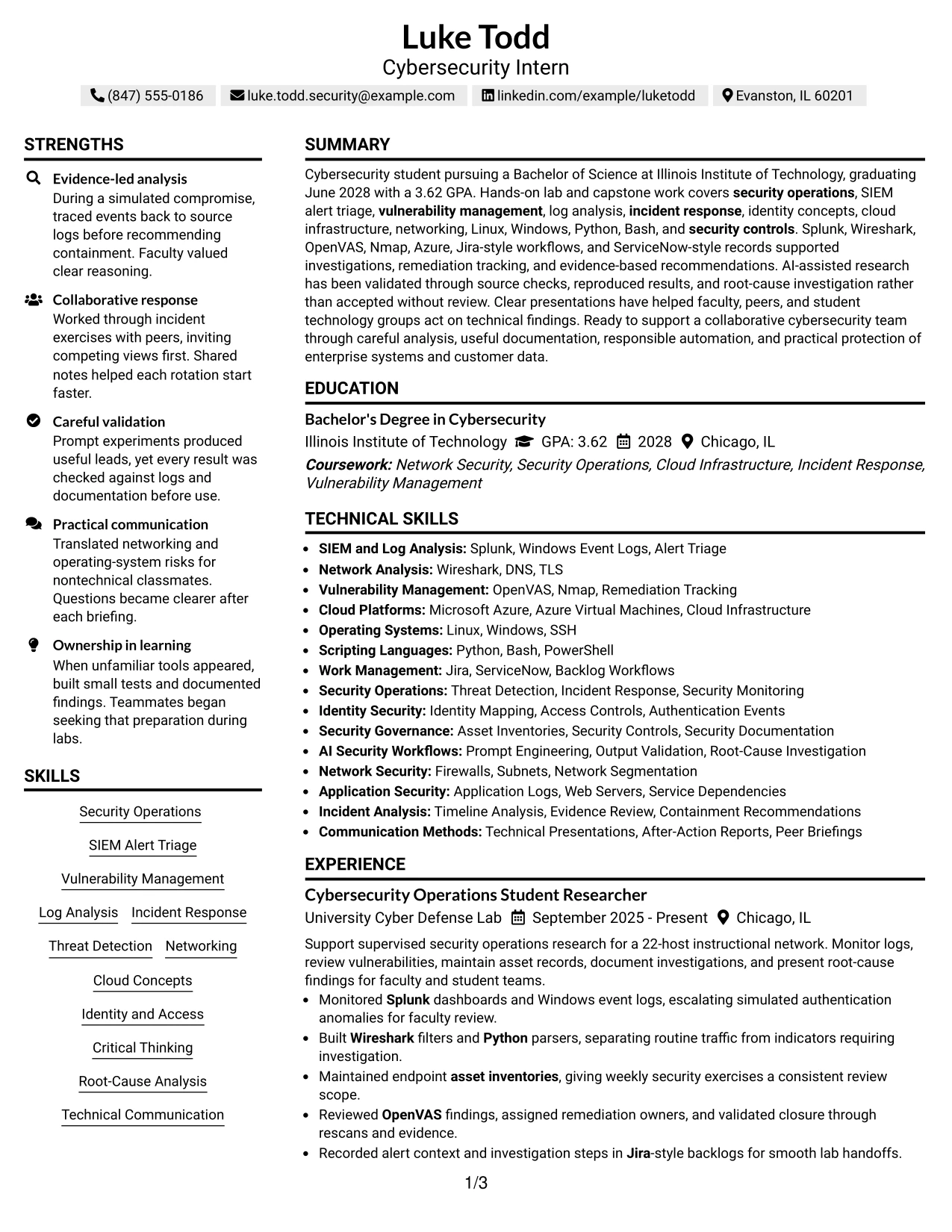
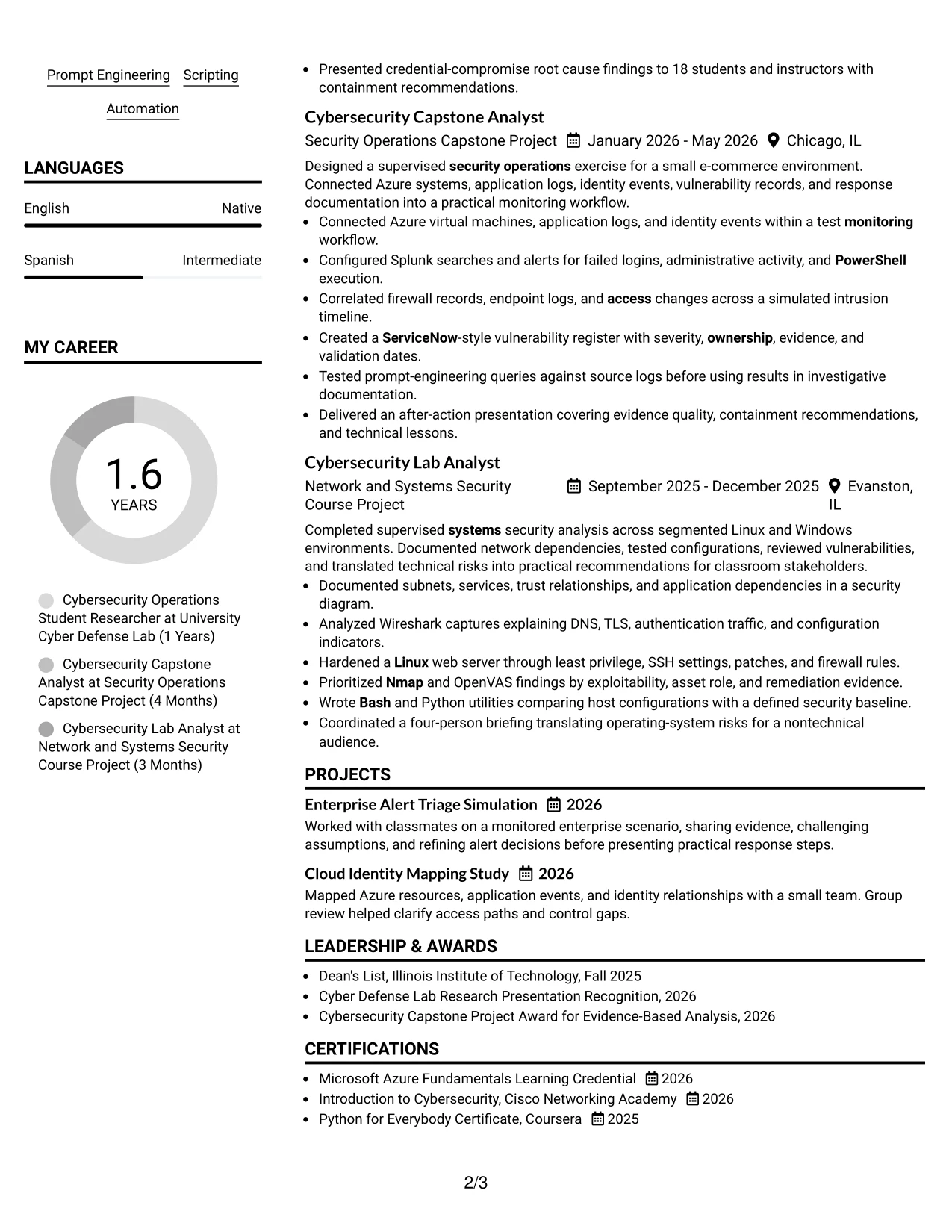
#7 Simple Two Column Format Resume Example
Simple Two Column Format organizes the resume into two practical areas without adding visual complexity. A compact column can hold contact details, education, skills, and certifications, while the wider area presents experience, projects, and results.
This organization makes the document easy to compare with the Cybersecurity Intern requirements. Security operations, SIEM alert triage, vulnerability management, incident response, networking, cloud concepts, and scripting can appear beside the evidence that supports each area.
Why the Simple Two Column Format Works for a Resume
- Two clear areas create a useful distinction between facts and evidence.
- Simple styling keeps the document readable during a fast scan.
- The main column gives accomplishments enough room for context.
- A side column makes tools and keywords easy to find.
- Projects can reinforce experience without taking over the page.
- Education, certifications, and awards remain organized in compact blocks.
- The structure supports both human review and careful ATS planning.
Best For
- Resumes needing a clear split between summary facts and accomplishments.
- Candidates with technical skills that must stay visible throughout review.
- Applications combining lab work, projects, and education.
- Documents that need efficient use of horizontal space.
- Readers who prefer simple navigation over decorative elements.
- Resume versions with distinct supporting and evidence sections.
- Applications where bullet points and keywords must remain easy to scan.
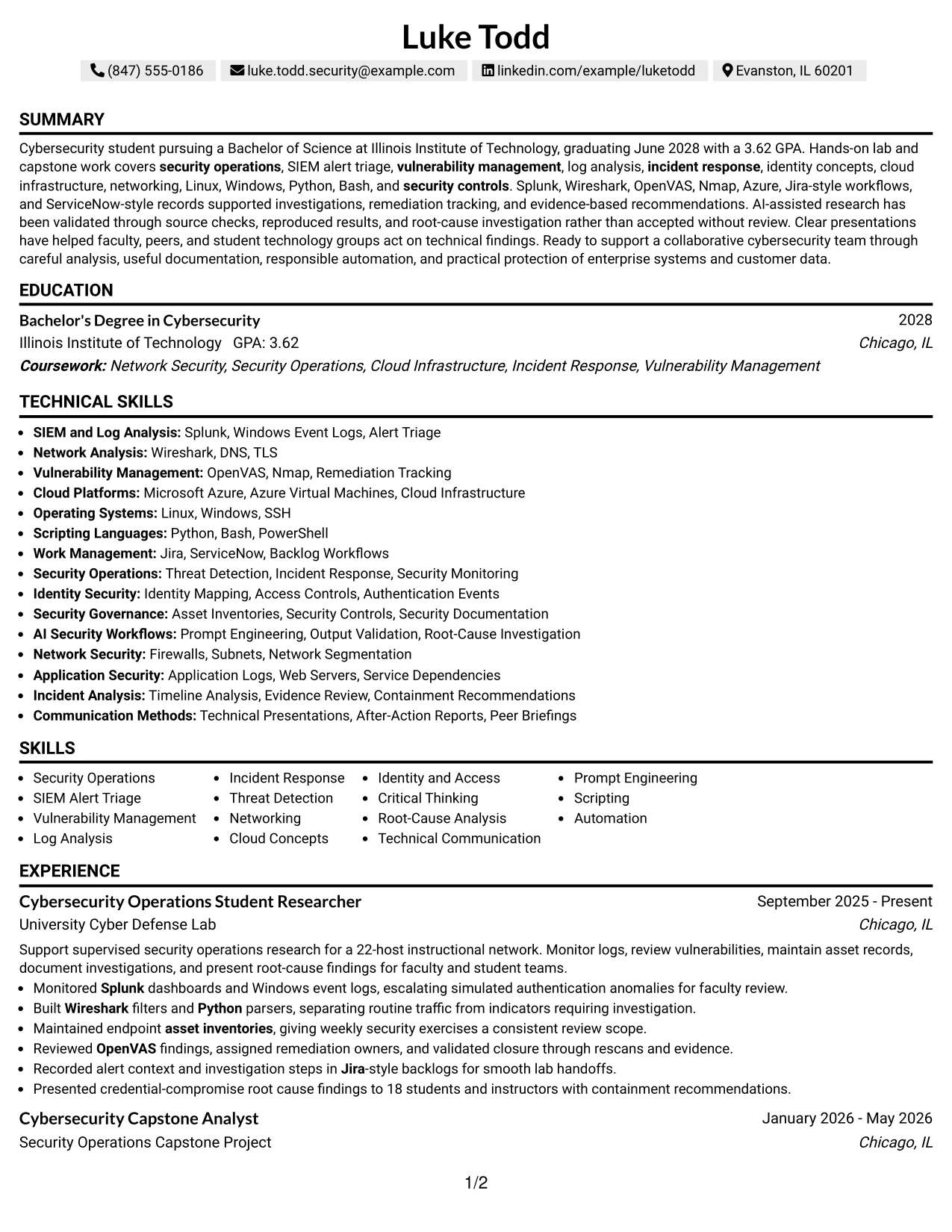
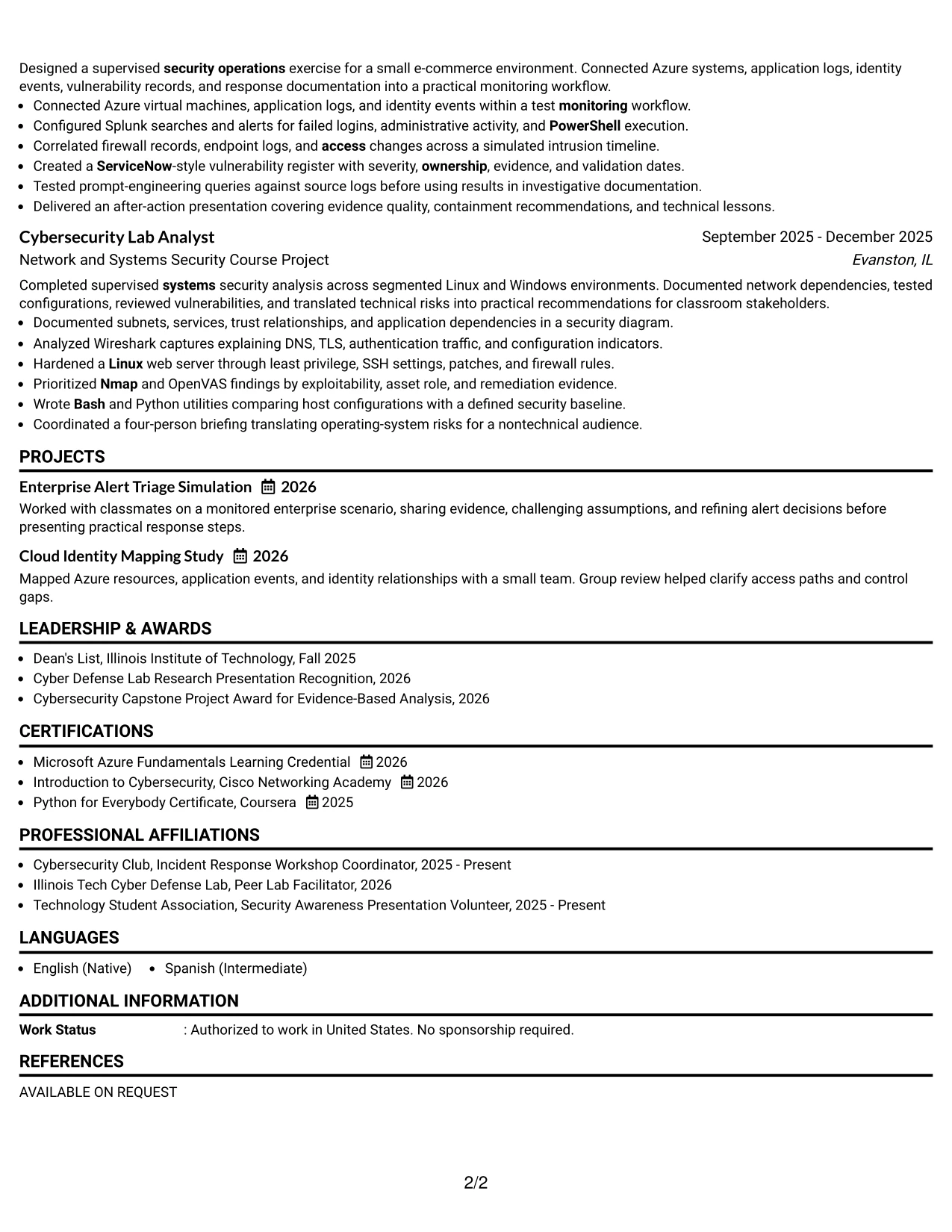
#8 Text/Fang Style Resume Example
A reviewer moves from the header through the summary, education, experience, projects, certifications, activities, and skills in a steady text-based sequence. Text/Fang Style gives each section room for useful detail while keeping the page focused on words and evidence.
The resume can explain how technical work was performed, not only name the tools. Bullets connect Splunk searches, Windows event logs, Wireshark analysis, OpenVAS findings, Python utilities, Azure systems, and documented response recommendations.
Why the Text/Fang Style Works for a Resume
- A text-first structure keeps attention on qualifications and results.
- Sequential sections help readers follow academic and project development.
- Longer evidence can explain methods without relying on graphics.
- Technical terms remain searchable for ATS review.
- Separate project and experience sections show different kinds of proof.
- Certifications and activities add context without dominating the page.
- The format supports careful detail while maintaining a consistent hierarchy.
Best For
- Resumes that need room for detailed technical explanations.
- Candidates whose strongest proof comes from projects and lab work.
- Applications where searchable text is more important than visual effects.
- Documents with several tools, systems, and security methods to explain.
- Readers who want to understand process as well as outcome.
- Resume versions that include certifications, activities, and awards.
- Content-heavy applications that still need a stable reading order.
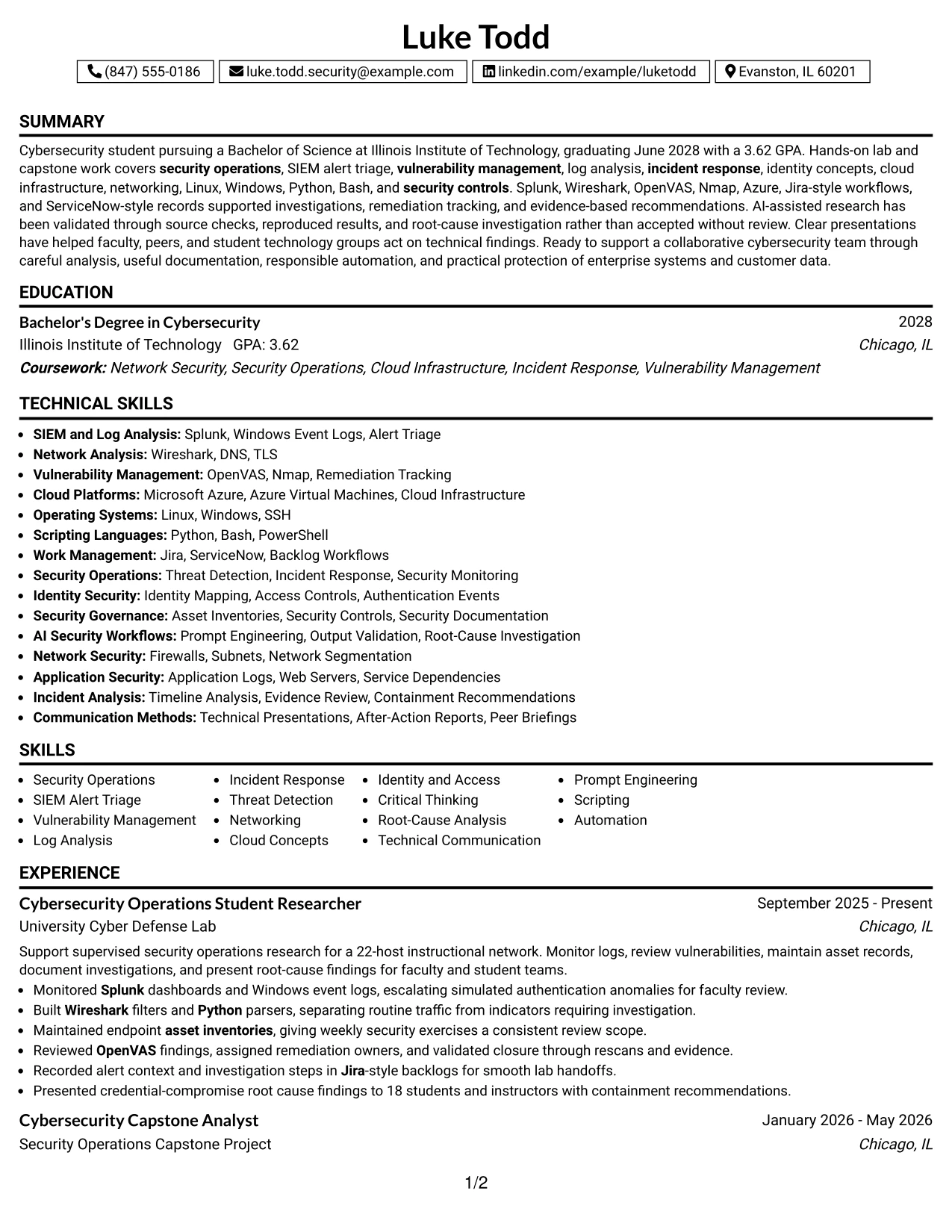
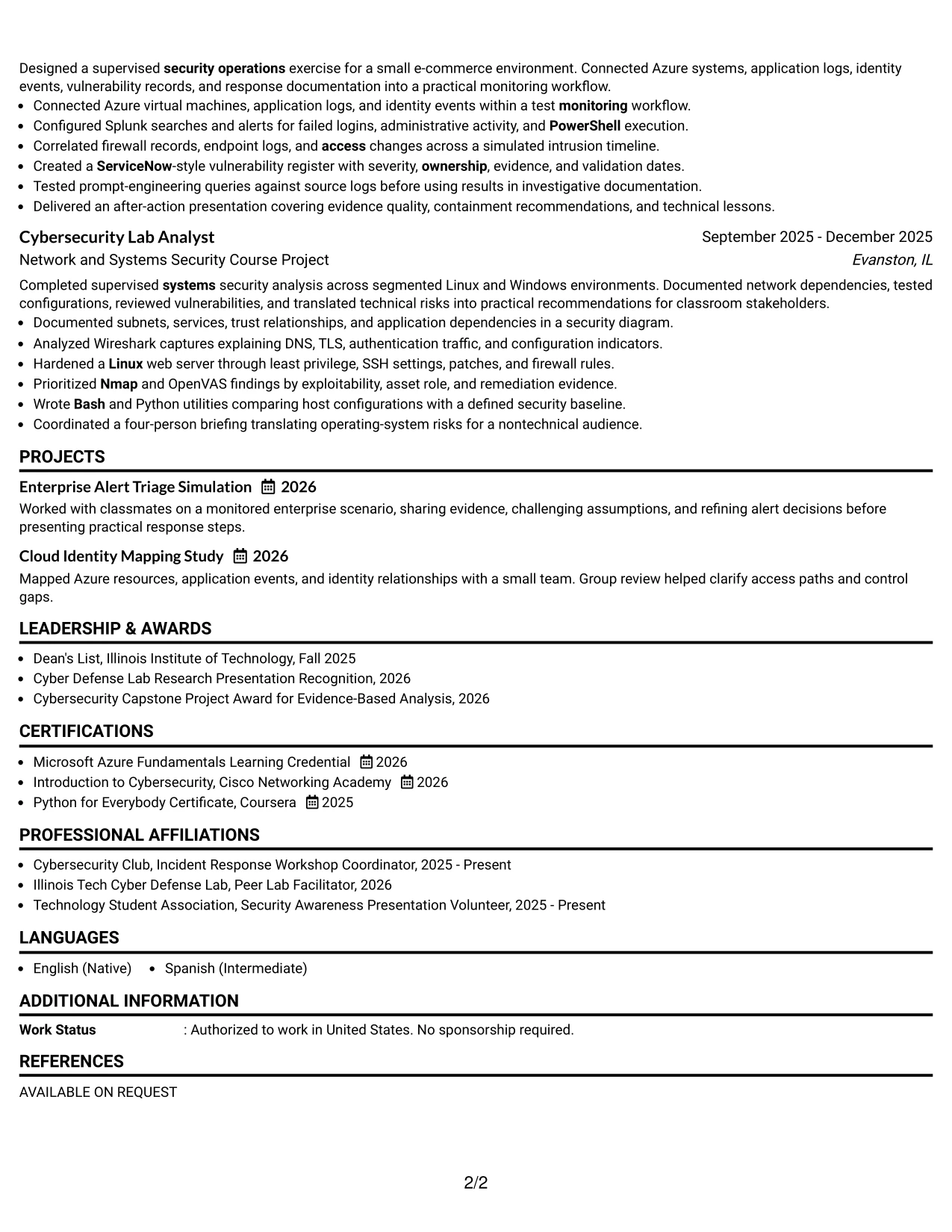
#9 One Column Boxed Contact Header Format Resume Example
Evidence receives priority below a clearly separated contact header. One Column Boxed Contact Header Format gives the reviewer immediate access to the candidate’s contact details, then moves into the summary, education, experience, projects, certifications, and skills.
The single-column body keeps related accomplishments together. It can show the 22-host monitoring environment, the seven-event intrusion timeline, the four-person technical briefing, and the 3.62 GPA alongside the tools and methods used.
Why the One Column Boxed Contact Header Format Works for a Resume
- The boxed header makes contact details easy to locate.
- A single body column supports dependable ATS reading.
- Evidence stays grouped by experience and project.
- Specific numbers give bullets useful scale and context.
- The skills section can reinforce terms used in the experience bullets.
- Education and certifications remain easy to find after the main evidence.
- The format creates a strong separation between contact data and qualifications.
Best For
- Applications that need contact details clearly separated from resume content.
- Candidates with several quantified project and lab examples.
- Documents requiring a straightforward ATS-friendly body.
- Readers who want evidence grouped in one uninterrupted column.
- Resumes where tools should reinforce specific accomplishments.
- Applications combining academic credentials with technical work.
- Layouts that need a distinct header without adding side columns.
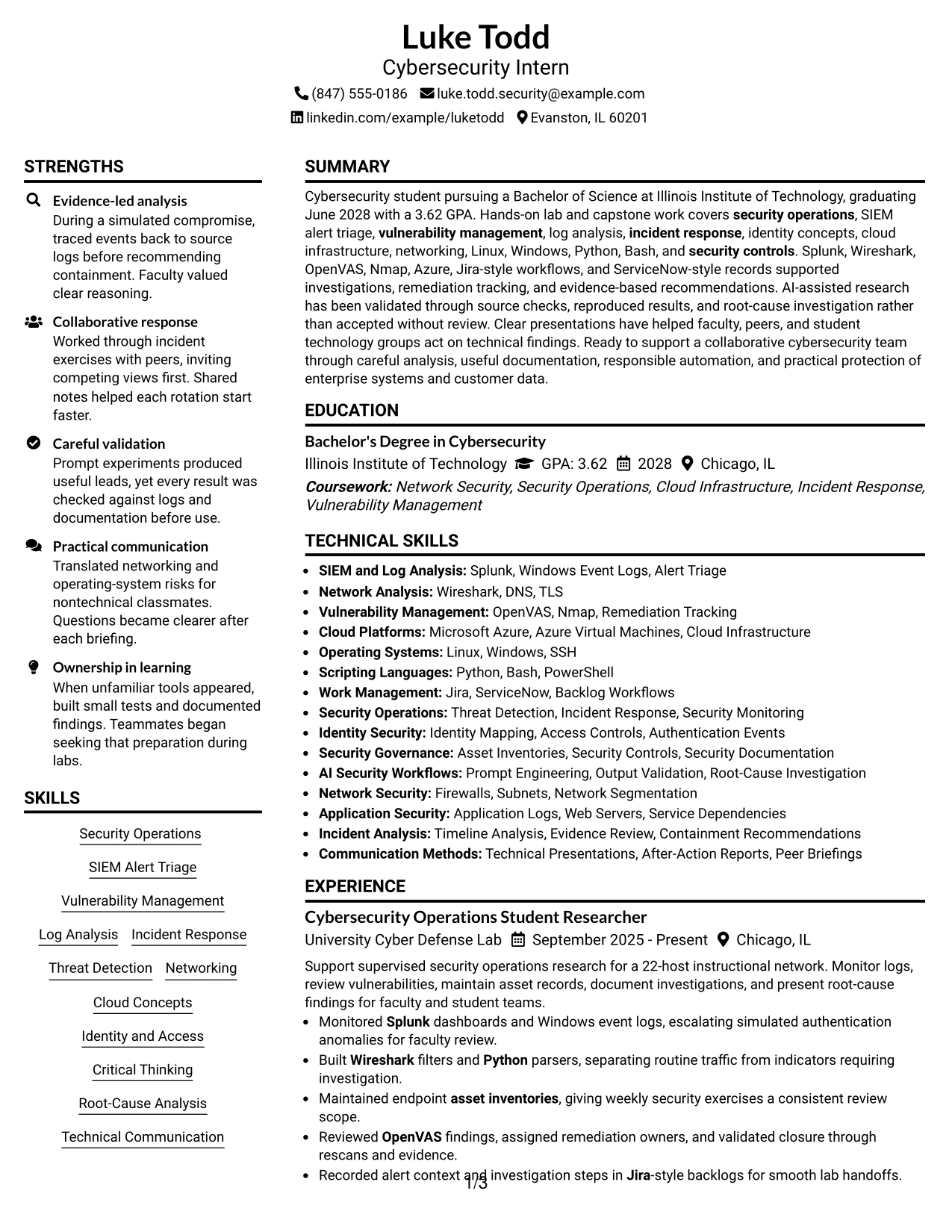
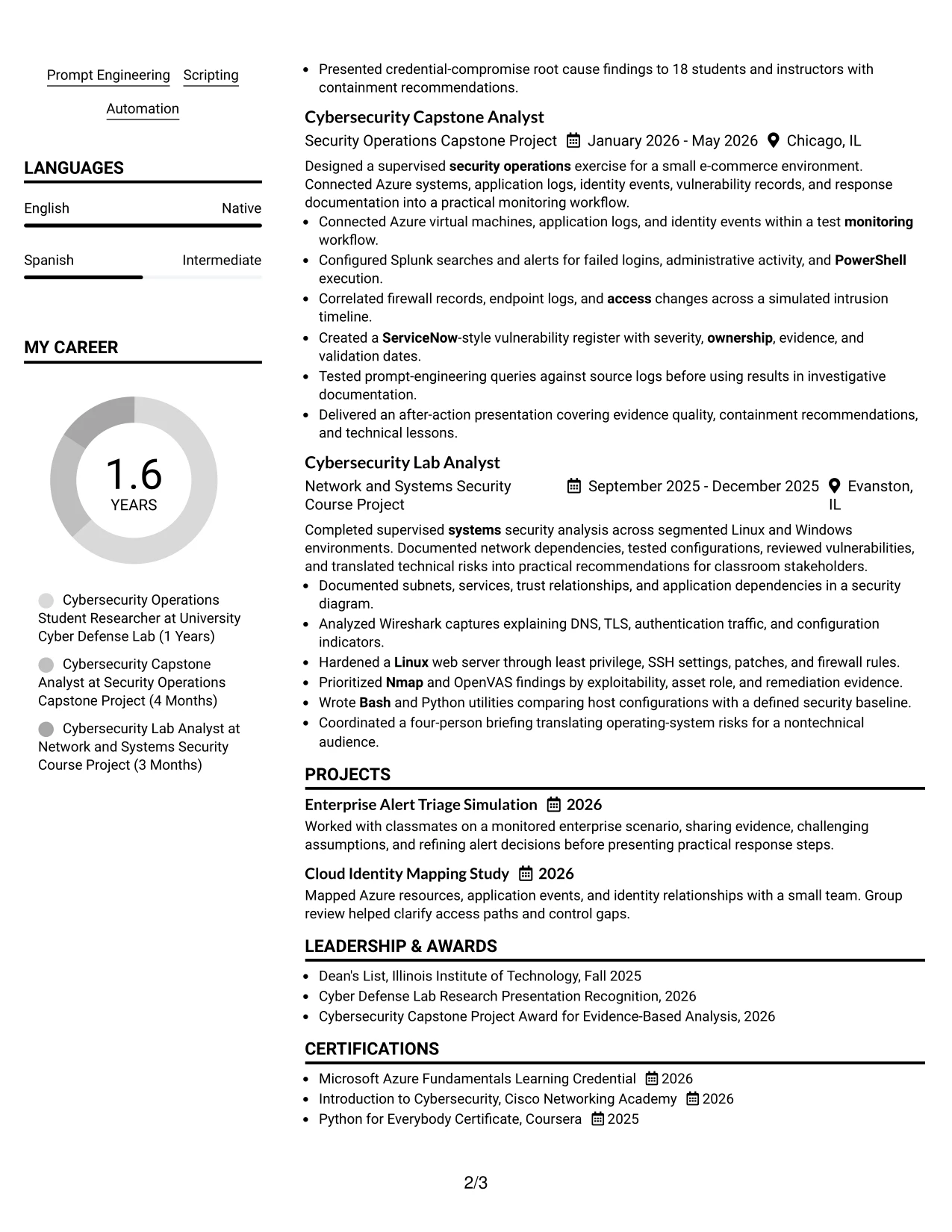
#10 Plain Two Column Format Resume Example
Content is balanced between a quick-reference column and a wider evidence column. Plain Two Column Format can place skills, education, certifications, and keywords together while giving experience and projects space for complete bullet points.
The resume snapshot highlights the core case for a Cybersecurity Intern application: a 3.62 GPA, expected June 2028 graduation, security operations experience, and practical work with Splunk, Azure, Wireshark, OpenVAS, Python, and Bash.
Resume Snapshot
- Cybersecurity student at Illinois Institute of Technology with a 3.62 GPA.
- Expected Bachelor of Science graduation in June 2028.
- Hands-on security operations, vulnerability management, log analysis, and incident response work.
- Tools include Splunk, Wireshark, OpenVAS, Nmap, Microsoft Azure, Python, and Bash.
Why the Plain Two Column Format Works for a Resume
- The two-column structure balances quick facts with detailed evidence.
- A snapshot gives reviewers the main qualifications at a glance.
- Skills and tools can be grouped for ATS keyword review.
- The main column leaves room for strong accomplishment bullets.
- Education and graduation timing are easy to verify.
- Projects show practical application of security concepts.
- Plain styling keeps the document readable across review settings.
#11 Colored Two Column Format Resume Example
For a practical internship application, Colored Two Column Format can use restrained color to distinguish supporting details from the main evidence. One column may hold skills, education, certifications, and contact information, while the other carries experience, projects, and measurable results.
The visual separation helps the reviewer connect the target role with documented preparation. Security monitoring, alert triage, vulnerability tracking, incident analysis, identity concepts, cloud infrastructure, and technical communication remain tied to specific academic and lab work.
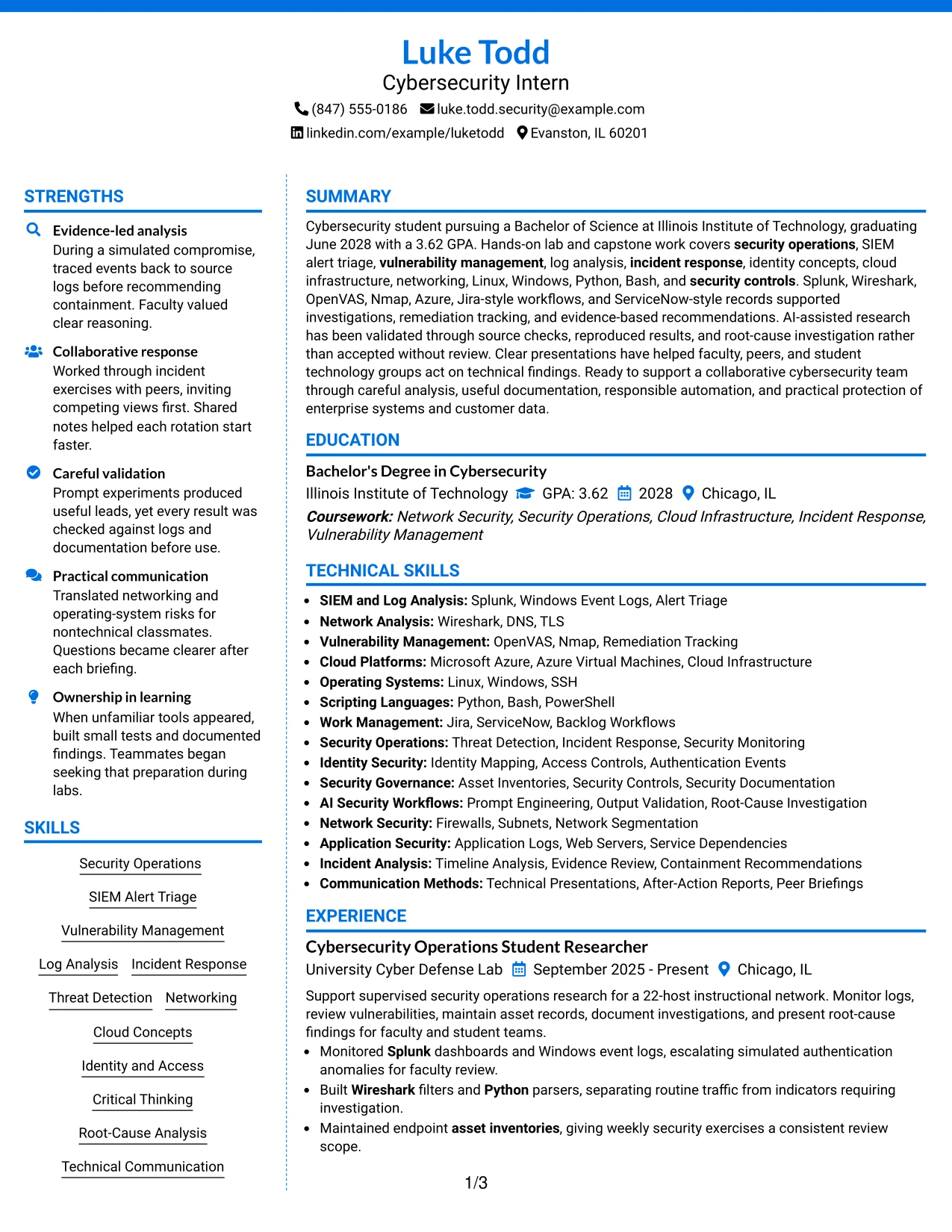
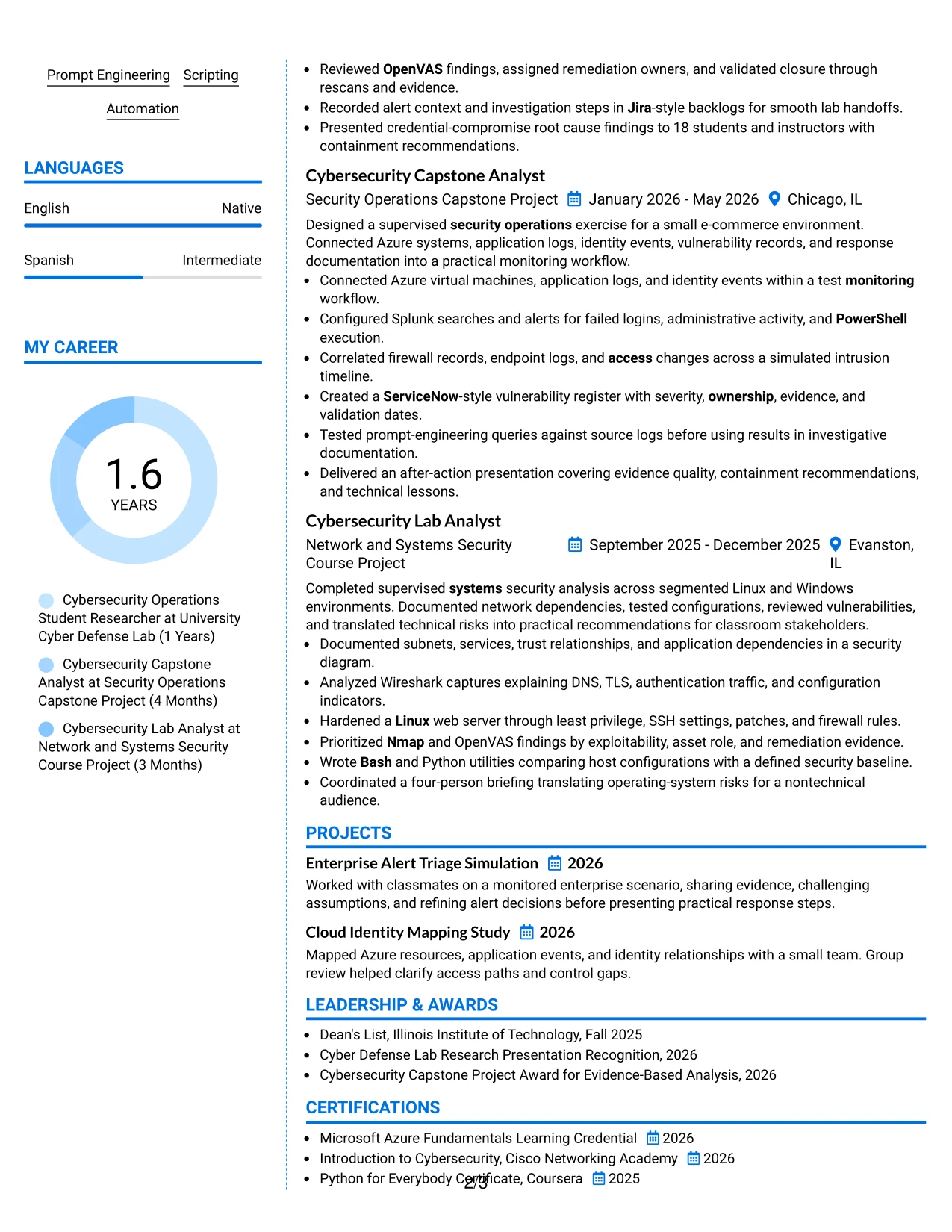
Why the Colored Two Column Format Works for a Resume
- restrained color can guide attention without replacing clear text.
- Two columns create a visible distinction between support details and evidence.
- The main area gives security accomplishments room to develop.
- A supporting area keeps tools and certifications easy to review.
- Projects demonstrate practical use of cloud, networking, and scripting concepts.
- Measured facts strengthen bullets without overcrowding the page.
- The format can present a polished resume while preserving a clear hierarchy.
Best For
- Applications that allow restrained color and a polished presentation.
- Candidates who need to separate qualifications from detailed evidence.
- Resumes combining technical breadth with measurable project details.
- Readers who benefit from subtle visual guidance between sections.
- Documents where skills and certifications should remain quickly accessible.
- Applications presenting academic preparation alongside practical security work.
- Resume versions that need visual distinction without sacrificing readability.
#12 One Column Shaded Contact Header Format Resume Example
A restrained visual hierarchy gives the contact details and target role a clear starting point. The single-column flow then moves naturally through the summary, education, experience, projects, certifications, and skills without competing side panels.
For a Cybersecurity Intern resume, this structure keeps role-aligned evidence easy to find: Splunk alert triage, vulnerability management, log analysis, incident response, Azure, Python, and documented results. Its simple reading path also supports reliable ATS parsing and quick human review.
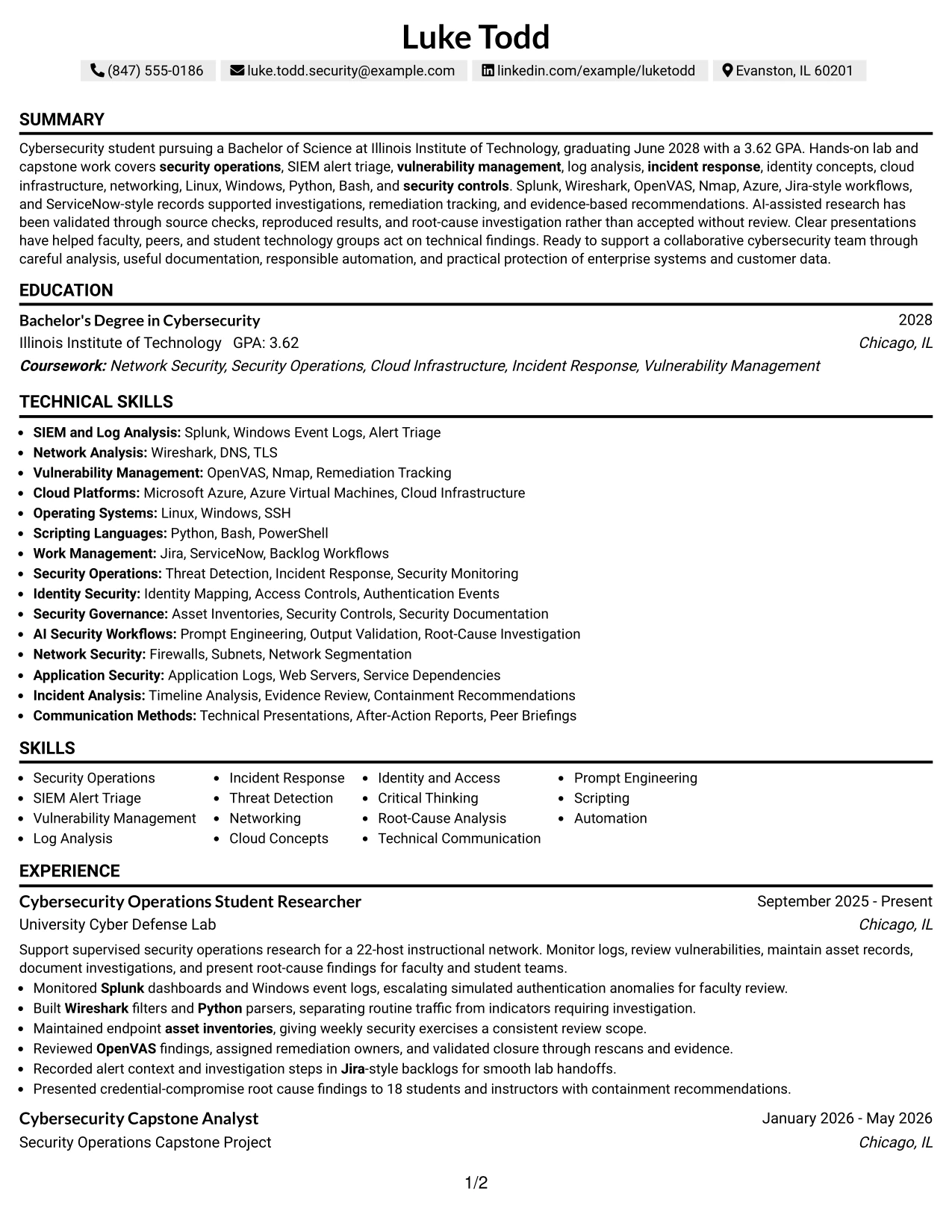
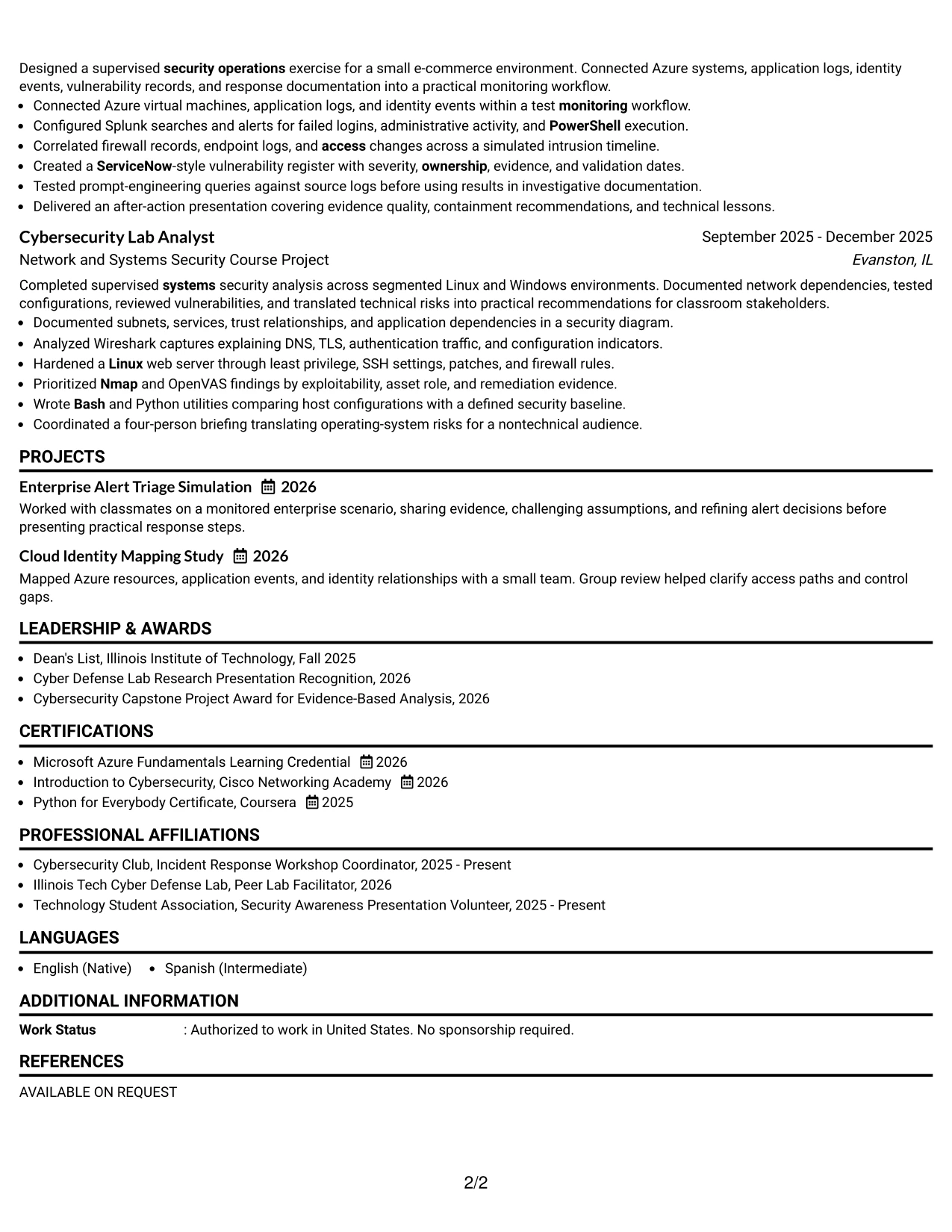
Why the One Column Shaded Contact Header Format Works for a Resume
- A centered contact header creates a clear first point of reference.
- One reading path helps ATS tools parse section headings and resume keywords.
- The summary can connect the Cybersecurity Intern target to security operations and technical foundations.
- Separate experience and project entries give academic evidence enough room to remain specific.
- Skills can be grouped around SIEM, vulnerability management, scripting, cloud, and operating systems.
- Bullets can show actions, tools, validation steps, and measurable scope such as a 22-host network or 18-person presentation.
- A shaded header adds visual distinction while keeping the resume professional and easy to scan.
Best For
- Applicants who want the target role and contact details identified immediately.
- Resumes that need a straightforward path from summary to education and evidence.
- Candidates combining coursework, projects, certifications, and practical experience.
- Applications where ATS-friendly section order is more important than decorative design.
- Readers who need to compare security tools and responsibilities quickly.
- Documents with several technical keywords that benefit from clear grouping.
- Resume versions prepared for a hybrid Chicago application with both digital and human review.
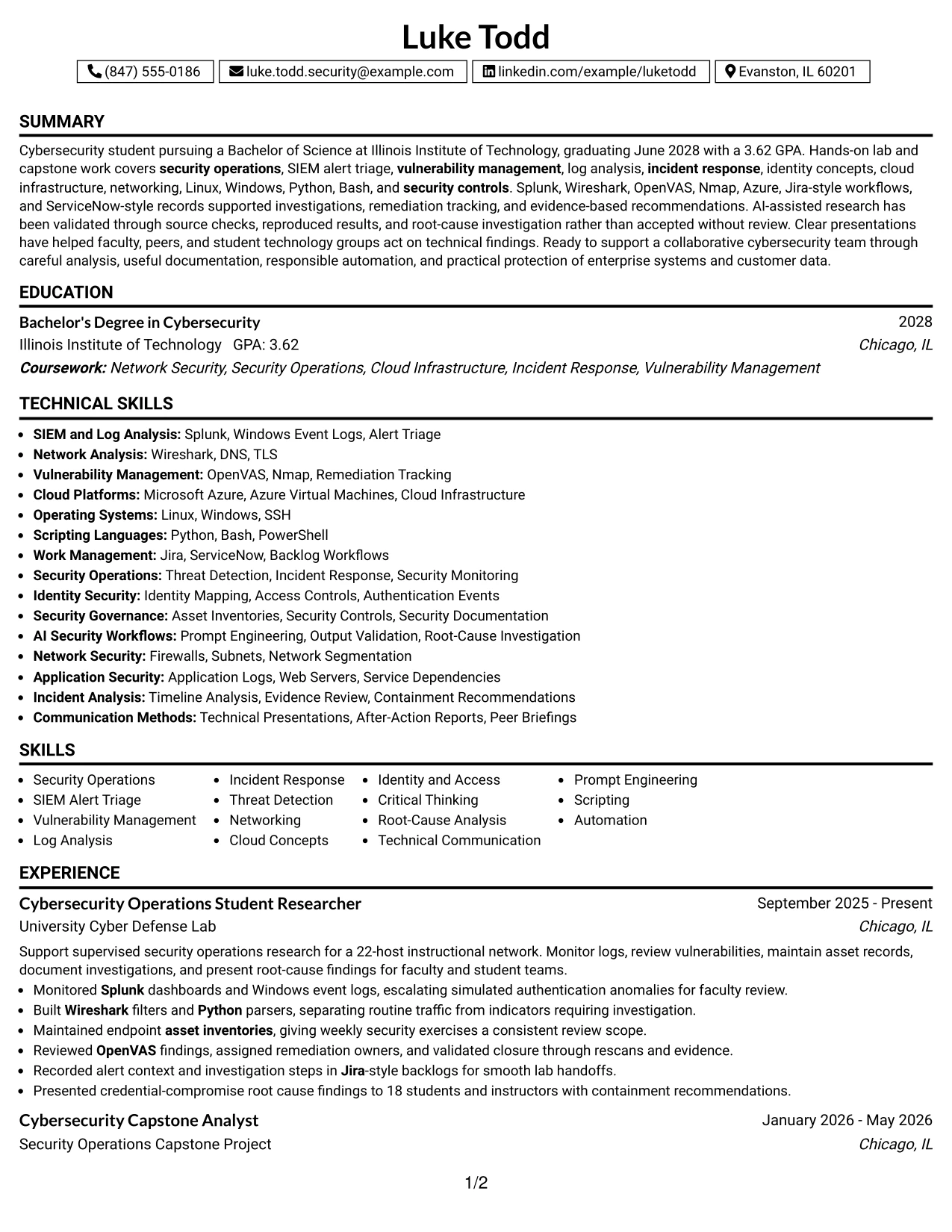
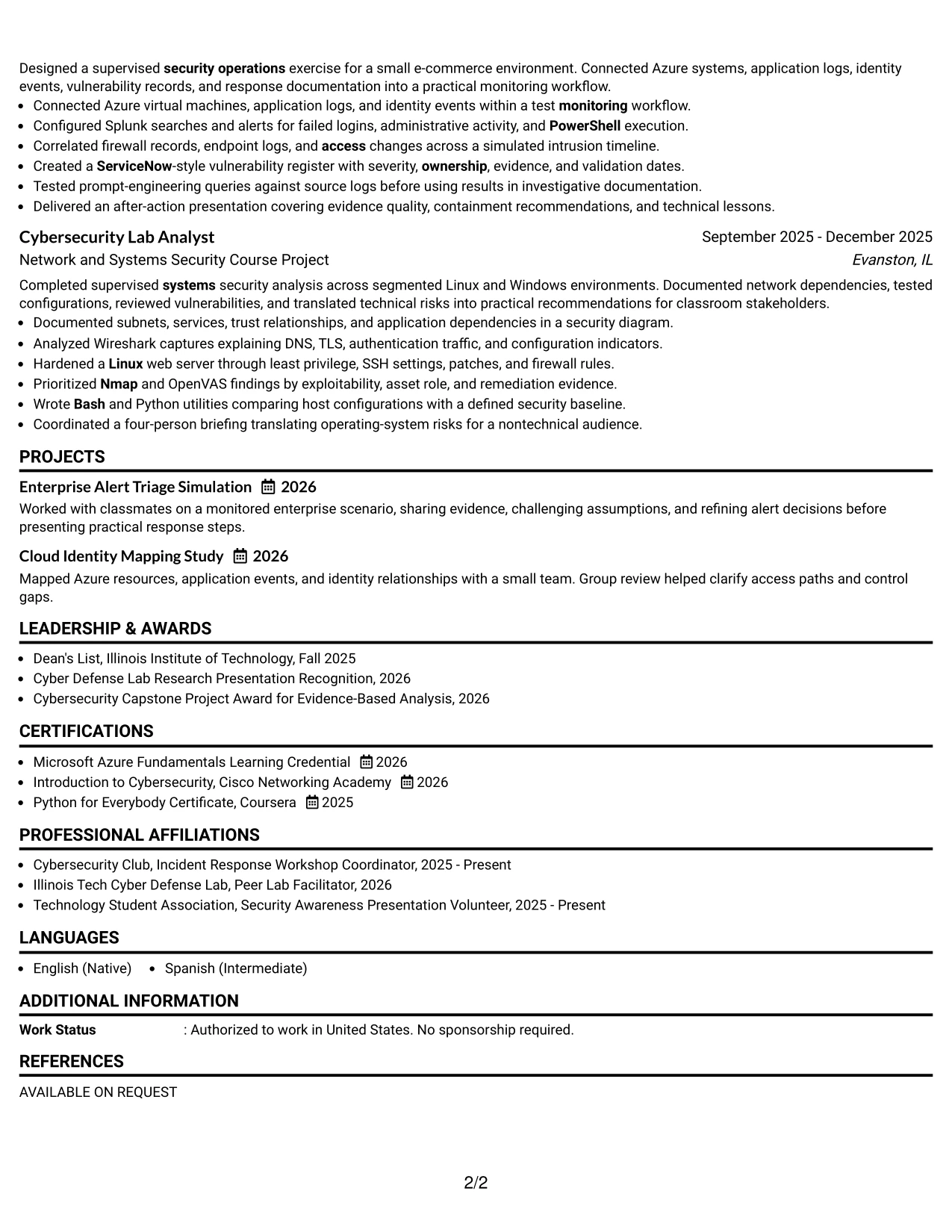
#13 Boxed Contact Header with Job Title Format Resume Example
The Boxed Contact Header with Job Title Format places the target role in a defined visual block above the main resume content. That structure separates identity, contact information, and job alignment from the evidence that follows.
For this Cybersecurity Intern resume, the boxed header can lead into a focused summary, then clearly labeled sections for education, experience, projects, certifications, and skills. The format supports fast scanning while preserving keywords such as SIEM, threat detection, OpenVAS, Microsoft Azure, and Python.
Why the Boxed Contact Header with Job Title Format Works for a Resume
- The boxed header makes the target role visible before detailed content begins.
- Distinct section labels help readers locate education, experience, projects, and skills.
- A single column keeps related bullets together and reduces navigation effort.
- The summary can establish the 3.62 GPA and expected June 2028 graduation date early.
- Experience bullets can connect tools to actions, such as reviewing OpenVAS findings and validating closure.
- Project entries provide a clear place for Azure, identity events, and incident timeline analysis.
- The format keeps visual emphasis controlled so keywords remain readable to ATS systems.
Best For
- Applicants who want a strong job-title signal without a complex page design.
- Resume drafts that need a clear separation between contact information and qualifications.
- Candidates presenting a mix of academic work, lab responsibilities, and technical projects.
- Applications reviewed quickly by readers who depend on visible section labels.
- Documents that need room for both certifications and awards without losing order.
- Resume versions where tools and evidence should follow a concise professional summary.
- Candidates who want a structured layout that works well in digital submission systems.
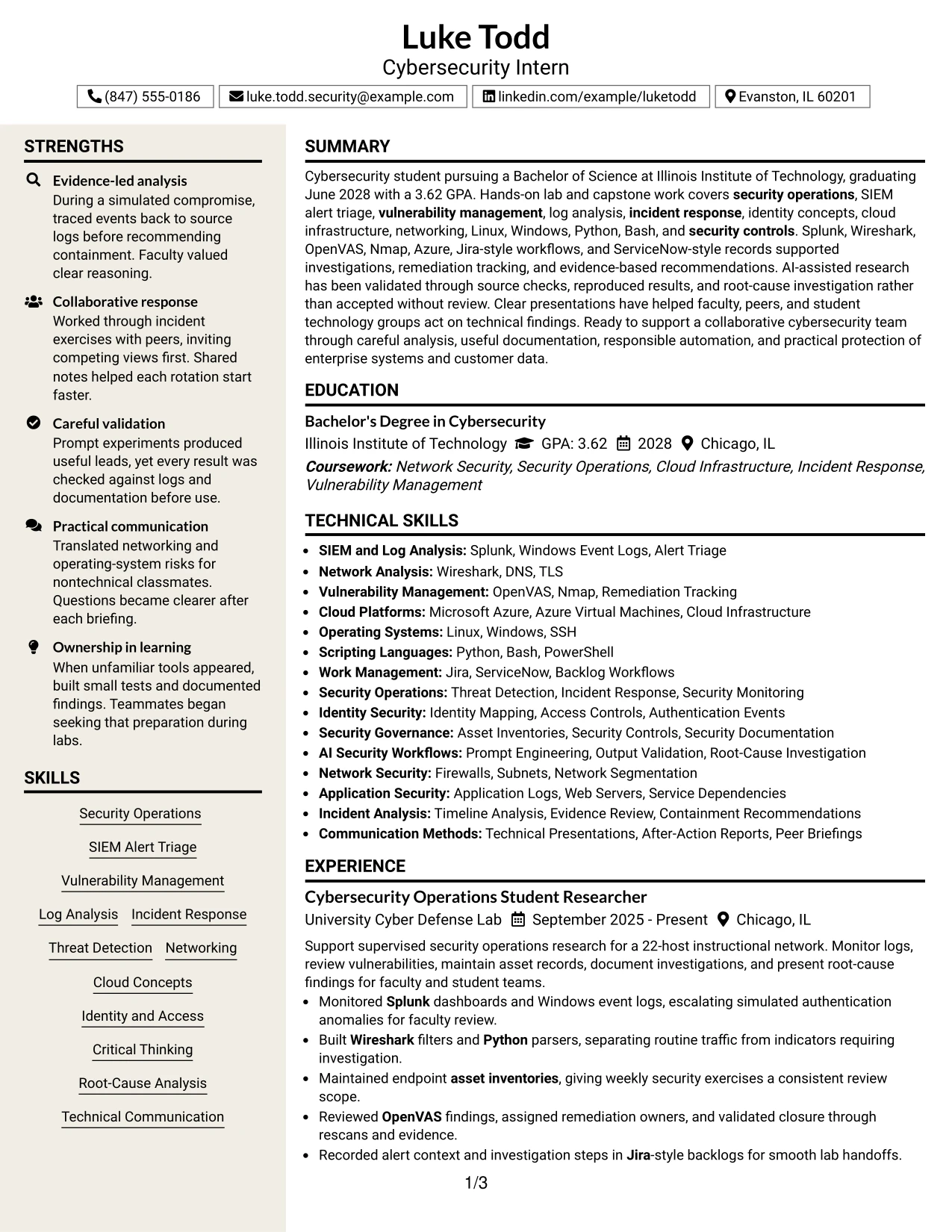
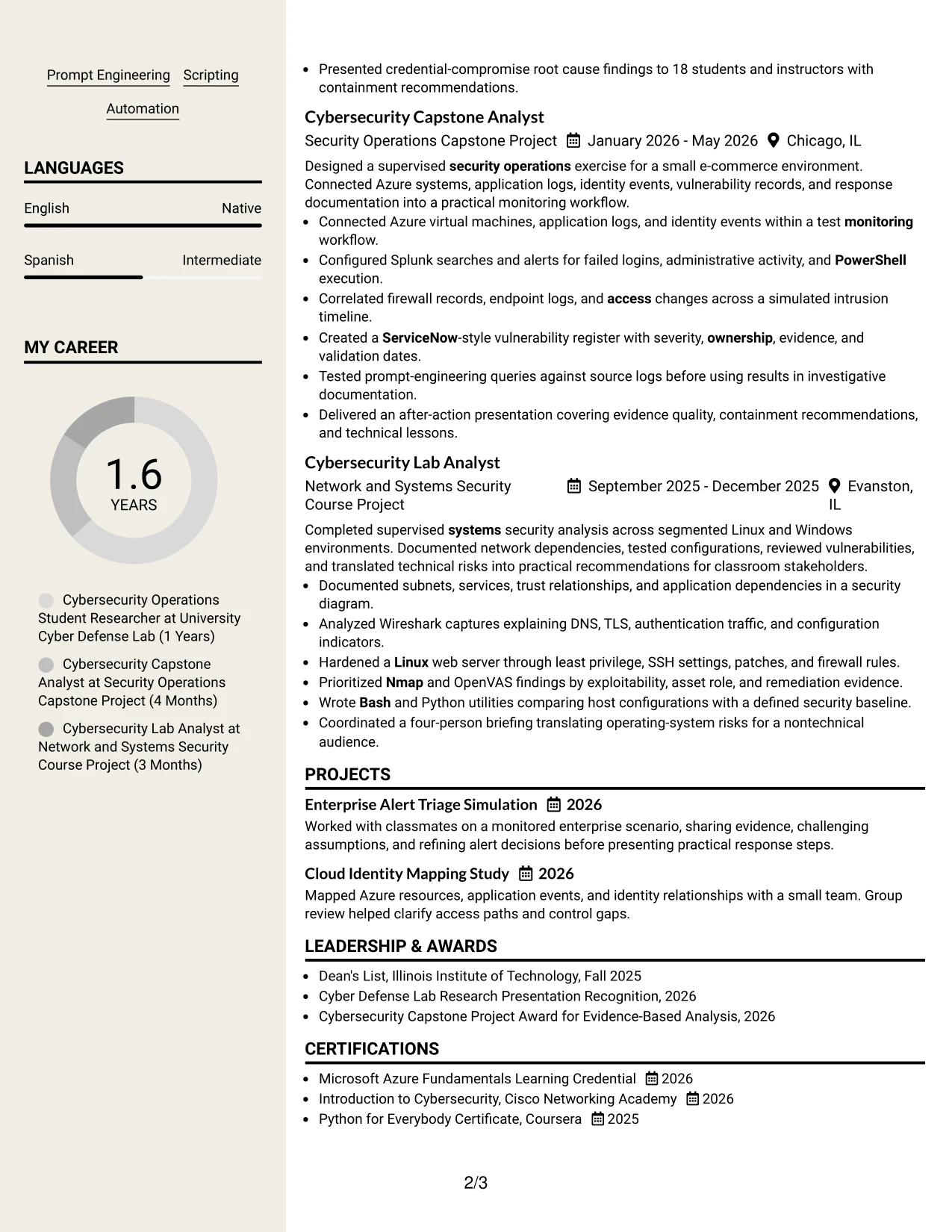
#14 Stylish Two Column Designer Format Resume Example
A recruiter can move from the contact area to a compact skills sidebar, then across to the summary and detailed evidence. This two-column route lets quick-reference information stay visible while the main column carries fuller experience and project bullets.
The format suits a Cybersecurity Intern resume with several technical areas to present. A sidebar can group Splunk, Wireshark, OpenVAS, Nmap, Azure, Linux, Windows, Python, and Bash, while the main column explains investigations, remediation tracking, and presentations.
Why the Stylish Two Column Designer Format Works for a Resume
- The sidebar gives technical keywords a consistent location for fast review.
- The main column preserves space for detailed experience and project evidence.
- Two visual zones help separate tools and competencies from results and responsibilities.
- The summary can introduce security operations before readers examine specific entries.
- Bullets can show how logs, network captures, and vulnerability findings supported decisions.
- Education and certifications can remain visible without interrupting the evidence sequence.
- The design supports a substantial resume while retaining clear visual navigation.
Best For
- Resumes with a broad technical toolkit that needs a compact reference area.
- Applicants who want skills visible while readers study detailed experience.
- Documents combining lab work, capstone analysis, projects, certifications, and activities.
- Readers who prefer a quick sidebar scan followed by deeper evidence.
- Applications where multiple security paths, such as threat detection and identity, must be presented together.
- Candidates needing to distinguish tools from outcomes and investigation methods.
- Resume versions with enough content to benefit from two organized reading zones.
#15 Modern Icon Format Resume Example
The strongest evidence should appear before decorative detail: specific actions, tools, scope, and outcomes. A modern icon treatment can support that order when icons mark sections without replacing clear text labels.
On a Cybersecurity Intern resume, the format can highlight monitored logs, correlated intrusion events, validated vulnerability closures, and documented root causes. The content remains searchable because the important terms—SIEM alert triage, incident response, Microsoft Azure, Python, and technical presentations—stay in text.
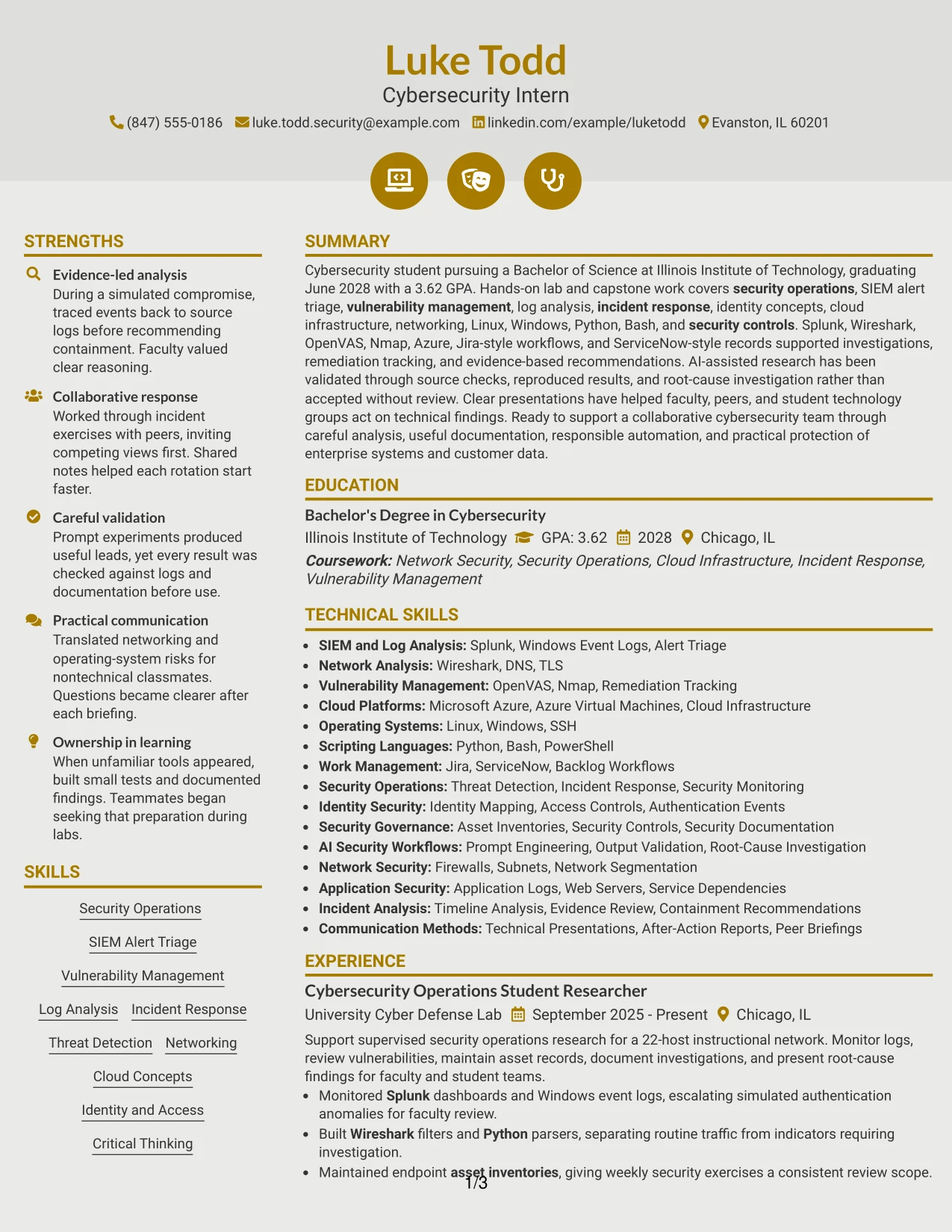
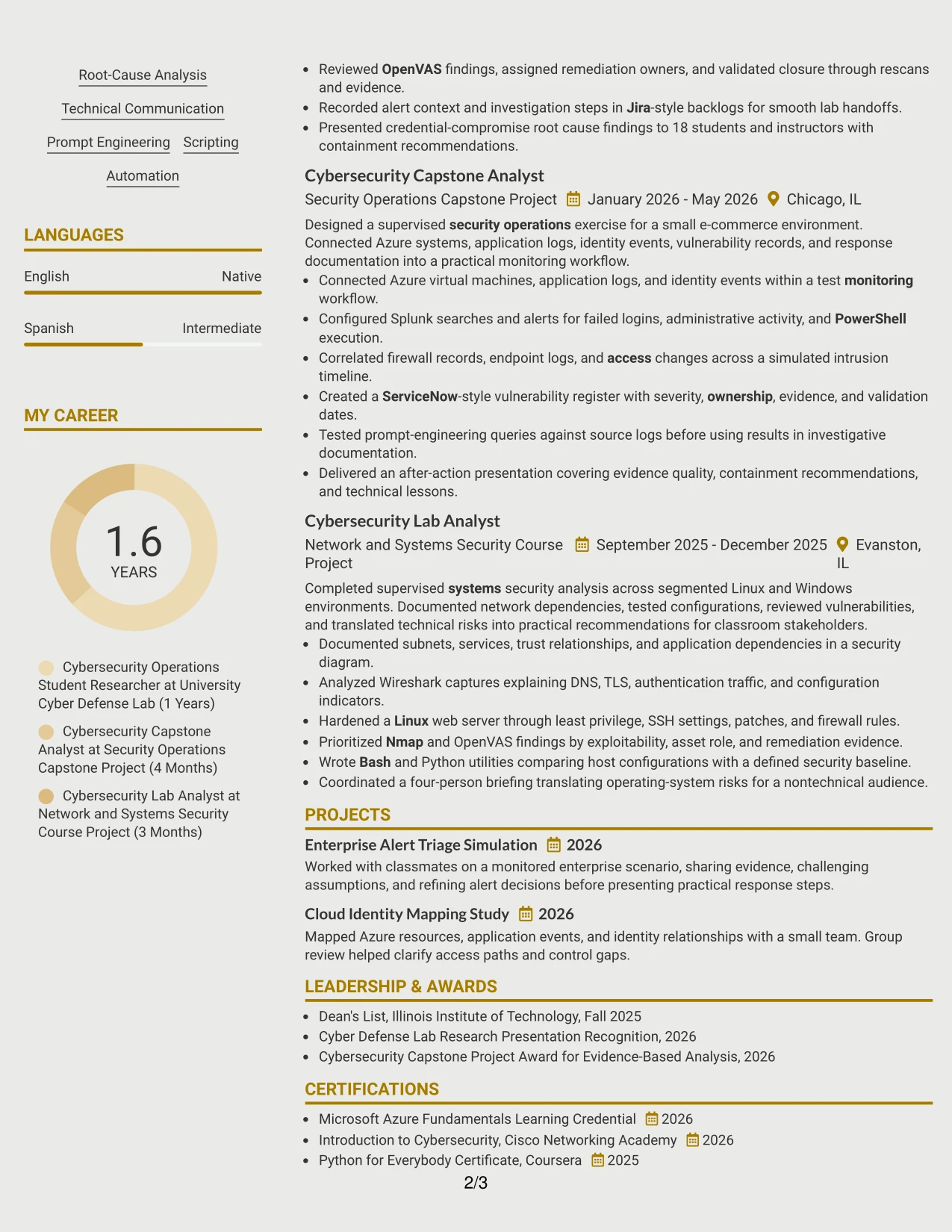
Why the Modern Icon Format Works for a Resume
- Text-based headings keep section meaning clear for ATS parsing.
- Small visual markers help readers distinguish summary, skills, experience, and education.
- Evidence-led bullets can show what was investigated and how conclusions were checked.
- The format gives technical projects a clear place beside supervised work experience.
- Tools such as Splunk, Wireshark, and OpenVAS can appear next to the actions they supported.
- Metrics including 22 hosts, seven simulated events, and 18 presentation attendees add credibility.
- A modern treatment creates interest without hiding the resume's technical substance.
Best For
- Applicants whose strongest qualification is specific, verifiable technical evidence.
- Resumes that need to show investigation steps rather than only list tool names.
- Candidates presenting simulated incidents, vulnerability reviews, and monitoring exercises.
- Documents where measurable scope can strengthen academic and lab-based work.
- Readers who appreciate light visual signposts but still need searchable text.
- Applications requiring clear links between security controls, findings, and recommendations.
- Resume versions that balance modern presentation with detailed technical proof.
#16 Plain Professional Layout with Job Title & Shaded Labels Resume Example
Content is balanced through a clear header, compact labels, and generous space for the evidence that matters most. Shaded labels separate sections without taking attention away from the resume's actual qualifications.
For a Cybersecurity Intern application, that balance supports a direct summary followed by education, experience, projects, certifications, and skills. It gives room to explain log analysis, vulnerability remediation, identity concepts, cloud infrastructure, and responsible AI-assisted research in plain, reviewable bullets.
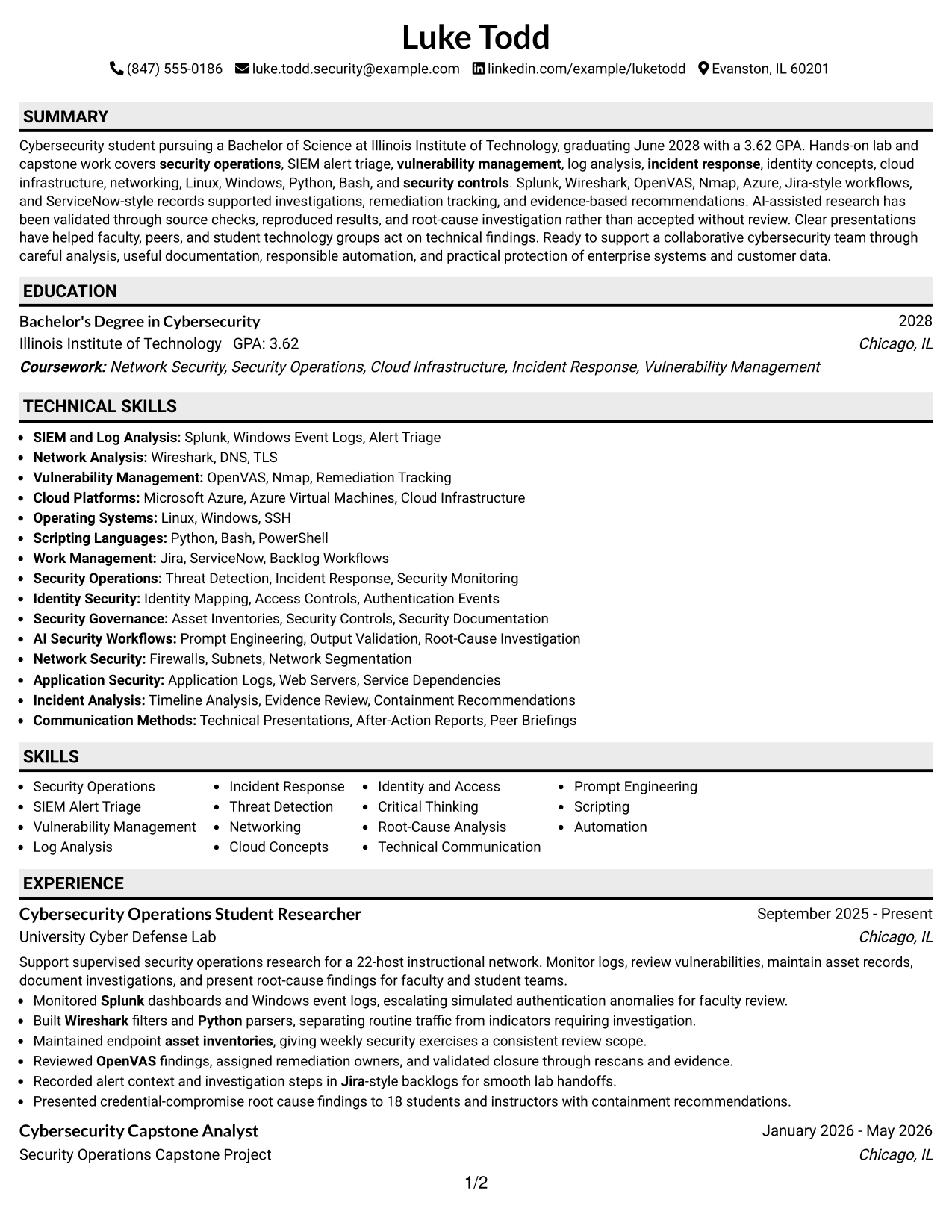
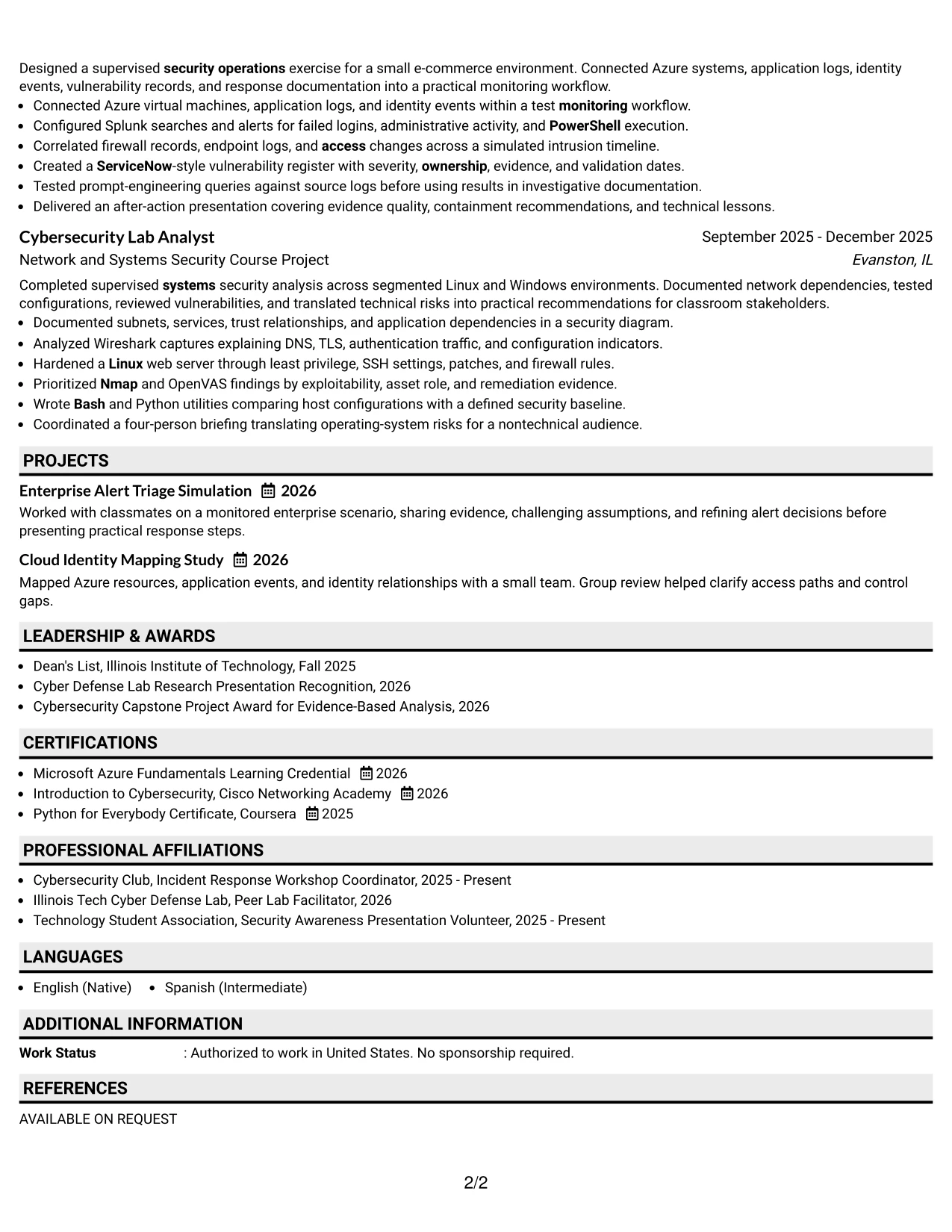
Why the Plain Professional Layout with Job Title & Shaded Labels Works for a Resume
- The visible job title establishes application context at the top.
- Shaded labels make section changes easy to recognize during a quick review.
- A one-column structure supports consistent ATS reading order.
- Experience bullets can connect monitoring, investigation, remediation, and documentation.
- Project descriptions can add Azure, identity, and response-workflow evidence without crowding the summary.
- Education and the 3.62 GPA remain easy to locate for an internship review.
- The restrained presentation keeps technical language and measurable details central.
Best For
- Applications that need a professional presentation for a defined internship context.
- Applicants who want section labels to guide readers through a mixed academic resume.
- Documents combining education, lab work, projects, certifications, and leadership.
- Resume reviews where consistent spacing improves comparison between entries.
- Candidates who need to explain technical work in short, direct bullets.
- Digital submissions that benefit from a conventional one-column reading order.
- Versions that must show both foundational knowledge and hands-on security practice.
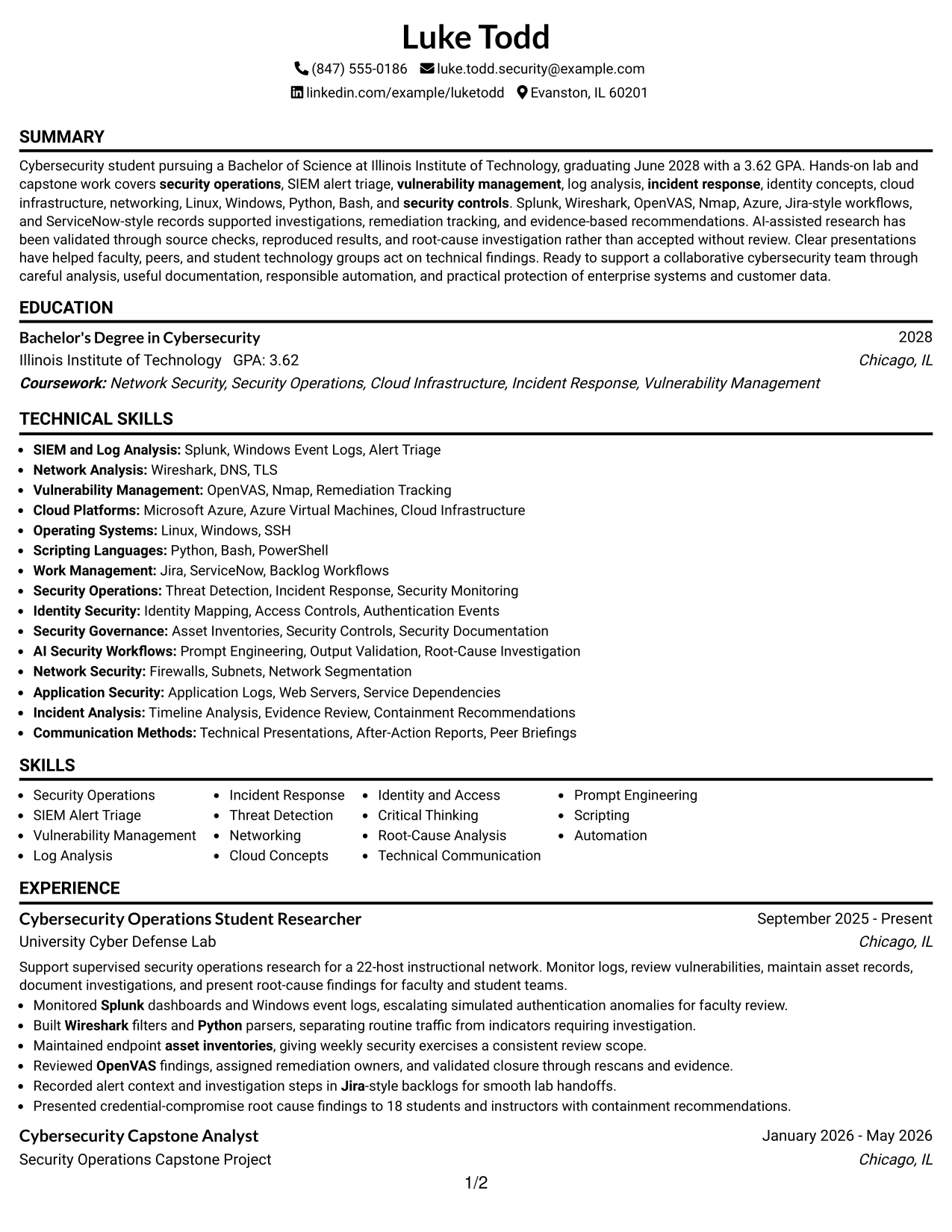
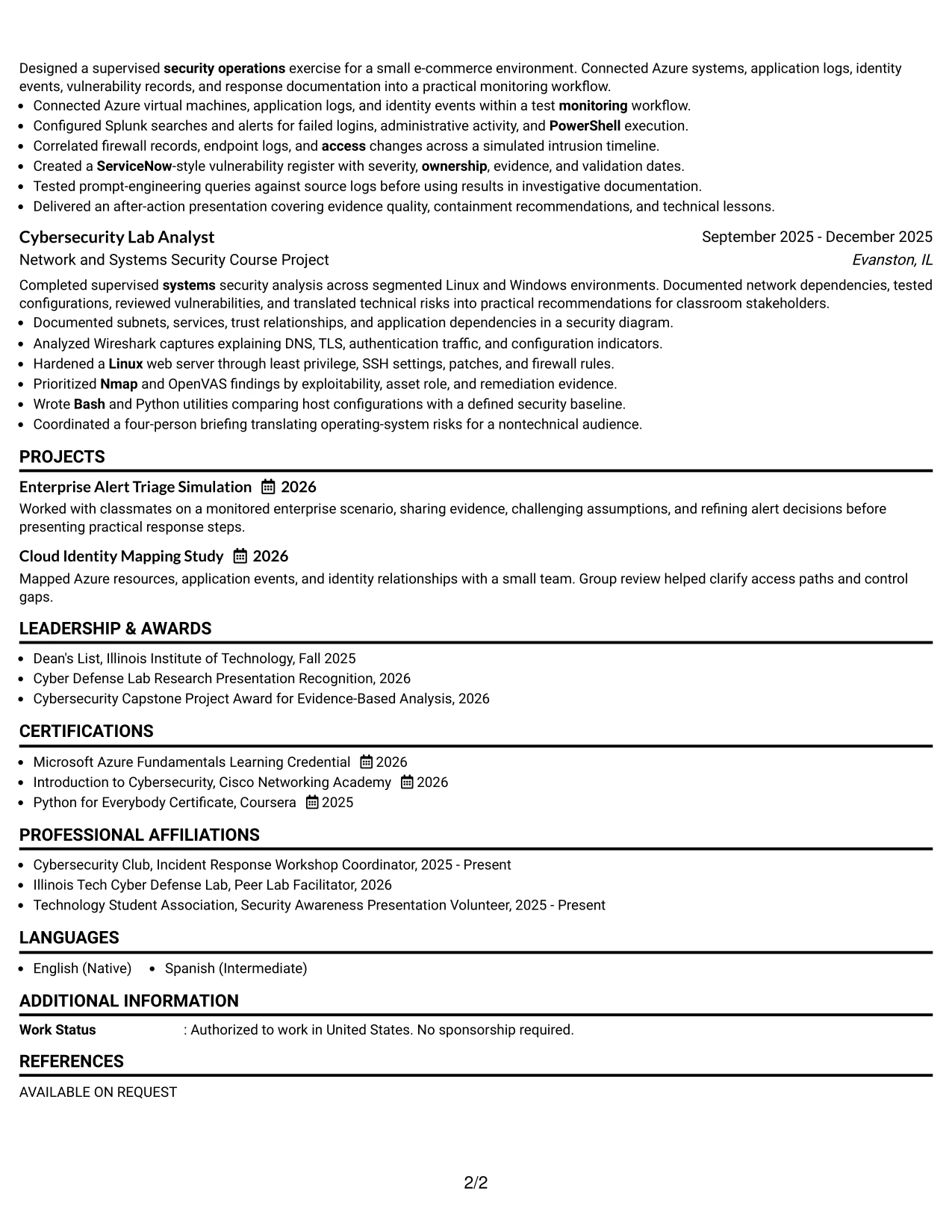
#17 Classic One Column Resume Format Resume Example
For an application that may be reviewed by both ATS software and people, a familiar one-column resume provides a dependable structure. The reader can move from the summary to education, experience, projects, certifications, activities, and skills in a known order.
This classic format fits the Cybersecurity Intern target because the evidence is easy to verify line by line. It can show a 22-host monitoring environment, seven-event intrusion analysis, four-person briefing, relevant credentials, and the tools used to produce each result.
Why the Classic One Column Resume Format Works for a Resume
- A familiar order reduces effort for both automated and human review.
- One column keeps dates, organizations, titles, and bullets aligned.
- The summary can connect the degree, GPA, graduation date, and target role.
- Experience entries can show progression from monitoring to analysis and remediation validation.
- Projects add evidence of cloud systems, identity mapping, and response documentation.
- Certifications and awards reinforce learning without competing with work evidence.
- The format is easy to update for different security operations or incident response applications.
Best For
- Applicants seeking a dependable format for standard online applications.
- Resumes that must perform well in ATS parsing and ordinary document review.
- Candidates with evidence spread across coursework, projects, lab work, and activities.
- Applications where dates and role titles need to be read in a simple sequence.
- Documents that require flexible tailoring for related cybersecurity paths.
- Readers who prefer established resume conventions over strong visual effects.
- Resume versions that may be printed, uploaded, or shared across different review settings.
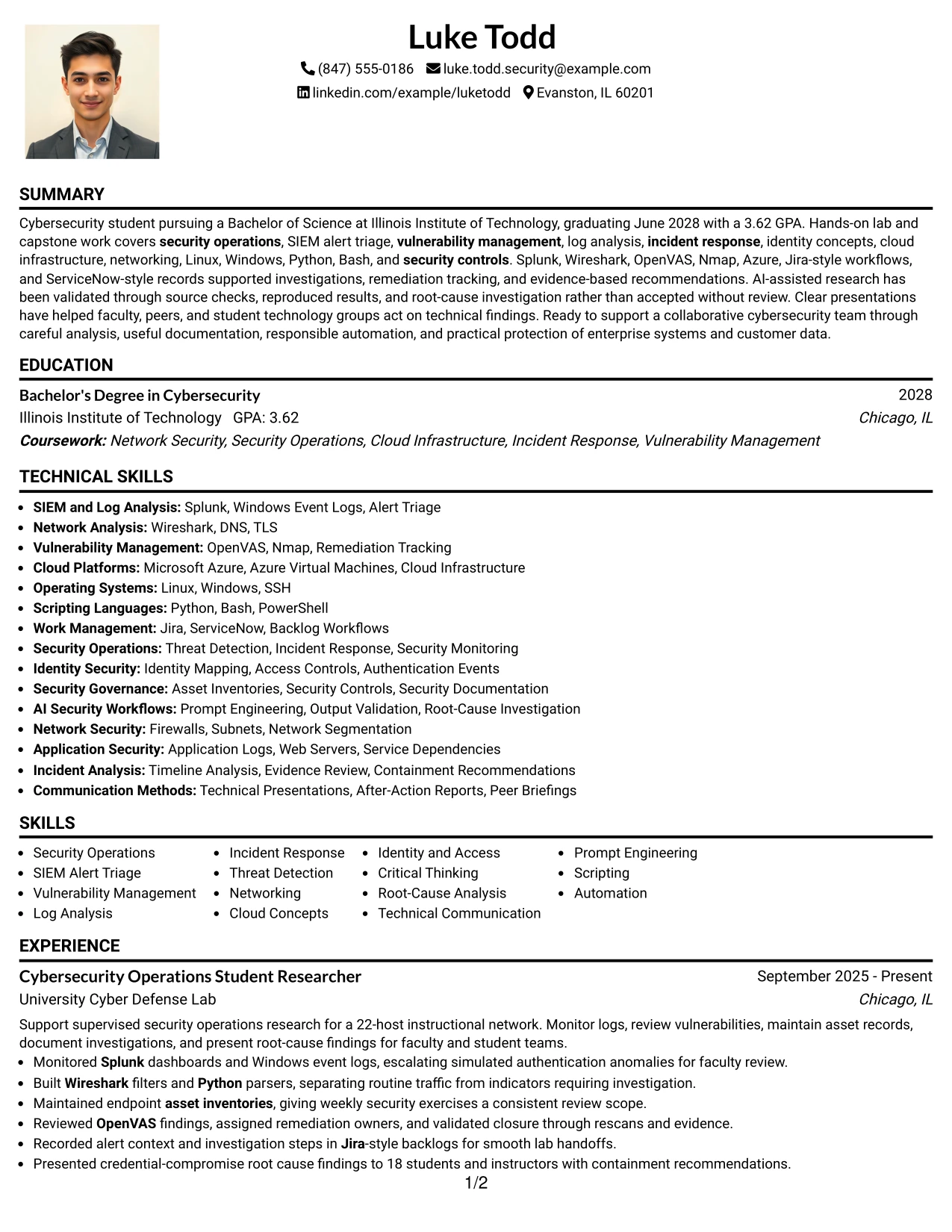
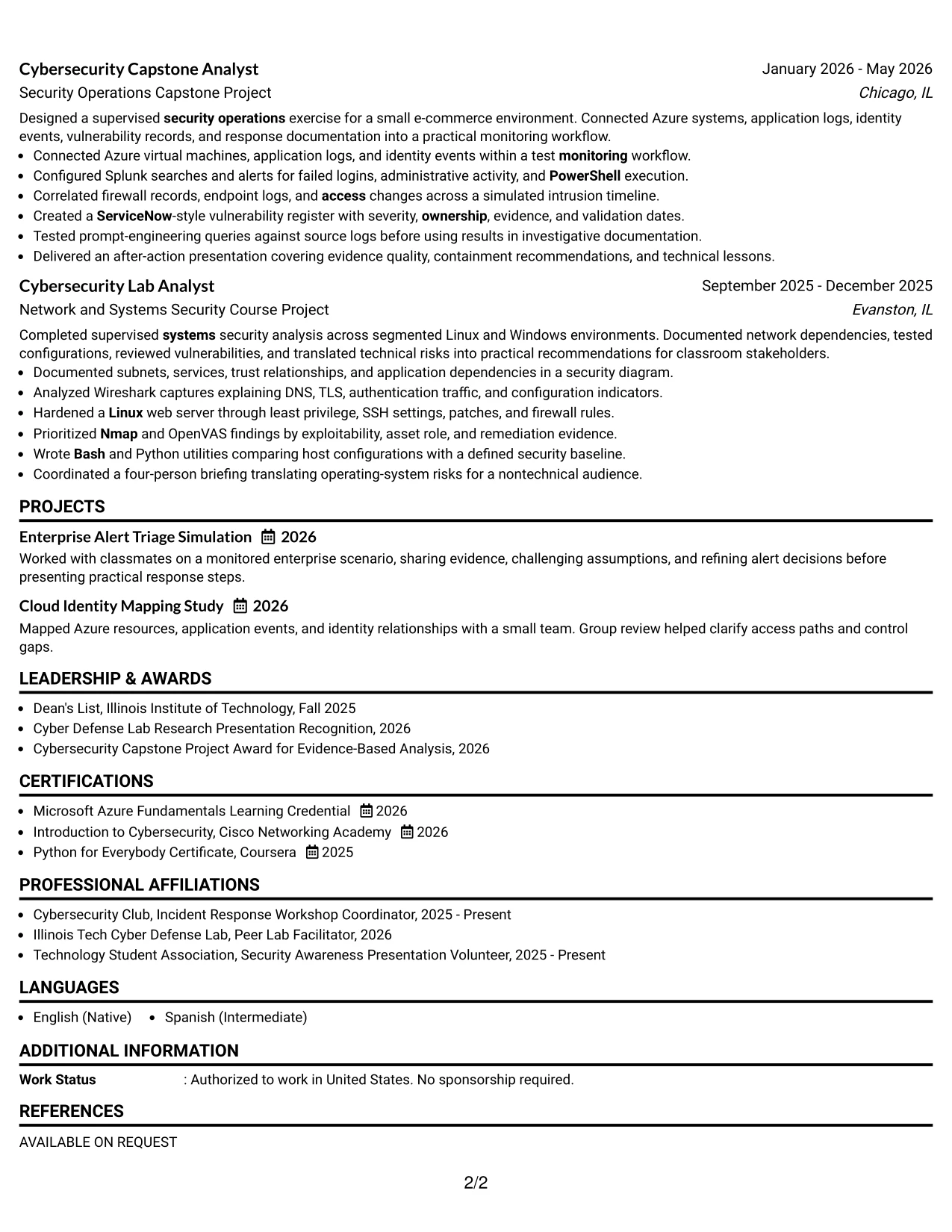
#18 One Column Format with Photo Resume Example
A clean one-column hierarchy gives the document a personal visual entry point while keeping the professional evidence in a predictable sequence. The photo area should remain secondary to the resume text and should not replace contact details, the target role, or searchable qualifications.
For this Cybersecurity Intern resume, the main content can present security operations, vulnerability management, log analysis, cloud infrastructure, projects, education, and certifications in one continuous path. The format works best when the visual element is appropriate for the submission context and the text remains complete on its own.
Why the One Column Format with Photo Works for a Resume
- The single-column sequence keeps core resume sections easy to follow.
- A photo can provide a personal visual introduction when the application context allows it.
- The target role and summary remain separate from the visual element.
- Technical bullets can still show tools, actions, evidence, and measurable scope.
- Projects and education receive a clear place in the same reading path as experience.
- Skills remain searchable because they are written as text rather than represented only visually.
- The design can be adapted by removing the photo for systems or markets where it is not suitable.
Best For
- Applications where a personal visual element is accepted and useful.
- Applicants who want one continuous path through summary, experience, and education.
- Documents that combine technical practice with projects and certifications.
- Resume reviews where a clear identity area supports quick orientation.
- Candidates who can keep the visual element restrained and secondary to evidence.
- Versions prepared for a specific submission context with clear presentation norms.
- Resumes that need a simple structure while allowing limited personal branding.
#19 Minimal Header Format Resume Example
The Minimal Header Format starts with only the information needed to identify the document and its purpose. From there, the reader can move through the resume without visual interruptions or extra framing.
That economy is useful for a Cybersecurity Intern resume with strong technical content. The space can support a concise summary, focused bullets, projects, education, certifications, and a keyword-rich skills section covering Splunk, Wireshark, OpenVAS, Nmap, Azure, Python, and Bash.
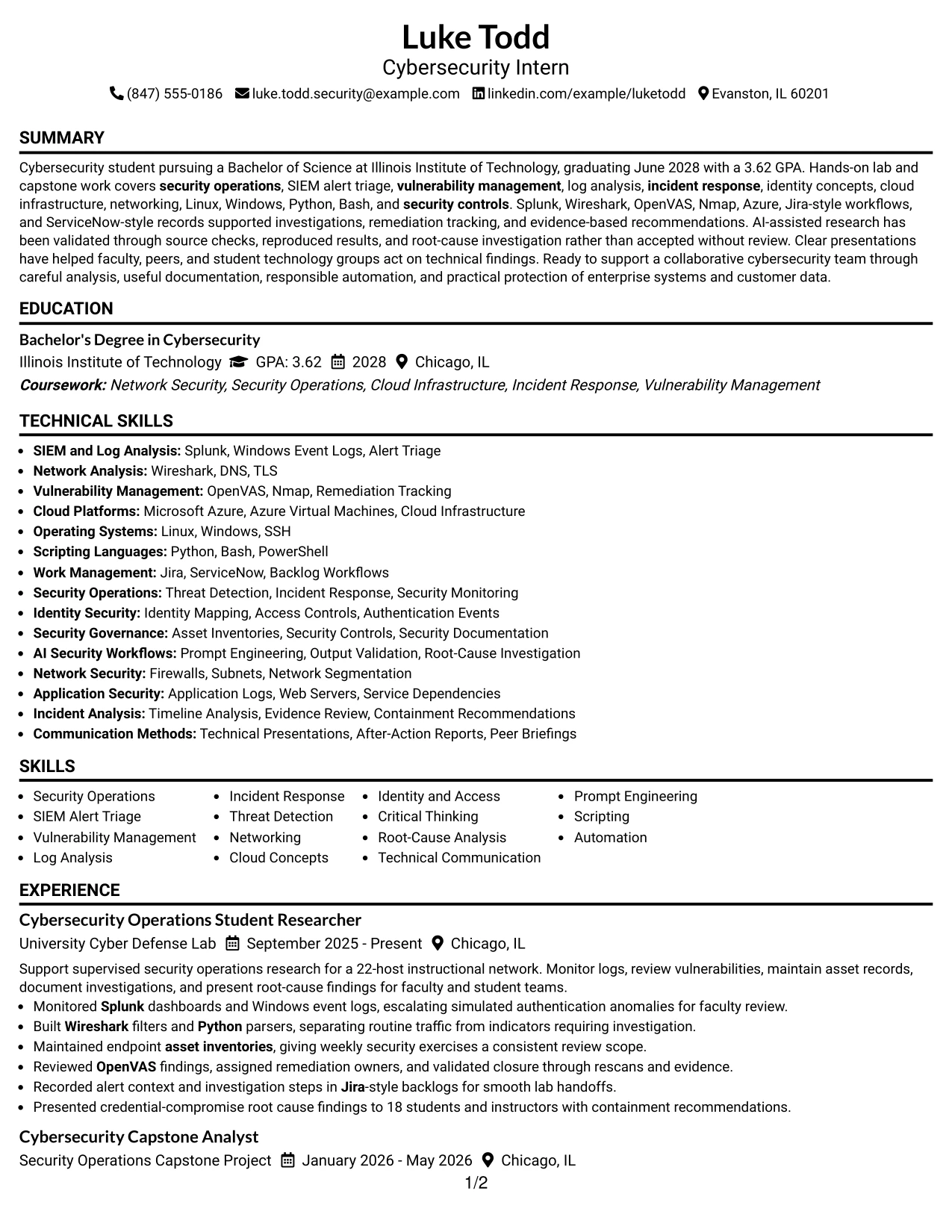
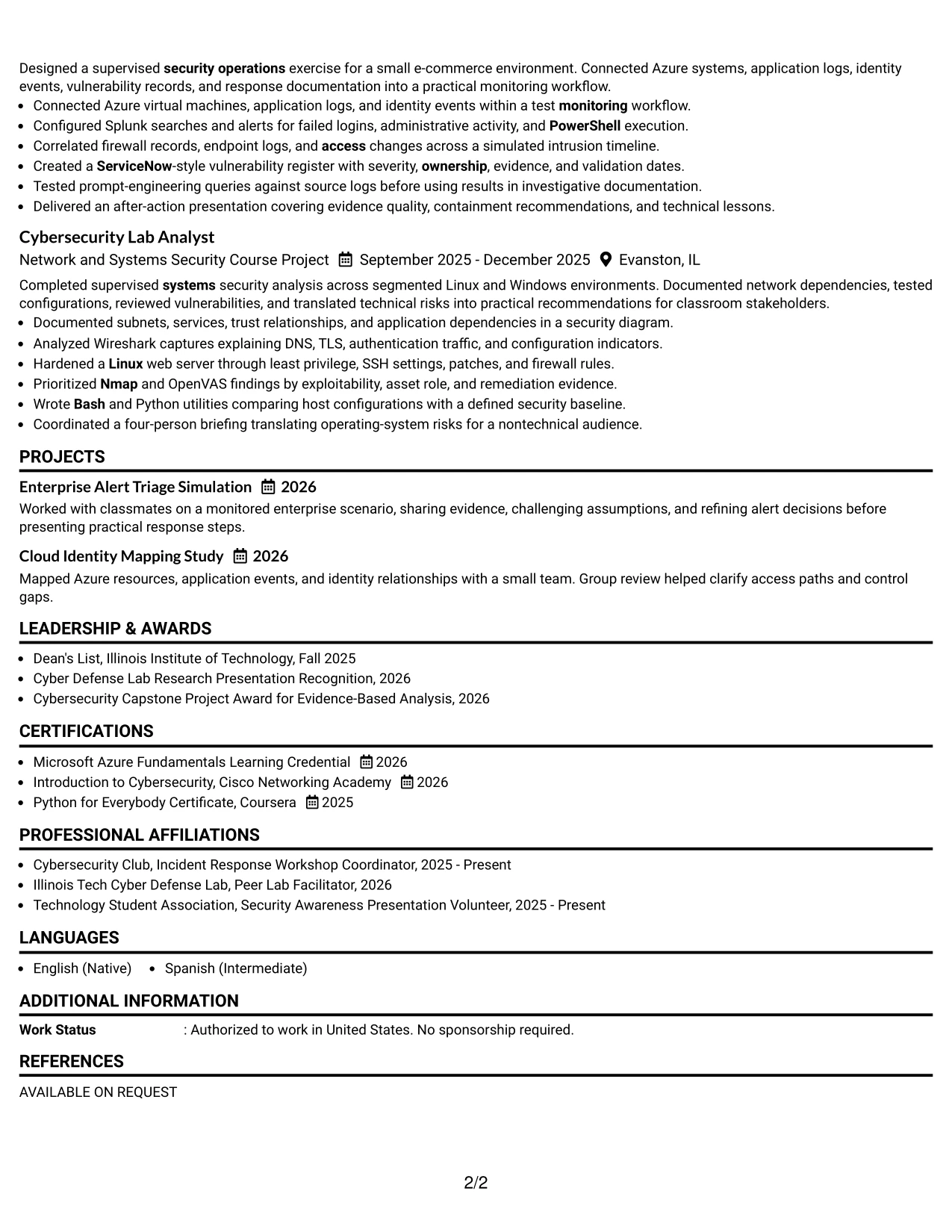
Why the Minimal Header Format Works for a Resume
- A compact header leaves more room for qualifications and evidence.
- The target role can appear clearly without a large decorative treatment.
- Simple section headings support dependable ATS parsing.
- Focused bullets make monitoring, analysis, and remediation work easier to compare.
- Projects can demonstrate cloud, identity, network, and incident-response foundations.
- A concise skills area can carry important technical keywords without repeating every bullet.
- The uncluttered page helps readers concentrate on facts, dates, tools, and results.
Best For
- Applicants who want maximum content clarity with limited visual framing.
- Resumes where the header should identify the application without dominating the page.
- Candidates with several relevant projects that need room for concise descriptions.
- Applications requiring strong keyword visibility and predictable section order.
- Readers who scan for dates, tools, responsibilities, and evidence in quick passes.
- Documents that may need frequent tailoring to related cybersecurity opportunities.
- Resume versions where a compact top section preserves space for technical detail.
#20 Modern Full Background Two Column Format Resume Example
A reader can begin with the summary and then use the two columns to separate quick-reference skills from fuller evidence. The layout supports a broad review: one area can hold tools, credentials, and education, while the other explains experience, projects, and results.
Luke Todd's resume content fits this structure because it includes security operations research, capstone analysis, network security work, certifications, awards, and activities. Careful spacing keeps the two columns readable and helps the resume show both technical range and evidence depth.
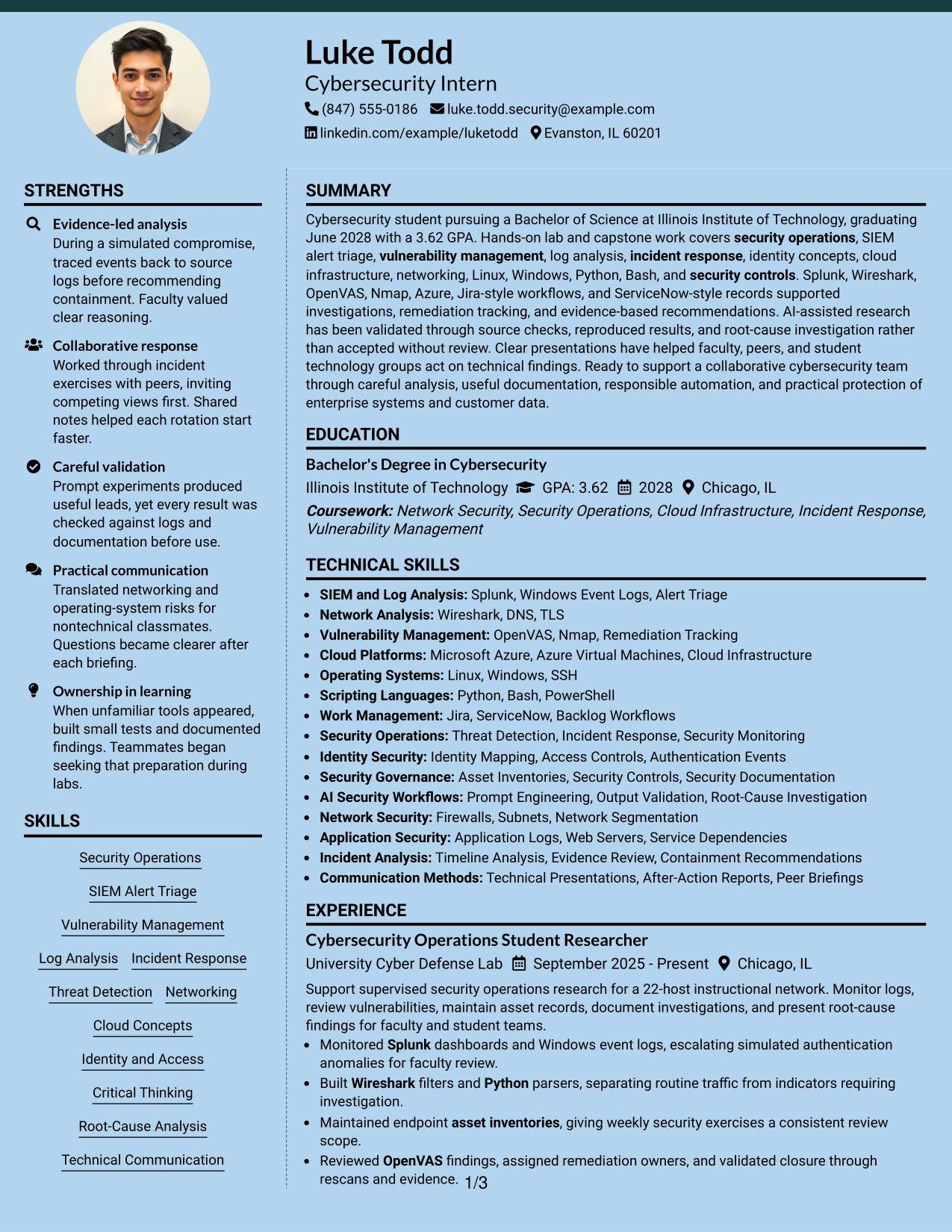
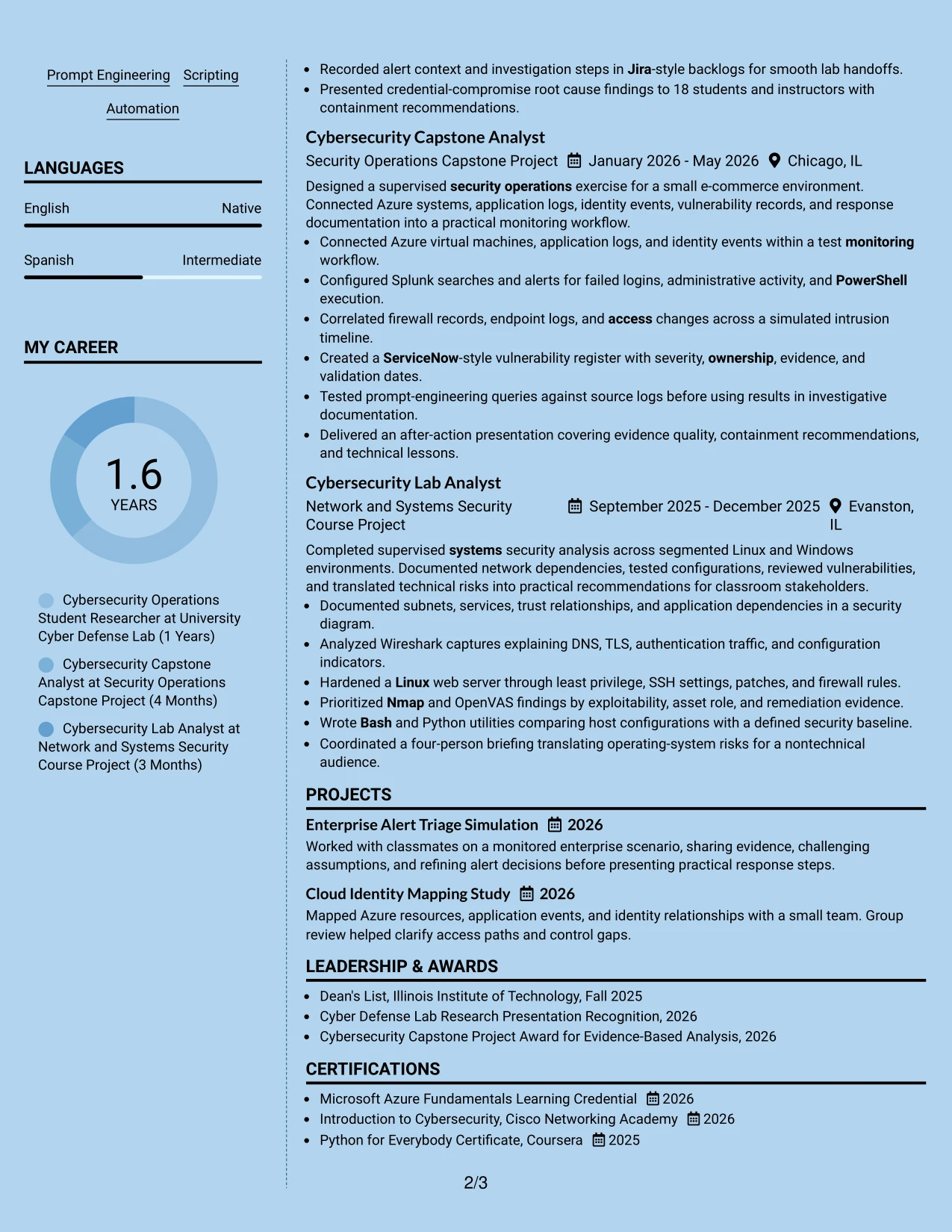
Why the Modern Full Background Two Column Format Works for a Resume
- Two columns allow skills and supporting details to remain visible during experience review.
- The main evidence area can carry complete bullets without making the page feel crowded.
- A full background treatment creates a unified modern presentation across both columns.
- The summary can connect the Cybersecurity Intern target to security operations and validation.
- Education, certifications, and awards can sit apart from detailed project evidence.
- Tools such as Splunk, Azure, Python, and OpenVAS can be grouped for quick reference.
- Consistent section labels help preserve ATS-friendly meaning within a more contemporary design.
Best For
- Applicants with enough verified content to support two balanced information zones.
- Resumes that need technical skills visible while detailed bullets remain central.
- Candidates combining experience, projects, certifications, awards, and activities.
- Applications where a modern look should still preserve clear section hierarchy.
- Readers who want a quick qualification scan followed by deeper evidence.
- Documents that benefit from separating supporting credentials from investigation details.
- Resume versions tailored to technology teams that value both presentation and substance.
#21 Dark Mode Two Column Format Resume Example
Evidence should remain the visual priority, even in a dark presentation. The two-column structure can place skills and credentials in a compact reference area while the main column explains monitoring, analysis, remediation, and communication results.
For this Cybersecurity Intern resume, strong text contrast and concise bullets are essential. The content includes Splunk dashboards, Windows event logs, Wireshark filters, OpenVAS findings, Azure systems, Python scripts, and documented root-cause analysis, giving the format substantial evidence to organize.
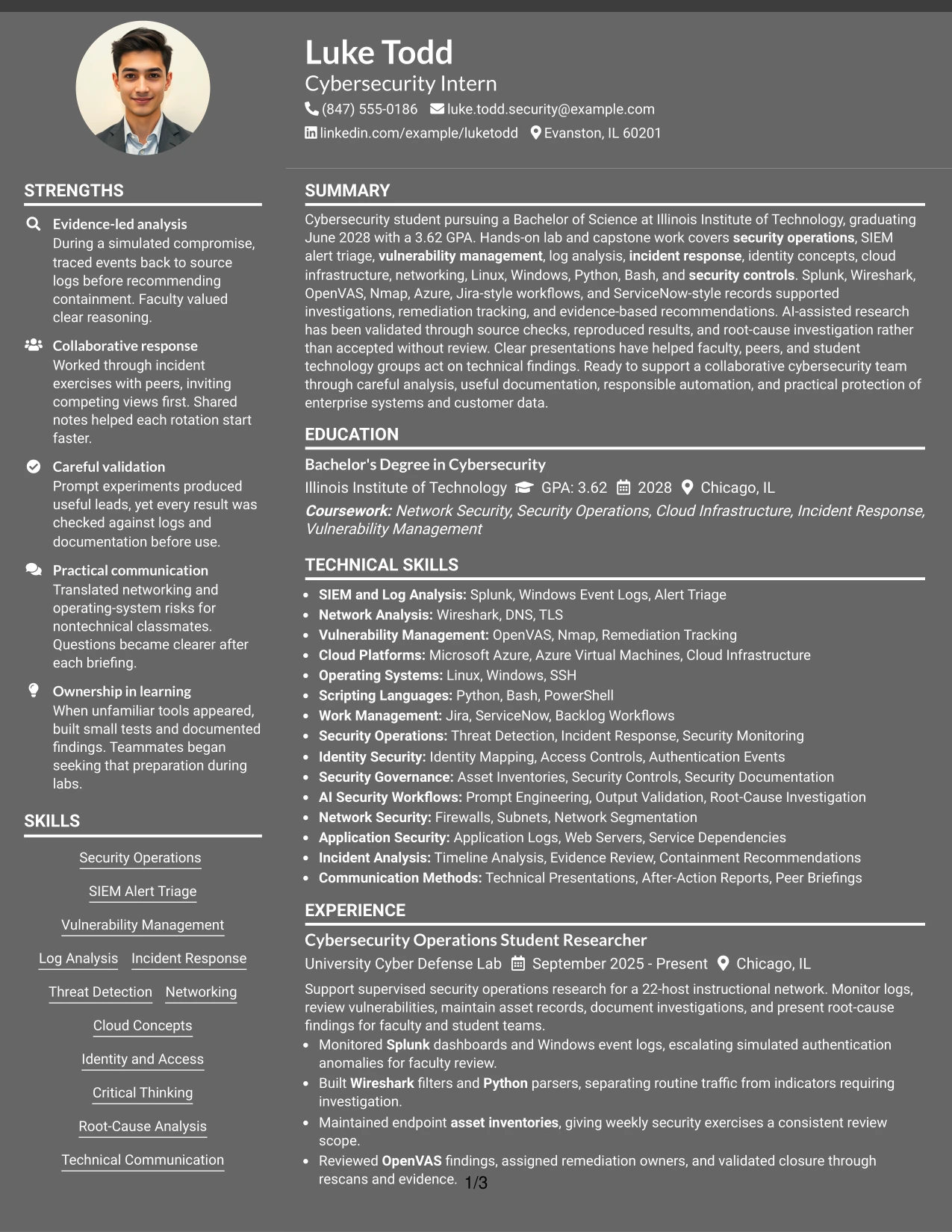
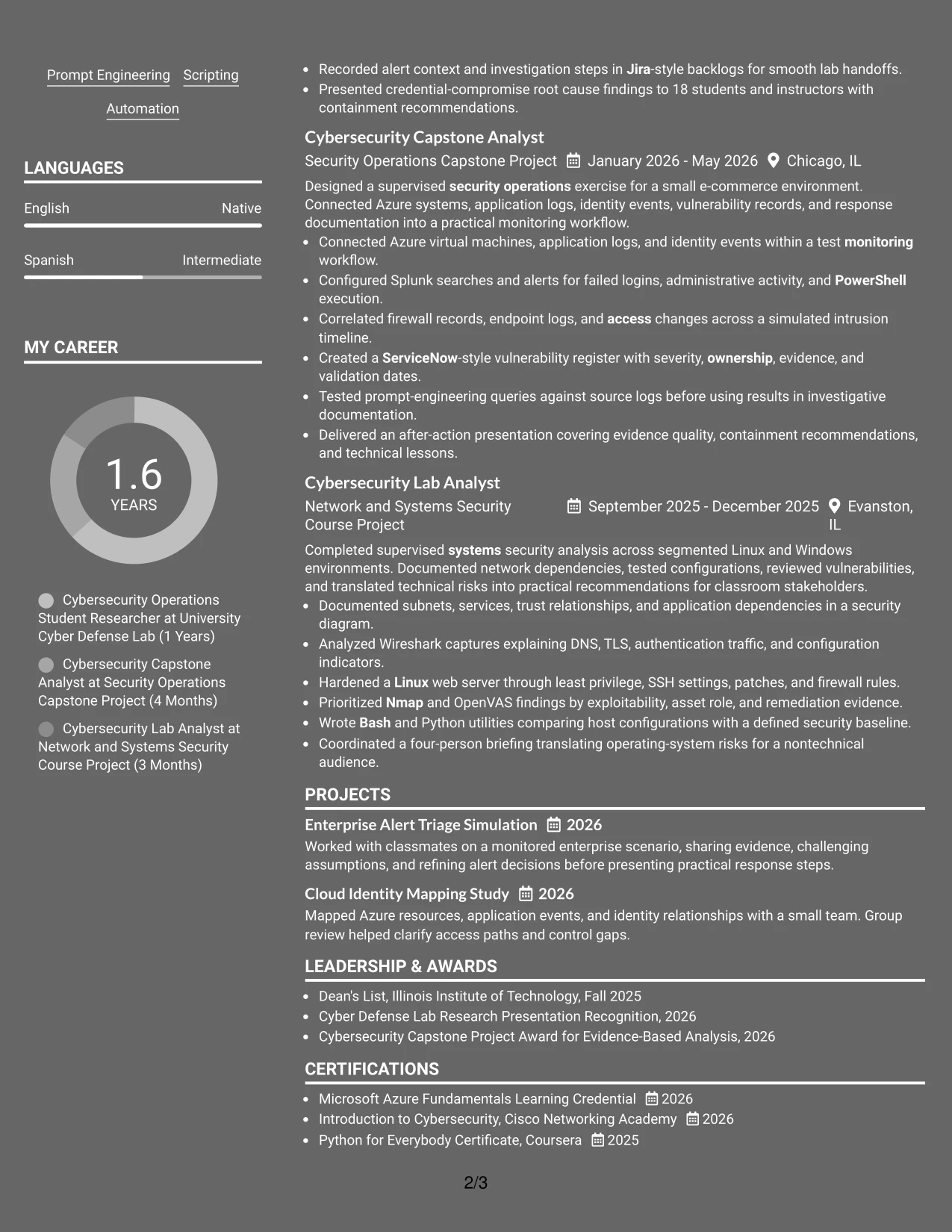
Why the Dark Mode Two Column Format Works for a Resume
- The two-column structure separates quick-reference skills from detailed evidence.
- High contrast is necessary so ATS-readable text and section labels remain clear.
- The main column can show how logs and network data supported investigation decisions.
- A sidebar can group tools, certifications, education, or security focus areas.
- Bullets can preserve measurable facts such as 22 hosts and 18 presentation attendees.
- The format supports both technical detail and concise communication examples.
- A controlled dark treatment can distinguish the resume while keeping evidence readable.
Best For
- Applicants seeking a distinctive presentation without losing a clear evidence hierarchy.
- Resumes with a substantial technical toolkit suited to a compact reference column.
- Candidates who need to show monitoring, analysis, scripting, and remediation work together.
- Documents where measurable findings and presentation results should remain prominent.
- Readers comfortable with a contemporary two-zone format and strong contrast.
- Applications that value visible organization across security tools and project evidence.
- Resume versions that can be checked carefully for screen readability before submission.
#22 Dark Mode Box Header Format Resume Example
Content is balanced between a defined header block and a focused body, so the target role appears quickly while the evidence receives most of the page. Boxed labels can guide readers through the summary, education, experience, projects, certifications, and skills.
For a Cybersecurity Intern application, this format can present security operations, vulnerability management, incident response, identity concepts, and responsible automation in a compact sequence. A readable contrast level and restrained boxes keep the dark treatment from competing with technical keywords.
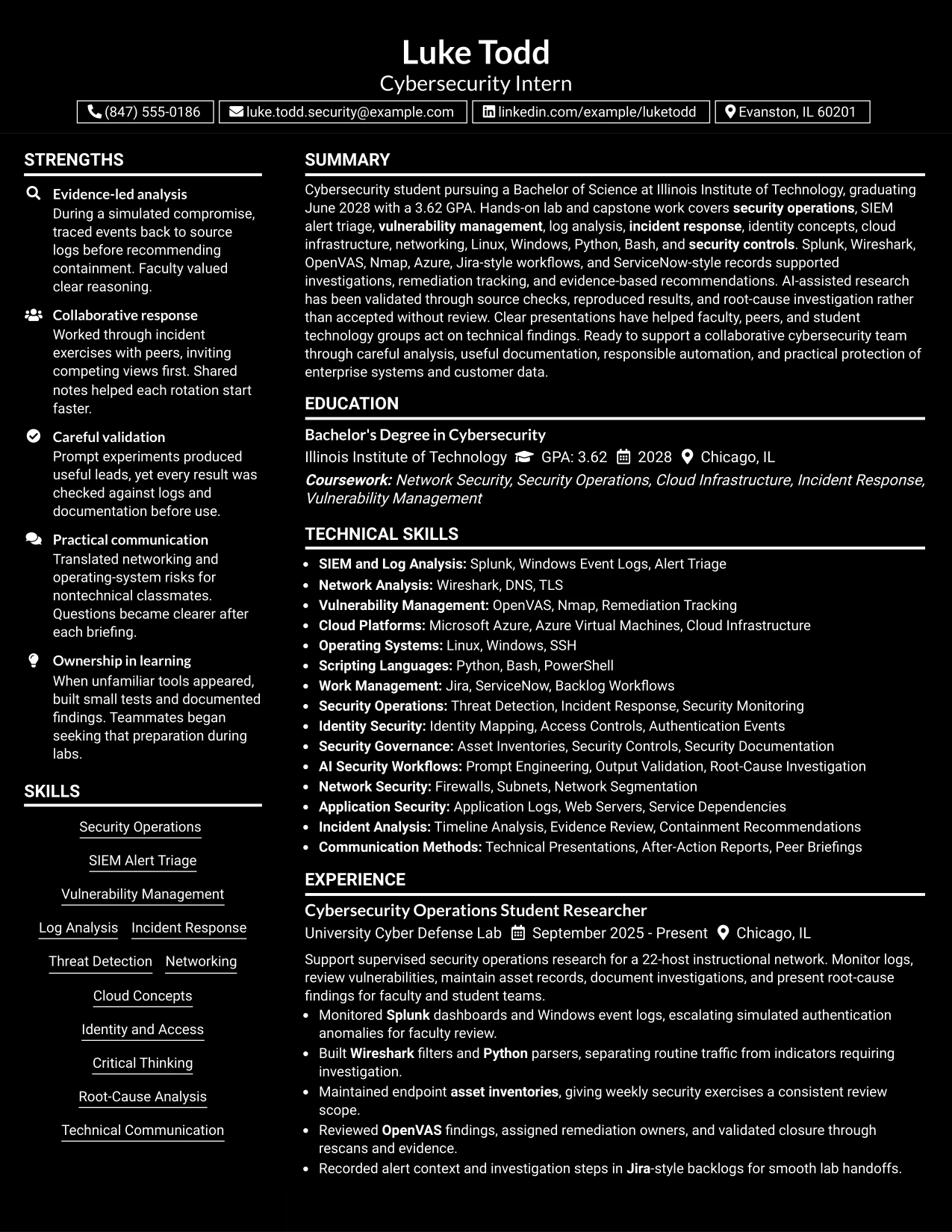
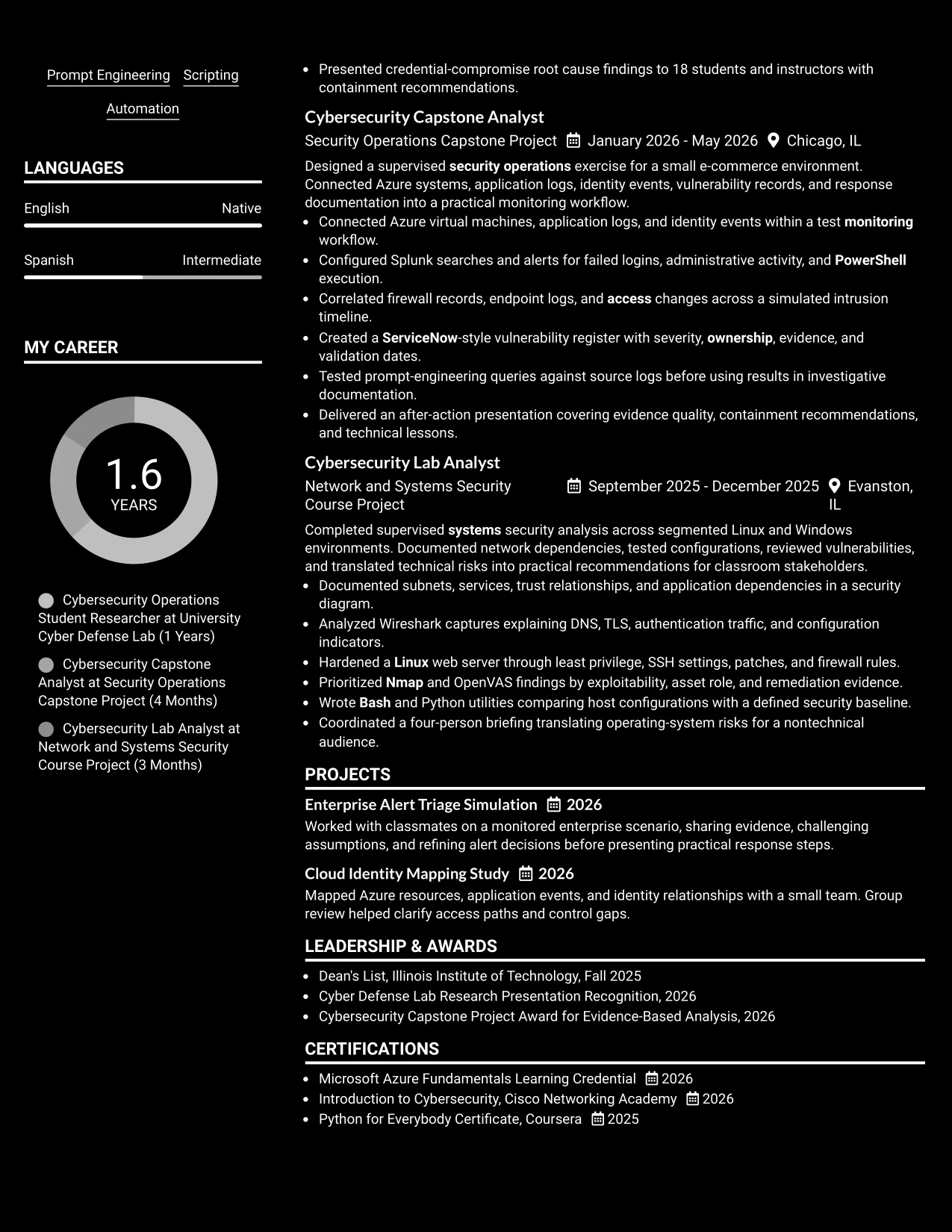
Why the Dark Mode Box Header Format Works for a Resume
- The boxed header gives the target role and contact details a clear starting point.
- A single-column body keeps the review path simple after the header.
- Section boxes can distinguish education, experience, projects, and skills.
- The summary can connect the degree, GPA, graduation date, and security focus.
- Bullets can show evidence validation, remediation tracking, and root-cause investigation.
- Technical keywords remain easy to locate when contrast and spacing are controlled.
- The format creates a modern impression while preserving a practical resume structure.
Best For
- Applications that need a clear target-role header and a focused body.
- Applicants who want a modern dark presentation with one straightforward reading path.
- Candidates combining academic preparation, supervised work, and technical projects.
- Documents where labeled sections help readers move quickly through evidence.
- Resume versions that need to show both security tools and responsible working methods.
- Readers who value strong visual separation without a two-column structure.
- Submissions that can be checked on screen to confirm contrast, spacing, and text clarity.
#23 Elegant Full Background Two Column Format Resume Example
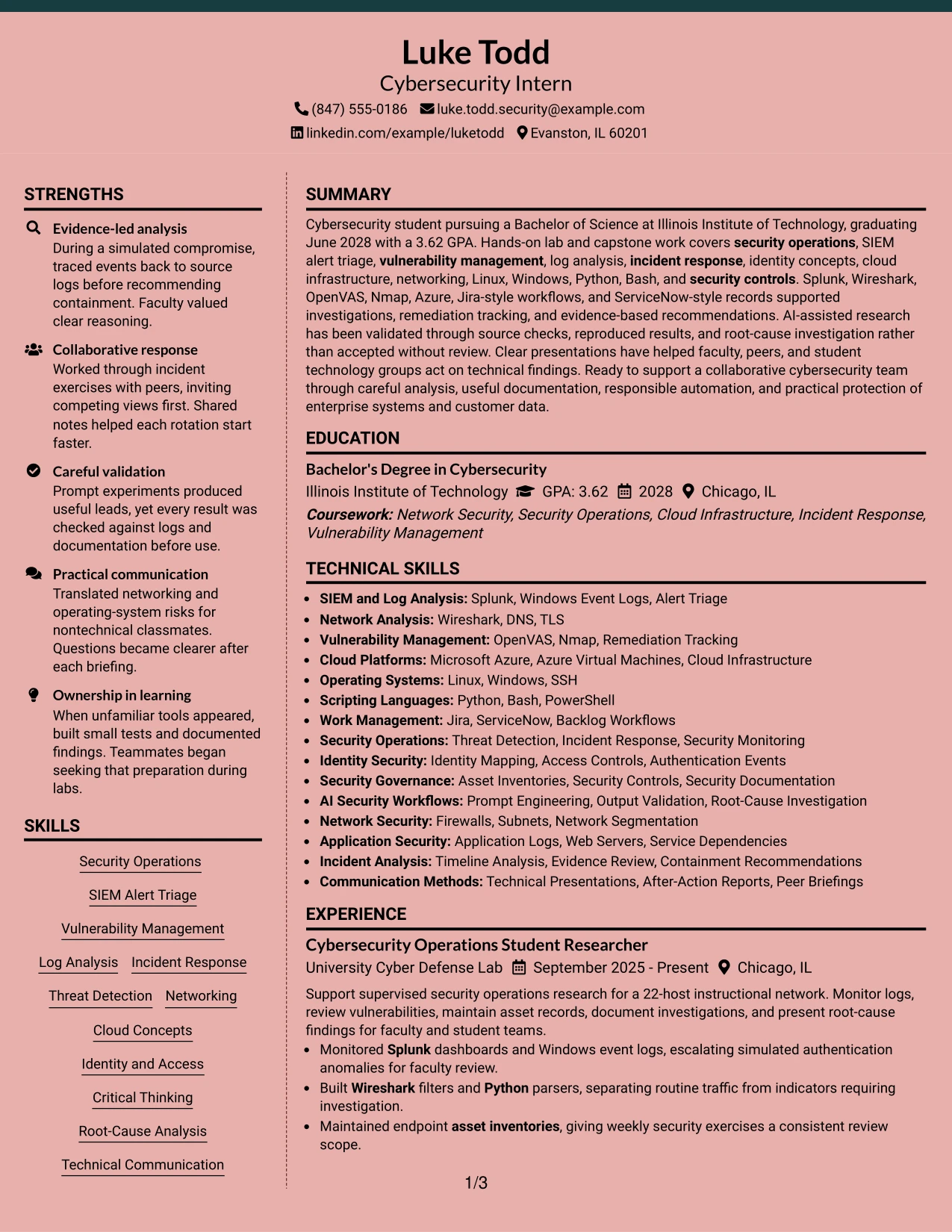
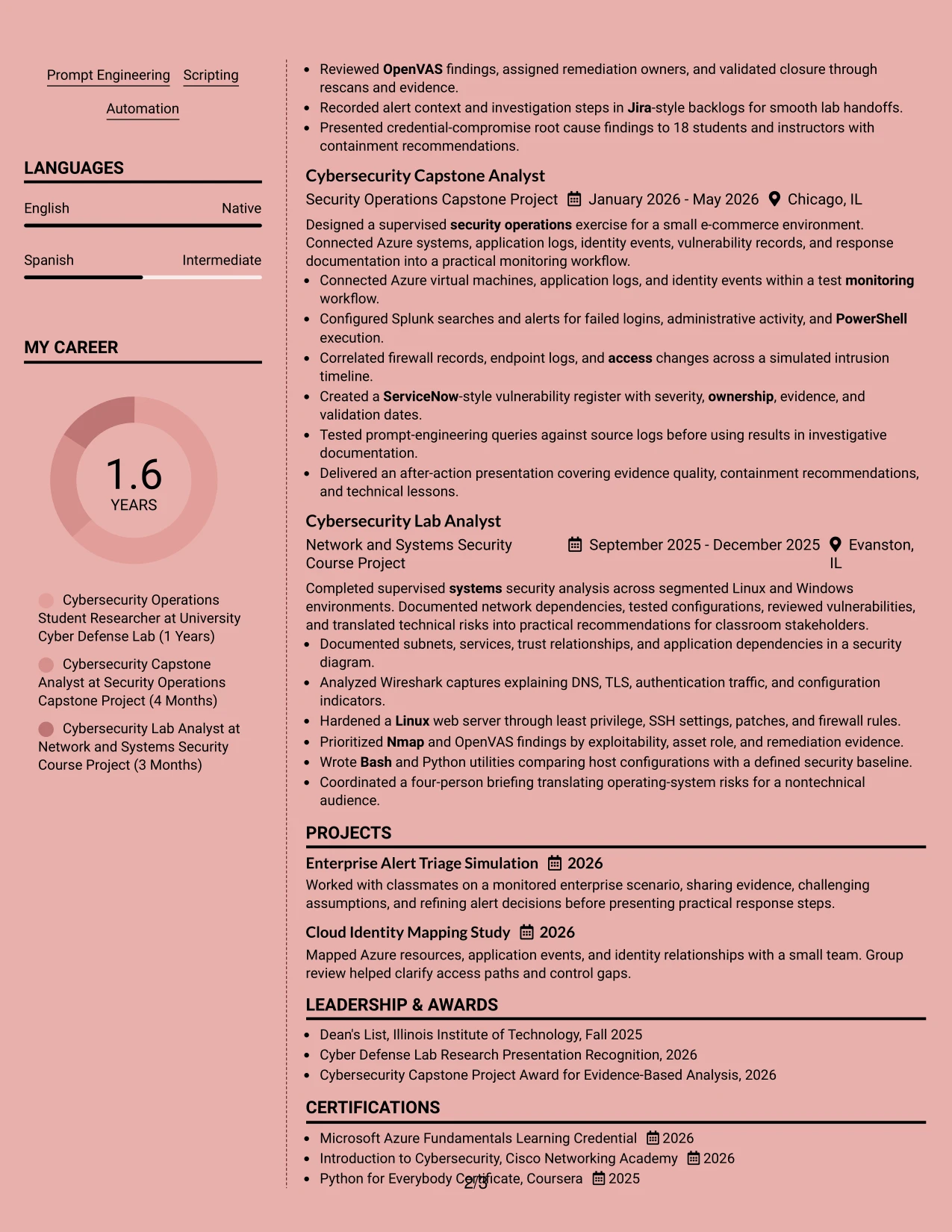
For a Cybersecurity Intern application, a two-column resume can place contact details, skills, tools, and certifications beside education, projects, and experience. This elegant format helps a reader compare technical strengths with evidence such as Splunk investigations, OpenVAS reviews, and Python scripting.
Keep the main content in a clear reading order for ATS processing. Use standard section names, short bullet points, and keywords such as security operations, vulnerability management, log analysis, incident response, Microsoft Azure, and SIEM alert triage.
#23 Why the Elegant Full Background Two Column Format Works for a Resume
- Two columns separate supporting details from the main experience record.
- A strong background treatment gives the resume a clear visual hierarchy.
- Skills and tools can be found quickly without interrupting the experience section.
- Short bullets leave room for technical evidence and measurable scope, such as a 22-host network or an audience of 18.
- Standard headings keep education, projects, certifications, and awards easy to locate.
- Keywords can appear in both the skills area and relevant achievement bullets.
- The format works best when the text remains simple, balanced, and easy to scan.
#23 Best For
- Resumes that need a clear split between technical skills and detailed experience
- Candidates presenting coursework, projects, and supervised work together
- Applications where a compact skills area supports longer evidence-based bullets
- Readers who need to compare tools, certifications, and education with project results
- A polished presentation for a hybrid Chicago technology application
- Documents with several relevant platforms, scripting languages, and security methods
- Candidates who want visual structure without adding unnecessary sections
#24 Creative Two Tone Format Resume Example
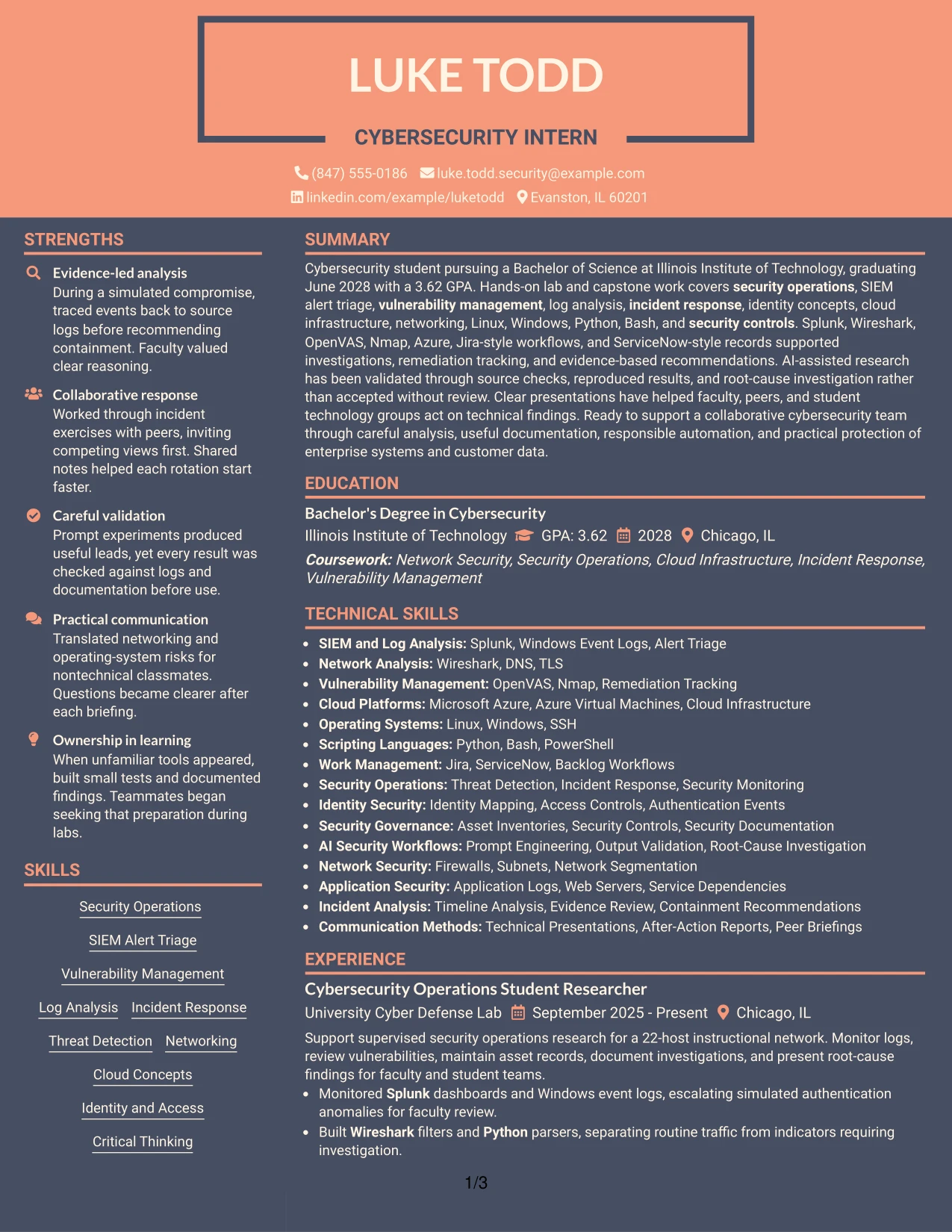
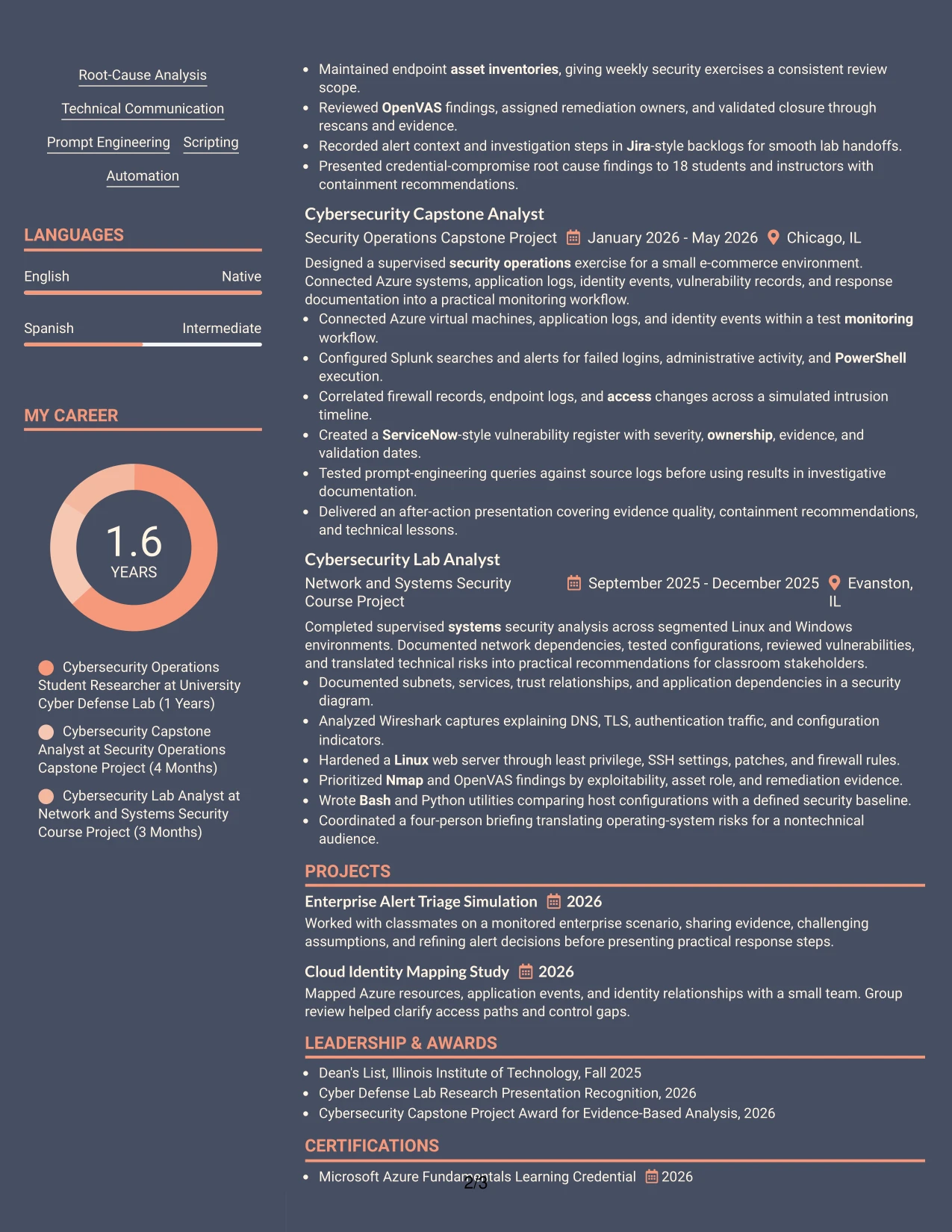
A restrained visual hierarchy helps the reader recognize the resume's purpose quickly. The Creative Two Tone Format can give the Cybersecurity Intern application a distinct appearance while keeping attention on security operations, vulnerability management, and evidence from supervised projects.
Use the second color as a guide, not as a substitute for content. Clear headings, readable bullets, and familiar keywords should lead the reader from the summary to experience, education, certifications, and technical skills.
#24 Why the Creative Two Tone Format Works for a Resume
- Two tones can distinguish headings from supporting text without crowding the page.
- The visual contrast helps a reader move from the summary to the evidence sections.
- A single-column structure keeps experience and project bullets in a natural sequence.
- The format can present Splunk, Wireshark, OpenVAS, Nmap, Azure, Python, and Bash in an orderly skills section.
- Color should remain limited so printed and digital versions stay readable.
- Standard section labels support quick review and ATS interpretation.
- A focused design suits a resume that combines academic work, lab analysis, and technical presentations.
#24 Best For
- Applicants who want a memorable design while keeping the resume easy to scan
- Single-column resumes with a clear sequence from summary to technical evidence
- Documents that need visual separation between sections without adding extra panels
- Cybersecurity applications supported by both tool knowledge and project results
- Candidates balancing academic coursework, lab work, and capstone analysis
- Readers reviewing a resume on screen and in a printed format
- Applications where restrained color can support, rather than compete with, technical content
#25 Bold Color Header Professional Format Resume Example
The Bold Color Header Professional Format places the document identity and major sections in a strong top structure. That makes the target role, education, and core security capabilities visible before the reader reaches the detailed bullets.
A professional resume should still give priority to evidence. Use concise bullets to show alert monitoring, vulnerability remediation tracking, incident timeline analysis, and technical presentations. Keep the color header separate from the body so ATS tools can read the content in a predictable order.
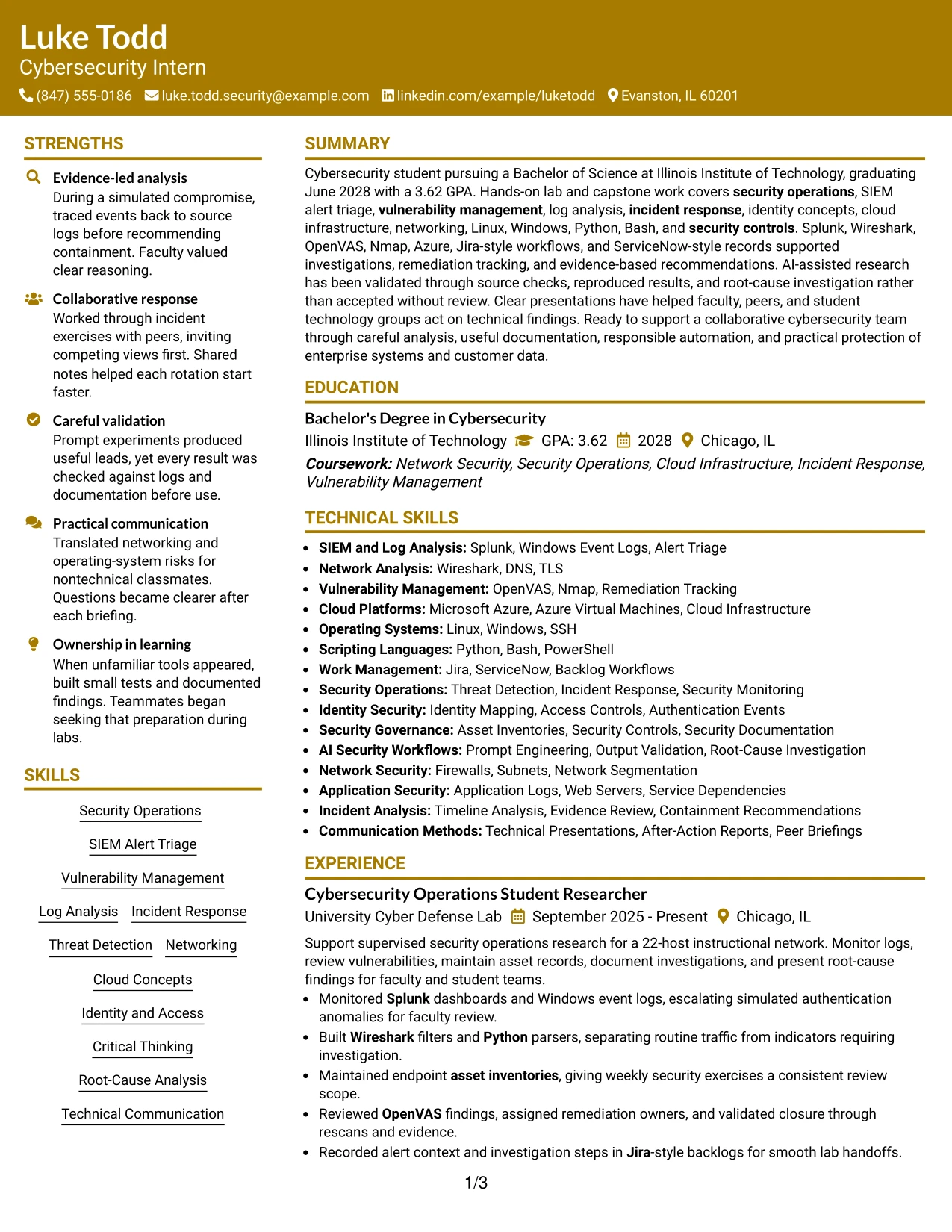
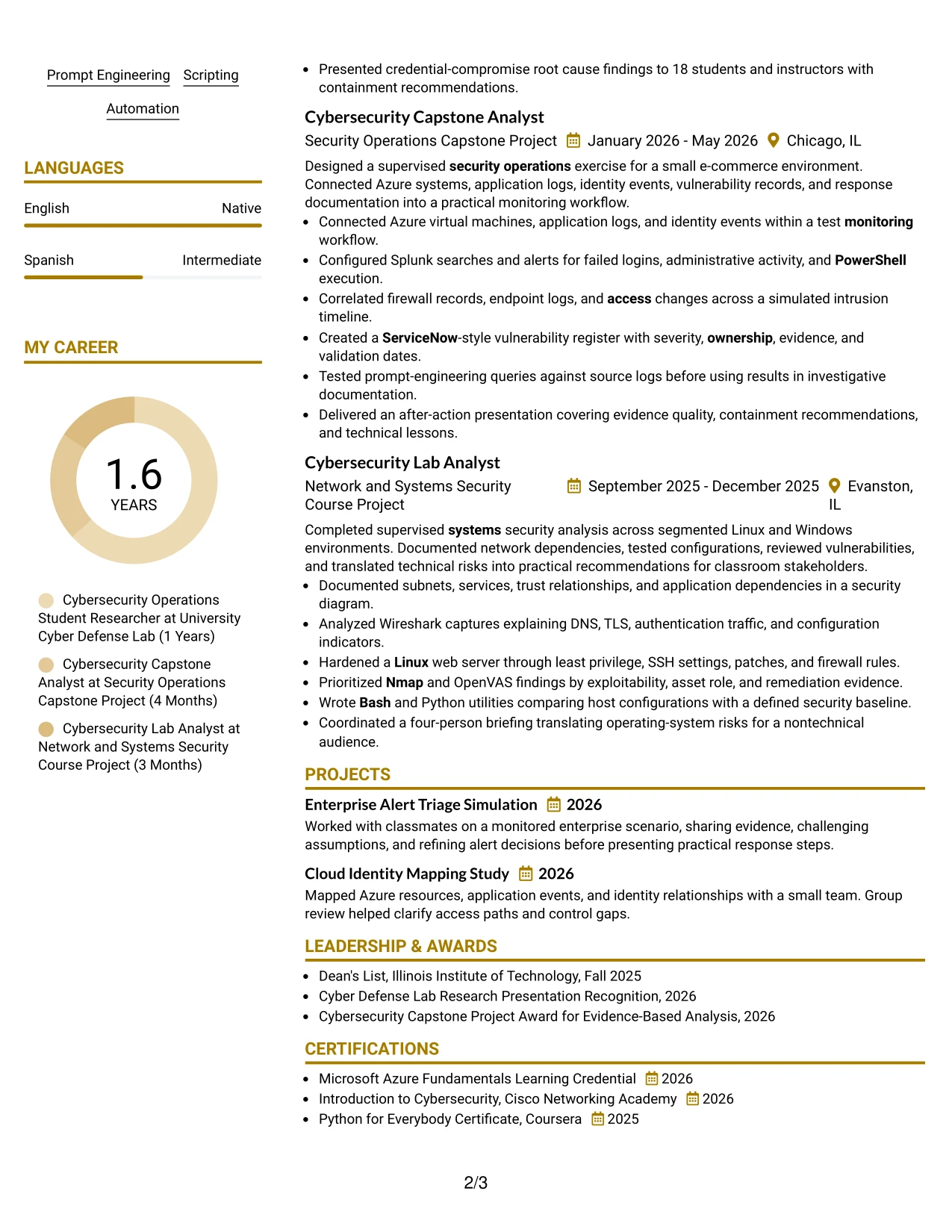
#25 Why the Bold Color Header Professional Format Works for a Resume
- A strong header makes the target role and contact details easy to identify.
- Clear section breaks support rapid review of experience, education, projects, and certifications.
- The one-column body gives technical bullets a consistent reading path.
- Bold headings can draw attention to security operations and vulnerability management without repeating keywords.
- The format supports measurable evidence, including a 22-host network, seven-event timeline, and 15-minute presentation.
- A clean body area leaves enough space for tools such as Splunk, Wireshark, Azure, Python, and OpenVAS.
- Simple text structure helps preserve ATS readability beneath the visual header.
#25 Best For
- Resumes that need immediate identification of the target role and main qualifications
- One-column documents with a strong top section and orderly evidence below
- Applicants who want technical achievements to remain the main visual focus
- Applications requiring clear separation of experience, education, projects, and skills
- Candidates using measurable scope to strengthen bullet points
- Resume readers who prefer a direct top-to-bottom review
- Documents that must balance a professional appearance with ATS-friendly text
#26 Photo Header Color Sidebar Format Resume Example
Readers can move from the contact header to the color sidebar, then into the main evidence area. In this resume, the sidebar can hold skills, certifications, and languages while the main column presents cybersecurity experience, projects, education, and results.
The photo should remain secondary to the content and should not replace useful resume space. Keep the main section text-based and specific, with bullets covering Splunk monitoring, Azure workflows, vulnerability findings, identity events, and validated AI-assisted research.
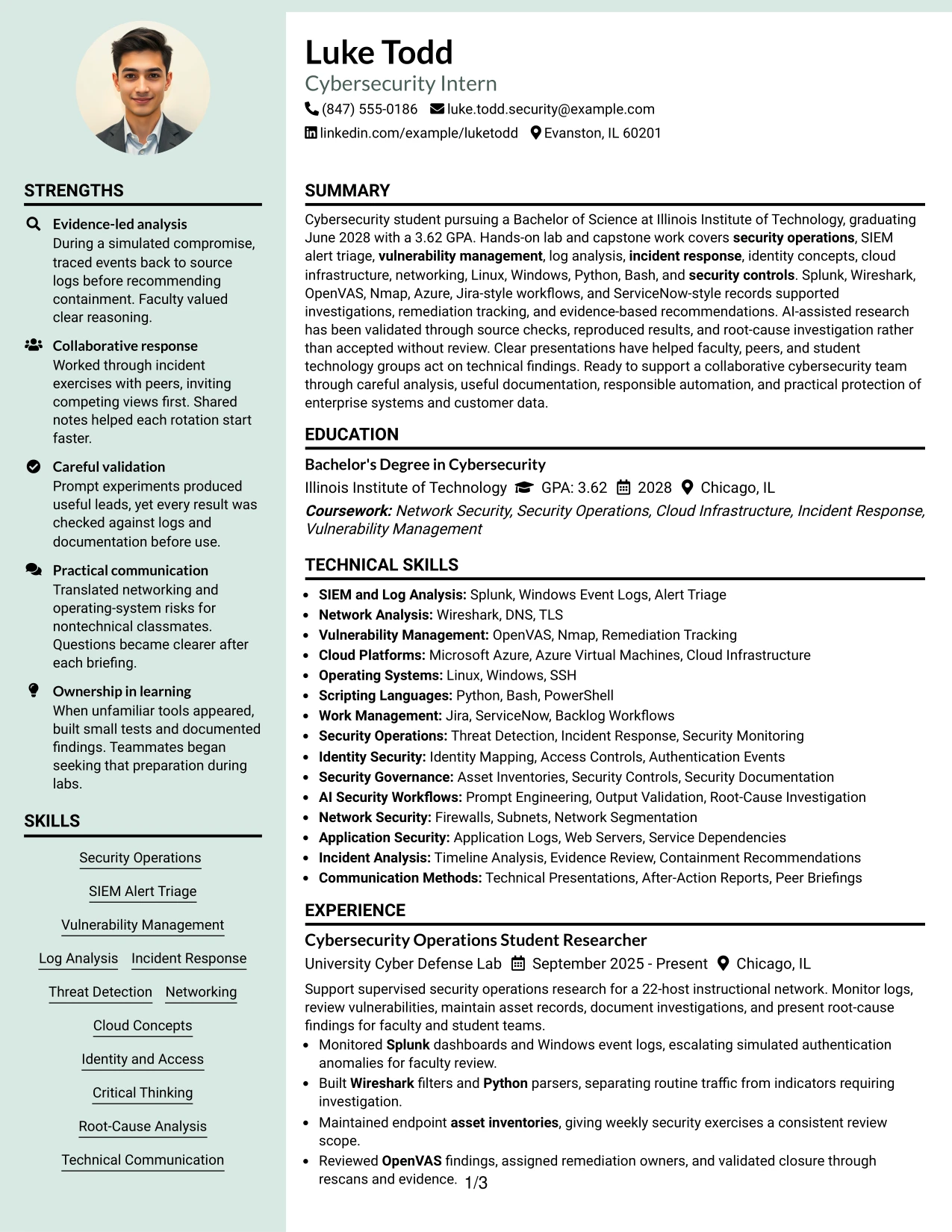
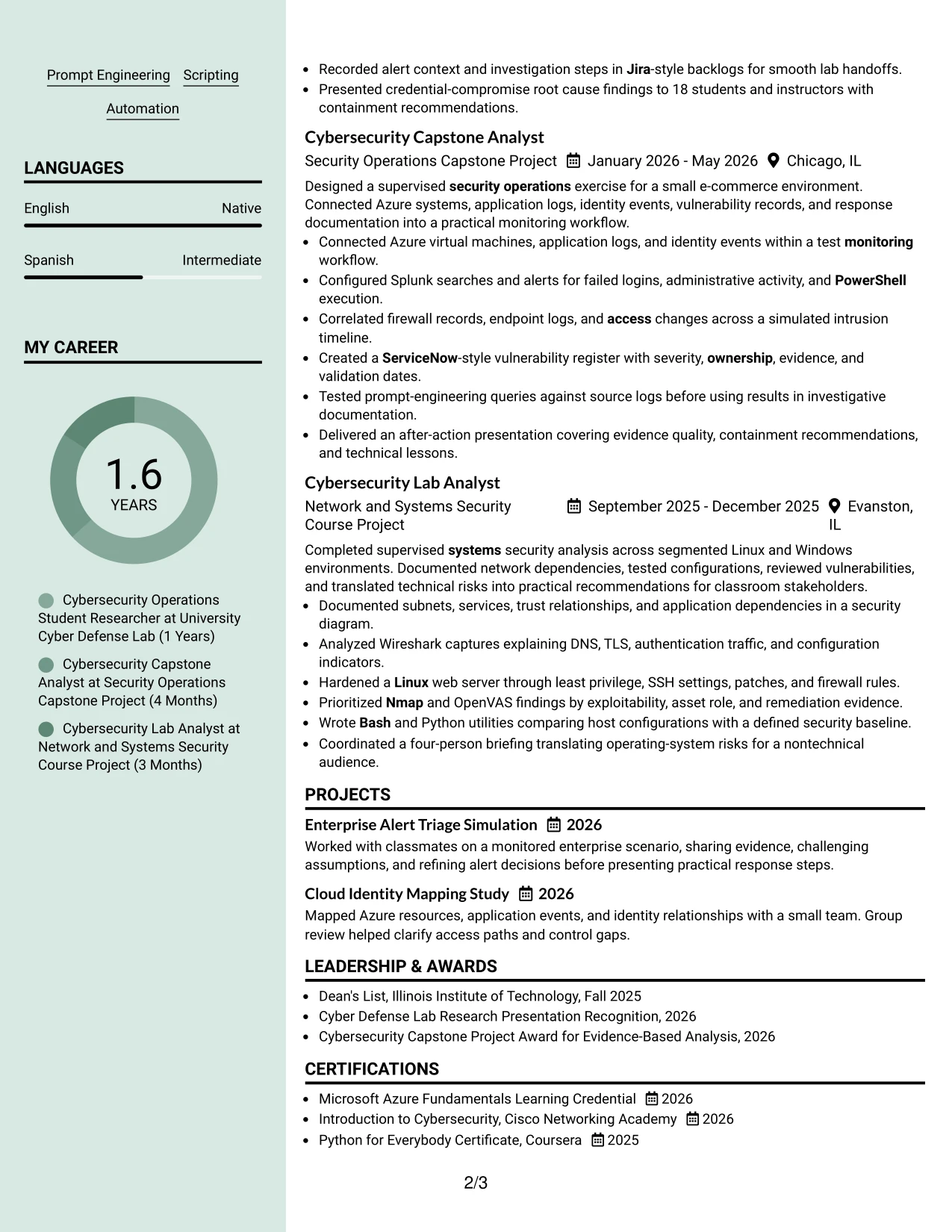
#26 Why the Photo Header Color Sidebar Format Works for a Resume
- A sidebar gives supporting information a defined and compact location.
- The main column can carry detailed experience and project bullets without competing with the skills list.
- A photo header can support a personal presentation when the application context permits it.
- Color helps distinguish contact details and technical categories from achievement evidence.
- The layout can organize certifications, languages, and tools alongside education and experience.
- Specific bullets keep the resume credible by showing actions, systems, and outcomes.
- The main content should remain text-first so important keywords are still easy to scan.
#26 Best For
- Applicants who may use a professional photo in an appropriate application context
- Resumes with enough technical content to benefit from a supporting sidebar
- Documents separating tools, certifications, and languages from detailed experience
- Candidates presenting several projects alongside education and supervised lab work
- Readers who prefer a visual route from contact details to evidence
- Applications where a compact skills panel protects space for longer achievement bullets
- Candidates who can keep the photo and color elements subordinate to resume content
#27 Top Left Header Color Accent Format Resume Example
The strongest evidence should appear early: security operations research, vulnerability review, log analysis, and incident-response projects. A top-left header then gives the reader the role, contact details, and summary before those achievements are reviewed.
Use the color accent to guide attention toward sections, not to hide weak detail. Each bullet should identify the tool or method used and the result, such as validating OpenVAS closure, correlating firewall and endpoint logs, or explaining risks to a nontechnical audience.
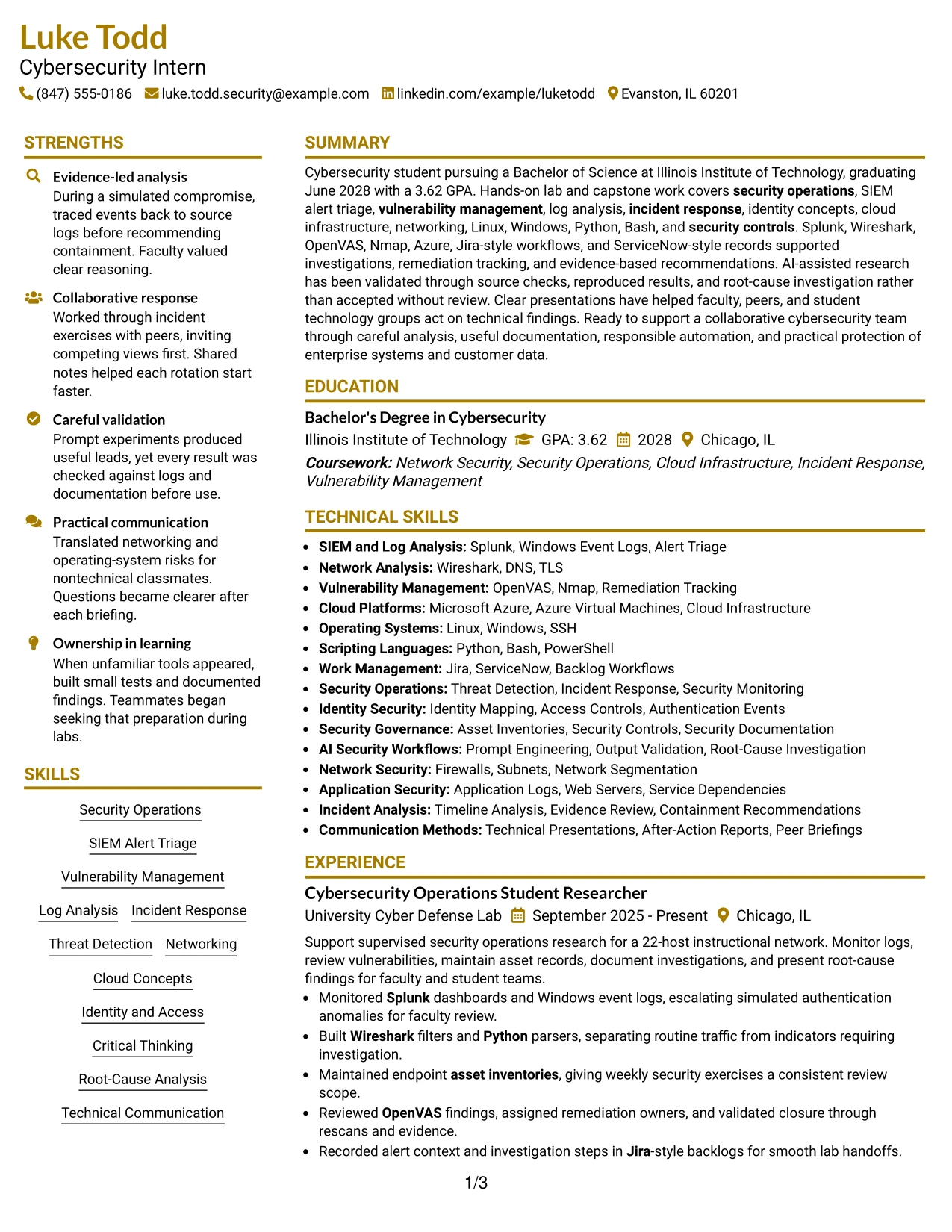
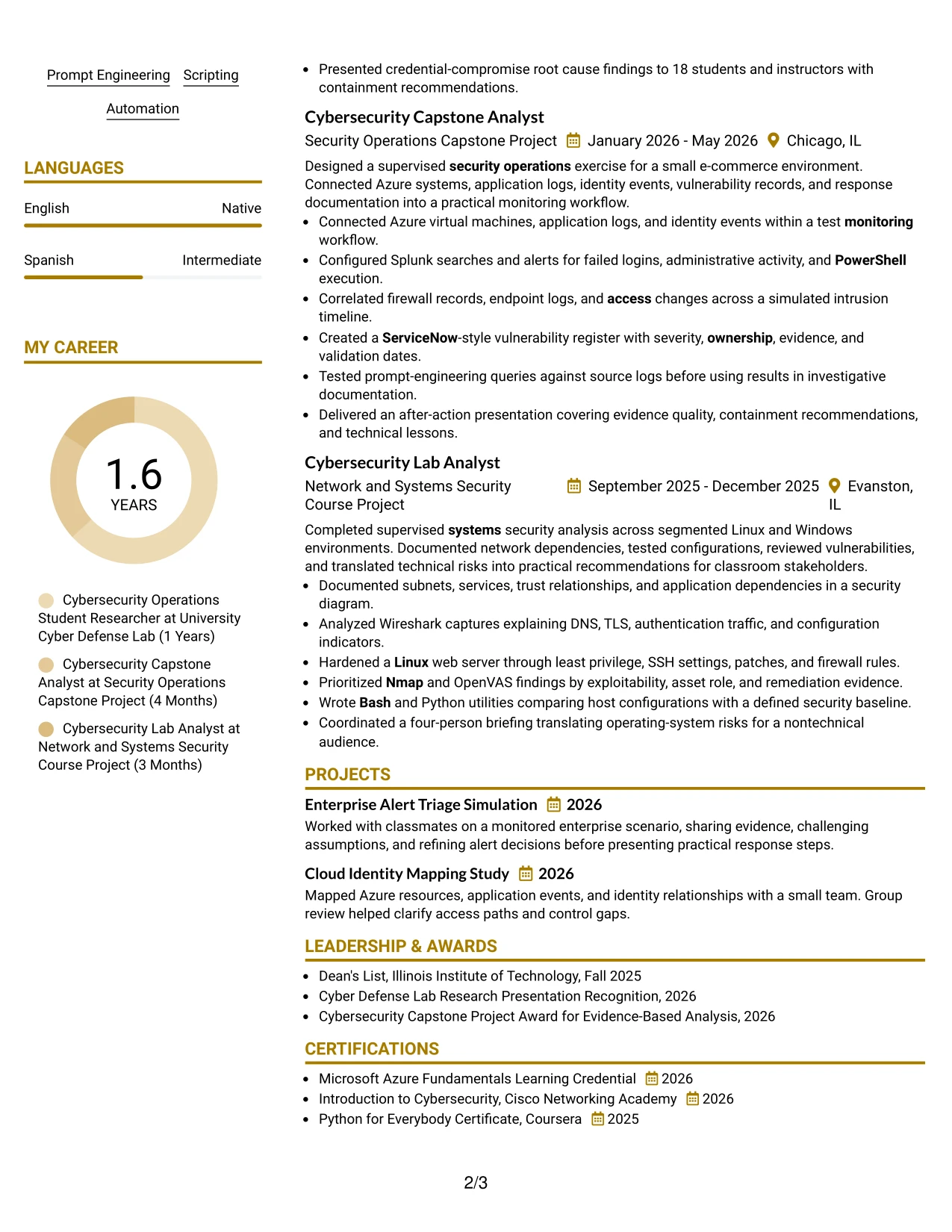
#27 Why the Top Left Header Color Accent Format Works for a Resume
- A top-left header gives the document a familiar starting point.
- The accent can direct attention to the summary and target role before detailed evidence.
- One-column organization keeps experience and project bullets in sequence.
- Bullets can show both technical method and practical result.
- The format supports evidence from lab research, capstone work, and network security projects.
- Skills and certifications remain easy to find when placed under standard labels.
- A limited accent preserves a professional presentation while the content carries the argument.
#27 Best For
- Resumes that need to lead with technical evidence rather than decorative elements
- Applicants with strong lab, project, or research bullets to place near the top
- One-column applications where a clear starting point improves review speed
- Candidates showing how tools were used to investigate, validate, or document findings
- Documents combining security operations, network analysis, and cloud infrastructure evidence
- Readers who prefer a traditional sequence with a modest visual guide
- Applications where practical recommendations and communication results strengthen the technical record
#28 Centered Header Classic Two Column Format Resume Example
Balanced space helps a reader review the centered header, then compare the supporting column with the main experience column. This classic two-column format can place skills, certifications, and education in one area while reserving the other for cybersecurity projects and achievement bullets.
For a Chicago hybrid application, the resume should show both technical preparation and practical contribution. Use standard labels and concise bullets for SIEM alert triage, vulnerability management, cloud infrastructure, scripting, documentation, and presentations.
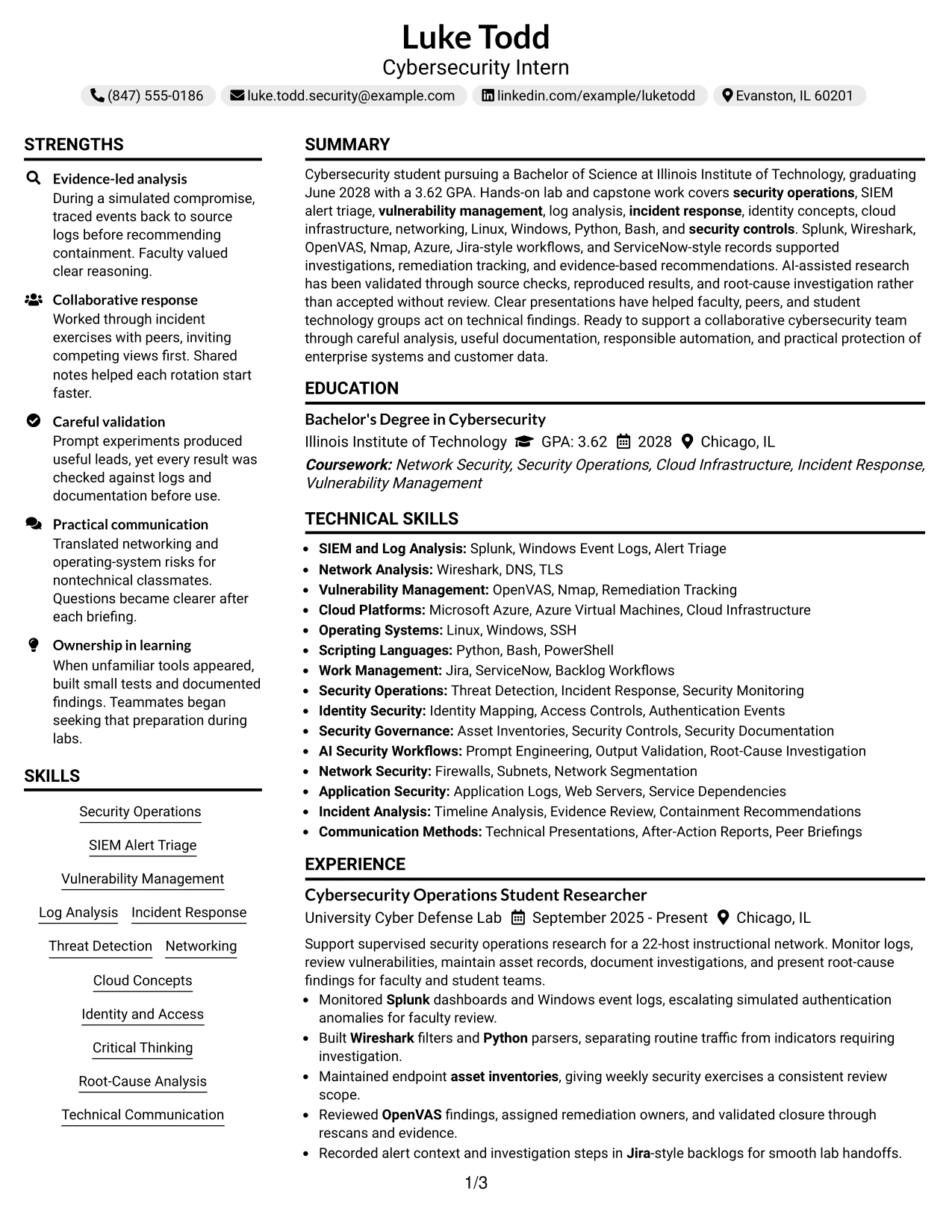
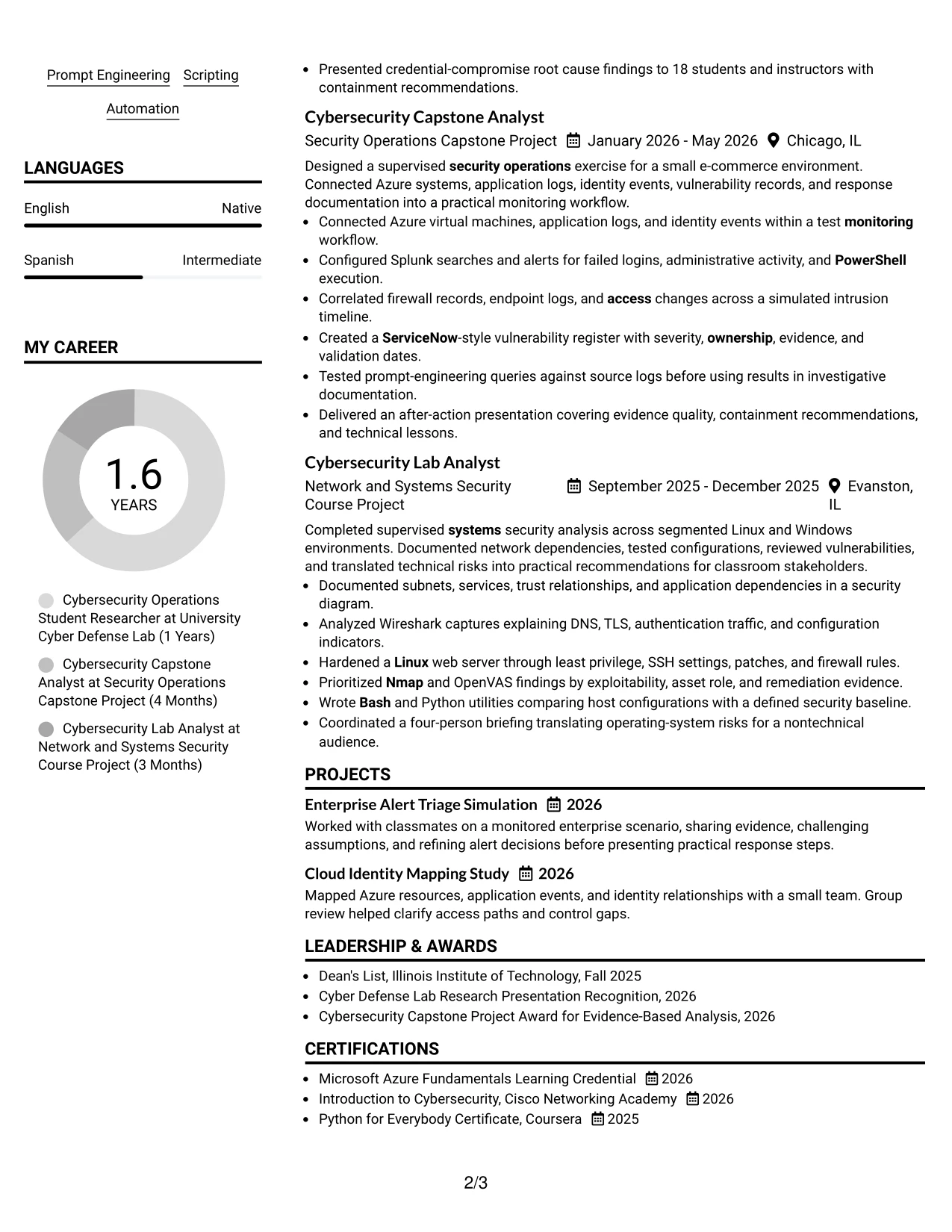
#28 Why the Centered Header Classic Two Column Format Works for a Resume
- A centered header gives the document a balanced and formal opening.
- Two columns distribute supporting information without making the main evidence difficult to follow.
- The format can place education and certifications beside experience and projects.
- Classic bullet styling makes tools, actions, and results easy to compare.
- Technical keywords can be grouped by category while still appearing in relevant bullets.
- The layout suits a resume with coursework, supervised research, capstone work, and awards.
- Consistent spacing is important so neither column becomes crowded.
#28 Best For
- Applications that benefit from a balanced, familiar resume presentation
- Candidates combining education, certifications, projects, and practical lab work
- Documents where a side column can hold tools while the main column carries evidence
- Readers comparing technical preparation with incident and vulnerability examples
- Hybrid applications that need both concise skills coverage and detailed results
- Applicants with several relevant sections but no need for a highly experimental layout
- Resumes that should remain formal while showing a broad cybersecurity foundation
#29 Left Aligned Header Clean Two Column Format Resume Example
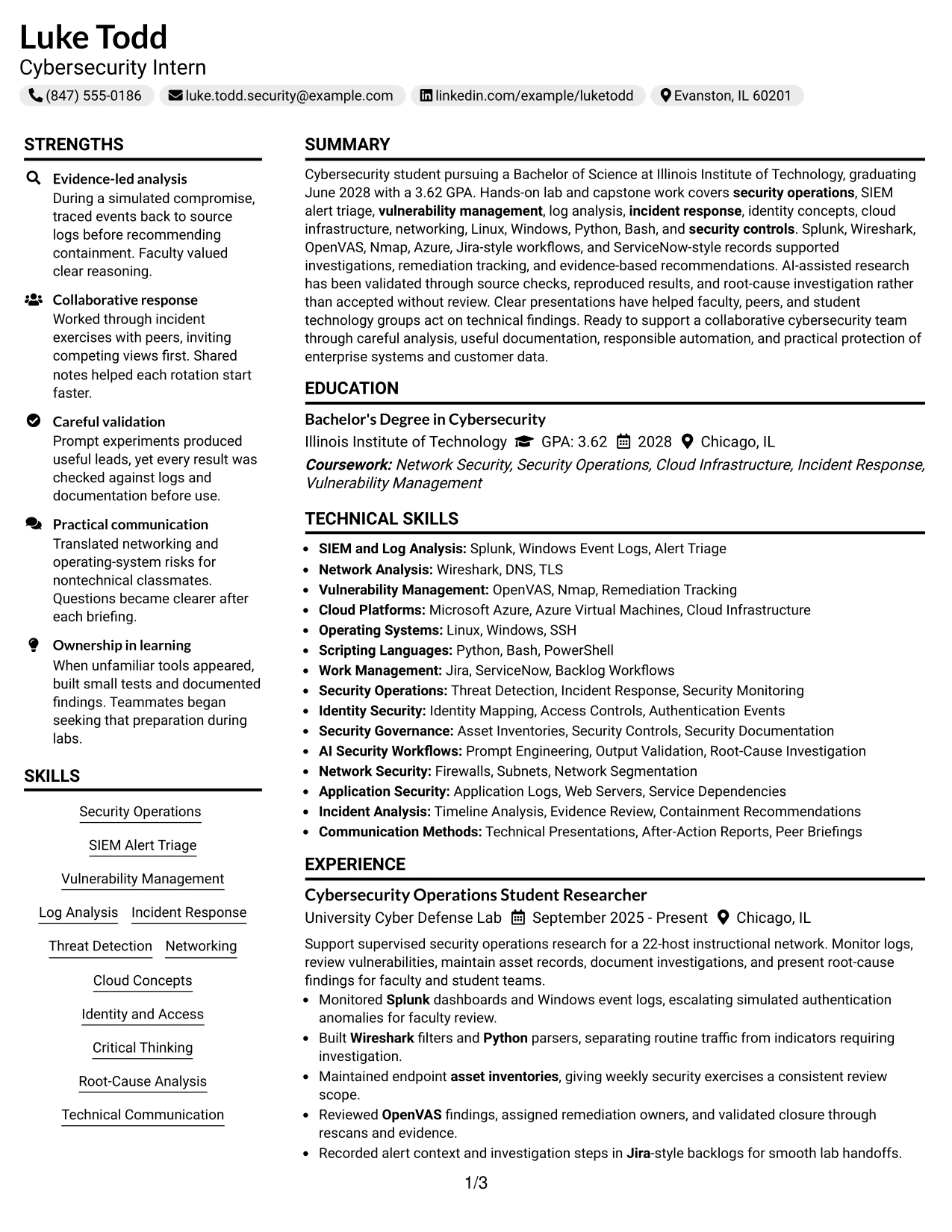
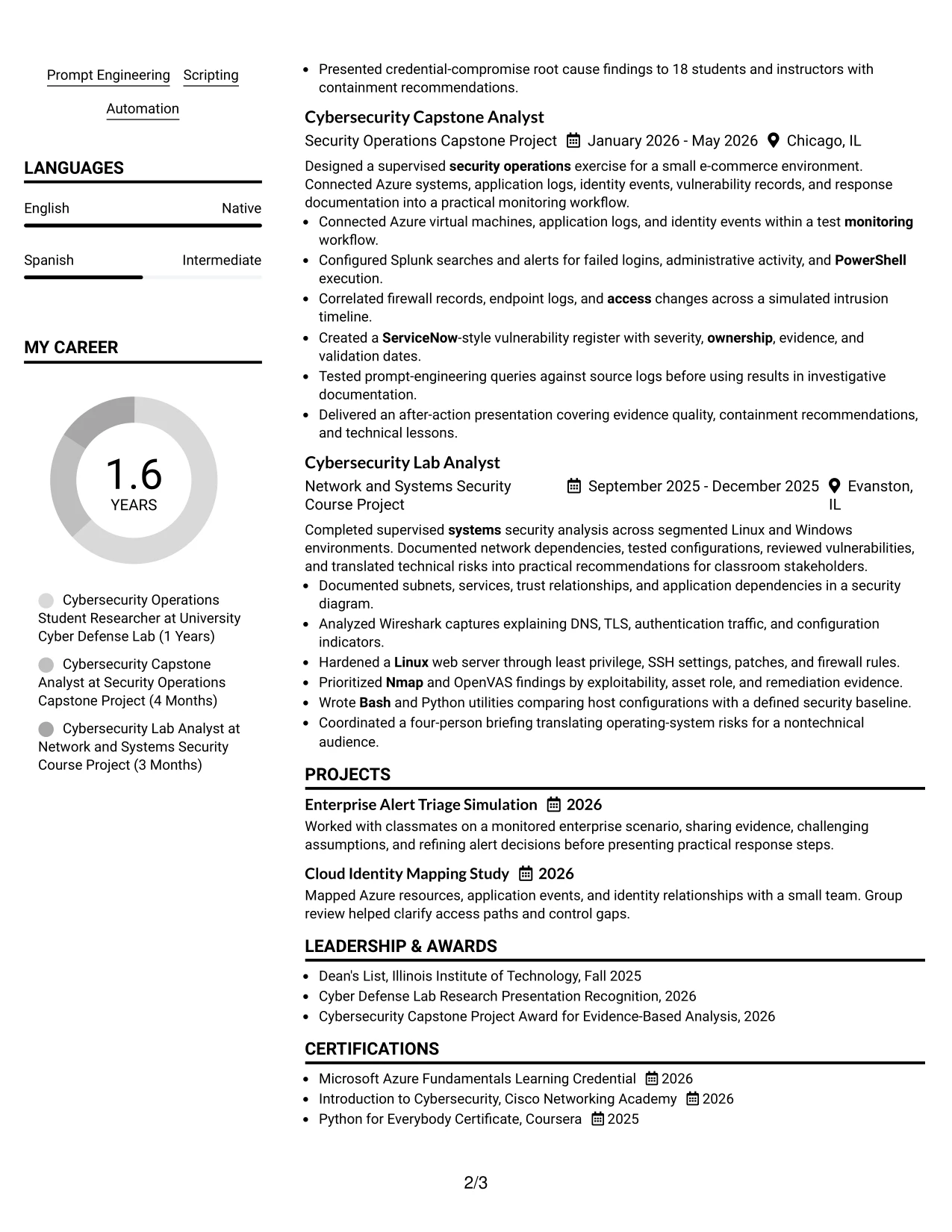
For a hybrid technology application, a left-aligned header gives the resume a direct starting point while two columns organize the rest of the page. Supporting details can sit beside experience, projects, and education without forcing every section into the same visual width.
The clean structure works when each bullet carries useful evidence. Highlight asset inventories, Splunk and Windows log monitoring, OpenVAS remediation validation, Azure identity events, and clear technical presentations rather than listing tools without context.
#29 Why the Left Aligned Header Clean Two Column Format Works for a Resume
- A left-aligned header creates a direct and familiar entry point.
- Two columns can separate compact qualifications from detailed achievements.
- The clean design gives technical bullets enough room to explain actions and results.
- Asset inventories, log monitoring, and remediation work can appear as evidence rather than isolated keywords.
- Projects and education remain visible without overwhelming the experience section.
- A restrained structure supports quick review on screen or on paper.
- Consistent alignment helps the document look organized even when it contains several technical categories.
#29 Best For
- Hybrid technology applications that need a direct, professional first impression
- Resumes dividing concise qualifications from longer technical evidence
- Candidates with multiple projects that should remain visible beside experience
- Applicants showing asset inventories, monitoring, remediation, and documentation work
- Readers who value clean alignment and predictable section placement
- Documents that must present technical breadth without creating a crowded page
- Candidates using specific tools and results to support, rather than replace, clear bullets
#30 Accent Divider Modern Two Column Format Resume Example
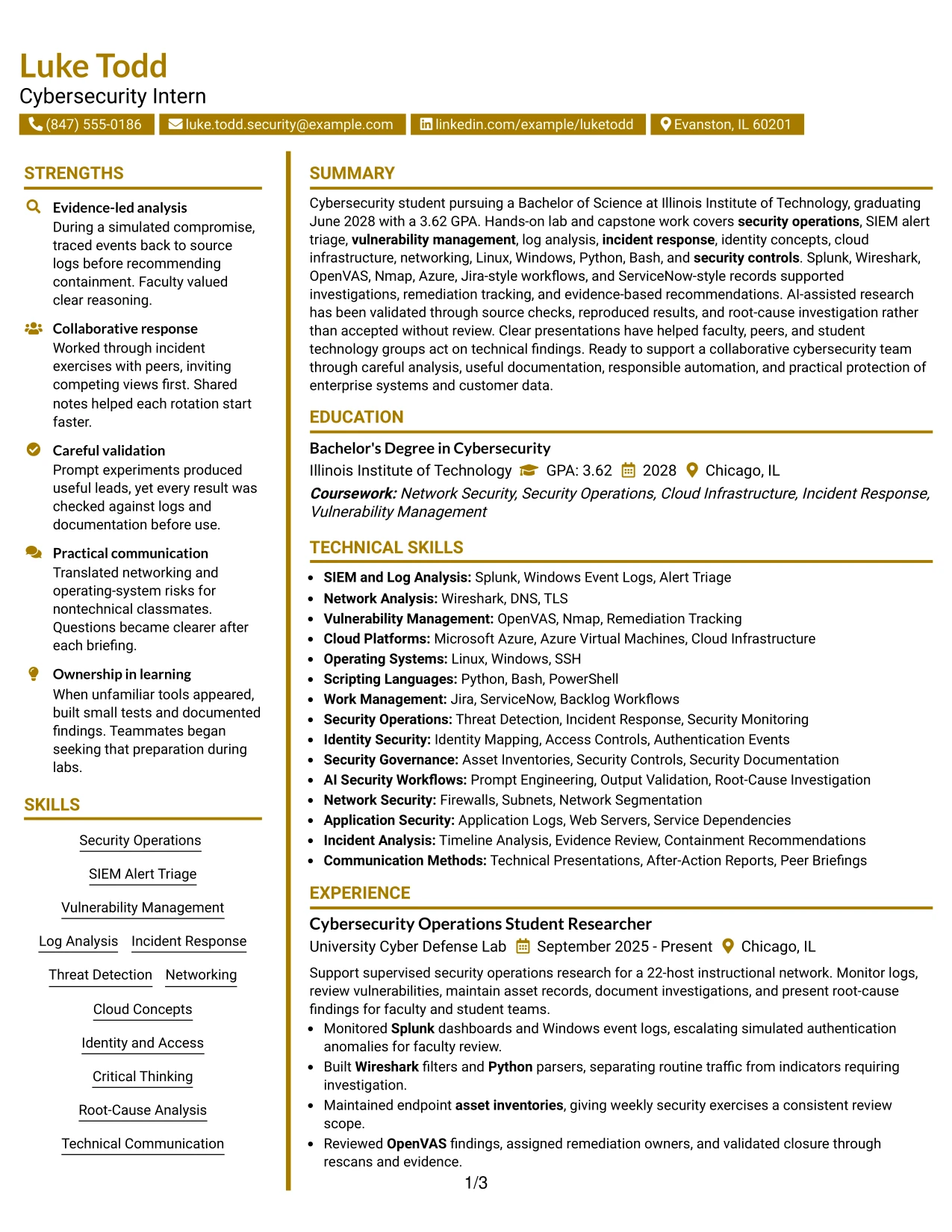
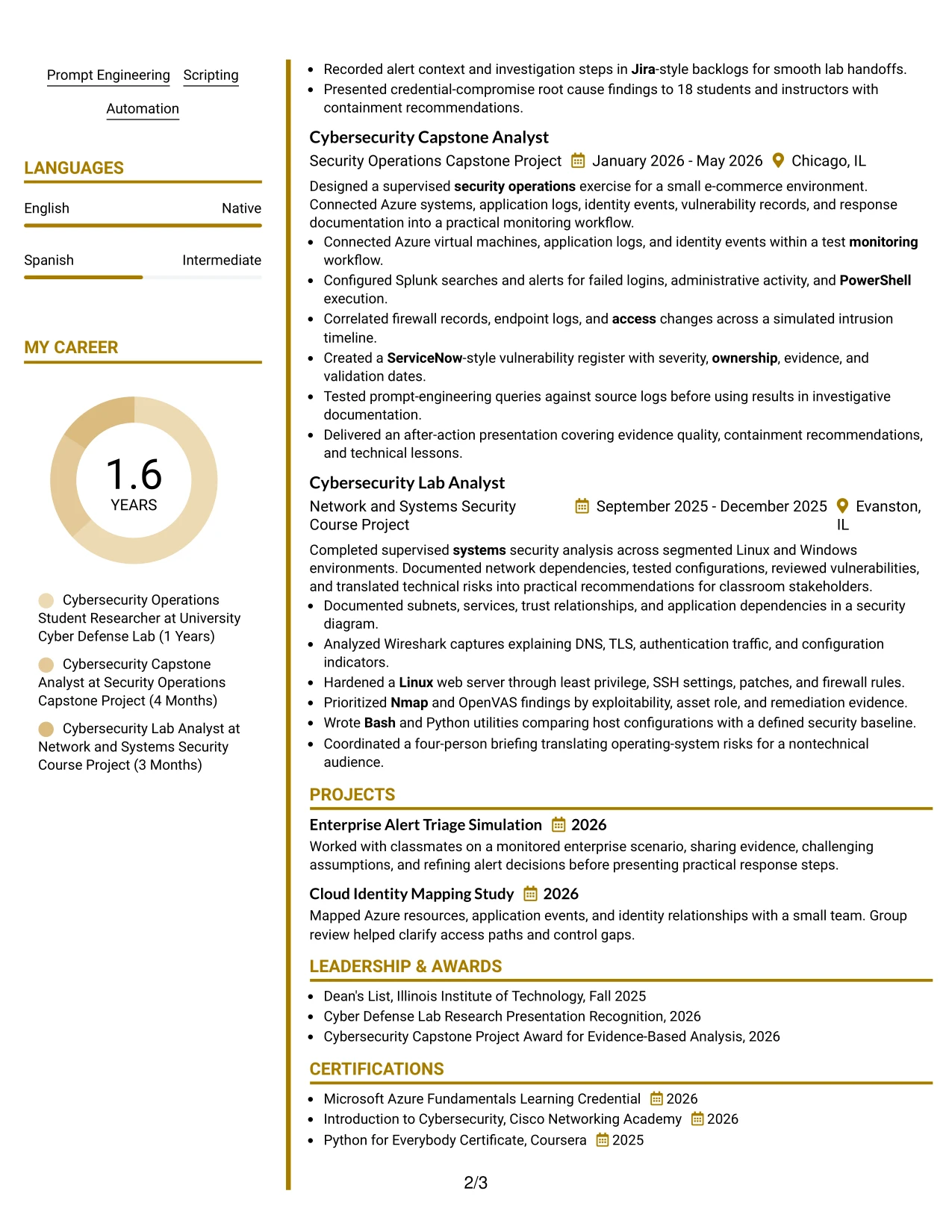
A modern but controlled visual hierarchy can connect the target role to the evidence that supports it. The Accent Divider Modern Two Column Format separates sections with clear dividers, allowing Luke Todd's cybersecurity projects, lab research, education, and skills to remain distinct without losing their relationship.
Use the dividers to improve navigation, not to break the reading flow. The resume should still emphasize alert triage, vulnerability management, incident timelines, scripting, responsible prompt engineering, and recommendations supported by source evidence.
#30 Why the Accent Divider Modern Two Column Format Works for a Resume
- Accent dividers make section boundaries visible during a quick review.
- Two columns provide room for skills and certifications beside detailed project and experience bullets.
- The modern structure can present a technical profile without excessive decoration.
- Evidence remains specific through references to Splunk searches, Azure systems, OpenVAS findings, and source-log checks.
- The format supports a clear distinction between academic projects and ongoing lab research.
- Short labels help readers locate education, awards, activities, and tools.
- A consistent divider system keeps the page organized when several sections are included.
#30 Best For
- Applicants seeking a modern resume that still follows a clear review path
- Documents with several sections that need visible boundaries and strong navigation
- Candidates presenting both ongoing lab research and completed capstone work
- Applications where technical evidence should sit beside a compact skills inventory
- Readers who respond well to structured visual grouping without dense panels
- Resumes highlighting responsible automation and source validation as supporting strengths
- Professionals who want a contemporary format while retaining standard resume sections
#31 Shaded Labels Clean Two Column Format Resume Example
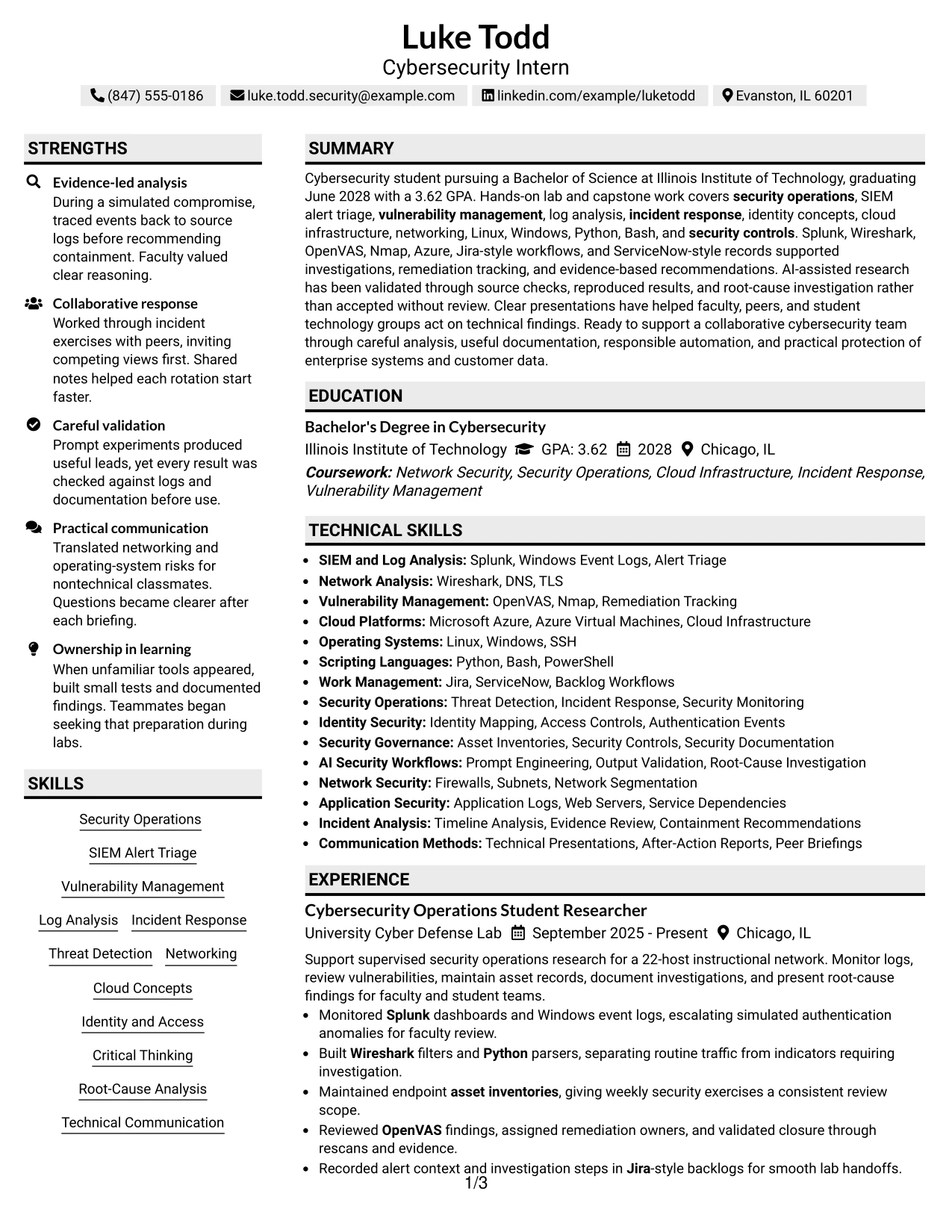
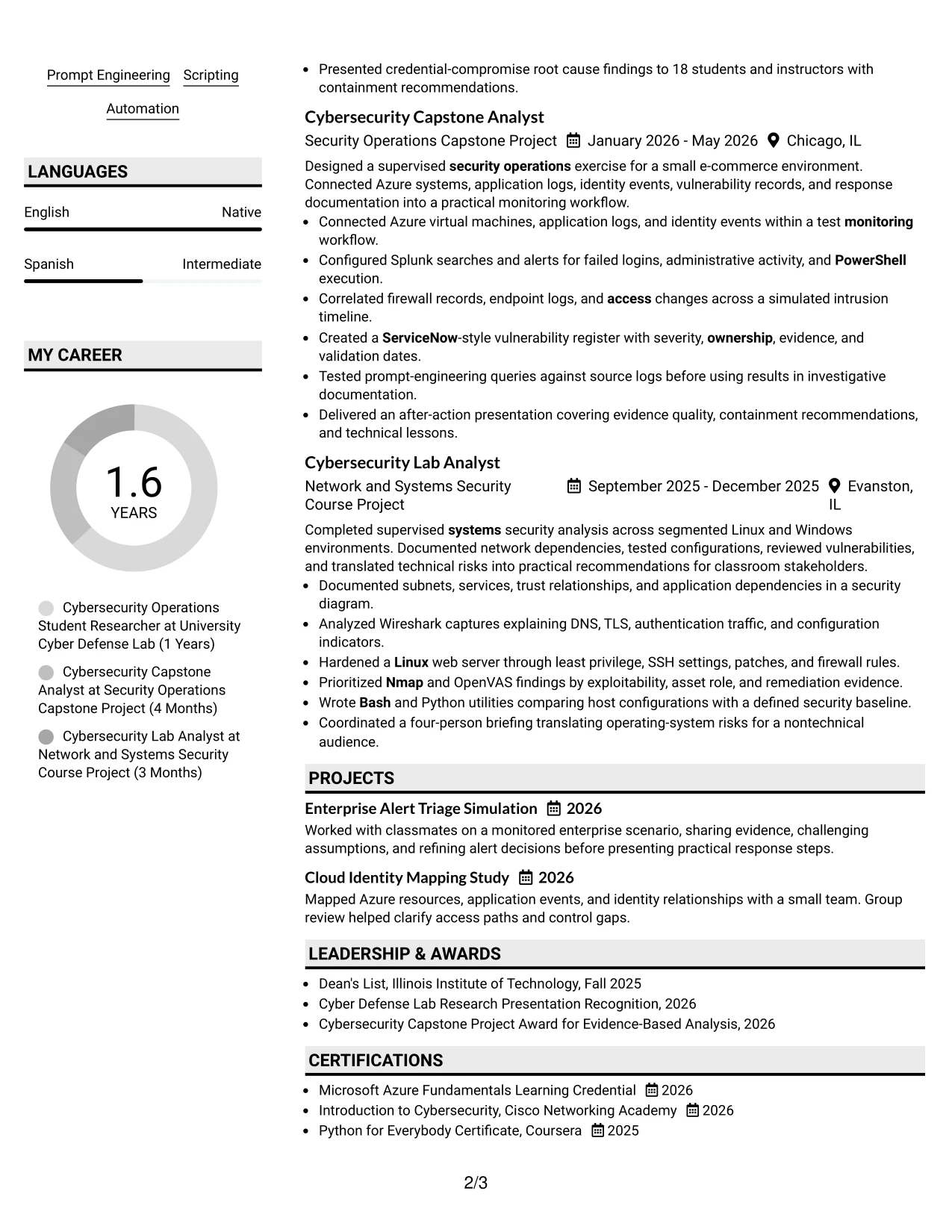
The Shaded Labels Clean Two Column Format uses clear labels to organize a two-column resume. Those labels can guide the reader through education, certifications, skills, projects, and experience while keeping the main evidence easy to find.
This structure is useful when the resume includes several related technical areas. Group security operations, SIEM alert triage, network analysis, vulnerability management, cloud platforms, operating systems, scripting, and work-management tools under precise labels, then support them with focused bullets.
#31 Why the Shaded Labels Clean Two Column Format Works for a Resume
- Shaded labels help readers identify each section quickly.
- Two columns allow supporting categories and detailed evidence to share the page.
- The clean layout can group tools without turning the skills section into an unstructured list.
- Experience bullets can show how each tool supported monitoring, analysis, or remediation.
- Education, certifications, awards, and activities remain visible through clear labels.
- The format supports a broad technical foundation while preserving a straightforward reading order.
- Consistent labels improve navigation for both human reviewers and ATS-oriented editing.
#31 Best For
- Resumes with many technical categories that need clear grouping
- Candidates organizing tools by function, such as network analysis or cloud platforms
- Documents placing certifications and education beside detailed project evidence
- Applicants whose experience bullets connect skills to monitoring, analysis, or remediation
- Readers who scan by section label before deciding which details to read
- Two-column resumes that need structure without heavy visual decoration
- Candidates building a focused technical profile from coursework, projects, and supervised research
#32 Photo Header Color Accent International Format Resume Example
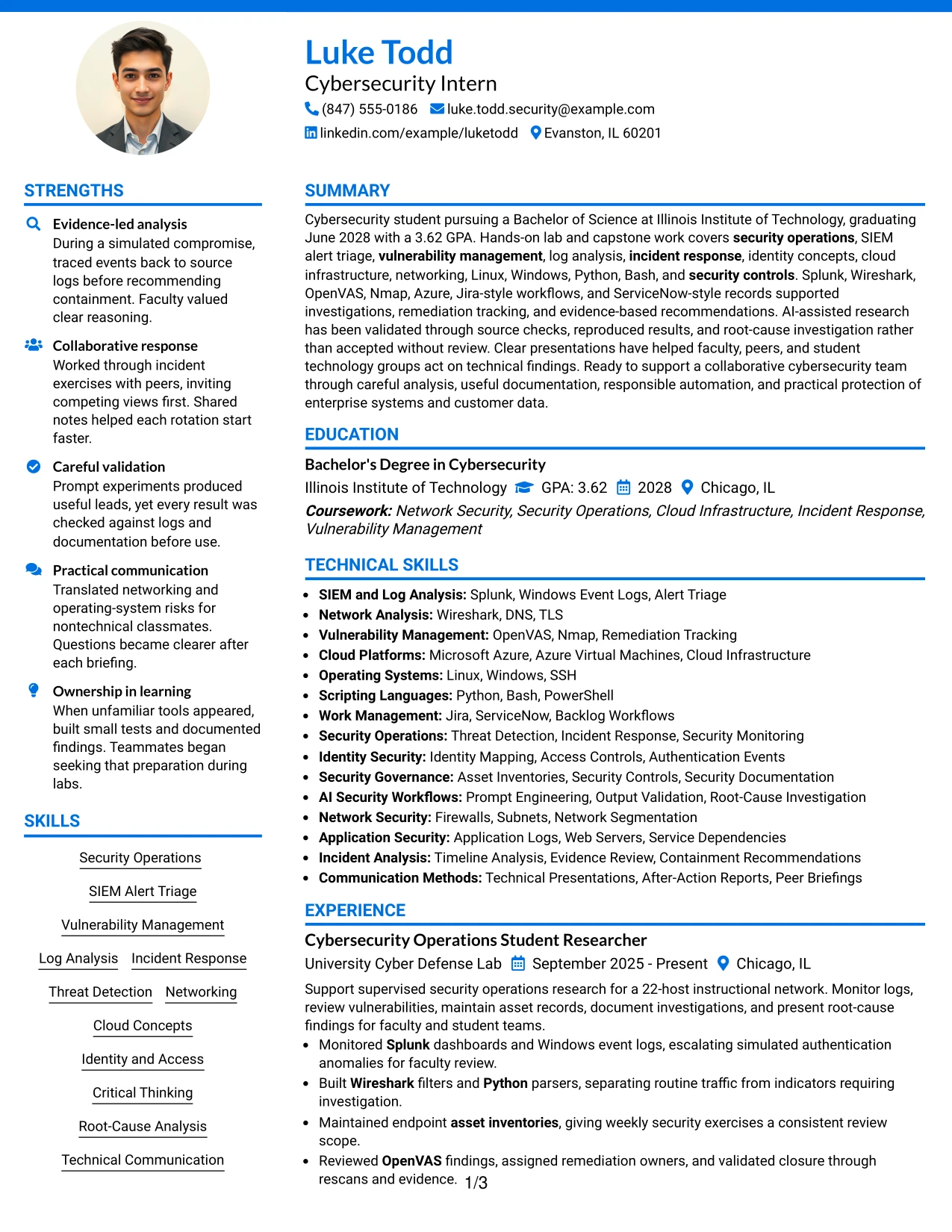
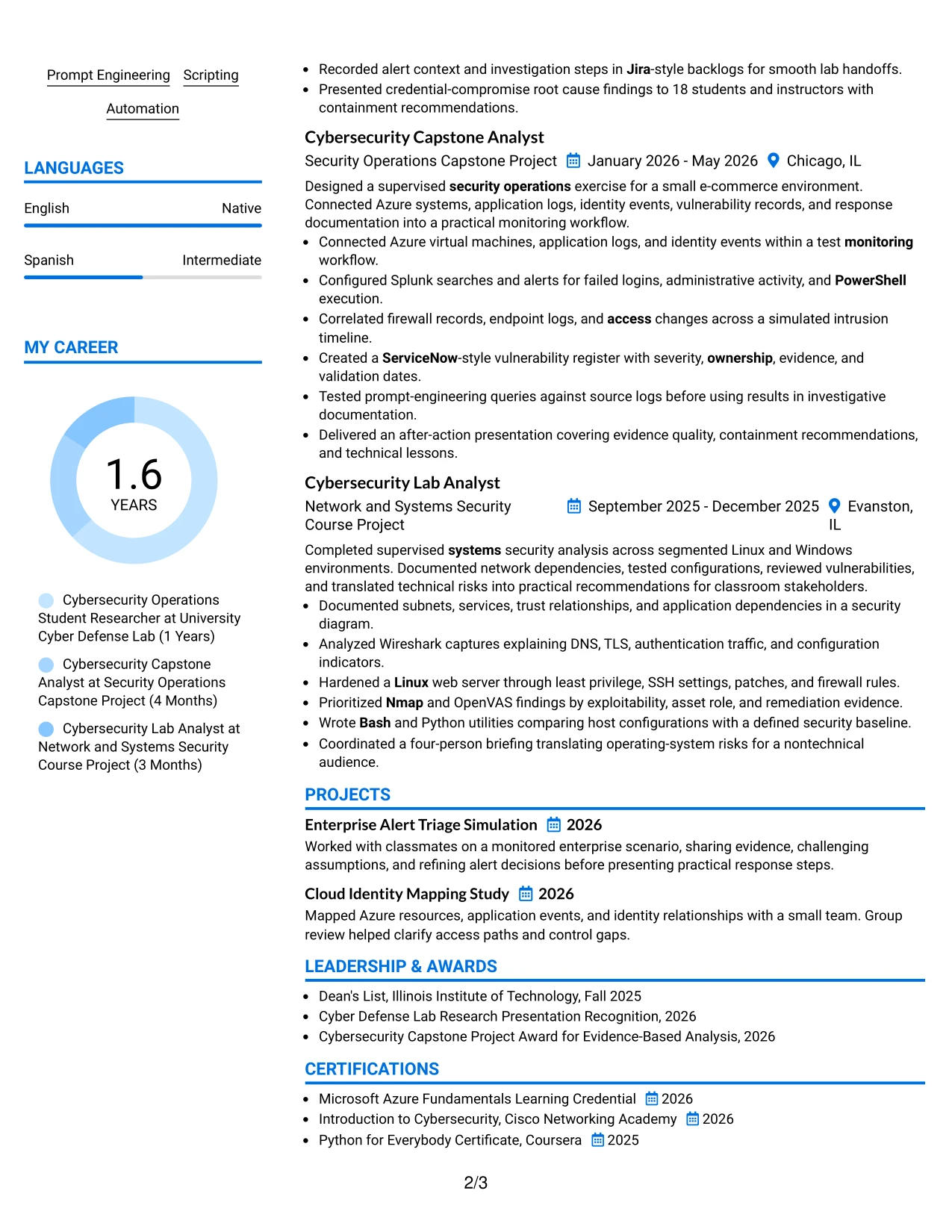
Readers can start with the photo header and contact details, then follow the color accents into the summary, skills, and main evidence sections. This format can hold a broad set of cybersecurity content, including projects, education, certifications, technical tools, and communication activities.
Use the international presentation carefully for the application context. The resume should still give priority to verified evidence: log analysis, incident response, vulnerability tracking, cloud identity mapping, scripting, and responsible validation of AI-assisted research.
#32 Why the Photo Header Color Accent International Format Works for a Resume
- A photo header creates a recognizable personal presentation when appropriate for the application context.
- Color accents can guide the reader across a broad set of resume sections.
- The one-column structure keeps experience and project evidence in a clear sequence.
- The format can accommodate technical skills, certifications, activities, and languages without losing section identity.
- Verified work remains central through bullets about monitoring, investigation, and remediation.
- A restrained photo and accent treatment keeps attention on qualifications.
- Standard keywords and headings help preserve clarity for digital review.
#32 Best For
- Applications where a professional photo is accepted and useful for personal presentation
- Resumes with broad content spanning technical work, education, activities, and languages
- Candidates who need one clear sequence for projects, experience, and certifications
- Documents using color accents to connect related sections without adding extra columns
- Readers reviewing a wide technical foundation in a single organized flow
- Applicants presenting both security analysis and communication activities
- Candidates who can keep visual elements restrained while giving evidence the most space
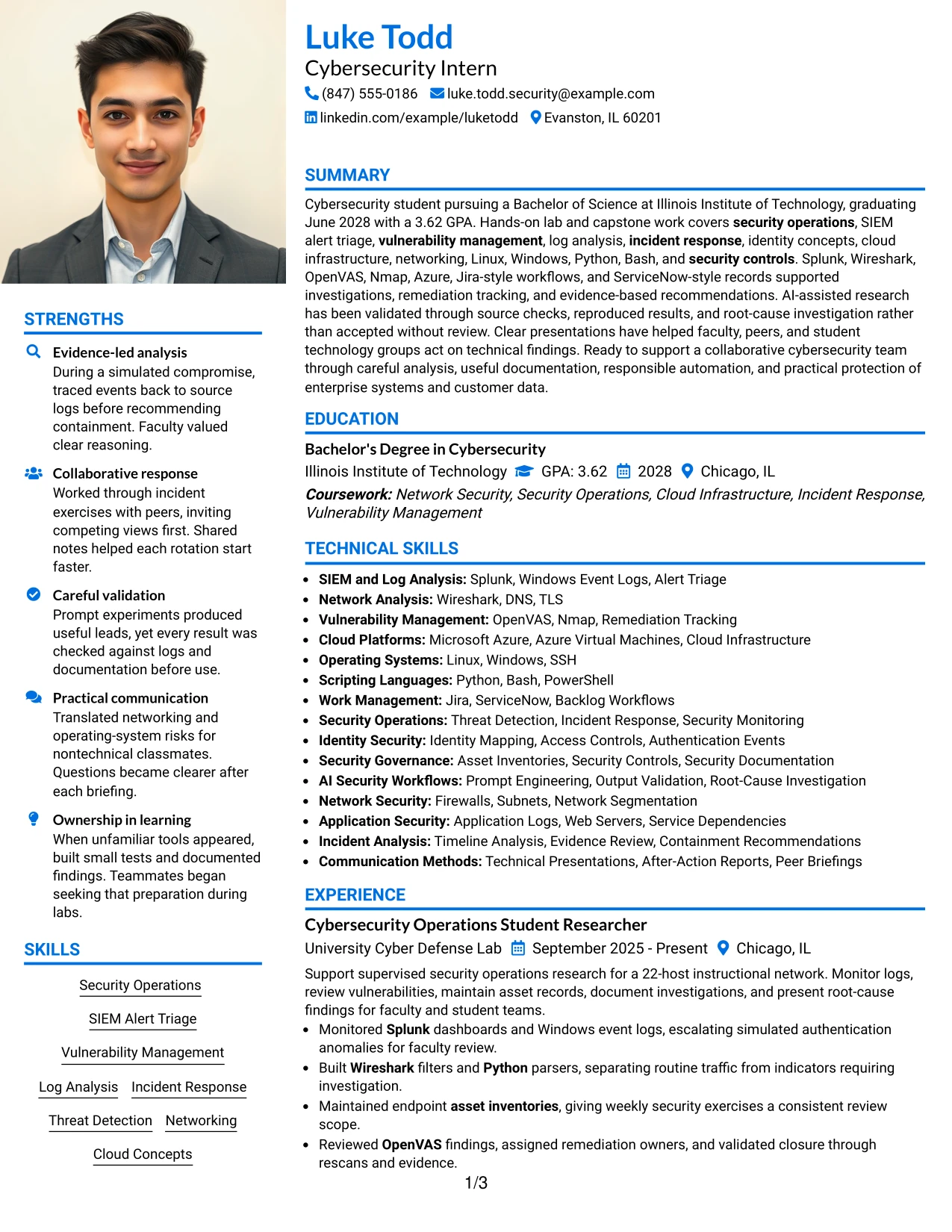
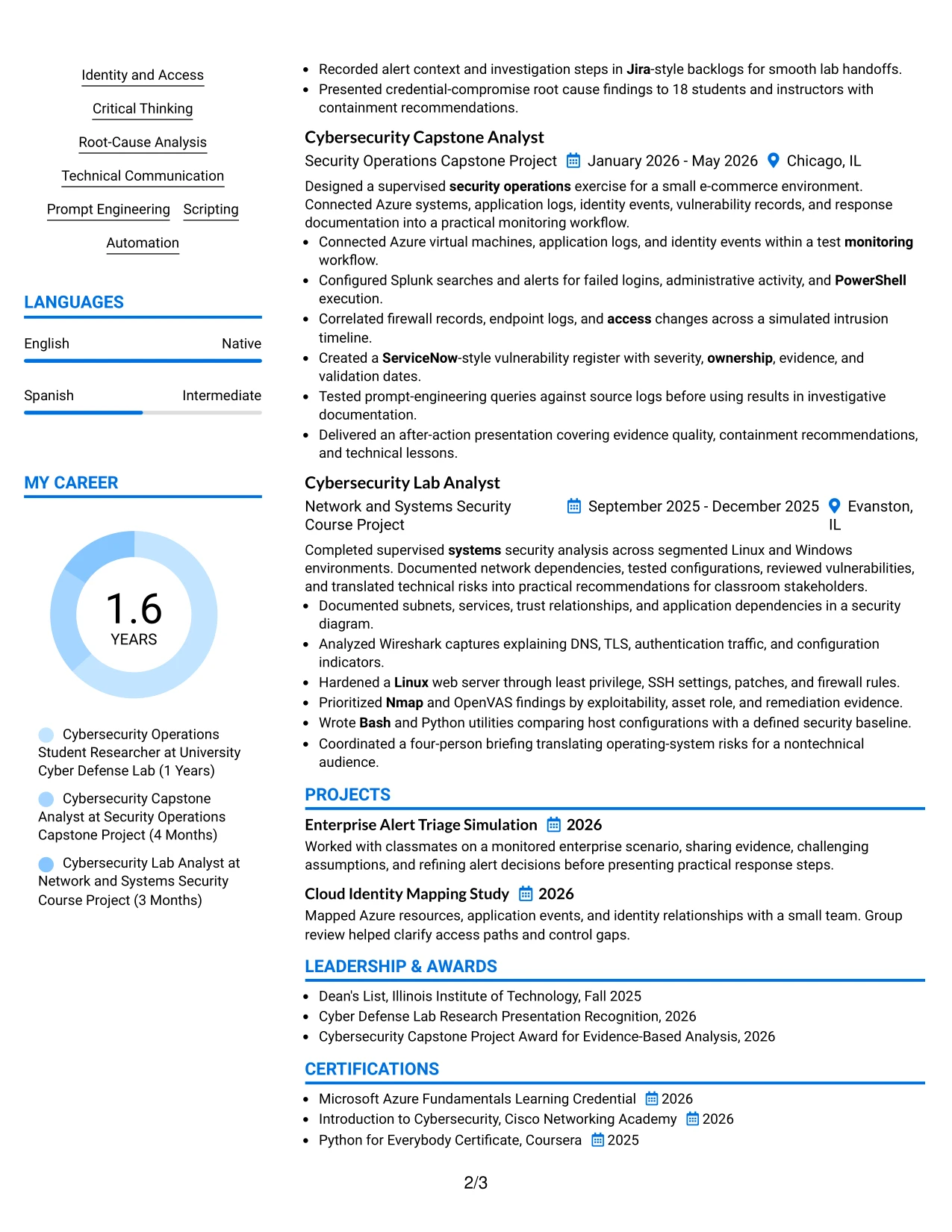
#33 Large Profile Photo International Two Column Format Resume Example
Evidence should lead the review: security operations work, capstone analysis, network security projects, and the tools used to complete them. The Large Profile Photo International Two Column Format can place a prominent photo and profile area beside organized resume content, but the photo should not displace technical achievements.
Use the two columns to separate a concise profile, skills, education, and certifications from detailed experience and project bullets. Keep the strongest keywords tied to proof, such as Splunk alert triage, Wireshark analysis, OpenVAS remediation, Azure infrastructure, and Python scripting.
#33 Why the Large Profile Photo International Two Column Format Works for a Resume
- A large profile area creates a strong personal introduction when the application context supports it.
- Two columns can separate profile details from the main record of experience and projects.
- The format gives technical achievements a defined area instead of mixing them with contact information.
- A skills column can group Splunk, Wireshark, OpenVAS, Azure, Python, Bash, and related methods.
- Detailed bullets can explain investigation steps, remediation validation, and communication results.
- The photo should remain controlled so it does not reduce space for education or evidence.
- Standard headings and text-based keywords are still important for digital resume review.
#33 Best For
- Applications where a prominent professional photo is appropriate and expected
- Candidates who need a profile area plus a separate space for detailed technical evidence
- Resumes combining a broad skills inventory with several projects and academic sections
- Applicants presenting investigation, remediation, scripting, and communication results together
- Readers who prefer a clear division between profile information and achievement bullets
- Documents with enough verified content to support a spacious two-column design
- Candidates using visual presentation while keeping standard headings and ATS-readable text
Why Build Your Cybersecurity Intern Resume with ResumeInMinutes
ResumeInMinutes helps cybersecurity students turn coursework, lab investigations, projects, tools, and technical findings into a structured resume that is simple to scan and easy to customize.
- ATS-friendly section structure
- Security-focused keyword guidance
- Project and lab experience organization
- Skills and tools presentation
- Free PDF resume previews
- Resume customization support
Build a resume that presents alert triage, vulnerability findings, network analysis, cloud concepts, scripting, documentation, and responsible use of automation in a clear order. Strong bullets show what you examined, how you worked, and what evidence supported your conclusions.
See Also
- 33 AI-Powered Cybersecurity Product Engineer Resume Templates with Example 2026 (ATS-Optimized)
- 33 Analyst - Cybersecurity Operations Resume Templates with Example 2026 (ATS-Optimized)
- 33 Associate Cybersecurity Engineer Resume Templates with Example 2026 (ATS-Optimized)
- 33 Chief Technology Officer - Cybersecurity Resume Templates with Example 2026 (ATS-Optimized)
- 33 Cybersecurity Analyst Intern - Hands-on Security Resume Templates with Example 2026 (ATS-Optimized)
- 33 Cybersecurity Analyst Resume Templates with Example 2026 (ATS-Optimized)
- 33 Cybersecurity Analyst – Tier 2 Resume Templates with Example 2026 (ATS-Optimized)
- 33 Cybersecurity Architect Resume Templates with Example
- 30+ AI-Powered Cybersecurity Product Engineer Cover Letter Templates with Example 2026
- 30+ Analyst - Cybersecurity Operations Cover Letter Templates with Example 2026
Frequently Asked Questions
Are these Cybersecurity Intern resume templates ATS-friendly?
Yes. They use readable headings, consistent sections, and relevant terms such as security operations, SIEM, log analysis, vulnerability management, incident response, Splunk, and Microsoft Azure.
Are these different resumes?
No. The page presents one Cybersecurity Intern resume example in different layouts and design themes so you can compare format choices without changing the core guidance.
What should a Cybersecurity Intern resume include?
Include a focused summary, education, relevant projects or lab work, technical skills, experience, certifications, activities, and concise bullets that show analysis, documentation, collaboration, and security results.
Can I download the resume templates as PDFs?
Yes. Each resume style provides a free PDF download so you can preview the structure and choose a format for your Cybersecurity Intern application.
Which resume style is best for a Cybersecurity Intern?
A clean one-column layout is often the safest choice because it supports ATS parsing and quick review. A simple two-column design can also work when the sections remain readable and the technical content is not crowded.
Can a Cybersecurity Intern resume be strong with limited professional experience?
Yes. Include relevant coursework, supervised lab work, capstone projects, security tools, technical presentations, certifications, and activities. Describe the evidence you reviewed and the actions you took.
Should I include a photo on my resume?
For U.S. applications, a no-photo resume is generally the safer option. Use a photo only when it is clearly expected by local practice or the application instructions.
Can I customize these resume templates?
Yes. You can adjust the resume text, section order, design style, and PDF format to present your Cybersecurity Intern skills, projects, tools, and education accurately.




