
7 Data Analyst - Credit and Financial Reporting Cover Letter Templates with Example
This practical guide to a Data Analyst - Credit and Financial Reporting cover letter presents seven layouts in image previews and shows how to connect reporting evidence with role fit.
What Makes a Great Data Analyst - Credit and Financial Reporting Cover Letter in 2026
A strong letter connects interest in credit and financial reporting with clear evidence of accurate analysis. It should show how your communication can help clients and leaders use findings in business decisions.
Use relevant examples, such as reconciling data across systems, building Power BI dashboards, or explaining results to business partners. Link each example to the employer's reporting needs, and keep your opening, body, and closing focused.
The featured Data Analyst - Credit and Financial Reporting example follows a focused progression from role interest to relevant evidence and a clear close, which you can adapt while choosing a presentation suited to the employer and communication context.
#1 Simple One Column Format Cover Letter Example
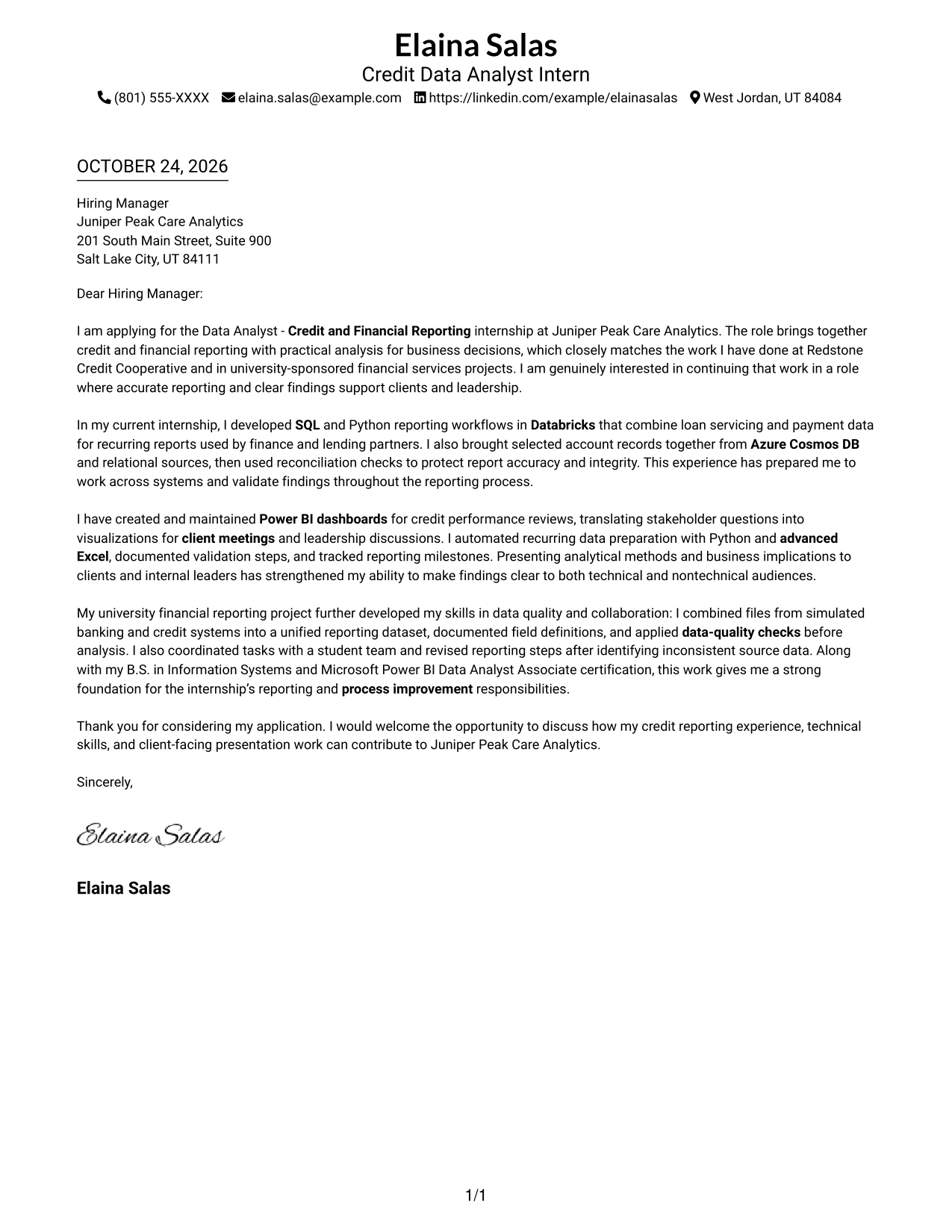
This one-column format keeps sender details in the header and the letter body in one reading path, helping reviewers follow the message from interest to evidence to closing.
Why This Format Works
- Sender details in the header keep contact information distinct from the letter's message.
- One continuous body lets reviewers follow the opening, evidence, and closing in order.
- One-column reading keeps attention on the written case for the role.
Best For
- One-column document preference
- Header-based contact details
- Unbroken letter paragraphs
- Direct argument progression
- Text-forward application materials
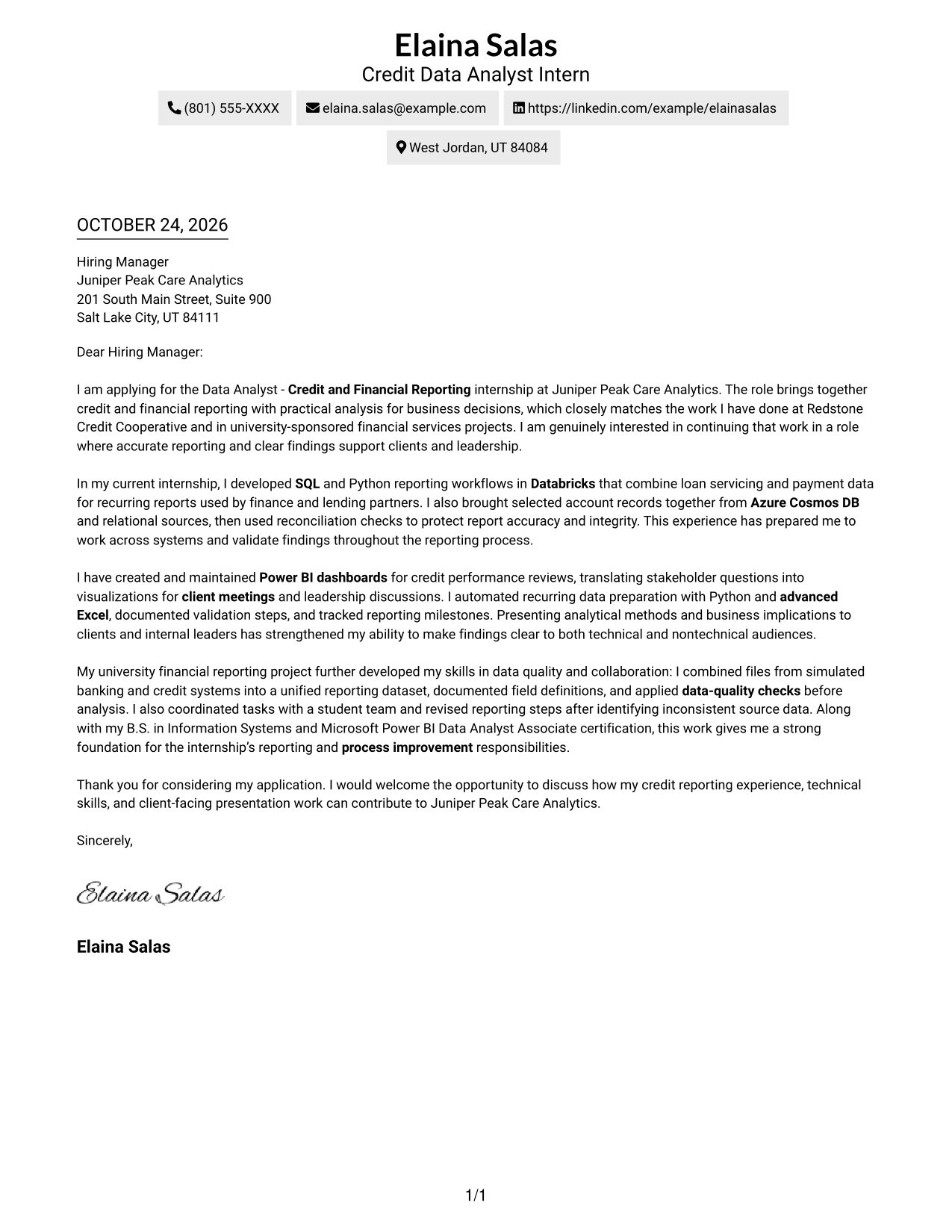
#2 Two Column Format Cover Letter Example
The Two Column Format places contact details in a sidebar beside one continuous letter body, giving the sender information its own space while keeping the message intact.
Why This Format Works
- A separate contact area keeps several sender details together for reference.
- The single body lets motivation and evidence unfold in their intended order.
- Reviewers can distinguish contact information from the letter's persuasive message.
Best For
- Contact details beside the letter
- A dedicated sender-information area
- One continuous persuasive message
- Clear separation of contact and letter
- Applications with several contact details
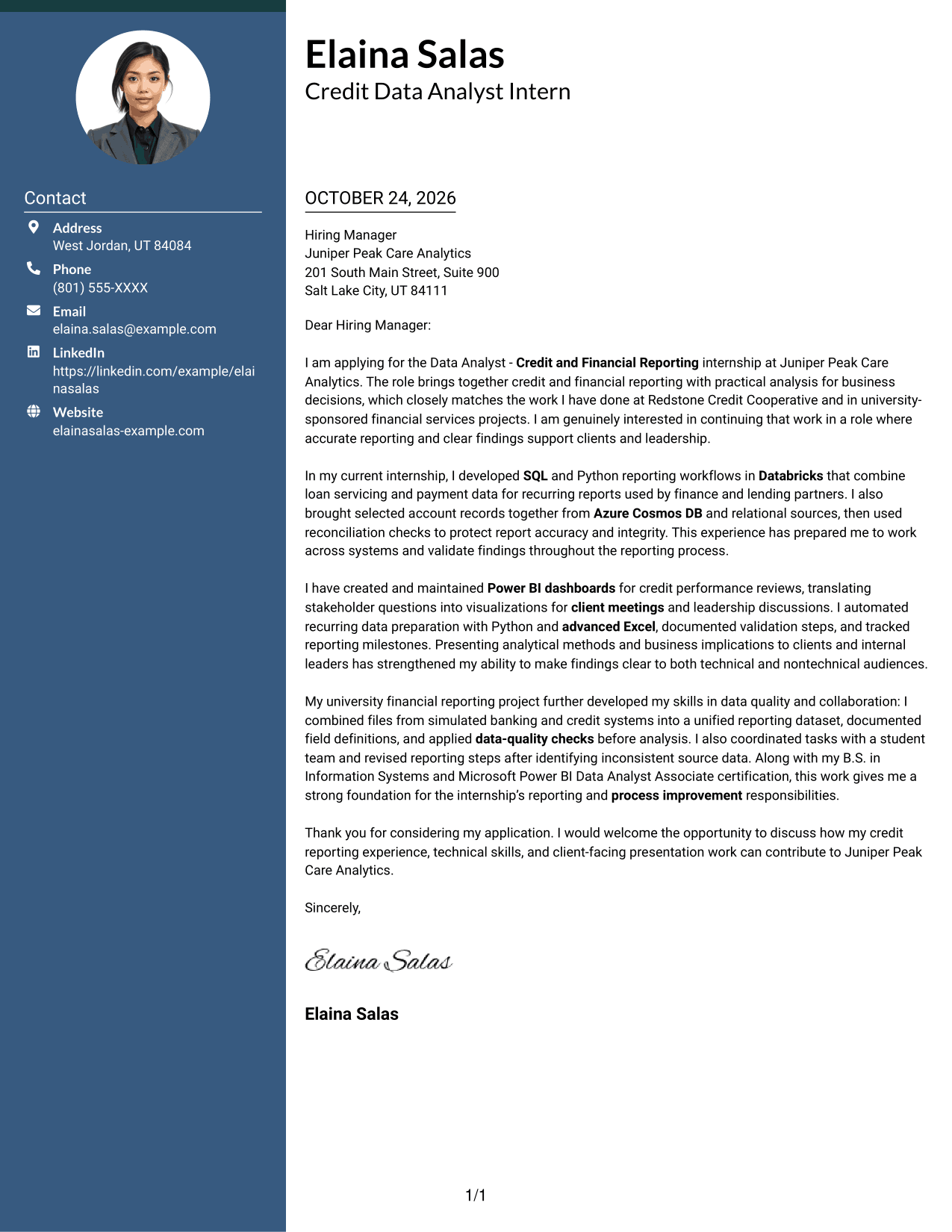
#3 Photo Header Two Column Format Cover Letter Example
The Photo Header Two Column Format pairs a photo header with a contact sidebar beside the continuous letter body, offering a visible portrait while preserving a clear place for the message.
Why This Format Works
- The contact sidebar keeps sender details apart from the single continuous letter body.
- A photo in the header offers a personal visual touch without interrupting the letter.
- Reviewers can follow the argument in one body rather than compare parallel text columns.
Best For
- Photo-inclusive letter presentation
- Contact details in a sidebar
- One-body letter reading
- Portrait-forward header preference
- A clear contact-to-message layout
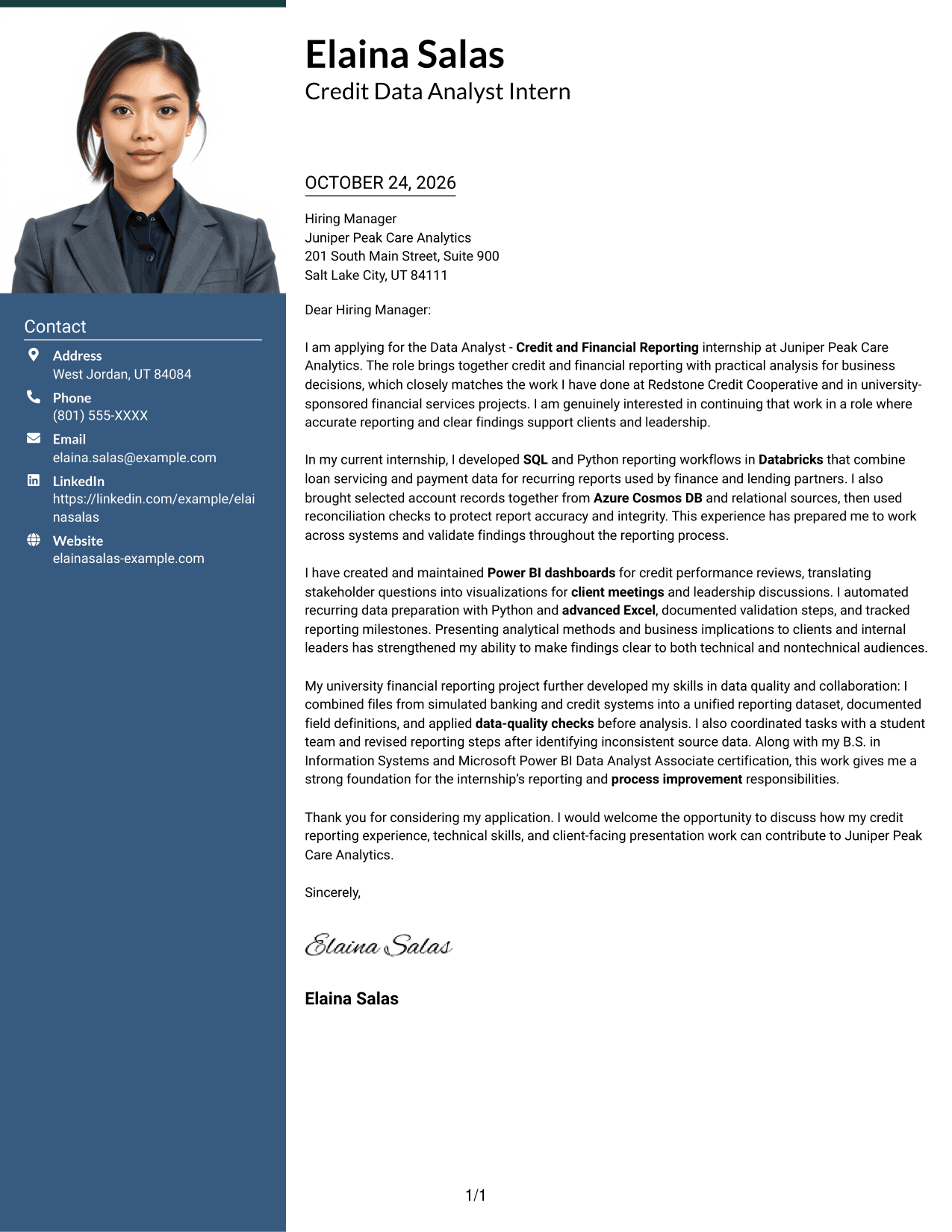
#4 One Column Format with Photo Cover Letter Example
The One Column Format with Photo places the sender details and portrait in the header above a single letter body, keeping the written message in one vertical sequence.
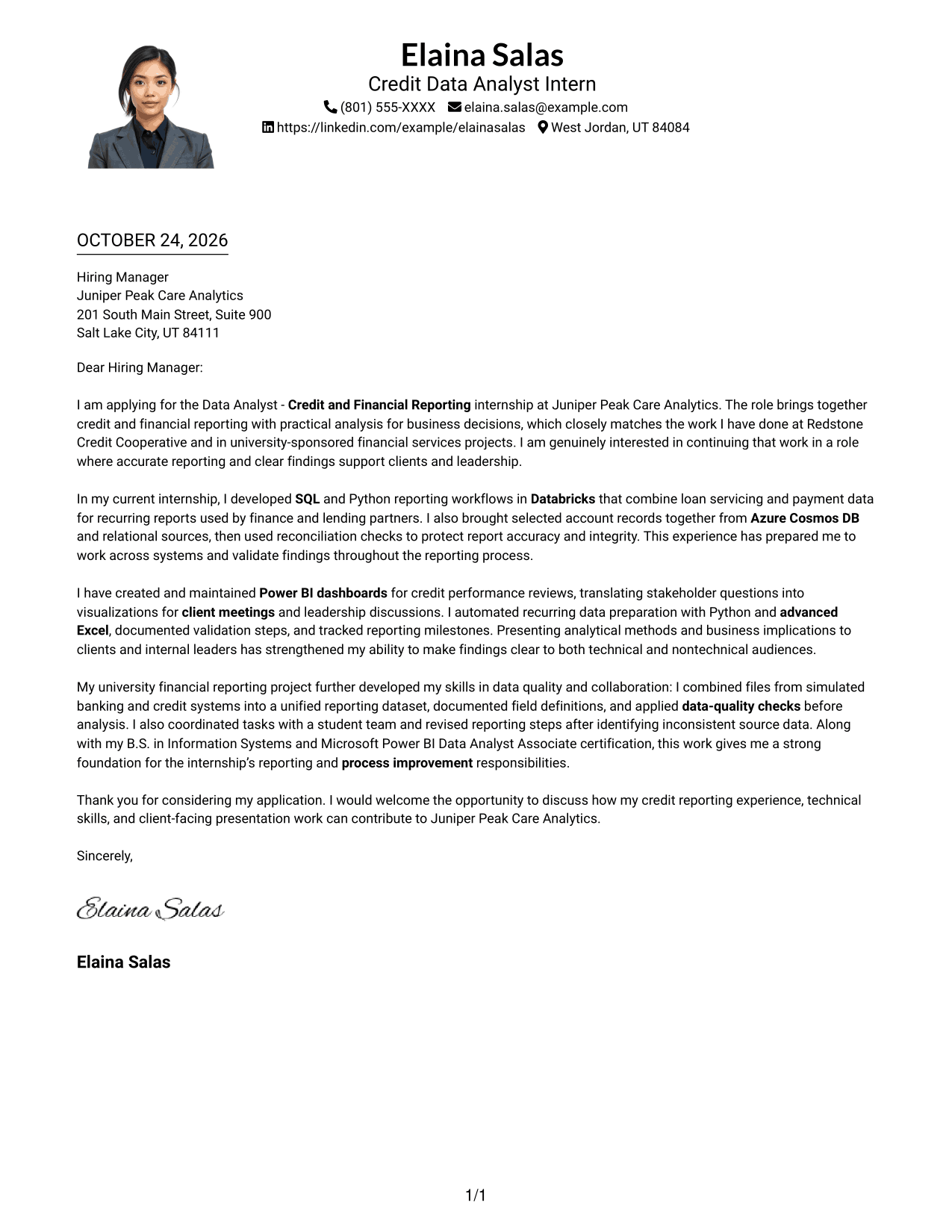
Why This Format Works
- One vertical body keeps the letter's opening, evidence, and closing in sequence.
- Sender details remain in the header, apart from the paragraph argument.
- The header photo adds a personal visual element without organizing the letter's case.
Best For
- One-column letter layout
- Portrait in the header
- Header-based sender details
- Continuous letter paragraphs
- A direct reading sequence
#5 Simple Two Column Format Cover Letter Example
The Simple Two Column Format sets contact details beside one continuous letter body, so readers can refer to sender information without splitting the letter's argument across columns.
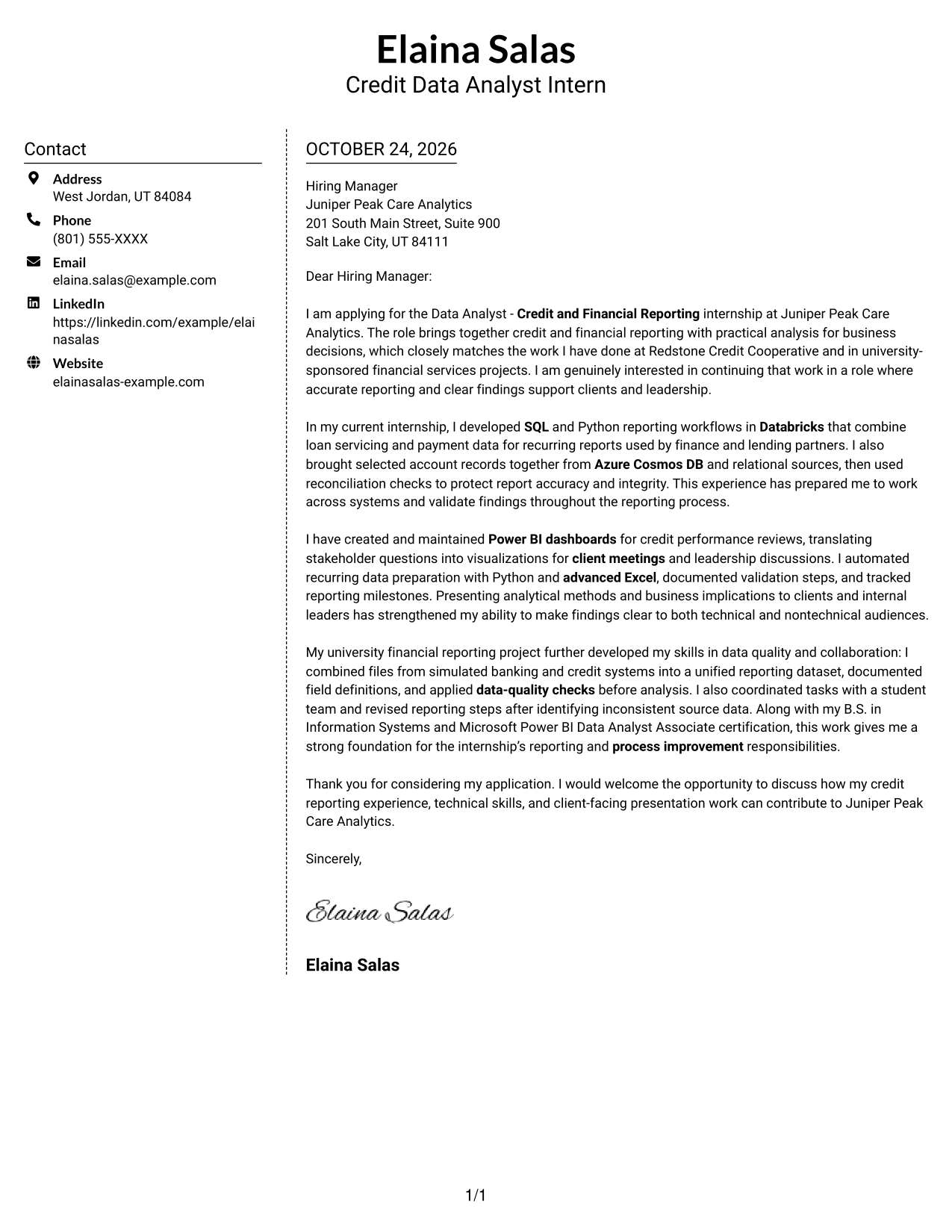
Why This Format Works
- Contact information has a separate place beside the letter's continuous message.
- Motivation and supporting evidence remain in one body, not split across columns.
- The arrangement keeps sender details outside the persuasive paragraphs.
Best For
- Side-by-side contact and letter
- An intact paragraph argument
- Separate sender information
- Two-column document preference
- Letters with a continuous body
#6 Modern Icon Format Cover Letter Example
The Modern Icon Format uses a contact sidebar beside one continuous letter body, with icons serving as cues for contact details rather than labels for the letter's message.
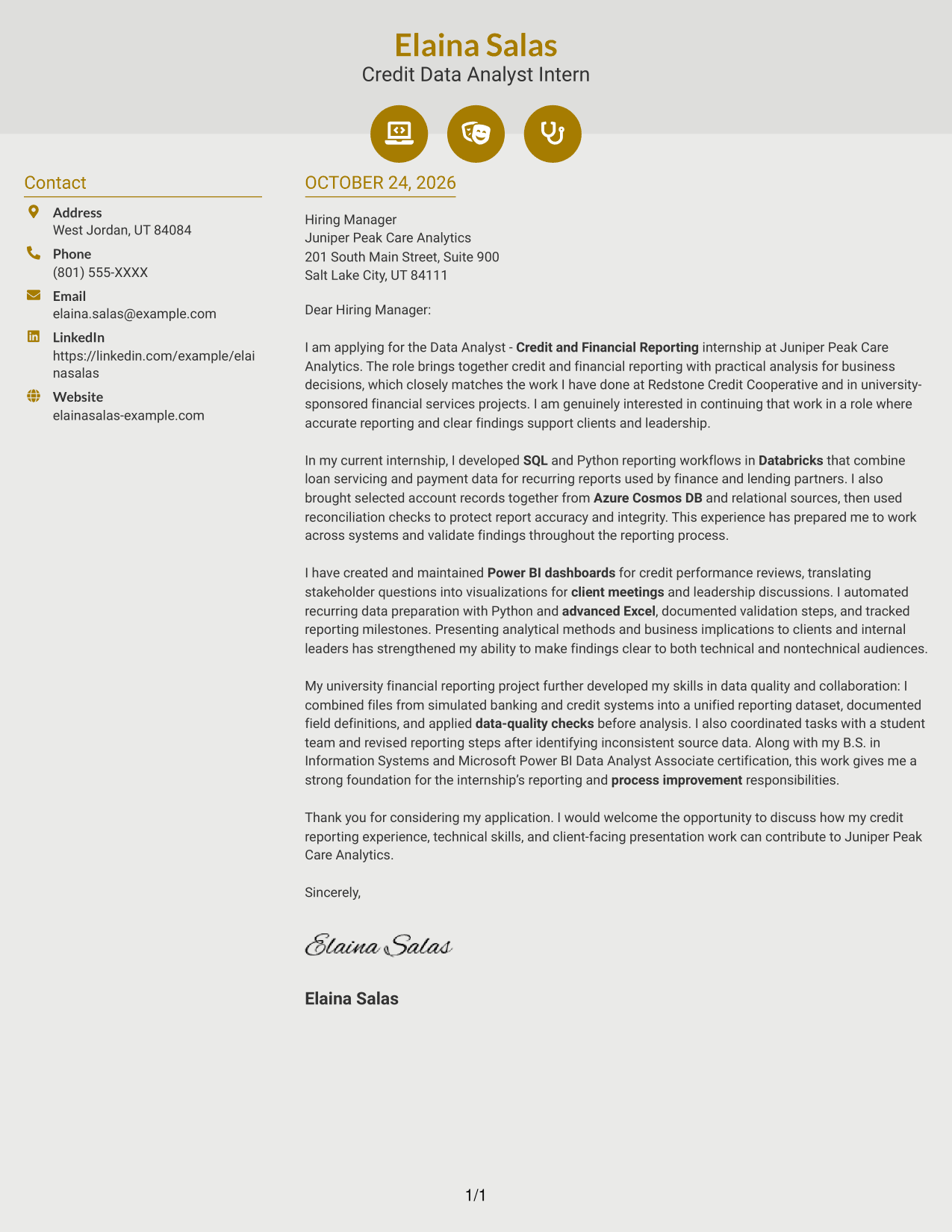
Why This Format Works
- Contact icons help identify sender details without marking stages of the letter.
- The continuous body keeps motivation, evidence, and closing in their intended order.
- A separate sidebar distinguishes contact information from the main message.
Best For
- Icon-cued contact details
- Contact sidebar beside the message
- Continuous persuasive paragraphs
- Clear opening-to-closing order
- A visually guided contact area
#7 Creative Two Tone Format Cover Letter Example
The Creative Two Tone Format places contact details in a sidebar beside one continuous letter body, keeping the sender information distinct while the written argument remains intact.
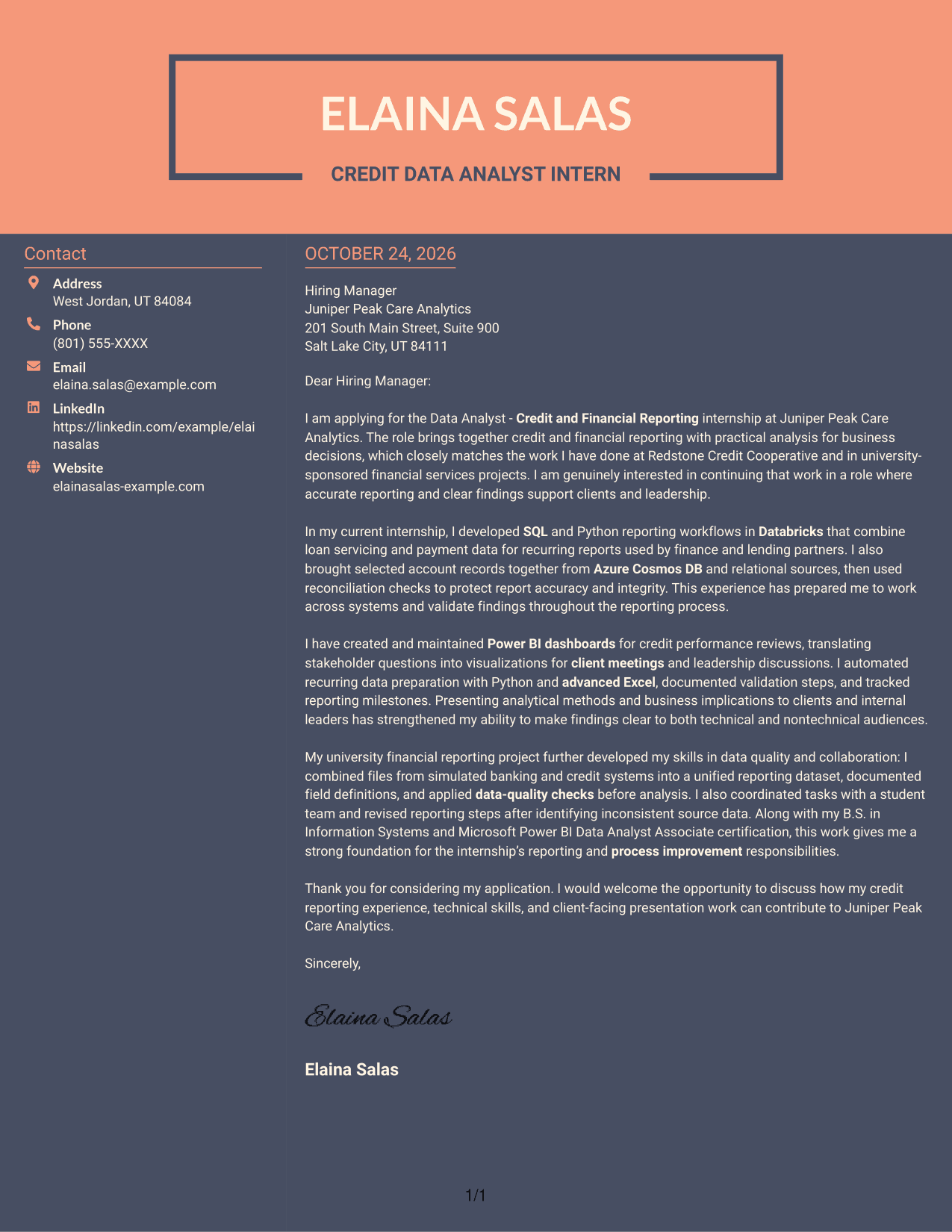
Why This Format Works
- A contact sidebar gives sender details a place apart from the letter.
- Opening, motivation, evidence, and closing stay together in one body.
- The two-column reading order separates contact information from the persuasive message.
Best For
- Sidebar-based contact information
- A single-body letter argument
- Two-column reading preference
- Contact details kept apart from prose
- An uninterrupted message sequence
See Also
- 7 Data Analyst - Credit and Financial Reporting Resume Templates with Example
- 7 Data Analyst Intern - Business Process and Reporting Resume Templates with Example
- 7 Data Analyst Intern - Human Services Reporting Resume Templates with Example
- 7 Junior Data Analyst - Reporting and Data Visualization Resume Templates with Example
- 7 Data Analyst - Financial and Operational Analytics Resume Templates with Example
- 7 Entry-Level Marketing Data Analyst Financial Services Resume Templates with Example
- 7 Financial Data Analyst Intern Resume Templates with Example
- 7 Analyst/Associate: Equity Research - Telecommunication, Data Center and Tower Resume Templates with Example
- 7 Data Analyst Intern - Business Process and Reporting Cover Letter Templates with Example
- 7 Data Analyst Intern - Human Services Reporting Cover Letter Templates with Example
Frequently Asked Questions
What should the opening of a Data Analyst - Credit and Financial Reporting cover letter say?
State the position you are applying for and connect your interest to its reporting work. The featured example links credit and financial reporting to accurate analysis for business decisions.
Does each image preview show a different cover letter?
The previews show the same featured cover letter in different visual presentations. Use the images to compare them, then open an example in the editor to customize it.
What experience is useful to discuss for this role?
Choose evidence that matches the position, such as SQL and Python reporting workflows, Databricks, Power BI dashboards, data checks, or work that combines information from different systems. Explain your contribution and why it matters to the reporting process.
How can I show that I communicate well with clients and leaders?
Describe a time you presented findings or explained analytical choices to a business audience. Keep the example specific and show how you made the information clear to technical and nontechnical readers.
How should I close the cover letter?
Thank the reader, briefly restate the value you can bring to the reporting work, and express interest in discussing the role. Keep the close direct and professional.




