
7 Data Analyst Intern - Business Analytics Cover Letter Templates with Example
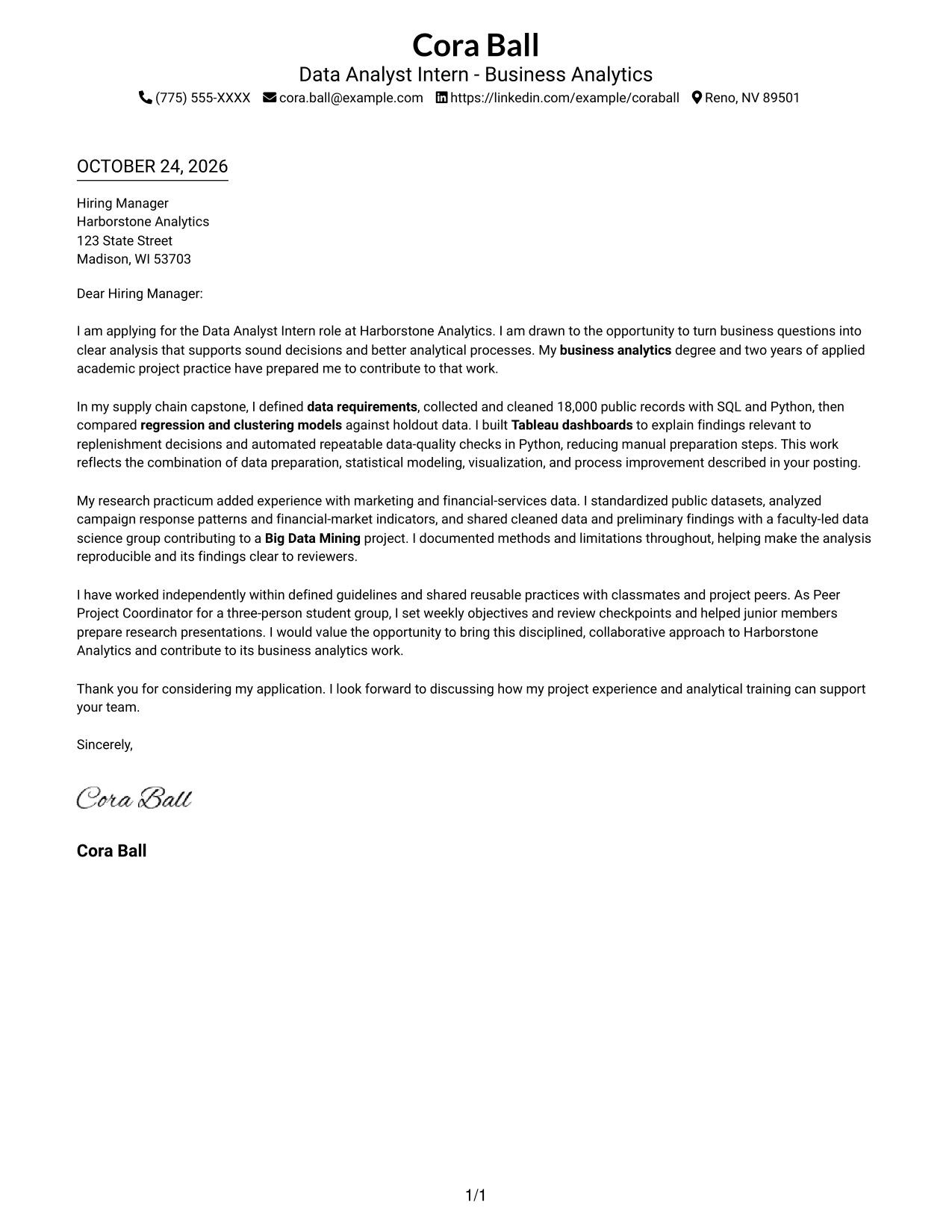
This practical guide helps you write a focused Data Analyst Intern - Business Analytics cover letter and compare seven layouts you can adapt.
What Makes a Great Data Analyst Intern - Business Analytics Cover Letter in 2026
A strong letter links your interest in business analytics to the role’s work: turning business questions into clear findings that support decisions and better processes.
Use relevant evidence, such as data preparation, modeling, or visualization, and explain what it helped you learn. Connect that example to the employer’s needs without overstating your contribution.
The featured example moves from role motivation to project evidence, related research, teamwork, and a clear close; use that progression as a guide, then choose a presentation that fits the employer and communication context.
#1 Simple One Column Format Cover Letter Example
The Simple One Column Format keeps the sender details in the header and the letter in one reading path, a practical choice for straightforward presentation.
Why This Format Works
- Sender details stay in the header, leaving the letter text visually central.
- A single reading path helps reviewers follow motivation, evidence, and the closing in order.
- Continuous paragraphs keep the request and supporting points together without argument labels.
Best For
- Text-led application materials
- Business internship correspondence
- Photo-free letter sets
- Traditional correspondence preferences
- Simple page navigation
#2 Two Column Format Cover Letter Example
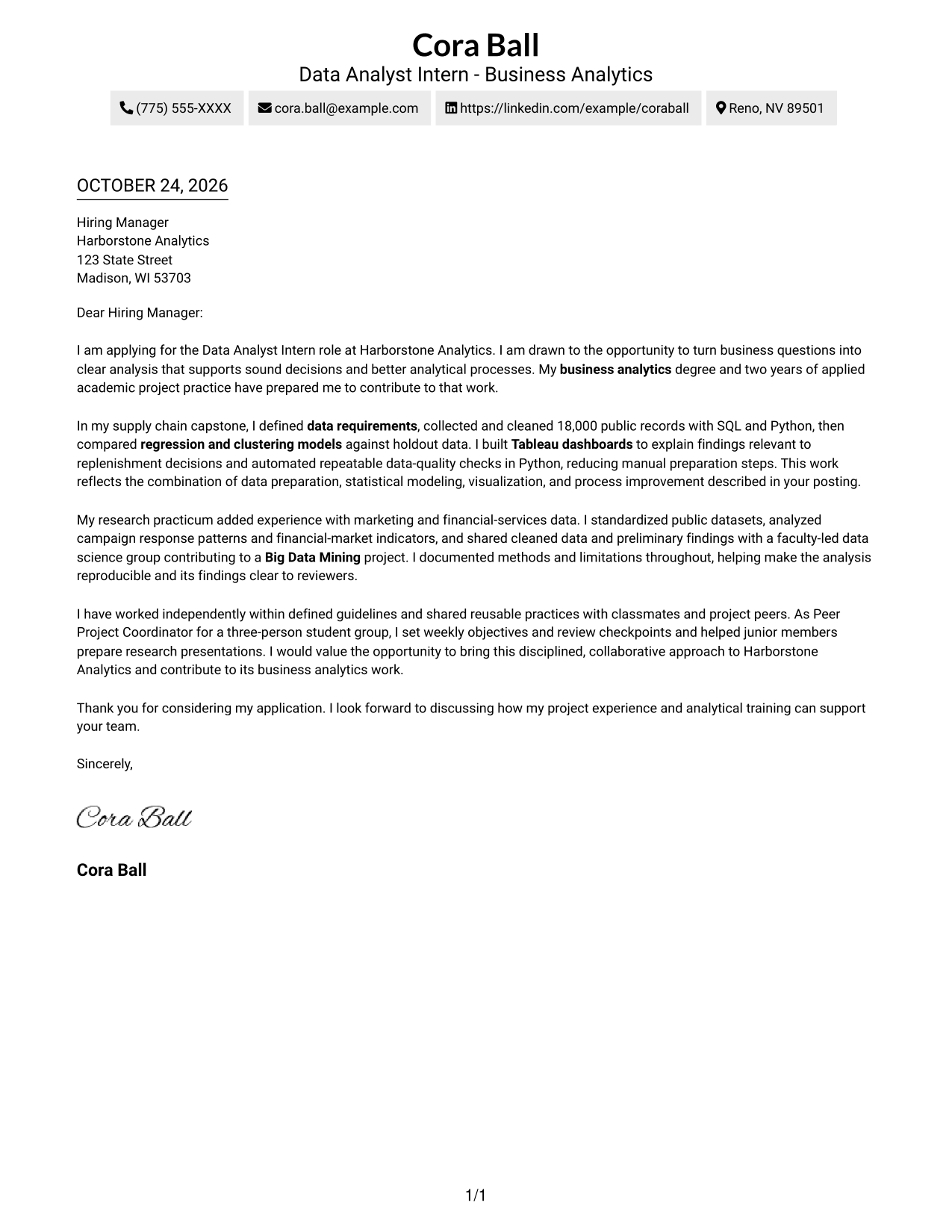
The Two Column Format places a contact sidebar beside the continuous letter body, a useful choice when sender details should remain distinct from the message.
Why This Format Works
- A contact sidebar keeps sender information apart from the letter's persuasive paragraphs.
- One continuous body carries motivation, supporting evidence, and the closing in sequence.
- Side-by-side placement lets reviewers revisit contact details without breaking their place in the letter.
Best For
- Side-by-side page preference
- Photo-free employer correspondence
- Business analytics internship letters
- Formal application materials
- Contact-focused document layouts
#3 Photo Header Two Column Format Cover Letter Example
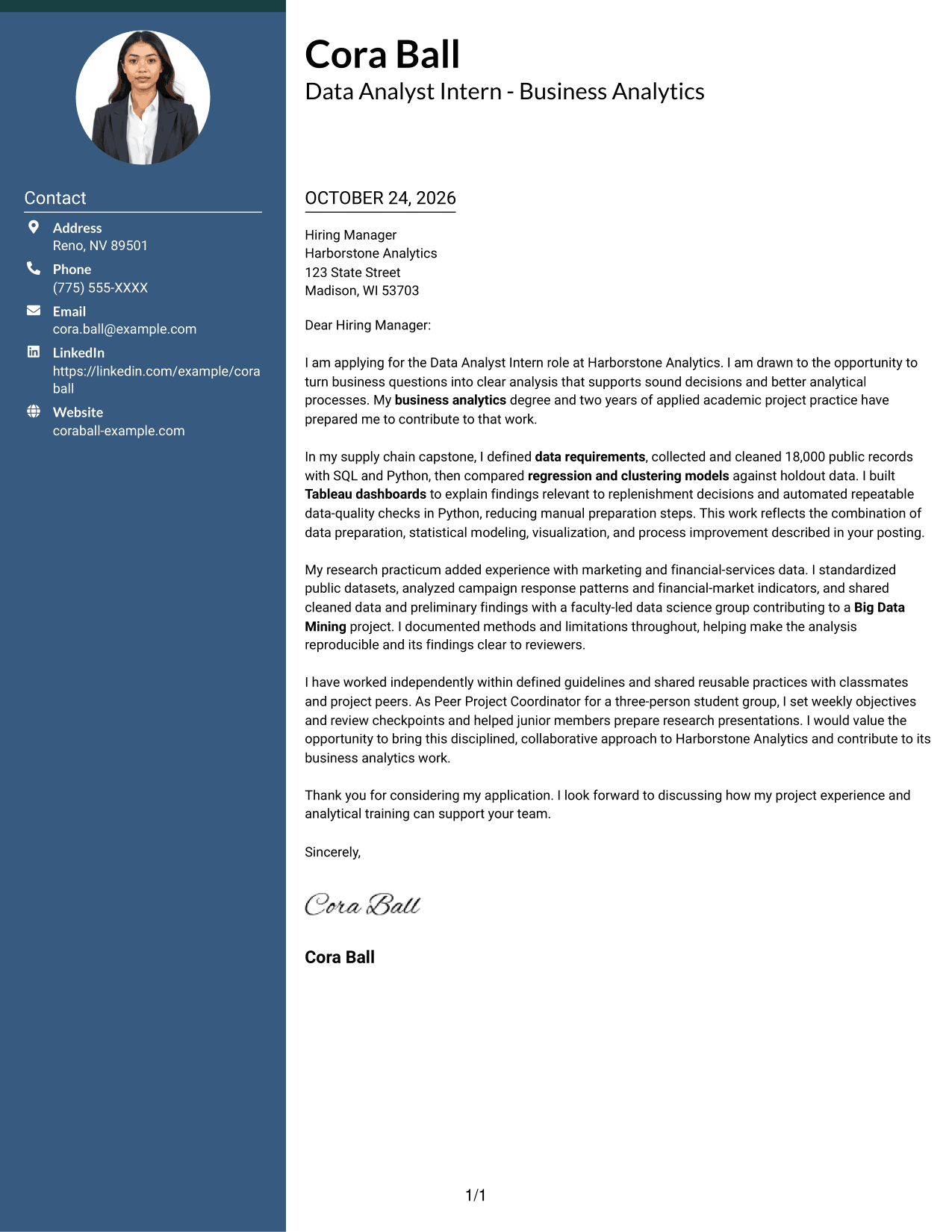
The Photo Header Two Column Format pairs a portrait with a contact sidebar, a practical option for letters that call for a visible photo.
Why This Format Works
- Contact details sit apart from the continuous body, keeping the letter's argument intact.
- The portrait adds a visible personal element without interrupting the written case.
- Reviewers can follow motivation, supporting evidence, and the closing in one sequence.
Best For
- Portrait-inclusive application materials
- Business analytics internship letters
- Formal employer correspondence
- Contact-sidebar layouts
- Readers who prefer a visible photo
#4 One Column Format with Photo Cover Letter Example
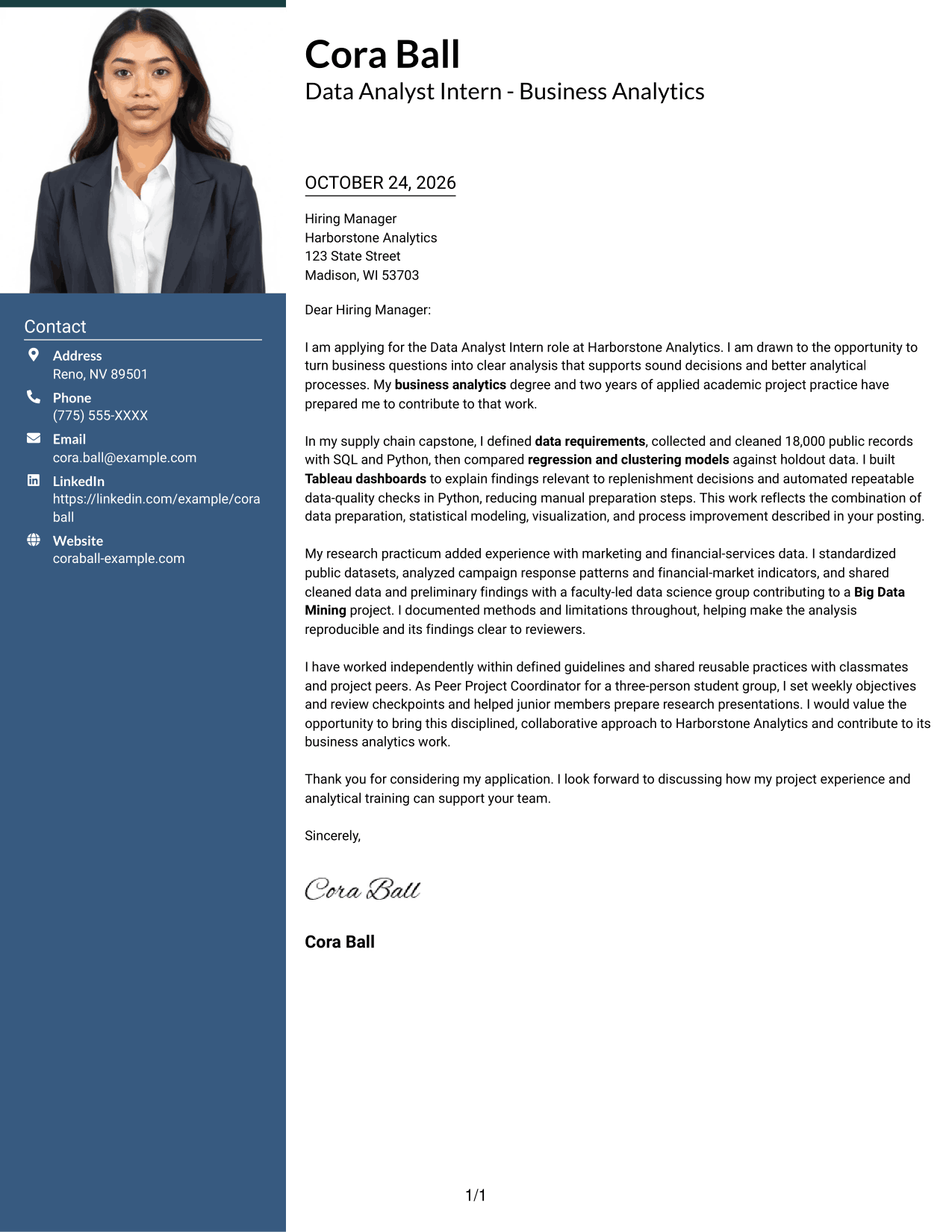
The One Column Format with Photo adds a portrait to a single reading path, a practical choice for readers who want a photo with straightforward letter organization.
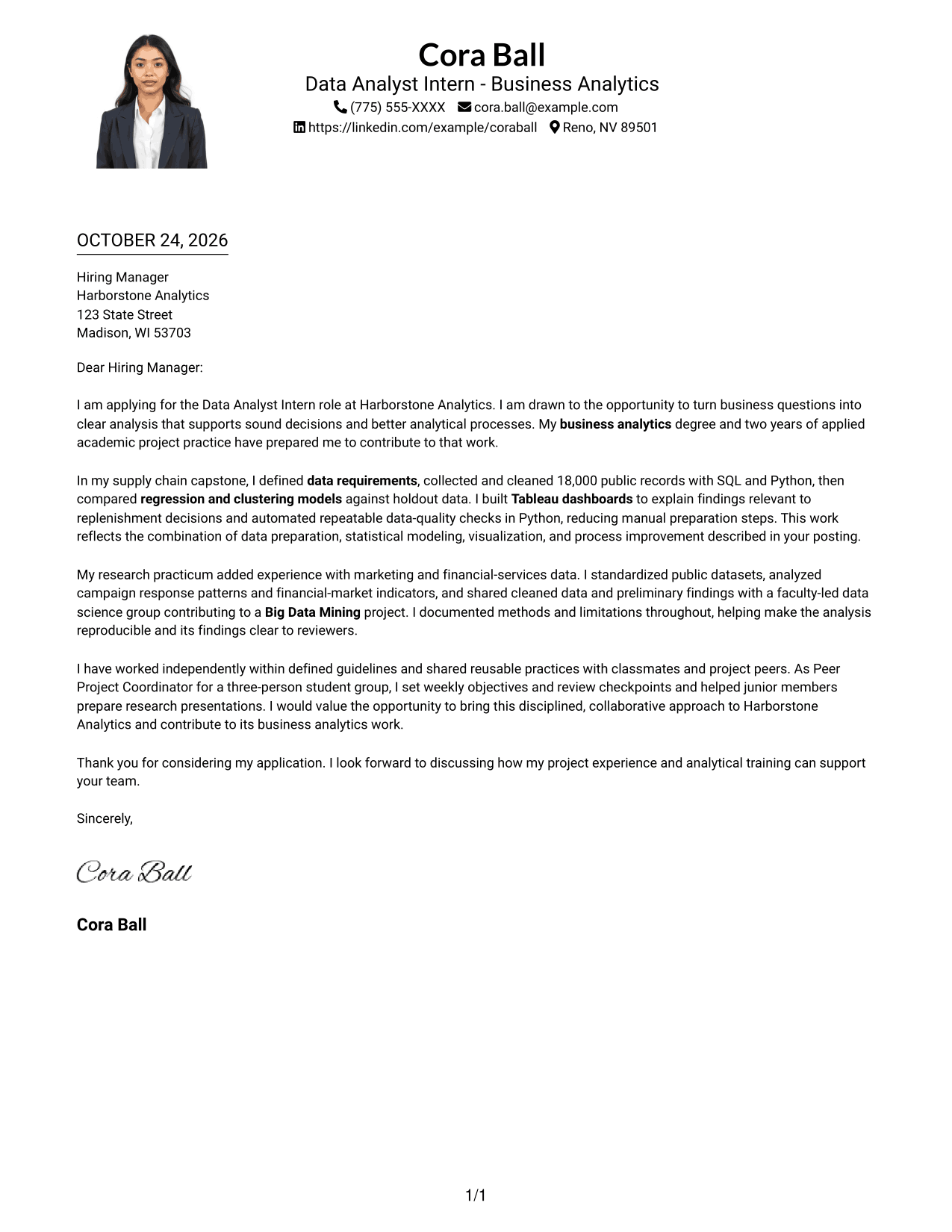
Why This Format Works
- The portrait provides a visible personal detail while the letter remains the main content.
- A single body path keeps the opening, supporting points, and closing in reading order.
- Sender details in the header are easy to find without dividing the letter text.
Best For
- Portrait-inclusive correspondence
- Single-path letter layouts
- Business internship applications
- Header-based contact details
- Photo-led application materials
#5 Simple Two Column Format Cover Letter Example
The Simple Two Column Format places contact details in a sidebar beside one continuous letter body, a practical choice for a clear division between sender information and message.
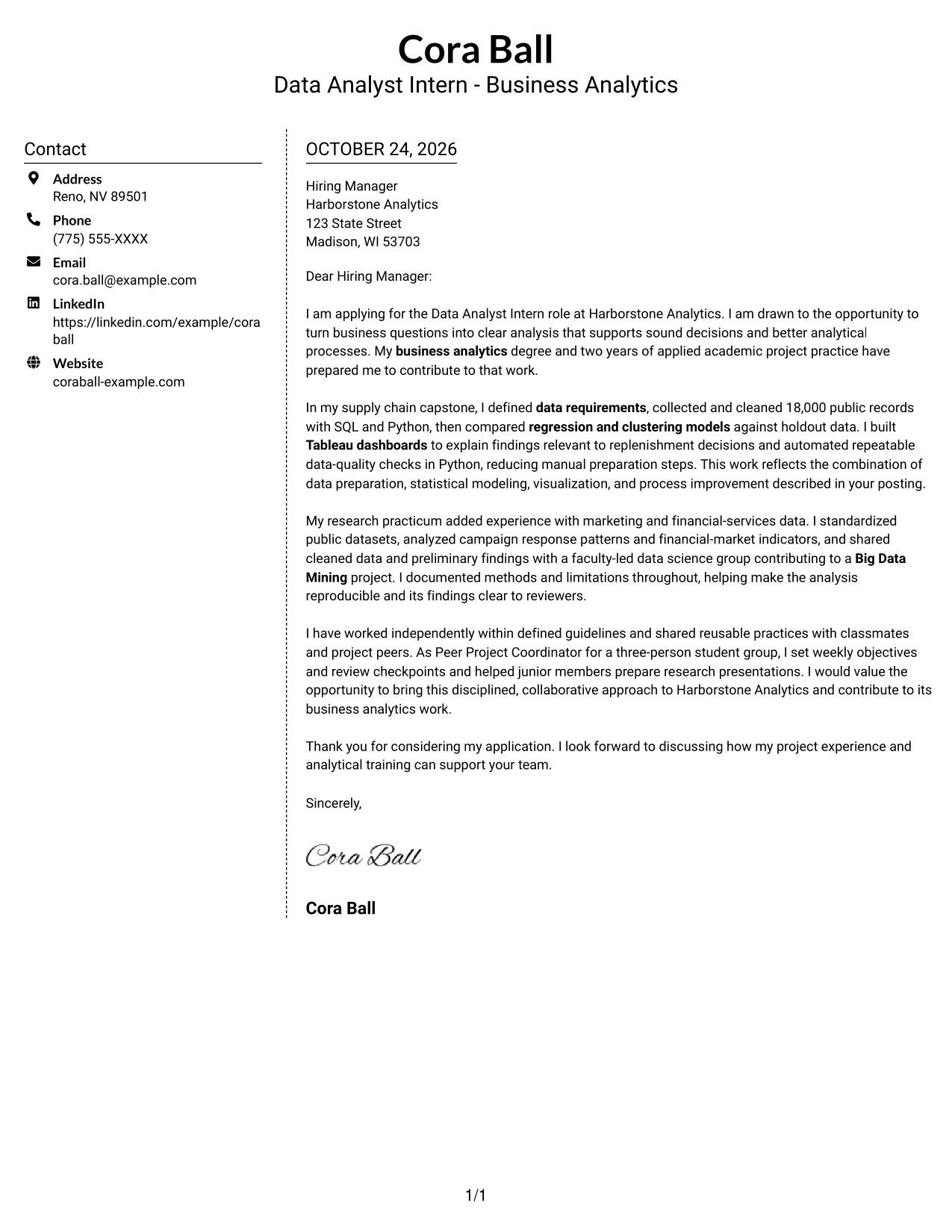
Why This Format Works
- The sidebar gives sender details a fixed place beside the letter's argument.
- The continuous body lets reviewers read the request and supporting points without competing columns.
- Two distinct areas make it easy to return to contact information during review.
Best For
- Photo-free application packets
- Side-by-side information preference
- Business internship correspondence
- Formal employer letters
- Letters with a clear contact area
#6 Modern Icon Format Cover Letter Example
The Modern Icon Format uses icons as contact cues and header accents, with a contact sidebar beside one continuous letter body so sender details are easy to locate.
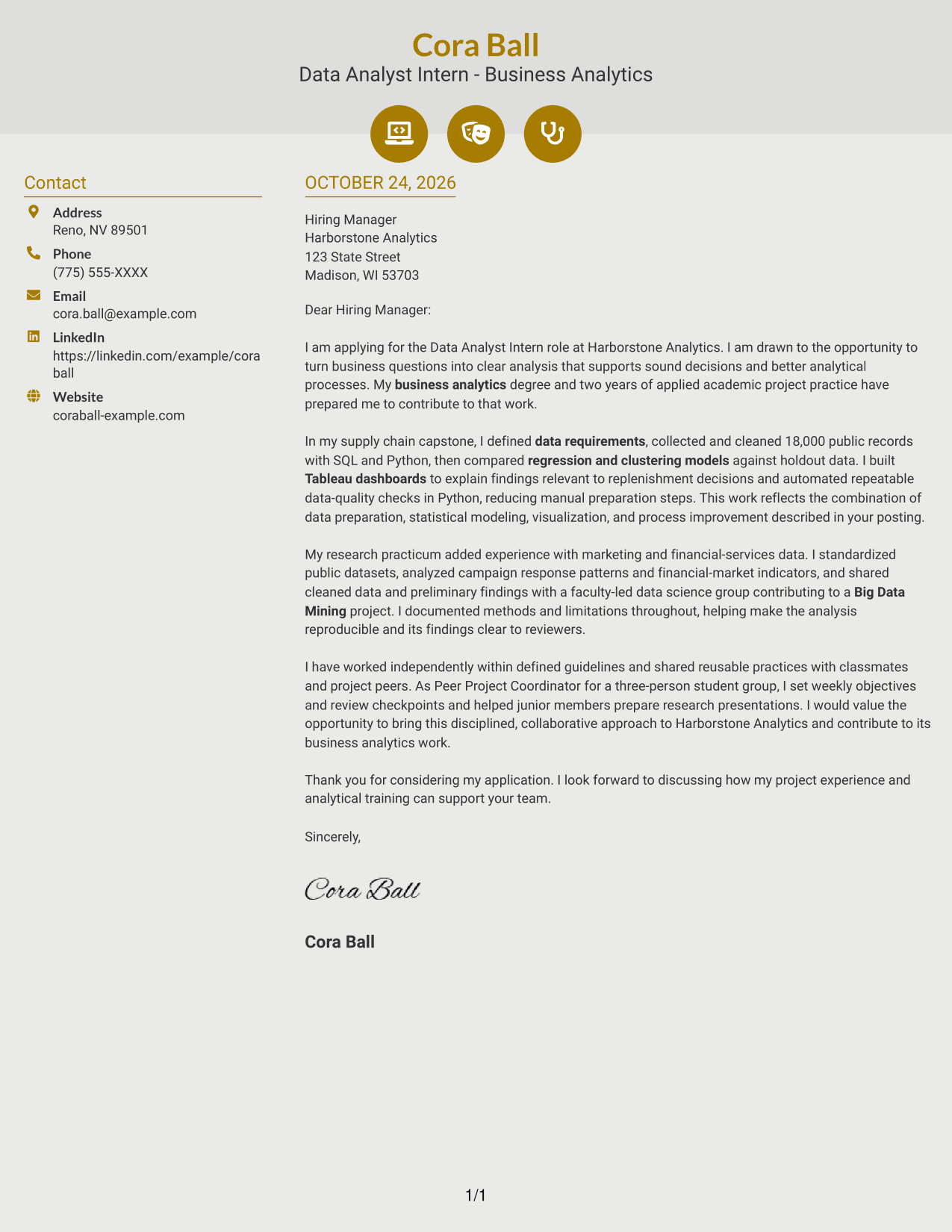
Why This Format Works
- Contact icons help reviewers identify sender information without labeling parts of the letter.
- The sidebar keeps contact details separate from the continuous message.
- The letter's paragraphs remain in one sequence, preserving the connection between its request and evidence.
Best For
- Icon-based contact details
- Two-column page preference
- Business analytics internship letters
- Photo-free application materials
- Readers who scan sender information first
#7 Creative Two Tone Format Cover Letter Example
The Creative Two Tone Format sets a contact sidebar beside one continuous letter body, a practical option when contact information and the message should occupy distinct areas.
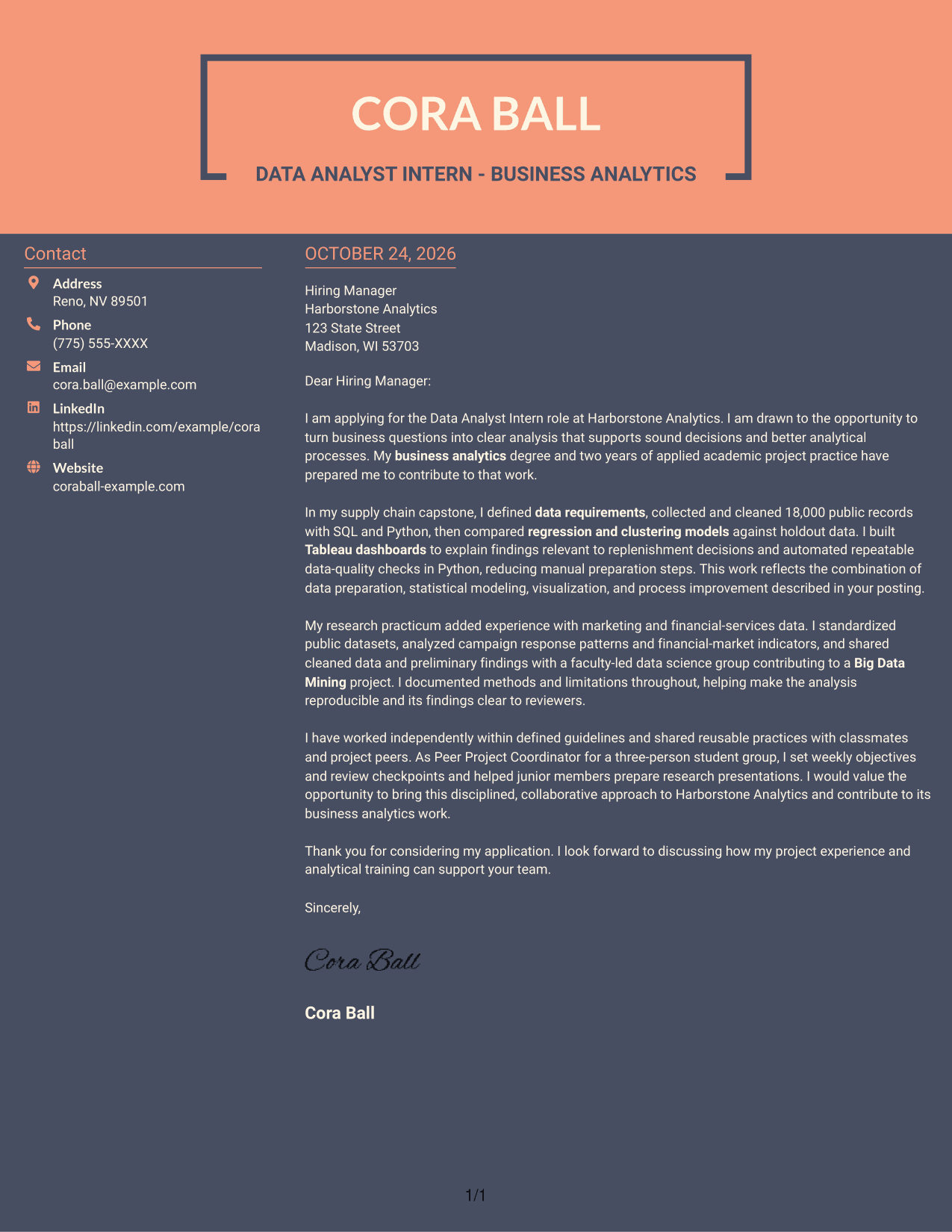
Why This Format Works
- The contact area remains separate, so sender details do not break up the letter.
- One uninterrupted body helps reviewers follow the message from opening through closing.
- A two-column arrangement keeps contact information visible alongside the letter text.
Best For
- Two-column page preference
- Photo-free business correspondence
- Business internship application letters
- Separate sender information
- Readers who prefer distinct page areas
Why Use ResumeInMinutes for a Data Analyst Intern - Business Analytics Cover Letter
Compare PNG previews, then open an example in the editor to adapt its wording and presentation for your application.
- Compare cover letter previews
- Open an example in the editor
- Shape a clear opening, body, and close
- Connect analysis to business questions
- Use relevant project evidence
- Match the tone to the employer
For this role, show how your analysis, communication, and process improvement work can support sound business decisions.
See Also
- 7 Data Analyst Intern - Business Analytics Resume Templates with Example
- 33 Analyst, Data Analytics Resume Templates with Example 2026 (ATS-Optimized)
- 7 Data Analyst - Financial and Operational Analytics Resume Templates with Example
- 33 Data Analyst - Healthcare Analytics Resume Templates with Example
- 33 Data Analyst - Human Resources Analytics Resume Templates with Example 2026 (ATS-Optimized)
- 7 Data Analyst Intern - Human Services Analytics Resume Templates with Example
- 7 Data Analyst, New Grad - AI Agent Analytics Resume Templates with Example
- 33 Data Analyst with Tableau or Salesforce, Adobe Analytics Resume Templates with Example 2026 (ATS-Optimized)
- 30+ Analyst, Data Analytics Cover Letter Templates with Example 2026
- 7 Data Analyst - Financial and Operational Analytics Cover Letter Templates with Example
Frequently Asked Questions
What evidence should a Data Analyst Intern - Business Analytics cover letter include?
Choose a relevant example and explain the question, your approach, and what the findings helped inform. The featured letter describes cleaning 18,000 supply chain records, comparing regression and clustering models, and presenting results with Tableau dashboards.
Do the previews show different cover letter examples?
They present one featured cover letter in different layouts. Compare the PNG previews, then open an example in the editor to adapt its presentation.
How can I connect my letter to a business analytics role?
Show how your example relates to the role’s work, such as defining data needs, explaining patterns, supporting decisions, or improving a repeatable analysis process. Keep the link clear and specific.
Should I name tools such as SQL, Python, and Tableau?
Name tools when they help explain your contribution. For example, describe how SQL and Python supported data preparation or how Tableau helped communicate findings, rather than listing tools without context.
How should I close a Data Analyst Intern - Business Analytics cover letter?
End with a brief thank-you and a direct statement of interest in discussing how your analytical work could support the team.




