
7 Data Analyst Intern - Data Management and ERP Cover Letter Templates with Example
This guide helps you create a Data Analyst Intern - Data Management and ERP cover letter and compare its 7 layouts to choose a clear way to explain your fit.
What Makes a Great Data Analyst Intern - Data Management and ERP Cover Letter in 2026
A strong letter connects careful data management with support for ERP adoption. It shows how your work can help keep records accurate and make business systems easier to use.
Use verified examples, such as checking and migrating records, guiding ERP users, or tracking progress. Link that evidence to the employer’s needs and explain why this work interests you.
The featured Data Analyst Intern - Data Management and ERP letter moves from role interest to evidence of record migration and ERP support, then closes with fit and a clear next step. Adapt that focused progression while choosing a presentation suited to the employer and communication context.
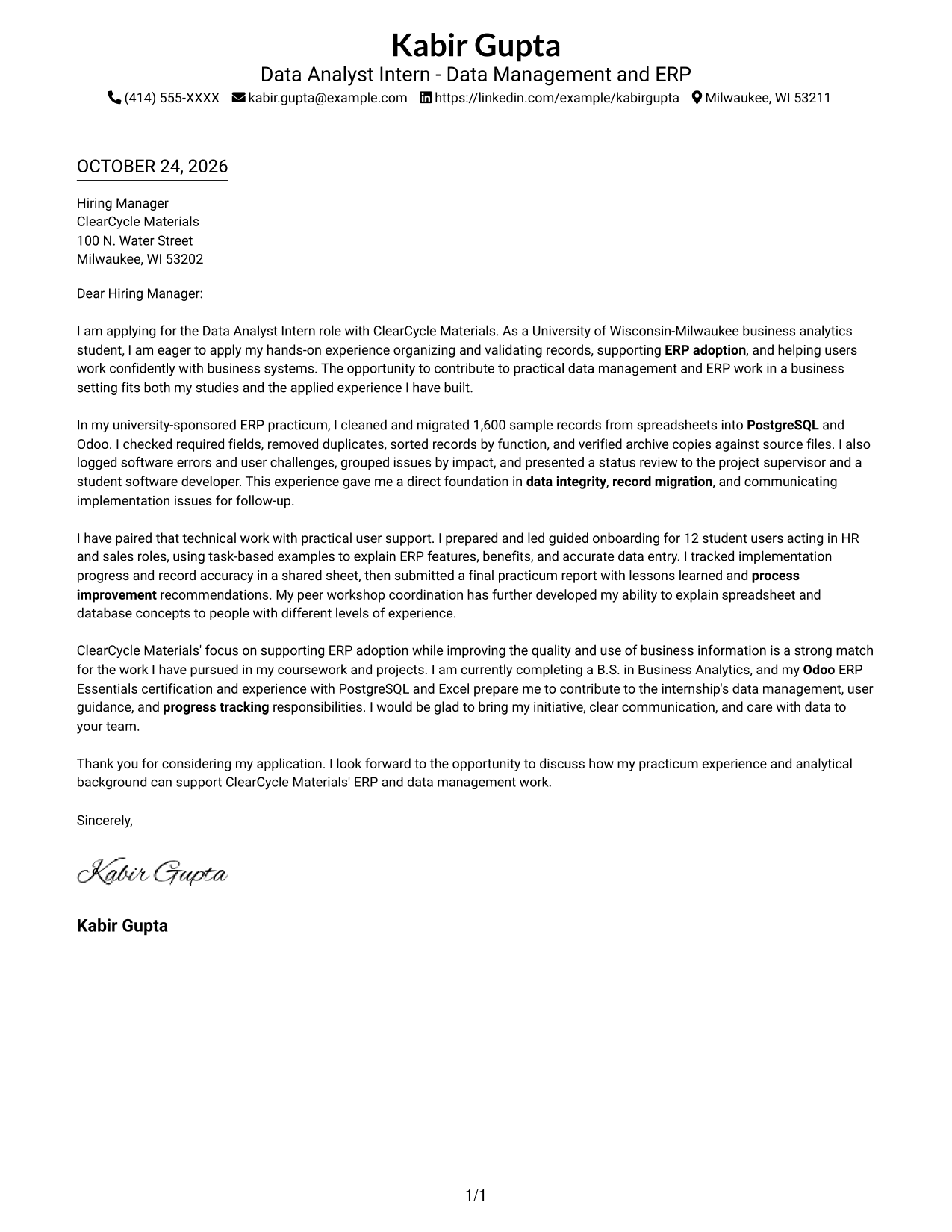
#1 Simple One Column Format Cover Letter Example
The Simple One Column Format keeps the letter body in one column and sender details in the header, giving the message a clear, direct reading path.
Why This Format Works
- Sender details remain in the header, separate from the message itself.
- One column keeps the opening, supporting points, and closing in sequence.
- Paragraphs carry the case directly, without labels breaking up the letter.
Best For
- Single-column letter reading
- Sender details in the header
- Continuous paragraph-based arguments
- Photo-free letter presentation
- Data Analyst Intern applications
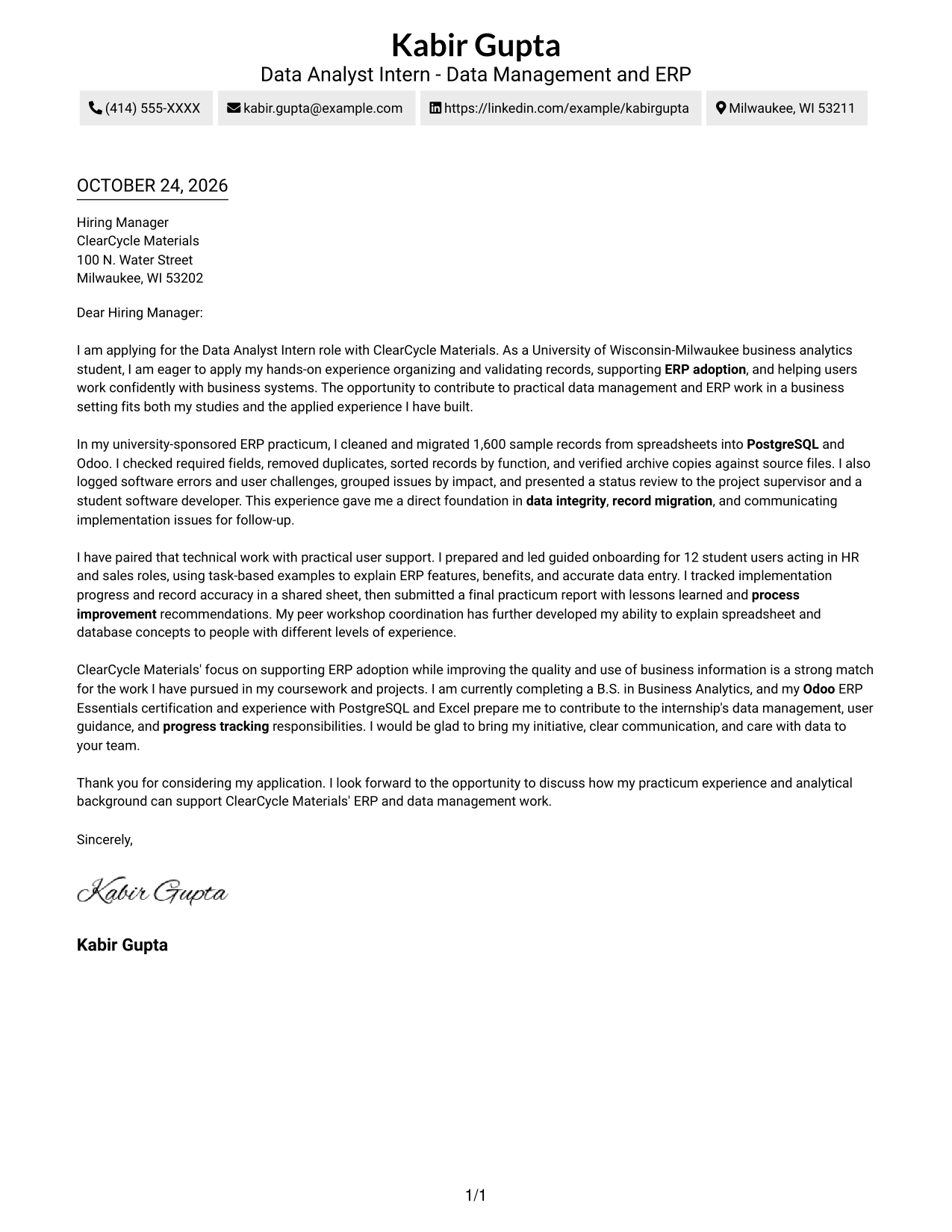
#2 Two Column Format Cover Letter Example
The Two Column Format places contact details in a sidebar beside one continuous letter body, keeping contact information distinct from the message.
Why This Format Works
- Contact details sit apart from the letter, keeping the message uncluttered.
- One body column carries the opening, evidence, and closing in order.
- The paragraphs stay free of section labels that might interrupt the personal tone.
Best For
- Contact sidebar beside letter text
- One-column message reading
- Uninterrupted persuasive paragraphs
- Photo-free letter presentation
- Data Analyst Intern applications
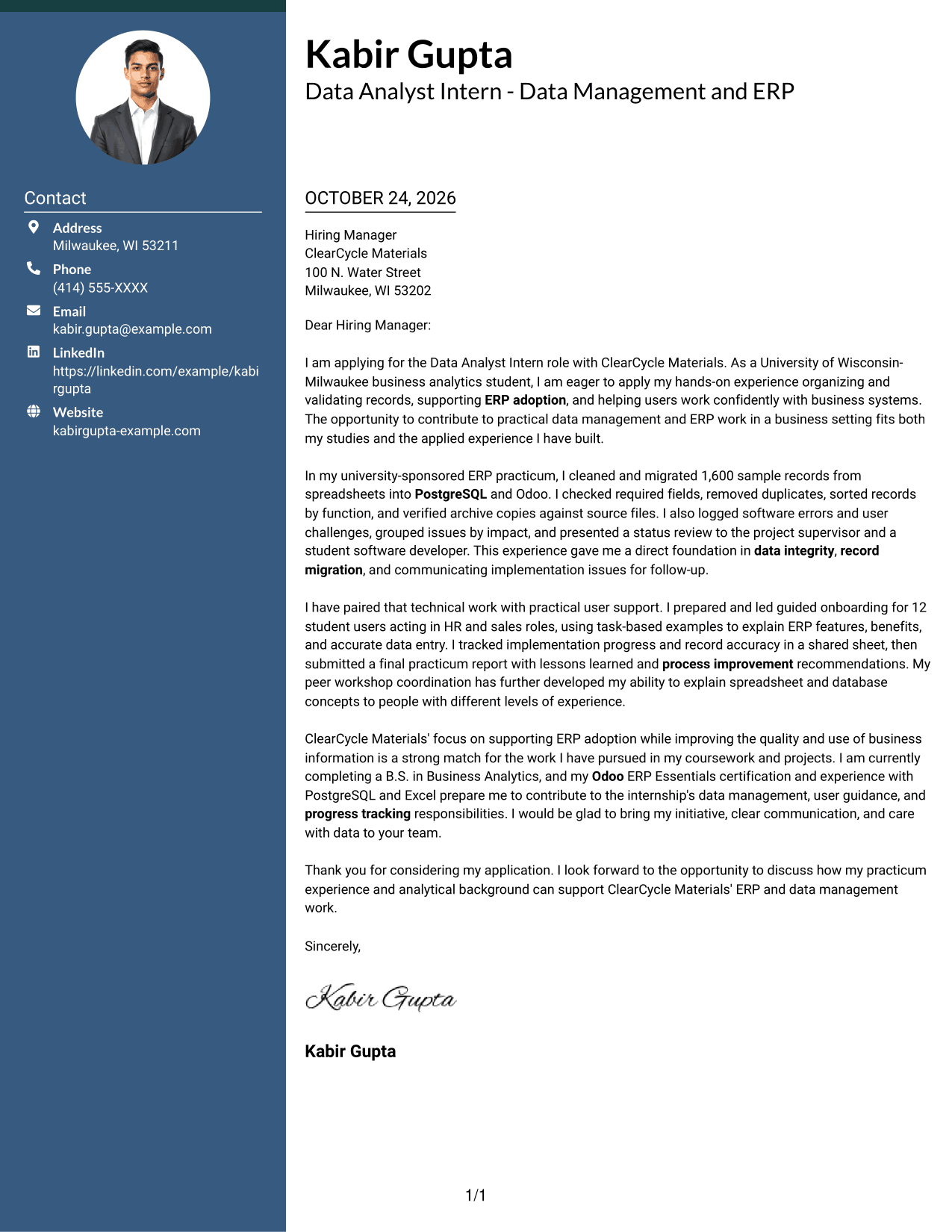
#3 Photo Header Two Column Format Cover Letter Example
The Photo Header Two Column Format combines a photo with a contact sidebar beside the continuous letter body, for readers who prefer a photo-inclusive header.
Why This Format Works
- The photo adds a visual point of identity without changing the letter's reading order.
- Contact details remain distinct from the continuous message in the main column.
- The opening, evidence, and close stay together in one letter body.
Best For
- Photo-inclusive header preference
- Contact sidebar beside letter text
- One-column letter-body reading
- Continuous paragraph-based argument
- Data Analyst Intern applications
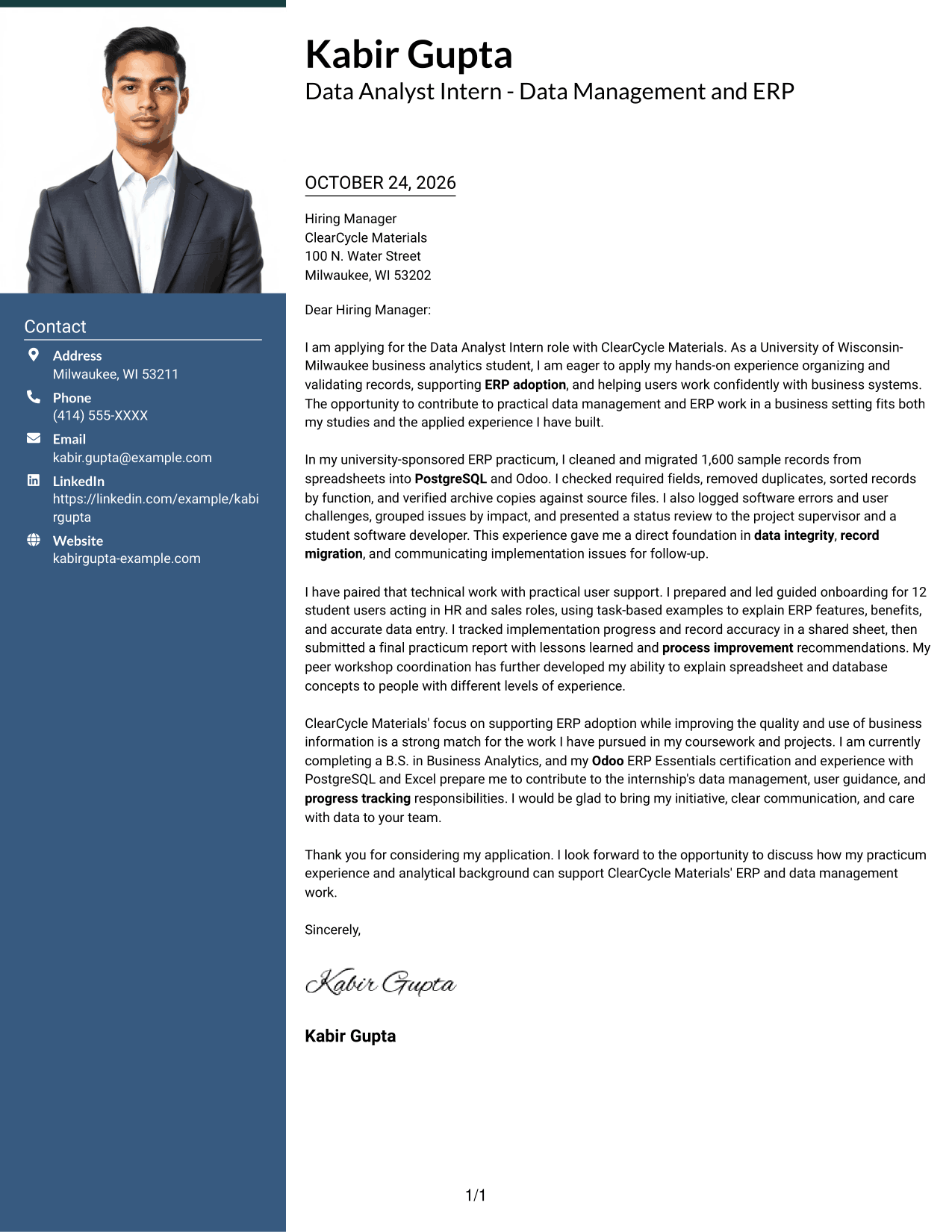
#4 One Column Format with Photo Cover Letter Example
The One Column Format with Photo pairs a photo with a single-column letter body, keeping the message in one reading path while including a photo.
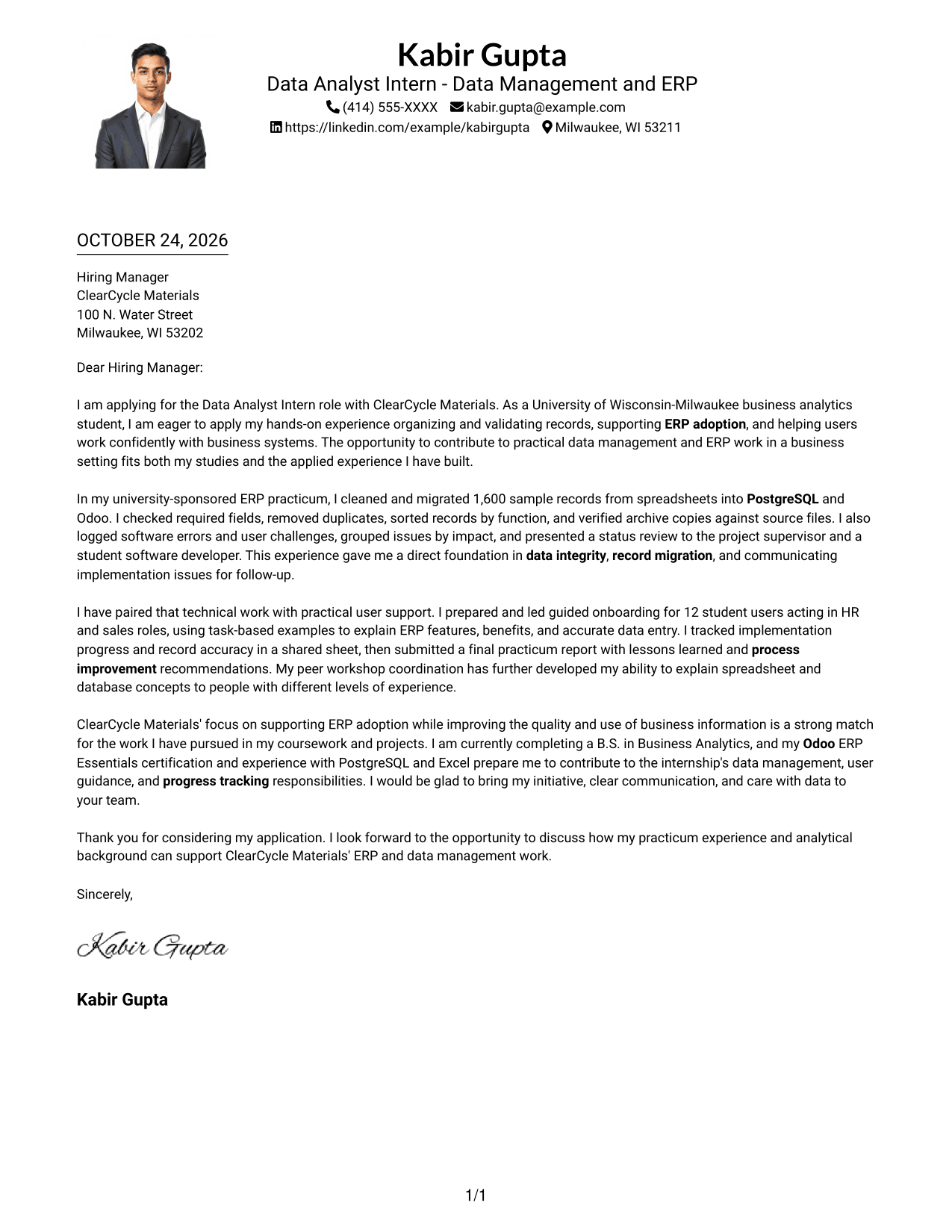
Why This Format Works
- The single-column body keeps the opening, supporting details, and closing together.
- A photo adds a visual element while leaving the letter's paragraph order intact.
- Sender details in the header remain separate from the letter's message.
Best For
- Single-column letter body
- Photo-inclusive letter design
- One-direction reading order
- Sender details in the header
- Data Analyst Intern applications
#5 Simple Two Column Format Cover Letter Example
The Simple Two Column Format sets a contact sidebar beside one continuous letter body, a practical choice when contact details should sit apart from the argument.
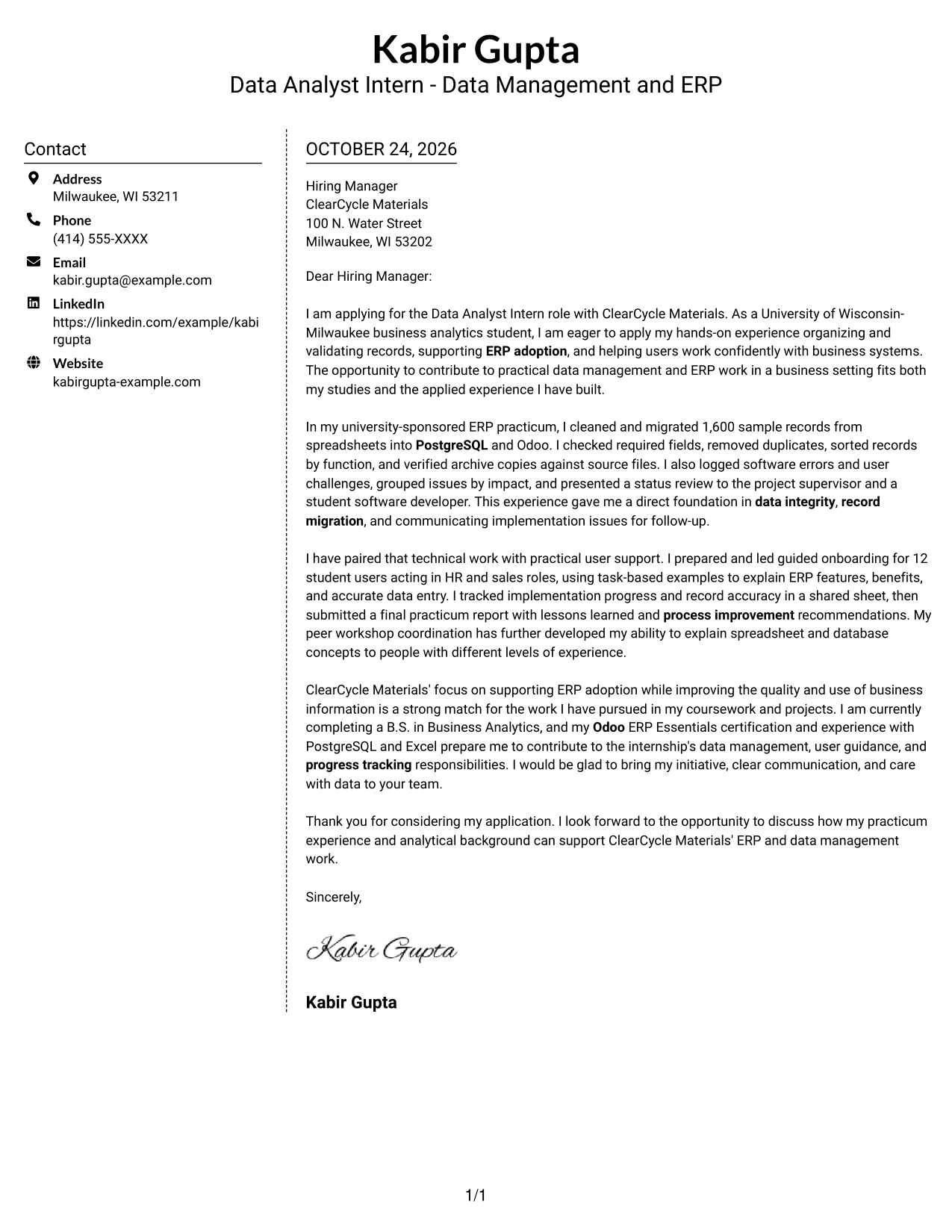
Why This Format Works
- The sidebar gives contact details a place outside the letter's paragraphs.
- The argument stays in one body column, from application opening through closing.
- Paragraphs remain uninterrupted by labels for separate argument stages.
Best For
- Contact information beside letter text
- Uninterrupted letter paragraphs
- One-column argument flow
- Photo-free document preference
- Data Analyst Intern applications
#6 Modern Icon Format Cover Letter Example
The Modern Icon Format uses two columns, with contact details in a sidebar and icons serving as contact cues or header accents, not argument labels.
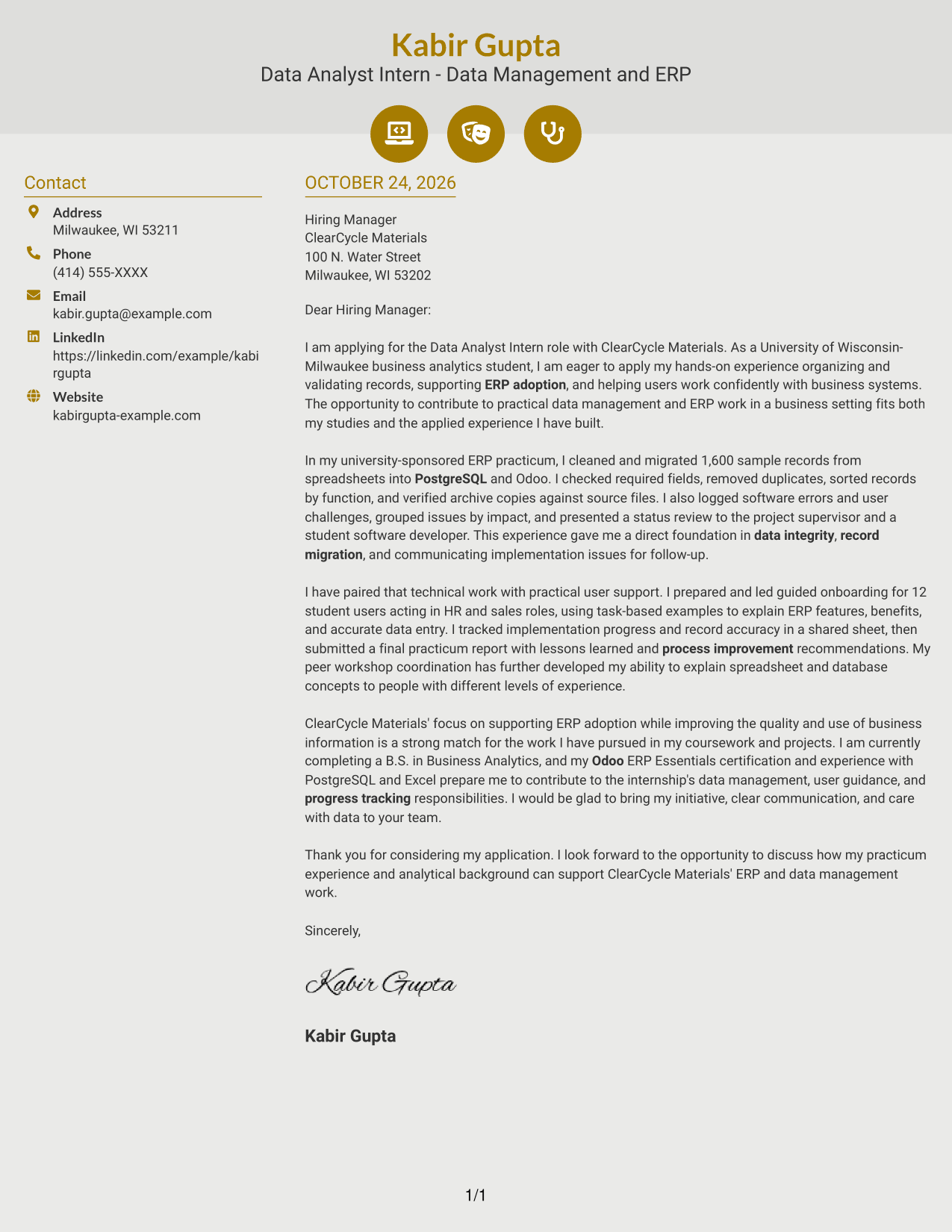
Why This Format Works
- Contact cues make sender details easier to spot without dividing the letter's argument.
- The main column keeps the opening, supporting evidence, and close together.
- Decorative header accents add visual detail without labeling the letter's paragraphs.
Best For
- Contact details marked with visual cues
- Continuous letter-body paragraphs
- Contact sidebar beside the message
- Photo-free presentation
- Data Analyst Intern applications
#7 Creative Two Tone Format Cover Letter Example
The Creative Two Tone Format places a contact sidebar beside the continuous letter body, keeping the message together while separating sender details.
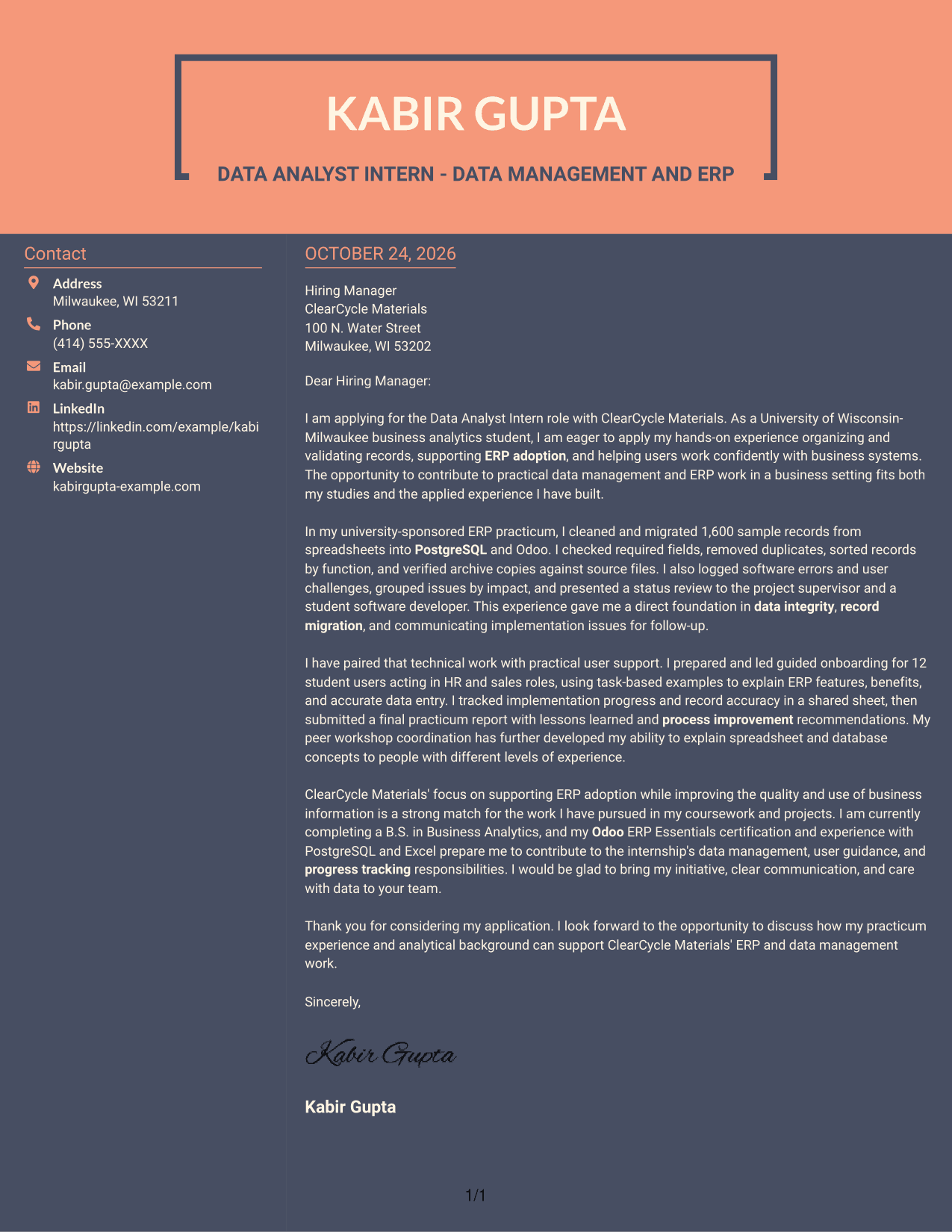
Why This Format Works
- The sidebar separates contact information from the paragraphs that make the case.
- A single letter body keeps the opening, supporting points, and close connected.
- Readers can follow the message without switching between parallel argument columns.
Best For
- Contact sidebar and letter body
- Connected opening-to-close message
- Contact information outside the argument
- Photo-free letter layouts
- Data Analyst Intern applications
Why Use ResumeInMinutes for a Data Analyst Intern - Data Management and ERP Cover Letter
Use the PNG previews to compare visual styles, then open an example in the editor to view or customize it. Keep the letter focused on your reasons for applying and the evidence that supports your fit.
- Role-focused cover letter guidance
- PNG image previews
- Examples you can open in the editor
- Advice on clear letter structure
- Practical ways to show role fit
- Guidance on employer alignment
For this role, make your interest clear and support it with relevant examples of data accuracy, ERP user guidance, and implementation tracking.
See Also
- 7 Data Analyst Intern - Data Management and ERP Resume Templates with Example
- 7 Analyst/Associate: Equity Research - Telecommunication, Data Center and Tower Resume Templates with Example
- 33 Analyst, Data Analytics Resume Templates with Example 2026 (ATS-Optimized)
- 33 Associate Actuarial Data Analyst, Reserving Resume Templates with Example 2026 (ATS-Optimized)
- 33 Associate Data Analyst Resume Templates with Example 2026 (ATS-Optimized)
- 33 Associate eCommerce Data Analyst Resume Templates with Example 2026 (ATS-Optimized)
- 33 Associate Master Data Analyst - Data Governance Resume Templates with Example
- 33 Aviation Data Analyst Resume Templates with Example 2026 (ATS-Optimized)
- 30+ Analyst, Data Analytics Cover Letter Templates with Example 2026
- 30+ Associate Actuarial Data Analyst, Reserving Cover Letter Templates with Example 2026
Frequently Asked Questions
What should a Data Analyst Intern - Data Management and ERP cover letter highlight?
Show how you can organize and check records, support ERP users, and communicate implementation issues. Use specific examples, such as experience with PostgreSQL, Odoo, or Excel, only when they reflect your own background.
Do the examples show separate letters?
The examples present one role-focused cover letter in different visual layouts. Compare the PNG previews and open an example in the editor to view or customize it.
How can I show that my experience fits this role?
Describe relevant tasks clearly, such as checking records, removing duplicates, helping users learn ERP features, or tracking data accuracy. Explain how those actions support reliable business information and ERP adoption.
Can a student write a strong cover letter for this internship?
Yes. Connect relevant coursework or applied experience to the role, and give clear examples of data management, ERP support, teamwork, or communication. Keep the claims accurate and specific.
Should I use a photo on my cover letter?
Use a photo only if it is common or expected in your country, region, or field. For U.S. applications, a no-photo format is usually a practical choice.




