
7 Data Analyst Intern - Data Science Cover Letter Templates with Example
Use this guide to create a focused Data Analyst Intern - Data Science cover letter, with seven layouts that help you present your motivation and role fit clearly.
What Makes a Great Data Analyst Intern - Data Science Cover Letter in 2026
A strong letter connects your interest in data analysis to the work of preparing data, finding patterns, and sharing clear insights. Show why this role appeals to you and how you would contribute to the team.
Use specific evidence from relevant work, such as data validation, model testing, or explaining findings to different audiences. Link that evidence to the employer’s needs and interest in reliable analytics and AI/ML work.
The featured Data Analyst Intern - Data Science example follows a focused progression from role interest to relevant evidence and a clear close, which you can adapt while choosing a presentation suited to the employer and communication context.
#1 Simple One Column Format Cover Letter Example
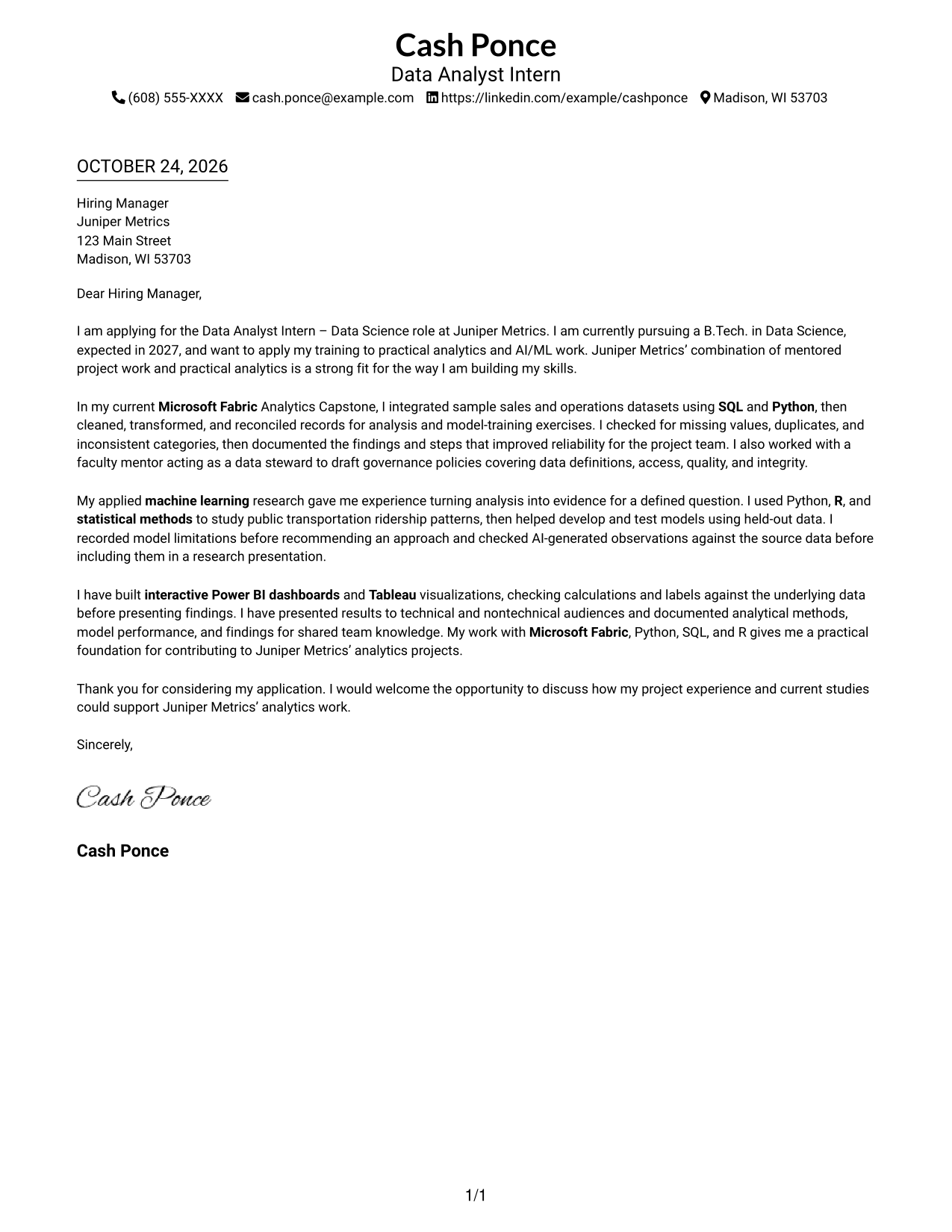
A simple one-column layout keeps sender details in the header and the letter body on one reading path, making the message direct and easy to follow.
Why This Format Works
- Sender details stay in the header, separate from the letter's main message.
- The continuous body lets readers follow the opening, evidence, and closing in order.
- One reading column keeps the persuasive text together without parallel body content.
Best For
- Single-column letter reading
- Header-based contact details
- Continuous paragraph structure
- Photo-free page preference
- Straightforward application correspondence
#2 Two Column Format Cover Letter Example
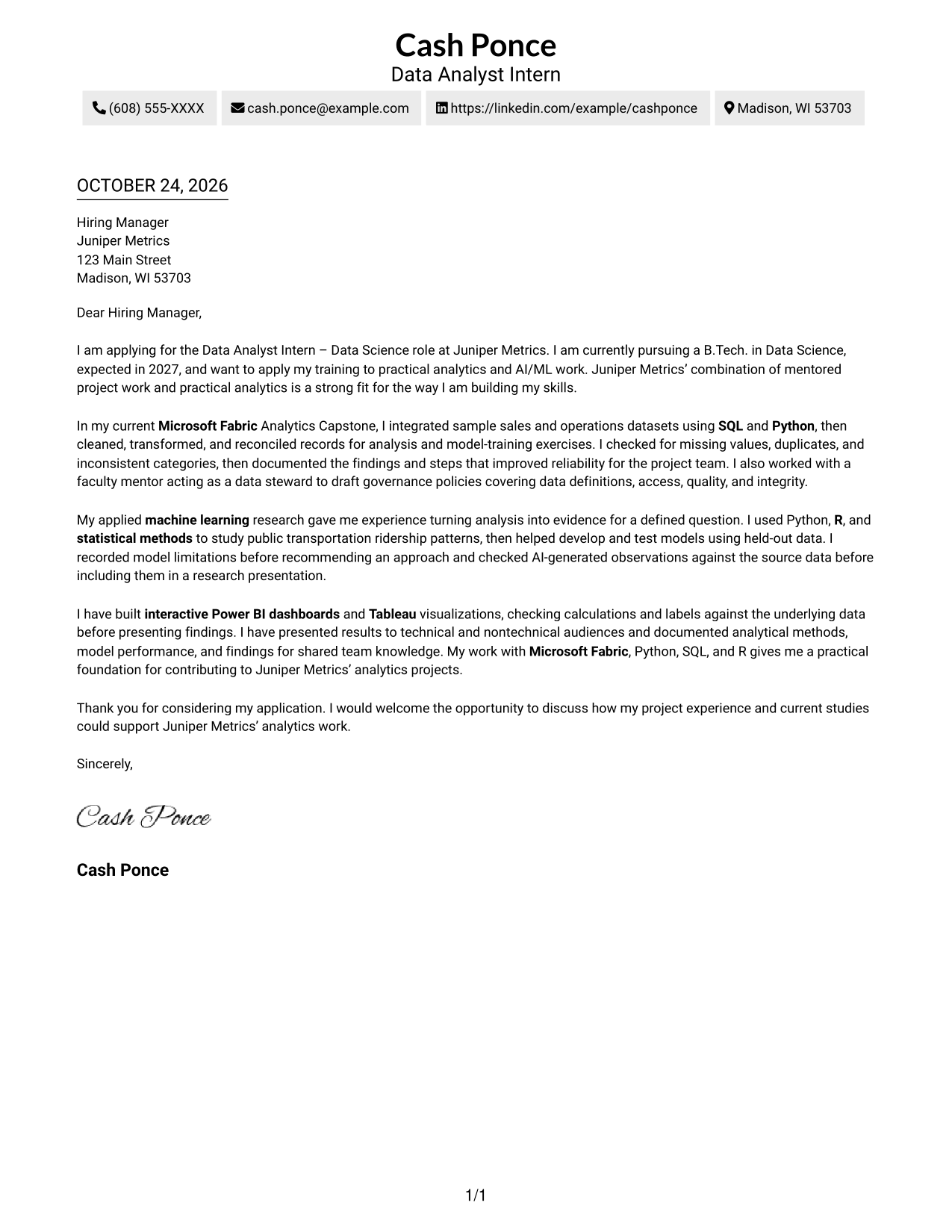
A contact sidebar sits beside one continuous letter body, separating contact information while keeping the argument in a single reading path.
Why This Format Works
- Contact details sit apart from the main message for quick reference.
- One continuous body keeps the opening, supporting points, and close in sequence.
- The photo-free design keeps the page focused on text and contact details.
Best For
- Several sender contact methods
- Contact sidebar beside letter text
- Continuous letter-body reading
- Photo-free page preference
- Paragraph-led persuasion
#3 Photo Header Two Column Format Cover Letter Example
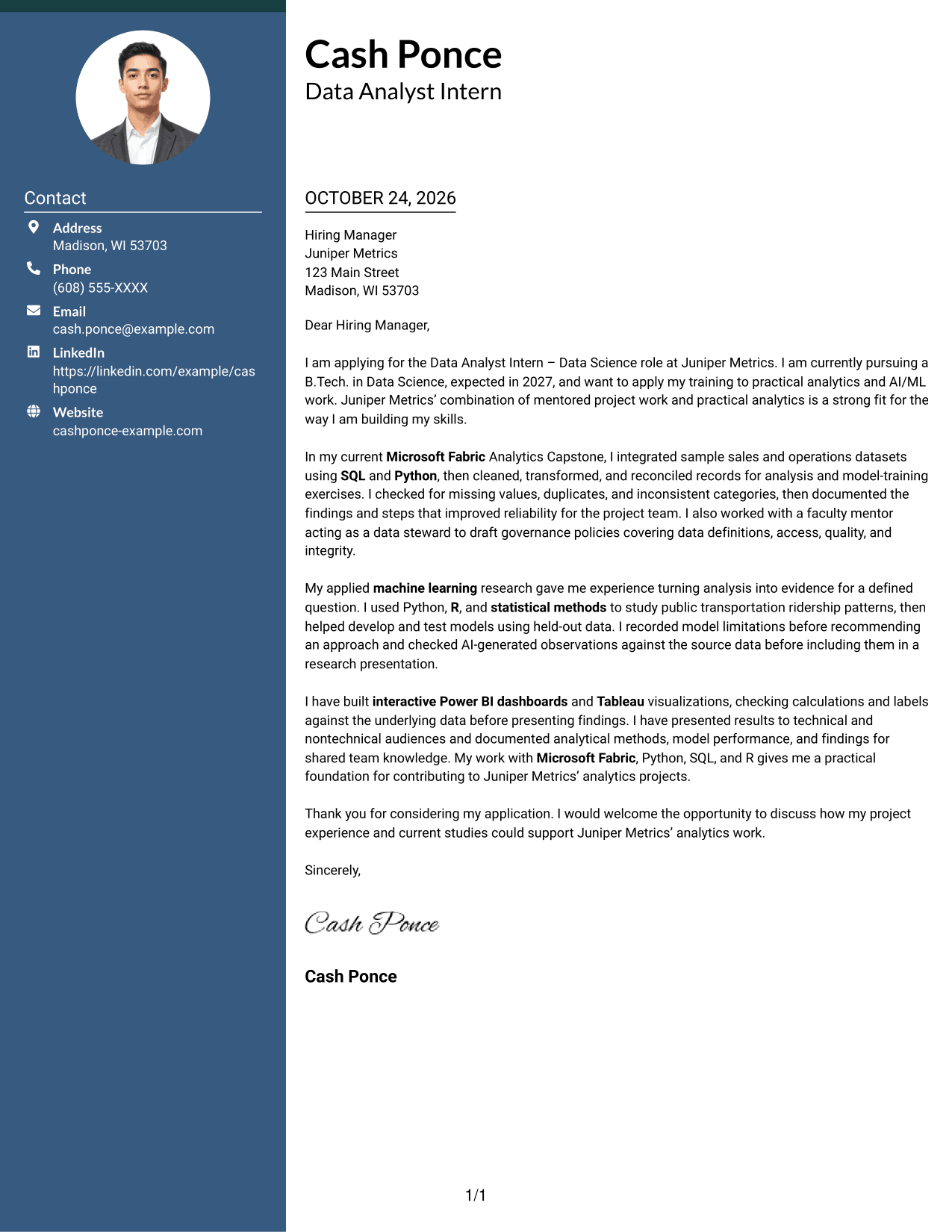
A photo in the header adds a personal visual element, while the contact sidebar stays apart from the continuous letter body.
Why This Format Works
- The photo header gives the page a clear personal visual element.
- A contact sidebar keeps sender details apart from the continuous letter body.
- One letter column preserves the sequence from opening through closing.
Best For
- Photo-inclusive applications
- Contact details beside the letter
- Continuous paragraph-led messages
- Portrait in the header
- Single-column letter-body reading
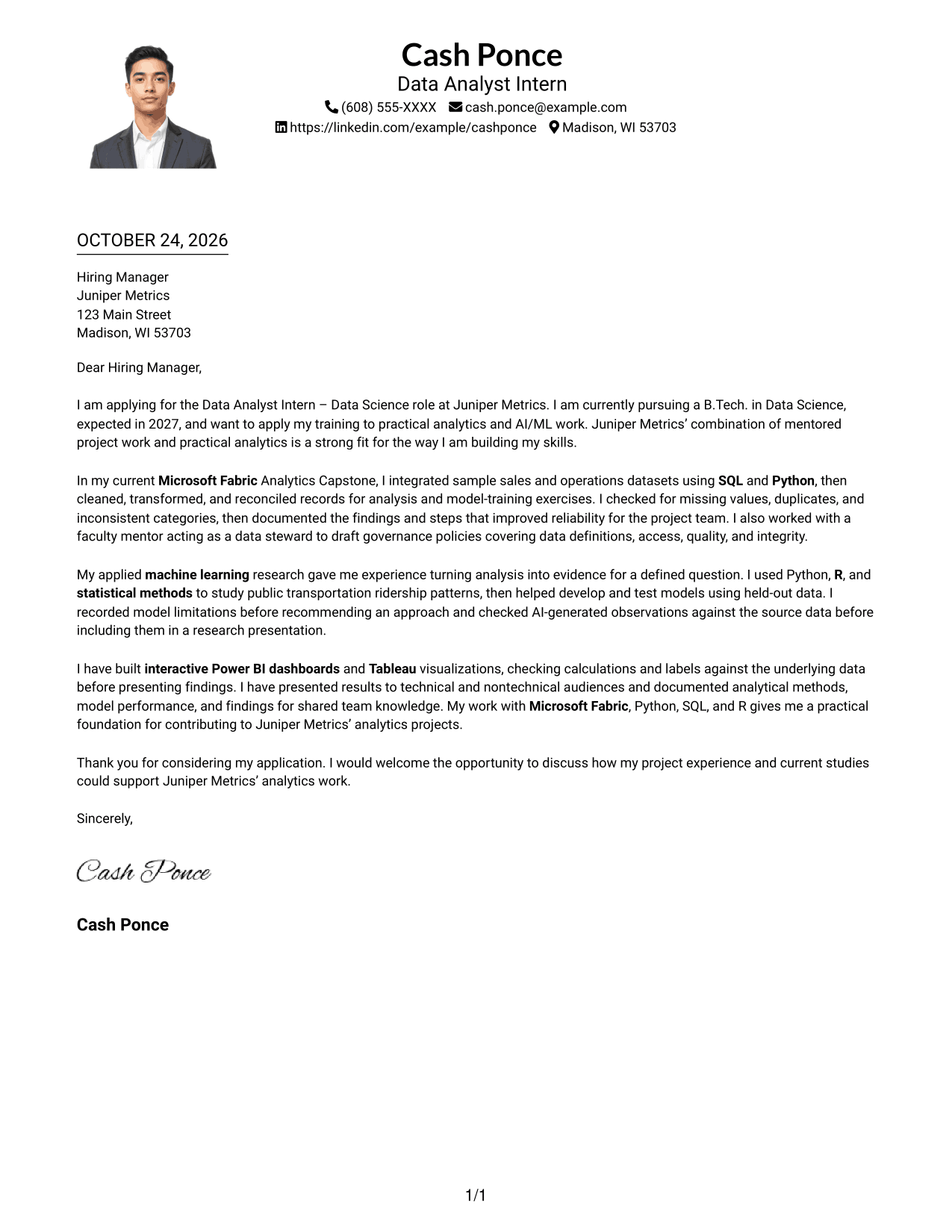
#4 One Column Format with Photo Cover Letter Example
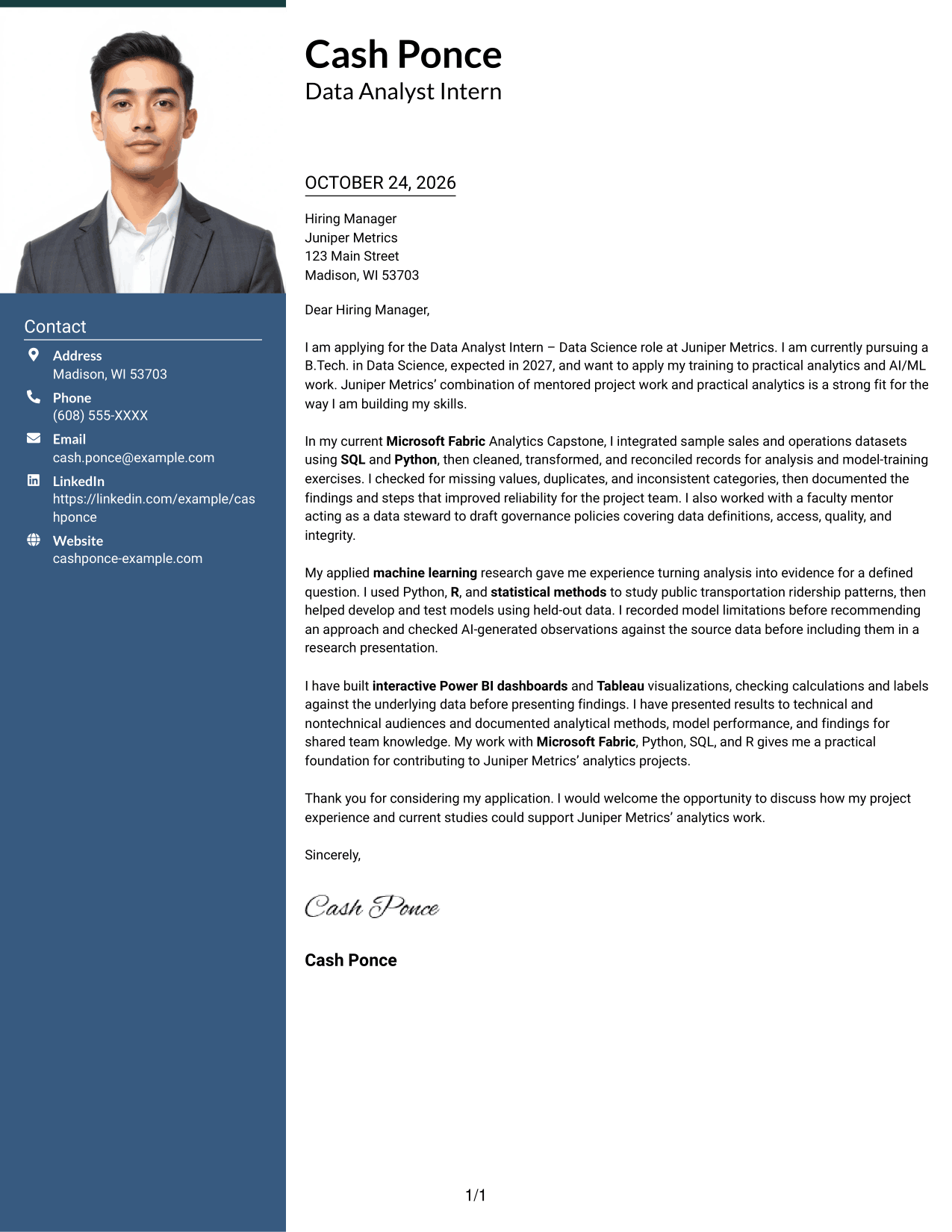
The one-column page places a photo with the continuous letter body, offering a portrait-inclusive option while keeping the message on one reading path.
Why This Format Works
- The photo adds a personal visual element to the one-column page.
- Sender details remain in the header, apart from the message itself.
- One text column carries the letter from opening to close without parallel body content.
Best For
- Portrait-inclusive letter design
- Single-column reading
- Header-based contact details
- Continuous paragraph-led message
- Applications that allow a photo
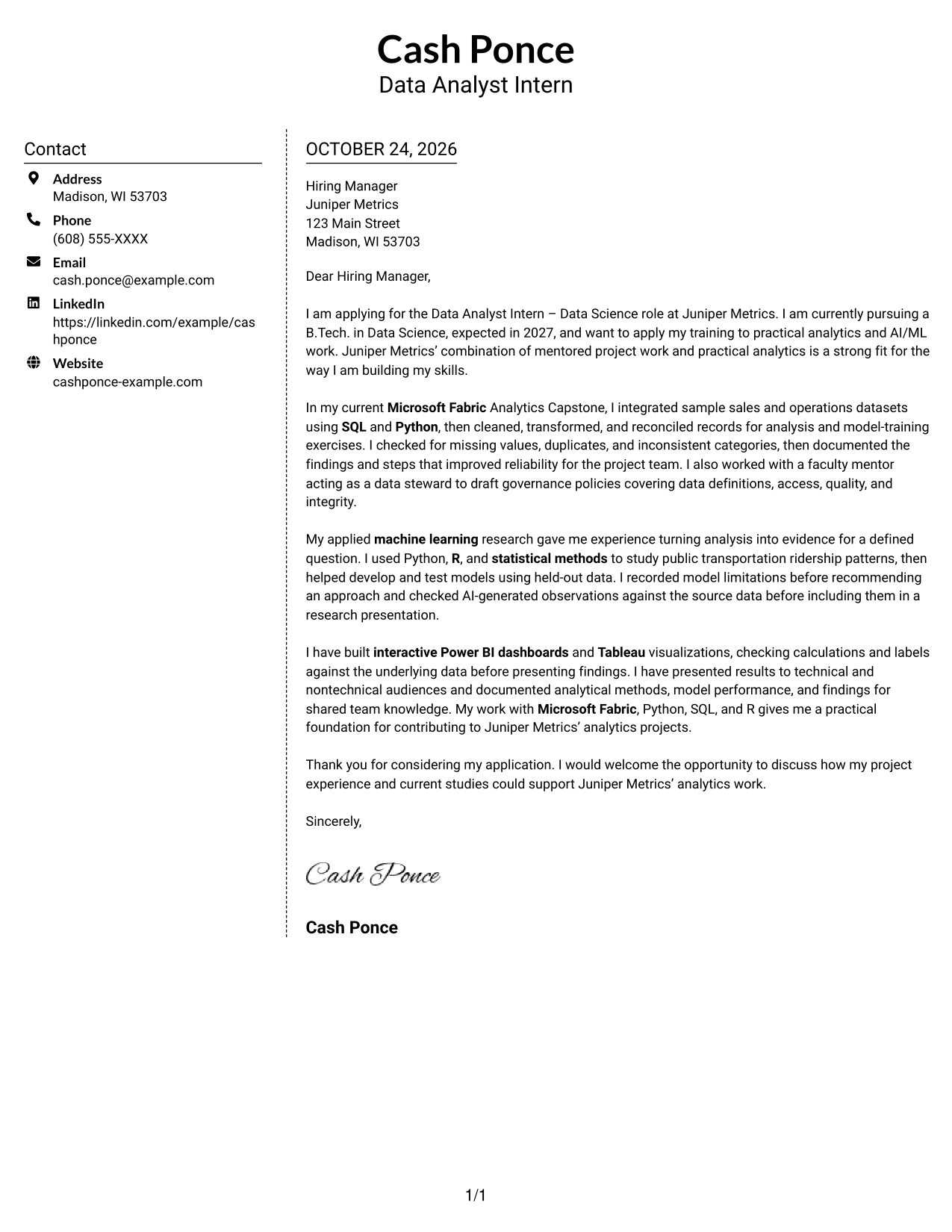
#5 Simple Two Column Format Cover Letter Example
A contact sidebar and a single letter column keep sender details distinct from the persuasive message, giving each part a clear place on the page.
Why This Format Works
- The contact sidebar keeps sender information distinct from the letter's argument.
- Readers can follow the body as one sequence of persuasive paragraphs.
- The photo-free layout keeps the page focused on written communication.
Best For
- Contact details beside the message
- One-column letter-body reading
- Photo-free visual preference
- Persuasive paragraph flow
- Simple two-part page organization
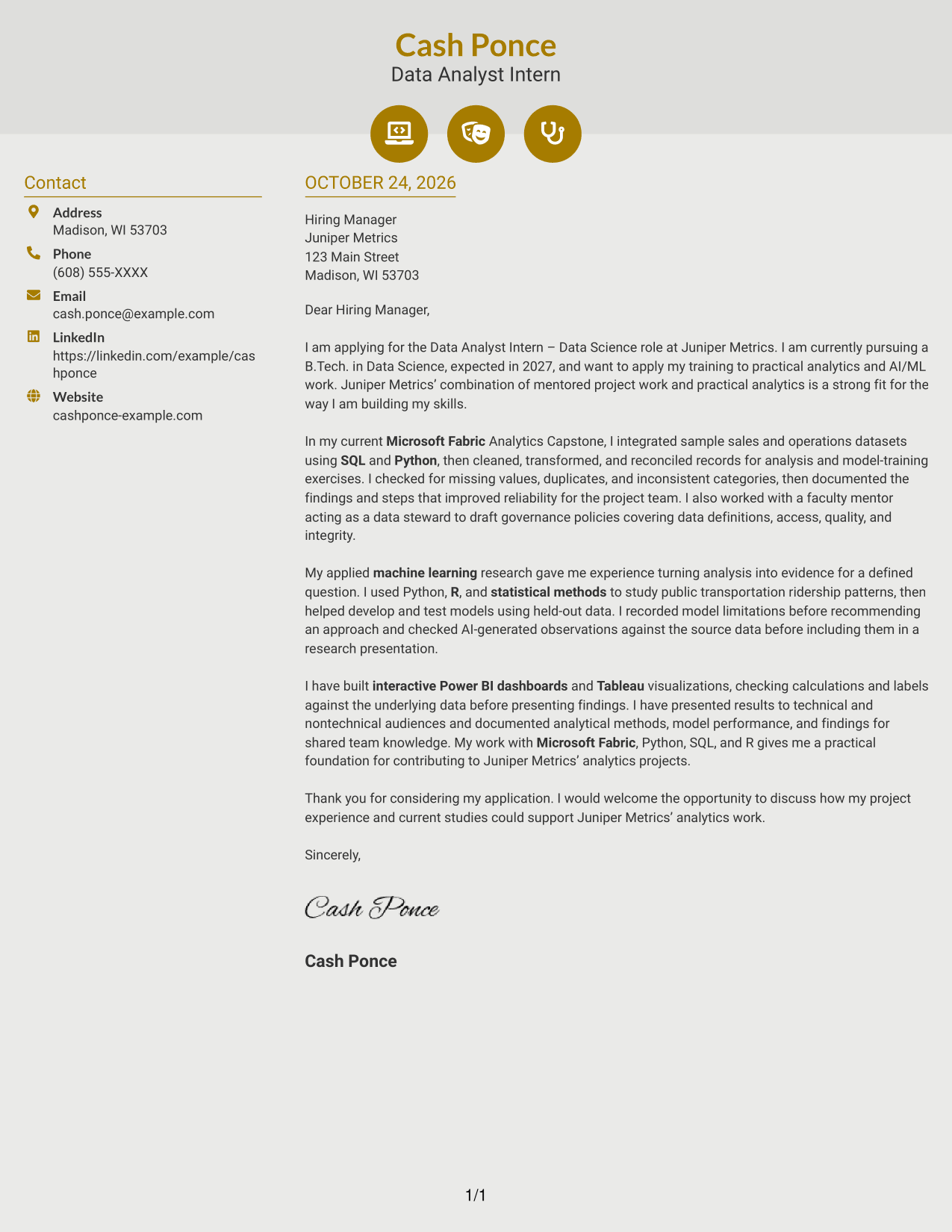
#6 Modern Icon Format Cover Letter Example
Contact icons add visual cues beside the two-column layout, while the letter itself remains one continuous body.
Why This Format Works
- Contact icons help identify details in the sidebar without labeling letter arguments.
- One continuous body keeps motivation, evidence, and closing in a natural sequence.
- The two-column arrangement separates contact reference from the message itself.
Best For
- Icon-cued contact details
- Two-column page organization
- Continuous letter-body reading
- Uninterrupted persuasive paragraphs
- Photo-free visual preference
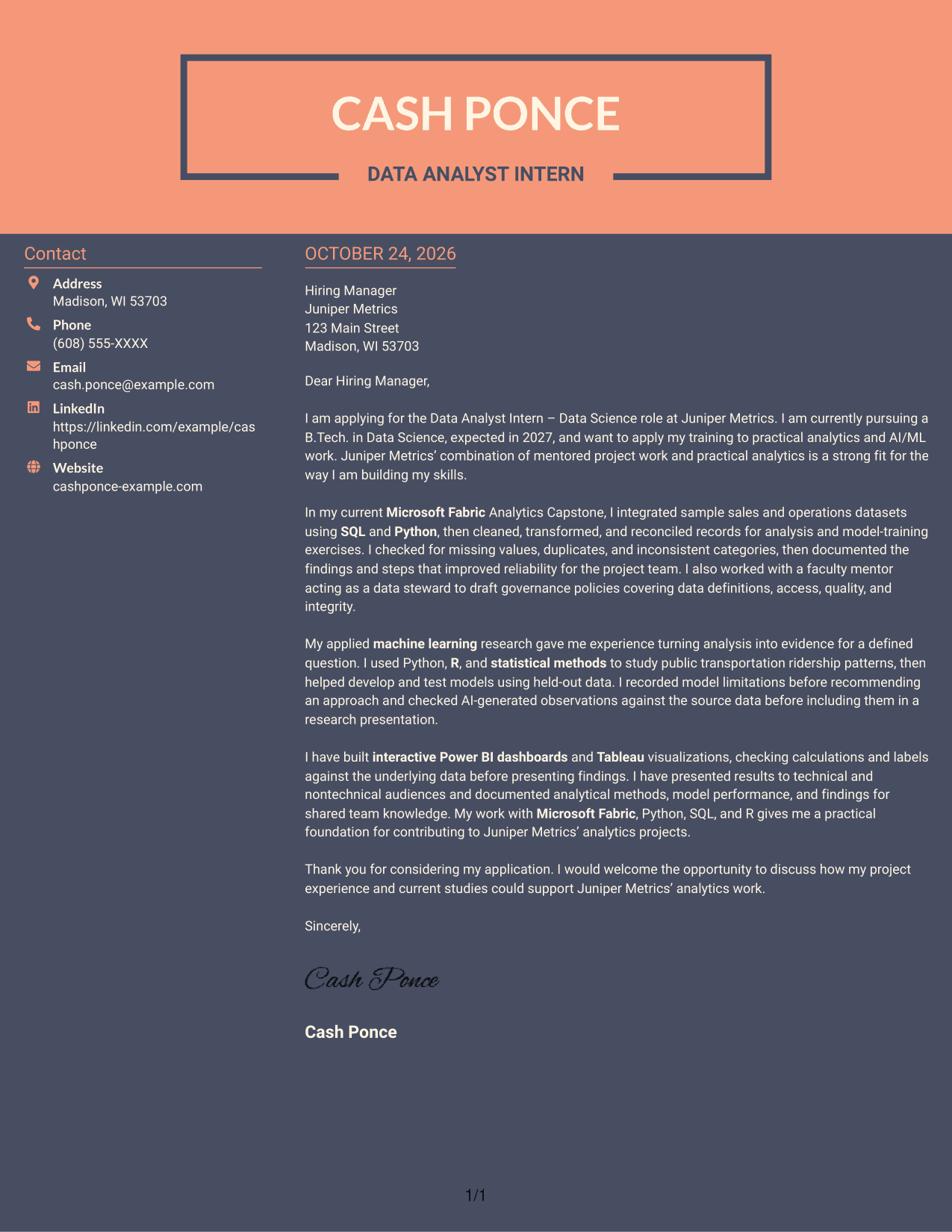
#7 Creative Two Tone Format Cover Letter Example
The contact sidebar sits beside a continuous letter body, keeping sender information separate from the message's persuasive flow.
Why This Format Works
- The sidebar keeps contact information separate from the letter's main argument.
- A continuous body lets the opening, supporting points, and close read in order.
- Two columns provide distinct places for contact details and the letter text.
Best For
- Contact reference beside letter text
- Continuous persuasive writing
- Two-column page preference
- Photo-free cover letter design
- Clear sender-information separation
Why Use ResumeInMinutes for a Data Analyst Intern - Data Science Cover Letter
Review the image preview to see how the letter is presented, then open the example in the editor to customize its content for your application.
See Also
- 7 Data Analyst Intern - Data Science Resume Templates with Example
- 33 Lead Data Science Analyst Resume Templates with Example 2026 (ATS-Optimized)
- 7 Principal Data Science Analyst - Healthcare AI Resume Templates with Example
- 7 Analyst/Associate: Equity Research - Telecommunication, Data Center and Tower Resume Templates with Example
- 33 Analyst, Data Analytics Resume Templates with Example 2026 (ATS-Optimized)
- 33 Associate Actuarial Data Analyst, Reserving Resume Templates with Example 2026 (ATS-Optimized)
- 33 Associate Data Analyst Resume Templates with Example 2026 (ATS-Optimized)
- 33 Associate eCommerce Data Analyst Resume Templates with Example 2026 (ATS-Optimized)
- 30+ Lead Data Science Analyst Cover Letter Templates with Example 2026
- 7 Principal Data Science Analyst - Healthcare AI Cover Letter Templates with Example
Frequently Asked Questions
What should a Data Analyst Intern - Data Science cover letter include?
Explain your interest in the role, then connect relevant evidence to its work. You might discuss data preparation, validation, statistical analysis, model testing, or sharing findings, when those details match your experience.
How can I show my fit for this role?
Use a clear example that shows how you approached an analytics question, checked the quality of the information, and explained the result. Connect the example to the employer’s focus on useful, reliable analysis.
How do I choose a cover letter style?
Choose a clear, readable presentation that suits the employer and the way you expect to communicate. Compare the image previews, then open an example in the editor to customize it.
Can academic work support a Data Analyst Intern - Data Science application?
Yes. Relevant academic work can show how you prepare and analyze data, test an approach, document limitations, and communicate findings. Focus on your own contribution and what you learned.
Should I include a photo on my cover letter?
Use a photo only when it is common or expected in your location or field. For applications in the United States, a no-photo presentation is usually the safer choice.




