
7 Data Analyst Intern - Human Services Analytics Cover Letter Templates with Example
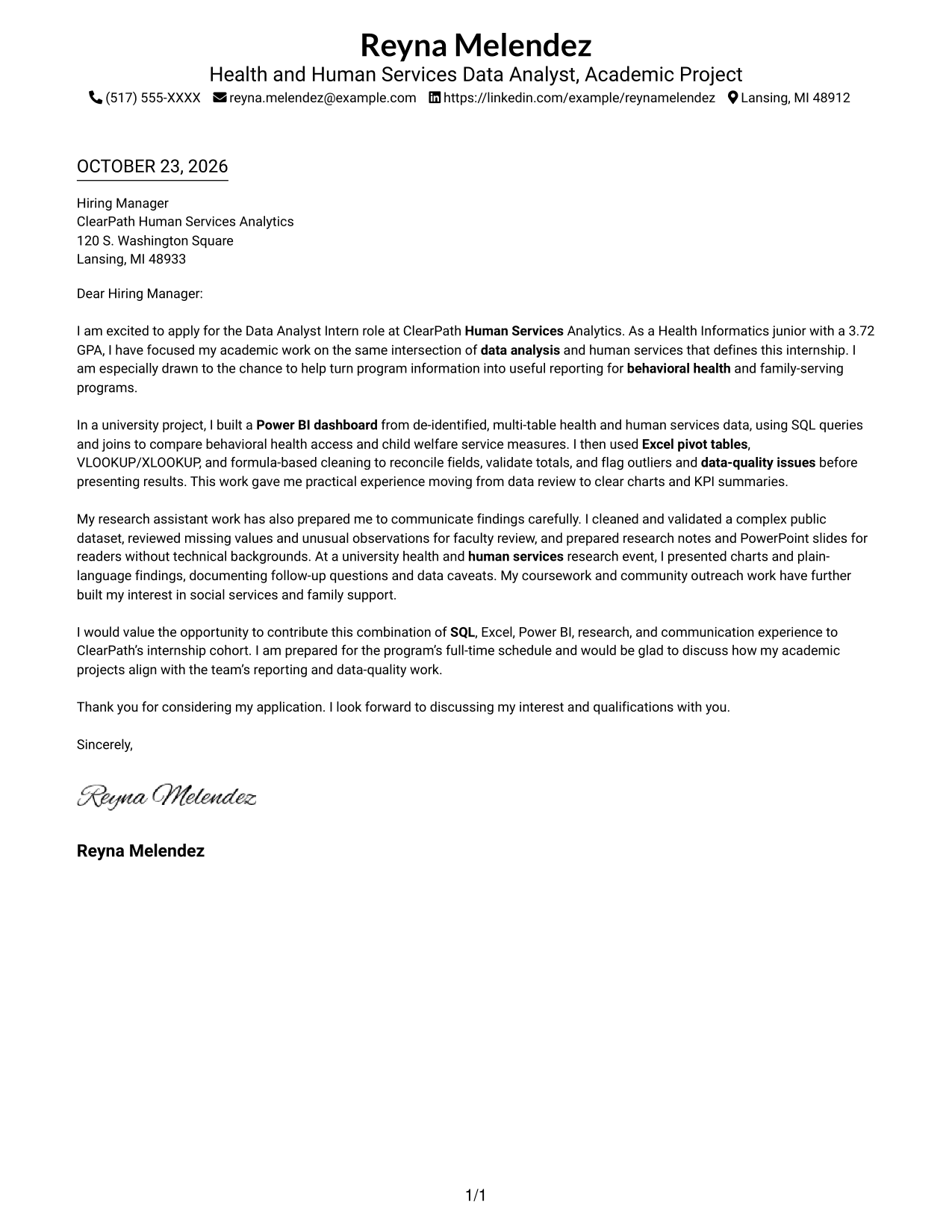
This practical guide to a Data Analyst Intern - Human Services Analytics cover letter presents seven layouts to help you build a focused, persuasive application.
What Makes a Great Data Analyst Intern - Human Services Analytics Cover Letter in 2026
A strong letter links your interest in human services analytics to clear evidence of data analysis, careful data review, and useful reporting. Show how your work can help make program information easier to understand.
Use a specific example, such as checking data quality or presenting findings to a nontechnical audience. Connect that evidence to the employer’s focus on human services programs and clear communication.
The featured example moves from interest in the role to relevant evidence and a clear close, giving you a focused progression to adapt. Choose a presentation that suits the employer and the communication context.
#1 Simple One Column Format Cover Letter Example
Simple One Column Format keeps sender details and the continuous letter body in one column, giving the message a direct reading path.
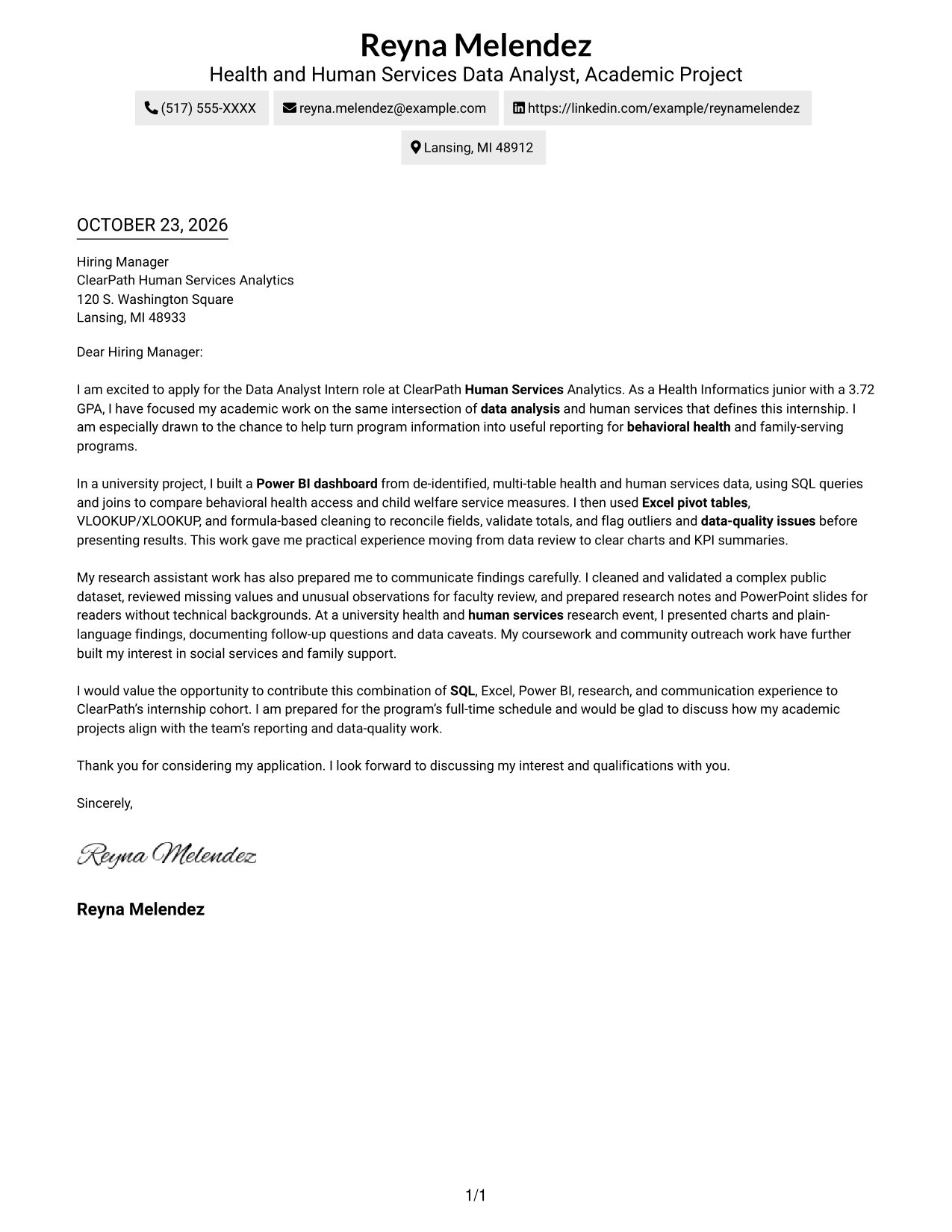
Why This Format Works
- Sender details and the letter follow one clear, vertical reading route.
- Separate paragraphs keep the opening, evidence, and closing in a natural sequence.
- With no photo, the written message receives the page's full visual attention.
Best For
- One-column letter reading
- Text-centered applications
- Letters with several body paragraphs
- Photo-free application materials
- Simple contact presentation
#2 Two Column Format Cover Letter Example
Two Column Format places contact details in a sidebar beside one continuous letter body, keeping contact information distinct from the message.
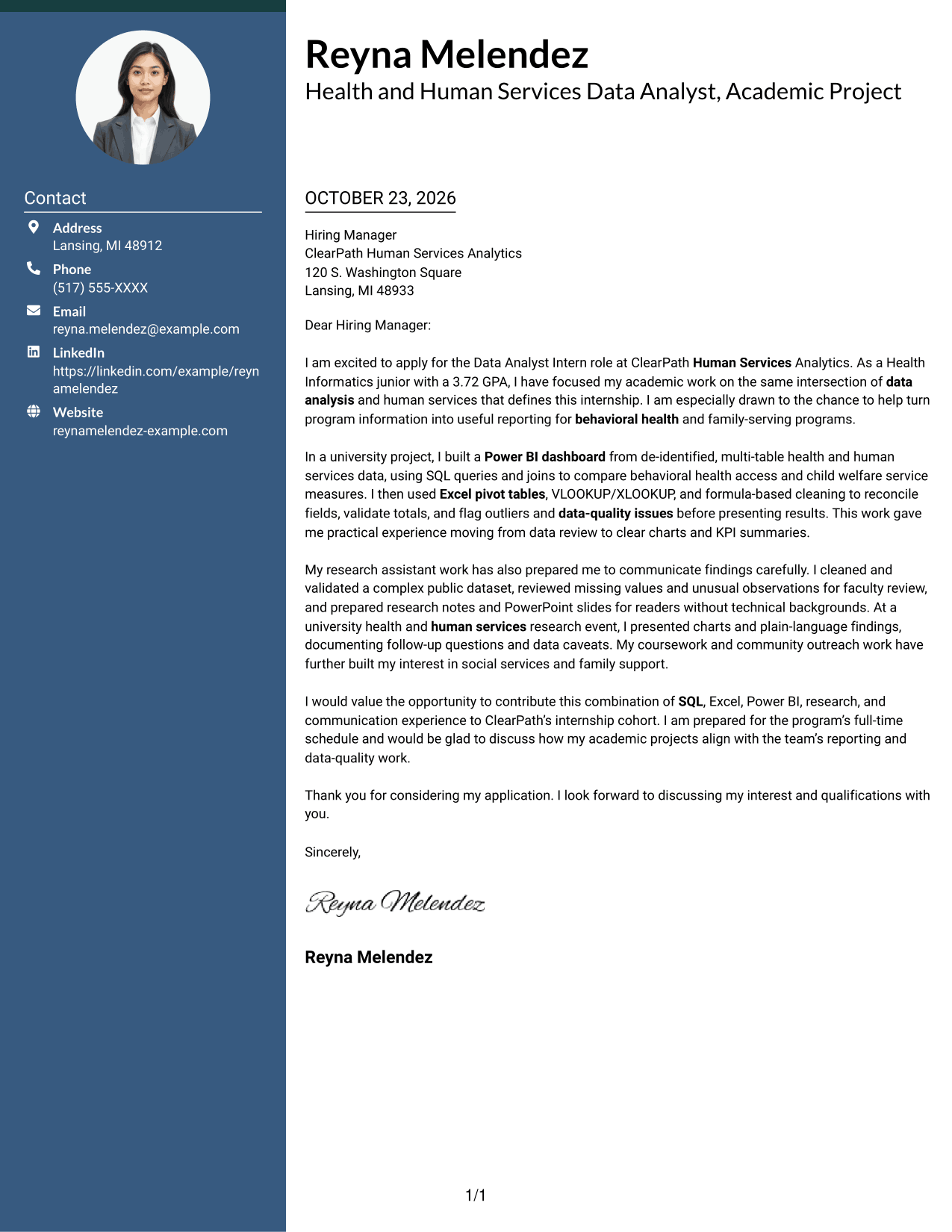
Why This Format Works
- Contact details sit apart from the message, making sender information easy to locate.
- One continuous body lets readers follow the opening, evidence, and closing in order.
- Without a portrait, the layout keeps its visual focus on written communication.
Best For
- Sidebar contact presentation
- Continuous letter messages
- Quick sender-detail lookup
- Applications with supporting paragraphs
- Photo-free correspondence
#3 Photo Header Two Column Format Cover Letter Example
Photo Header Two Column Format combines a photo and contact sidebar with one continuous letter body, suiting readers who want a portrait alongside the message.
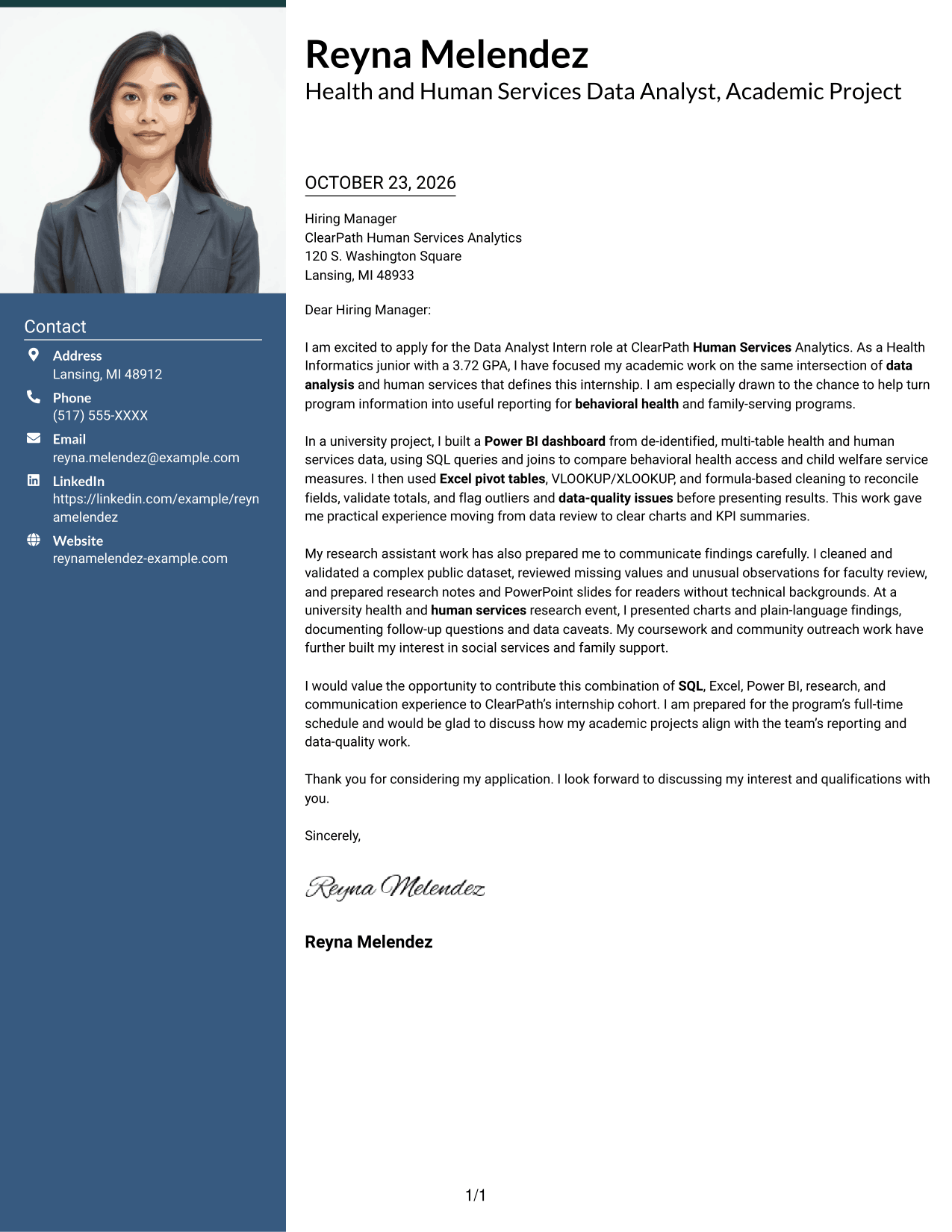
Why This Format Works
- The contact sidebar separates sender information from the letter's central message.
- A photo provides a visual option without breaking the letter's continuous argument.
- Readers can follow the opening, supporting details, and closing in sequence.
Best For
- Portrait-inclusive applications
- Sidebar contact layouts
- Continuous letter messages
- Photo-supported personal presentation
- Clear contact and message separation
#4 One Column Format with Photo Cover Letter Example
One Column Format with Photo presents the letter body in one column and includes a photo, for a direct reading path with a portrait.
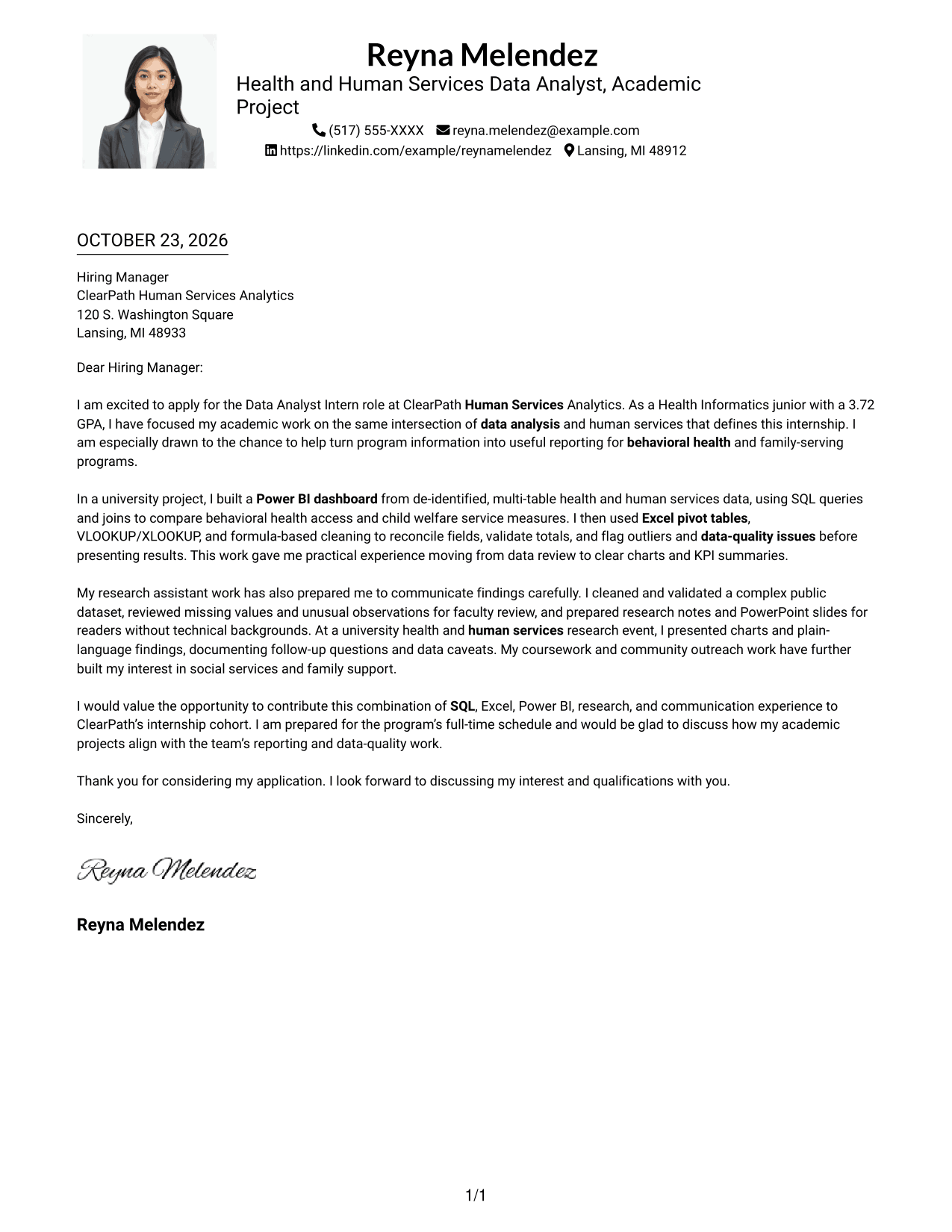
Why This Format Works
- Contact details and the letter share one column, supporting a direct reading sequence.
- The photo adds a visual element while the body remains continuous.
- Paragraph breaks help readers follow the message without separate argument headings.
Best For
- Single-column correspondence
- Portrait-inclusive letters
- Paragraph-focused messages
- Direct contact-to-letter reading
- Applications with a personal photo
#5 Simple Two Column Format Cover Letter Example
Simple Two Column Format places sender details in a sidebar beside the continuous letter body, keeping contact information separate from the message.
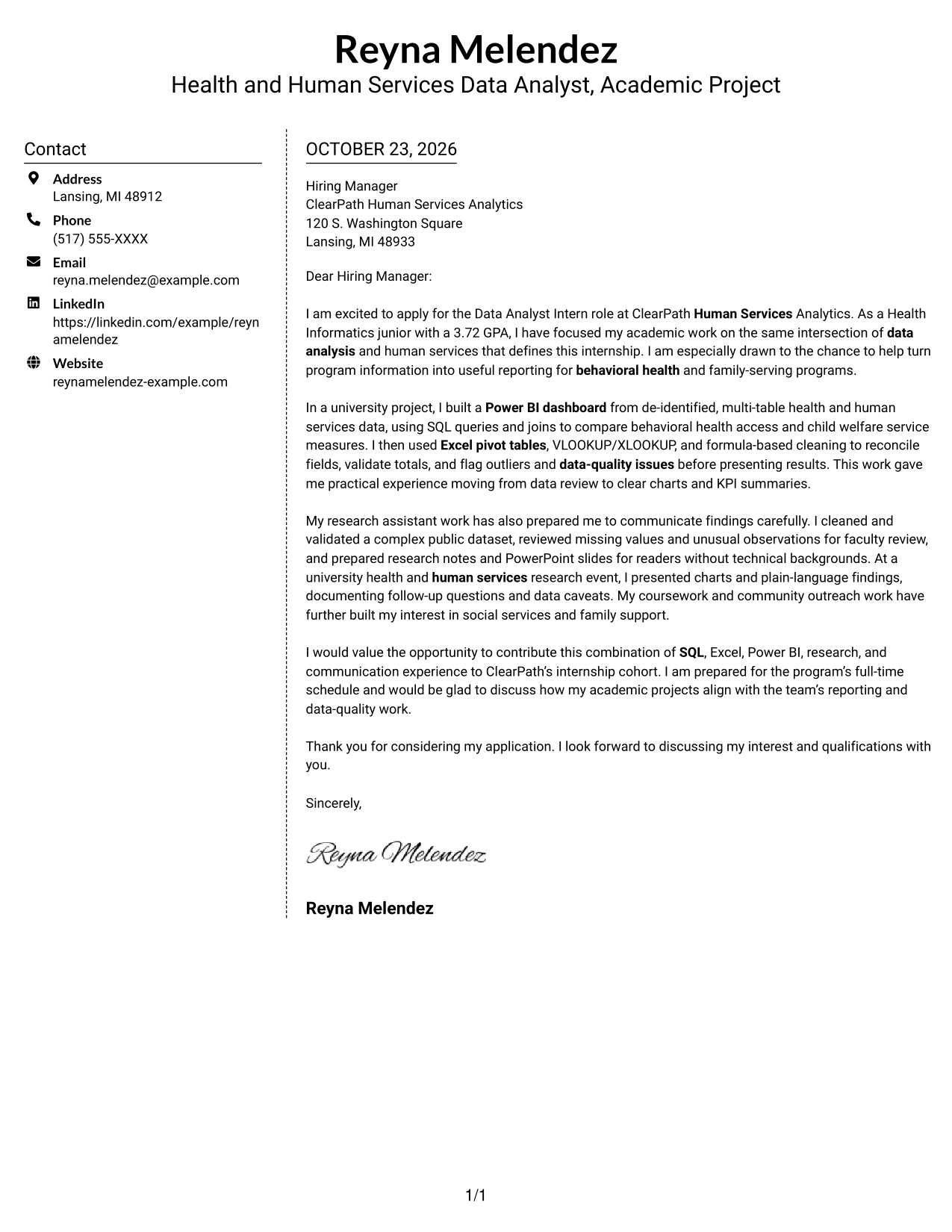
Why This Format Works
- A separate contact sidebar keeps sender details apart from the message.
- The opening, evidence, and closing stay together in one continuous letter body.
- The photo-free presentation suits readers who prefer text without a portrait.
Best For
- Sidebar-based contact details
- Uninterrupted letter messages
- Text-focused applications
- Photo-free correspondence
- Letters with several supporting paragraphs
#6 Modern Icon Format Cover Letter Example
Modern Icon Format uses two columns for contact details and a continuous letter body, with icons serving as cues for contact information.
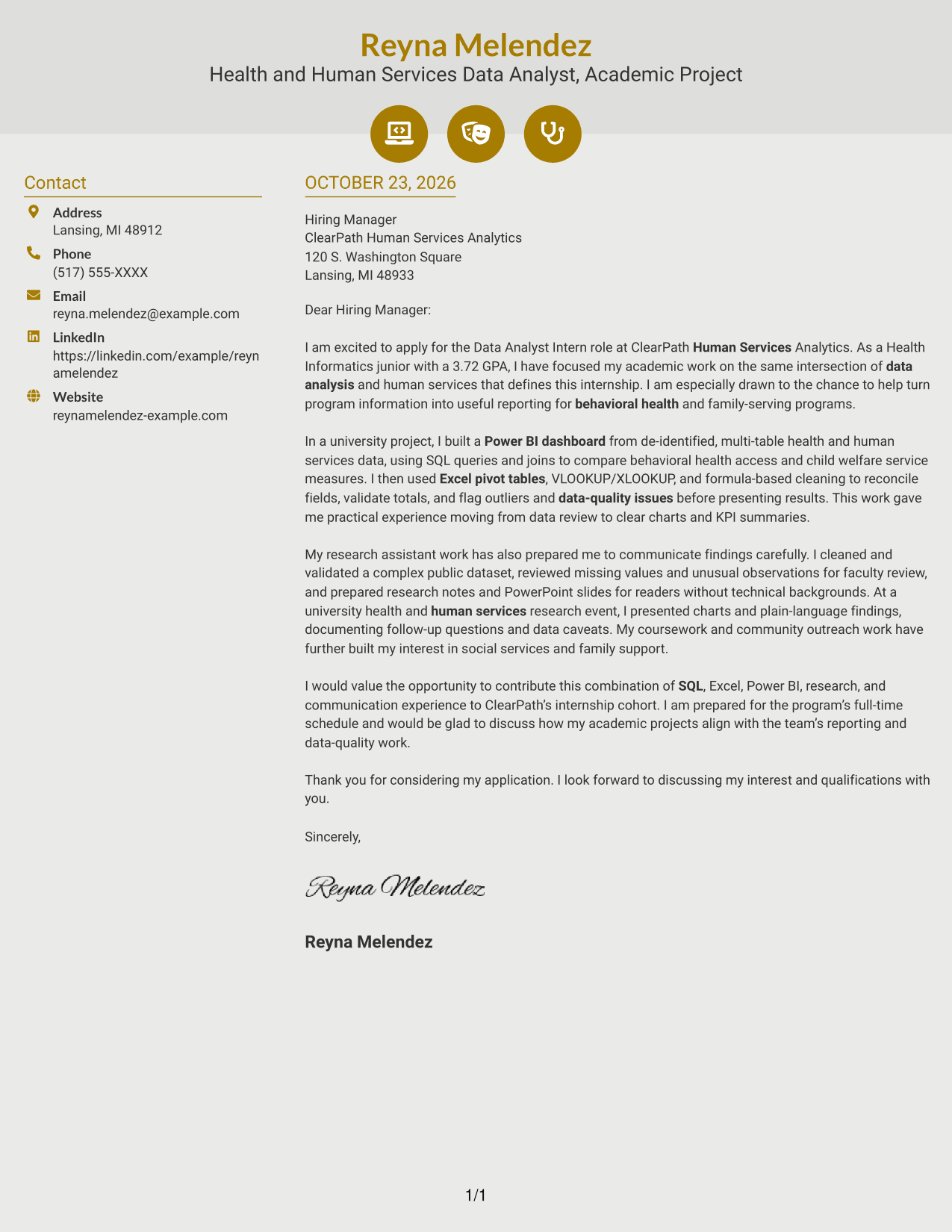
Why This Format Works
- Contact icons cue sender information without labeling parts of the letter argument.
- The two-column arrangement keeps contact details distinct from the continuous message.
- Decorative header accents add visual interest while the letter stays in one sequence.
Best For
- Icon-cued contact details
- Two-column letter layouts
- Continuous paragraph messages
- Applications with clear contact needs
- Letters without a portrait
#7 Creative Two Tone Format Cover Letter Example
Creative Two Tone Format sets a contact sidebar beside one continuous letter body, offering a distinct place for sender details without splitting the message.
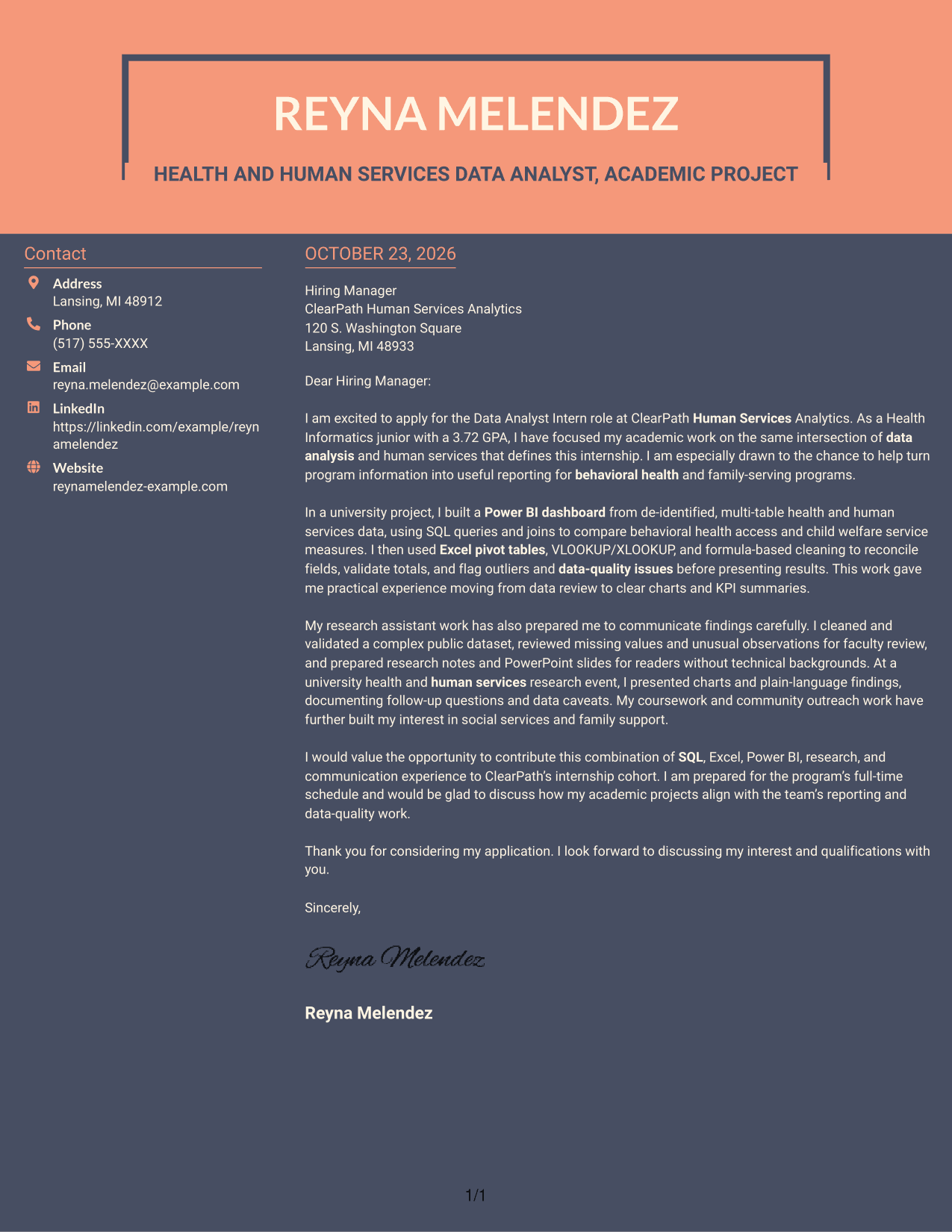
Why This Format Works
- The separate contact area makes sender details easy to distinguish from the letter.
- One continuous body carries the opening, evidence, and closing in sequence.
- With no photo, the visual focus stays on the written message.
Best For
- Separate contact and message areas
- Continuous letter arguments
- Photo-free application letters
- Easy-to-find sender details
- Paragraph-based communication
Why Use ResumeInMinutes for a Data Analyst Intern - Human Services Analytics Cover Letter
Compare cover letter previews and open an example in the editor to explore its presentation. Use the guidance here to shape a clear message around your interest, relevant evidence, and fit for human services analytics.
- Cover letter presentation options
- Role-focused writing guidance
- Preview images for comparison
- Examples to open in the editor
- Clear, professional layouts
- Guidance for focused applications
For this role, explain your interest in human services reporting and use specific examples of data review, dashboards, or clear communication when they reflect your experience.
See Also
- 7 Data Analyst Intern - Human Services Analytics Resume Templates with Example
- 33 Data Analyst - Human Resources Analytics Resume Templates with Example 2026 (ATS-Optimized)
- 7 Data Analyst Intern - Human Services Reporting Resume Templates with Example
- 33 Analyst, Data Analytics Resume Templates with Example 2026 (ATS-Optimized)
- 7 Data Analyst - Financial and Operational Analytics Resume Templates with Example
- 33 Data Analyst - Healthcare Analytics Resume Templates with Example
- 33 Data Analyst with Tableau or Salesforce, Adobe Analytics Resume Templates with Example 2026 (ATS-Optimized)
- 7 Data Solutions & Analytics Senior Analyst Resume Templates with Example
- 7 Data Analyst Intern - Human Services Reporting Cover Letter Templates with Example
- 30+ Analyst, Data Analytics Cover Letter Templates with Example 2026
Frequently Asked Questions
What should a Data Analyst Intern - Human Services Analytics cover letter include?
Explain why the role interests you, then give a clear example of relevant data analysis or research. You can also describe how you check information, share findings, and connect your interest to human services programs.
How can I make my cover letter relevant to human services analytics?
Show how your experience relates to program information, data quality, or reporting for human services. If supported by your background, mention work with topics such as behavioral health or child welfare and explain what you learned.
Which cover letter format works well for this internship?
Choose a clear format that makes your message easy to follow. A direct opening, a body paragraph with specific evidence, and a concise closing help the reader understand your interest and fit.
What if most of my relevant experience comes from academic work?
Academic projects and research can provide strong examples. Describe your role, how you reviewed or analyzed data, and how you communicated the findings. Keep your claims specific and accurate.
How can I compare the cover letter examples?
Review the image previews to compare how each letter presents its content. You can open an example in the editor to view or customize it.
Should I use a photo on my cover letter?
Use a photo only when it is common or expected in your country, region, or industry. For U.S. applications, a no-photo format is usually the safer choice.




