
7 Data Analyst Intern - Knowledge Management Cover Letter Templates with Example
This guide helps you write a focused Data Analyst Intern - Knowledge Management cover letter and compare seven layouts for presenting your role fit clearly.
What Makes a Great Data Analyst Intern - Knowledge Management Cover Letter in 2026
A strong letter connects your interest in customer self-support to the work of analyzing behavior and improving knowledge content. State your fit clearly and give the reader a reason to continue.
Use relevant evidence, such as examining support and search data or explaining dashboard findings. Link that evidence to the employer’s needs, including clearer content insights and better customer support.
The featured Data Analyst Intern - Knowledge Management example moves from role interest to relevant evidence, collaboration, and a clear close. Adapt this focused progression while choosing a presentation that suits the employer and communication context.
#1 Simple One Column Format Cover Letter Example
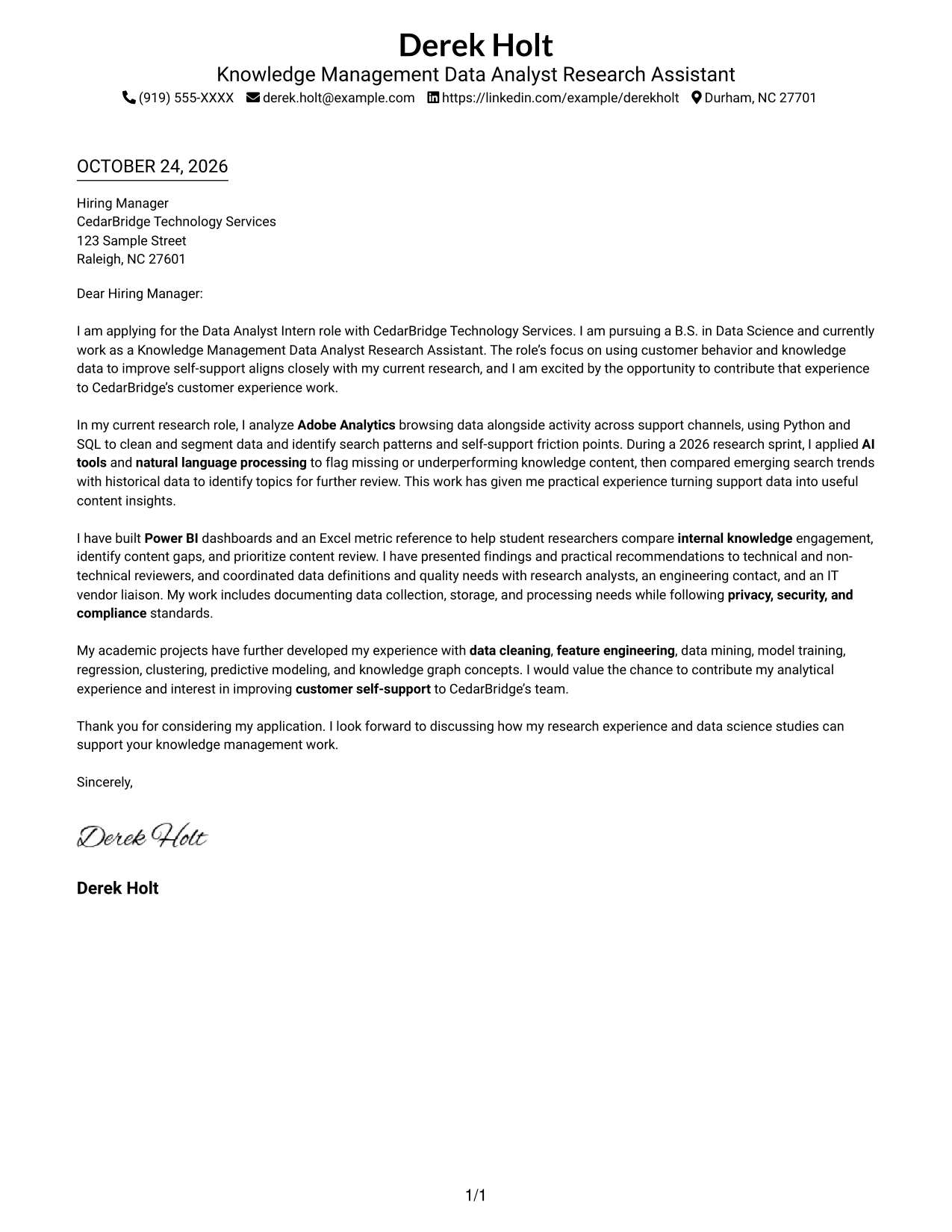
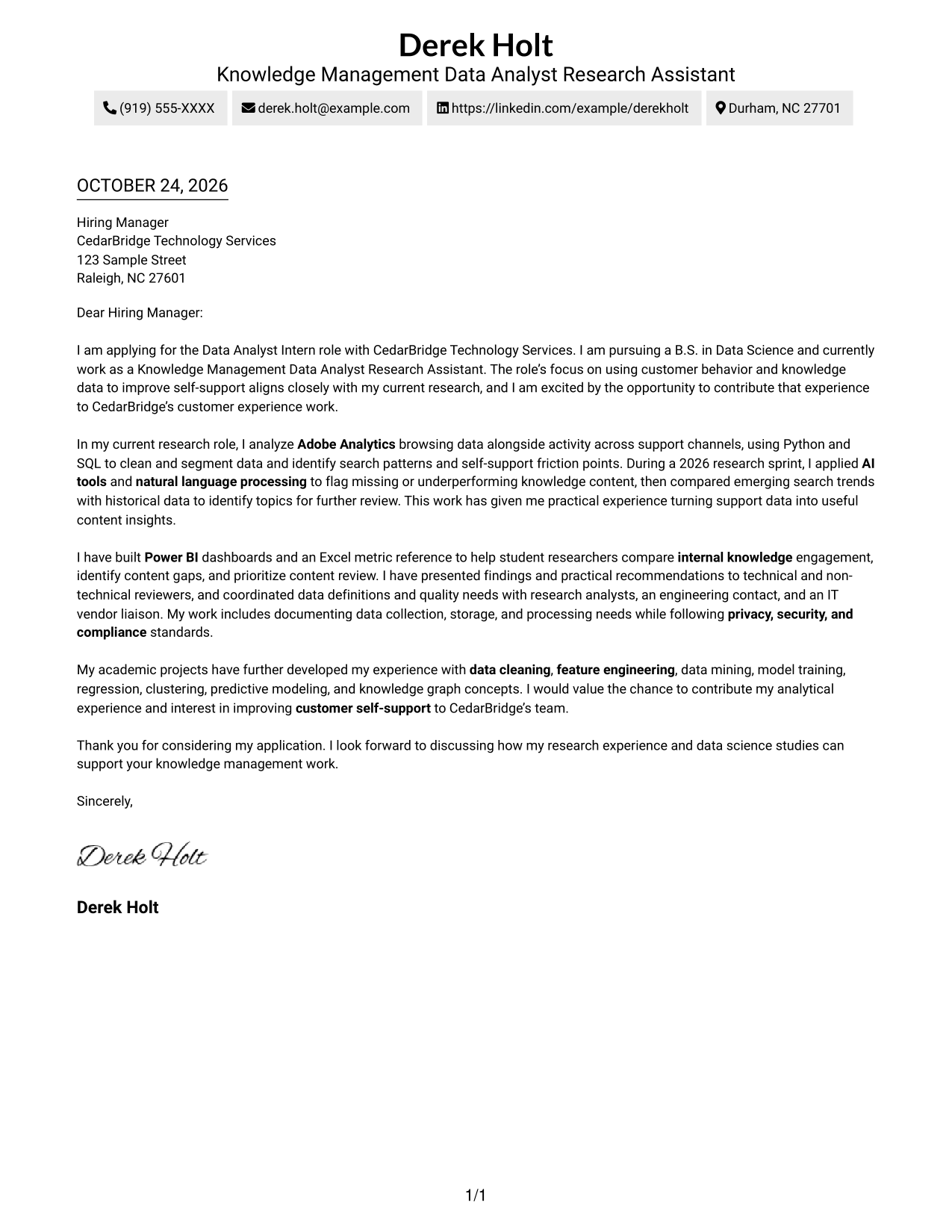
Simple One Column Format places sender details in the header and the full letter in one column, offering a direct reading path from the opening to the close.
Why This Format Works
- Header-based sender details give readers a clear place to find contact information.
- Without argument headings, the paragraphs present motivation and evidence as a complete letter.
- One text column gives reviewers a direct path from greeting through closing.
Best For
- One-column reading preference
- Header-based contact information
- Paragraph-based letter arguments
- Traditional letter presentation
- Text-focused application materials
#2 Two Column Format Cover Letter Example
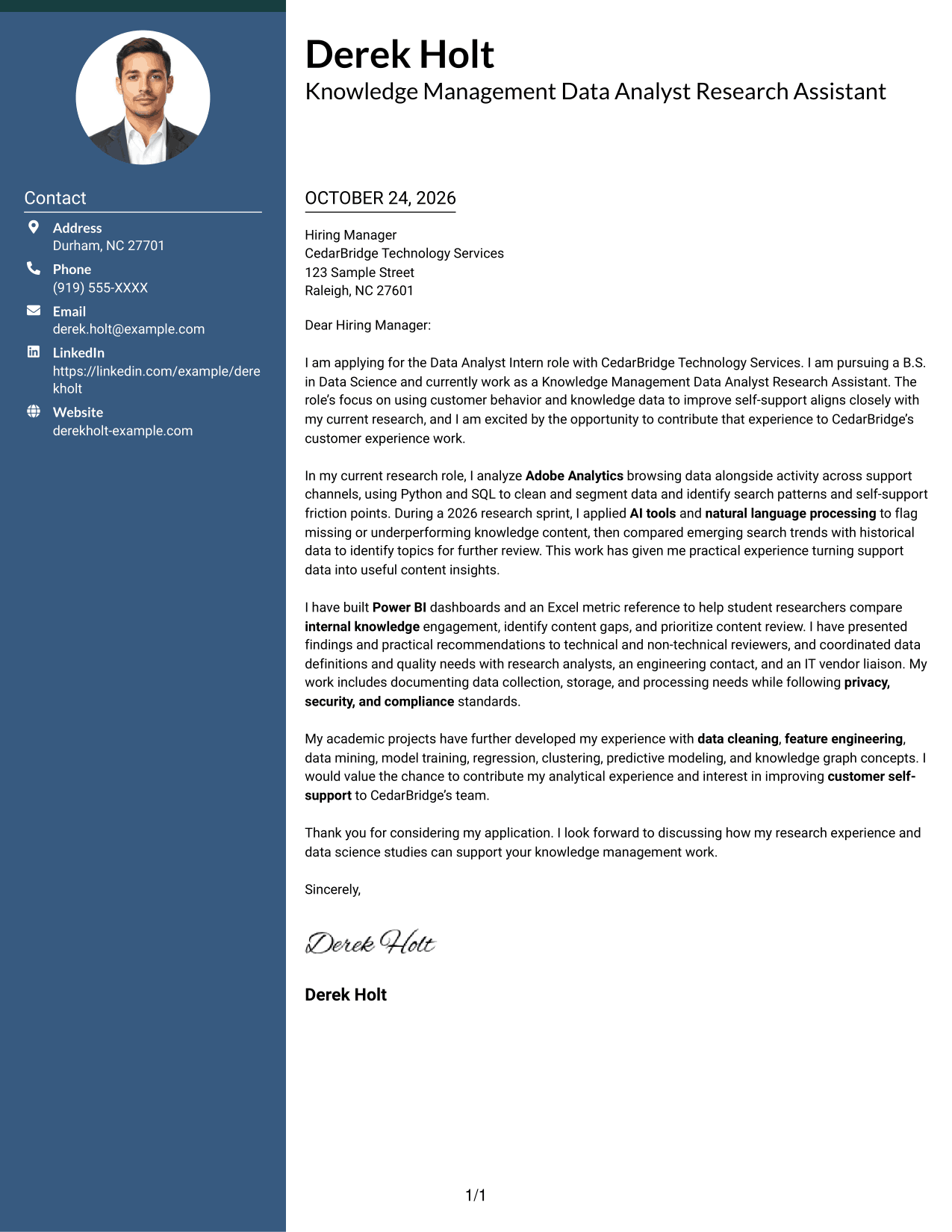
Two Column Format places contact details in a sidebar beside one continuous letter body, keeping the message together while making contact information easy to find.
Why This Format Works
- The contact sidebar separates sender information from the letter's persuasive paragraphs.
- A single letter column keeps the opening, supporting points, and close in sequence.
- Reviewers can check contact details without searching through the message.
Best For
- Several sender contact details
- Contact information beside the message
- Continuous paragraph-based letters
- A distinct message and contact area
- Readers who check contact details first
#3 Photo Header Two Column Format Cover Letter Example
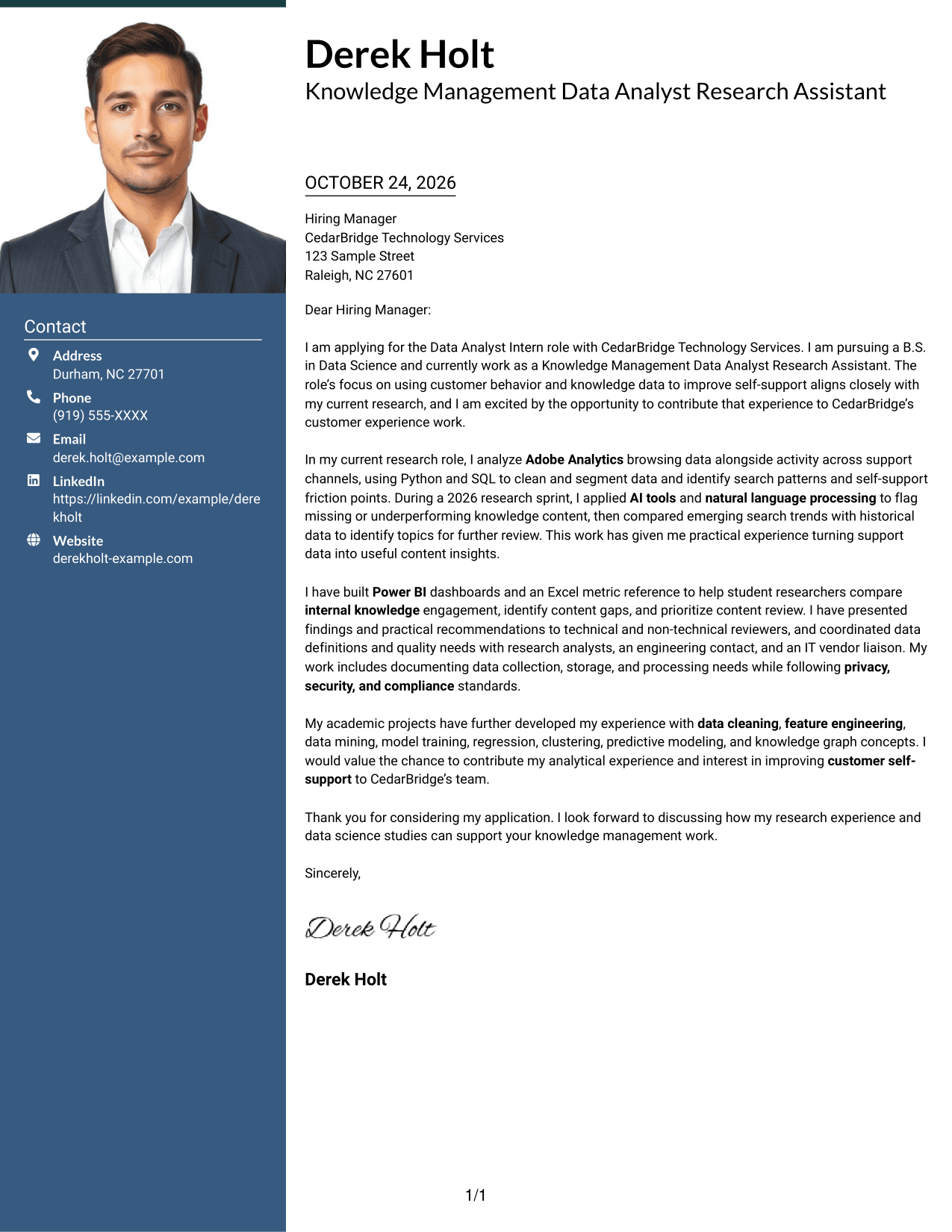
Photo Header Two Column Format pairs a portrait header with a contact sidebar and one continuous letter body, for readers who want a portrait alongside an uninterrupted message.
Why This Format Works
- The portrait provides a visible personal element without changing the letter's argument.
- Contact details sit apart from the continuous paragraphs, making them easy to locate.
- One letter column keeps the motivation, evidence, and closing in reading order.
Best For
- Applications that call for a portrait
- Contact details kept beside the message
- Continuous persuasive paragraphs
- A portrait with a separate letter body
- Readers who prefer a personal visual element
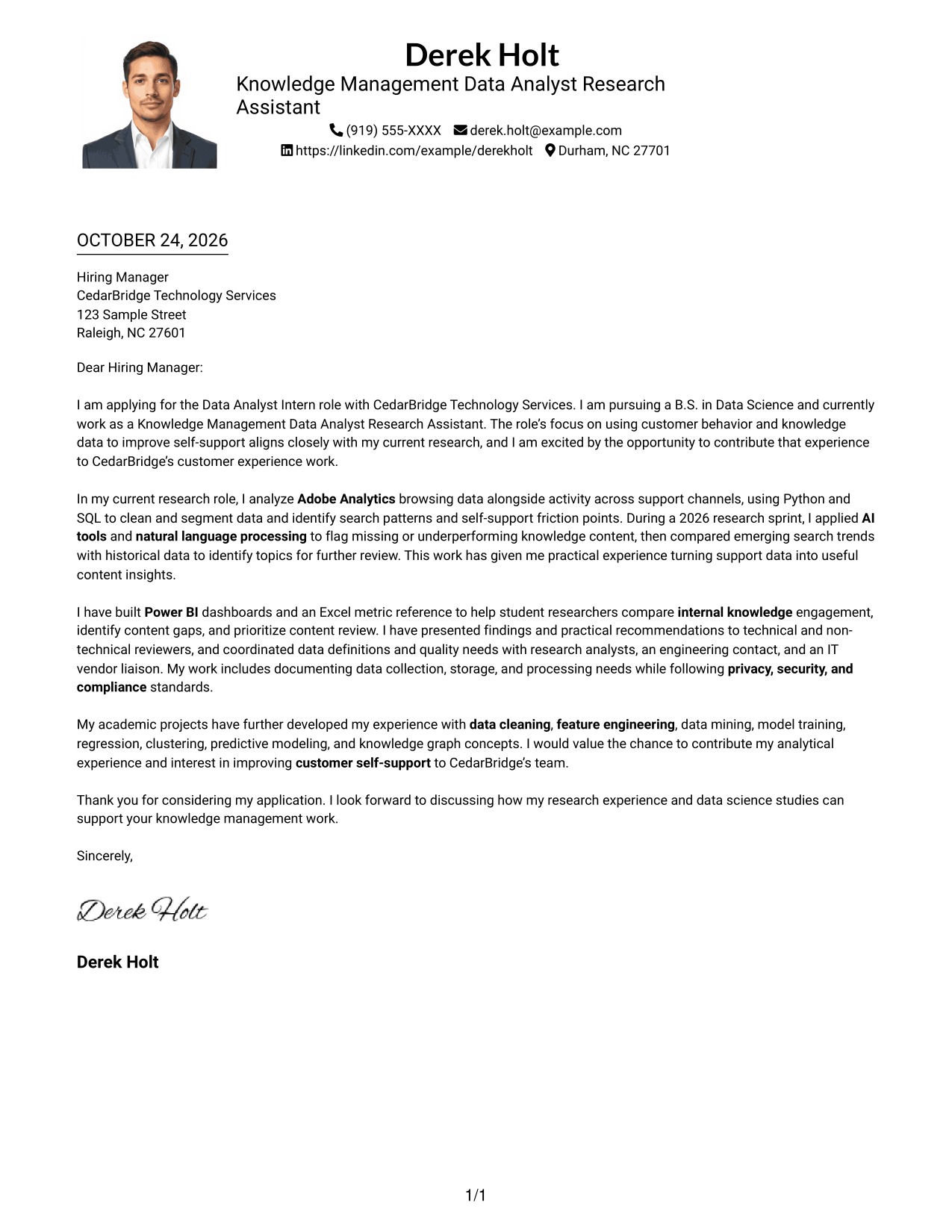
#4 One Column Format with Photo Cover Letter Example
One Column Format with Photo presents the portrait, sender details, and continuous letter body in a one-column layout, for a simple page with a personal visual element.
Why This Format Works
- The portrait adds a personal visual element without changing the letter's paragraph structure.
- Header-based sender details keep contact information easy to find.
- The single-column body gives the greeting, motivation, and close a clear reading order.
Best For
- One-column letter layouts
- Applications that call for a portrait
- Header-based sender information
- Paragraph-led motivation and evidence
- A personal visual element with direct reading flow
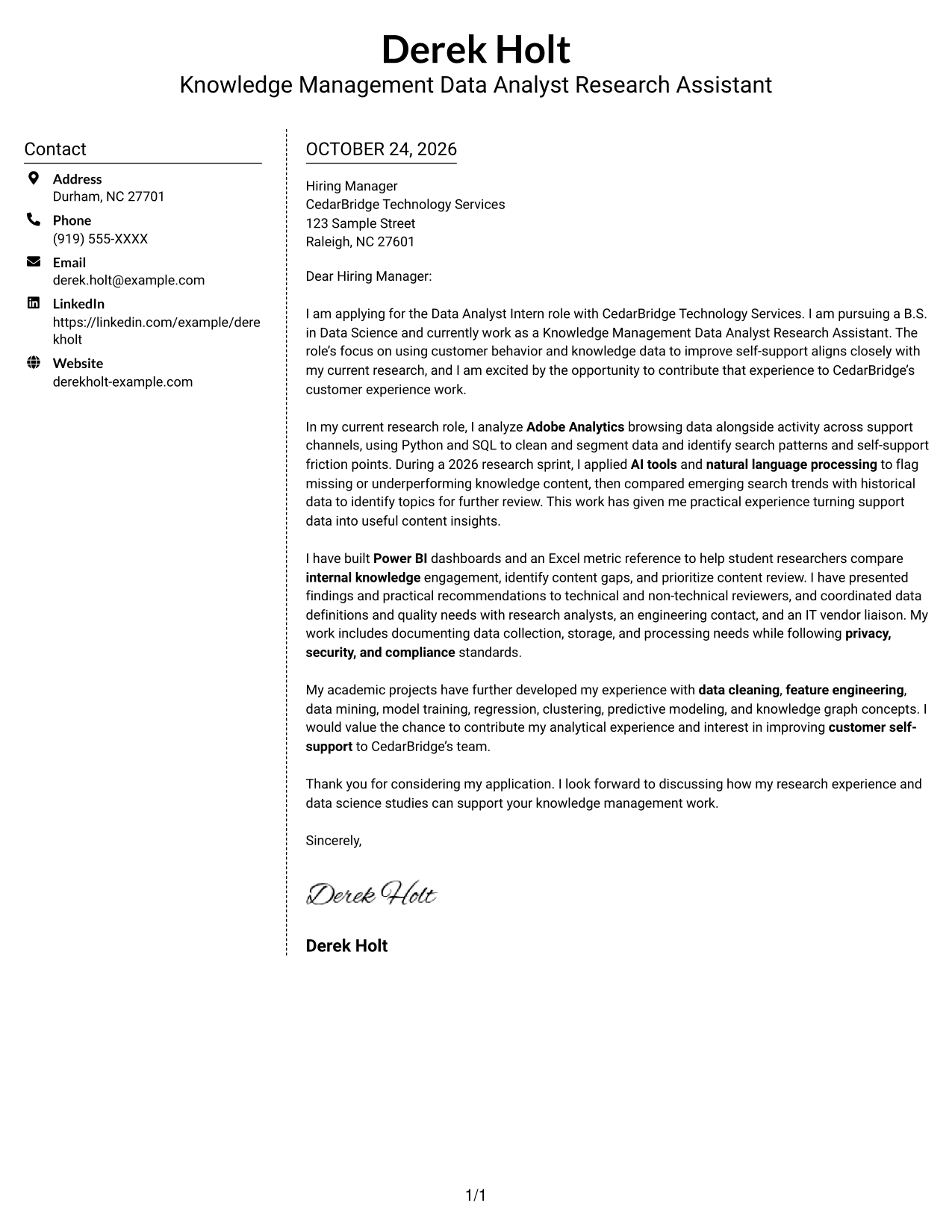
#5 Simple Two Column Format Cover Letter Example
Simple Two Column Format sets contact details in a sidebar beside one continuous letter body, giving the message a clear space while keeping contact information separate.
Why This Format Works
- The sidebar gives sender contact details a distinct place beside the letter.
- A continuous body lets the opening, supporting evidence, and close read as one message.
- The letter stays in one column, so paragraphs follow a familiar order.
Best For
- Separate contact and message areas
- Multiple sender contact methods
- Continuous letter prose
- A familiar paragraph reading order
- Applications with a clear message focus
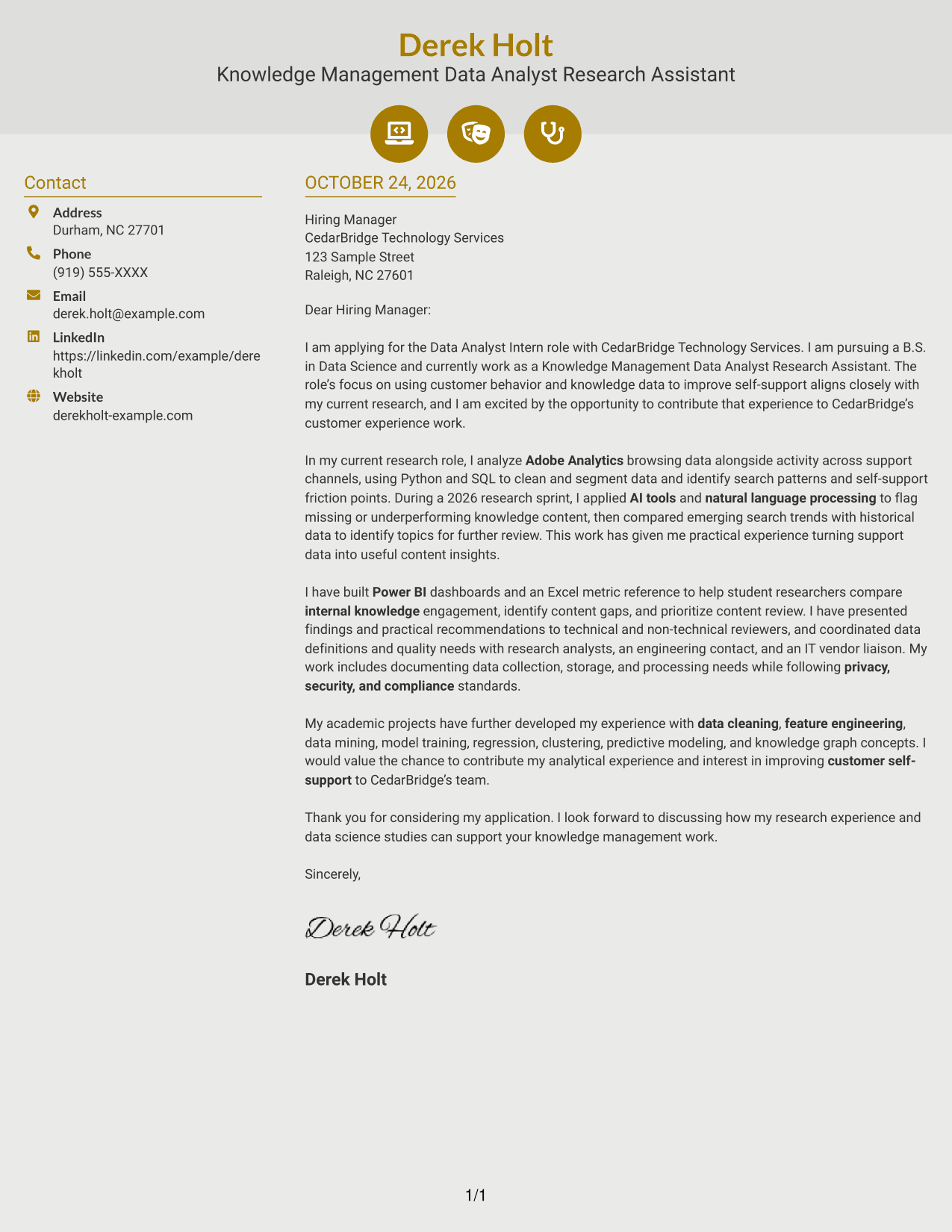
#6 Modern Icon Format Cover Letter Example
Modern Icon Format uses two columns for contact details and one continuous letter body, with icons providing visual cues for contact information.
Why This Format Works
- Contact icons help distinguish sender details from the letter's paragraphs.
- The message remains continuous, so motivation and evidence are not split into parallel columns.
- One body column maintains a clear sequence from greeting to closing.
Best For
- Icon-led contact details
- Two-column contact and message layout
- Continuous letter arguments
- Readers who value visual contact cues
- A clear greeting-to-closing sequence
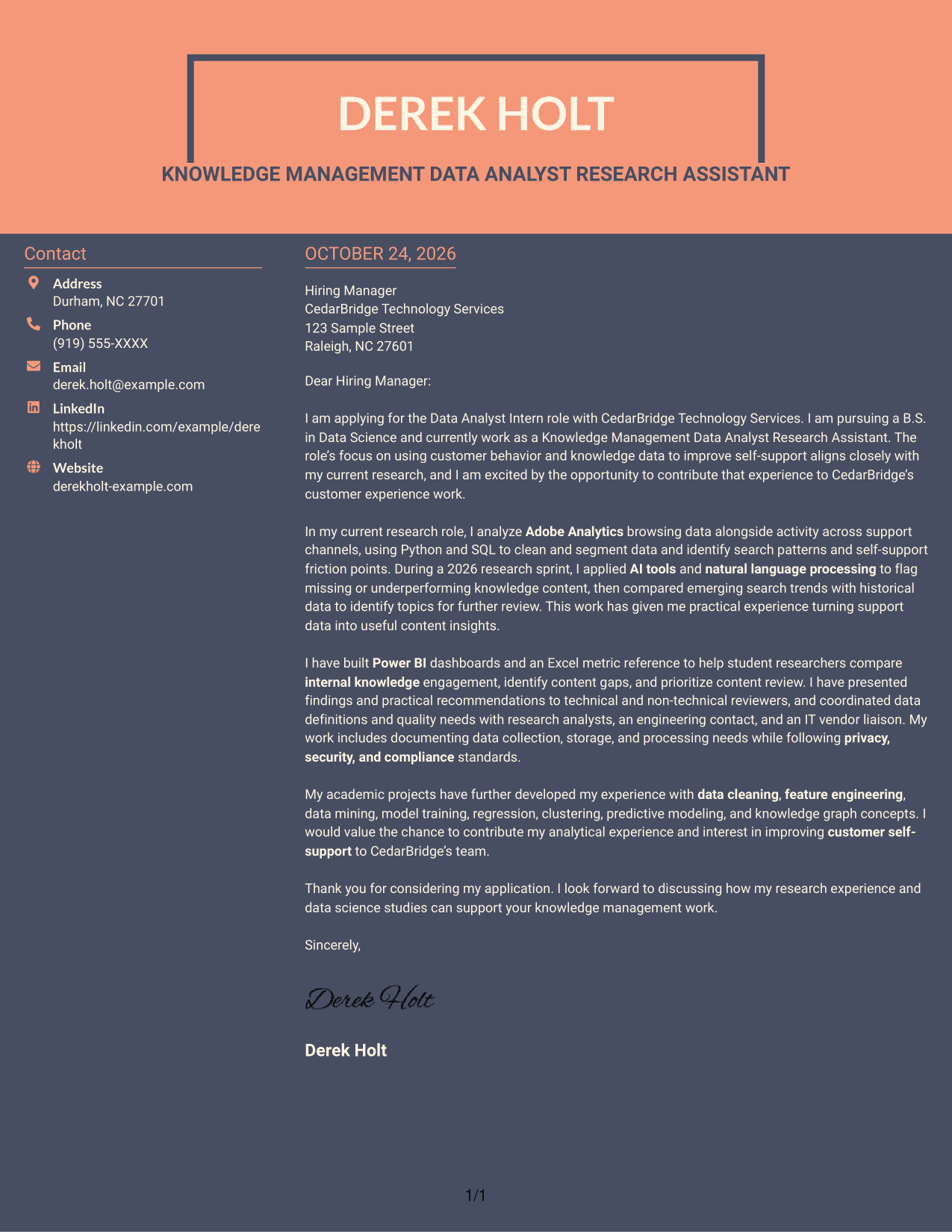
#7 Creative Two Tone Format Cover Letter Example
Creative Two Tone Format places a contact sidebar beside one continuous letter body, making the separation between sender details and message easy to see.
Why This Format Works
- The sidebar keeps sender details distinct from the letter's persuasive content.
- The body remains continuous, keeping the opening, evidence, and closing together.
- A single text column gives reviewers a clear route through the message.
Best For
- Contact details beside the letter
- Distinct contact and message areas
- A continuous persuasive argument
- Single-column letter-body preference
- Readers who want clear content separation
See Also
- 7 Data Analyst Intern - Knowledge Management Resume Templates with Example
- 7 Analyst/Associate: Equity Research - Telecommunication, Data Center and Tower Resume Templates with Example
- 33 Analyst, Data Analytics Resume Templates with Example 2026 (ATS-Optimized)
- 33 Associate Actuarial Data Analyst, Reserving Resume Templates with Example 2026 (ATS-Optimized)
- 33 Associate Data Analyst Resume Templates with Example 2026 (ATS-Optimized)
- 33 Associate eCommerce Data Analyst Resume Templates with Example 2026 (ATS-Optimized)
- 33 Associate Master Data Analyst - Data Governance Resume Templates with Example
- 33 Aviation Data Analyst Resume Templates with Example 2026 (ATS-Optimized)
- 30+ Analyst, Data Analytics Cover Letter Templates with Example 2026
- 30+ Associate Actuarial Data Analyst, Reserving Cover Letter Templates with Example 2026
Frequently Asked Questions
How should I open a Data Analyst Intern - Knowledge Management cover letter?
Name the role and connect your interest to its focus on using customer behavior and knowledge data to improve self-support. Keep the opening direct and specific.
What evidence can make this cover letter more persuasive?
Describe relevant work with browsing or support-channel data, knowledge content, or dashboard findings. Explain what the analysis helped you identify and how it relates to the role.
How can I show that I communicate findings clearly?
Give an example of presenting recommendations to technical and non-technical audiences. You can also mention how you worked with analysts, engineering contacts, or IT vendor contacts when defining data needs.
What cover letter format should I choose?
Choose a clear format that makes your opening, supporting evidence, and close easy to follow. Compare the PNG previews, then open an example in the editor to view or customize it.
Can I preview an example before customizing it?
Yes. Review the image preview on this page, then use the editor link to view or customize the example.




