
7 Data Analyst Intern - Talent Sourcing Cover Letter Templates with Example
This practical guide shows you how to write a focused Data Analyst Intern - Talent Sourcing cover letter through seven layouts.
What Makes a Great Data Analyst Intern - Talent Sourcing Cover Letter in 2026
A strong letter connects your interest in talent sourcing with the work of turning role requirements into careful candidate research. Make the opening direct, then explain why the position fits your interests.
Use specific evidence, such as Boolean search, profile review, or candidate data tracking. Show how your approach supports accurate research and matches the employer's needs.
The featured Data Analyst Intern - Talent Sourcing example moves from role interest to evidence of sourcing research and data review, then closes with a clear request to continue the conversation. Adapt this focused progression to the employer and the communication context.
#1 Simple One Column Format Cover Letter Example
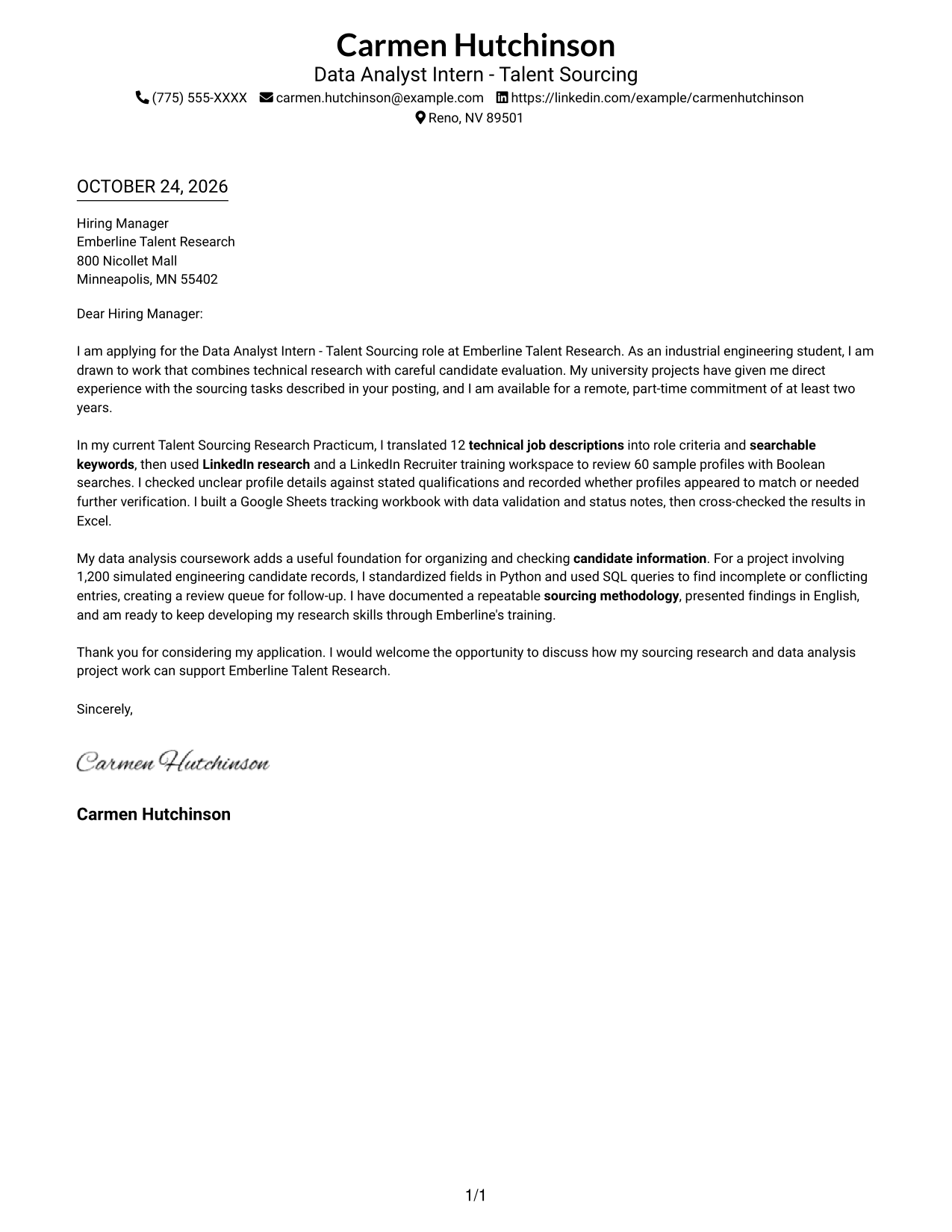
The Simple One Column Format keeps sender details in the header above one continuous letter body, a direct choice for readers who prefer a single reading path.
Why This Format Works
- Sender details and the letter share one column, keeping the page order straightforward.
- The opening, supporting examples, and closing remain part of one continuous message.
- Without section labels, the writing itself carries the persuasive progression.
Best For
- Single-column reading preference
- Header-based contact details
- Paragraph-led persuasion
- Applications without a photo
- Traditional letter presentation
#2 Two Column Format Cover Letter Example
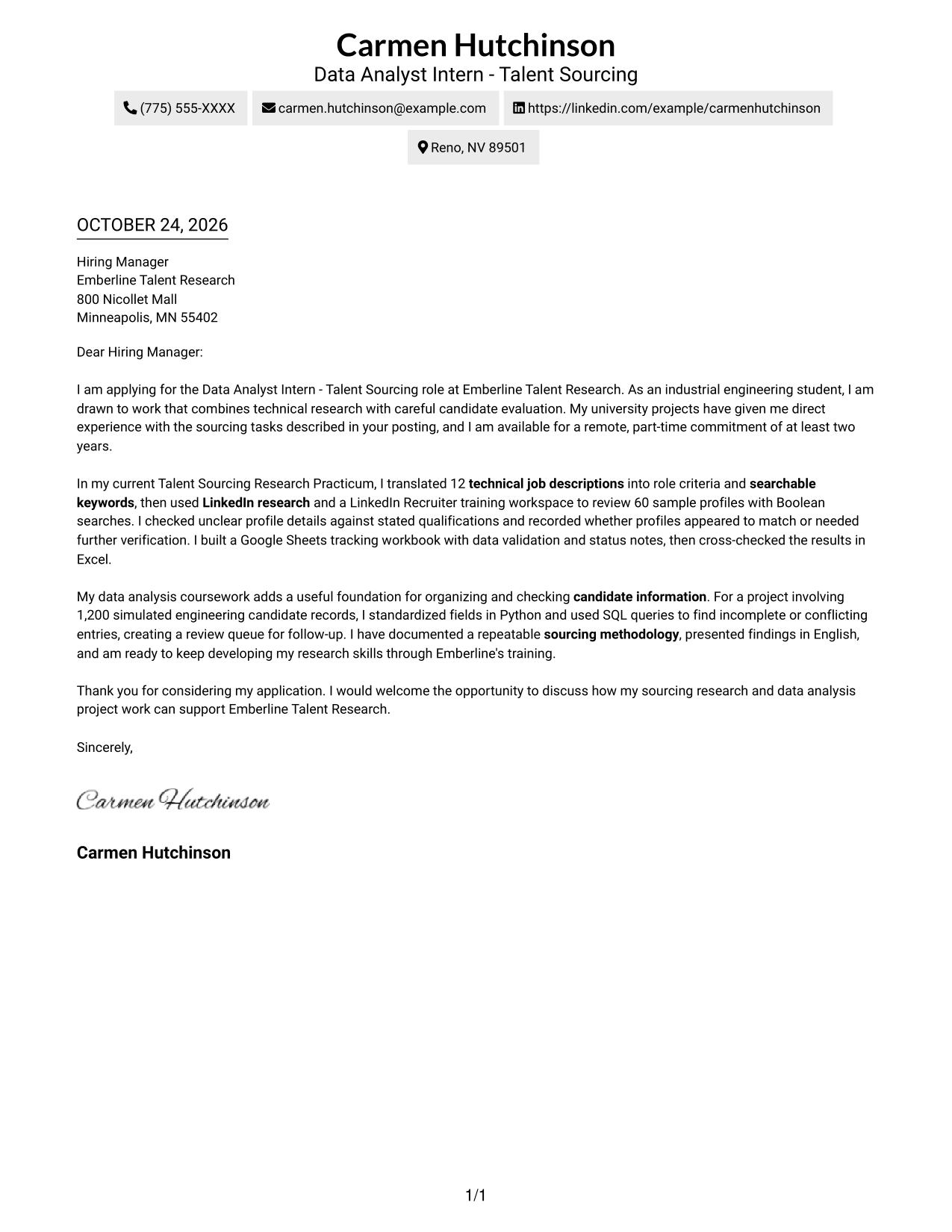
The Two Column Format places contact details in a sidebar beside one continuous letter body, keeping contact information distinct from the message.
Why This Format Works
- Contact details sit apart from the letter, so readers can find them quickly.
- One continuous body carries the opening, evidence, and closing in order.
- No headings divide the argument, keeping the message in a familiar letter form.
Best For
- Distinct contact and message areas
- Reader preference for sidebars
- Continuous letter paragraphs
- Photo-free applications
- Text-led communication
#3 Photo Header Two Column Format Cover Letter Example
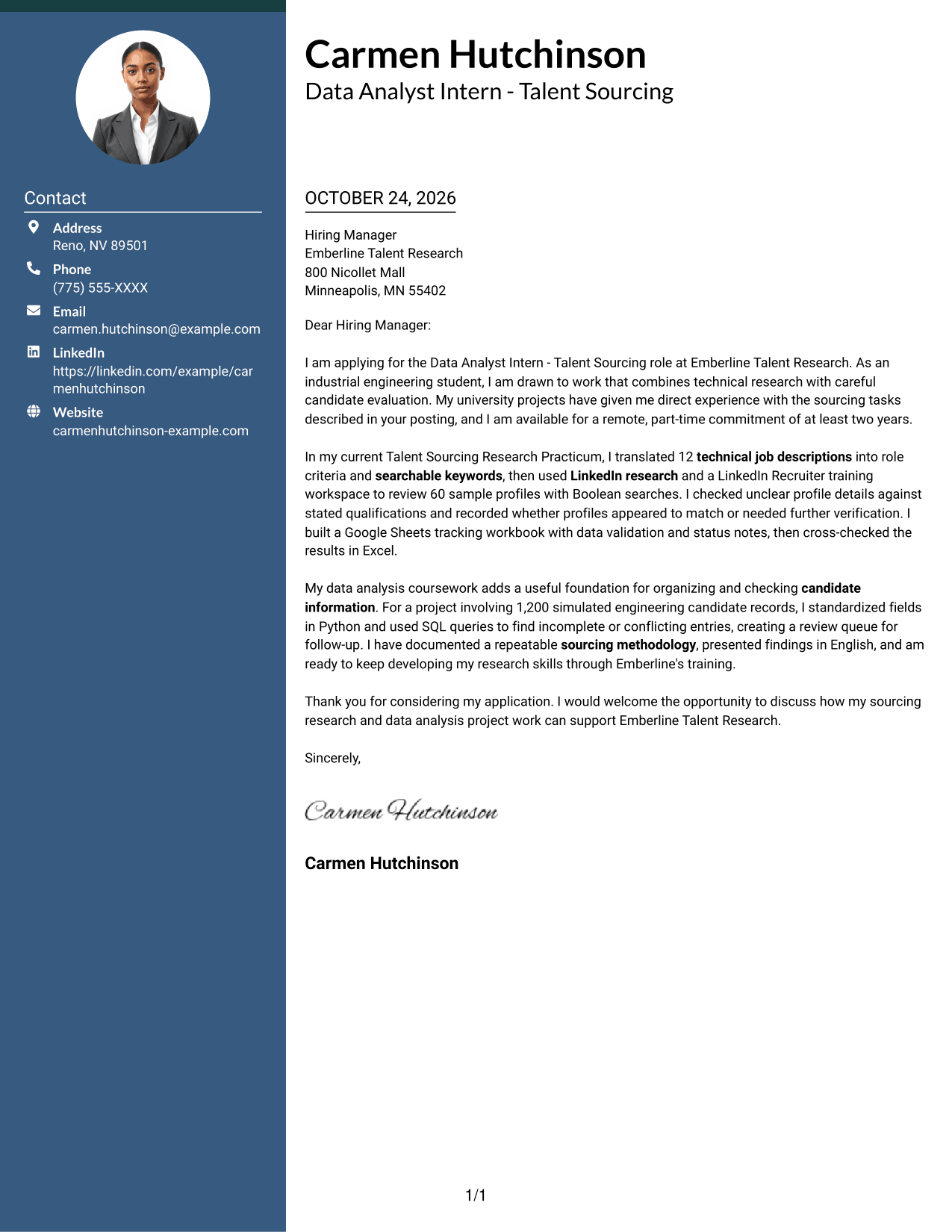
The Photo Header Two Column Format adds a photo to the contact-and-letter layout, giving readers a visual element alongside the written message.
Why This Format Works
- The photo adds a visual element to the two-column contact-and-letter presentation.
- A separate contact sidebar keeps sender information outside the main message.
- The continuous letter body lets readers follow the opening through the close.
Best For
- Photo-inclusive applications
- Two-column page organization
- Contact sidebar reference
- Single-body-column letters
- Remote internship applications
#4 One Column Format with Photo Cover Letter Example
The One Column Format with Photo keeps the message in one column, while a photo adds visual presence for readers who want a single reading path.
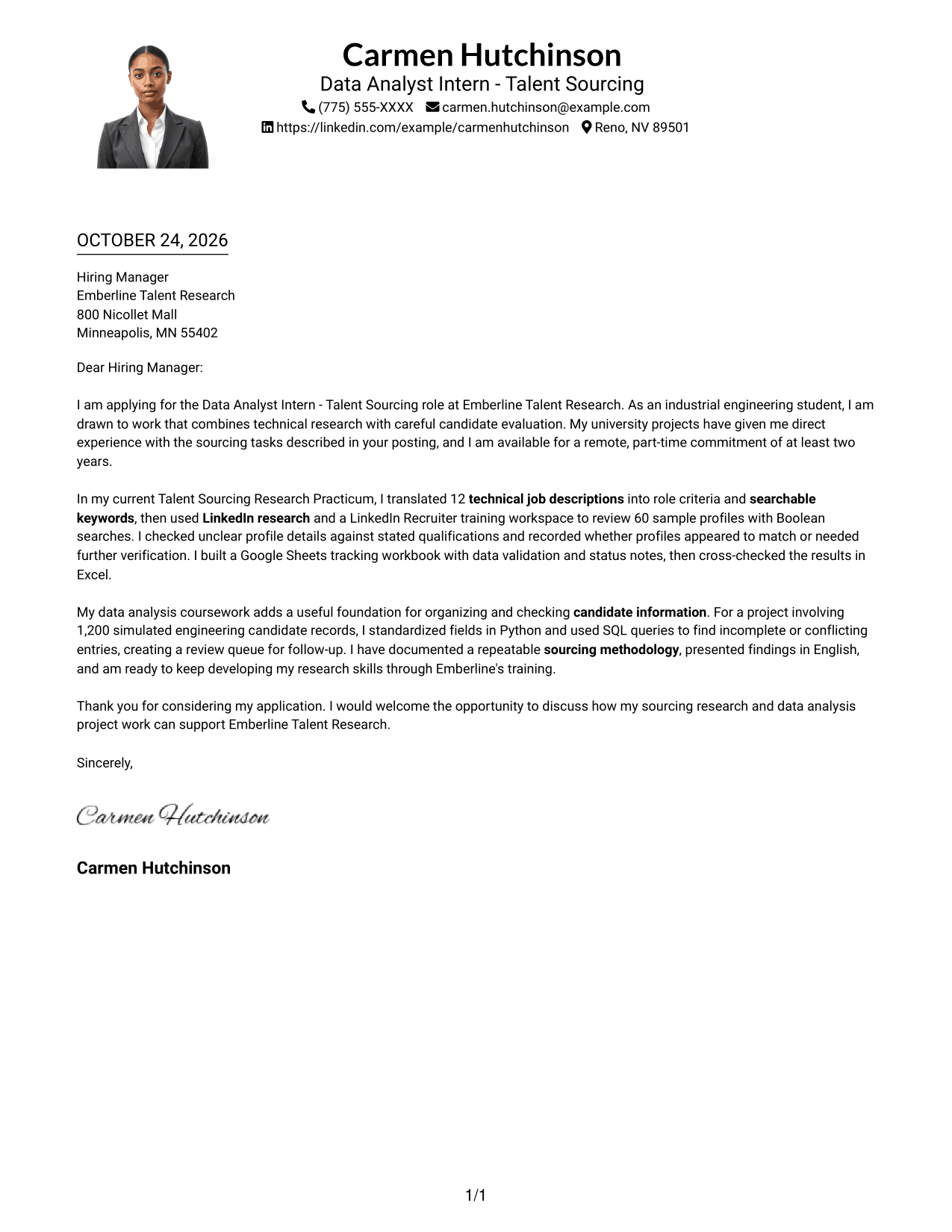
Why This Format Works
- One letter column keeps the message in order, while a photo adds visual presence.
- Sender details in the header and paragraphs below keep the page sequence clear.
- The opening, evidence, and close remain together without labels for argument stages.
Best For
- Single-column letter layouts
- Photo-inclusive applications
- Header-based sender details
- Paragraph-led arguments
- Remote internship applications
#5 Simple Two Column Format Cover Letter Example
The Simple Two Column Format gives contact details a sidebar beside one continuous letter body, a practical choice when sender information should stay apart from the message.
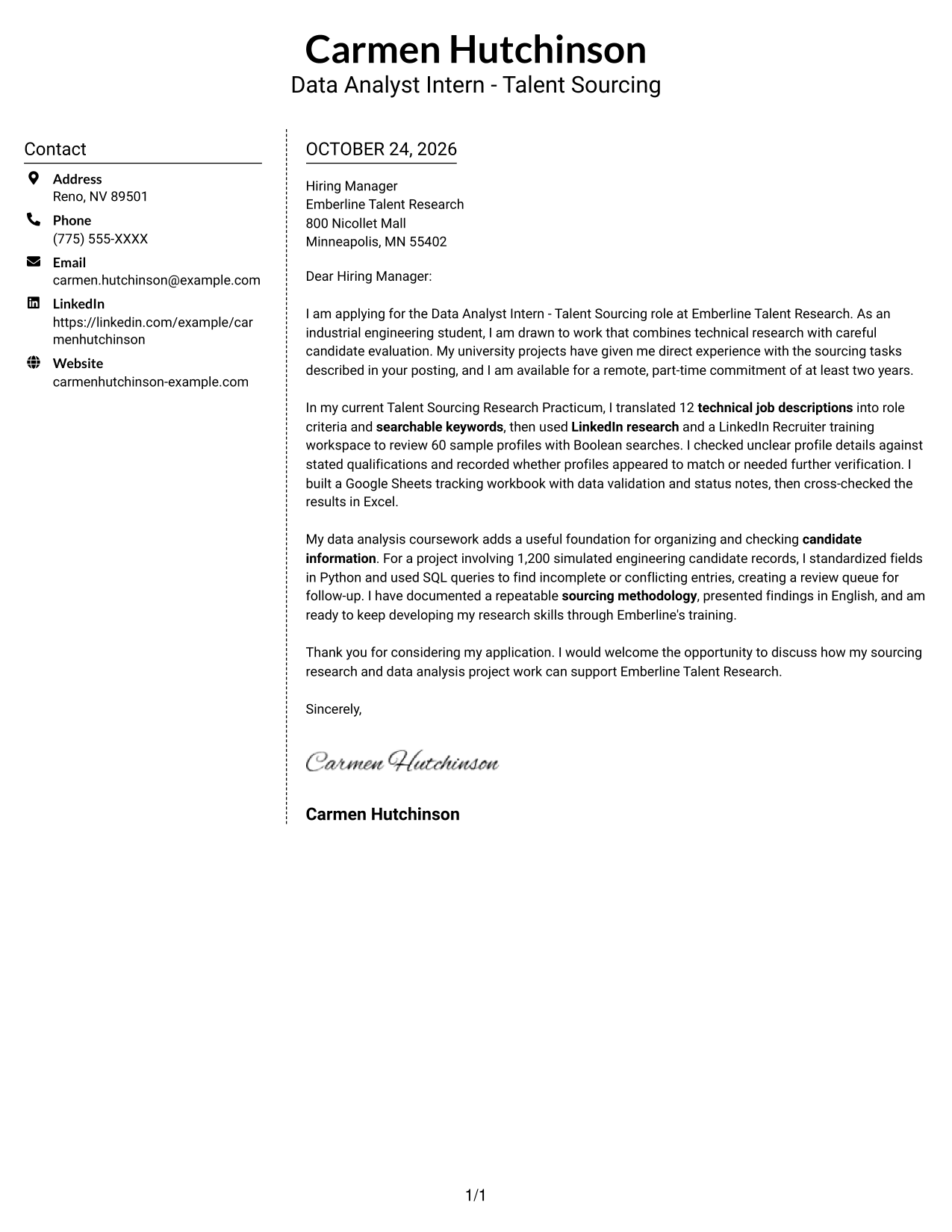
Why This Format Works
- The contact sidebar places sender information beside the letter, rather than inside its body.
- Opening, supporting evidence, and closing stay within one uninterrupted letter body.
- No photo appears, matching applications that call for a text-only page.
Best For
- Contact sidebar layouts
- Continuous letter narratives
- Photo-free applications
- Text-first communication
- Two-column page preference
#6 Modern Icon Format Cover Letter Example
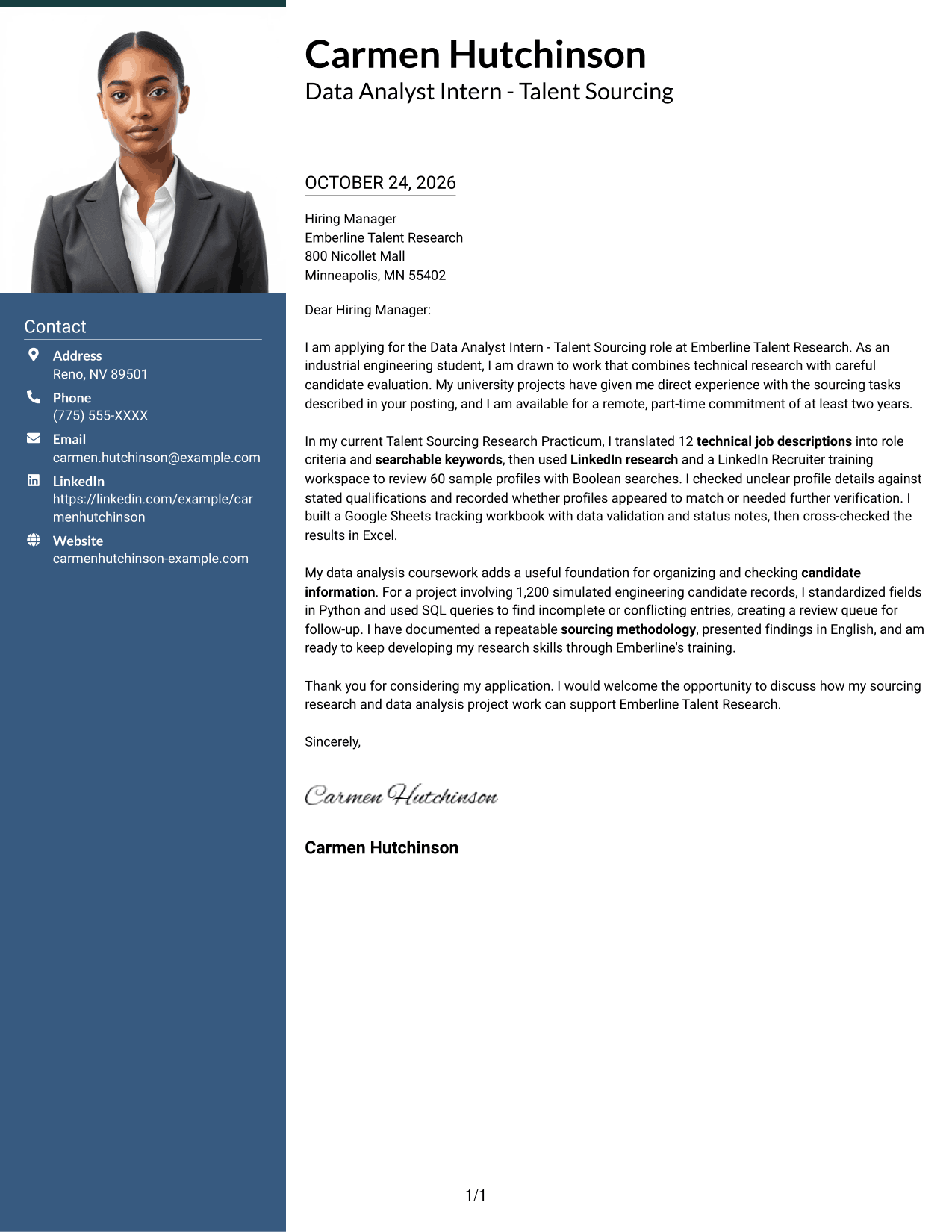
The Modern Icon Format uses two columns, with icons limited to contact cues and header decoration, while the letter remains one continuous body.
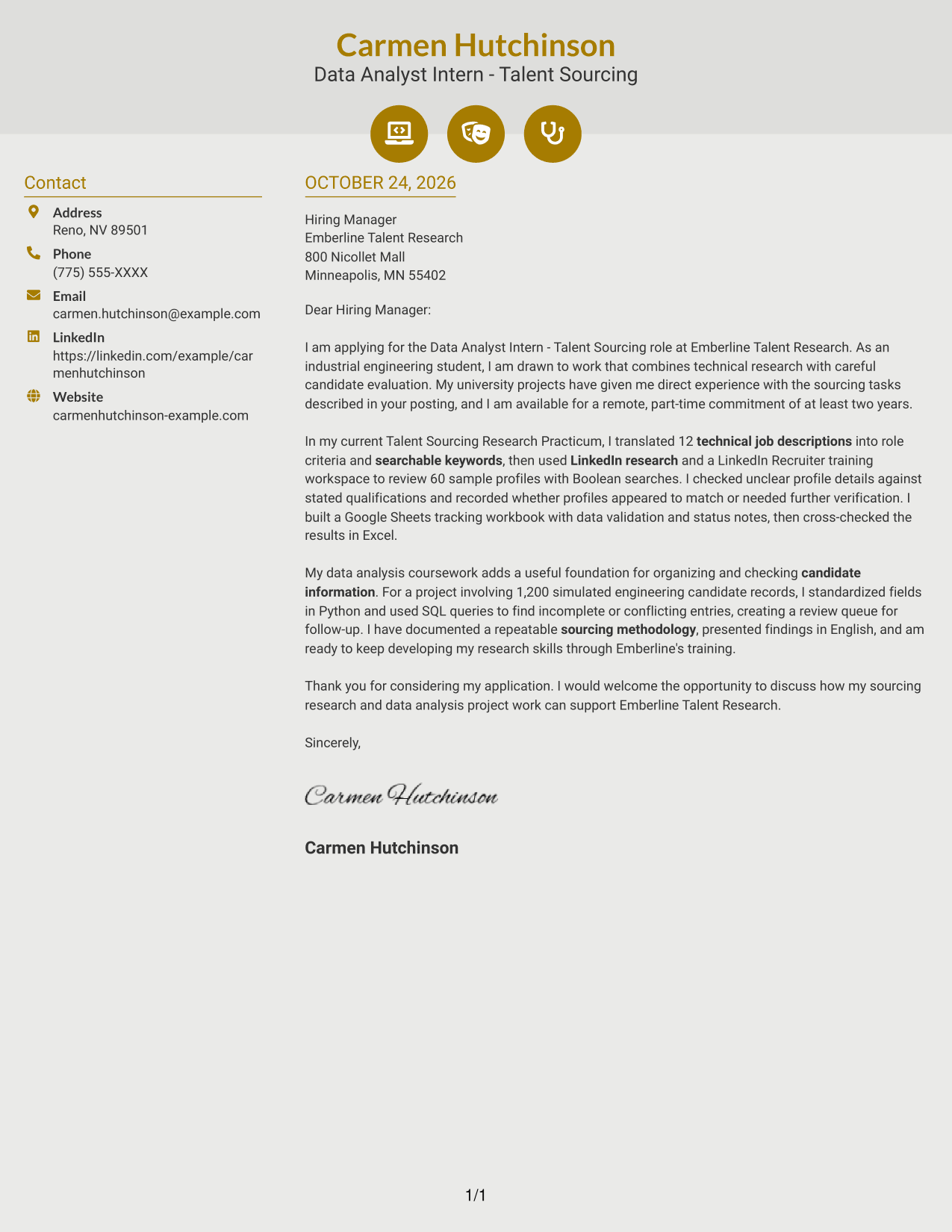
Why This Format Works
- Contact icons help identify sender details without labeling parts of the letter's argument.
- Two-column placement separates contact information from one continuous message body.
- Opening, evidence, and closing paragraphs remain part of the same letter.
Best For
- Icon-marked contact details
- Decorative header accents
- Two-column page layouts
- Continuous letter paragraphs
- Photo-free applications
#7 Creative Two Tone Format Cover Letter Example
The Creative Two Tone Format places contact details in a sidebar beside one continuous letter body, keeping sender information apart from the main message.
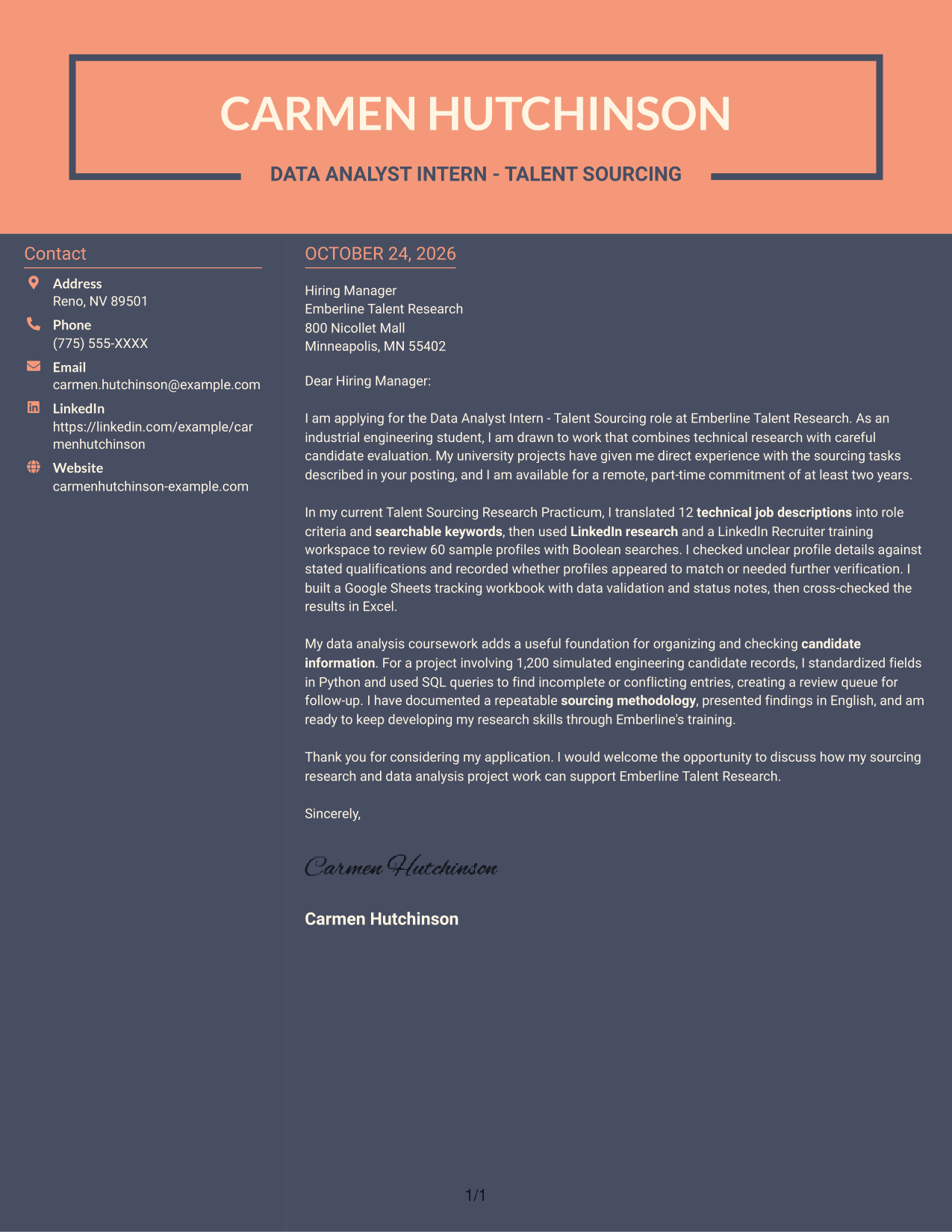
Why This Format Works
- The sidebar gives contact details a separate place beside the letter body.
- One body column keeps the opening, evidence, and closing in a single sequence.
- A continuous body avoids labels that could break the personal tone.
Best For
- Separate sender information
- Two-column page preference
- Continuous paragraph arguments
- Photo-free applications
- Direct letter communication
See Also
- 7 Data Analyst Intern - Talent Sourcing Resume Templates with Example
- 7 Analyst/Associate: Equity Research - Telecommunication, Data Center and Tower Resume Templates with Example
- 33 Analyst, Data Analytics Resume Templates with Example 2026 (ATS-Optimized)
- 33 Associate Actuarial Data Analyst, Reserving Resume Templates with Example 2026 (ATS-Optimized)
- 33 Associate Data Analyst Resume Templates with Example 2026 (ATS-Optimized)
- 33 Associate eCommerce Data Analyst Resume Templates with Example 2026 (ATS-Optimized)
- 33 Associate Master Data Analyst - Data Governance Resume Templates with Example
- 33 Aviation Data Analyst Resume Templates with Example 2026 (ATS-Optimized)
- 30+ Analyst, Data Analytics Cover Letter Templates with Example 2026
- 30+ Associate Actuarial Data Analyst, Reserving Cover Letter Templates with Example 2026
Frequently Asked Questions
What should the opening paragraph of a Data Analyst Intern - Talent Sourcing cover letter say?
Name the role and explain your interest in work that combines technical research with candidate evaluation. Add a clear link between your background and the duties in the posting.
What evidence can strengthen this cover letter?
Give a short example of turning job requirements into search terms, reviewing candidate profiles, or organizing research data. Include relevant tools such as LinkedIn Recruiter, Google Sheets, Excel, SQL, or Python only when they reflect your actual experience.
How should I show that I can assess candidate profiles carefully?
Explain how you checked profile details against stated requirements and flagged unclear information for verification. This shows sound judgment without treating missing evidence as a confirmed qualification.
What cover letter style suits a Data Analyst Intern - Talent Sourcing application?
Choose a clear layout that makes the opening, evidence, and closing easy to follow. Keep the tone direct and use a presentation that fits the employer and the way you are communicating with them.
Can academic research experience support an application for this role?
Yes. Relevant coursework or research can show how you analyze requirements, organize information, and communicate findings. Focus on your specific contribution and connect it to the sourcing work described in the posting.
Should I include a photo on my cover letter?
Use a photo only when it is common or expected in your country, region, or industry. For applications in the United States, a no-photo format is usually the safer choice.




