
30+ Data Scientist, Mid Level Cover Letter Templates with Example 2026

This practical guide helps you create a Data Scientist, Mid Level cover letter that connects your evidence to the employer’s needs. You will learn how to present your value clearly and make the letter useful to a hiring team.
An effective letter should open with a direct statement of role fit, then support that claim with relevant evidence. For this target role, that evidence can include predictive risk modeling, federal data integration, machine learning applied to unstructured documentation, Power BI reporting, and secure delivery through Power Platform, SharePoint, and InfoPath.
The guide includes a focused Data Scientist, Mid Level cover letter example, explains why each paragraph works, and shows how the same application can be presented in 33 different layouts and themes. Use the examples to shape your opening, explain your motivation and employer alignment, select credible supporting details, and close with professional interest.
What Makes a Great Data Scientist, Mid Level Cover Letter in 2026
A strong letter for this role is direct, specific, and tied to the work described by the employer. The body should make the hiring team’s review easier by showing how your experience supports the position’s main demands:
- Building predictive risk models with statistical analysis and machine learning
- Connecting APIs, federal systems, SharePoint records, and manual transfers through ETL and data normalization
- Creating Power BI dashboards, applications, automations, user guides, and practical management insight
Rather than restating every qualification, an effective cover letter explains:
- Why the applicant is interested in Civic Vector Solutions and its public-sector work
- How experience with Power Platform, SharePoint, InfoPath, and BI delivery matches the role
- How clear documentation and communication support secure, user-centered data services
Relevant language for this application includes Python, SQL, R, NumPy, Weka, MATLAB, SPSS, Anaconda, Power BI, Power Platform, Power Automate, SharePoint, InfoPath, REST APIs, ETL, predictive modeling, natural language processing, risk assessment, and federal systems integration. Mention only tools and methods you can support with real examples.
The templates below show how one focused, ATS-friendly Data Scientist, Mid Level cover letter can use different professional presentations without weakening its message, evidence, or employer alignment.
The featured example follows a focused progression from role-specific opening to evidence of technical fit, motivation, employer alignment, and professional closing, which readers can adapt while choosing a presentation suited to the employer and communication context.
#1 Cover Letter Example: Text/Fang Style
Text/Fang Style gives the cover letter a direct, orderly structure. Timothy York’s letter opens with the target role and strongest fit, then connects federal data science experience to Civic Vector Solutions’ needs.
The format supports a focused argument without visual distractions. Its short paragraphs move from motivation to evidence, then to company interest and a clear closing request. That sequence helps the hiring team understand both what the candidate can deliver and why the opportunity matters.
Cover Letter Snapshot
- Direct opening names the Data Scientist, Mid Level position and establishes fit.
- Body evidence connects predictive risk models, machine learning, dashboards, and automation to the role.
- Federal systems experience supports the employer’s public sector focus.
- Closing reinforces interest in Civic Vector Solutions and invites further discussion.
#1 Why This Cover Letter Works
- The opening identifies the exact position and gives the reader an immediate reason to continue.
- The letter presents the active Top-Secret clearance and US citizenship early because they are required for the role.
- The body links API feeds, SharePoint records, SQL, Python, and ETL to the employer’s data integration responsibilities.
- Predictive risk models and machine learning show direct relevance to the stated work.
- Power Platform, SharePoint, and InfoPath appear in a natural explanation of delivery experience rather than as an isolated list.
- The final body paragraph demonstrates attention to data quality, documentation, and communication with nontechnical stakeholders.
- The closing is professional and action-oriented, asking for a conversation without making an unsupported claim.
Relevant Cover Letter Keywords
- Data Scientist, Mid Level
- predictive risk models
- statistical analysis
- machine learning
- Power Platform
- SharePoint
- InfoPath
- ETL
- Power BI
- active Top-Secret clearance
#2 Cover Letter Example: Two Column Format
Readers can move from the contact and recipient details to the greeting, opening argument, supporting evidence, and closing with little effort. The Two Column Format separates supporting details from the main letter, giving a substantial cover letter a clear path through its message.

#2 Why This Cover Letter Works
- The two-column arrangement helps the reader locate contact information and letter content quickly.
- The main narrative can stay focused on motivation and fit while supporting details remain easy to find.
- A short opening can state interest in Civic Vector Solutions without using space for repeated background.
- Separate content areas make it easier to balance technical evidence with a human explanation of career interest.
- The format can accommodate several relevant examples without forcing every point into one dense paragraph.
- Clear visual grouping supports quick review by a hiring team handling a technical role.
- The closing remains visible as a distinct action point, which strengthens the request for an interview discussion.
Best For
- Cover letters that need to present several relevant qualifications without creating a dense page
- Applications where contact details, recipient information, and the letter body should remain visually separate
- Candidates who need room to explain both technical delivery and interest in the employer
- Roles that call for a mix of data work, communication, and stakeholder support
- Letters with multiple evidence areas, such as modeling, reporting, integration, and documentation
- Readers who review applications quickly and benefit from clearly divided content zones
- Applications that must connect federal systems experience with a consulting organization’s service model
#3 Cover Letter Example: Photo Header Two Column Format
The strongest evidence receives priority in the opening: federal data science delivery, predictive risk modeling, machine learning, and an active Top-Secret clearance. Photo Header Two Column Format places that persuasive message beside supporting contact and application details, so the letter establishes credibility before moving into company interest.
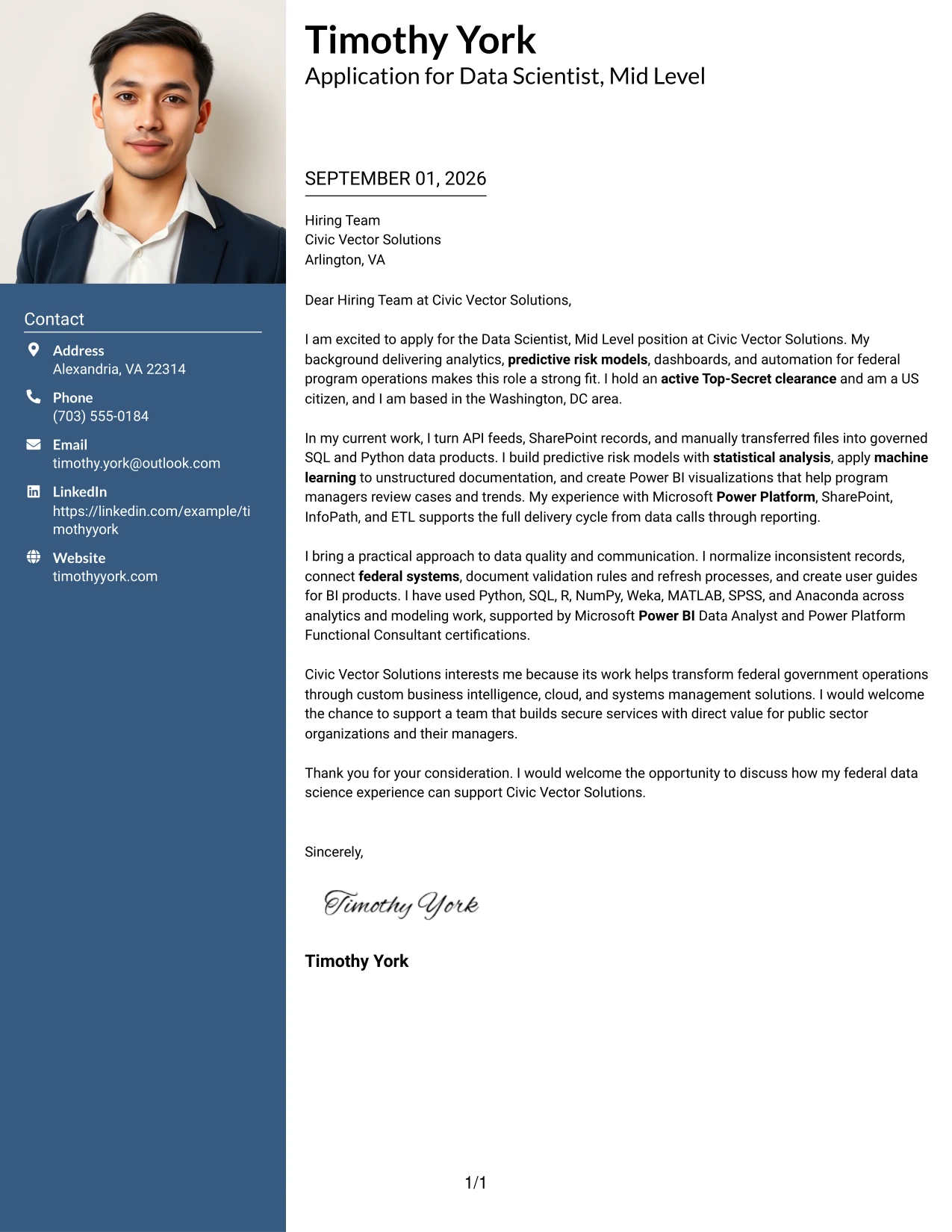
#3 Why This Cover Letter Works
- The opening leads with evidence that matches the employer’s most important requirements.
- The two-column design keeps the letter’s argument separate from supporting details, improving review speed.
- The photo header adds a personal introduction while the written content remains responsible for proving fit.
- The letter can show technical depth without allowing tools and methods to overwhelm the motivation statement.
- Federal program experience gives the application context that supports interest in public sector consulting.
- A clear separation between evidence and closing motivation makes the employer connection easier to follow.
- The format supports a confident tone while leaving enough room for a courteous, specific closing.
Best For
- Applications where a personal introduction should accompany a strong written case for fit
- Letters that need to distinguish high-value evidence from contact and recipient information
- Candidates presenting both technical accomplishments and a clear reason for joining the employer
- Roles where clearance, federal systems work, or other eligibility facts should be easy to locate
- Cover letters that combine analytical evidence with client-facing communication
- Situations where the employer’s work benefits from a polished and personal presentation
- Applications with enough supporting detail to justify two clearly separated content areas
#4 Cover Letter Example: Simple One Column Format
Balanced spacing gives each part of the application room to work: the opening establishes interest, the middle presents role-aligned evidence, and the closing states the next step. Simple One Column Format keeps that progression easy to read from greeting to signature, which suits a cover letter built on clear reasoning rather than decoration.
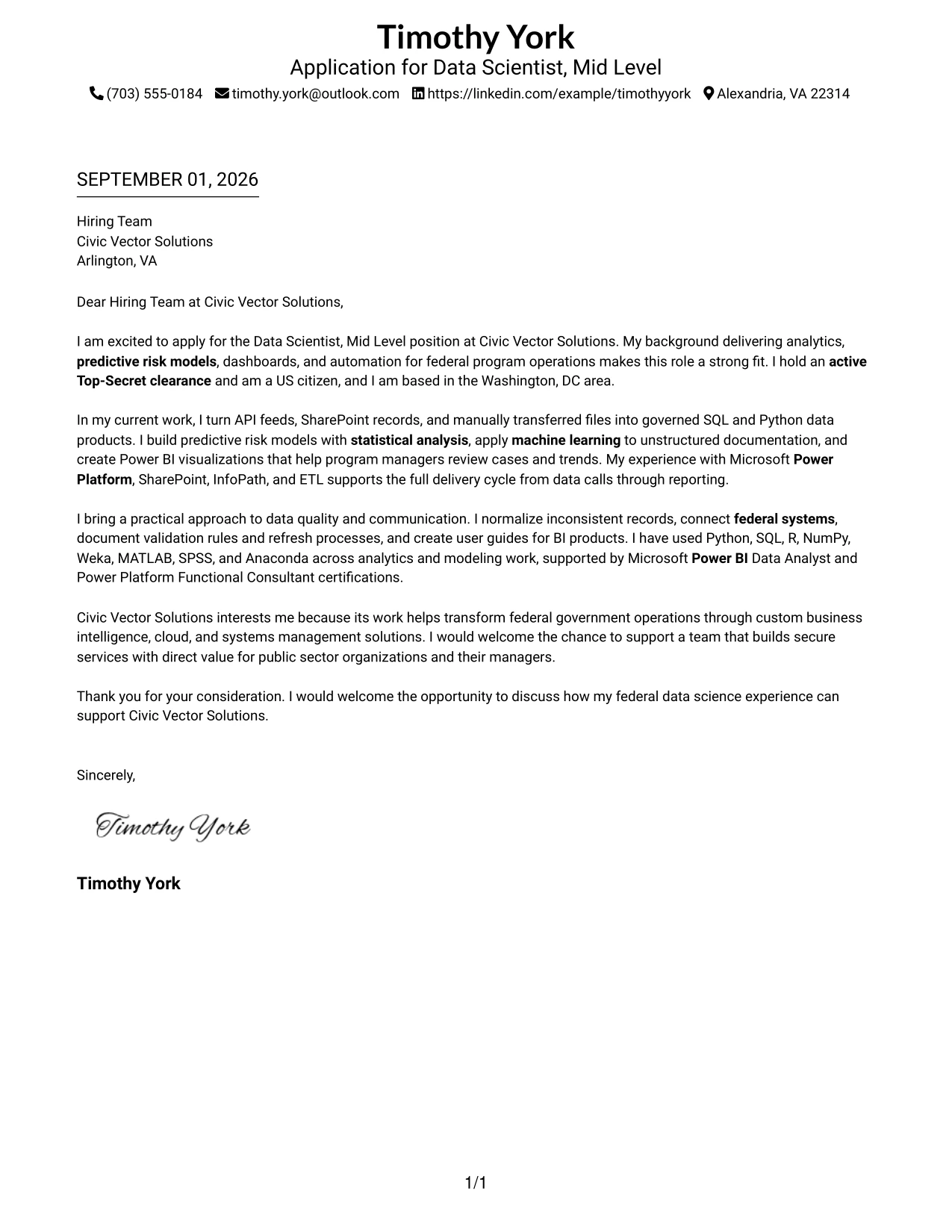
#4 Why This Cover Letter Works
- One continuous reading path helps the hiring team follow the letter’s argument without switching between content areas.
- The opening can connect the candidate’s federal analytics background to the employer’s stated mission.
- A spacious body makes technical terms easier to understand in context.
- The format gives equal weight to motivation, relevant experience, and employer fit.
- Short paragraphs can explain how data products support program managers and public sector clients.
- The uncomplicated structure keeps the closing visible and professional.
- A restrained page design supports a letter that must communicate precision, judgment, and reliability.
Best For
- Applications that depend on a straightforward beginning, evidence section, and closing request
- Readers who prefer one continuous path through the candidate’s motivation and qualifications
- Letters that need space for plain-language explanations of technical work
- Candidates connecting public sector experience to a consulting employer’s mission
- Applications where employer interest should receive the same attention as technical evidence
- Cover letters intended for easy reading on screen or in print
- Situations where a calm, formal presentation supports a message about dependable delivery
#5 Cover Letter Example: One Column Format with Photo
For an application that benefits from a personal first impression, the letter can introduce the candidate visually while keeping the written case in one focused column. One Column Format with Photo preserves a direct sequence: interest in the role, evidence of delivery, reasons for joining Civic Vector Solutions, and a professional close.
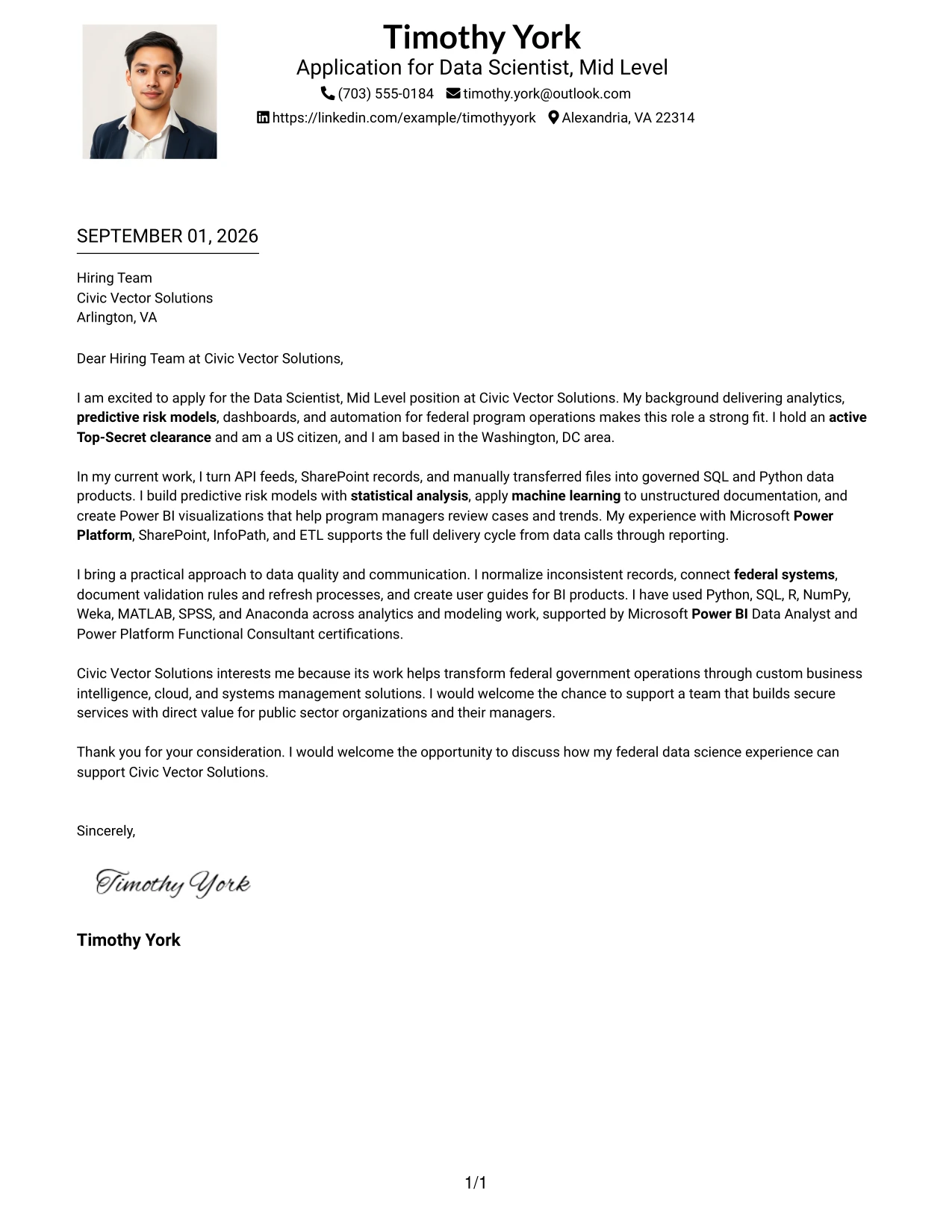
#5 Why This Cover Letter Works
- The personal header can make the introduction feel more individual without replacing evidence of ability.
- A single column keeps the persuasive message easy to read from start to finish.
- The opening can state the target position and connect it to federal program operations experience.
- The body has room to explain complex work in a way that supports the employer’s responsibilities.
- The format lets motivation and company interest appear as part of the argument, not as an afterthought.
- Technical tools are used to support claims about delivery rather than dominate the letter.
- The closing can return attention to the value the candidate could bring to secure public sector services.
Best For
- Applications where a personal introduction supports, but does not replace, the written case
- Cover letters that need a single clear route through motivation and evidence
- Candidates who want to explain technical work in complete, readable paragraphs
- Roles involving public sector clients, where credibility and communication must appear together
- Letters that need room for a specific employer-interest paragraph
- Applications with a moderate amount of evidence that benefits from uninterrupted reading
- Situations where a polished personal presentation fits the communication goal
#6 Cover Letter Example: One Column Format with Photo Right
A restrained visual hierarchy keeps the written argument primary while a right-side personal image adds a human point of entry. One Column Format with Photo Right works well when the letter must align technical experience with employer needs, because the reader can follow one uninterrupted narrative while still seeing a polished identity cue.
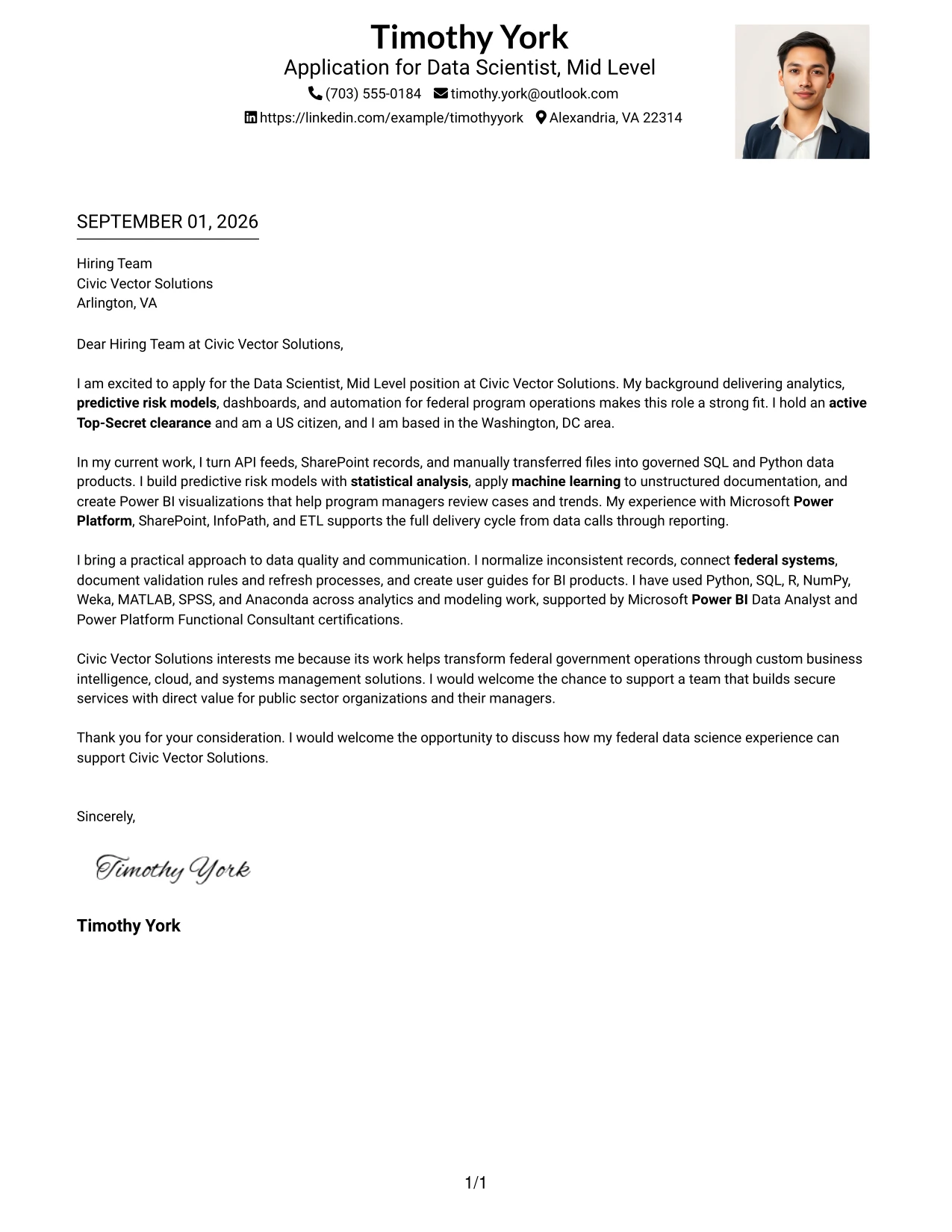
#6 Why This Cover Letter Works
- The right-side image supports recognition without interrupting the letter’s main reading path.
- The opening can state interest and fit before the reader reaches detailed evidence.
- One-column text gives the candidate room to explain methods, results, and stakeholder value in context.
- The letter can align federal data work with Civic Vector Solutions’ focus on custom solutions.
- A separate visual element leaves the written closing free to make a direct request.
- The structure supports a professional tone that is personal but not informal.
- The format is useful when role alignment must be clear before the reader considers the full technical background.
Best For
- Applications where the written message should remain primary beside a personal visual element
- Letters that need to align technical experience with a named employer’s service needs
- Candidates who want one uninterrupted narrative rather than several narrow text areas
- Roles requiring both analytical judgment and clear communication with program stakeholders
- Applications where a polished identity cue can support a professional introduction
- Cover letters with enough evidence for several paragraphs but not enough to require a complex grid
- Situations where employer fit should be established before detailed methods and tools
#7 Cover Letter Example: Simple Two Column Format
Simple Two Column Format organizes the letter into a clear main message and a compact supporting area. That structure lets the opening and closing carry the persuasive flow while selected evidence, such as machine learning, Power BI, and data integration, remains easy to locate during a quick review.
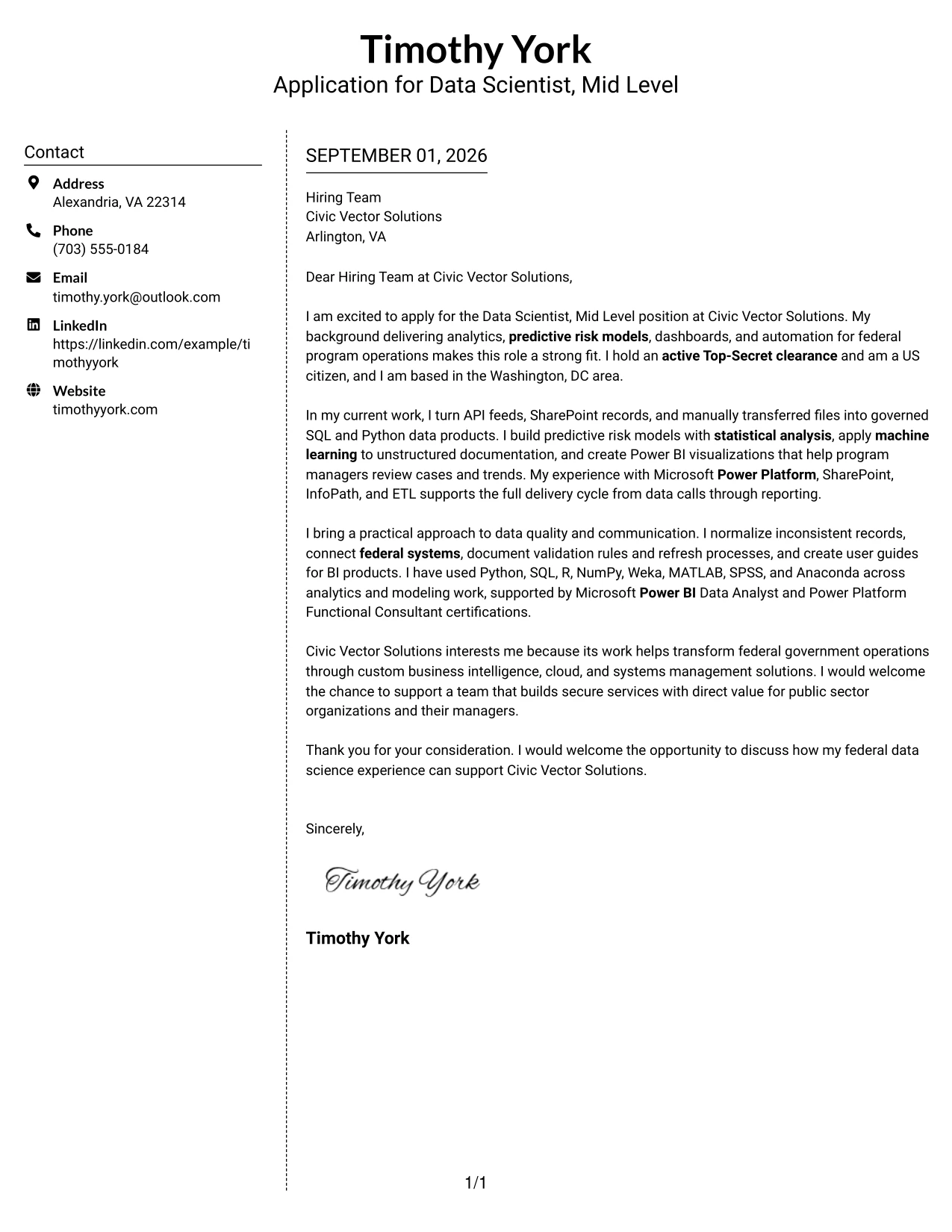
#7 Why This Cover Letter Works
- The main column can carry a complete letter instead of reducing the application to fragments.
- The supporting column gives key evidence a visible place without repeating the body text.
- Simple visual markers help the reader separate role motivation from proof of capability.
- The format can highlight clearance and federal experience while preserving a natural narrative.
- Technical examples remain connected to the responsibilities they support.
- The two-column balance helps prevent a long letter from feeling crowded.
- A distinct closing area reinforces the candidate’s interest and availability for discussion.
Best For
- Letters that need a full narrative plus a short, well-defined evidence area
- Applications where selected qualifications should be visible during an initial scan
- Candidates balancing motivation with a compact summary of relevant methods
- Roles that combine data analysis, reporting, and service delivery responsibilities
- Cover letters needing a clear distinction between the main argument and supporting facts
- Readers who benefit from simple visual markers rather than elaborate design
- Applications where a concise supporting panel can reduce repetition in the body
#8 Cover Letter Example: Stylish Two Column Designer Format
The reader can follow the primary letter in one column and use the designer sidebar for supporting context. Stylish Two Column Designer Format is useful when the application contains several connected points, because it separates motivation, evidence, and employer fit without making any one part carry the entire message.
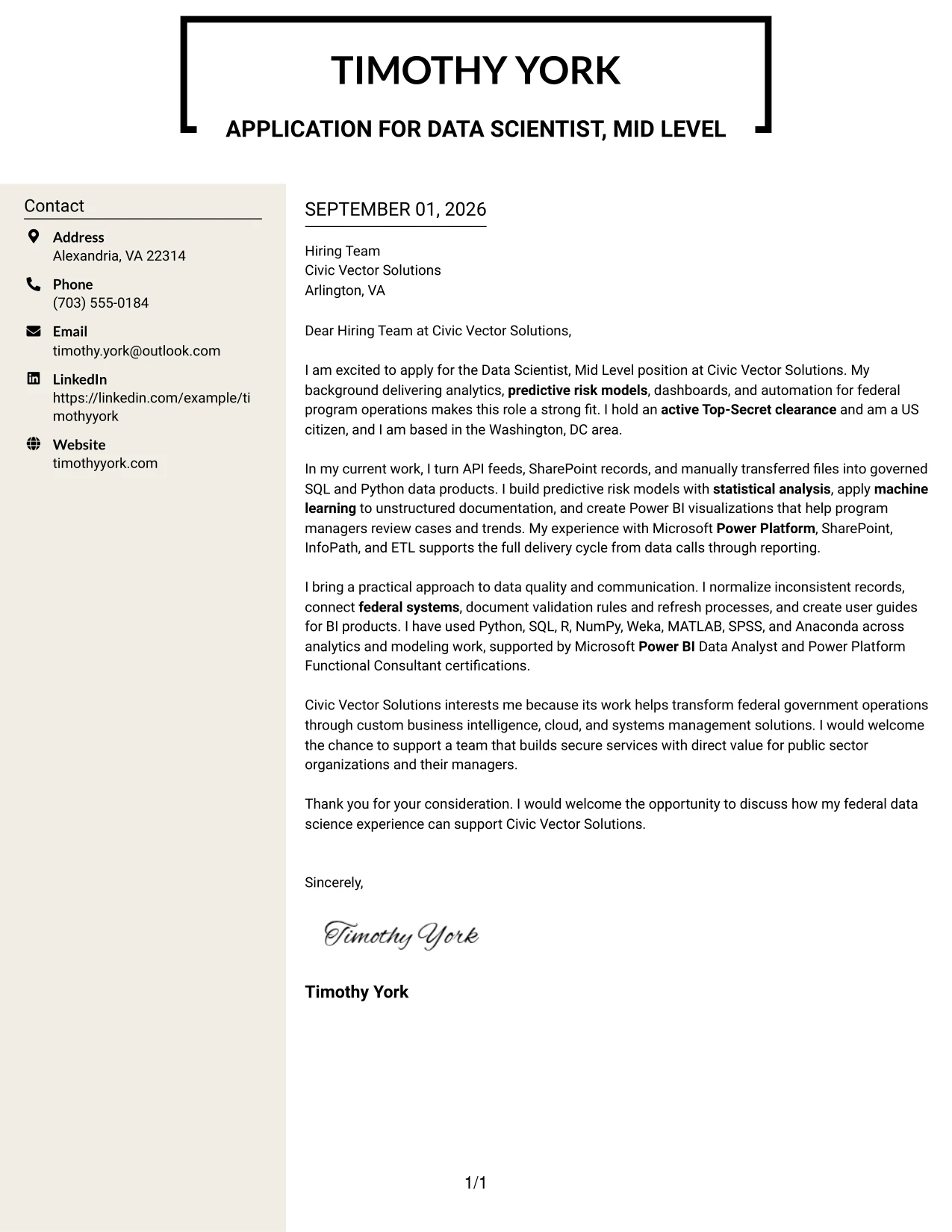
#8 Why This Cover Letter Works
- The sidebar can hold concise context while the main column develops the persuasive story.
- A larger evidence volume becomes easier to manage when related points have separate visual homes.
- The opening remains focused on the target role instead of beginning with an inventory of tools.
- The body can explain how analytics, automation, and documentation serve program users.
- The design allows company interest to receive a clear paragraph rather than a generic final line.
- A structured sidebar helps readers return to important facts after reading the narrative.
- The closing benefits from a dedicated endpoint that makes the requested next step unmistakable.
Best For
- Applications with several supporting facts that should not interrupt the main letter
- Candidates who need to explain technical work, business value, and employer interest separately
- Readers who scan a sidebar first and then review the full persuasive narrative
- Roles with broad responsibilities spanning analytics, automation, integration, and reporting
- Letters where supporting context can reduce repeated explanations in the body
- Applications that need a stronger visual distinction between evidence and motivation
- Situations where a polished designer layout can organize substantial but related content
#9 Cover Letter Example: Colored Two Column Format
The letter should lead with evidence the employer can use: federal systems integration, predictive risk models, Power Platform delivery, and BI communication. Colored Two Column Format gives that evidence a defined visual area while the main text explains motivation and fit, creating a quick comparison between capability and employer need.
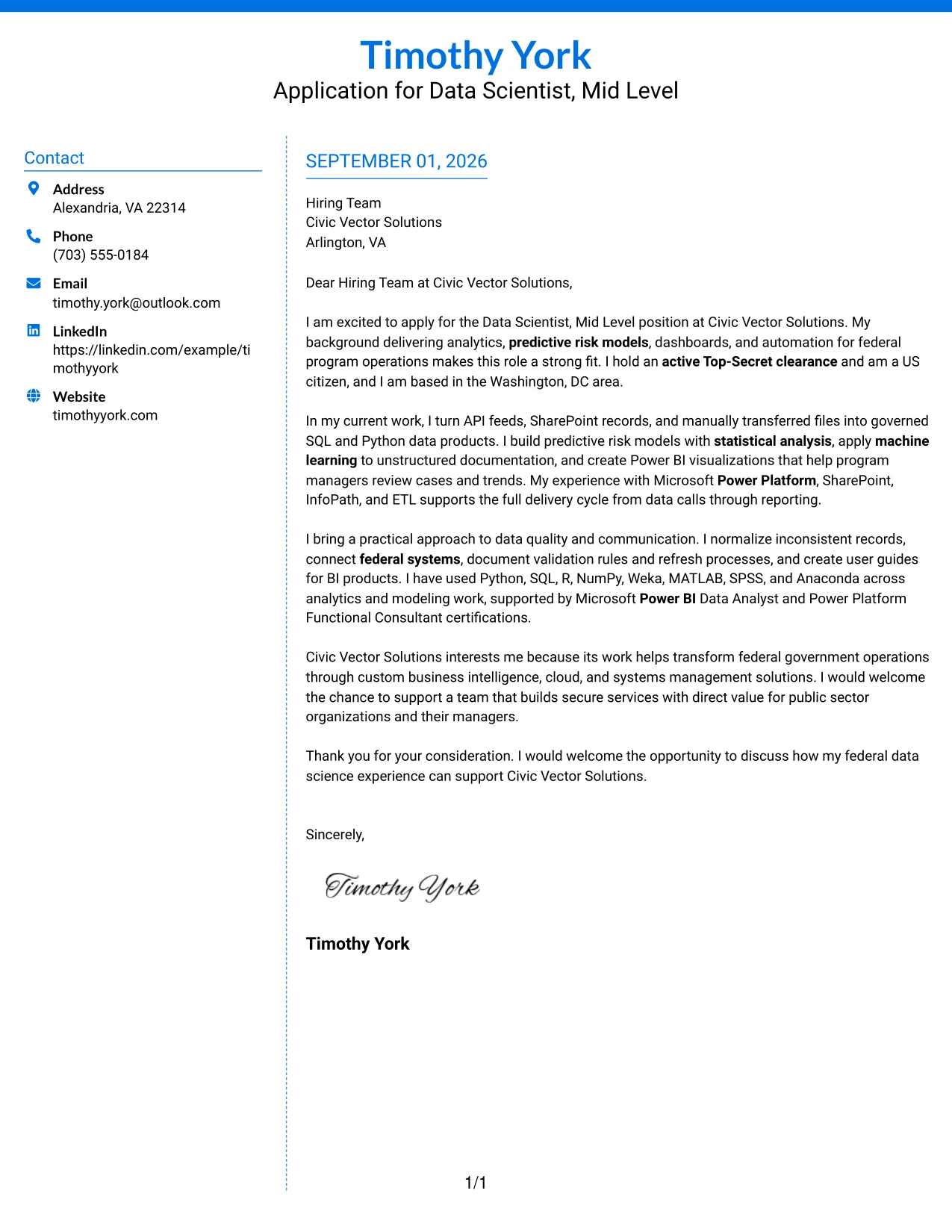
#9 Why This Cover Letter Works
- The opening prioritizes qualifications that map directly to the posted responsibilities.
- Color can distinguish evidence from narrative without changing the professional message.
- The main column gives space to explain why Civic Vector Solutions is a strong target.
- The supporting area can surface clearance, certifications, or relevant platforms for quick confirmation.
- The letter shows both technical capability and the judgment needed to communicate findings.
- Separated content areas make a multi-part fit argument easier to review.
- The closing can focus on contribution and conversation rather than repeat earlier evidence.
Best For
- Applications where the employer must compare capability with several stated needs
- Letters that combine a detailed motivation statement with concise qualification evidence
- Candidates presenting clearance, certifications, and platform experience as supporting facts
- Roles requiring both technical delivery and communication with management audiences
- Readers who benefit from color-coded separation between narrative and evidence
- Cover letters with multiple evidence types, including modeling, integration, and documentation
- Applications where a clear visual hierarchy can speed review without making the letter informal
#10 Cover Letter Example: Creative Two Tone Format
Balanced use of two tones can separate personal interest from professional proof while keeping the letter unified. Creative Two Tone Format gives the application a distinct presentation, but the content remains practical: a clear opening, role-specific evidence, a reason for choosing Civic Vector Solutions, and a direct closing.
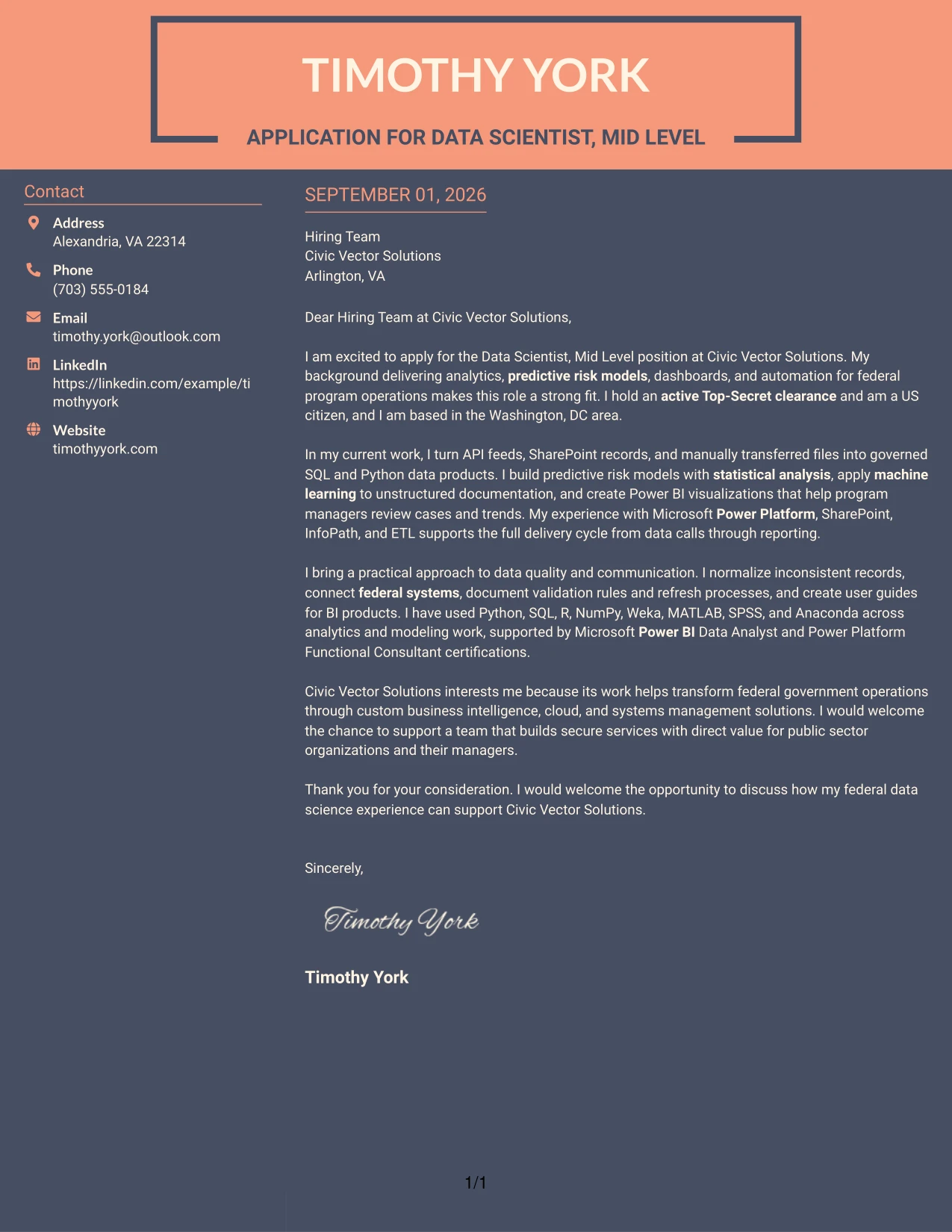
#10 Why This Cover Letter Works
- The two-tone treatment creates contrast without requiring a long or complicated letter.
- The opening can make motivation clear before the evidence section begins.
- Professional proof remains grounded in federal analytics, modeling, automation, and reporting work.
- A distinct company-interest paragraph shows that the application is directed to Civic Vector Solutions.
- The format supports short paragraphs that keep technical explanations accessible.
- Visual separation can help the reader recognize the shift from evidence to employer fit.
- The closing preserves a formal, confident tone and points toward a useful next conversation.
Best For
- Applications that need a distinct presentation while keeping the message easy to follow
- Letters separating personal motivation from evidence of professional delivery
- Candidates targeting an employer whose mission deserves a specific interest paragraph
- Roles where technical work must be explained in accessible language
- Cover letters with a small number of strong evidence points rather than a long inventory
- Readers who respond well to clear visual contrast between stages of the argument
- Situations where a modern presentation should still support a formal business message
#11 Cover Letter Example: Modern Icon Format
A practical application needs a letter that feels current while keeping its purpose clear. Modern Icon Format uses small visual cues to guide the reader through contact details and the written argument, while the content focuses on data science delivery, public sector value, and a specific reason to join Civic Vector Solutions.
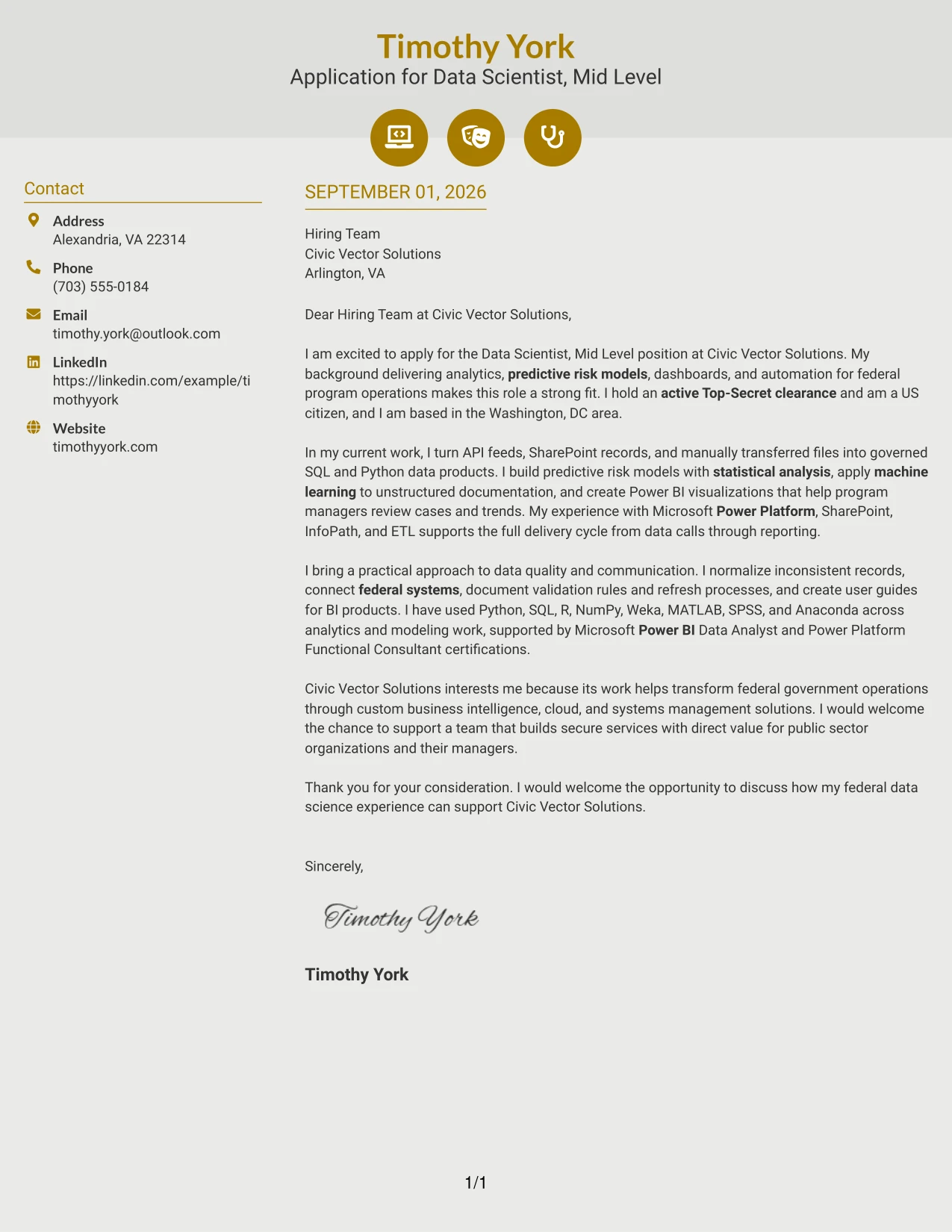
#11 Why This Cover Letter Works
- Icons can guide attention to contact details without competing with the letter’s main message.
- The opening establishes role interest and relevant federal experience in a small amount of space.
- The body connects modeling, data integration, dashboards, and automation to the employer’s work.
- Visual cues help divide the letter into readable stages without creating a resume-like list.
- The company-interest paragraph gives the application a persuasive and specific direction.
- The format supports a modern tone while keeping the language professional and direct.
- A clear closing completes the argument and invites a conversation about contribution.
Best For
- Applications seeking a current visual feel without losing a clear letter structure
- Readers who use small navigation cues to move through contact and message areas
- Candidates presenting several related data science capabilities in connected paragraphs
- Roles where public sector value and technical delivery should appear together
- Cover letters that need a concise but specific explanation of employer interest
- Applications reviewed on screen, where clear visual markers can support navigation
- Situations where modern presentation should reinforce, not replace, persuasive writing
#12 Minimal Header Format Cover Letter Example
A restrained visual hierarchy keeps attention on the letter's argument: interest in Civic Vector Solutions, more than five years of federal analytics experience, predictive risk models, Power Platform delivery, and an active Top-Secret clearance. The simple header gives the opening room to establish role alignment, while the body can connect technical evidence to the employer's work transforming federal operations. A direct closing then makes the next step clear without adding visual distractions.
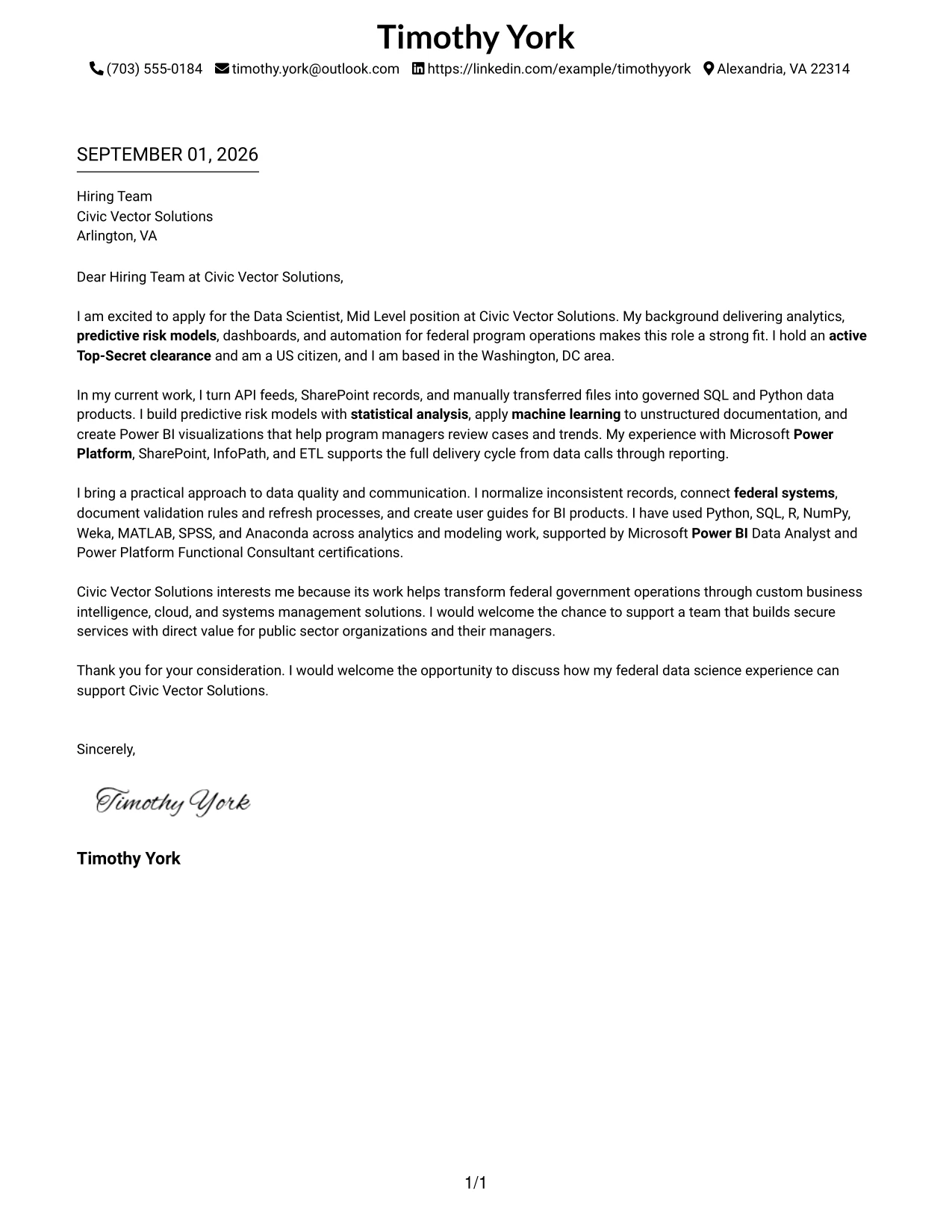
Why This Cover Letter Works
- The opening names the target role and gives a clear reason for applying.
- Federal analytics experience is connected directly to Civic Vector Solutions' public-sector work.
- The body shows practical delivery across APIs, SharePoint, SQL, Python, and Power BI.
- Predictive risk modeling and machine learning provide evidence for the role's analytical requirements.
- Power Platform, SharePoint, and InfoPath experience addresses the employer's required tools.
- The letter establishes active Top-Secret clearance and US citizenship early.
- The closing is professional, specific, and invites further discussion.
Best For
- Applications where the opening argument should be easy to find immediately.
- Roles that require a direct link between past work and the employer's stated needs.
- Cover letters with several technical qualifications that need calm presentation.
- Readers who prefer a traditional one-column letter with clear paragraph flow.
- Situations where motivation, evidence, and employer fit should appear in a simple sequence.
- Applications that benefit from a concise, professional communication style.
- Letters that need room for a strong opening and a focused closing.
#13 Clean Two Column Sidebar Format Cover Letter Example
The Clean Two Column Sidebar Format separates contact details and supporting cues from the main letter, creating a clear route from introduction to evidence to closing. That structure helps a reader move through the application without losing the central message: the candidate can deliver federal data products, predictive risk models, BI dashboards, and automation for Civic Vector Solutions. The side area supports quick orientation, while the main column carries the persuasive explanation of skills and employer fit.
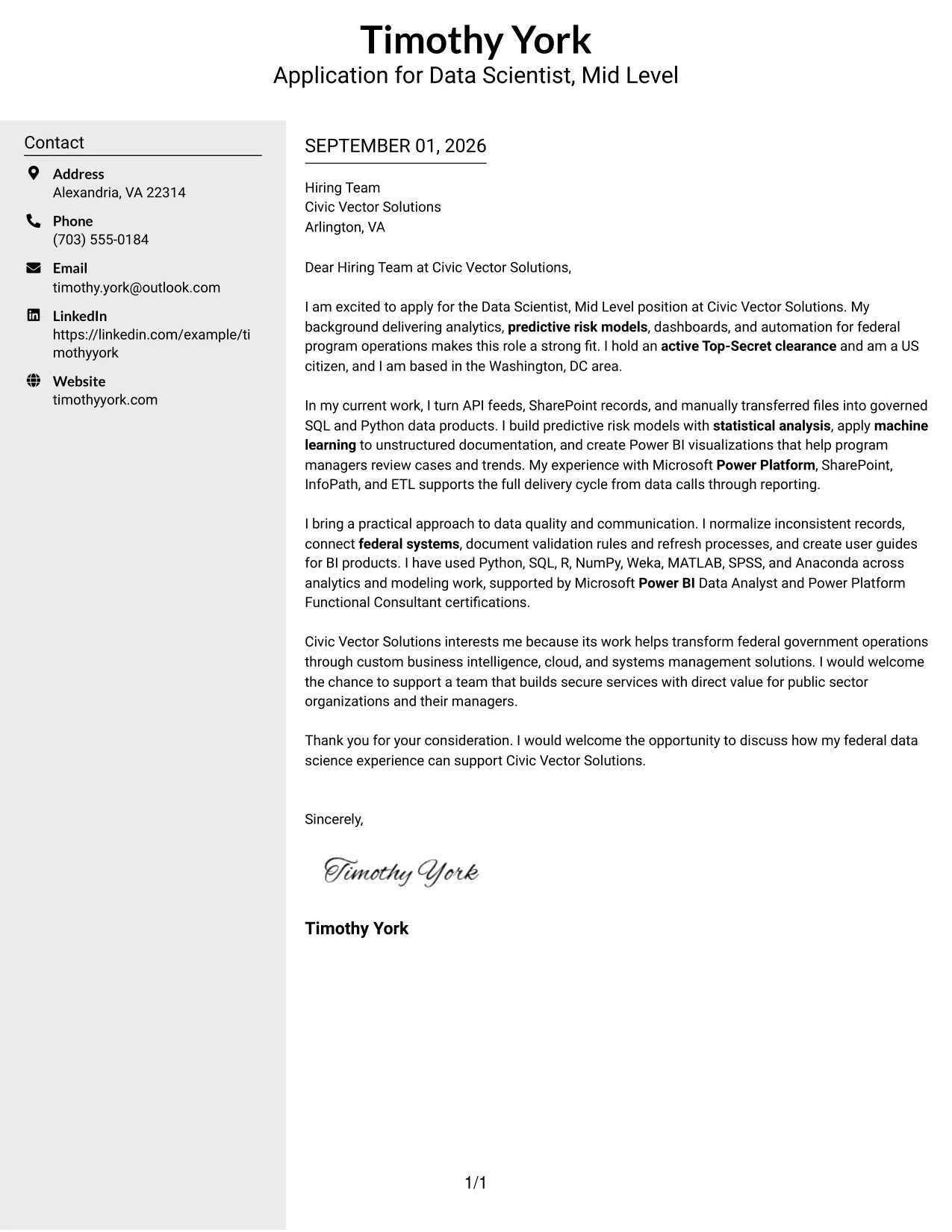
Why This Cover Letter Works
- The two-column structure gives the reader a clear starting point.
- A separate sidebar reduces crowding in the main message.
- The body can explain complex work without turning the letter into a list of tools.
- Federal systems integration is presented as relevant evidence rather than isolated terminology.
- Power BI dashboards and automation show the ability to deliver usable results.
- The letter links technical work to program-manager decision support.
- The closing remains visible and easy to act on.
Best For
- Letters with substantial contact or supporting information alongside the main message.
- Applications where quick navigation matters during an initial review.
- Candidates who need to explain both technical delivery and stakeholder communication.
- Roles that combine data preparation, analysis, visualization, and documentation.
- Cover letters where a sidebar can separate context from the persuasive body.
- Readers who value strong visual grouping without decorative complexity.
- Applications that must present several related qualifications in a controlled space.
#14 Plain Two Column Format Cover Letter Example
Readers can move from the contact area to the greeting, then through role fit, supporting evidence, company interest, and the close in a steady sequence. The Plain Two Column Format gives a detailed application enough room to discuss API feeds, normalized datasets, statistical analysis, and BI products while keeping the page organized. It suits a letter that must communicate both technical range and a practical understanding of federal program operations.
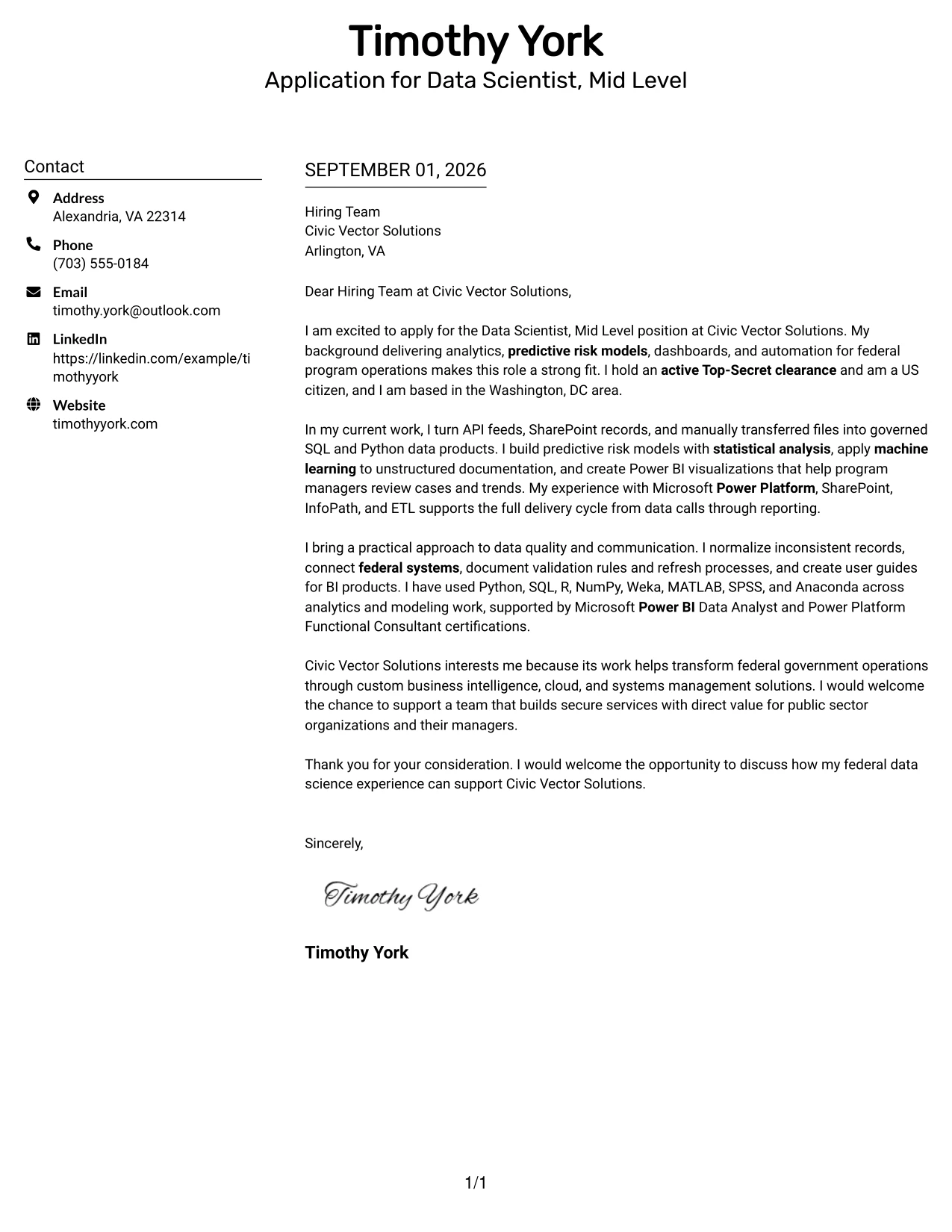
Why This Cover Letter Works
- The sequence makes the application purpose clear before technical detail appears.
- Two columns help distribute a longer set of supporting information.
- The body explains how data work supports management decisions.
- Experience with federal systems is tied to the employer's preferred environment.
- The letter covers modeling, visualization, ETL, and documentation in connected ideas.
- Technical tools are placed in context instead of presented as a disconnected inventory.
- The final paragraph reinforces interest in Civic Vector Solutions' mission.
Best For
- Cover letters that need to hold several evidence points without feeling dense.
- Applications with a clear distinction between supporting details and the main argument.
- Roles where data preparation and business communication carry equal weight.
- Readers reviewing a broad technical background across multiple work areas.
- Letters that benefit from balanced page use and predictable reading order.
- Applications that need to discuss both delivery methods and business value.
- Candidates presenting a full but controlled explanation of role fit.
#15 Modern Full Background Two Column Format Cover Letter Example
The strongest evidence appears early: federal analytics delivery, predictive risk modeling, machine learning on unstructured documentation, and Power Platform experience. The Modern Full Background Two Column Format then gives that evidence a structured setting, allowing the letter to move from capability to examples and finally to motivation for joining Civic Vector Solutions. The result is persuasive because each technical point supports a clear employer need.
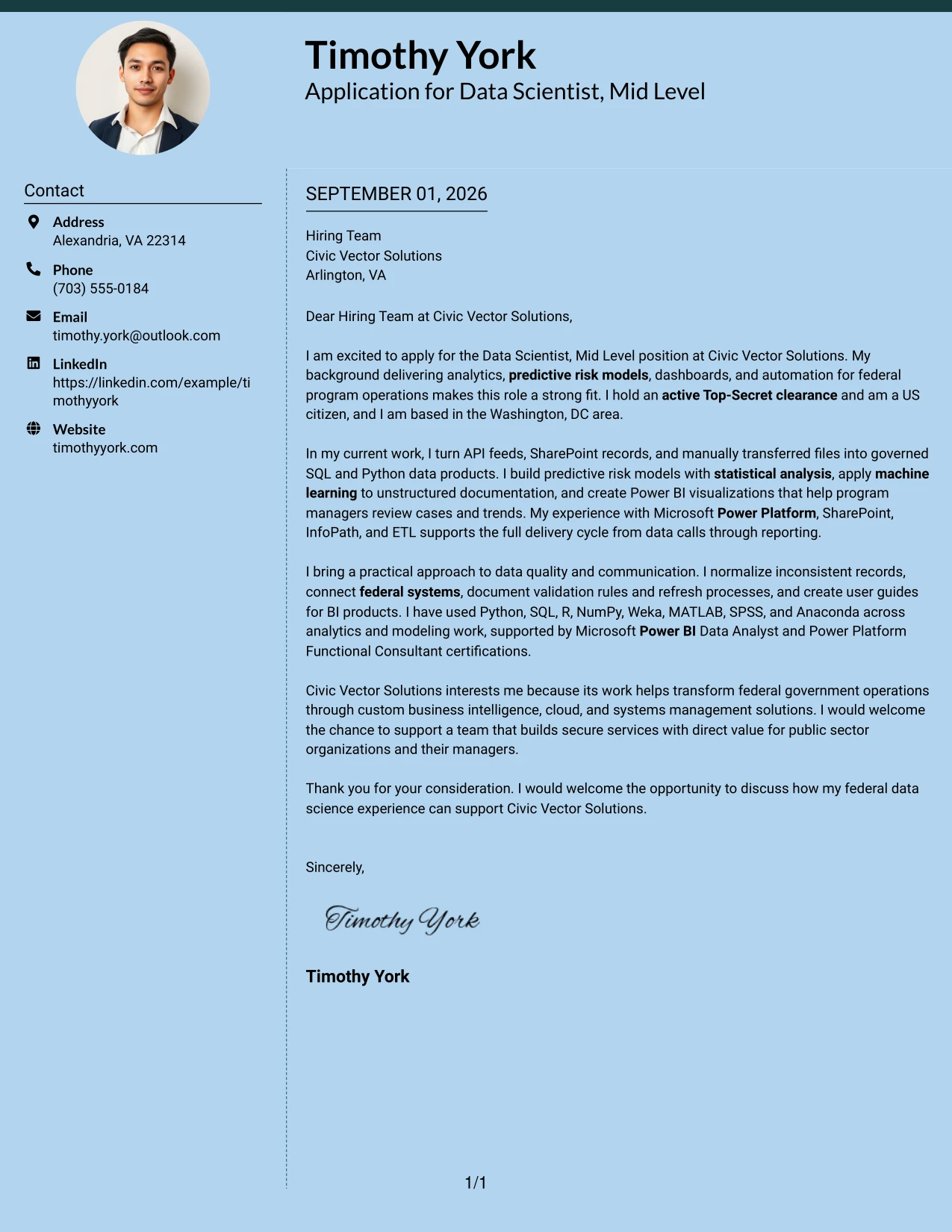
Why This Cover Letter Works
- The first paragraph establishes a strong match with the stated role.
- Predictive risk models answer a central responsibility in the job description.
- Machine learning applied to policy and case documentation supports the AI and ML requirement.
- Power Platform, SharePoint, and InfoPath experience addresses required delivery tools.
- The letter explains how APIs, files, and system records become usable data products.
- Documentation and user guides show attention to adoption after delivery.
- Company interest is tied to custom solutions for federal operations.
Best For
- Applications where the most relevant evidence should lead the conversation.
- Roles with several required tools that must be connected to real work.
- Cover letters that need to show analytical depth and delivery ownership together.
- Employers seeking proof that technical work can support operational decisions.
- Applications involving structured data, unstructured documents, and management reporting.
- Letters where a modern two-column presentation can organize multiple proof points.
- Candidates who want motivation to follow evidence rather than replace it.
#16 Dark Mode Two Column Format Cover Letter Example
Balanced spacing gives the letter a controlled tone while the content handles a demanding application: federal data work, predictive models, machine learning, dashboards, and secure systems integration. The Dark Mode Two Column Format can separate contact context from the main case for hiring, helping the reader absorb technical evidence in measured sections. Clear wording remains essential so the strong visual treatment supports, rather than competes with, the message.
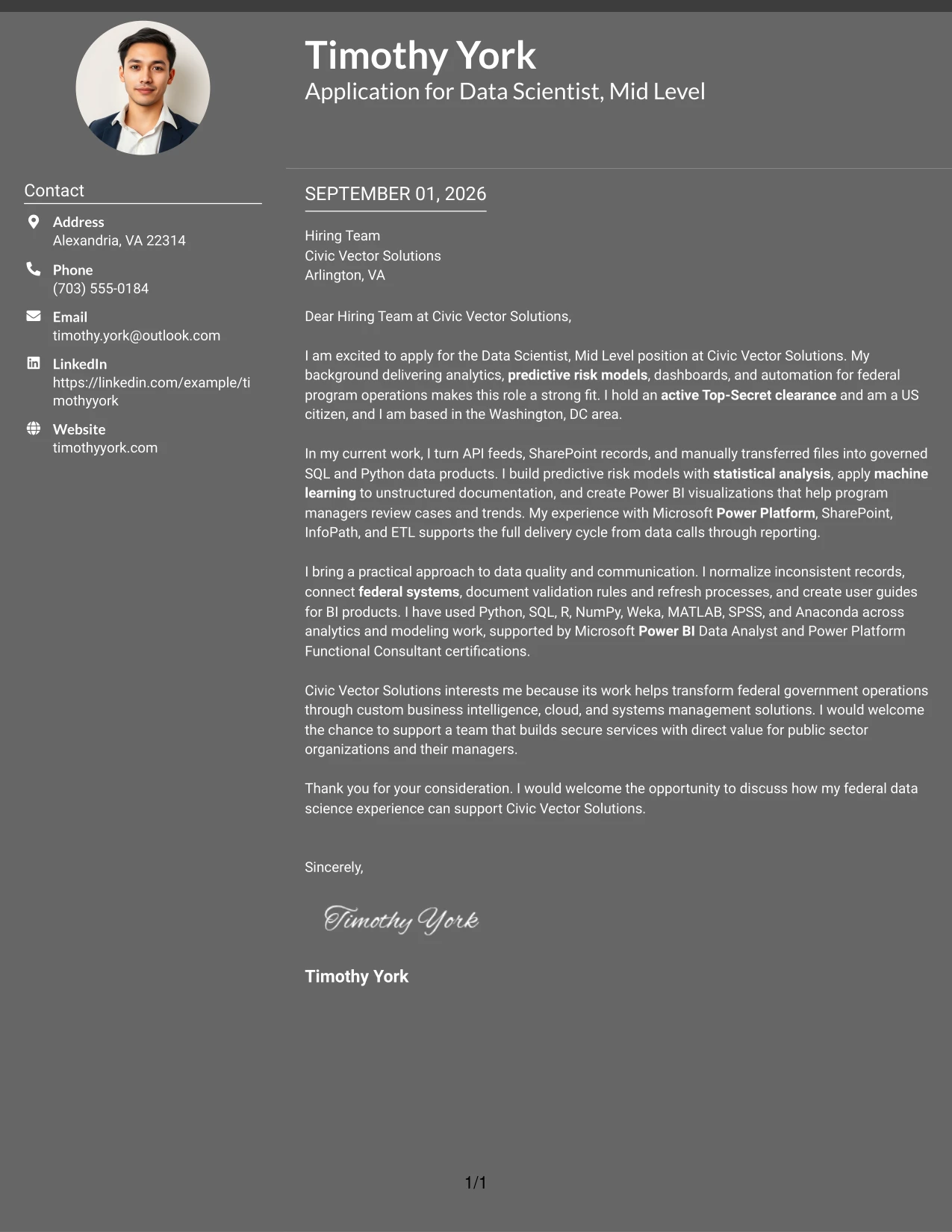
Why This Cover Letter Works
- The letter keeps a serious tone suited to secure federal work.
- Its sections can separate motivation, evidence, and closing without excess text.
- The experience described covers the employer's full data delivery cycle.
- Risk assessment work gives the technical background a practical purpose.
- Power BI and Power Automate experience demonstrates delivery beyond analysis.
- The letter includes documentation and validation, which support dependable services.
- The closing confirms interest without overstating the claim.
Best For
- Applications where disciplined spacing can make technical content easier to absorb.
- Roles that require a serious, structured communication style.
- Letters with several evidence groups that should remain visually distinct.
- Work involving secure environments, data controls, and operational reporting.
- Readers who value a strong visual frame with concise supporting text.
- Applications where the message must balance technical capability and practical judgment.
- Cover letters that need a firm presentation without a crowded page.
#17 Dark Mode Box Header Format Cover Letter Example
For a practical application to Civic Vector Solutions, a boxed header can make the purpose and contact information immediately clear before the reader reaches the argument. The Dark Mode Box Header Format gives a one-column letter a firm frame, then lets the body explain federal data science experience, system connections, BI delivery, and company interest in a straightforward order. This approach works when visual confidence must be paired with restrained, readable writing.
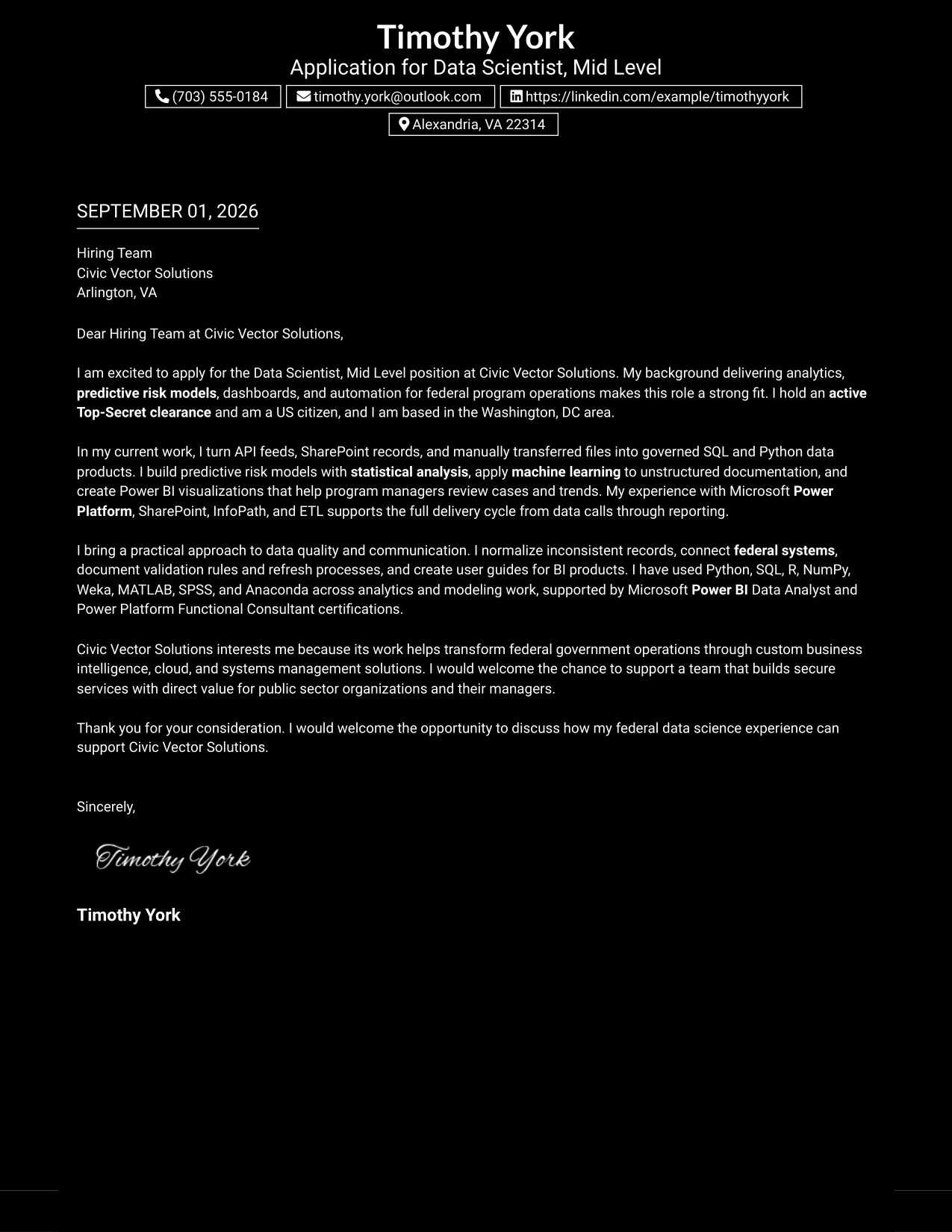
Why This Cover Letter Works
- The boxed header makes the application context clear at first glance.
- A single column keeps the persuasive message in a natural reading order.
- The opening combines motivation with relevant federal experience.
- The body demonstrates work with APIs, SQL, Python, and controlled data transfers.
- The letter addresses modeling, dashboards, applications, and automation together.
- Clear explanation shows how technical work serves program managers.
- The closing creates a direct invitation to continue the conversation.
Best For
- Applications that need the employer and role to stand out immediately.
- Letters where one continuous argument is more useful than side-by-side content.
- Roles requiring a confident but controlled professional presentation.
- Cover letters that combine technical evidence with a clear company-interest paragraph.
- Readers who scan the header first and then expect a direct narrative.
- Applications where a strong frame can add structure without adding extra sections.
- Communication needs that favor clarity, focus, and a decisive close.
#18 Elegant Full Background Two Column Format Cover Letter Example
A calm visual hierarchy gives the letter a polished, deliberate impression while keeping the message practical. The Elegant Full Background Two Column Format supports a clear case for fit: experience delivering federal analytics, improving risk assessment, building BI products, and documenting solutions for users. Its balanced presentation helps motivation and evidence work together, so interest in Civic Vector Solutions follows naturally from the value the candidate can provide.
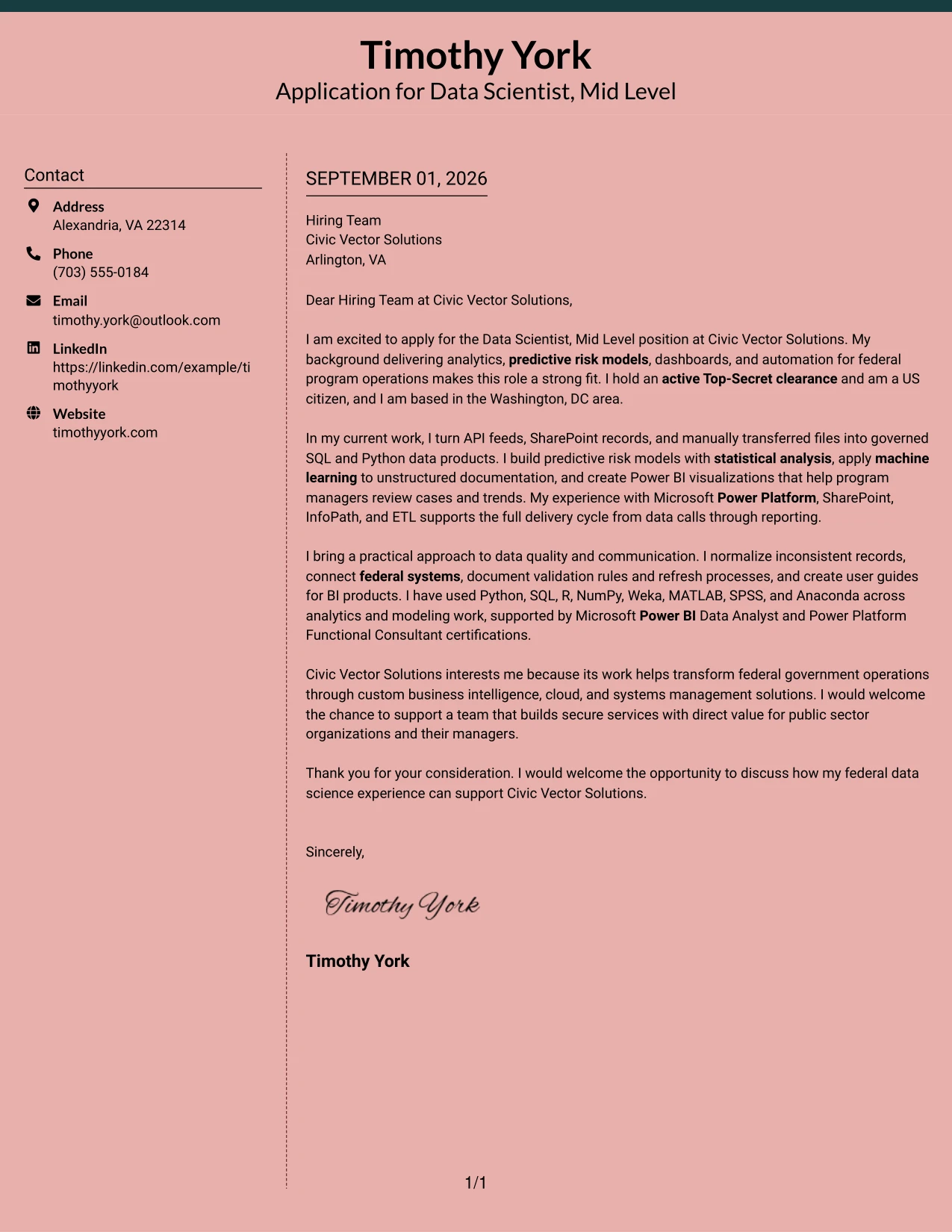
Why This Cover Letter Works
- The opening presents a focused case for the role rather than a general career summary.
- The letter connects federal program operations to Civic Vector Solutions' public-sector mission.
- Analytics, modeling, and dashboard work are explained as business support.
- Data quality practices strengthen the credibility of the technical claims.
- Experience with Power Platform, SharePoint, and InfoPath matches required qualifications.
- User guides and documented processes show concern for long-term usability.
- The closing is courteous and keeps the next step open.
Best For
- Applications where polished structure should reinforce a thoughtful message.
- Roles that require both technical evidence and strong employer alignment.
- Cover letters for organizations serving public-sector or operational clients.
- Readers who value a measured explanation of how skills create useful outcomes.
- Applications with enough experience to support several connected proof points.
- Letters that need to balance motivation, delivery evidence, and communication style.
- Professional correspondence where visual refinement should remain secondary to clarity.
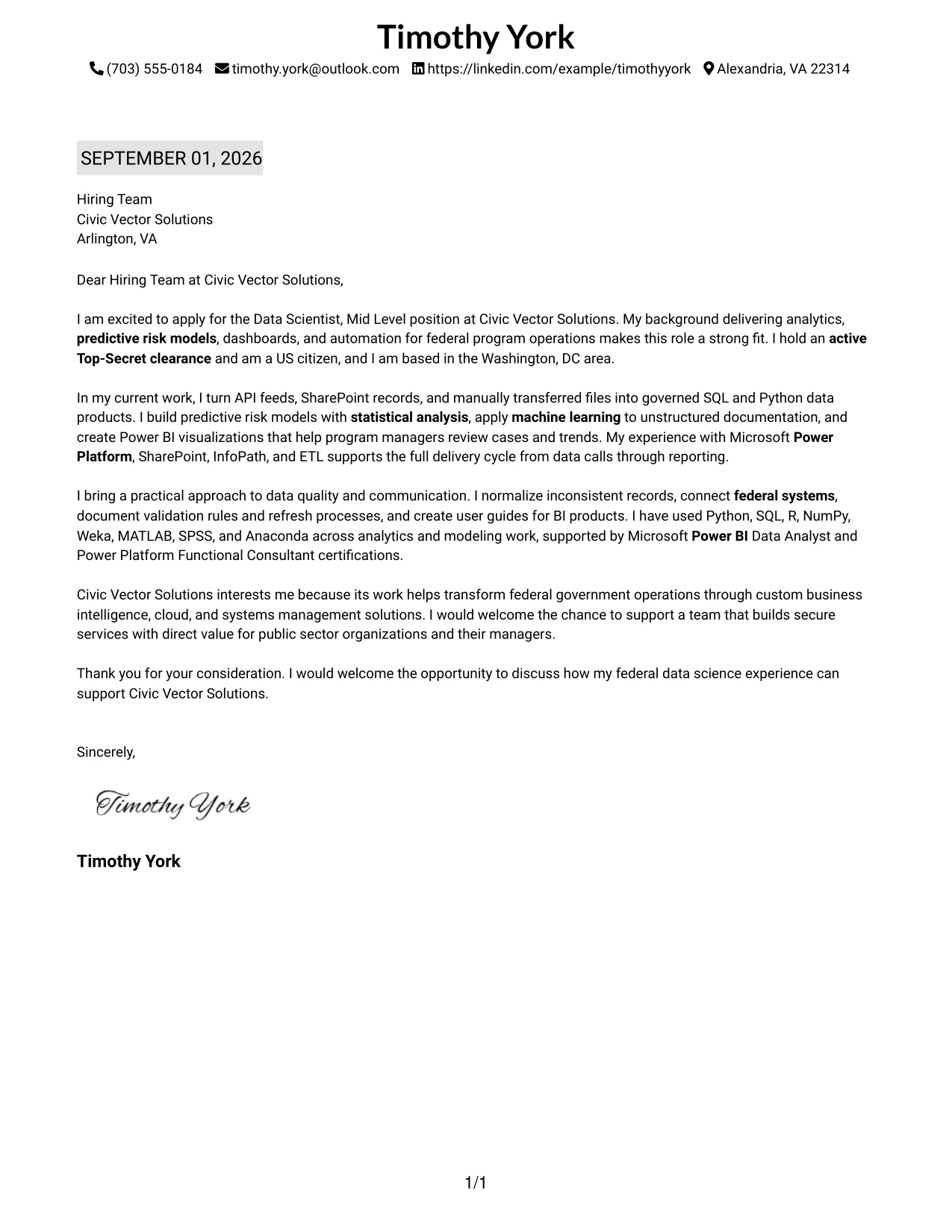
#19 Plain One Column with Highlighted Date Cover Letter Example
The Plain One Column with Highlighted Date Format gives the letter a familiar structure: date and contact context first, followed by the greeting, focused body paragraphs, and closing. That predictable order helps a reviewer find the application purpose quickly and then assess the evidence behind it. The letter can present more than five years of federal analytics experience, relevant tools, clearance, and interest in Civic Vector Solutions without relying on visual complexity.
Why This Cover Letter Works
- The familiar order supports fast orientation during review.
- The highlighted date adds a clear point of reference without interrupting the argument.
- The opening states the role, fit, clearance, and location directly.
- Middle paragraphs connect data science methods to the employer's responsibilities.
- The letter gives equal attention to technical delivery and communication with managers.
- Company interest is specific to federal transformation and custom solutions.
- The closing is brief, professional, and action-oriented.
Best For
- Applications that benefit from a familiar business-letter sequence.
- Readers who need to locate timing and contact context quickly.
- Cover letters with a moderate amount of evidence and a clear narrative.
- Roles where straightforward organization matters more than visual novelty.
- Applications that must move cleanly from introduction to proof to motivation.
- Professional settings that favor conventional, easy-to-review correspondence.
- Letters where a date marker can add context without taking over the page.
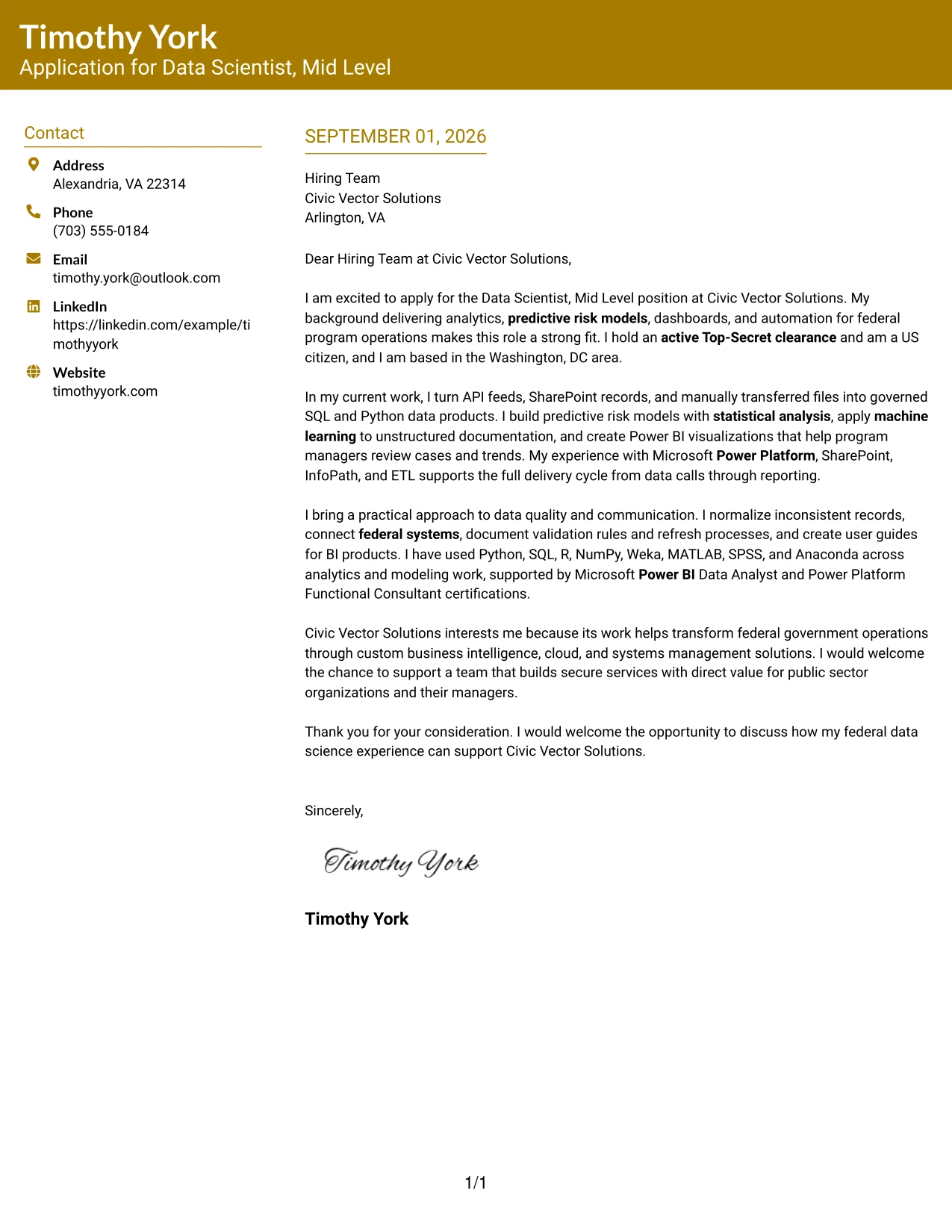
#20 Bold Color Header Professional Format Cover Letter Example
A reader can identify the sender, recipient, role, and opening value proposition before moving into the supporting evidence. The Bold Color Header Professional Format gives Timothy York's letter a clear entry point, then uses a single-column narrative to explain federal data science delivery, modeling, BI tools, and motivation for Civic Vector Solutions. The format suits a detailed letter because the header provides orientation while the body carries the complete argument.
Why This Cover Letter Works
- The header separates essential contact context from the persuasive content.
- The opening quickly states why the background matches the position.
- The body explains experience with APIs, SharePoint, SQL, Python, and ETL.
- Predictive modeling and machine learning address the role's analytical responsibilities.
- Power Platform, InfoPath, and Power BI align with the employer's required environment.
- Certifications support the practical experience without replacing it.
- The final paragraph gives a specific reason for interest in the company.
Best For
- Applications where a strong header can guide the first few seconds of review.
- Detailed letters that need one uninterrupted narrative below the contact area.
- Roles with several matching requirements that should be explained in connected paragraphs.
- Readers who want clear separation between application details and supporting evidence.
- Cover letters that combine technical qualifications, clearance information, and motivation.
- Professional applications where confident presentation should remain easy to read.
- Candidates who need space for a complete but disciplined explanation of fit.
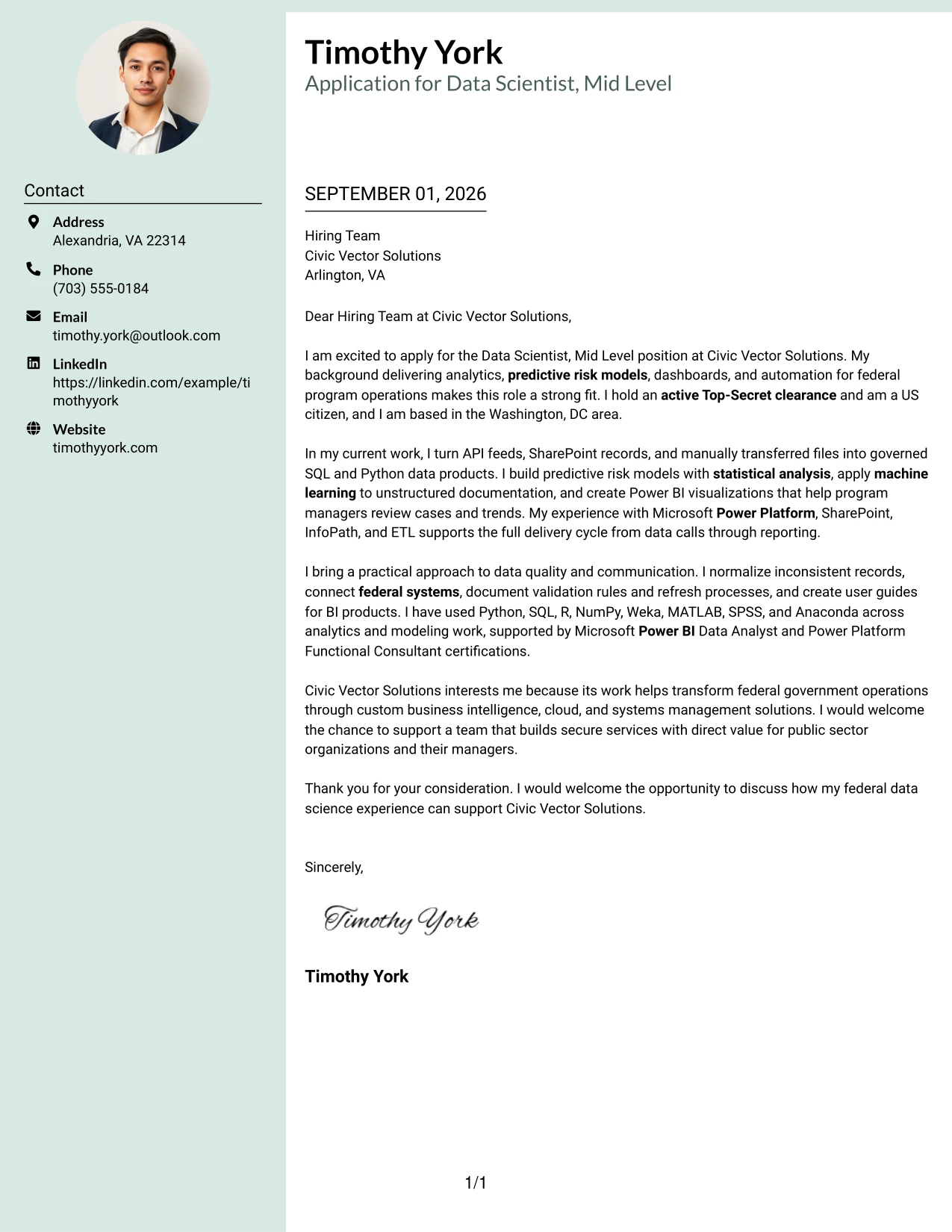
#21 Photo Header Color Sidebar Format Cover Letter Example
The most persuasive content remains the evidence: federal systems experience, predictive risk models, machine learning, BI delivery, and an active Top-Secret clearance. The Photo Header Color Sidebar Format places that evidence within a structured header and sidebar, with the photo used only as a secondary identity cue. The written message still leads the application, connecting the candidate's qualifications to Civic Vector Solutions' work for federal and commercial organizations.
Why This Cover Letter Works
- The letter leads with qualifications that match the employer's stated needs.
- The header and sidebar create clear separation between identity details and the main message.
- Active Top-Secret clearance and US citizenship are easy to locate.
- Power Platform, SharePoint, and InfoPath experience directly supports the required environment.
- Machine learning and predictive risk modeling answer core responsibility areas.
- The body shows that dashboards, applications, and automations were delivered for users.
- The company-interest paragraph connects the application to federal transformation work.
Best For
- Applications where a professional photo is appropriate for the communication setting.
- Letters that need a strong identity area alongside a focused evidence section.
- Roles where technical qualifications should remain more prominent than visual decoration.
- Applications with several proof points that benefit from sidebar organization.
- Readers who want contact details and supporting context separated from the main letter.
- Professional correspondence that combines personal presentation with clear role alignment.
- Cover letters where a visual identity cue supports, but does not replace, the written case.
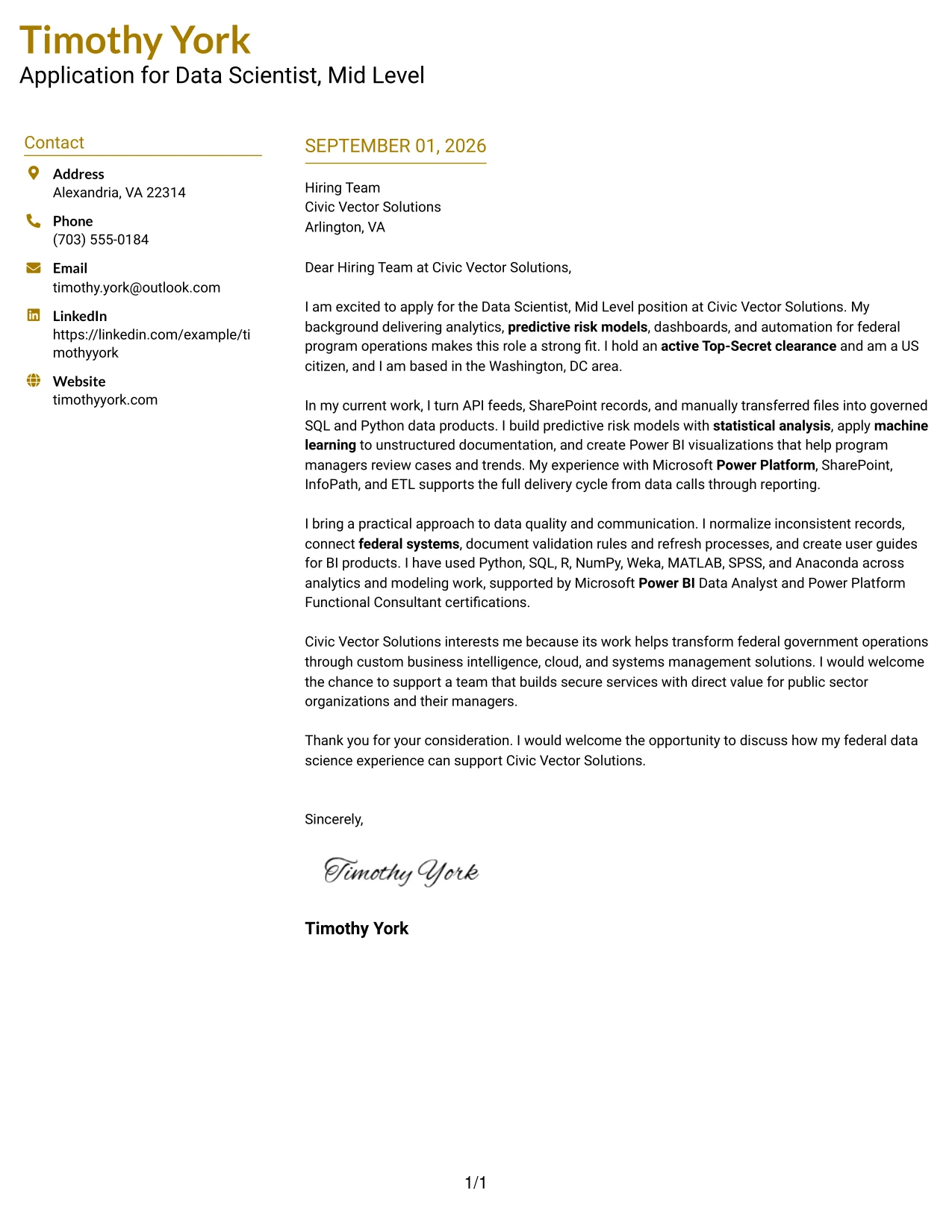
#22 Top Left Header Color Accent Format Cover Letter Example
A balanced page gives the opening, supporting evidence, company interest, and closing enough separation to work as one focused argument. The Top Left Header Color Accent Format keeps the visual signal near the start of the page, while the body explains how federal analytics experience can support Civic Vector Solutions' dashboards, applications, automations, and data integration work. This format is useful when the application needs a clear professional tone and an efficient review path.
Why This Cover Letter Works
- The top-left header gives the reader an immediate point of entry.
- The letter moves from role interest to relevant evidence without unnecessary detours.
- Experience with data calls and normalization supports the employer's ETL responsibilities.
- Machine learning on unstructured documentation shows applied analytical judgment.
- Power Platform and BI experience connects technical work to usable services.
- Documentation and validation rules reinforce reliability and clear communication.
- The closing restates the value of the background in a concise way.
Best For
- Applications that need a clear starting point and an efficient review path.
- Letters where a small color accent can guide attention without dominating the page.
- Roles combining data integration, modeling, visualization, and documentation.
- Cover letters that need to present technical breadth in a controlled sequence.
- Readers who prefer strong spacing between the main stages of the argument.
- Applications where company motivation should follow credible evidence.
- Professional communication that favors balance, clarity, and practical fit.
#23 Cover Letter Example: Centered Header Classic Two Column Format
For an application that needs fast orientation, the Centered Header Classic Two Column Format gives contact details and the letter body clear separation. The letter can open with the Data Scientist, Mid Level application, then connect federal analytics experience, predictive risk models, Power Platform delivery, and an active Top-Secret clearance to Civic Vector Solutions' public-sector work. Its two-column structure supports a focused opening while keeping the persuasive message easy to follow.
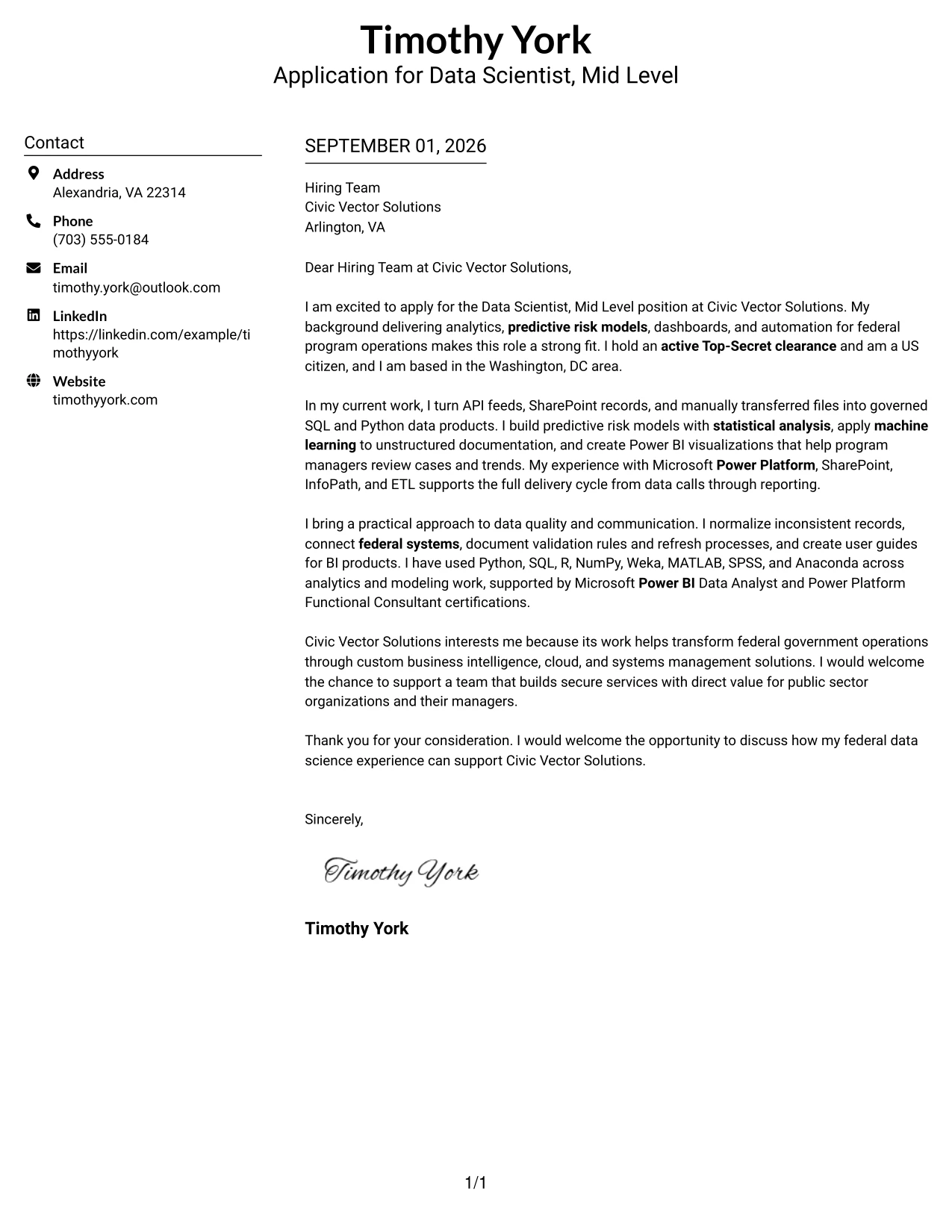
#23 Why This Cover Letter Works
- The centered header makes the sender's contact details easy to locate.
- Two columns separate identity information from the main message.
- The opening states the target role and establishes direct interest.
- The body connects predictive risk models to the employer's stated needs.
- Relevant experience with Power Platform, SharePoint, and InfoPath supports role alignment.
- The letter presents clearance and US citizenship as important eligibility facts.
- The closing leaves the employer with a clear invitation to continue the discussion.
#23 Best For
- Applicants who want contact details separated from the main letter content.
- Letters that need a compact opening and a well-contained body.
- Applications with several relevant evidence points to connect in a short space.
- Readers who prefer clear visual grouping before reviewing the message.
- Professional correspondence that must balance motivation with technical fit.
- Applications where federal systems experience and eligibility details need early visibility.
- Cover letters that benefit from a structured, two-column presentation.
#24 Cover Letter Example: Left Aligned Header Clean Two Column Format
A restrained visual hierarchy helps the reader assess fit without distraction. The Left Aligned Header Clean Two Column Format supports that approach by placing the sender and recipient details in a predictable order before the letter explains federal data science delivery, machine learning, Power BI, and secure systems integration. The clean alignment keeps motivation, evidence, and employer interest connected from the first line to the close.
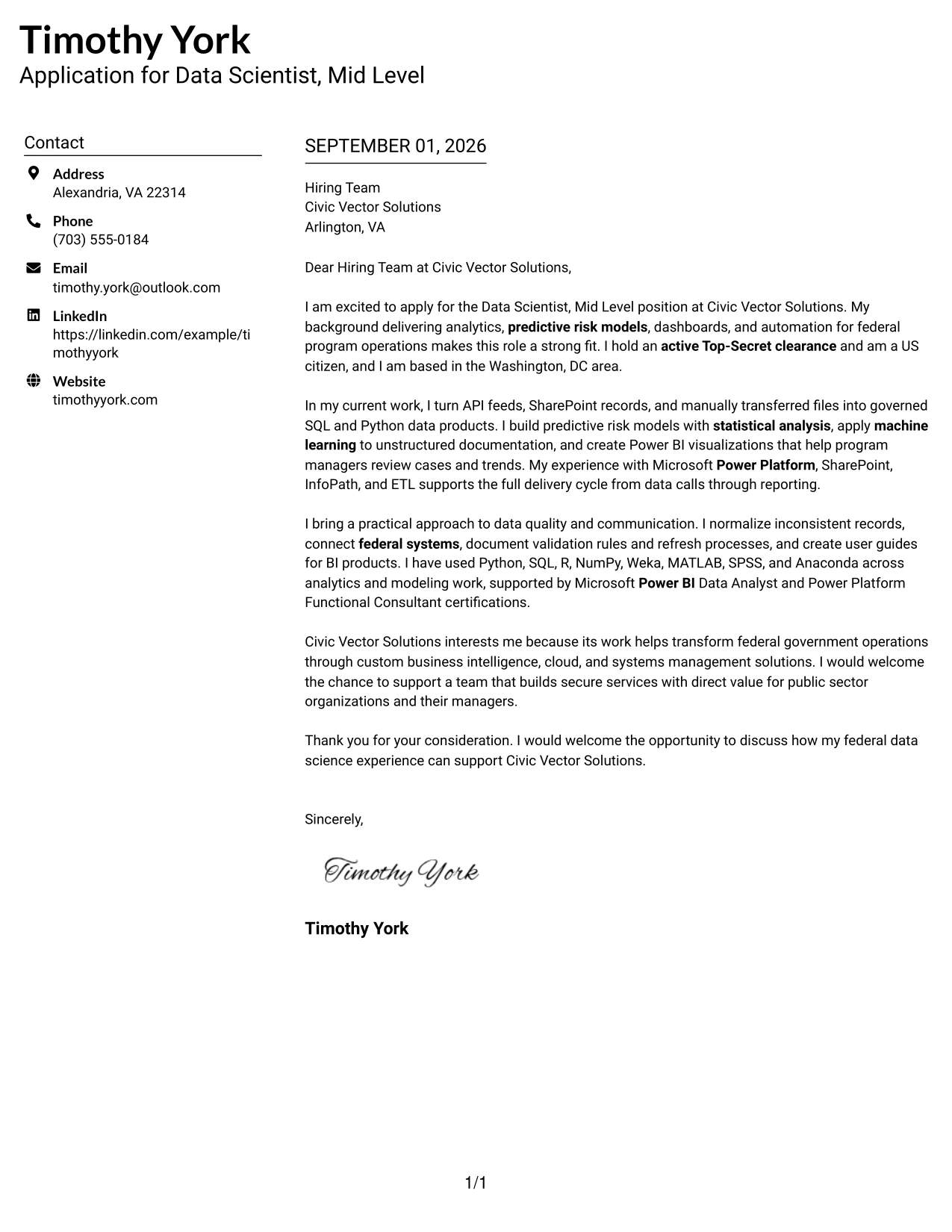
#24 Why This Cover Letter Works
- The left-aligned header follows a familiar business-letter reading path.
- A clean two-column arrangement keeps supporting details organized.
- The opening identifies the position and gives a direct reason for applying.
- The middle of the letter shows how technical work supports program decisions.
- Power BI and machine learning are presented as evidence, not as disconnected terms.
- Federal systems integration reinforces the match with the employer's work.
- The final paragraph explains why Civic Vector Solutions is of interest.
#24 Best For
- Applicants who prefer a quiet, conventional visual presentation.
- Cover letters where a predictable reading order matters.
- Applications that need room for both technical evidence and company motivation.
- Readers who scan headings and contact details before reading the full letter.
- Professional roles requiring a clear link between tools and business outcomes.
- Letters that must present qualifications without a highly decorative design.
- Two-column documents that still need a formal and approachable tone.
#25 Cover Letter Example: Accent Divider Modern Two Column Format
The Accent Divider Modern Two Column Format organizes a cover letter into distinct visual areas for the introduction, supporting evidence, and closing. That structure helps the message move from interest in the role to proof of fit: API and SharePoint data work, predictive modeling, unstructured-document analysis, and Power BI delivery. The divider gives each idea a clear place while keeping the letter focused on the value the applicant can bring.
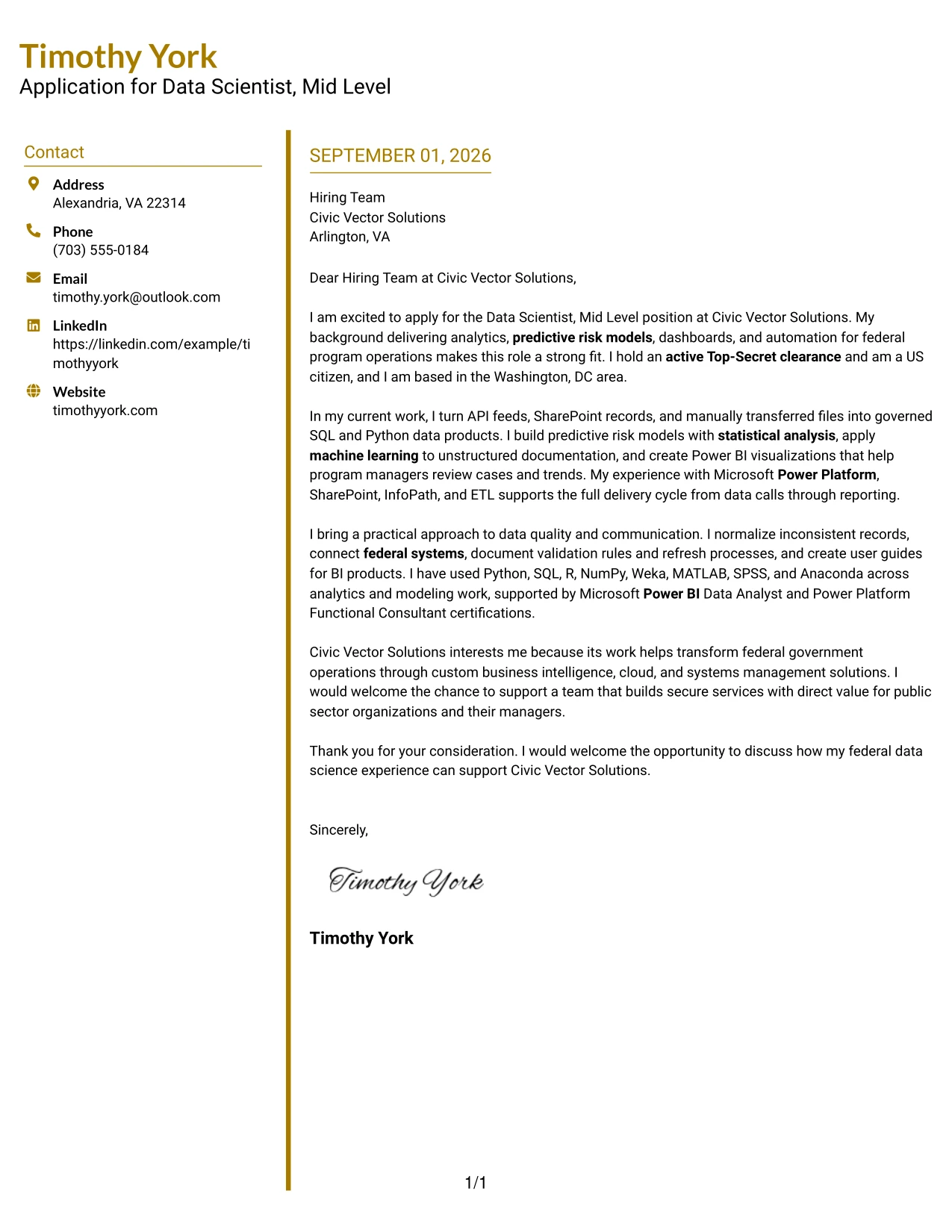
#25 Why This Cover Letter Works
- The format creates visible boundaries between key parts of the letter.
- A modern divider can guide the reader from motivation to evidence.
- The introduction quickly identifies the application and relevant federal background.
- The body links data preparation and modeling work to business needs.
- Unstructured-document analysis shows capability beyond routine reporting.
- Power BI experience supports the responsibility to build management visualizations.
- The close reinforces interest without repeating the full qualification story.
#25 Best For
- Letters that contain several evidence groups but need strong separation.
- Applicants who want a modern structure without losing business-letter clarity.
- Applications where the reader benefits from clear transitions between ideas.
- Messages that move from technical capability to employer fit in a logical sequence.
- Two-column layouts that need visible organization for a focused review.
- Cover letters combining data, automation, and communication examples.
- Readers who value quick visual signals between opening, body, and close.
#26 Cover Letter Example: Shaded Labels Clean Two Column Format
Recruiters can move from the contact block to the message and then to the supporting details with little effort. The Shaded Labels Clean Two Column Format uses that guided path to frame a persuasive letter about normalized datasets, predictive risk models, Power Platform applications, and BI documentation. The labels help the reader understand the purpose of each area while the letter keeps its emphasis on practical contribution and employer fit.
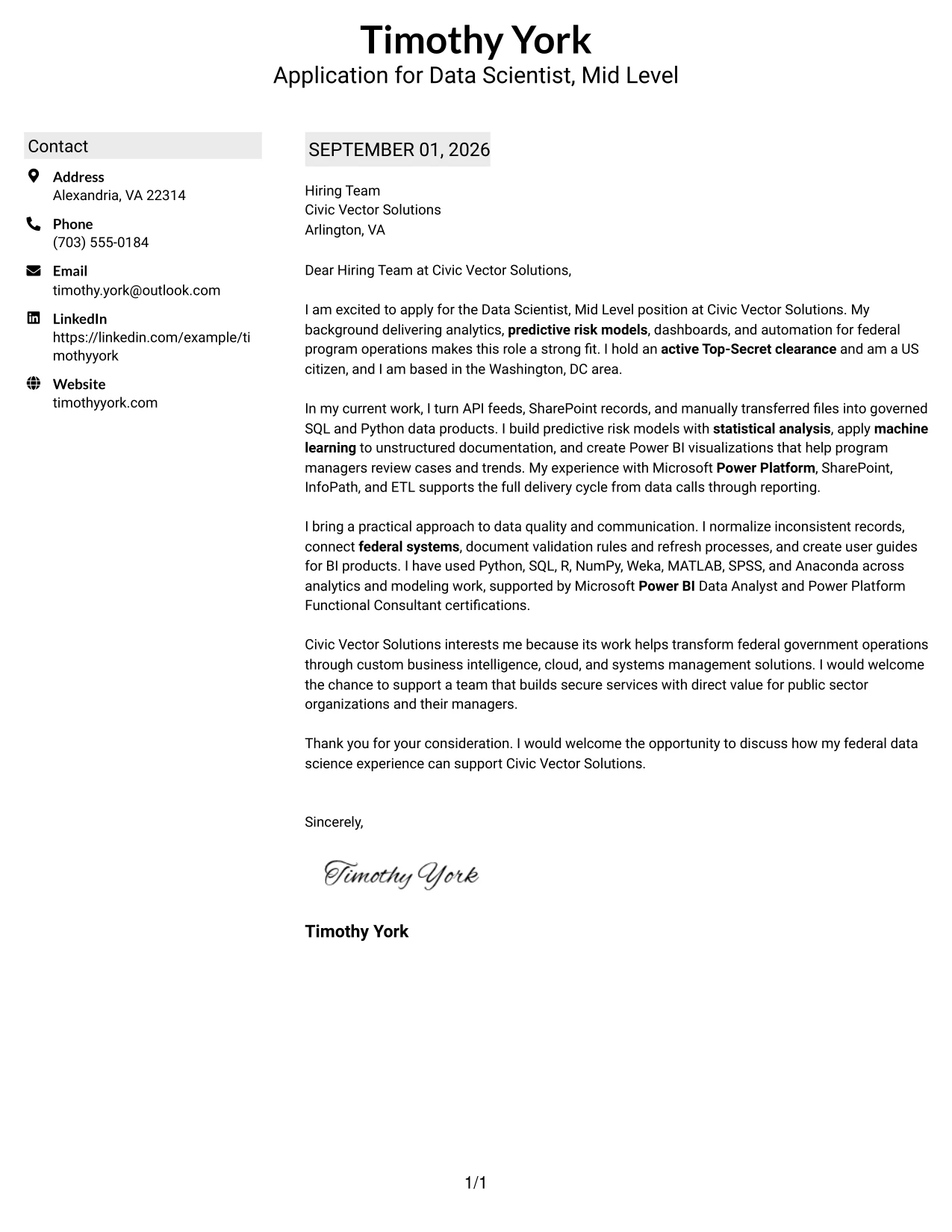
#26 Why This Cover Letter Works
- The reader gets a clear route through the contact information and message.
- Shaded labels distinguish supporting information from the main argument.
- The opening makes the application purpose immediately clear.
- The body presents data normalization and modeling as business-ready work.
- Power Platform applications connect technical experience to delivery responsibilities.
- Documentation experience addresses the need for usable BI products.
- The closing turns the evidence into a direct request for further discussion.
#26 Best For
- Applicants with a broad set of related experiences to organize.
- Letters where labels can reduce the effort needed to find key information.
- Applications that need a clear division between contact details and persuasion.
- Messages combining data work, automation, and documentation evidence.
- Readers who review correspondence in a quick, structured sequence.
- Two-column letters that need more visual guidance than plain text alone.
- Professional applications where content volume must remain controlled.
#27 Cover Letter Example: Photo Header Color Accent International Format
Evidence should lead the conversation in an application for a technical public-sector role. The Photo Header Color Accent International Format gives the letter a strong visual entry point, then lets the message focus on federal analytics delivery, machine learning, Power BI, and an active Top-Secret clearance. The single-column flow supports a complete explanation of motivation and fit while the color accents add a distinct presentation layer.
#27 Why This Cover Letter Works
- The opening gives priority to concrete evidence of role readiness.
- A single column keeps the argument in a natural reading sequence.
- The letter connects federal analytics work to Civic Vector Solutions' mission.
- Machine learning and predictive risk work address central responsibilities.
- Power BI experience supports the employer's dashboard and visualization needs.
- The clearance and citizenship details answer important public-sector requirements.
- The close maintains a professional tone and invites a follow-up conversation.
#27 Best For
- Applicants who want evidence to appear before extended motivation.
- Applications where a single, continuous reading path strengthens the message.
- Cover letters that need room for several technical proof points.
- Professional correspondence where visual accents should support, not replace, substance.
- Letters connecting public-sector experience with a company's service mission.
- Applications that require eligibility details to be visible and well integrated.
- Readers who respond well to a distinctive but orderly presentation.
#28 Cover Letter Example: Large Profile Photo International Two Column Format
Balanced space matters when a cover letter must present both a personal introduction and substantial evidence. The Large Profile Photo International Two Column Format gives the visual header a strong role while keeping the written message organized beside it. The letter can use that balance to explain experience with federal data calls, predictive models, Power Platform, SharePoint, and BI products without allowing the visual treatment to overshadow employer fit.
#28 Why This Cover Letter Works
- The layout balances a prominent personal header with a focused written message.
- Two columns prevent the contact area from taking over the letter body.
- The opening establishes interest in the target role and relevant federal experience.
- The evidence section connects data calls and normalization to practical delivery.
- Power Platform and SharePoint experience directly address required capabilities.
- BI products and user guides show attention to communication and adoption.
- The close returns attention to the value the candidate can provide.
#28 Best For
- Applicants who want a strong visual introduction with organized supporting text.
- Letters that need to balance identity, motivation, and technical evidence.
- Applications where two columns can keep a substantial message contained.
- Professional correspondence suited to a distinctive international presentation.
- Messages that combine data delivery with user-facing communication.
- Readers who need a clear separation between personal details and qualifications.
- Cover letters where presentation should feel memorable while remaining structured.
#29 Cover Letter Example: One Column Boxed Contact Header Format
A practical application benefits from a direct start and uninterrupted reading. The One Column Boxed Contact Header Format places contact details in a defined block, then gives the letter a full-width path for its argument. That makes it well suited to a message that opens with interest in the Data Scientist, Mid Level role, presents federal analytics evidence, and closes with a concise statement of fit for Civic Vector Solutions.
#29 Why This Cover Letter Works
- The boxed header separates contact details without interrupting the message.
- One-column reading keeps the letter's argument continuous.
- The introduction names the role and presents a credible reason to apply.
- The body connects analytics delivery with the employer's federal consulting work.
- Clear examples cover predictive models, dashboards, automation, and data calls.
- The letter includes clearance and citizenship information in the right context.
- The closing is brief, professional, and oriented toward a next conversation.
#29 Best For
- Applicants who want a direct, full-width letter structure.
- Applications where the message should read like a clear business case.
- Cover letters with several connected examples of relevant delivery work.
- Readers who prefer one uninterrupted path from opening to closing.
- Correspondence that needs a separate but compact contact block.
- Letters where motivation and evidence should carry equal weight.
- Professional applications that favor clarity over decorative layout.
#30 Cover Letter Example: One Column Shaded Contact Header Format
A clean visual impression helps the reader focus on the relationship between the application and the employer's needs. The One Column Shaded Contact Header Format uses a shaded contact area and a straightforward body to support a role-aligned letter. Timothy York's message can move from federal data science experience to Power Platform, machine learning, BI, and clearance evidence, then explain a specific interest in Civic Vector Solutions.
#30 Why This Cover Letter Works
- The shaded header gives the letter a clear and controlled starting point.
- A single column keeps the role-alignment argument easy to follow.
- The opening presents relevant federal data science experience without delay.
- The body addresses the required Power Platform, SharePoint, and InfoPath background.
- Machine learning and BI examples provide direct evidence for the responsibilities.
- The employer-interest paragraph connects the work to federal operations.
- The closing is confident without overstating the evidence.
#30 Best For
- Applicants who want a polished but restrained contact area.
- Letters where role alignment should remain the central organizing idea.
- Applications that need a clean sequence from motivation to proof.
- Readers who prefer familiar one-column business correspondence.
- Messages connecting technical experience to a specific employer mission.
- Cover letters that must present eligibility details without visual clutter.
- Professional applications where a shaded header adds separation and focus.
#31 Cover Letter Example: Boxed Contact Header with Job Title Format
The Boxed Contact Header with Job Title Format gives the document a defined structure before the first paragraph begins. The job title creates immediate context, while the body can build a focused case around predictive risk models, API and federal-system connections, Power BI, and technical documentation. This organization helps Civic Vector Solutions see both the target application and the evidence supporting it.
#31 Why This Cover Letter Works
- The job title removes ambiguity about the purpose of the letter.
- The boxed header separates identity and contact information from the argument.
- The opening quickly establishes interest and relevant federal experience.
- The body follows a logical path from data connections to decision support.
- Predictive risk models address a central responsibility in the job description.
- Power BI and documentation examples show delivery beyond analysis alone.
- The close reinforces readiness to discuss the contribution in more detail.
#31 Best For
- Applicants who want the target position visible at a glance.
- Letters where the job title should frame the reader's review.
- Applications organized around a sequence of evidence and employer needs.
- One-column documents that need strong structure without multiple panels.
- Cover letters connecting technical delivery to management decision support.
- Readers who scan the header before assessing the written argument.
- Professional correspondence that benefits from a clearly boxed opening.
#32 Cover Letter Example: Plain Professional Layout with Job Title & Shaded Date
The reader moves through the job title, date, greeting, evidence, and close in a familiar business-letter sequence. The Plain Professional Layout with Job Title & Shaded Date keeps visual treatment limited so the message can carry more content. That gives the letter room to explain federal systems integration, data normalization, machine learning, dashboards, certifications, and the practical value of the applicant's experience.
#32 Why This Cover Letter Works
- The familiar sequence reduces effort for a busy hiring team.
- The job title confirms the application context before the greeting.
- The shaded date adds separation without competing with the message.
- The body has room to cover technical breadth in connected paragraphs.
- Data normalization and ETL show control of the full data-call process.
- Machine learning and dashboards address both analytical and communication needs.
- The closing keeps the tone direct and professional.
#32 Best For
- Applicants who need space to explain several related qualifications.
- Applications where a traditional reading sequence supports credibility.
- Letters covering data preparation, modeling, visualization, and documentation.
- Readers who prefer substance over strong decorative elements.
- Professional correspondence that benefits from a visible date and job title.
- Messages that must connect certifications with demonstrated work.
- One-column applications where content volume requires efficient spacing.
#33 Cover Letter Example: Two-Line Contact Header with Underlined Date Format
Concrete evidence should appear early and remain easy to connect to the requested work. The Two-Line Contact Header with Underlined Date Format creates a modest introduction, leaving the single-column body to explain federal analytics delivery, statistical analysis, API connections, and Power Platform work. The format supports a credible, evidence-led letter that ends by linking the applicant's experience to Civic Vector Solutions' services.
#33 Why This Cover Letter Works
- The two-line header presents essential contact information without excess space.
- The underlined date marks the formal start of the correspondence.
- The opening leads with relevant federal analytics experience.
- Statistical analysis and predictive modeling support the role's technical demands.
- API connections and ETL show experience handling varied data sources.
- Power Platform work links analysis to applications and automations.
- The final paragraph makes the employer connection specific and credible.
#33 Best For
- Applicants who want evidence to lead a traditional cover letter.
- Letters where a compact contact header preserves body space.
- Applications requiring several technical examples in a short message.
- Readers who prefer a plain, single-column review experience.
- Professional correspondence that needs a clear date without a large visual block.
- Messages linking statistical work, data connections, and automation.
- Cover letters that finish with a specific explanation of employer fit.
Why Use ResumeInMinutes for a Data Scientist, Mid Level Cover Letter
ResumeInMinutes helps applicants turn job-specific evidence into a clear cover letter without starting from a blank page. You can organize the message around role fit, technical contribution, motivation, and the employer’s operating context.
- Professional writing styles
- ATS-friendly formatting
- Job-description-based customization
- Fast cover letter generation
- Professional templates
- PDF-ready cover letter support
For a Data Scientist, Mid Level application, the result should be a concise letter that connects predictive modeling, data integration, BI delivery, documentation, clearance requirements, and interest in the employer’s public-sector mission.
See Also
- 33 Data Scientist, Mid Level Resume Templates with Example 2026 (ATS-Optimized)
- 33 Data Scientist, Mid Resume Templates with Example 2026 (ATS-Optimized)
- 33 Environmental Scientist - Junior to Mid-Level Resume Templates with Example 2026 (ATS-Optimized)
- 33 Associate Data Scientist Resume Templates with Example 2026 (ATS-Optimized)
- 33 Data Analyst / Data Scientist Resume Templates with Example 2026 (ATS-Optimized)
- 7 Data Scientist, Entry Level Resume Templates with Example
- 33 Data Scientist, Health Informatics Resume Templates with Example 2026 (ATS-Optimized)
- 33 Data Scientist Intern Resume Templates with Example 2026 (ATS-Optimized)
- 30+ Data Scientist, Mid Cover Letter Templates with Example 2026
- 30+ Environmental Scientist - Junior to Mid-Level Cover Letter Templates with Example 2026
Frequently Asked Questions
Are these Data Scientist, Mid Level cover letter templates ATS-friendly?
Yes. They use clean, readable formatting and support relevant language such as predictive risk models, machine learning, Power Platform, SharePoint, InfoPath, ETL, Power BI, and federal systems integration. The letter should still be tailored to the specific posting.
Is this a set of different cover letters?
No. The guide presents one focused Data Scientist, Mid Level cover letter example in multiple professional presentations. The content remains centered on role fit, evidence, motivation, and employer alignment.
Can I download the cover letter templates as PDFs?
Yes. Each style includes a free PDF download so you can review the presentation and select a format that suits the employer and communication context.
Which cover letter style is best for a mid-level data scientist?
A clean one-column or simple two-column style is usually effective. Choose a layout that keeps the opening, evidence, motivation, and closing easy to scan while maintaining a professional tone for technical and public-sector work.
What evidence should a Data Scientist, Mid Level cover letter include?
Use evidence that matches the posting, such as predictive risk modeling, statistical analysis, API and federal-system integration, data normalization, Power BI dashboards, machine learning for unstructured documents, and clear BI documentation. Include only claims supported by your background.
Should I mention a security clearance in the cover letter?
If the job requires one, state an active Top-Secret clearance clearly when you hold it. For this application, US citizenship and the active clearance are relevant because they match the stated eligibility requirements.
Can I customize these Data Scientist, Mid Level cover letter templates?
Yes. Customize the greeting, opening, supporting evidence, motivation paragraph, employer alignment, closing, layout, and PDF format for the specific Data Scientist, Mid Level application.




