
7 Dental Assistant - Youth Correctional Care Cover Letter Templates with Example
This practical guide to a Dental Assistant - Youth Correctional Care cover letter shares seven layouts and shows how to make your role fit clear.
What Makes a Great Dental Assistant - Youth Correctional Care Cover Letter in 2026
A strong letter connects dental skills with respectful, safe care for youth in a secure clinic. Its opening should show clear interest in this specific role.
Use relevant examples, such as expanded-function procedures, trauma-informed patient education, or coordination with clinic staff. Connect those examples to the employer's needs without claiming experience you cannot support.
The featured example moves from role motivation to relevant credentials, clinic workflow, patient education, and a direct closing. Adapt that focused progression to your own evidence, while choosing a presentation that suits the employer and the communication context.
#1 Simple One Column Format Cover Letter Example
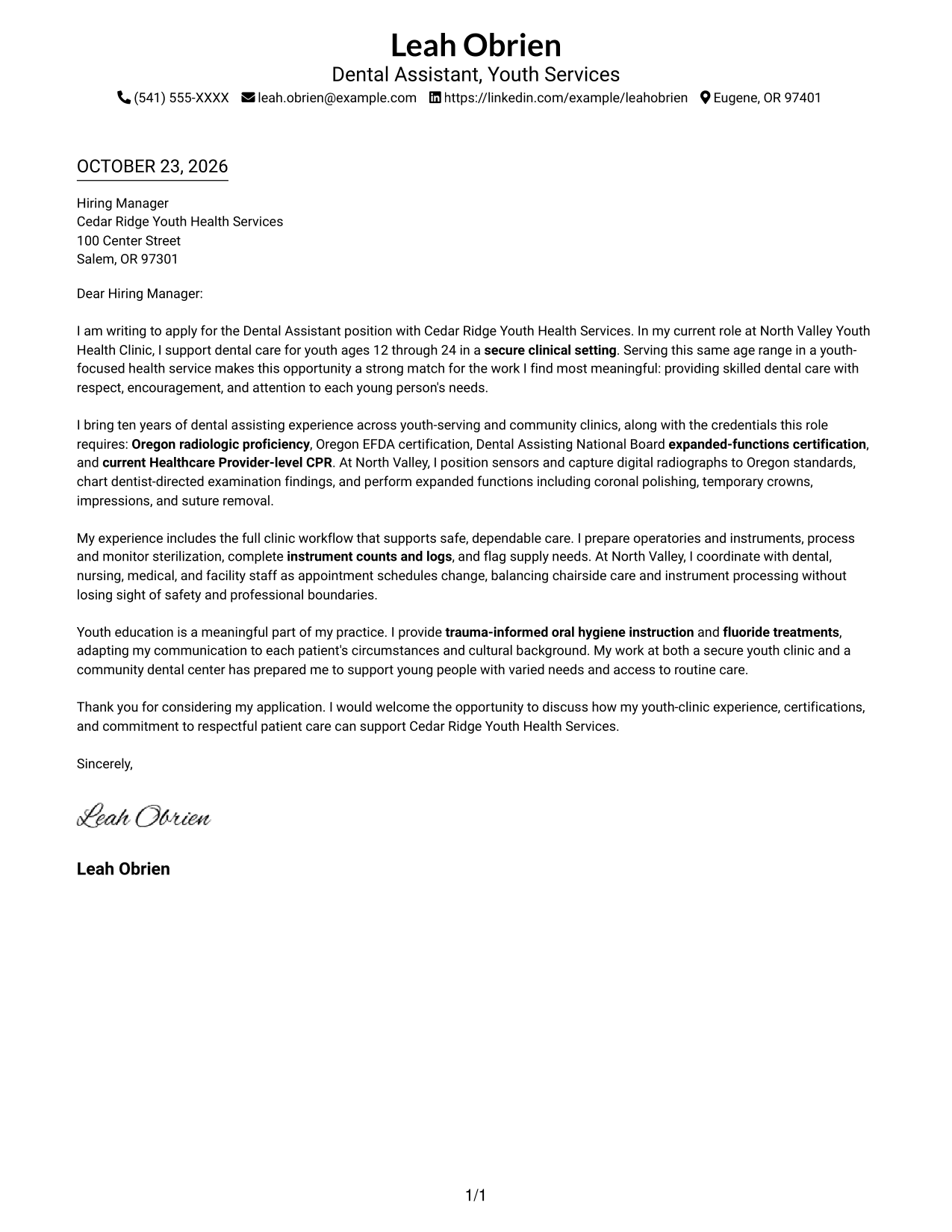
A one-column body gives the letter a direct reading path, with sender details in the header and no photo.
Why This Format Works
- The header keeps sender details visible without interrupting the letter's paragraphs.
- One body column carries the message from opening to closing in reading order.
- Without a photo, the page keeps attention on the written message.
Best For
- One-column letter layouts
- Header-based contact details
- Multi-paragraph application letters
- Photo-free applications
- Direct reading order
#2 Two Column Format Cover Letter Example
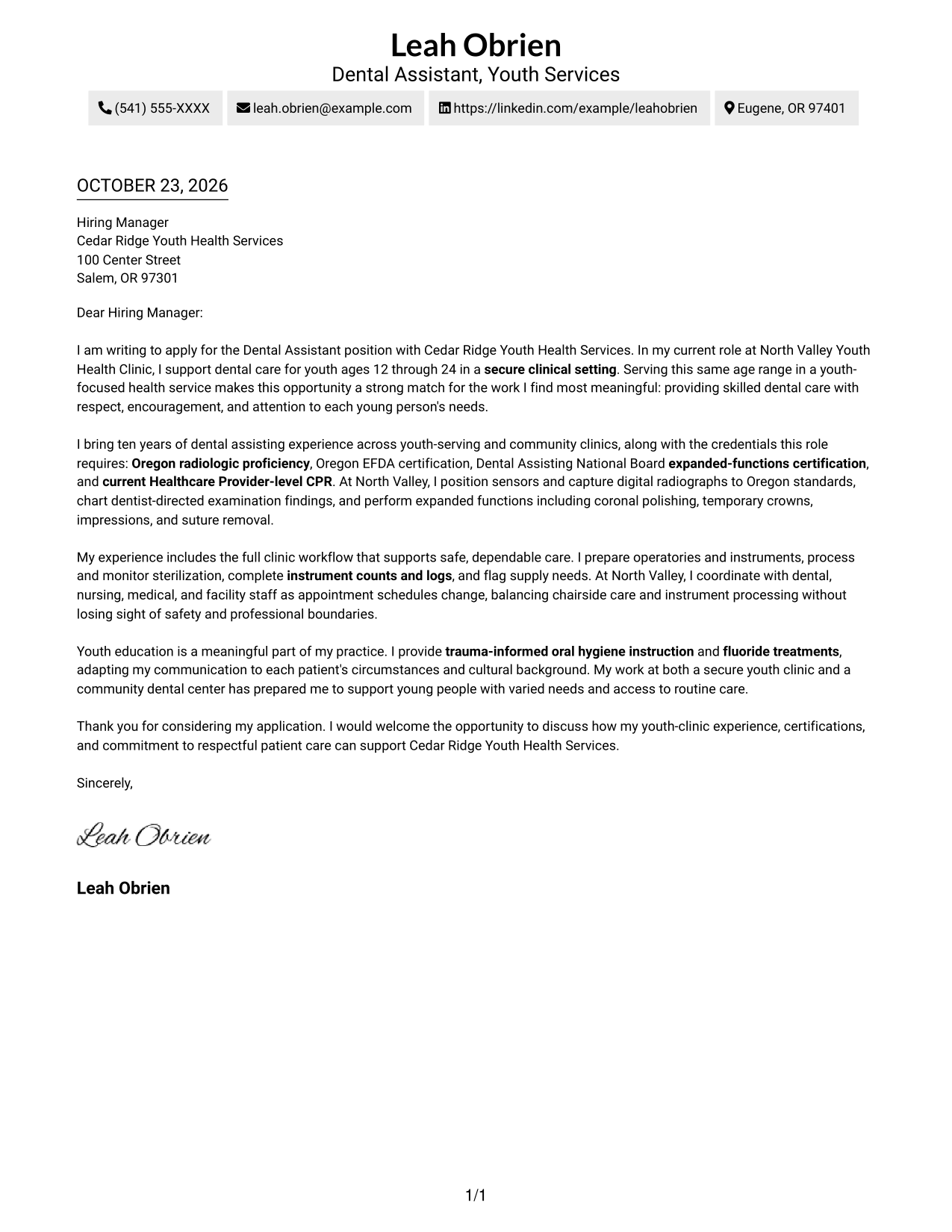
A contact sidebar sits beside the continuous letter body, giving practical details a separate place without splitting the message.
Why This Format Works
- The sidebar makes sender contact details easy to locate beside the letter.
- The single body keeps motivation, supporting points, and closing in sequence.
- Separate placement helps readers distinguish contact information from the application message.
Best For
- Side-by-side contact details
- Continuous letter arguments
- Distinct contact and message areas
- Multi-paragraph applications
- Two-column document preference
#3 Photo Header Two Column Format Cover Letter Example
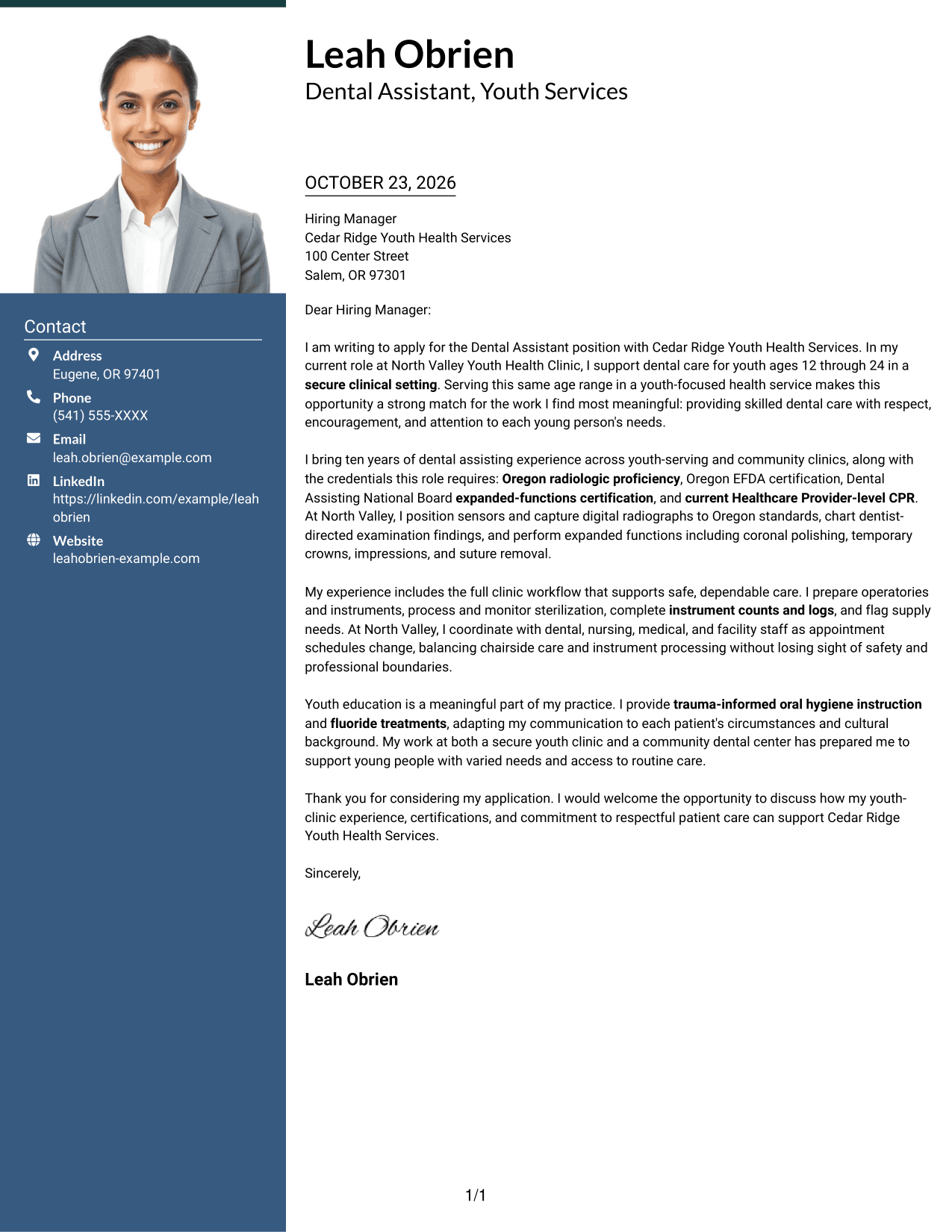
A photo accompanies the contact sidebar beside the single letter body, combining a personal visual element with a continuous message.
Why This Format Works
- The contact sidebar gives sender details a clear place beside the letter.
- One continuous body lets the reviewer follow the message without changing columns.
- The photo adds a personal visual element without dividing the written argument.
Best For
- Photo-inclusive applications
- Sidebar contact details
- Continuous letter messages
- Personal visual presentation
- Two-column reading preference
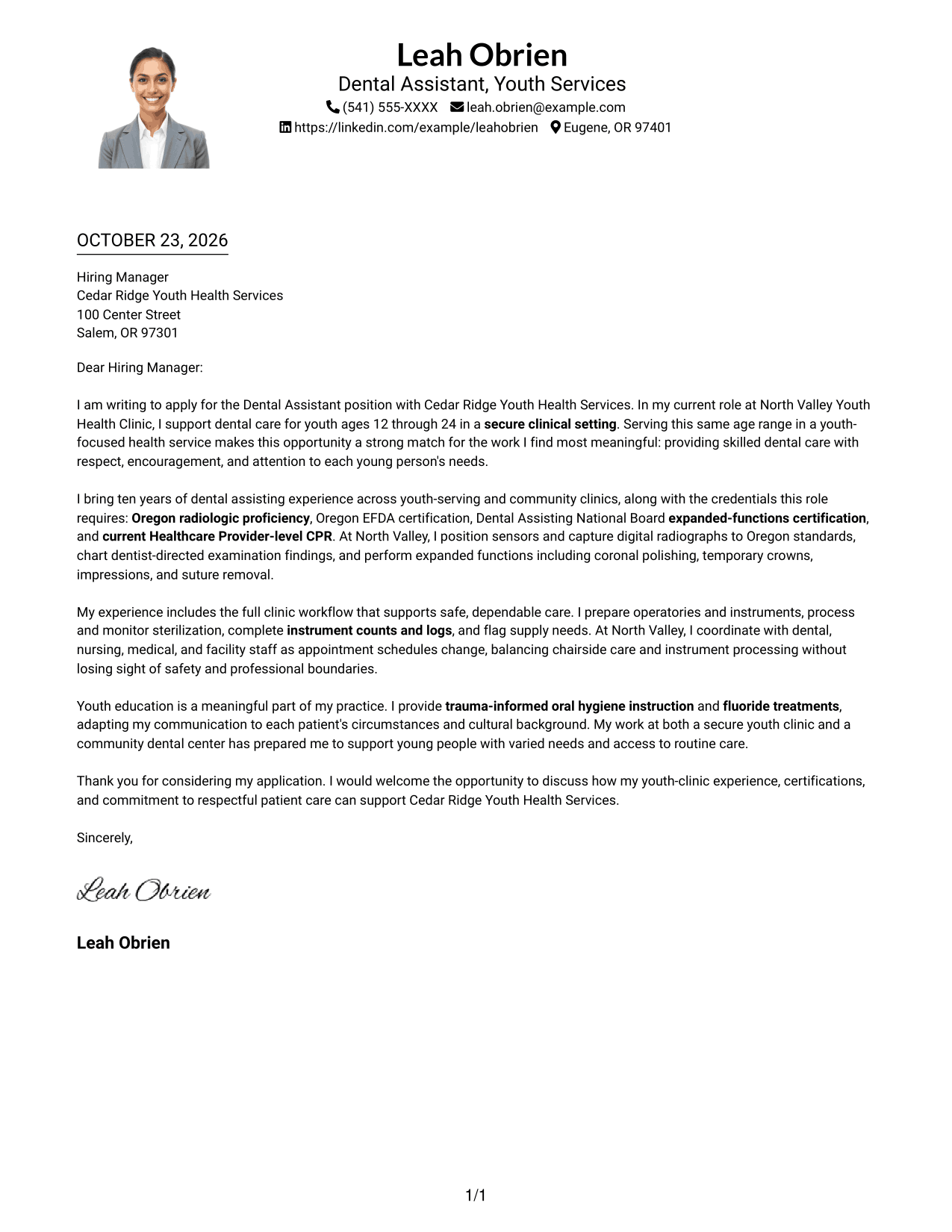
#4 One Column Format with Photo Cover Letter Example
The one-column body keeps the letter on a direct reading path, while a photo adds a personal visual element.
Why This Format Works
- A single body column keeps the opening, supporting paragraphs, and closing together.
- The photo provides a visual point of reference without becoming part of the argument.
- Sender details in the header remain separate from the letter's continuous prose.
Best For
- One-column letter layouts
- Photo-inclusive applications
- Continuous paragraph flow
- Header-based sender details
- Personal visual presentation
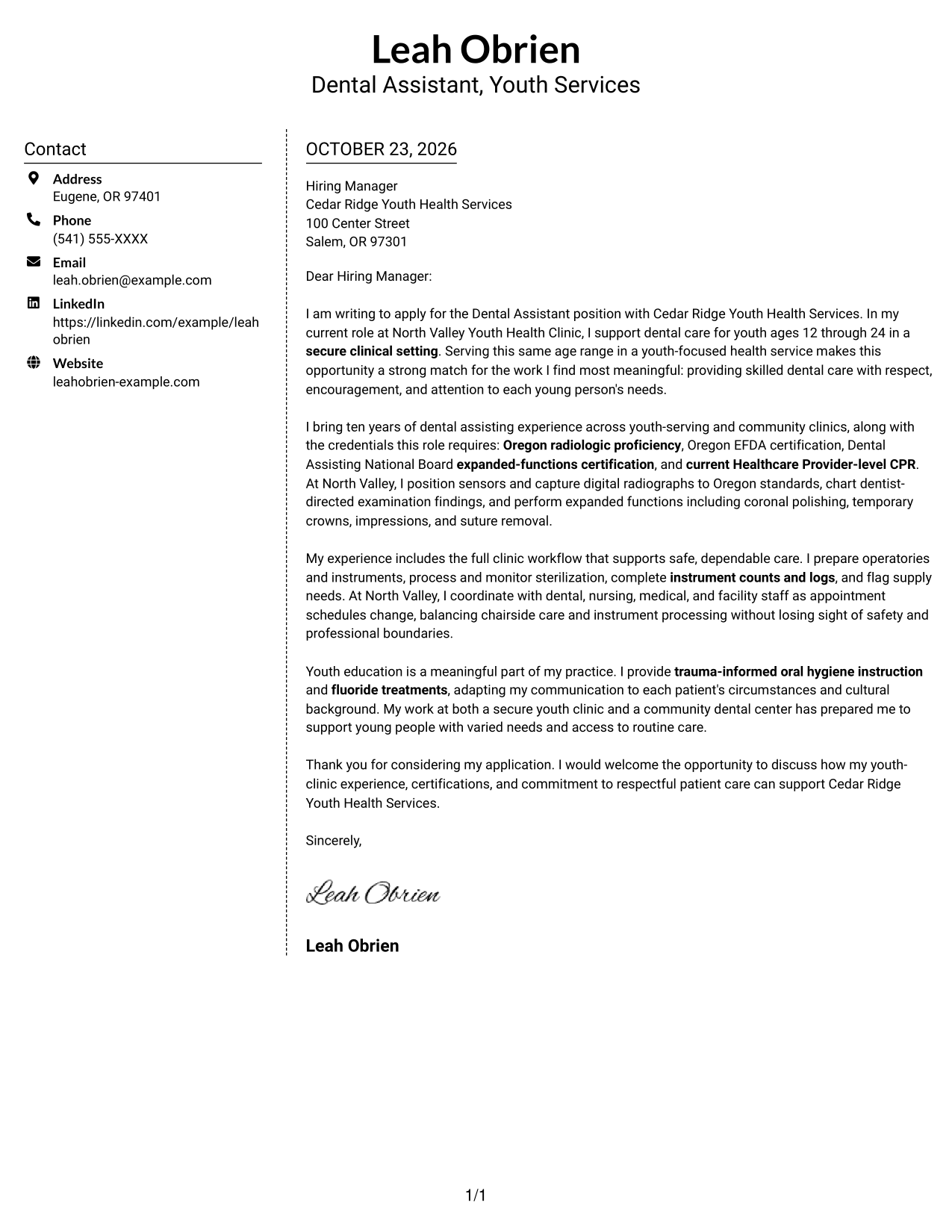
#5 Simple Two Column Format Cover Letter Example
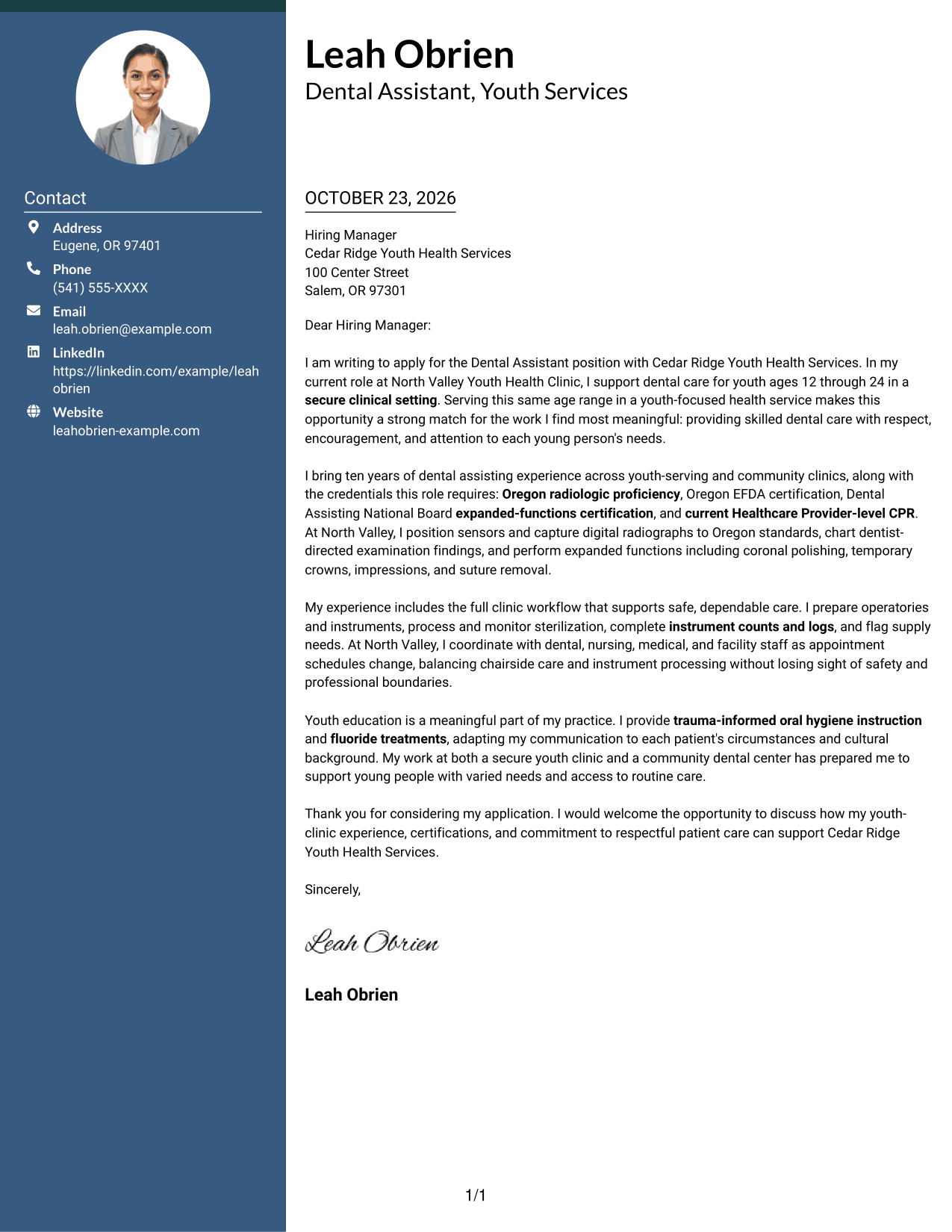
The contact sidebar and single letter body occupy separate columns, keeping contact details apart from the full written appeal.
Why This Format Works
- The sidebar separates sender details from the message while keeping both in view.
- The letter's paragraphs remain together, so its reasoning reads as one continuous appeal.
- A distinct contact area suits readers who prefer details apart from the prose.
Best For
- Separate contact and message areas
- Continuous application letters
- Sidebar contact information
- Two-column reading preference
- Letters with several paragraphs
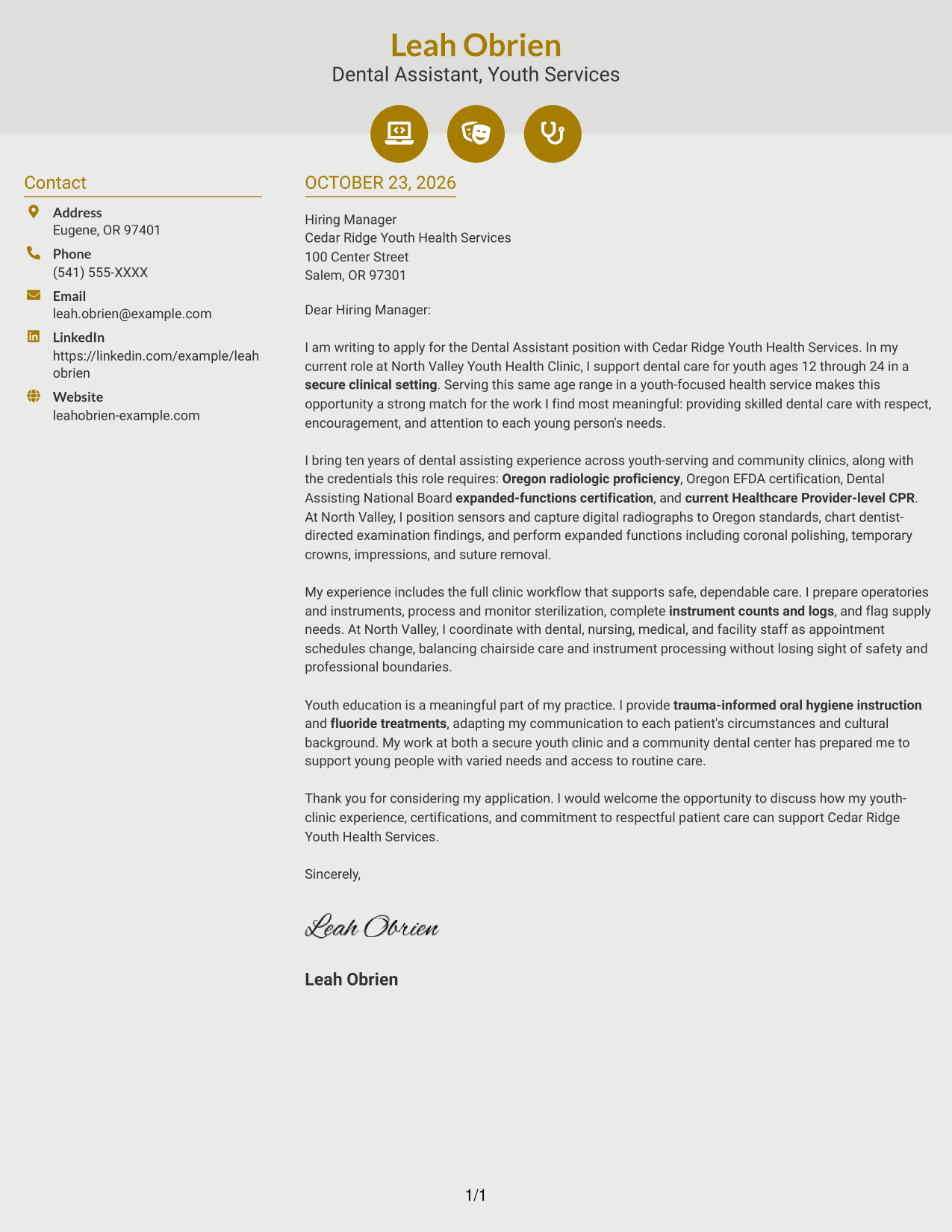
#6 Modern Icon Format Cover Letter Example
Two columns place contact details with visual cues beside one continuous letter body, while the icons do not label its arguments.
Why This Format Works
- Contact icons help distinguish practical details from the letter's written message.
- The single body preserves a clear sequence from the opening through the closing.
- The sidebar keeps contact information accessible without breaking up the letter paragraphs.
Best For
- Icon-cued contact details
- Continuous letter messages
- Separate contact information
- Two-column document preference
- Multi-paragraph applications
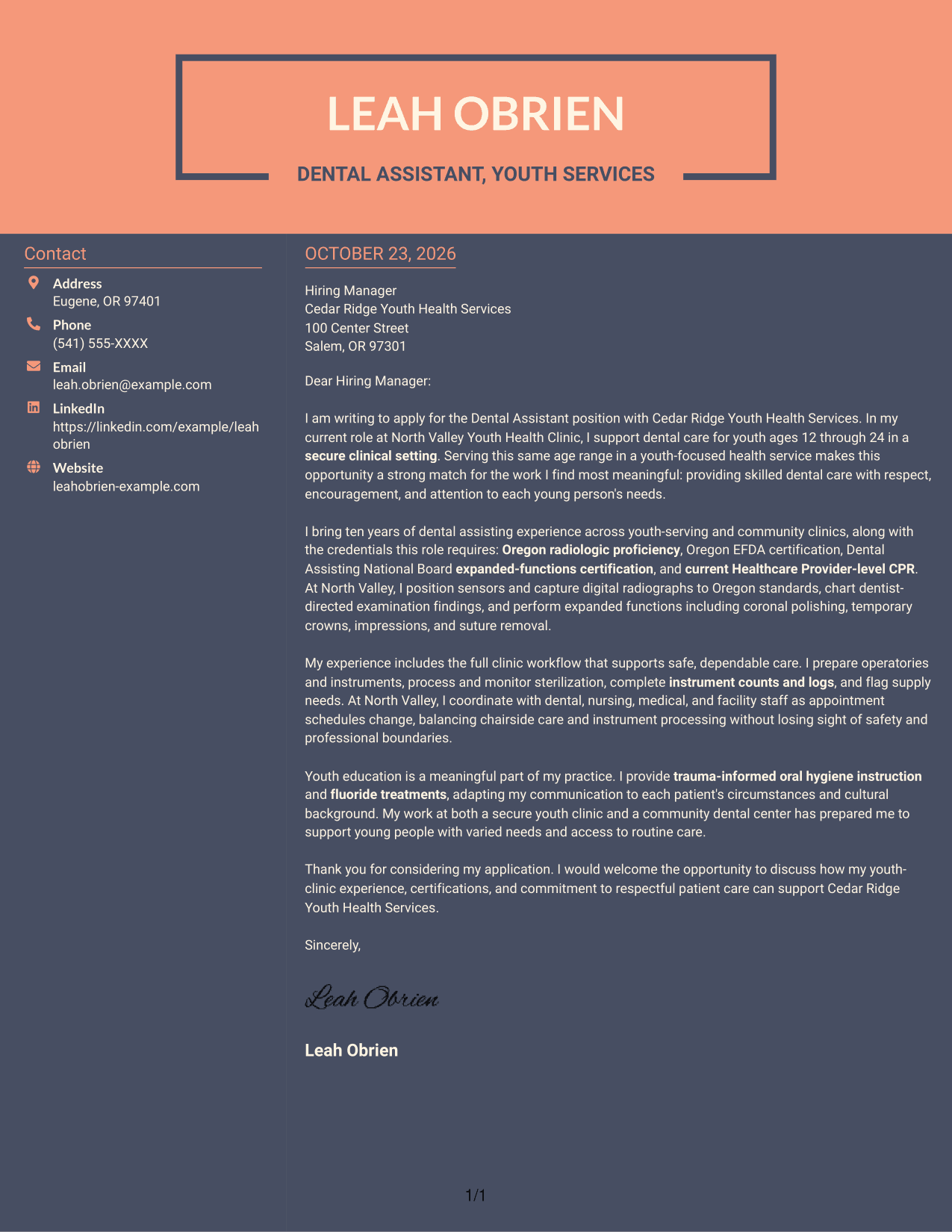
#7 Creative Two Tone Format Cover Letter Example
The two-column arrangement places contact details beside a single continuous letter body, keeping practical information distinct from the appeal.
Why This Format Works
- The contact sidebar gives practical details a place apart from the letter's prose.
- A unified body helps the reviewer follow the appeal from start to finish.
- Side-by-side placement keeps the contact area and letter message easy to distinguish.
Best For
- Side-by-side contact details
- Unified letter body
- Distinct contact information
- Continuous application appeals
- Two-column reading preference
See Also
- 7 Dental Assistant - Youth Correctional Care Resume Templates with Example
- 33 Certified Dental Assistant Resume Templates with Example 2026 (ATS-Optimized)
- 33 Dental Assistant Resume Templates with Example 2026 (ATS-Optimized)
- 7 Dental Hygiene Assistant Resume Templates with Example
- 7 Physician Assistant/Nurse Practitioner - Correctional Health Resume Templates with Example
- 33 Assistant-Physician Neurocritical Care Resume Templates with Example 2026 (ATS-Optimized)
- 7 Clinical Partner / Certified Nursing Assistant (CNA) - Acute Care Resume Templates with Example
- 33 Family Practice/Primary Care Physician Assistant Resume Templates with Example 2026 (ATS-Optimized)
- 30+ Certified Dental Assistant Cover Letter Templates with Example 2026
- 30+ Dental Assistant Cover Letter Templates with Example 2026
Frequently Asked Questions
What should the opening paragraph say for this role?
State your interest in the Dental Assistant - Youth Correctional Care position and make a clear connection to respectful dental care for youth. Keep the opening focused, then use the body to support that fit with specific examples.
What experience is useful to highlight in this cover letter?
Choose evidence that matches the role, such as chairside support, Oregon expanded-function procedures, digital radiography, infection control, or coordination with care teams. Include only experience and credentials you actually have.
How can I describe patient education for youth?
Explain how you give clear, respectful oral hygiene guidance and adjust your communication to a young person's needs and background. A brief, real example can make your approach easier to understand.
How should I show that I can work in a secure clinic?
Describe relevant experience with safety awareness, professional boundaries, infection control, and communication with dental and facility staff. Keep each point accurate and connect it to dependable patient care.
How should I choose a cover letter layout?
Choose a clear, readable layout that supports the tone of the application and makes your main points easy to follow. The preview images let you compare the presentation, and you can open an example in the editor to view or customize it.




