
7 Design Drafter - Mechanical CAD Cover Letter Templates with Example
This practical guide to a Design Drafter - Mechanical CAD cover letter shows how to present role fit and interest through seven layouts.
What Makes a Great Design Drafter - Mechanical CAD Cover Letter in 2026
A strong letter connects interest in mechanical product design to clear, manufacturing-ready drawings. It makes the applicant’s fit for the Design Drafter - Mechanical CAD role easy to understand.
Use specific evidence, such as resolving a fit concern with machine shop staff or checking dimensions and geometric tolerancing. Link that experience to the employer’s needs and explain why the role’s work appeals to you.
The featured example moves from role interest to practical CAD and drawing evidence, then broader qualifications and a clear close. Adapt that focused progression, choosing a presentation that suits the employer and the communication context.
#1 Simple One Column Format Cover Letter Example
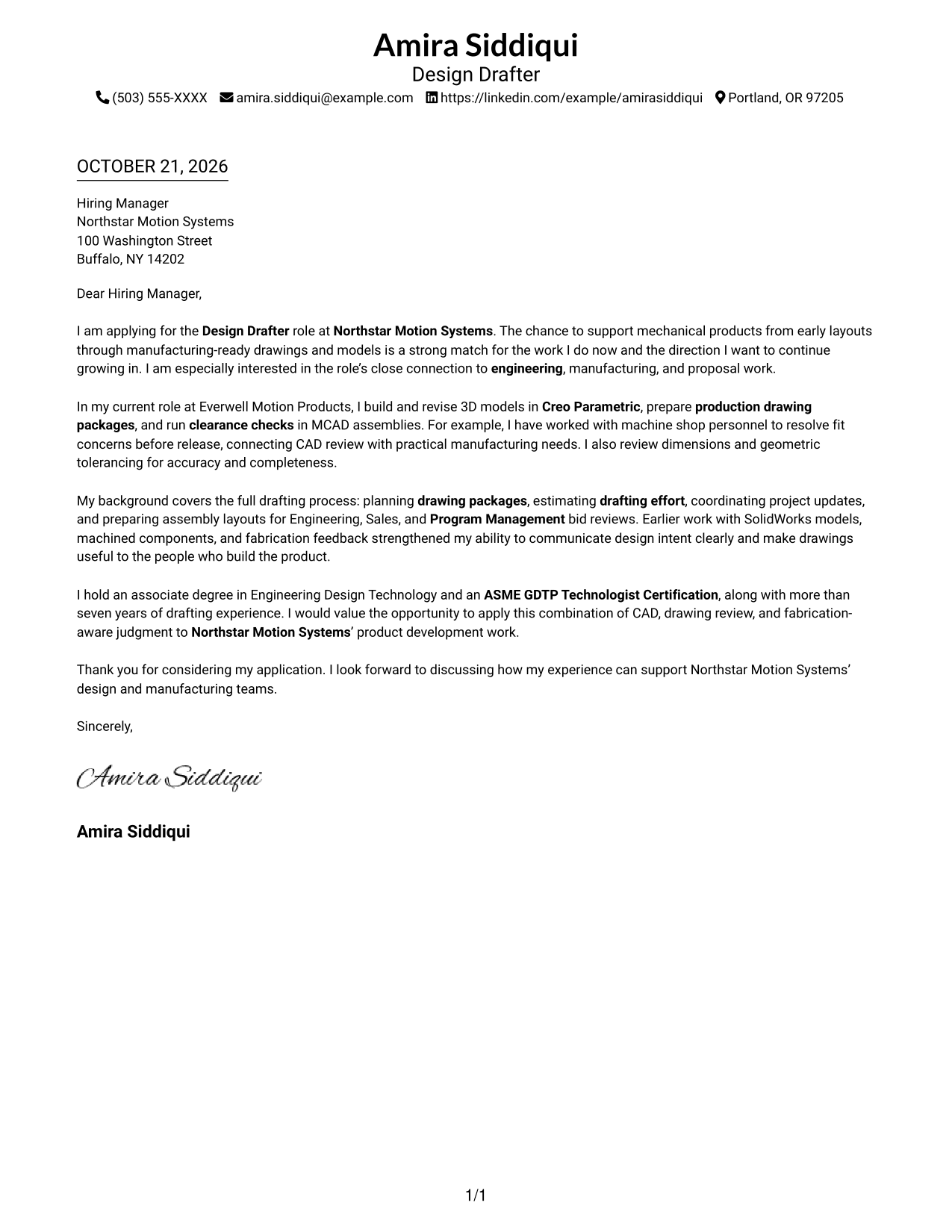
The letter uses one column and keeps sender details in the header, giving the message a direct reading path from opening to close.
Why This Format Works
- The message moves through one direct column from opening to closing.
- Sender details stay in the header, apart from the letter paragraphs.
- A text-only page suits readers who prefer correspondence without a portrait.
Best For
- Single-column letter reading
- Header-based contact details
- Portrait-free correspondence
- Text-first presentation
- Traditional letter style
#2 Two Column Format Cover Letter Example
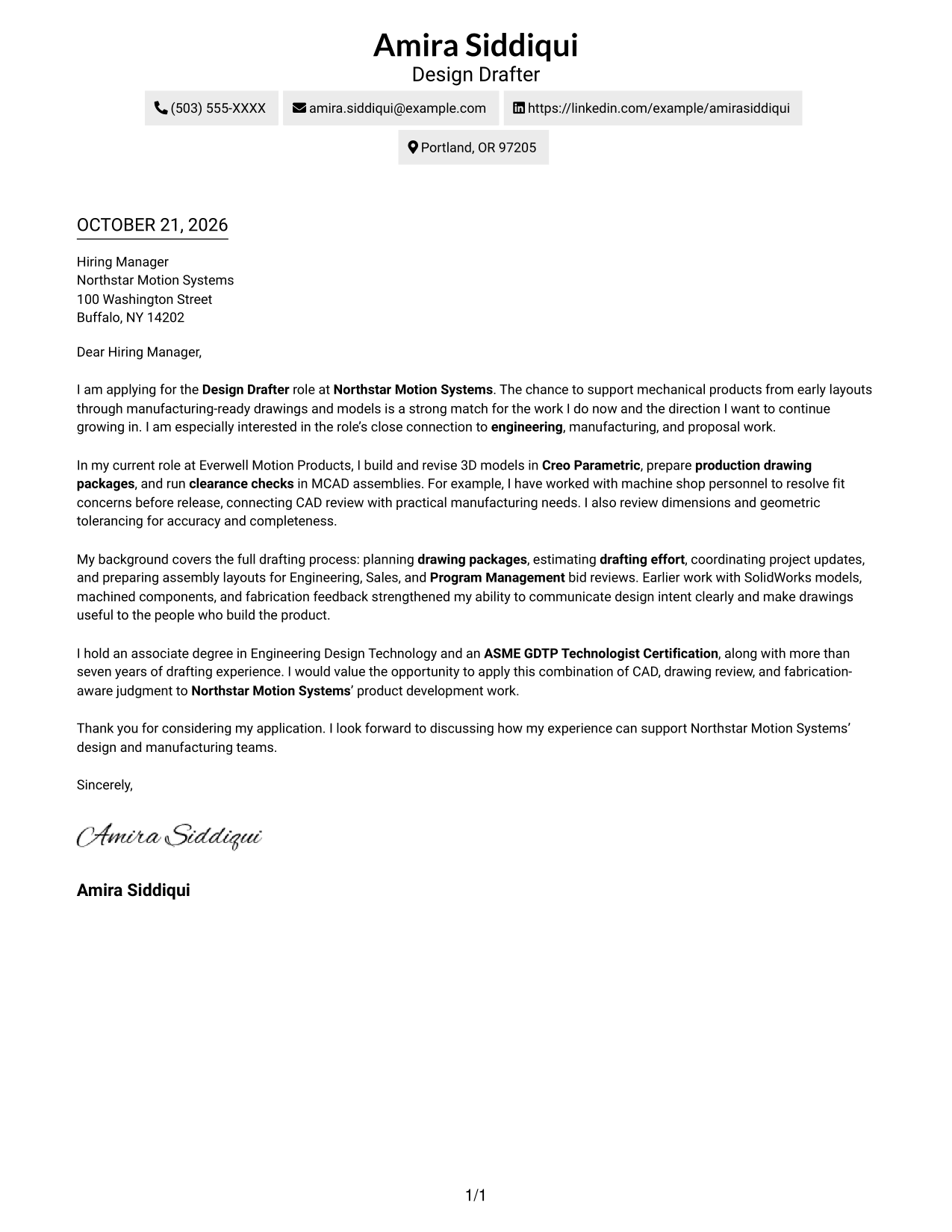
A contact sidebar sits beside one continuous letter column, keeping contact information apart from the message while preserving a clear reading sequence.
Why This Format Works
- Contact details sit apart from the letter, so readers can locate them quickly.
- The body stays in one column, keeping the argument in normal paragraph order.
- Without argument headings, the paragraphs carry the message in a familiar letter form.
Best For
- Separate sender and recipient details
- Continuous single-column letter body
- Unheaded paragraph-based correspondence
- Text-first visual preference
- Applications with several points of fit
#3 Photo Header Two Column Format Cover Letter Example
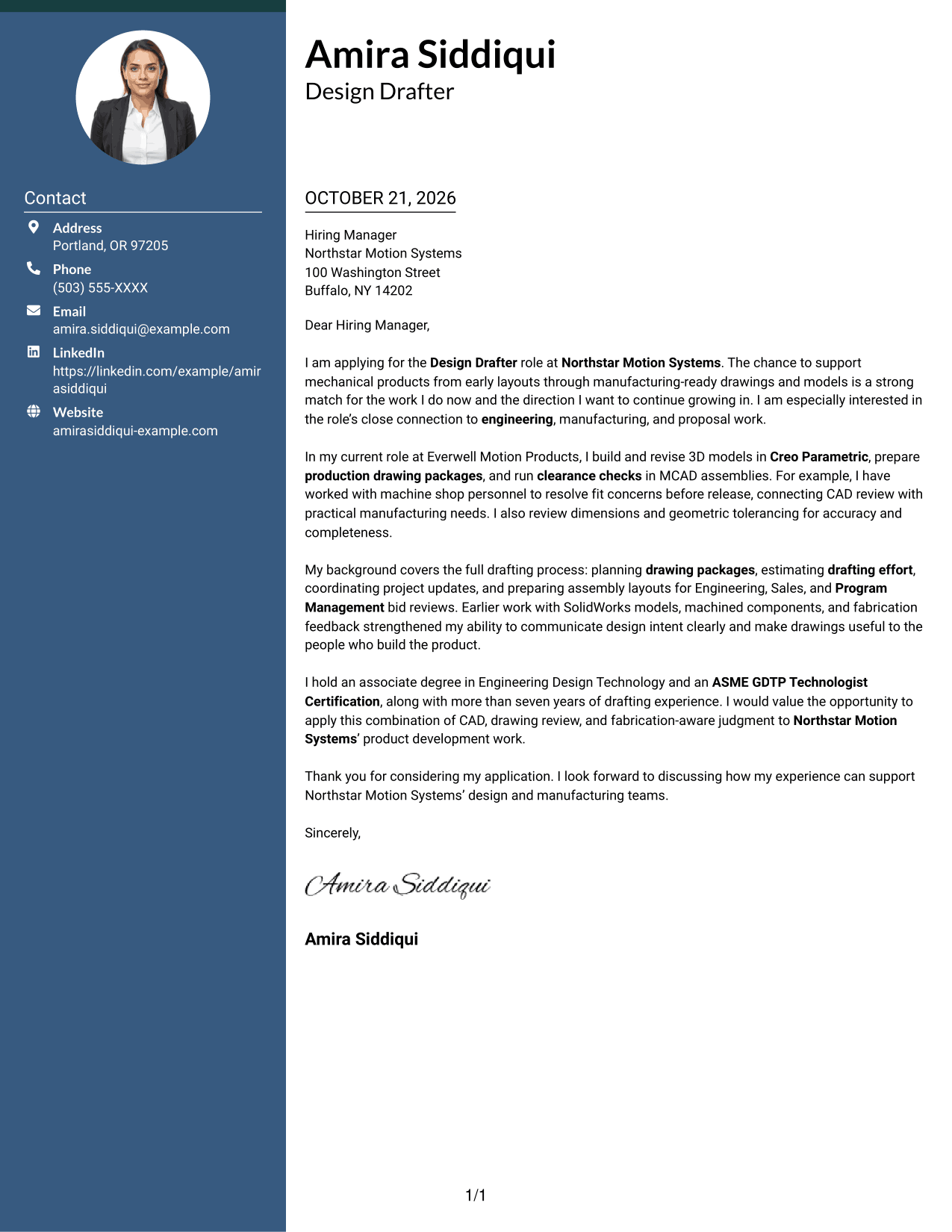
A portrait appears with the contact sidebar, while the letter stays in one continuous column for a clear reading path.
Why This Format Works
- Sender details remain apart from the message in the contact sidebar.
- The one-column body keeps the opening, evidence, and closing in sequence.
- The portrait adds a visible personal element without dividing the letter body.
Best For
- Portrait-inclusive presentation
- Contact details beside the letter
- Single-column message flow
- Applications with several points of fit
- Readers who prefer a visible portrait
#4 One Column Format with Photo Cover Letter Example
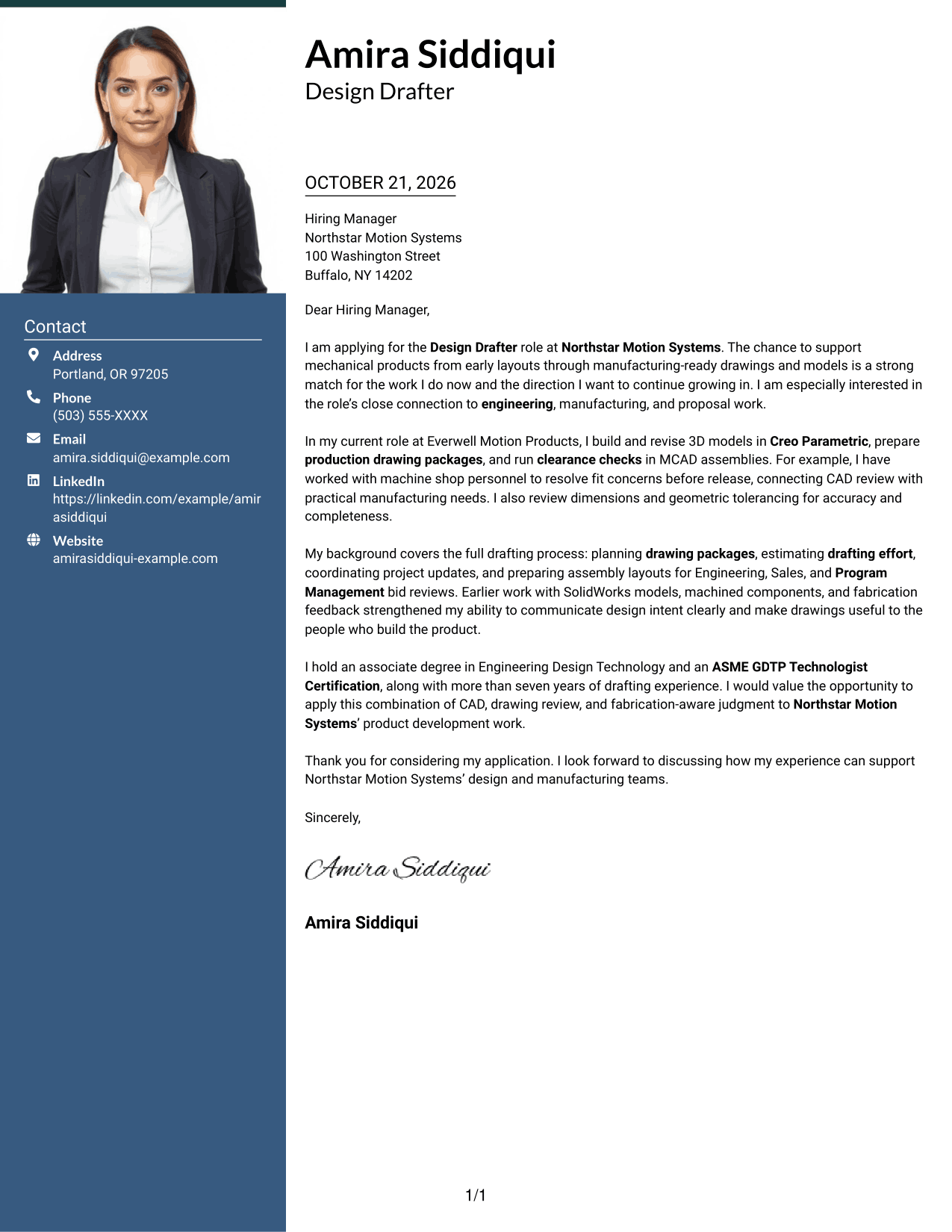
The letter keeps its paragraphs in one column and includes a photo, a practical choice for readers who prefer a portrait with a direct message flow.
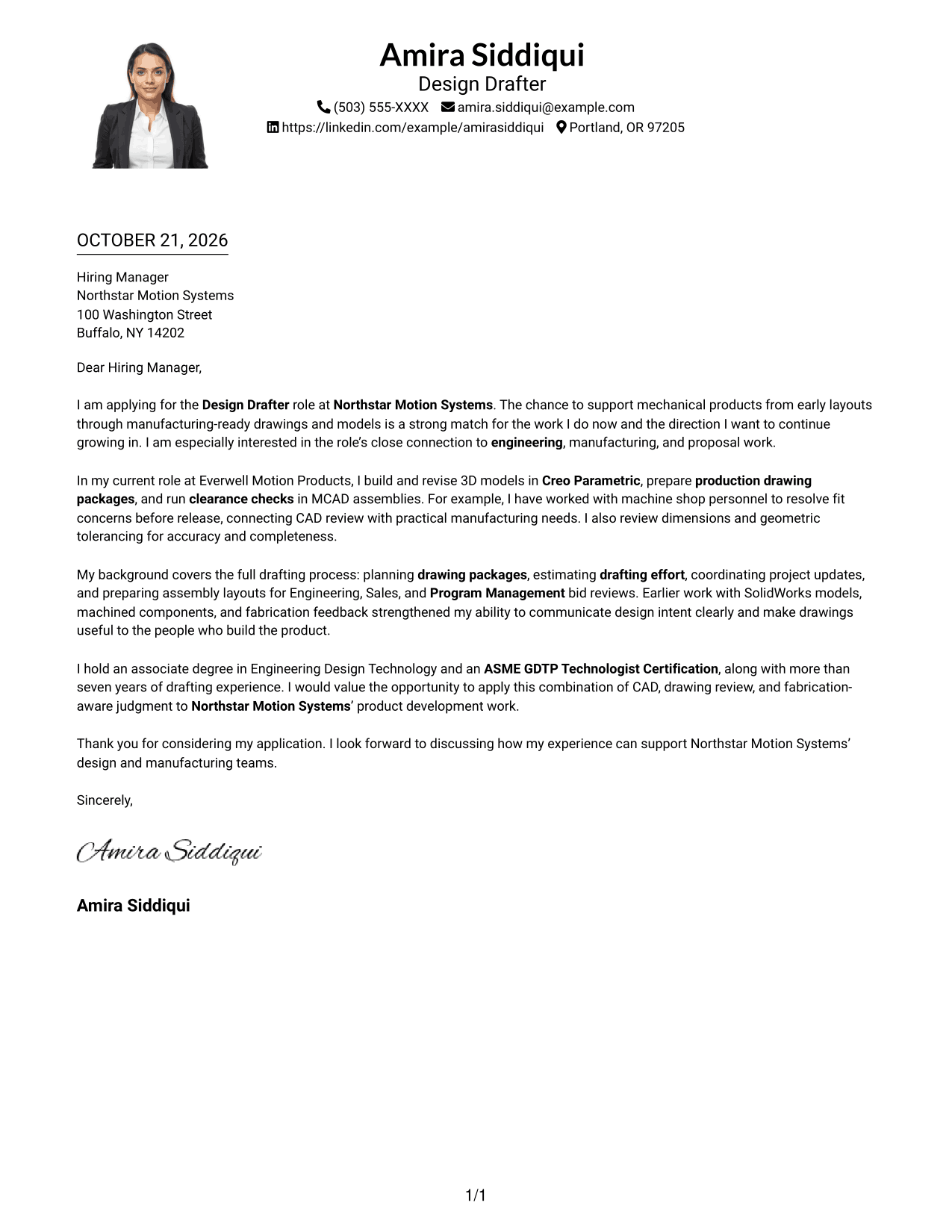
Why This Format Works
- One continuous column takes readers from the opening through the closing.
- Sender details stay in the header, separate from the letter paragraphs.
- The portrait offers a visual element while leaving the argument in prose.
Best For
- Single-column letter presentation
- Portrait-inclusive document preference
- Header-based contact details
- Opening-to-close paragraph reading
- Applications with several fit points
#5 Simple Two Column Format Cover Letter Example
Sender details occupy a contact sidebar beside the letter, while the message itself follows one continuous column.
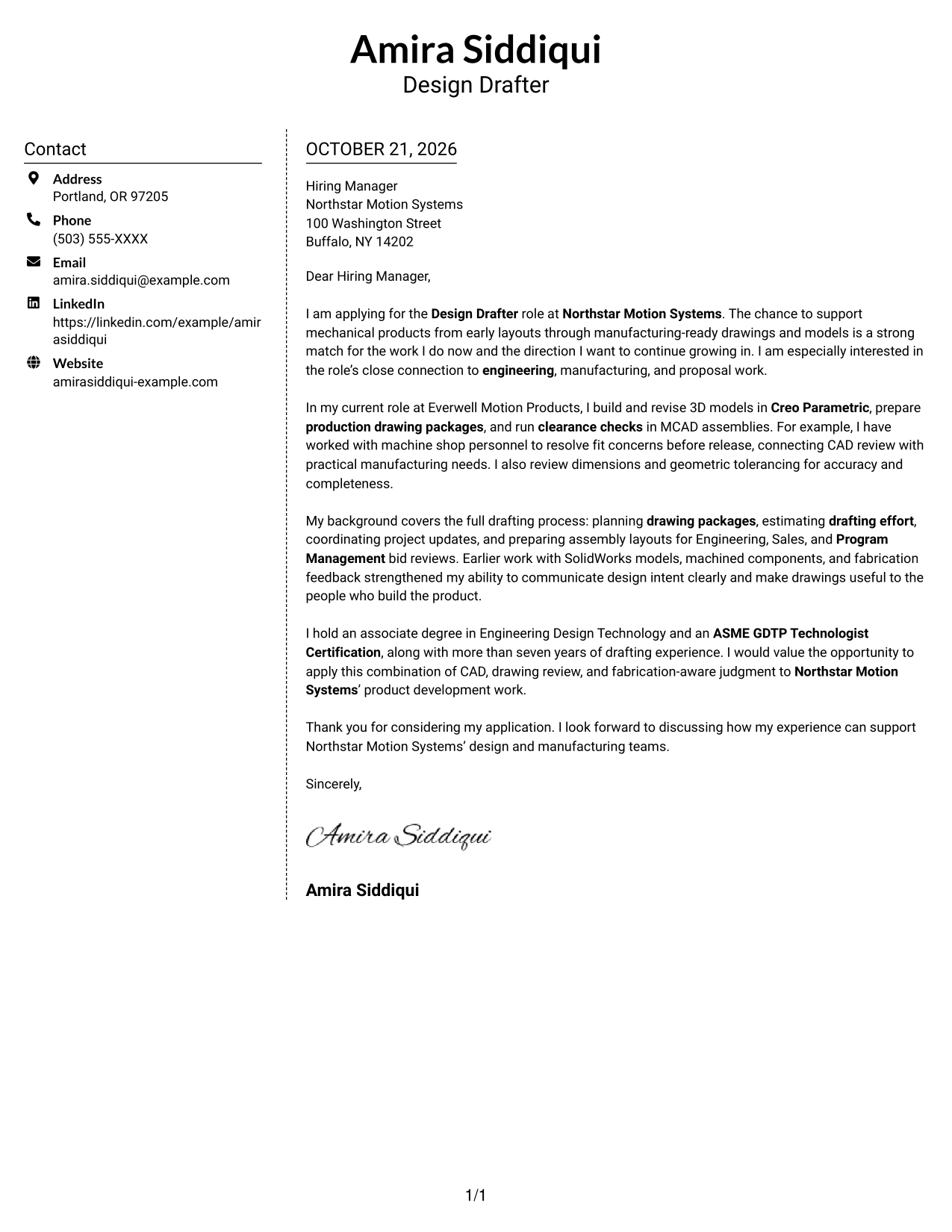
Why This Format Works
- A dedicated contact sidebar keeps sender details distinct from the letter's case for fit.
- The main message stays in one column, so its paragraphs read in sequence.
- The unheaded body keeps the opening, supporting points, and close in a familiar letter form.
Best For
- Contact information beside the message
- One-column letter paragraphs
- Unheaded application correspondence
- Text-only presentation preference
- Letters with several supporting points
#6 Modern Icon Format Cover Letter Example
Contact icons add visual cues beside sender details in the sidebar, while the letter remains a continuous column.
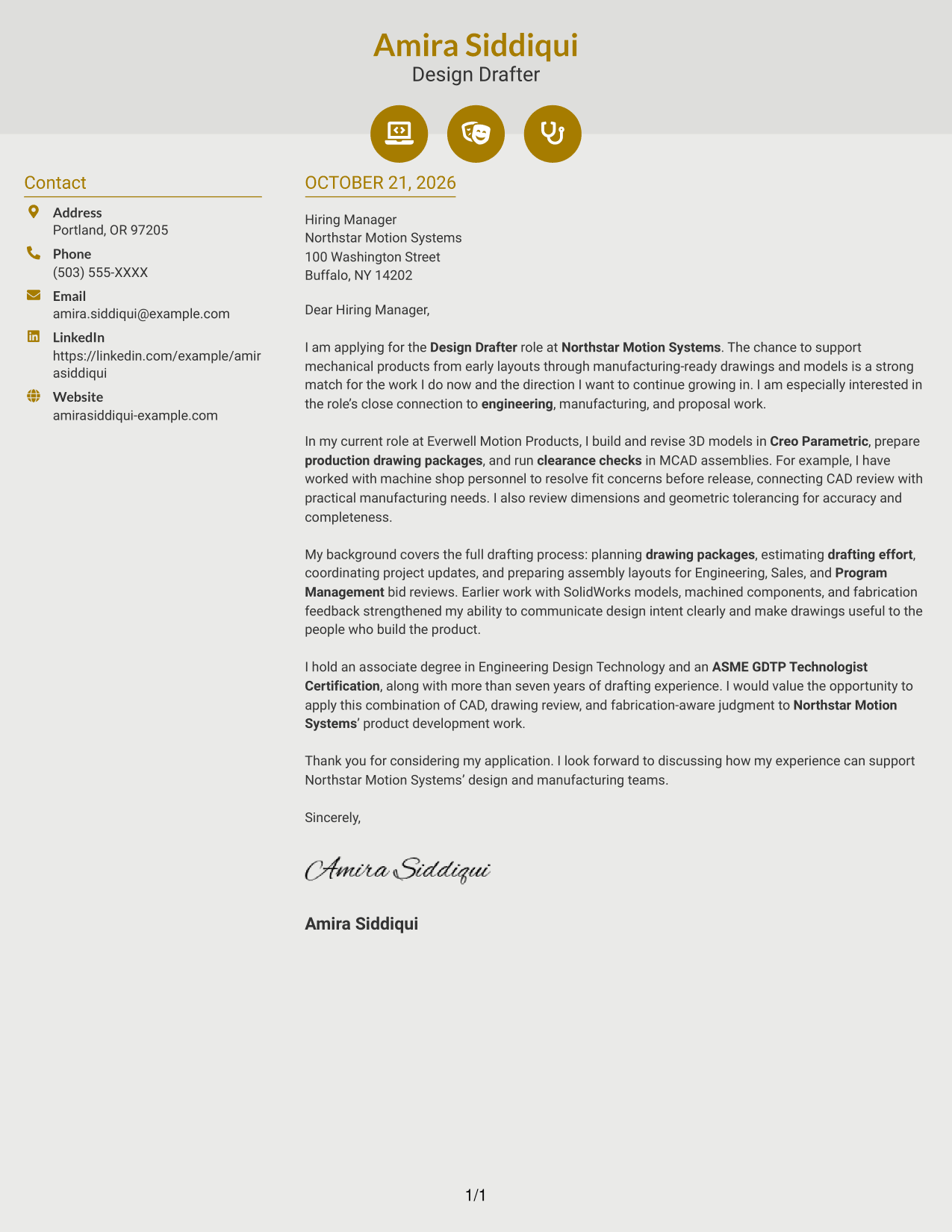
Why This Format Works
- Icons cue contact details, helping distinguish them from the letter's paragraphs.
- The one-column body keeps the opening, evidence, and closing in sequence.
- Header accents add visual detail without dividing the persuasive message.
Best For
- Icon-cued contact details
- Separate contact sidebar
- Continuous single-column letter
- Decorative header accents
- Unheaded application correspondence
#7 Creative Two Tone Format Cover Letter Example
A contact sidebar sits beside one continuous letter column, keeping correspondence details separate from the message about role fit.
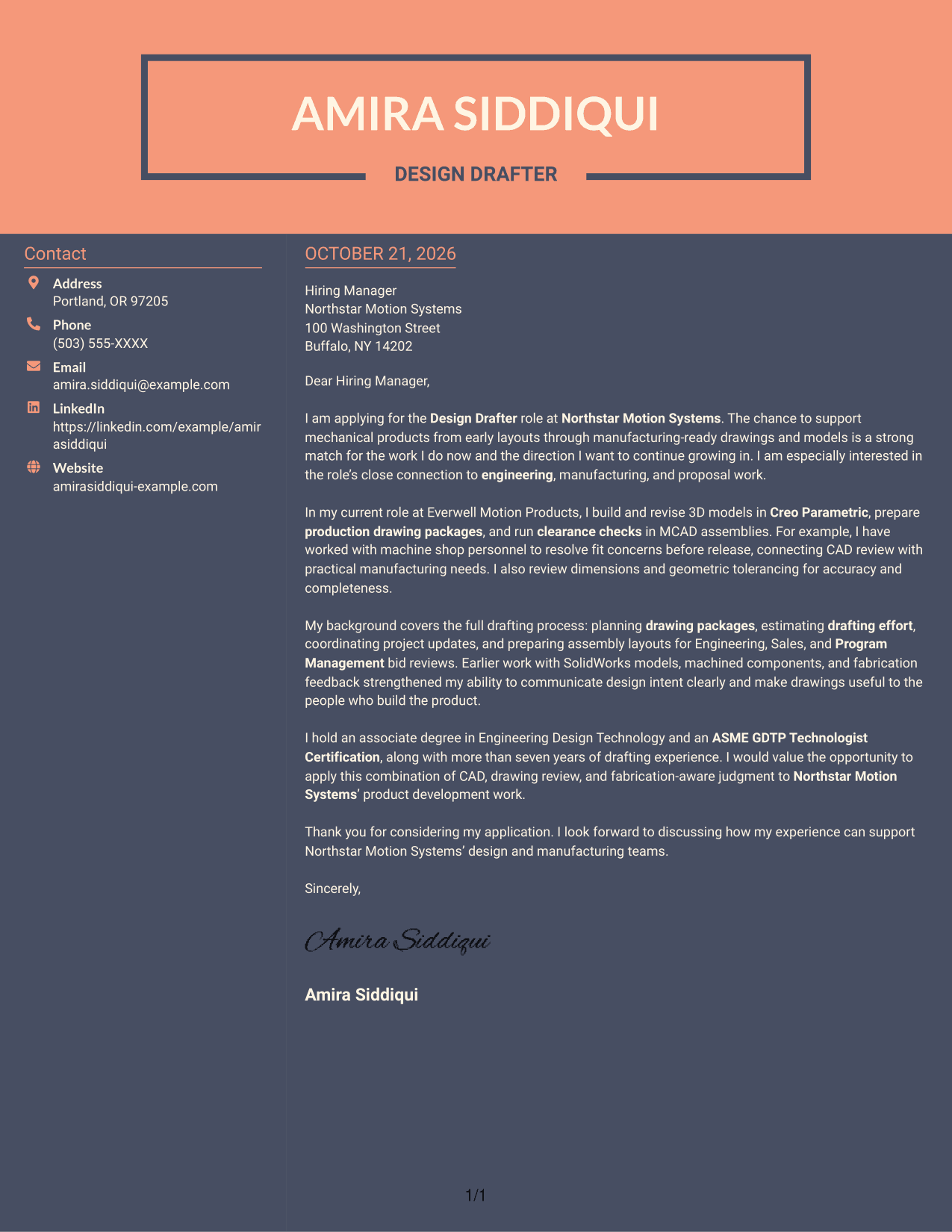
Why This Format Works
- Sender contact information has its own area, distinct from the application message.
- Every paragraph follows the same column, without splitting the argument across sides.
- With no argument headings, the letter reads as conventional correspondence from start to finish.
Best For
- Separate sender contact area
- Continuous letter argument
- Unheaded correspondence
- Two-column document organization
- Applications with a clear written case
See Also
- 7 Design Drafter - Mechanical CAD Resume Templates with Example
- 7 CAD Drafter/Designer - Fiber Network Design Resume Templates with Example
- 7 Entry-Level Architectural Drafter - Residential Design Resume Templates with Example
- 33 Mechanical Design Architect, CAD/ AutoCAD Resume Templates with Example 2026 (ATS-Optimized)
- 33 Associate Mechanical Design Engineer - Aerospace Mechanical Design Resume Templates with Example 2026 (ATS-Optimized)
- 33 Entry-Level Mechanical Engineer - Data Center Facilities Design Resume Templates with Example 2026 (ATS-Optimized)
- 7 Experienced or Senior Mechanical System Design Engineer Resume Templates with Example
- 33 Junior Mechanical Design Engineer - Product Design Resume Templates with Example 2026 (ATS-Optimized)
- 7 CAD Drafter/Designer - Fiber Network Design Cover Letter Templates with Example
- 7 Entry-Level Architectural Drafter - Residential Design Cover Letter Templates with Example
Frequently Asked Questions
What should a Design Drafter - Mechanical CAD cover letter emphasize?
Show how your mechanical CAD work supports clear layouts, accurate drawings, and manufacturing needs. Connect your evidence to the role’s drawing review, clearance checks, and cross-functional work.
What is a strong example to include in this cover letter?
Use a specific example that shows how you handled a design or drawing need. For instance, describe working with machine shop personnel to resolve a fit concern before release, if that reflects your experience.
How should I explain my interest in the employer?
Refer to a real part of the position, such as supporting product development from early layouts to manufacturing-ready drawings or working with engineering, manufacturing, and proposal teams. Add a company-specific reason only if it is genuine.
Which cover letter style works well for a mechanical CAD role?
Choose a clear, readable style that lets the opening, supporting evidence, and closing stand out. Use the image previews to compare presentations, then open an example in the editor to view or customize it.
How can I make my closing paragraph more effective?
Briefly restate how your drafting and manufacturing-aware judgment can help with the role’s work. Thank the reader and express interest in discussing your fit.




