
7 Digital & Social Media Coordinator Cover Letter Templates with Example
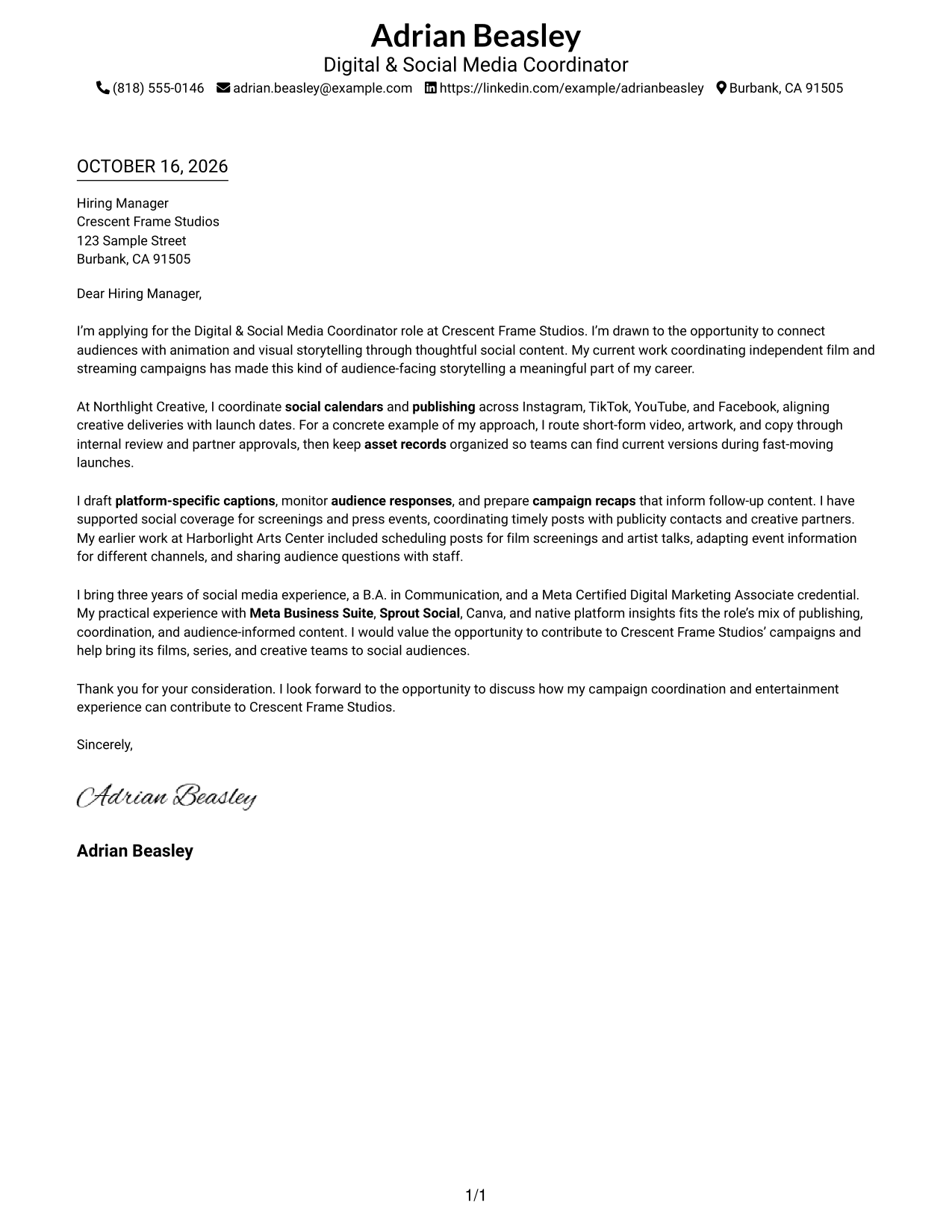
Use this guide to shape a persuasive Digital & Social Media Coordinator cover letter and compare seven layouts through image previews.
What Makes a Great Digital & Social Media Coordinator Cover Letter in 2026
A strong letter connects your interest in audience-facing storytelling with the work of coordinating social campaigns. Use the opening to explain why this role and its mix of creative and publishing work appeal to you.
In the body, give clear examples of managing content calendars, routing assets for approval, or responding to audience insights. Show how your approach can support the studio’s projects, partners, and communication needs.
The featured example moves from role motivation to campaign coordination, audience-focused work, and a clear close. Adapt this focused progression while choosing a presentation that suits the employer and the communication context.
#1 Simple One Column Format Cover Letter Example
A single column keeps sender details in the header and the letter body on one direct reading path.
Why This Format Works
- Header details give reviewers a clear place to find contact information.
- The single column keeps the opening, supporting points, and close in sequence.
- The photo-free presentation keeps the header focused on written contact details.
Best For
- Single-column reading preference
- Text-led application materials
- Header-based contact details
- Traditional business correspondence
- Photo-free submissions
#2 Two Column Format Cover Letter Example
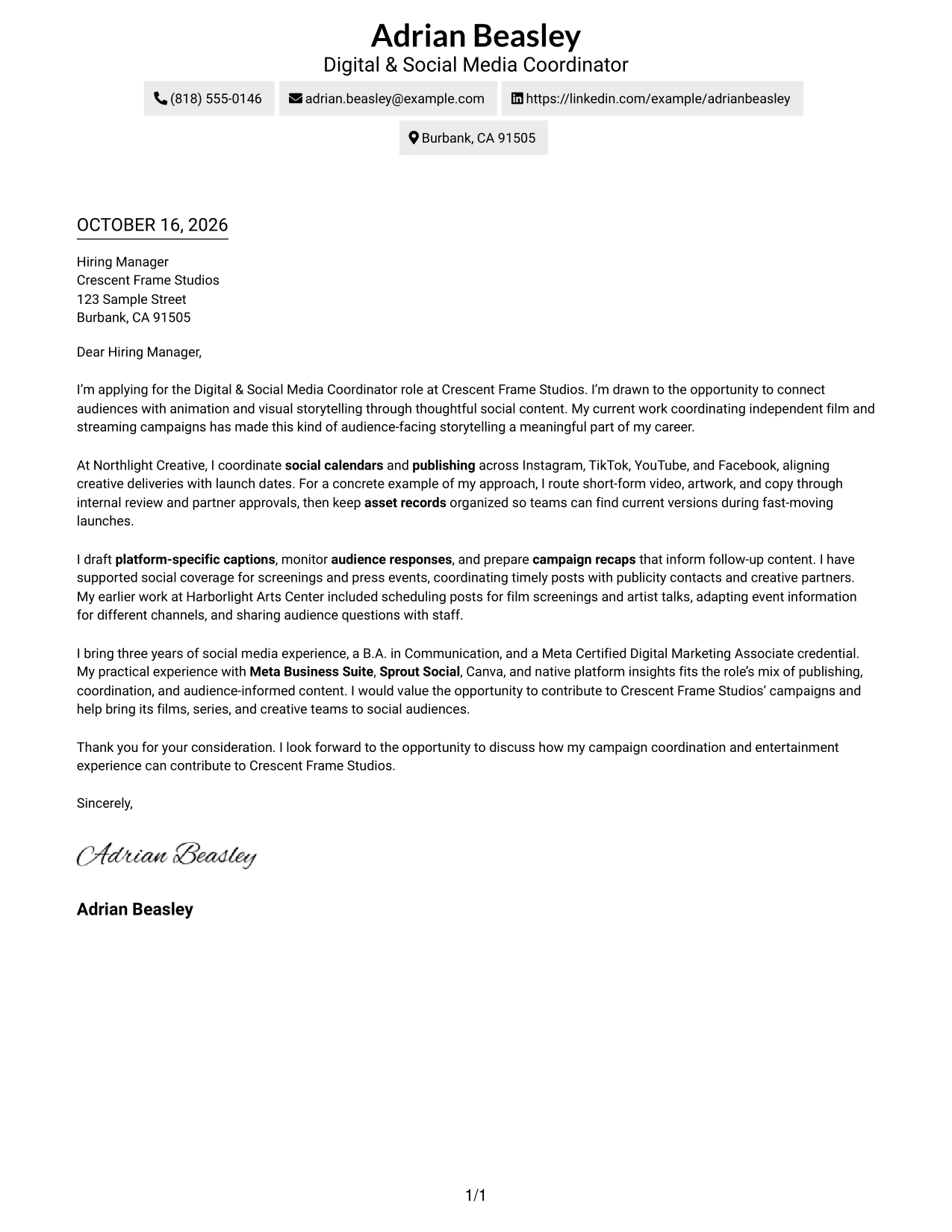
A contact sidebar sits beside the letter, separating sender details while leaving the message in one continuous column.
Why This Format Works
- Contact details sit apart from the letter, so reviewers can locate them quickly.
- One continuous body keeps motivation and supporting points in reading order.
- The photo-free layout suits applications that favor a text-led appearance.
Best For
- Readers who prefer a contact sidebar
- Letters with a clear paragraph sequence
- Two-column document preference
- Text-led correspondence
- Photo-free applications
#3 Photo Header Two Column Format Cover Letter Example
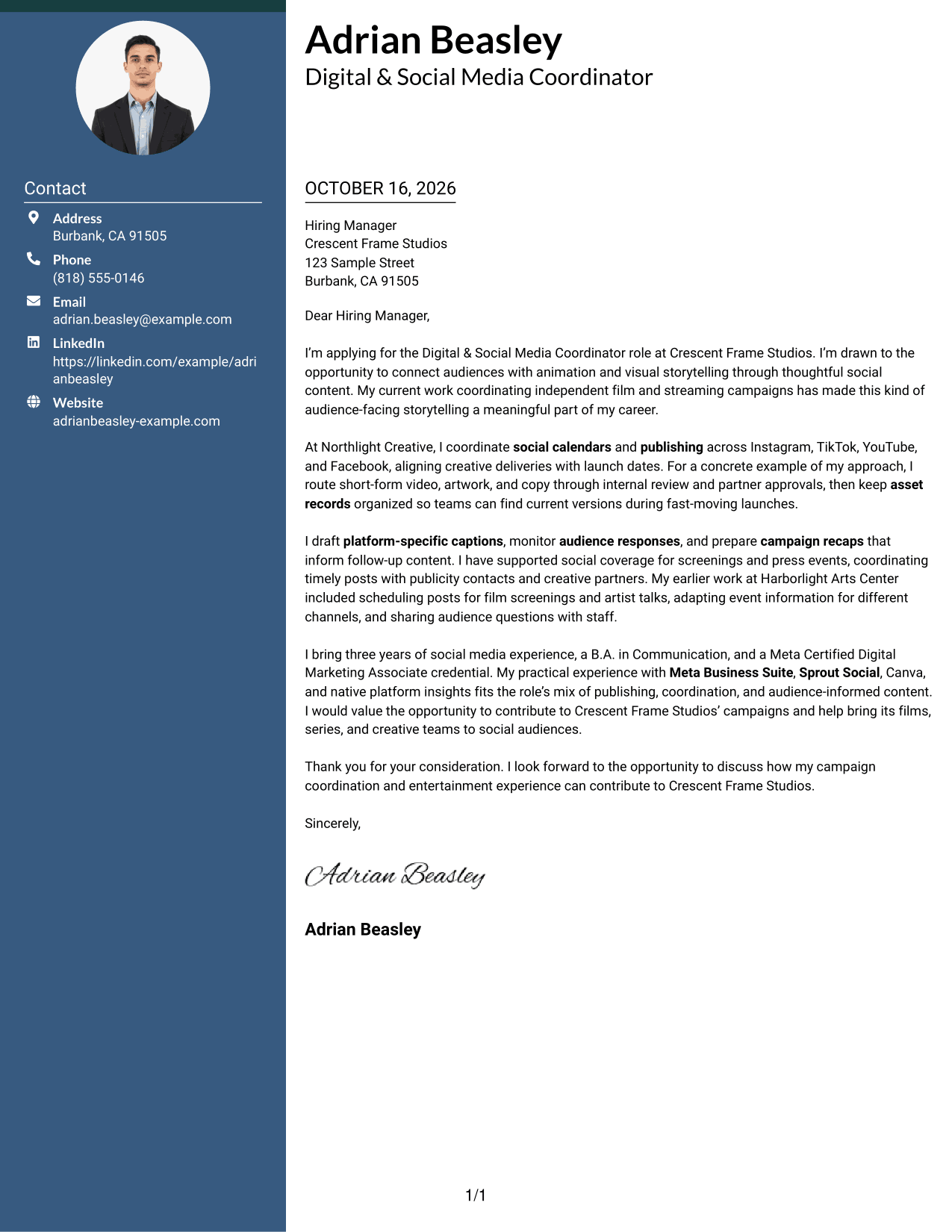
A photo joins the two-column layout, with contact details in a sidebar beside the continuous letter body.
Why This Format Works
- The sidebar keeps sender contact details distinct from the letter paragraphs.
- A photo adds a personal visual element without dividing the letter body.
- Continuous paragraphs keep the opening, supporting points, and closing together.
Best For
- Photo-inclusive application materials
- Contact details beside the letter
- Continuous paragraph-based messages
- Two-column reading preference
- Personal visual presentation
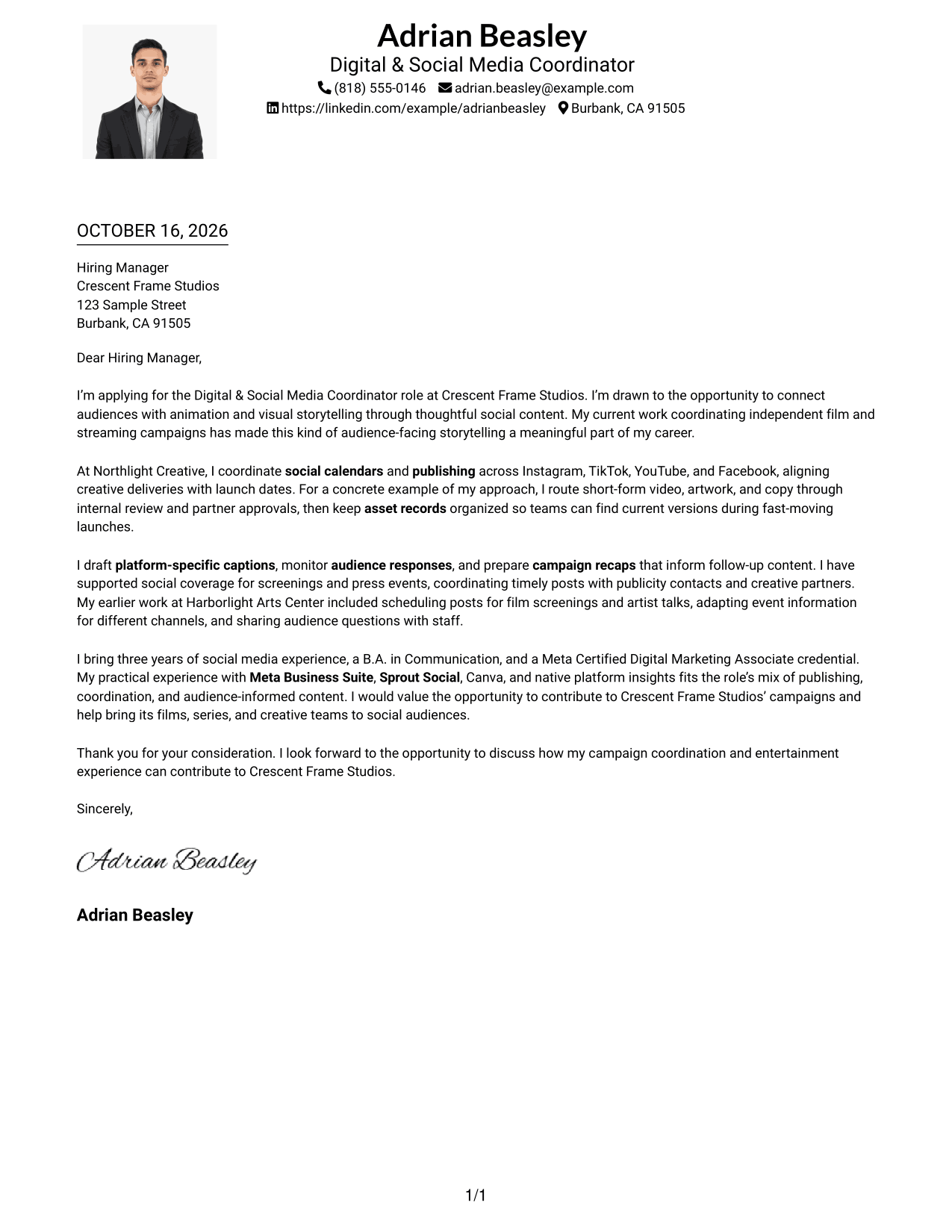
#4 One Column Format with Photo Cover Letter Example
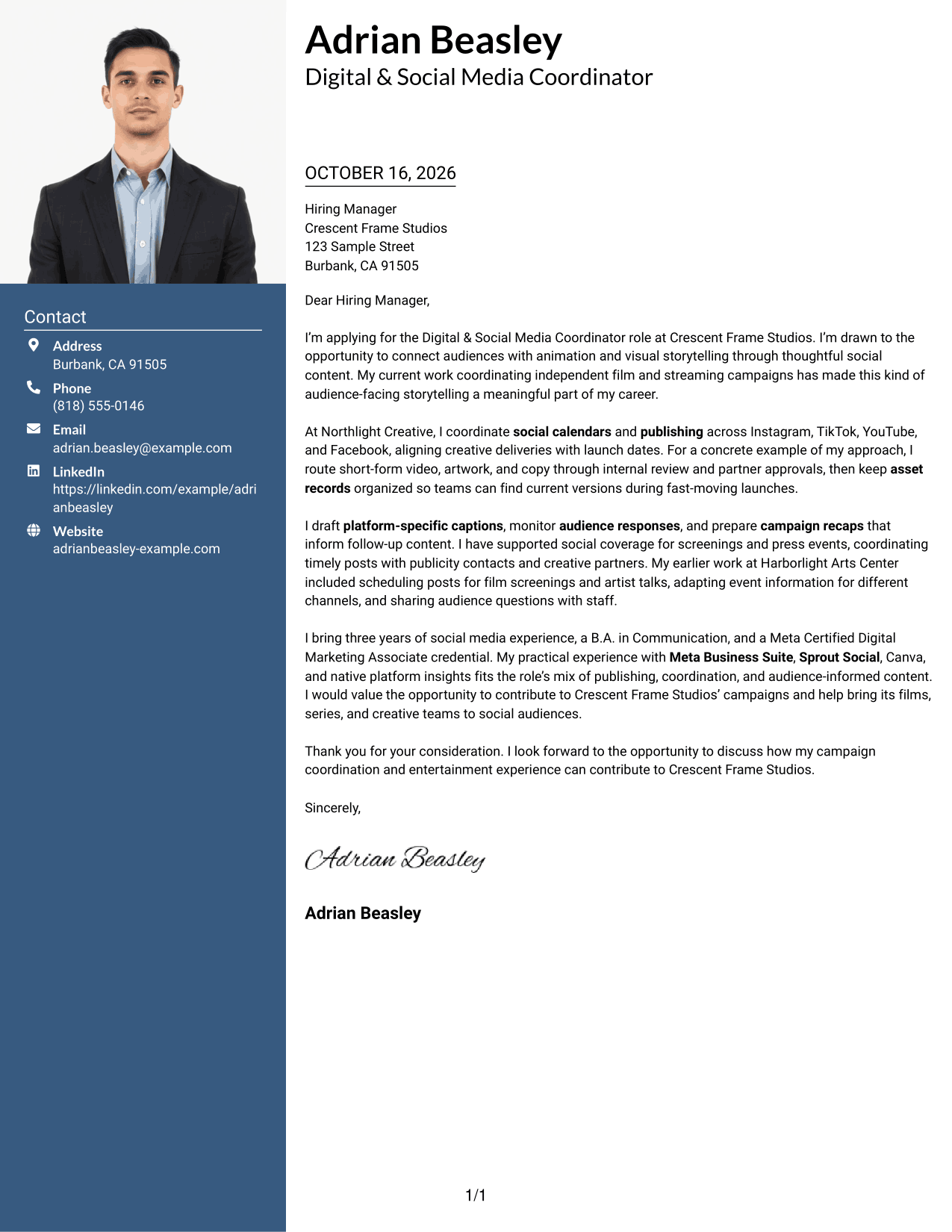
This one-column layout includes a photo while keeping contact details and the letter body on one reading path.
Why This Format Works
- The one-column structure keeps contact details and letter paragraphs in a shared reading path.
- A photo provides a visible personal element alongside the written message.
- The continuous body lets reviewers follow the letter from opening to close.
Best For
- One-column reading preference
- Photo-inclusive correspondence
- Letters with connected paragraphs
- Header contact details
- Personal visual presentation
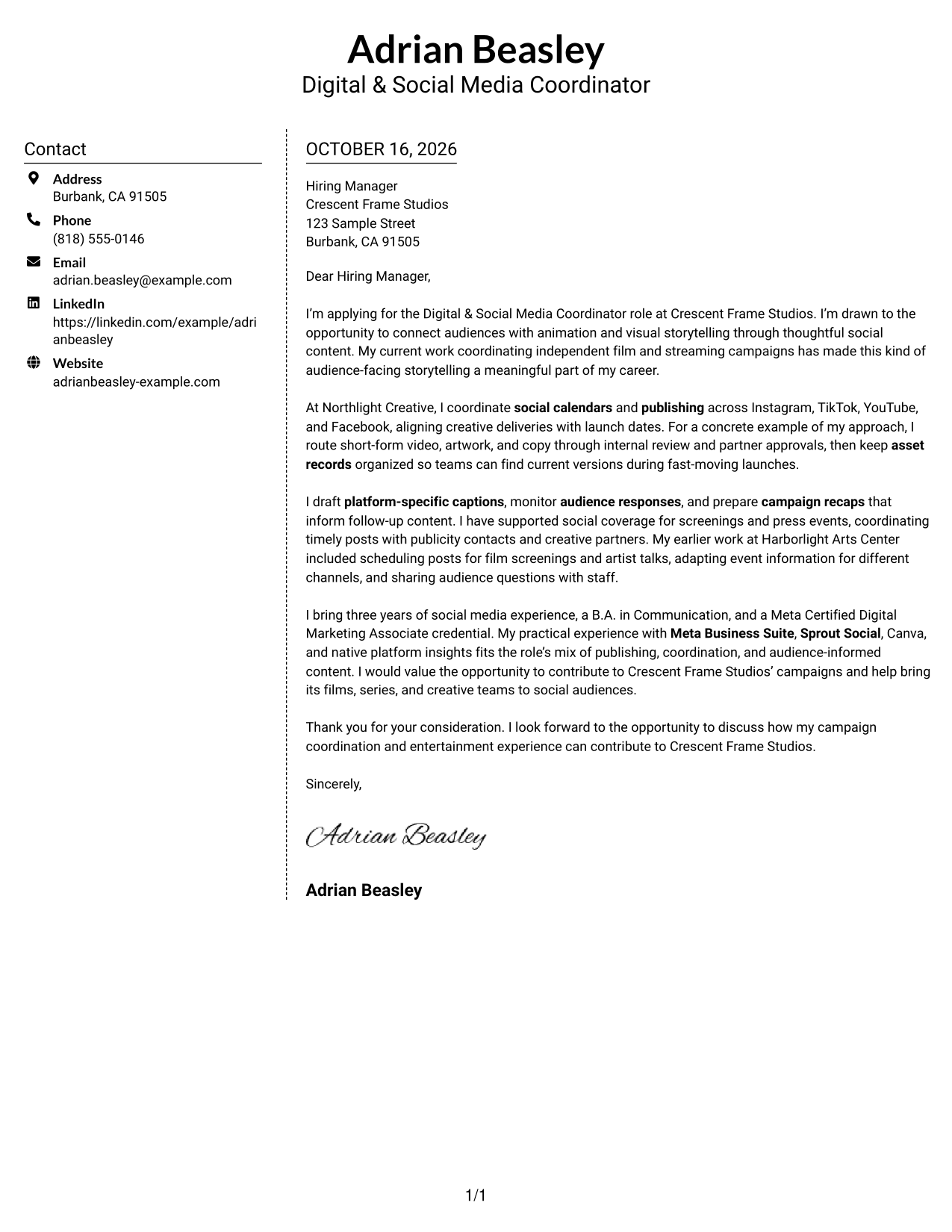
#5 Simple Two Column Format Cover Letter Example
A contact sidebar gives sender details their own column, while the letter remains a single continuous body.
Why This Format Works
- The separate contact area lets reviewers find sender details without searching the letter.
- A single body column preserves the natural order of the message.
- Its photo-free presentation keeps attention on written content and contact information.
Best For
- Separate contact and message areas
- Single-column letter body
- Photo-free application materials
- Simple two-column organization
- Text-first correspondence
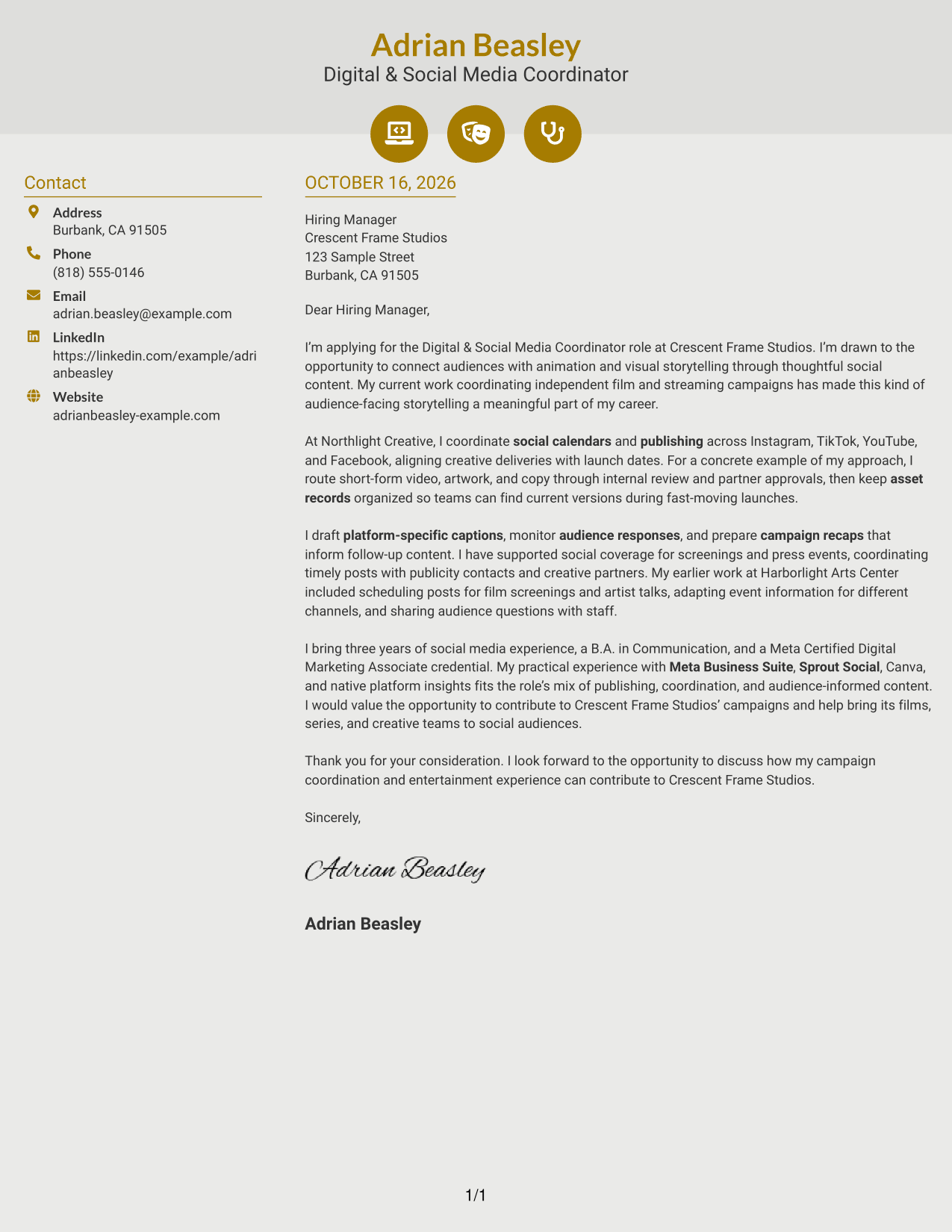
#6 Modern Icon Format Cover Letter Example
Contact cues and decorative header accents accompany a sidebar, while the letter stays in one continuous column.
Why This Format Works
- Contact cues help distinguish sender details from the main letter body.
- The sidebar leaves the opening, supporting paragraphs, and close together in one column.
- Small header accents add visual detail without labeling parts of the argument.
Best For
- Contact details with visual cues
- Single-column letter body
- Readers who favor a marked contact area
- Continuous paragraph-based messages
- Decorative header accents
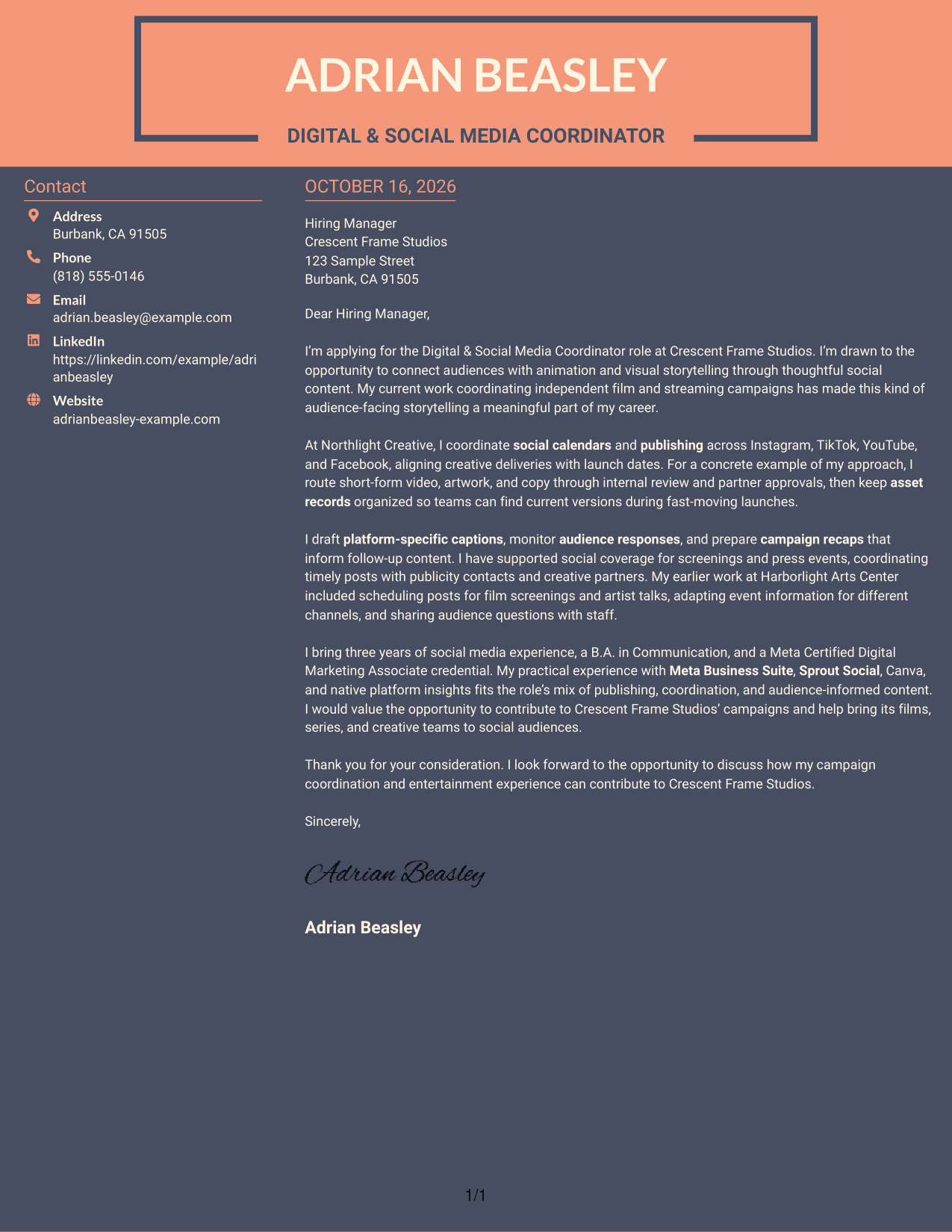
#7 Creative Two Tone Format Cover Letter Example
The two-column layout places contact details beside a single, continuous letter body.
Why This Format Works
- The contact sidebar separates sender details from the message for easy reference.
- The letter body stays continuous, keeping its paragraphs in a clear sequence.
- A two-column arrangement gives the contact area and message distinct positions.
Best For
- Contact details apart from the message
- Continuous letter paragraphs
- Two-column page preference
- Text-focused applications
- Distinct contact and letter areas
See Also
- 7 Digital & Social Media Coordinator Resume Templates with Example
- 7 Social Media & Content Coordinator Resume Templates with Example
- 7 Social Casework Coordinator - Child Care Program Resume Templates with Example
- 33 Accounts Payable Coordinator Resume Templates with Example 2026 (ATS-Optimized)
- 7 Accounts Receivable Coordinator I Resume Templates with Example
- 7 Administrative Assistant & Hospitality Coordinator Resume Templates with Example
- 7 Administrative Coordinator for Nursing Resume Templates with Example
- 33 Administrative Operations Coordinator - Transportation Administration Resume Templates with Example 2026 (ATS-Optimized)
- 30+ Accounts Payable Coordinator Cover Letter Templates with Example 2026
- 30+ Care Coordinator Cover Letter Templates with Example 2026
Frequently Asked Questions
What should a Digital & Social Media Coordinator cover letter include?
Explain your interest in the role, then connect relevant campaign work to its needs. Give examples of platform-specific writing, publishing coordination, asset approvals, audience engagement, or event coverage when they fit your experience.
How can I show that I understand social media audiences?
Describe how you monitor responses or review platform insights, and explain how that information guides follow-up content. Use a specific example if you have one.
How should I tailor my letter to an animation studio?
Connect your genuine interest in animation or visual storytelling to the studio’s audience-facing work. Support that interest with relevant examples of campaign coordination, content writing, or event coverage.
What is the best cover letter layout for this role?
Choose a clear layout that makes the opening, evidence, and closing easy to follow. Compare the image previews, then open an example in the editor to view or customize it.
How should I close a Digital & Social Media Coordinator cover letter?
Restate your interest briefly and connect your experience to the role’s work. Thank the reader for their time and close with a professional sign-off.




