
7 Digital Technology Intern - Aviation Systems Cover Letter Templates with Example
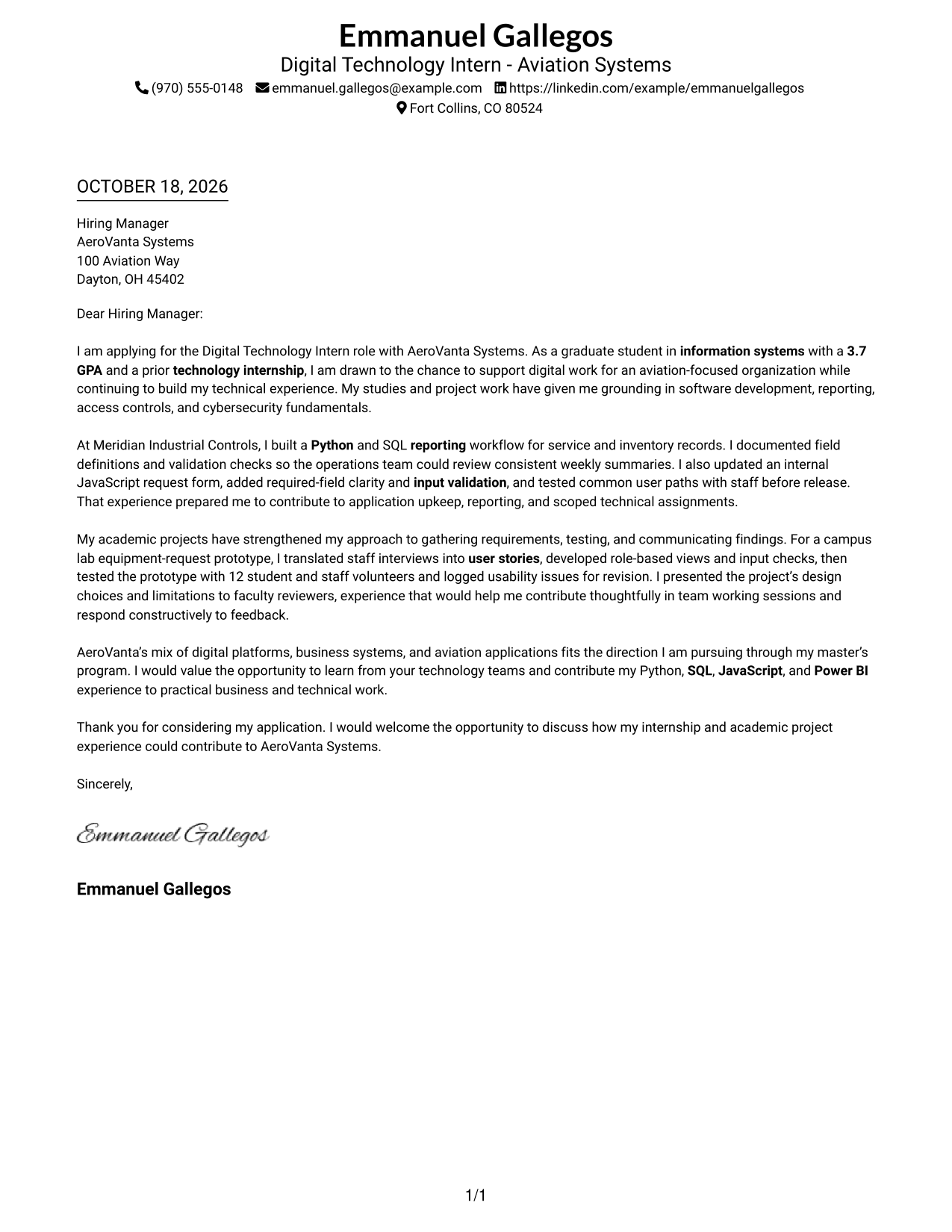
This practical guide to the Digital Technology Intern - Aviation Systems cover letter shows how seven layouts can help you present a clear, persuasive case for the role.
What Makes a Great Digital Technology Intern - Aviation Systems Cover Letter in 2026
A strong letter connects your interest in aviation technology with the work this role supports. Show how your technical background can help with applications, reports, and internal systems.
Use clear examples, such as building a Python and SQL reporting workflow or testing an equipment-request application. Explain what you did and how that experience could support the employer’s digital technology work.
The featured example moves from interest in the role to relevant work, project evidence, employer alignment, and a courteous close. Adapt that focused progression while choosing a presentation that fits the employer and the communication setting.
#1 Simple One Column Format Cover Letter Example
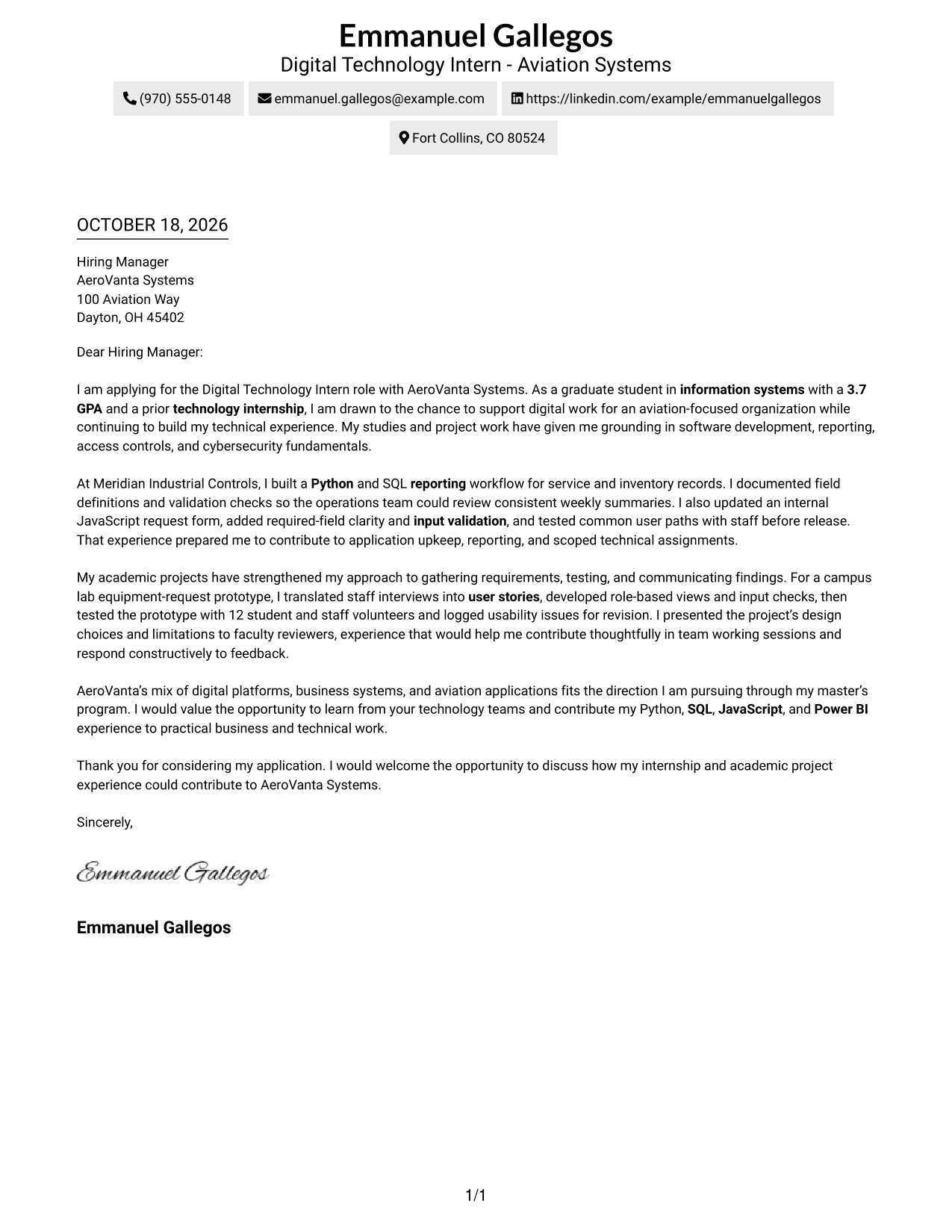
The Simple One Column Format keeps sender details in the header and the full letter on one reading path.
Why This Format Works
- Paragraph breaks distinguish the opening, supporting examples, company fit, and courteous close.
- Sender details remain easy to locate without turning into argument headings.
- One continuous body keeps the letter's motivation and evidence in sequence.
Best For
- Single-path letter reading
- Paragraph-led application messages
- Letters with several evidence paragraphs
- Contact details in the header
- Readers who prefer no sidebar
#2 Two Column Format Cover Letter Example
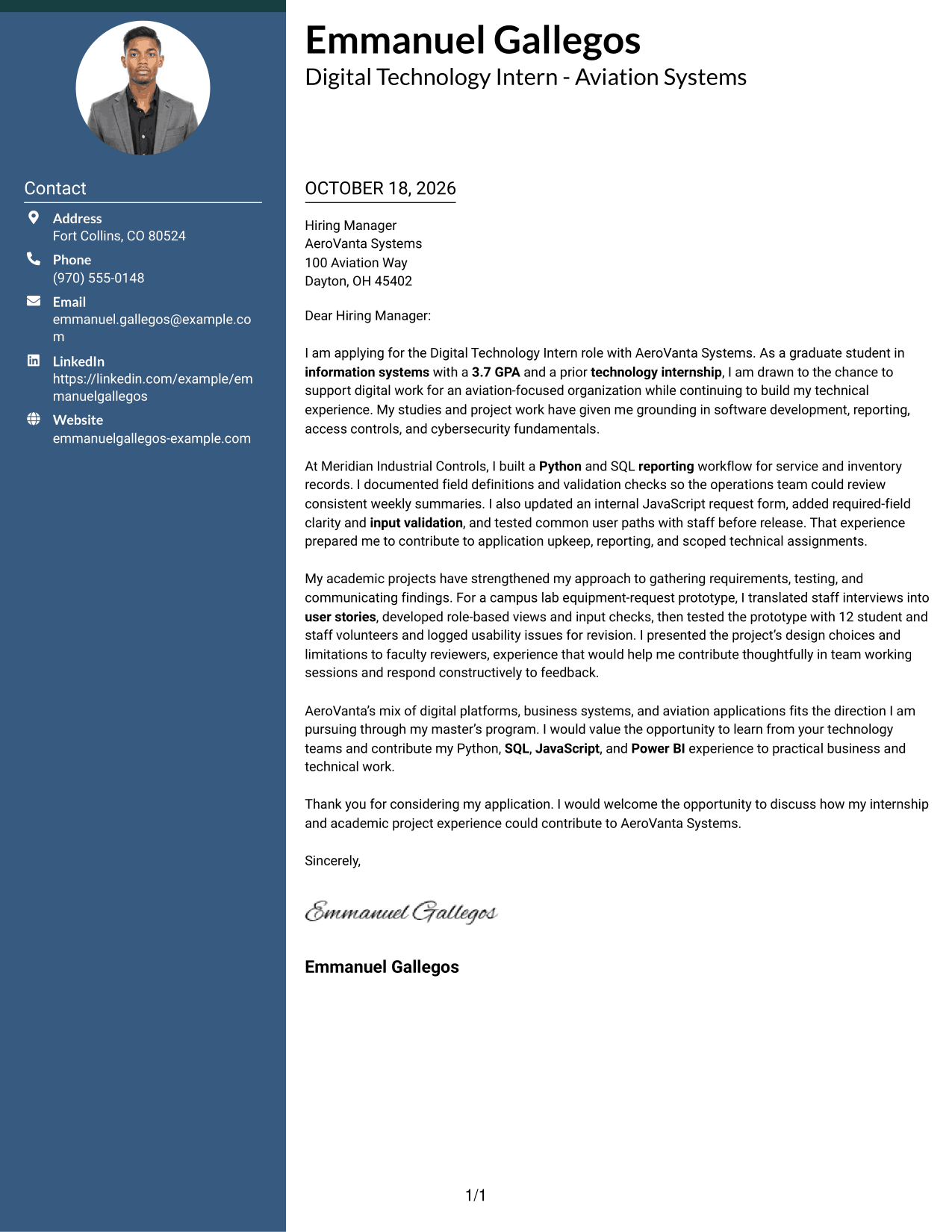
The Two Column Format places a contact sidebar beside one continuous letter body, separating contact details from the message.
Why This Format Works
- The sidebar keeps contact information outside the letter's persuasive paragraphs.
- The single body lets the opening, evidence, and close read in order.
- Paragraph breaks distinguish examples without adding labels to the argument.
Best For
- Separated contact and message areas
- One-body persuasive letters
- Quick access to sender details
- Paragraph-based evidence
- Letters with clear company motivation
#3 Photo Header Two Column Format Cover Letter Example
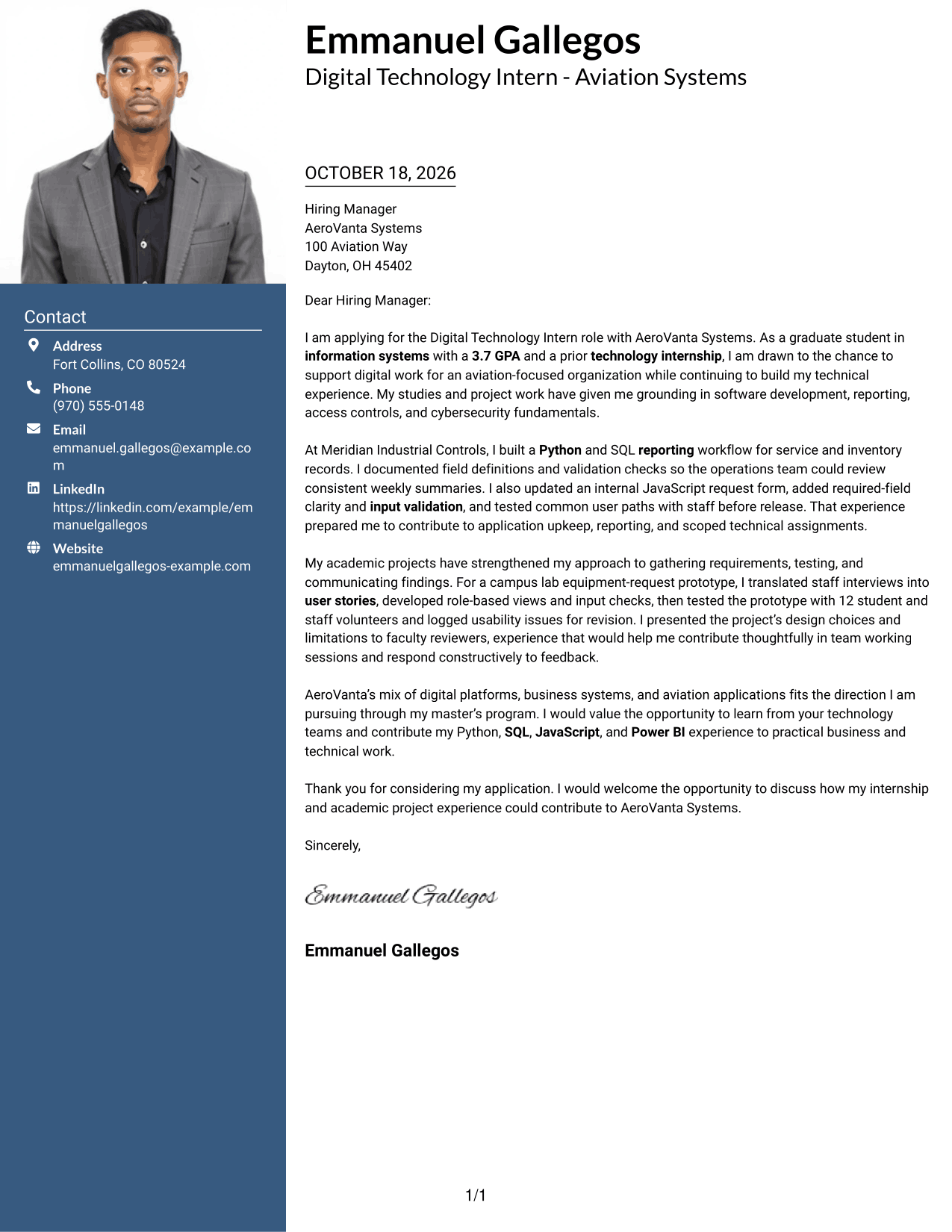
The Photo Header Two Column Format combines a contact sidebar and continuous letter body with a photo for a personal visual touch.
Why This Format Works
- The contact sidebar keeps sender information apart from the letter's persuasive text.
- A continuous body preserves the sequence from interest through evidence to closing.
- Paragraph breaks let supporting examples stand apart without adding argument headings.
Best For
- Photo-inclusive applications
- One-body argument flow
- Contact details beside the message
- Paragraph-led supporting evidence
- Letters with a company-fit paragraph
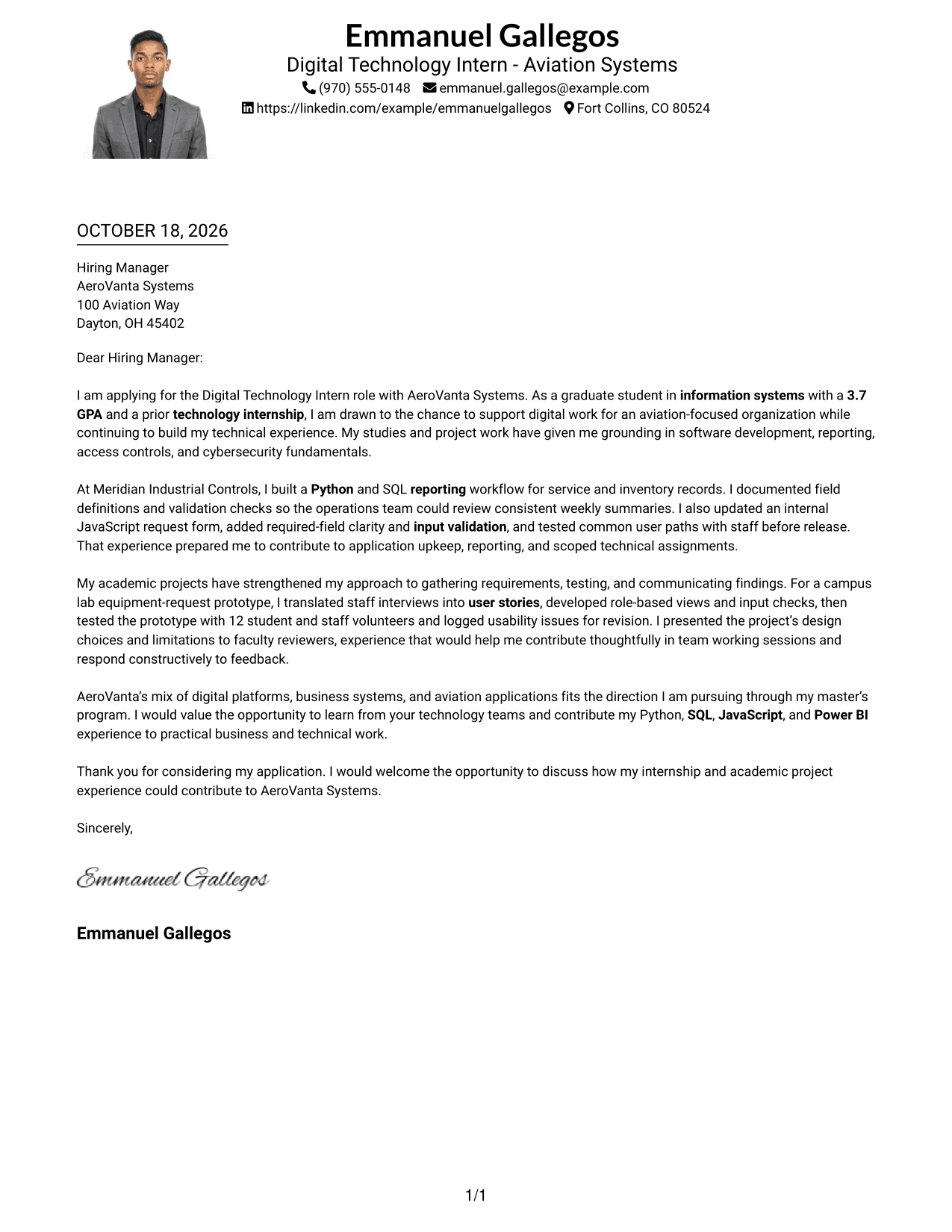
#4 One Column Format with Photo Cover Letter Example
The One Column Format with Photo keeps the letter on a single reading path and includes a photo.
Why This Format Works
- Paragraph breaks separate supporting examples while preserving one continuous message.
- Sender details remain in the header, outside the persuasive letter body.
- The opening, company fit, and courteous close stay within the same body.
Best For
- Photo-inclusive applications
- Single-path message reading
- Paragraph-based persuasion
- Header-held contact details
- Letters with distinct evidence paragraphs
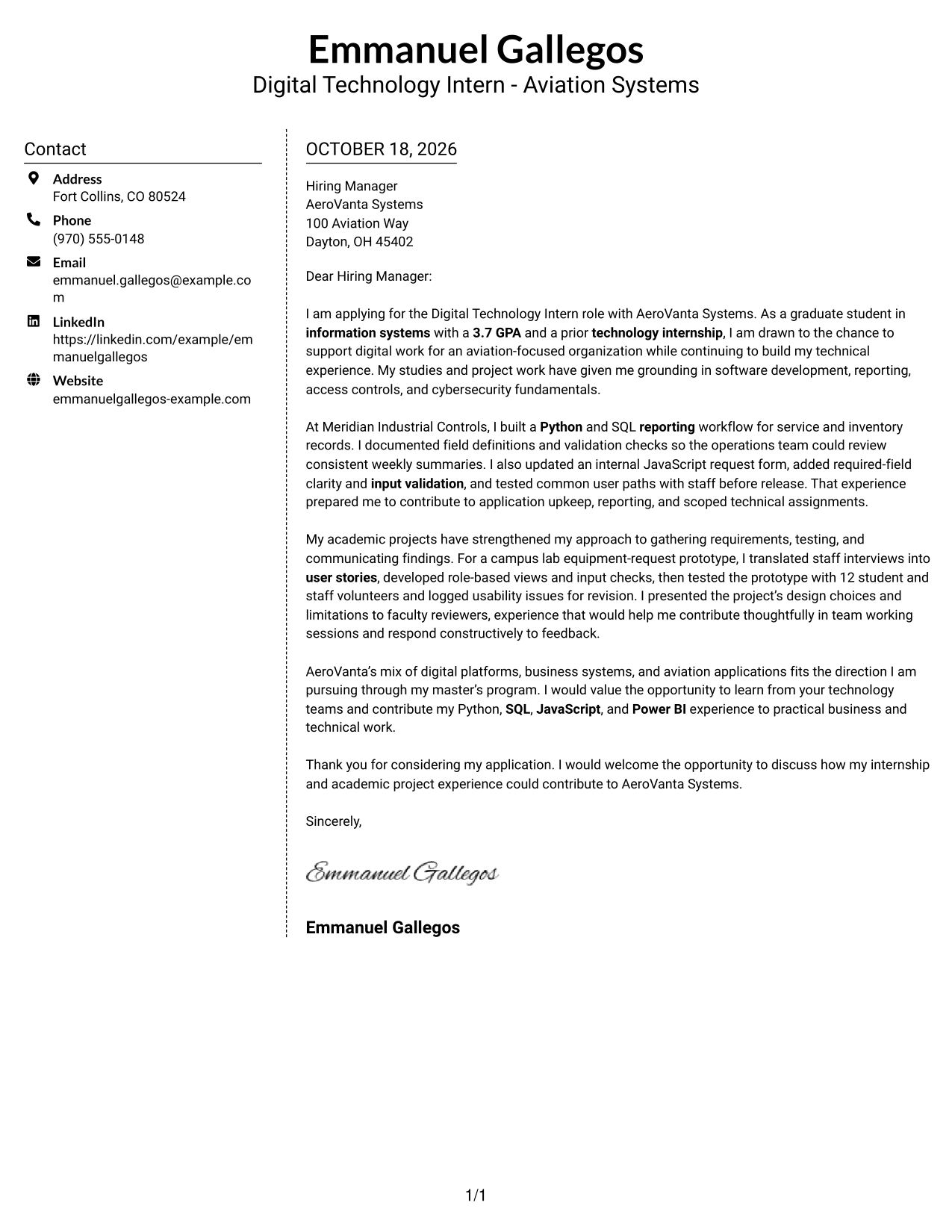
#5 Simple Two Column Format Cover Letter Example
The Simple Two Column Format sets contact details apart from the continuous letter body for a clear side-by-side view.
Why This Format Works
- Contact information has its own area, leaving the letter's message intact.
- The continuous body keeps motivation and supporting evidence in a clear sequence.
- Separate paragraphs make it easier to follow the letter's distinct points.
Best For
- Separate contact and letter areas
- Letters with several supporting paragraphs
- Side-by-side information preference
- Contact details kept apart from prose
- No-photo document preferences
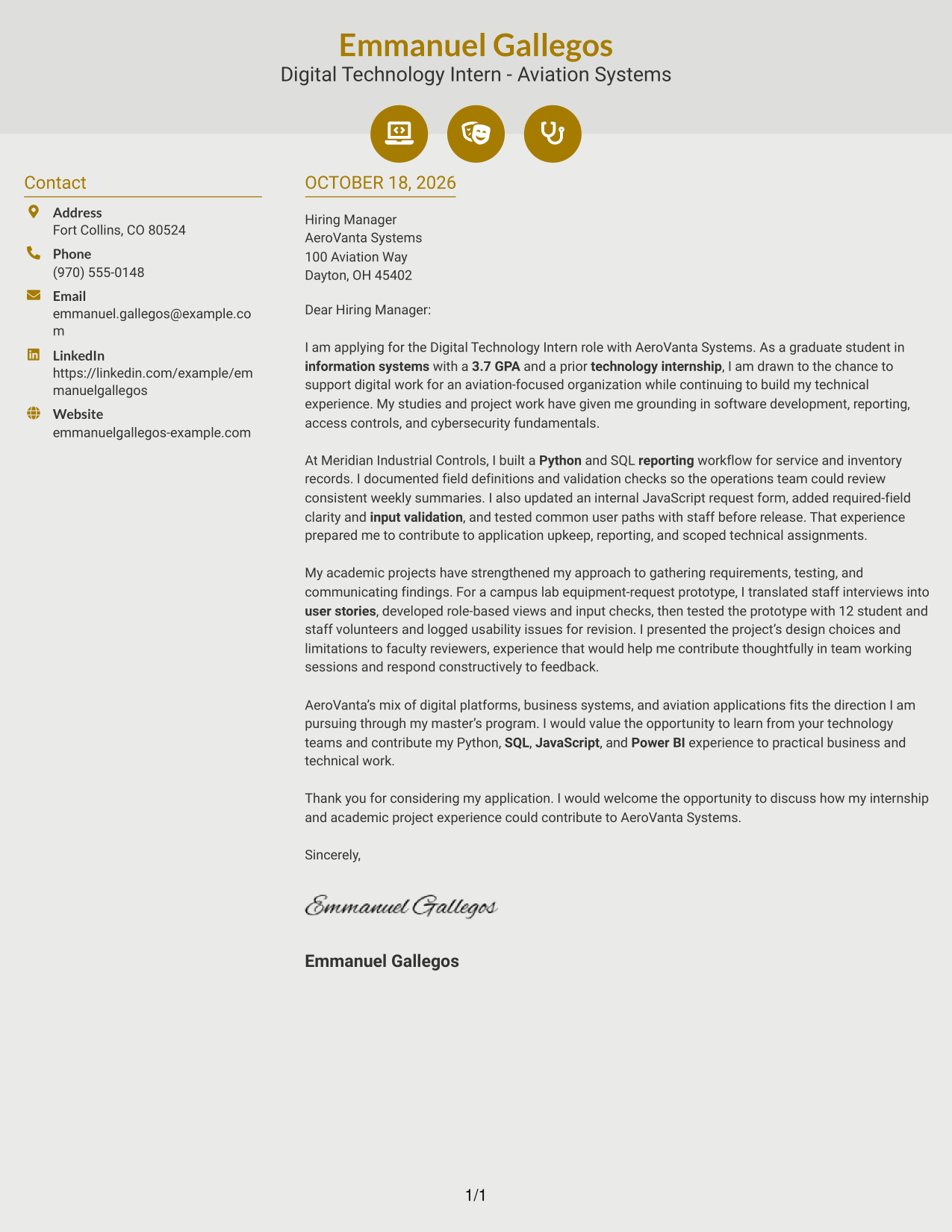
#6 Modern Icon Format Cover Letter Example
The Modern Icon Format uses contact-detail icons as visual cues beside a continuous letter body.
Why This Format Works
- Icons give contact details clear visual cues without labeling the letter's argument.
- The single body keeps the opening, evidence, and close in sequence.
- Paragraph breaks separate supporting points while keeping the message continuous.
Best For
- Icon-cued contact information
- Two-column reading preference
- Letters with a clear company-fit paragraph
- Paragraph-led supporting evidence
- Continuous persuasive messages
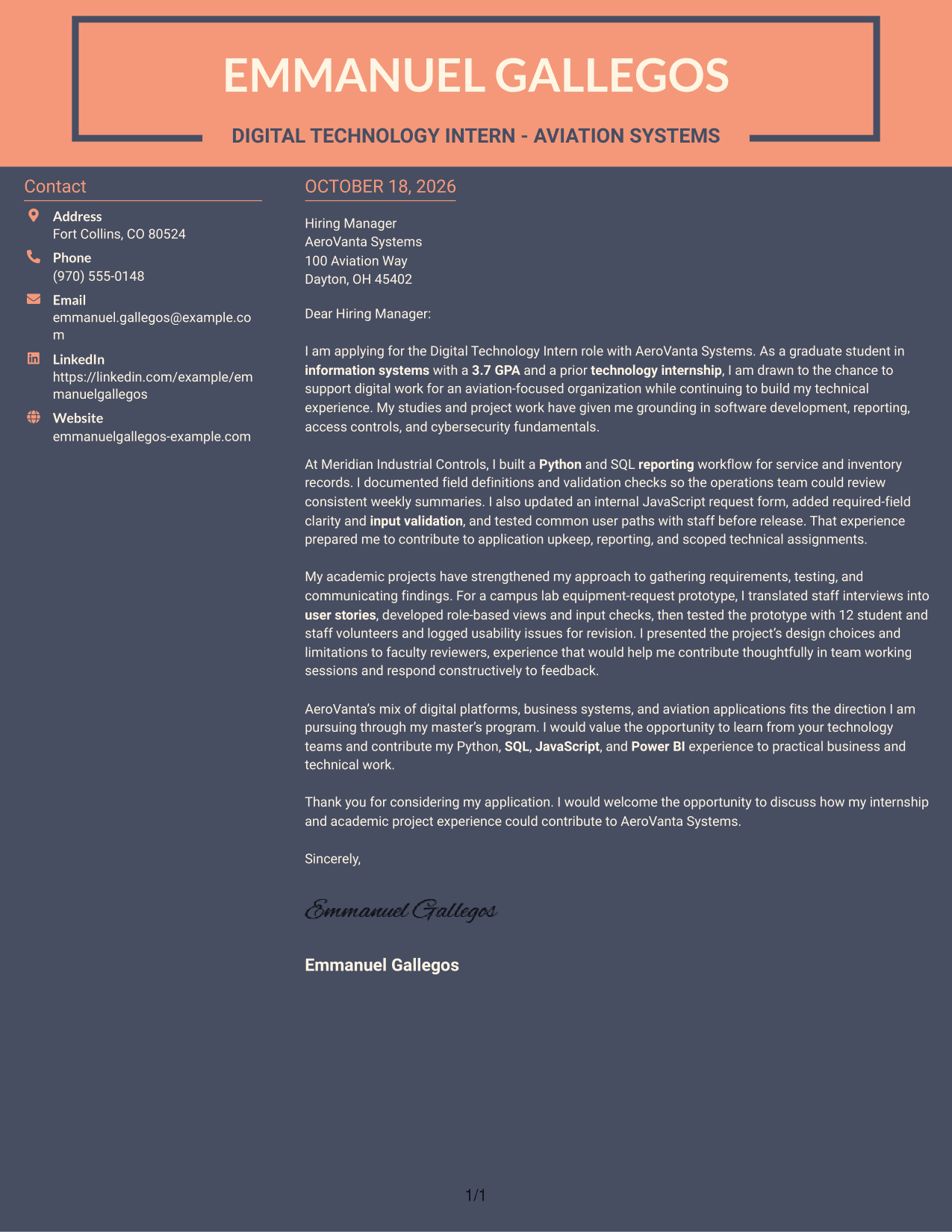
#7 Creative Two Tone Format Cover Letter Example
The Creative Two Tone Format places contact details in a sidebar beside the letter's continuous body.
Why This Format Works
- Contact details remain distinct from the letter's persuasive paragraphs.
- The continuous body lets readers follow the message from opening to close.
- Paragraph breaks separate the supporting examples without adding section labels.
Best For
- Sidebar contact presentation
- Letters with a continuous argument
- Several supporting paragraphs
- Readers who value separate contact details
- Paragraph-led company motivation
Why Use ResumeInMinutes for a Digital Technology Intern - Aviation Systems Cover Letter
ResumeInMinutes offers cover letter examples and editor tools to help you shape a clear application for this role. Compare the image previews, then open an example in the editor to customize its presentation.
- Professional cover letter templates
- Several presentation styles
- Job-focused customization
- Editor-based template updates
- Cover letter examples
- Image previews for comparison
Build a focused letter that links your application support, reporting, and technical communication experience to aviation systems work.
See Also
- 7 Digital Technology Intern - Aviation Systems Resume Templates with Example
- 7 Digital Marketing Internship - Marketing Systems Resume Templates with Example
- 7 Departmental Analyst - Technology and Data Systems Resume Templates with Example
- 7 Software Engineer, Information Systems & Technology Resume Templates with Example
- 33 Supervisor, Customer Support Systems - Utility Customer Technology Resume Templates with Example 2026 (ATS-Optimized)
- 7 Clerk, Data - Digital Product Information Resume Templates with Example
- 33 Digital Farming Intern Resume Templates with Example 2026 (ATS-Optimized)
- 33 Digital Manufacturing IT Program Manager Resume Templates with Example 2026 (ATS-Optimized)
- 30+ Digital Farming Intern Cover Letter Templates with Example 2026
- 30+ Digital Manufacturing IT Program Manager Cover Letter Templates with Example 2026
Frequently Asked Questions
What should a Digital Technology Intern - Aviation Systems cover letter emphasize?
Explain why aviation technology interests you, then connect relevant experience to application support, reporting, testing, or other digital systems work. Use specific examples and keep the letter focused on the role.
Does the example show more than one cover letter?
No. It presents one cover letter example in different visual styles. The image previews help you compare the presentation, and the editor lets you open an example to customize.
How can I show relevant technical experience in the letter?
Describe the task, the steps you took, and the value of the result. For example, the featured letter discusses a Python and SQL reporting workflow and testing an equipment-request application.
Does the job posting require a previous internship with AeroVanta Systems?
Yes. The posting lists a previous internship with AeroVanta Systems as a requirement. The featured letter names a prior internship at Meridian Industrial Controls, so it does not establish that specific requirement.
How should I choose a cover letter style for this role?
Choose a clear, easy-to-read presentation that suits the employer and the way you will communicate. Keep the focus on your motivation, relevant evidence, and fit for aviation systems work.




