
7 Director, Deployment Lead - Supply Chain Digital Transformation Cover Letter Templates with Example
This practical guide to the Director, Deployment Lead - Supply Chain Digital Transformation cover letter presents seven layouts to help you communicate deployment leadership and role fit clearly.
What Makes a Great Director, Deployment Lead - Supply Chain Digital Transformation Cover Letter in 2026
A strong letter connects your deployment leadership to the role’s work across MedTech supply chain programs. Show how you guide governance, delivery, readiness, and transition to ongoing operations.
Use specific evidence, such as leading workstreams, managing risks and resources, or preparing teams for a release. Link that proof to the employer’s needs and explain why the transformation work interests you.
The featured example moves from role motivation to delivery evidence, readiness leadership, and relevant credentials, giving you a focused progression to adapt while choosing a presentation that suits the employer and communication context.
#1 Simple One Column Format Cover Letter Example
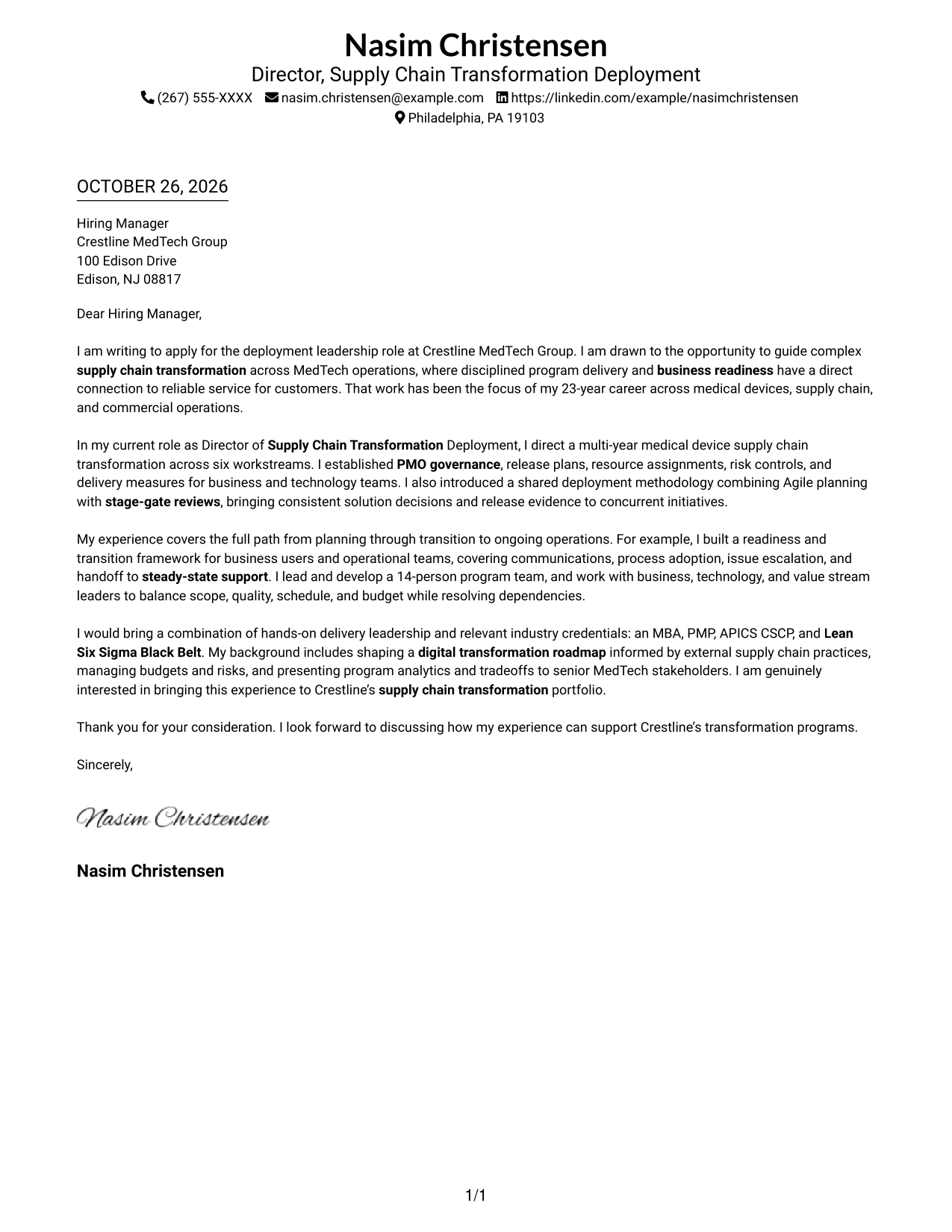
The Simple One Column Format keeps sender details in the header above a single letter body, suiting readers who prefer a direct, familiar reading path.
Why This Format Works
- Sender details remain distinct from the recipient address and persuasive paragraphs.
- The single reading path carries the opening, supporting case, and closing in sequence.
- One-column organization suits readers who want a familiar letter structure.
Best For
- Single-column reading preference
- Familiar sender-detail placement
- Continuous paragraph-based letters
- Text-focused correspondence
- Traditional business letters
#2 Two Column Format Cover Letter Example
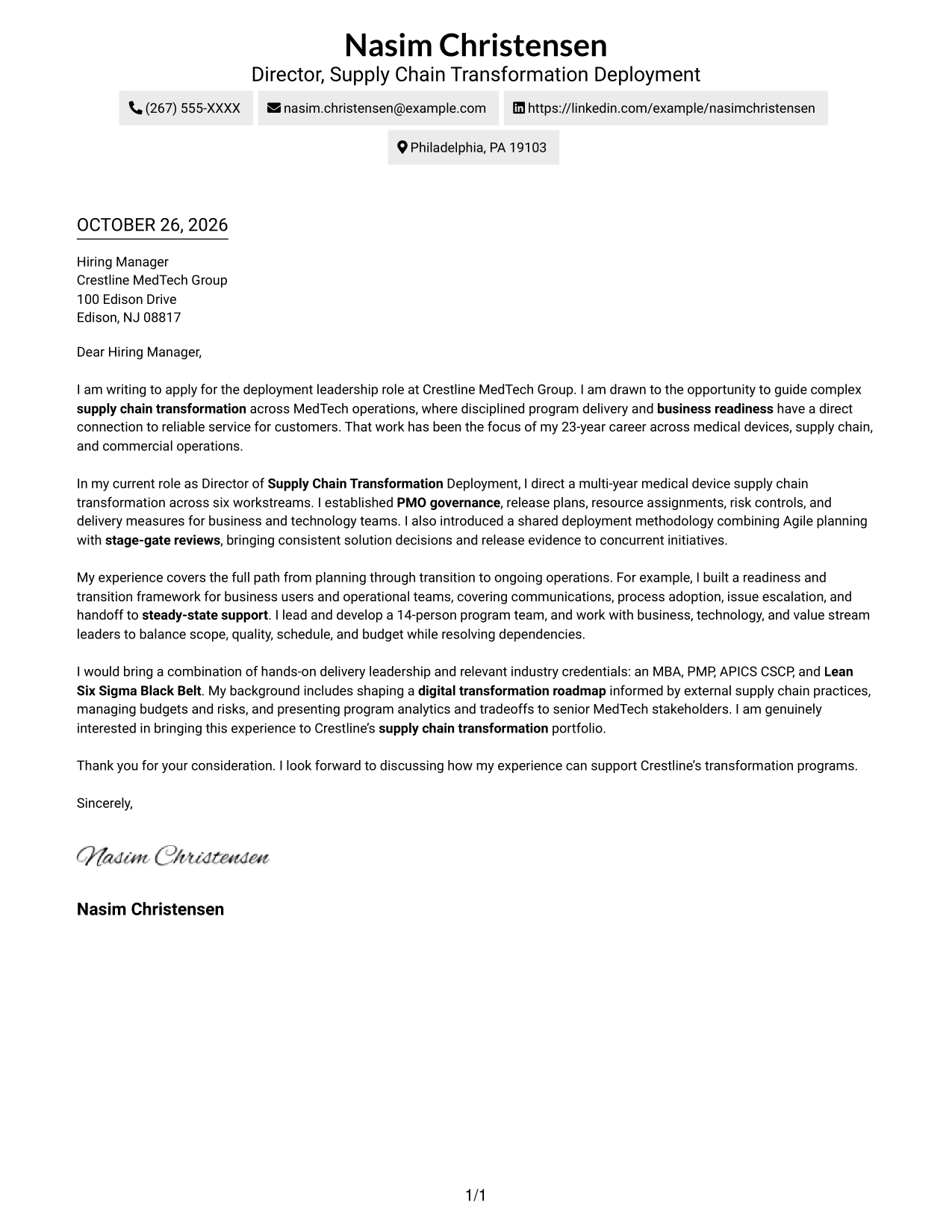
The Two Column Format places a contact sidebar beside one uninterrupted letter body, separating contact details from the message while keeping the argument together.
Why This Format Works
- The sidebar gives contact information a separate place beside the letter.
- One continuous body keeps motivation, supporting points, and closing paragraphs in reading order.
- Unheaded paragraphs preserve a familiar letter style rather than a labeled outline.
Best For
- Contact details apart from the message
- Continuous letter paragraphs
- Unheaded correspondence
- Two-column reading preference
- Formal business letters
#3 Photo Header Two Column Format Cover Letter Example
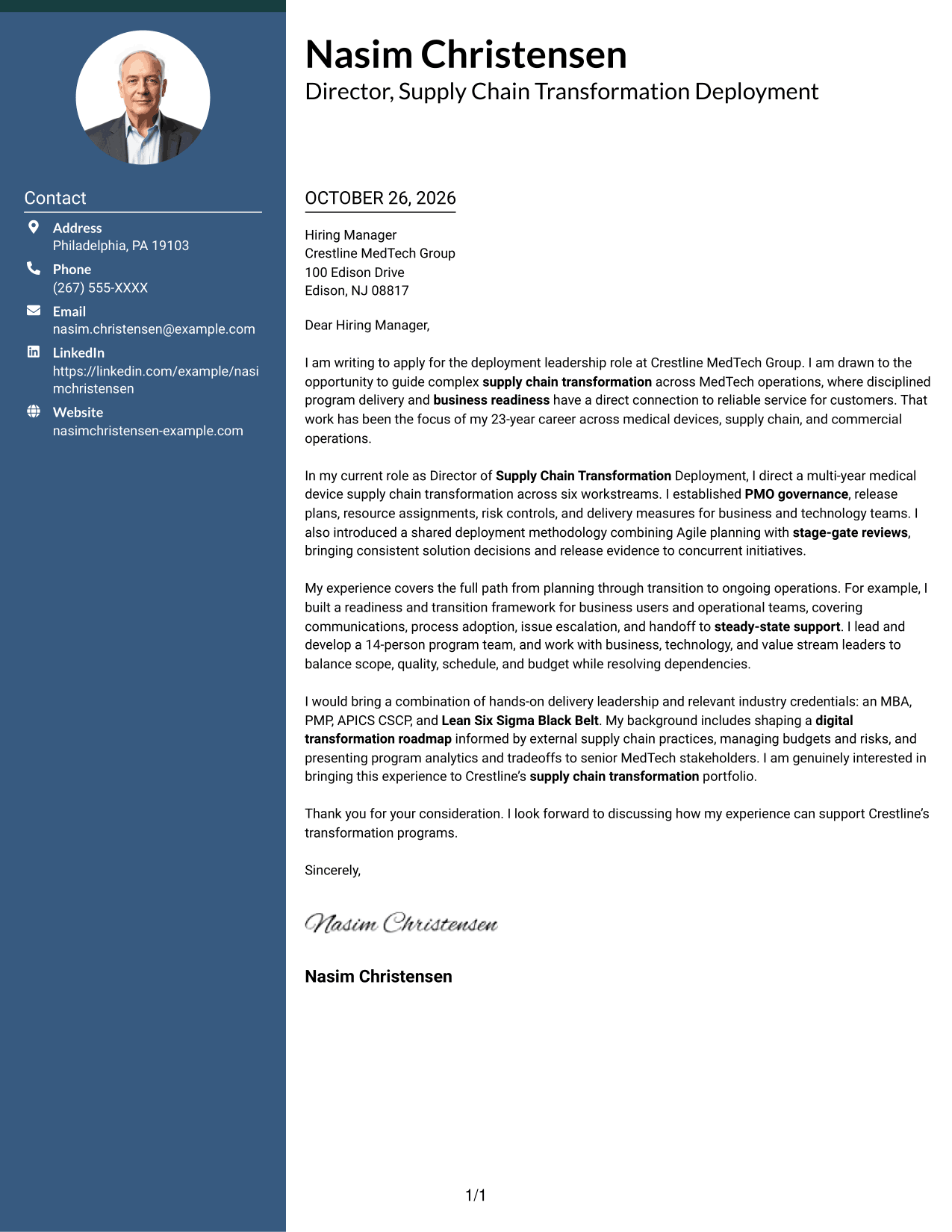
The Photo Header Two Column Format pairs a portrait header with a contact sidebar and continuous letter body, suiting readers who want a personal visual element and separate contact details.
Why This Format Works
- Portrait placement adds a visual element without interrupting the letter paragraphs.
- Contact details sit apart from the body, giving readers a clear place to find them.
- Unheaded paragraphs preserve a familiar progression from motivation through the closing.
Best For
- Portrait header preference
- Separate contact and message areas
- Continuous letter paragraphs
- Unheaded business correspondence
- Formal recipient-address blocks
#4 One Column Format with Photo Cover Letter Example
The One Column Format with Photo keeps the letter on one reading path and includes a portrait, for readers who want a photo without a contact sidebar.
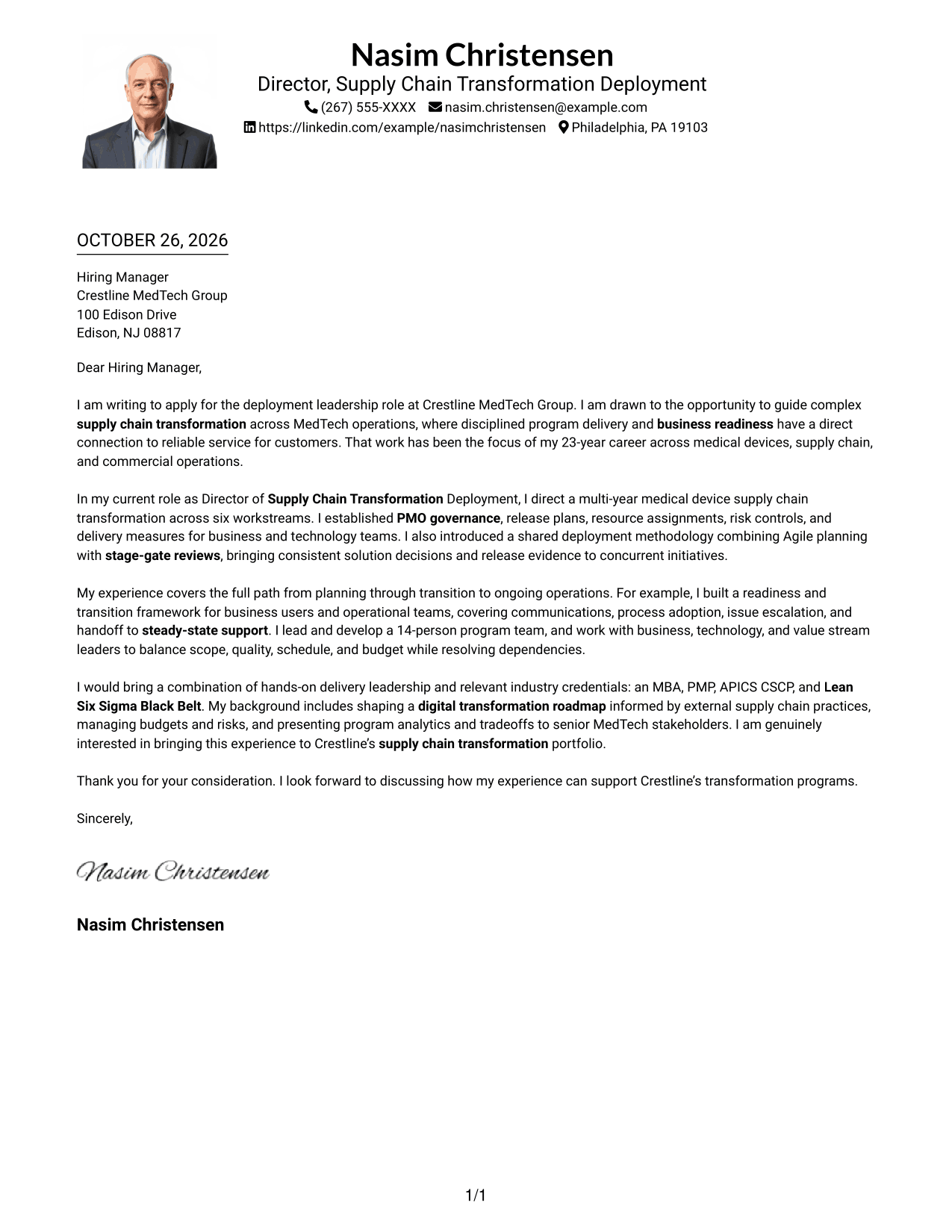
Why This Format Works
- One-column reading carries the motivation, supporting points, and closing together in sequence.
- The portrait adds a visual identifier while the letter remains one continuous body.
- Header-based contact details keep personal information alongside the correspondence.
Best For
- Single-column letter layouts
- Photo-inclusive correspondence
- Sequential paragraph reading
- Letters without a contact sidebar
- Traditional business letters
#5 Simple Two Column Format Cover Letter Example
The Simple Two Column Format sets a contact sidebar beside one continuous letter body, giving contact details a distinct place while preserving familiar letter paragraphs.
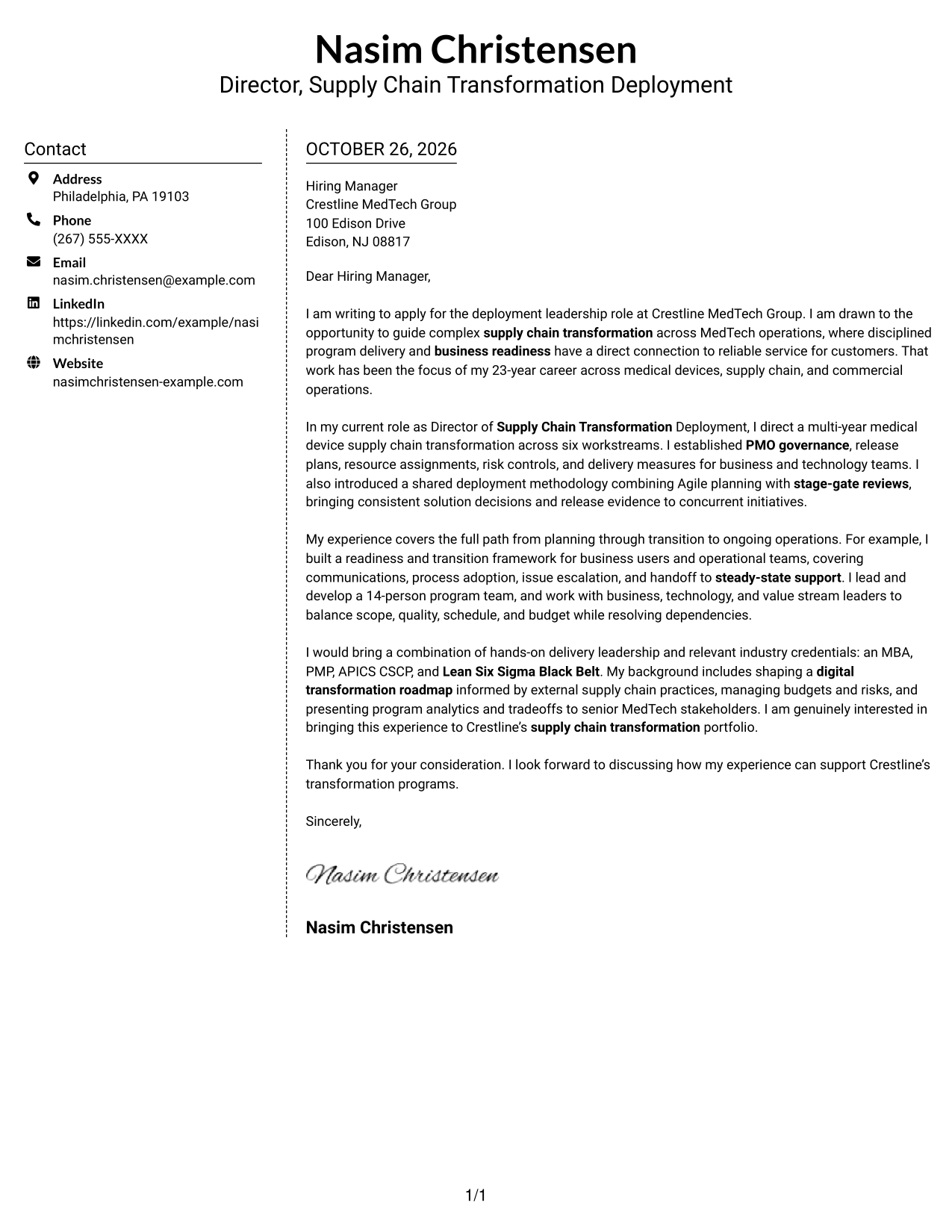
Why This Format Works
- Contact information stays distinct from the message in a straightforward side-by-side layout.
- The continuous body keeps the letter’s argument in its usual paragraph order.
- The simple presentation suits readers who prefer clear organization without argument-stage headings.
Best For
- Contact details apart from the message
- One continuous letter body
- Unheaded correspondence
- Straightforward two-column pages
- Standard business-letter wording
#6 Modern Icon Format Cover Letter Example
The Modern Icon Format uses contact icons in a sidebar beside the continuous letter body, making contact details visually distinct without labeling the letter’s argument.
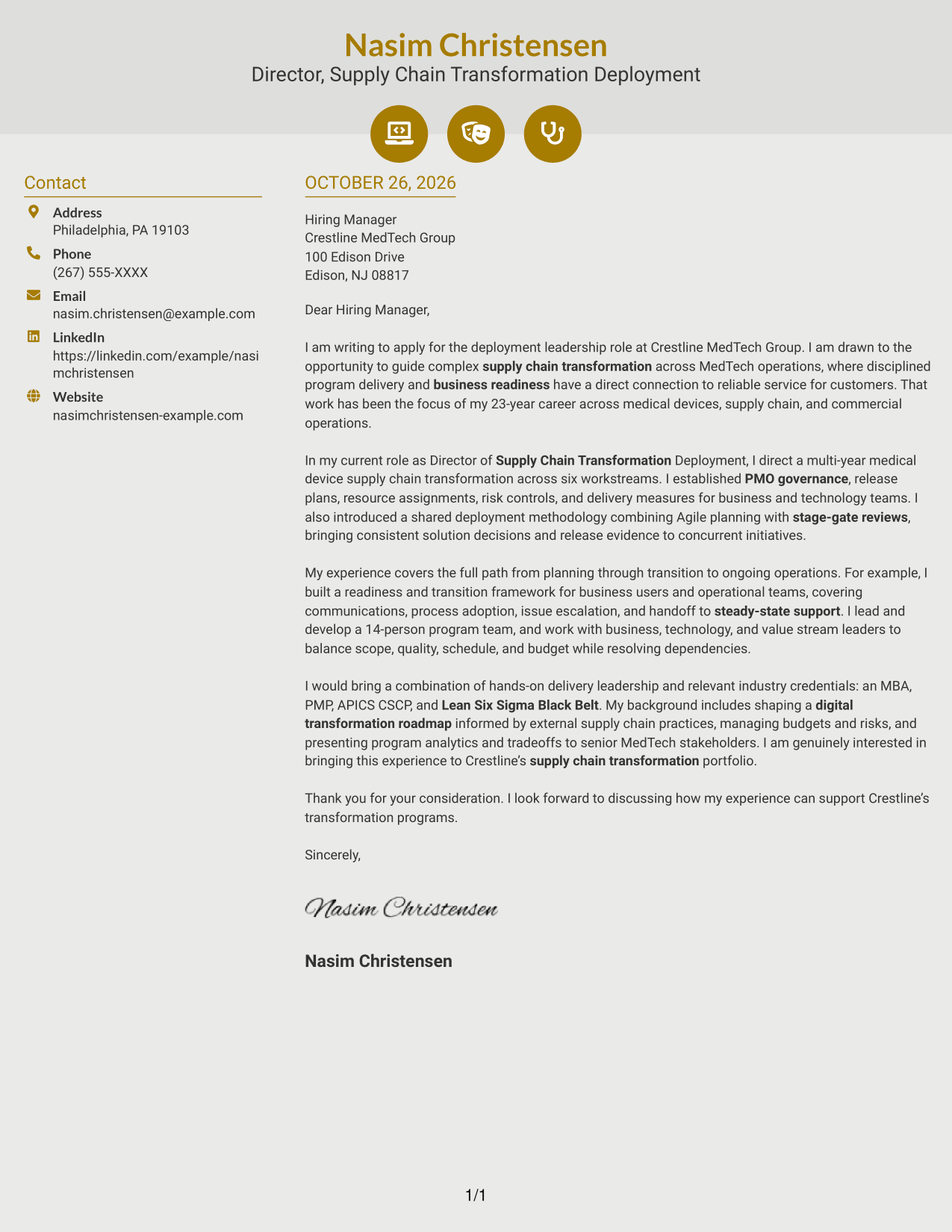
Why This Format Works
- Contact icons act as visual cues for sender details, not for the letter’s argument.
- The sidebar separates contact information while the body keeps its paragraph sequence.
- The two-column arrangement suits readers who prefer contact details beside the message.
Best For
- Contact icon preference
- Separate sender details
- Continuous body paragraphs
- Unheaded letter format
- Two-column page organization
#7 Creative Two Tone Format Cover Letter Example
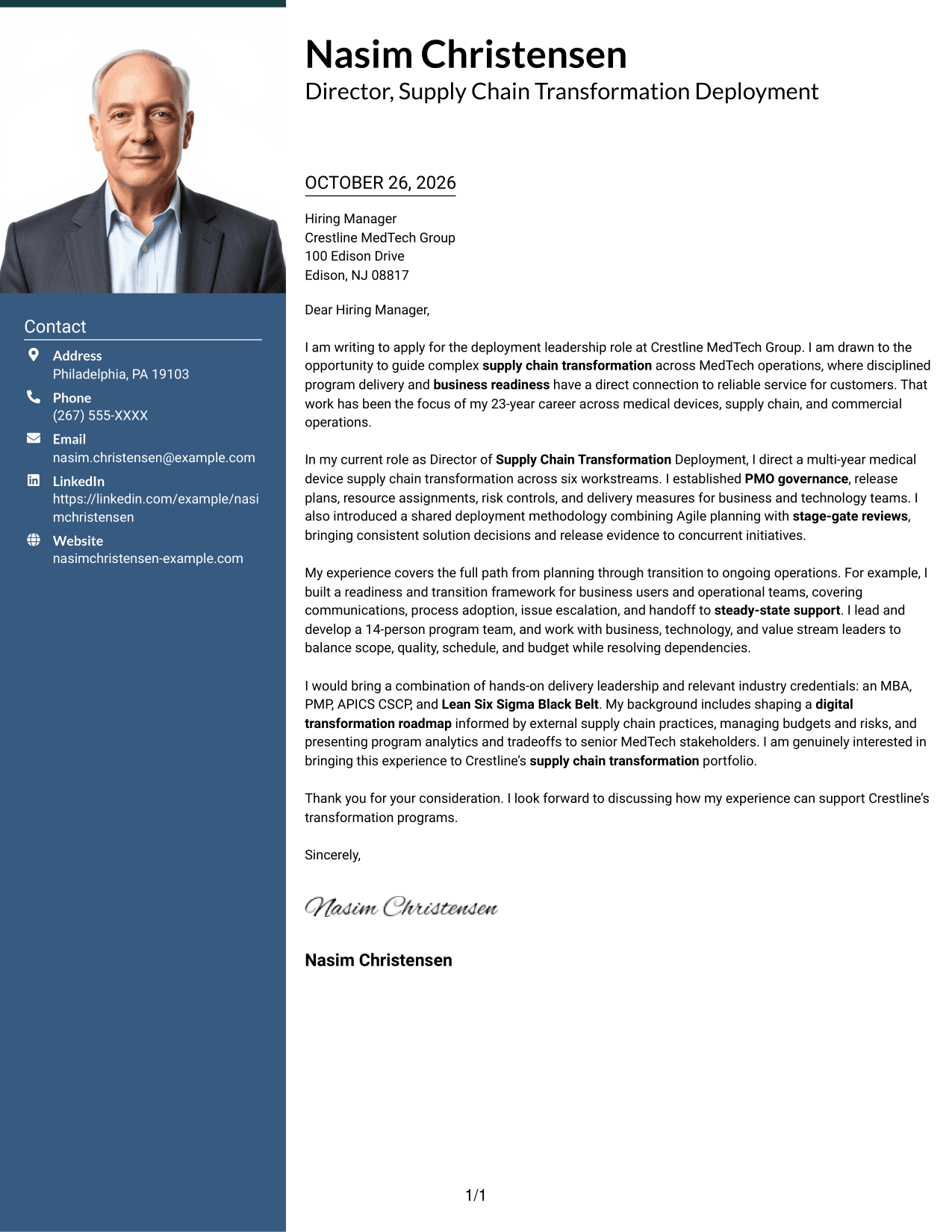
The Creative Two Tone Format combines a two-column layout with a two-tone visual treatment, offering a more expressive look while keeping the letter body continuous.
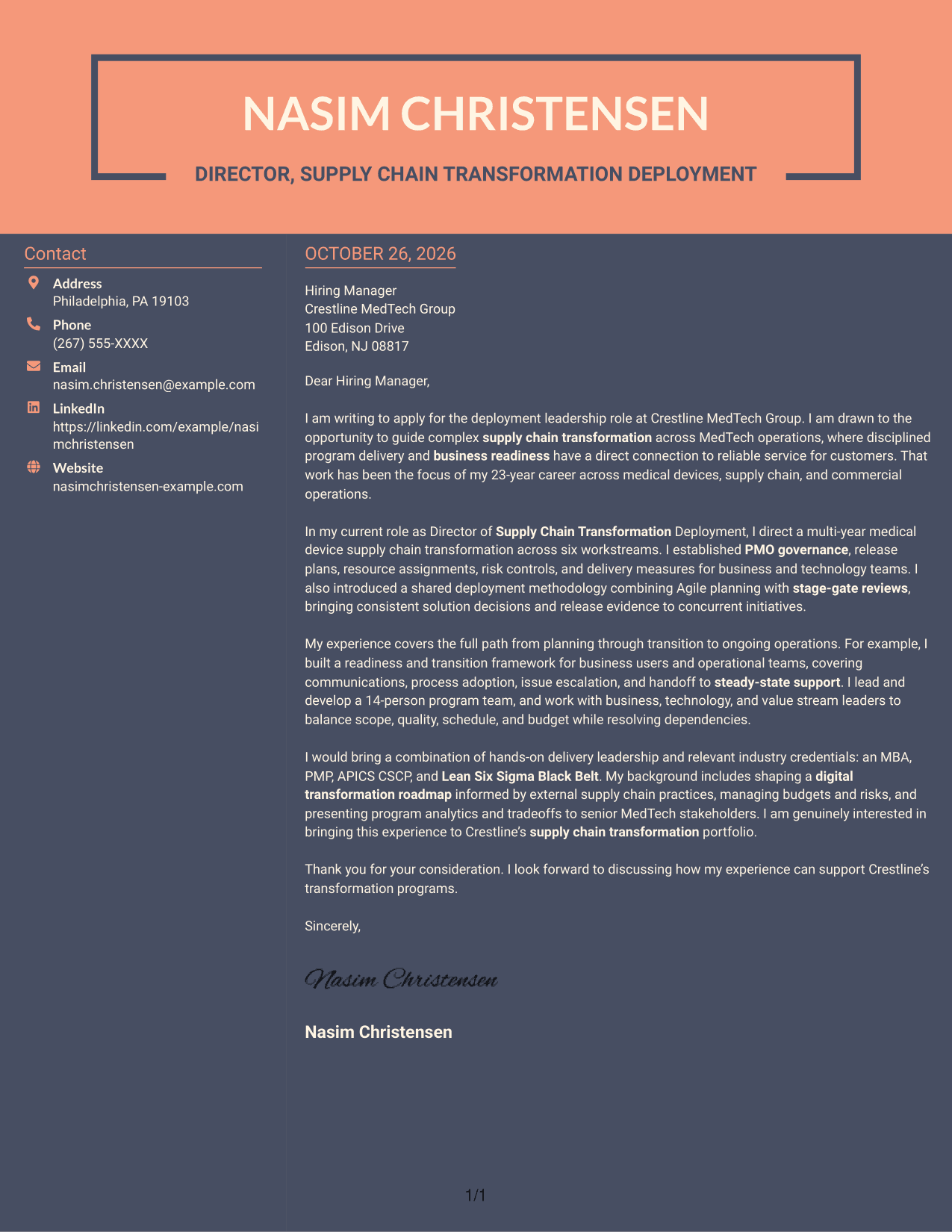
Why This Format Works
- The two-tone treatment offers a distinct visual style without changing the letter’s argument.
- A separate contact sidebar keeps sender details apart from the message.
- The continuous body carries motivation, supporting points, and closing paragraphs in order.
Best For
- Color-contrast preference
- Contact details beside the letter
- Continuous letter paragraphs
- Unheaded business correspondence
- Two-column reading preference
See Also
- 7 Director, Deployment Lead - Supply Chain Digital Transformation Resume Templates with Example
- 7 Director, Digital/Technical Product Management Resume Templates with Example
- 7 Area Director - Dental Implant Sales Resume Templates with Example
- 7 Assistant Director, Athletic Compliance Resume Templates with Example
- 7 Assistant Director Construction Management Resume Templates with Example
- 7 Assistant Director, Doctoral Programs Resume Templates with Example
- 7 Assistant Director for Employer Engagement Resume Templates with Example
- 33 Assistant Director of Development - Athletics Fundraising Resume Templates with Example
- 7 Area Director - Dental Implant Sales Cover Letter Templates with Example
- 7 Assistant Director, Athletic Compliance Cover Letter Templates with Example
Frequently Asked Questions
What should a cover letter for a Director, Deployment Lead - Supply Chain Digital Transformation role emphasize?
Connect your deployment leadership to program governance, risk and resource management, release readiness, and transition to ongoing operations. Use evidence that shows how you coordinate business, technology, and value stream partners.
How can I show fit for a MedTech supply chain transformation role?
Choose examples that show how you lead complex delivery, support business readiness, and make program decisions clear to senior stakeholders. Explain how those contributions match the role’s focus on reliable deployment and value creation.
How should I explain my motivation for this role?
State what interests you about leading supply chain transformation in MedTech, then connect that motivation to relevant work you have led. Keep the reason specific and avoid broad statements that could apply to any position.
What tone works best for this cover letter?
Use a direct, professional tone. Make each paragraph serve a clear purpose: explain your interest, give relevant delivery evidence, show alignment with the role, and close with a clear next step.
Can I compare the cover letter presentations before customizing one?
Yes. Review the PNG image previews to compare the visual presentation, then open an example in the editor to customize it for the role and employer.




