
7 Director, Identity Operations Cover Letter Templates with Example
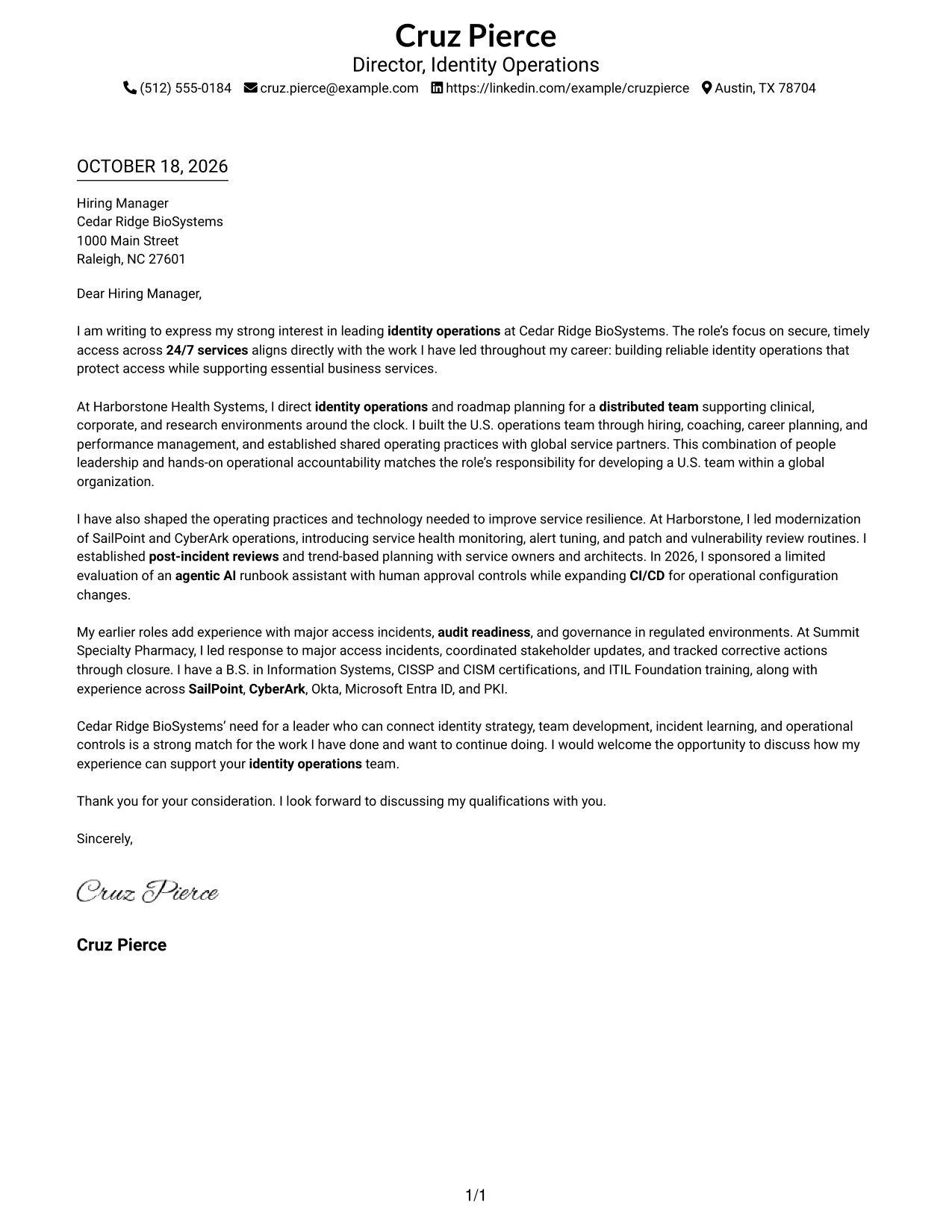
This practical guide to a Director, Identity Operations cover letter presents seven layouts to help you explain your leadership fit with clarity.
What Makes a Great Director, Identity Operations Cover Letter in 2026
A strong letter connects identity operations leadership to secure, reliable 24/7 services. It should show how you guide a team, shape roadmaps, and support sound operational decisions.
Use specific evidence, such as team development, platform operations, incident response, or audit readiness. Link that evidence to the employer’s needs and explain why its approach to identity operations interests you.
The featured example moves from interest in the role to leadership evidence, operational improvements, and a clear close. Adapt that progression to your own experience, then choose a presentation that suits the employer and the communication context.
#1 Simple One Column Format Cover Letter Example
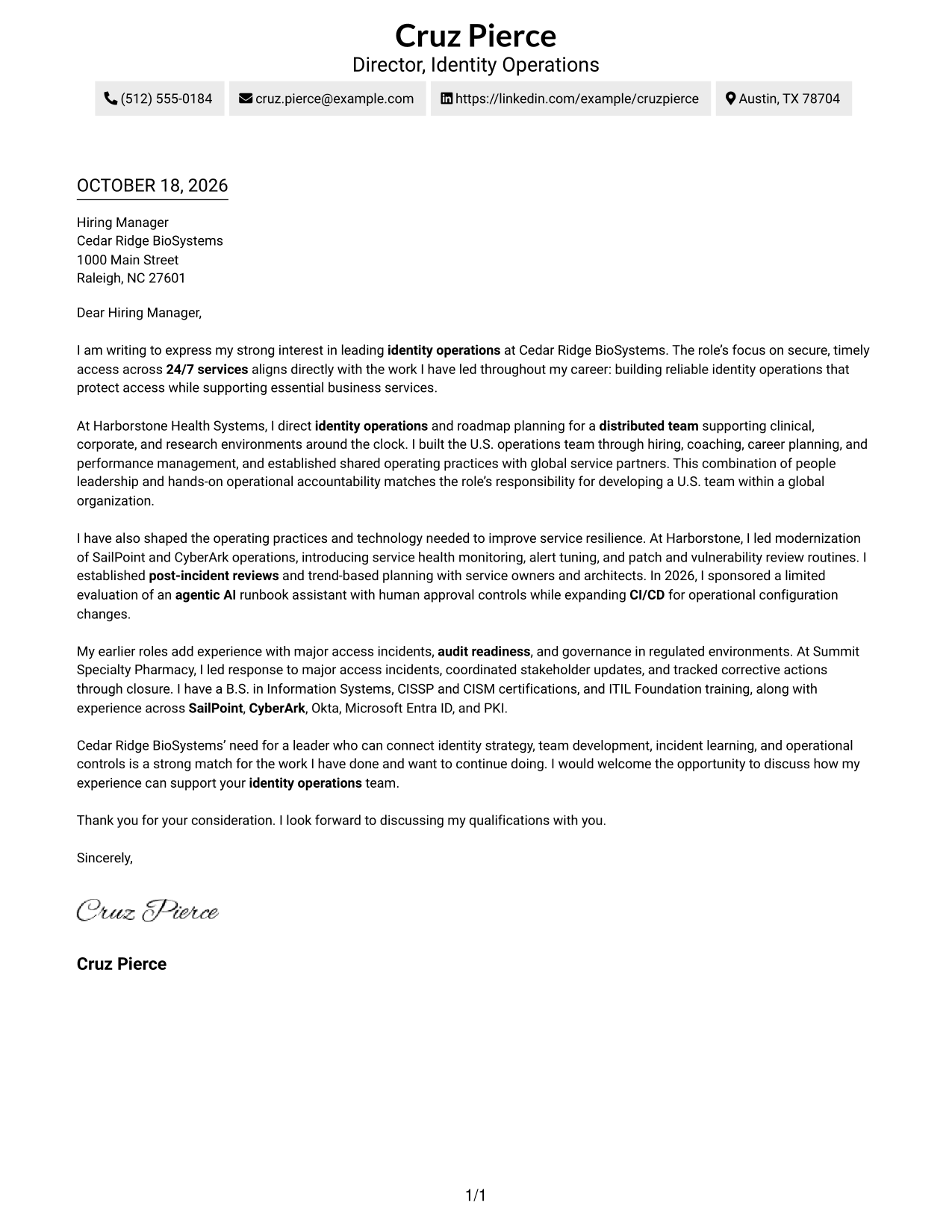
The Simple One Column Format places sender details above one continuous letter column, a practical choice when contact information and correspondence should share a straightforward page layout.
Why This Format Works
- Header contact details are easy to locate before the reviewer reads the letter.
- The body has no section headings, so the prose carries each transition.
- One text column gives the paragraphs a consistent direction from opening to close.
Best For
- Single-column letter layouts
- Header-based contact details
- Letters with several paragraphs
- Direct paragraph-by-paragraph reading
- Employer-specific applications
#2 Two Column Format Cover Letter Example
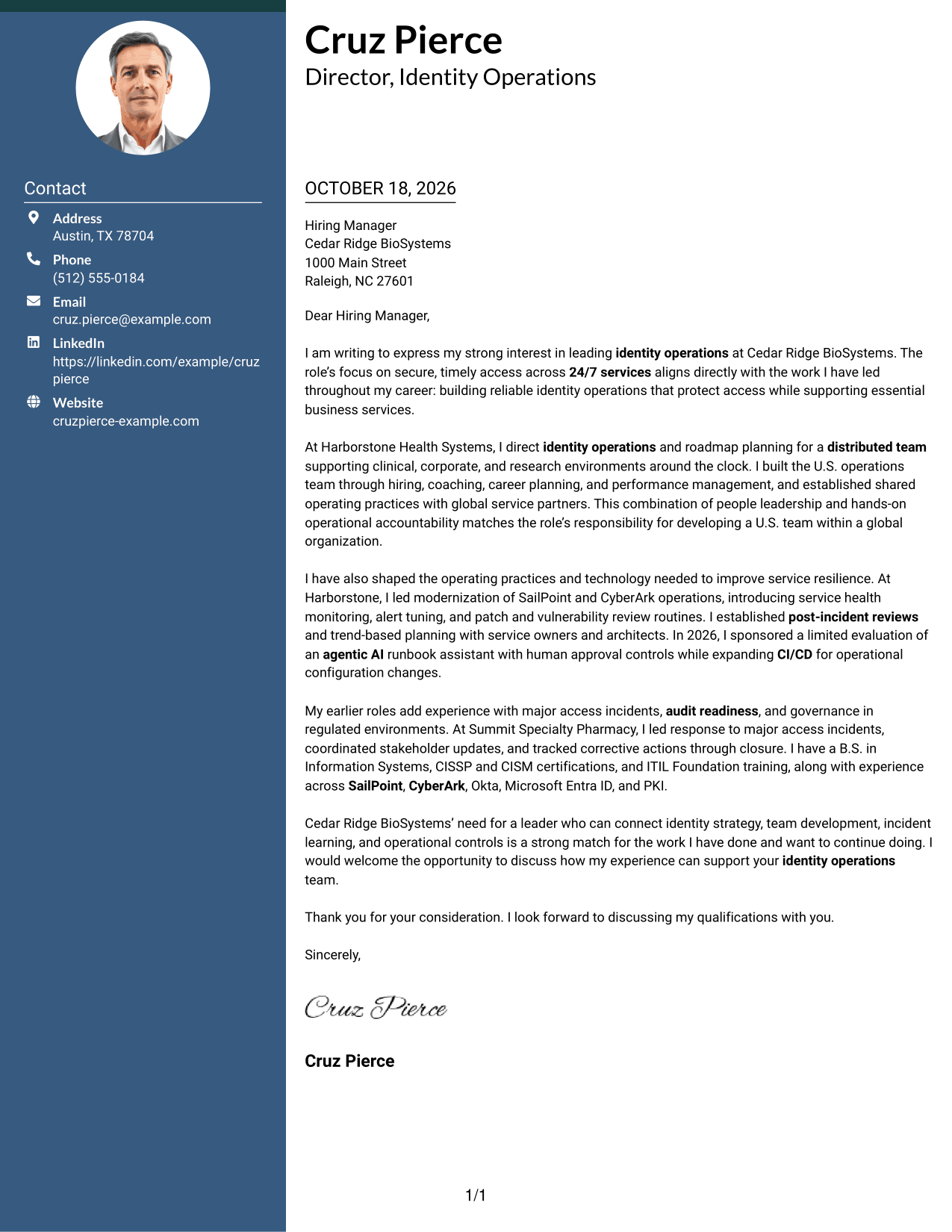
The Two Column Format places a contact sidebar beside one continuous letter body, a useful choice when sender information should have its own clear space.
Why This Format Works
- Contact details stay apart from the prose and remain easy to find.
- The message itself follows one sequence, rather than splitting across columns.
- No headings divide the letter into artificial stages of the argument.
Best For
- Sidebar contact information
- Continuous letter paragraphs
- Letters with detailed explanations
- Clear separation of sender details
- Employer-specific correspondence
#3 Photo Header Two Column Format Cover Letter Example
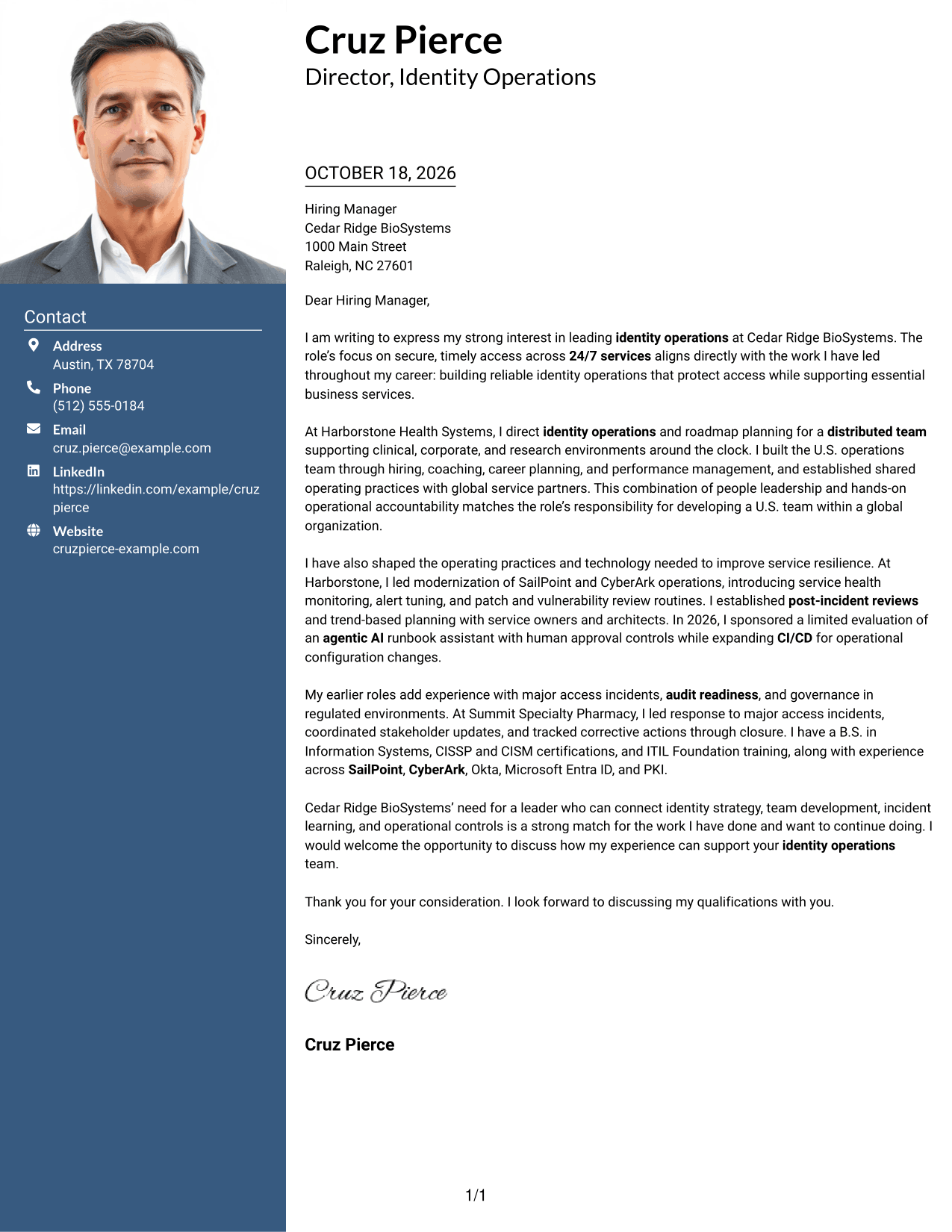
The Photo Header Two Column Format includes a photo and a contact sidebar beside one continuous letter body, for readers who want a portrait alongside separated contact details.
Why This Format Works
- Contact information stays apart from the paragraphs and remains easy to locate.
- The single letter body preserves the order of opening, evidence, and close.
- The photo offers a visual option for letters that include a portrait.
Best For
- Photo-inclusive correspondence
- Sidebar contact details
- Letters with several body paragraphs
- Portrait-oriented document preferences
- Employer-specific applications
#4 One Column Format with Photo Cover Letter Example
The One Column Format with Photo keeps the letter in one column and includes a photo, a practical option for readers who prefer a portrait with a direct reading path.
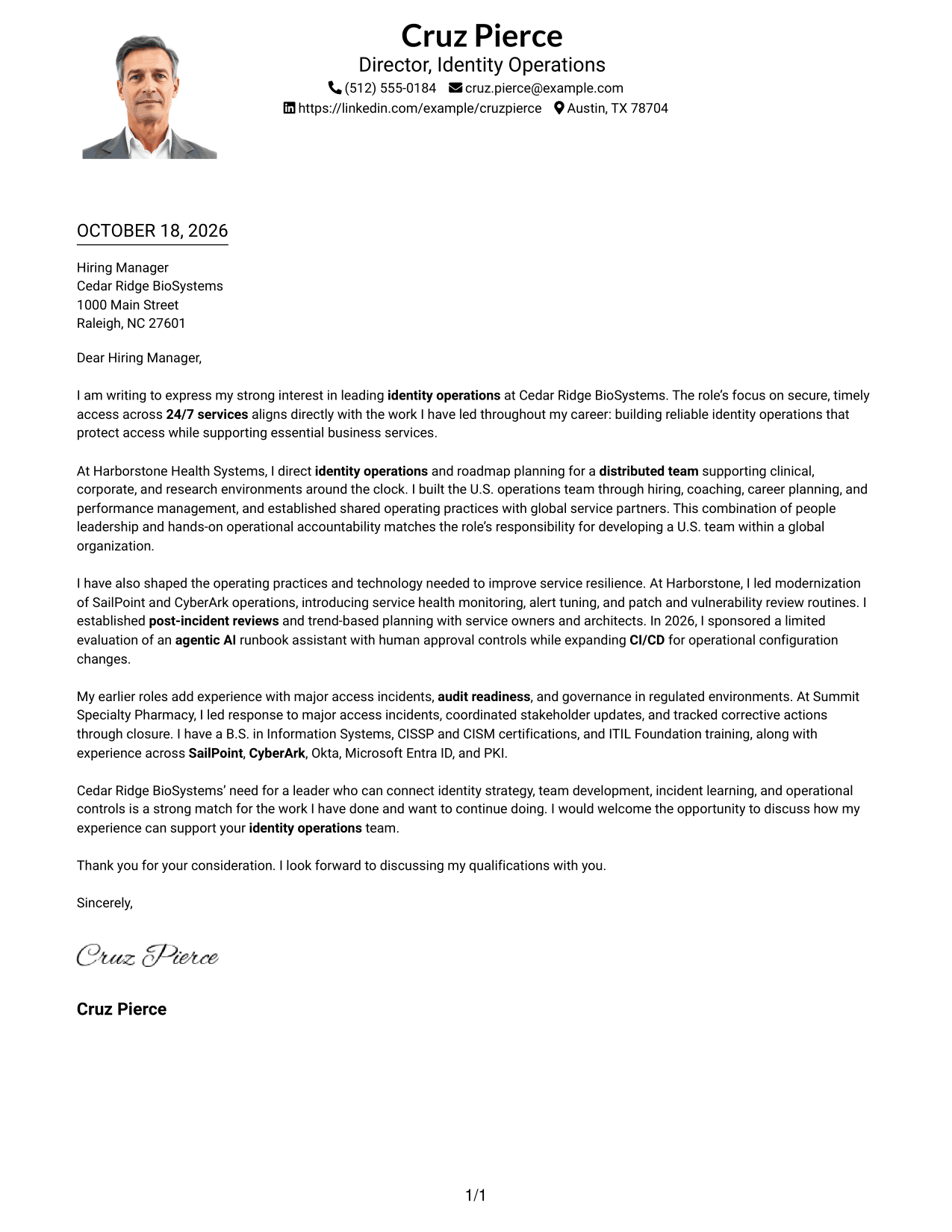
Why This Format Works
- Sender details remain in the header, apart from the employer-facing message.
- One text column keeps the letter paragraphs together in their natural order.
- The included photo adds a visual choice without dividing the letter body.
Best For
- One-column correspondence
- Photo-inclusive applications
- Letters with a clear opening and close
- Portrait-based visual preferences
- Direct letter reading
#5 Simple Two Column Format Cover Letter Example
The Simple Two Column Format sets a contact sidebar beside one continuous letter body, giving contact information a separate place while keeping the argument together.
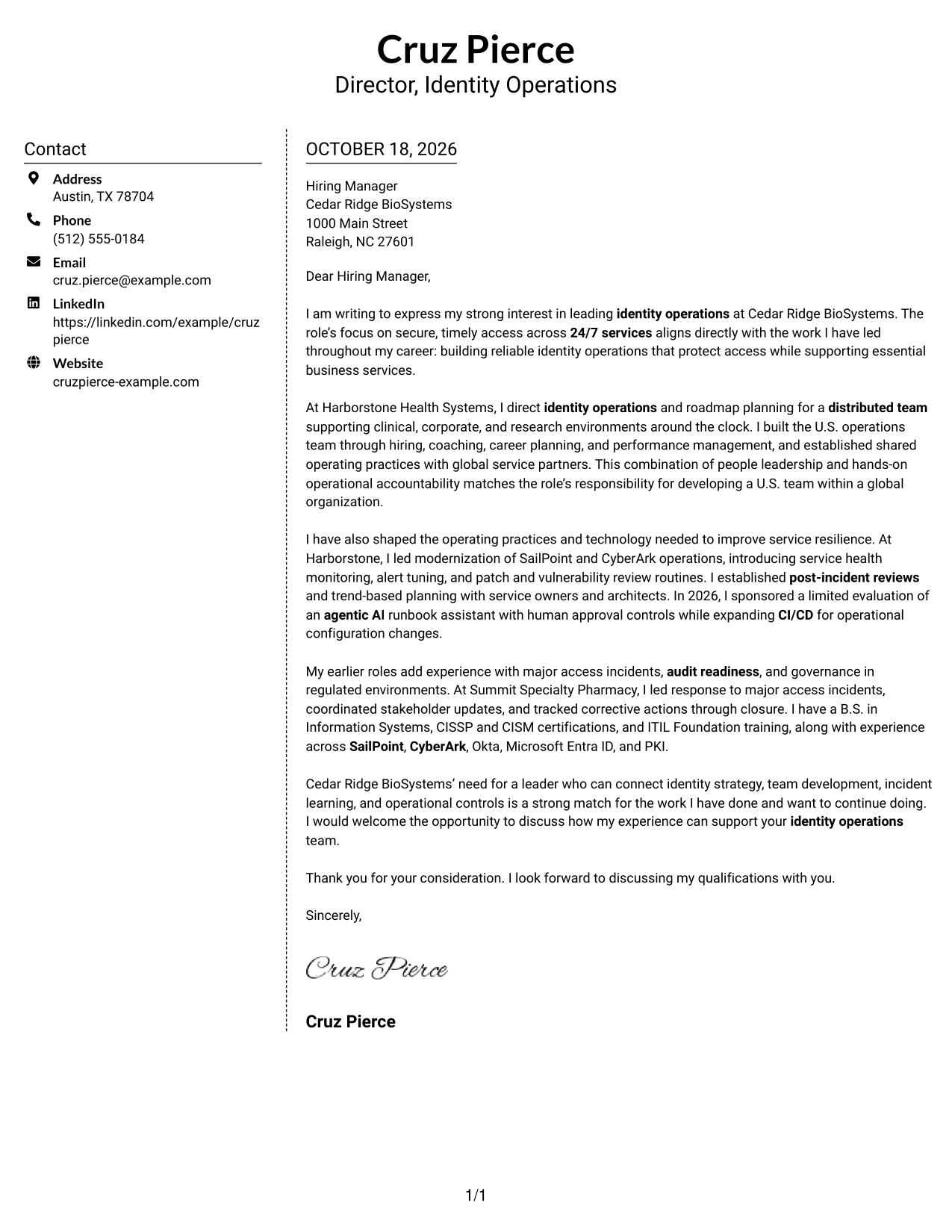
Why This Format Works
- The sidebar keeps sender details distinct from the employer-facing paragraphs.
- The body remains one sequence, not parallel columns of argument.
- Without section headings, the prose connects motivation, evidence, and closing.
Best For
- Separate contact information
- Continuous persuasive letters
- Several connected body paragraphs
- A clear contact-to-letter reading order
- Employer-specific applications
#6 Modern Icon Format Cover Letter Example
The Modern Icon Format pairs contact-detail cues with a sidebar beside one continuous letter body, helping distinguish sender information from the correspondence.
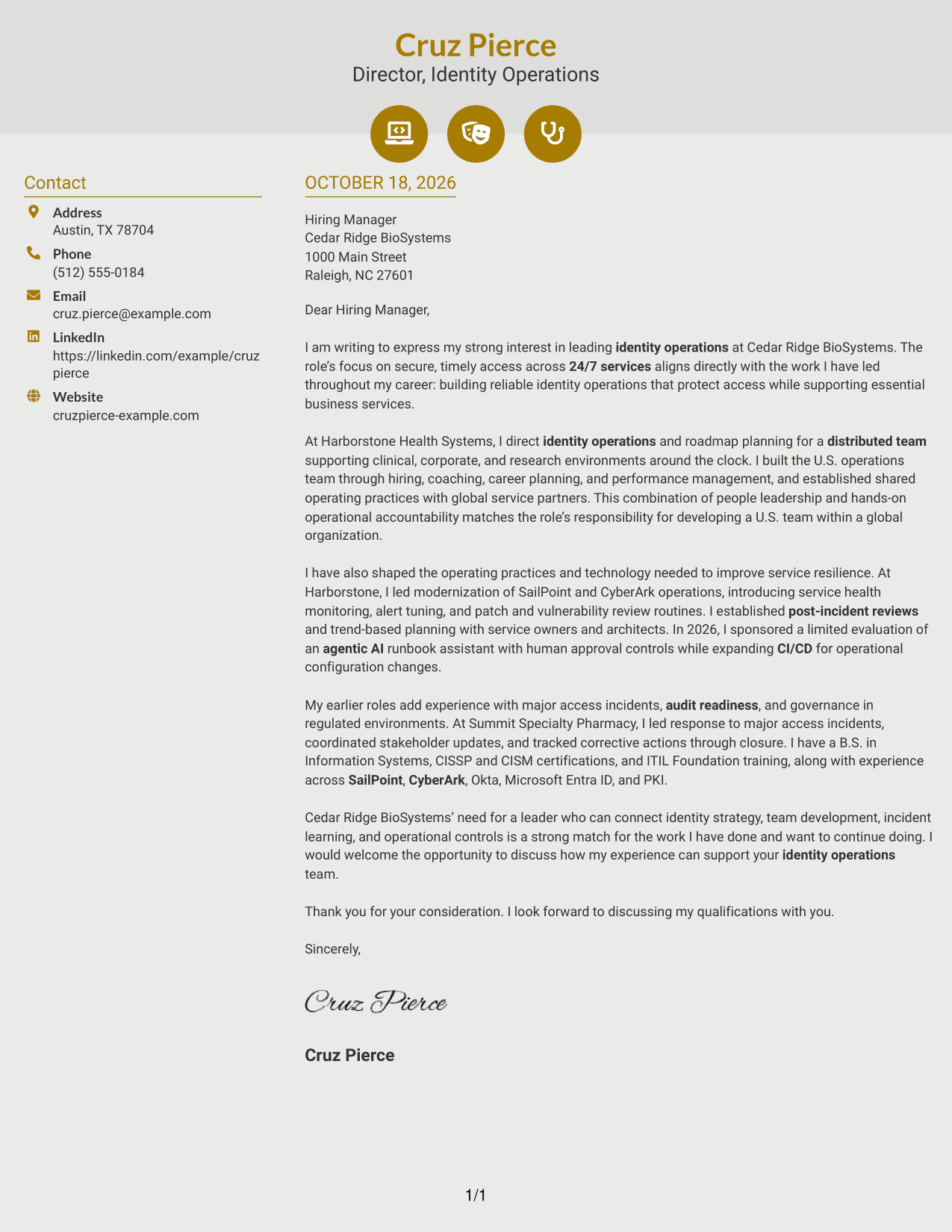
Why This Format Works
- Contact icons cue the sender's details without labeling parts of the letter.
- The sidebar keeps contact information apart from the employer-facing message.
- The body follows one sequence, so no parallel column divides the argument.
Best For
- Icon-marked contact details
- Sidebar contact organization
- A single continuous letter
- Letters with several connected points
- Visually guided contact lookup
#7 Creative Two Tone Format Cover Letter Example
The Creative Two Tone Format places a contact sidebar beside one continuous letter body, a practical layout when sender details should remain separate from the main message.
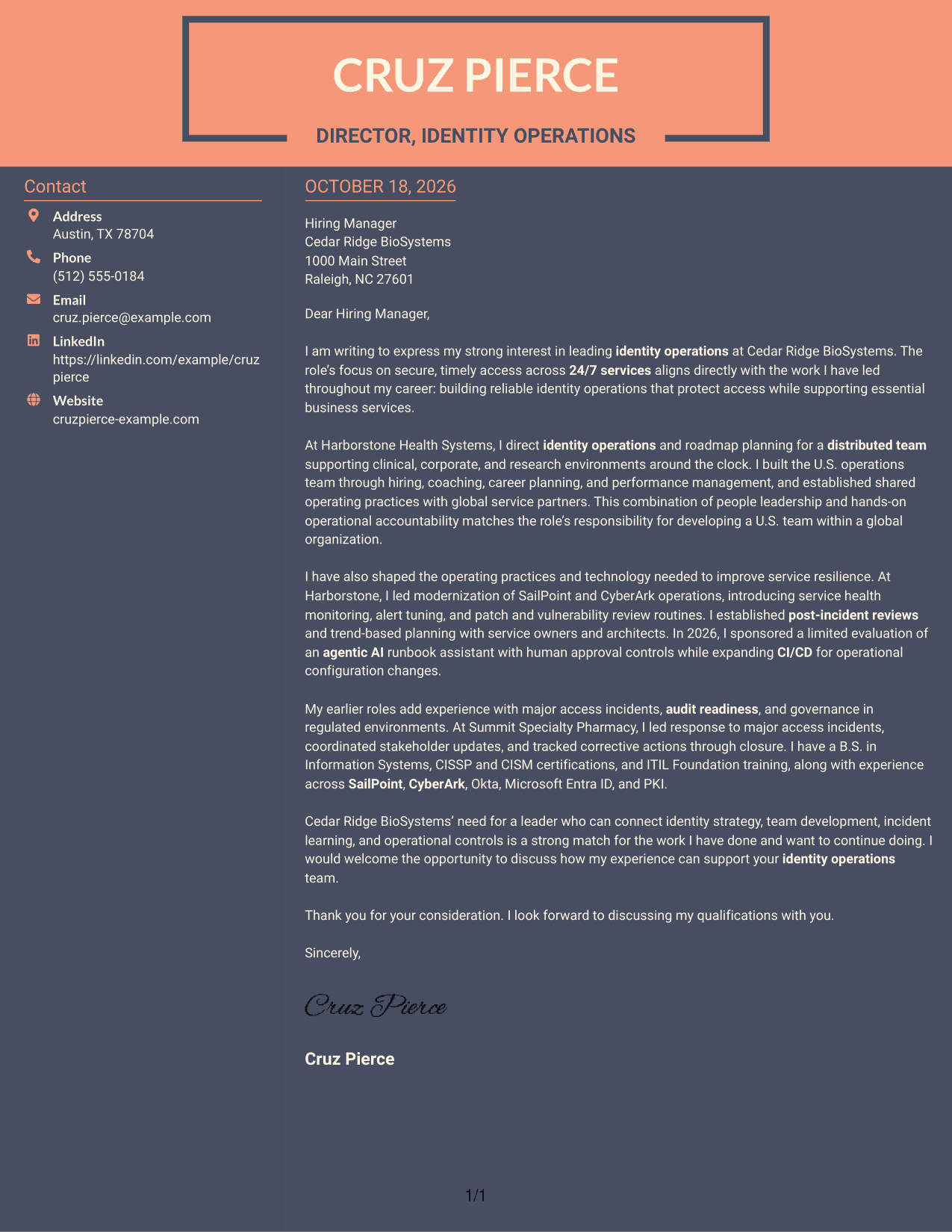
Why This Format Works
- The sidebar gives contact information a distinct place beside the correspondence.
- The letter paragraphs remain together in one body column.
- The reviewer can follow the message without switching between argument columns.
Best For
- Contact details beside the letter
- One-column letter-body reading
- Several connected message paragraphs
- Separated sender information
- Direct employer correspondence
Why Use ResumeInMinutes for a Director, Identity Operations Cover Letter
ResumeInMinutes offers cover letter examples that you can review as image previews and open in the editor. Use the example as a starting point, then shape the message around the role and your relevant experience.
- Cover letter examples
- Image previews
- Editor access
- Role-focused writing guidance
- Clear opening, body, and closing
- Adaptable presentation styles
Build a focused message around team leadership, service resilience, incident learning, and the operational priorities that matter to the employer.
See Also
- 7 Director, Identity Operations Resume Templates with Example
- 7 Assistant Director of Operations - Financial Aid Resume Templates with Example
- 33 Assistant Spa Director - Luxury Spa Operations Resume Templates with Example 2026 (ATS-Optimized)
- 33 Associate Director of Event Operations and Marketing Resume Templates with Example
- 7 Director, Associate Relations Operations & Governance Resume Templates with Example
- 33 Director, Merchandising Operations Resume Templates with Example 2026 (ATS-Optimized)
- 7 Director of Sales Operations, FX Sales Strategy Resume Templates with Example
- 7 Director of Strategic Operations Resume Templates with Example
- 30+ Director, Merchandising Operations Cover Letter Templates with Example 2026
- 30+ Associate Director, Senior Service Designer (GenAI Experience) Cover Letter Templates with Example 2026
Frequently Asked Questions
What should a Director, Identity Operations cover letter emphasize?
Show how your leadership supports reliable access services, team growth, operational roadmaps, and strong incident practices. Use examples that match the employer’s priorities.
How can I make an identity operations cover letter specific to the employer?
Refer to the employer’s stated needs, such as 24/7 service, distributed teams, governance, or operational improvement. Explain how your relevant experience connects to those needs without claiming experience you do not have.
How should I describe identity platform experience?
Name platforms you have used, such as SailPoint or CyberArk, only when they match your background. Explain the work you did and how it supported service reliability, access control, or governance.
How can I discuss automation or agentic AI in the letter?
Describe the scope of your work accurately. For example, explain a controlled evaluation, the role of human approval, or how automation supports careful operational change.
Should I use a photo on my cover letter?
Use a photo only if it is common or expected in your country, region, or field. For U.S. applications, a no-photo design is usually the safer choice.




