
7 Director, Infection Prevention - Patient Safety Cover Letter Templates with Example
This practical guide helps you create a Director, Infection Prevention - Patient Safety cover letter that presents your leadership impact clearly, with seven layouts to compare.
What Makes a Great Director, Infection Prevention - Patient Safety Cover Letter in 2026
A strong cover letter shows how your leadership can prevent avoidable harm, improve clinical outcomes, and support a reliable culture of safety across an acute-care network.
Use specific evidence, such as improving safety reporting or standardizing infection prevention measures, and connect it to the employer’s priorities. Show how your experience in surveillance, regulatory readiness, and team leadership can support those goals.
The featured Director, Infection Prevention - Patient Safety example follows a focused progression from role interest to relevant impact and a clear close, which you can adapt while choosing a presentation suited to the employer and communication context.
#1 Simple One Column Format Cover Letter Example
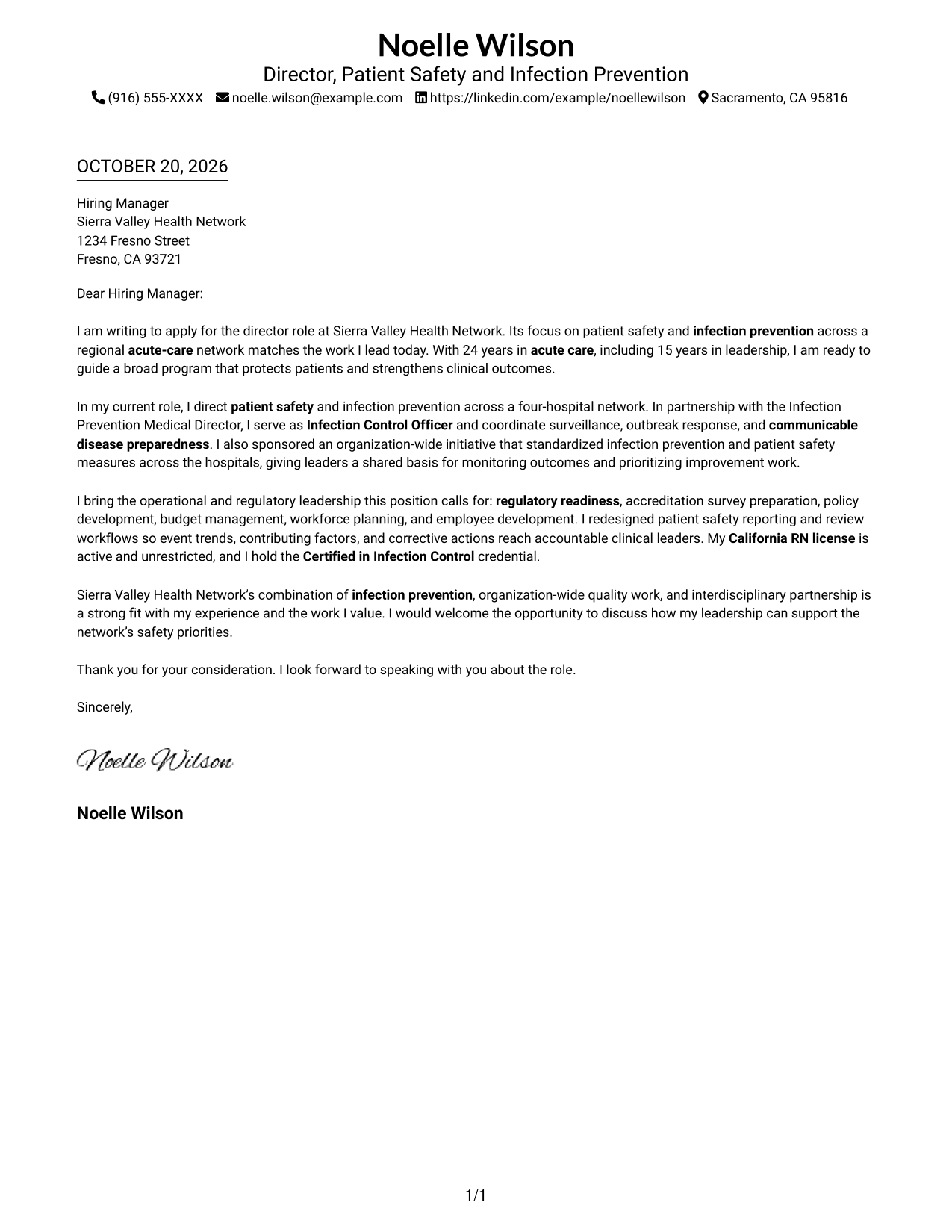
The sender details sit in the header above a single-column letter, keeping the contact information and message in a familiar reading order.
Why This Format Works
- Sender details remain in the header, apart from the letter's persuasive message.
- One continuous body carries the opening, evidence, and closing in reading order.
- Without a photo, visual attention stays on the written case.
Best For
- One-column letter reading
- Header-based contact details
- Text-first communication
- Continuous persuasive prose
- A concise written case
#2 Two Column Format Cover Letter Example
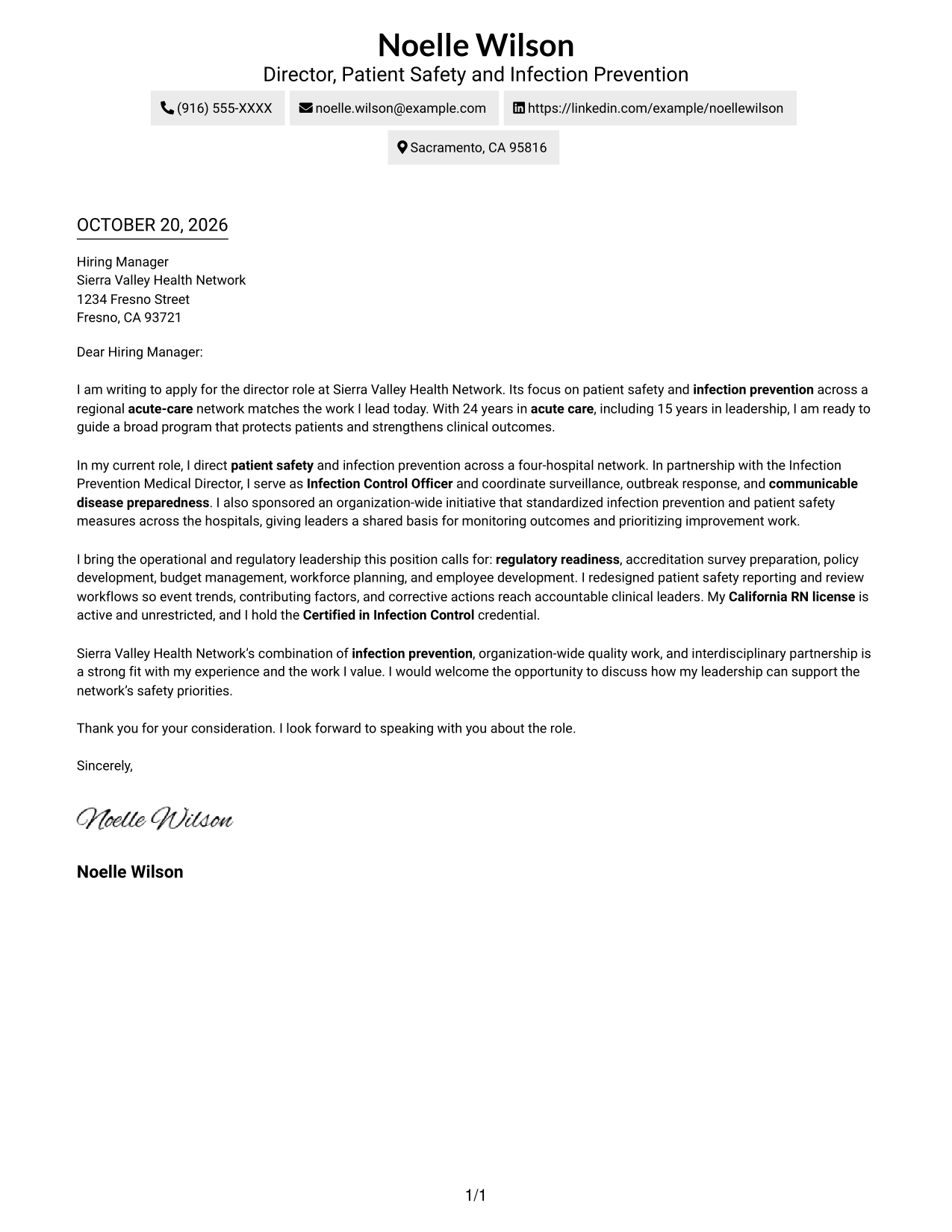
A contact sidebar sits beside one continuous letter body, giving sender information its own place without splitting the message.
Why This Format Works
- The sidebar gives contact details a separate place from the letter's message.
- Opening, evidence, and closing remain in one body rather than parallel columns.
- No portrait competes with the contact information or written message.
Best For
- Separate contact lookup
- Single-body letter flow
- Text-only correspondence
- Readers comparing sender details and message
- Applications centered on written fit
#3 Photo Header Two Column Format Cover Letter Example
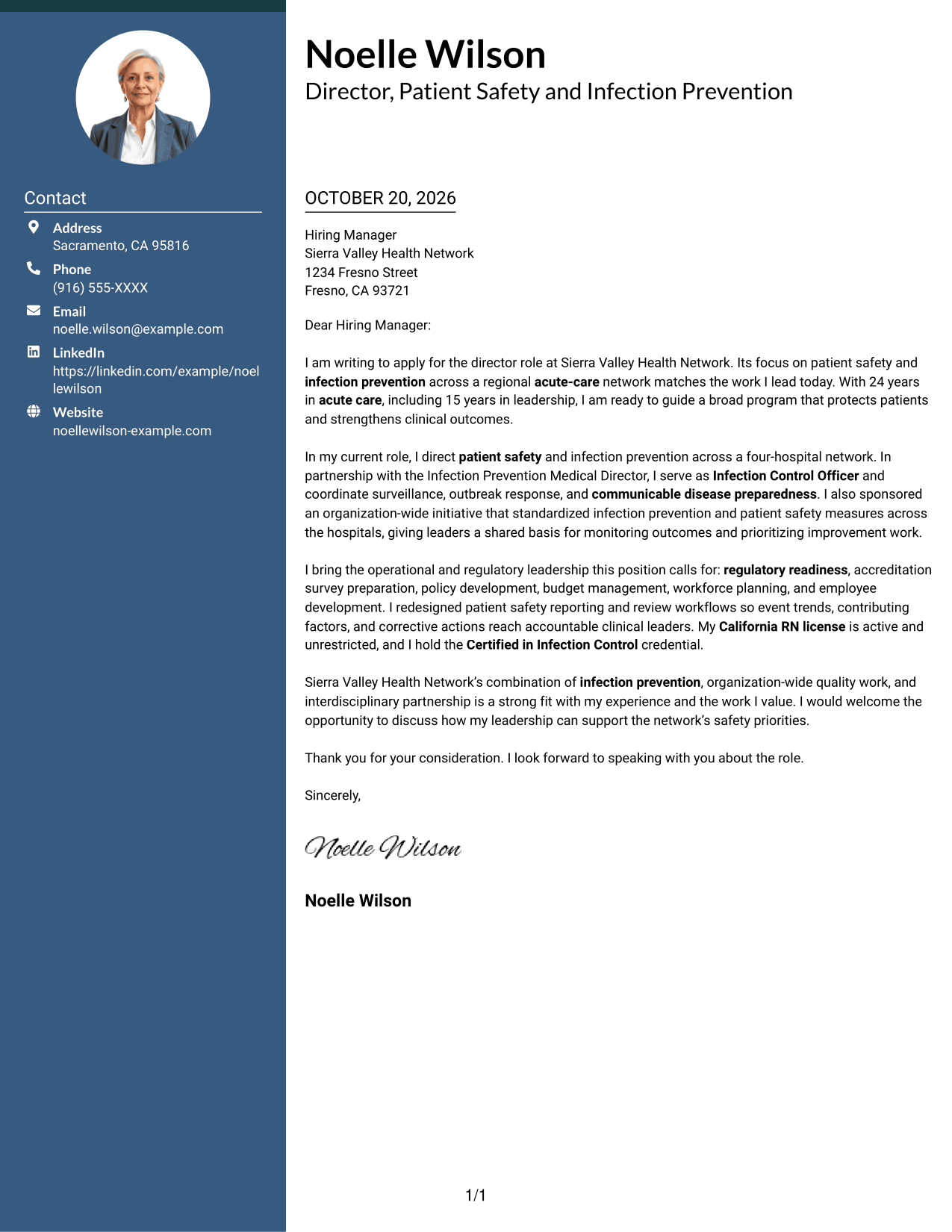
A portrait adds a personal visual element to the header, while the two-column layout keeps contact details beside one continuous letter body.
Why This Format Works
- Contact details stay apart from the main text, making sender information easy to locate.
- The body keeps the opening, supporting case, and closing in one reading sequence.
- The portrait offers a visible point of identification without changing the letter's argument.
Best For
- Portrait-led contact presentation
- Separate contact lookup
- Continuous letter narratives
- Visual sender identification
- Letters where a portrait is preferred
#4 One Column Format with Photo Cover Letter Example
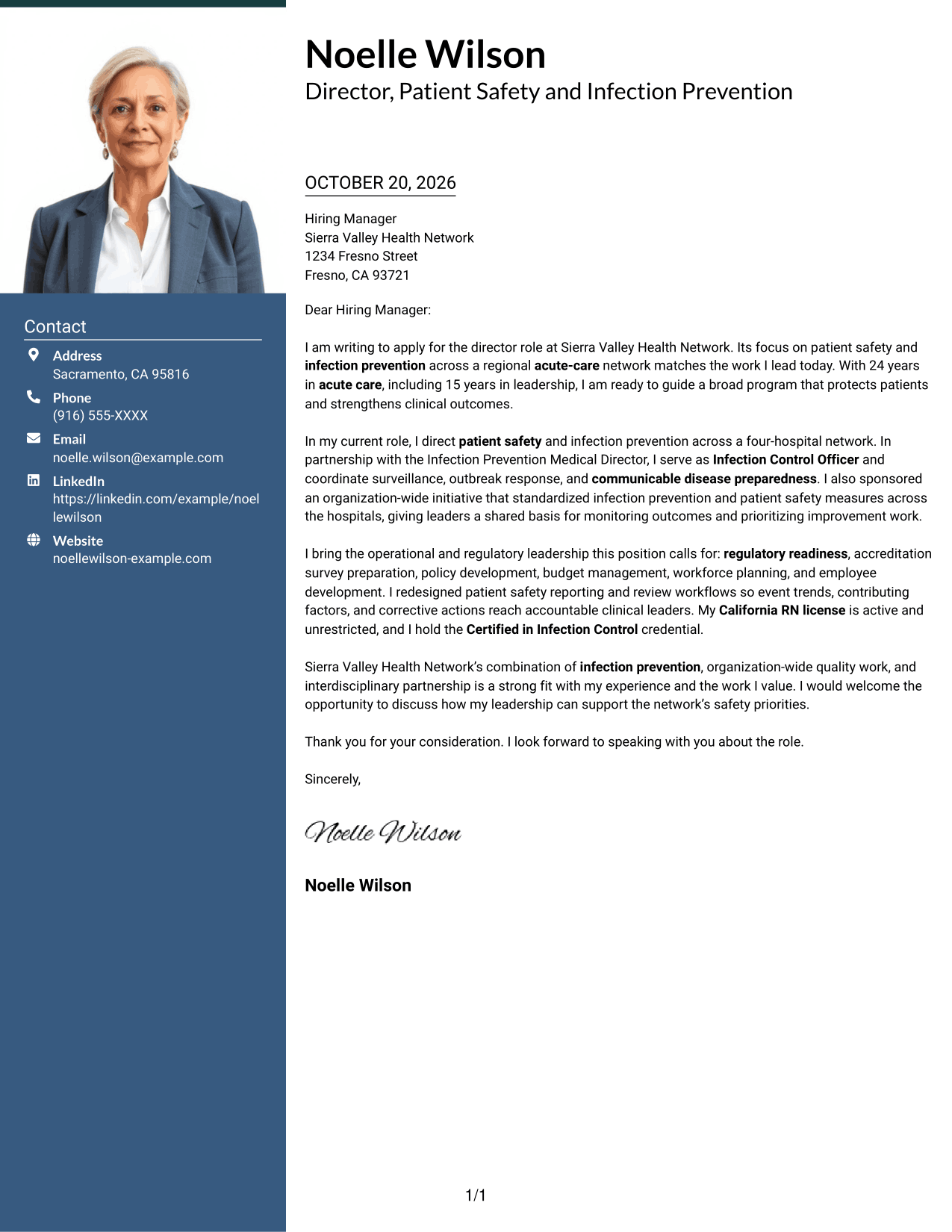
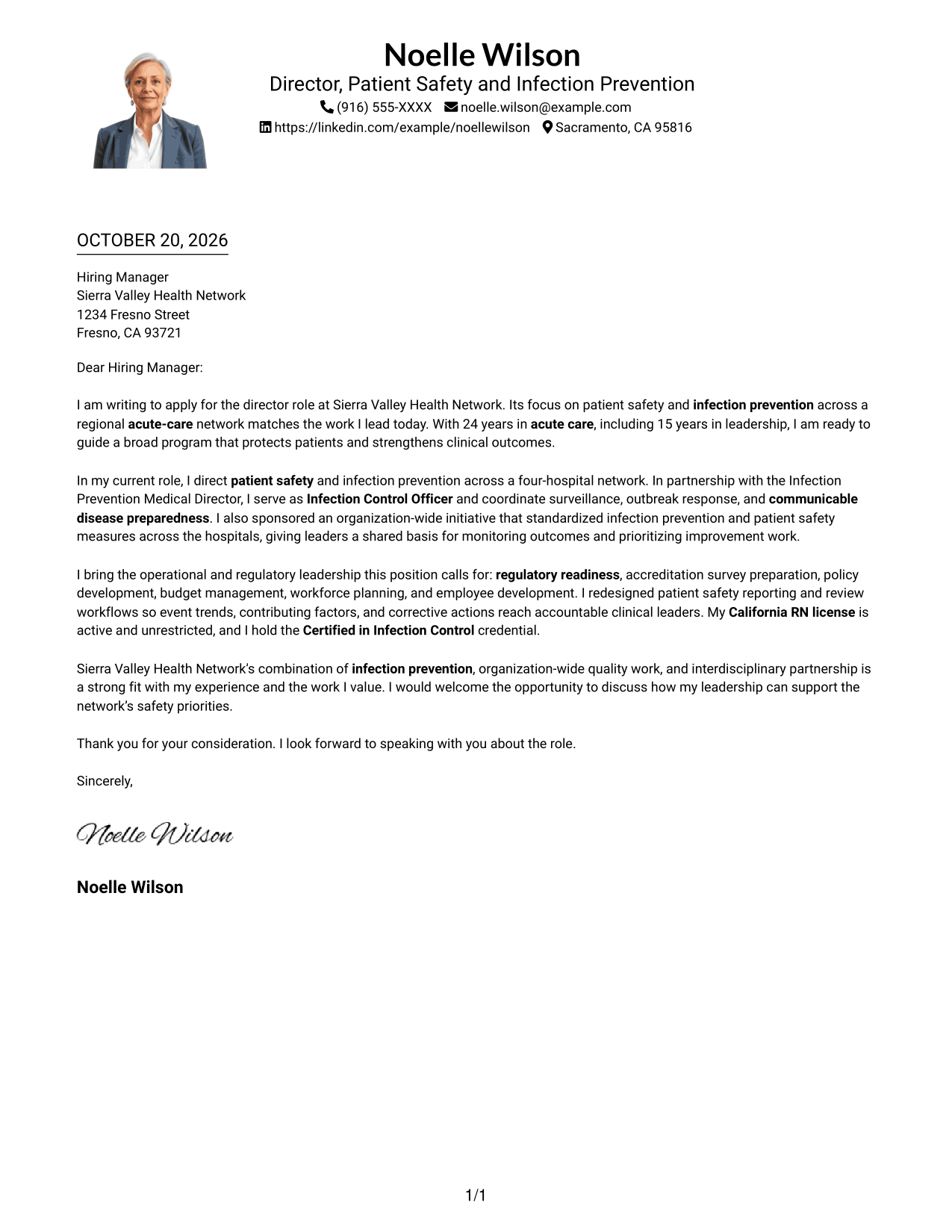
The portrait accompanies a one-column letter, adding a visual point of identification while keeping the written message in one reading lane.
Why This Format Works
- Sender details in the header are easy to find before the letter begins.
- A single body column keeps each paragraph in the same reading lane.
- The portrait provides a visual identifier without dividing the written case.
Best For
- One-column photo presentation
- Header-based contact details
- Single-lane paragraph reading
- Portrait as a visual identifier
- Letters with a direct case for fit
#5 Simple Two Column Format Cover Letter Example
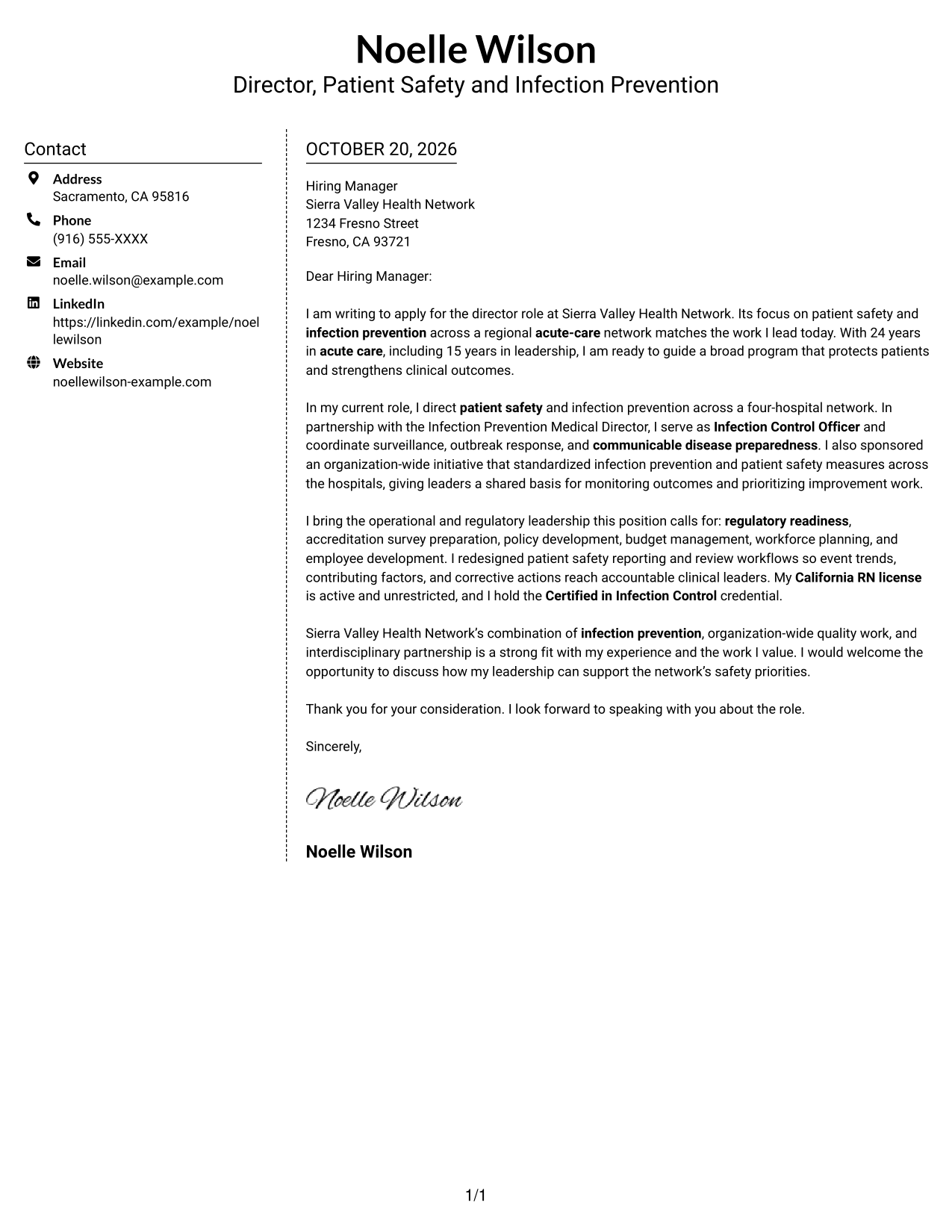
The contact sidebar and continuous letter body occupy separate columns, so sender information stays distinct from the written case.
Why This Format Works
- Contact information remains available without taking space inside the letter paragraphs.
- The main text keeps motivation and evidence together in one reading lane.
- Paragraphs can present the opening and closing without separate argument headings.
Best For
- Sidebar contact access
- Unsplit letter paragraphs
- Text-first correspondence
- Direct explanation of role fit
- Company-specific motivation
#6 Modern Icon Format Cover Letter Example
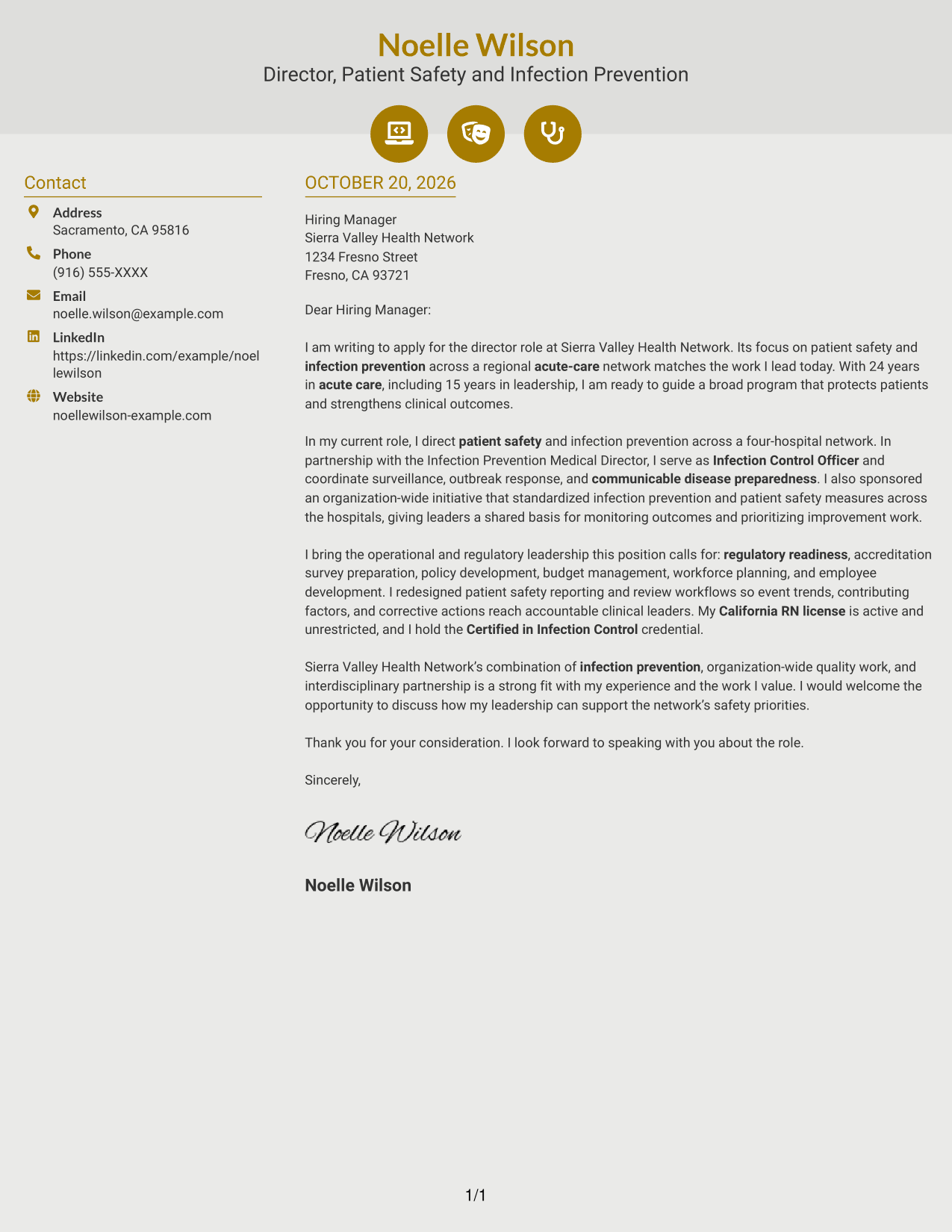
Icons cue contact details in the sidebar, while the letter's opening, evidence, and closing remain in one continuous body.
Why This Format Works
- Contact icons help distinguish sender details from the letter's main text.
- The continuous body lets readers follow the case from opening through closing.
- A separate sidebar keeps contact information outside the persuasive paragraphs.
Best For
- Icon-cued contact details
- Continuous letter prose
- Visual contact cues
- A separate contact sidebar
- Readers who prefer text without a portrait
#7 Creative Two Tone Format Cover Letter Example
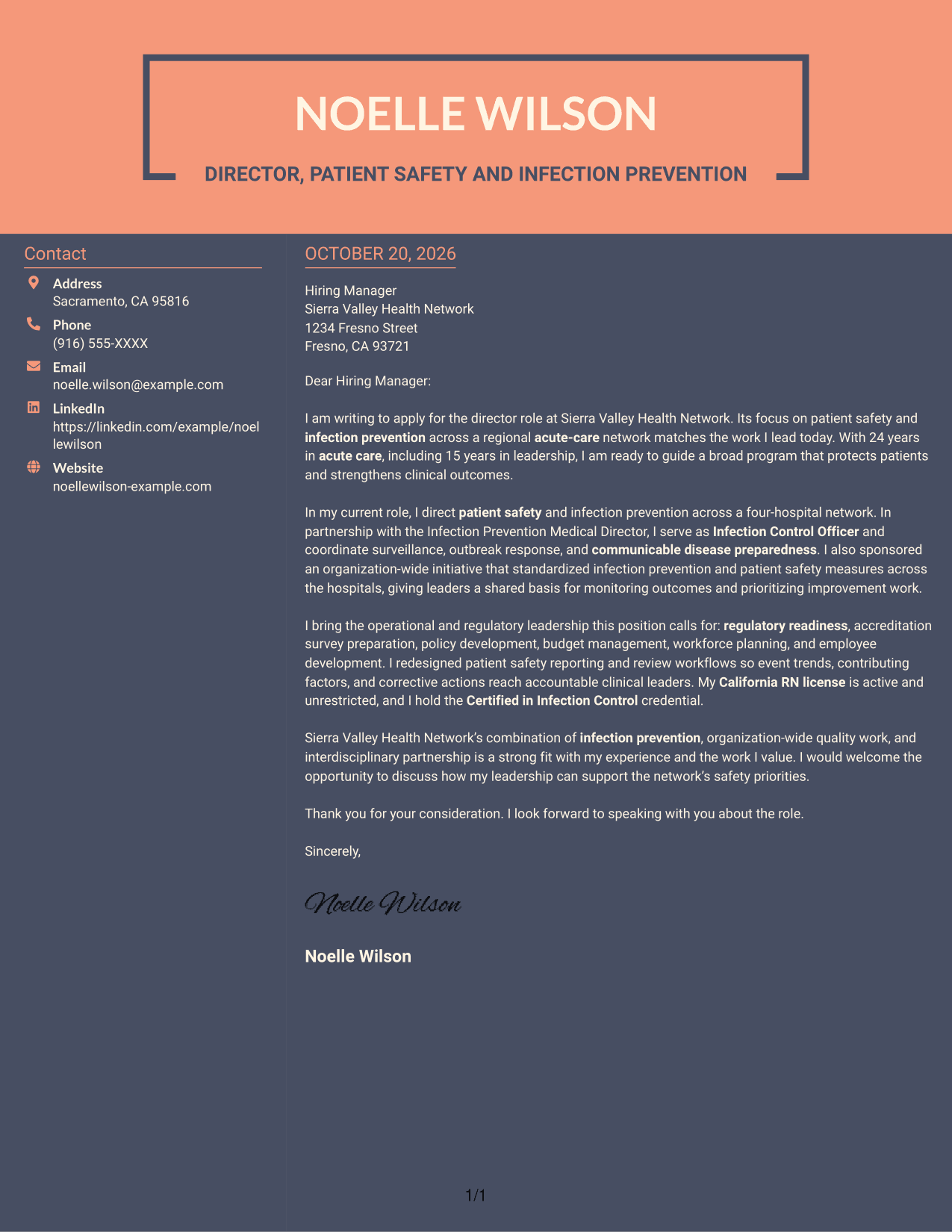
Contact information sits beside one uninterrupted letter body, helping readers locate sender details without dividing the message.
Why This Format Works
- The opening and closing stay in the same prose as the supporting evidence.
- Readers can find contact information without searching through the letter paragraphs.
- The text-focused layout keeps the written case central without a portrait.
Best For
- Contact details beside the message
- Uninterrupted written case
- Text-first correspondence
- Clear statement of company interest
- A detailed written closing
Why Use ResumeInMinutes for a Director, Infection Prevention - Patient Safety Cover Letter
ResumeInMinutes lets you compare cover letter image previews and open an example in the editor. Use the example to shape a clear message around patient safety leadership, infection prevention, and the needs of the role.
- Several letter layouts to compare
- Clear, professional presentation
- Role-focused cover letter guidance
- Examples of effective letter structure
- Easy-to-review image previews
- Editor access for customization
Build a focused letter that links infection prevention, patient safety reporting, and operational leadership to the network’s goals for safer care and stronger clinical outcomes.
See Also
- 7 Director, Infection Prevention - Patient Safety Resume Templates with Example
- 7 Executive Director - Public-Safety Communications Resume Templates with Example
- 7 Director, Patient Support Solutions - CAR-T Resume Templates with Example
- 7 Assistant Director Construction Management Resume Templates with Example
- 7 Assistant Director for Employer Engagement Resume Templates with Example
- 33 Assistant Director of Development - Athletics Fundraising Resume Templates with Example
- 7 Assistant Director of Operations - Financial Aid Resume Templates with Example
- 7 Assistant Director, Public Works Agency Resume Templates with Example
- 30+ Associate Director, Senior Service Designer (GenAI Experience) Cover Letter Templates with Example 2026
- 30+ Director, Codes & Standards - Data Centers & Direct Current Applications Cover Letter Templates with Example 2026
Frequently Asked Questions
What should a Director, Infection Prevention - Patient Safety cover letter emphasize?
Show how your leadership connects infection prevention and patient safety work to fewer preventable harms and better clinical outcomes. Include relevant examples of surveillance, outbreak response, regulatory readiness, and partnership with clinical teams.
How can I show impact in this cover letter?
Describe the action you led, the teams or programs involved, and the value of the result. For example, explain how improved reporting or shared measures helped leaders review safety trends and focus improvement work.
How should I connect my experience to the employer?
Refer to the organization’s focus on patient safety across an acute-care network. Then explain how your experience with infection prevention, interdisciplinary work, and program oversight can support those priorities.
Which cover letter presentation works well for this director role?
Choose a clear, professional layout that makes the opening, evidence, and closing easy to follow. Consider the employer and communication context, and keep the focus on your message rather than decorative details.
Should I mention my California RN license and CIC credential?
If you hold these credentials, mention them briefly when they support your fit for the position. The job description calls for an active, unrestricted California RN license and a Certified in Infection Control credential.




