
7 Director of Client Engagement - Contract Validation Cover Letter Templates with Example
Use this practical guide to shape a Director of Client Engagement - Contract Validation cover letter, with seven layouts that help you present client leadership and validation expertise clearly.
What Makes a Great Director of Client Engagement - Contract Validation Cover Letter in 2026
A strong letter for this role connects client leadership with clear, evidence-based contract validation. It should show how you build trust and guide work from scope through delivery.
Use relevant examples, such as reconciling payer commitments with contract terms or reviewing rebate findings. Explain how your approach supports client needs and aligns with the employer’s focus on dependable service.
The featured example moves from interest in the role to specific evidence and a clear closing, giving you a focused progression to adapt. Choose a presentation that fits the employer and the communication context.
#1 Simple One Column Format Cover Letter Example
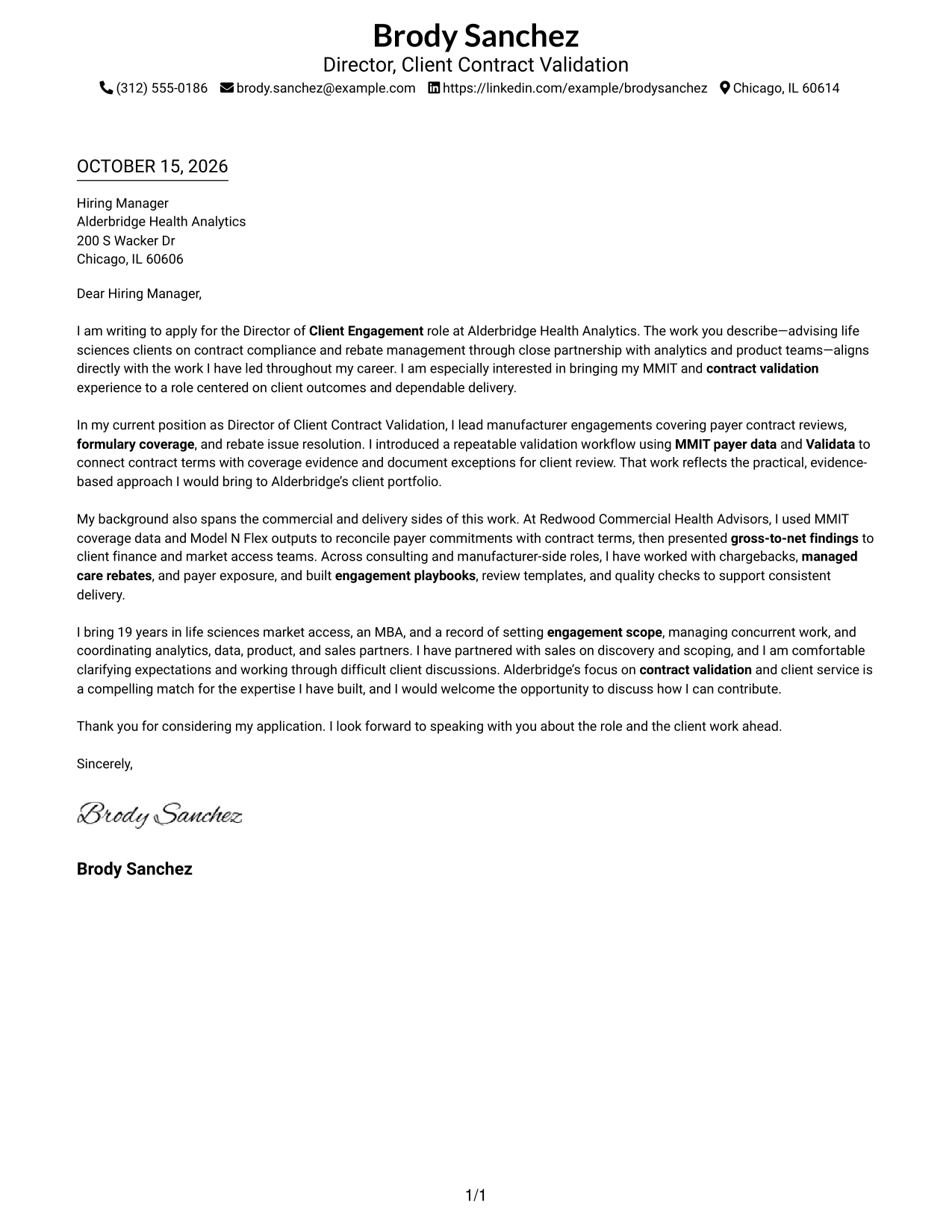
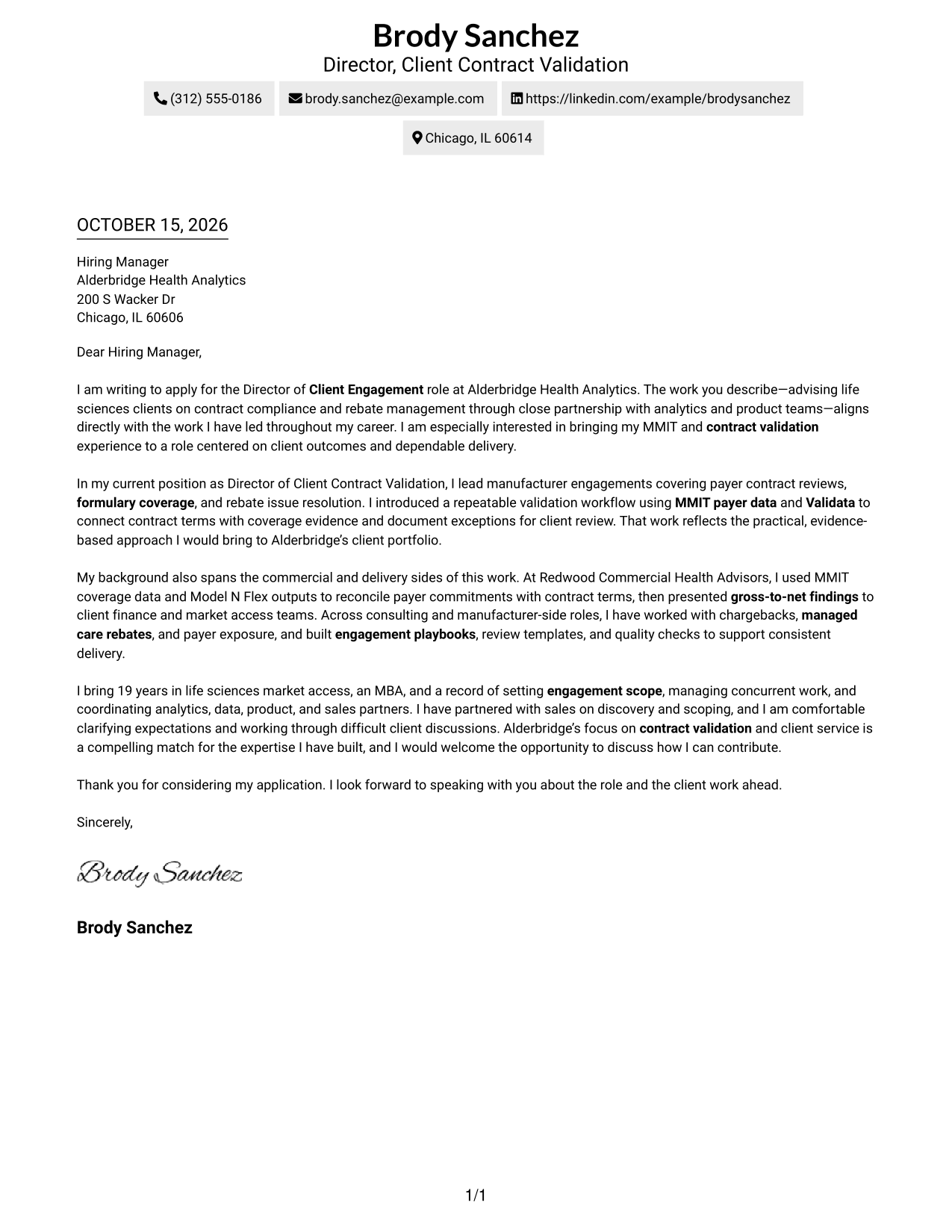
Sender details sit in the header above one letter column, keeping contact information separate from a direct, continuous message.
Why This Format Works
- Sender details stay in the header, apart from the letter’s main message.
- One body column presents the greeting, paragraphs, and closing in sequence.
- The photo-free layout keeps visual attention on the written communication.
Best For
- Direct letter-first review
- Contact details in the header
- Paragraph-led persuasion
- Text-only correspondence
- A single message reading path
#2 Two Column Format Cover Letter Example
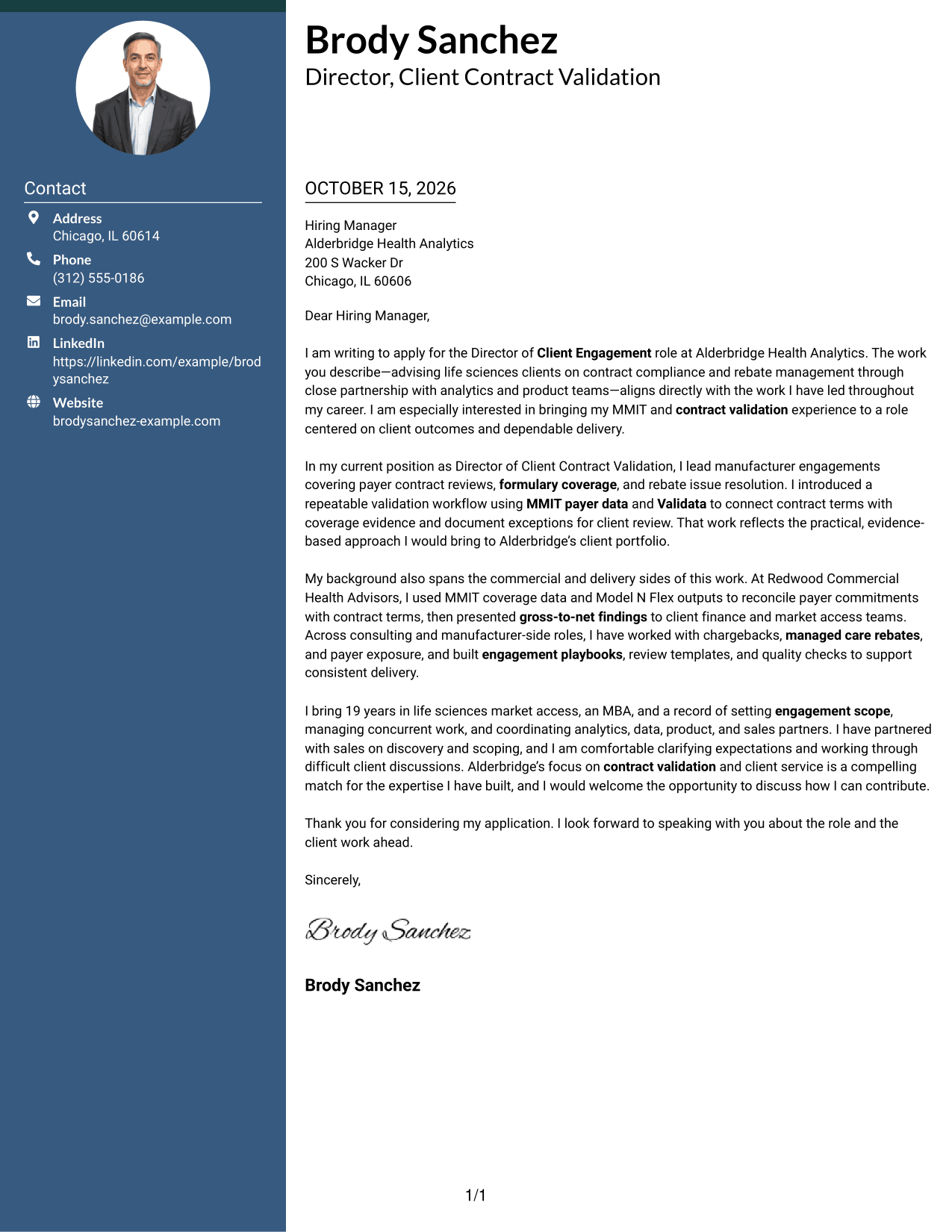
A contact sidebar beside one continuous letter body gives sender details a separate place while keeping the message in a single reading path.
Why This Format Works
- The contact sidebar makes sender information easy to find apart from the message.
- A single letter column keeps the paragraphs in their intended order.
- Side-by-side areas let reviewers refer to contact details while reading the letter.
Best For
- Separate contact and message areas
- Quick sender detail lookup
- Continuous letter paragraphs
- Sidebar-based contact organization
- Text-only correspondence
#3 Photo Header Two Column Format Cover Letter Example
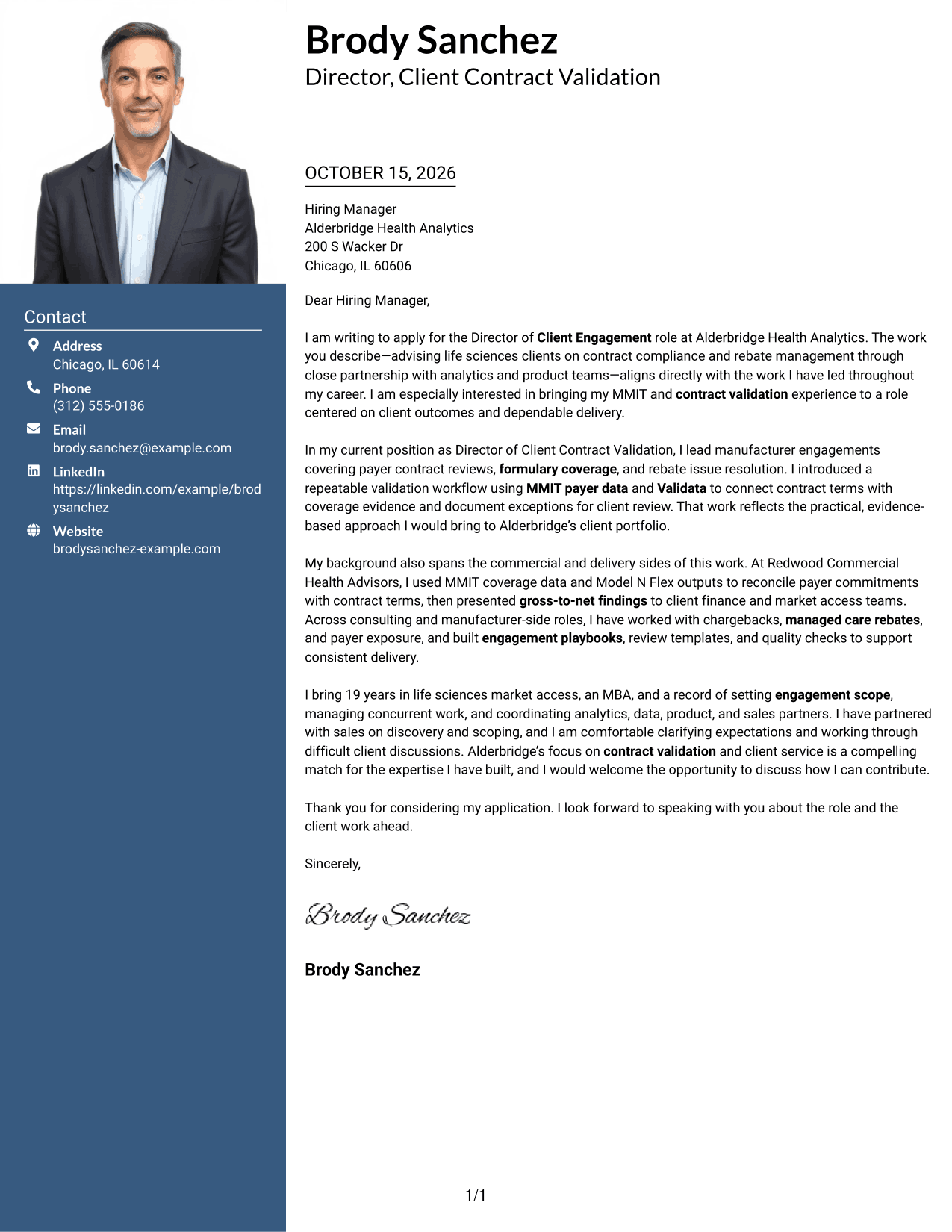
A photo in the header and a contact sidebar beside the continuous letter body suit readers who want a personal image without splitting the message.
Why This Format Works
- The header photo adds a personal visual element without changing the letter’s reading order.
- Contact details remain separate from the continuous message in the main column.
- The single body column keeps the opening, evidence, and closing in sequence.
Best For
- Photo-inclusive correspondence
- A personal image in the header
- Separate contact information
- Single-column message reading
- Continuous letter arguments
#4 One Column Format with Photo Cover Letter Example
A photo paired with one letter column gives the page a personal visual element while keeping the message in a straightforward reading order.
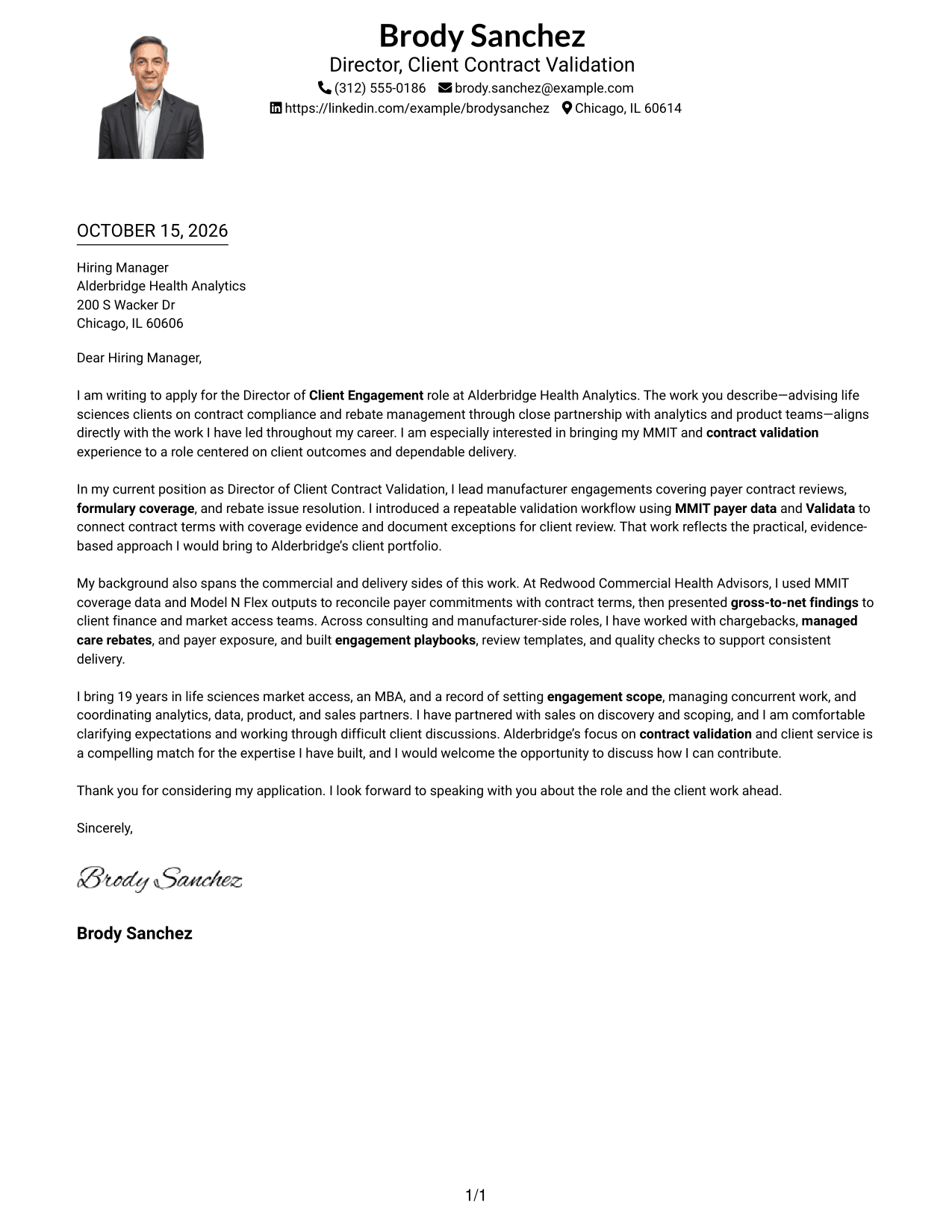
Why This Format Works
- The photo adds a personal visual element without dividing the letter text.
- One body column keeps the message in a clear reading sequence.
- Sender details in the header remain distinct from the letter paragraphs.
Best For
- Photo-inclusive letters
- Single-column message reading
- A personal visual element
- Header-based contact details
- Paragraph-led communication
#5 Simple Two Column Format Cover Letter Example
The contact sidebar sits beside one continuous letter body, giving correspondence details their own area while the message stays together.
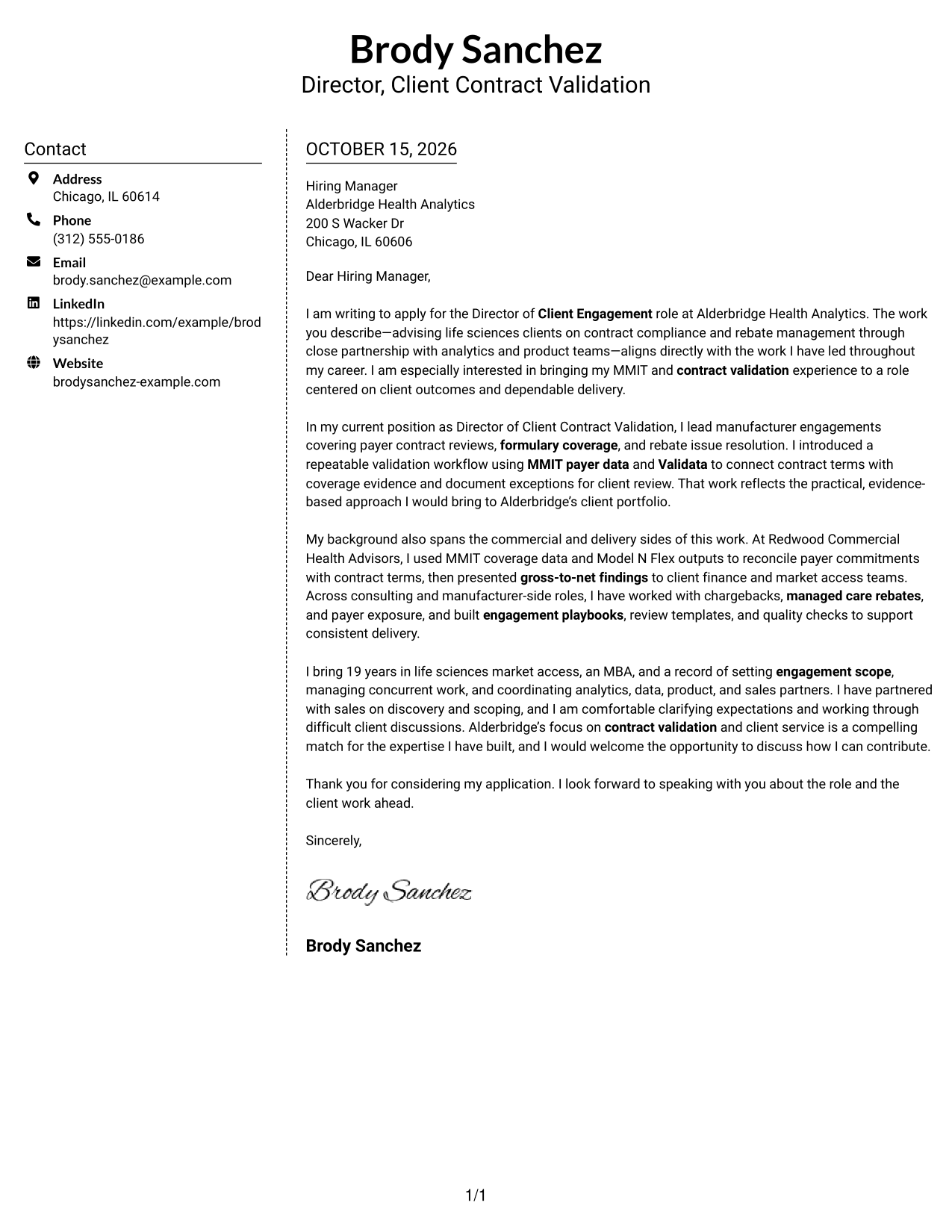
Why This Format Works
- Contact information has a distinct place outside the letter paragraphs.
- The main body stays continuous, so readers can follow the full message in order.
- The two areas keep sender details visible beside the letter during review.
Best For
- Sidebar contact organization
- A continuous letter message
- Separate sender information
- Text-only page preference
- Easy reference to contact details
#6 Modern Icon Format Cover Letter Example
Contact icons appear alongside a sidebar and one continuous letter body, giving contact details visual cues without dividing the message.
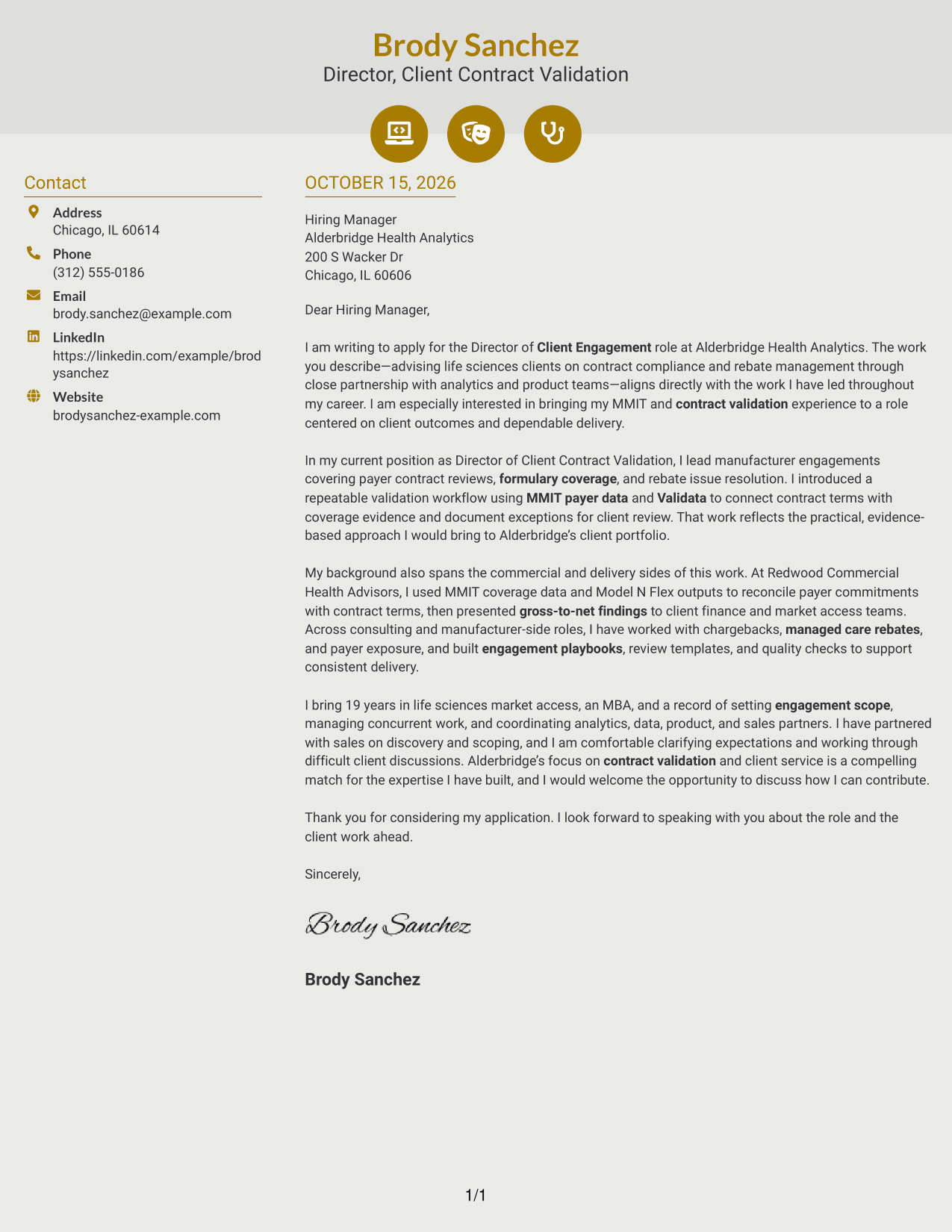
Why This Format Works
- Contact icons help distinguish contact cues from the letter’s argument.
- The sidebar keeps sender details apart from the continuous message.
- One body column lets readers follow the letter from opening to close.
Best For
- Icon-supported contact details
- A separate contact sidebar
- Continuous letter paragraphs
- Quick contact detail recognition
- Text-focused correspondence
#7 Creative Two Tone Format Cover Letter Example
A contact sidebar beside one continuous letter body gives sender details their own area and leaves the message in a single reading path.
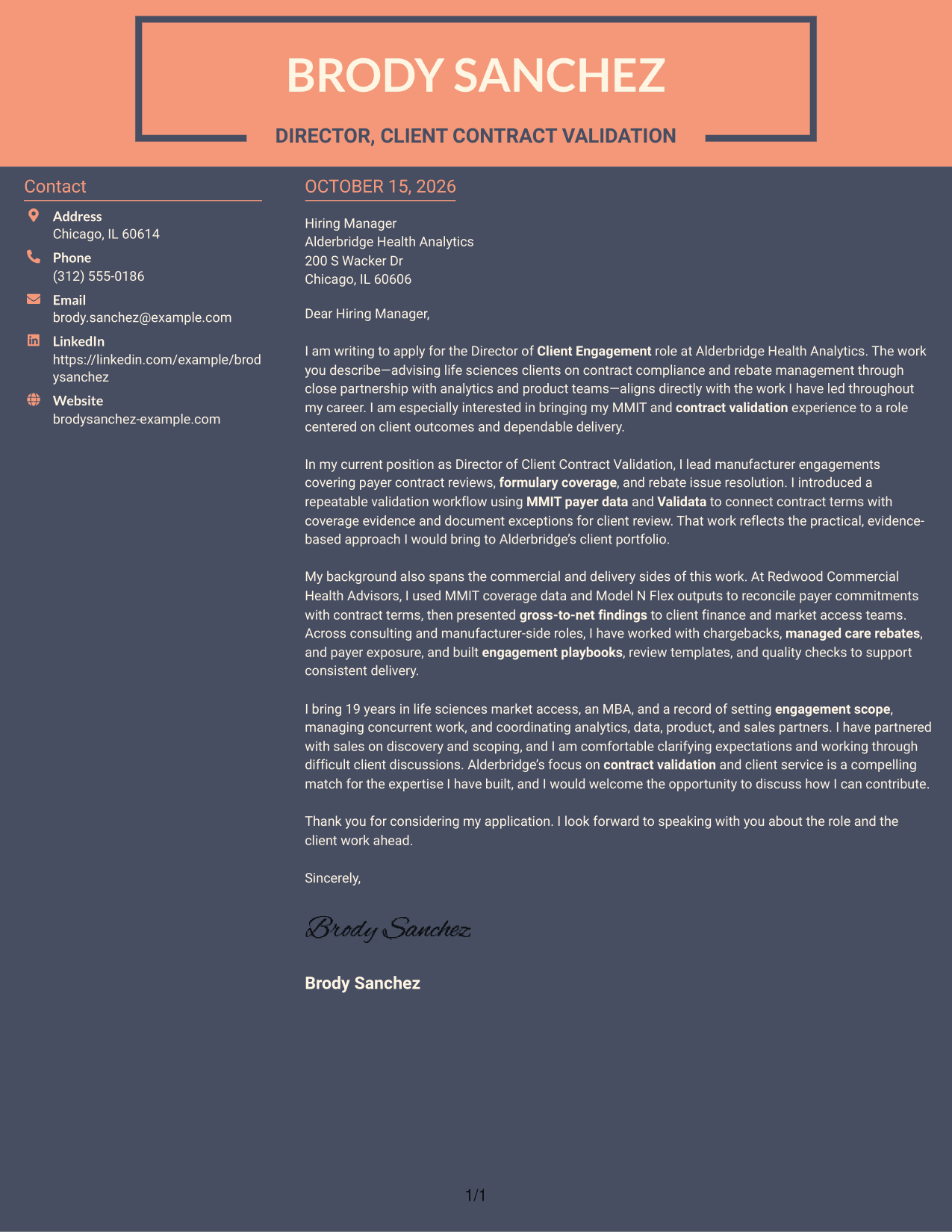
Why This Format Works
- The sidebar separates sender information from the letter’s continuous paragraphs.
- The main column presents the full message in its intended order.
- Side-by-side placement keeps contact details available while reviewers read the letter.
Best For
- Distinct contact and message areas
- A single-column letter body
- Contact details beside the message
- Continuous paragraph reading
- Text-only correspondence
Why Use ResumeInMinutes for a Director of Client Engagement - Contract Validation Cover Letter
ResumeInMinutes offers cover letter examples and editor actions to help you shape a clear message for client engagement and contract validation work.
- Clear, readable letter layouts
- Role-focused writing guidance
- Examples with editor actions
- Focused opening and closing ideas
- Professional presentation options
- Support for clear client-fit messaging
Use the example to see how to explain your interest, connect payer and rebate experience to the role, and close with a direct invitation to continue the conversation.
See Also
- 7 Director of Client Engagement - Contract Validation Resume Templates with Example
- 7 Assistant Director for Employer Engagement Resume Templates with Example
- 7 Associate Director, Annual Giving Engagement Resume Templates with Example
- 7 Director, Office of Community Outreach and Engagement Resume Templates with Example
- 7 Director Participant Engagement - Defined Contribution Plans Resume Templates with Example
- 7 Director Participant Engagement Resume Templates with Example
- 7 Assistant Director Construction Management Resume Templates with Example
- 33 Assistant Director of Development - Athletics Fundraising Resume Templates with Example
- 7 Director Participant Engagement - Defined Contribution Plans Cover Letter Templates with Example
- 30+ Associate Director, Senior Service Designer (GenAI Experience) Cover Letter Templates with Example 2026
Frequently Asked Questions
Are these Director of Client Engagement - Contract Validation cover letter templates ATS-friendly?
The examples use clear, readable layouts. Keep the opening, relevant evidence, client approach, and closing easy to follow, and use role terms naturally when they match your experience.
What does this page show?
It presents one featured cover letter example in different visual styles. Compare the image previews, then open an example in the editor to customize it.
What should the opening paragraph say for this role?
State your interest in the Director of Client Engagement - Contract Validation role and connect it to the work described by the employer. Keep the opening focused on client relationships, contract compliance, or rebate management.
Which details can help show fit for a contract validation role?
Choose evidence that reflects your background, such as using MMIT payer data, Validata, or Model N Flex to review contract terms, coverage, or rebate findings. Explain your role and the value of the work to clients.
How should I close a Director of Client Engagement - Contract Validation cover letter?
Briefly restate why the role interests you and how your approach could support client delivery. End with a polite request to discuss your fit in an interview.




