
7 Director/Senior Director, Life Sciences Industry Strategy Cover Letter Templates with Example
This practical guide helps you write a Director/Senior Director, Life Sciences Industry Strategy cover letter with seven layouts to compare.
What Makes a Great Director/Senior Director, Life Sciences Industry Strategy Cover Letter in 2026
A strong letter links life sciences strategy to practical results in customer and partner implementations, product planning, and go-to-market work. It should make a clear case for how your approach fits the role.
Use specific evidence, such as translating pharmaceutical workflows into CRM capabilities, addressing regulatory needs, or measuring adoption. Connect each example to the employer’s priorities and explain the value of your contribution.
The featured example moves from role interest to relevant evidence, then to business outcomes and a clear close; adapt this focused progression while choosing a presentation that suits the employer and communication context.
#1 Simple One Column Format Cover Letter Example
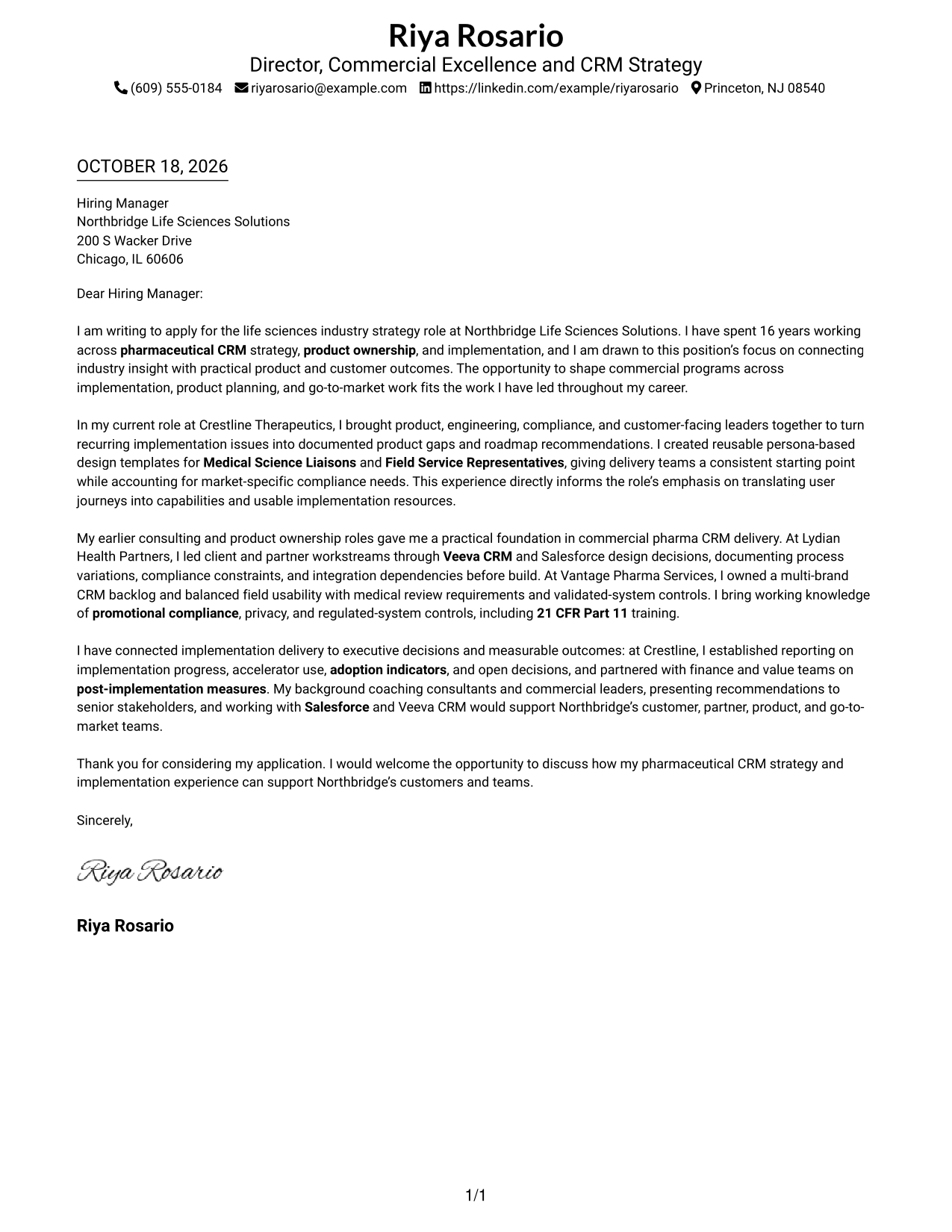
Simple One Column Format keeps sender details in the header above one continuous letter body, giving the argument a direct reading path.
Why This Format Works
- Header contact details stay easy to find without interrupting the letter's message.
- A single body sequence lets the opening, evidence, and close build in order.
- The text-only presentation keeps attention on the applicant's written case.
Best For
- Letters centered on written persuasion
- One continuous persuasive message
- Header-level contact access
- Executive-facing application messages
- Text-first document preferences
#2 Two Column Format Cover Letter Example
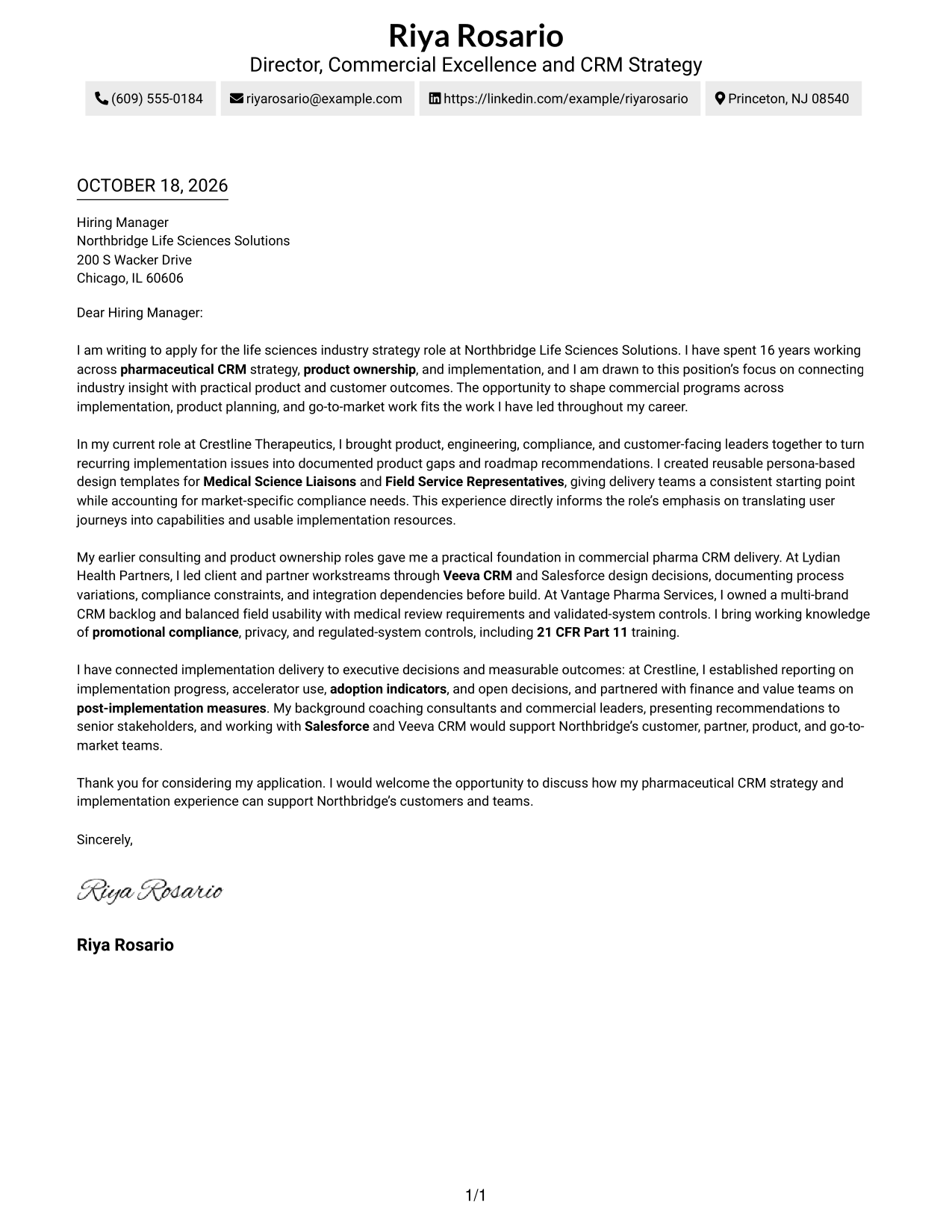
Two Column Format places contact details in a sidebar beside one uninterrupted letter body, keeping correspondence details apart from the persuasive message.
Why This Format Works
- Sidebar contact details remain separate from the message under review.
- One continuous body keeps motivation, supporting evidence, and the close in sequence.
- Without body headings, paragraphs carry the argument from interest through closing.
Best For
- Sidebar contact reference
- Multi-paragraph business letters
- Executive application correspondence
- Letters with paragraph-based evidence
- Quick sender-detail reference
#3 Photo Header Two Column Format Cover Letter Example
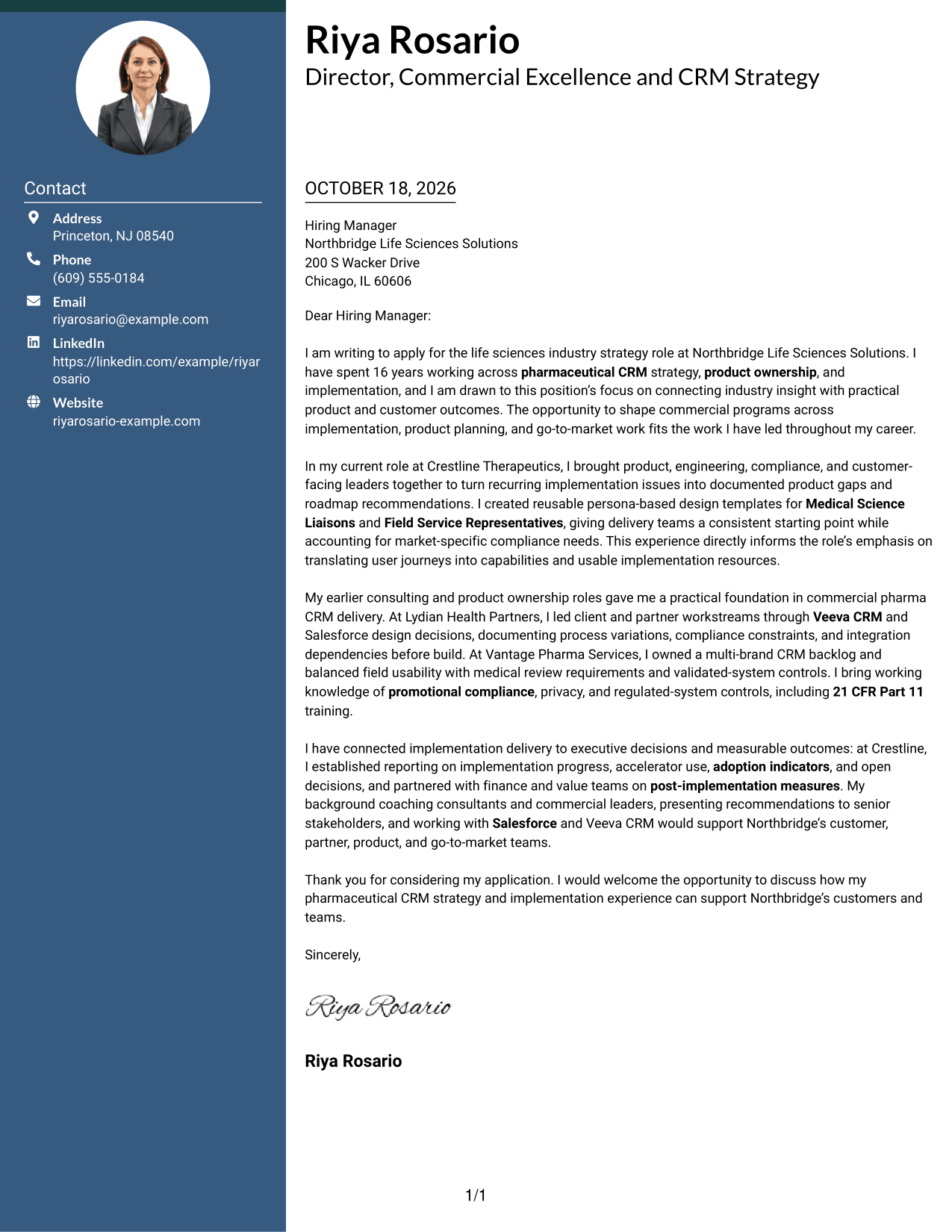
Photo Header Two Column Format pairs a portrait-led header with a contact sidebar and one continuous letter body, adding a personal visual touch alongside a clear argument.
Why This Format Works
- Contact details stay apart from the paragraph sequence in the letter body.
- Continuous paragraphs let the reason for applying and supporting case unfold together.
- The header portrait adds a personal visual element without organizing the letter's argument.
Best For
- Portrait-inclusive business correspondence
- Side-by-side contact and message layout
- Paragraph-based motivation and evidence
- Executive-facing written introductions
- Letters with clear sender identification
#4 One Column Format with Photo Cover Letter Example
One Column Format with Photo adds a portrait to a single-column letter, while the paragraphs keep the message in one reading sequence.
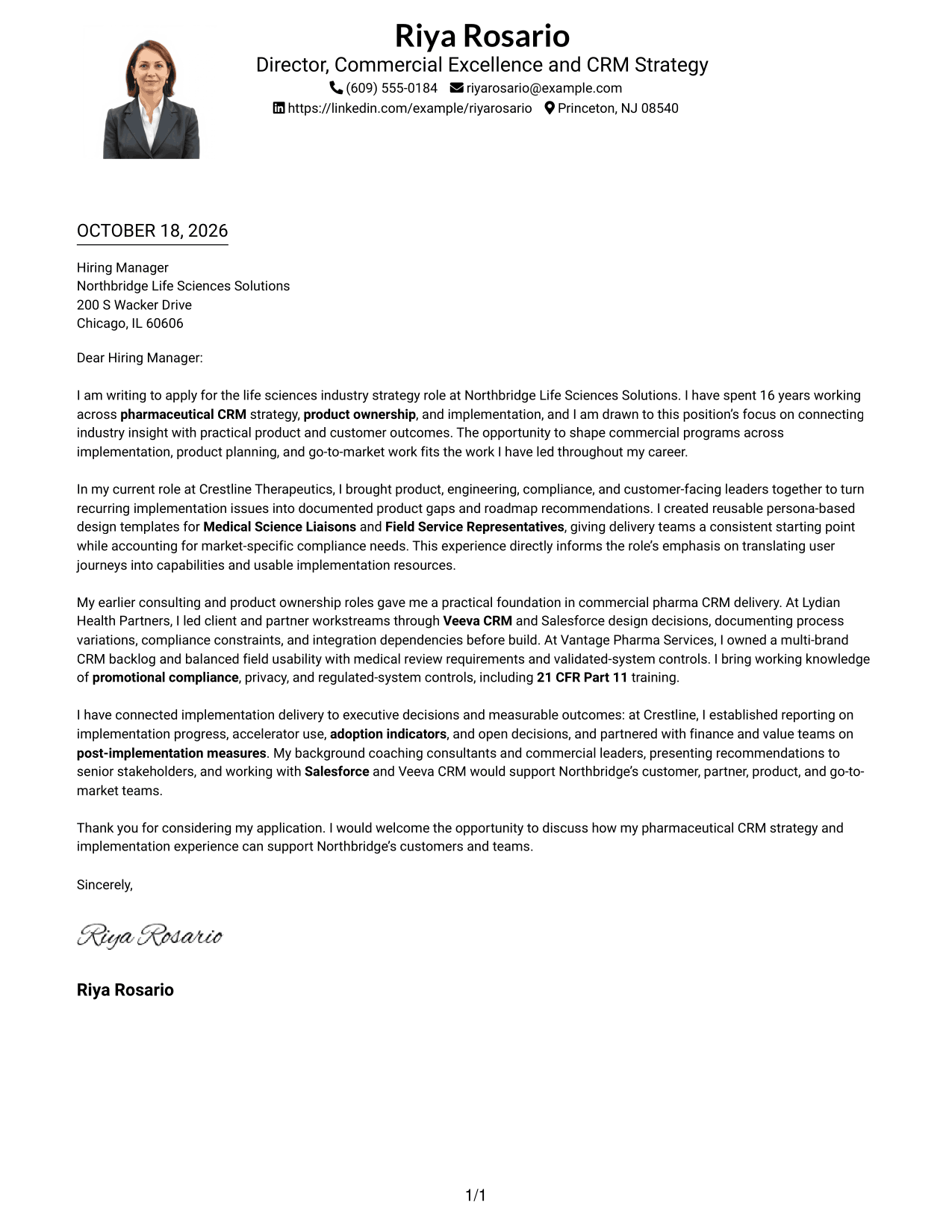
Why This Format Works
- Sender details remain in the header rather than a separate sidebar.
- The continuous paragraph sequence keeps motivation and supporting points together.
- A portrait offers visual identification without changing the argument's structure.
Best For
- Single-column letter preference
- Portrait-inclusive correspondence
- One continuous letter argument
- Header-based sender information
- Paragraph-led business communication
#5 Simple Two Column Format Cover Letter Example
Simple Two Column Format sets sender contact information in a sidebar next to the continuous letter body, making the two functions distinct without dividing the argument.
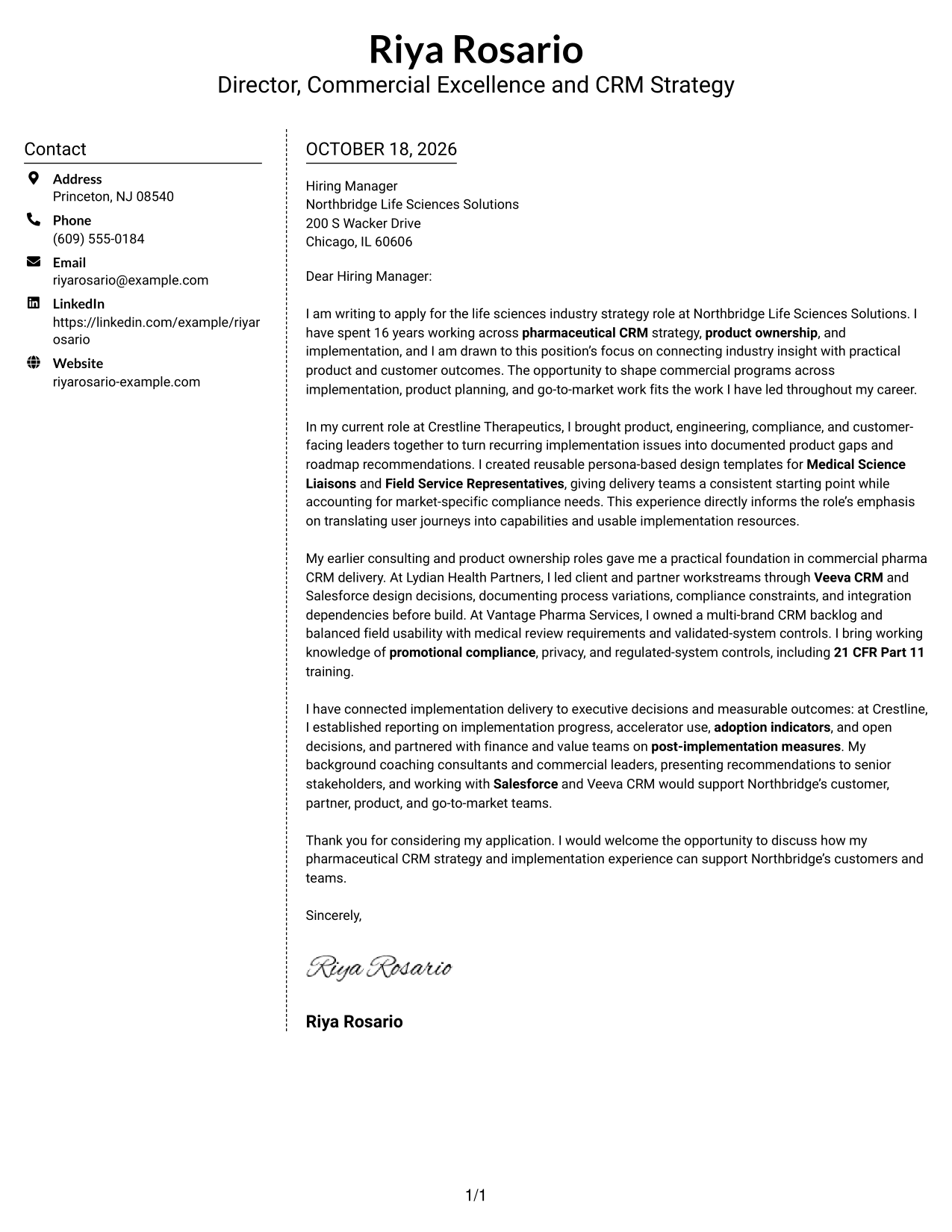
Why This Format Works
- Sidebar gives contact details a separate place beside the letter.
- Unbroken paragraphs preserve the message's progression from interest to closing.
- Without body headings, each paragraph contributes directly to the case.
Best For
- Contact details beside the message
- Multi-paragraph role applications
- Persuasive business correspondence
- Applications with detailed role alignment
- Readers who prefer contact information at hand
#6 Modern Icon Format Cover Letter Example
Modern Icon Format pairs a contact sidebar and header icons with one continuous letter body, letting visual cues identify contact details without dividing the message.
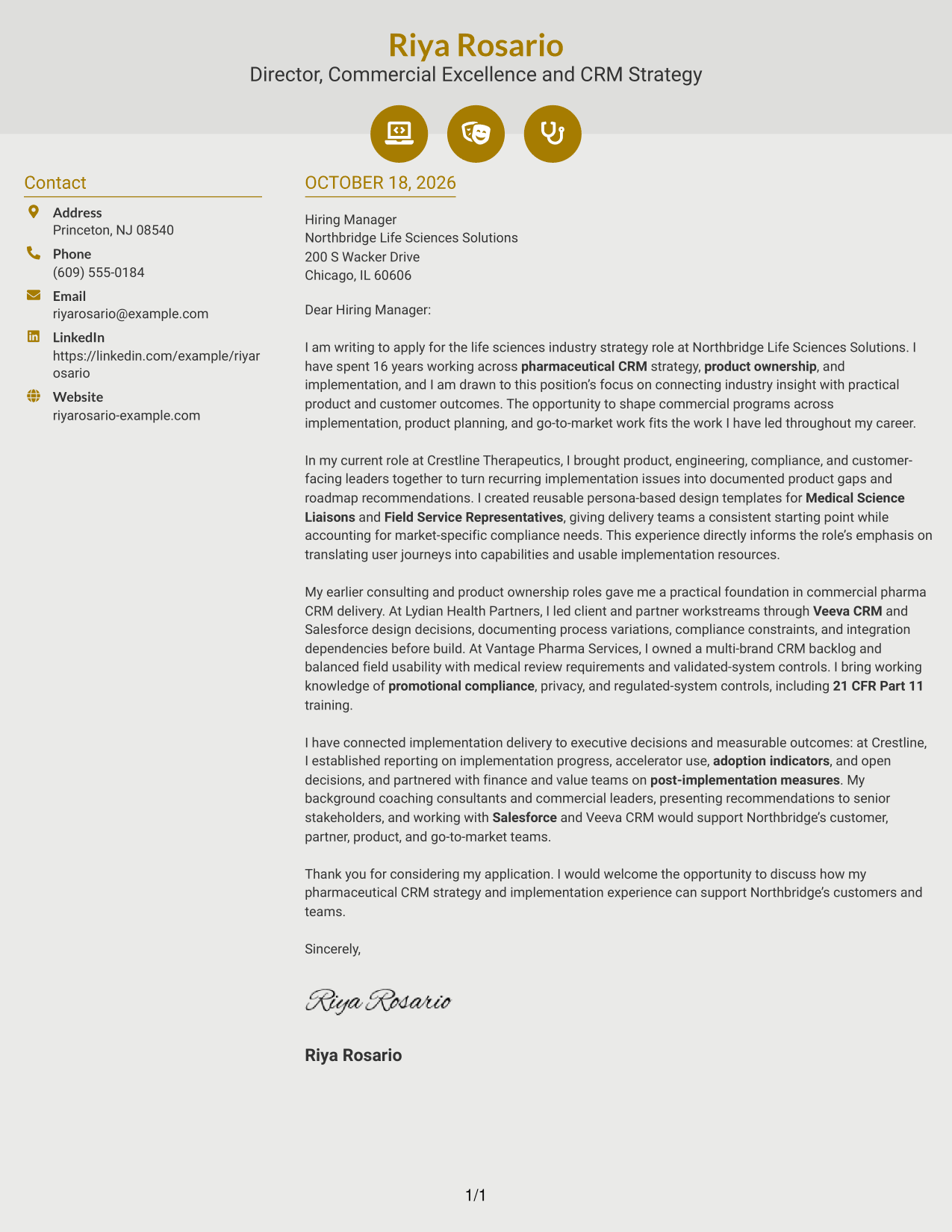
Why This Format Works
- Contact icons identify sender details without labeling the letter's argument.
- One continuous body keeps motivation and evidence in paragraph order.
- Sidebar placement keeps correspondence details distinct from the written message.
Best For
- Icon-marked contact details
- Multi-paragraph persuasive letters
- Executive-facing business communication
- Applications with a continuous argument
- Quick contact-detail reference
#7 Creative Two Tone Format Cover Letter Example
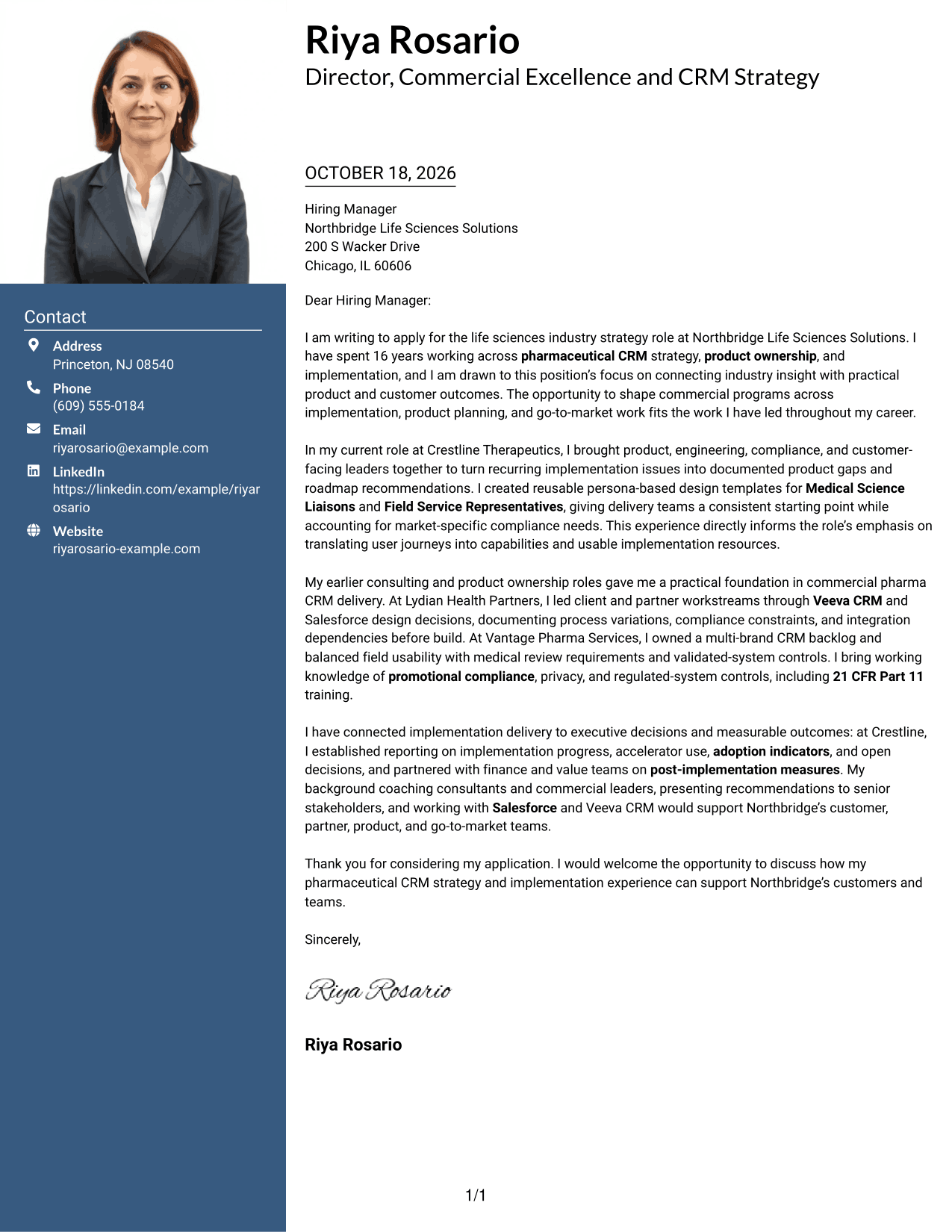
Creative Two Tone Format uses two columns and contrasting color treatment to distinguish contact details from one continuous letter body without splitting the argument.
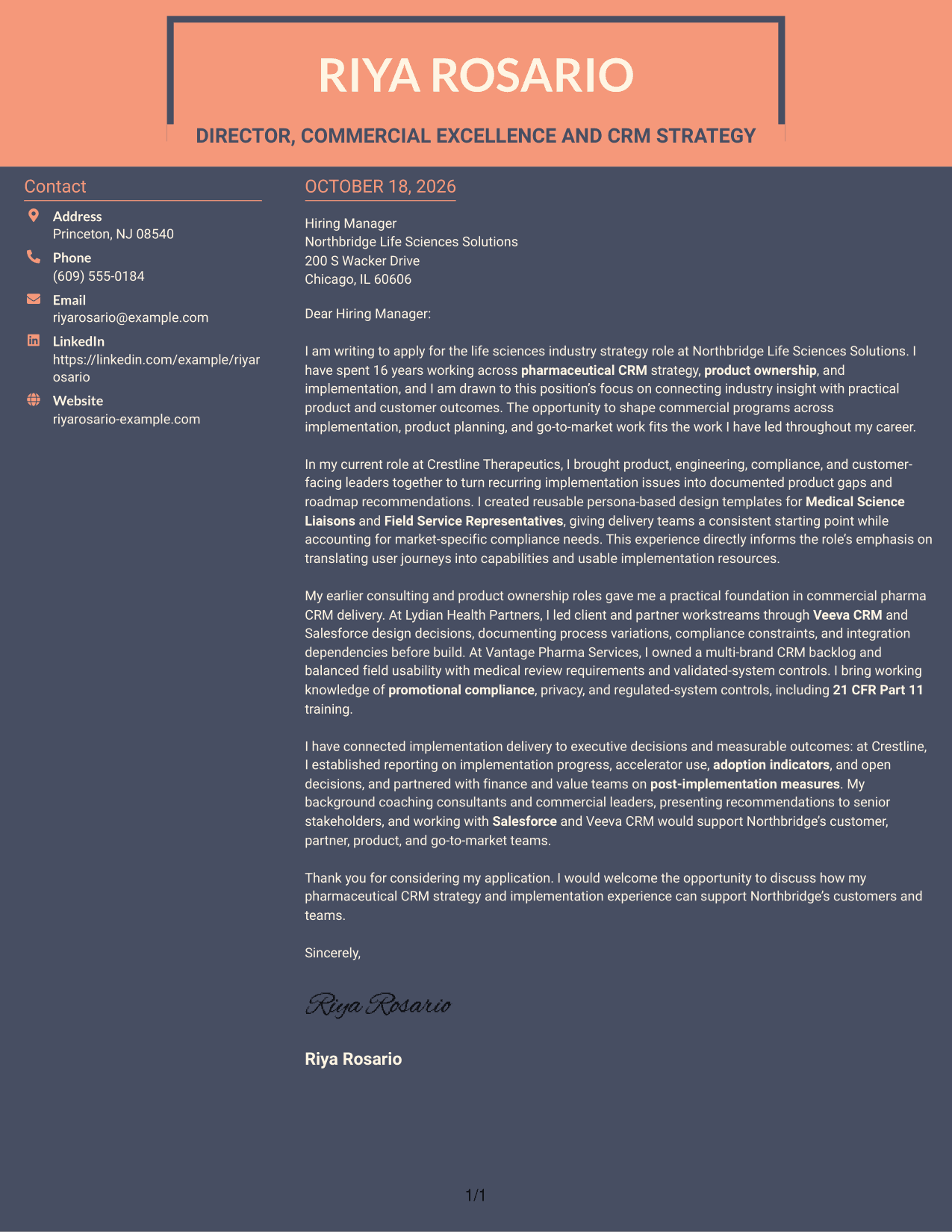
Why This Format Works
- Separate contact and message areas make sender information easy to locate.
- One uninterrupted body lets the letter move from interest to evidence.
- Two-tone styling creates visible color contrast without adding body headings.
Best For
- Two-tone color preference
- Contact details apart from the message
- Paragraph-led persuasive letters
- Applications with clear visual contrast
- Continuous letter-body presentation
See Also
- 7 Director/Senior Director, Life Sciences Industry Strategy Resume Templates with Example
- 7 Senior Director - Industry Relations Resume Templates with Example
- 7 Director of Sales Operations, FX Sales Strategy Resume Templates with Example
- 7 Assistant Director Construction Management Resume Templates with Example
- 7 Assistant Director for Employer Engagement Resume Templates with Example
- 33 Assistant Director of Development - Athletics Fundraising Resume Templates with Example
- 7 Assistant Director of Operations - Financial Aid Resume Templates with Example
- 7 Assistant Director, Public Works Agency Resume Templates with Example
- 30+ Associate Director, Senior Service Designer (GenAI Experience) Cover Letter Templates with Example 2026
- 30+ Director, Codes & Standards - Data Centers & Direct Current Applications Cover Letter Templates with Example 2026
Frequently Asked Questions
What should this cover letter emphasize?
Show how industry knowledge can guide implementation choices, product direction, and customer outcomes. Support your points with relevant examples and connect them to the role’s needs.
What evidence can strengthen a letter for this role?
Choose examples that show how you translated pharmaceutical workflows into CRM capabilities, handled compliance needs, guided delivery partners, or linked implementation work to adoption and business measures.
How should I explain my interest in the position?
Be specific about the work that motivates you, such as connecting life sciences insight with product planning and implementation. If you have a genuine reason for your interest in the employer, explain it briefly.
Which cover letter presentation should I choose?
Choose a clear, professional layout that suits the employer and the way your application will be reviewed. Compare the image previews, then open an example in the editor to view or customize it.
How can I make the closing effective?
Briefly restate the value you could bring to the role, thank the reader for their time, and express interest in discussing the fit. Keep the tone confident and direct.




