
7 District Manager - Retail Operations Cover Letter Templates with Example
This practical guide helps you write a District Manager - Retail Operations cover letter and compare its example across seven layouts.
What Makes a Great District Manager - Retail Operations Cover Letter in 2026
A strong letter connects district leadership to customer service, store execution, and business goals. Its opening should make the role fit clear.
Use specific evidence, such as leading store visits, developing Store Managers, or following up on operating results. Link that evidence to the employer’s needs and explain why this role interests you.
The featured example moves from role interest to operating evidence, leadership strengths, and a clear close. Adapt that focused progression to your own experience, choosing a presentation that suits the employer and the communication context.
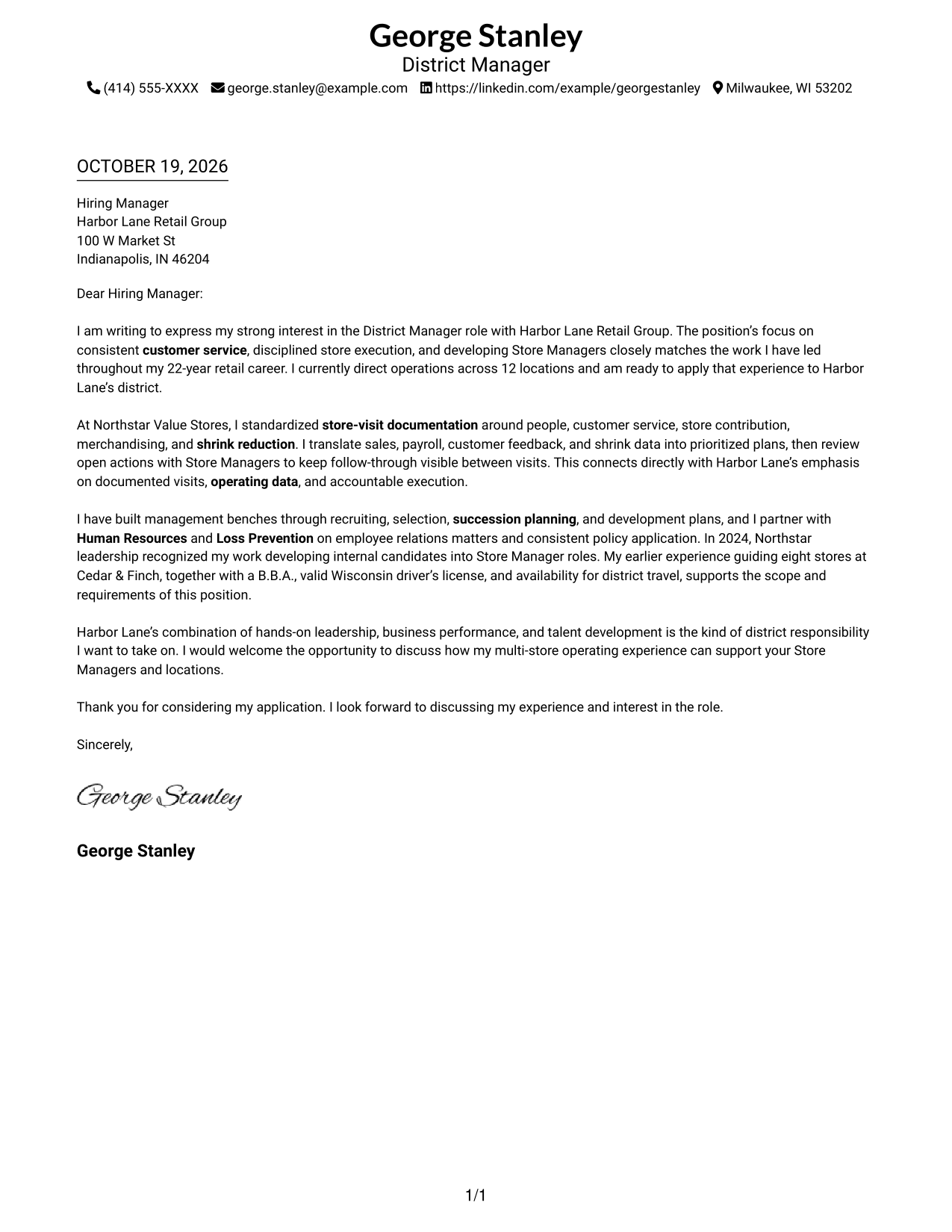
#1 Simple One Column Format Cover Letter Example
The single-column layout keeps the letter body in one direct reading path, helping reviewers follow the message from greeting to close.
Why This Format Works
- Sender details sit in the header, apart from the letter’s main paragraphs.
- Paragraph breaks make the opening, supporting case, and closing easy to distinguish.
- The greeting and sign-off frame the message as direct correspondence.
Best For
- Single-column reading preference
- Header-based sender details
- Paragraph-led case for fit
- Photo-free correspondence
- Direct written introductions
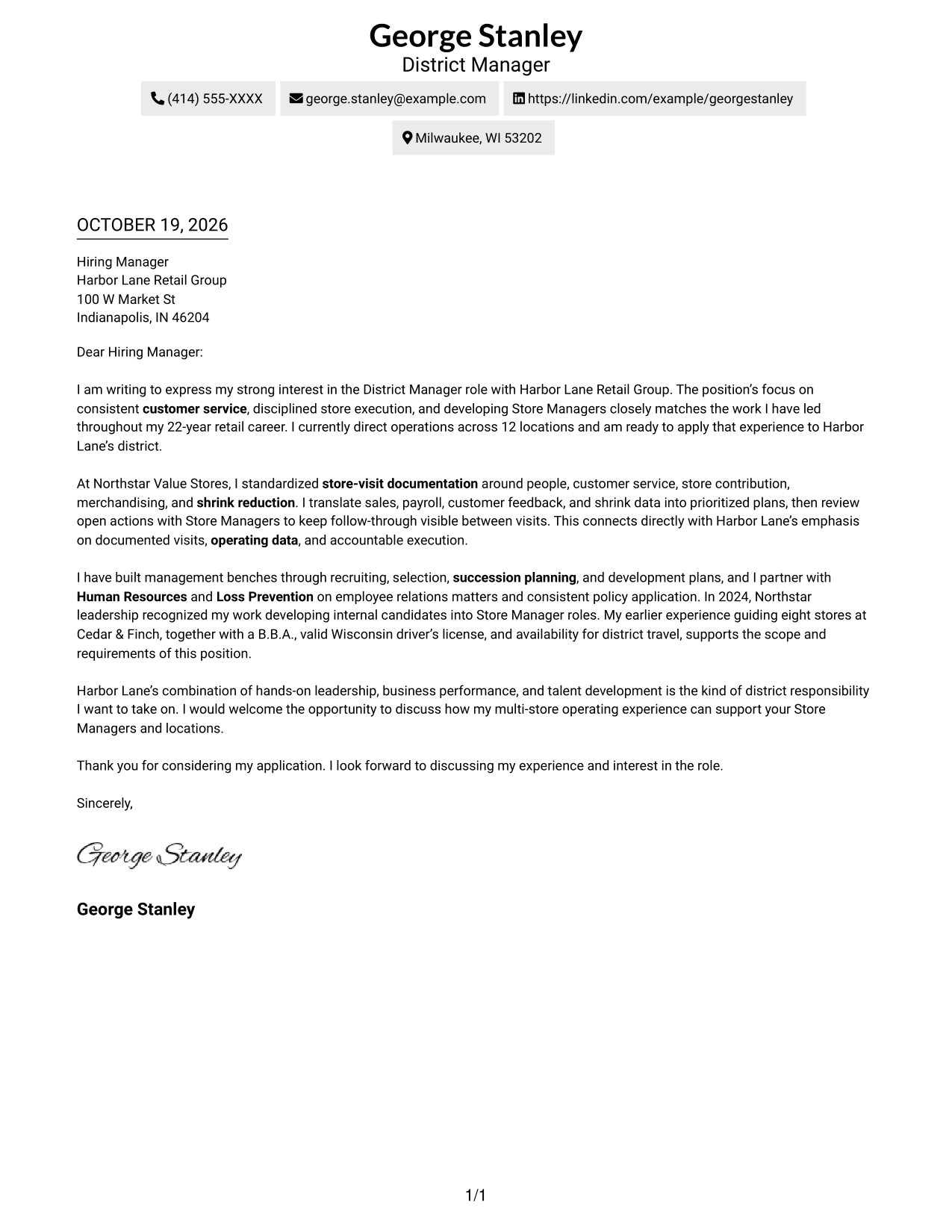
#2 Two Column Format Cover Letter Example
A contact sidebar sits beside one continuous letter body, giving sender details a separate place without dividing the message into parallel parts.
Why This Format Works
- The sidebar helps reviewers locate contact details without searching the letter paragraphs.
- Opening, evidence, and closing remain together instead of occupying separate columns.
- Photo-free styling suits readers who want the written exchange to remain central.
Best For
- Contact details beside the letter
- Continuous paragraph arguments
- Quick access to sender information
- Photo-free application materials
- A clear split between contact and message
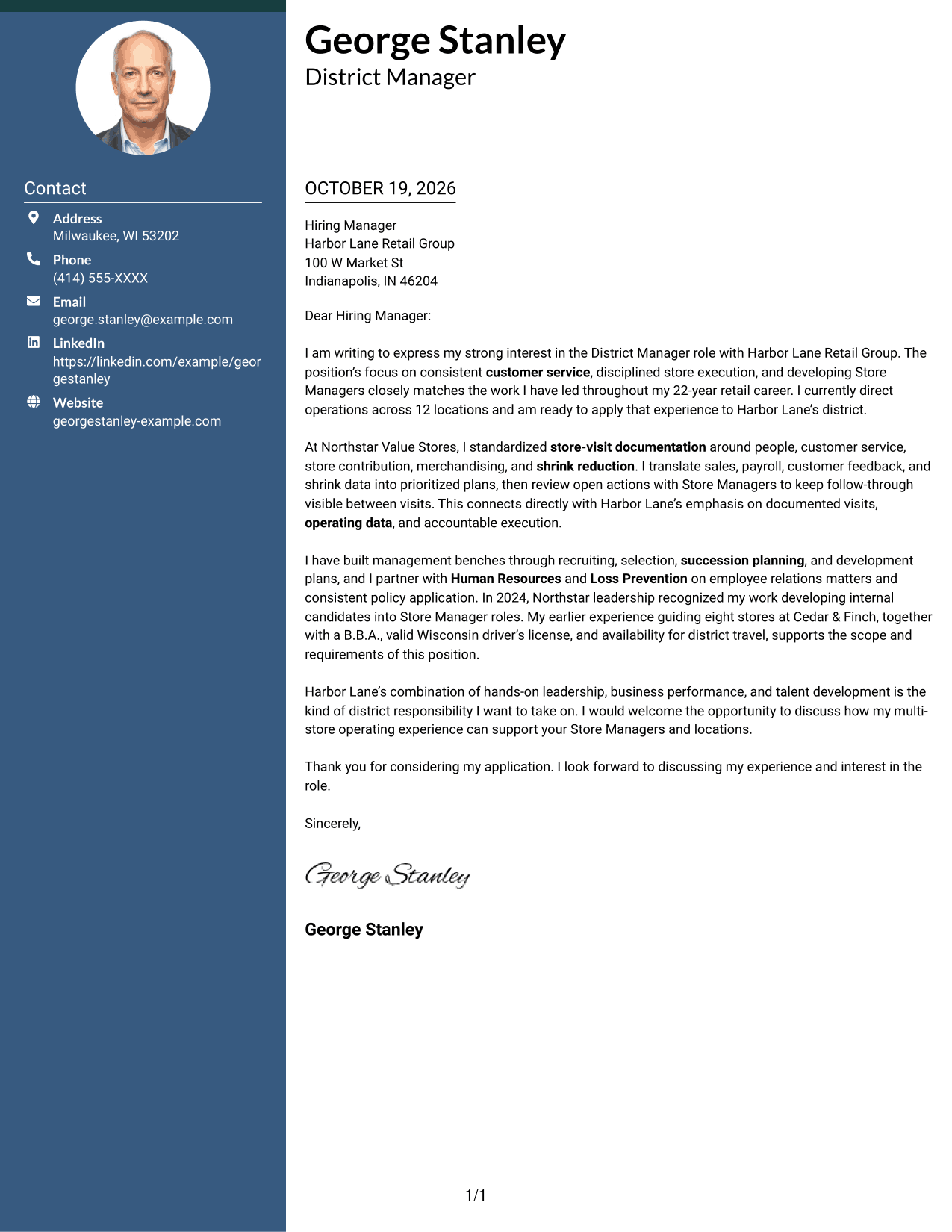
#3 Photo Header Two Column Format Cover Letter Example
A photo in the header gives this two-column letter a visible personal touch, while the contact sidebar and letter body remain distinct.
Why This Format Works
- The contact sidebar keeps sender information apart from the letter’s persuasive paragraphs.
- A single body lets reviewers follow the opening, supporting evidence, and close in order.
- The header photo offers a clear visual feature without labeling parts of the argument.
Best For
- A portrait in the header
- Contact details in a separate area
- One continuous letter argument
- A visual point of personal presentation
- Paragraph-based role alignment
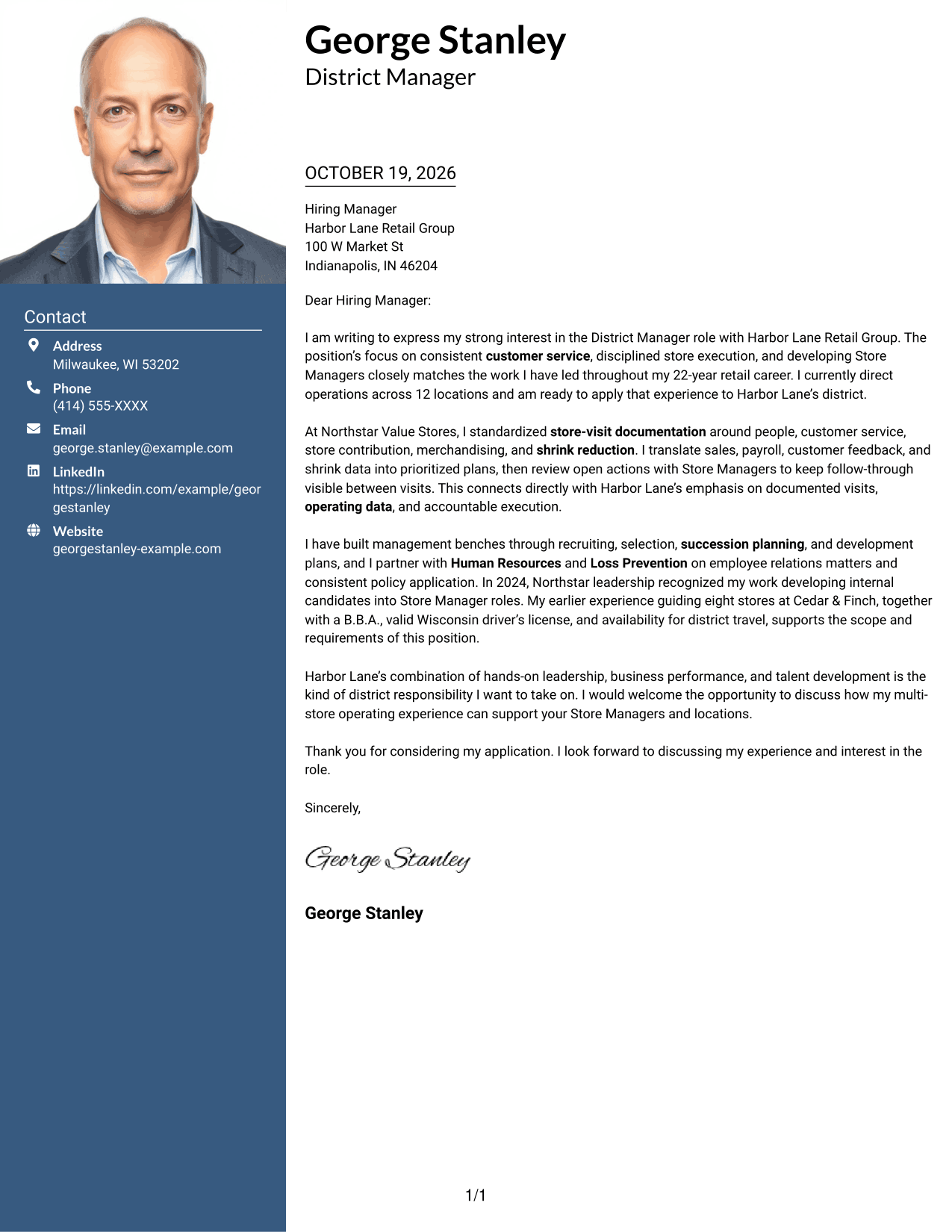
#4 One Column Format with Photo Cover Letter Example
The one-column format pairs the letter with a photo while keeping the message in one straightforward sequence for reviewers.
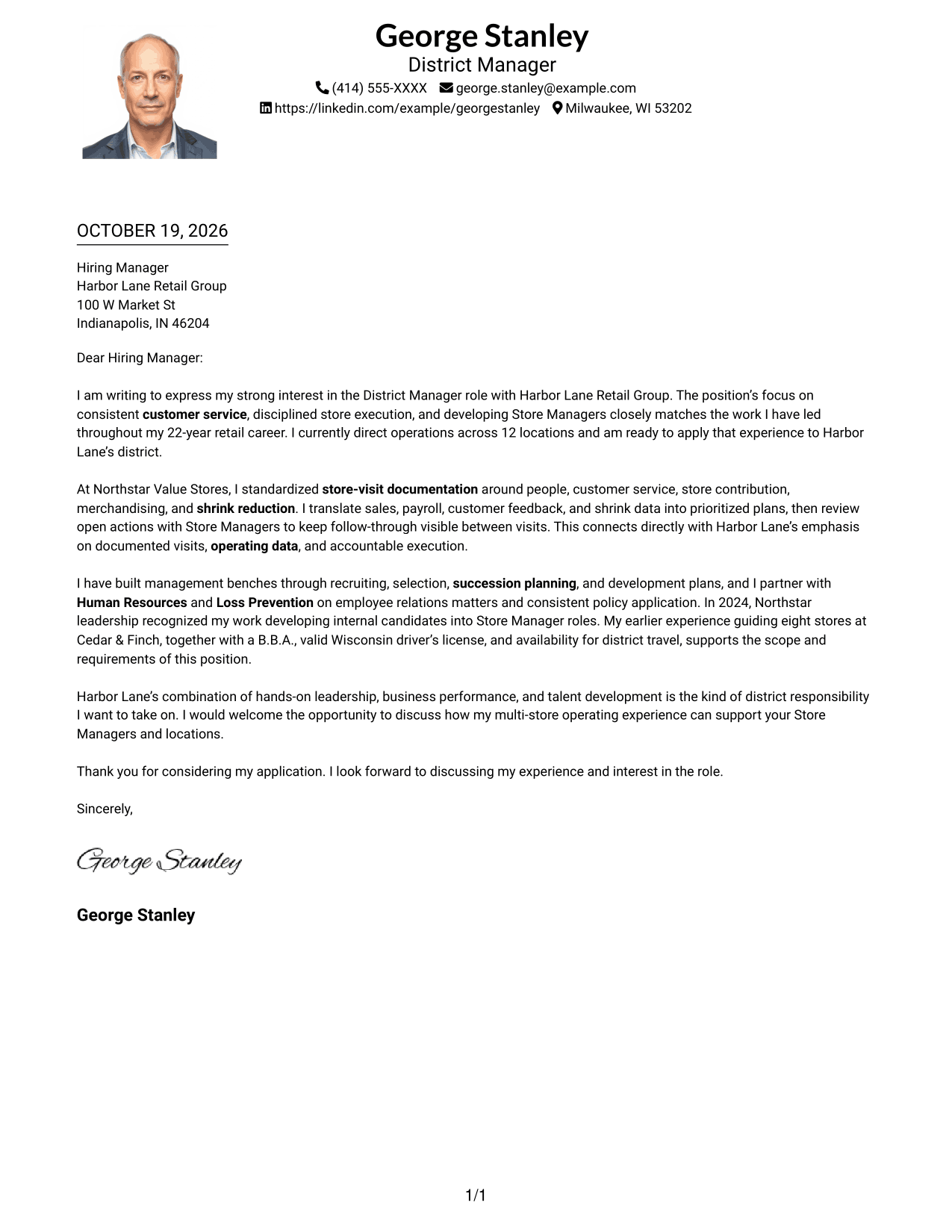
Why This Format Works
- The single body keeps the opening, supporting points, and closing in reading order.
- Sender details in the header stay distinct from the letter’s paragraphs.
- The photo adds a visual element without dividing the written message.
Best For
- One-column letter reading
- A photo alongside written correspondence
- A clear sequence of paragraphs
- Header-based contact information
- A personal visual touch
#5 Simple Two Column Format Cover Letter Example
The simple two-column design places contact details beside a single letter body, making the document’s two areas easy to tell apart.
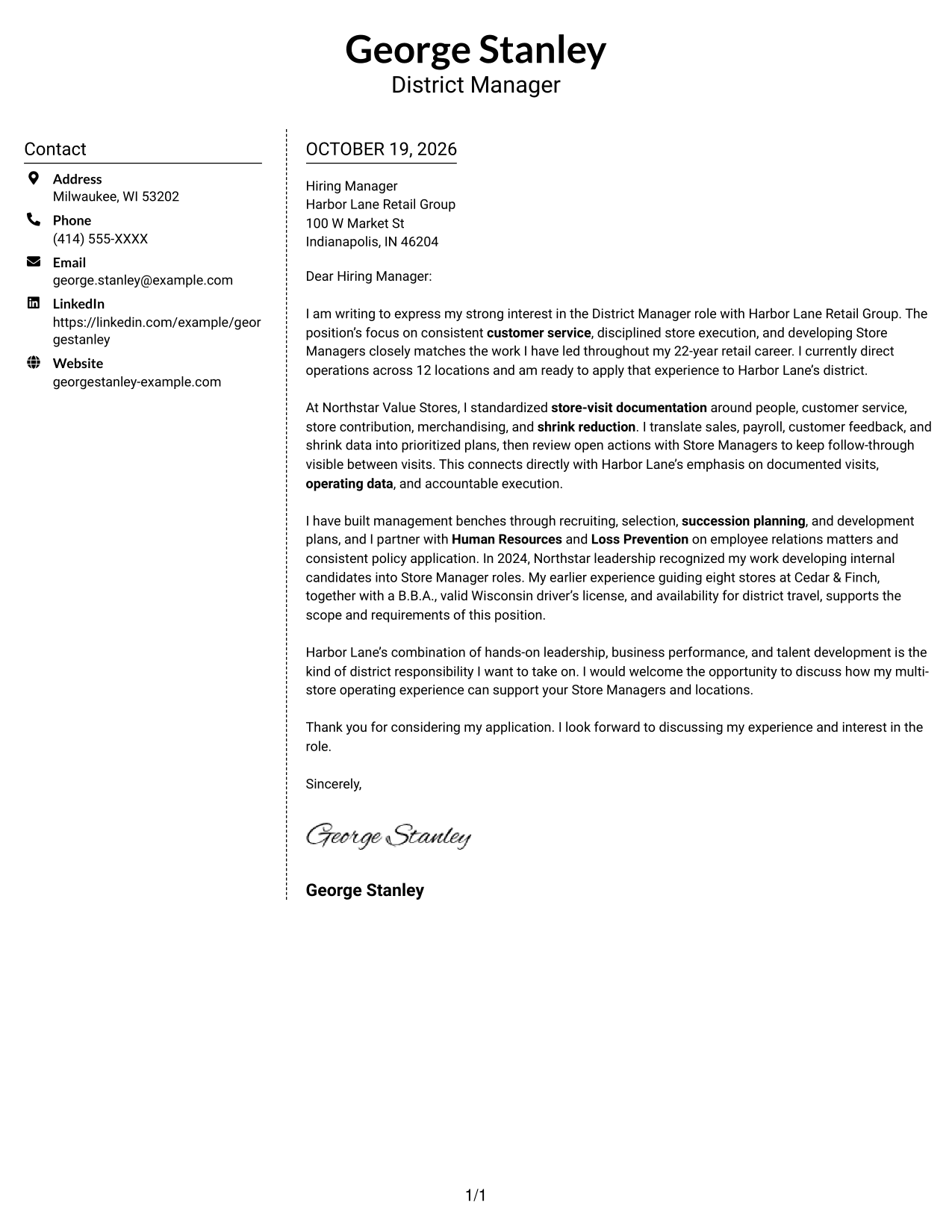
Why This Format Works
- Sender information stays in its own area instead of interrupting the letter text.
- The continuous body carries the message from interest through evidence to the close.
- A photo-free presentation keeps the page focused on written communication.
Best For
- Separate space for contact details
- A continuous written case
- Photo-free correspondence
- Simple two-area organization
- Applications built around a personal letter
#6 Modern Icon Format Cover Letter Example
Contact icons add visual cues in the sidebar of this two-column format, while the letter itself remains one continuous body.
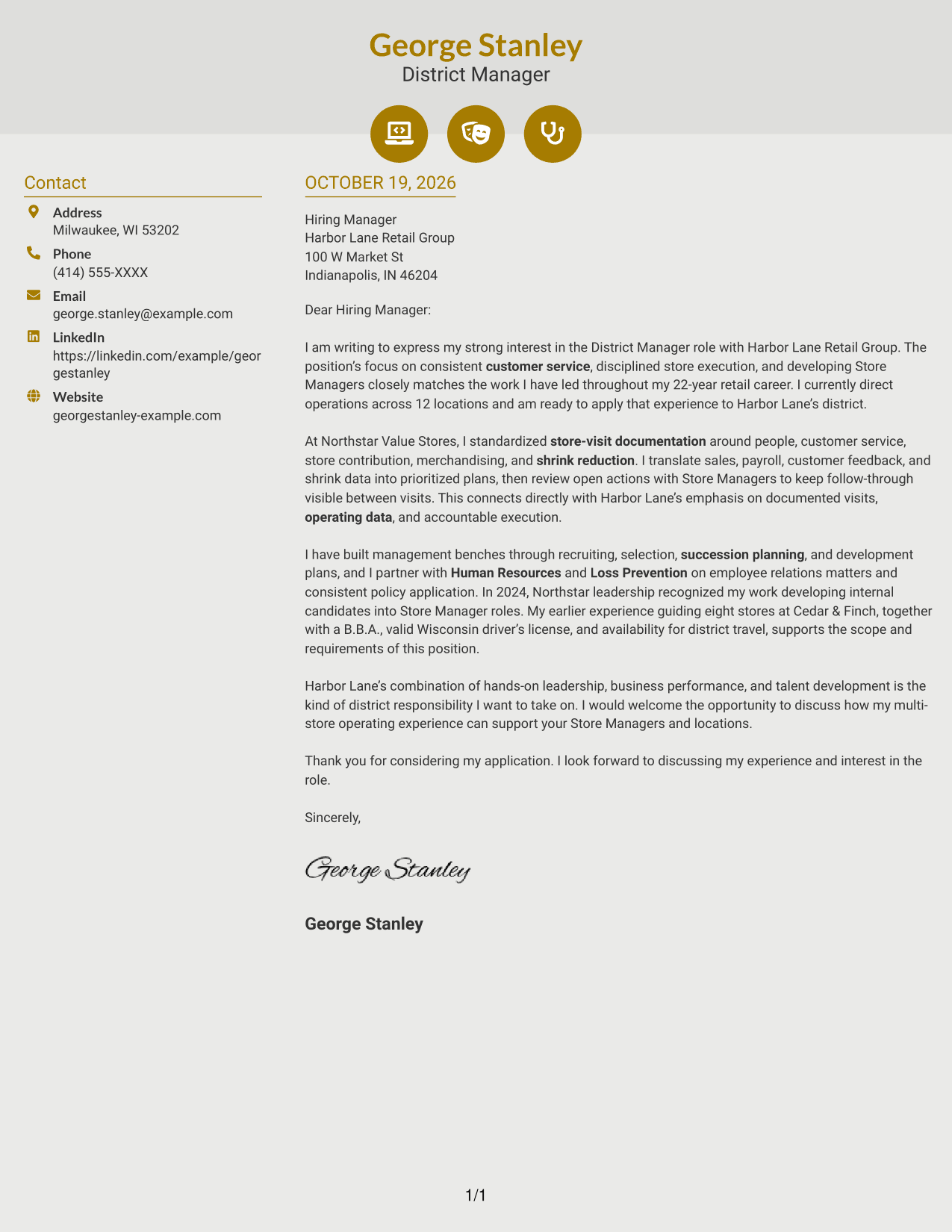
Why This Format Works
- Contact icons help distinguish sender details from the main letter text.
- The separate body area keeps opening, evidence, and closing paragraphs together.
- Header accents add visual interest without labeling the letter’s argument.
Best For
- Icon cues beside contact details
- One uninterrupted letter body
- A modern contact presentation
- Clear separation of message and sender information
- Photo-free written applications
#7 Creative Two Tone Format Cover Letter Example
The two-tone treatment gives this two-column letter a more expressive visual style, while its argument stays within one continuous body.
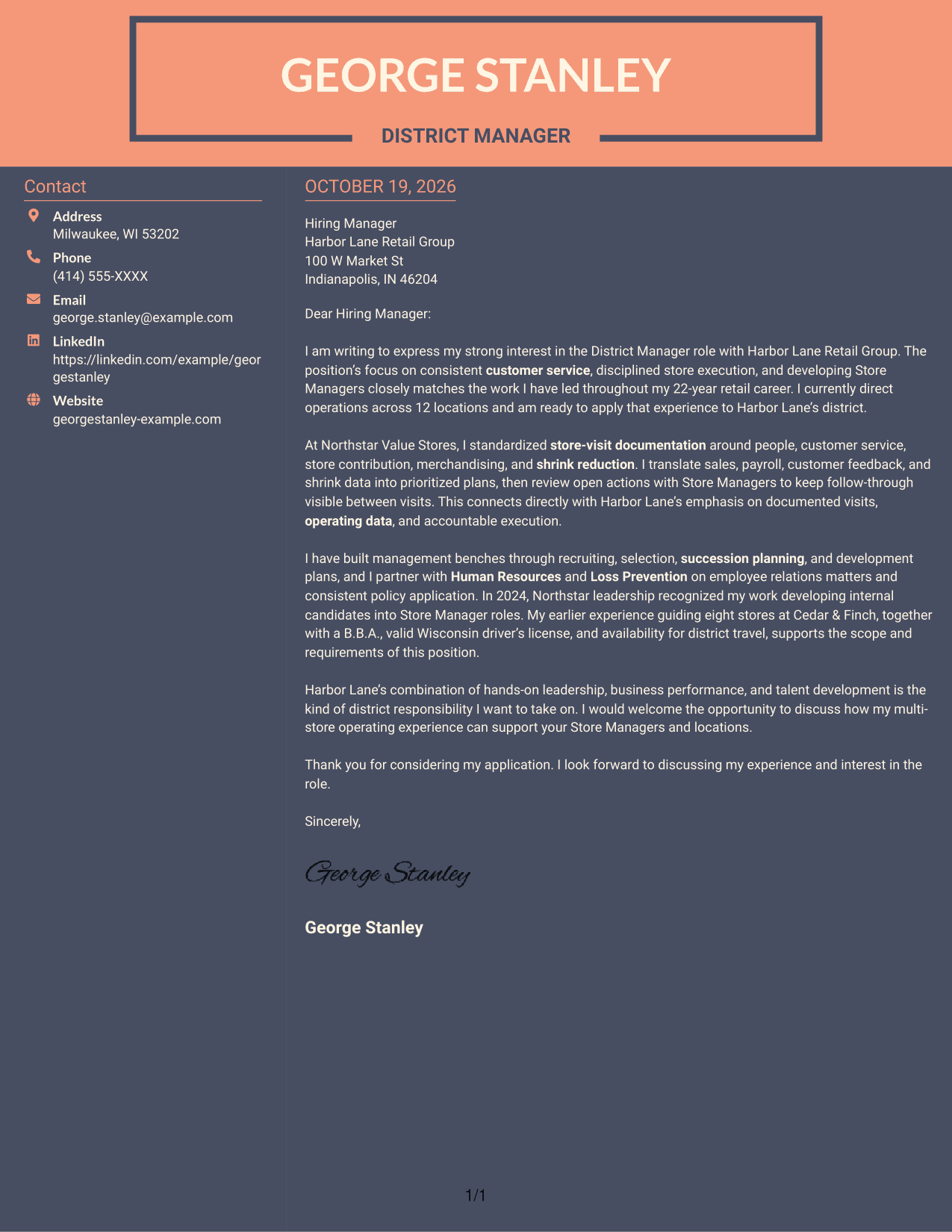
Why This Format Works
- The contact sidebar separates sender information from the persuasive letter paragraphs.
- A continuous body keeps the opening, supporting case, and closing in sequence.
- Two-tone styling offers a distinct visual choice without changing the letter’s structure.
Best For
- A two-tone visual preference
- Contact details beside the message
- A single body for the full argument
- Color contrast in document styling
- Photo-free cover letter presentation
Why Use ResumeInMinutes for a District Manager - Retail Operations Cover Letter
Review the example and its image preview, then open it in the editor to shape a letter around your own district leadership evidence and the employer’s priorities.
- Cover letter examples
- Multiple visual styles
- Editor access for examples
- Role-focused writing guidance
- Clear letter structure
- Practical customization options
Keep the message direct: show how your store visits, talent development, and follow-through can support consistent results across retail locations.
See Also
- 7 District Manager - Retail Operations Resume Templates with Example
- 7 District Sign Specialist 1-2 Resume Templates with Example
- 7 Extrusion Operator - Film Production Resume Templates with Example
- 7 Security Specialist - Visitor and Access Control Resume Templates with Example
- 7 Customer Service and Channel Operations Co-op - Pharmaceutical Supply Chain Resume Templates with Example
- 7 Small Business Advocate - Community Development Resume Templates with Example
- 7 Manager, Business Information - Customer Insights & BI Resume Templates with Example
- 7 Workforce Training Provider Specialist Resume Templates with Example
- 7 CNC Machinist II - Milling and Turning Resume Templates with Example
- 7 Policy Analyst / Senior Policy Analyst - Technology and Innovation Resume Templates with Example
Frequently Asked Questions
What should a District Manager - Retail Operations cover letter emphasize?
Show how you guide Store Managers, use operating information during store visits, and follow through on customer service, payroll, sales, and shrink priorities. Connect your examples to the employer’s stated needs.
How can I make my cover letter specific to a retail district role?
Name the role and focus on relevant evidence, such as documenting store visits, developing talent, or working with Human Resources and Loss Prevention. Explain why those responsibilities match your interest in the position.
How should I choose a cover letter layout?
Choose a clear, easy-to-read style that fits the employer and the way you expect to communicate. Compare the image previews, then open an example in the editor if you want to customize it.
What is a good way to close a District Manager cover letter?
Restate your interest briefly and invite a conversation about how your multi-location leadership can support the employer’s stores and Store Managers.




