
7 Donor Lifecycle Marketing Manager - Retention and Recurring Giving Cover Letter Templates with Example
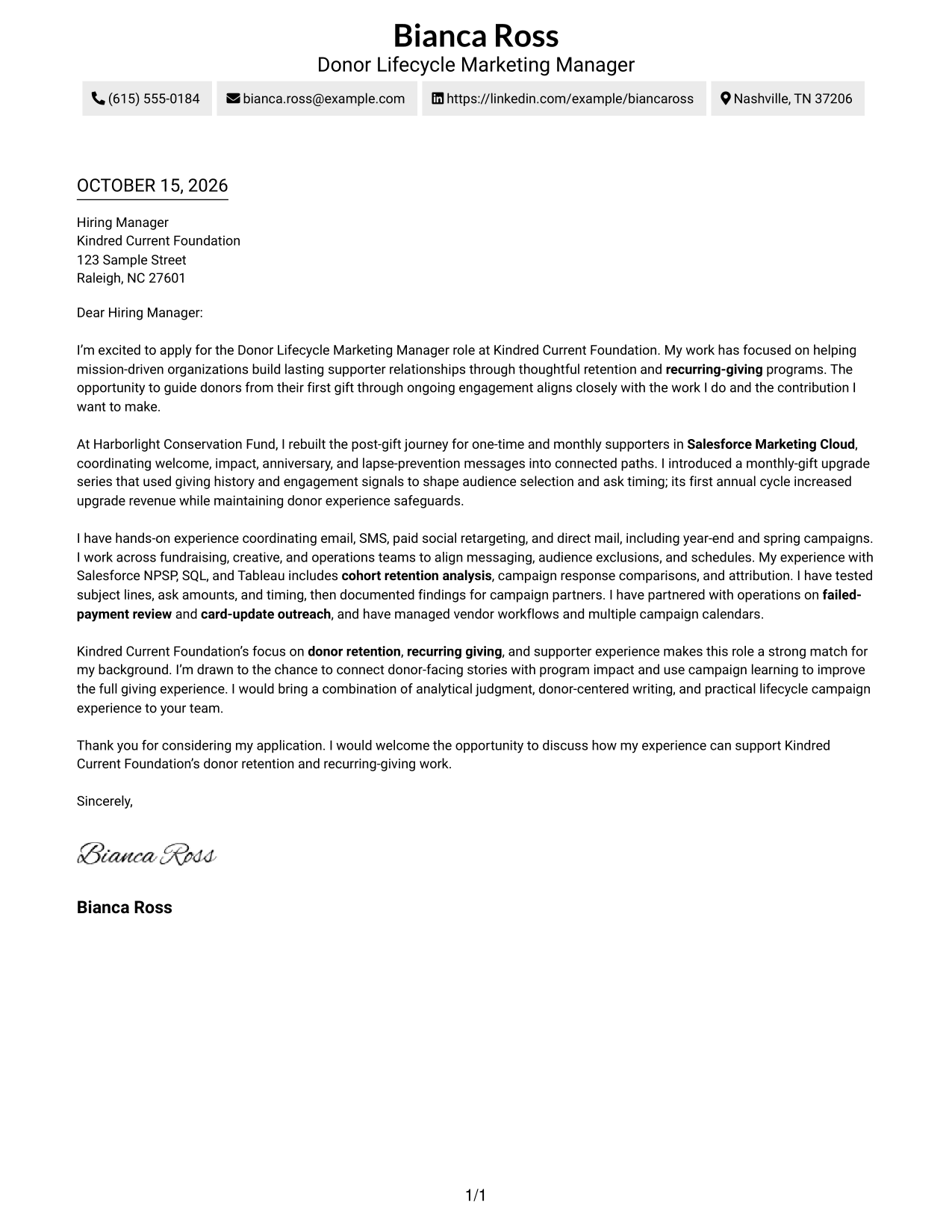
Use this practical guide to shape a focused Donor Lifecycle Marketing Manager - Retention and Recurring Giving cover letter and compare seven layouts.
What Makes a Great Donor Lifecycle Marketing Manager - Retention and Recurring Giving Cover Letter in 2026
For this role, a strong letter connects donor retention and recurring-giving goals to a clear opening, relevant evidence, and a confident close.
Use examples such as automated supporter journeys, multichannel campaigns, testing, or payment recovery only when they reflect your work, then connect them to the foundation’s mission and supporter experience.
The featured example moves from interest in donor retention and recurring giving to evidence from lifecycle campaigns, then closes with role fit and a clear next step. Adapt that progression to your own record, choosing a presentation that suits the employer and communication context.
#1 Simple One Column Format Cover Letter Example
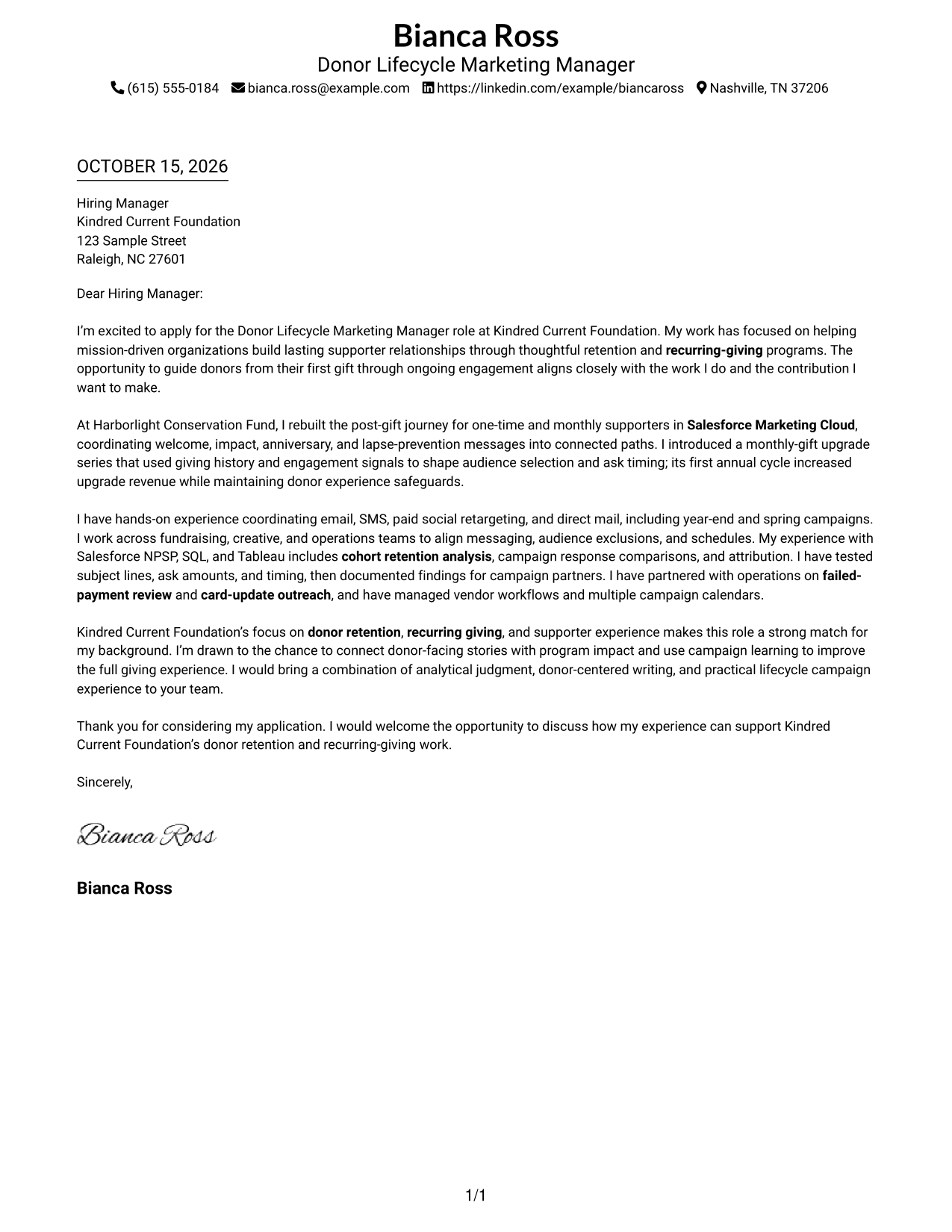
A single-column page keeps sender details and the letter body in one reading path, a useful choice for a direct, uninterrupted presentation.
Why This Format Works
- Sender details and paragraphs share one column, so readers follow a familiar reading order.
- The continuous body lets motivation, evidence, and closing read as one connected case.
- Without a sidebar, the letter remains the page’s main focus.
Best For
- Traditional business correspondence
- Minimal visual layouts
- Paragraph-led persuasion
- Contact details in the header
- Mission-driven fundraising outreach
#2 Two Column Format Cover Letter Example
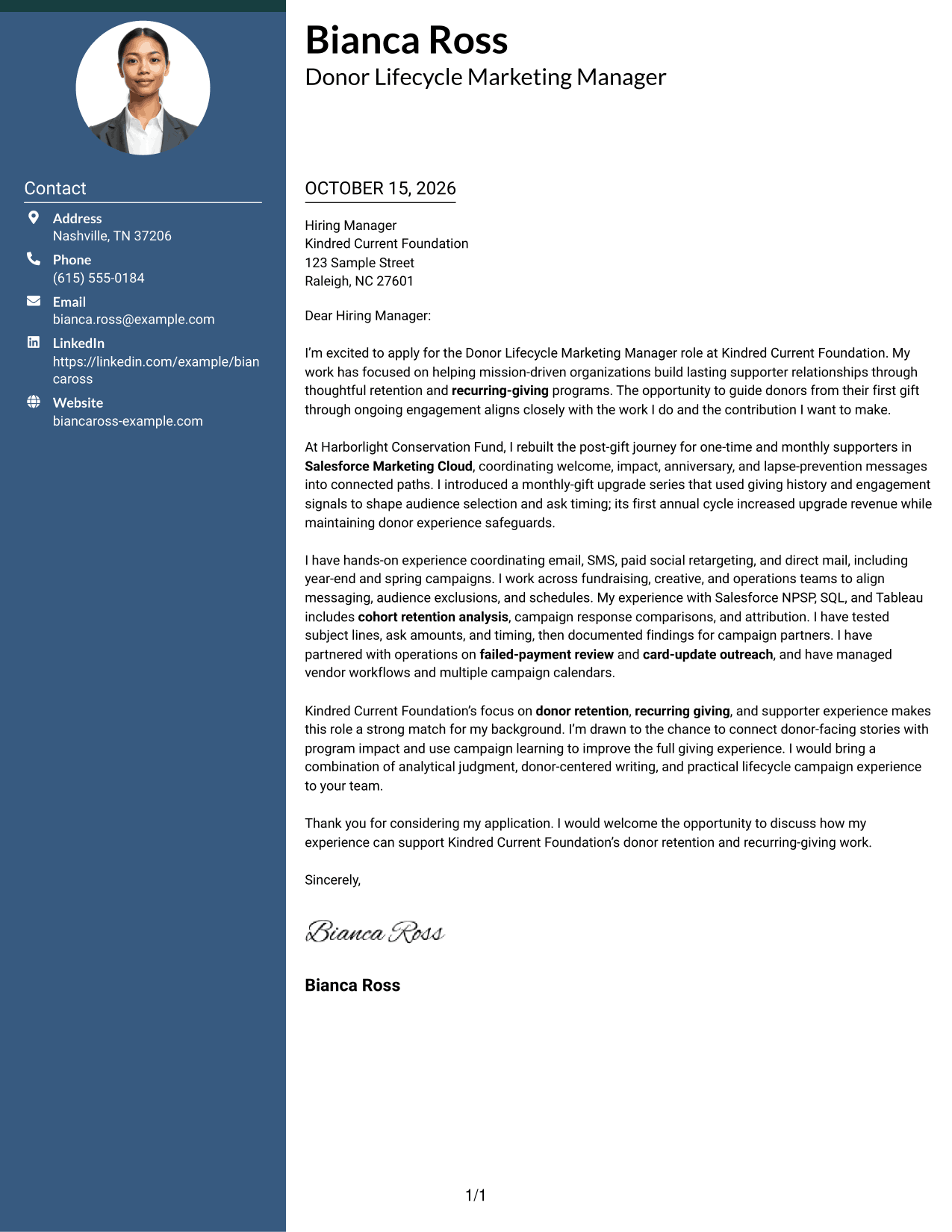
A contact sidebar sits beside one continuous letter body, giving contact information its own place while keeping the message easy to follow.
Why This Format Works
- The sidebar makes sender contact details easy to locate beside the letter.
- One letter column keeps motivation, evidence, and closing in their intended sequence.
- The message stays in standard letter paragraphs, without headings that divide its argument.
Best For
- Fast sender-detail lookup
- Prose-led applications
- Direct hiring-manager correspondence
- Mission-based role applications
- Focused donor communication
#3 Photo Header Two Column Format Cover Letter Example
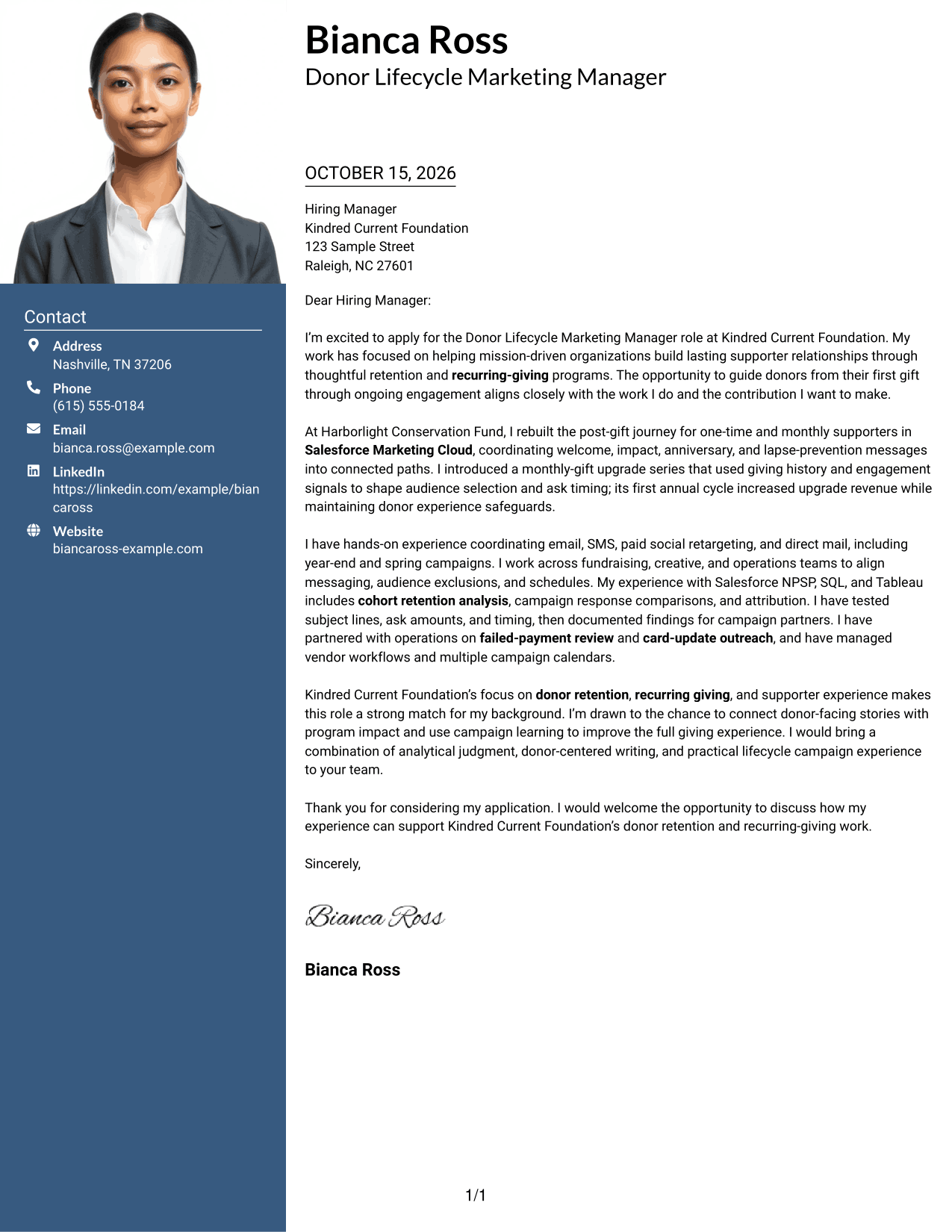
A photo header adds a personal visual element to a two-column layout, while the letter itself stays in one continuous body.
Why This Format Works
- The contact sidebar keeps sender information separate from the letter’s persuasive paragraphs.
- A single letter column preserves the natural order of the opening, evidence, and close.
- The photo provides a personal visual touch without dividing the message into sections.
Best For
- Photo-forward correspondence
- Contact details beside the message
- Continuous letter prose
- Mission-centered applications
- Donor-focused communication
#4 One Column Format with Photo Cover Letter Example
The one-column page pairs a portrait with a single reading path, a useful choice when a personal visual touch matters.
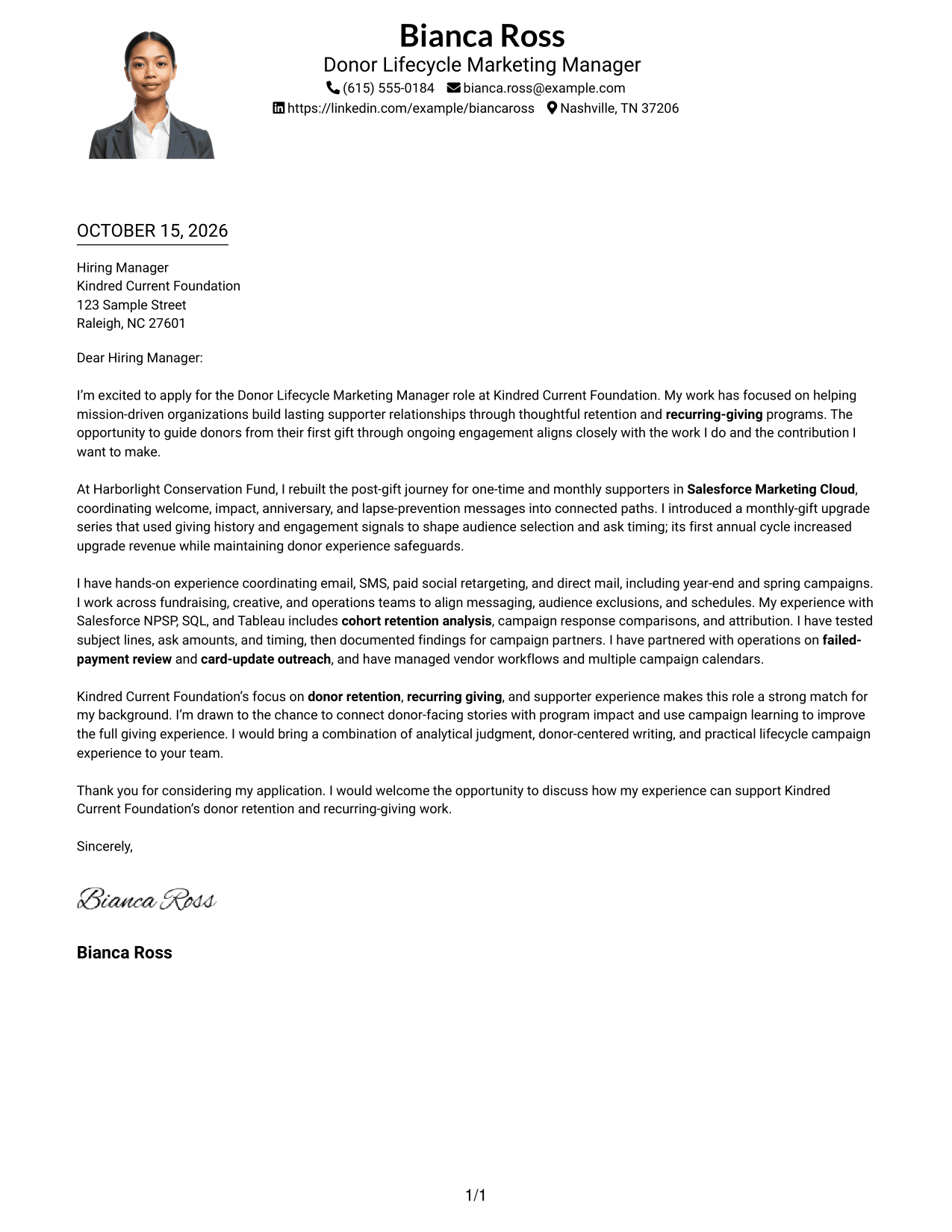
Why This Format Works
- The letter and sender details follow one column, giving readers a clear reading order.
- The continuous paragraphs keep the motivation, supporting case, and closing together.
- A portrait adds a personal visual element without interrupting the letter’s main text.
Best For
- Photo-presenting correspondence
- Single-path letter reading
- Header-based contact details
- Direct persuasive letters
- Mission-centered fundraising applications
#5 Simple Two Column Format Cover Letter Example
A contact sidebar sits beside the letter body, keeping sender details distinct while preserving a clear path through the message.
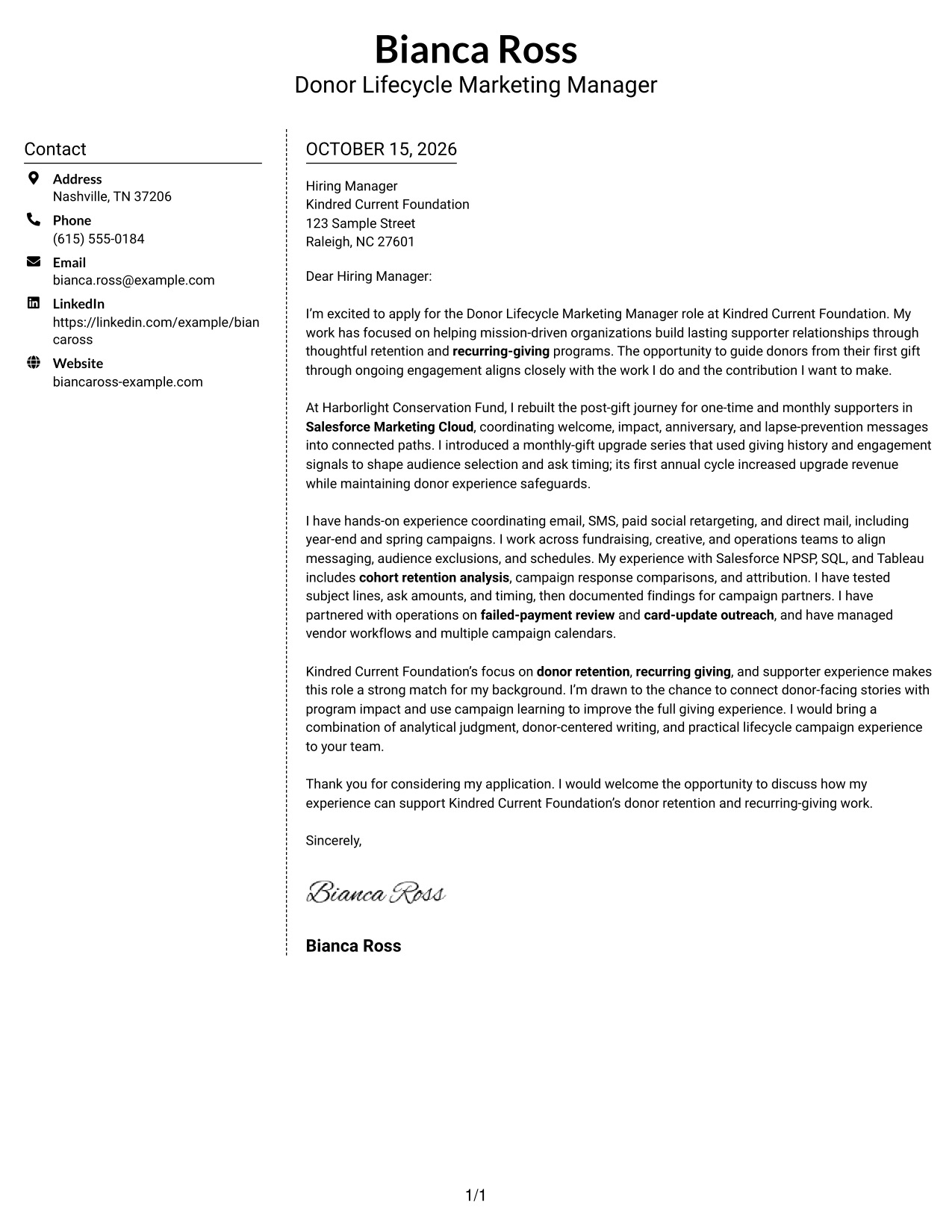
Why This Format Works
- Contact details occupy their own sidebar, apart from the letter’s main message.
- The letter remains in one continuous column, so its reasoning stays easy to follow.
- Standard paragraphs let the opening, supporting points, and closing connect naturally.
Best For
- Separate sender-detail area
- Continuous written arguments
- Text-focused applications
- Fundraising role correspondence
- Straightforward contact lookup
#6 Modern Icon Format Cover Letter Example
Contact icons provide visual cues beside the details in this two-column layout, while the letter remains one continuous body.
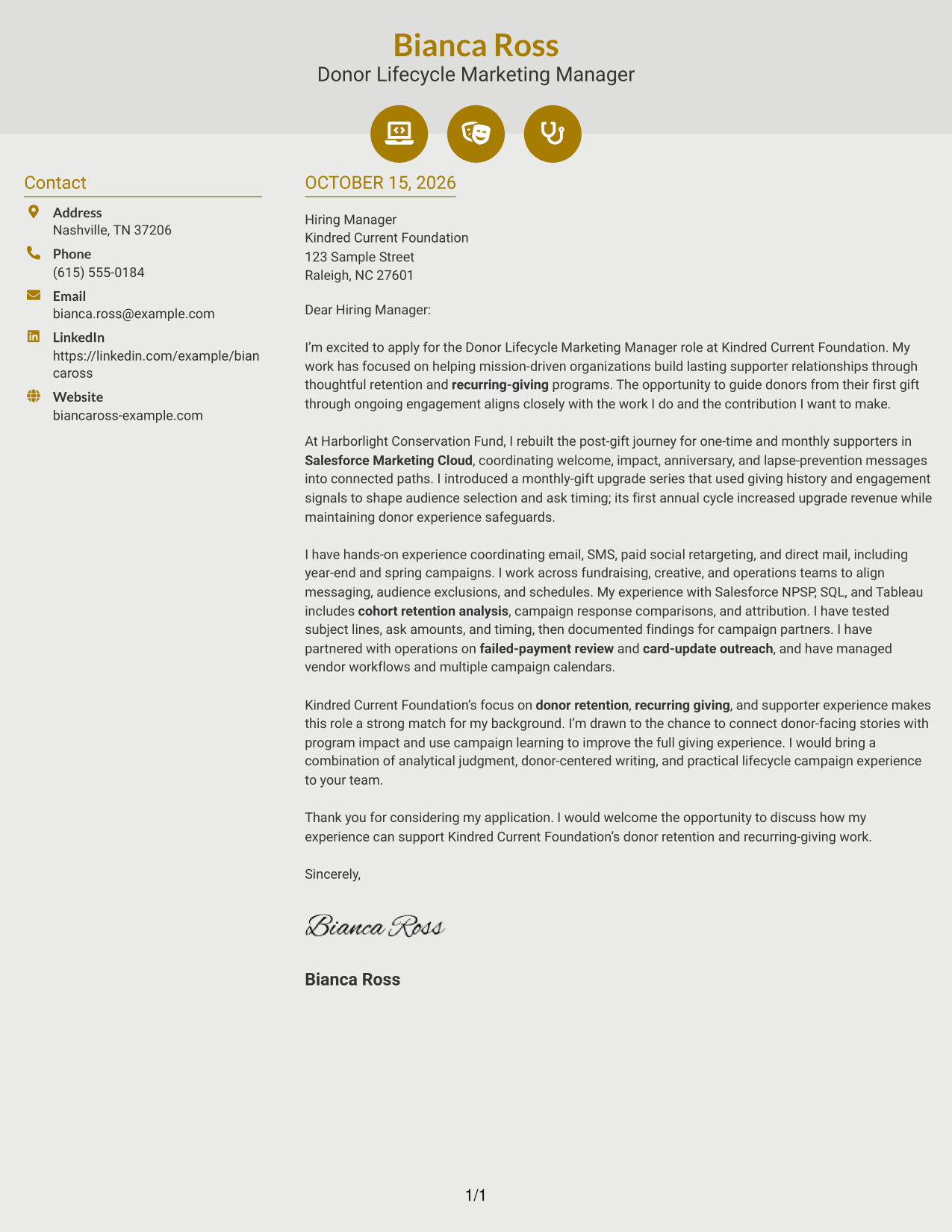
Why This Format Works
- Contact icons help readers identify sender details in the sidebar.
- The letter body stays together in one column, preserving a natural paragraph order.
- Decorative header cues add visual interest without labeling parts of the argument.
Best For
- Icon-cued contact information
- Two-area letter layouts
- Paragraph-led applications
- Modern visual preferences
- Mission-focused outreach
#7 Creative Two Tone Format Cover Letter Example
A two-column arrangement gives contact details a separate area beside the continuous letter, helping readers find them without disrupting the message.
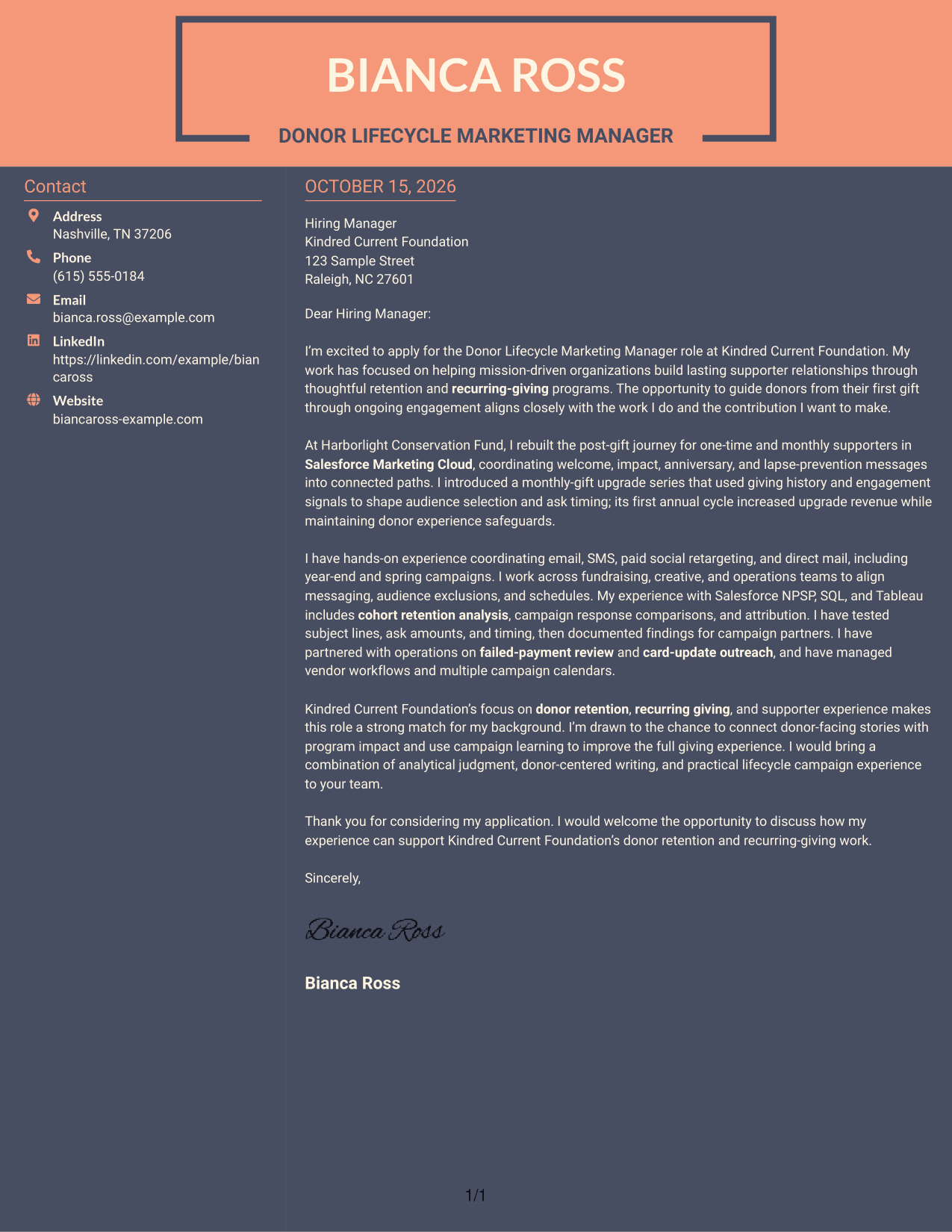
Why This Format Works
- The contact sidebar puts sender information apart from the written case.
- One letter column keeps the opening, supporting paragraphs, and close in reading order.
- The letter’s standard paragraph form lets its persuasion come from the words themselves.
Best For
- Separate contact information
- Uninterrupted letter paragraphs
- Message-first correspondence
- Clear sender-detail access
- Donor-centered applications
Why Use ResumeInMinutes for a Donor Lifecycle Marketing Manager - Retention and Recurring Giving Cover Letter
A clear example can make it easier to shape your message. Compare the image previews, then open an example in the editor to view or customize it.
- A clear letter progression
- Role-focused examples
- Guidance on donor retention and recurring giving
- Ways to present campaign evidence
- Advice on employer alignment
- Focused closing guidance
Build your letter around the donor experience, the work you can support with evidence, and your interest in the foundation’s goals.
See Also
- 7 Donor Lifecycle Marketing Manager - Retention and Recurring Giving Resume Templates with Example
- 33 Key Relationships Officer - Donor Stewardship Resume Templates with Example
- 7 CRM and Lifecycle Manager II Resume Templates with Example
- 7 Principal Software Engineer - Application Lifecycle Resume Templates with Example
- 7 Product Manager - Aerospace Product Lifecycle Resume Templates with Example
- 7 Sponsored Programs Post-Award Specialist I Resume Templates with Example
- 7 Regional Quality Analyst - PACE Quality Improvement Resume Templates with Example
- 7 Private Tutor - K-16 Academic Support Resume Templates with Example
- 7 Fabricator - Metal Forming Resume Templates with Example
- 7 Workday US Payroll Lead Resume Templates with Example
Frequently Asked Questions
Are these Donor Lifecycle Marketing Manager - Retention and Recurring Giving cover letter templates ATS-friendly?
The examples use readable layouts and direct language. Tailor your letter to the role, and follow the employer’s instructions for submitting your application.
Are these separate cover letters?
This guide presents one featured cover letter in several visual layouts. Compare how each presentation supports a clear message, then choose one that fits the employer and communication context.
Which cover letter style works well for this role?
Choose a clean, easy-to-read style that gives your opening, evidence, and closing room to stand out. A simple layout can help readers follow how your experience relates to donor retention and recurring giving.
How can I show that I am a good fit for this role?
Use specific examples that reflect your own work, such as improving supporter journeys, coordinating campaigns across channels, testing messages, or reviewing payment recovery. Explain how that work supports the role’s focus on retention and recurring gifts.
Should I use a photo on my cover letter?
Use a photo only if it is common or expected in your country, region, or field. For U.S. applications, a no-photo letter is usually the safer choice.




