
7 Early Career Architect or Designer - Sustainable Architecture Cover Letter Templates with Example
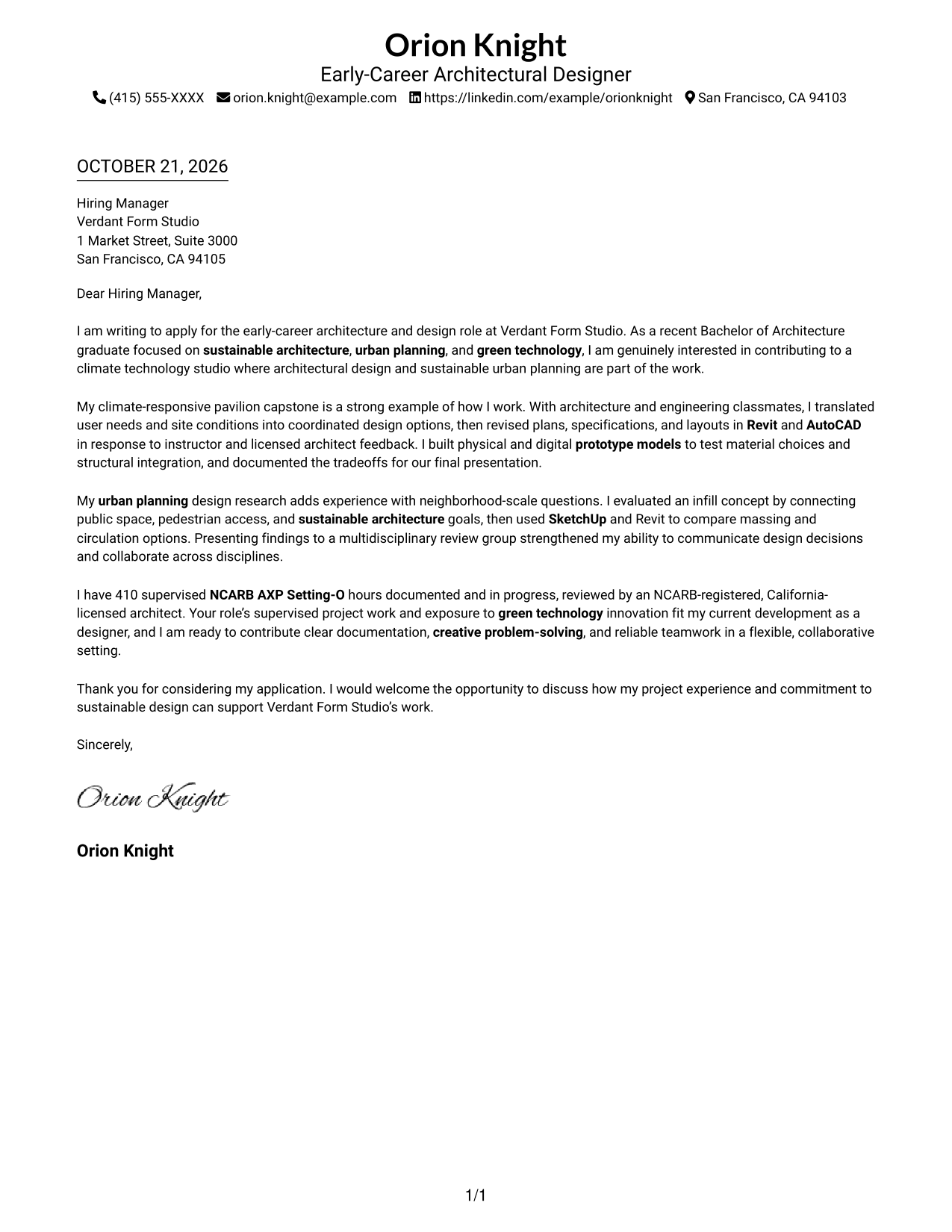
This practical guide helps you create an Early Career Architect or Designer - Sustainable Architecture cover letter and compare seven layouts.
What Makes a Great Early Career Architect or Designer - Sustainable Architecture Cover Letter in 2026
A strong letter explains your interest in sustainable architecture and connects it to the role. Use the opening to state your purpose, then show how your design work supports the position.
Choose relevant evidence, such as coordinated plans, design revisions, prototype models, or collaboration with others. Link that evidence to the employer’s work in sustainable design, urban planning, and green technology.
The featured Early Career Architect or Designer - Sustainable Architecture example moves from interest to project evidence, role fit, and a courteous close. Adapt this focused progression, then choose a presentation that suits the employer and the way you will communicate.
#1 Simple One Column Format Cover Letter Example
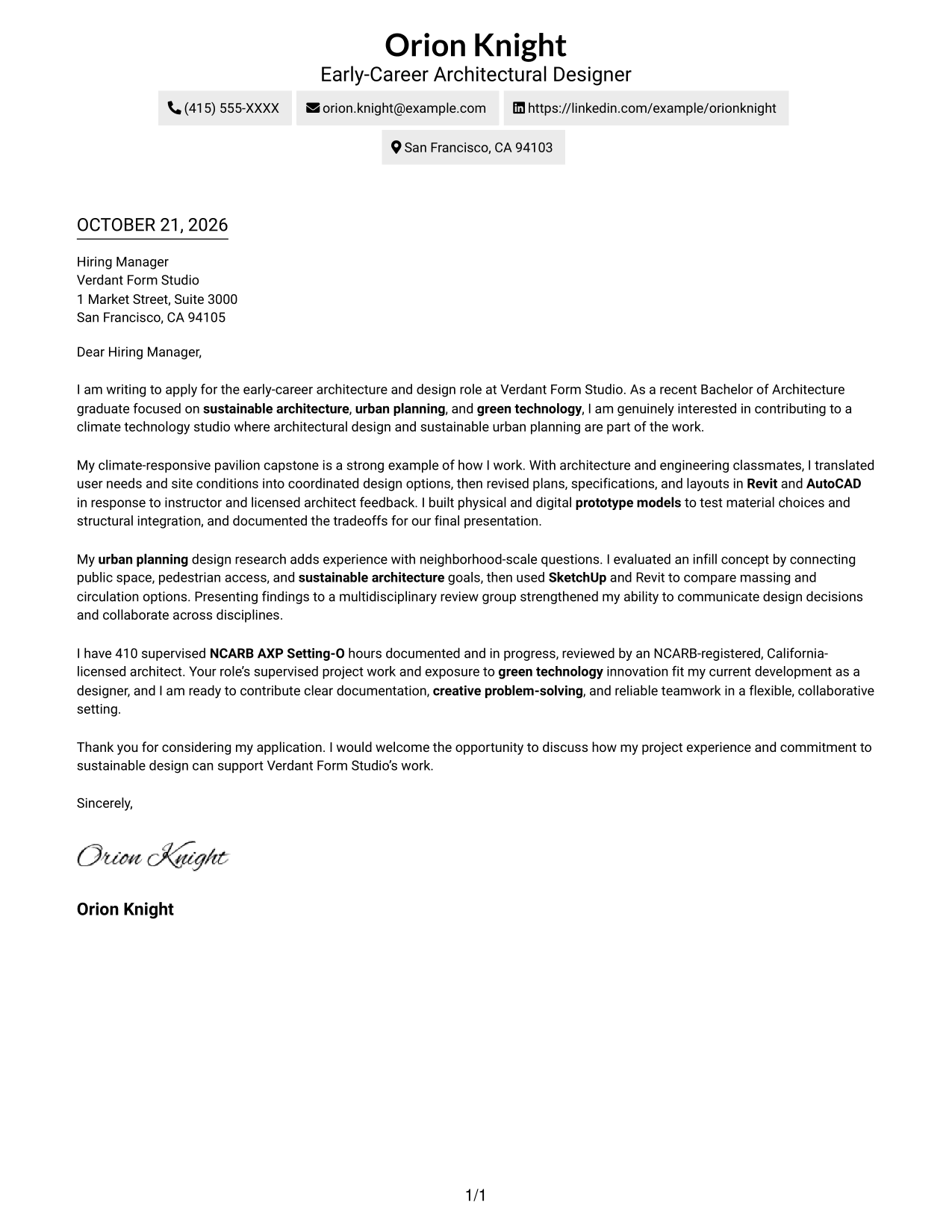
The Simple One Column Format places sender details in the header above one continuous letter column, keeping contact and message in a familiar reading order.
Why This Format Works
- Sender details and the letter follow one shared column, with no contact sidebar.
- Continuous paragraphs let reviewers follow interest, supporting examples, and the closing in sequence.
- A familiar single-column reading path suits readers who prefer a conventional letter layout.
Best For
- Single-column reading preference
- Contact details near the letter body
- Opening-to-closing paragraph flow
- Text-led application materials
- Conventional letter-page layout
#2 Two Column Format Cover Letter Example
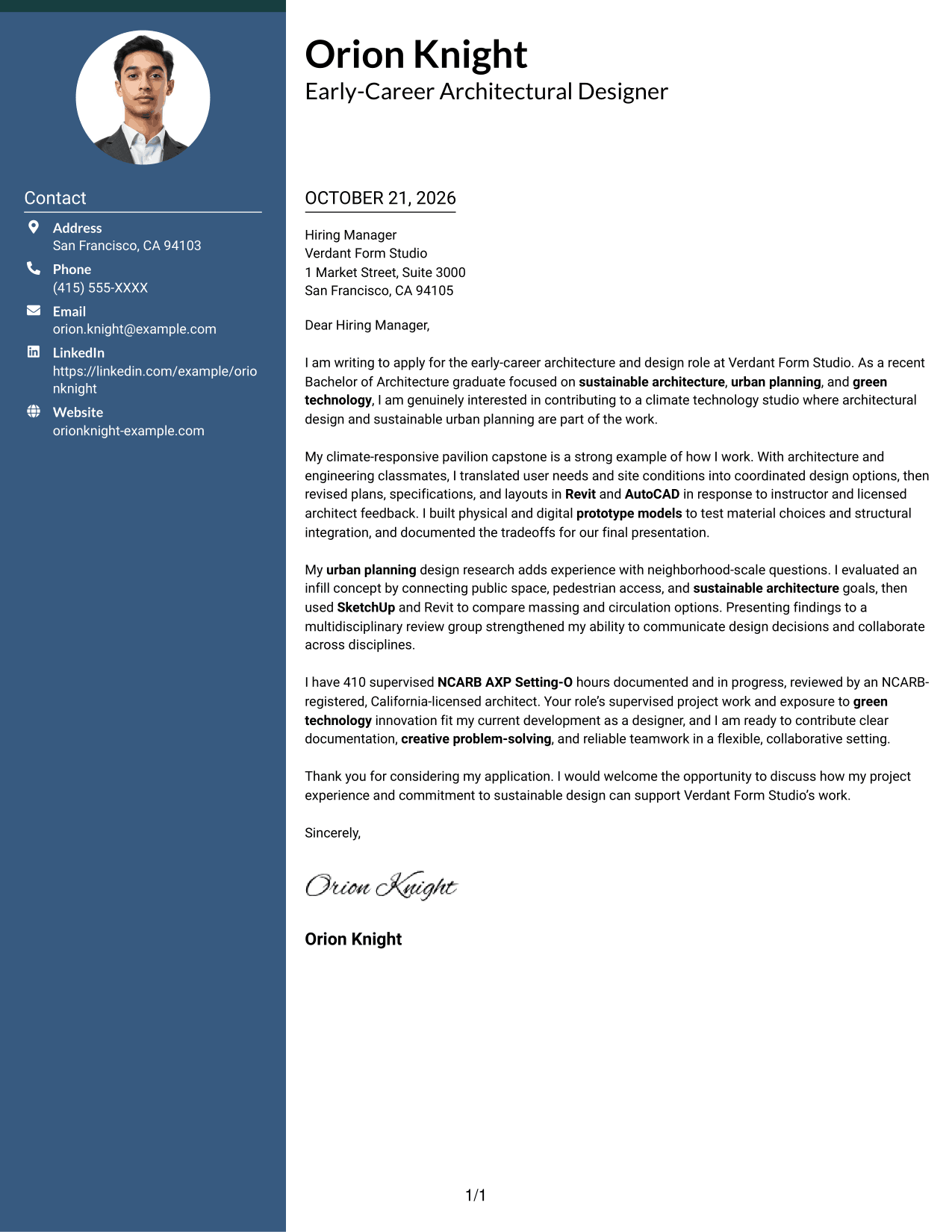
The Two Column Format sets a contact sidebar beside one continuous letter body, keeping contact details distinct while the message remains in normal paragraph order.
Why This Format Works
- A dedicated contact area gives sender information its own clear reading location.
- One continuous body keeps the opening, project evidence, and closing in paragraph order.
- The no-photo presentation suits readers who prefer the focus to remain on written content.
Best For
- Contact details set apart from prose
- One-column letter body
- Sidebar-based contact lookup
- Paragraph-led motivation and evidence
- No-photo two-column layout
#3 Photo Header Two Column Format Cover Letter Example
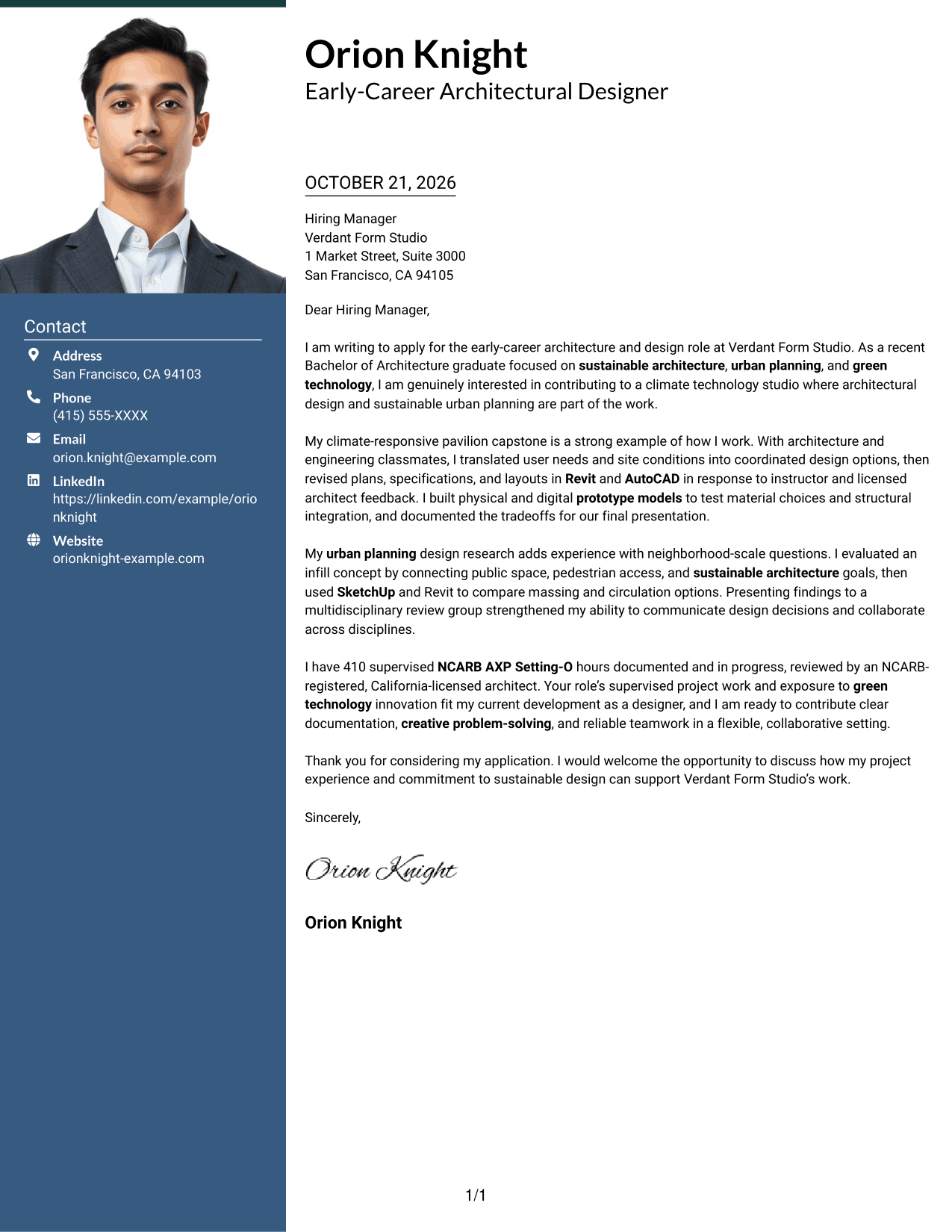
The Photo Header Two Column Format includes a portrait and contact sidebar beside one continuous letter body, a practical choice when a photo is part of the preferred look.
Why This Format Works
- The portrait offers a visual option for readers who prefer a photo on a letter.
- Contact details remain in the sidebar, separate from the message paragraphs.
- The continuous body lets reviewers follow the letter from its opening through its closing.
Best For
- Portrait-inclusive letter layouts
- Contact details outside the message
- Single-column letter body
- Continuous paragraph sequence
- Photo-preferred document presentation
#4 One Column Format with Photo Cover Letter Example
The One Column Format with Photo combines a portrait with a single-column letter, a useful option for readers who want a photo and a direct reading path.
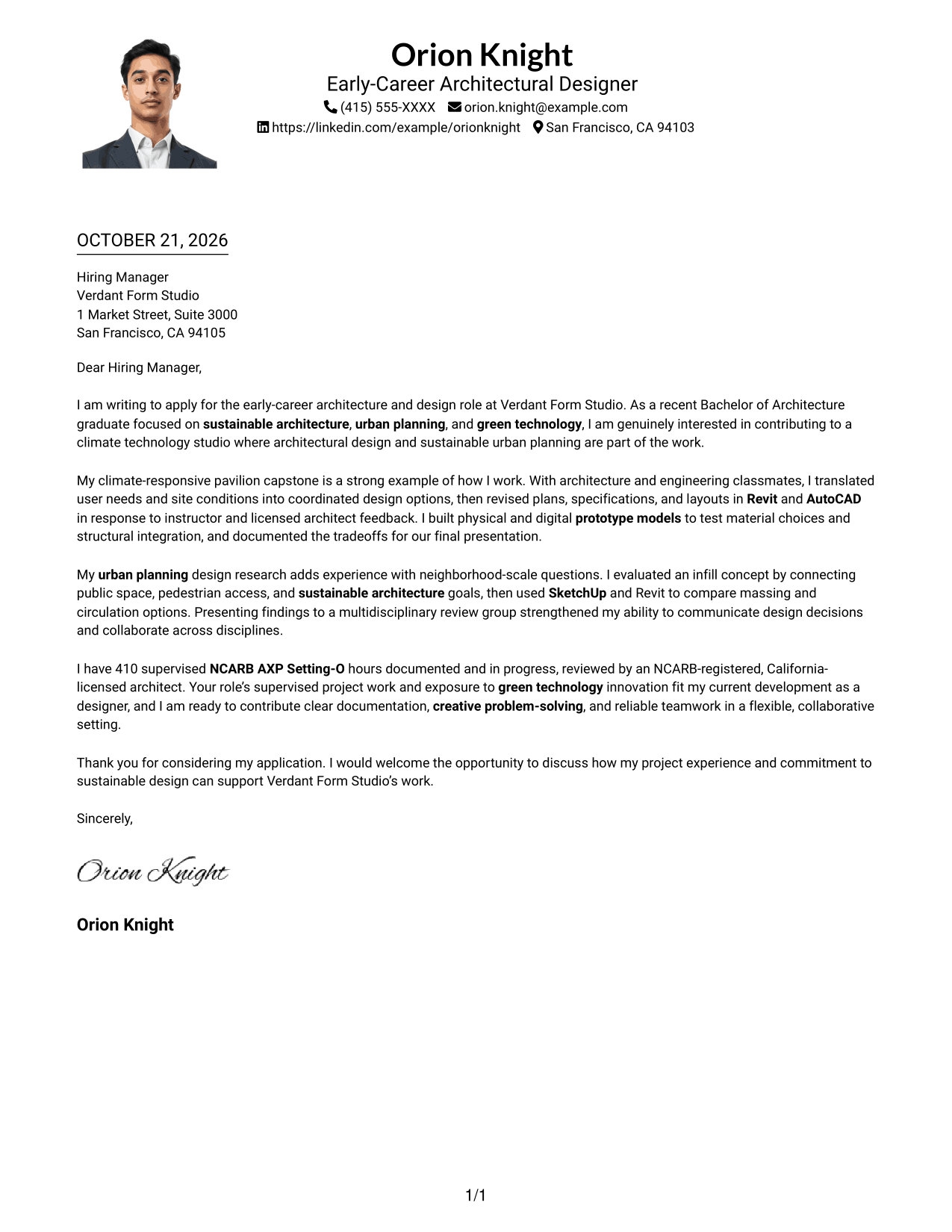
Why This Format Works
- A single column keeps the sender details and letter in one reading path.
- The portrait provides a visual feature for applicants who prefer a photo.
- Paragraph order carries the reader from the opening through the final request.
Best For
- Photo-inclusive single-column letters
- One-path reading order
- Header and message in one column
- Paragraph-based application letters
- Portrait-preferred presentation
#5 Simple Two Column Format Cover Letter Example
The Simple Two Column Format places a contact sidebar beside one continuous letter body, separating sender information from the message without adding a photo.
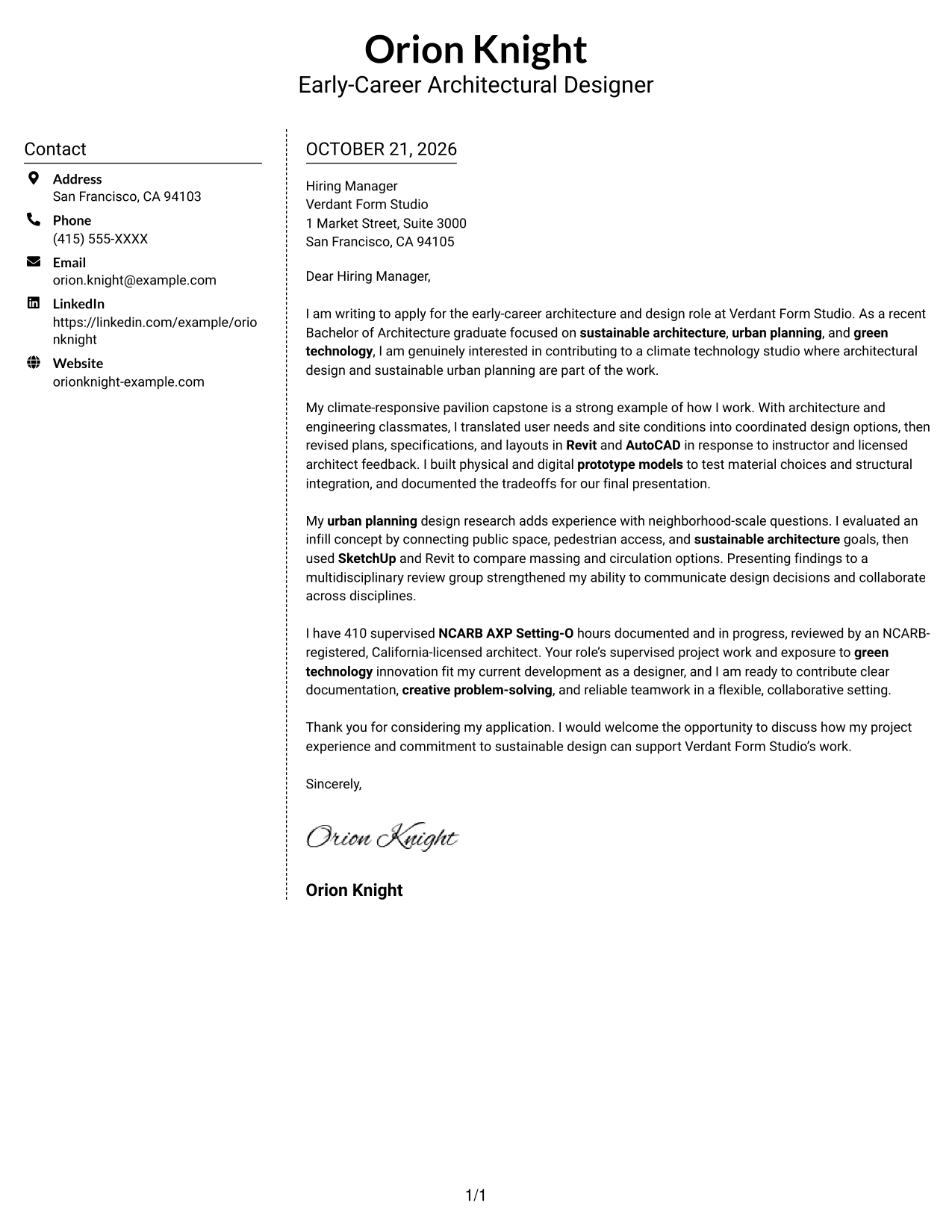
Why This Format Works
- The sidebar gives contact information a separate place from the letter itself.
- Opening, project examples, and closing stay together in one uninterrupted body.
- Its no-photo look suits readers who want a restrained page presentation.
Best For
- Separate contact and message areas
- Continuous letter argument
- Quick contact-detail reference
- Photo-free page preference
- Paragraph-based persuasive writing
#6 Modern Icon Format Cover Letter Example
The Modern Icon Format uses two columns for a contact sidebar and continuous letter body, with icons serving as contact cues or decorative header accents.
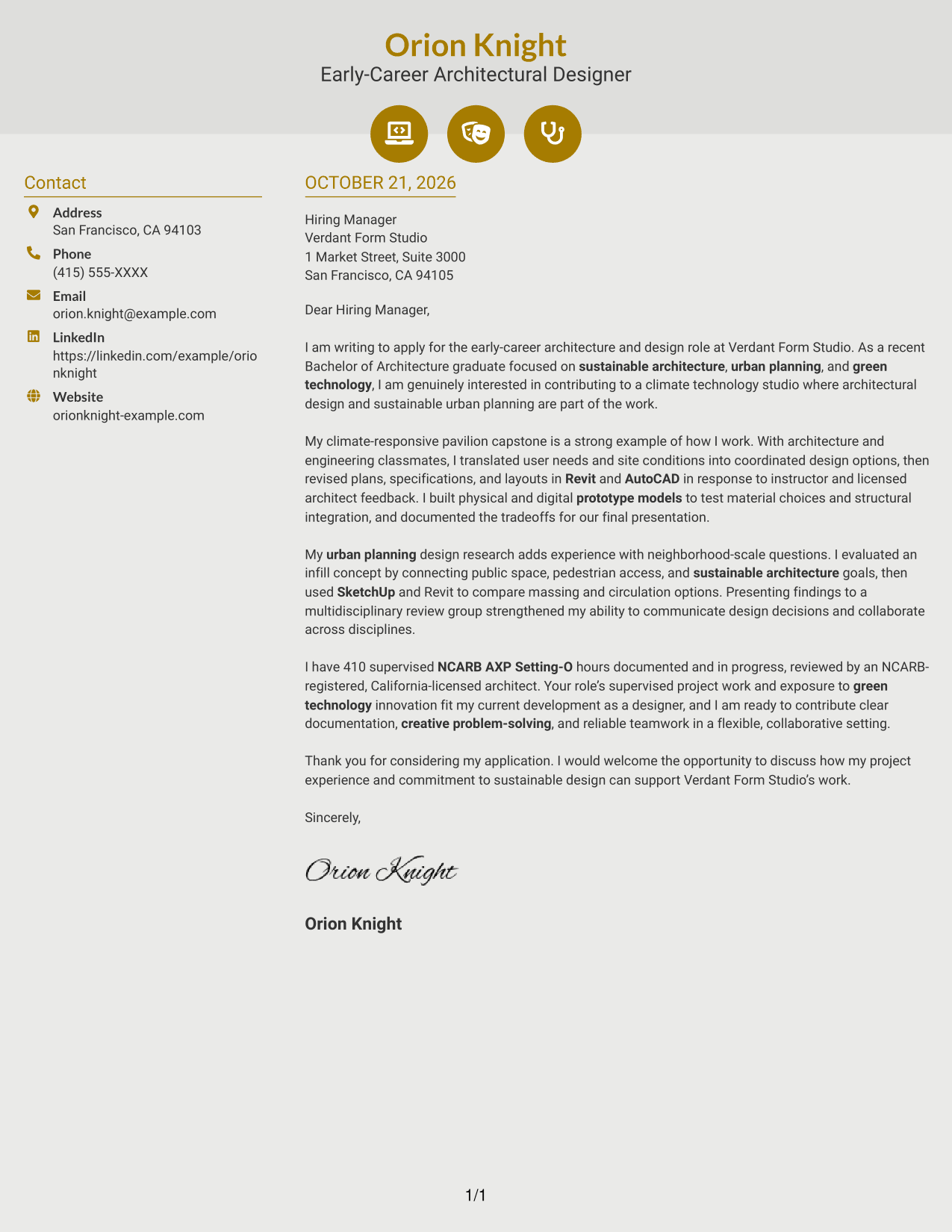
Why This Format Works
- Contact icons can make the sender details easier to locate at a glance.
- A separate sidebar keeps contact information outside the letter's argument.
- The continuous body preserves a clear sequence from interest to supporting evidence and closing.
Best For
- Icon-marked contact details
- Contact sidebar alongside letter prose
- One continuous argument
- Visual contact cues
- Photo-free two-column layout
#7 Creative Two Tone Format Cover Letter Example
The Creative Two Tone Format places a contact sidebar next to one continuous letter body, offering separate contact and message areas for readers who prefer that arrangement.
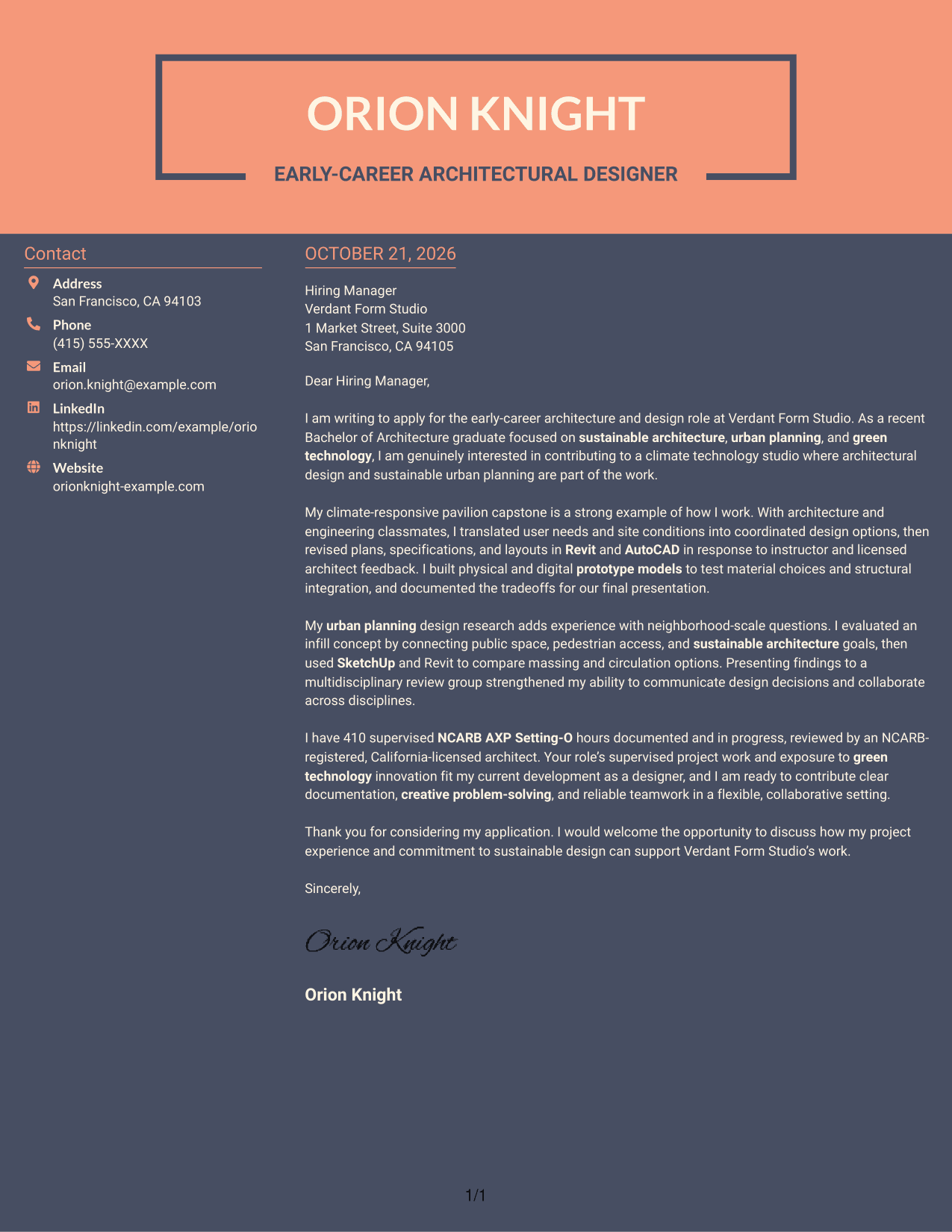
Why This Format Works
- The sidebar keeps sender information apart from the letter's persuasive message.
- One continuous body lets reviewers read the opening, evidence, and close in order.
- The two-column arrangement provides a clear contact area beside the letter.
Best For
- Contact information outside the letter
- Continuous paragraph-based case
- Sidebar contact reference
- Two-column reading preference
- Photo-free letter design
Why Use ResumeInMinutes for an Early Career Architect or Designer - Sustainable Architecture Cover Letter
ResumeInMinutes lets you review a cover letter example and open it in the editor. Use the example to shape a clear message about your interest, design experience, and fit for sustainable architecture work.
- Cover letter presentation options
- Clear, readable layouts
- Role-focused writing guidance
- Examples of opening and closing paragraphs
- Ways to present project evidence
- Editor access to review and customize an example
Use details that match your own experience, such as design coordination, sustainable material choices, or clear communication with a team. Keep the letter focused on the work and interests that connect to the position.
See Also
- 7 Early Career Architect or Designer - Sustainable Architecture Resume Templates with Example
- 7 Architectural Designer / Project Architect - Commercial and Institutional Resume Templates with Example
- 7 Entry-Level Landscape Architect / Ecological Restoration Designer Resume Templates with Example
- 7 Entry-Level Landscape Designer - Landscape Architecture Resume Templates with Example
- 7 Architectural Designer - Construction Documentation Resume Templates with Example
- 33 Associate Director, Senior Service Designer (GenAI Experience) Resume Templates with Example 2026 (ATS-Optimized)
- 33 Automotive CAD Designer – Exterior Mirrors & Vision Systems Resume Templates with Example 2026 (ATS-Optimized)
- 7 BIM Architectural Designer Resume Templates with Example
- 7 Architectural Designer / Project Architect - Commercial and Institutional Cover Letter Templates with Example
- 7 Entry-Level Landscape Architect / Ecological Restoration Designer Cover Letter Templates with Example
Frequently Asked Questions
What should the opening of an Early Career Architect or Designer - Sustainable Architecture cover letter say?
State the role you are applying for and explain your interest in sustainable architecture. Keep the opening direct, then use the body to show relevant design experience.
What experience should I include in this cover letter?
Choose a specific example that shows how you approached design work. You might discuss coordinating plans, revising layouts, testing materials with a prototype, or sharing decisions with a team, if these details reflect your experience.
How can I connect my letter to sustainable architecture?
Explain how your interests or design choices relate to sustainability, urban planning, or green technology. Connect that point to the work described by the employer rather than relying on broad claims.
Should I mention AutoCAD, Revit, or SketchUp?
Mention a design tool when it supports a clear example of your work. For instance, explain how you used AutoCAD, Revit, or SketchUp to develop or compare design options if you have that experience.
Should I include NCARB AXP Setting-O experience?
If you have documented supervised hours, state the amount accurately and briefly explain the setting. Do not imply that your hours are complete or that you hold a license unless that is true.




