
7 Educational Assistant - Special Education Cover Letter Templates with Example
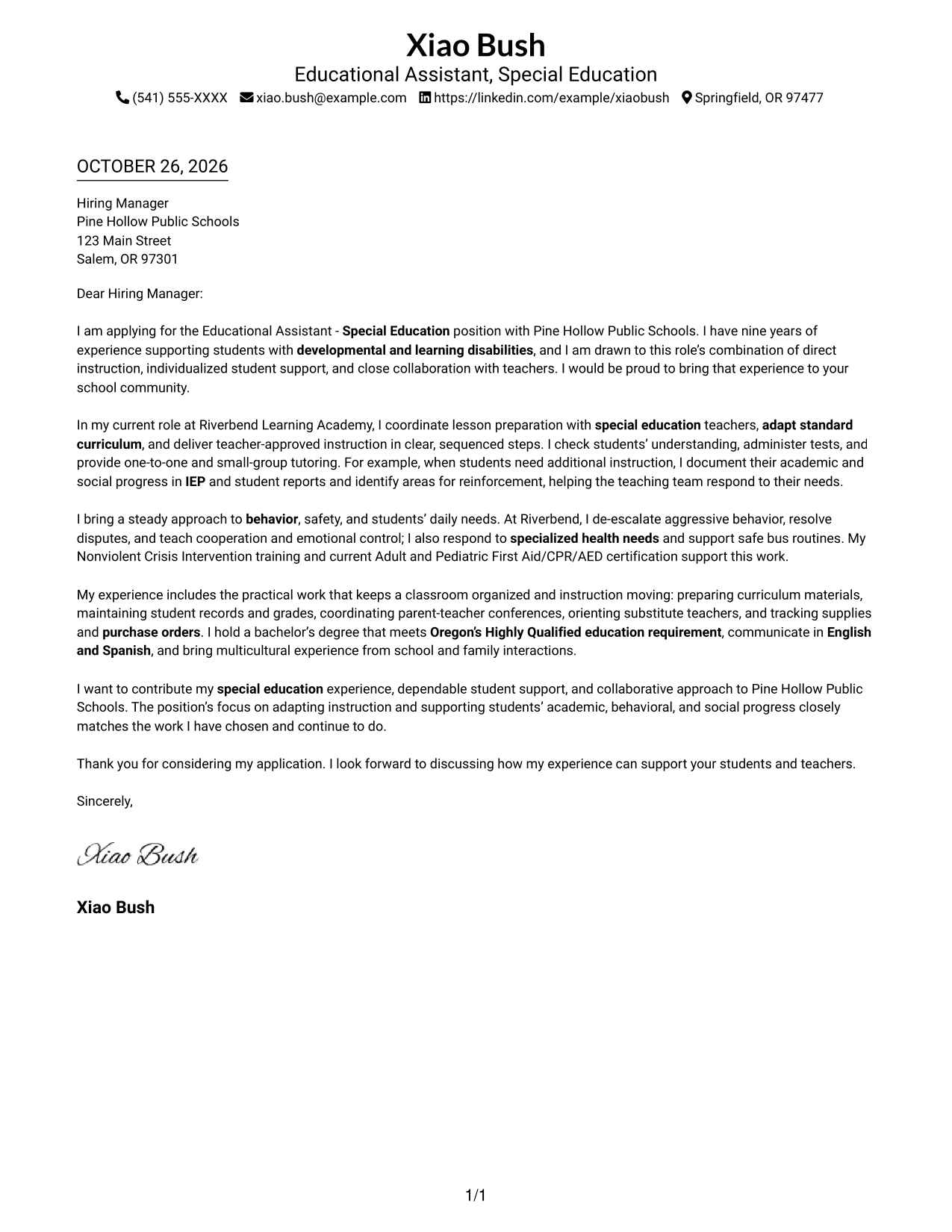
This practical guide helps you create an Educational Assistant - Special Education cover letter, with seven layouts to compare and a clear way to show role fit.
What Makes a Great Educational Assistant - Special Education Cover Letter in 2026
A strong letter connects your interest in the role with clear evidence of supporting instruction, student safety, and teamwork with teachers.
Use relevant examples, such as adapting lessons, documenting student progress, or supporting behavior needs, and explain how your approach fits the school’s needs.
The featured Educational Assistant - Special Education example moves from role interest to instructional evidence, student support, classroom responsibilities, and a clear close; adapt that progression and choose a presentation suited to the employer and communication context.
#1 Simple One Column Format Cover Letter Example
The Simple One Column Format keeps sender details in the header and the letter body in one column, a clear choice for readers who prefer a direct route through the message.
Why This Format Works
- Sender details in the header stay distinct from the letter's persuasive message.
- One reading column keeps motivation, supporting evidence, and closing in sequence.
- Paragraphs carry the argument without added labels for its stages.
Best For
- One-column letter reading
- Sender details in the header
- A continuous persuasive message
- Letters without a contact sidebar
- School-based education applications
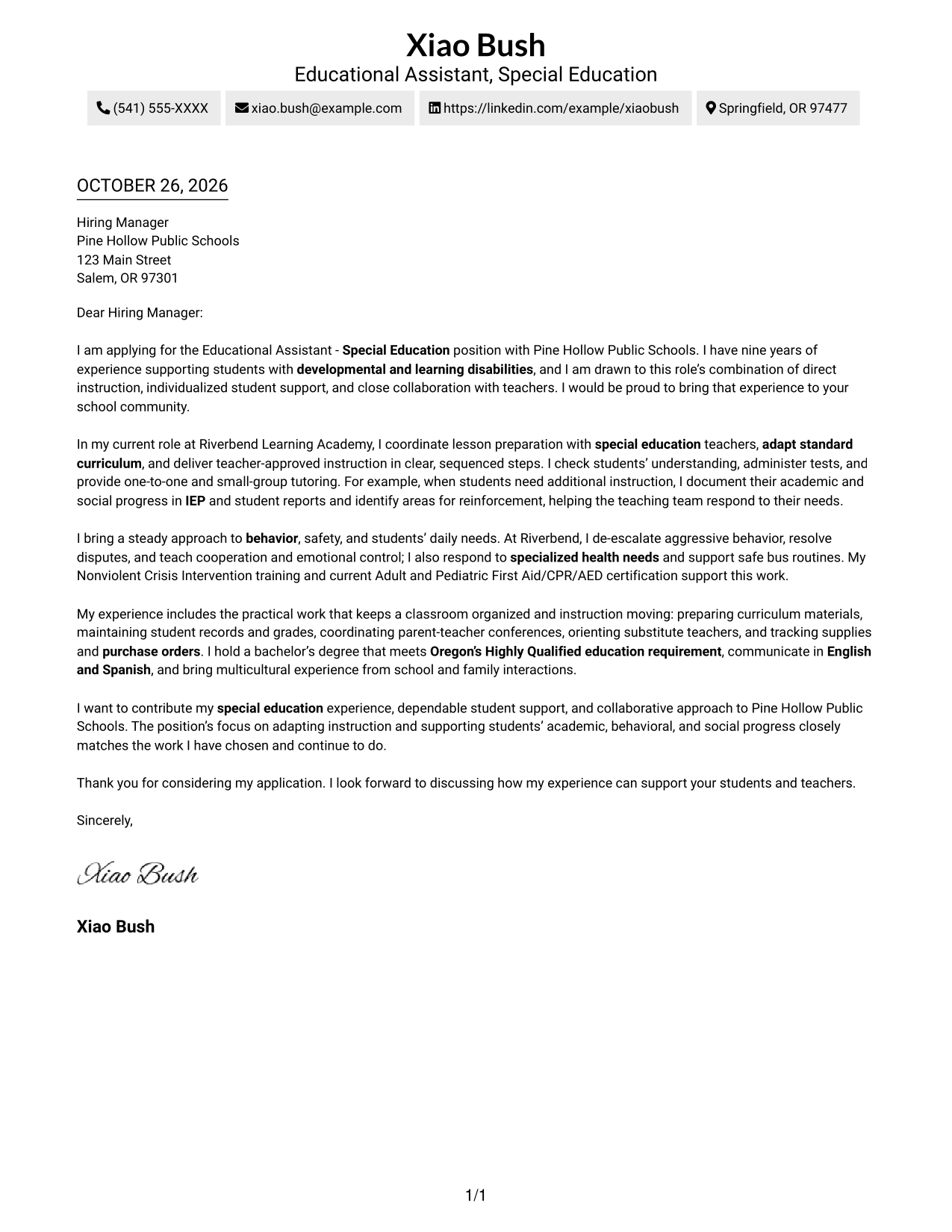
#2 Two Column Format Cover Letter Example
The Two Column Format places contact details beside one continuous letter body, a practical choice when readers want contact information apart from the message.
Why This Format Works
- Contact details sit apart from the letter, making them easy to locate.
- One uninterrupted body lets reviewers follow motivation, evidence, and closing in order.
- Paragraph-led writing keeps the argument together without headings that segment its points.
Best For
- Separated contact and letter areas
- Continuous paragraph-based persuasion
- Two-column document organization
- Letters with several supporting points
- School-district applications
#3 Photo Header Two Column Format Cover Letter Example
The Photo Header Two Column Format combines a contact sidebar, one continuous letter body, and a photo, for a layout that includes a portrait without dividing the argument.
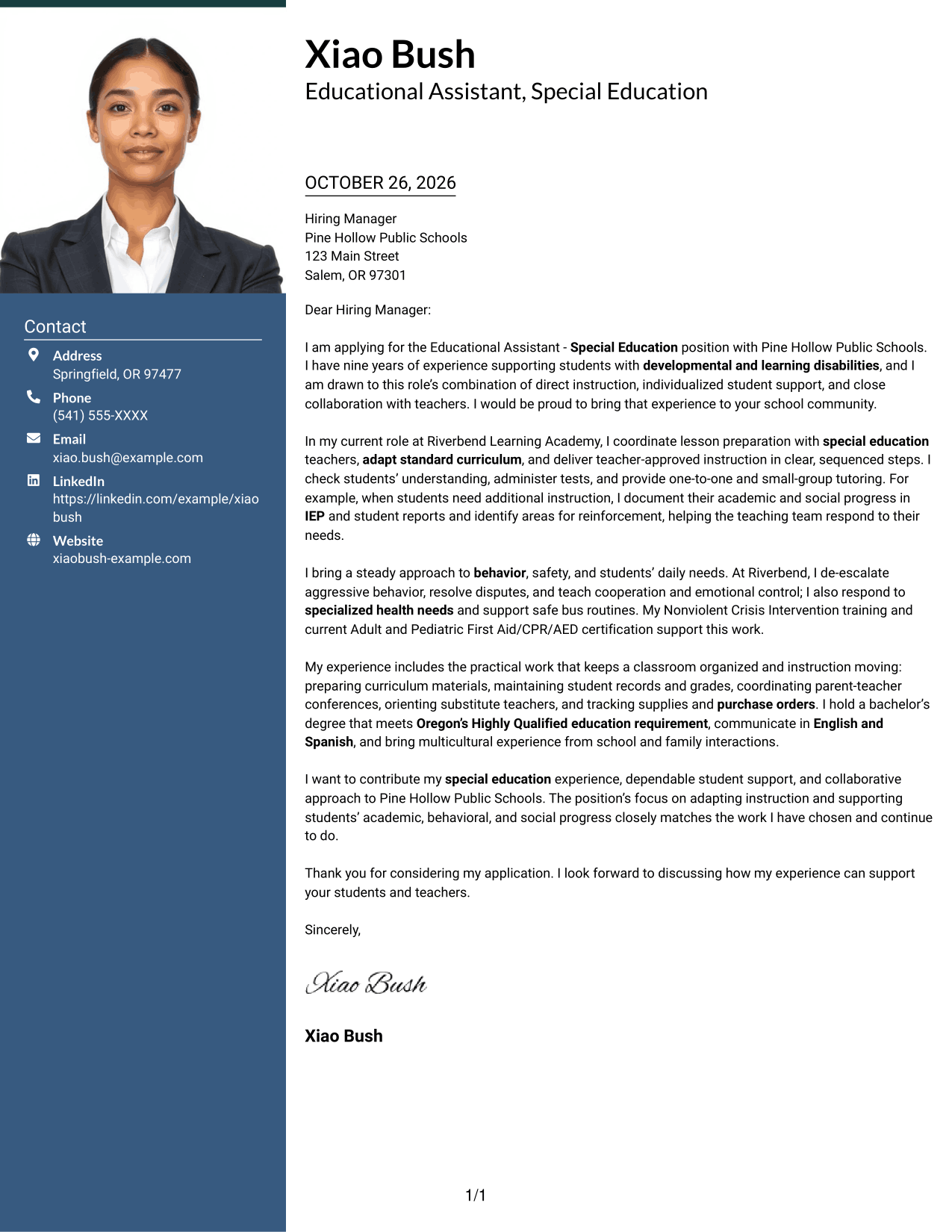
Why This Format Works
- Contact details remain apart from the message, so readers can find them quickly.
- The continuous body keeps motivation, evidence, and closing in a clear sequence.
- An included photo offers a portrait option without breaking the letter into sections.
Best For
- Portrait-inclusive correspondence
- Contact details set apart
- A continuous letter argument
- Several role-fit points in one message
- School-based education applications
#4 One Column Format with Photo Cover Letter Example
The One Column Format with Photo keeps the letter in one reading column and includes a photo, suiting readers who want a portrait with a direct letter layout.
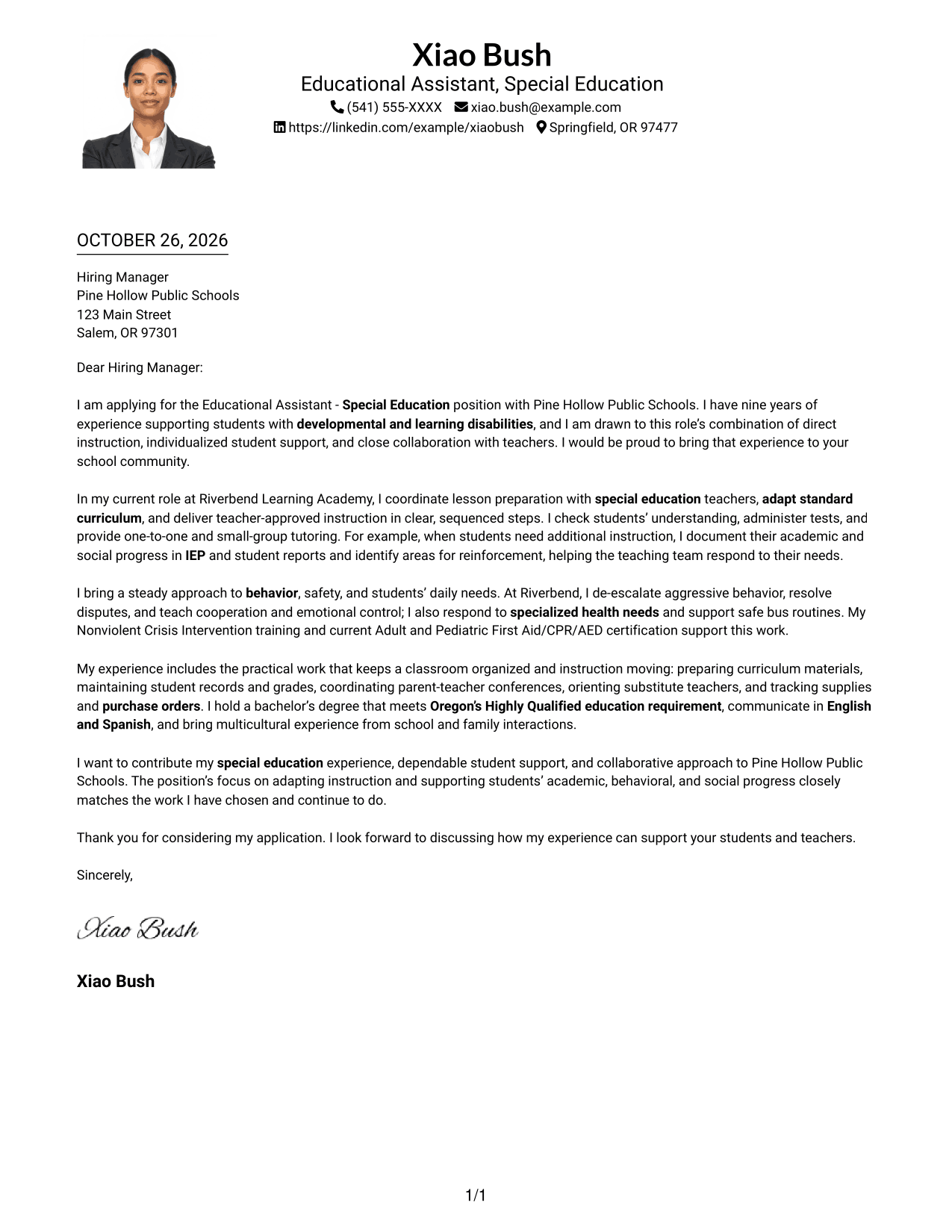
Why This Format Works
- The letter remains in one column, keeping its opening and supporting points together.
- Paragraphs guide the message from motivation through evidence to the closing.
- The photo provides a portrait option without adding a second body column.
Best For
- A portrait with a single-column letter
- Direct paragraph sequence
- Sender details in the header
- Several points of role alignment
- School-based education applications
#5 Simple Two Column Format Cover Letter Example
The Simple Two Column Format sets contact details beside one continuous letter body, a useful arrangement for readers who want the contact area separate from the message.
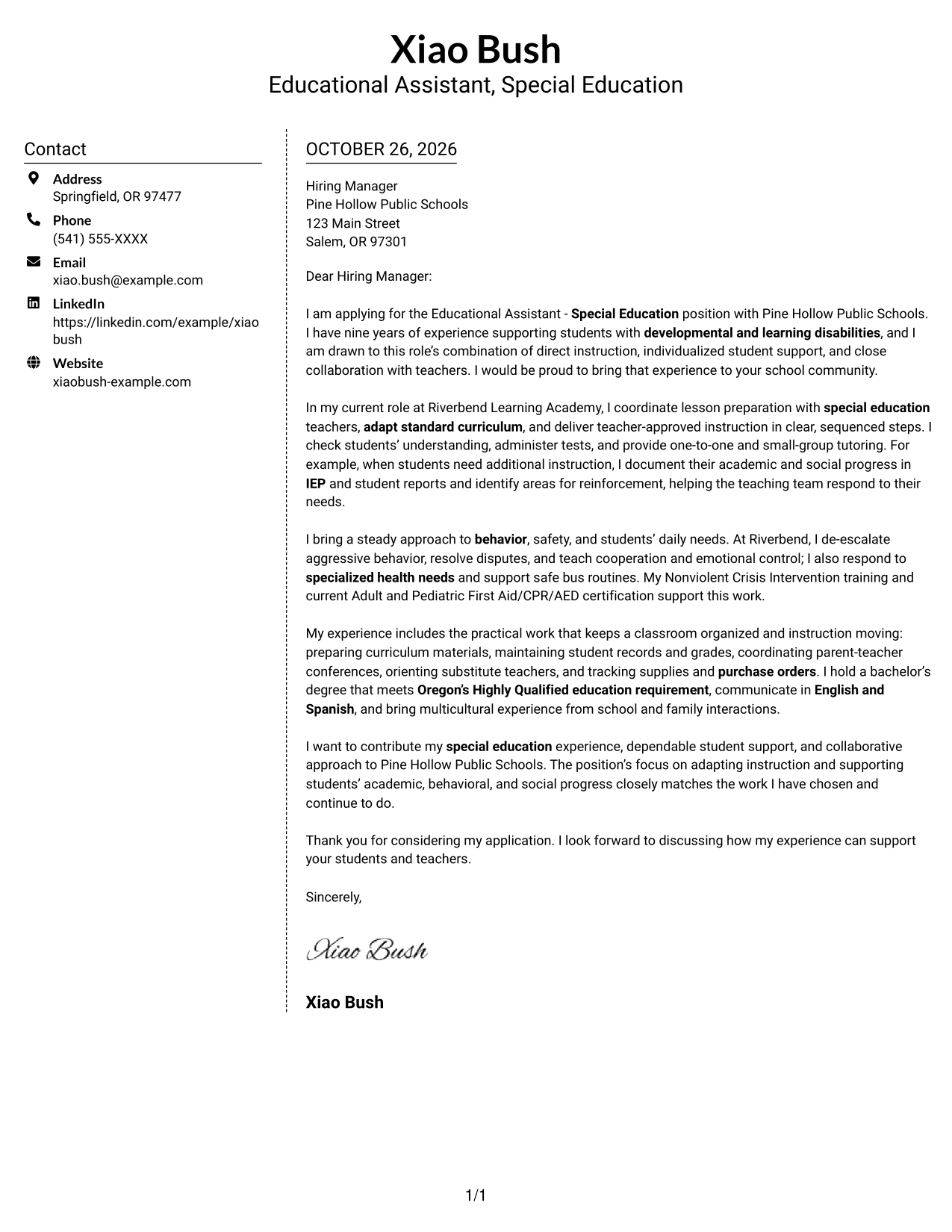
Why This Format Works
- A separate contact area gives readers a clear place to find sender details.
- The letter's paragraphs stay together, preserving the message's natural progression.
- The two-column arrangement distinguishes contact information from the persuasive content.
Best For
- A distinct contact area
- Continuous persuasive paragraphs
- Two-column reading preference
- Letters with several supporting points
- Applications with clear role alignment
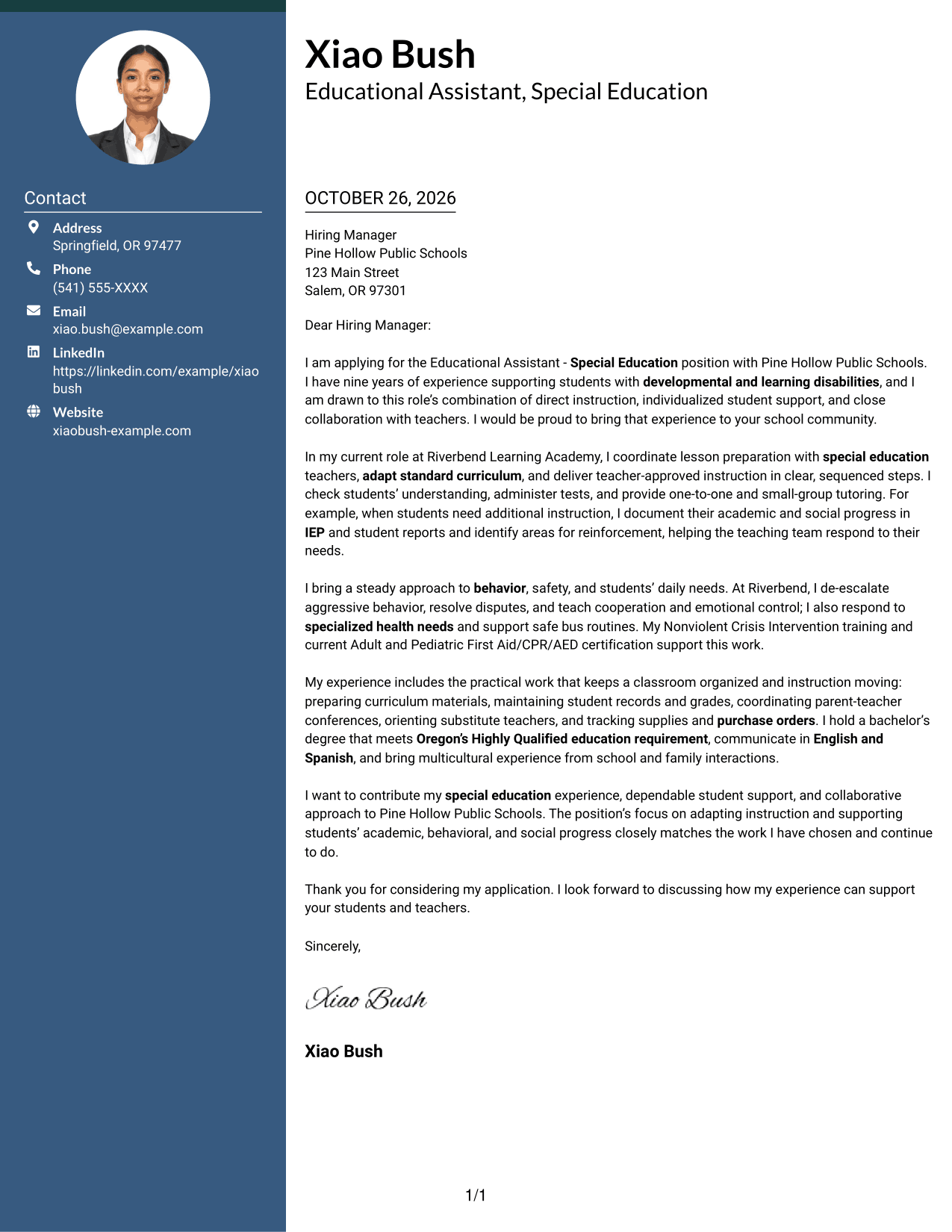
#6 Modern Icon Format Cover Letter Example
The Modern Icon Format pairs contact icons and details in a sidebar with one continuous letter body, making contact information easy to distinguish from the message.
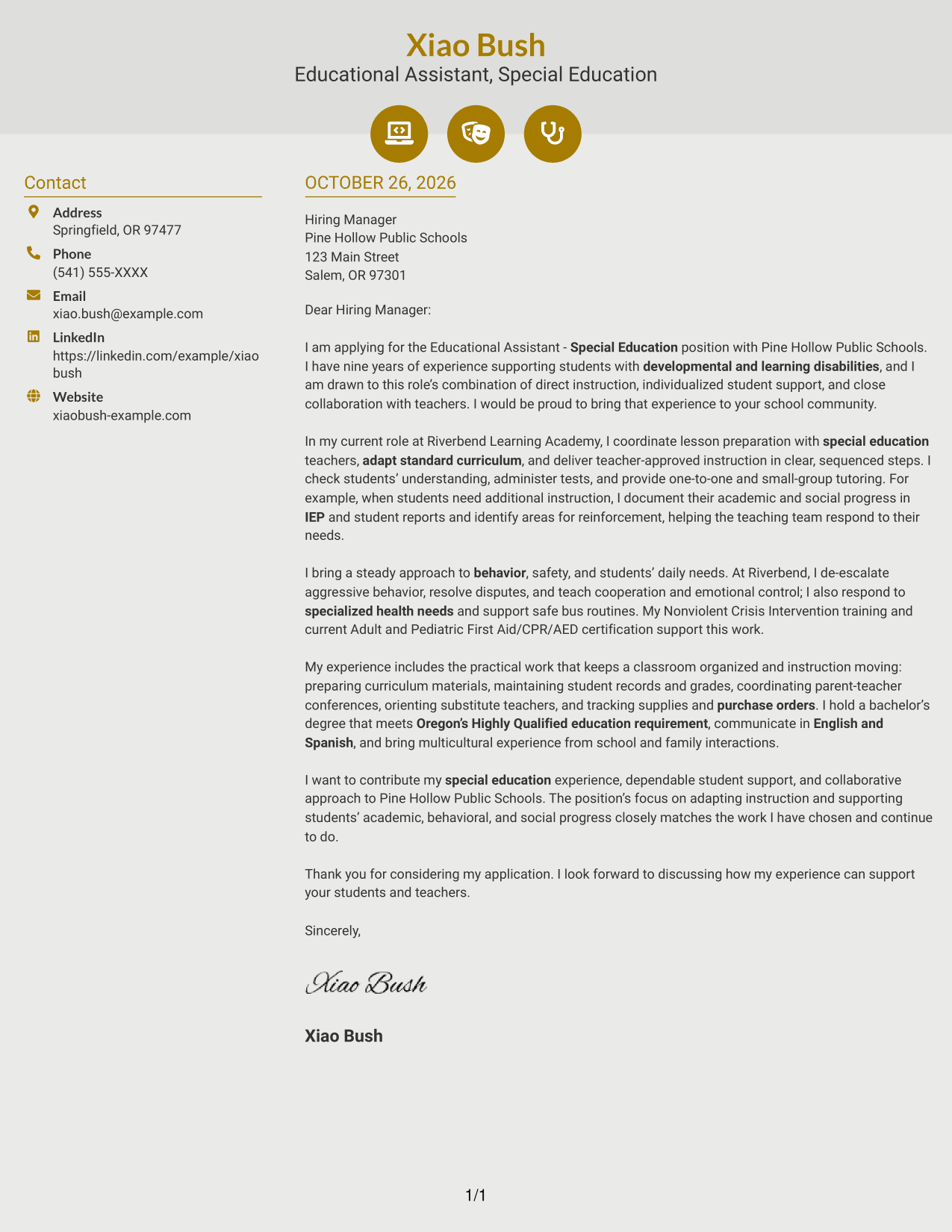
Why This Format Works
- Contact icons help readers distinguish contact details from the letter's persuasive content.
- The single body column keeps motivation, evidence, and closing in normal order.
- A separate sidebar keeps contact information apart from the letter paragraphs.
Best For
- Contact details with visual cues
- A continuous letter argument
- Two-column document organization
- Readers who value clear contact navigation
- School-based education applications
#7 Creative Two Tone Format Cover Letter Example
The Creative Two Tone Format pairs a contact sidebar with one continuous letter body, giving readers a separate contact area while preserving the message as a single argument.
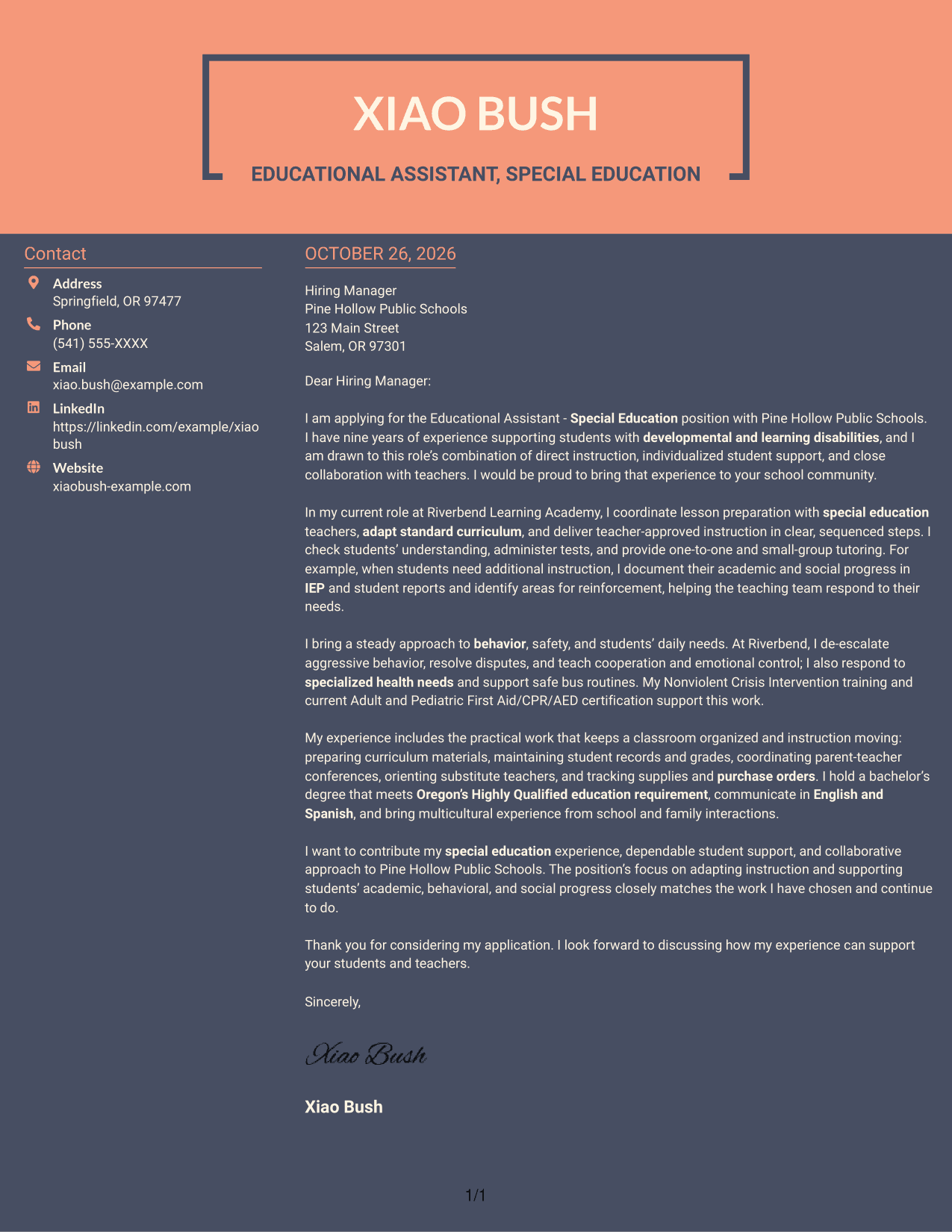
Why This Format Works
- The sidebar gives contact details a defined place beside the letter body.
- A continuous argument lets reviewers follow the message from opening to closing.
- Paragraphs present motivation and supporting evidence without headings that divide the content.
Best For
- A separate contact sidebar
- One continuous persuasive message
- Two-column letter organization
- Several connected points of role fit
- Education-sector applications
See Also
- 7 Educational Assistant - Special Education Resume Templates with Example
- 7 Special Education Assistant - Distinct Resume Templates with Example
- 7 Special Education Instructional Assistant Resume Templates with Example
- 7 Assistant Attorney General - Special Prosecutions Resume Templates with Example
- 7 Instructional Assistant II - Special Ed Resume Templates with Example
- 7 Assistant General Counsel/Associate General Counsel - Higher Education Resume Templates with Example
- 7 Assistant or Associate Professor - Engineering Education Resume Templates with Example
- 7 Assistant Professor of Instruction in Music Education (Music Education and Student Teaching Coordinator) Resume Templates with Example
- 7 Assistant or Associate Professor - Engineering Education Cover Letter Templates with Example
- 30+ Accounting Assistant Cover Letter Templates with Example 2026
Frequently Asked Questions
What should the opening of an Educational Assistant - Special Education cover letter say?
Name the position, show genuine interest, and briefly connect that interest to the role’s focus on instruction and individual student support.
What examples can show fit for this role?
Choose specific examples of working with teachers, adapting instruction, tracking academic or social progress, supporting student safety, or communicating with families. Include only details that reflect your own experience.
How can I connect my letter to a school’s needs?
Refer to duties in the job posting, then explain how your relevant experience can support those duties. Keep the connection specific and avoid claiming knowledge of school programs you have not confirmed.
Should I mention relevant training or certifications?
Include training or certifications when they relate to the position’s student support or safety duties. State them accurately and explain their relevance briefly.
How can I compare the cover letter examples?
Review the PNG previews to compare their presentation, then open an example in the editor to inspect or customize it.




