
7 EIM/EDAM Energy Settlement Analyst II Cover Letter Templates with Example
This practical guide helps you shape an EIM/EDAM Energy Settlement Analyst II cover letter, with seven layouts to compare as you plan a clear, role-focused message.
What Makes a Great EIM/EDAM Energy Settlement Analyst II Cover Letter in 2026
A strong letter links your settlement experience to the role’s work with EIM/EDAM data, CAISO statements, energy accounts, and financial analysis. A direct opening helps the reader see your fit at once.
Use specific examples, such as tracing a settlement discrepancy or preparing for EDAM processes, when they reflect your experience. Connect those examples to the employer’s needs in risk review, recovery analysis, and contract decisions.
The featured application moves from role fit to settlement evidence, EDAM preparation, contract analysis, and a focused close; adapt that progression while choosing a presentation that suits the employer and communication context.
#1 Simple One Column Format Cover Letter Example
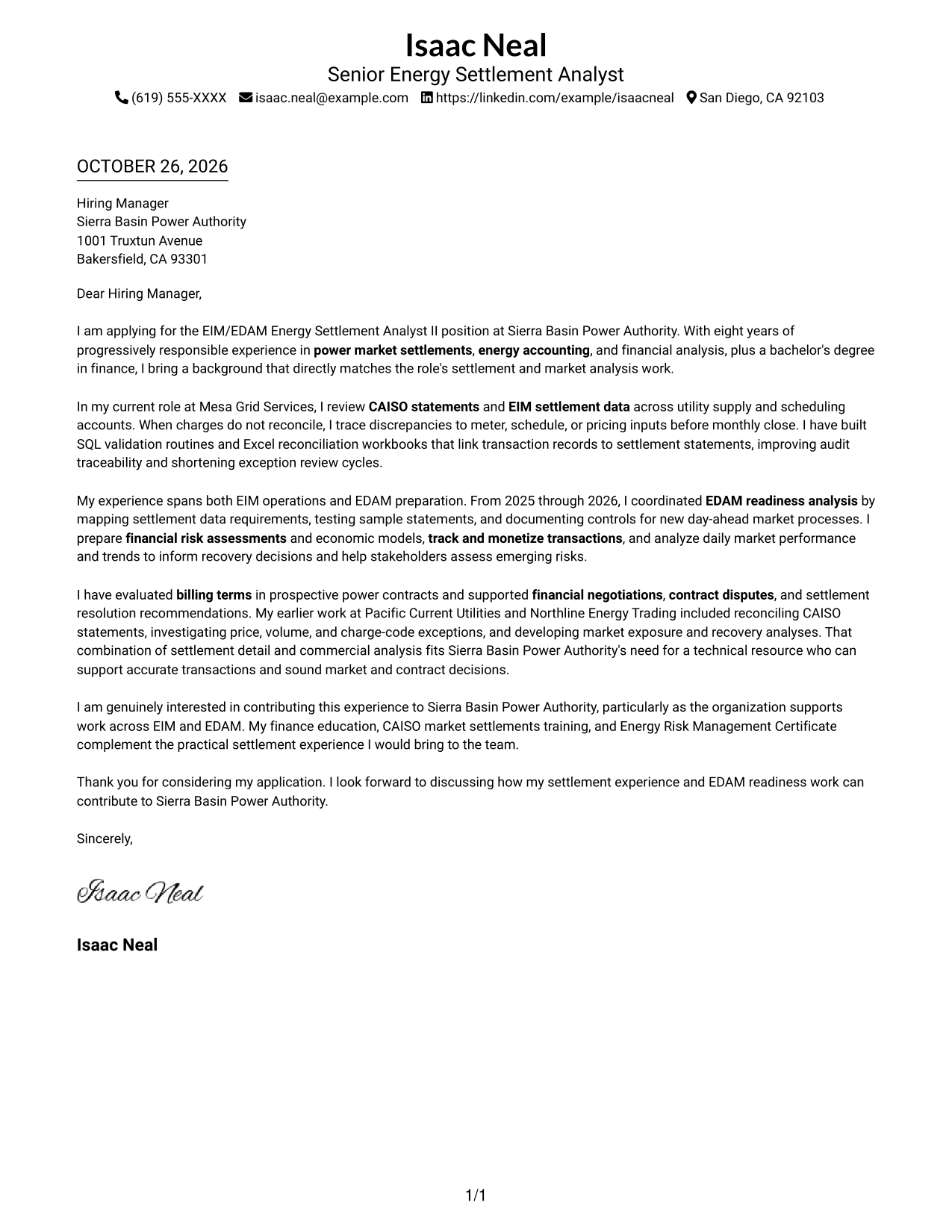
The Simple One Column Format keeps sender details in the header and the letter in one body column, giving the message a direct reading path.
Why This Format Works
- Sender details stay in the header, separate from the main message.
- One body column keeps the opening, supporting case, and close in order.
- Unlabeled paragraphs maintain the familiar flow of a formal letter.
Best For
- Single-column letter reading
- Header-based contact lookup
- Paragraph-led application letters
- Detailed role-fit explanations
- Formal employer correspondence
#2 Two Column Format Cover Letter Example
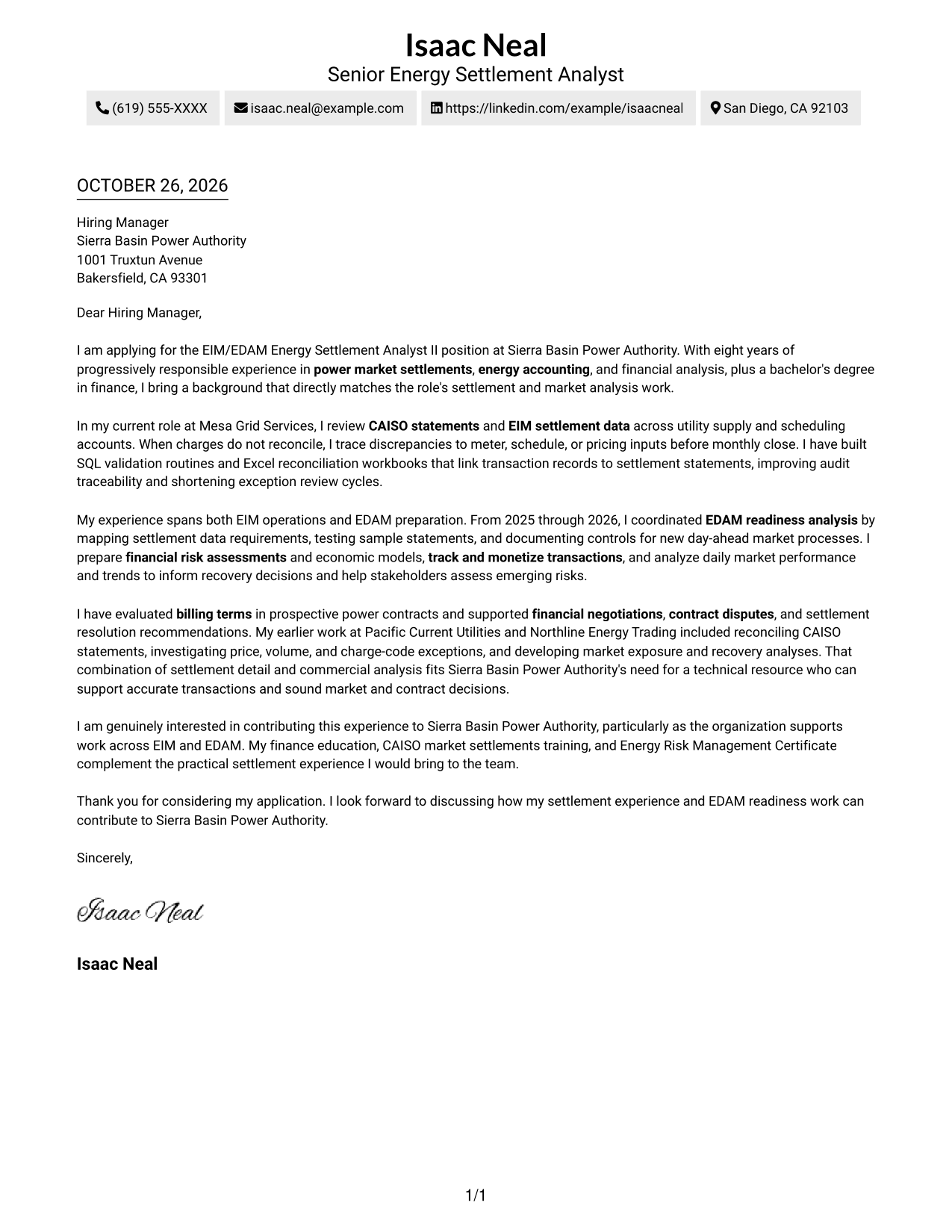
The Two Column Format places contact details in a sidebar beside one continuous letter body, keeping sender information easy to distinguish from the message.
Why This Format Works
- The sidebar groups contact details away from the persuasive letter text.
- A single body column lets the opening and supporting case read consecutively.
- Paragraphs carry the message without headings that could interrupt its tone.
Best For
- Sidebar contact details
- Separate sender and message areas
- Continuous persuasive letters
- Paragraph-based application writing
- Quick access to sender information
#3 Photo Header Two Column Format Cover Letter Example
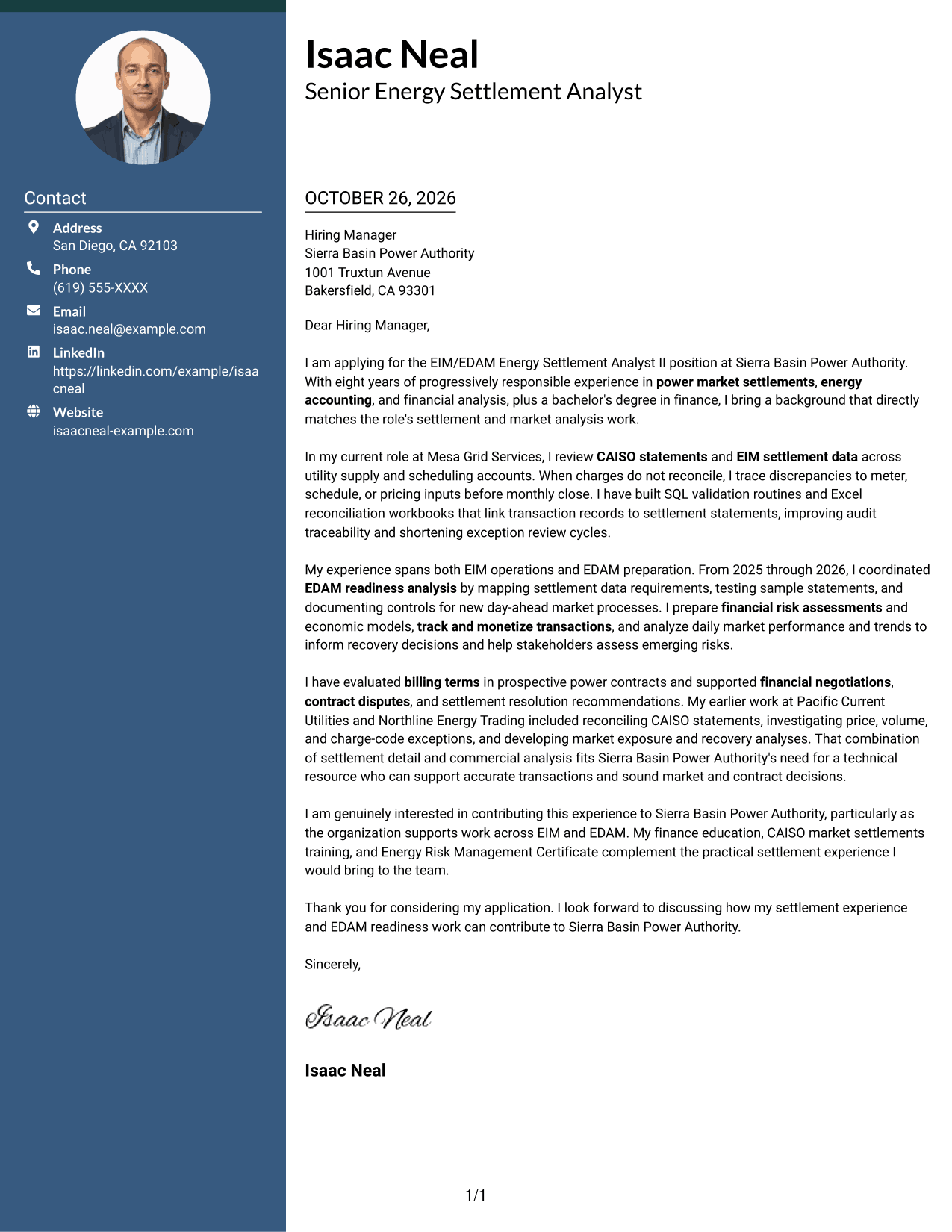
The Photo Header Two Column Format pairs a sender portrait and contact sidebar with one continuous letter body, combining a personal visual choice with a clear message area.
Why This Format Works
- The sidebar keeps sender details distinct from the continuous letter body.
- One letter column lets readers follow motivation, evidence, and closing in sequence.
- The sender portrait adds a visual element while the letter remains paragraph-led.
Best For
- Portrait-inclusive correspondence
- Sidebar contact presentation
- Continuous letter arguments
- Paragraph-led role explanations
- Applications favoring a personal visual element
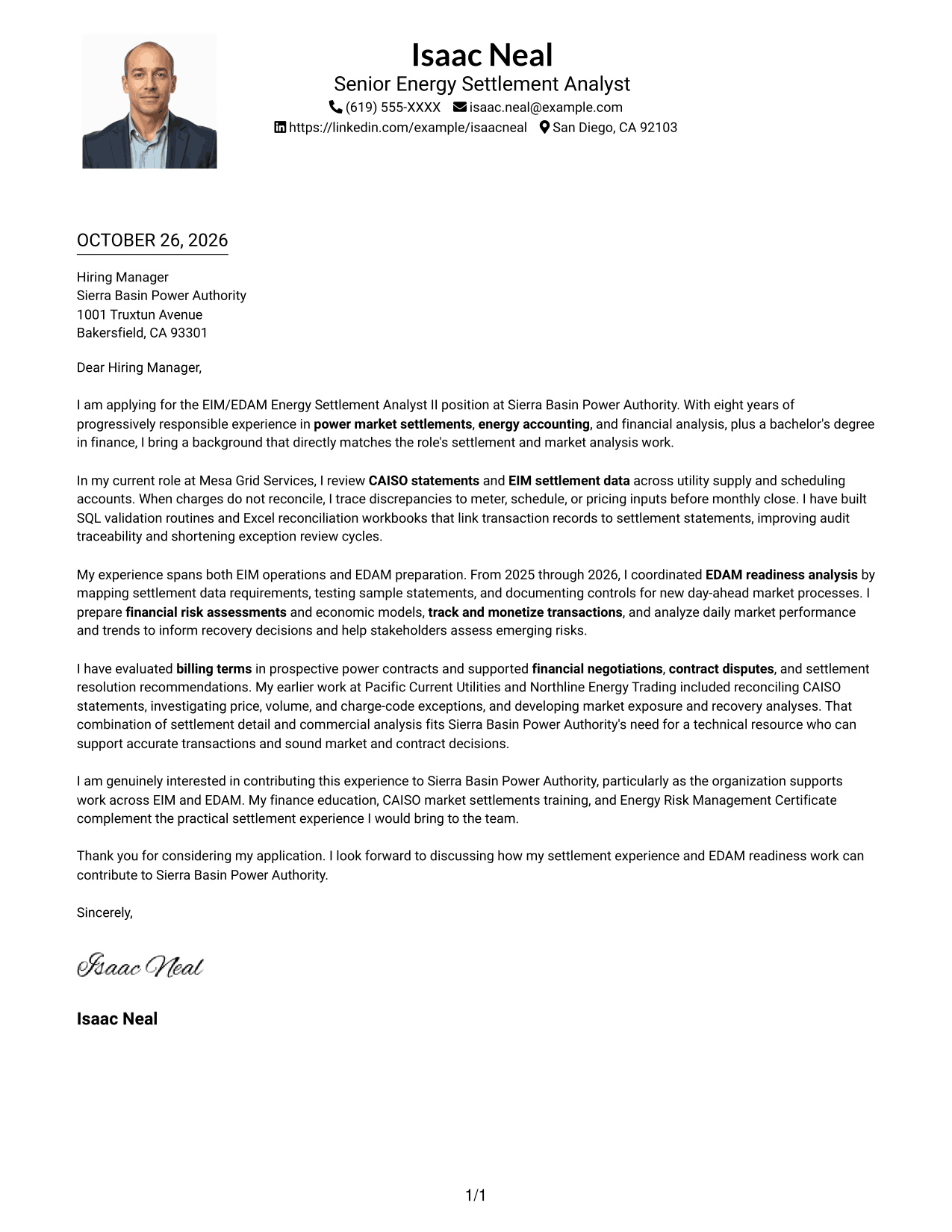
#4 One Column Format with Photo Cover Letter Example
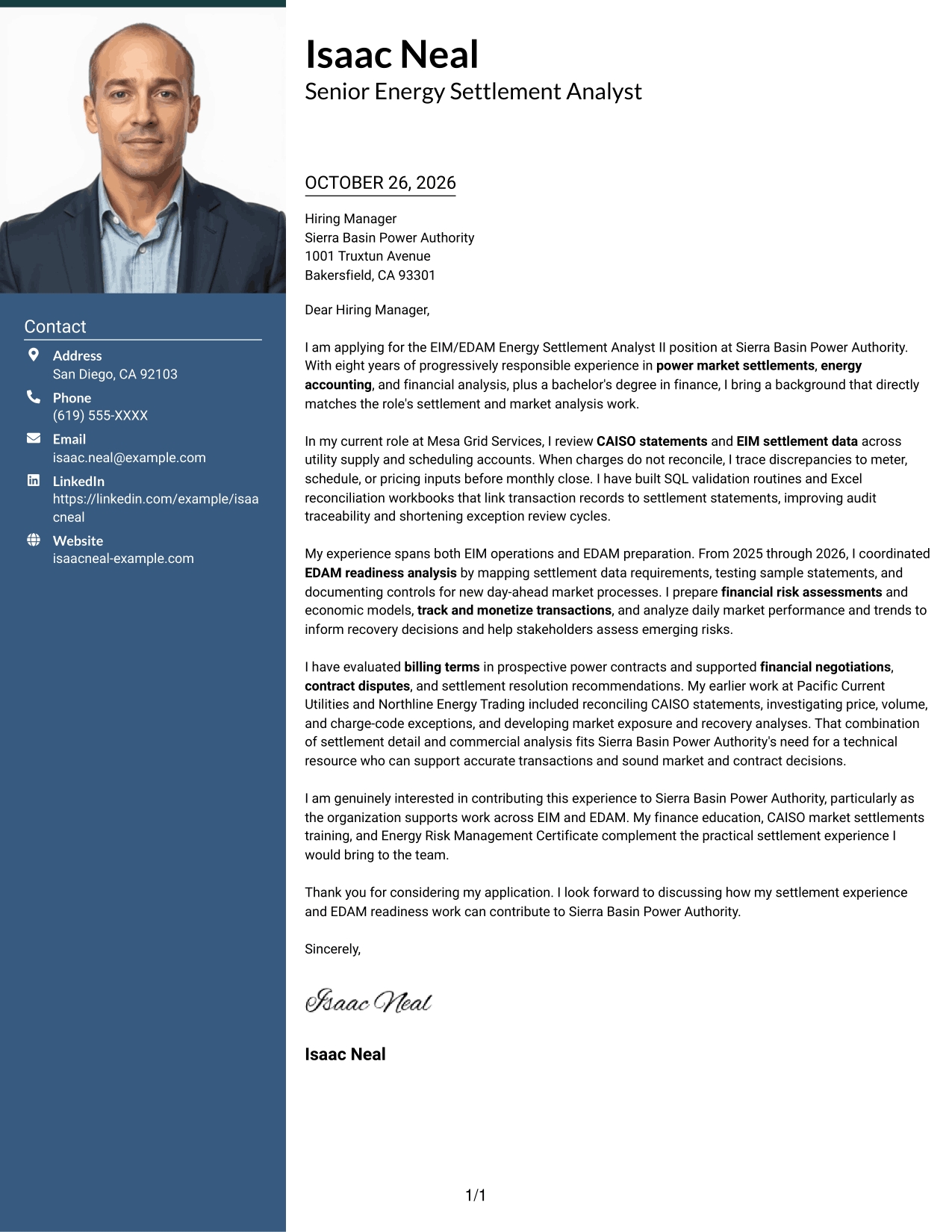
The One Column Format with Photo includes a sender portrait while keeping contact details in the header and the letter in one body column, preserving a direct reading path.
Why This Format Works
- A single body column keeps the letter's argument in a direct sequence.
- Sender contact details remain in the header rather than beside the body.
- The portrait is a visual preference, while the message stays paragraph-led.
Best For
- One-column letter reading
- Header-based contact details
- Portrait-inclusive applications
- Uninterrupted persuasive text
- Paragraph-led employer correspondence
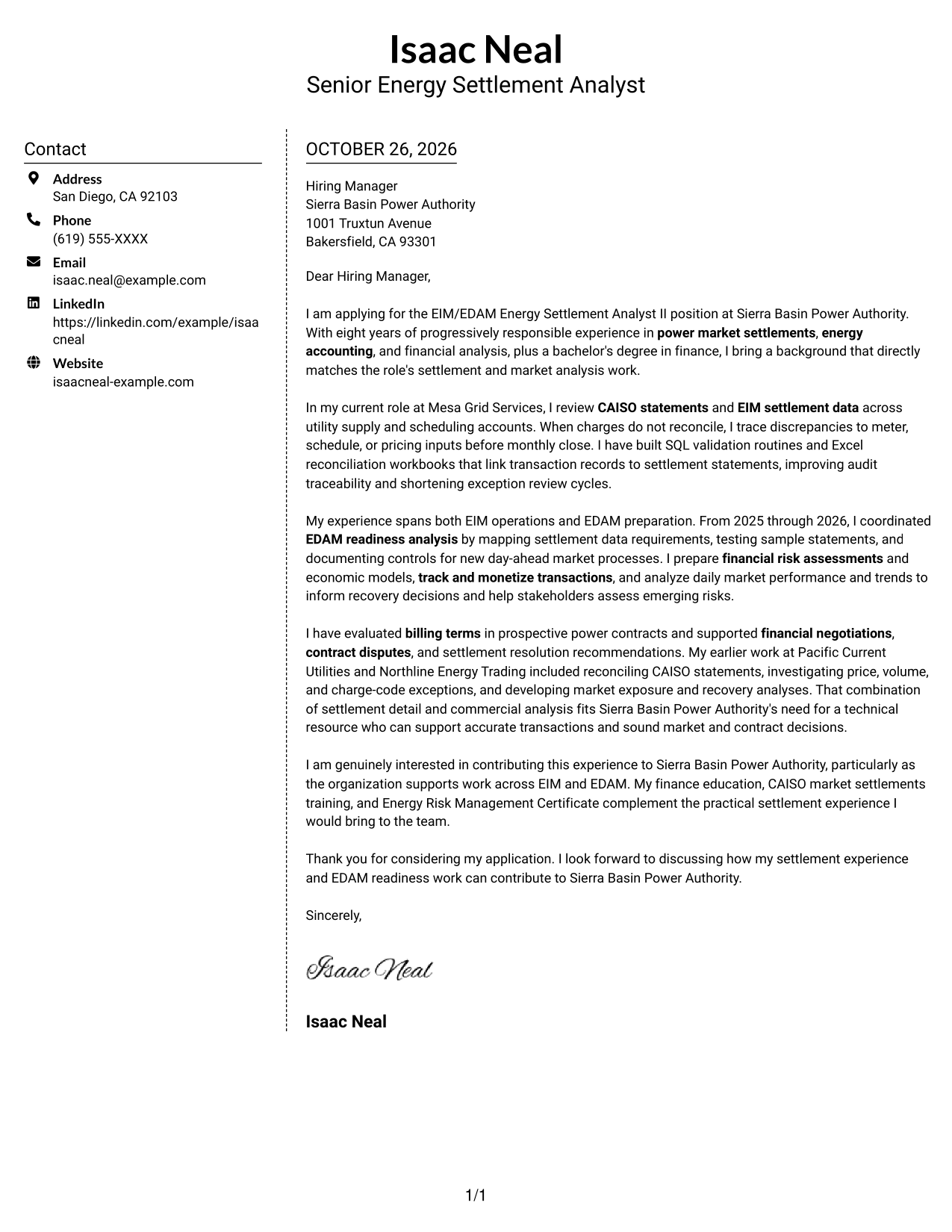
#5 Simple Two Column Format Cover Letter Example
The Simple Two Column Format sets the contact sidebar beside a continuous letter body, giving sender information its own place without splitting the message.
Why This Format Works
- Contact details occupy a sidebar, leaving the body for the letter itself.
- The single body column keeps the full appeal in reading order.
- No body headings keep the correspondence in a standard letter form.
Best For
- Distinct contact and message areas
- Single-column letter text
- Standard letter presentation
- Full paragraph-based appeals
- Separate sender information
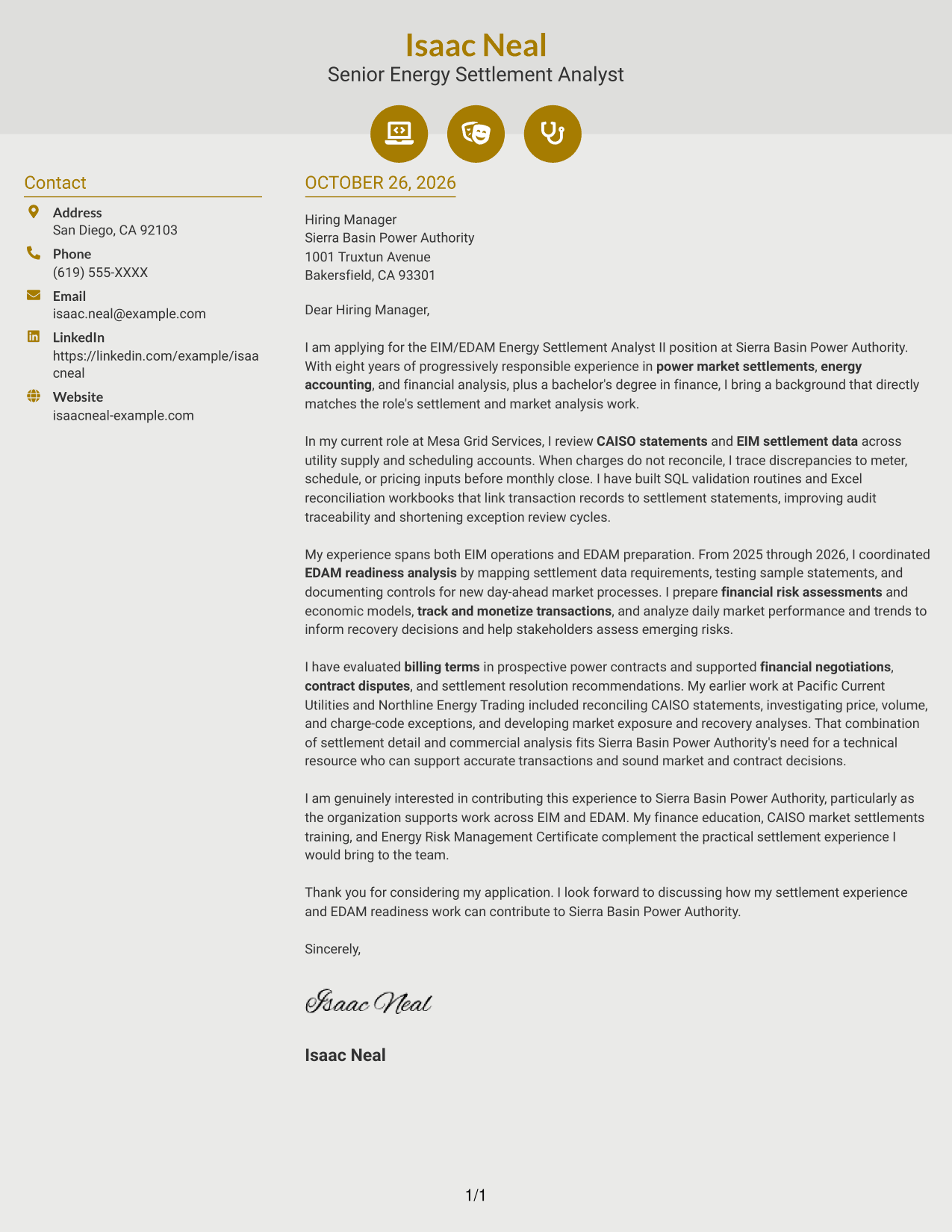
#6 Modern Icon Format Cover Letter Example
The Modern Icon Format places contact cues in a sidebar beside one continuous letter body, helping readers locate sender details without using icons as argument labels.
Why This Format Works
- Contact icons cue sender details in the sidebar, not stages of the argument.
- One continuous body lets readers follow the letter from opening to close.
- The sidebar separates contact information from the paragraphs making the case.
Best For
- Icon-cued contact details
- Sidebar-based sender information
- Continuous persuasive writing
- Unlabeled letter paragraphs
- Quick contact-detail lookup
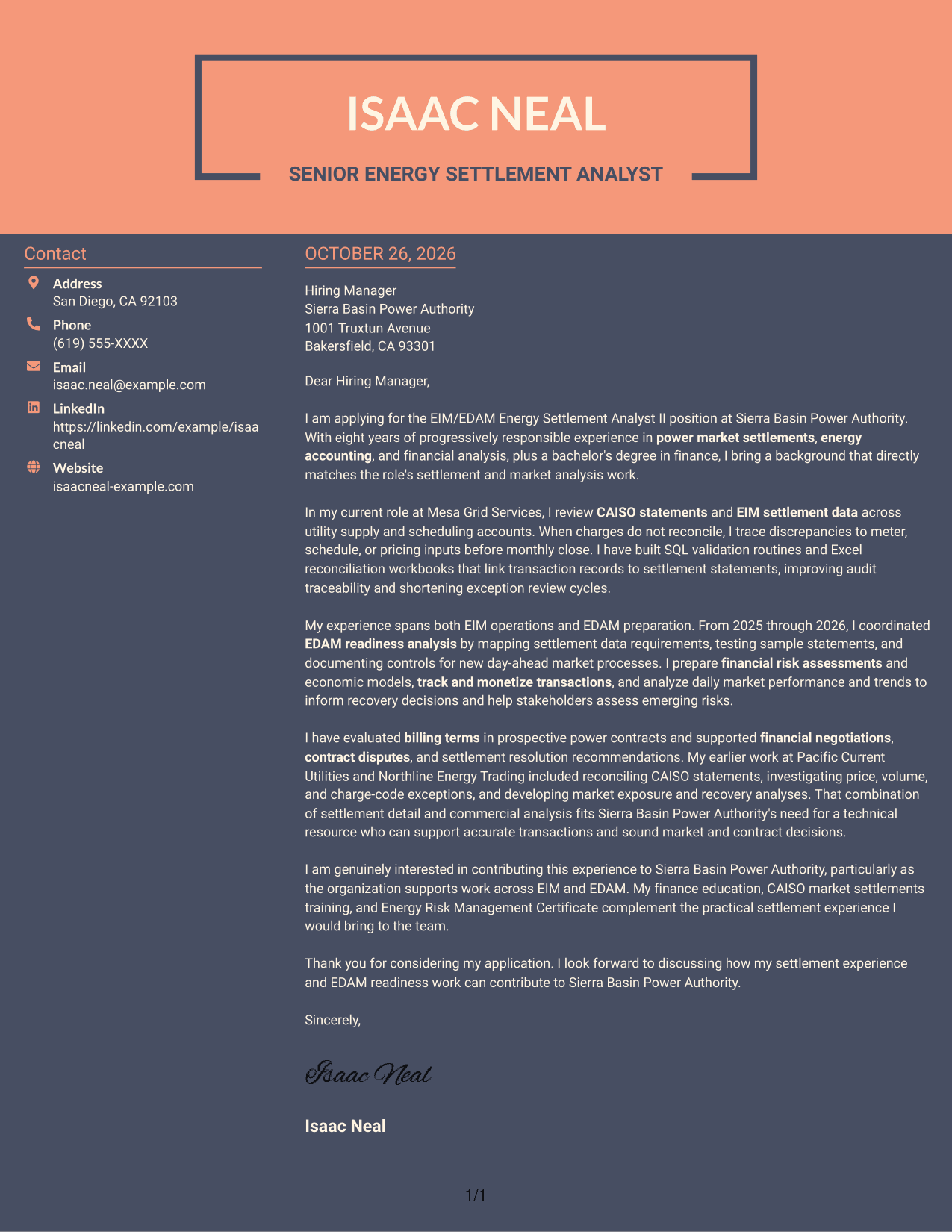
#7 Creative Two Tone Format Cover Letter Example
The Creative Two Tone Format pairs a contact sidebar with one continuous letter body, keeping sender information apart from the role-focused message.
Why This Format Works
- Contact details have a distinct place beside the letter body.
- One continuous text column keeps the appeal from splitting across panels.
- The letter stays paragraph-led, without labels for argument stages.
Best For
- Sidebar contact presentation
- Single-column letter arguments
- Paragraph-led role alignment
- Separate sender and message areas
- Unlabeled formal correspondence
How to Use ResumeInMinutes for an EIM/EDAM Energy Settlement Analyst II Cover Letter
Review the PNG previews to compare how each letter is presented, then open an example in the editor to customize a version for the role. Keep the message focused on your settlement work, market analysis, and interest in the employer’s EIM and EDAM responsibilities.
- Cover letter presentation styles
- Clear, readable layouts
- Role-focused writing
- Examples to compare
- Editor access for customization
- Support for tailored cover letters
Choose a layout that supports a clear opening, specific settlement evidence, and a closing that explains your interest in the EIM/EDAM work.
See Also
- 7 EIM/EDAM Energy Settlement Analyst II Resume Templates with Example
- 7 Lead Energy Settlement Analyst - EIM/EDAM Resume Templates with Example
- 7 Financial Analyst II Resume Templates with Example
- 7 HR Analyst II - Compensation Resume Templates with Example
- 7 Workforce Analyst II - Call Center Workforce Management Resume Templates with Example
- 33 Accounts Payable Analyst - Invoice Processing Resume Templates with Example 2026 (ATS-Optimized)
- 33 Accounts Payable Analyst Resume Templates with Example 2026 (ATS-Optimized)
- 7 AI Operations Adoption and Enablement Analyst Resume Templates with Example
- 7 Lead Energy Settlement Analyst - EIM/EDAM Cover Letter Templates with Example
- 7 Workforce Analyst II - Call Center Workforce Management Cover Letter Templates with Example
Frequently Asked Questions
What should an EIM/EDAM Energy Settlement Analyst II cover letter include?
Address the role directly, then connect relevant experience to EIM/EDAM data, CAISO statement review, account reconciliation, financial analysis, and contract work. End with a clear statement of interest in the employer’s market responsibilities.
How can I describe EDAM experience if I have supported readiness work?
Be precise about your contribution. You can describe work such as mapping settlement data needs, testing sample statements, or documenting controls, without implying that you have managed live EDAM settlements if you have not.
What example can show my settlement judgment?
Use a concise example of investigating a price, volume, meter, schedule, or charge-code discrepancy. Explain how you checked the supporting data and helped resolve the issue or support a recovery decision.
How should I show interest in the hiring organization?
Refer to its work across EIM and EDAM, then explain how your settlement and market analysis experience could support accurate transactions and sound contract or market decisions. Use details that you can verify.
How can I compare the cover letter examples?
Use the PNG previews to review the visual presentation, then open an example in the editor to customize it. Choose a layout that keeps your opening, supporting evidence, and closing easy to follow.




