
7 Emergency Department Registered Nurse Cover Letter Templates with Example
This practical guide helps you write an Emergency Department Registered Nurse cover letter and compare seven layouts for presenting your role fit clearly.
What Makes a Great Emergency Department Registered Nurse Cover Letter in 2026
A strong Emergency Department Registered Nurse cover letter connects sound emergency care and calm prioritization to the role. A clear opening should show why the position interests you.
Use brief examples of high-acuity care, stroke and STEMI response, travel adaptability, or clear handoffs. Link your evidence to the employer's setting and needs.
The featured Emergency Department Registered Nurse example follows a focused progression from role interest to clinical evidence and a clear close, which you can adapt while choosing a presentation that suits the employer and communication context.
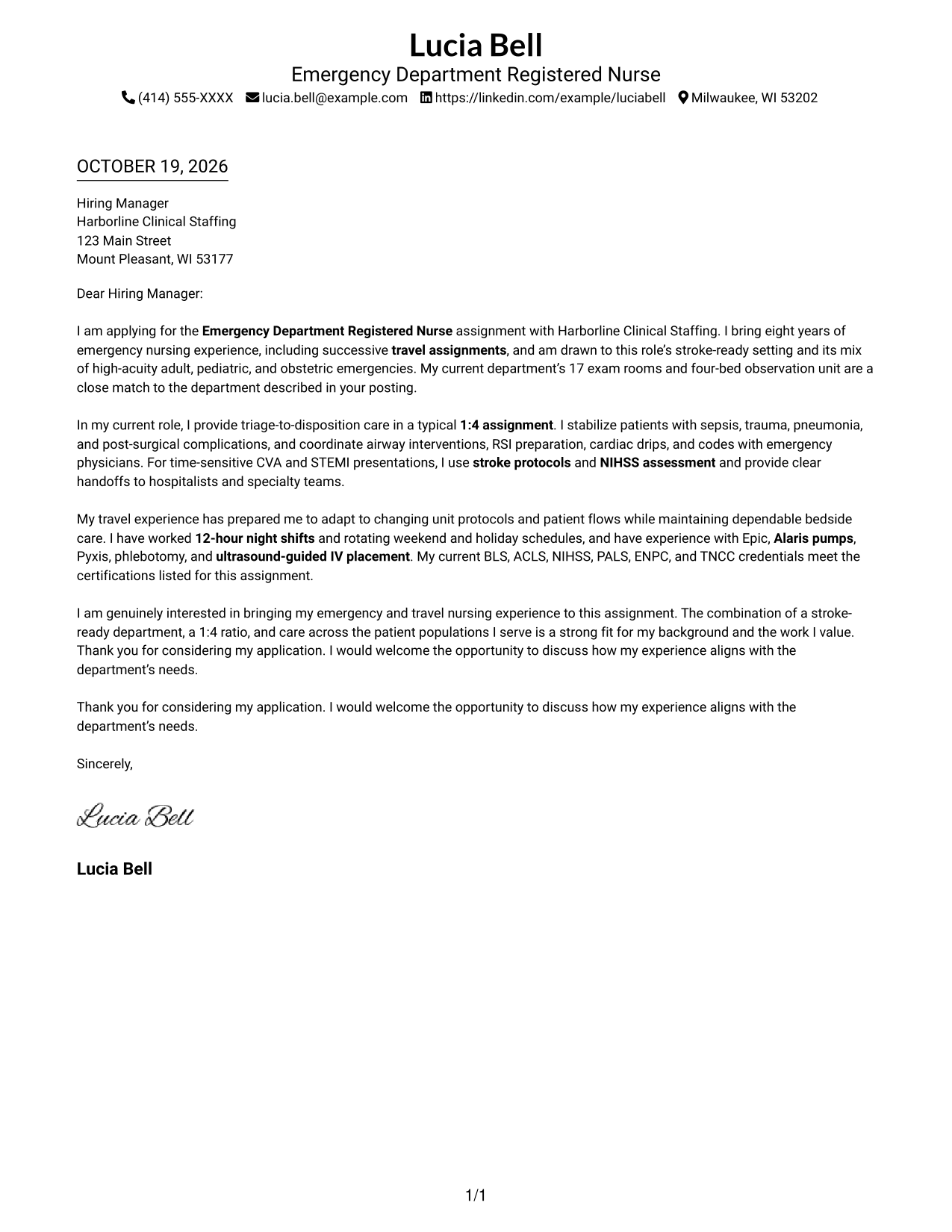
#1 Simple One Column Format Cover Letter Example
Simple One Column Format keeps sender details in the header and the letter in one continuous column, a practical choice for a familiar, direct reading path.
Why This Format Works
- Sender details in the header are easy to locate before the message begins.
- The single-column path carries the opening, supporting points, and closing in order.
- Without body headings, the paragraphs read as connected personal correspondence.
Best For
- Traditional application correspondence
- Letters with a tailored opening
- Applications balancing motivation and evidence
- Employer-specific messages
- A familiar letter layout
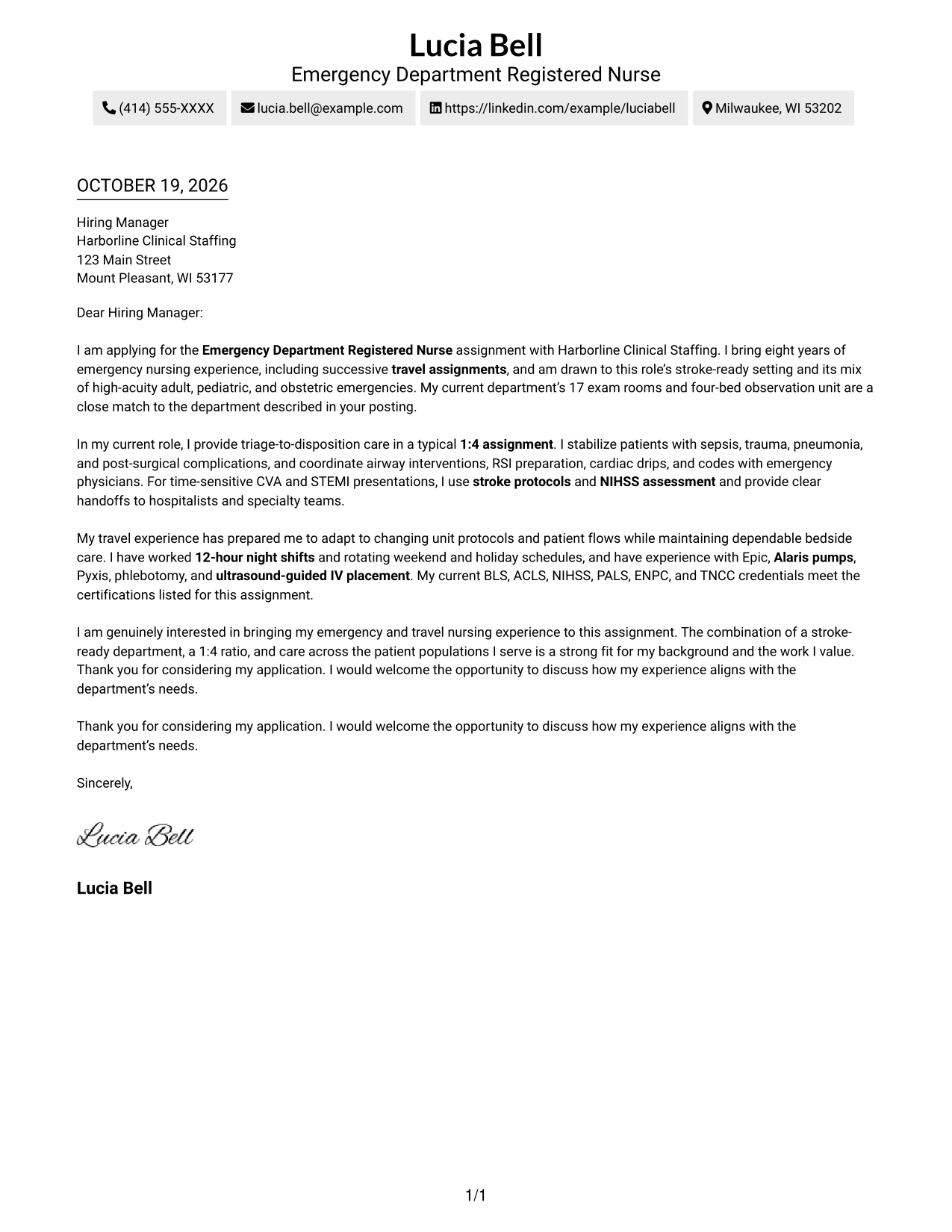
#2 Two Column Format Cover Letter Example
Two Column Format places a contact sidebar beside one continuous letter body, a useful choice when sender details should remain distinct from the employer-directed message.
Why This Format Works
- The sidebar keeps sender details grouped for convenient reference during review.
- A single-column letter body presents the message in a familiar reading order.
- The unheaded paragraphs keep the argument direct and connected.
Best For
- Multi-point application messages
- Letters with a tailored opening
- Applications comparing role fit and motivation
- Complete contact details alongside a letter
- Readers who prefer two distinct areas
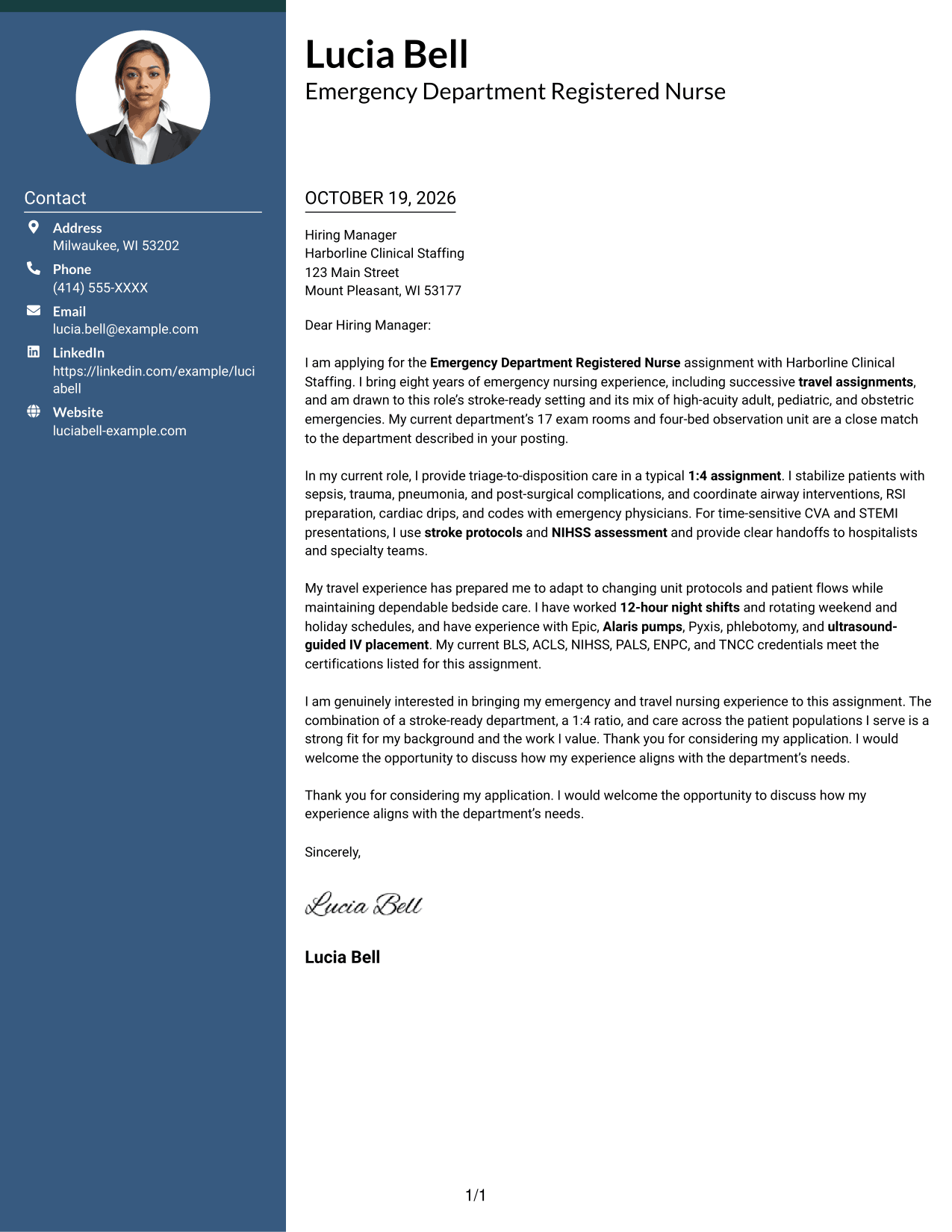
#3 Photo Header Two Column Format Cover Letter Example
Photo Header Two Column Format combines a portrait presentation with a contact sidebar beside one continuous letter body, for readers who want a photo included without dividing the message.
Why This Format Works
- The portrait adds a personal visual element to the contact presentation.
- Sender details remain grouped in the sidebar, apart from the letter body.
- One continuous body lets the opening and closing remain part of the same message.
Best For
- Applications where a portrait is preferred
- Letters with a tailored opening
- Messages balancing motivation and evidence
- Contact details kept beside the letter
- A personal visual introduction
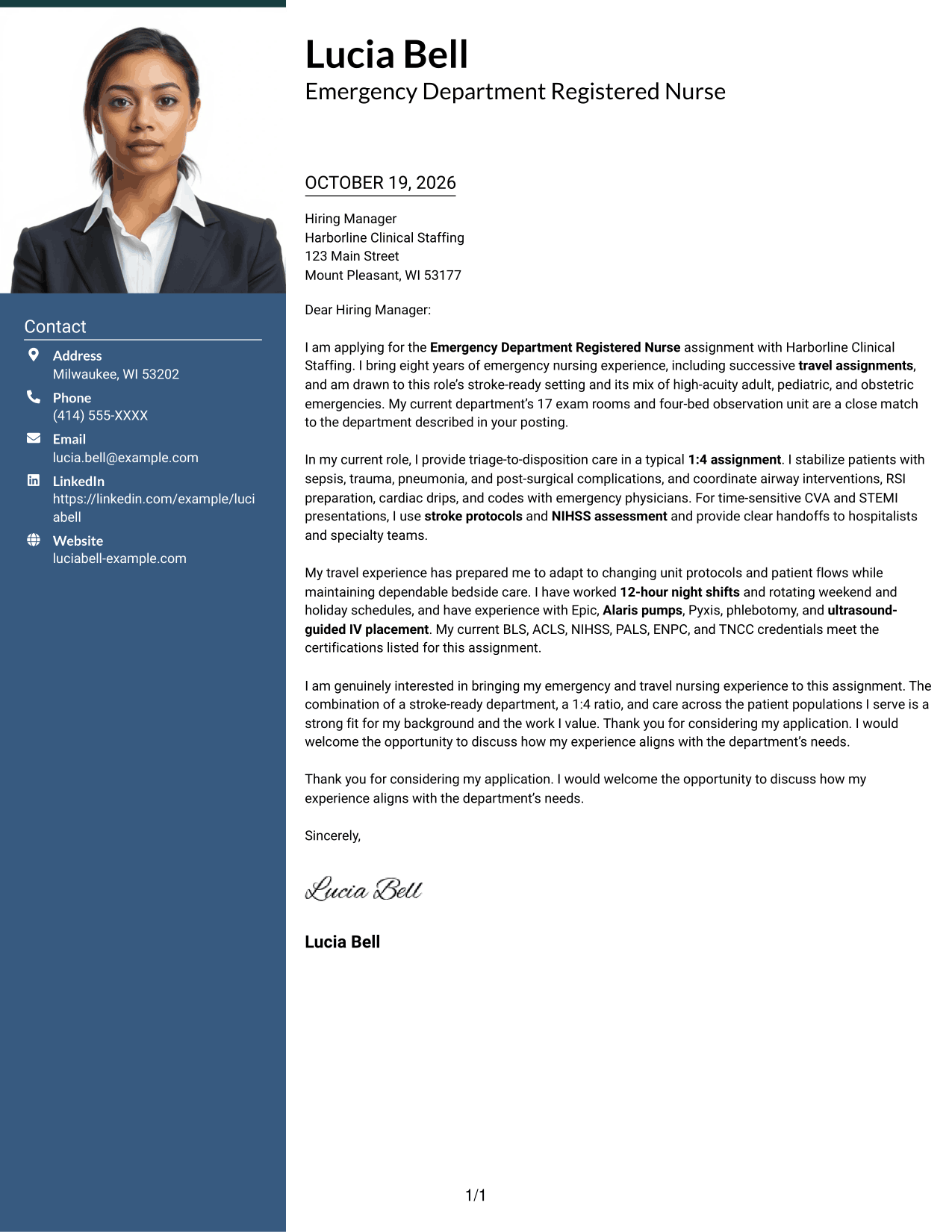
#4 One Column Format with Photo Cover Letter Example
One Column Format with Photo keeps the message in a continuous column and includes a portrait, a practical choice when a personal image is part of the preferred presentation.
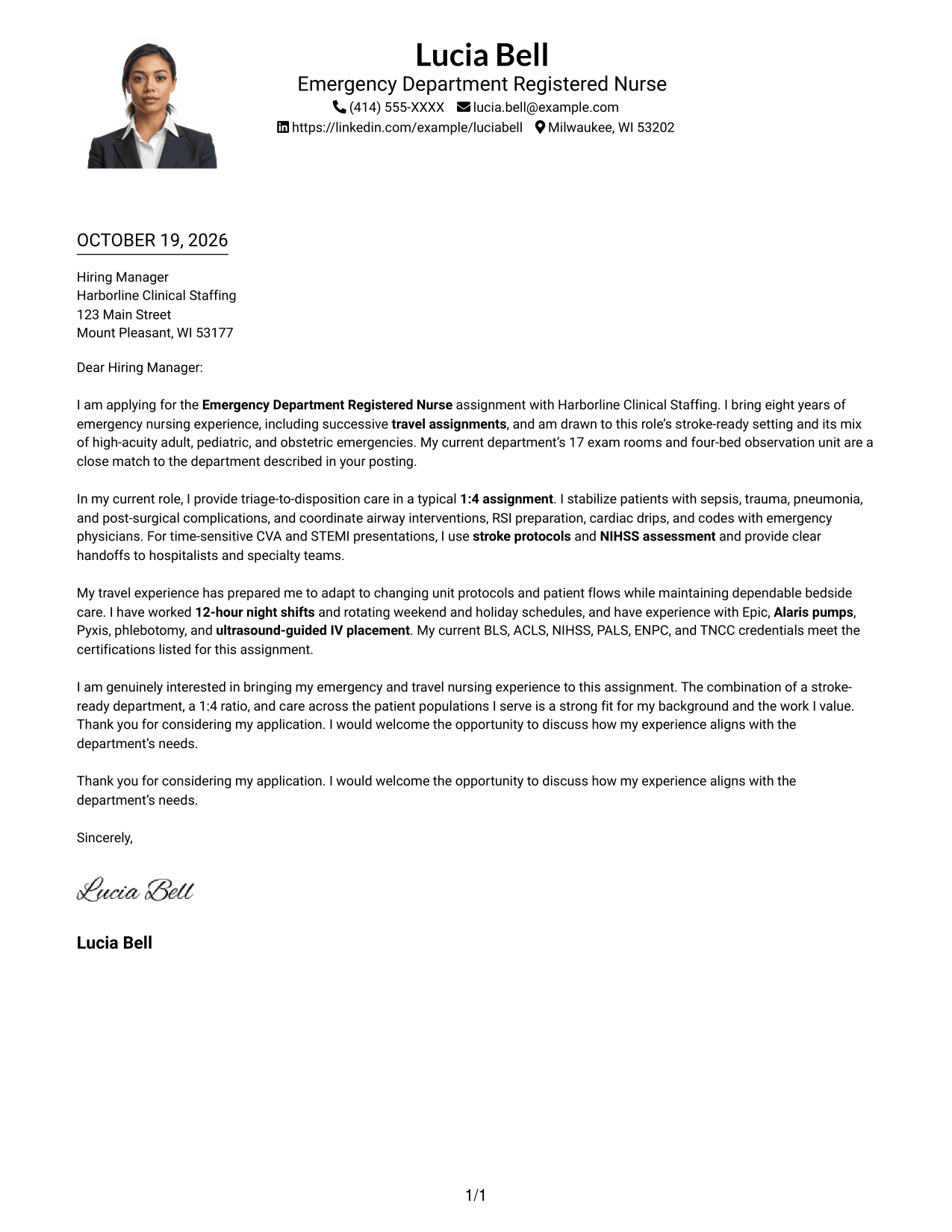
Why This Format Works
- The portrait adds a personal image while sender details remain in the header.
- A single column gives the letter one clear reading path from start to finish.
- Unheaded paragraphs keep the message in the form of direct correspondence.
Best For
- Applications where a portrait is preferred
- A personal introduction above the message
- Letters with a tailored opening
- Messages with several connected points
- A familiar one-column reading path
#5 Simple Two Column Format Cover Letter Example
Simple Two Column Format places sender details in a contact sidebar beside one continuous letter body, giving each a distinct area while keeping the message together.
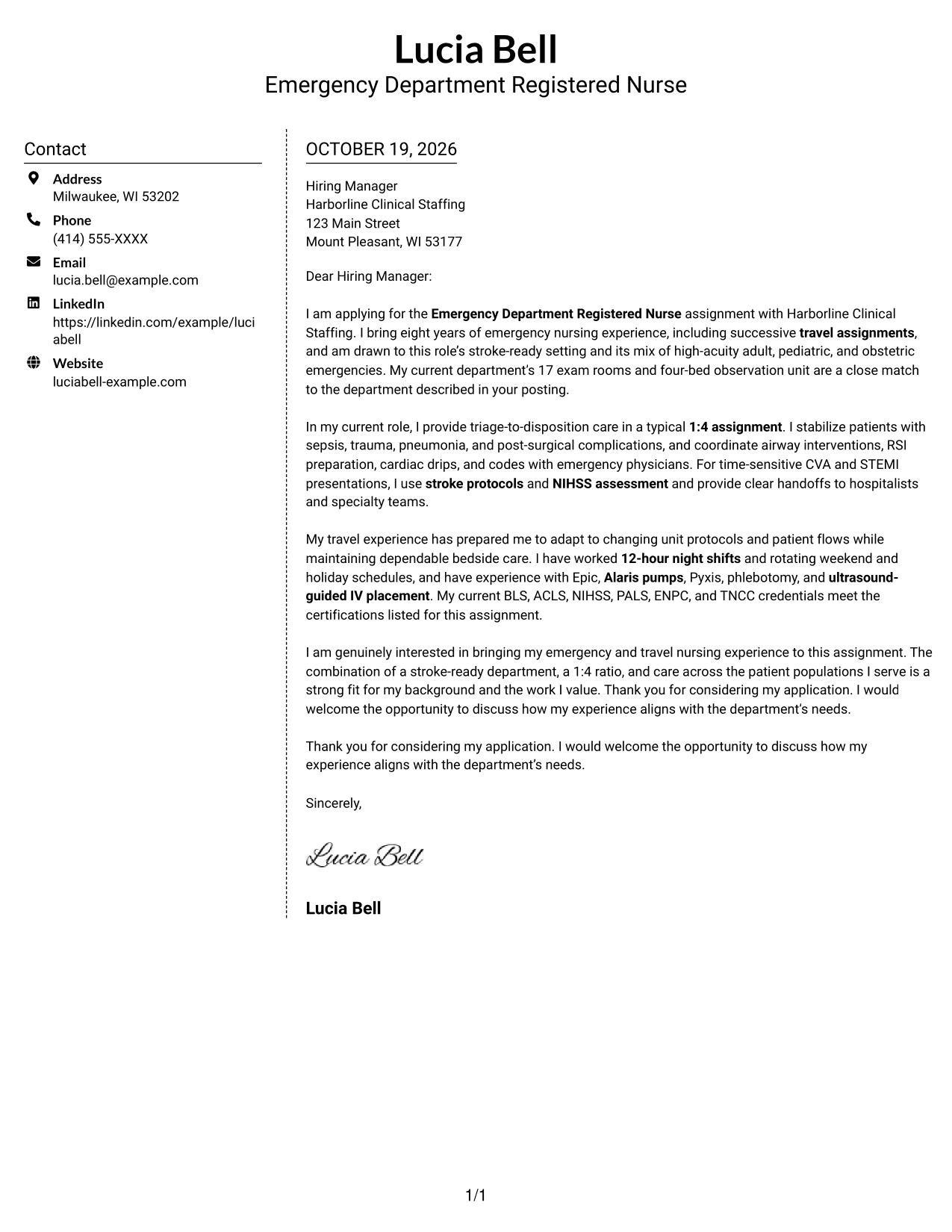
Why This Format Works
- The sidebar gives contact information a consistent place beside the letter.
- The body remains one column, so its paragraphs follow a familiar order.
- The message stays free of headings that could interrupt its direct tone.
Best For
- Letters with several supporting points
- Applications with a tailored closing
- Employer-specific correspondence
- Messages pairing motivation with evidence
- Readers who like a side contact panel
#6 Modern Icon Format Cover Letter Example
Modern Icon Format pairs a contact sidebar with one continuous letter body, using icons as contact cues and header accents rather than labels for the message.
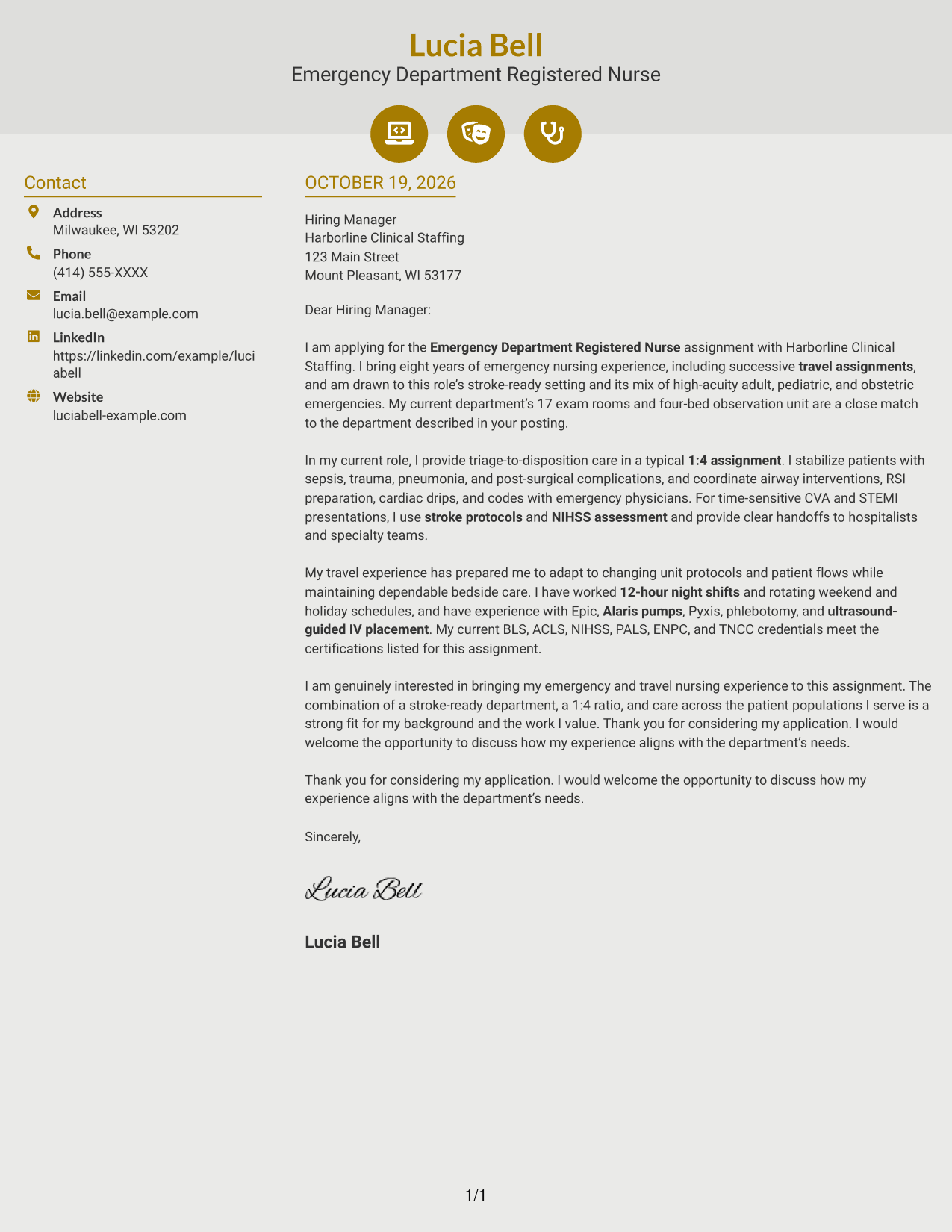
Why This Format Works
- Contact icons help distinguish sender details from the letter's paragraphs.
- The continuous body keeps motivation and supporting points in one message.
- A separate sidebar leaves the employer-directed letter in a single column.
Best For
- Letters with a tailored opening
- Applications with several connected points
- A contact panel with visual cues
- Employer-specific messages
- Readers who prefer icons near contact details
#7 Creative Two Tone Format Cover Letter Example
Creative Two Tone Format places a contact sidebar beside one continuous letter body, a practical choice for keeping sender information distinct from the application message.
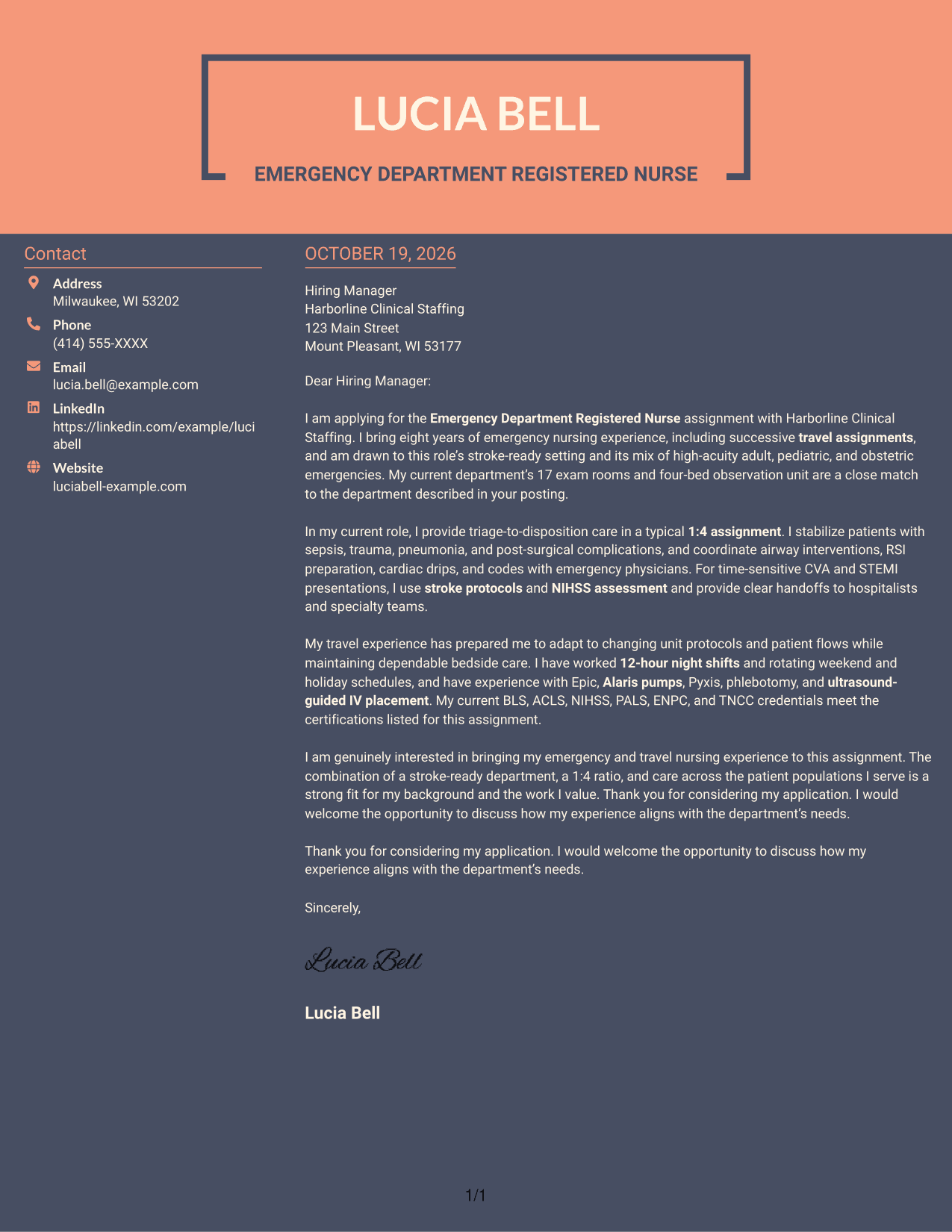
Why This Format Works
- Contact information stays grouped in its own area for easy reference.
- The message remains a single column, preserving the order of its paragraphs.
- The unheaded body reads as a letter rather than a set of separate sections.
Best For
- Applications with a focused opening
- Letters balancing role interest and evidence
- Employer-specific correspondence
- Messages with a clear closing
- Readers who prefer a contact sidebar
See Also
- 7 Emergency Department Registered Nurse Resume Templates with Example
- 7 Emergency Department Registered Nurse (RN) Resume Templates with Example
- 7 New Graduate Emergency Department Registered Nurse (RN) Resume Templates with Example
- 7 Registered Nurse, Emergency Department Resume Templates with Example
- 7 Registered Nurse - Pediatric Emergency Department Resume Templates with Example
- 33 Registered Nurse (RN) – Emergency Department Resume Templates with Example 2026 (ATS-Optimized)
- 7 Charge Nurse (RN) - Emergency Department Resume Templates with Example
- 7 Charge Nurse (RN) - Pediatric Emergency Department Resume Templates with Example
- 30+ Registered Nurse (RN) – Emergency Department Cover Letter Templates with Example 2026
- 7 New Graduate Nurse - Emergency Department Cover Letter Templates with Example
Frequently Asked Questions
What should an Emergency Department Registered Nurse cover letter emphasize?
Show how your emergency care experience fits the position. You might describe patient prioritization, response to urgent conditions, teamwork, and clear communication, using only examples that reflect your own background.
How can I explain my fit for a stroke-ready emergency department?
Share a concise example of stroke care or a related clinical handoff if it matches your experience. Explain how you communicated with the care team and supported timely treatment.
How can travel nursing experience strengthen this cover letter?
If you have travel nursing experience, describe how you adapted to different unit workflows while providing dependable care. Keep the example specific and connect it to the assignment's setting.
How do I mention certifications and clinical systems?
Name only current certifications and systems you have used that are relevant to the role. Keep this information brief and make the main focus your clinical judgment, communication, and fit.
How can I compare the cover letter layouts?
Review the PNG image preview to see the page design, then use the editor link to view or customize an example. Choose a layout that keeps your message easy to read and suits the employer and communication context.




