
7 Emergency Technician - Emergency Department Care Cover Letter Templates with Example
This practical guide to the Emergency Technician - Emergency Department Care cover letter shows seven layouts and how to present your role fit clearly.
What Makes a Great Emergency Technician - Emergency Department Care Cover Letter in 2026
A strong letter links direct patient care and procedural support to the needs of an emergency care team. A clear opening states your interest, while the body explains why your experience fits the role.
Use specific evidence, such as preparing procedure areas, maintaining sterile technique, or giving clear handoffs. Connect that evidence to the employer’s stated needs and explain your interest in the position.
The featured example moves from interest in the role to procedure support and relevant credentials, then closes with a clear next step. Adapt this focused progression and choose a presentation that suits the employer and the communication context.
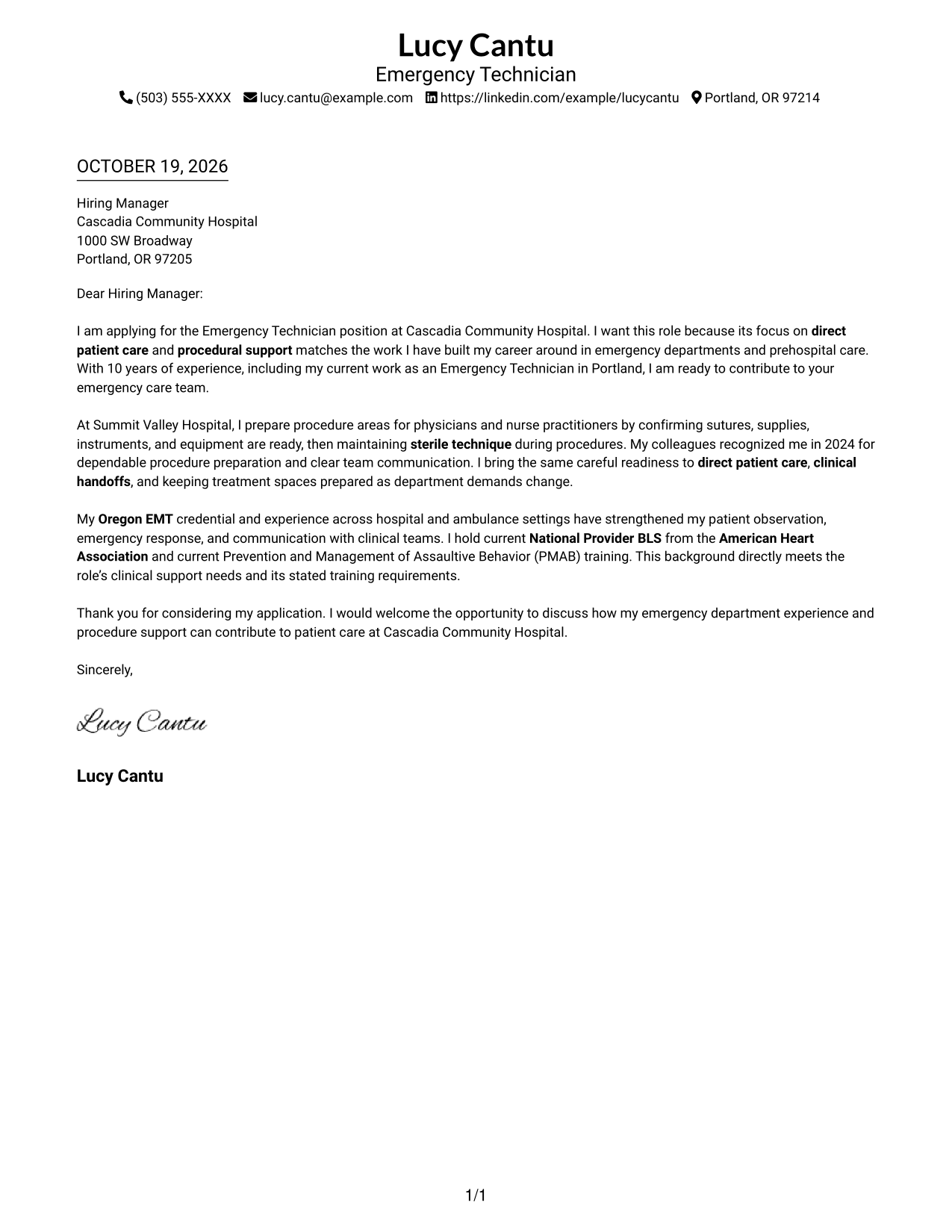
#1 Simple One Column Format Cover Letter Example
Simple One Column Format keeps sender details in the header and the opening, evidence, and closing together in one continuous letter body.
Why This Format Works
- Sender details stay in the header, separate from the letter's persuasive paragraphs.
- The opening, evidence, and closing remain together in one continuous body.
- With no portrait, the page keeps visual attention on the written application.
Best For
- Single-column correspondence
- Header-based contact details
- Continuous paragraph letters
- Text-centered applications
- Letters with paragraph-based evidence
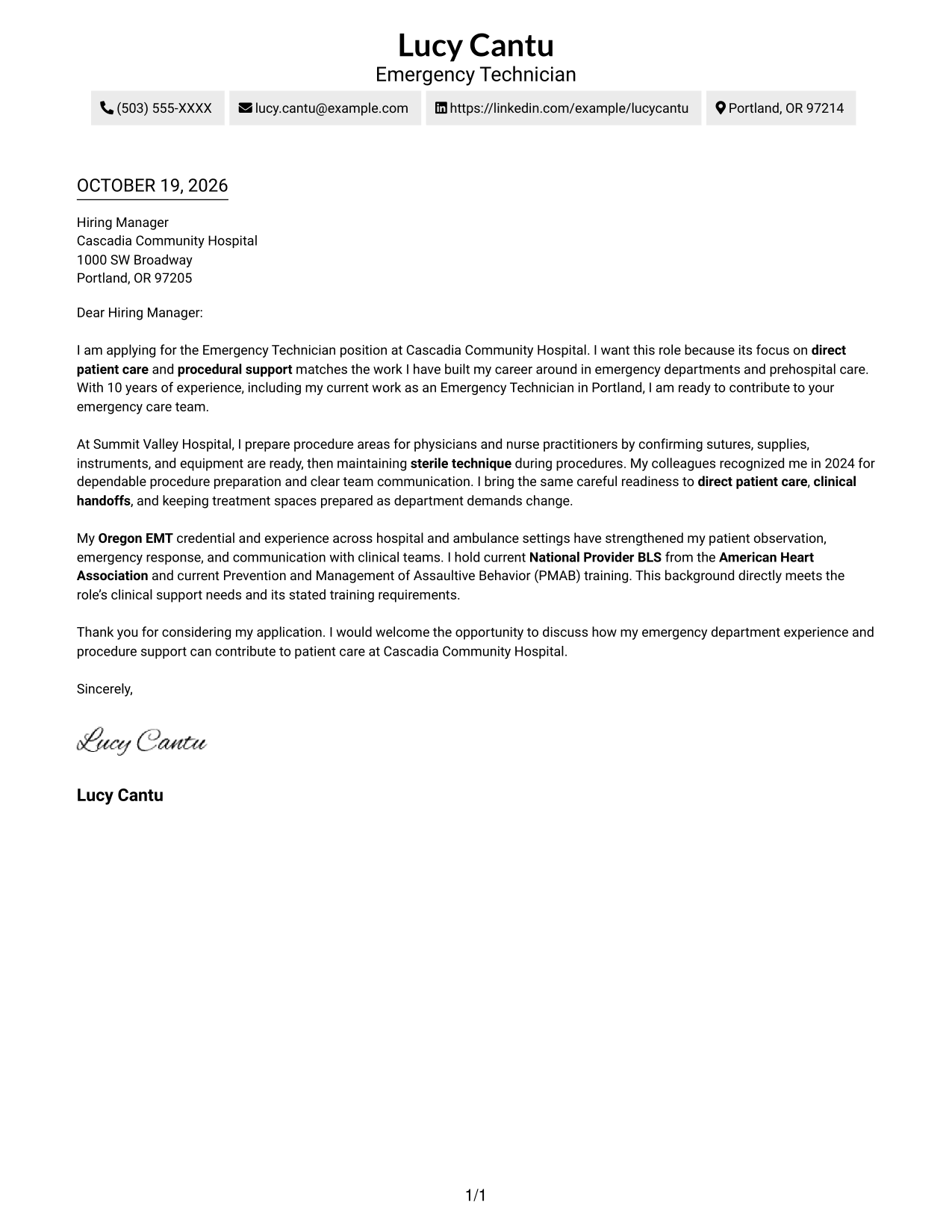
#2 Two Column Format Cover Letter Example
Two Column Format places a contact sidebar beside one continuous letter body, keeping contact information apart from the written case.
Why This Format Works
- Contact details occupy a sidebar, leaving the main message in one readable column.
- The letter's motivation, supporting evidence, and closing stay in a single body.
- A no-photo presentation suits readers who prefer written communication without a portrait.
Best For
- Sidebar-based contact details
- Continuous letter arguments
- Separate contact and message areas
- Paragraph-led applications
- Written correspondence without a portrait
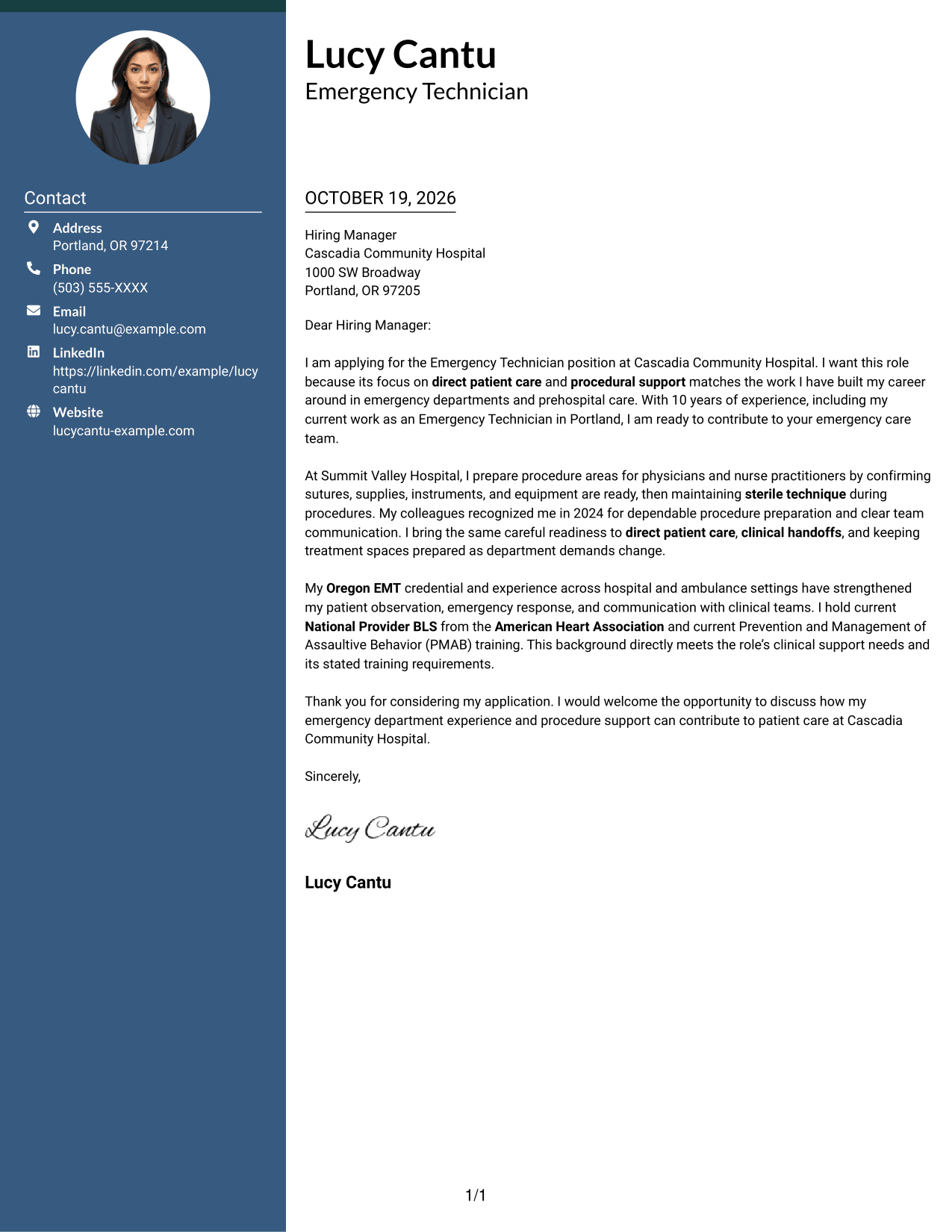
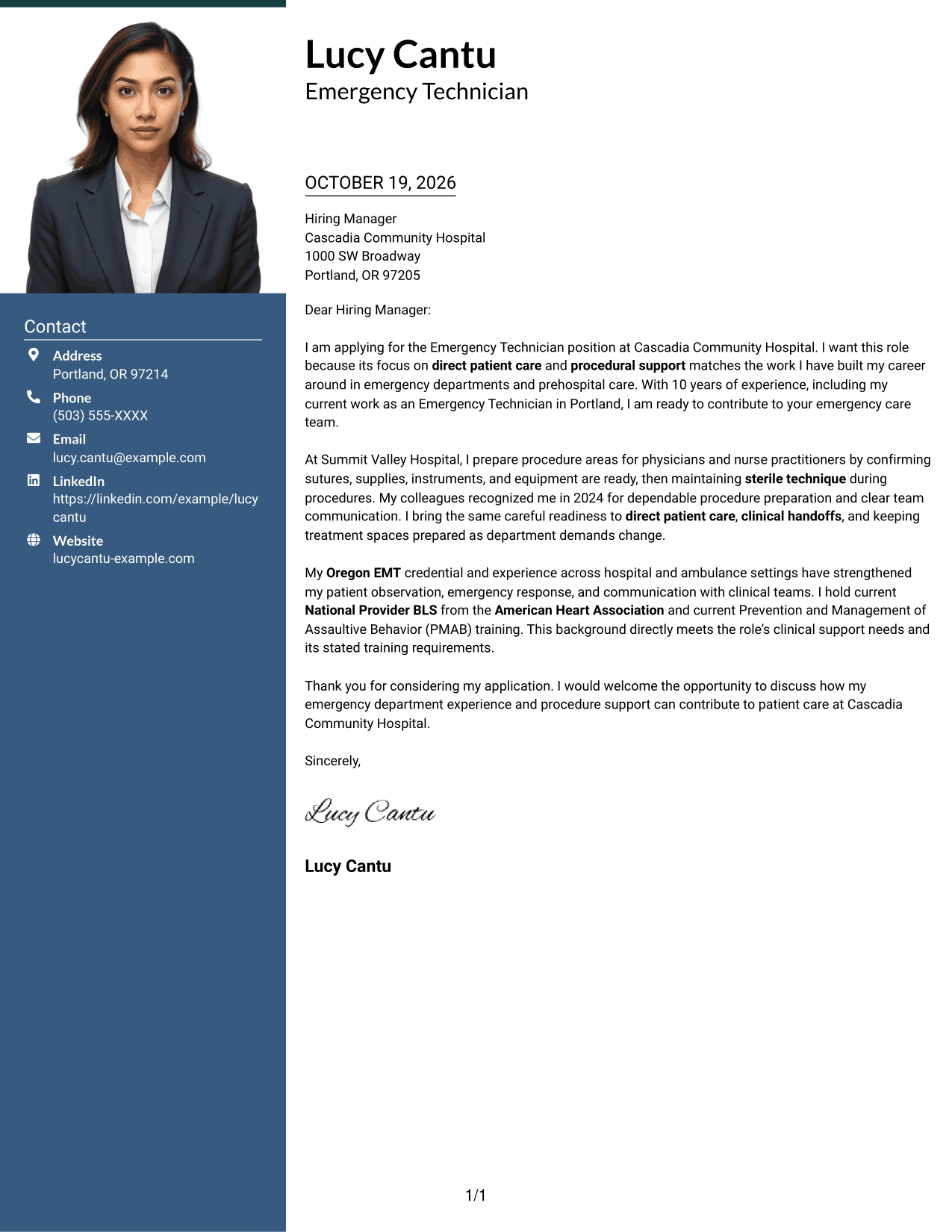
#3 Photo Header Two Column Format Cover Letter Example
Photo Header Two Column Format pairs a contact sidebar and a photo with one continuous letter body, keeping personal details distinct from the message.
Why This Format Works
- Contact details sit beside, not within, the letter's continuous argument.
- A single body keeps motivation, evidence, and the closing in reading order.
- The photo adds a visible personal element without changing the message's structure.
Best For
- Portrait-inclusive correspondence
- Contact details apart from letter text
- Single-body persuasive letters
- Photo-supported personal presentation
- Paragraph-based role alignment
#4 One Column Format with Photo Cover Letter Example
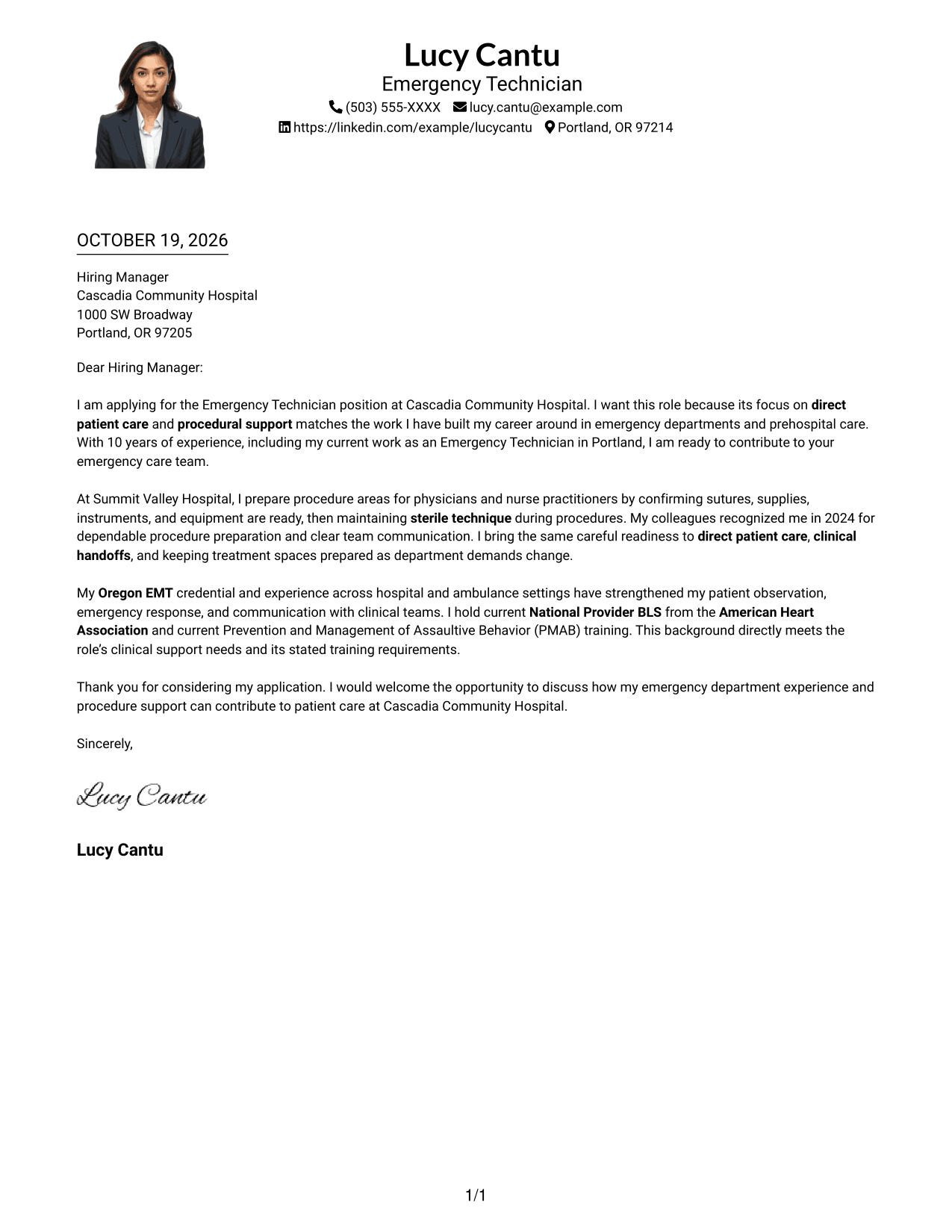
One Column Format with Photo combines sender details in the header and a photo with a continuous letter body in a single-column layout.
Why This Format Works
- Header details remain distinct from the letter's continuous paragraphs.
- One-column reading order keeps the opening, evidence, and close together.
- The photo adds a personal visual element while the message remains text-led.
Best For
- Single-column correspondence
- Portrait-inclusive applications
- Header contact information
- Direct top-to-bottom reading
- Text-led persuasive letters
#5 Simple Two Column Format Cover Letter Example
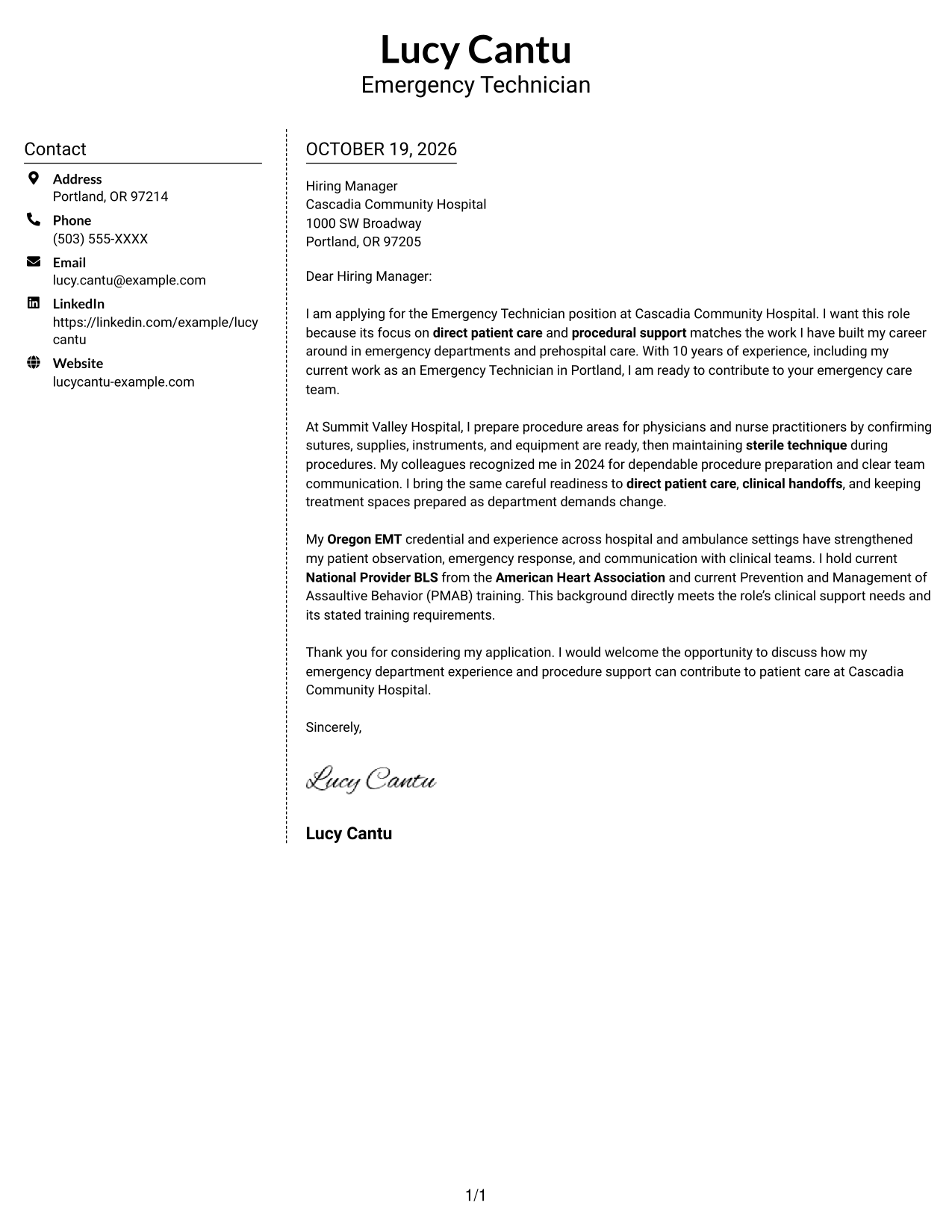
Simple Two Column Format keeps contact details in a sidebar beside the continuous letter body, giving the message a separate, uninterrupted area.
Why This Format Works
- The sidebar gives contact details their own place beside the letter.
- Motivation, evidence, and closing stay in one body rather than parallel columns.
- The written correspondence remains central, without a portrait.
Best For
- Sidebar contact organization
- One-body letter arguments
- Paragraph-based application letters
- Contact details beside correspondence
- Written-message-focused documents
#6 Modern Icon Format Cover Letter Example
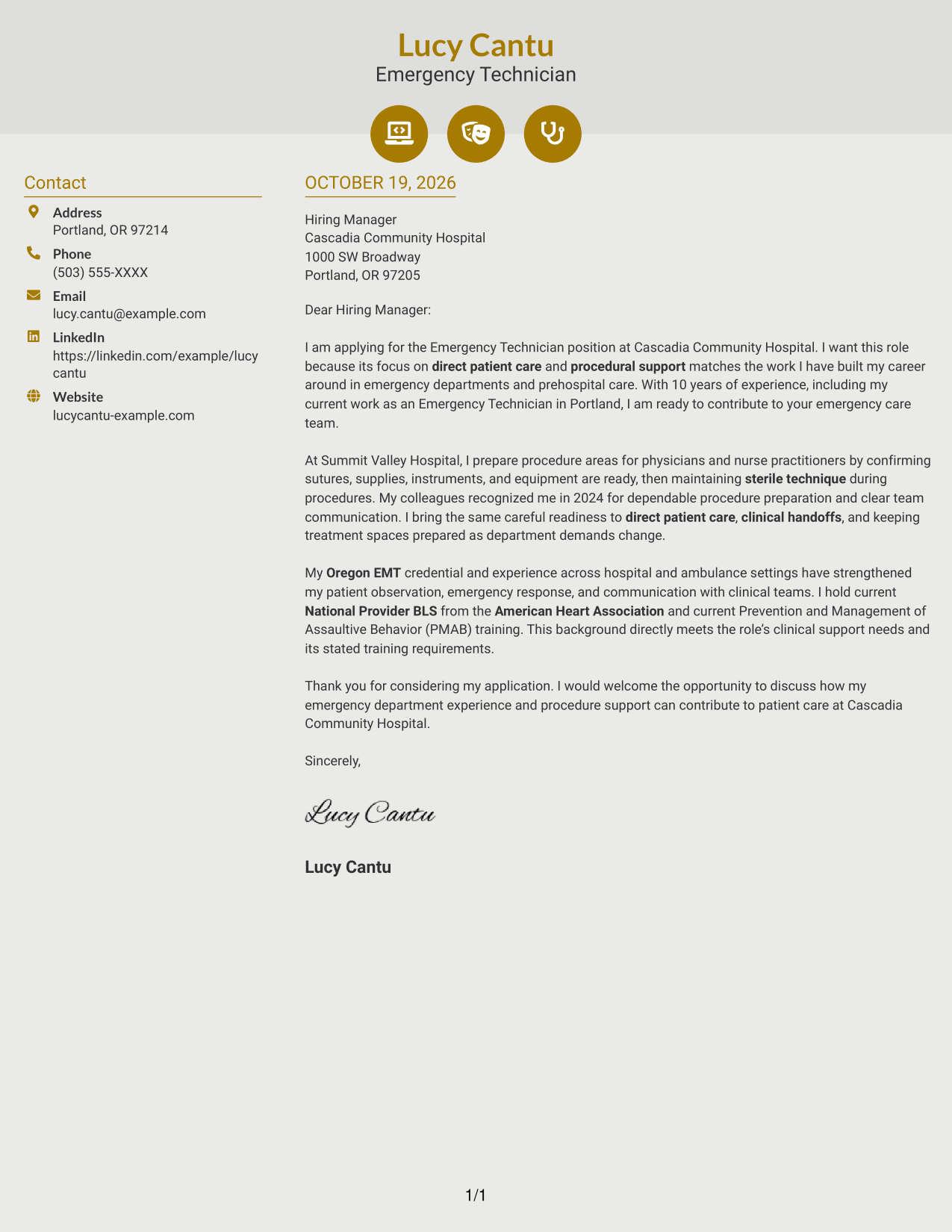
Modern Icon Format uses two columns for contact details and one continuous letter body, with icons serving as contact cues and header accents.
Why This Format Works
- Contact icons offer visual cues for sender details, not for the letter's argument.
- One continuous body carries motivation, supporting evidence, and the closing together.
- The no-photo page keeps attention on the written message.
Best For
- Icon-cued contact details
- Two-column correspondence
- Uninterrupted persuasive letters
- Header accents with contact cues
- Text-focused applications
#7 Creative Two Tone Format Cover Letter Example
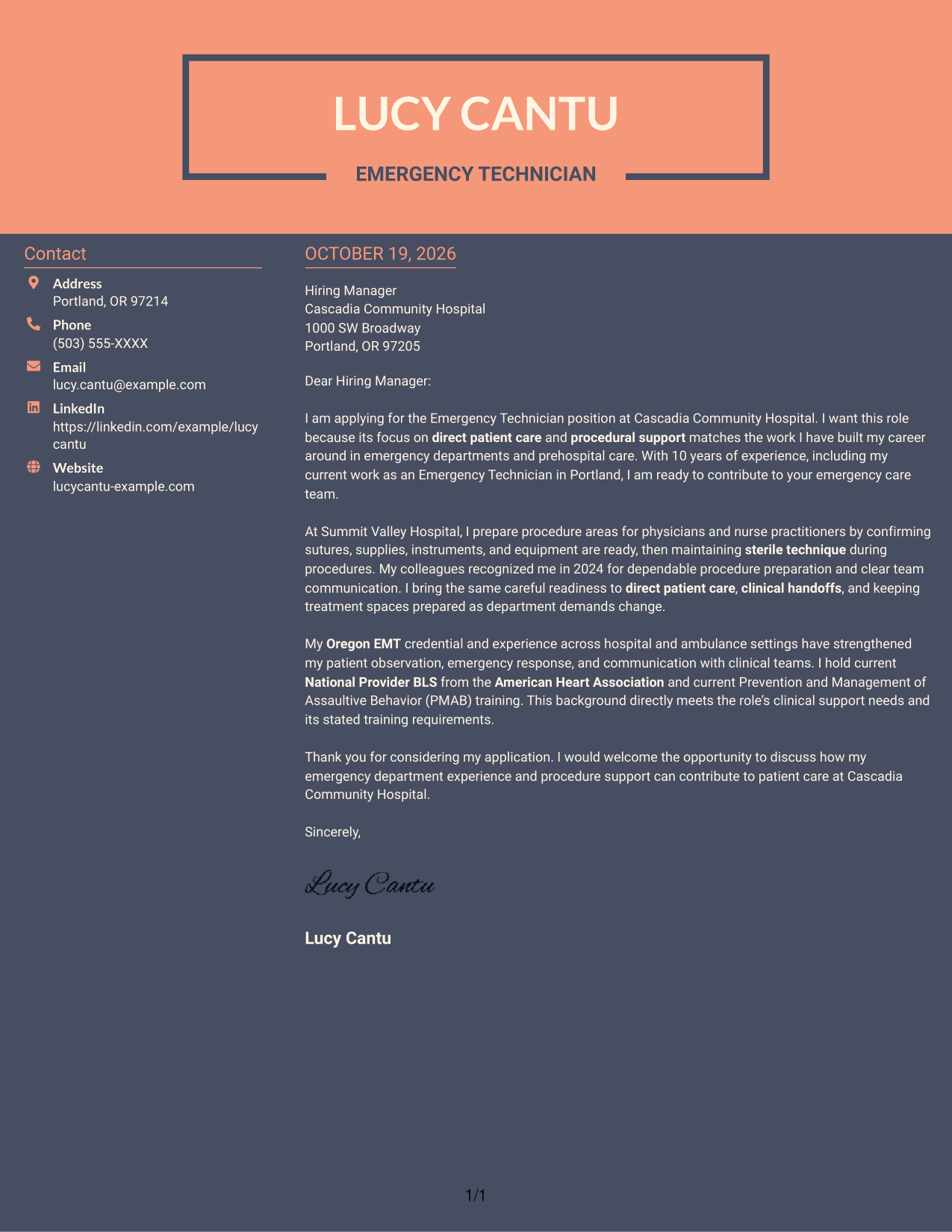
Creative Two Tone Format places a contact sidebar beside a single, continuous letter body, keeping contact information distinct from the written argument.
Why This Format Works
- Contact information has a separate sidebar, apart from the persuasive paragraphs.
- The letter's opening, evidence, and close stay together in one body.
- Without a photo, the page maintains a text-centered appearance.
Best For
- Two-column letter layouts
- Distinct contact and letter areas
- Continuous paragraph body
- Text-centered application messages
- Correspondence without a portrait
Why Use ResumeInMinutes for an Emergency Technician - Emergency Department Care Cover Letter
ResumeInMinutes provides cover letter examples you can review and customize in the editor. Compare the PNG previews, then open an example that fits the tone and presentation you want.
- Cover letter templates
- Editor-based customization
- Role-focused examples
- Clear, professional layouts
- Support for tailored cover letters
- Preview images for comparison
For this role, focus your letter on patient care, procedure readiness, sterile technique, and clear communication with clinical colleagues.
See Also
- 7 Emergency Technician - Emergency Department Care Resume Templates with Example
- 7 Emergency Department Technician Resume Templates with Example
- 33 Emergency Medical Technician - Prehospital Emergency Care Resume Templates with Example 2026 (ATS-Optimized)
- 7 Emergency Medical Technician Resume Templates with Example
- 7 Department Technician - Nursing Staff Coordinator Resume Templates with Example
- 7 Patient Care Technician I - Cardiac Thoracic Step Down Resume Templates with Example
- 33 Patient Care Technician (PCT) Resume Templates with Example 2026 (ATS-Optimized)
- 7 Patient Care Technician - Telemetry Resume Templates with Example
- 30+ Patient Care Technician (PCT) Cover Letter Templates with Example 2026
- 30+ Pharmacy Technician - Acute Care Cover Letter Templates with Example 2026
Frequently Asked Questions
What should an Emergency Technician - Emergency Department Care cover letter include?
State your interest in the role, then connect relevant patient care and procedure support experience to the position. Close with a polite statement of interest in discussing your fit.
How can I show procedure support experience in my cover letter?
Give a clear example of preparing supplies, instruments, or equipment and maintaining sterile technique. Explain how your preparation supports the clinical team.
How should I describe patient communication and handoffs?
Use a specific example of sharing patient observations or transfer details with clinical colleagues. Keep the focus on clear communication and continuity of care.
Does this guide show one example in different layouts?
Yes. The guide pairs one cover letter example with several layout options. Review the PNG previews and open an example in the editor to customize it.
Should I include a photo on my cover letter?
For U.S. applications, a cover letter without a photo is usually a suitable choice. Follow the employer’s instructions if they state a preference.




