
7 Employment & Training Specialist III - Career Counseling and Job Placement Cover Letter Templates with Example
Use this practical guide to create an Employment & Training Specialist III - Career Counseling and Job Placement cover letter, with seven layouts to help you present your fit clearly.
What Makes a Great Employment & Training Specialist III - Career Counseling and Job Placement Cover Letter in 2026
A strong letter links career counseling, vocational assessment, employer outreach, and job placement to the needs of the role. Open with clear interest, then make the case for your fit.
Use specific evidence, such as labor market research, participant guidance, workshop instruction, or partner coordination. Connect that evidence to the employer’s services and the work clients need.
The featured example follows a focused progression from interest to relevant evidence and a clear close. Adapt that structure while choosing a presentation that suits the employer and the communication context.
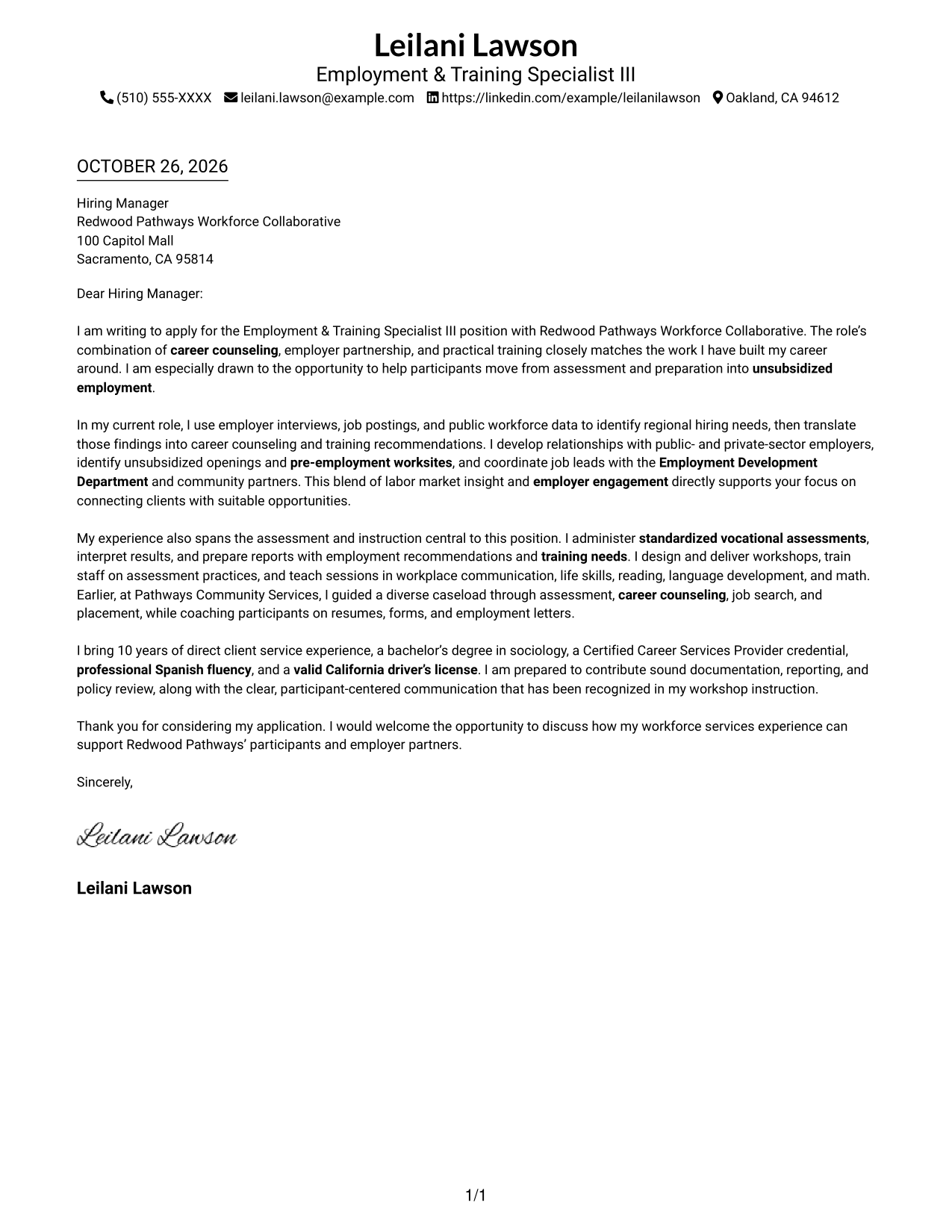
#1 Simple One Column Format Cover Letter Example
A single-column layout keeps sender details in the header and gives the letter one direct reading path.
Why This Format Works
- Sender details stay in the header, apart from the letter’s main message.
- One column lets readers follow the message from opening through closing.
- Without argument headings, the paragraphs carry the letter’s purpose directly.
Best For
- Single-column letter reading
- Header-based contact details
- Paragraph-led letter arguments
- Top-to-bottom message order
- Letters without internal headings
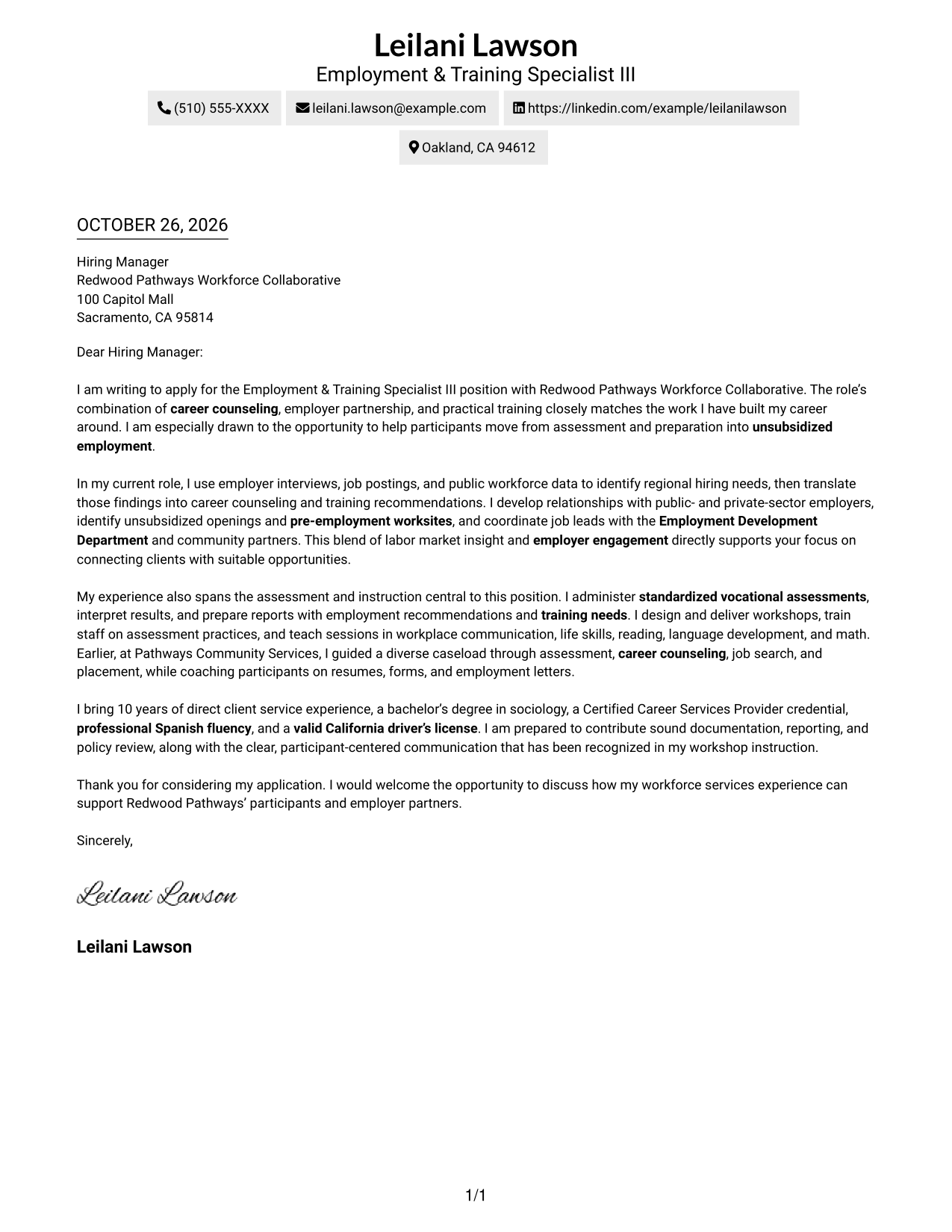
#2 Two Column Format Cover Letter Example
A contact sidebar sits beside the continuous letter body, keeping contact details separate from the message.
Why This Format Works
- The sidebar makes sender details easy to locate beside the letter.
- The body stays in one column, keeping the opening and close in sequence.
- No internal headings leave the paragraphs to present the letter’s case.
Best For
- Contact details beside letter text
- One-column letter-body reading
- Quick sender-detail lookup
- Continuous paragraph arguments
- Letters without internal headings
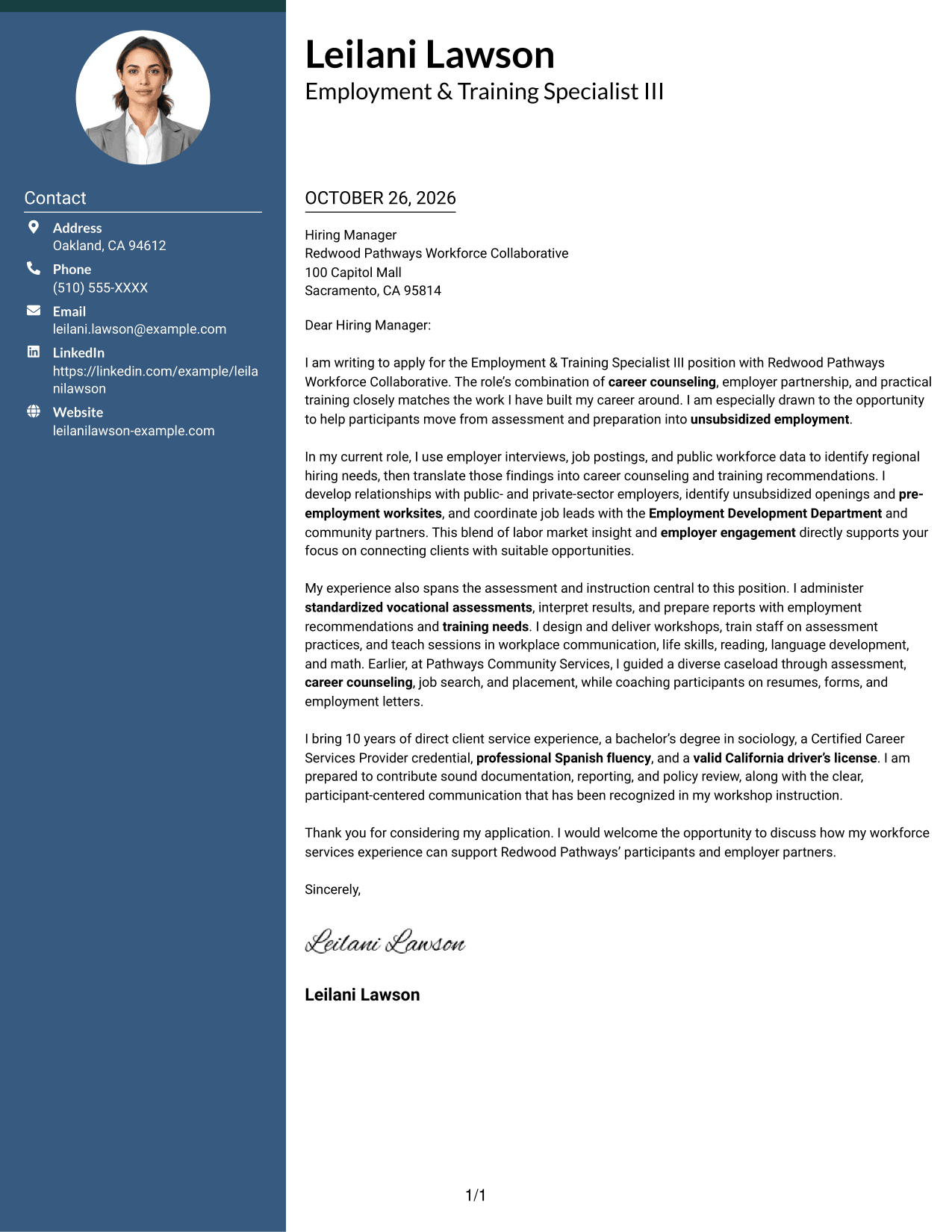
#3 Photo Header Two Column Format Cover Letter Example
A photo in the header adds a portrait to the two-column layout, while the contact sidebar stays separate from the letter body.
Why This Format Works
- The portrait adds a personal visual element without changing the letter’s argument.
- Contact details remain apart from the continuous body, making them easy to find.
- The letter itself stays in one column from opening through closing.
Best For
- Portrait-led header presentation
- Contact details beside the letter
- Single-column letter-body flow
- Quick contact-detail access
- Continuous paragraph-based messages
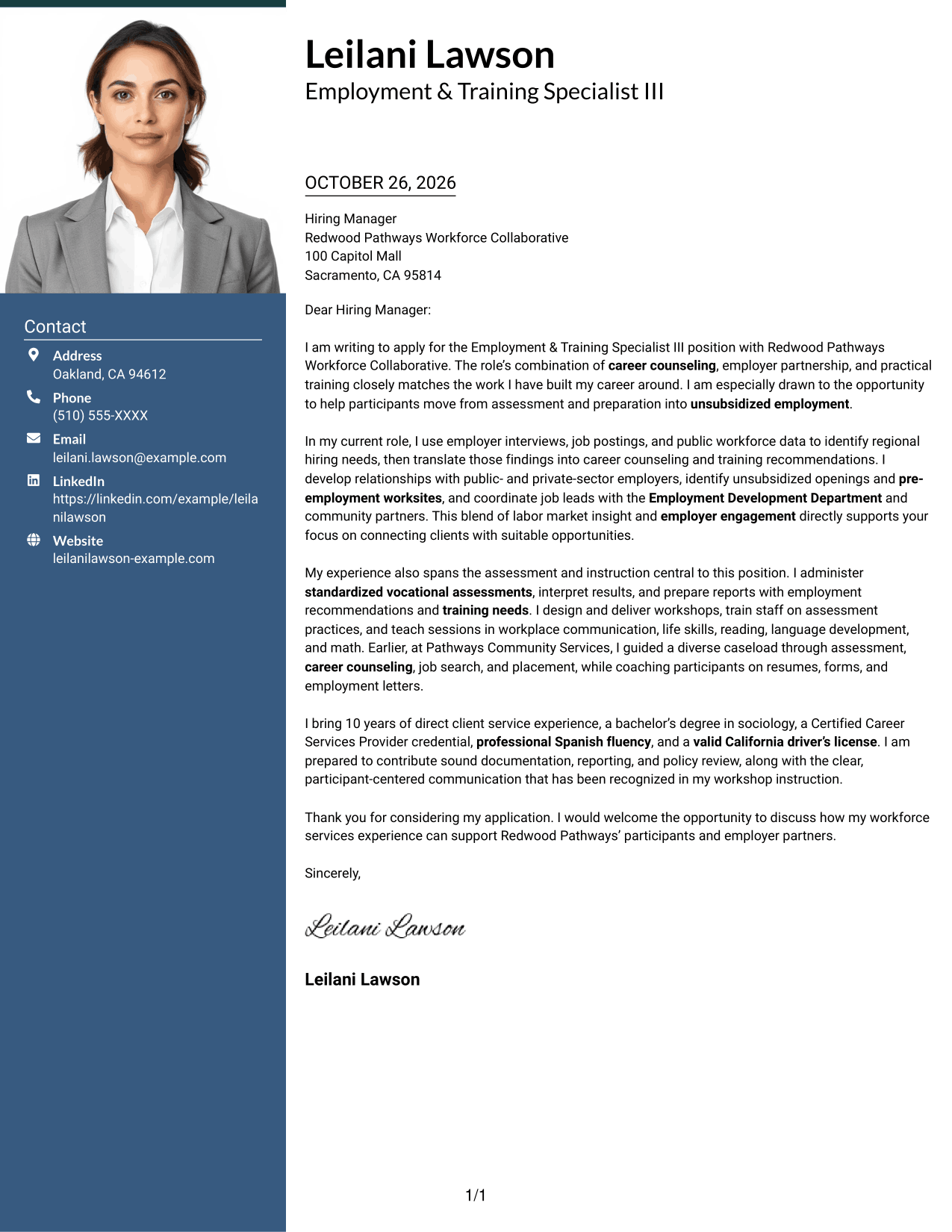
#4 One Column Format with Photo Cover Letter Example
A portrait joins the header of this one-column layout, giving the letter a personal visual feature without dividing its message.
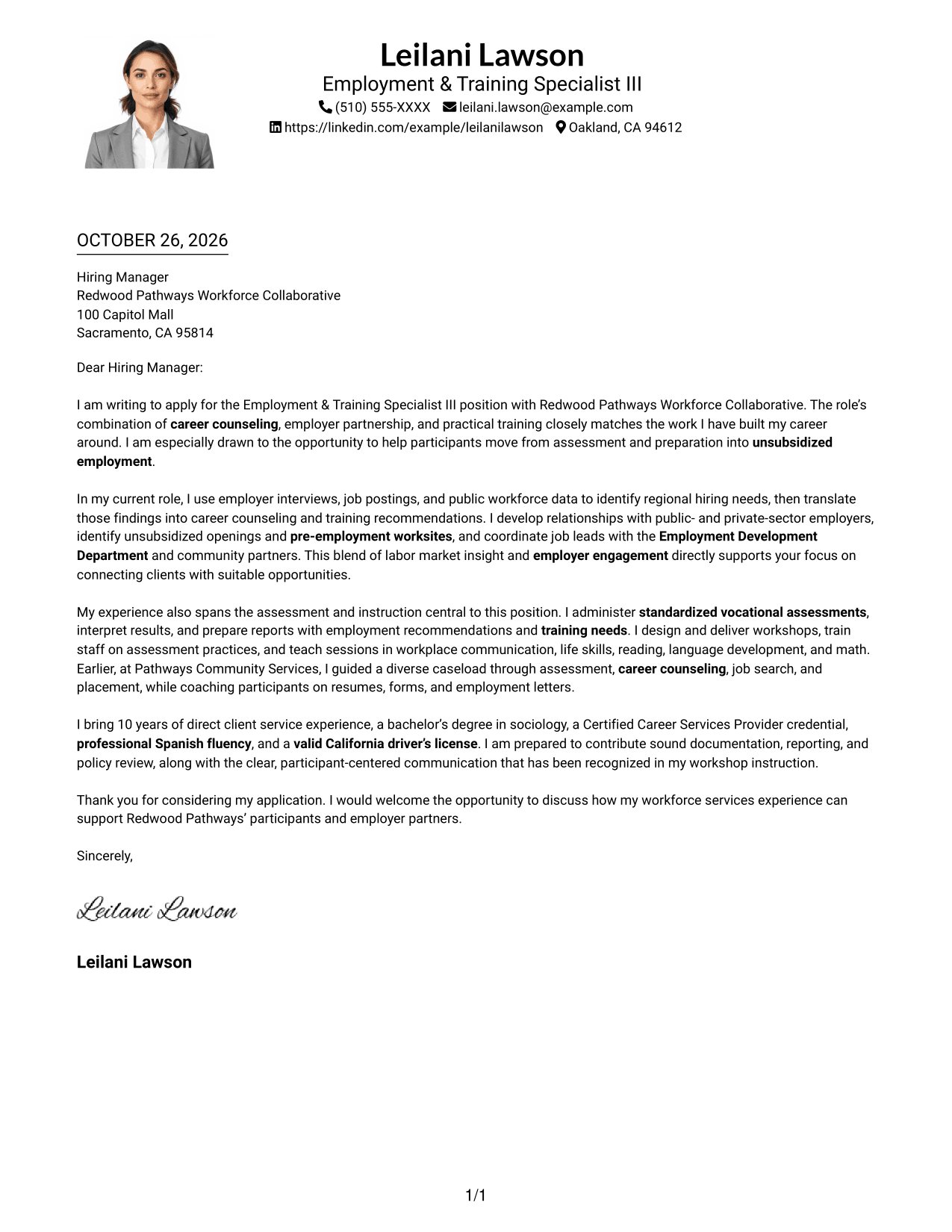
Why This Format Works
- The portrait appears in the header, apart from the letter’s written argument.
- A single text column keeps the message in its natural paragraph order.
- The body carries the opening, supporting points, and close without section labels.
Best For
- Portrait in the header
- Single-column letter reading
- Paragraph-based communication
- A clear message sequence
- Letters without internal headings
#5 Simple Two Column Format Cover Letter Example
The simple two-column layout places sender details in a contact sidebar and keeps the letter itself as one continuous body.
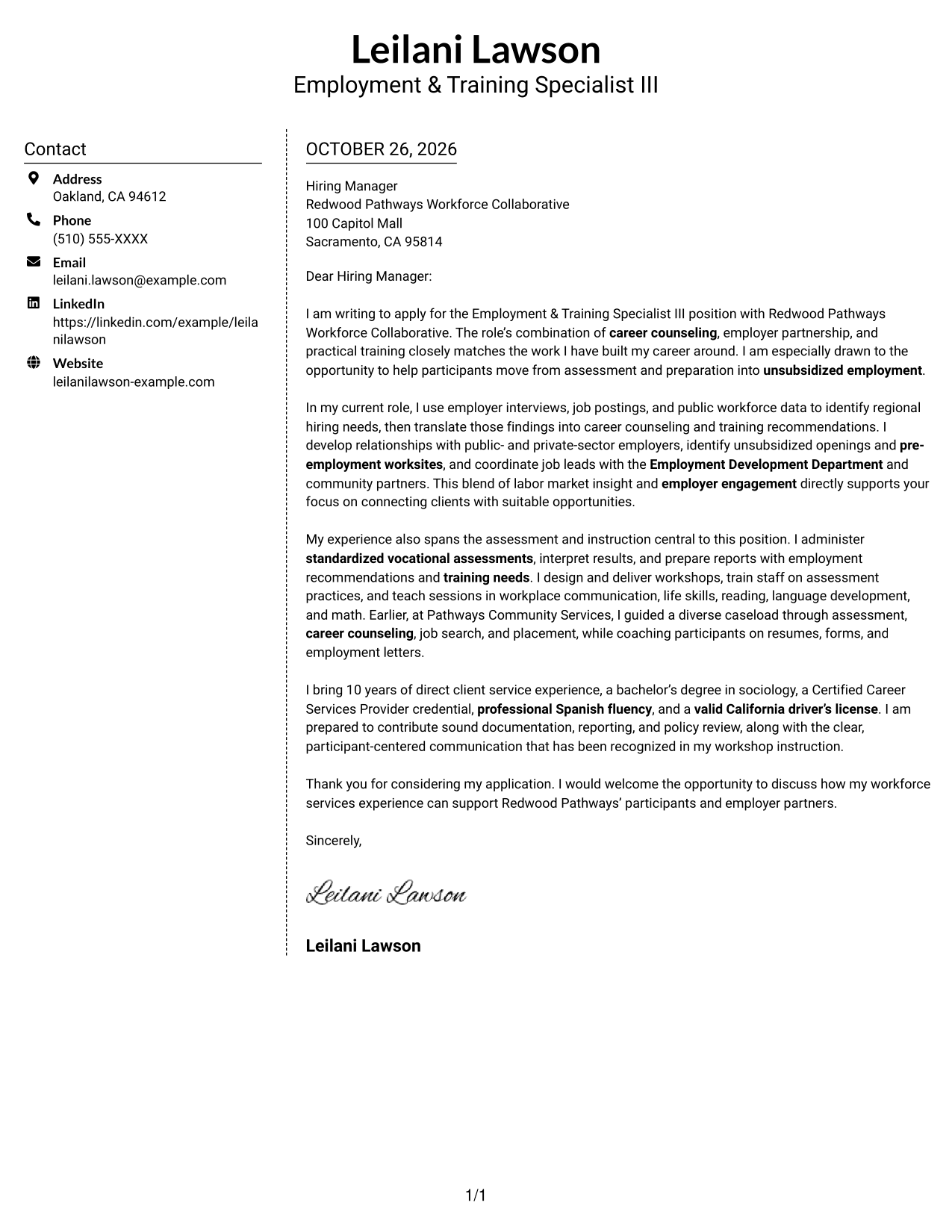
Why This Format Works
- The contact sidebar separates practical details from the letter’s message.
- A single body column keeps motivation and supporting points in written order.
- Readers can locate sender information without searching through the letter paragraphs.
Best For
- Separate contact and letter areas
- Continuous letter-body reading
- Easy access to sender details
- Paragraph-led application messages
- One-column argument flow
#6 Modern Icon Format Cover Letter Example
The two-column format uses icons as contact cues or header accents, while the letter body remains continuous and separate.
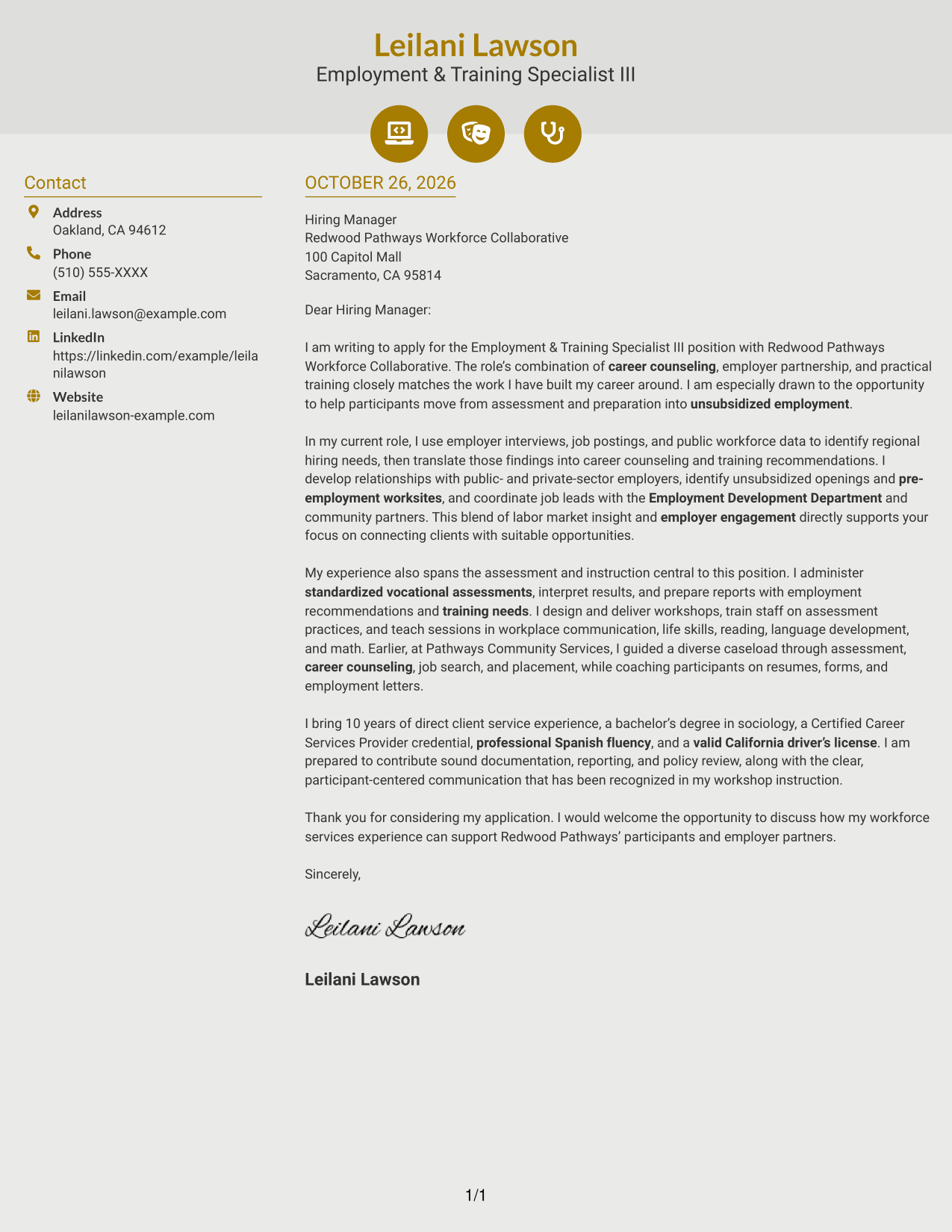
Why This Format Works
- Contact icons can help readers identify sender details without labeling letter content.
- The sidebar keeps contact information apart from the message itself.
- A continuous body lets the reader follow the letter’s points in order.
Best For
- Icon-marked contact details
- Contact information beside the letter
- Continuous paragraph-based messages
- A separate contact lookup area
- Uninterrupted letter-body reading
#7 Creative Two Tone Format Cover Letter Example
A contact sidebar sets apart sender details in this two-column format, while the full letter remains one continuous message.
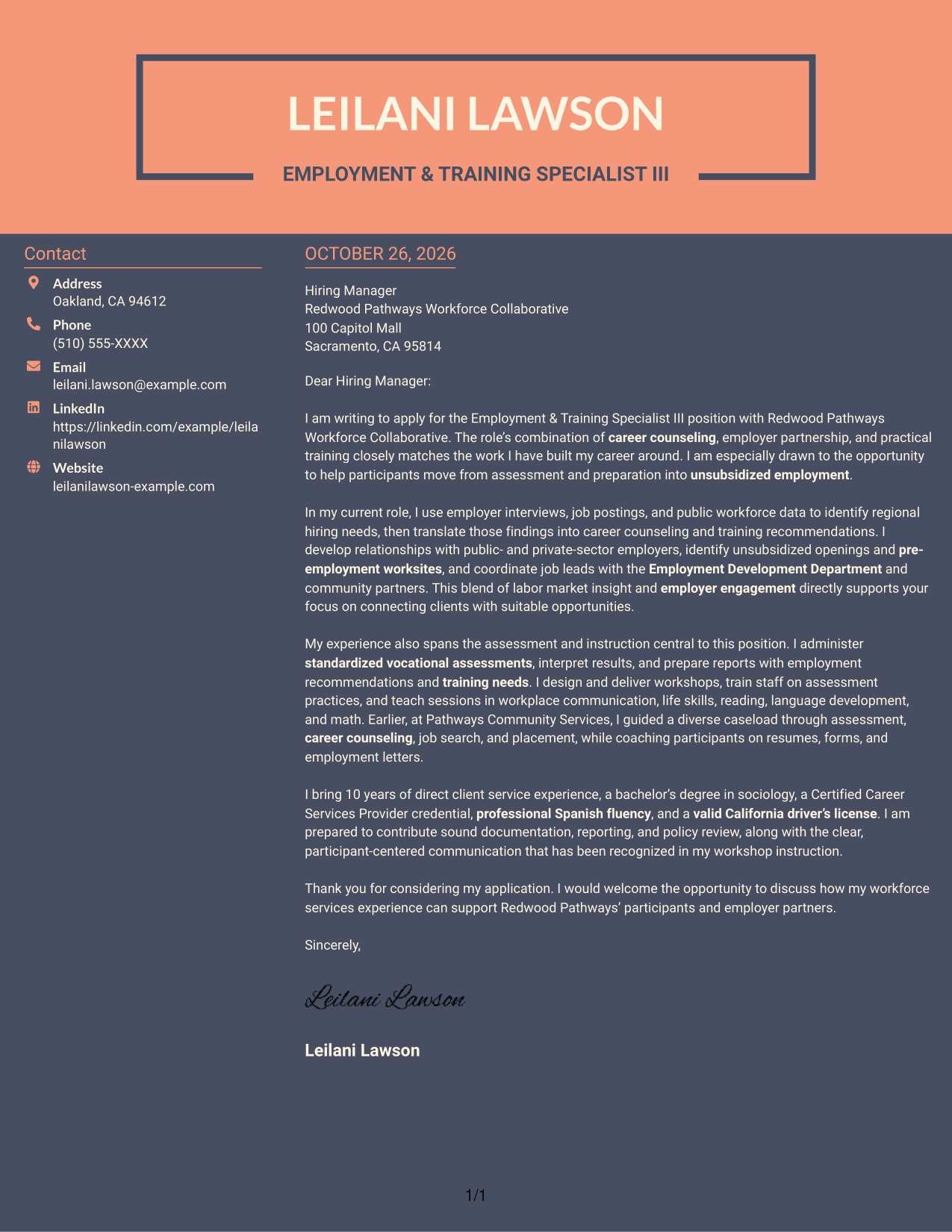
Why This Format Works
- The sidebar gives contact details a separate place beside the letter.
- The body stays together in one column, preserving the message’s order.
- Paragraphs carry the opening, reasons for interest, and close without internal labels.
Best For
- Distinct contact and message areas
- One-column letter-body reading
- Continuous paragraph arguments
- Easy-to-find sender details
- Letters without internal section labels
Explore Employment & Training Specialist III Cover Letter Examples
Compare the image previews to see how the same application can be presented in different styles. Open an example in the editor to review its layout and customize the letter.
See Also
- 7 Employment & Training Specialist III - Career Counseling and Job Placement Resume Templates with Example
- 7 Deputy City Attorney II/III - Employment/Labor Relations Resume Templates with Example
- 7 Employment Counsel, Americas Resume Templates with Example
- 7 General Counsel - Labor and Employment Resume Templates with Example
- 7 Transfer Center Clerical - Student Employment Resume Templates with Example
- 7 Youth Services Coordinator - Youth Employment Programs Resume Templates with Example
- 7 Applied AI/ML Scientist - Large-Scale Model Training Resume Templates with Example
- 33 Civil Engineer in Training Resume Templates with Example 2026 (ATS-Optimized)
- 7 General Counsel - Labor and Employment Cover Letter Templates with Example
- 7 Youth Services Coordinator - Youth Employment Programs Cover Letter Templates with Example
Frequently Asked Questions
What should an Employment & Training Specialist III cover letter emphasize?
Focus on career counseling, vocational assessment, employer relationships, job placement, workshops, and coordination with service partners. Choose evidence that shows how your work supports participants and employers.
How can I make my cover letter specific to this position?
Connect your experience to the position’s main duties, such as using labor market research, interpreting assessment results, delivering instruction, and coordinating job leads. Explain why that work interests you.
Does this page show different cover letters or different layouts?
It presents one featured cover letter in multiple layouts. Compare the image previews, then open an example in the editor to review its presentation.
Which cover letter style works well for this role?
Choose a clear, easy-to-read style that supports a direct explanation of your experience. A simple layout can keep the focus on your role fit, examples, and interest in the work.
How should I close an Employment & Training Specialist III cover letter?
Restate your interest, briefly connect your background to the employer’s work, and invite a conversation. Keep the closing courteous and direct.




